What have you learned about
technology through this project?
Joel Griffiths
The Camera
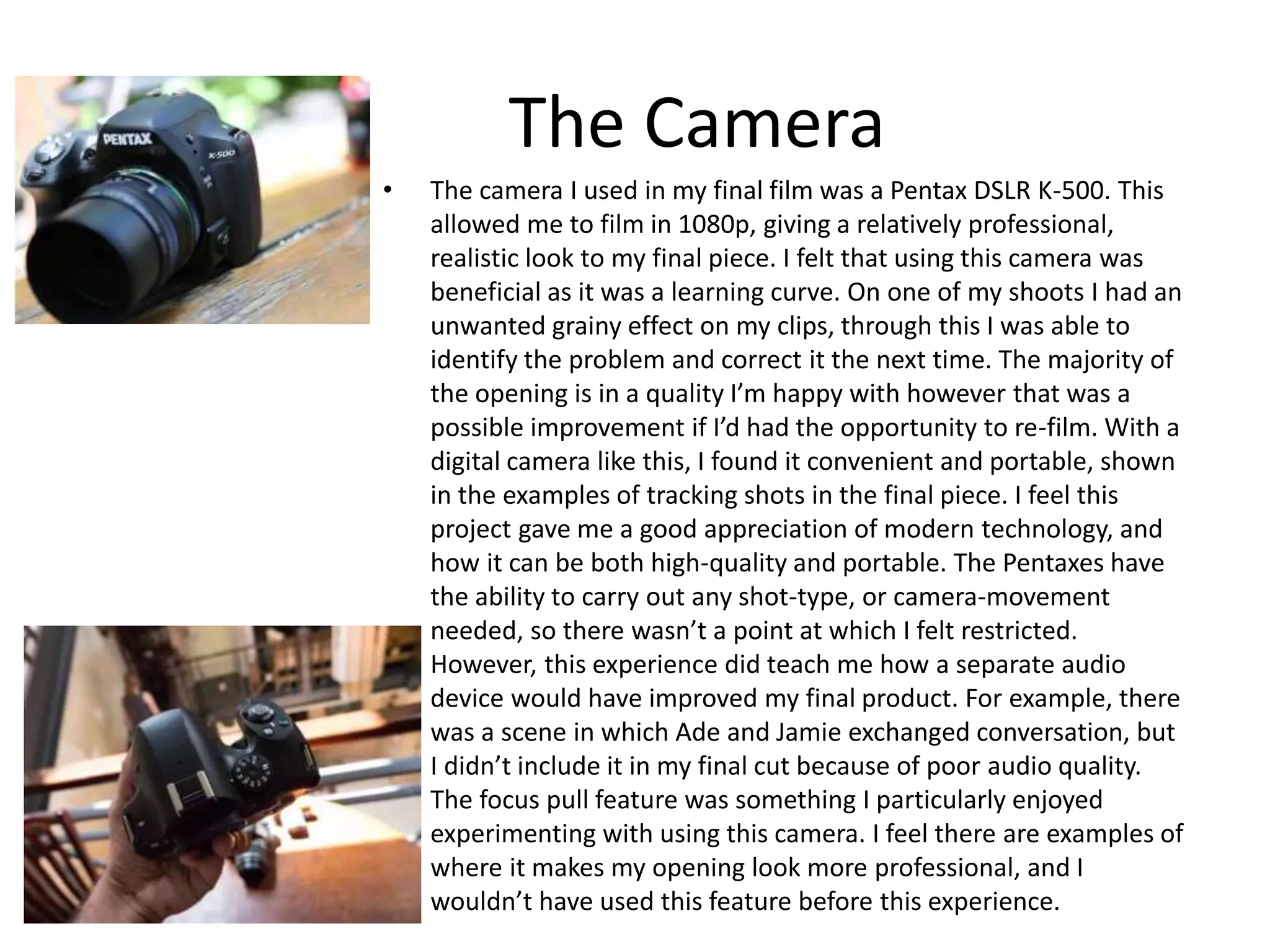
• The camera I used in my final film was a Pentax DSLR K-500. This
allowed me to film in 1080p, giving a relatively professional,
realistic look to my final piece. I felt that using this camera was
beneficial as it was a learning curve. On one of my shoots I had an
unwanted grainy effect on my clips, through this I was able to
identify the problem and correct it the next time. The majority of
the opening is in a quality I’m happy with however that was a
possible improvement if I’d had the opportunity to re-film. With a
digital camera like this, I found it convenient and portable, shown
in the examples of tracking shots in the final piece. I feel this
project gave me a good appreciation of modern technology, and
how it can be both high-quality and portable. The Pentaxes have
the ability to carry out any shot-type, or camera-movement
needed, so there wasn’t a point at which I felt restricted.
However, this experience did teach me how a separate audio
device would have improved my final product. For example, there
was a scene in which Ade and Jamie exchanged conversation, but
I didn’t include it in my final cut because of poor audio quality.
The focus pull feature was something I particularly enjoyed
experimenting with using this camera. I feel there are examples of
where it makes my opening look more professional, and I
wouldn’t have used this feature before this experience.
The Editing Software
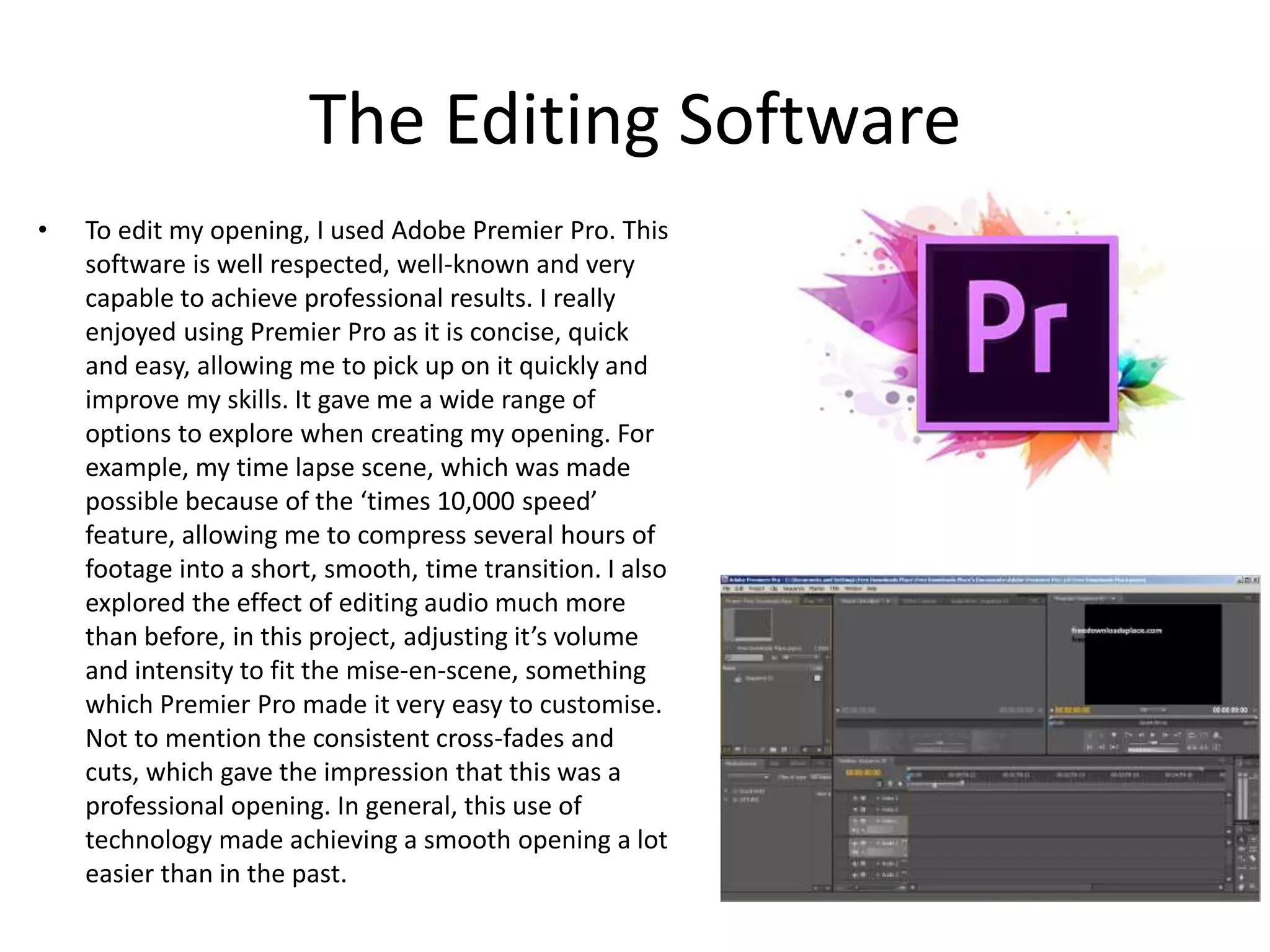
• To edit my opening, I used Adobe Premier Pro. This
software is well respected, well-known and very
capable to achieve professional results. I really
enjoyed using Premier Pro as it is concise, quick
and easy, allowing me to pick up on it quickly and
improve my skills. It gave me a wide range of
options to explore when creating my opening. For
example, my time lapse scene, which was made
possible because of the ‘times 10,000 speed’
feature, allowing me to compress several hours of
footage into a short, smooth, time transition. I also
explored the effect of editing audio much more
than before, in this project, adjusting it’s volume
and intensity to fit the mise-en-scene, something
which Premier Pro made it very easy to customise.
Not to mention the consistent cross-fades and
cuts, which gave the impression that this was a
professional opening. In general, this use of
technology made achieving a smooth opening a lot
easier than in the past.
The Equipment
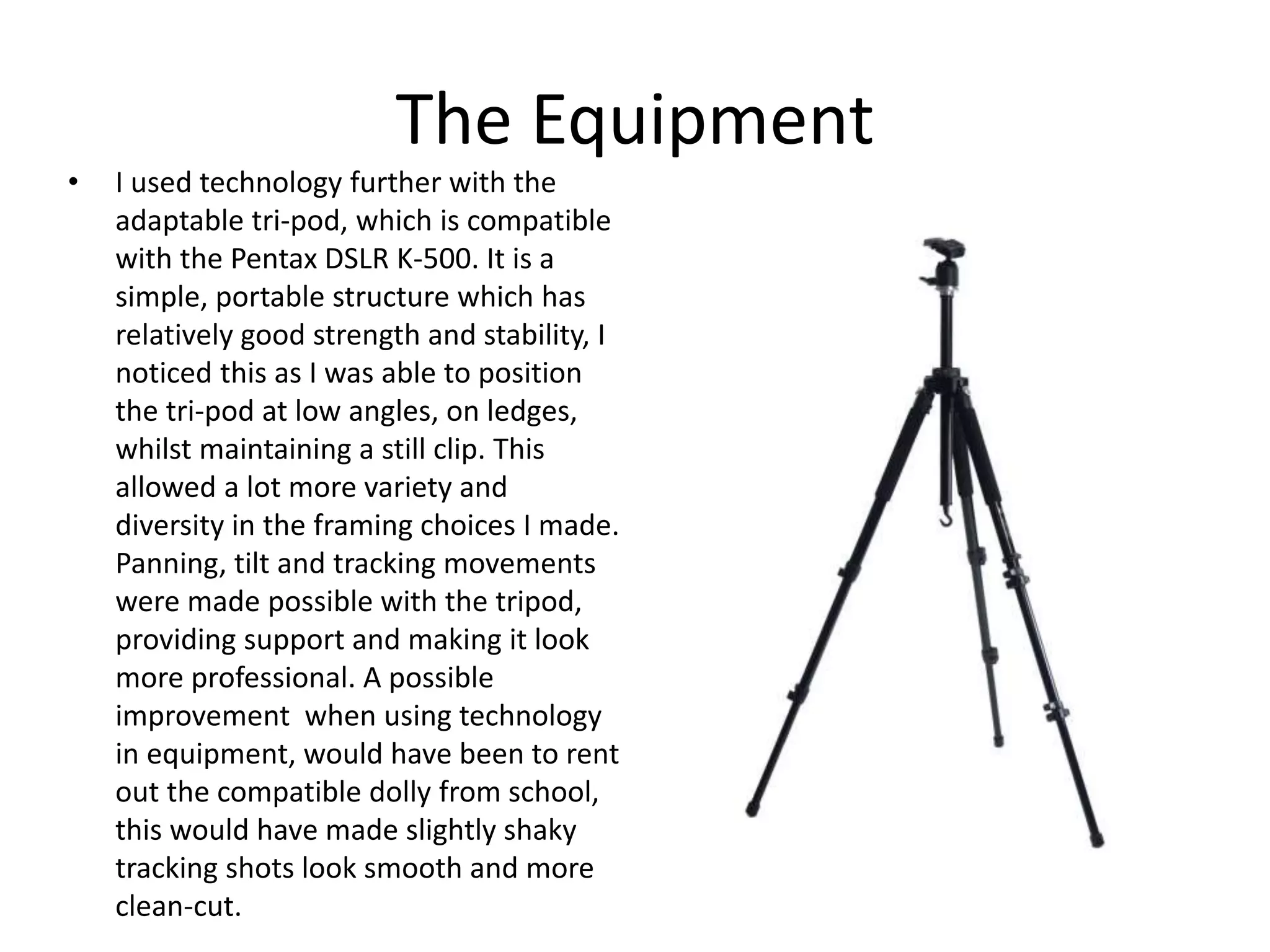
• I used technology further with the
adaptable tri-pod, which is compatible
with the Pentax DSLR K-500. It is a
simple, portable structure which has
relatively good strength and stability, I
noticed this as I was able to position
the tri-pod at low angles, on ledges,
whilst maintaining a still clip. This
allowed a lot more variety and
diversity in the framing choices I made.
Panning, tilt and tracking movements
were made possible with the tripod,
providing support and making it look
more professional. A possible
improvement when using technology
in equipment, would have been to rent
out the compatible dolly from school,
this would have made slightly shaky
tracking shots look smooth and more
clean-cut.
General
• Using technology I was able to learn that I
could achieve high quality clips with the digital
camera, develop editing skills and techniques
through Adobe Premier Pro, utilise the tri-pod
to improve my shots and maintain a good
level of film quality in general.

What have you learned about technology through this project?

  • 1.
    What have youlearned about technology through this project? Joel Griffiths
  • 2.
    The Camera • Thecamera I used in my final film was a Pentax DSLR K-500. This allowed me to film in 1080p, giving a relatively professional, realistic look to my final piece. I felt that using this camera was beneficial as it was a learning curve. On one of my shoots I had an unwanted grainy effect on my clips, through this I was able to identify the problem and correct it the next time. The majority of the opening is in a quality I’m happy with however that was a possible improvement if I’d had the opportunity to re-film. With a digital camera like this, I found it convenient and portable, shown in the examples of tracking shots in the final piece. I feel this project gave me a good appreciation of modern technology, and how it can be both high-quality and portable. The Pentaxes have the ability to carry out any shot-type, or camera-movement needed, so there wasn’t a point at which I felt restricted. However, this experience did teach me how a separate audio device would have improved my final product. For example, there was a scene in which Ade and Jamie exchanged conversation, but I didn’t include it in my final cut because of poor audio quality. The focus pull feature was something I particularly enjoyed experimenting with using this camera. I feel there are examples of where it makes my opening look more professional, and I wouldn’t have used this feature before this experience.
  • 3.
    The Editing Software •To edit my opening, I used Adobe Premier Pro. This software is well respected, well-known and very capable to achieve professional results. I really enjoyed using Premier Pro as it is concise, quick and easy, allowing me to pick up on it quickly and improve my skills. It gave me a wide range of options to explore when creating my opening. For example, my time lapse scene, which was made possible because of the ‘times 10,000 speed’ feature, allowing me to compress several hours of footage into a short, smooth, time transition. I also explored the effect of editing audio much more than before, in this project, adjusting it’s volume and intensity to fit the mise-en-scene, something which Premier Pro made it very easy to customise. Not to mention the consistent cross-fades and cuts, which gave the impression that this was a professional opening. In general, this use of technology made achieving a smooth opening a lot easier than in the past.
  • 4.
    The Equipment • Iused technology further with the adaptable tri-pod, which is compatible with the Pentax DSLR K-500. It is a simple, portable structure which has relatively good strength and stability, I noticed this as I was able to position the tri-pod at low angles, on ledges, whilst maintaining a still clip. This allowed a lot more variety and diversity in the framing choices I made. Panning, tilt and tracking movements were made possible with the tripod, providing support and making it look more professional. A possible improvement when using technology in equipment, would have been to rent out the compatible dolly from school, this would have made slightly shaky tracking shots look smooth and more clean-cut.
  • 5.
    General • Using technologyI was able to learn that I could achieve high quality clips with the digital camera, develop editing skills and techniques through Adobe Premier Pro, utilise the tri-pod to improve my shots and maintain a good level of film quality in general.

Editor's Notes