A Web Animation Project
Science Buddies Staff. (2014, April 21). Follow the Bouncing Ball: A
Web Animation Project. Retrieved July 25, 2014 from
http://www.sciencebuddies.org/science-fair-
projects/project_ideas/CompSci_p012.shtml
Abstract
● The purpose of this project is to create some simple
animations.
● You need web browser and text editor.
● The animation is created by programming, and
language is JavaScript.
JavaScript
● JavaScript is supported by most Web brouser.
● You have to learn how to write an HTML to write
JavaScript.
● The change of smoothness by setting were seen by
this project.
Example of HTML
● The example of HTML source code is following.
file: <!-- comment line: ignored by browser, use these as
notes to yourself about your program -->
<HTML>
<HEAD>
[Title and JavaScript functions go here.]
</HEAD>
<BODY>
[The parts you want to appear on the page go here.]
</BODY>
</HTML>
Getting Started with JavaScript
● The following is the link that introduction how to
write JavaScript programs greatly.
http://www.webteacher.com/javascript/index.html
● The followed link don't use here, but this website is
great.
Writing a JavaScript Animation.
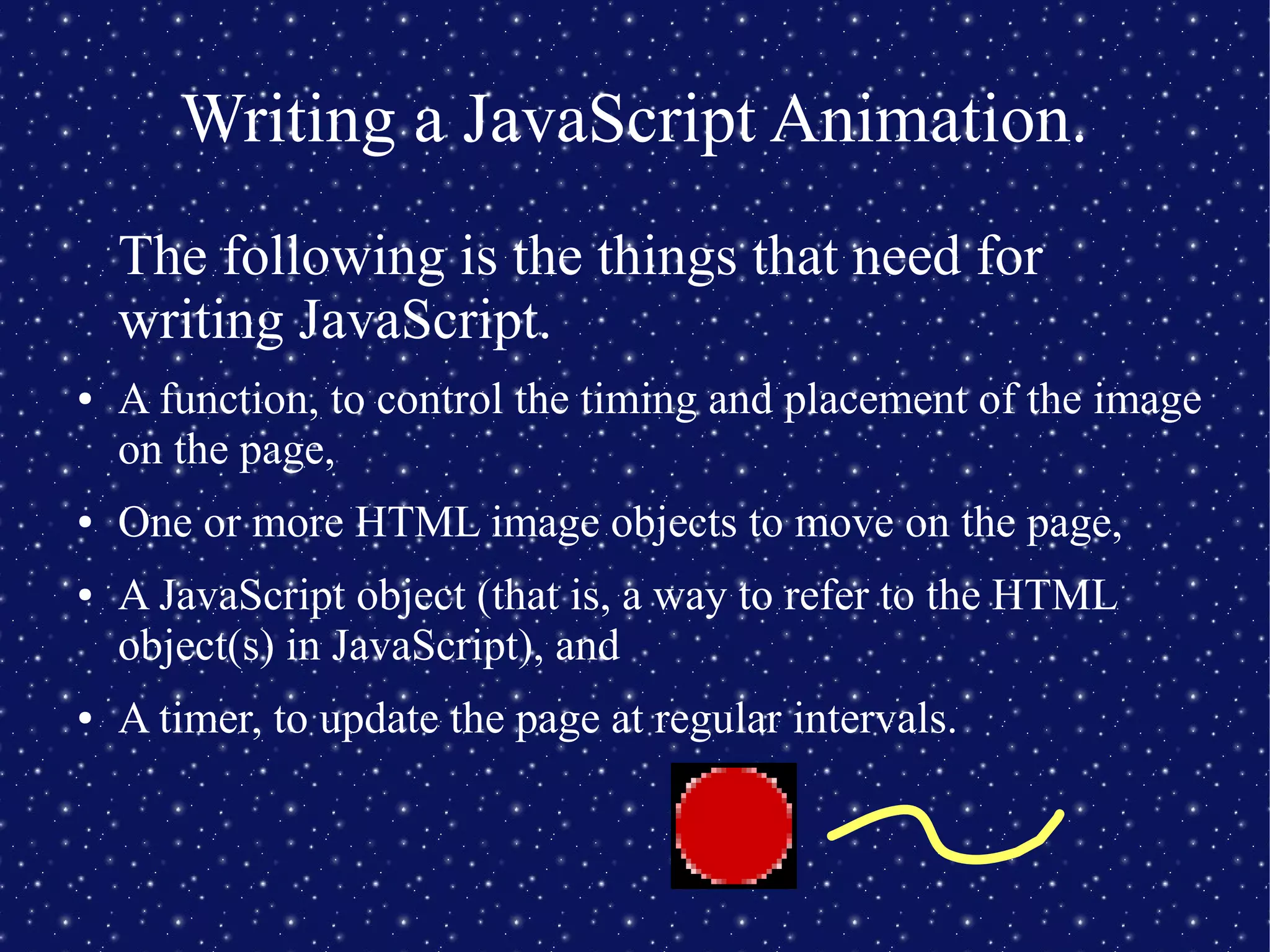
The following is the things that need for
writing JavaScript.
● A function, to control the timing and placement of the image
on the page,
● One or more HTML image objects to move on the page,
● A JavaScript object (that is, a way to refer to the HTML
object(s) in JavaScript), and
● A timer, to update the page at regular intervals.
A JavaScript Function
● The function is one important thing for Javascript.
● The following code is a example of the function.
// This is an example of a single-line JavaScript comment.
// Below is an example of a multi-line JavaScript comment.
/* This function doesn't do anything useful yet,
but we will add code later to make it work.*/
function myFunction()
{
/* Your animation code will go here */
}
A JavaScript Function
● After that, the folloing code is added.
<HTML>
<HEAD><TITLE>My HTML</TITLE>
<!-- saved from url=(0030)http://www.sciencebuddies.org/ -->
<!-- When this code is saved as a local file, the preceding line tells Internet Explorer to treat
this file according to the security rules for the Internet zone (plus any security rules specific
for the Science Buddies website). -->
</HEAD><BODY><SCRIPT LANGUAGE="JavaScript1.2">
<!--
// This is an example of a single-line JavaScript comment.
// Below is an example of a multi-line JavaScript comment.
/* This function doesn't do anything useful yet,
but we will add code later to make it work.*/
function myFunction()
{
/* Your animation code will go here */
}
// -->
</SCRIPT>
My Page</BODY></HTML>
An HTML Image Object
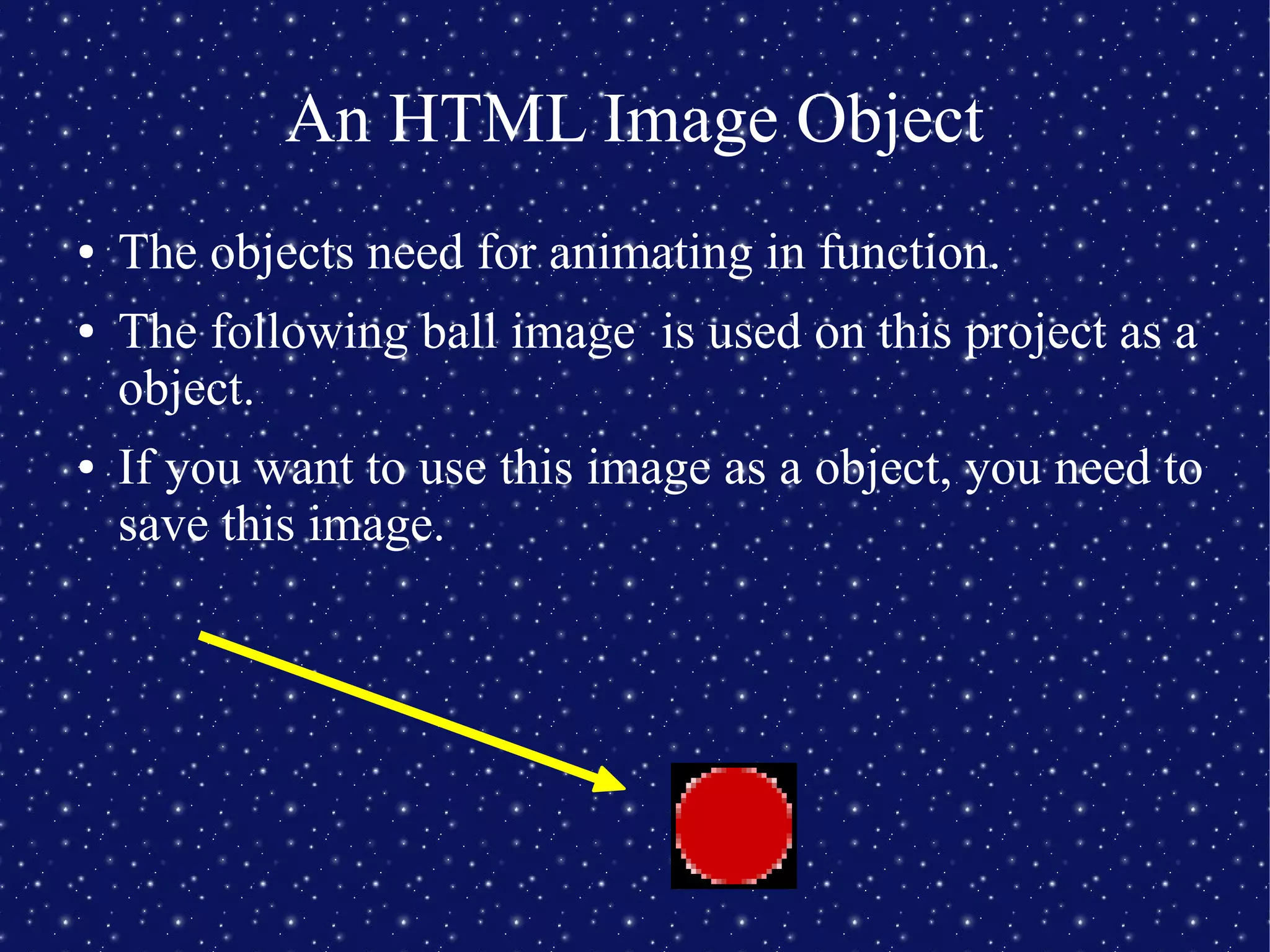
● The objects need for animating in function.
● The following ball image is used on this project as a
object.
● If you want to use this image as a object, you need to
save this image.
An HTML Image Object
● Then, this object is added by insert following code
after <BODY>
● The width and height can change by changing
folloing code.
<BODY>:
<IMG ID="ball" STYLE="position: absolute; left: 200; top: 200; width: 10; height: 10;"
SRC="ball1.gif">
A JavaScript Image Object
● You need to add the following code for using object
on JavaScript.
var myBall = document.getElementById("ball");
// IMG ID="ball" was written before slide, so ↑.
The Time
● The Time is the interval of change something on
picture.
● The Time is setted by the following code.
setInterval("myFunction()", 200);
// myFunction is run every 200 miliseconds.
A Bouncing Ball
● The following code is an animation that ball move
up and down the screen.
function myFunction()
{
if(0 == direction){
loc += 10;/* move down */
if(loc >= 500){
/* reached lower limit, change direction */
direction = 1;
}
}
else {
loc -= 10; /* move up */
if(loc < 10) {
/* reached upper limit, change direction */
direction = 0;
}
}
myBall.style.top = loc;
}
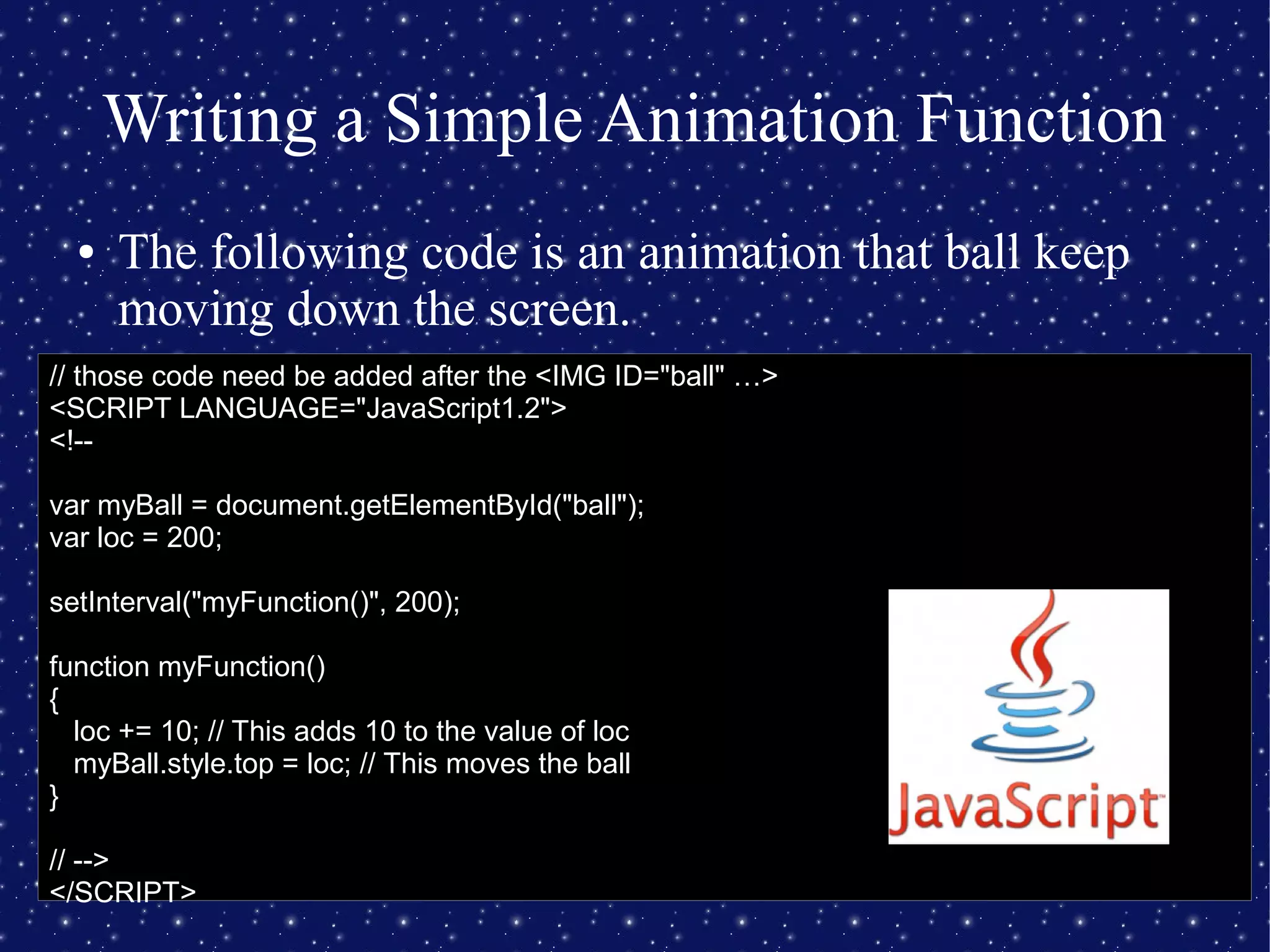
Writing a Simple Animation Function
● The following code is an animation that ball keep
moving down the screen.
// those code need be added after the <IMG ID="ball" …>
<SCRIPT LANGUAGE="JavaScript1.2">
<!--
var myBall = document.getElementById("ball");
var loc = 200;
setInterval("myFunction()", 200);
function myFunction()
{
loc += 10; // This adds 10 to the value of loc
myBall.style.top = loc; // This moves the ball
}
// -->
</SCRIPT>
Summary
● Animation can be create by using web brouser and
text editor.
● JavaScript can animate with HTML.
● Animation need Function, Object and Time.
● Animation is interesting!

Assignment D

  • 1.
    A Web AnimationProject Science Buddies Staff. (2014, April 21). Follow the Bouncing Ball: A Web Animation Project. Retrieved July 25, 2014 from http://www.sciencebuddies.org/science-fair- projects/project_ideas/CompSci_p012.shtml
  • 2.
    Abstract ● The purposeof this project is to create some simple animations. ● You need web browser and text editor. ● The animation is created by programming, and language is JavaScript.
  • 3.
    JavaScript ● JavaScript issupported by most Web brouser. ● You have to learn how to write an HTML to write JavaScript. ● The change of smoothness by setting were seen by this project.
  • 4.
    Example of HTML ●The example of HTML source code is following. file: <!-- comment line: ignored by browser, use these as notes to yourself about your program --> <HTML> <HEAD> [Title and JavaScript functions go here.] </HEAD> <BODY> [The parts you want to appear on the page go here.] </BODY> </HTML>
  • 5.
    Getting Started withJavaScript ● The following is the link that introduction how to write JavaScript programs greatly. http://www.webteacher.com/javascript/index.html ● The followed link don't use here, but this website is great.
  • 6.
    Writing a JavaScriptAnimation. The following is the things that need for writing JavaScript. ● A function, to control the timing and placement of the image on the page, ● One or more HTML image objects to move on the page, ● A JavaScript object (that is, a way to refer to the HTML object(s) in JavaScript), and ● A timer, to update the page at regular intervals.
  • 7.
    A JavaScript Function ●The function is one important thing for Javascript. ● The following code is a example of the function. // This is an example of a single-line JavaScript comment. // Below is an example of a multi-line JavaScript comment. /* This function doesn't do anything useful yet, but we will add code later to make it work.*/ function myFunction() { /* Your animation code will go here */ }
  • 8.
    A JavaScript Function ●After that, the folloing code is added. <HTML> <HEAD><TITLE>My HTML</TITLE> <!-- saved from url=(0030)http://www.sciencebuddies.org/ --> <!-- When this code is saved as a local file, the preceding line tells Internet Explorer to treat this file according to the security rules for the Internet zone (plus any security rules specific for the Science Buddies website). --> </HEAD><BODY><SCRIPT LANGUAGE="JavaScript1.2"> <!-- // This is an example of a single-line JavaScript comment. // Below is an example of a multi-line JavaScript comment. /* This function doesn't do anything useful yet, but we will add code later to make it work.*/ function myFunction() { /* Your animation code will go here */ } // --> </SCRIPT> My Page</BODY></HTML>
  • 9.
    An HTML ImageObject ● The objects need for animating in function. ● The following ball image is used on this project as a object. ● If you want to use this image as a object, you need to save this image.
  • 10.
    An HTML ImageObject ● Then, this object is added by insert following code after <BODY> ● The width and height can change by changing folloing code. <BODY>: <IMG ID="ball" STYLE="position: absolute; left: 200; top: 200; width: 10; height: 10;" SRC="ball1.gif">
  • 11.
    A JavaScript ImageObject ● You need to add the following code for using object on JavaScript. var myBall = document.getElementById("ball"); // IMG ID="ball" was written before slide, so ↑.
  • 12.
    The Time ● TheTime is the interval of change something on picture. ● The Time is setted by the following code. setInterval("myFunction()", 200); // myFunction is run every 200 miliseconds.
  • 13.
    A Bouncing Ball ●The following code is an animation that ball move up and down the screen. function myFunction() { if(0 == direction){ loc += 10;/* move down */ if(loc >= 500){ /* reached lower limit, change direction */ direction = 1; } } else { loc -= 10; /* move up */ if(loc < 10) { /* reached upper limit, change direction */ direction = 0; } } myBall.style.top = loc; }
  • 14.
    Writing a SimpleAnimation Function ● The following code is an animation that ball keep moving down the screen. // those code need be added after the <IMG ID="ball" …> <SCRIPT LANGUAGE="JavaScript1.2"> <!-- var myBall = document.getElementById("ball"); var loc = 200; setInterval("myFunction()", 200); function myFunction() { loc += 10; // This adds 10 to the value of loc myBall.style.top = loc; // This moves the ball } // --> </SCRIPT>
  • 15.
    Summary ● Animation canbe create by using web brouser and text editor. ● JavaScript can animate with HTML. ● Animation need Function, Object and Time. ● Animation is interesting!