Web Components canoo
Webcomponents
canoo Engineering AG
2015
Web Components canoo
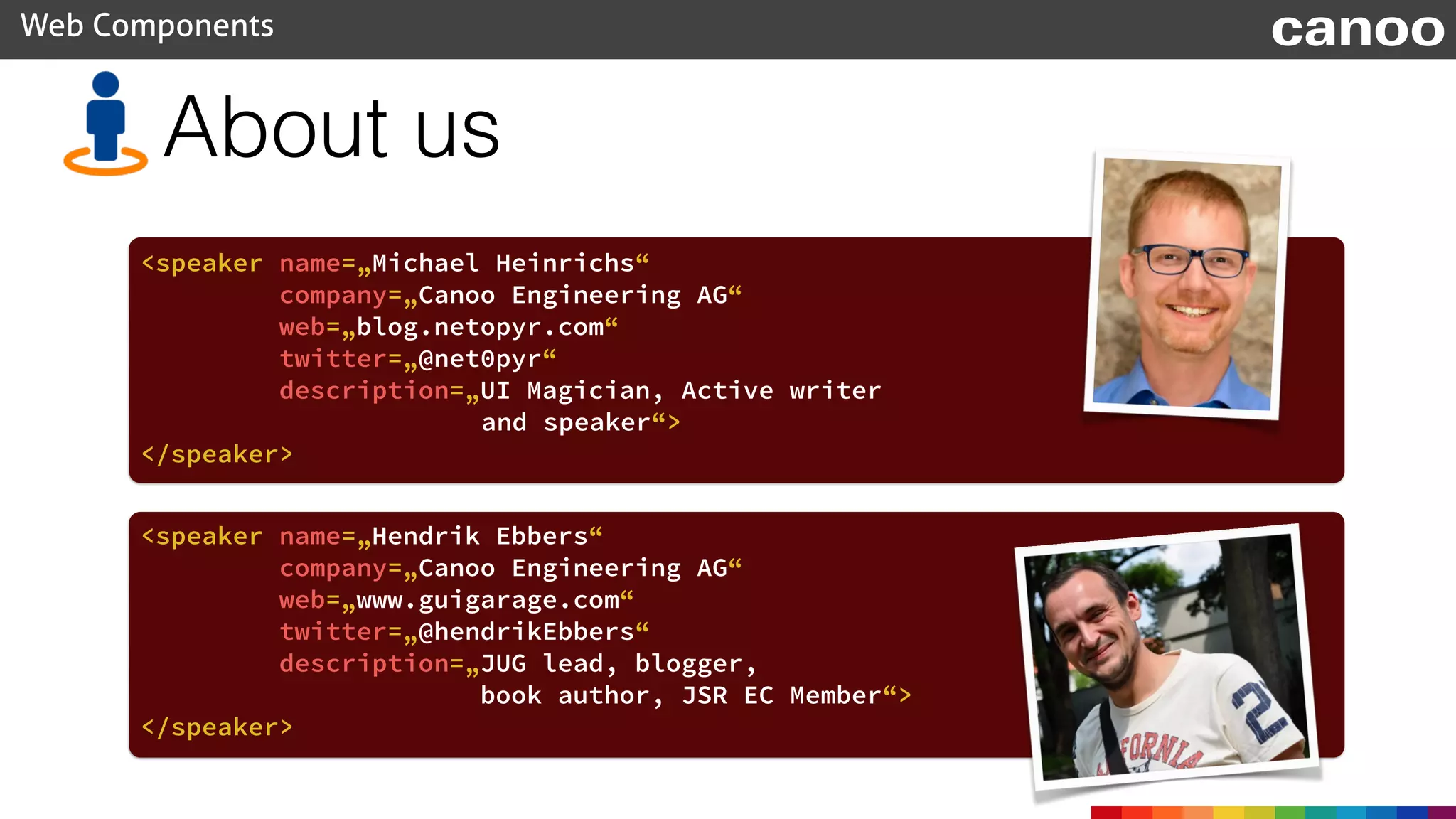
About us
<speaker name=„Michael Heinrichs“
company=„Canoo Engineering AG“
web=„blog.netopyr.com“
twitter=„@net0pyr“
description=„UI Magician, Active writer
and speaker“>
</speaker>
<speaker name=„Hendrik Ebbers“
company=„Canoo Engineering AG“
web=„www.guigarage.com“
twitter=„@hendrikEbbers“
description=„JUG lead, blogger,
book author, JSR EC Member“>
</speaker>
Content
• The web component specification
• Web component polyfills
• Polymer
• Perspectives
Web Components canoo
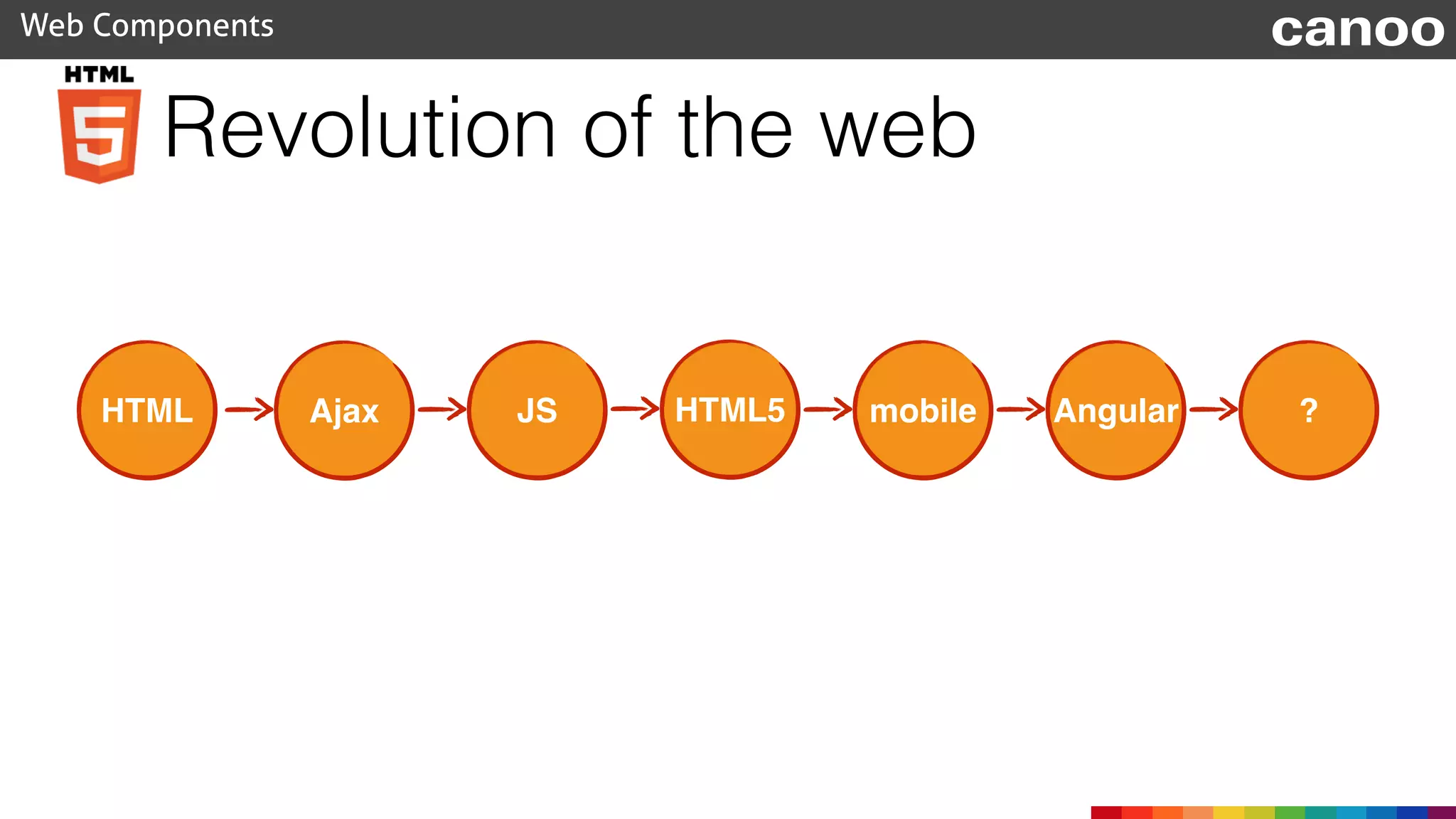
Revolution of the web
Web Components canoo
HTML Ajax JS HTML5 mobile Angular ?
Bower
• A package manager for the web
• Search for dependencies and install them as packages
• Created by Twitter
• Open Source
Web Components canoo
www.bower.io
Bower
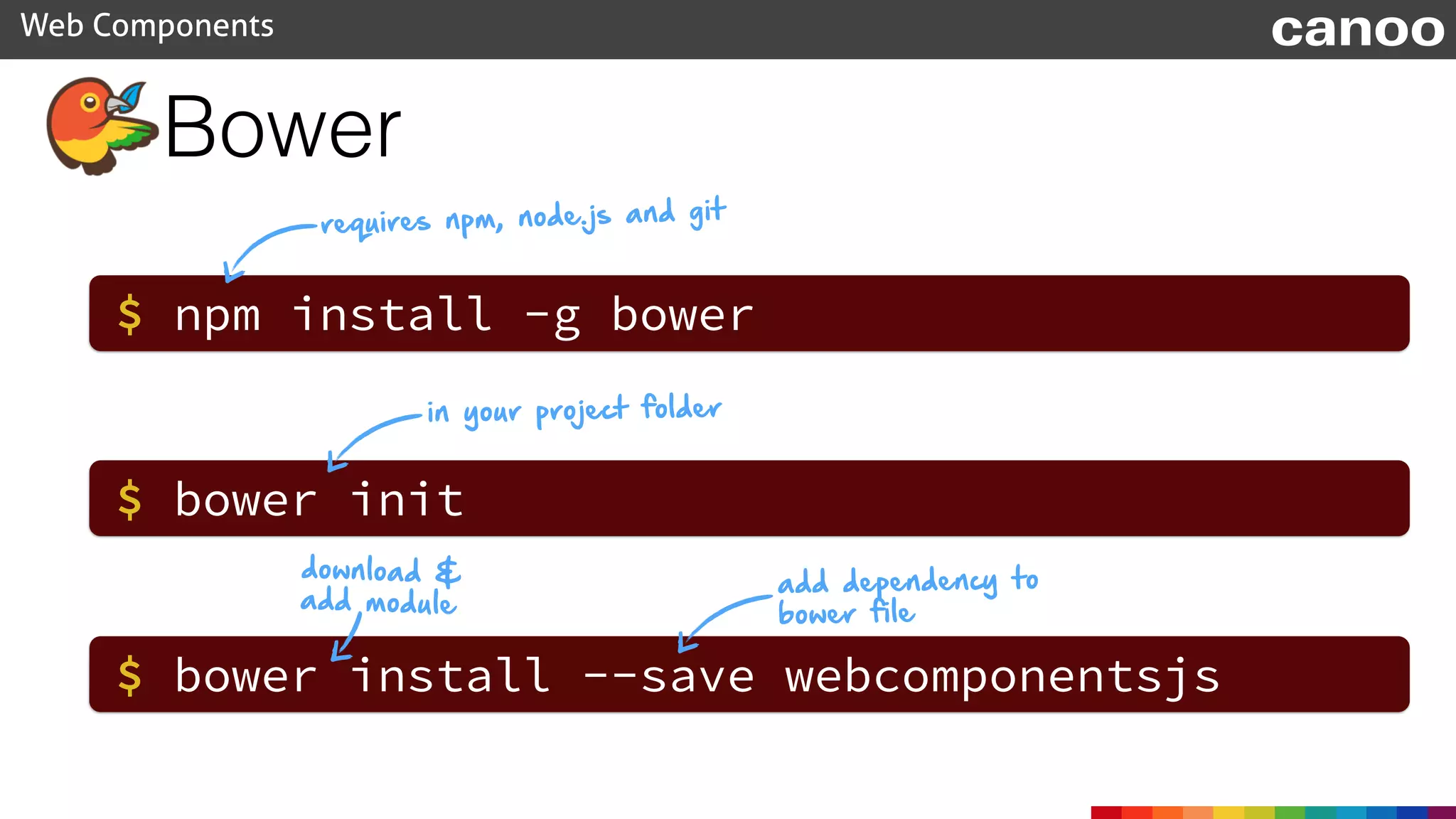
requires npm, node.js and git
Web Components canoo
$ npm install -g bower
$ bower init
$ bower install --save webcomponentsjs
in your project folder
download &
add module
add dependency to
bower file
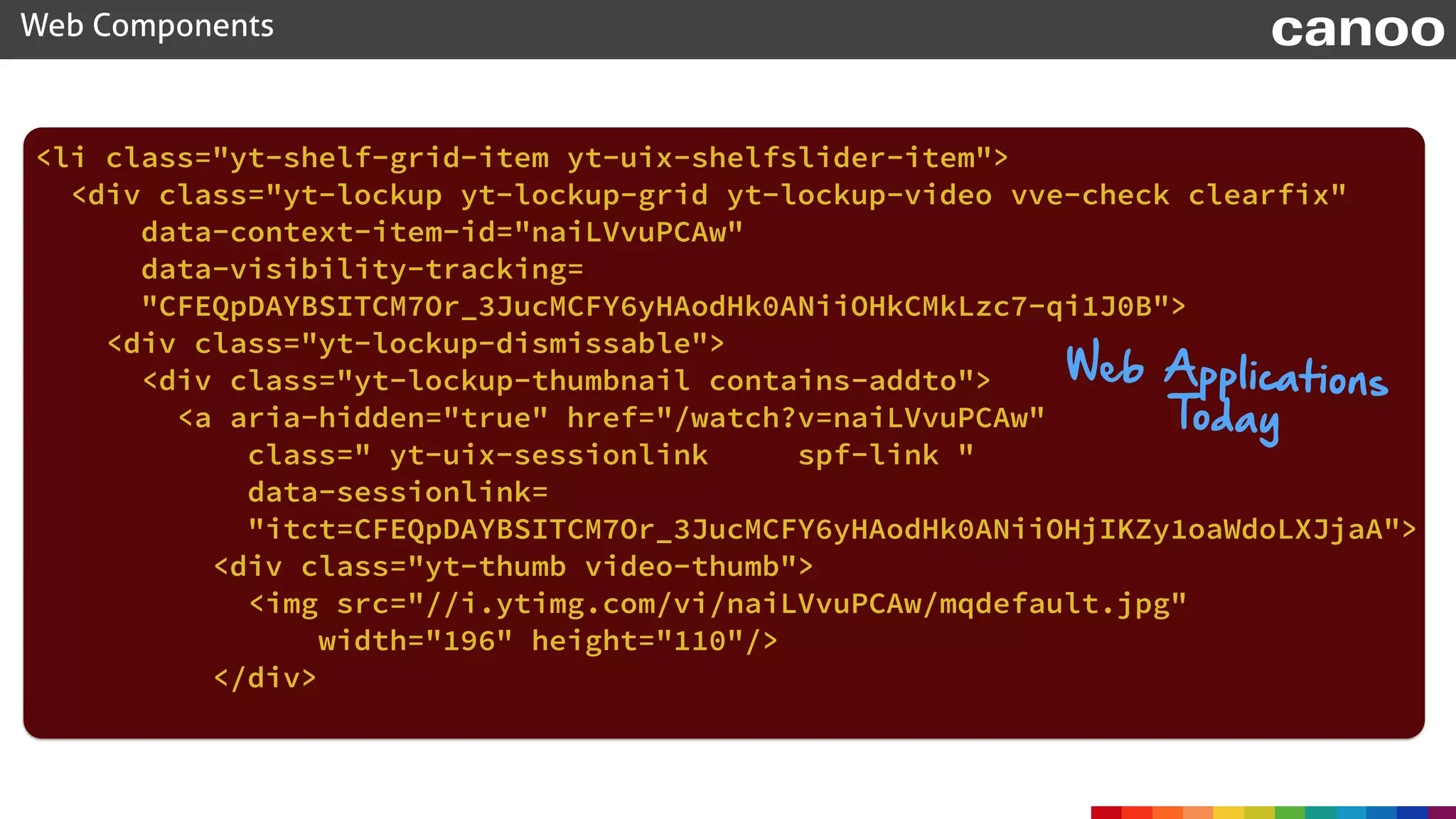
<li class="yt-shelf-grid-item yt-uix-shelfslider-item">

<div class="yt-lockup yt-lockup-grid yt-lockup-video vve-check clearfix"
data-context-item-id="naiLVvuPCAw"

data-visibility-tracking=
"CFEQpDAYBSITCM7Or_3JucMCFY6yHAodHk0ANiiOHkCMkLzc7-qi1J0B">

<div class="yt-lockup-dismissable">

<div class="yt-lockup-thumbnail contains-addto">

<a aria-hidden="true" href="/watch?v=naiLVvuPCAw"
class=" yt-uix-sessionlink spf-link "

data-sessionlink=
"itct=CFEQpDAYBSITCM7Or_3JucMCFY6yHAodHk0ANiiOHjIKZy1oaWdoLXJjaA">

<div class="yt-thumb video-thumb">

<img src="//i.ytimg.com/vi/naiLVvuPCAw/mqdefault.jpg"
width="196" height="110"/>

</div>

Web Components canoo
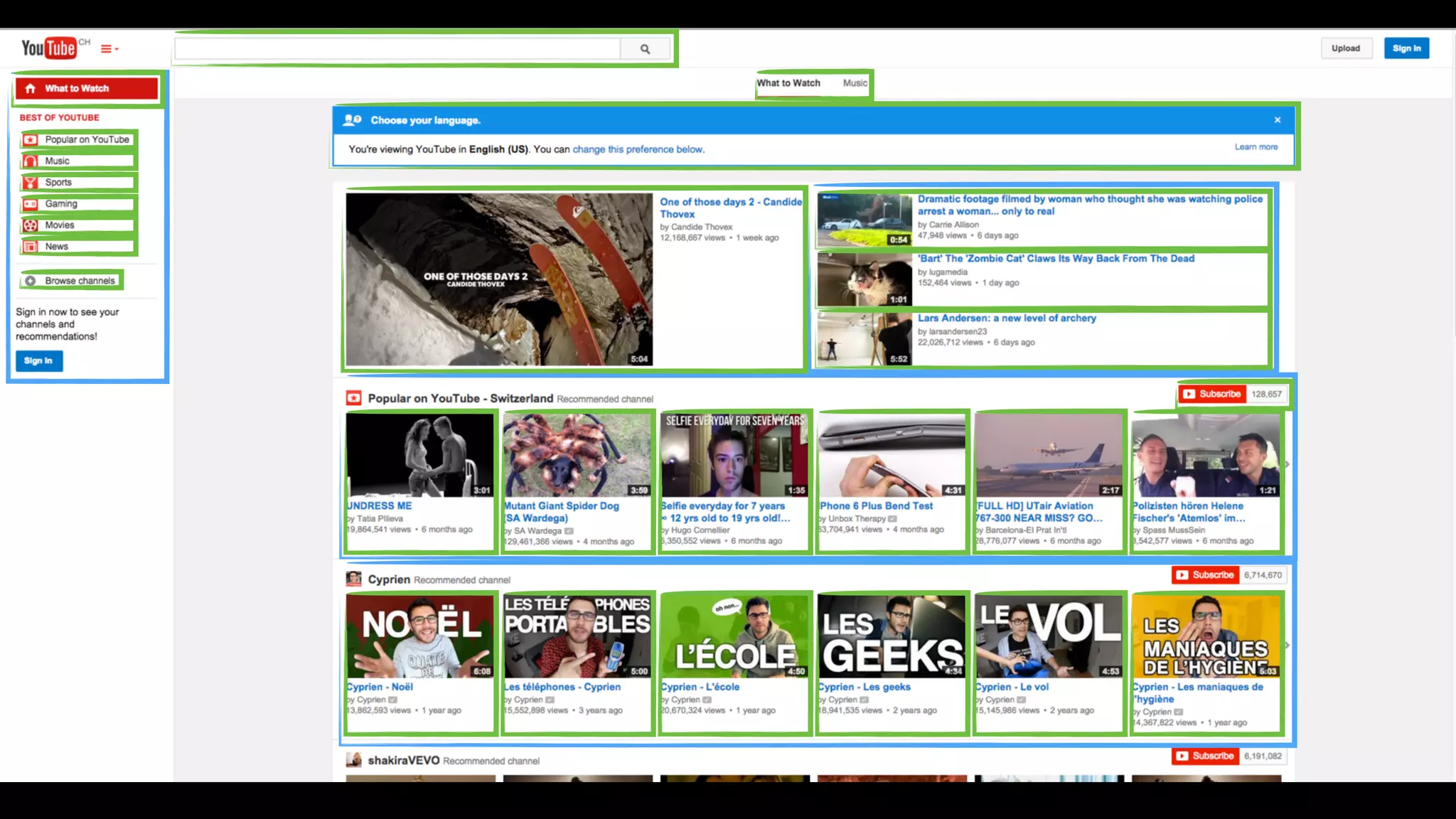
Web Applications
Today
Web Components canoo
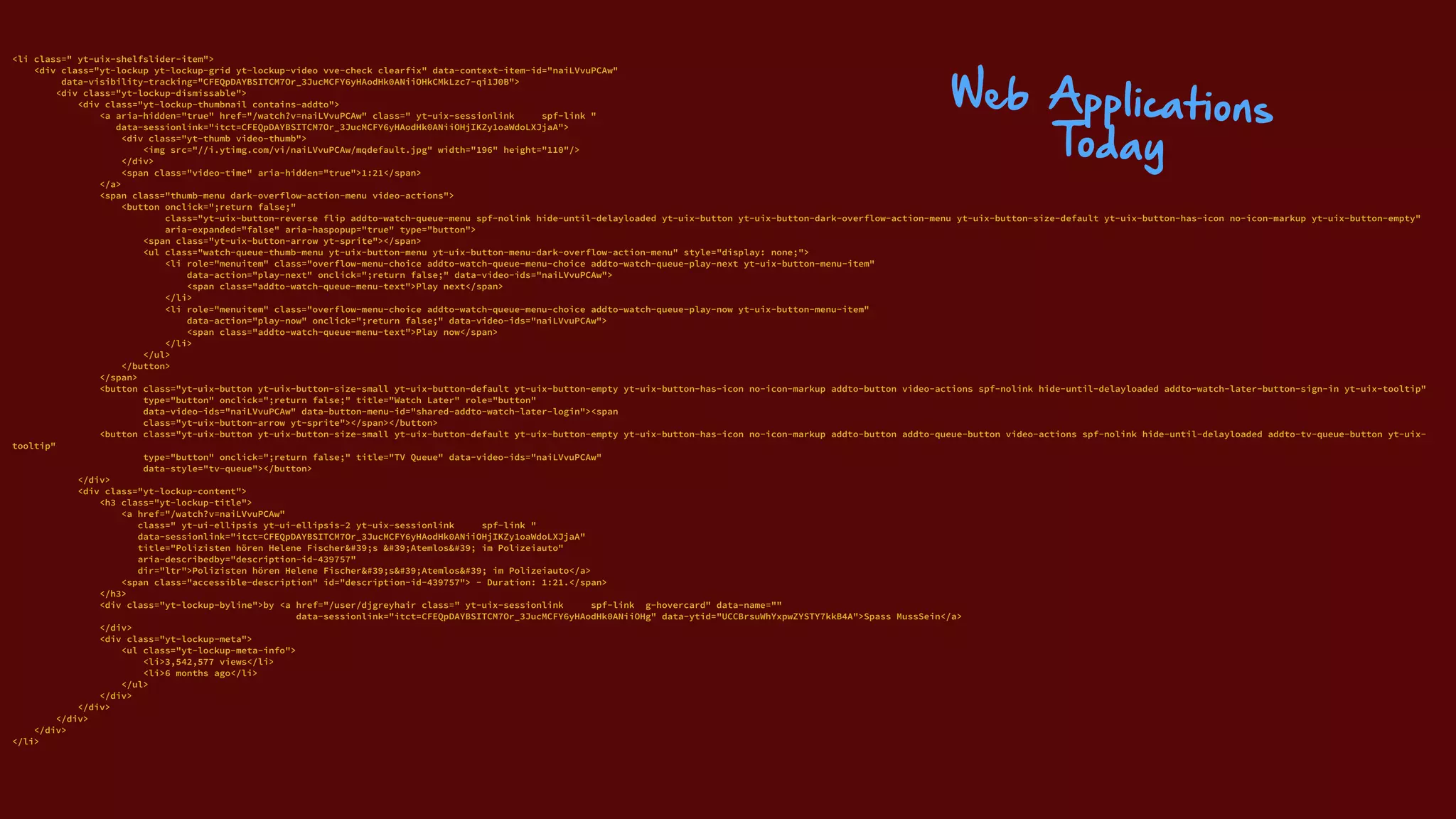
<li class=" yt-uix-shelfslider-item">

<div class="yt-lockup yt-lockup-grid yt-lockup-video vve-check clearfix" data-context-item-id="naiLVvuPCAw"

data-visibility-tracking="CFEQpDAYBSITCM7Or_3JucMCFY6yHAodHk0ANiiOHkCMkLzc7-qi1J0B">

<div class="yt-lockup-dismissable">

<div class="yt-lockup-thumbnail contains-addto">

<a aria-hidden="true" href="/watch?v=naiLVvuPCAw" class=" yt-uix-sessionlink spf-link "

data-sessionlink="itct=CFEQpDAYBSITCM7Or_3JucMCFY6yHAodHk0ANiiOHjIKZy1oaWdoLXJjaA">

<div class="yt-thumb video-thumb">

<img src="//i.ytimg.com/vi/naiLVvuPCAw/mqdefault.jpg" width="196" height="110"/>

</div>

<span class="video-time" aria-hidden="true">1:21</span>

</a>

<span class="thumb-menu dark-overflow-action-menu video-actions">

<button onclick=";return false;"

class="yt-uix-button-reverse flip addto-watch-queue-menu spf-nolink hide-until-delayloaded yt-uix-button yt-uix-button-dark-overflow-action-menu yt-uix-button-size-default yt-uix-button-has-icon no-icon-markup yt-uix-button-empty"

aria-expanded="false" aria-haspopup="true" type="button">

<span class="yt-uix-button-arrow yt-sprite"></span>

<ul class="watch-queue-thumb-menu yt-uix-button-menu yt-uix-button-menu-dark-overflow-action-menu" style="display: none;">

<li role="menuitem" class="overflow-menu-choice addto-watch-queue-menu-choice addto-watch-queue-play-next yt-uix-button-menu-item"

data-action="play-next" onclick=";return false;" data-video-ids="naiLVvuPCAw">

<span class="addto-watch-queue-menu-text">Play next</span>

</li>

<li role="menuitem" class="overflow-menu-choice addto-watch-queue-menu-choice addto-watch-queue-play-now yt-uix-button-menu-item"

data-action="play-now" onclick=";return false;" data-video-ids="naiLVvuPCAw">

<span class="addto-watch-queue-menu-text">Play now</span>

</li>

</ul>

</button>

</span>

<button class="yt-uix-button yt-uix-button-size-small yt-uix-button-default yt-uix-button-empty yt-uix-button-has-icon no-icon-markup addto-button video-actions spf-nolink hide-until-delayloaded addto-watch-later-button-sign-in yt-uix-tooltip"

type="button" onclick=";return false;" title="Watch Later" role="button"

data-video-ids="naiLVvuPCAw" data-button-menu-id="shared-addto-watch-later-login"><span

class="yt-uix-button-arrow yt-sprite"></span></button>

<button class="yt-uix-button yt-uix-button-size-small yt-uix-button-default yt-uix-button-empty yt-uix-button-has-icon no-icon-markup addto-button addto-queue-button video-actions spf-nolink hide-until-delayloaded addto-tv-queue-button yt-uix-
tooltip"

type="button" onclick=";return false;" title="TV Queue" data-video-ids="naiLVvuPCAw"

data-style="tv-queue"></button>

</div>

<div class="yt-lockup-content">

<h3 class="yt-lockup-title">

<a href="/watch?v=naiLVvuPCAw"

class=" yt-ui-ellipsis yt-ui-ellipsis-2 yt-uix-sessionlink spf-link "

data-sessionlink="itct=CFEQpDAYBSITCM7Or_3JucMCFY6yHAodHk0ANiiOHjIKZy1oaWdoLXJjaA"

title="Polizisten hören Helene Fischer&#39;s &#39;Atemlos&#39; im Polizeiauto"

aria-describedby="description-id-439757"

dir="ltr">Polizisten hören Helene Fischer&#39;s&#39;Atemlos&#39; im Polizeiauto</a>

<span class="accessible-description" id="description-id-439757"> - Duration: 1:21.</span>

</h3>

<div class="yt-lockup-byline">by <a href="/user/djgreyhair class=" yt-uix-sessionlink spf-link g-hovercard" data-name=""

data-sessionlink="itct=CFEQpDAYBSITCM7Or_3JucMCFY6yHAodHk0ANiiOHg" data-ytid="UCCBrsuWhYxpwZYSTY7kkB4A">Spass MussSein</a>

</div>

<div class="yt-lockup-meta">

<ul class="yt-lockup-meta-info">

<li>3,542,577 views</li>

<li>6 months ago</li>

</ul>

</div>

</div>

</div>

</div>

</li>
Web Applications
Today
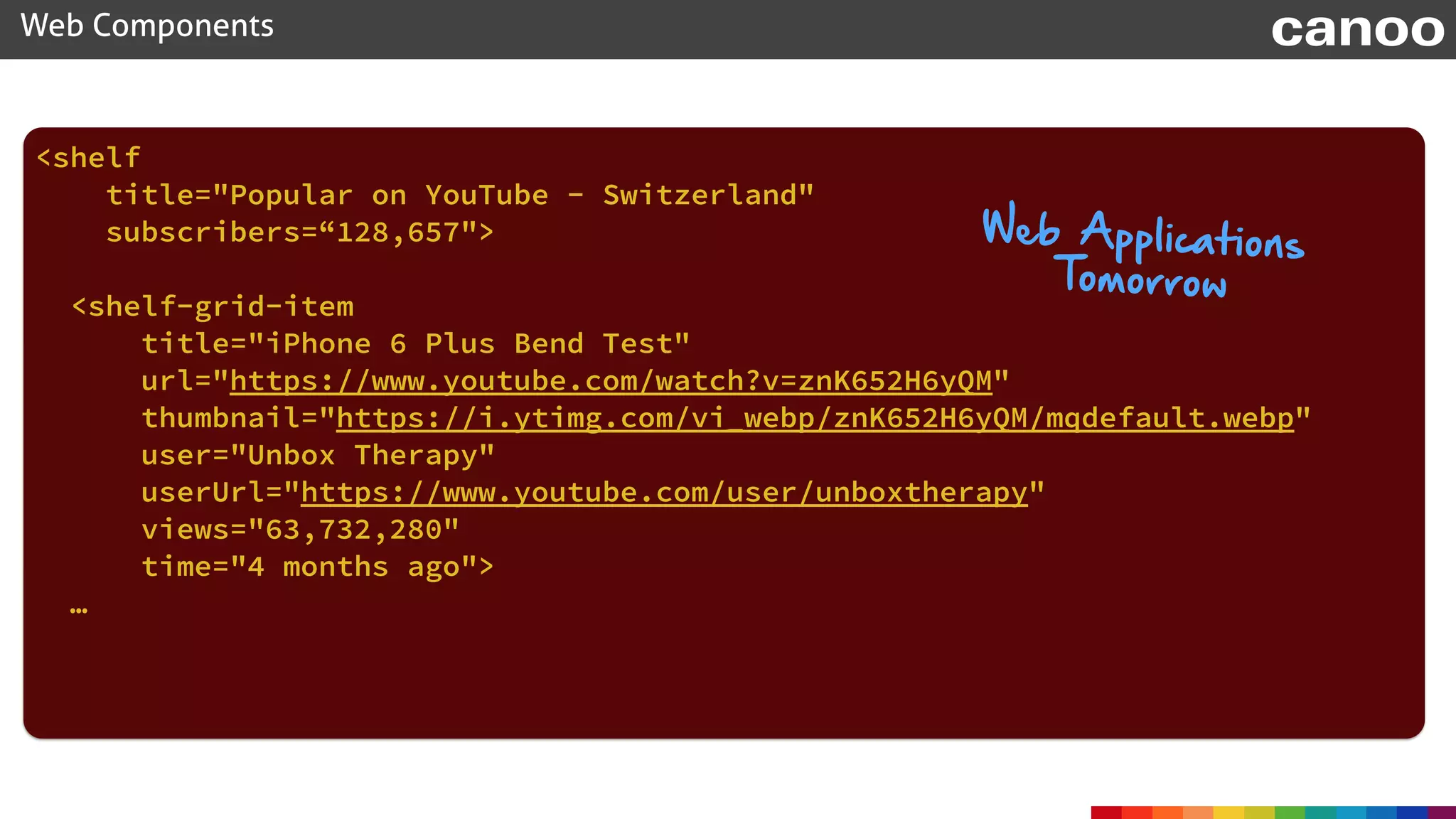
<shelf
title="Popular on YouTube - Switzerland"
subscribers=“128,657">
<shelf-grid-item
title="iPhone 6 Plus Bend Test"
url="https://www.youtube.com/watch?v=znK652H6yQM"
thumbnail="https://i.ytimg.com/vi_webp/znK652H6yQM/mqdefault.webp"
user="Unbox Therapy"
userUrl="https://www.youtube.com/user/unboxtherapy"
views="63,732,280"
time="4 months ago">
…


Web Components canoo
Web Applications
Tomorrow
Web Components canoo
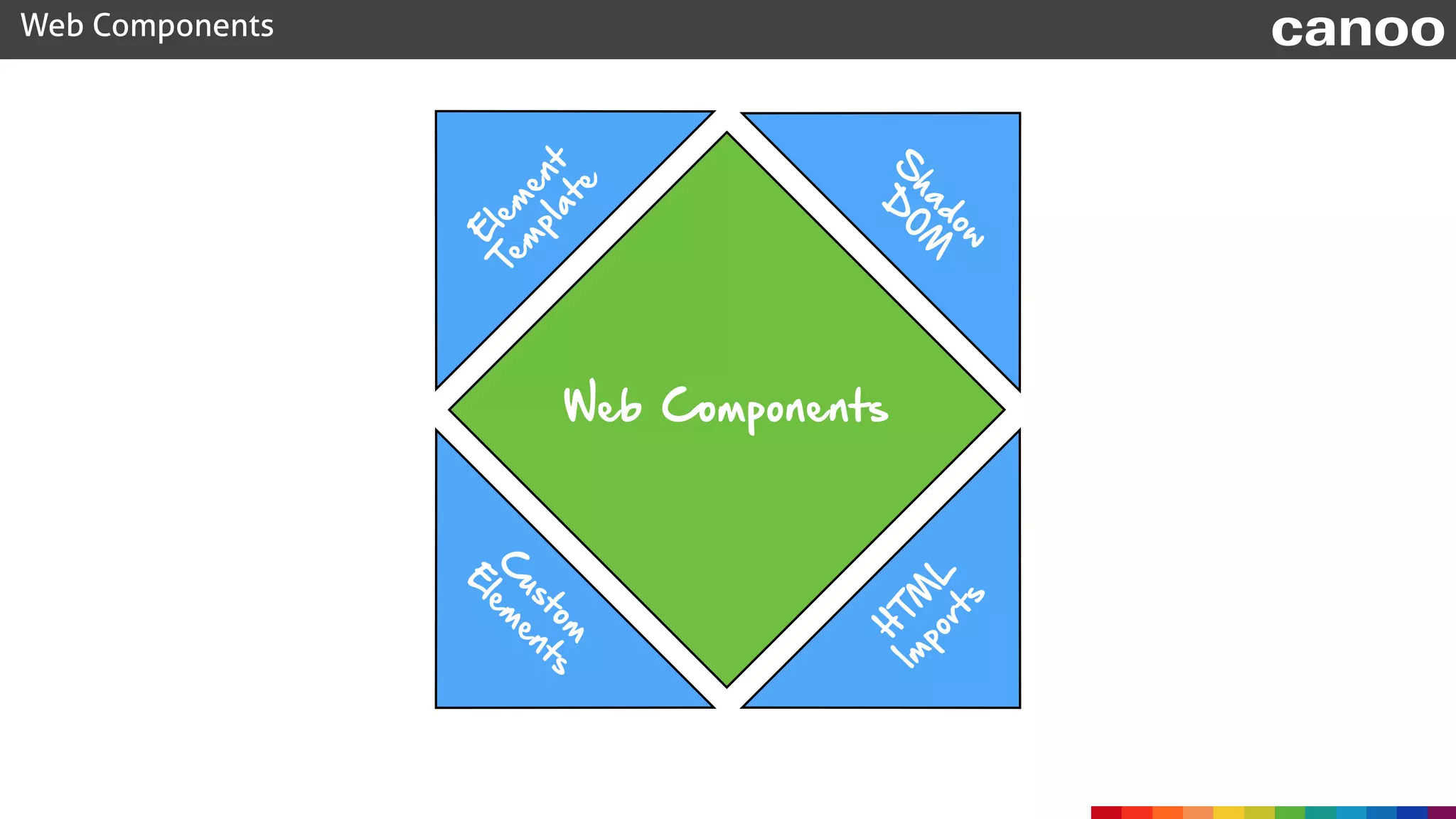
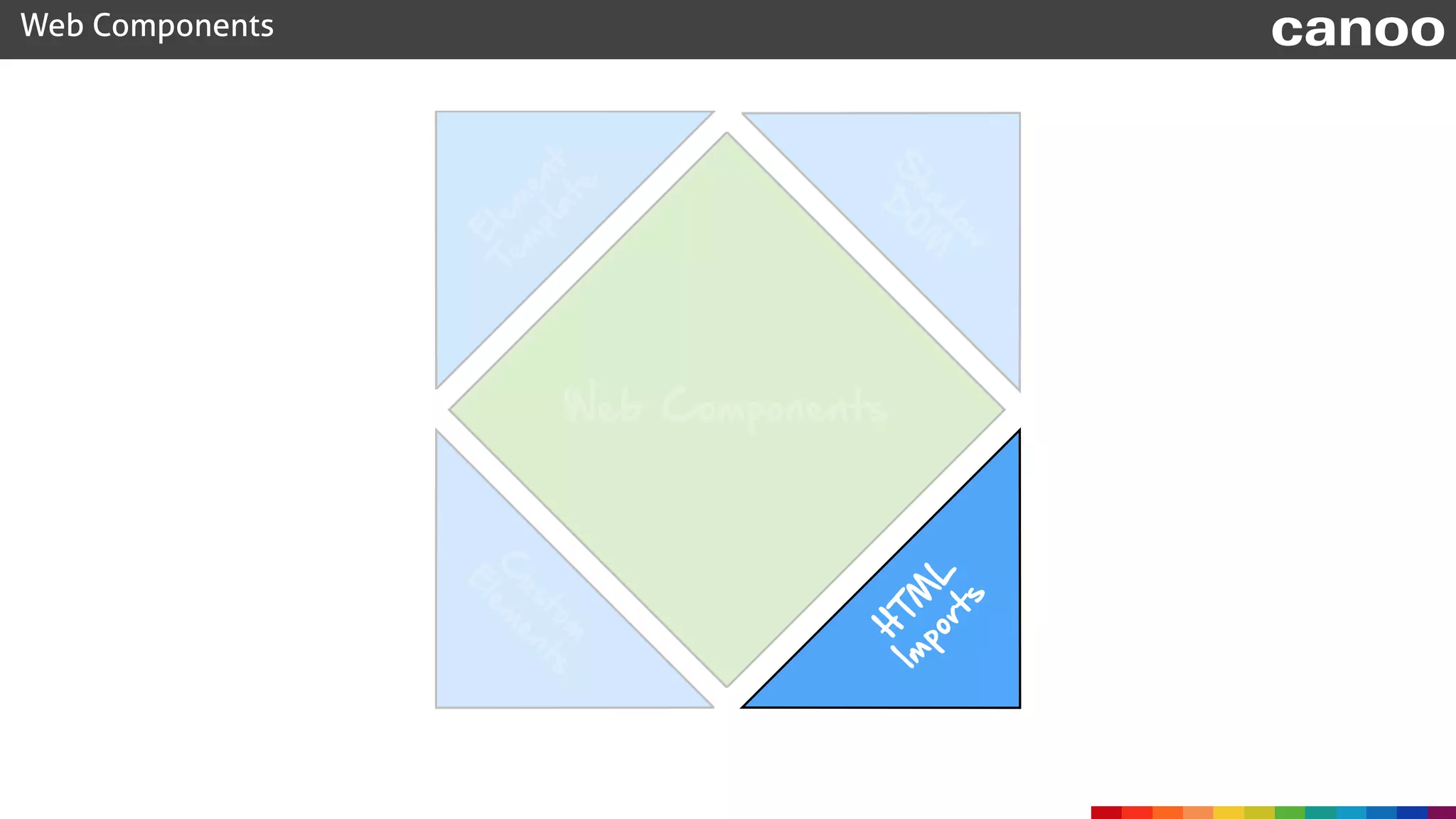
Web Components
C
ustom


E
lem
ents
H
TM
L


Im
ports
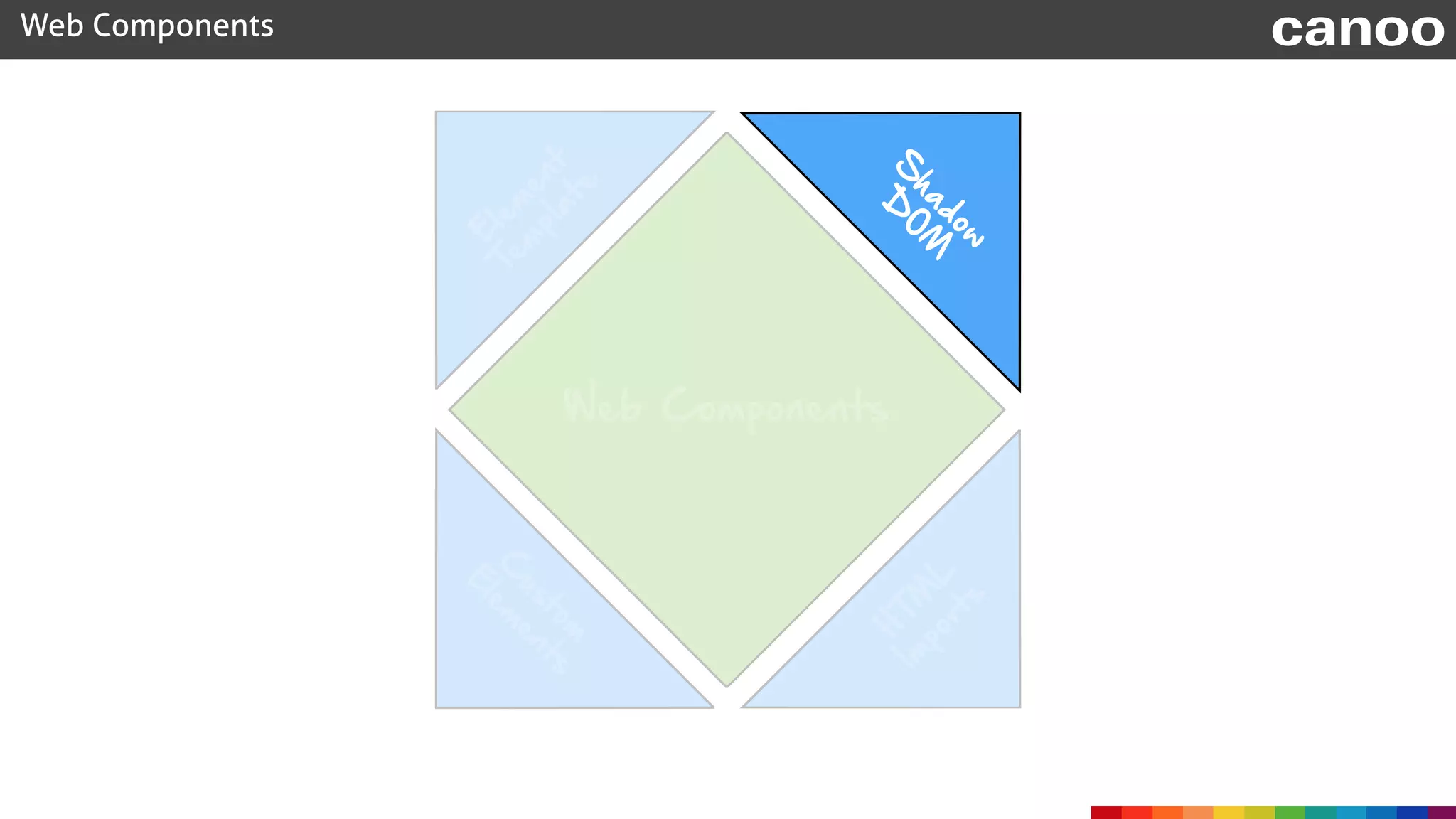
S
hadow

D
O
M
E
lem
ent

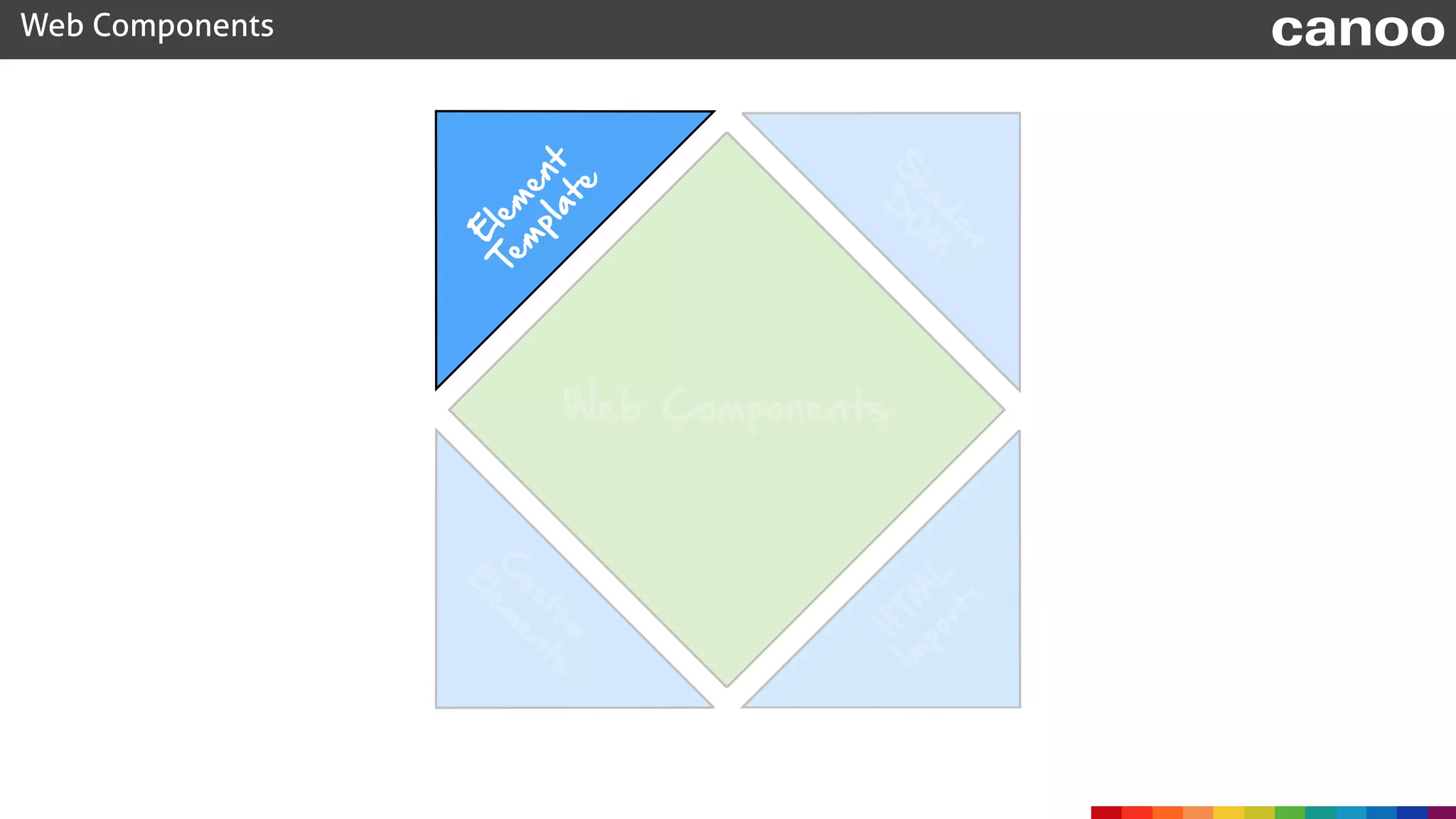
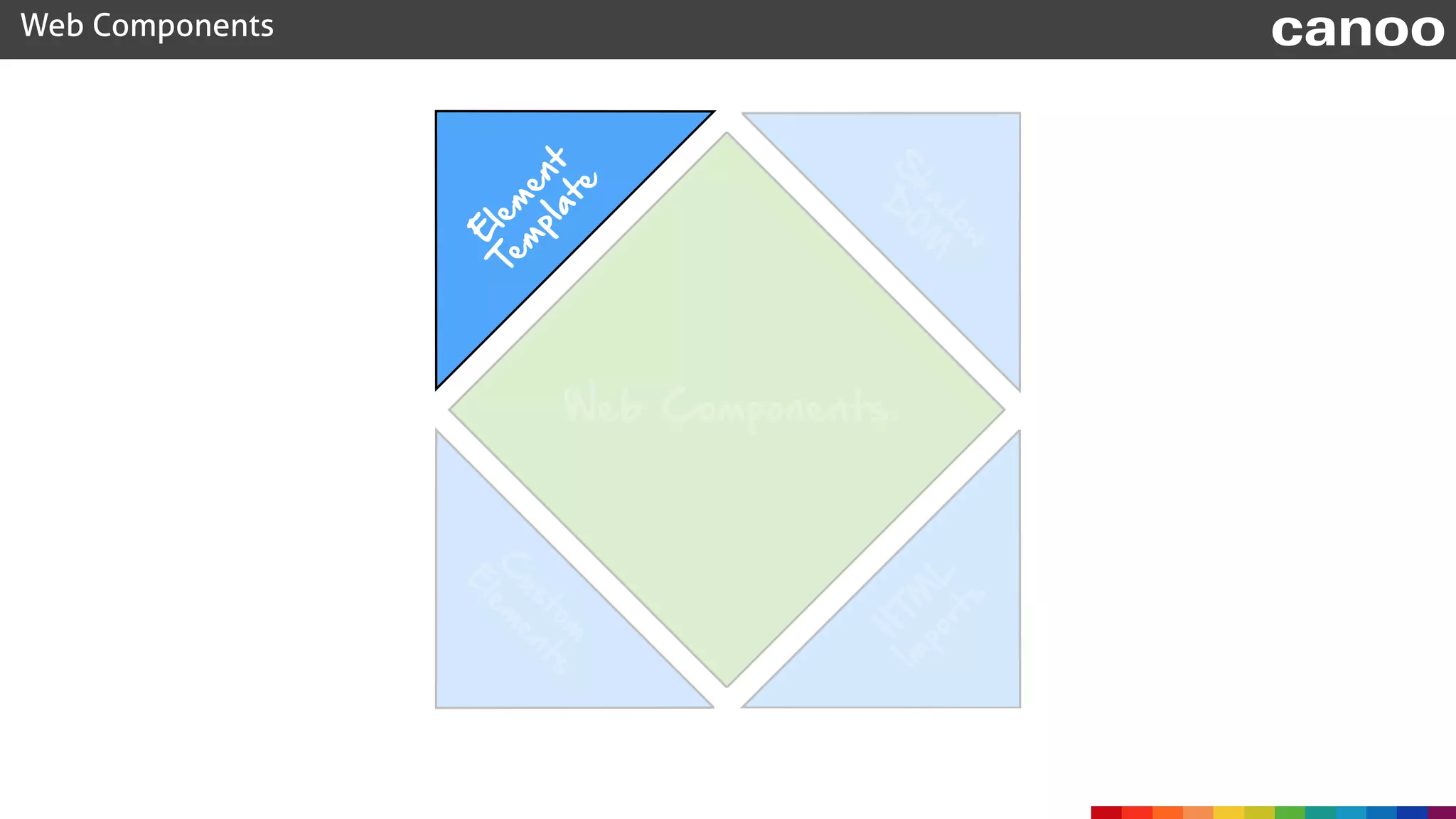
Tem
plate

Web Components canoo
Web Components
C
ustom
E
lem
ents
H
TM
L
Im
ports
S
hadow
D
O
M
E
lem
ent

Tem
plate

Web Components canoo
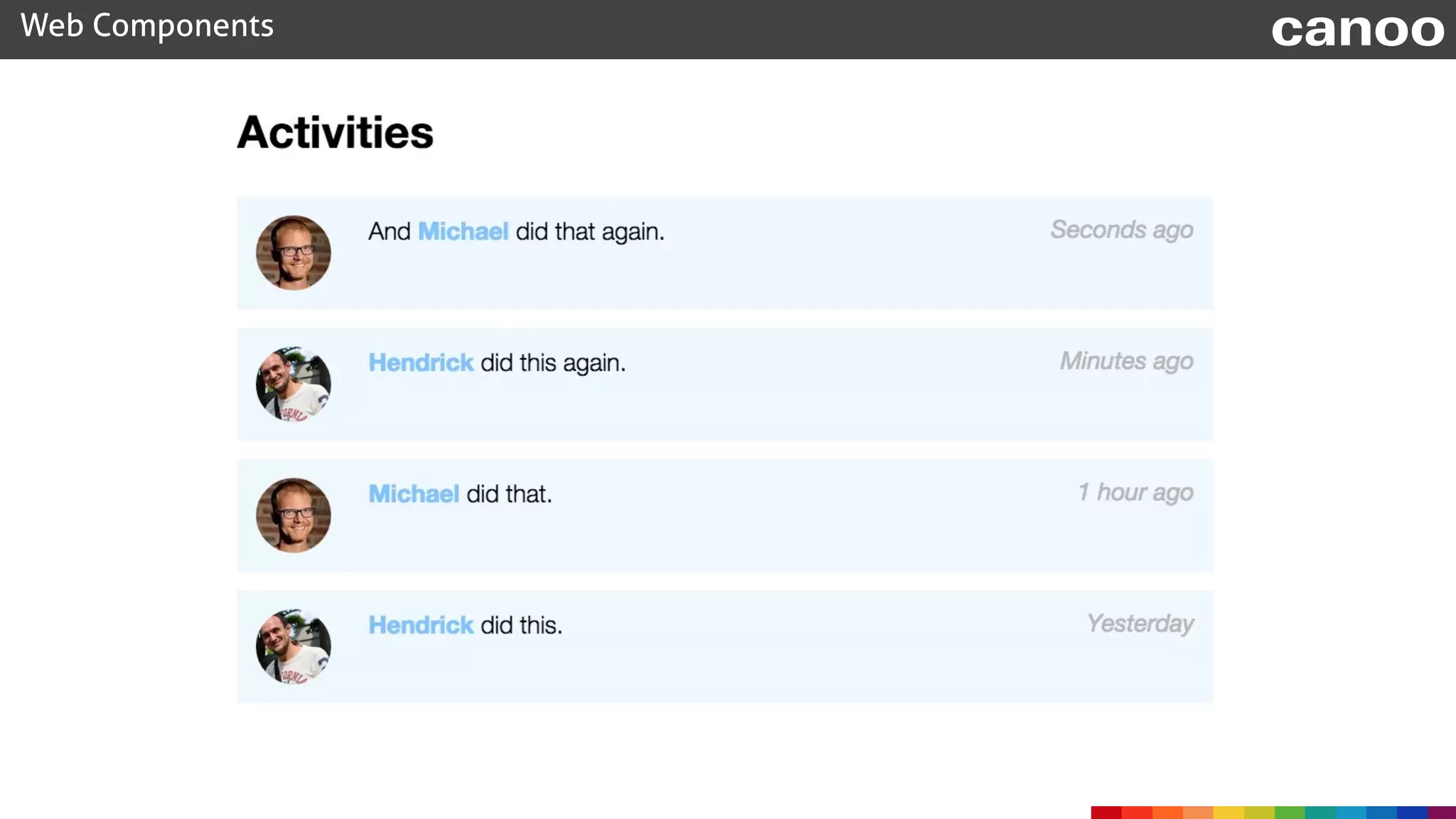
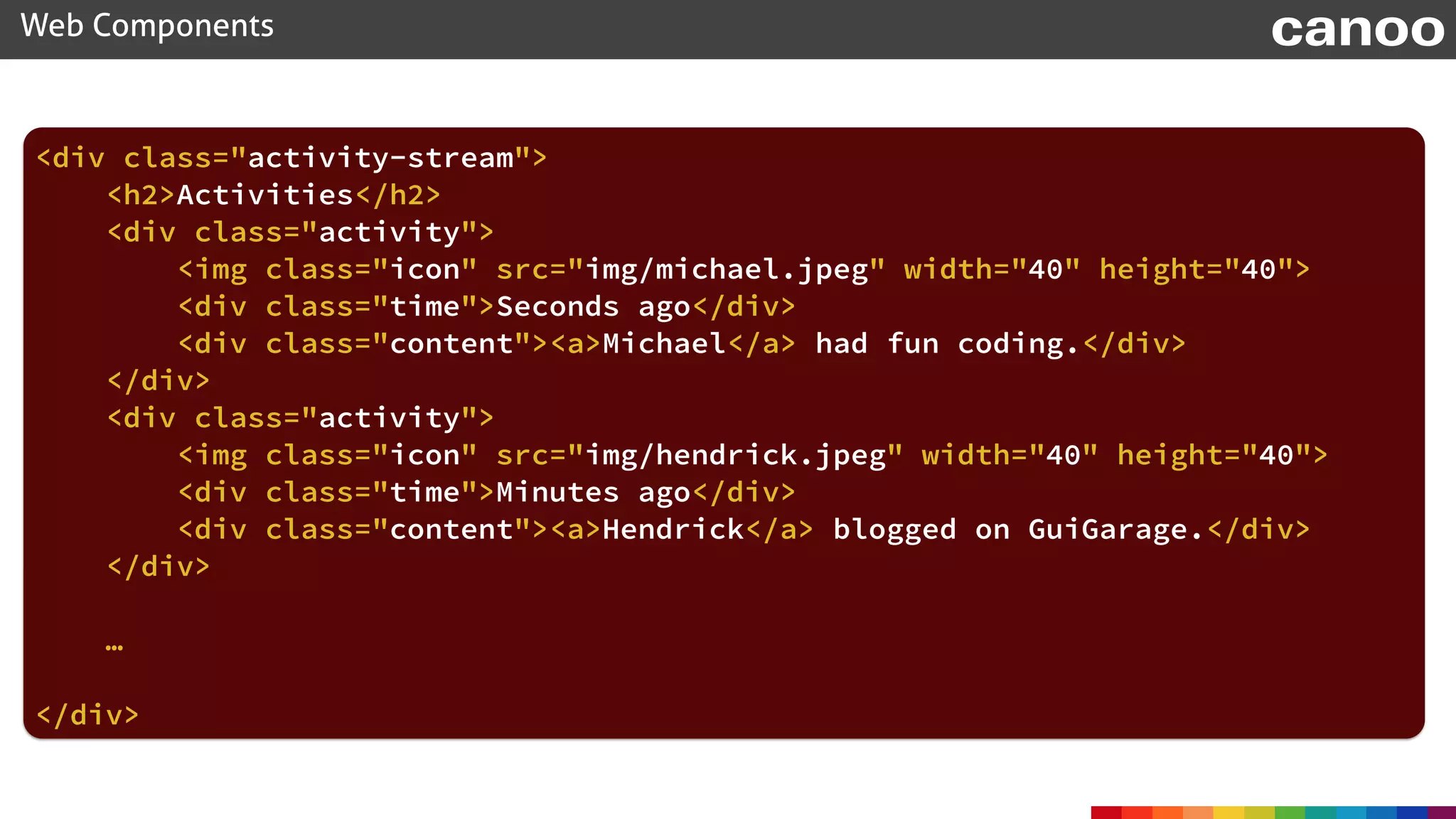
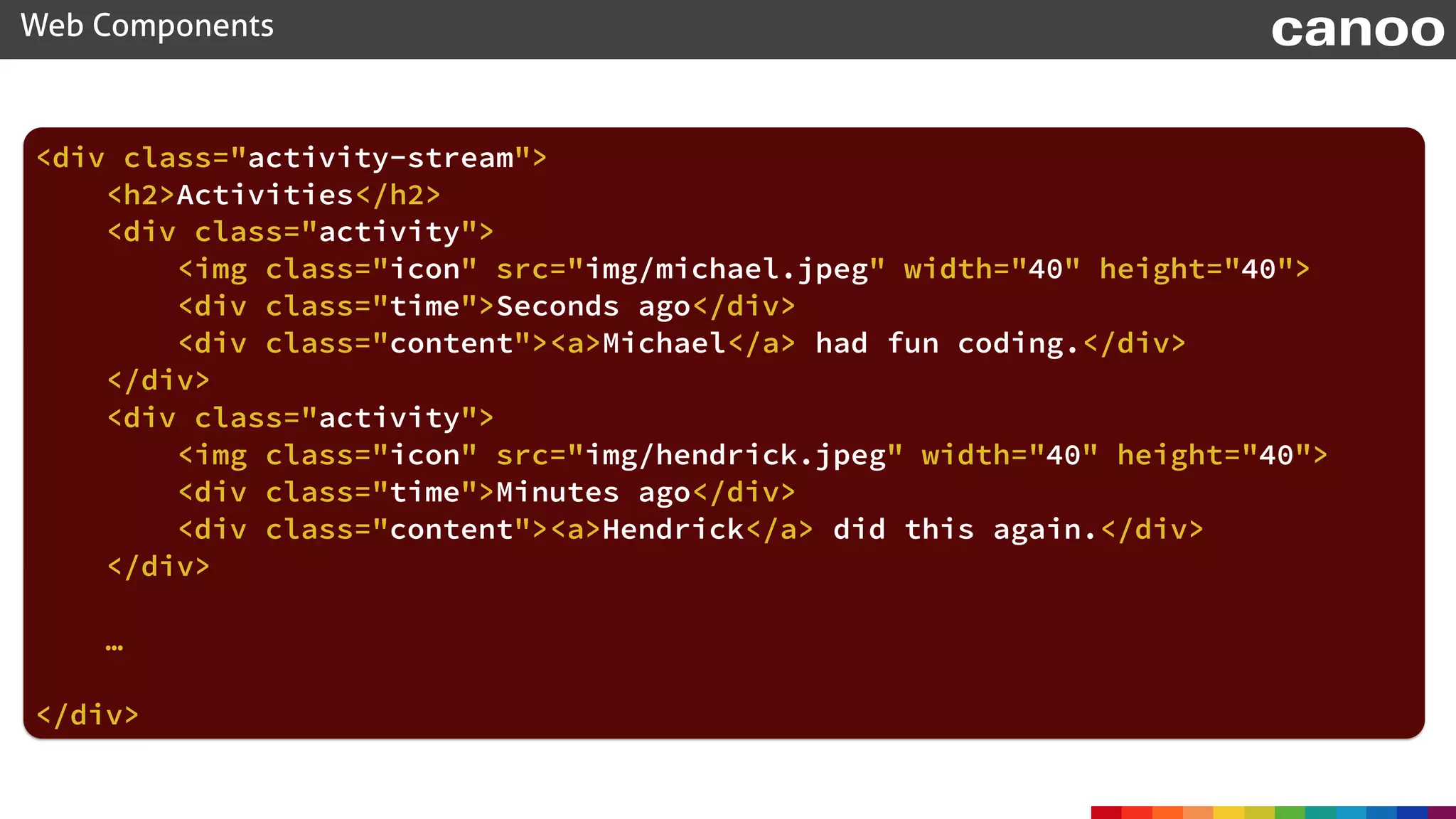
<div class="activity-stream">

<h2>Activities</h2>

<div class="activity">

<img class="icon" src="img/michael.jpeg" width="40" height="40">

<div class="time">Seconds ago</div>

<div class="content"><a>Michael</a> had fun coding.</div>

</div>

<div class="activity">

<img class="icon" src="img/hendrick.jpeg" width="40" height="40">

<div class="time">Minutes ago</div>

<div class="content"><a>Hendrick</a> blogged on GuiGarage.</div>

</div>


…
</div>

Web Components canoo
<template>
Web Components canoo
<div class="activity-stream">

<h2>Activities</h2>


<div class="activity">

<img class="icon" src="img/hendrick.jpeg" width="40" height="40">

<div class="time">Minutes ago</div>

<div class="content"><a>Hendrick</a> did this again.</div>

</div>


…
</div>
Web Components canoo


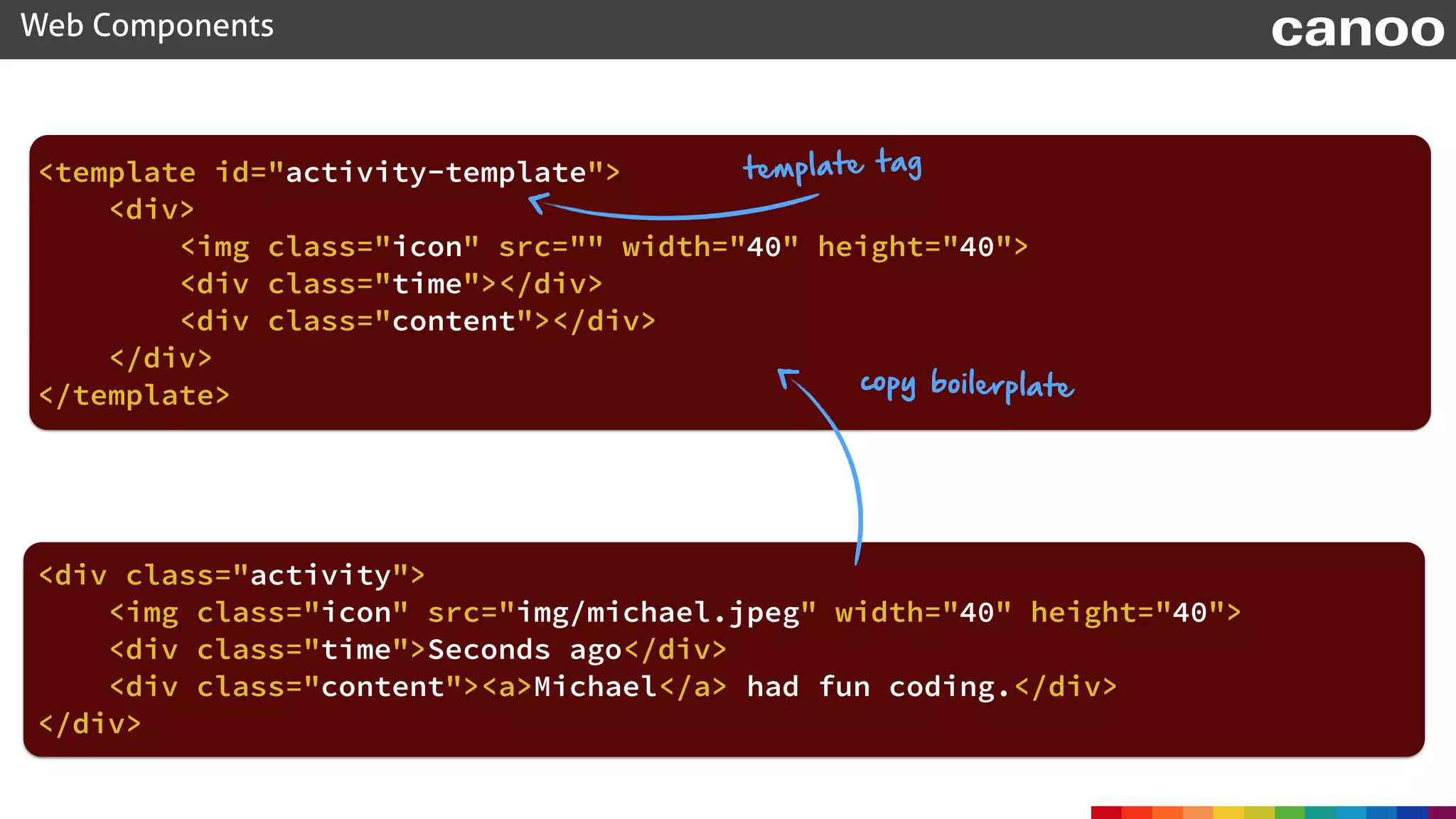
<div class="activity">

<img class="icon" src="img/michael.jpeg" width="40" height="40">

<div class="time">Seconds ago</div>

<div class="content"><a>Michael</a> had fun coding.</div>

</div>
<div>

<img class="icon" src="" width="40" height="40">

<div class="time"></div>

<div class="content"></div>

</div>
<template id="activity-template">

</template>
Web Components canoo
<div class="activity">


</div>
copy boilerplate
template tag


<img class="icon" src="img/michael.jpeg" width="40" height="40">

<div class="time">Seconds ago</div>

<div class="content"><a>Michael</a> had fun coding.</div>
document.body.appendChild(clone);
Web Components canoo
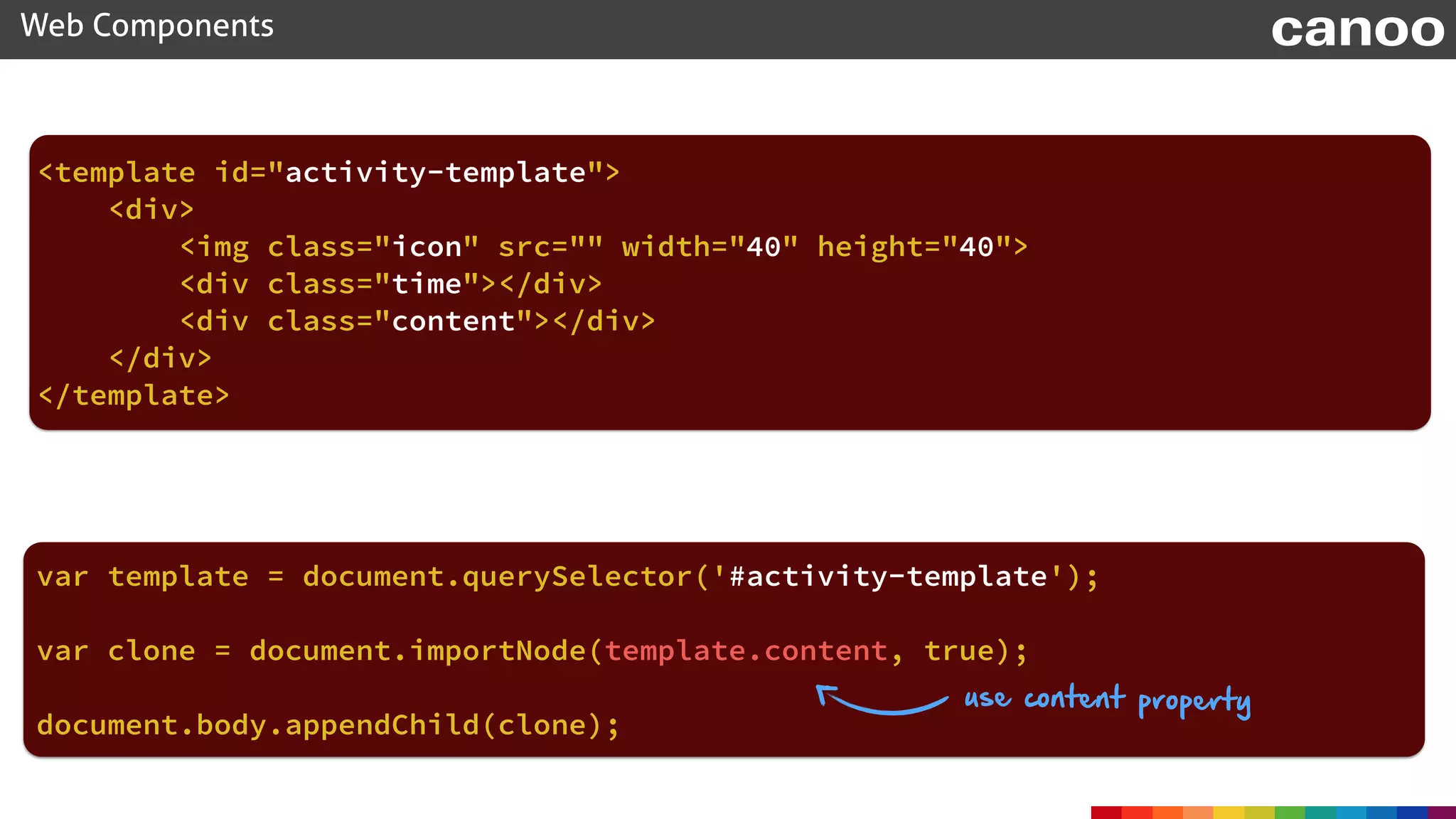
<template id="activity-template">

<div>

<img class="icon" src="" width="40" height="40">

<div class="time"></div>

<div class="content"></div>

</div>

</template>
var template = document.querySelector('#activity-template');
use content property
var clone = document.importNode(template.content, true);
Web Components canoo
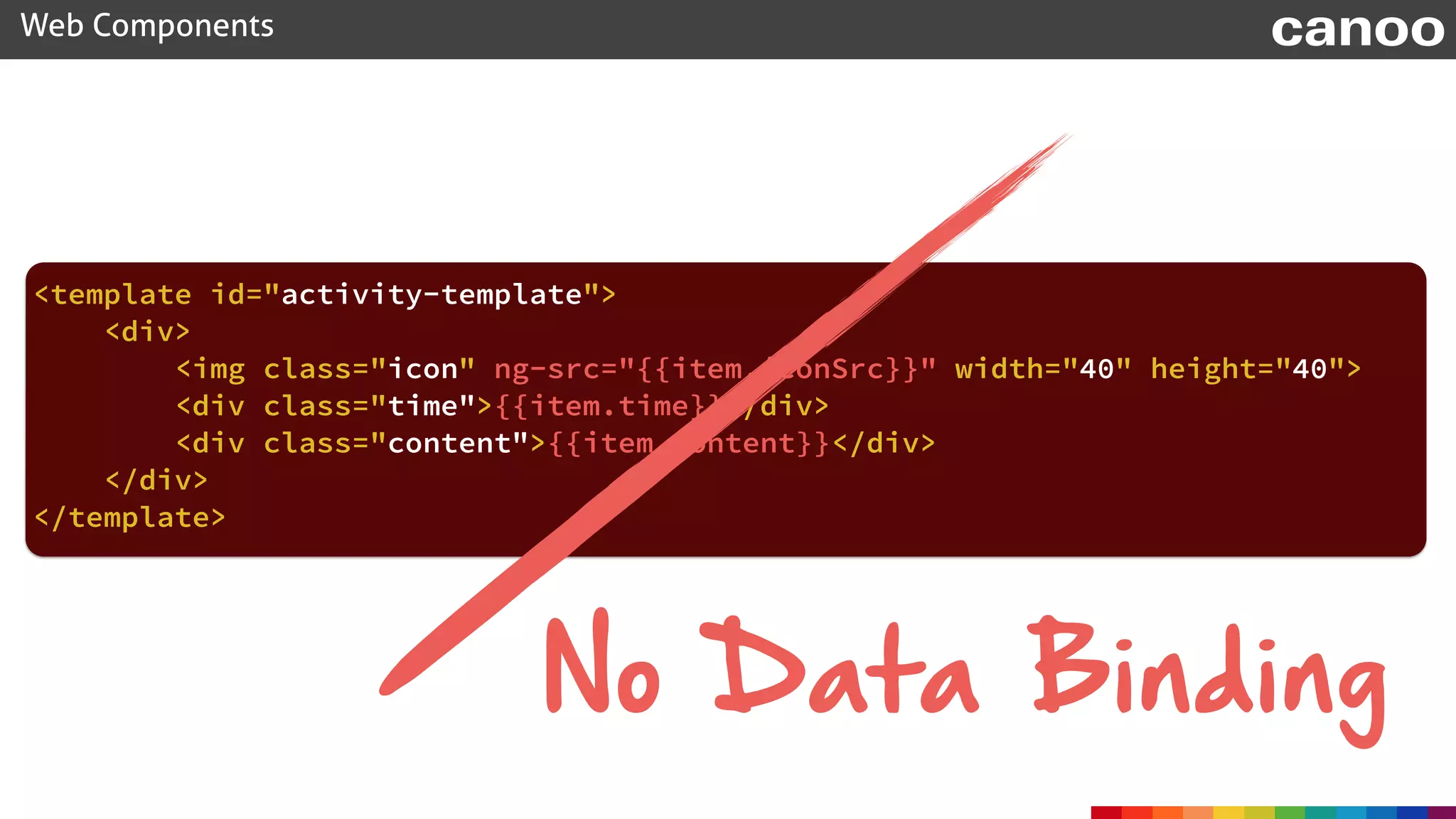
<template id="activity-template">

<div>

<img class="icon" ng-src="{{item.iconSrc}}" width="40" height="40">

<div class="time">{{item.time}}</div>

<div class="content">{{item.content}}</div>

</div>

</template>
No Data Binding
Web Components canoo
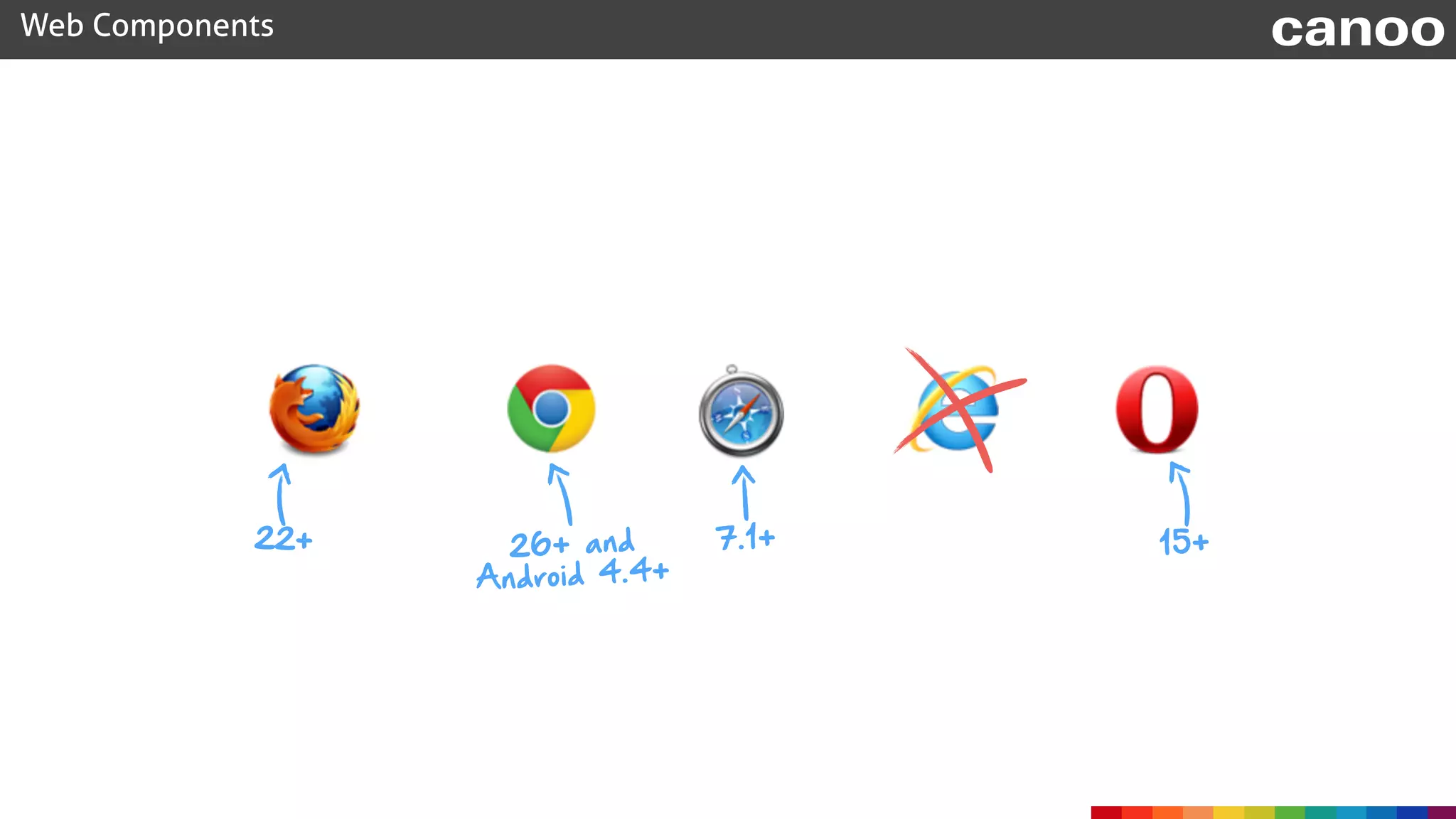
22+ 26+ and
Android 4.4+
7.1+ 15+
Web Components canoo
Web Components
C
ustom
E
lem
ents
H
TM
L
Im
ports
S
hadow
D
O
M
E
lem
ent

Tem
plate

Web Components canoo
Web Components
C
ustom
E
lem
ents
H
TM
L
Im
ports
S
hadow

D
O
M
E
lem
ent
Tem
plate
Web Components canoo
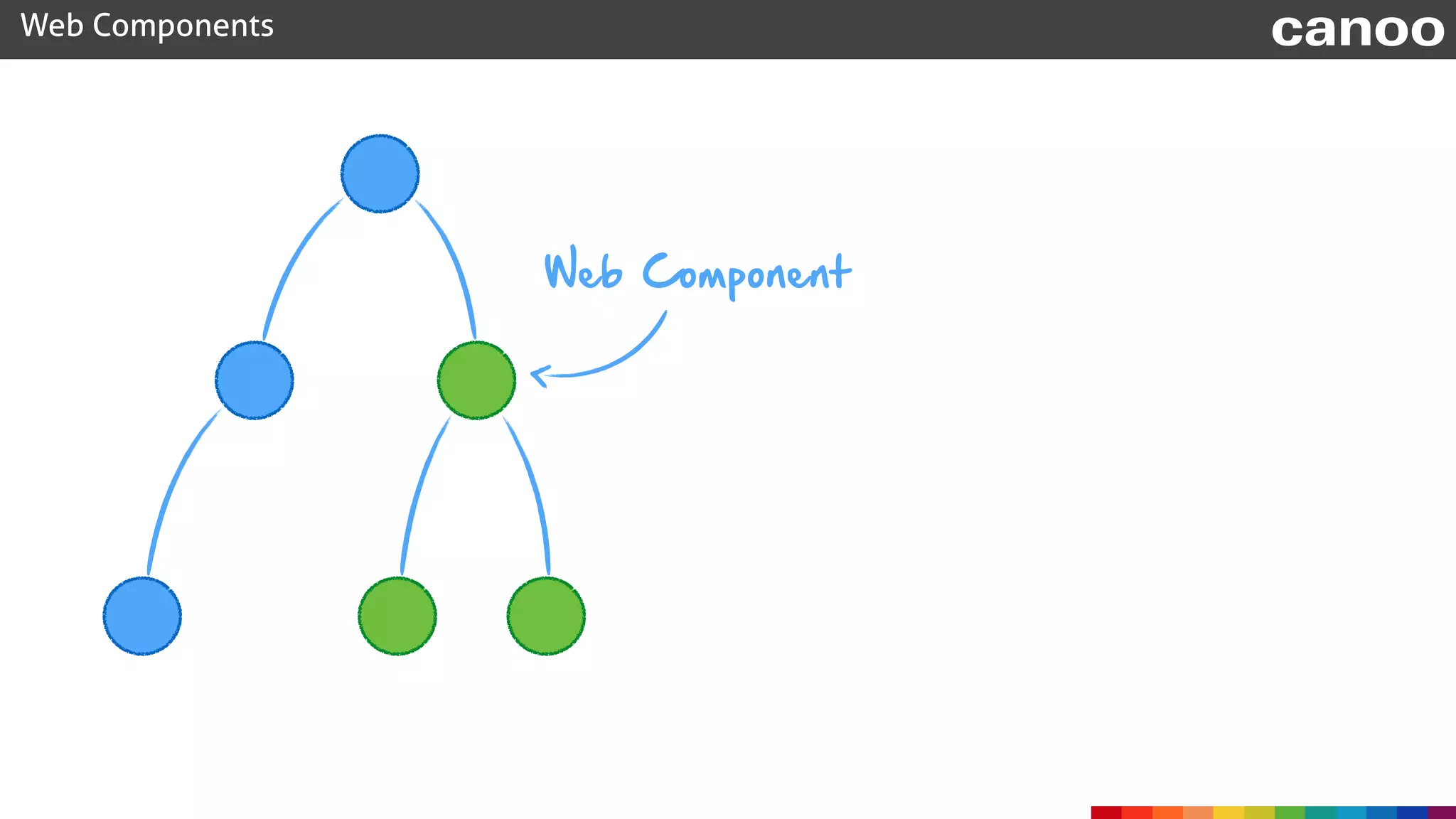
Web Component
Web Components canoo
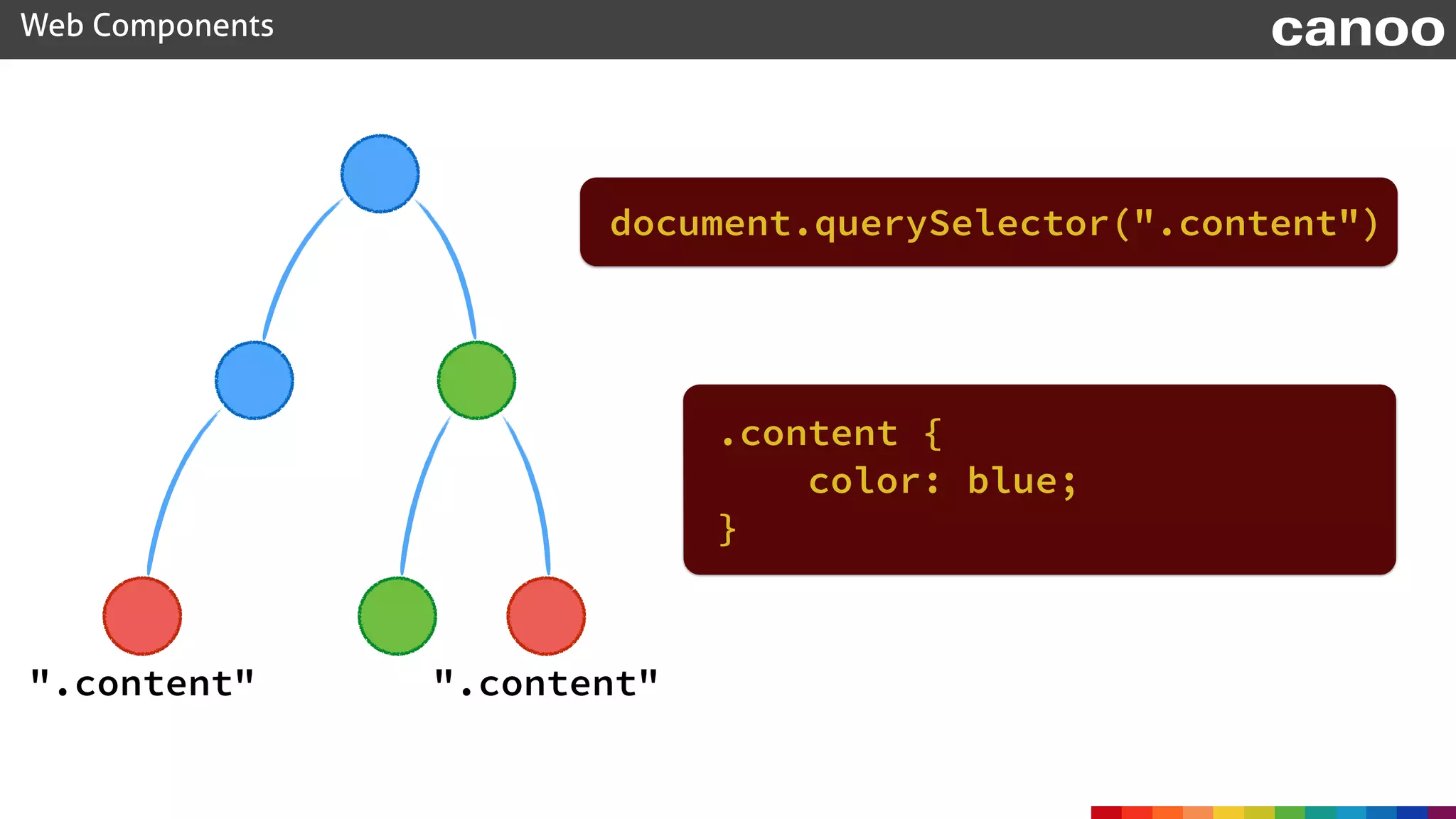
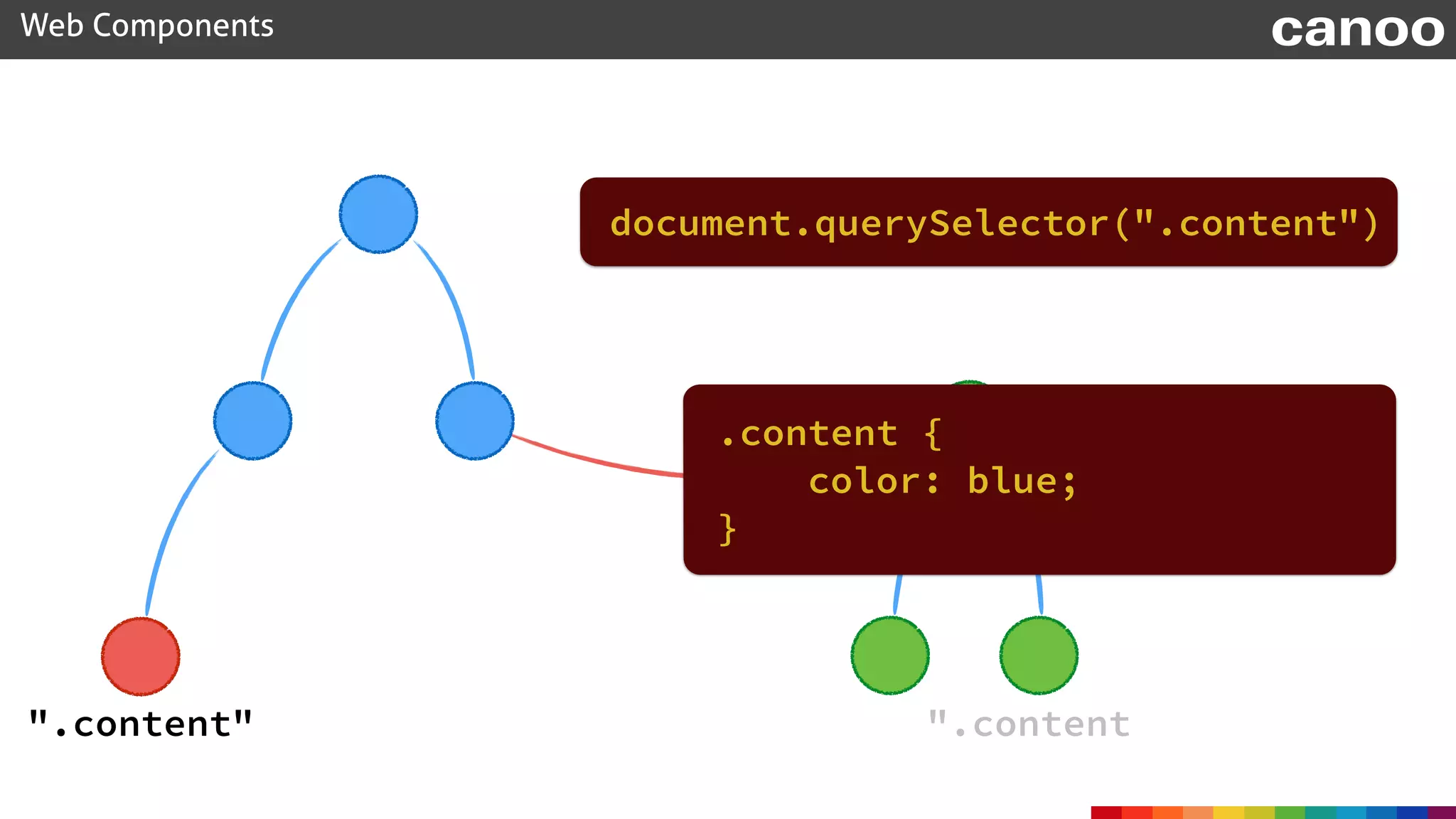
".content"".content"
.content {
color: blue;
}
document.querySelector(".content")
Web Components canoo
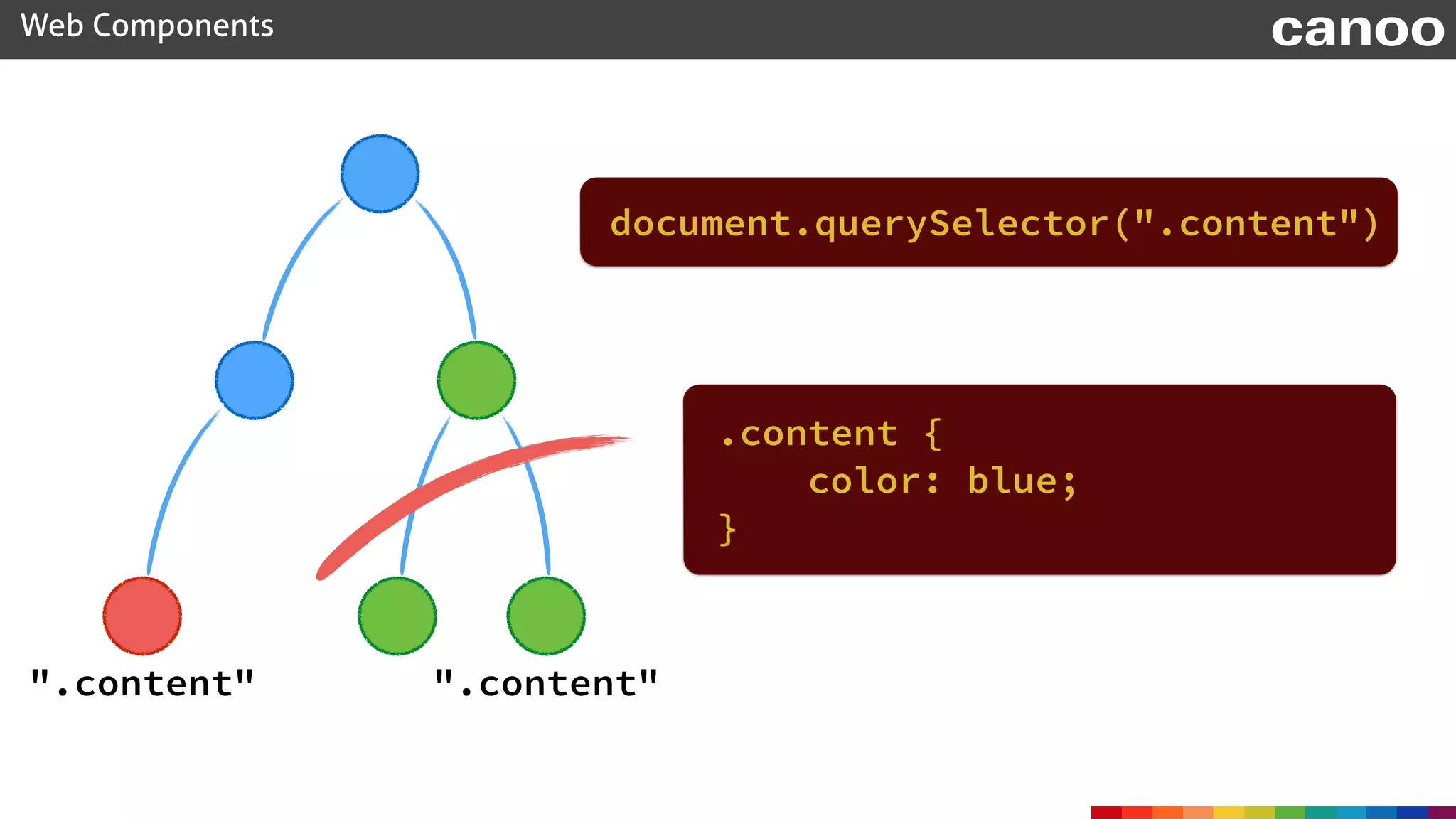
".content"".content"
.content {
color: blue;
}
document.querySelector(".content")
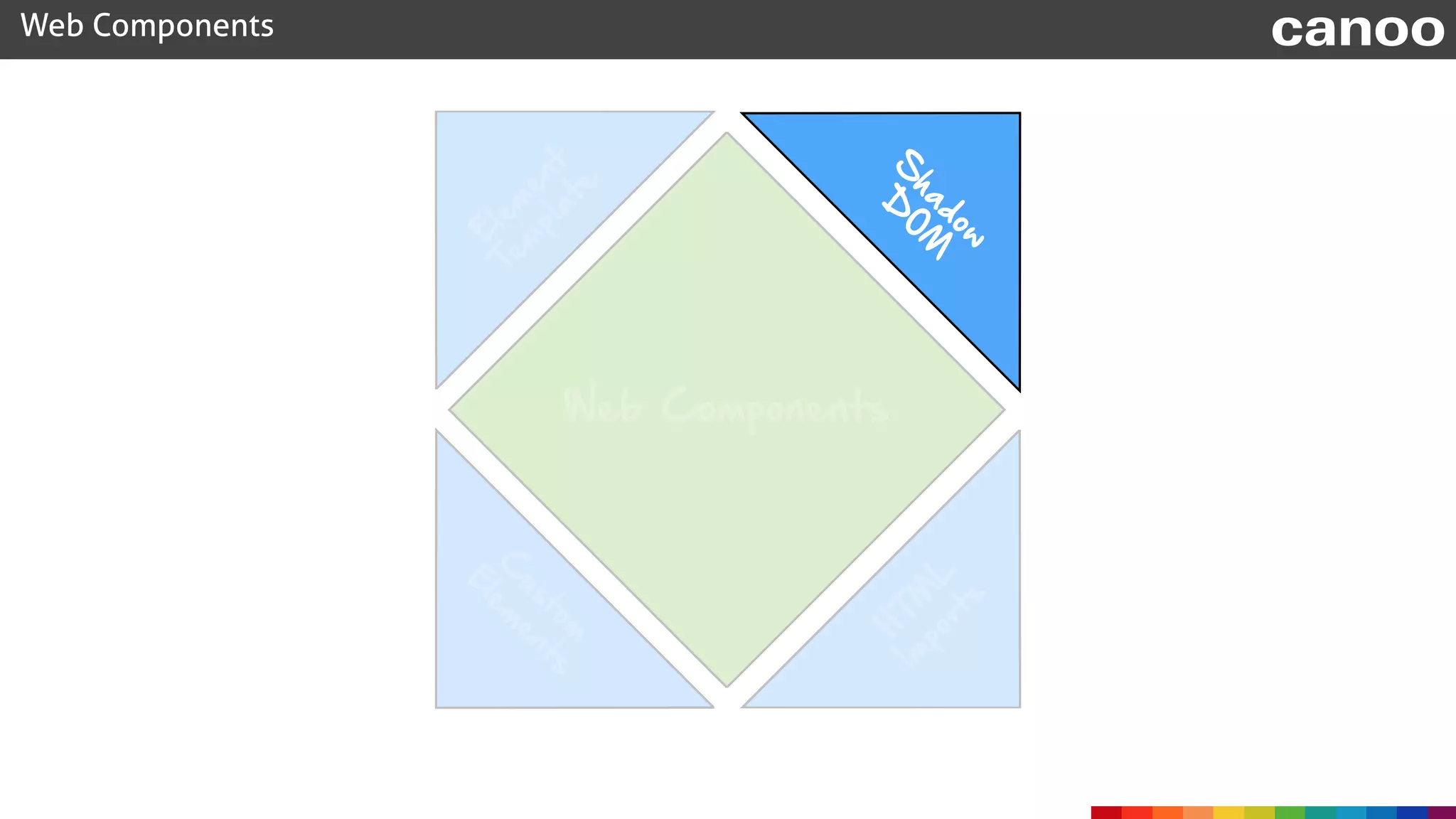
Shadow DOM
Web Components canoo
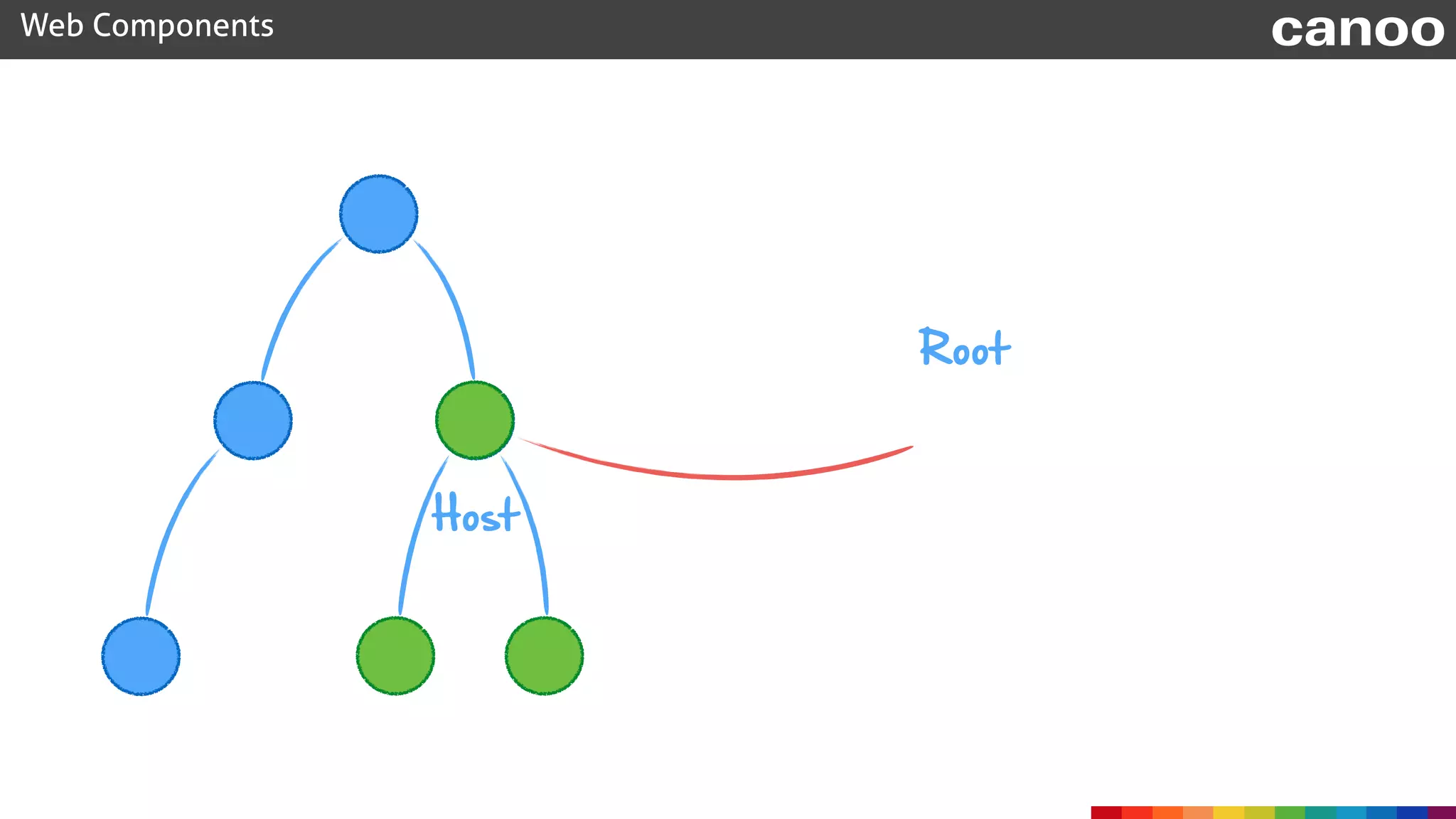
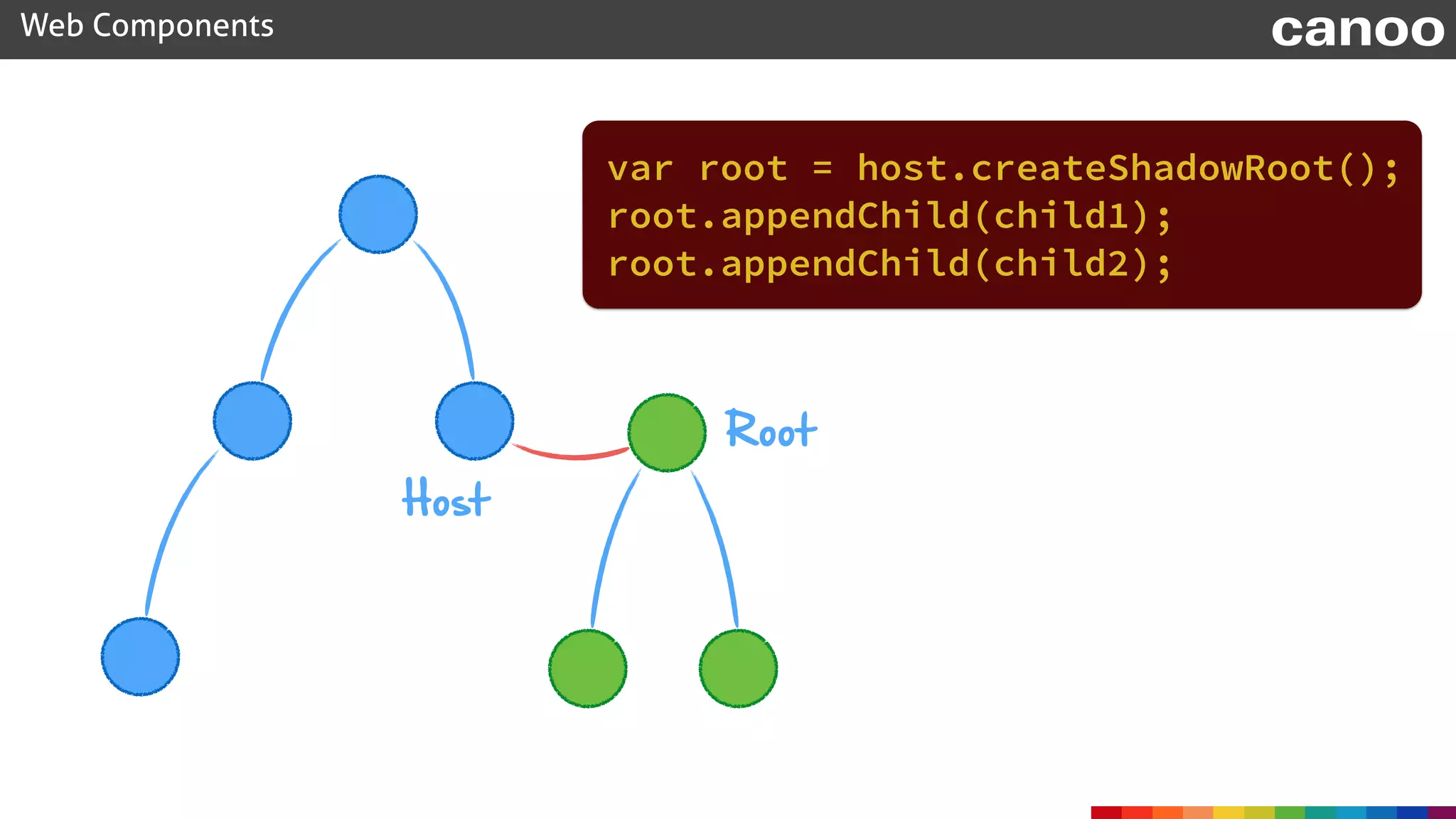
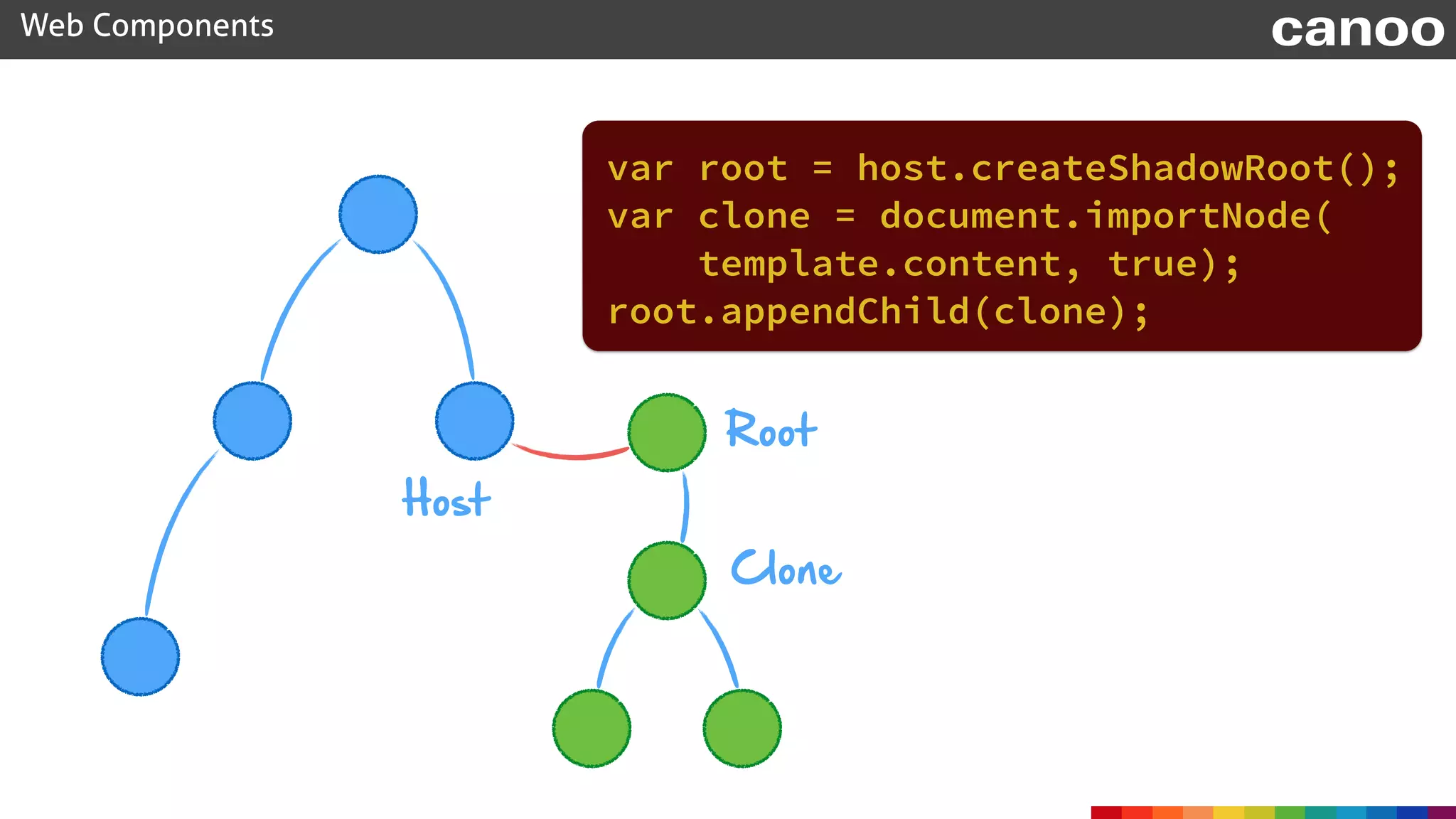
Host
Root
Web Components canoo
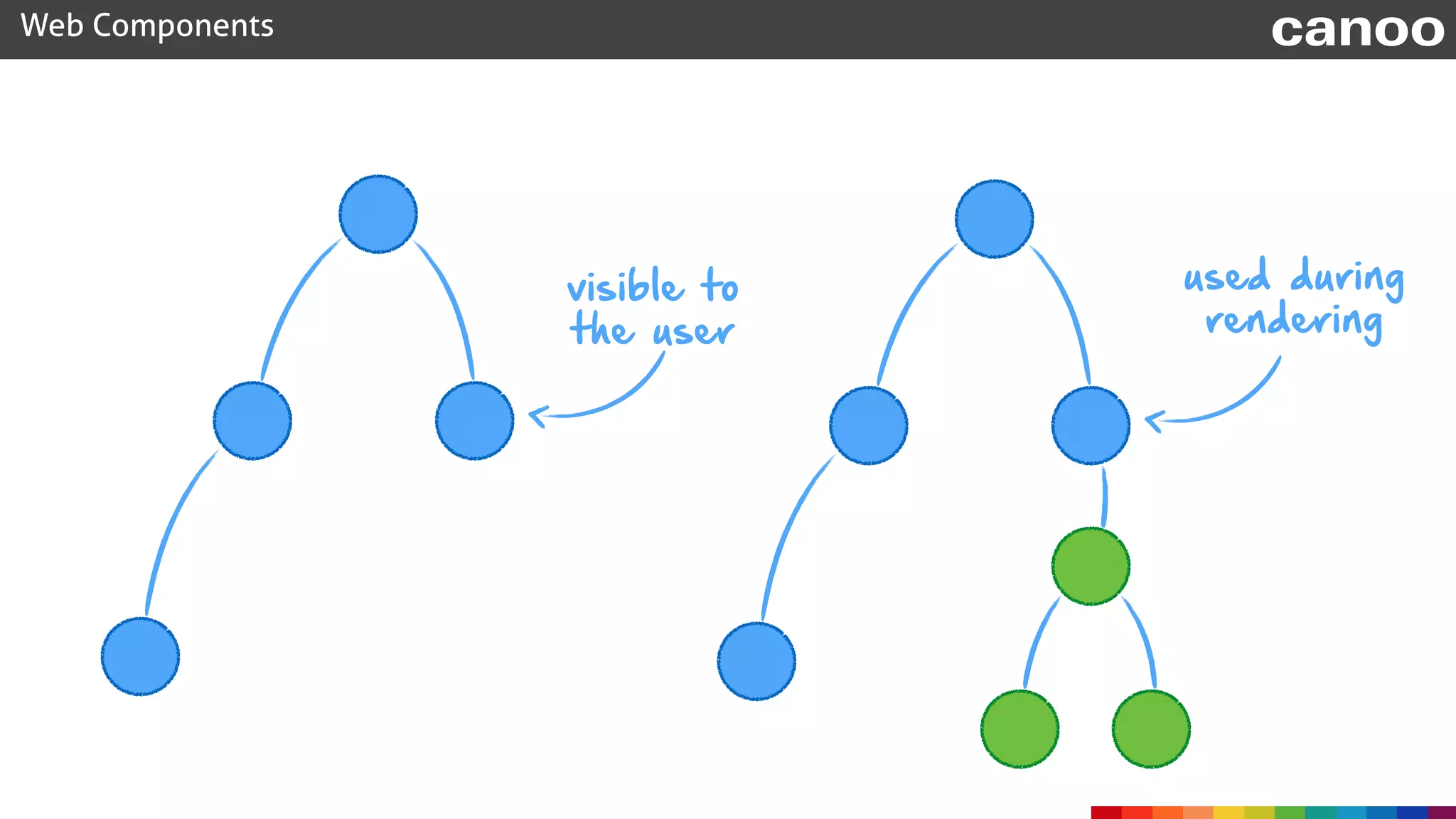
visible to

the user
used during
rendering
document.querySelector(".content")
Web Components canoo
.content {
color: blue;
}
".content" ".content
var root = host.createShadowRoot();
Web Components canoo
Host
Root
root.appendChild(child1);
root.appendChild(child2);
var root = host.createShadowRoot();
Web Components canoo
Host
Root
var clone = document.importNode(
template.content, true);
root.appendChild(clone);
Clone
Web Components canoo
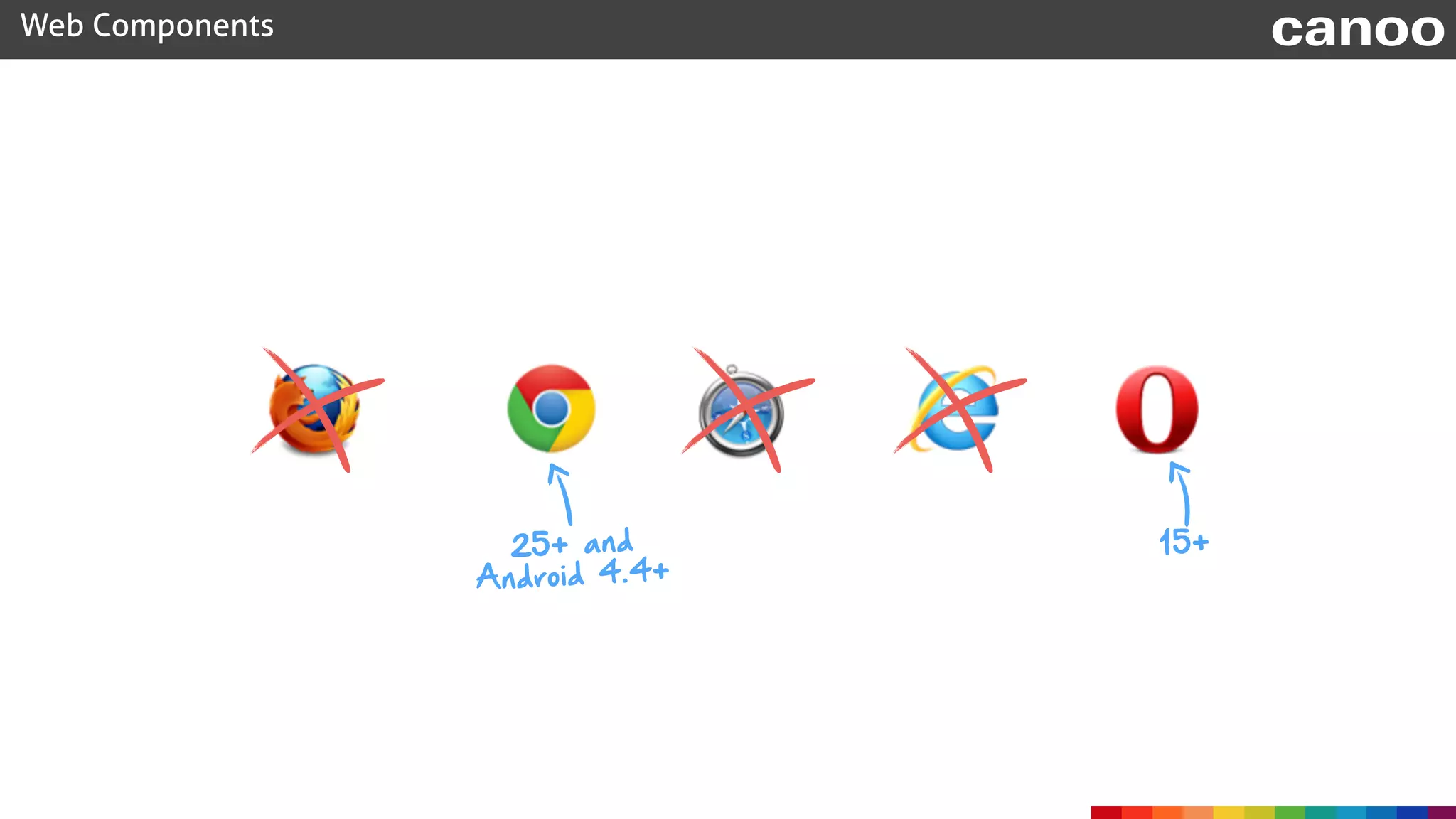
25+ and
Android 4.4+
15+
Web Components canoo
Web Components
C
ustom
E
lem
ents
H
TM
L
Im
ports
S
hadow

D
O
M
E
lem
ent
Tem
plate
Web Components canoo
Web Components
C
ustom


E
lem
ents
H
TM
L
Im
ports
S
hadow
D
O
M
E
lem
ent
Tem
plate
Web Components canoo
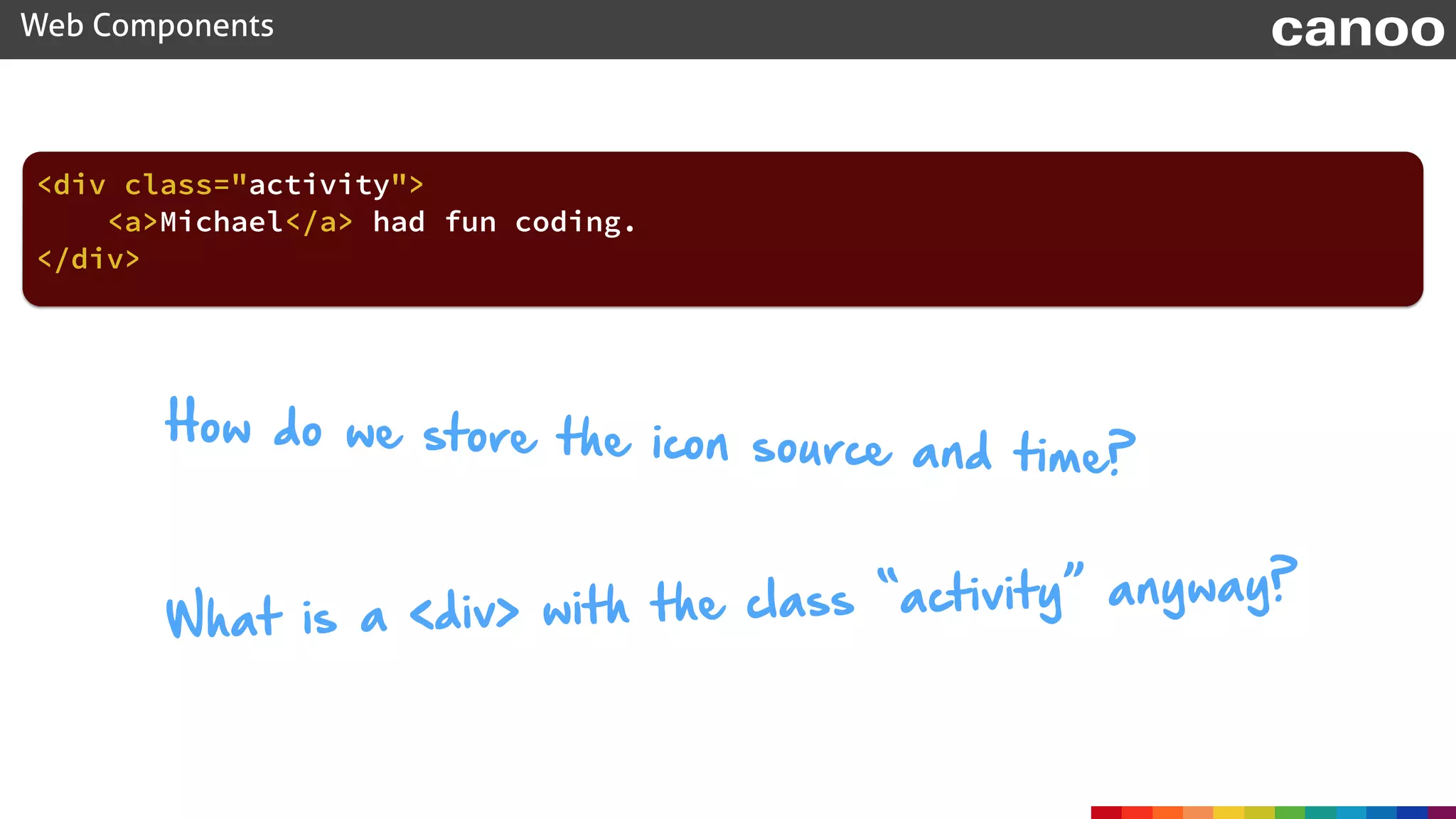
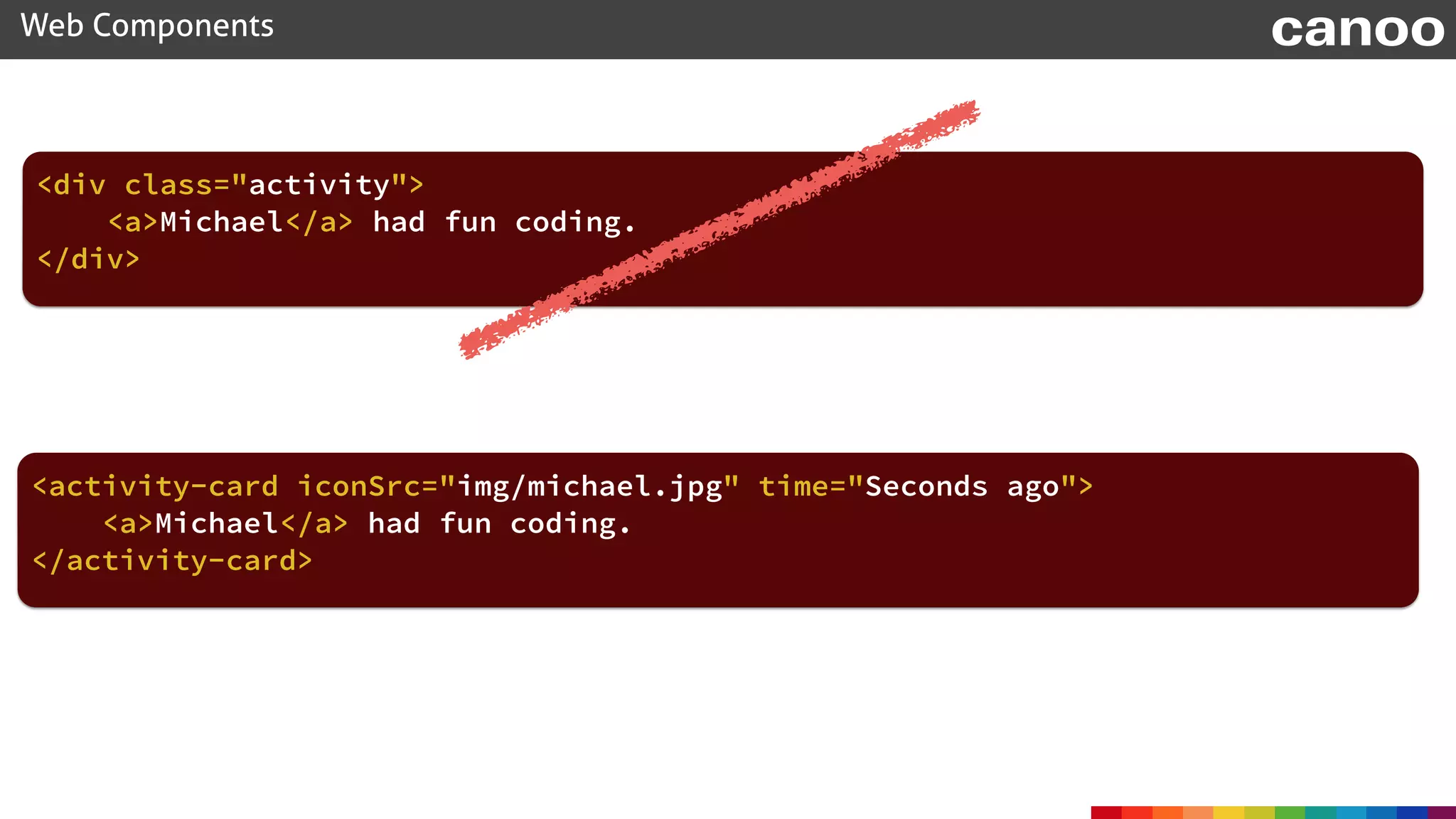
<div class="activity">
<a>Michael</a> had fun coding.
</div>
How do we store the icon source and time?
What is a <div> with the class “activity” anyway?
Web Components canoo
<activity-card iconSrc="img/michael.jpg" time="Seconds ago">
<a>Michael</a> had fun coding.
</activity-card>
<div class="activity">
<a>Michael</a> had fun coding.
</div>
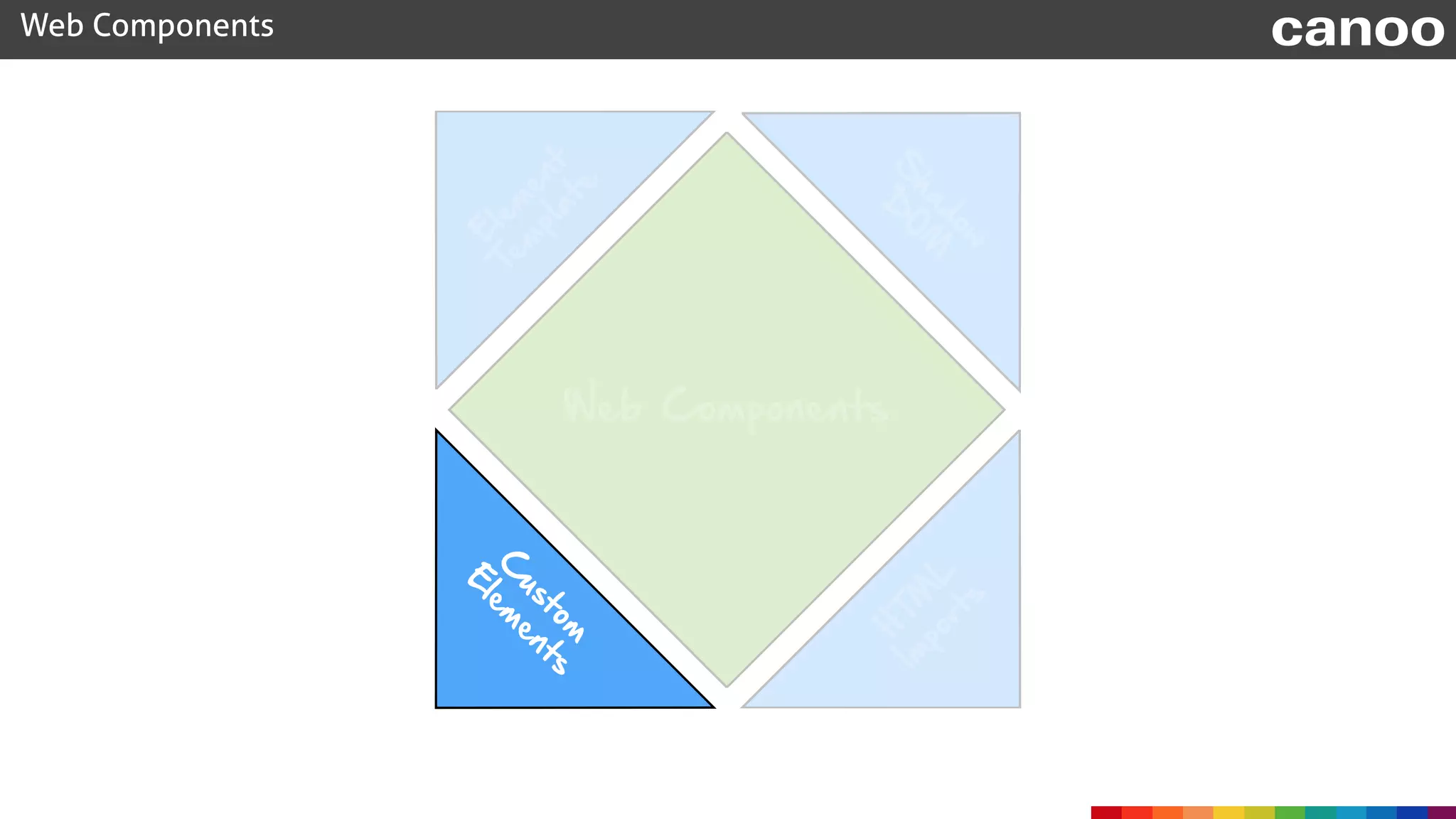
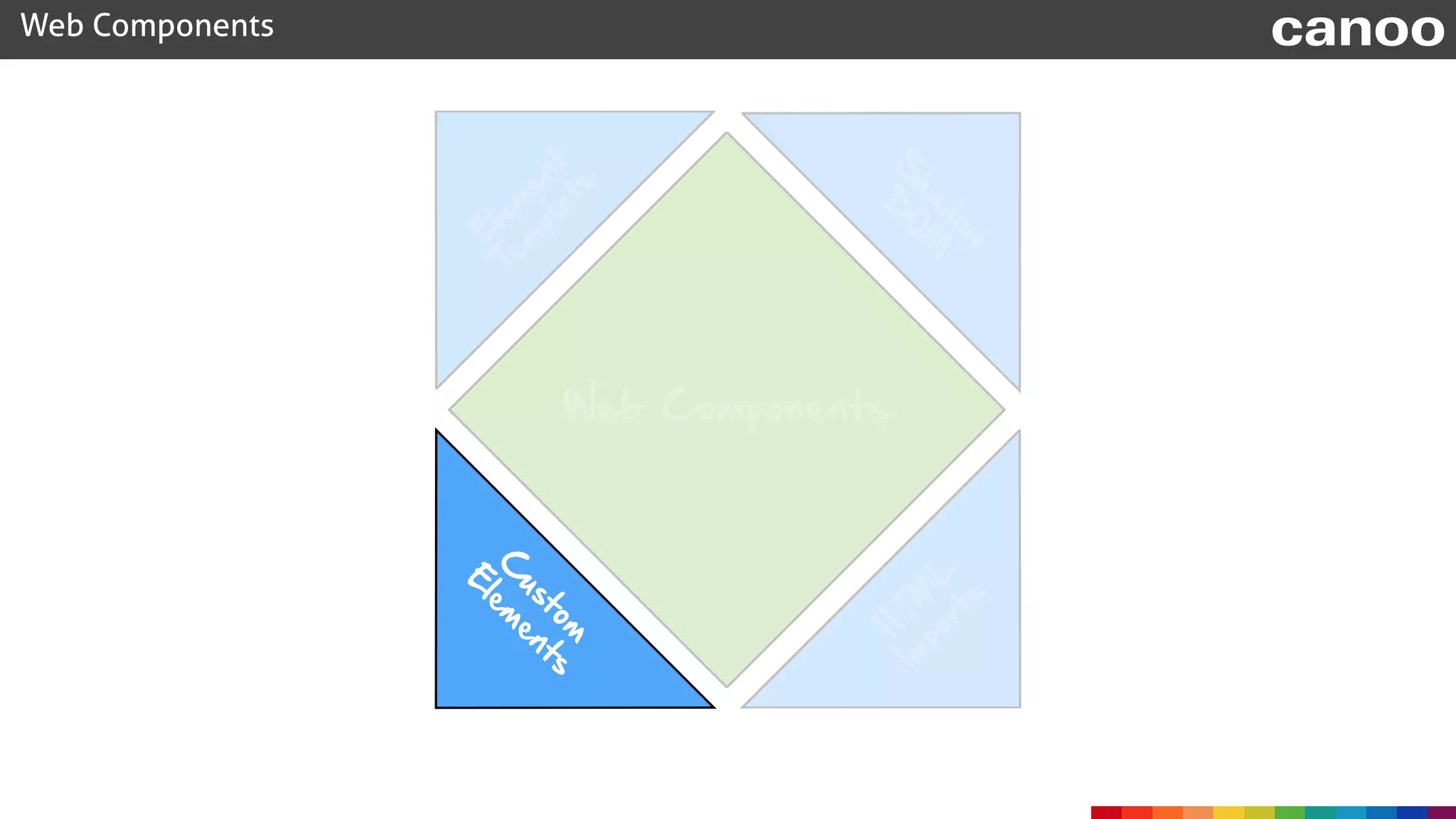
Custom Elements
Web Components canoo
document.registerElement("activity-card", options);
Web Components canoo
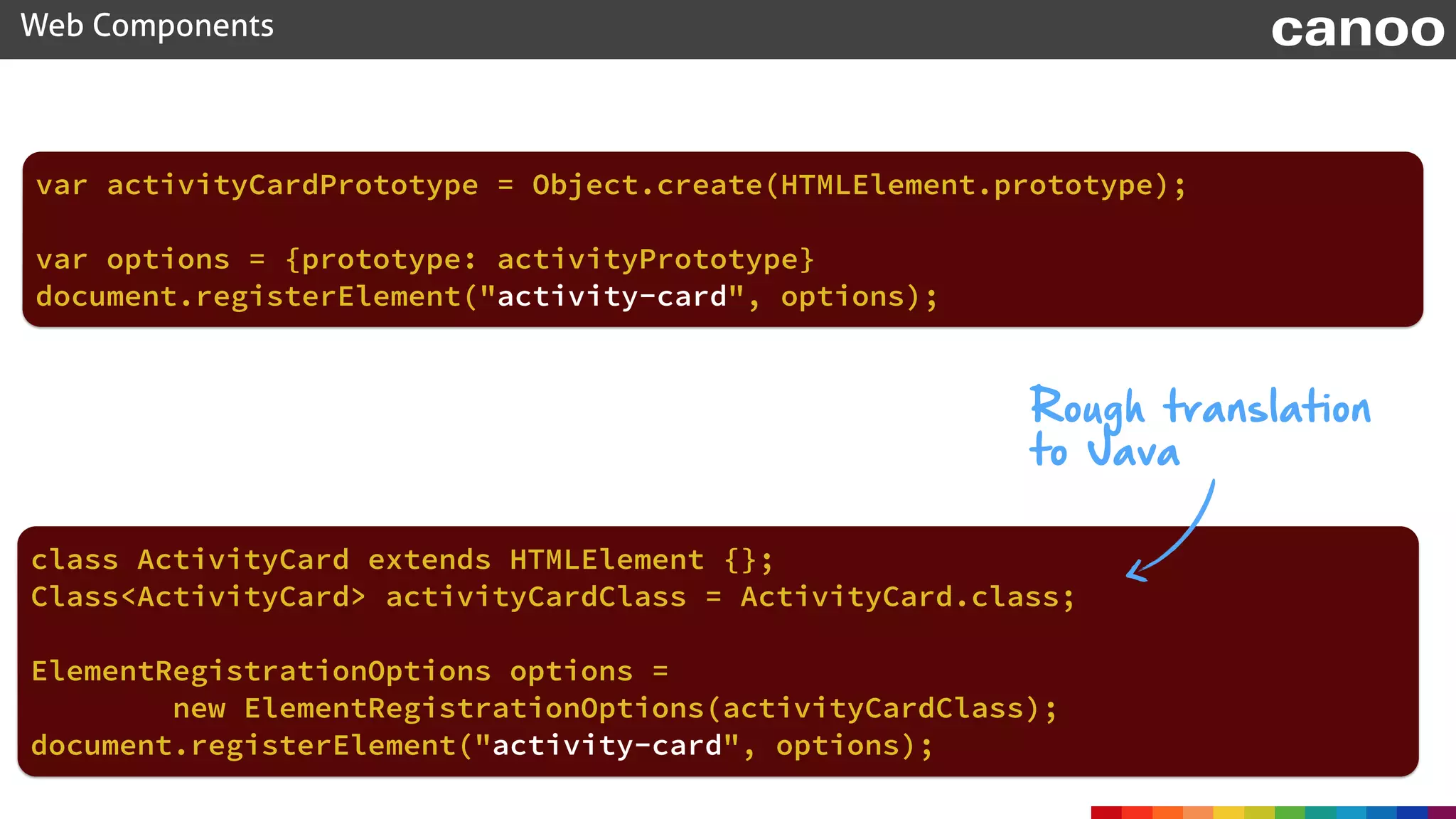
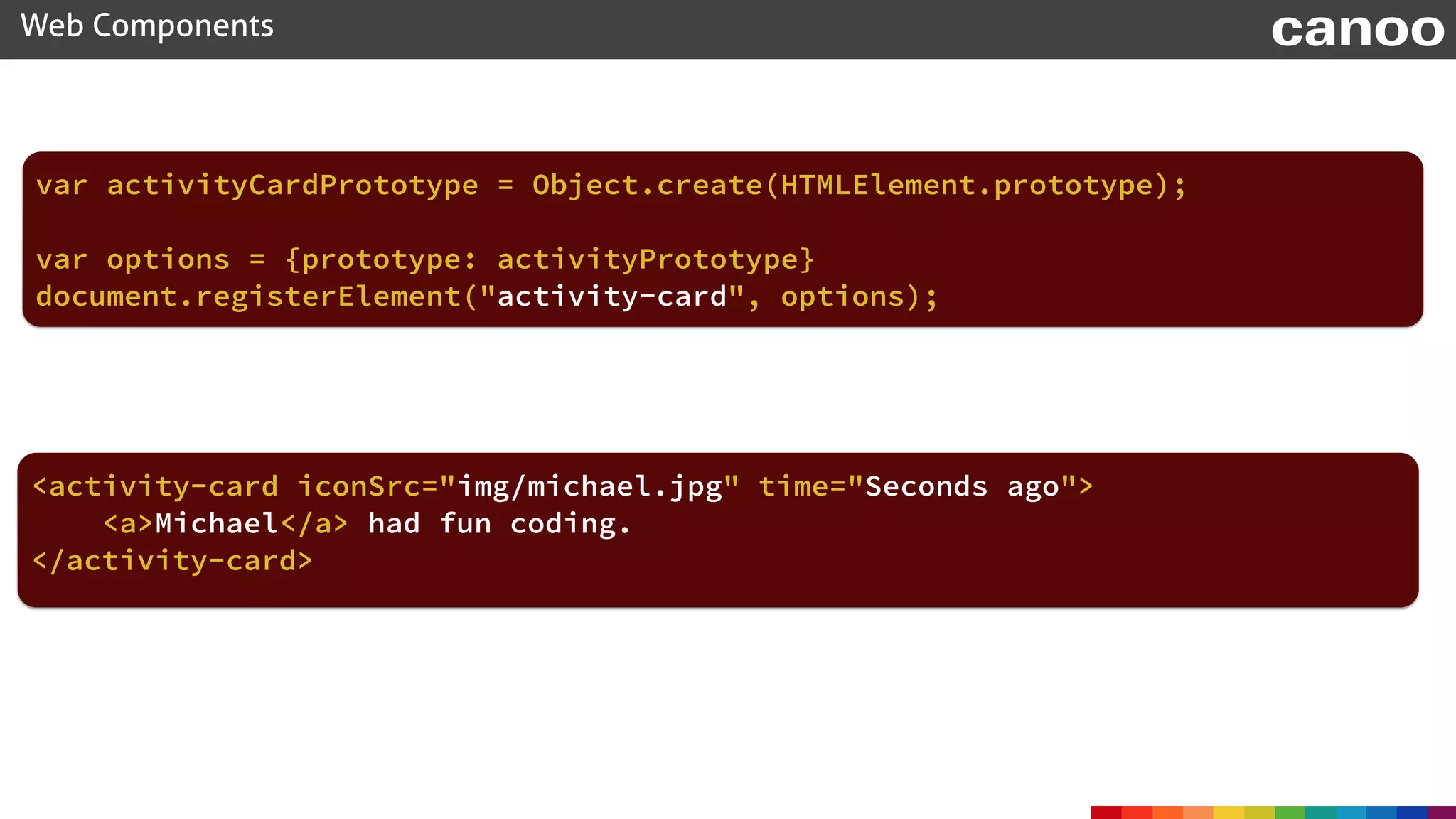
var activityCardPrototype = Object.create(HTMLElement.prototype);
document.registerElement("activity-card", options);
Rough translation

to Java
class ActivityCard extends HTMLElement {};
Class<ActivityCard> activityCardClass = ActivityCard.class;
ElementRegistrationOptions options = 

new ElementRegistrationOptions(activityCardClass);
var options = {prototype: activityPrototype}
document.registerElement("activity-card", options);
Web Components canoo
var activityCardPrototype = Object.create(HTMLElement.prototype);
var options = {prototype: activityPrototype}
<activity-card iconSrc="img/michael.jpg" time="Seconds ago">
<a>Michael</a> had fun coding.
</activity-card>
Web Components canoo
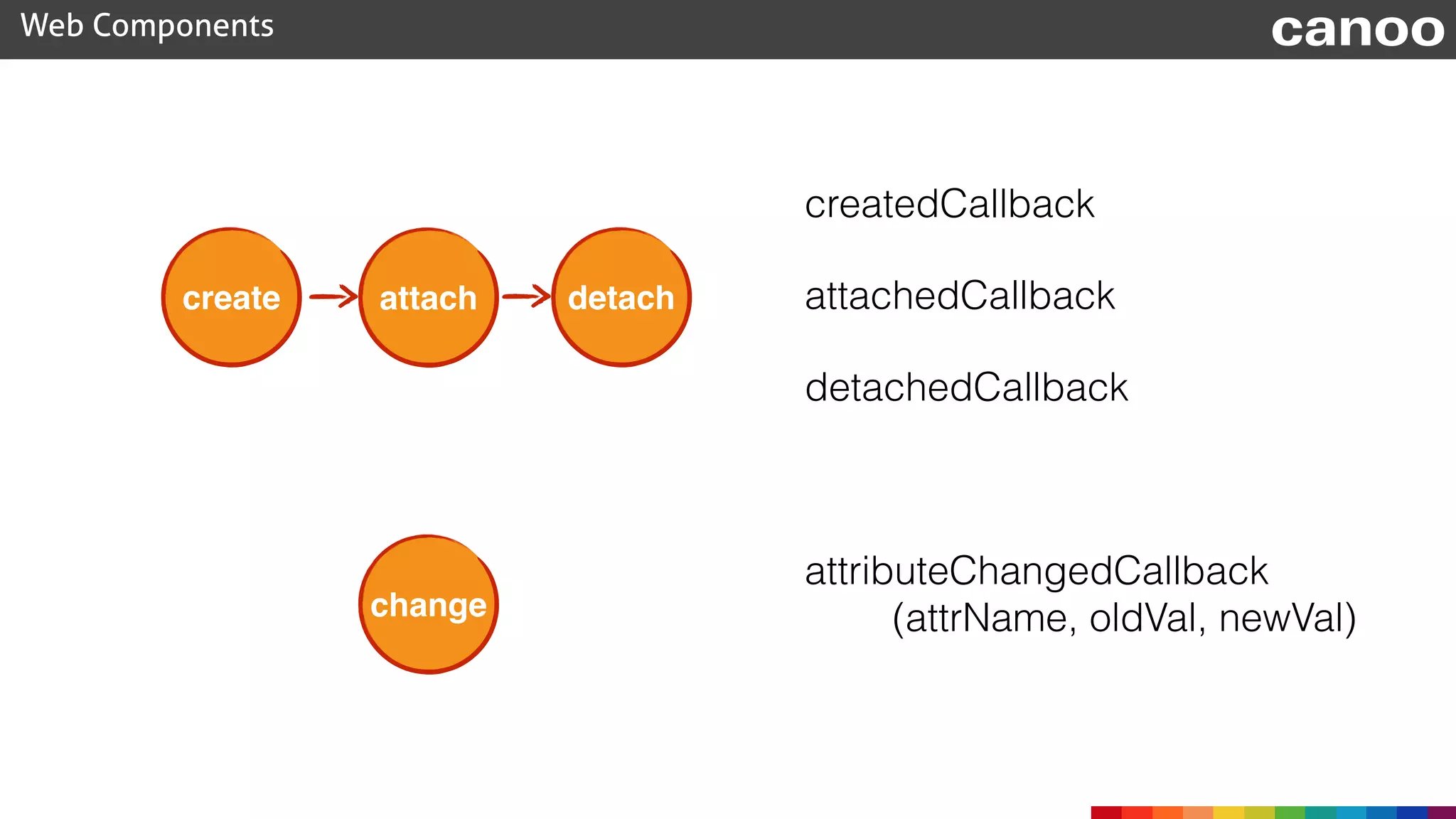
create attach detach
change
createdCallback
attachedCallback
detachedCallback
attributeChangedCallback

(attrName, oldVal, newVal)
Web Components canoo
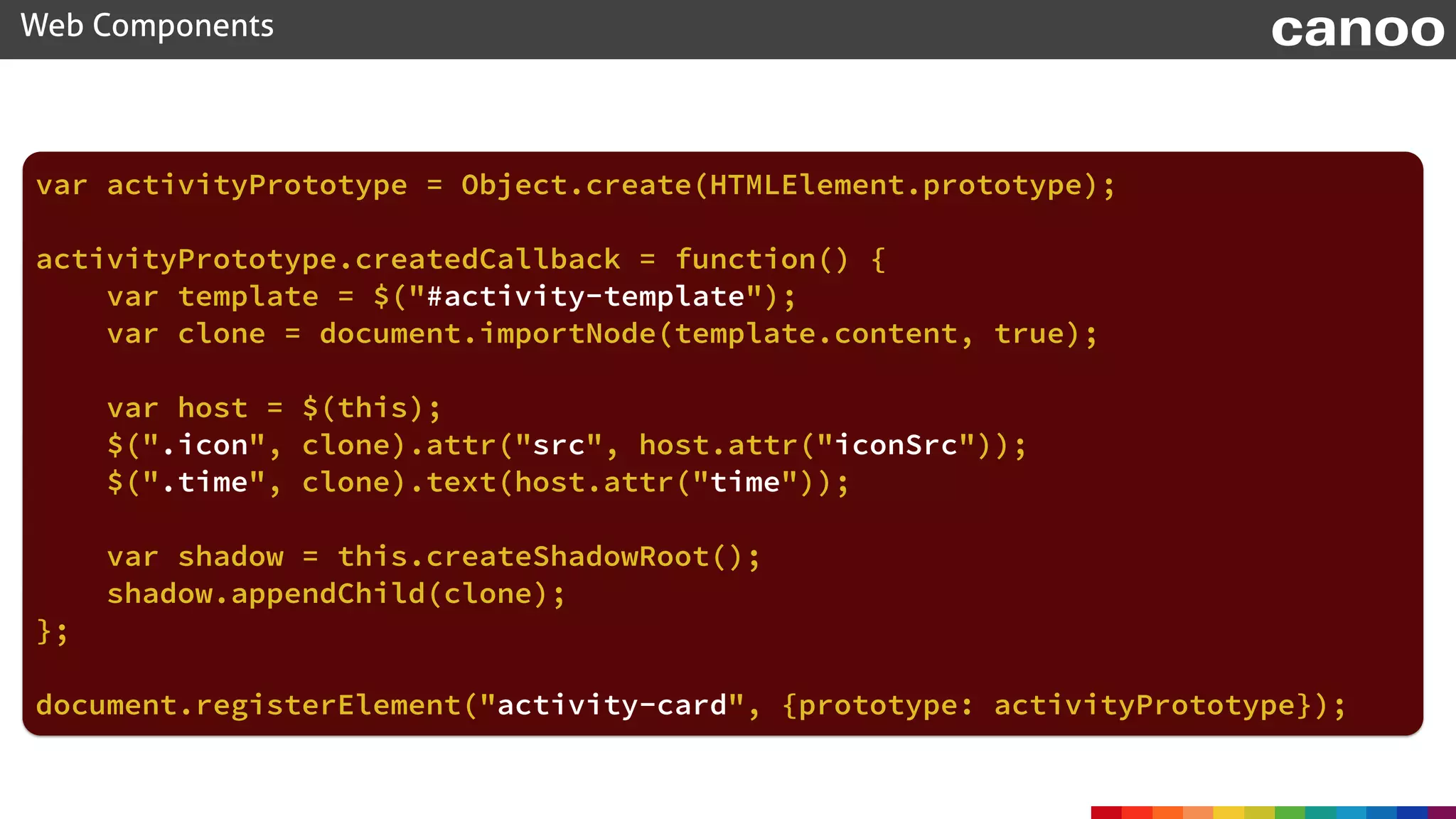
var activityPrototype = Object.create(HTMLElement.prototype);
activityPrototype.createdCallback = function() {
var template = $("#activity-template");
var clone = document.importNode(template.content, true);
var host = $(this);
$(".icon", clone).attr("src", host.attr("iconSrc"));
$(".time", clone).text(host.attr("time"));
var shadow = this.createShadowRoot();
shadow.appendChild(clone);
};
document.registerElement("activity-card", {prototype: activityPrototype});
Web Components canoo
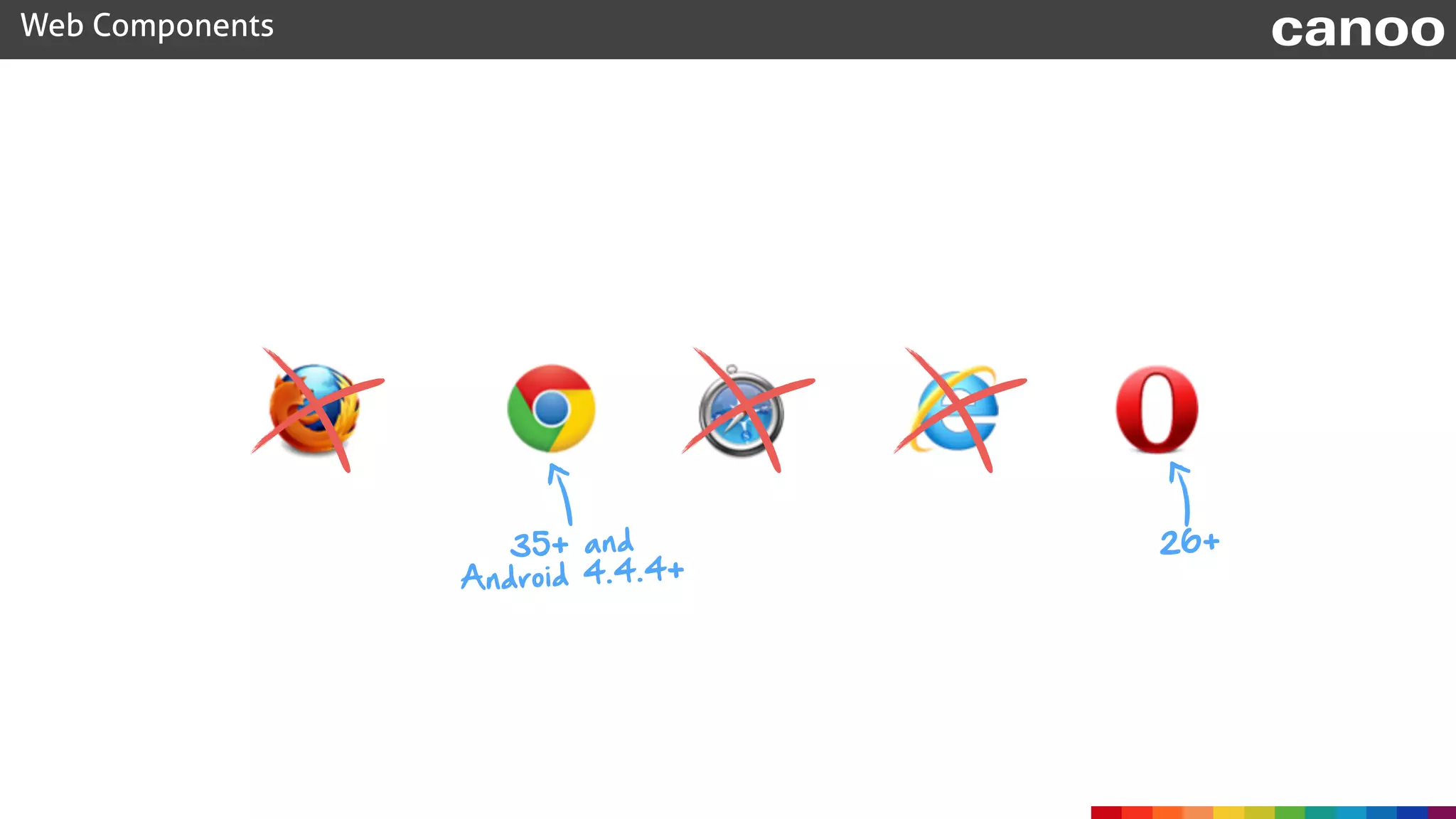
35+ and
Android 4.4.4+
26+
Web Components canoo
Web Components
C
ustom


E
lem
ents
H
TM
L
Im
ports
S
hadow
D
O
M
E
lem
ent
Tem
plate
Web Components canoo
Web Components
C
ustom
E
lem
ents
H
TM
L


Im
ports
S
hadow
D
O
M
E
lem
ent
Tem
plate
<!DOCTYPE html>

<html>

<head lang="en">

<meta charset="UTF-8">

<title>Activity Stream - Standard Web Component</title>

<link href="stylesheet.css" rel="stylesheet">

<script src="bower_components/jquery/dist/jquery.min.js"></script>

</head>

<body>

<template>

<style>

* {

font-family: "Helvetica Neue Light", "HelveticaNeue-Light", "Helvetica Neue", Calibri, Helvetica, Arial, sans-serif;

}

.activity {

width: 500px;

height: 40px;

padding: 10px;

background-color: #f0f8ff;

font-size: small;

margin: 10px 0;

}

.activity .icon {

float: left;

border-radius: 100%;

}


.activity .time {

float: right;

color: #b7b7b7;

font-style: italic;

}

.activity .content {

margin-left: 60px;

}

</style>


<div class="activity">

<img class="icon" src="" width="40" height="40">

<div class="time"></div>

<div class="content"><content></content></div>

</div>

</template>


<script>


var activityPrototype = Object.create(HTMLElement.prototype);


activityPrototype.createdCallback = function() {

var template = document.querySelector('template');

var clone = document.importNode(template.content, true);


var host = $(this);

$(".icon", clone).attr("src", host.attr("iconSrc"));

$(".time", clone).text(host.attr("time"));


var shadowRoot = this.createShadowRoot();

shadowRoot.appendChild(clone);

};


// Register our new element

document.registerElement('activity-card', {

prototype: activityPrototype

});

</script>


<div class="activity-stream">

<h2>Activities</h2>

<activity-card iconSrc="../img/michael.jpeg" time="Seconds ago">

<a href="profiles/michael">Michael</a> had fun writing web components.

</activity-card>

<activity-card iconSrc="../img/hendrick.jpeg" time="Minutes ago">

<a href="profiles/hendrick">Hendrick</a> blogged on <a href="http://guigarage.com">GuiGarage</a>.

</activity-card>

<activity-card iconSrc="../img/michael.jpeg" time="1 hour ago">

<a href="profiles/michael">Michael</a> needed an extra large cup of coffee.

</activity-card>

<activity-card iconSrc="../img/hendrick.jpeg" time="Yesterday">

<a href="profiles/hendrick">Hendrick</a> watched a movie.

</activity-card>

</div>

</body>

</html>
Web Components canoo
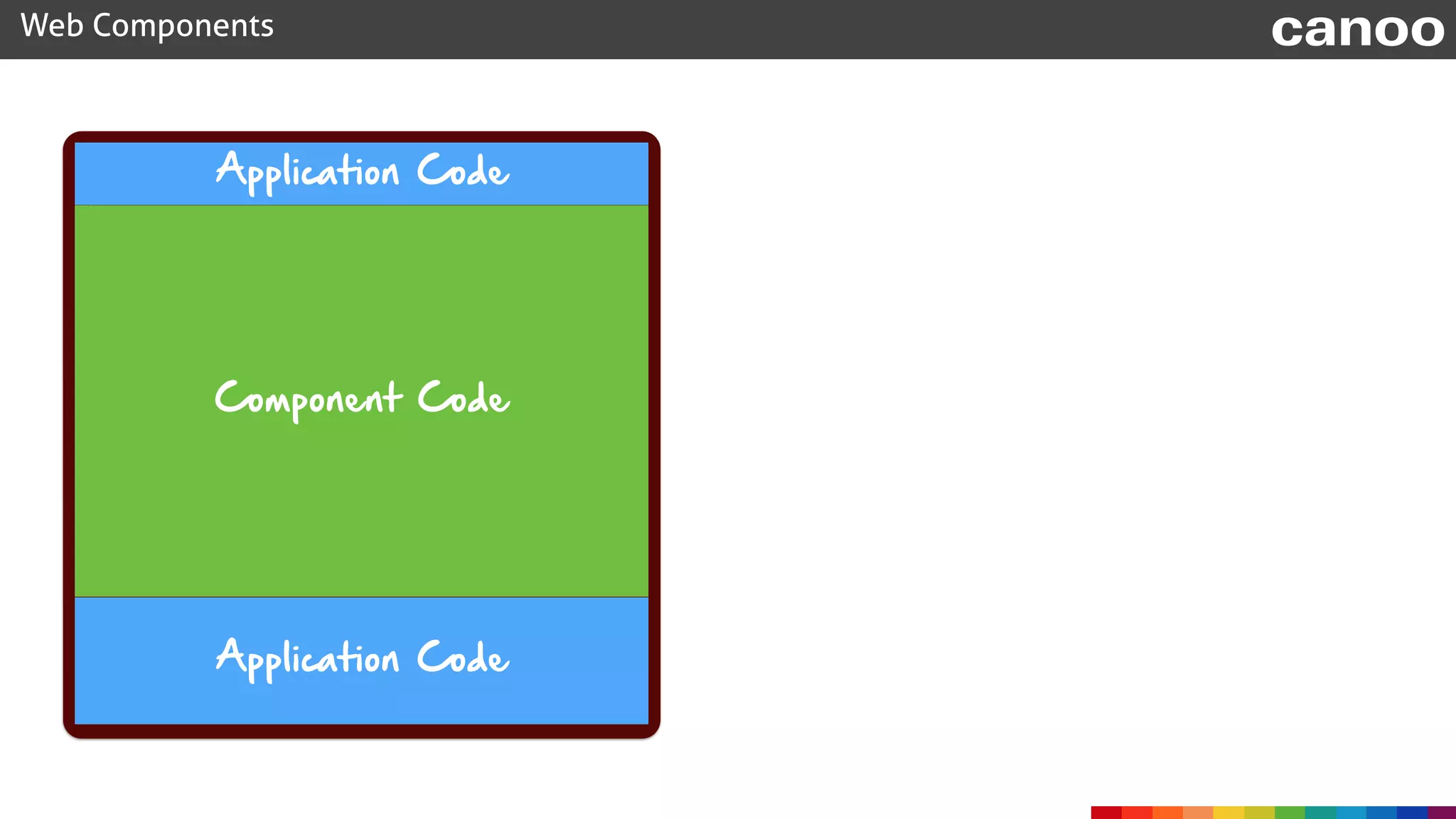
Component Code
Application Code
Application Code
HTML Imports
Web Components canoo
<!DOCTYPE html>

<html>

<head lang="en">

<meta charset="UTF-8">

<title>Activity Stream - Standard Web Component</title>

<link href="stylesheet.css" rel="stylesheet">

<script src="bower_components/jquery/dist/jquery.min.js"></script>

</head>

<body>

<div class="activity-stream">

<h2>Activities</h2>

<activity-card iconSrc="../img/michael.jpeg" time="Seconds ago">

<a href="profiles/michael">Michael</a> had fun writing web components.

</activity-card>

<activity-card iconSrc="../img/hendrick.jpeg" time="Minutes ago">

<a href="profiles/hendrick">Hendrick</a> blogged on <a href="http://guigarage.com">GuiGarage</a>.

</activity-card>

<activity-card iconSrc="../img/michael.jpeg" time="1 hour ago">

<a href="profiles/michael">Michael</a> needed an extra large cup of coffee.

</activity-card>

<activity-card iconSrc="../img/hendrick.jpeg" time="Yesterday">

<a href="profiles/hendrick">Hendrick</a> watched a movie.

</activity-card>

</div>

</body>

</html>
Web Components canoo
<template>

<style>

* {

font-family: "Helvetica Neue Light", "HelveticaNeue-Light", "Helvetica Neue", Calibri, Helvetica, Arial, sans-serif;

}

.activity {

width: 500px;

height: 40px;

padding: 10px;

background-color: #f0f8ff;

font-size: small;

margin: 10px 0;

}

.activity .icon {

float: left;

border-radius: 100%;

}


.activity .time {

float: right;

color: #b7b7b7;

font-style: italic;

}

.activity .content {

margin-left: 60px;

}

</style>


<div class="activity">

<img class="icon" src="" width="40" height="40">

<div class="time"></div>

<div class="content"><content></content></div>

</div>

</template>


<script>


var activityPrototype = Object.create(HTMLElement.prototype);


activityPrototype.createdCallback = function() {

var template = document.querySelector('template');

var clone = document.importNode(template.content, true);


var host = $(this);

$(".icon", clone).attr("src", host.attr("iconSrc"));

$(".time", clone).text(host.attr("time"));


var shadowRoot = this.createShadowRoot();

shadowRoot.appendChild(clone);

};


// Register our new element

document.registerElement('activity-card', {

prototype: activityPrototype

});

</script>
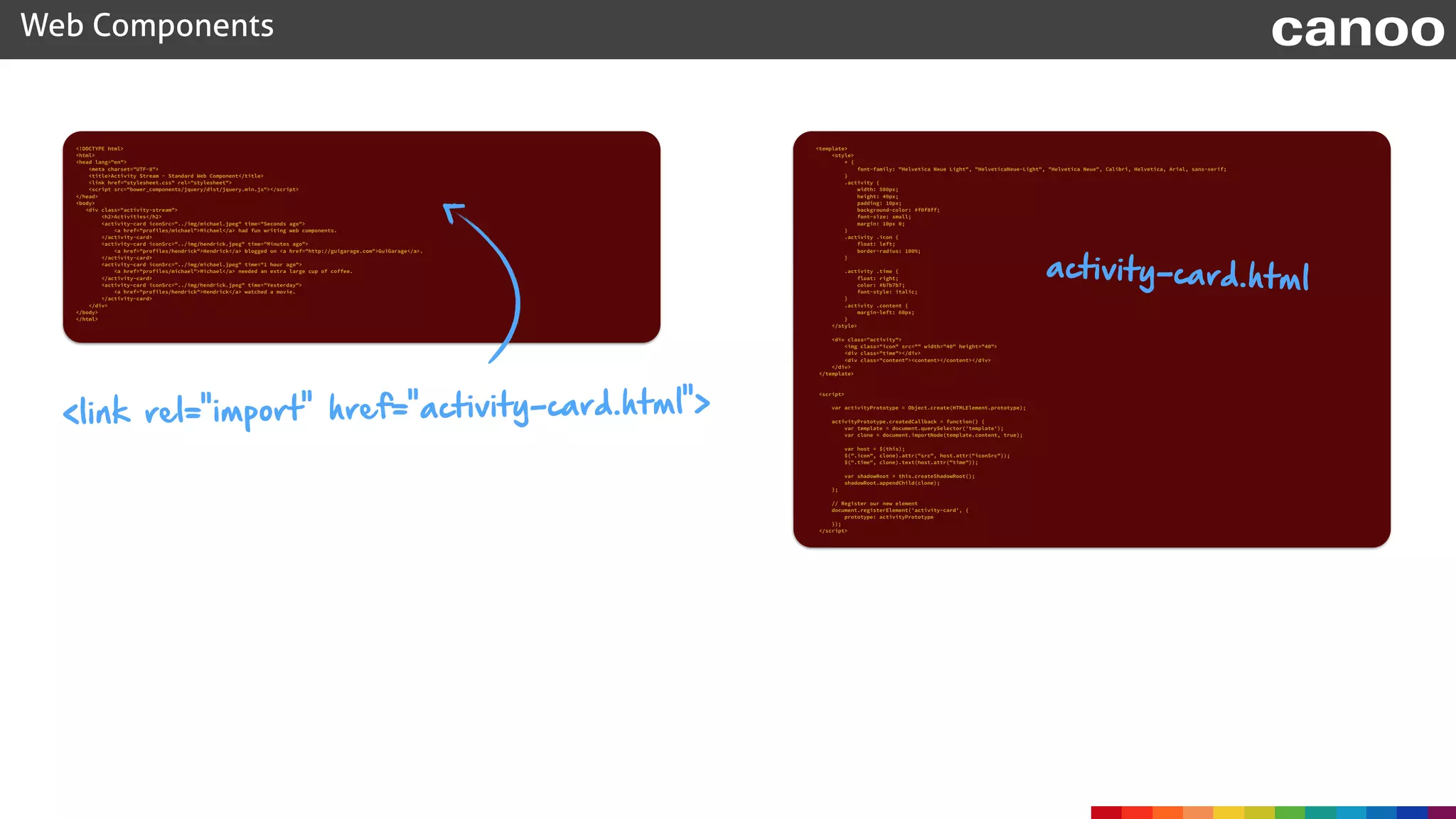
activity-card.html
<link rel="import" href="activity-card.html">
Web Components canoo
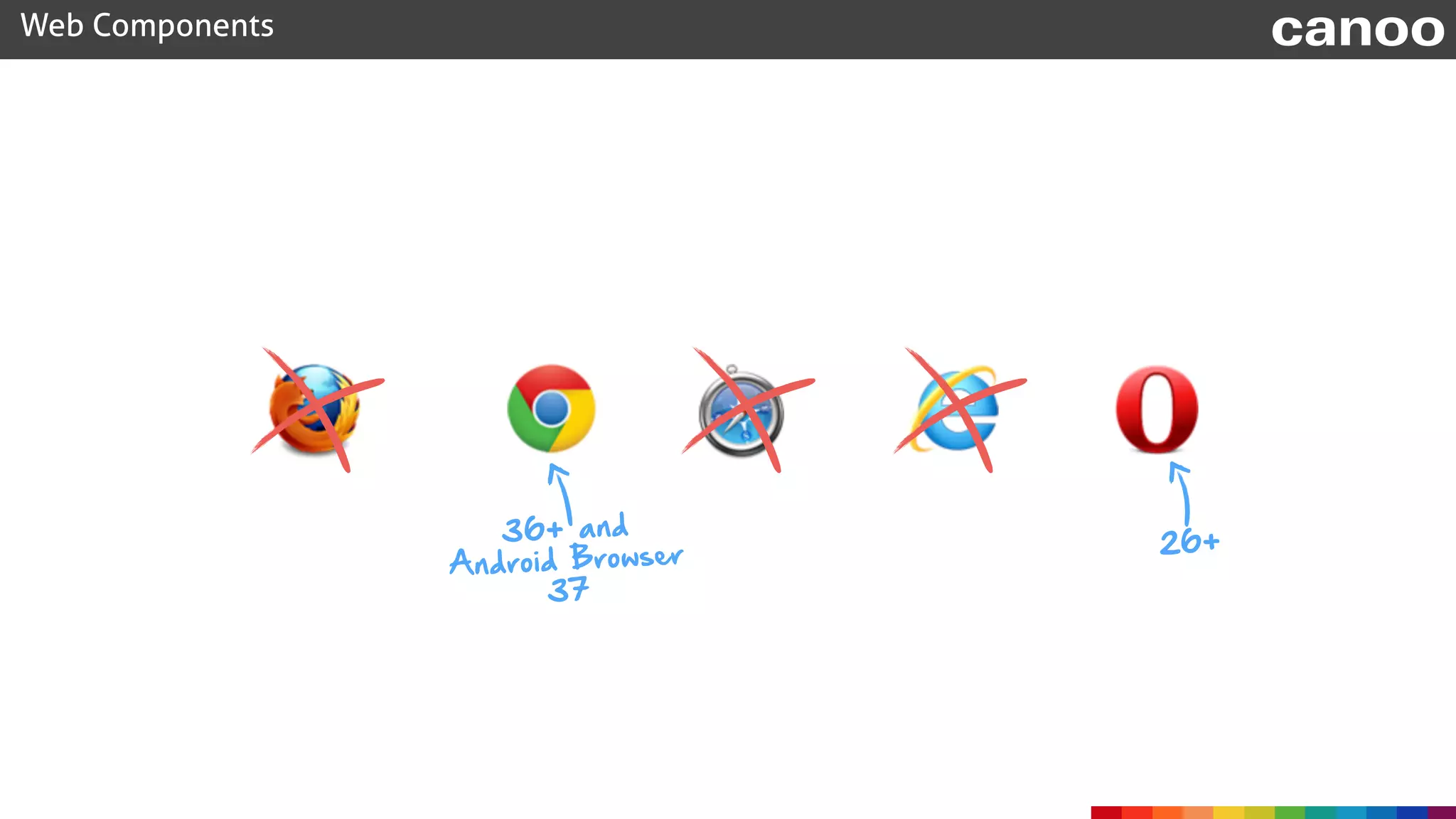
36+ and
Android Browser
37
26+
Web Components canoo
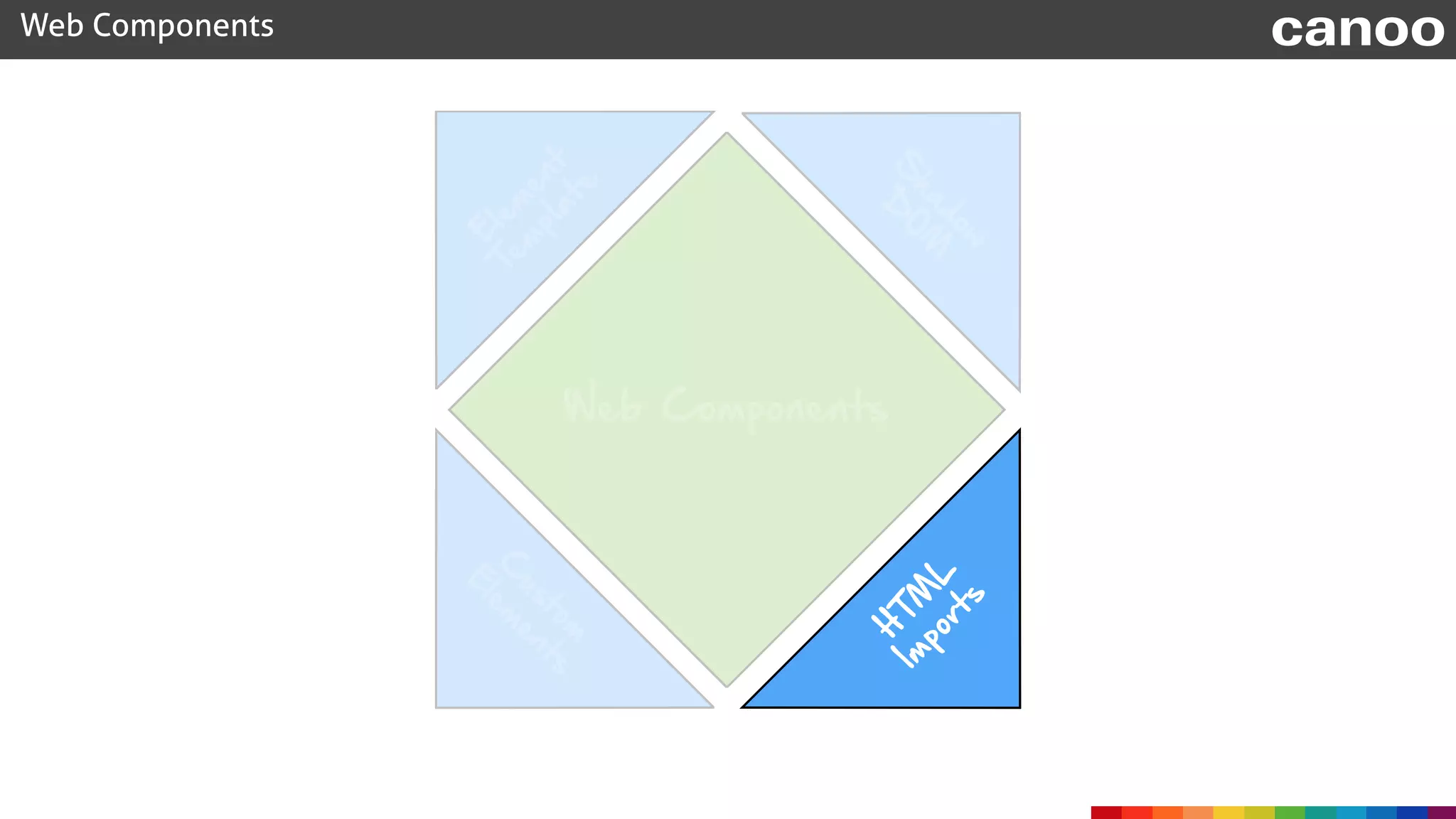
Web Components
C
ustom
E
lem
ents
H
TM
L


Im
ports
S
hadow
D
O
M
E
lem
ent
Tem
plate
Web Components canoo
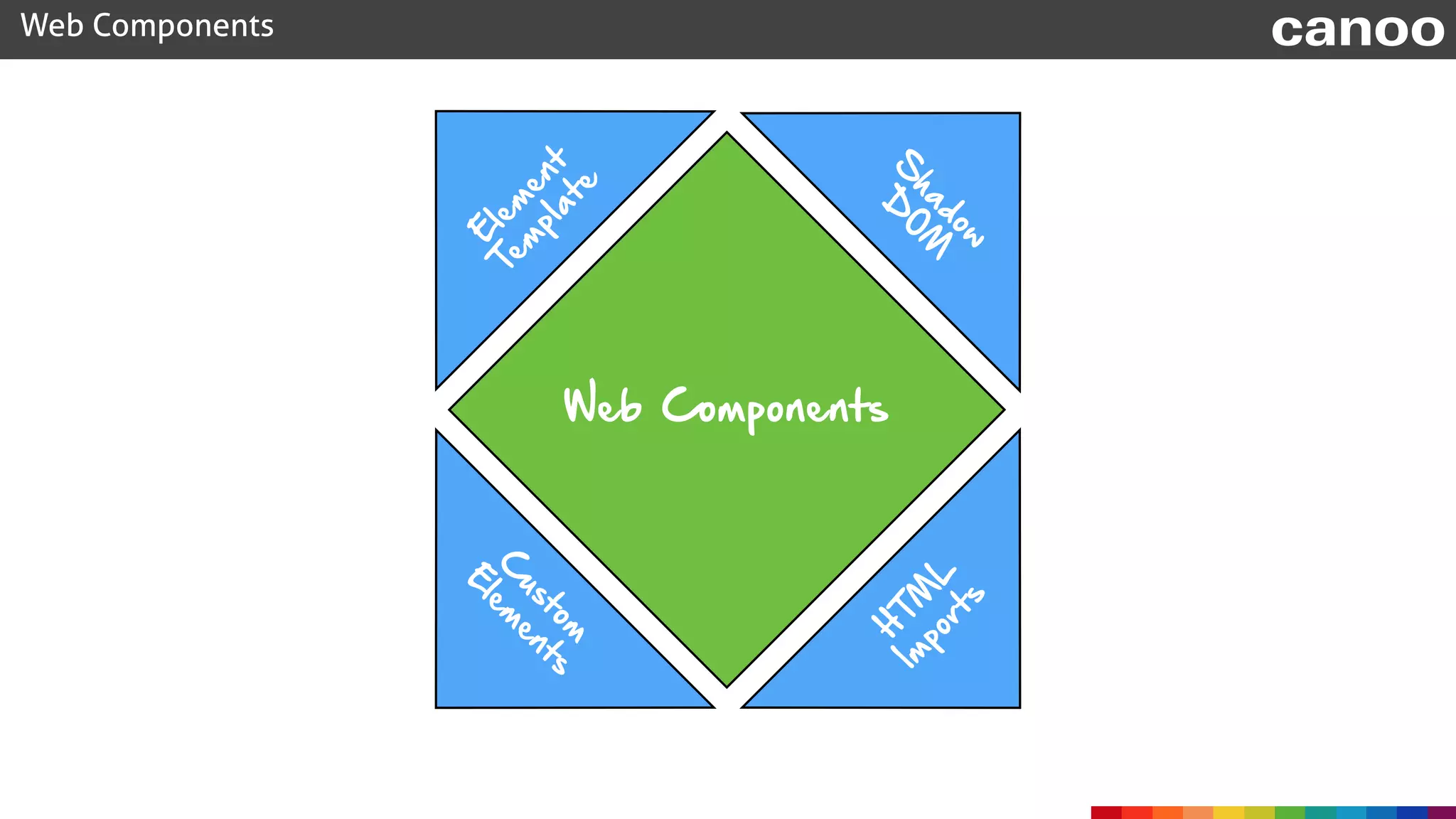
Web Components
C
ustom


E
lem
ents
H
TM
L


Im
ports
S
hadow

D
O
M
E
lem
ent

Tem
plate

webcomponent.js
Web Components canoo
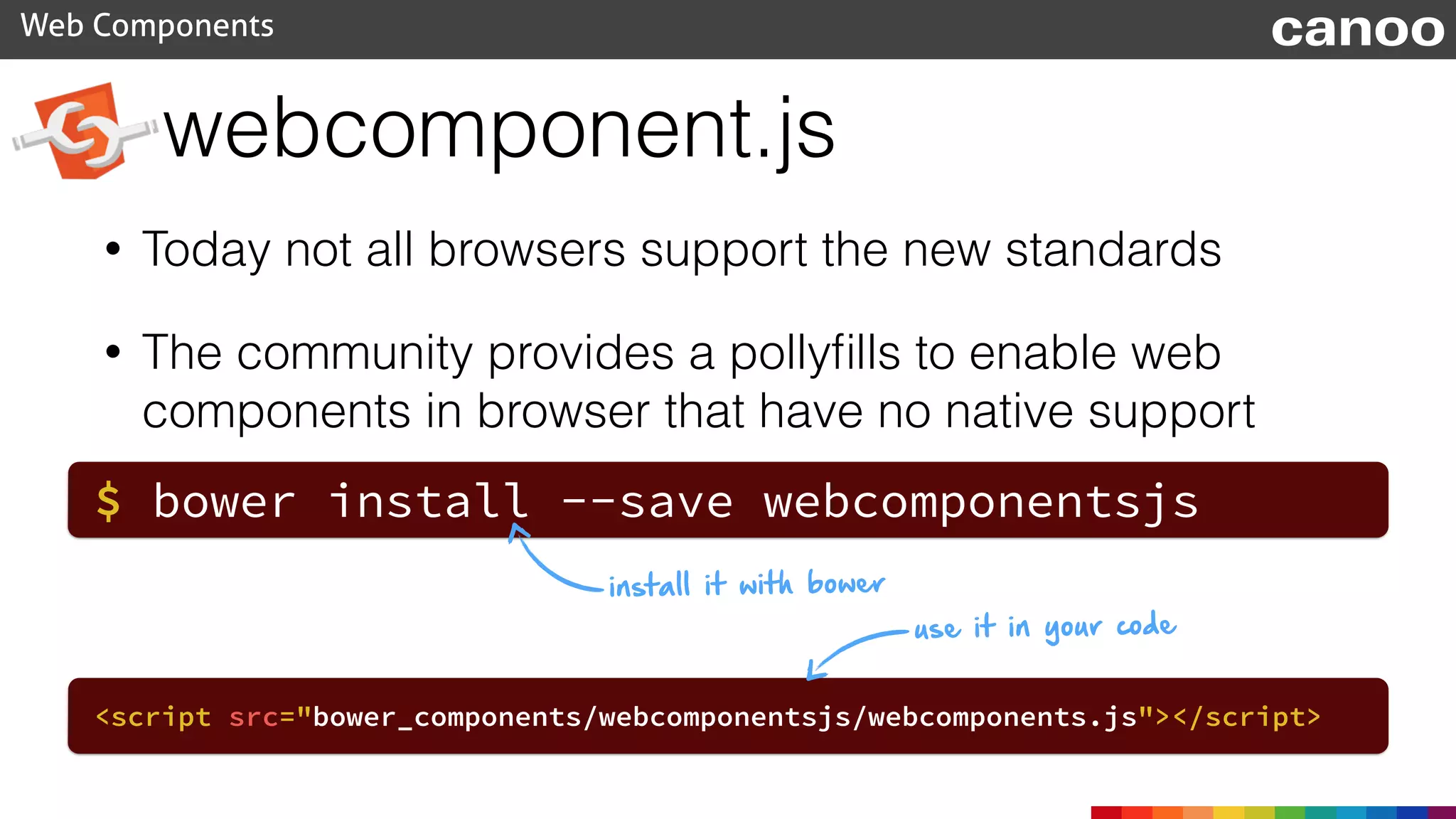
• Today not all browsers support the new standards
• The community provides a pollyfills to enable web
components in browser that have no native support
$ bower install --save webcomponentsjs
<script src="bower_components/webcomponentsjs/webcomponents.js"></script>
install it with bower
use it in your code
webcomponent.js
Web Components canoo
• The polyfills are the junction of X-Tag and Polymer
basic libraries
• Mozilla created X-Tag as a polyfill to provide web
components
• Google created Polymer as a polyfill to provide web
components
webcomponent.js
Web Components canoo
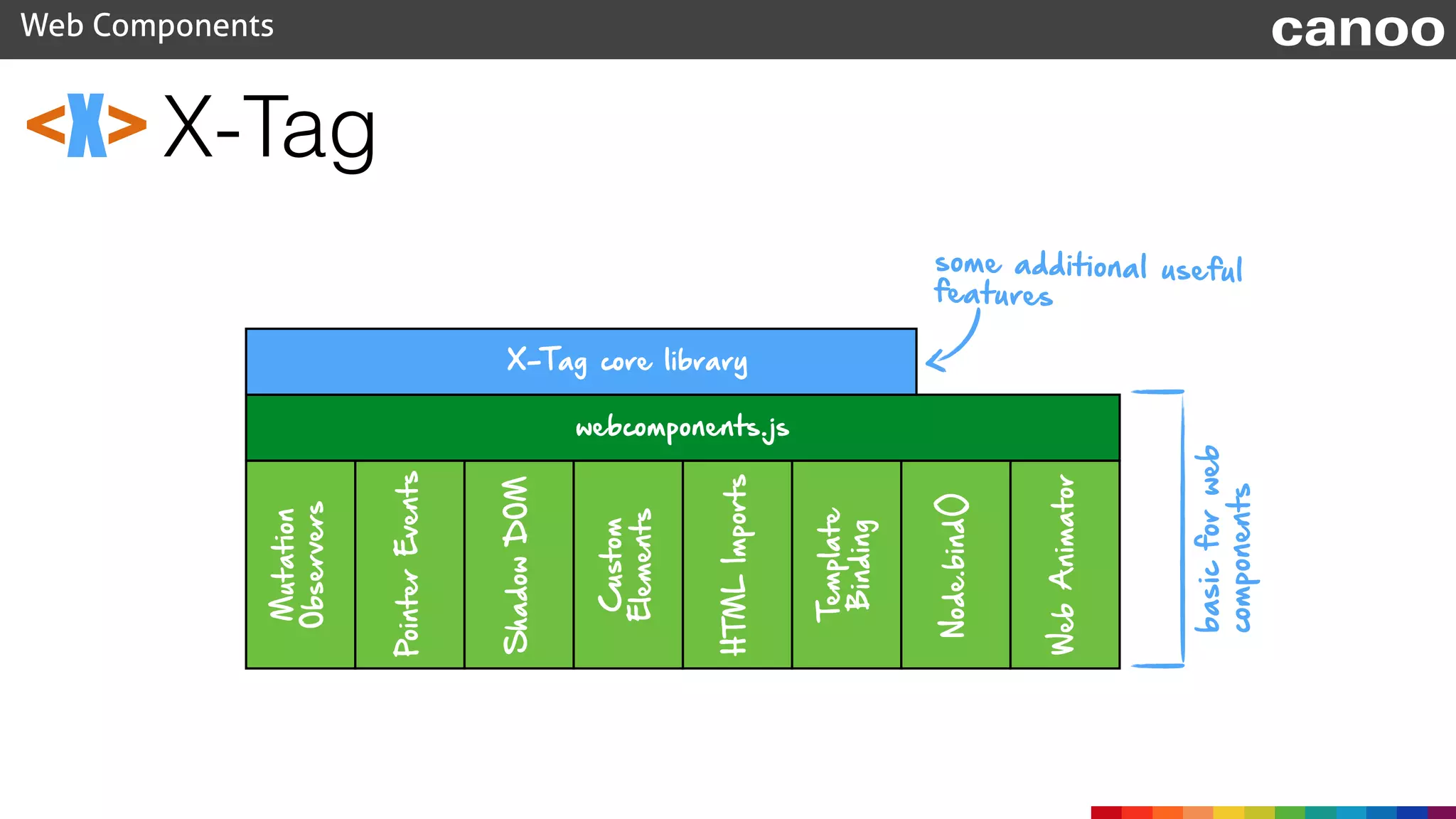
• X-Tag and Polymer depends on webcomponents-js
• Both libraries provide additional features that are not
part of the specification
webcomponents.org
Polymer
Web Components canoo
• Polymer is created & supported by Google
• Current version depends on webcomponents.js (since
0.5.1)
• Adds some API sugar on top of webcomponents.js
www.polymer-project.org
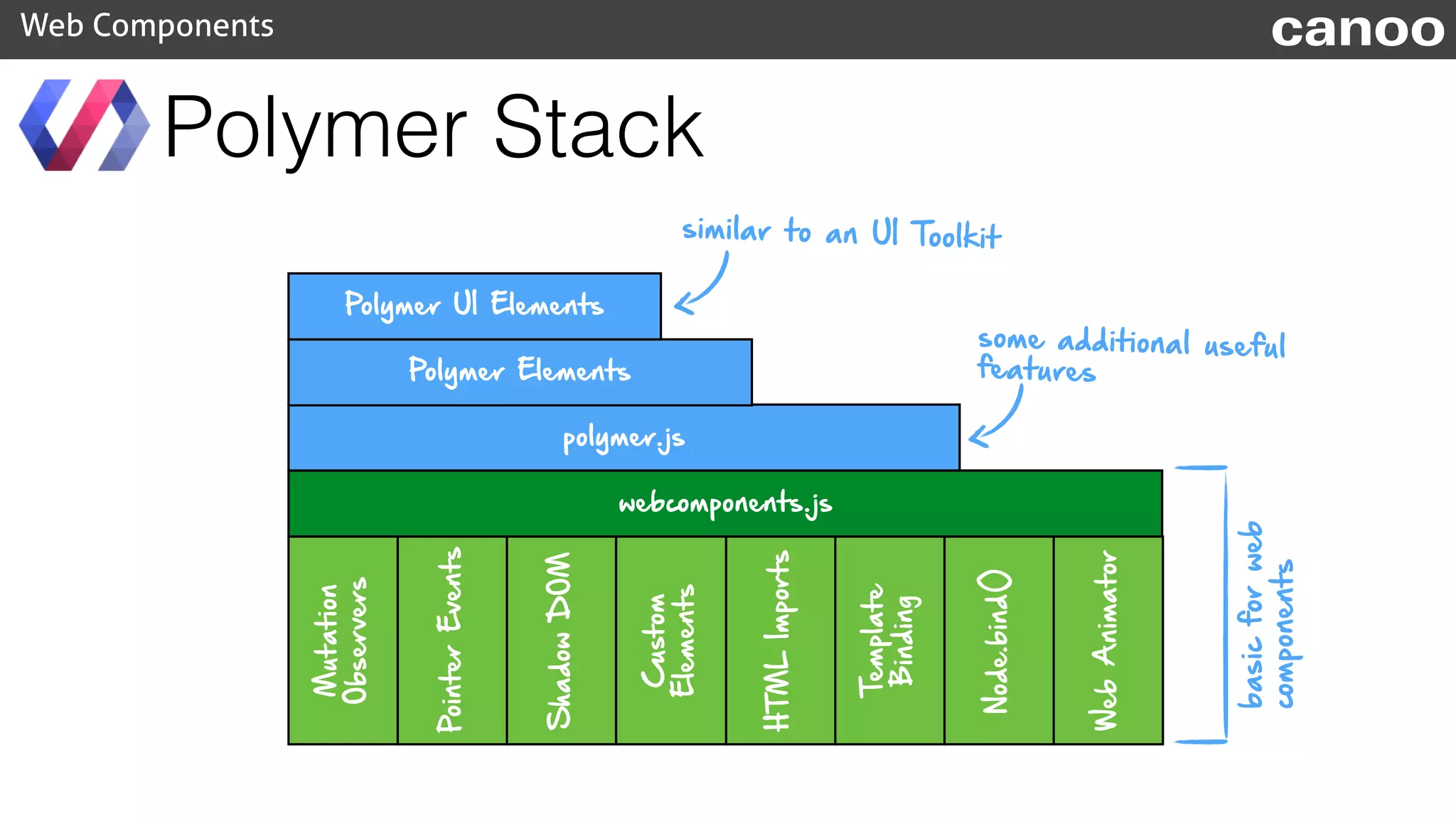
ShadowDOM
PointerEvents
Mutation
Observers
Custom
Elements
HTMLImports
Template
Binding
Node.bind()
WebAnimator
webcomponents.js
polymer.js
Polymer Elements
Polymer UI Elements
Polymer Stack
Web Components canoo
similar to an UI Toolkit
basicforweb
components
some additional useful
features
Data Bindings
Web Components canoo
• two-way data binding is one of the additional features
of Polymer
<template repeat="{{s in salutations}}">
<li>{{s.what}}: <input type="text" value="{{s.who}}"></li>
</template>
this.salutations = [
{what: 'Hello', who: 'World'},
{what: 'Goodbye', who: 'DOM APIs’}
];
X-Tag
Web Components canoo
<X>
• X-Tag is created & supported by Mozilla
• Future version will depend on webcomponents.js
(dependency added Jan 5, 2015)
• Adds some API sugar on top of webcomponents.js
x-tags.org
X-Tag
Web Components canoo
<X>
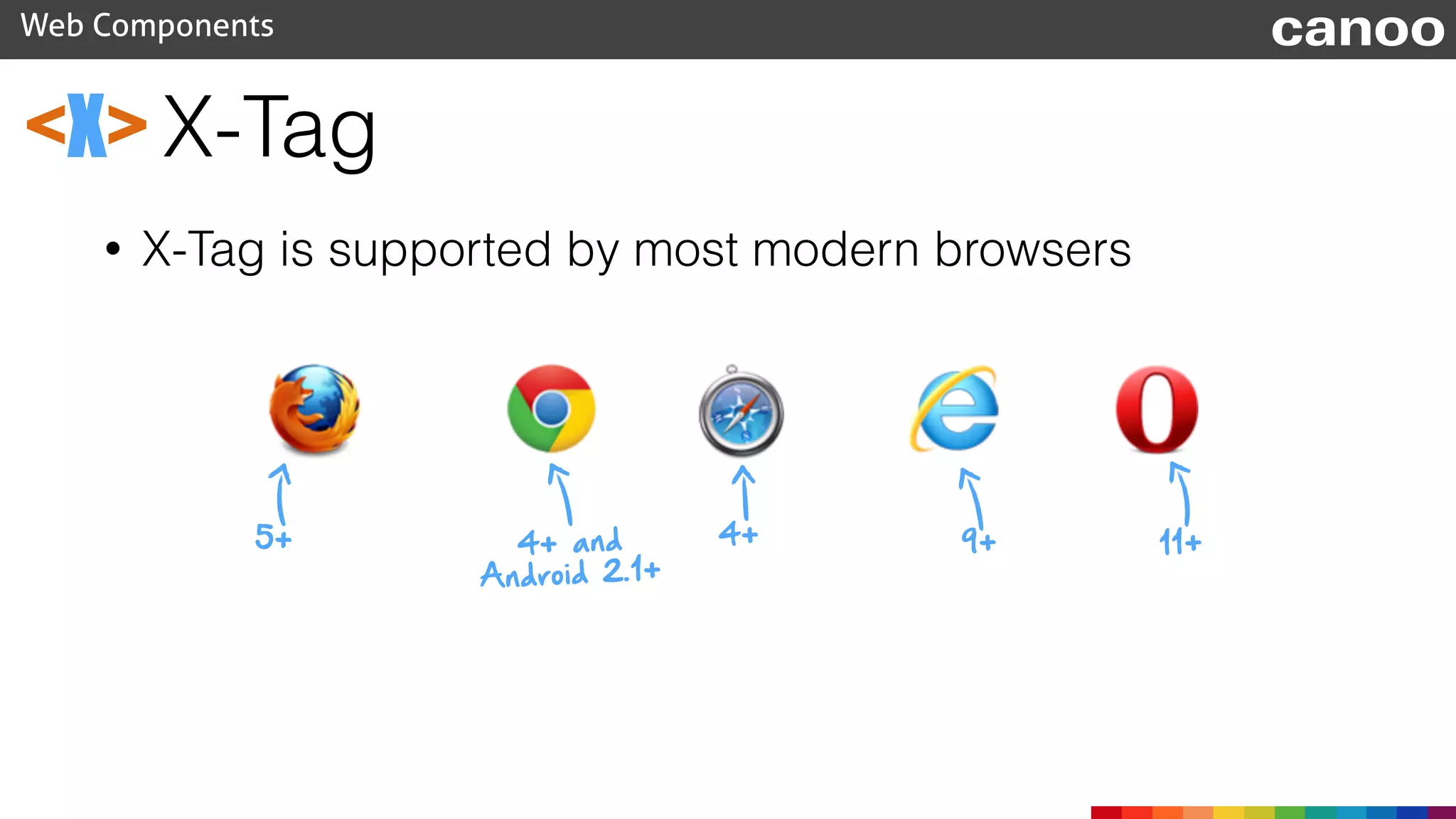
• X-Tag is supported by most modern browsers
5+ 4+ and
Android 2.1+
4+ 9+ 11+
X-Tag
Web Components canoo
<X>
ShadowDOM
PointerEvents
Mutation
Observers
Custom
Elements
HTMLImports
Template
Binding
Node.bind()
WebAnimator
webcomponents.js
X-Tag core library
basicforweb
components
some additional useful
features
The next steps
• Web Components can be reused
• Web Components can be styled
• A logical consequence is to provide toolkits
Web Components canoo
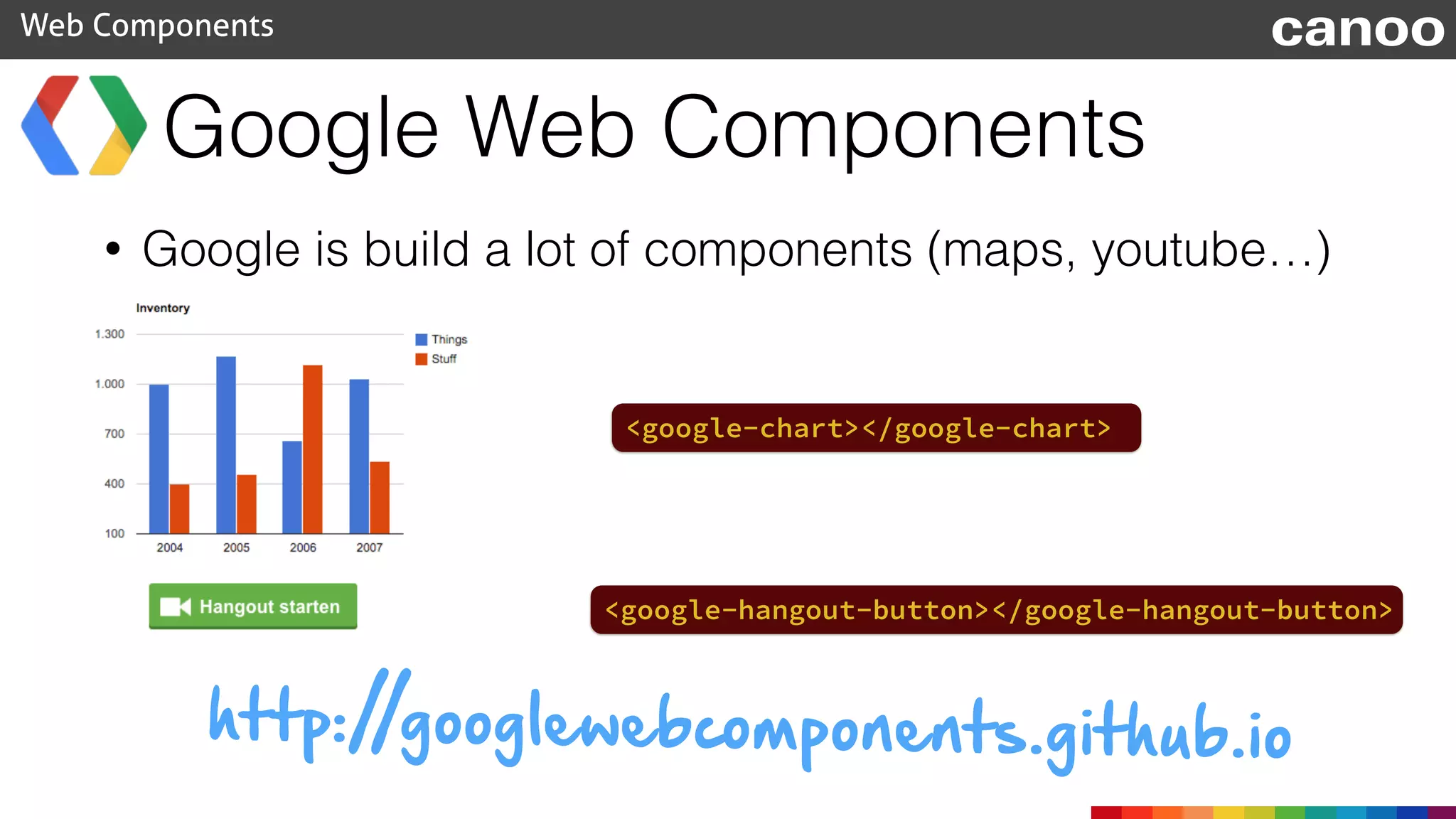
Google Web Components
Web Components canoo
<google-chart></google-chart>
<google-hangout-button></google-hangout-button>
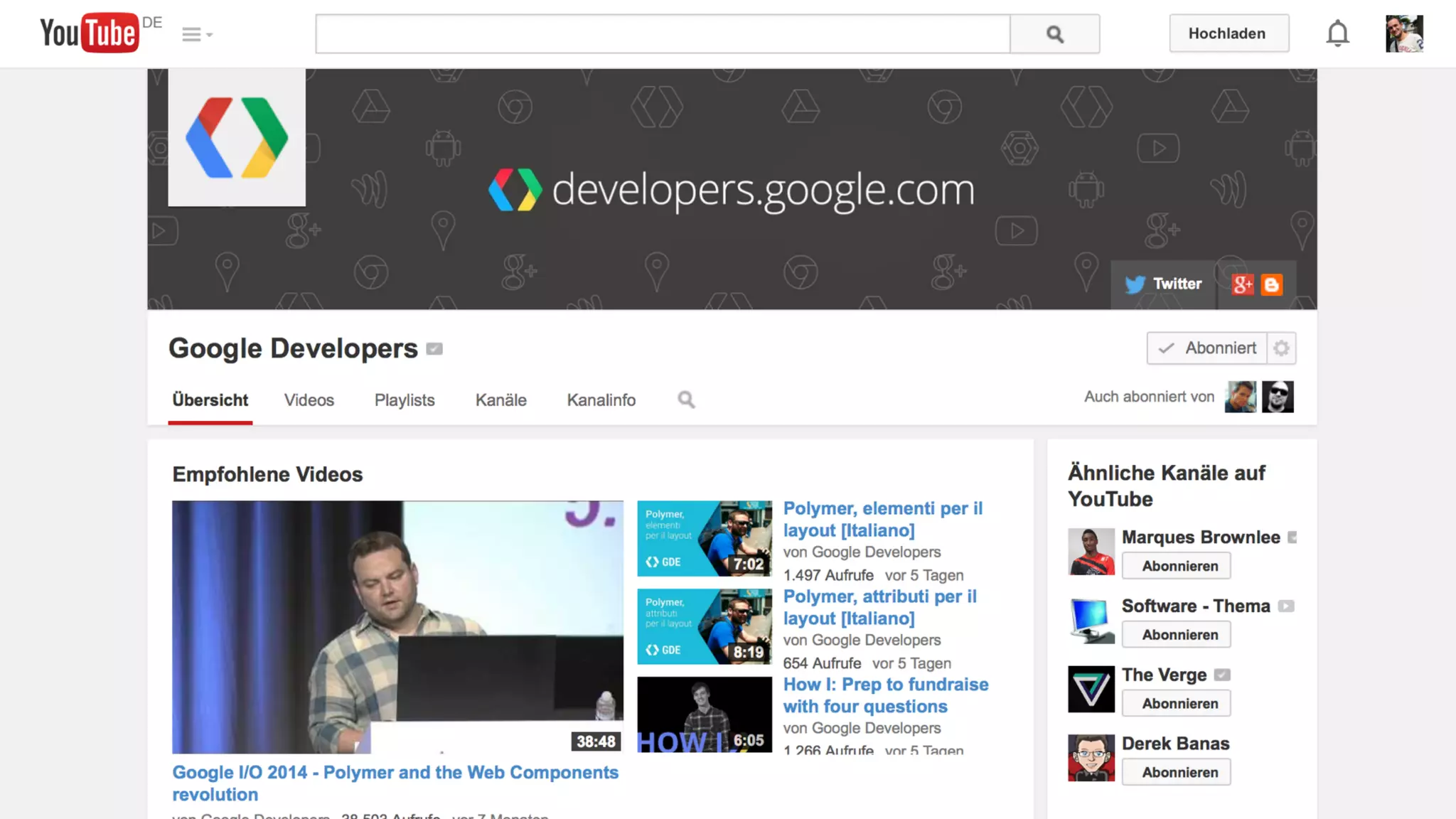
• Google is build a lot of components (maps, youtube…)
http://googlewebcomponents.github.io
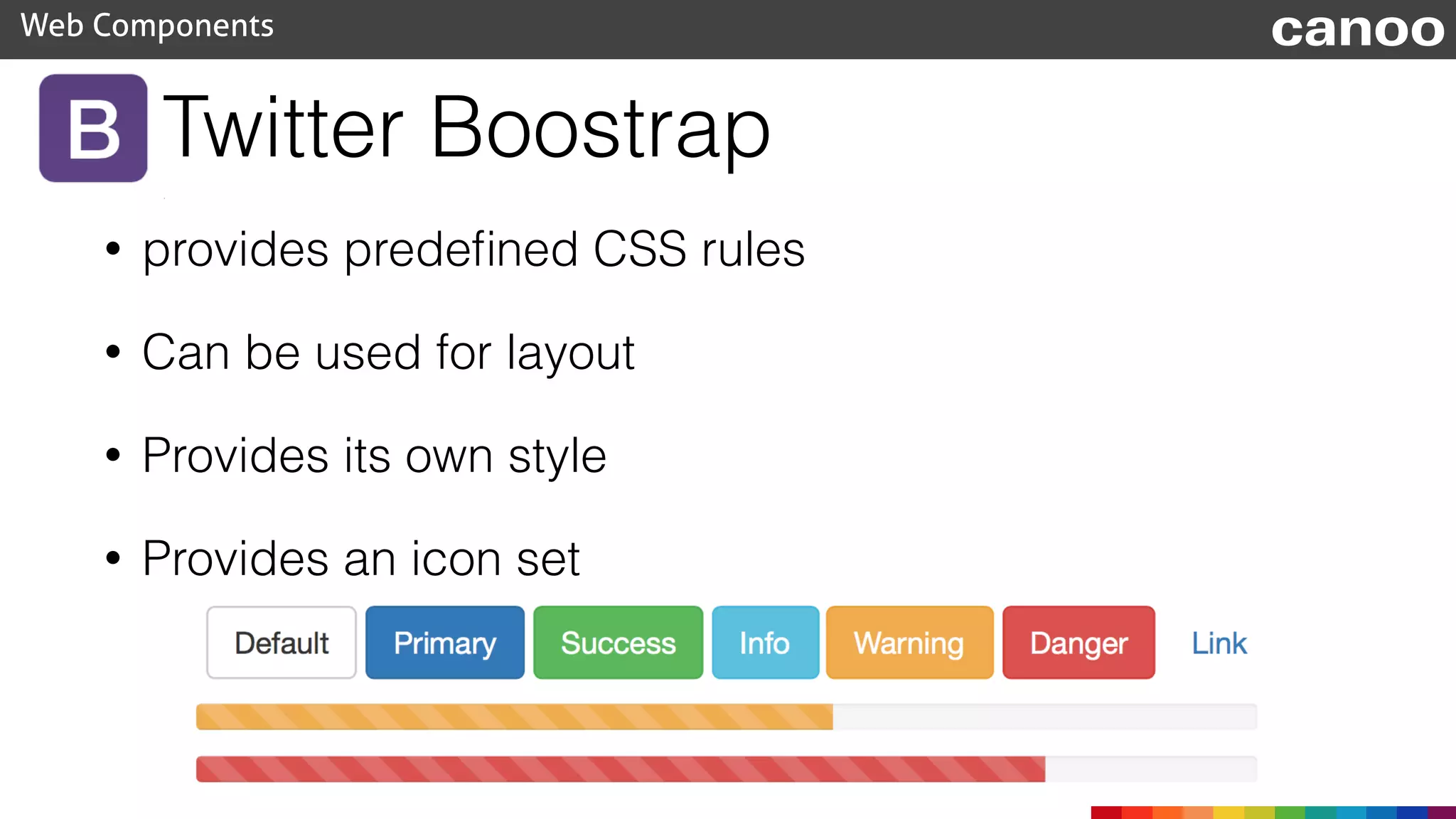
Twitter Boostrap
• provides predefined CSS rules
• Can be used for layout
• Provides its own style
• Provides an icon set
Web Components canoo
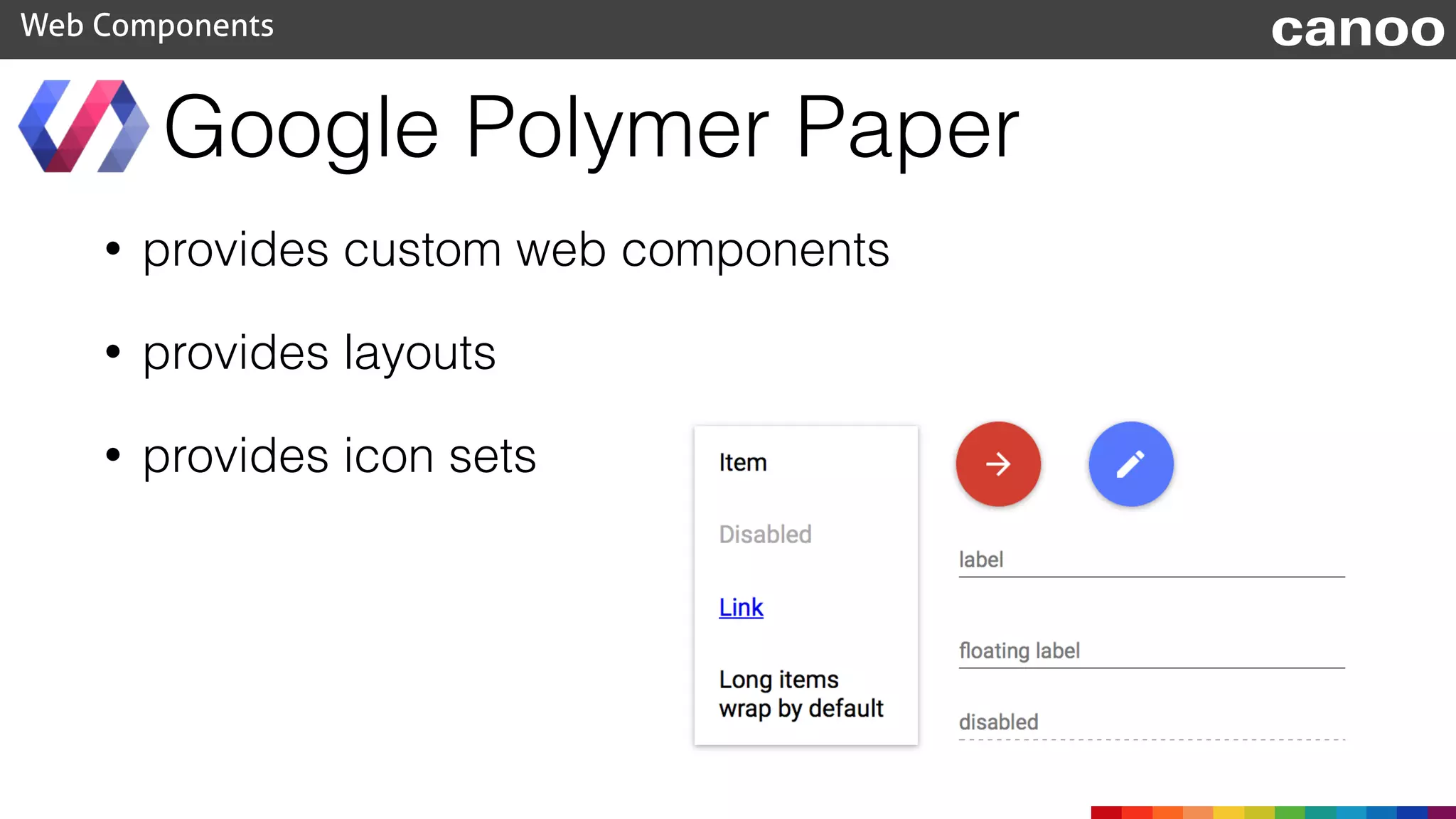
Google Polymer Paper
• provides custom web components
• provides layouts
• provides icon sets
Web Components canoo
Boostrap
• Polymer is only released as developer preview
• Boostrap is final (Version 3.x)
• Polymer is based on modern web technology
• Boostrap is based on CSS (and some JavaScript)
• Polymer provides custom web components
• Boostrap provides CSS rules
Web Components canoo
Paper
Why does Google provide it?
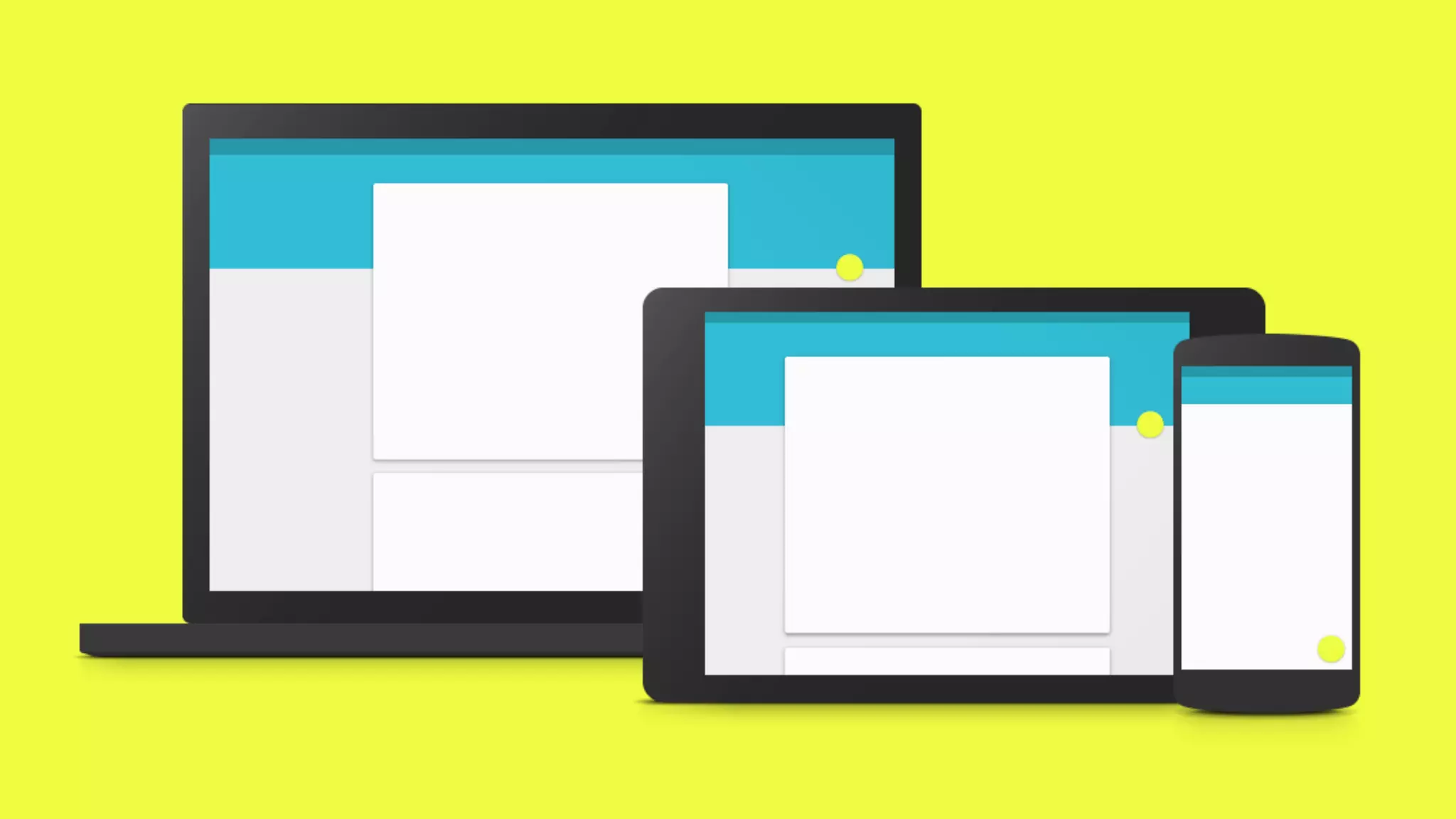
• Polymer is the web part of „Material Design“
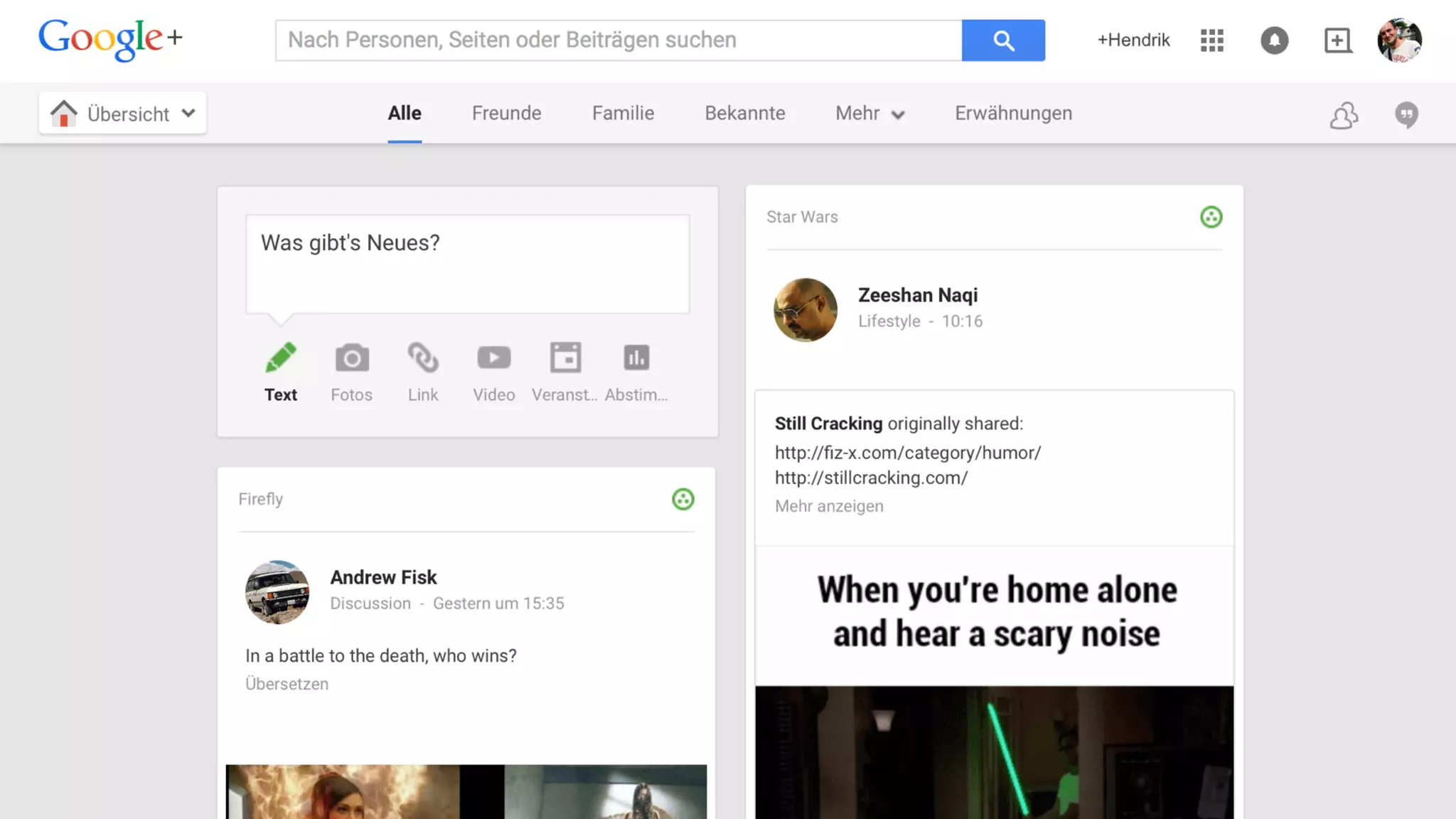
• Provide the same user experience on any device
• Provide the same user experience over many
applications
Web Components canoo
„We challenged ourselves to create a visual language for our users
that synthesizes the classic principles of good design with the
innovation and possibility of technology and science.“
Important features
• Responsive Design
• Customizable - Create your cooperative design
• Easy to use
• Extendable
Web Components canoo
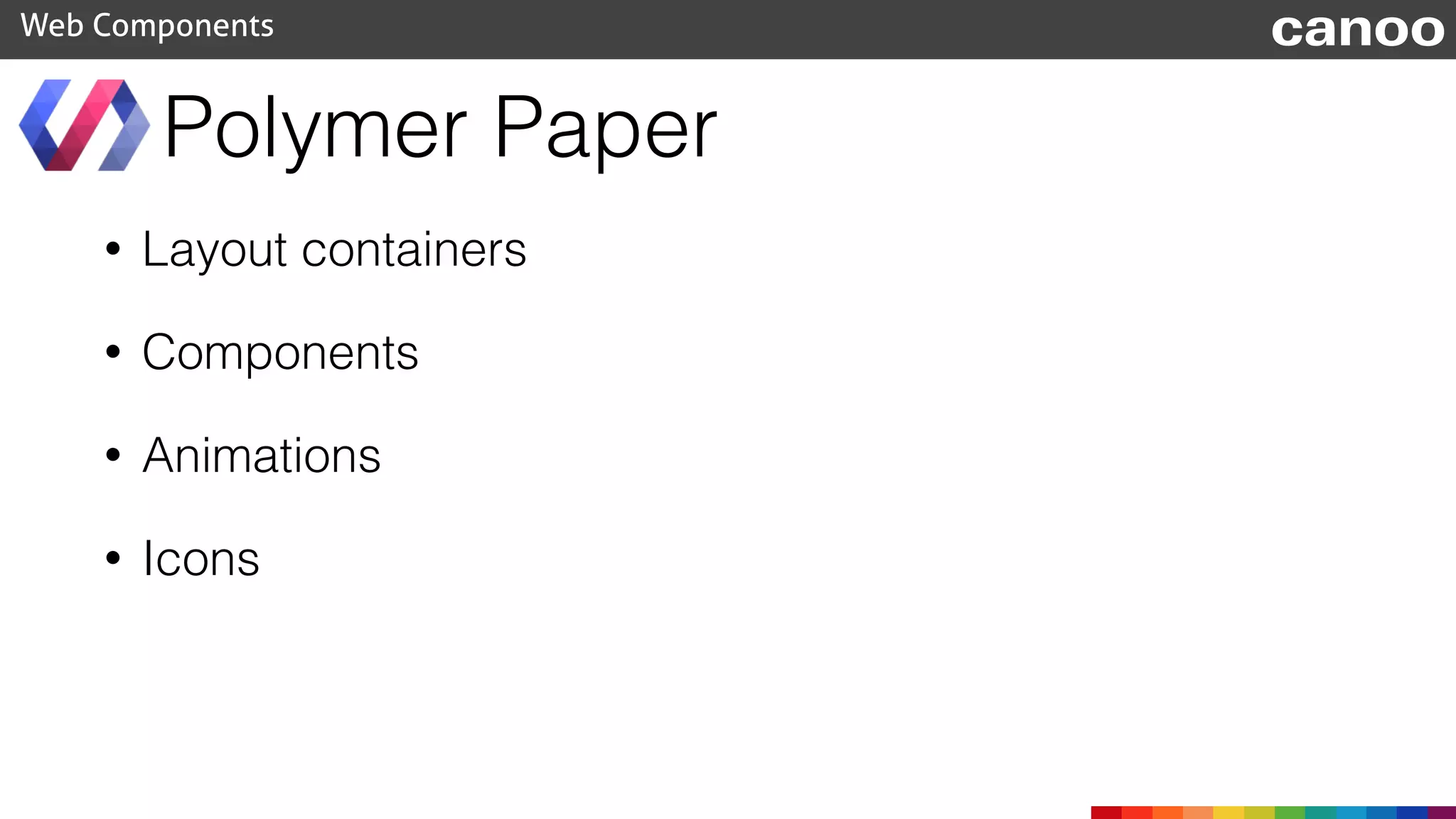
• Layout containers
• Components
• Animations
• Icons
Polymer Paper
Web Components canoo
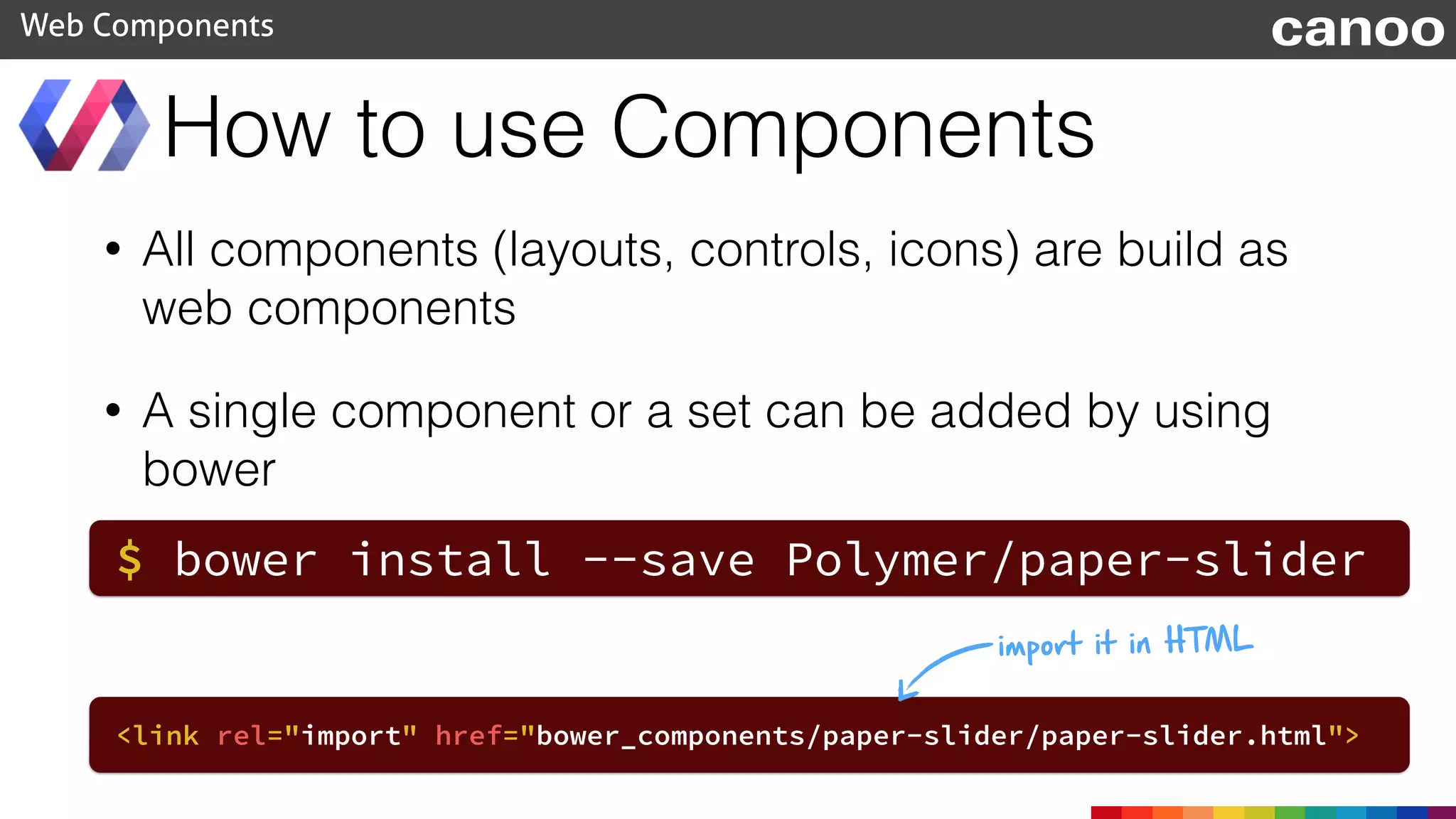
• All components (layouts, controls, icons) are build as
web components
• A single component or a set can be added by using
bower
How to use Components
Web Components canoo
$ bower install --save Polymer/paper-slider
<link rel="import" href="bower_components/paper-slider/paper-slider.html">
import it in HTML
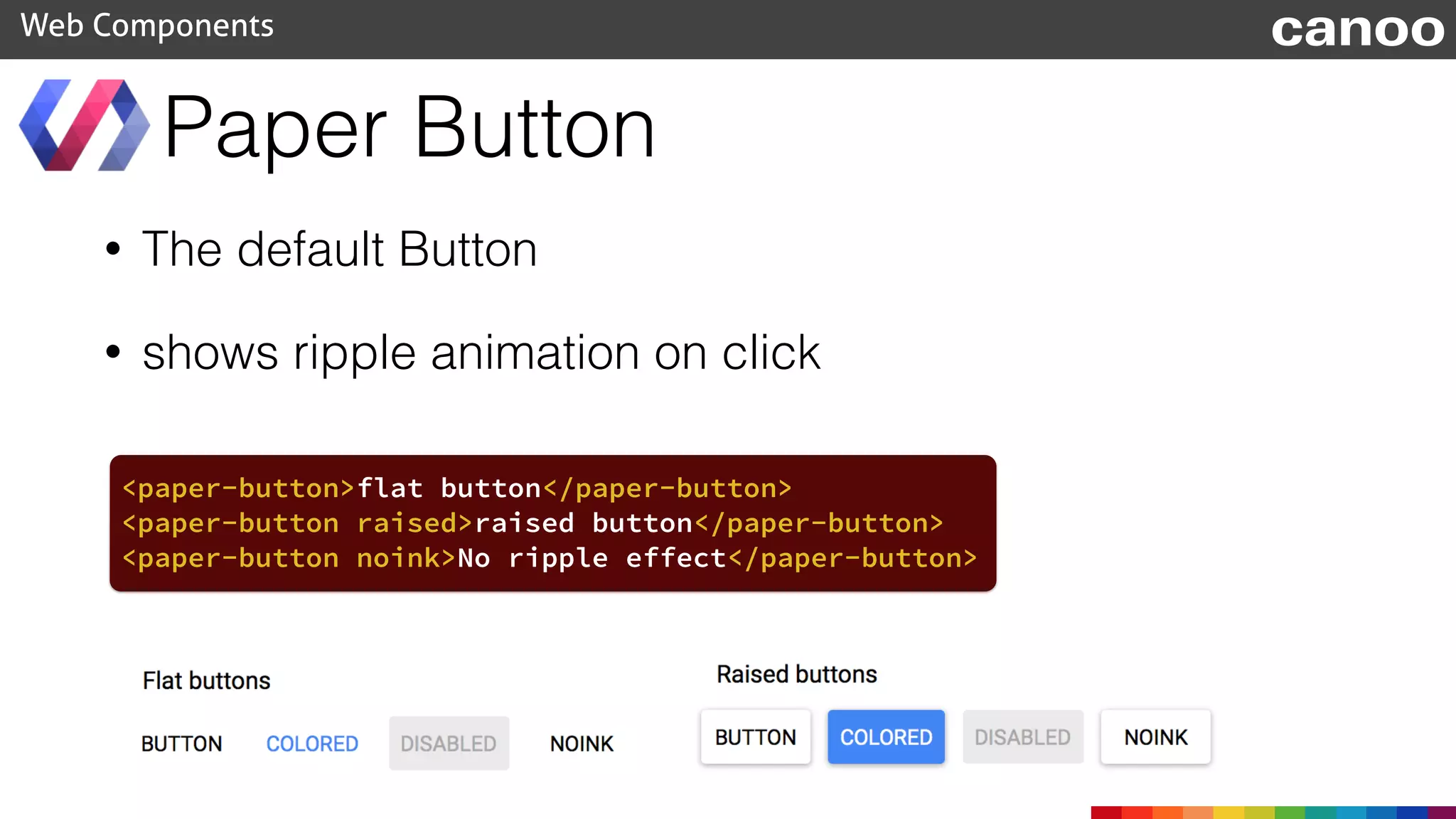
• The default Button
• shows ripple animation on click
Paper Button
Web Components canoo
<paper-button>flat button</paper-button>
<paper-button raised>raised button</paper-button>
<paper-button noink>No ripple effect</paper-button>
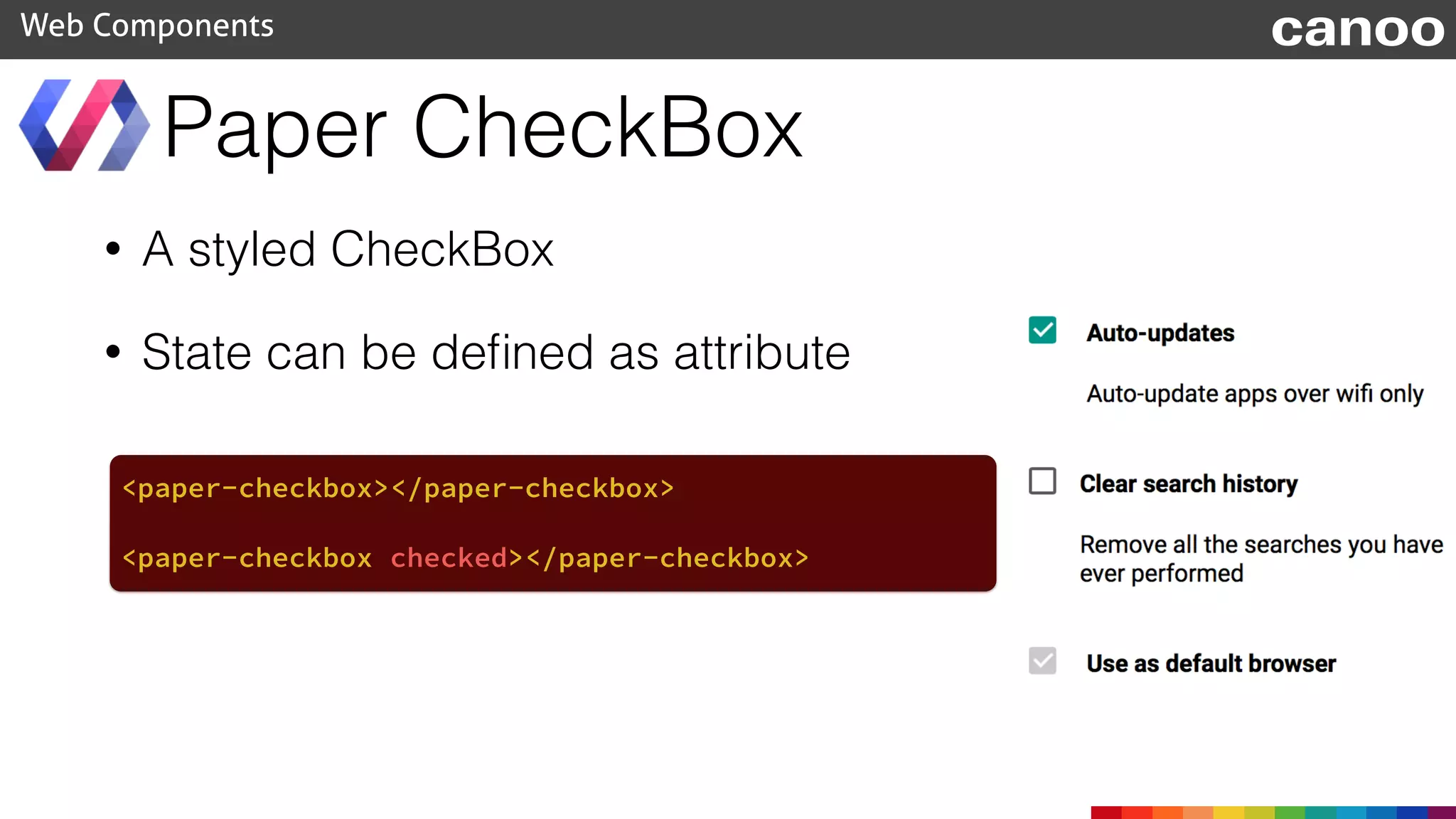
• A styled CheckBox
• State can be defined as attribute
Paper CheckBox
Web Components canoo
<paper-checkbox></paper-checkbox>
<paper-checkbox checked></paper-checkbox>
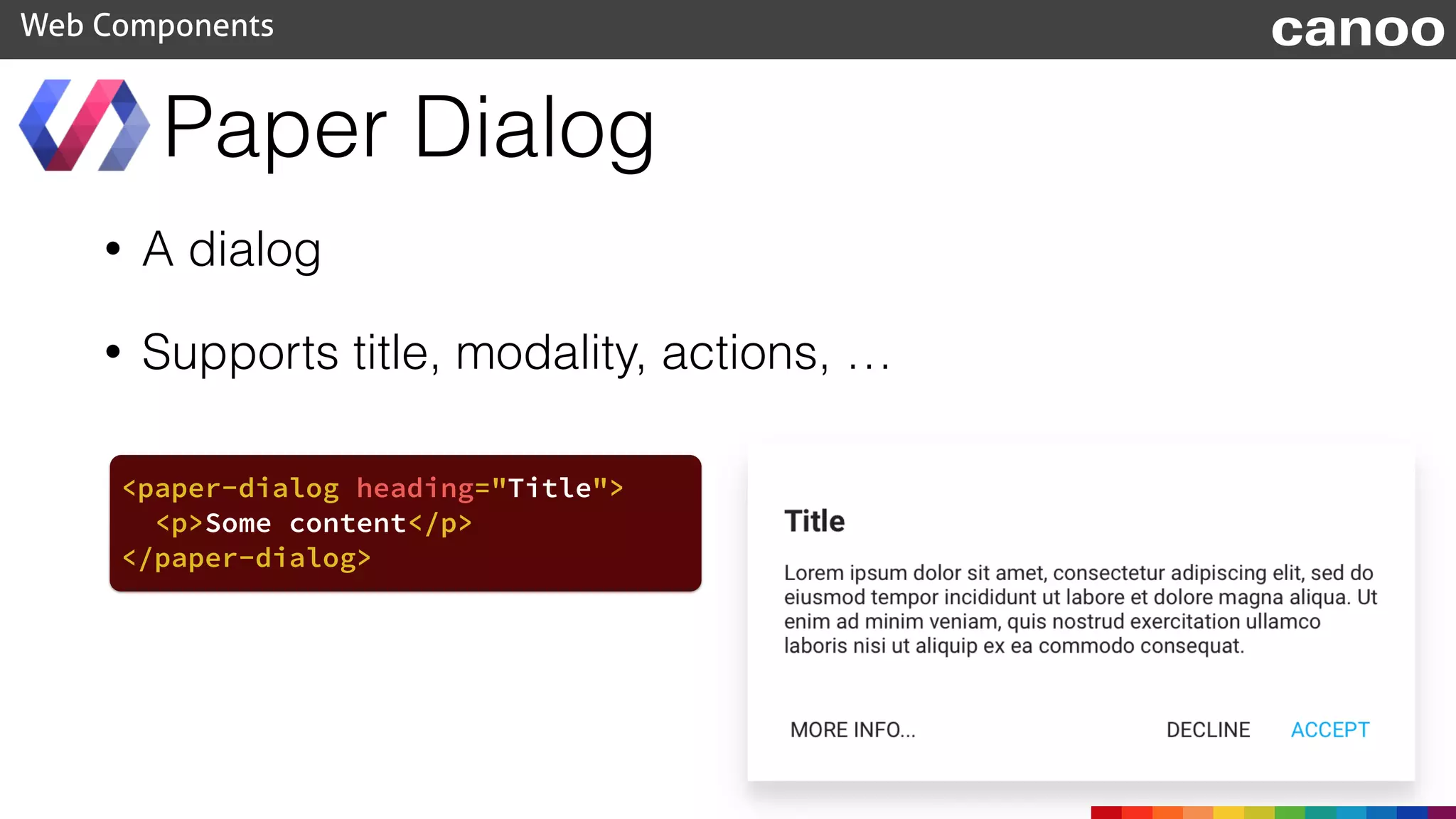
• A dialog
• Supports title, modality, actions, …
Paper Dialog
Web Components canoo
<paper-dialog heading="Title">
<p>Some content</p>
</paper-dialog>
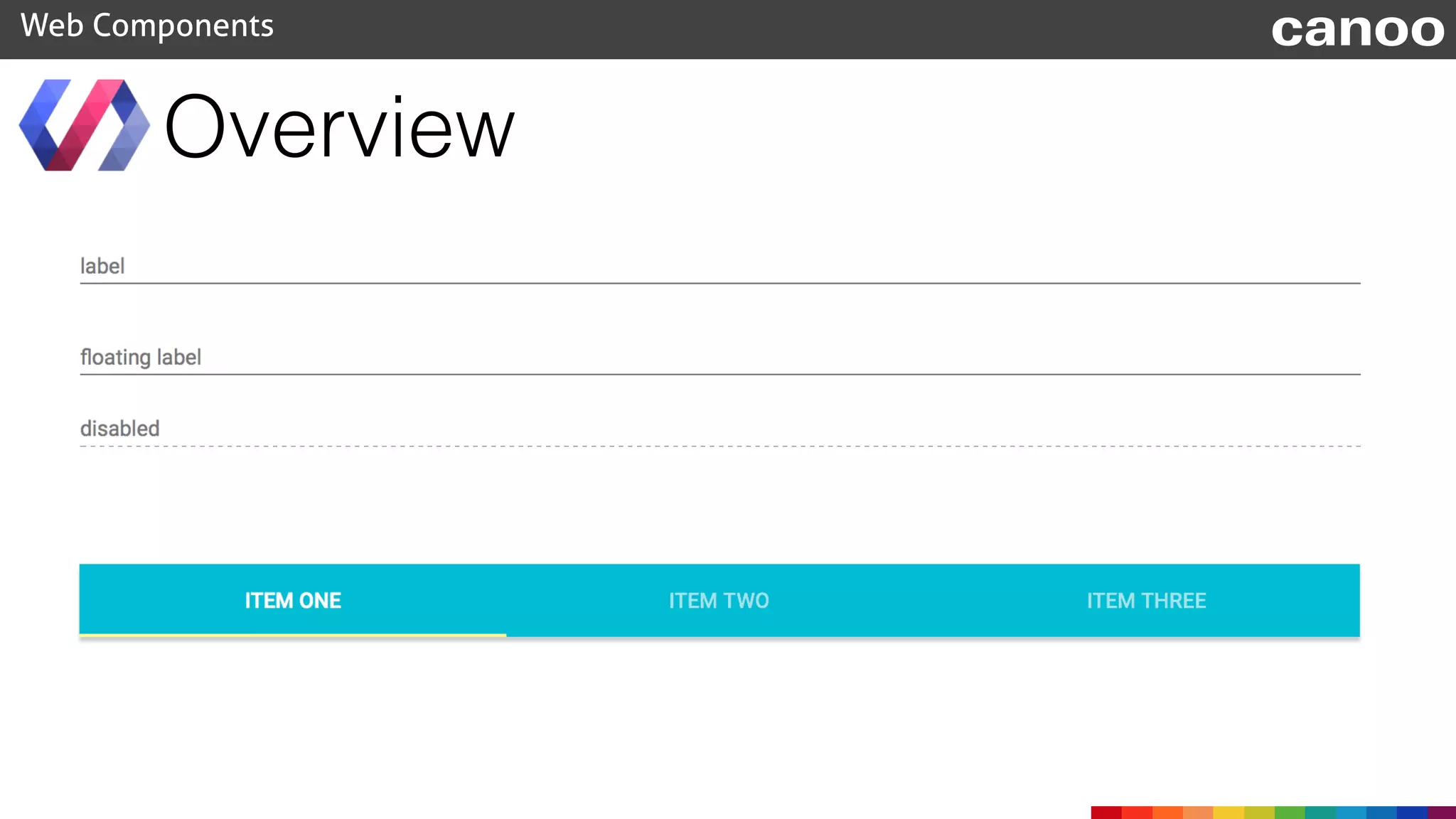
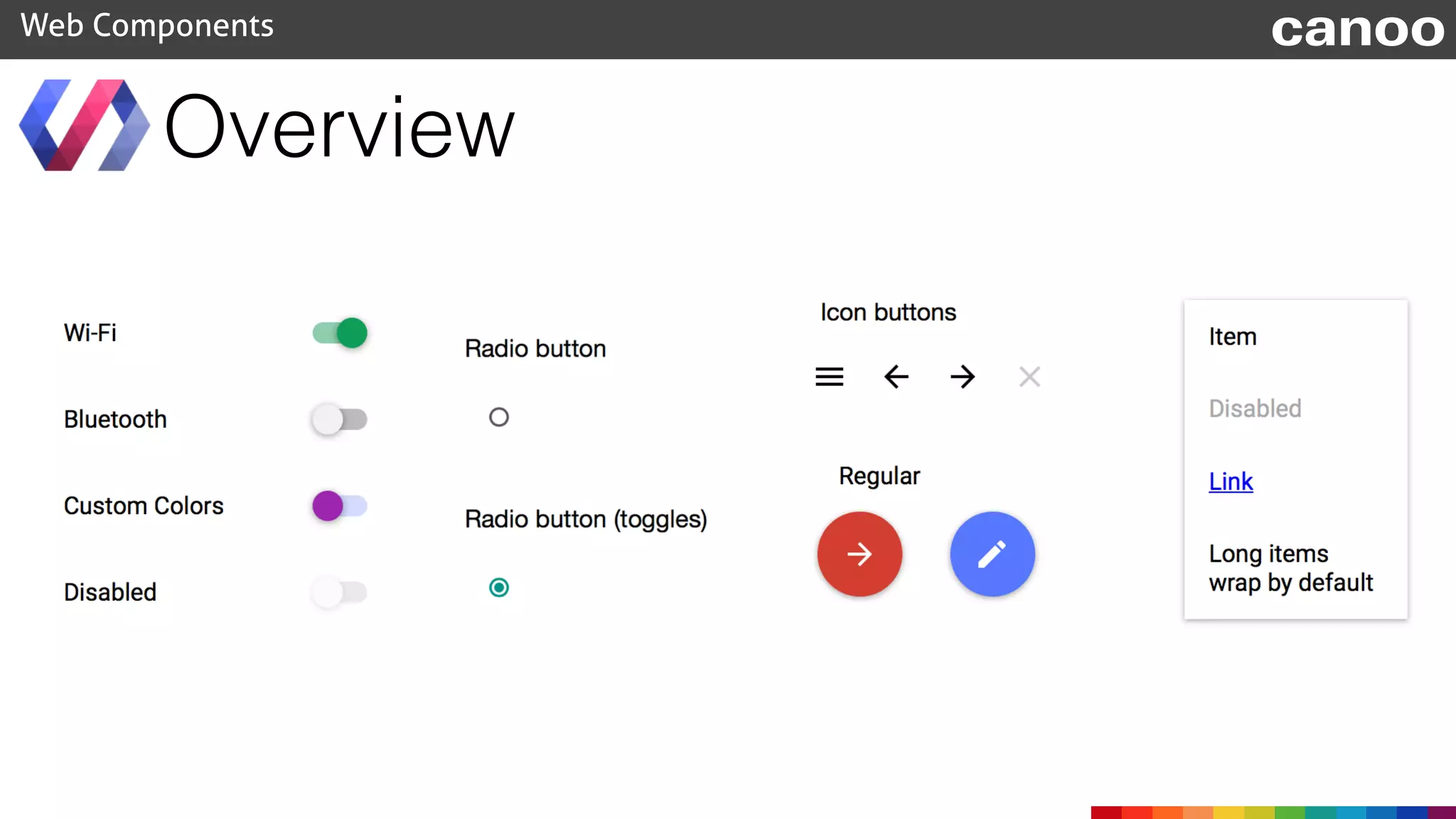
Overview
Web Components canoo
Overview
Web Components canoo
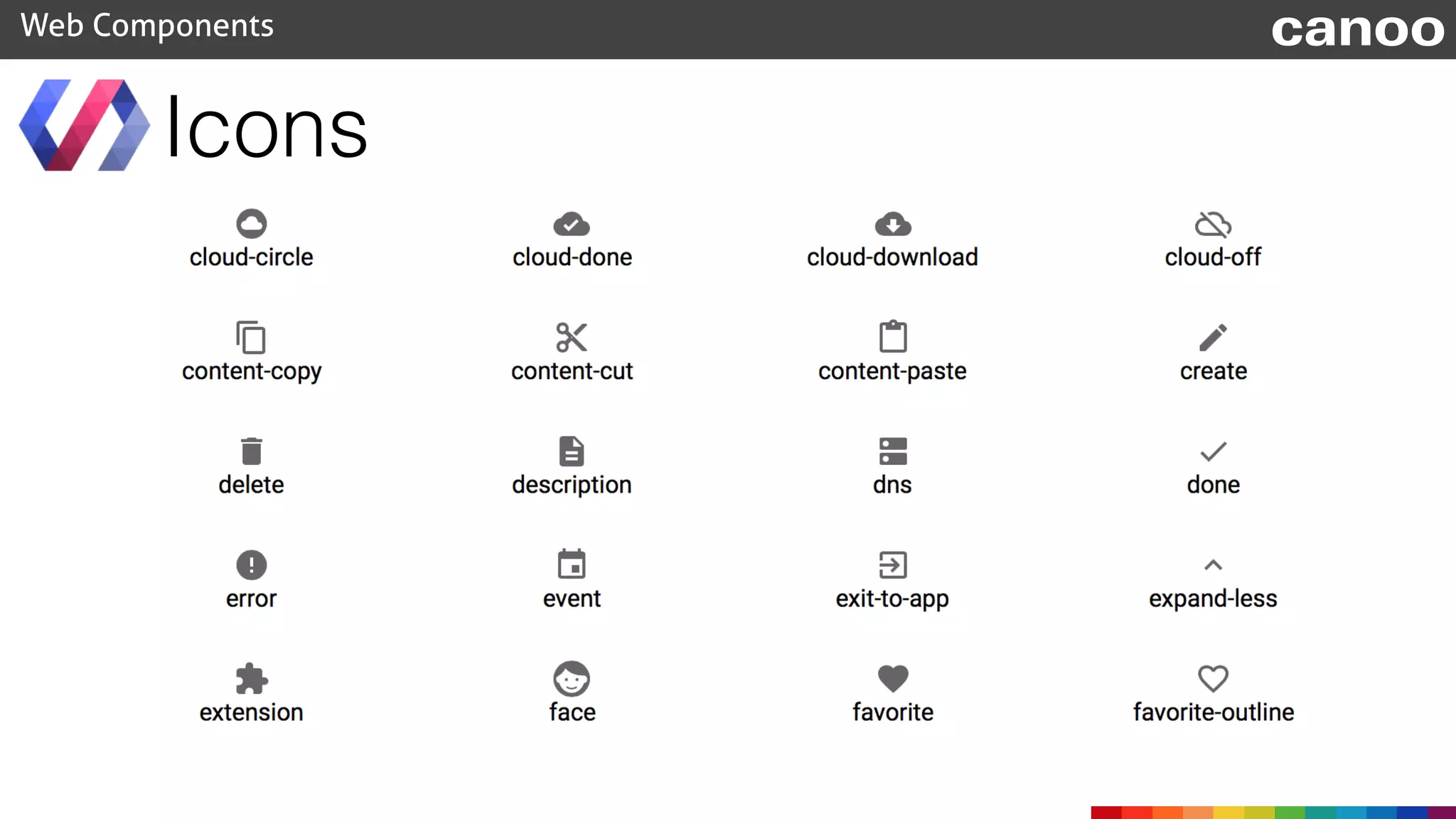
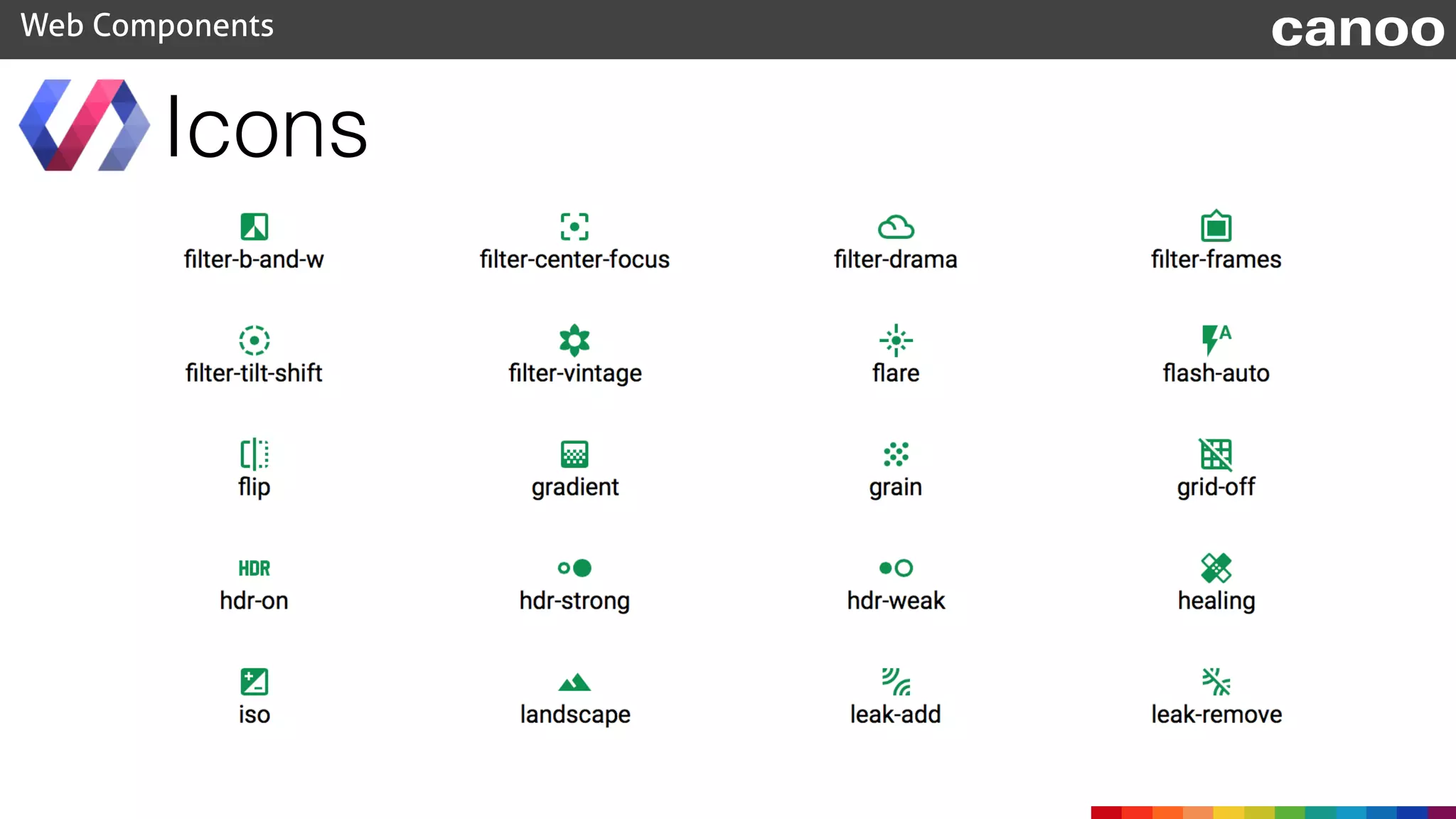
Icons
Web Components canoo
Icons
Web Components canoo
• HeaderPanel
• Toolbar
• DrawerPanel
• Scaffold
Layout
Web Components canoo
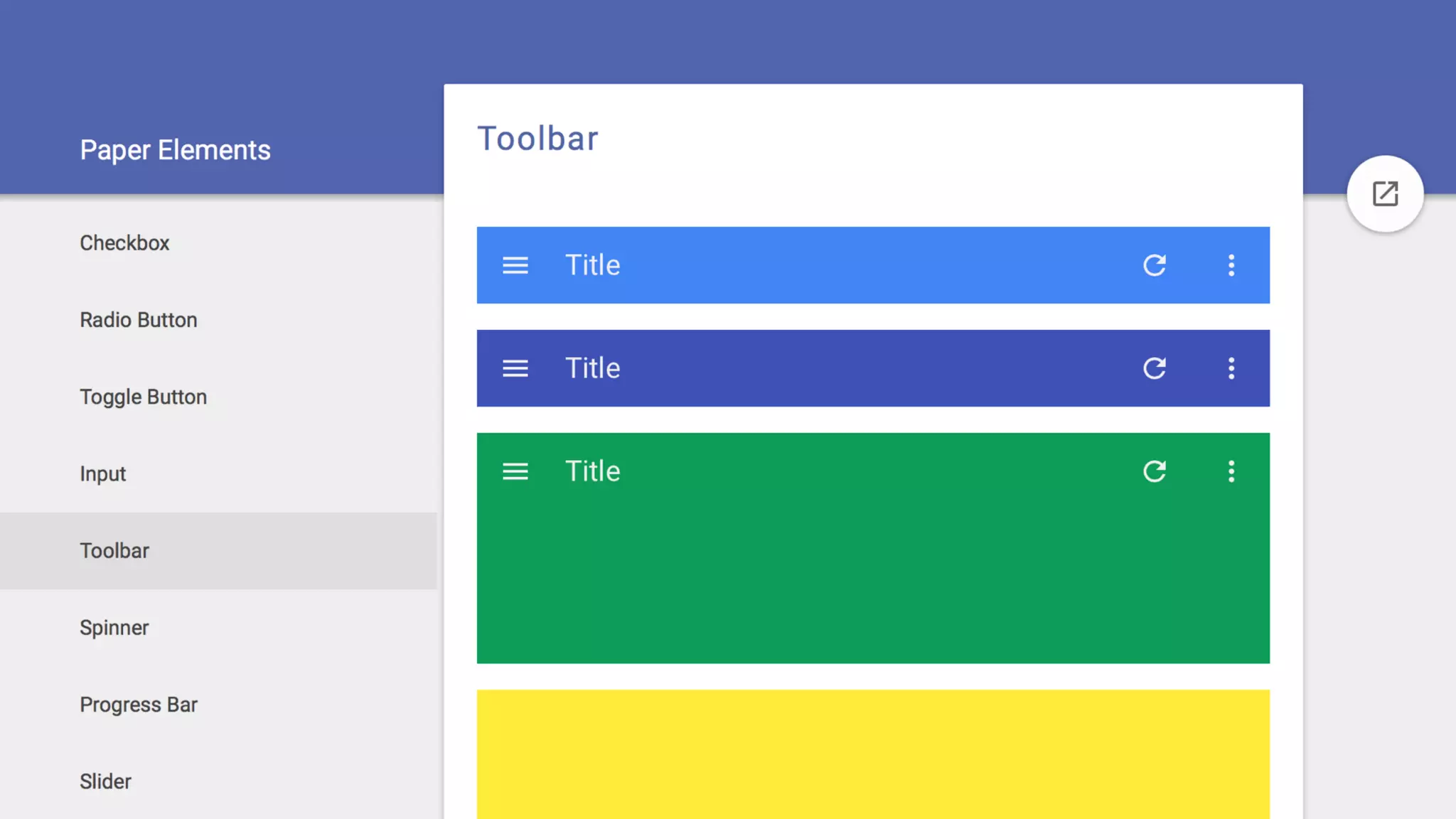
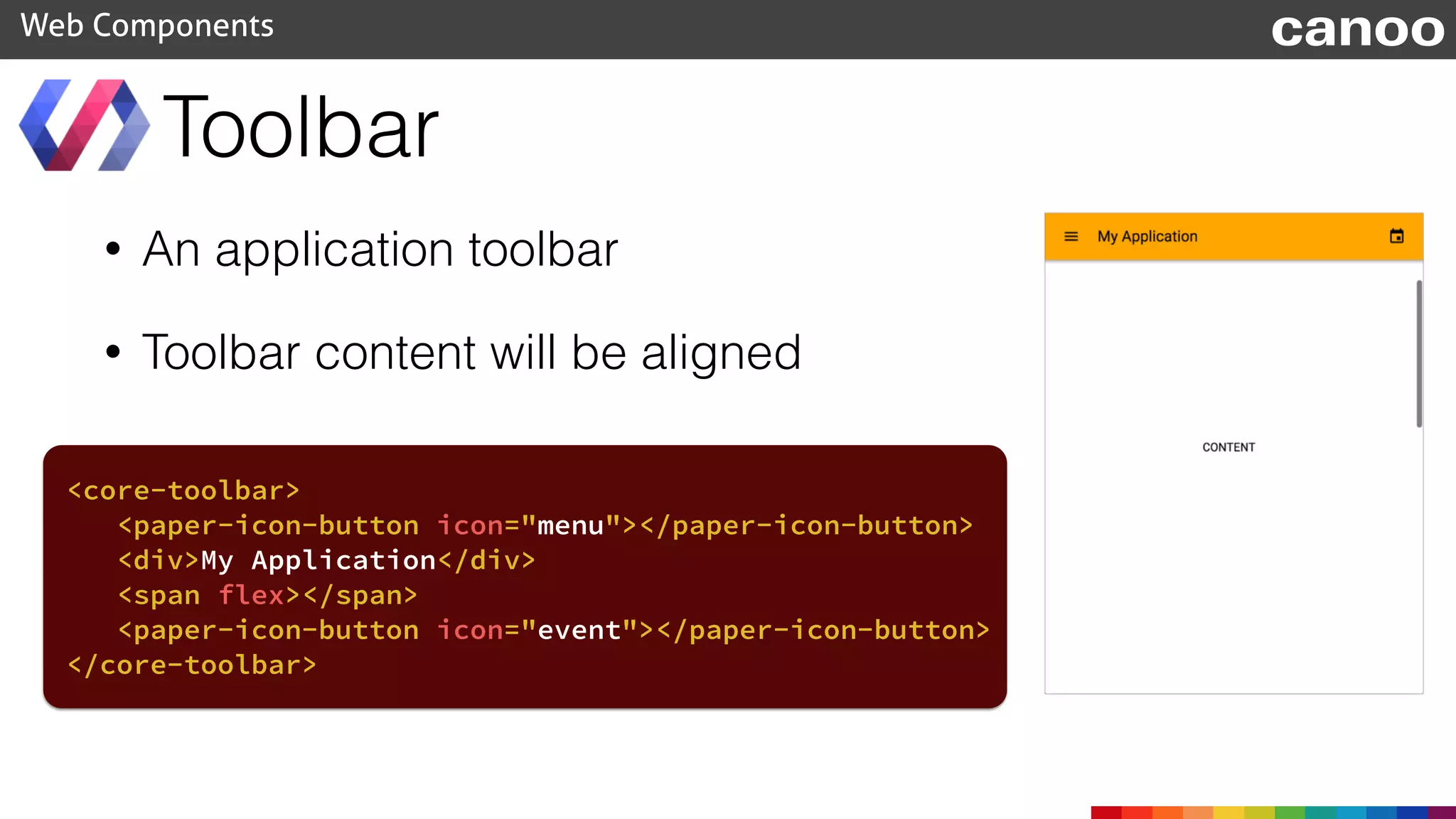
• An application toolbar
• Toolbar content will be aligned
Toolbar
Web Components
<core-toolbar>
<paper-icon-button icon="menu"></paper-icon-button>
<div>My Application</div>
<span flex></span>
<paper-icon-button icon="event"></paper-icon-button>
</core-toolbar>
canoo
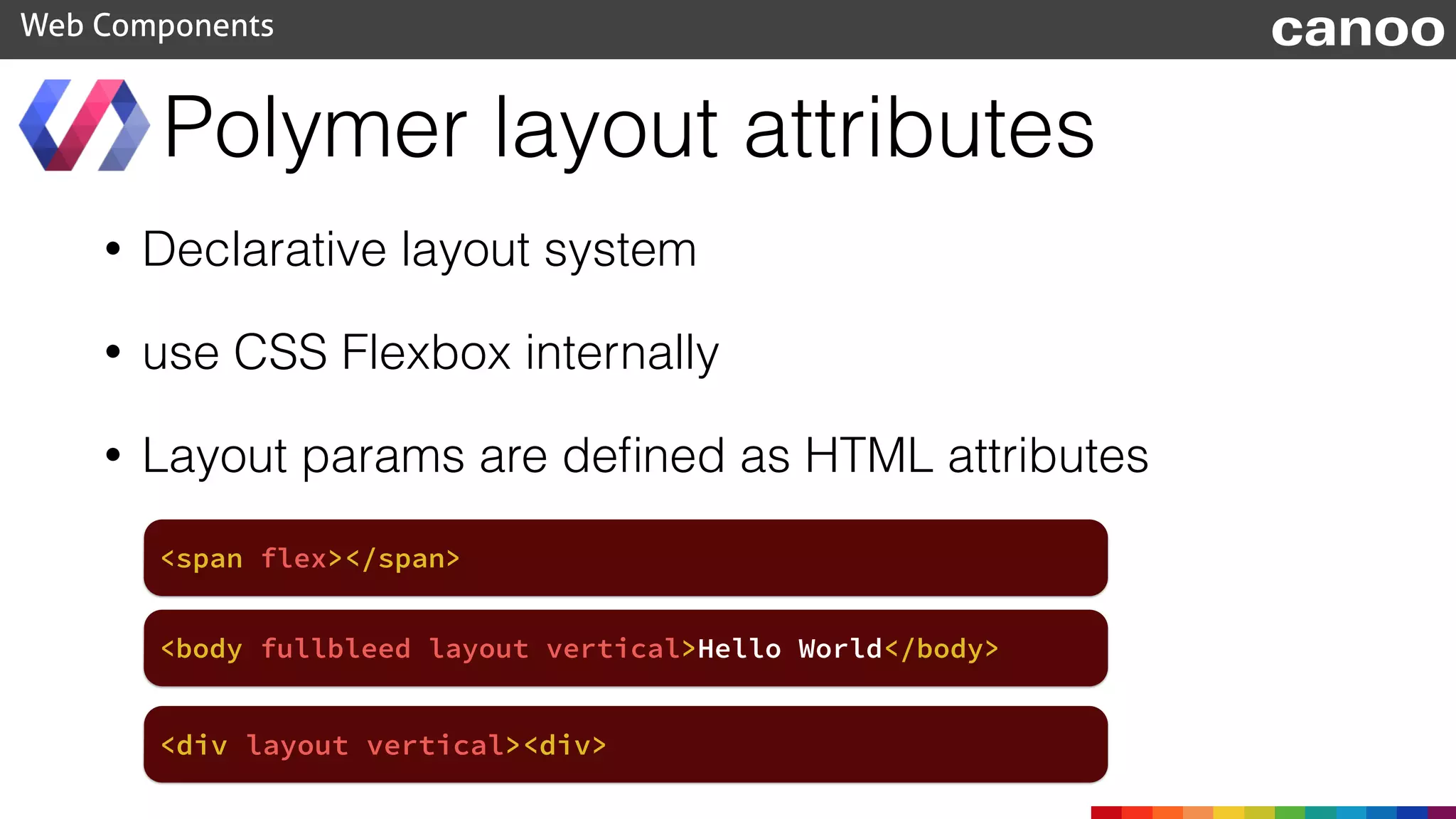
• Declarative layout system
• use CSS Flexbox internally
• Layout params are defined as HTML attributes
Polymer layout attributes
Web Components
<span flex></span>
canoo
<body fullbleed layout vertical>Hello World</body>
<div layout vertical><div>
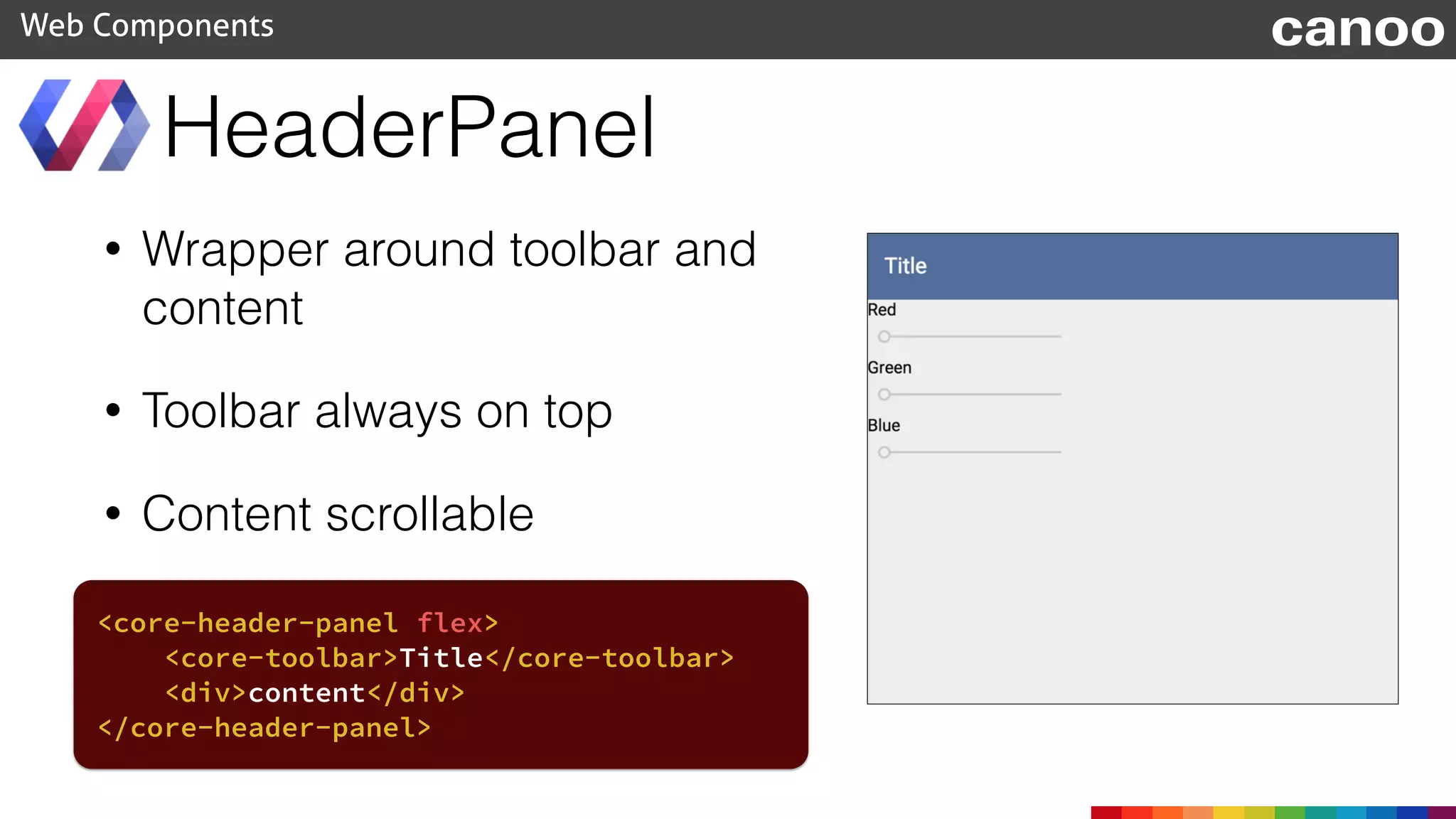
• Wrapper around toolbar and
content
• Toolbar always on top
• Content scrollable
HeaderPanel
Web Components canoo
<core-header-panel flex>
<core-toolbar>Title</core-toolbar>
<div>content</div>
</core-header-panel>
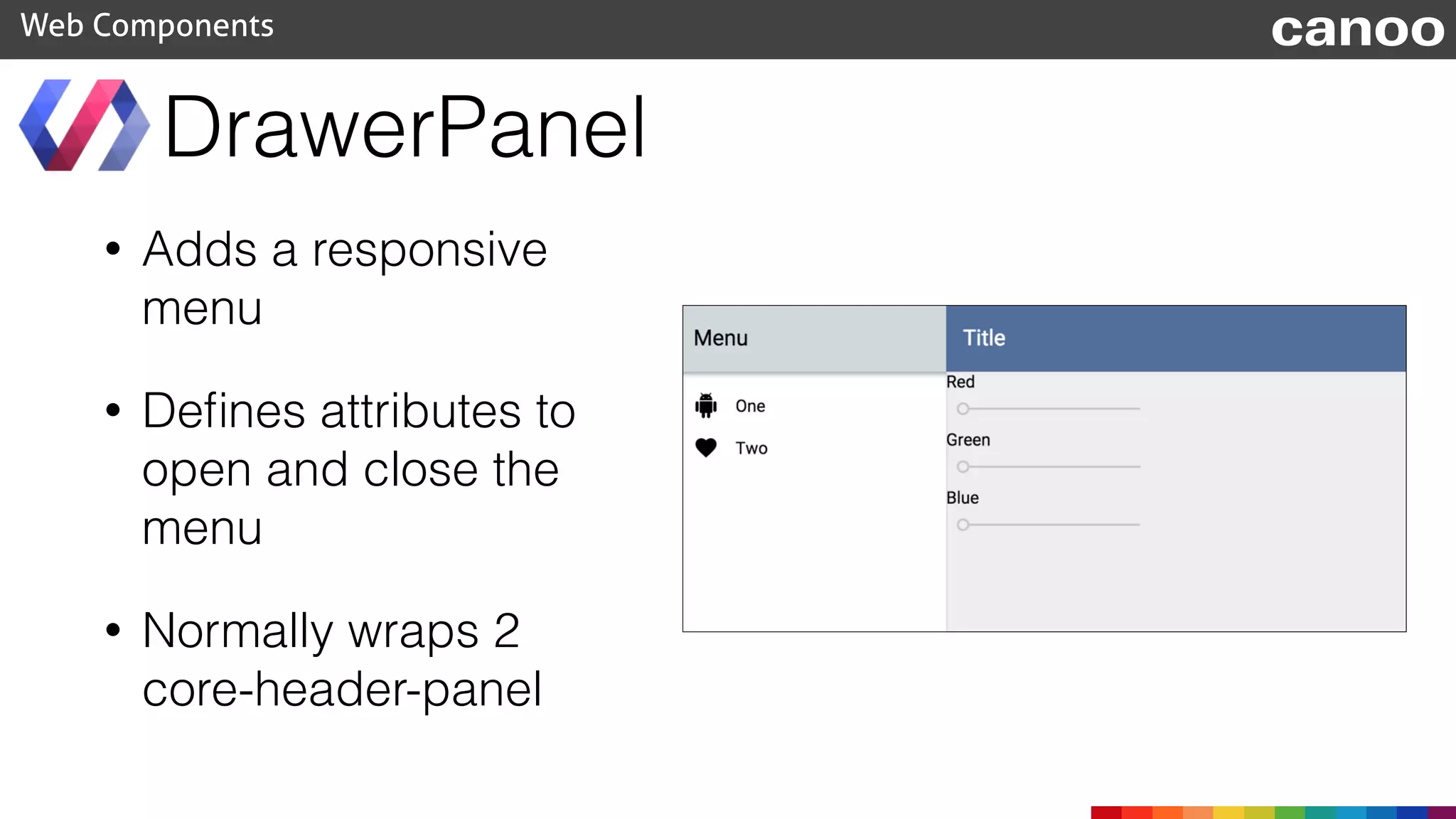
• Adds a responsive
menu
• Defines attributes to
open and close the
menu
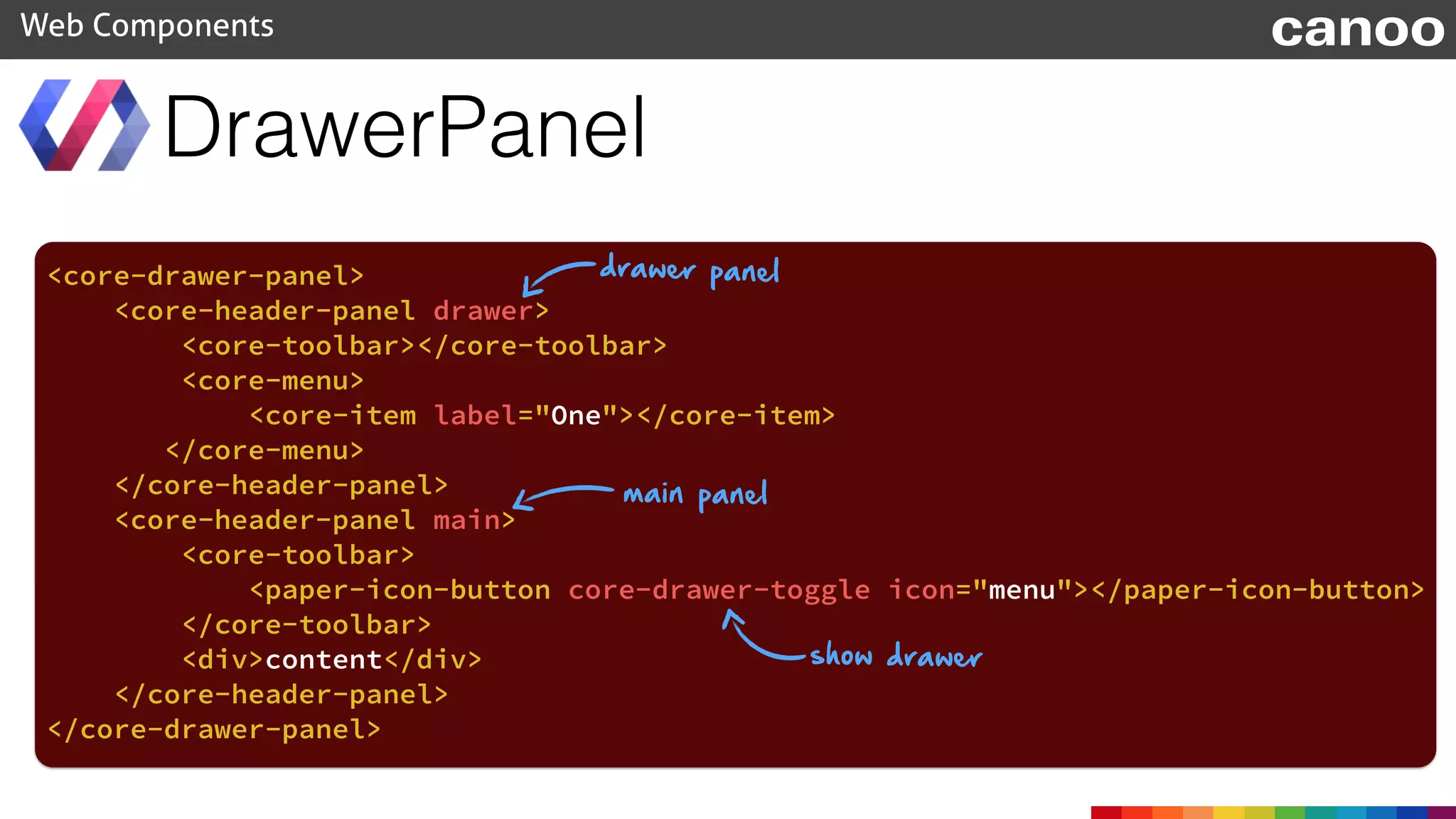
• Normally wraps 2
core-header-panel
DrawerPanel
Web Components canoo
DrawerPanel
Web Components canoo
<core-drawer-panel>
<core-header-panel drawer>
<core-toolbar></core-toolbar>
<core-menu>
<core-item label="One"></core-item>
</core-menu>
</core-header-panel>
<core-header-panel main>
<core-toolbar>
<paper-icon-button core-drawer-toggle icon="menu"></paper-icon-button>
</core-toolbar>
<div>content</div>
</core-header-panel>
</core-drawer-panel>
drawer panel
main panel
show drawer
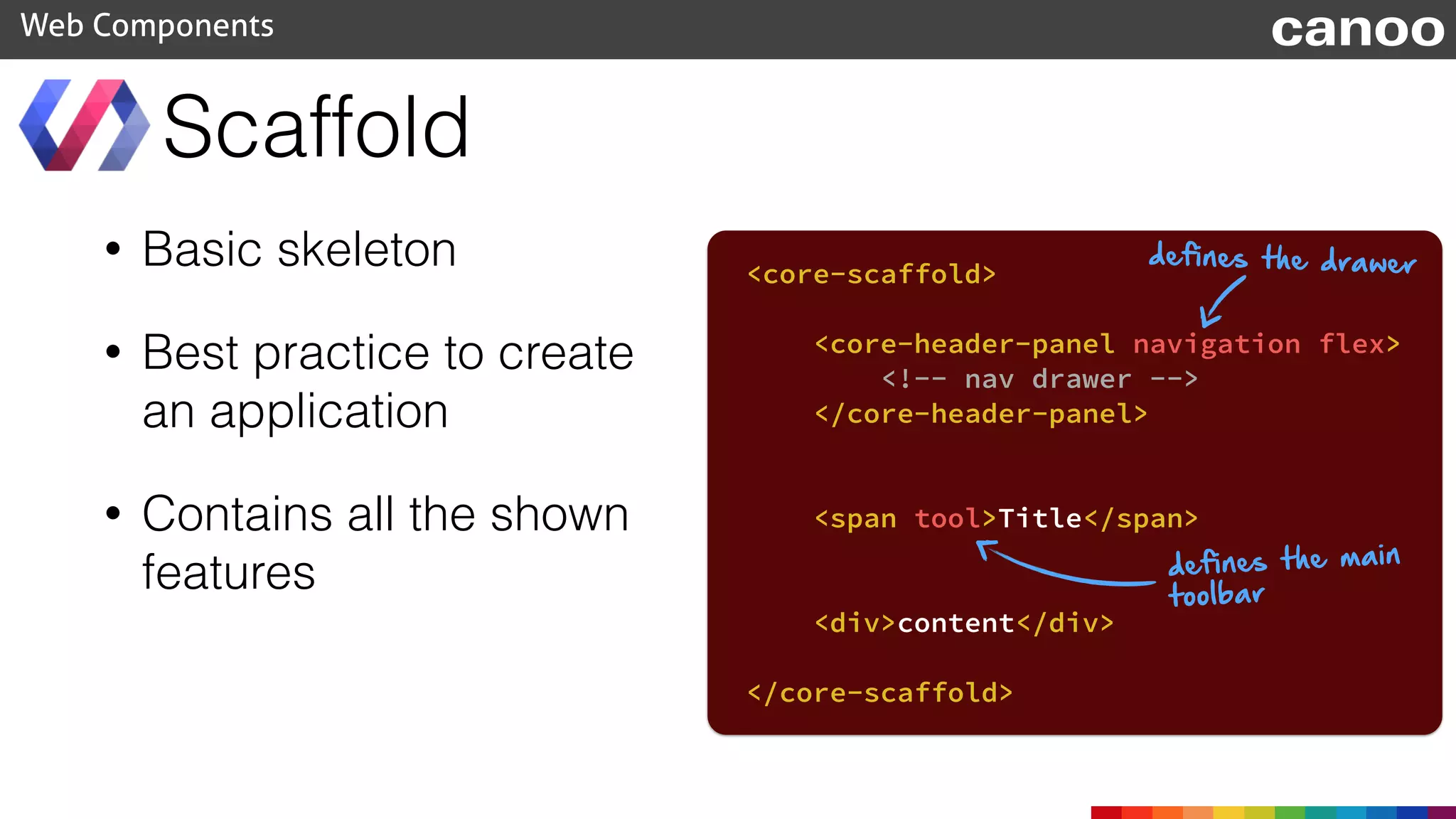
• Basic skeleton
• Best practice to create
an application
• Contains all the shown
features
Scaffold
Web Components
<core-scaffold>
<core-header-panel navigation flex>
<!-- nav drawer -->
</core-header-panel>
<span tool>Title</span>
<div>content</div>
</core-scaffold>
defines the drawer
defines the main
toolbar
canoo
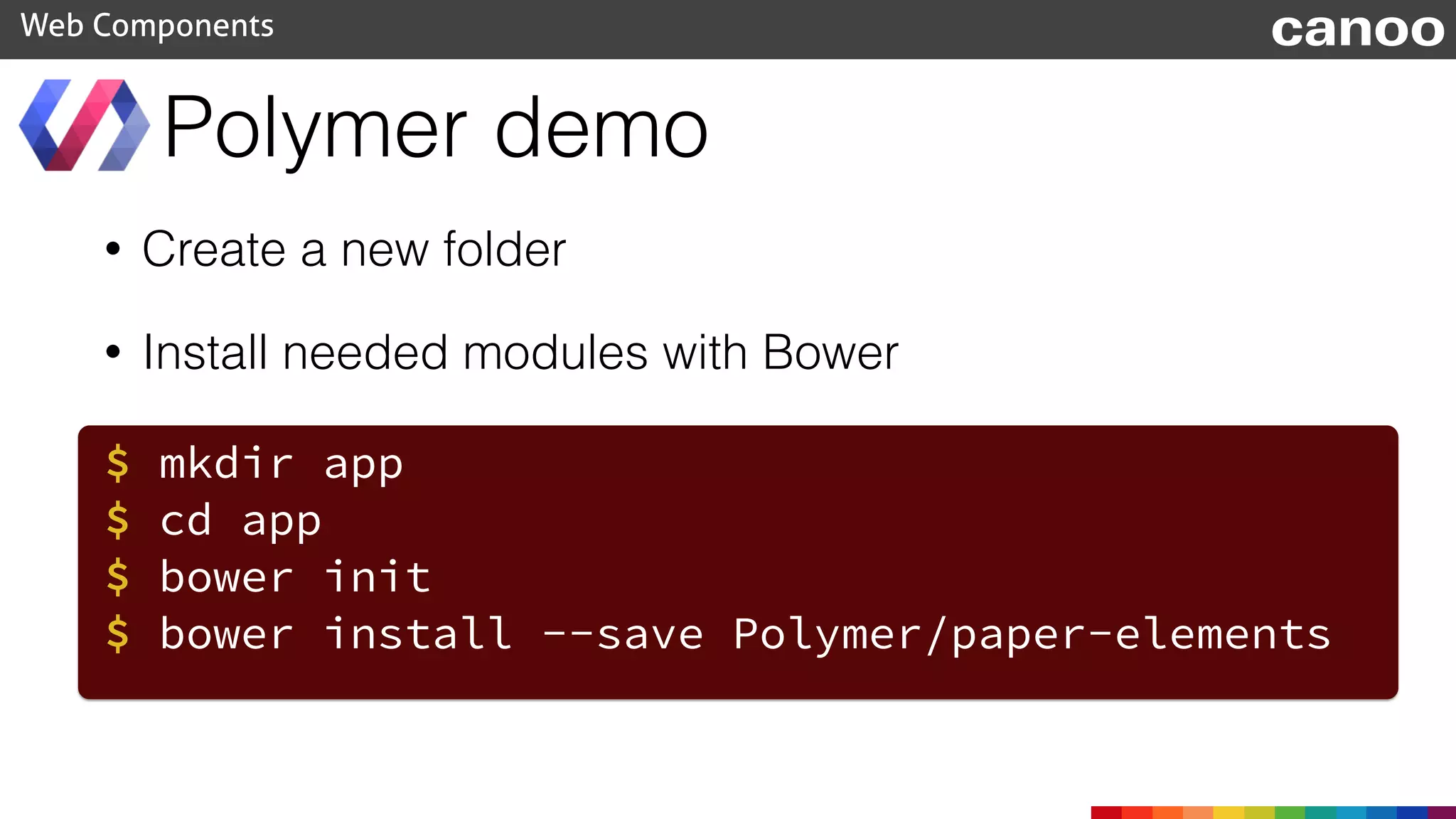
• Create a new folder
• Install needed modules with Bower
Polymer demo
Web Components
$ mkdir app
$ cd app
$ bower init
$ bower install --save Polymer/paper-elements
canoo
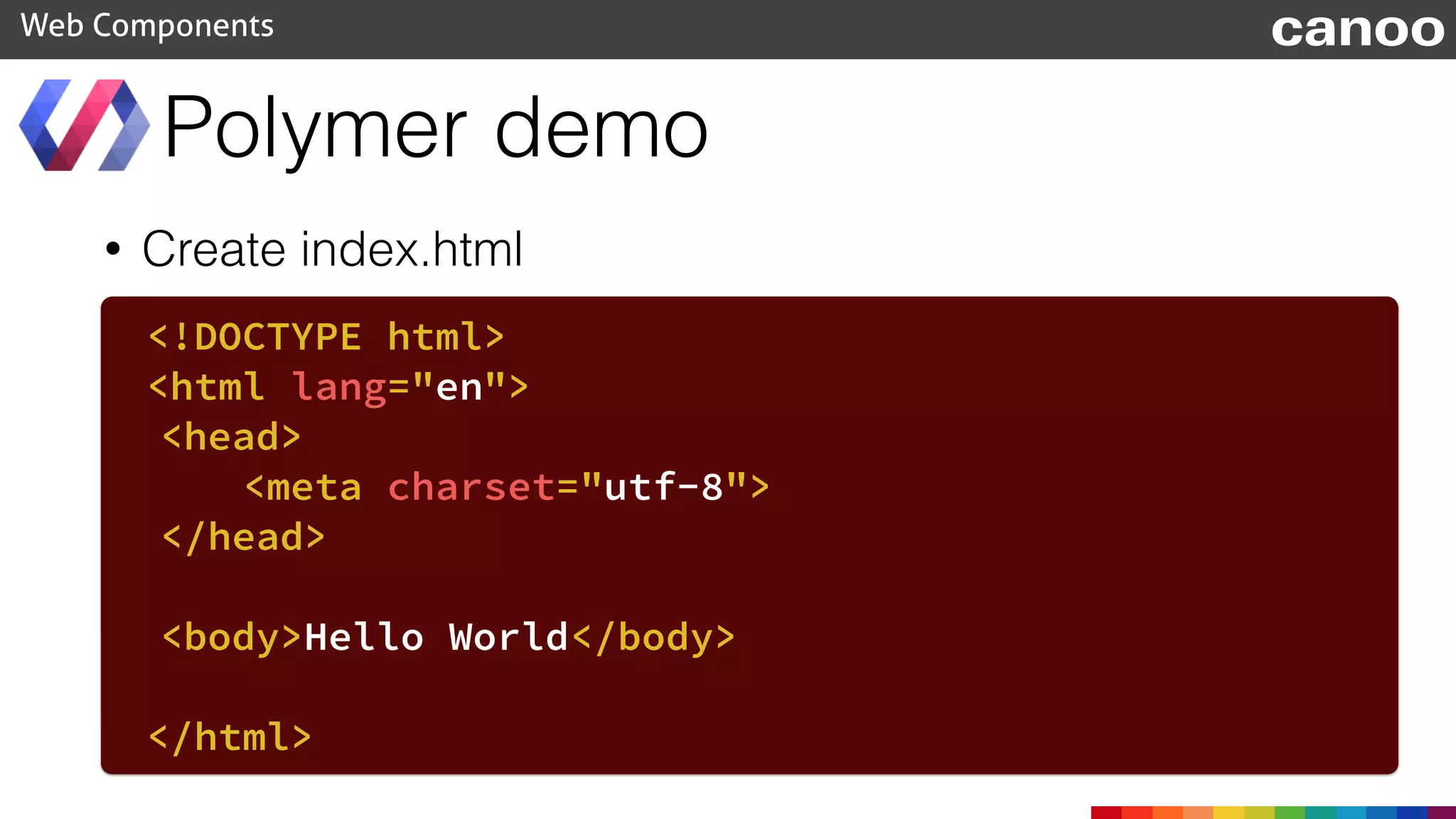
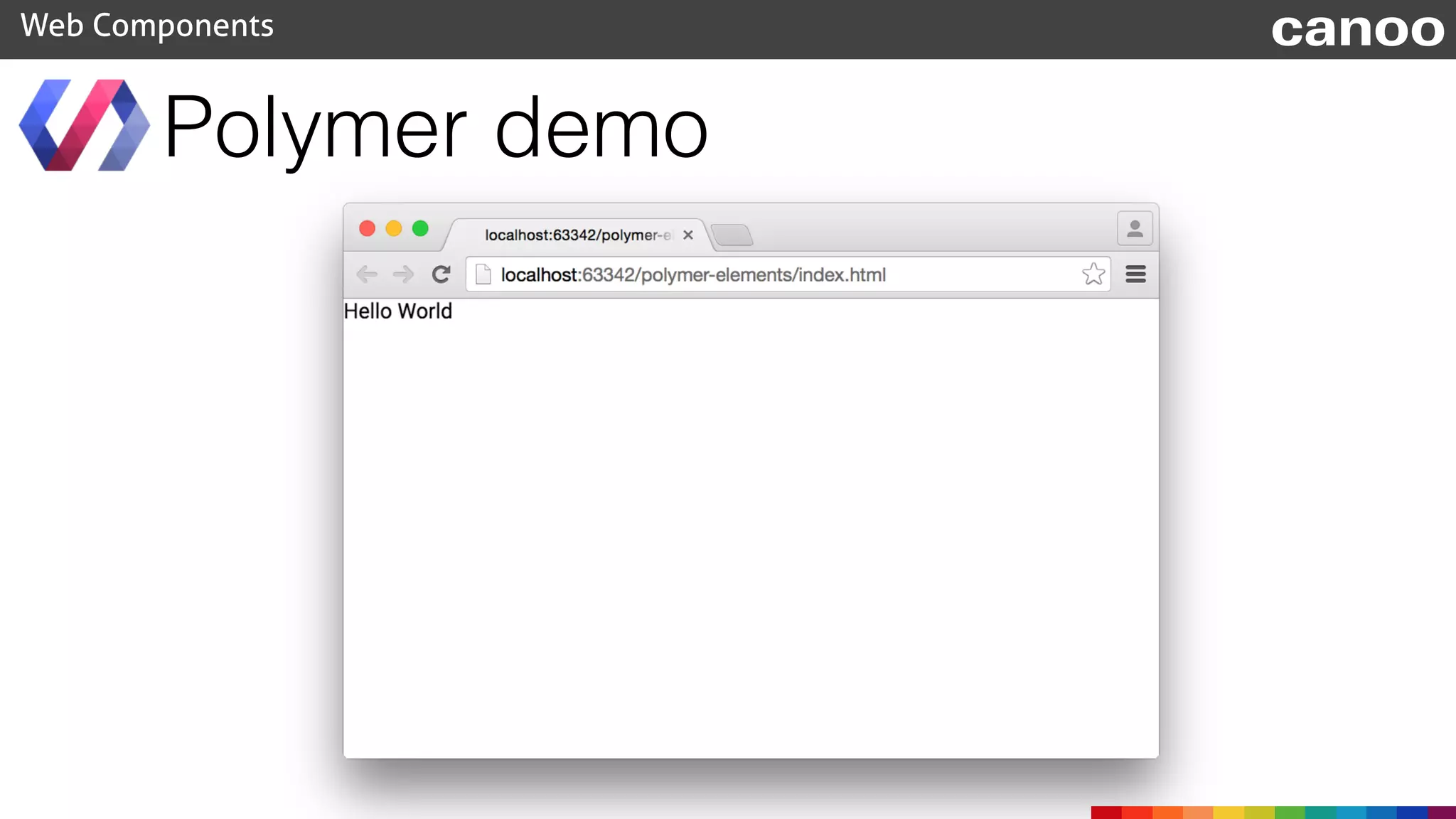
• Create index.html
Polymer demo
Web Components
<!DOCTYPE html>
<html lang="en">
<head>
<meta charset="utf-8">
</head>
<body>Hello World</body>
</html>
canoo
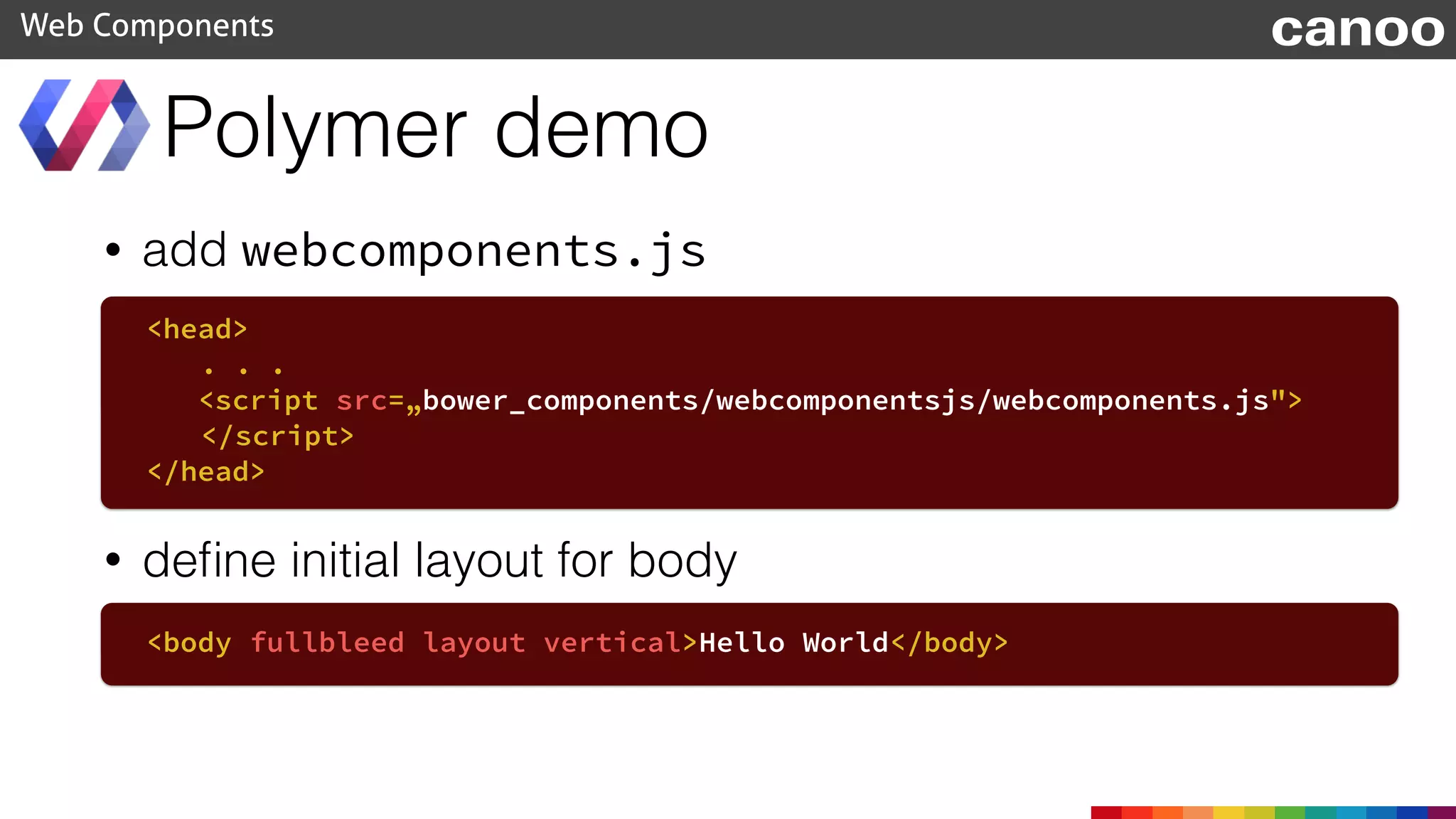
• add webcomponents.js
Polymer demo
Web Components
<head>
. . .
<script src=„bower_components/webcomponentsjs/webcomponents.js">
</script>
</head>
• define initial layout for body
<body fullbleed layout vertical>Hello World</body>
canoo
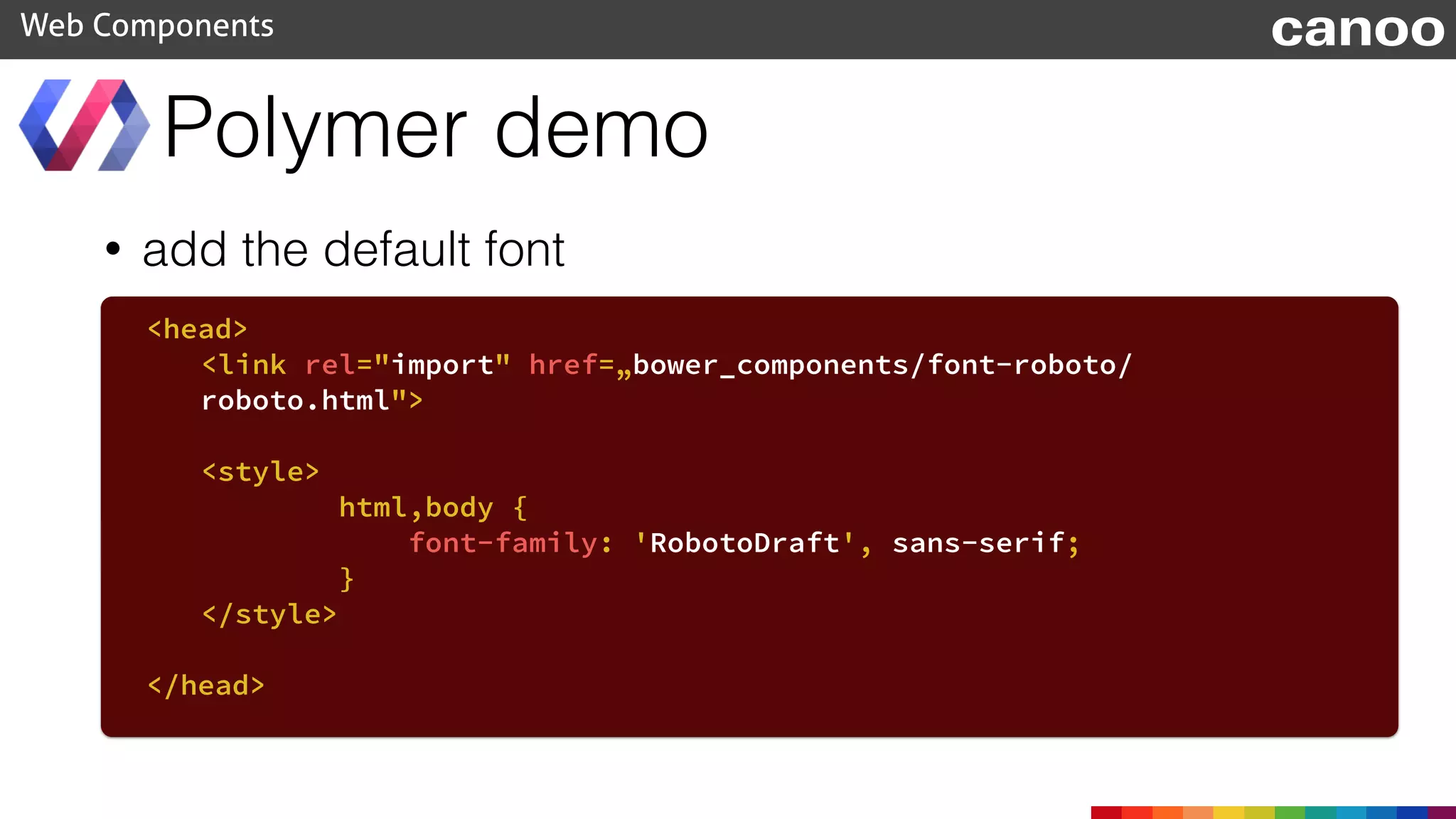
• add the default font
Polymer demo
Web Components
<head>
<link rel="import" href=„bower_components/font-roboto/
roboto.html">
<style>
html,body {
font-family: 'RobotoDraft', sans-serif;
}
</style>
</head>
canoo
Polymer demo
Web Components canoo
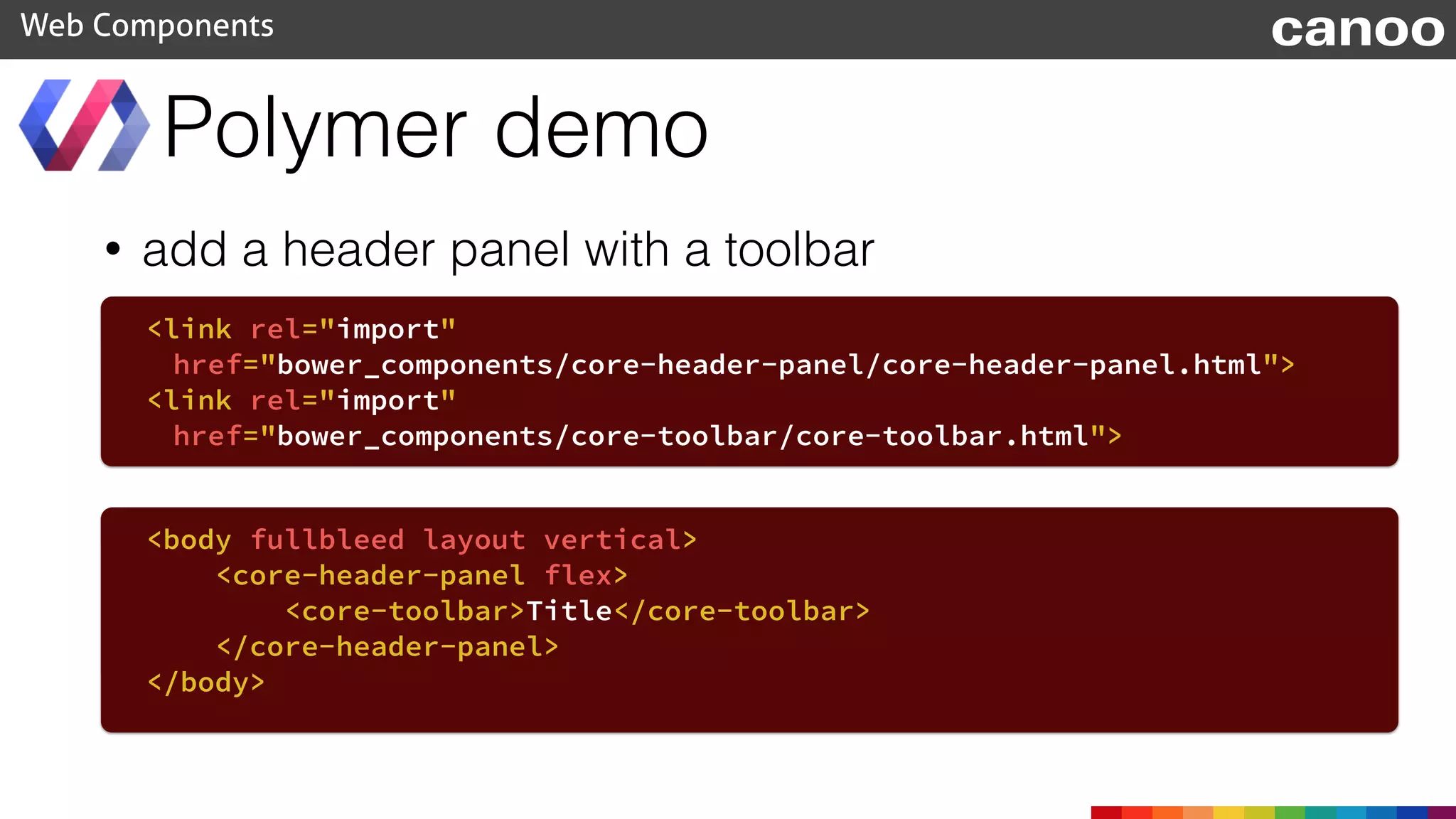
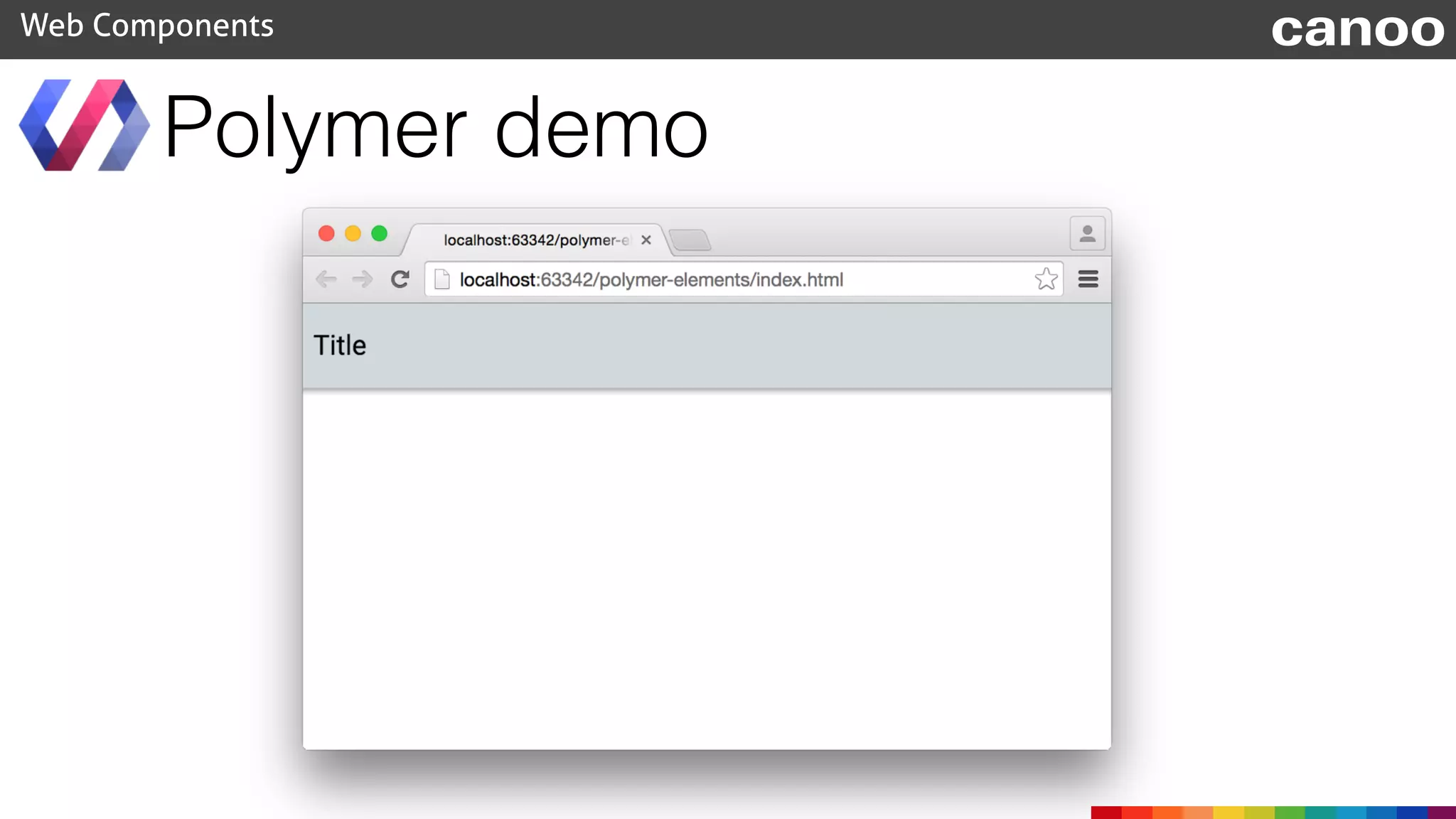
• add a header panel with a toolbar
Polymer demo
Web Components
<body fullbleed layout vertical>
<core-header-panel flex>
<core-toolbar>Title</core-toolbar>
</core-header-panel>
</body>
<link rel="import"
href="bower_components/core-header-panel/core-header-panel.html">
<link rel="import"
href="bower_components/core-toolbar/core-toolbar.html">
canoo
Polymer demo
Web Components canoo
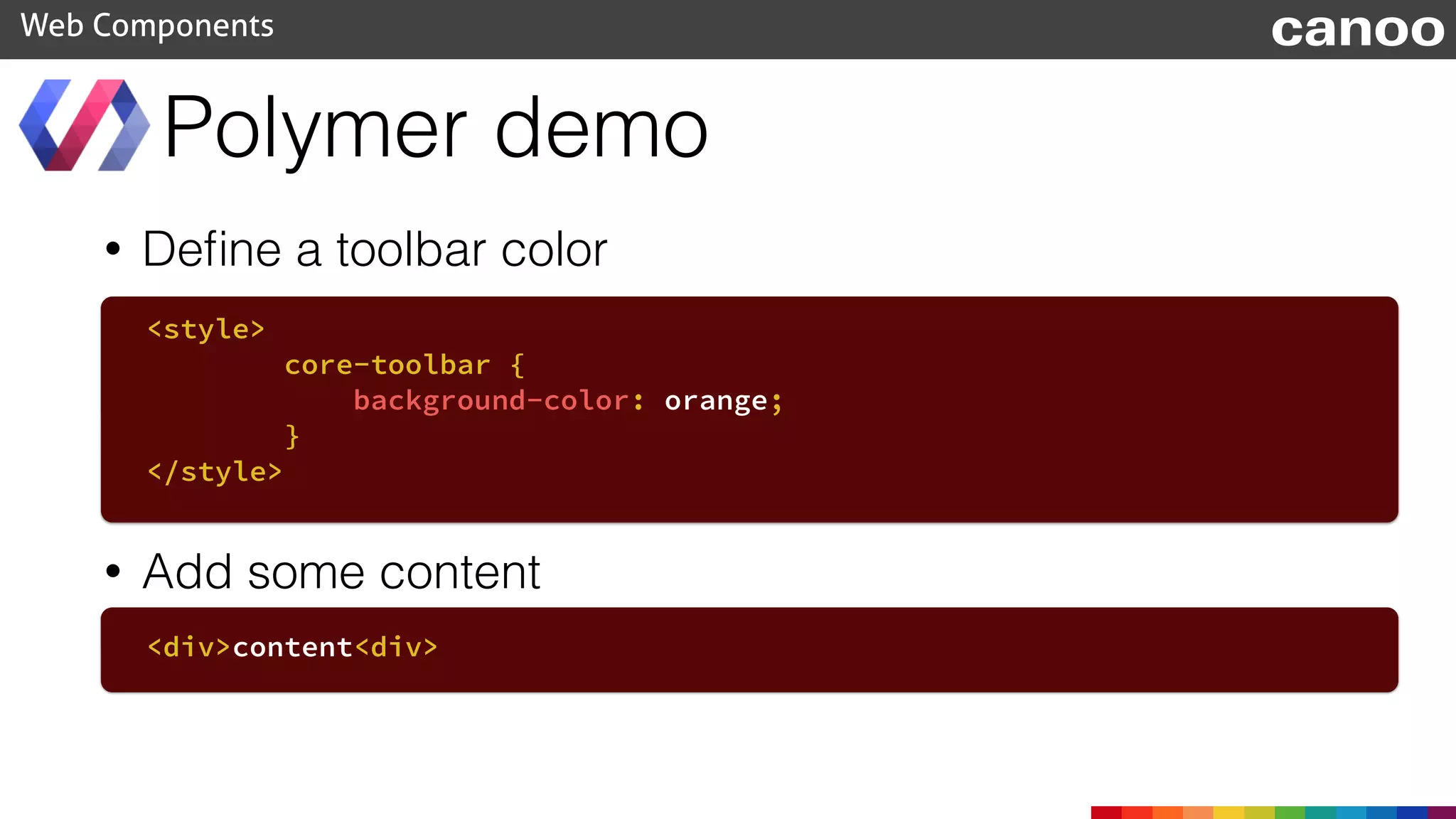
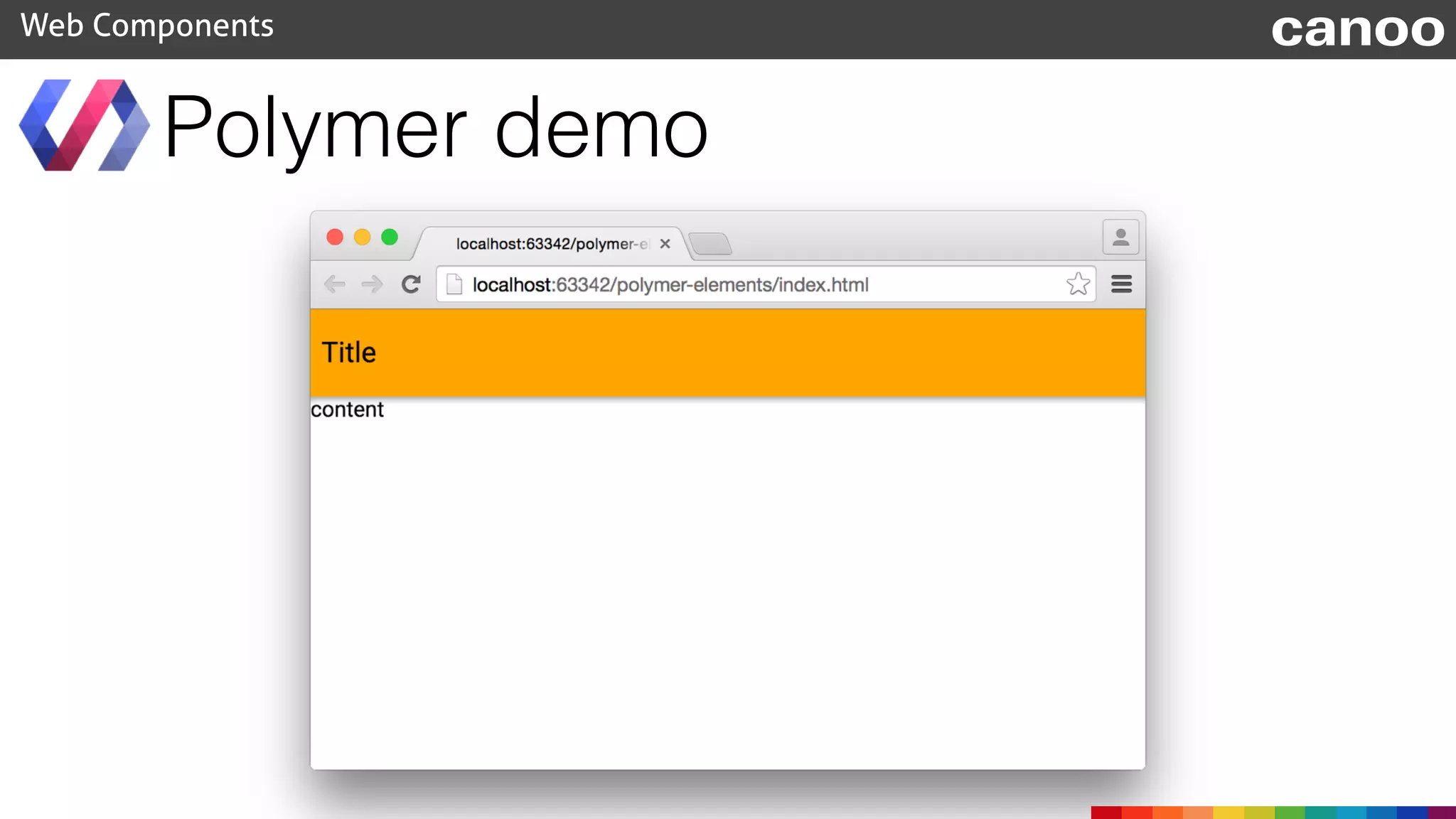
• Define a toolbar color
Polymer demo
Web Components
<style>
core-toolbar {
background-color: orange;
}
</style>
• Add some content
<div>content<div>
canoo
Polymer demo
Web Components canoo
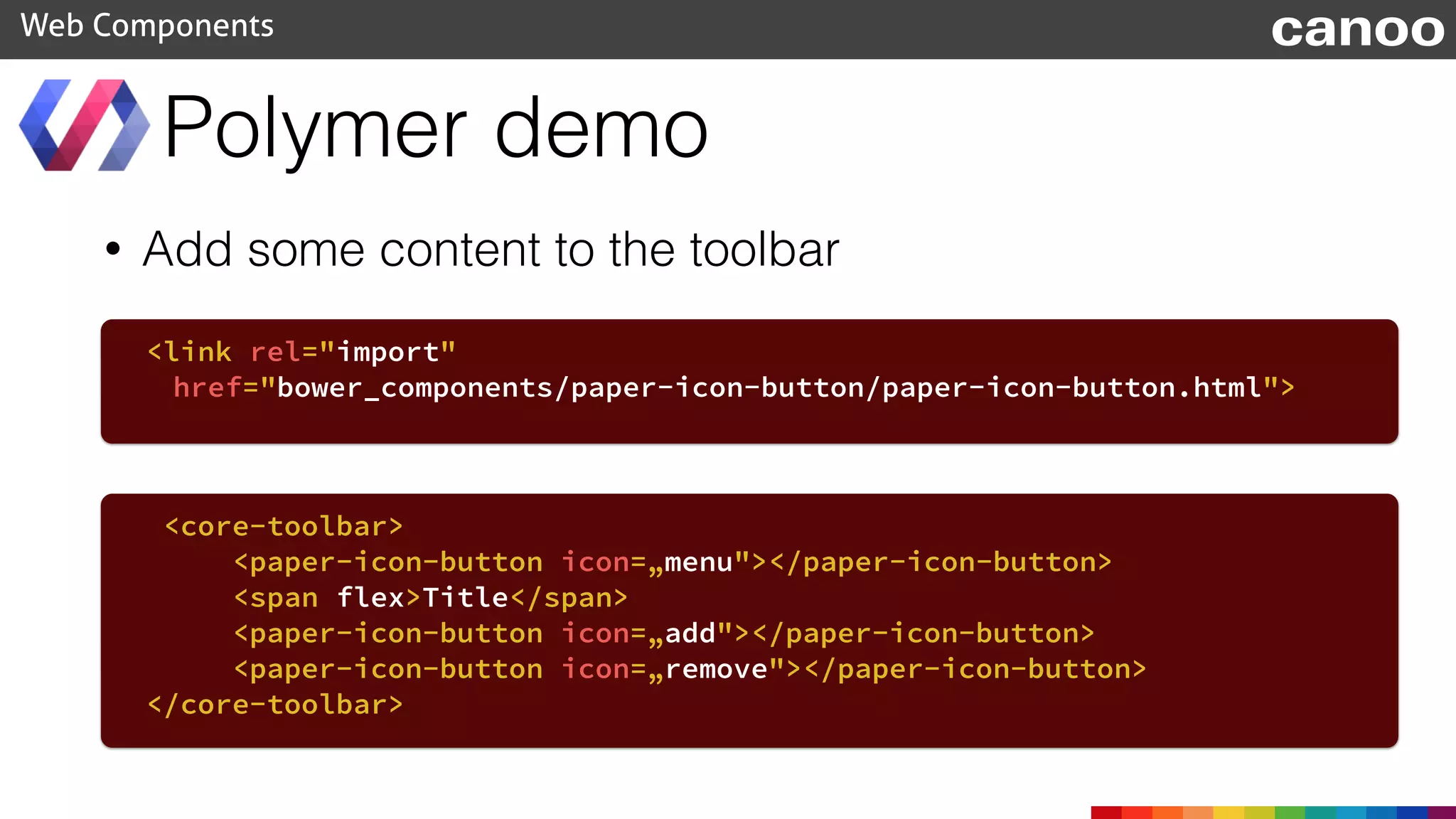
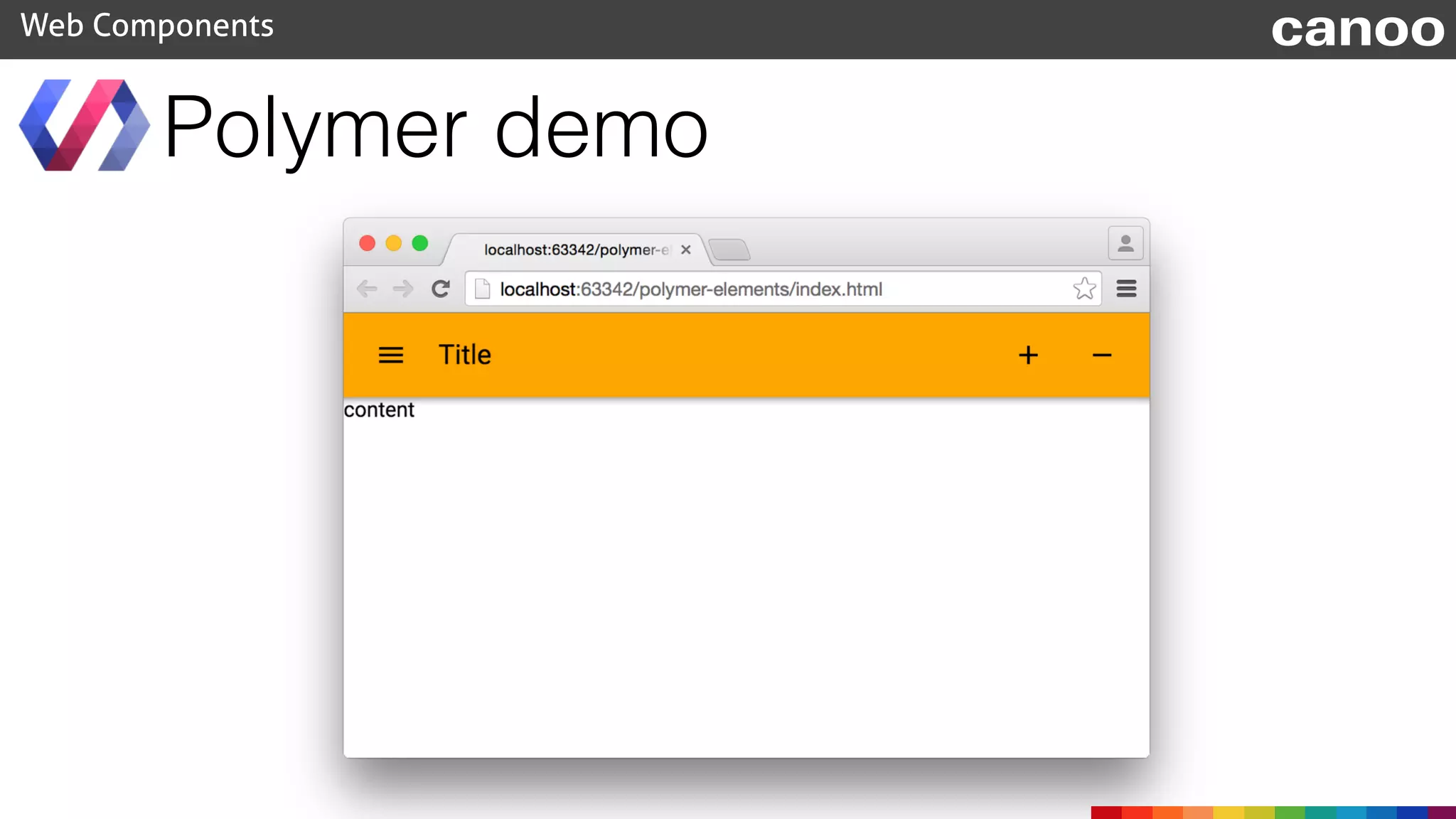
• Add some content to the toolbar
Polymer demo
Web Components
<link rel="import"
href="bower_components/paper-icon-button/paper-icon-button.html">
<core-toolbar>
<paper-icon-button icon=„menu"></paper-icon-button>
<span flex>Title</span>
<paper-icon-button icon=„add"></paper-icon-button>
<paper-icon-button icon=„remove"></paper-icon-button>
</core-toolbar>
canoo
Polymer demo
Web Components canoo
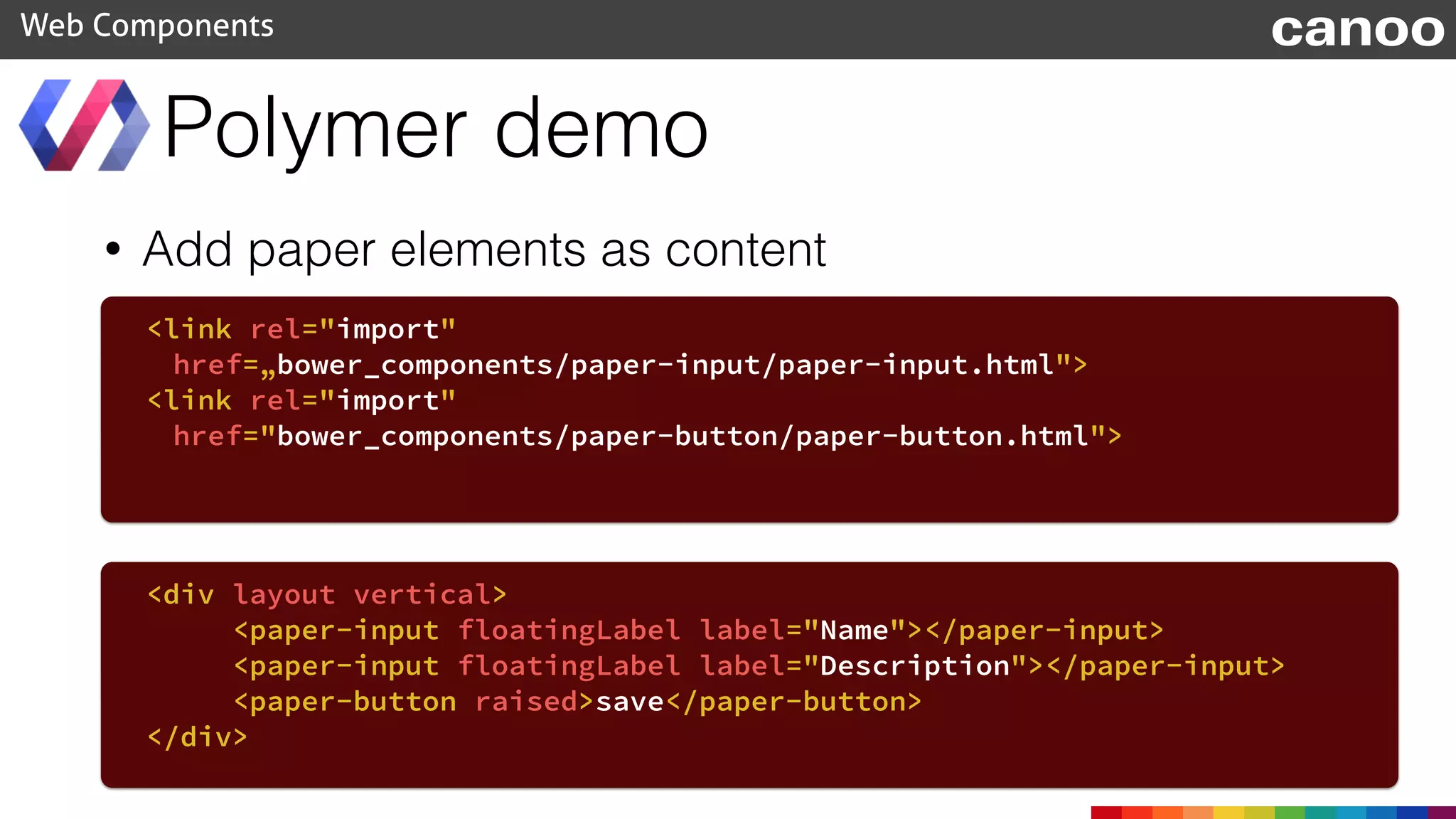
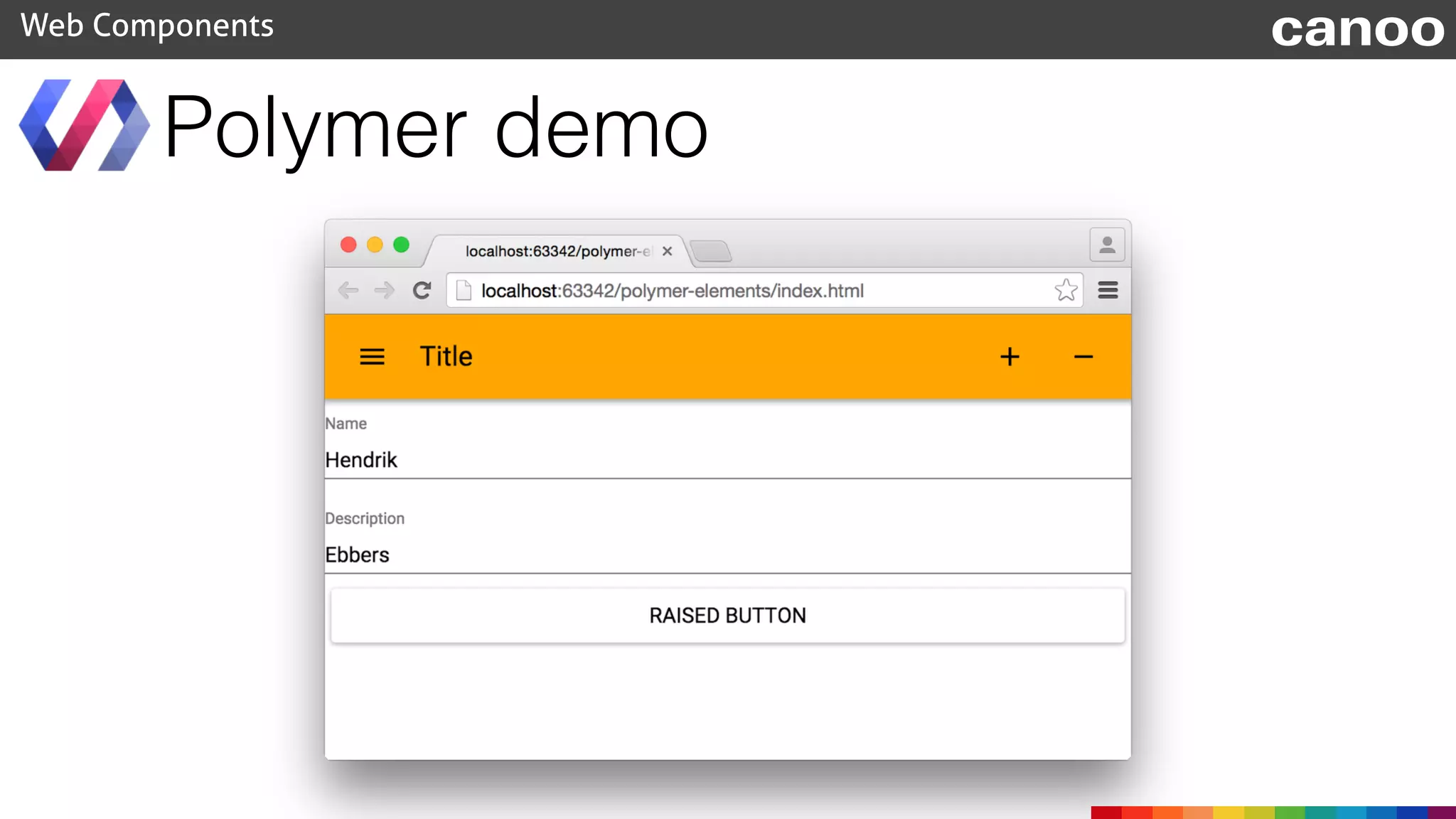
• Add paper elements as content
Polymer demo
Web Components
<link rel="import"
href=„bower_components/paper-input/paper-input.html">
<link rel="import"
href="bower_components/paper-button/paper-button.html">
<div layout vertical>
<paper-input floatingLabel label="Name"></paper-input>
<paper-input floatingLabel label="Description"></paper-input>
<paper-button raised>save</paper-button>
</div>
canoo
Polymer demo
Web Components canoo
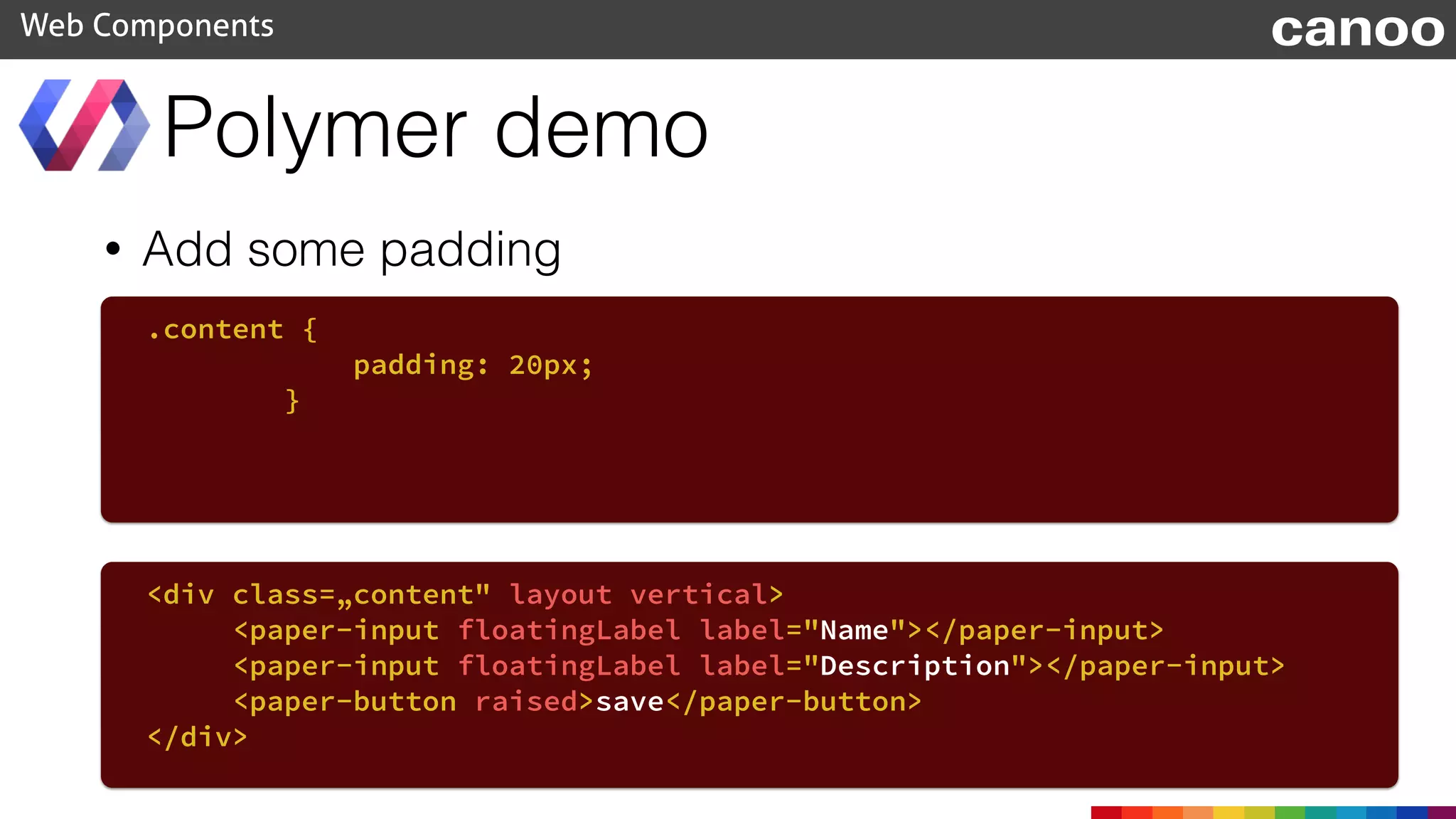
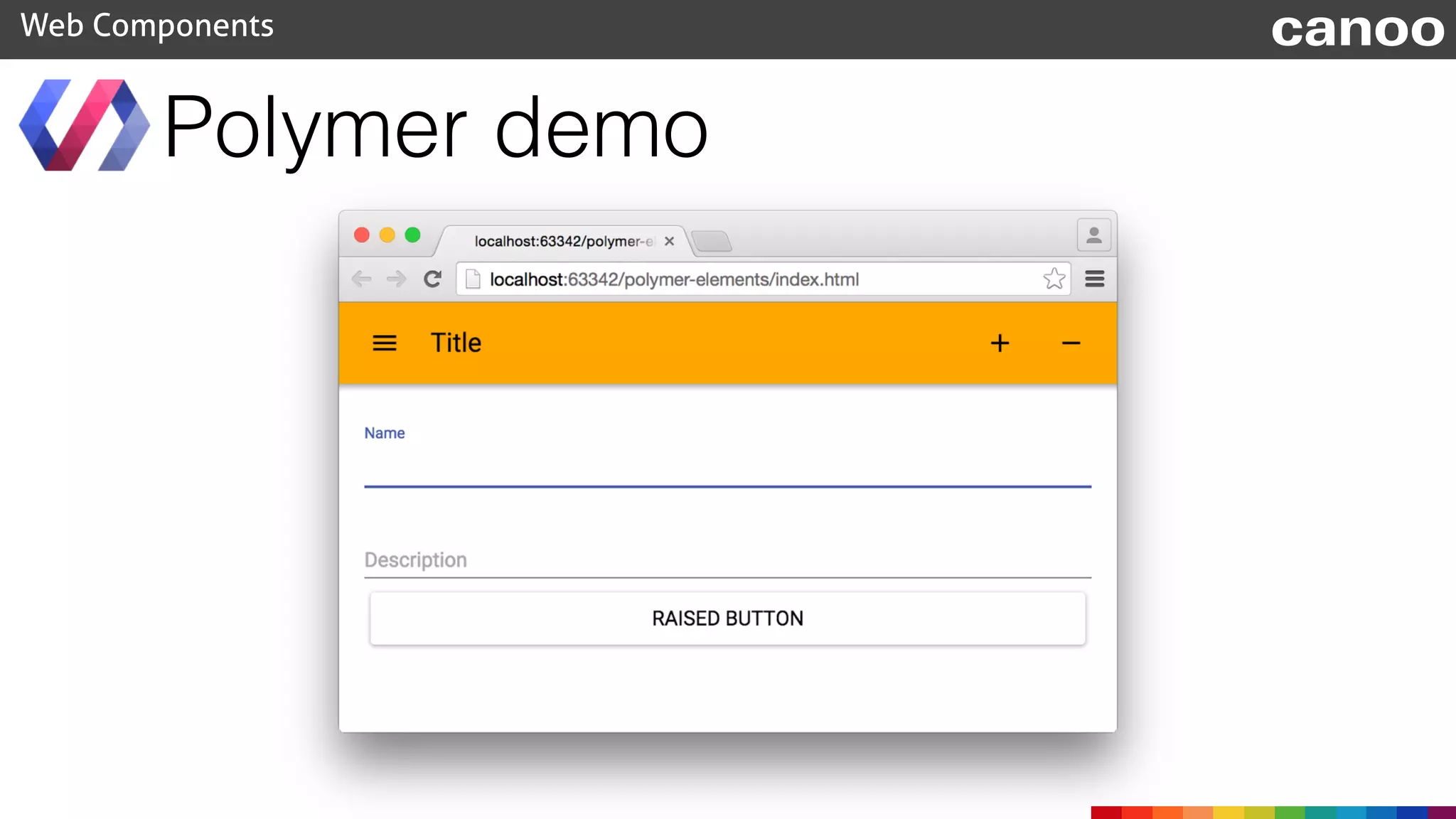
• Add some padding
Polymer demo
Web Components
.content {
padding: 20px;
}
<div class=„content" layout vertical>
<paper-input floatingLabel label="Name"></paper-input>
<paper-input floatingLabel label="Description"></paper-input>
<paper-button raised>save</paper-button>
</div>
canoo
Polymer demo
Web Components canoo
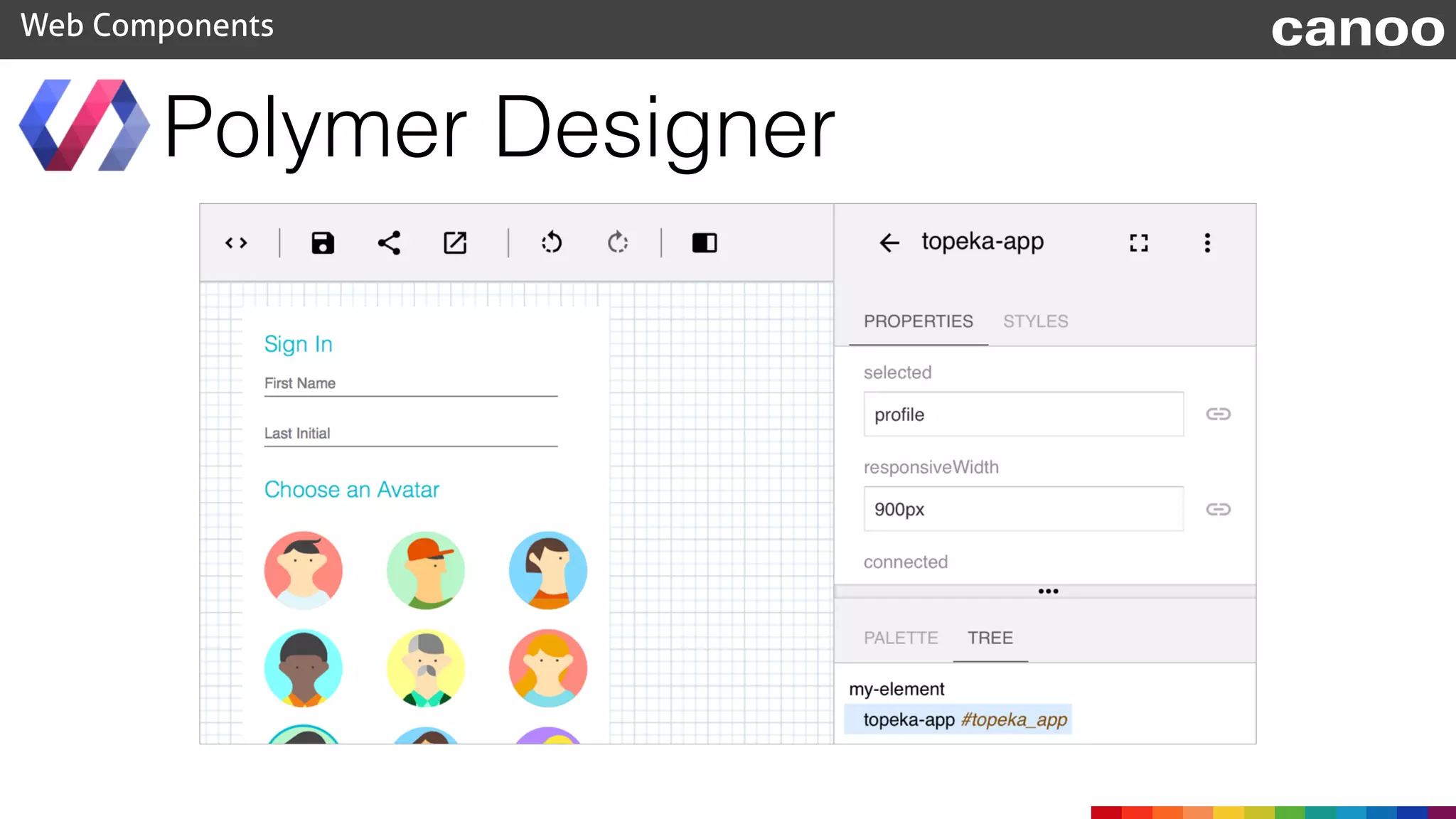
• The Polymer team offers a WYSIWYG designer for Polymer
• Good to have a look at all components and play with the
layout
Polymer Designer
Web Components canoo
https://polymer-designer.appspot.com
Polymer Designer
Web Components canoo
Additional resources
Web Components canoo
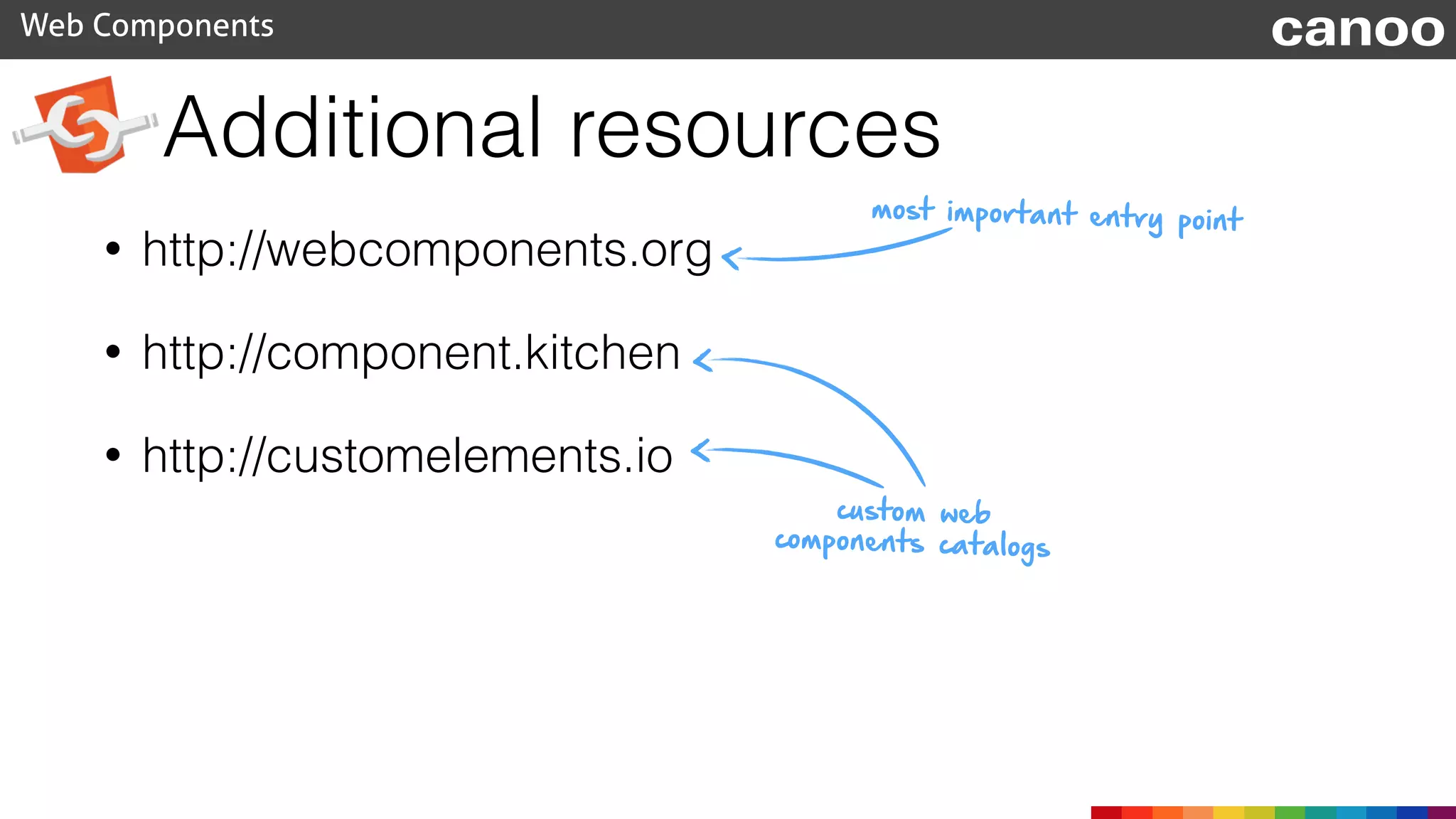
• http://webcomponents.org
• http://component.kitchen
• http://customelements.io
most important entry point
custom web
components catalogs
Web Components canoo
<questions></questions>

webcomponents (Jfokus 2015)

  • 1.
  • 2.
    Web Components canoo Aboutus <speaker name=„Michael Heinrichs“ company=„Canoo Engineering AG“ web=„blog.netopyr.com“ twitter=„@net0pyr“ description=„UI Magician, Active writer and speaker“> </speaker> <speaker name=„Hendrik Ebbers“ company=„Canoo Engineering AG“ web=„www.guigarage.com“ twitter=„@hendrikEbbers“ description=„JUG lead, blogger, book author, JSR EC Member“> </speaker>
  • 3.
    Content • The webcomponent specification • Web component polyfills • Polymer • Perspectives Web Components canoo
  • 4.
    Revolution of theweb Web Components canoo HTML Ajax JS HTML5 mobile Angular ?
  • 5.
    Bower • A packagemanager for the web • Search for dependencies and install them as packages • Created by Twitter • Open Source Web Components canoo www.bower.io
  • 6.
    Bower requires npm, node.jsand git Web Components canoo $ npm install -g bower $ bower init $ bower install --save webcomponentsjs in your project folder download & add module add dependency to bower file
  • 8.
    <li class="yt-shelf-grid-item yt-uix-shelfslider-item">
 <divclass="yt-lockup yt-lockup-grid yt-lockup-video vve-check clearfix" data-context-item-id="naiLVvuPCAw"
 data-visibility-tracking= "CFEQpDAYBSITCM7Or_3JucMCFY6yHAodHk0ANiiOHkCMkLzc7-qi1J0B">
 <div class="yt-lockup-dismissable">
 <div class="yt-lockup-thumbnail contains-addto">
 <a aria-hidden="true" href="/watch?v=naiLVvuPCAw" class=" yt-uix-sessionlink spf-link "
 data-sessionlink= "itct=CFEQpDAYBSITCM7Or_3JucMCFY6yHAodHk0ANiiOHjIKZy1oaWdoLXJjaA">
 <div class="yt-thumb video-thumb">
 <img src="//i.ytimg.com/vi/naiLVvuPCAw/mqdefault.jpg" width="196" height="110"/>
 </div>
 Web Components canoo Web Applications Today
  • 9.
  • 10.
    <li class=" yt-uix-shelfslider-item">
 <divclass="yt-lockup yt-lockup-grid yt-lockup-video vve-check clearfix" data-context-item-id="naiLVvuPCAw"
 data-visibility-tracking="CFEQpDAYBSITCM7Or_3JucMCFY6yHAodHk0ANiiOHkCMkLzc7-qi1J0B">
 <div class="yt-lockup-dismissable">
 <div class="yt-lockup-thumbnail contains-addto">
 <a aria-hidden="true" href="/watch?v=naiLVvuPCAw" class=" yt-uix-sessionlink spf-link "
 data-sessionlink="itct=CFEQpDAYBSITCM7Or_3JucMCFY6yHAodHk0ANiiOHjIKZy1oaWdoLXJjaA">
 <div class="yt-thumb video-thumb">
 <img src="//i.ytimg.com/vi/naiLVvuPCAw/mqdefault.jpg" width="196" height="110"/>
 </div>
 <span class="video-time" aria-hidden="true">1:21</span>
 </a>
 <span class="thumb-menu dark-overflow-action-menu video-actions">
 <button onclick=";return false;"
 class="yt-uix-button-reverse flip addto-watch-queue-menu spf-nolink hide-until-delayloaded yt-uix-button yt-uix-button-dark-overflow-action-menu yt-uix-button-size-default yt-uix-button-has-icon no-icon-markup yt-uix-button-empty"
 aria-expanded="false" aria-haspopup="true" type="button">
 <span class="yt-uix-button-arrow yt-sprite"></span>
 <ul class="watch-queue-thumb-menu yt-uix-button-menu yt-uix-button-menu-dark-overflow-action-menu" style="display: none;">
 <li role="menuitem" class="overflow-menu-choice addto-watch-queue-menu-choice addto-watch-queue-play-next yt-uix-button-menu-item"
 data-action="play-next" onclick=";return false;" data-video-ids="naiLVvuPCAw">
 <span class="addto-watch-queue-menu-text">Play next</span>
 </li>
 <li role="menuitem" class="overflow-menu-choice addto-watch-queue-menu-choice addto-watch-queue-play-now yt-uix-button-menu-item"
 data-action="play-now" onclick=";return false;" data-video-ids="naiLVvuPCAw">
 <span class="addto-watch-queue-menu-text">Play now</span>
 </li>
 </ul>
 </button>
 </span>
 <button class="yt-uix-button yt-uix-button-size-small yt-uix-button-default yt-uix-button-empty yt-uix-button-has-icon no-icon-markup addto-button video-actions spf-nolink hide-until-delayloaded addto-watch-later-button-sign-in yt-uix-tooltip"
 type="button" onclick=";return false;" title="Watch Later" role="button"
 data-video-ids="naiLVvuPCAw" data-button-menu-id="shared-addto-watch-later-login"><span
 class="yt-uix-button-arrow yt-sprite"></span></button>
 <button class="yt-uix-button yt-uix-button-size-small yt-uix-button-default yt-uix-button-empty yt-uix-button-has-icon no-icon-markup addto-button addto-queue-button video-actions spf-nolink hide-until-delayloaded addto-tv-queue-button yt-uix- tooltip"
 type="button" onclick=";return false;" title="TV Queue" data-video-ids="naiLVvuPCAw"
 data-style="tv-queue"></button>
 </div>
 <div class="yt-lockup-content">
 <h3 class="yt-lockup-title">
 <a href="/watch?v=naiLVvuPCAw"
 class=" yt-ui-ellipsis yt-ui-ellipsis-2 yt-uix-sessionlink spf-link "
 data-sessionlink="itct=CFEQpDAYBSITCM7Or_3JucMCFY6yHAodHk0ANiiOHjIKZy1oaWdoLXJjaA"
 title="Polizisten hören Helene Fischer&#39;s &#39;Atemlos&#39; im Polizeiauto"
 aria-describedby="description-id-439757"
 dir="ltr">Polizisten hören Helene Fischer&#39;s&#39;Atemlos&#39; im Polizeiauto</a>
 <span class="accessible-description" id="description-id-439757"> - Duration: 1:21.</span>
 </h3>
 <div class="yt-lockup-byline">by <a href="/user/djgreyhair class=" yt-uix-sessionlink spf-link g-hovercard" data-name=""
 data-sessionlink="itct=CFEQpDAYBSITCM7Or_3JucMCFY6yHAodHk0ANiiOHg" data-ytid="UCCBrsuWhYxpwZYSTY7kkB4A">Spass MussSein</a>
 </div>
 <div class="yt-lockup-meta">
 <ul class="yt-lockup-meta-info">
 <li>3,542,577 views</li>
 <li>6 months ago</li>
 </ul>
 </div>
 </div>
 </div>
 </div>
 </li> Web Applications Today
  • 11.
    <shelf title="Popular on YouTube- Switzerland" subscribers=“128,657"> <shelf-grid-item title="iPhone 6 Plus Bend Test" url="https://www.youtube.com/watch?v=znK652H6yQM" thumbnail="https://i.ytimg.com/vi_webp/znK652H6yQM/mqdefault.webp" user="Unbox Therapy" userUrl="https://www.youtube.com/user/unboxtherapy" views="63,732,280" time="4 months ago"> … 
 Web Components canoo Web Applications Tomorrow
  • 12.
    Web Components canoo WebComponents C ustom 
 E lem ents H TM L 
 Im ports S hadow
 D O M E lem ent
 Tem plate

  • 13.
    Web Components canoo WebComponents C ustom E lem ents H TM L Im ports S hadow D O M E lem ent
 Tem plate

  • 14.
  • 15.
    <div class="activity-stream">
 <h2>Activities</h2>
 <div class="activity">
 <imgclass="icon" src="img/michael.jpeg" width="40" height="40">
 <div class="time">Seconds ago</div>
 <div class="content"><a>Michael</a> had fun coding.</div>
 </div>
 <div class="activity">
 <img class="icon" src="img/hendrick.jpeg" width="40" height="40">
 <div class="time">Minutes ago</div>
 <div class="content"><a>Hendrick</a> blogged on GuiGarage.</div>
 </div> 
 … </div>
 Web Components canoo
  • 16.
  • 17.
    <div class="activity-stream">
 <h2>Activities</h2>
 
 <div class="activity">
 <imgclass="icon" src="img/hendrick.jpeg" width="40" height="40">
 <div class="time">Minutes ago</div>
 <div class="content"><a>Hendrick</a> did this again.</div>
 </div> 
 … </div> Web Components canoo 
 <div class="activity">
 <img class="icon" src="img/michael.jpeg" width="40" height="40">
 <div class="time">Seconds ago</div>
 <div class="content"><a>Michael</a> had fun coding.</div>
 </div>
  • 18.
    <div>
 <img class="icon" src=""width="40" height="40">
 <div class="time"></div>
 <div class="content"></div>
 </div> <template id="activity-template">
 </template> Web Components canoo <div class="activity">
 
 </div> copy boilerplate template tag 
 <img class="icon" src="img/michael.jpeg" width="40" height="40">
 <div class="time">Seconds ago</div>
 <div class="content"><a>Michael</a> had fun coding.</div>
  • 19.
    document.body.appendChild(clone); Web Components canoo <templateid="activity-template">
 <div>
 <img class="icon" src="" width="40" height="40">
 <div class="time"></div>
 <div class="content"></div>
 </div>
 </template> var template = document.querySelector('#activity-template'); use content property var clone = document.importNode(template.content, true);
  • 20.
    Web Components canoo <templateid="activity-template">
 <div>
 <img class="icon" ng-src="{{item.iconSrc}}" width="40" height="40">
 <div class="time">{{item.time}}</div>
 <div class="content">{{item.content}}</div>
 </div>
 </template> No Data Binding
  • 21.
    Web Components canoo 22+26+ and Android 4.4+ 7.1+ 15+
  • 22.
    Web Components canoo WebComponents C ustom E lem ents H TM L Im ports S hadow D O M E lem ent
 Tem plate

  • 23.
    Web Components canoo WebComponents C ustom E lem ents H TM L Im ports S hadow
 D O M E lem ent Tem plate
  • 24.
  • 25.
    Web Components canoo ".content"".content" .content{ color: blue; } document.querySelector(".content")
  • 26.
    Web Components canoo ".content"".content" .content{ color: blue; } document.querySelector(".content")
  • 27.
  • 28.
  • 29.
    Web Components canoo visibleto
 the user used during rendering
  • 30.
  • 31.
    var root =host.createShadowRoot(); Web Components canoo Host Root root.appendChild(child1); root.appendChild(child2);
  • 32.
    var root =host.createShadowRoot(); Web Components canoo Host Root var clone = document.importNode( template.content, true); root.appendChild(clone); Clone
  • 33.
    Web Components canoo 25+and Android 4.4+ 15+
  • 34.
    Web Components canoo WebComponents C ustom E lem ents H TM L Im ports S hadow
 D O M E lem ent Tem plate
  • 35.
    Web Components canoo WebComponents C ustom 
 E lem ents H TM L Im ports S hadow D O M E lem ent Tem plate
  • 36.
    Web Components canoo <divclass="activity"> <a>Michael</a> had fun coding. </div> How do we store the icon source and time? What is a <div> with the class “activity” anyway?
  • 37.
    Web Components canoo <activity-cardiconSrc="img/michael.jpg" time="Seconds ago"> <a>Michael</a> had fun coding. </activity-card> <div class="activity"> <a>Michael</a> had fun coding. </div>
  • 38.
  • 39.
    document.registerElement("activity-card", options); Web Componentscanoo var activityCardPrototype = Object.create(HTMLElement.prototype); document.registerElement("activity-card", options); Rough translation
 to Java class ActivityCard extends HTMLElement {}; Class<ActivityCard> activityCardClass = ActivityCard.class; ElementRegistrationOptions options = 
 new ElementRegistrationOptions(activityCardClass); var options = {prototype: activityPrototype}
  • 40.
    document.registerElement("activity-card", options); Web Componentscanoo var activityCardPrototype = Object.create(HTMLElement.prototype); var options = {prototype: activityPrototype} <activity-card iconSrc="img/michael.jpg" time="Seconds ago"> <a>Michael</a> had fun coding. </activity-card>
  • 41.
    Web Components canoo createattach detach change createdCallback attachedCallback detachedCallback attributeChangedCallback
 (attrName, oldVal, newVal)
  • 42.
    Web Components canoo varactivityPrototype = Object.create(HTMLElement.prototype); activityPrototype.createdCallback = function() { var template = $("#activity-template"); var clone = document.importNode(template.content, true); var host = $(this); $(".icon", clone).attr("src", host.attr("iconSrc")); $(".time", clone).text(host.attr("time")); var shadow = this.createShadowRoot(); shadow.appendChild(clone); }; document.registerElement("activity-card", {prototype: activityPrototype});
  • 43.
    Web Components canoo 35+and Android 4.4.4+ 26+
  • 44.
    Web Components canoo WebComponents C ustom 
 E lem ents H TM L Im ports S hadow D O M E lem ent Tem plate
  • 45.
    Web Components canoo WebComponents C ustom E lem ents H TM L 
 Im ports S hadow D O M E lem ent Tem plate
  • 46.
    <!DOCTYPE html>
 <html>
 <head lang="en">
 <metacharset="UTF-8">
 <title>Activity Stream - Standard Web Component</title>
 <link href="stylesheet.css" rel="stylesheet">
 <script src="bower_components/jquery/dist/jquery.min.js"></script>
 </head>
 <body>
 <template>
 <style>
 * {
 font-family: "Helvetica Neue Light", "HelveticaNeue-Light", "Helvetica Neue", Calibri, Helvetica, Arial, sans-serif;
 }
 .activity {
 width: 500px;
 height: 40px;
 padding: 10px;
 background-color: #f0f8ff;
 font-size: small;
 margin: 10px 0;
 }
 .activity .icon {
 float: left;
 border-radius: 100%;
 }
 
 .activity .time {
 float: right;
 color: #b7b7b7;
 font-style: italic;
 }
 .activity .content {
 margin-left: 60px;
 }
 </style>
 
 <div class="activity">
 <img class="icon" src="" width="40" height="40">
 <div class="time"></div>
 <div class="content"><content></content></div>
 </div>
 </template>
 
 
 <script>
 
 var activityPrototype = Object.create(HTMLElement.prototype);
 
 activityPrototype.createdCallback = function() {
 var template = document.querySelector('template');
 var clone = document.importNode(template.content, true);
 
 var host = $(this);
 $(".icon", clone).attr("src", host.attr("iconSrc"));
 $(".time", clone).text(host.attr("time"));
 
 var shadowRoot = this.createShadowRoot();
 shadowRoot.appendChild(clone);
 };
 
 // Register our new element
 document.registerElement('activity-card', {
 prototype: activityPrototype
 });
 </script>
 
 <div class="activity-stream">
 <h2>Activities</h2>
 <activity-card iconSrc="../img/michael.jpeg" time="Seconds ago">
 <a href="profiles/michael">Michael</a> had fun writing web components.
 </activity-card>
 <activity-card iconSrc="../img/hendrick.jpeg" time="Minutes ago">
 <a href="profiles/hendrick">Hendrick</a> blogged on <a href="http://guigarage.com">GuiGarage</a>.
 </activity-card>
 <activity-card iconSrc="../img/michael.jpeg" time="1 hour ago">
 <a href="profiles/michael">Michael</a> needed an extra large cup of coffee.
 </activity-card>
 <activity-card iconSrc="../img/hendrick.jpeg" time="Yesterday">
 <a href="profiles/hendrick">Hendrick</a> watched a movie.
 </activity-card>
 </div>
 </body>
 </html> Web Components canoo Component Code Application Code Application Code
  • 47.
  • 48.
    <!DOCTYPE html>
 <html>
 <head lang="en">
 <metacharset="UTF-8">
 <title>Activity Stream - Standard Web Component</title>
 <link href="stylesheet.css" rel="stylesheet">
 <script src="bower_components/jquery/dist/jquery.min.js"></script>
 </head>
 <body>
 <div class="activity-stream">
 <h2>Activities</h2>
 <activity-card iconSrc="../img/michael.jpeg" time="Seconds ago">
 <a href="profiles/michael">Michael</a> had fun writing web components.
 </activity-card>
 <activity-card iconSrc="../img/hendrick.jpeg" time="Minutes ago">
 <a href="profiles/hendrick">Hendrick</a> blogged on <a href="http://guigarage.com">GuiGarage</a>.
 </activity-card>
 <activity-card iconSrc="../img/michael.jpeg" time="1 hour ago">
 <a href="profiles/michael">Michael</a> needed an extra large cup of coffee.
 </activity-card>
 <activity-card iconSrc="../img/hendrick.jpeg" time="Yesterday">
 <a href="profiles/hendrick">Hendrick</a> watched a movie.
 </activity-card>
 </div>
 </body>
 </html> Web Components canoo <template>
 <style>
 * {
 font-family: "Helvetica Neue Light", "HelveticaNeue-Light", "Helvetica Neue", Calibri, Helvetica, Arial, sans-serif;
 }
 .activity {
 width: 500px;
 height: 40px;
 padding: 10px;
 background-color: #f0f8ff;
 font-size: small;
 margin: 10px 0;
 }
 .activity .icon {
 float: left;
 border-radius: 100%;
 }
 
 .activity .time {
 float: right;
 color: #b7b7b7;
 font-style: italic;
 }
 .activity .content {
 margin-left: 60px;
 }
 </style>
 
 <div class="activity">
 <img class="icon" src="" width="40" height="40">
 <div class="time"></div>
 <div class="content"><content></content></div>
 </div>
 </template>
 
 
 <script>
 
 var activityPrototype = Object.create(HTMLElement.prototype);
 
 activityPrototype.createdCallback = function() {
 var template = document.querySelector('template');
 var clone = document.importNode(template.content, true);
 
 var host = $(this);
 $(".icon", clone).attr("src", host.attr("iconSrc"));
 $(".time", clone).text(host.attr("time"));
 
 var shadowRoot = this.createShadowRoot();
 shadowRoot.appendChild(clone);
 };
 
 // Register our new element
 document.registerElement('activity-card', {
 prototype: activityPrototype
 });
 </script> activity-card.html <link rel="import" href="activity-card.html">
  • 49.
    Web Components canoo 36+and Android Browser 37 26+
  • 50.
    Web Components canoo WebComponents C ustom E lem ents H TM L 
 Im ports S hadow D O M E lem ent Tem plate
  • 51.
    Web Components canoo WebComponents C ustom 
 E lem ents H TM L 
 Im ports S hadow
 D O M E lem ent
 Tem plate

  • 52.
    webcomponent.js Web Components canoo •Today not all browsers support the new standards • The community provides a pollyfills to enable web components in browser that have no native support $ bower install --save webcomponentsjs <script src="bower_components/webcomponentsjs/webcomponents.js"></script> install it with bower use it in your code
  • 53.
    webcomponent.js Web Components canoo •The polyfills are the junction of X-Tag and Polymer basic libraries • Mozilla created X-Tag as a polyfill to provide web components • Google created Polymer as a polyfill to provide web components
  • 54.
    webcomponent.js Web Components canoo •X-Tag and Polymer depends on webcomponents-js • Both libraries provide additional features that are not part of the specification webcomponents.org
  • 55.
    Polymer Web Components canoo •Polymer is created & supported by Google • Current version depends on webcomponents.js (since 0.5.1) • Adds some API sugar on top of webcomponents.js www.polymer-project.org
  • 56.
    ShadowDOM PointerEvents Mutation Observers Custom Elements HTMLImports Template Binding Node.bind() WebAnimator webcomponents.js polymer.js Polymer Elements Polymer UIElements Polymer Stack Web Components canoo similar to an UI Toolkit basicforweb components some additional useful features
  • 57.
    Data Bindings Web Componentscanoo • two-way data binding is one of the additional features of Polymer <template repeat="{{s in salutations}}"> <li>{{s.what}}: <input type="text" value="{{s.who}}"></li> </template> this.salutations = [ {what: 'Hello', who: 'World'}, {what: 'Goodbye', who: 'DOM APIs’} ];
  • 58.
    X-Tag Web Components canoo <X> •X-Tag is created & supported by Mozilla • Future version will depend on webcomponents.js (dependency added Jan 5, 2015) • Adds some API sugar on top of webcomponents.js x-tags.org
  • 59.
    X-Tag Web Components canoo <X> •X-Tag is supported by most modern browsers 5+ 4+ and Android 2.1+ 4+ 9+ 11+
  • 60.
  • 61.
    The next steps •Web Components can be reused • Web Components can be styled • A logical consequence is to provide toolkits Web Components canoo
  • 62.
    Google Web Components WebComponents canoo <google-chart></google-chart> <google-hangout-button></google-hangout-button> • Google is build a lot of components (maps, youtube…) http://googlewebcomponents.github.io
  • 63.
    Twitter Boostrap • providespredefined CSS rules • Can be used for layout • Provides its own style • Provides an icon set Web Components canoo
  • 64.
    Google Polymer Paper •provides custom web components • provides layouts • provides icon sets Web Components canoo
  • 65.
    Boostrap • Polymer isonly released as developer preview • Boostrap is final (Version 3.x) • Polymer is based on modern web technology • Boostrap is based on CSS (and some JavaScript) • Polymer provides custom web components • Boostrap provides CSS rules Web Components canoo Paper
  • 66.
    Why does Googleprovide it? • Polymer is the web part of „Material Design“ • Provide the same user experience on any device • Provide the same user experience over many applications Web Components canoo „We challenged ourselves to create a visual language for our users that synthesizes the classic principles of good design with the innovation and possibility of technology and science.“
  • 71.
    Important features • ResponsiveDesign • Customizable - Create your cooperative design • Easy to use • Extendable Web Components canoo
  • 76.
    • Layout containers •Components • Animations • Icons Polymer Paper Web Components canoo
  • 77.
    • All components(layouts, controls, icons) are build as web components • A single component or a set can be added by using bower How to use Components Web Components canoo $ bower install --save Polymer/paper-slider <link rel="import" href="bower_components/paper-slider/paper-slider.html"> import it in HTML
  • 78.
    • The defaultButton • shows ripple animation on click Paper Button Web Components canoo <paper-button>flat button</paper-button> <paper-button raised>raised button</paper-button> <paper-button noink>No ripple effect</paper-button>
  • 79.
    • A styledCheckBox • State can be defined as attribute Paper CheckBox Web Components canoo <paper-checkbox></paper-checkbox> <paper-checkbox checked></paper-checkbox>
  • 80.
    • A dialog •Supports title, modality, actions, … Paper Dialog Web Components canoo <paper-dialog heading="Title"> <p>Some content</p> </paper-dialog>
  • 81.
  • 82.
  • 83.
  • 84.
  • 85.
    • HeaderPanel • Toolbar •DrawerPanel • Scaffold Layout Web Components canoo
  • 86.
    • An applicationtoolbar • Toolbar content will be aligned Toolbar Web Components <core-toolbar> <paper-icon-button icon="menu"></paper-icon-button> <div>My Application</div> <span flex></span> <paper-icon-button icon="event"></paper-icon-button> </core-toolbar> canoo
  • 87.
    • Declarative layoutsystem • use CSS Flexbox internally • Layout params are defined as HTML attributes Polymer layout attributes Web Components <span flex></span> canoo <body fullbleed layout vertical>Hello World</body> <div layout vertical><div>
  • 88.
    • Wrapper aroundtoolbar and content • Toolbar always on top • Content scrollable HeaderPanel Web Components canoo <core-header-panel flex> <core-toolbar>Title</core-toolbar> <div>content</div> </core-header-panel>
  • 89.
    • Adds aresponsive menu • Defines attributes to open and close the menu • Normally wraps 2 core-header-panel DrawerPanel Web Components canoo
  • 90.
    DrawerPanel Web Components canoo <core-drawer-panel> <core-header-paneldrawer> <core-toolbar></core-toolbar> <core-menu> <core-item label="One"></core-item> </core-menu> </core-header-panel> <core-header-panel main> <core-toolbar> <paper-icon-button core-drawer-toggle icon="menu"></paper-icon-button> </core-toolbar> <div>content</div> </core-header-panel> </core-drawer-panel> drawer panel main panel show drawer
  • 91.
    • Basic skeleton •Best practice to create an application • Contains all the shown features Scaffold Web Components <core-scaffold> <core-header-panel navigation flex> <!-- nav drawer --> </core-header-panel> <span tool>Title</span> <div>content</div> </core-scaffold> defines the drawer defines the main toolbar canoo
  • 92.
    • Create anew folder • Install needed modules with Bower Polymer demo Web Components $ mkdir app $ cd app $ bower init $ bower install --save Polymer/paper-elements canoo
  • 93.
    • Create index.html Polymerdemo Web Components <!DOCTYPE html> <html lang="en"> <head> <meta charset="utf-8"> </head> <body>Hello World</body> </html> canoo
  • 94.
    • add webcomponents.js Polymerdemo Web Components <head> . . . <script src=„bower_components/webcomponentsjs/webcomponents.js"> </script> </head> • define initial layout for body <body fullbleed layout vertical>Hello World</body> canoo
  • 95.
    • add thedefault font Polymer demo Web Components <head> <link rel="import" href=„bower_components/font-roboto/ roboto.html"> <style> html,body { font-family: 'RobotoDraft', sans-serif; } </style> </head> canoo
  • 96.
  • 97.
    • add aheader panel with a toolbar Polymer demo Web Components <body fullbleed layout vertical> <core-header-panel flex> <core-toolbar>Title</core-toolbar> </core-header-panel> </body> <link rel="import" href="bower_components/core-header-panel/core-header-panel.html"> <link rel="import" href="bower_components/core-toolbar/core-toolbar.html"> canoo
  • 98.
  • 99.
    • Define atoolbar color Polymer demo Web Components <style> core-toolbar { background-color: orange; } </style> • Add some content <div>content<div> canoo
  • 100.
  • 101.
    • Add somecontent to the toolbar Polymer demo Web Components <link rel="import" href="bower_components/paper-icon-button/paper-icon-button.html"> <core-toolbar> <paper-icon-button icon=„menu"></paper-icon-button> <span flex>Title</span> <paper-icon-button icon=„add"></paper-icon-button> <paper-icon-button icon=„remove"></paper-icon-button> </core-toolbar> canoo
  • 102.
  • 103.
    • Add paperelements as content Polymer demo Web Components <link rel="import" href=„bower_components/paper-input/paper-input.html"> <link rel="import" href="bower_components/paper-button/paper-button.html"> <div layout vertical> <paper-input floatingLabel label="Name"></paper-input> <paper-input floatingLabel label="Description"></paper-input> <paper-button raised>save</paper-button> </div> canoo
  • 104.
  • 105.
    • Add somepadding Polymer demo Web Components .content { padding: 20px; } <div class=„content" layout vertical> <paper-input floatingLabel label="Name"></paper-input> <paper-input floatingLabel label="Description"></paper-input> <paper-button raised>save</paper-button> </div> canoo
  • 106.
  • 107.
    • The Polymerteam offers a WYSIWYG designer for Polymer • Good to have a look at all components and play with the layout Polymer Designer Web Components canoo https://polymer-designer.appspot.com
  • 108.
  • 109.
  • 110.
    Additional resources Web Componentscanoo • http://webcomponents.org • http://component.kitchen • http://customelements.io most important entry point custom web components catalogs
  • 111.