Downloaded 39 times



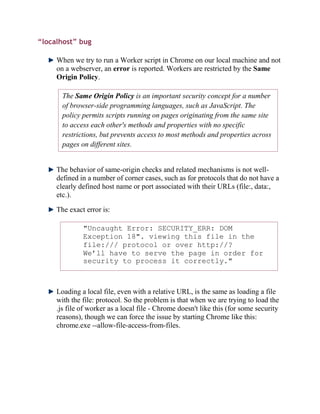
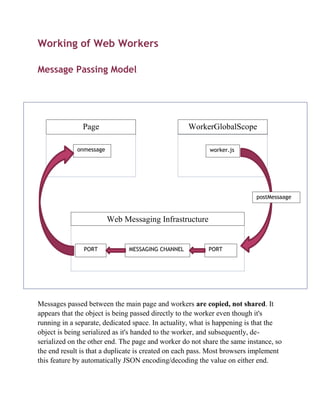
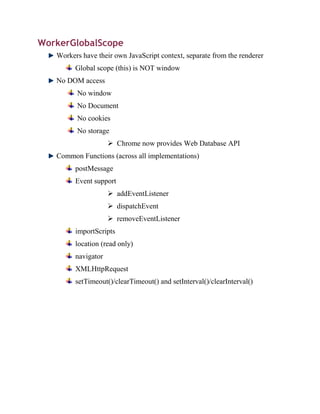
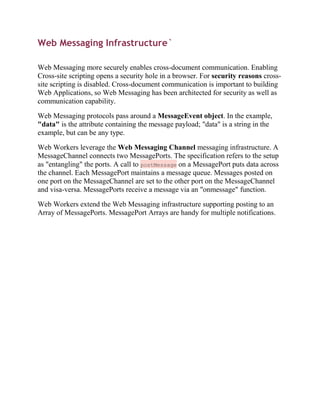
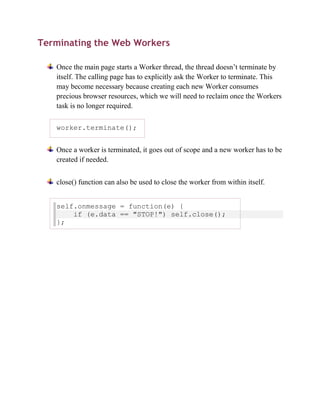
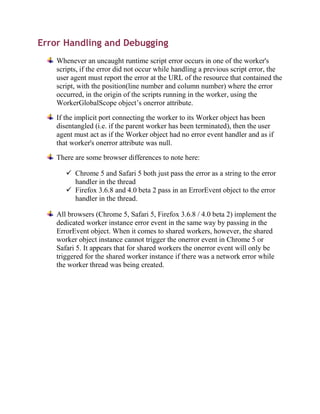
![Communicating with a dedicated worker
Dedicated workers use MessagePort objects behind the scenes, and thus support all
the same features, such as sending structured data, transferring binary data, and
transferring other ports.
To receive messages from a dedicated worker, use the onmessage event handler
IDL attribute on the Worker object:
worker.onmessage = function (event) { ... };
We can also use the addEventListener() method.
The implicit MessagePort used by dedicated workers has its port message
queue implicitly enabled when it is created, so there is no equivalent to
the MessagePort interface's start() method on the Worker interface.
To send data to a worker, use the postMessage() method. Structured data can be
sent over this communication channel. To send ArrayBuffer objects efficiently (by
transferring them rather than cloning them), list them in an array in the second
argument.
worker.postMessage({
operation: 'find-edges',
input: buffer, // an ArrayBuffer object
threshold: 0.6,
}, [buffer]);
To receive a message inside the worker, the onmessage event handler IDL
attribute is used.
onmessage = function (event) { ... };
We can again also use the addEventListener() method.
In either case, the data is provided in the event object's data attribute.
To send messages back, we again use postMessage(). It supports the structured data
in the same manner.
postMessage(event.data.input, [event.data.input]); //
transfer the buffer back.](https://image.slidesharecdn.com/webworkers-120703093630-phpapp01/85/Web-workers-11-320.jpg)
![Communicating with a shared worker
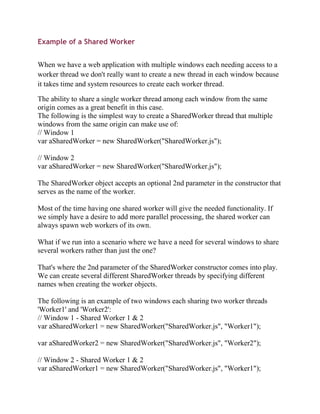
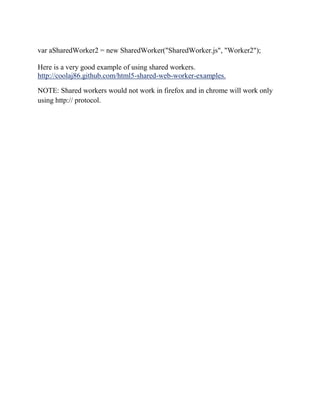
Shared workers are identified in one of two ways: either by the URL of the script
used to create it, or by explicit name. When created by name, the URL used by the
first page to create the worker with that name is the URL of the script that will be
used for that worker. This allows multiple applications on a domain to all use a
single shared worker to provide a common service, without the applications having
to keep track of a common URL for the script used to provide the service.In either
case, shared workers are scoped by origin. Two different sites using the same
names will not collide.
Creating shared workers is done using the SharedWorker() constructor. This
constructor takes the URL to the script to use for its first argument, and the name
of the worker, if any, as the second argument.
var worker = new SharedWorker('service.js');
Communicating with shared workers is done with explicit MessagePort objects.
The object returned by the SharedWorker() constructor holds a reference to the port
on its port attribute.
worker.port.onmessage = function (event) { ... };
worker.port.postMessage('some message');
worker.port.postMessage({ foo: 'structured', bar:
['data', 'also', 'possible']});
Inside the shared worker, new clients of the worker are announced using
the connect event. The port for the new client is given by the event object's source
attribute.
onconnect = function (event) {
var newPort = event.source;
// set up a listener
newPort.onmessage = function (event) { ... };
// send a message back to the port
newPort.postMessage('ready!'); // can also send
structured data.};
A shared worker will remain active as long as one window has a connection to it.](https://image.slidesharecdn.com/webworkers-120703093630-phpapp01/85/Web-workers-12-320.jpg)
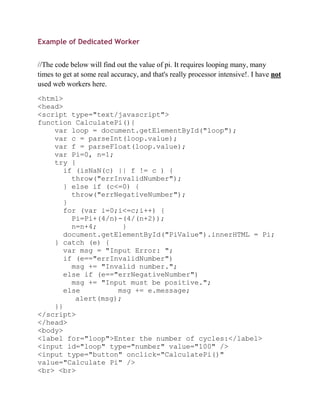
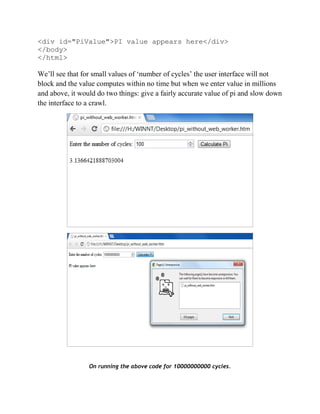
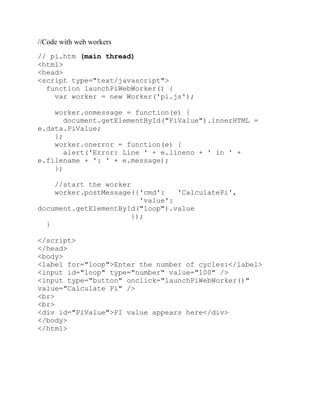
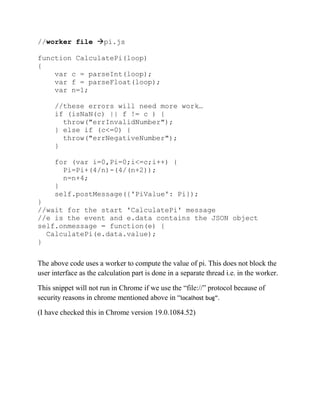

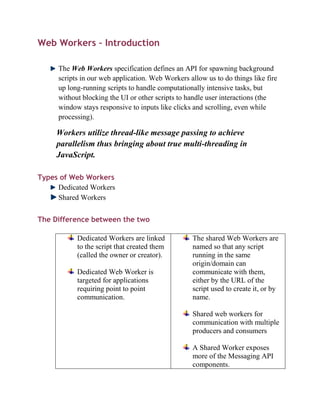
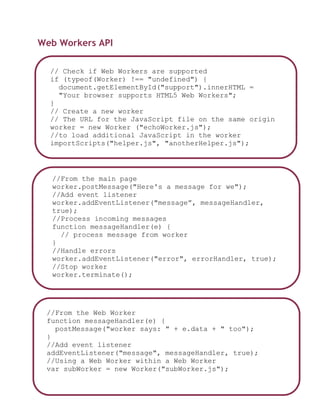
This document discusses web workers, which allow JavaScript code to run in background threads apart from the main execution thread of a web page in order to avoid blocking user interfaces and to make use of multicore CPUs. It covers the types of web workers (dedicated and shared), the Web Workers API, how to communicate with workers using message passing, examples of using dedicated and shared workers, and how to terminate workers. The key points are that web workers allow for true multi-threading in JavaScript, avoid blocking the UI, and utilize separate global contexts from the main page for safety.


![Getting Started with Apache Spark: Big Data Made Simple [Free Meetup]](https://cdn.slidesharecdn.com/ss_thumbnails/apachesparkgettingstarted-260203175547-8361bcc3-thumbnail.jpg?width=640&height=640&fit=bounds)