LIWLIWA B. SUGUITAN
ICT Coordinator
A free platform that allows you and your
students to save, organize, present and share
content from across the web!
Explained in three steps!
Save any content from across the web.
Articles, videos, blogs, tweets, docs,
podcasts and more!
Bookmark anything you find online in two
clicks!
Bookmark anything!
+ more!
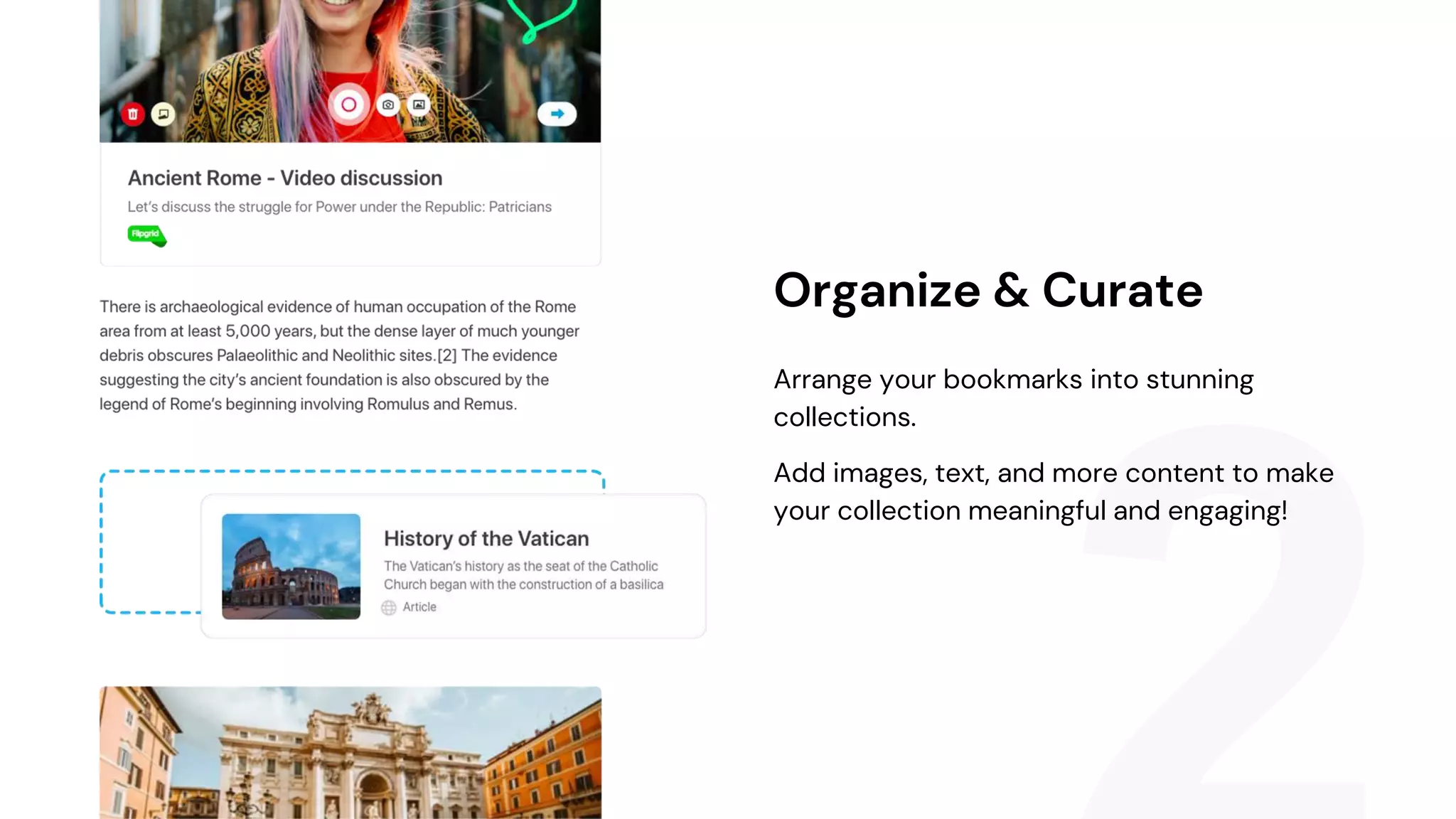
Arrange your bookmarks into stunning
collections.
Add images, text, and more content to make
your collection meaningful and engaging!
Organize & Curate
Invite others to collaborate with you on your
collections to share ideas, inspiration and
knowledge.
Share collections with a single link or via our
integrations with your favorite apps!
Collaborate & Share!
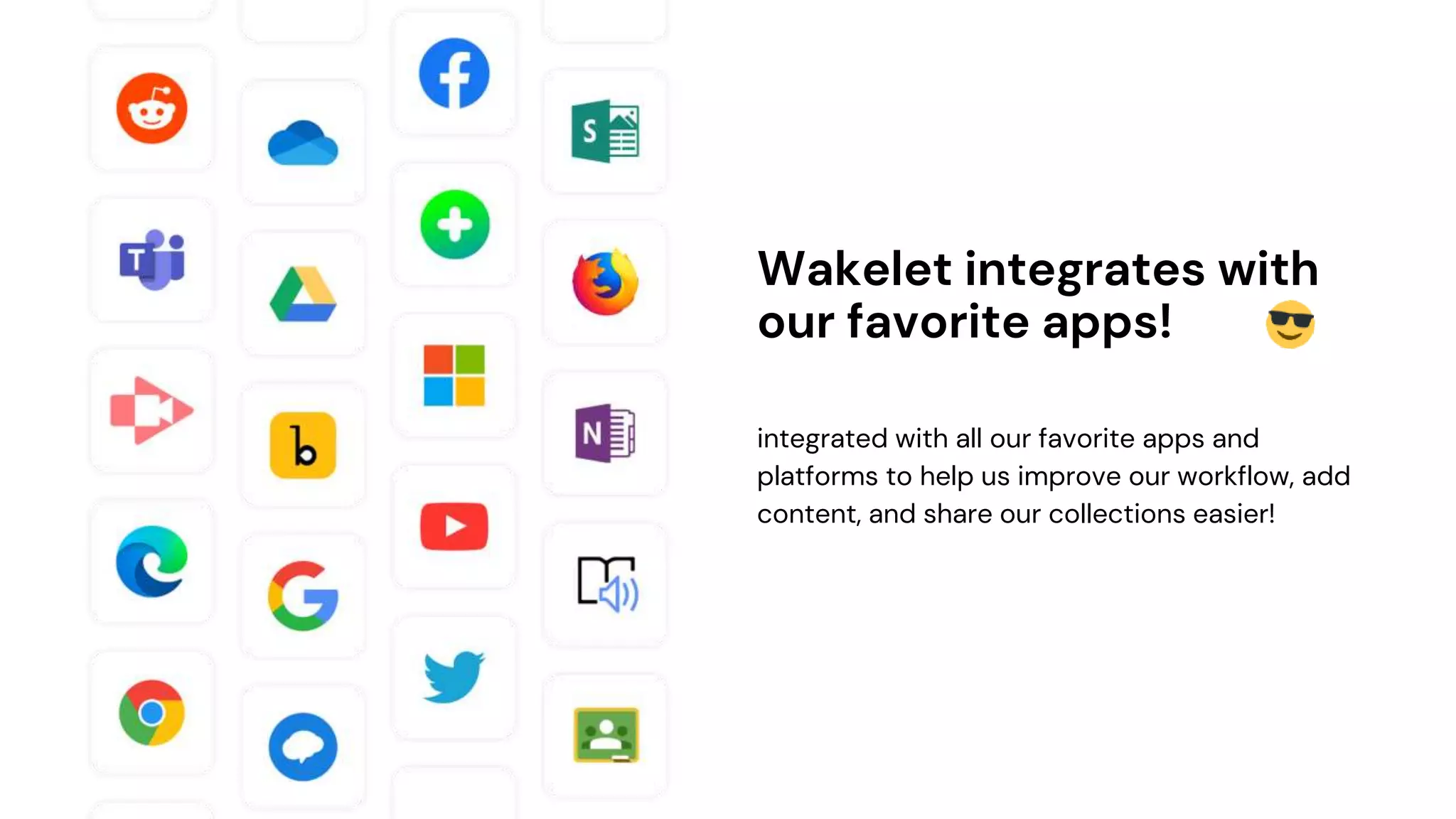
integrated with all our favorite apps and
platforms to help us improve our workflow, add
content, and share our collections easier!
Wakelet integrates with
our favorite apps!
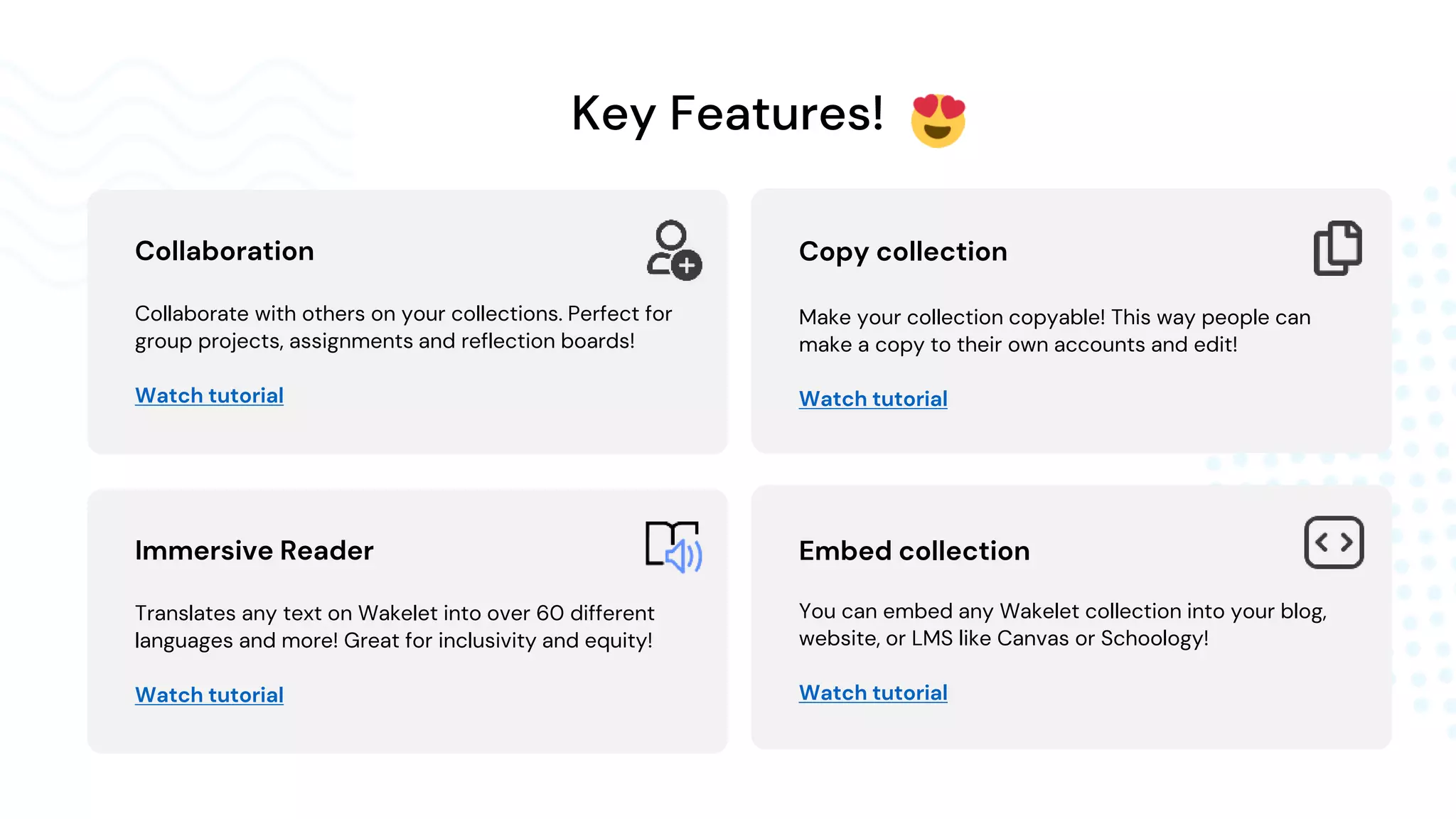
Key Features!
Collaboration
Collaborate with others on your collections. Perfect for
group projects, assignments and reflection boards!
Watch tutorial
Immersive Reader
Translates any text on Wakelet into over 60 different
languages and more! Great for inclusivity and equity!
Watch tutorial
Embed collection
You can embed any Wakelet collection into your blog,
website, or LMS like Canvas or Schoology!
Watch tutorial
Copy collection
Make your collection copyable! This way people can
make a copy to their own accounts and edit!
Watch tutorial
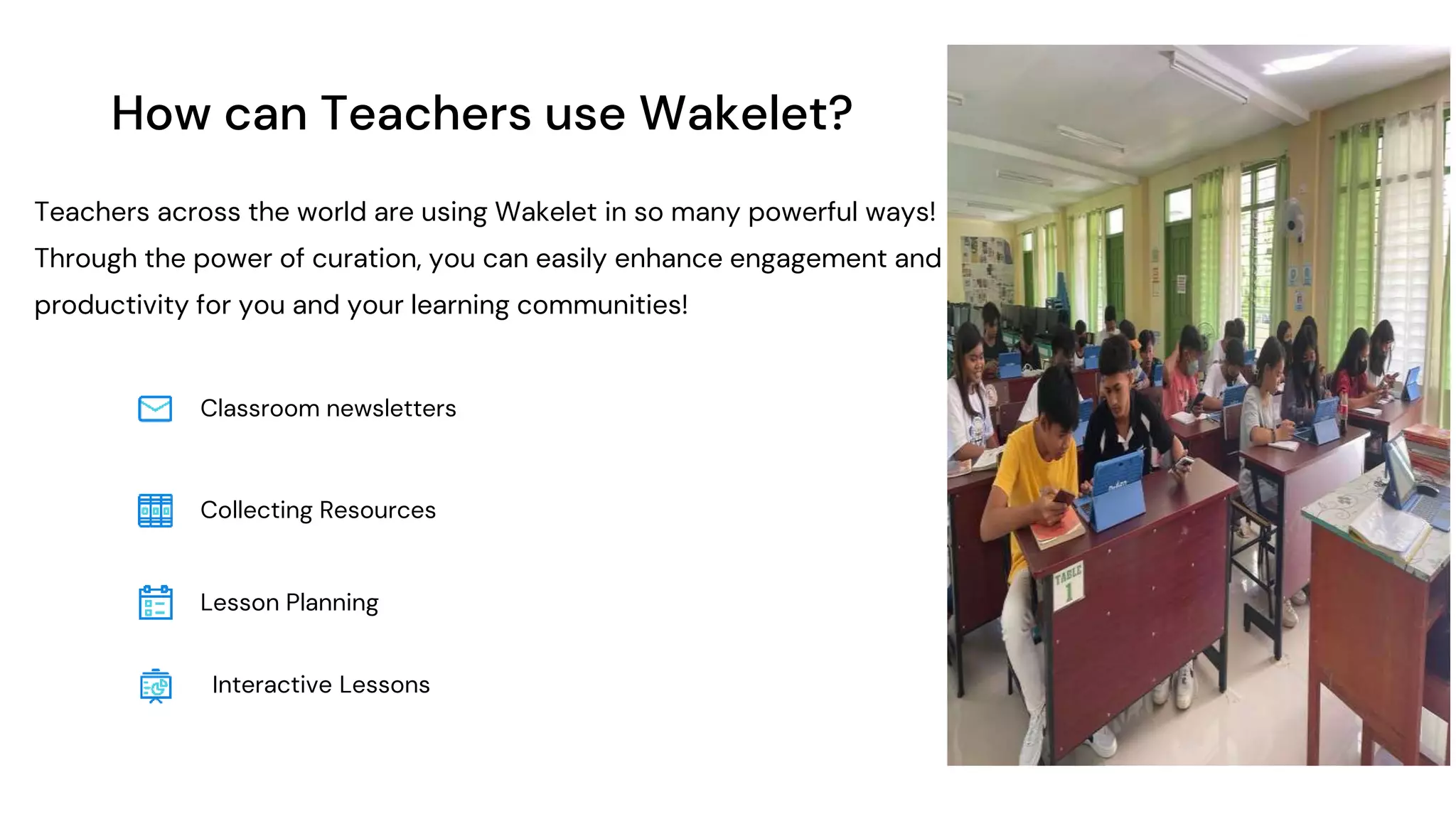
How can Teachers use Wakelet?
Teachers across the world are using Wakelet in so many powerful ways!
Through the power of curation, you can easily enhance engagement and
productivity for you and your learning communities!
Classroom newsletters
Lesson Planning
Collecting Resources
Interactive Lessons
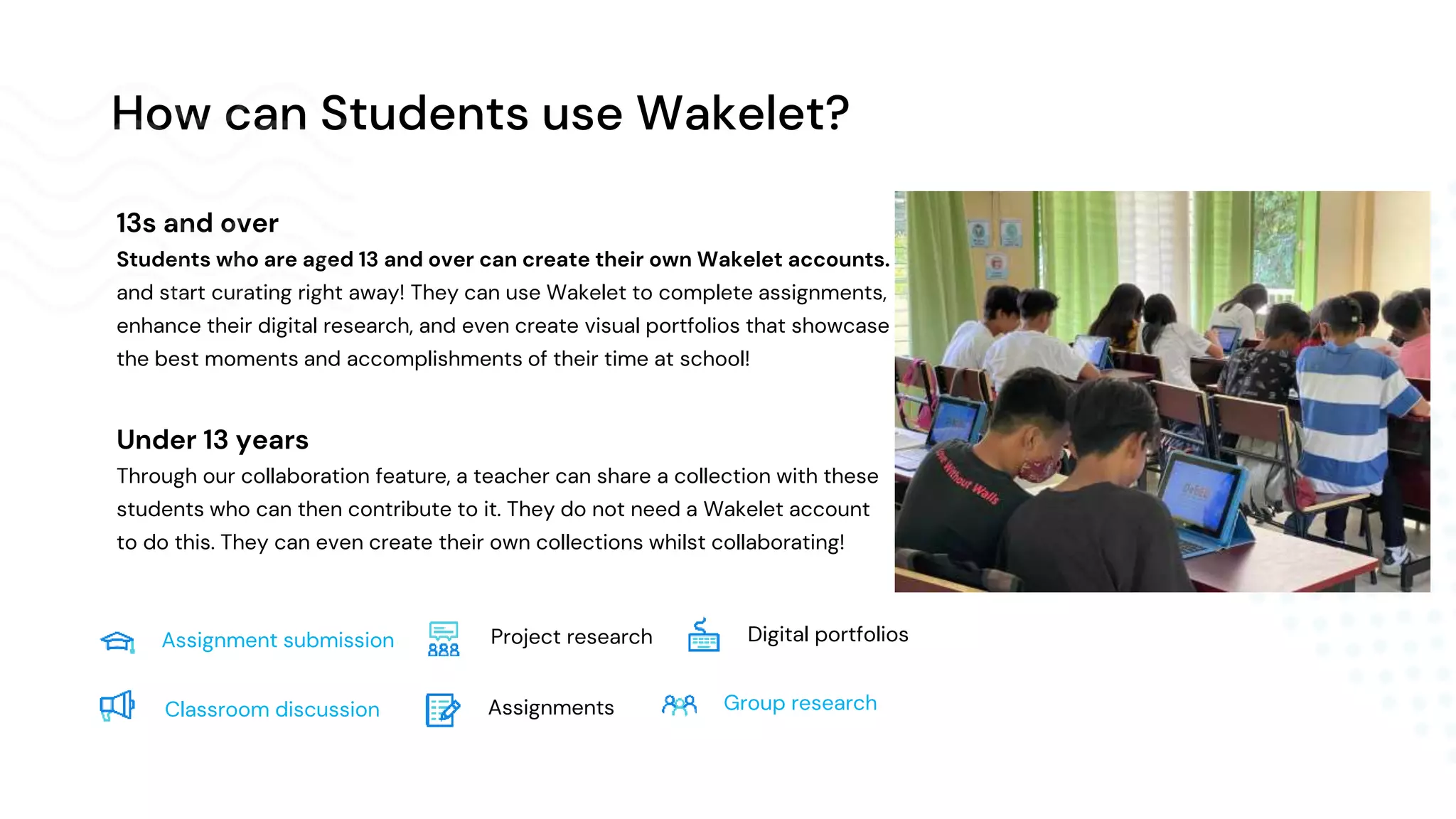
How can Students use Wakelet?
13s and over
Students who are aged 13 and over can create their own Wakelet accounts.
and start curating right away! They can use Wakelet to complete assignments,
enhance their digital research, and even create visual portfolios that showcase
the best moments and accomplishments of their time at school!
Under 13 years
Through our collaboration feature, a teacher can share a collection with these
students who can then contribute to it. They do not need a Wakelet account
to do this. They can even create their own collections whilst collaborating!
Assignment submission
Assignments
Project research
Group research
Digital portfolios
Classroom discussion
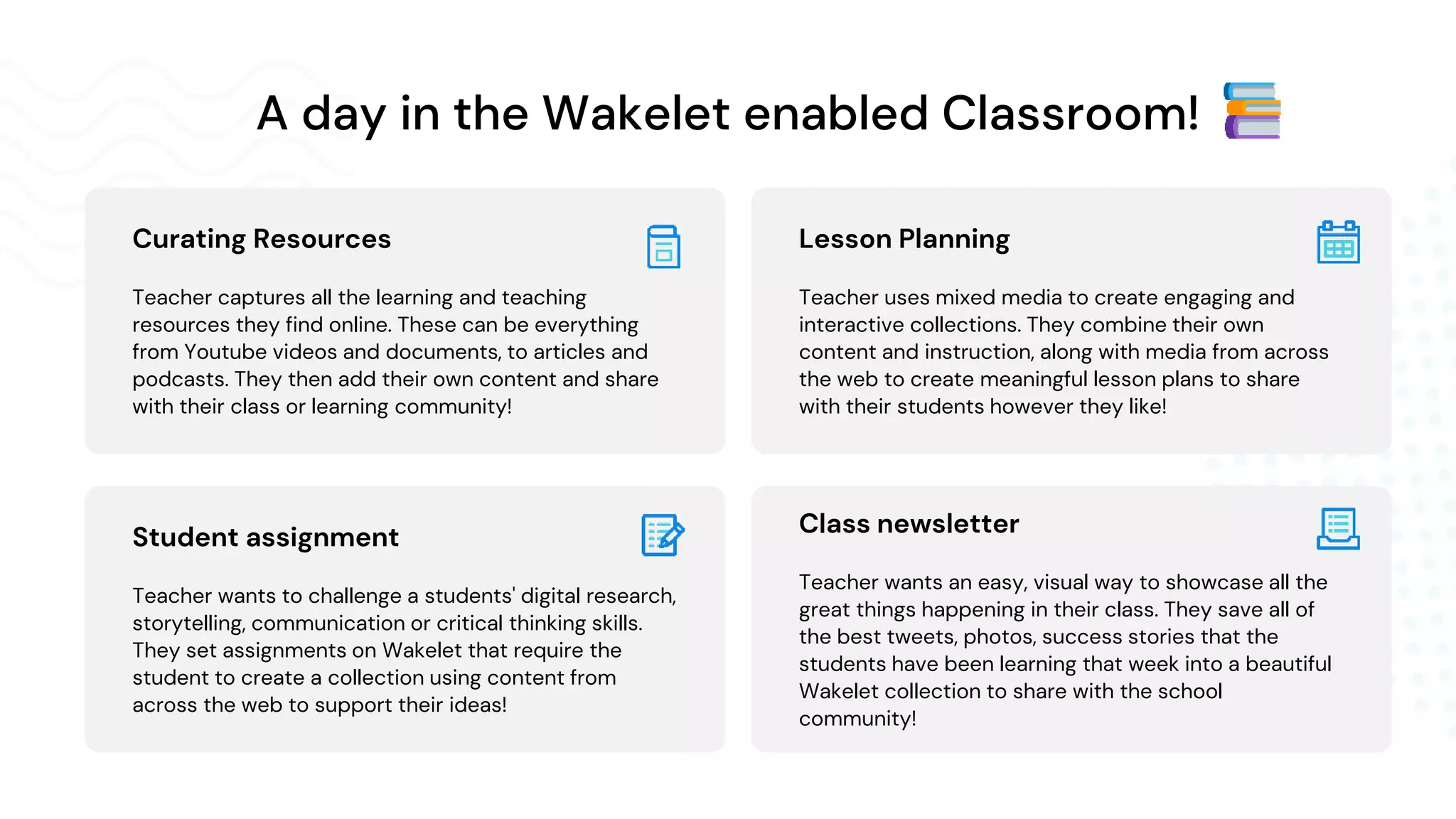
A day in the Wakelet enabled Classroom!
Lesson Planning
Teacher uses mixed media to create engaging and
interactive collections. They combine their own
content and instruction, along with media from across
the web to create meaningful lesson plans to share
with their students however they like!
Class newsletter
Teacher wants an easy, visual way to showcase all the
great things happening in their class. They save all of
the best tweets, photos, success stories that the
students have been learning that week into a beautiful
Wakelet collection to share with the school
community!
Curating Resources
Teacher captures all the learning and teaching
resources they find online. These can be everything
from Youtube videos and documents, to articles and
podcasts. They then add their own content and share
with their class or learning community!
Student assignment
Teacher wants to challenge a students' digital research,
storytelling, communication or critical thinking skills.
They set assignments on Wakelet that require the
student to create a collection using content from
across the web to support their ideas!
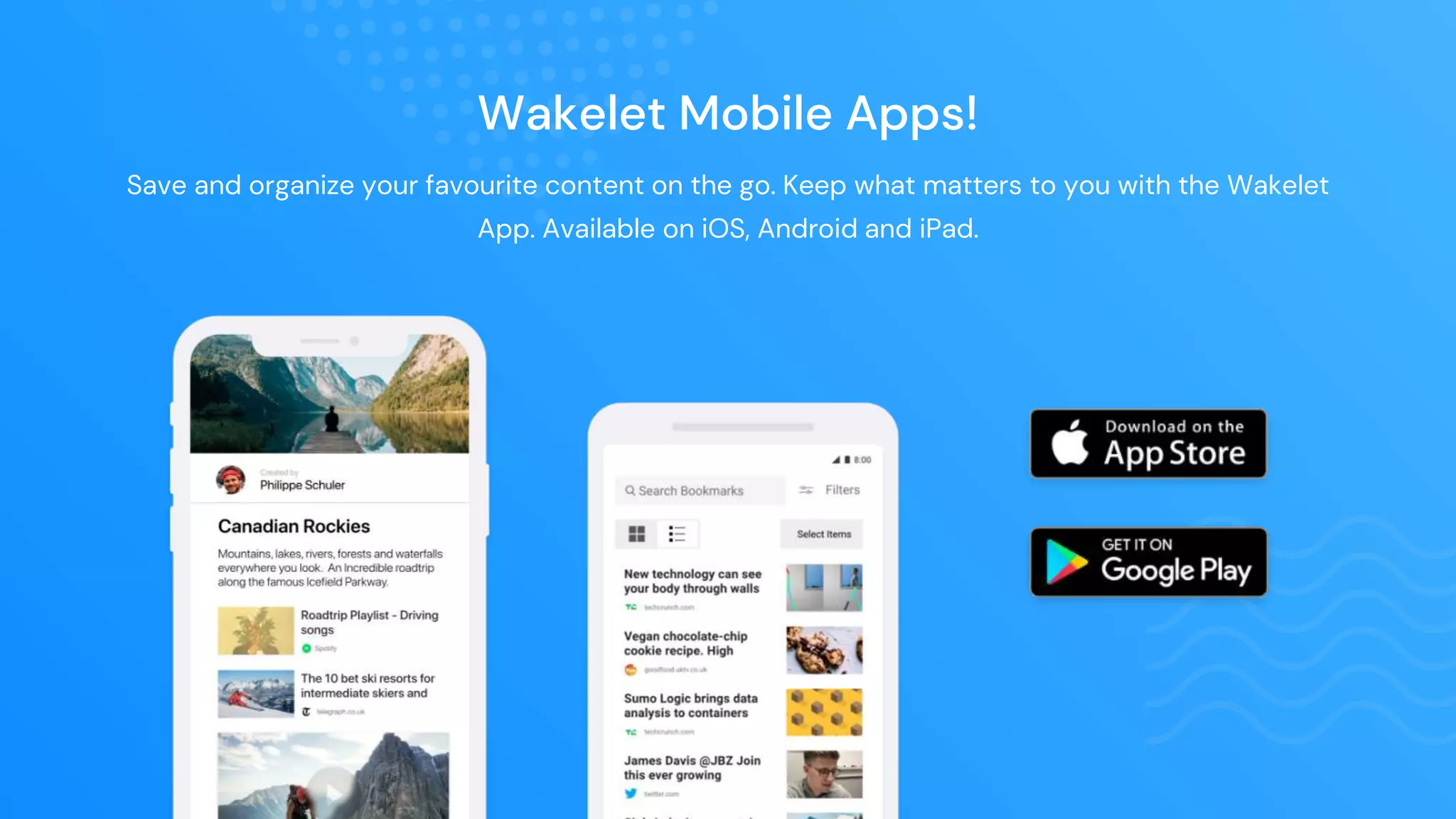
Wakelet Mobile Apps!
Save and organize your favourite content on the go. Keep what matters to you with the Wakelet
App. Available on iOS, Android and iPad.
1
Sign up
Add Wakelet to the arsenal of tools available
to educators!
2
Create
Get creative! Build some amazing collections.
Add content from across the web!
3
Share
Invite others to collaborate and share your
stunning collection with the world!
Get started
Visit wakelet.com to sign up!
theilocostimes.blogspot.com
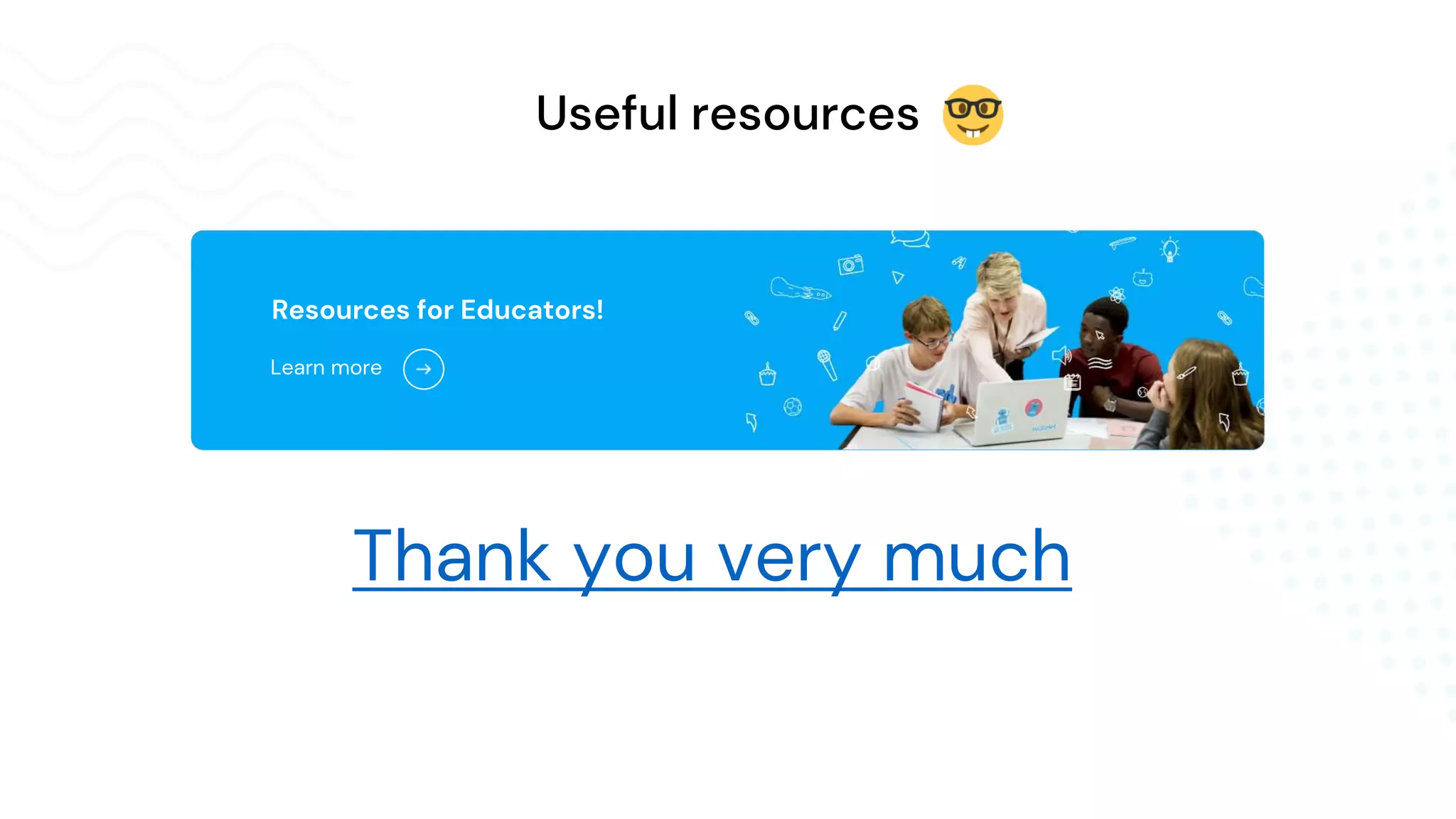
Useful resources
Thank you very much
Resources for Educators!
Learn more

Wakelet Education Presentation.pptx

  • 1.
  • 3.
    A free platformthat allows you and your students to save, organize, present and share content from across the web!
  • 4.
  • 5.
    Save any contentfrom across the web. Articles, videos, blogs, tweets, docs, podcasts and more! Bookmark anything you find online in two clicks! Bookmark anything! + more!
  • 6.
    Arrange your bookmarksinto stunning collections. Add images, text, and more content to make your collection meaningful and engaging! Organize & Curate
  • 7.
    Invite others tocollaborate with you on your collections to share ideas, inspiration and knowledge. Share collections with a single link or via our integrations with your favorite apps! Collaborate & Share!
  • 8.
    integrated with allour favorite apps and platforms to help us improve our workflow, add content, and share our collections easier! Wakelet integrates with our favorite apps!
  • 9.
    Key Features! Collaboration Collaborate withothers on your collections. Perfect for group projects, assignments and reflection boards! Watch tutorial Immersive Reader Translates any text on Wakelet into over 60 different languages and more! Great for inclusivity and equity! Watch tutorial Embed collection You can embed any Wakelet collection into your blog, website, or LMS like Canvas or Schoology! Watch tutorial Copy collection Make your collection copyable! This way people can make a copy to their own accounts and edit! Watch tutorial
  • 10.
    How can Teachersuse Wakelet? Teachers across the world are using Wakelet in so many powerful ways! Through the power of curation, you can easily enhance engagement and productivity for you and your learning communities! Classroom newsletters Lesson Planning Collecting Resources Interactive Lessons
  • 11.
    How can Studentsuse Wakelet? 13s and over Students who are aged 13 and over can create their own Wakelet accounts. and start curating right away! They can use Wakelet to complete assignments, enhance their digital research, and even create visual portfolios that showcase the best moments and accomplishments of their time at school! Under 13 years Through our collaboration feature, a teacher can share a collection with these students who can then contribute to it. They do not need a Wakelet account to do this. They can even create their own collections whilst collaborating! Assignment submission Assignments Project research Group research Digital portfolios Classroom discussion
  • 12.
    A day inthe Wakelet enabled Classroom! Lesson Planning Teacher uses mixed media to create engaging and interactive collections. They combine their own content and instruction, along with media from across the web to create meaningful lesson plans to share with their students however they like! Class newsletter Teacher wants an easy, visual way to showcase all the great things happening in their class. They save all of the best tweets, photos, success stories that the students have been learning that week into a beautiful Wakelet collection to share with the school community! Curating Resources Teacher captures all the learning and teaching resources they find online. These can be everything from Youtube videos and documents, to articles and podcasts. They then add their own content and share with their class or learning community! Student assignment Teacher wants to challenge a students' digital research, storytelling, communication or critical thinking skills. They set assignments on Wakelet that require the student to create a collection using content from across the web to support their ideas!
  • 13.
    Wakelet Mobile Apps! Saveand organize your favourite content on the go. Keep what matters to you with the Wakelet App. Available on iOS, Android and iPad.
  • 14.
    1 Sign up Add Wakeletto the arsenal of tools available to educators! 2 Create Get creative! Build some amazing collections. Add content from across the web! 3 Share Invite others to collaborate and share your stunning collection with the world! Get started Visit wakelet.com to sign up!
  • 15.
  • 16.
    Useful resources Thank youvery much Resources for Educators! Learn more