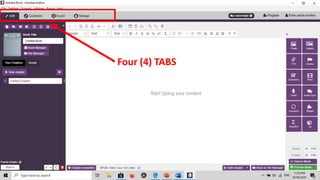
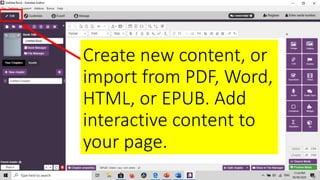
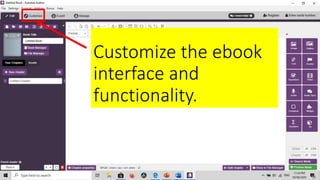
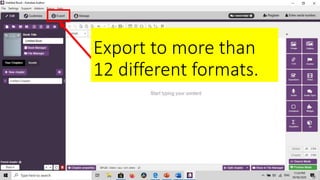
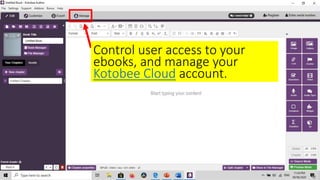
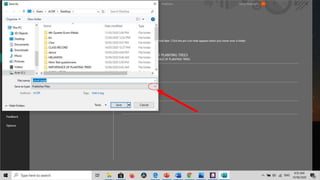
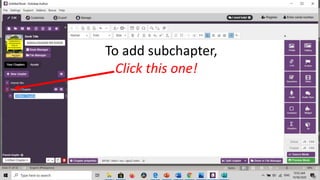
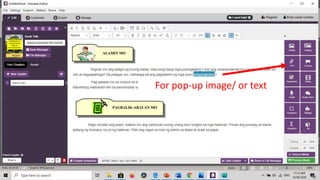
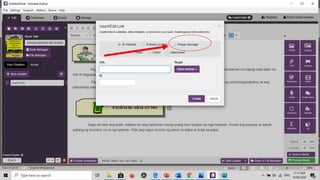
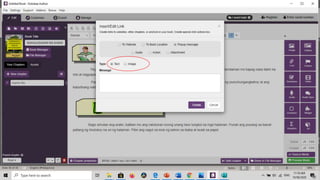
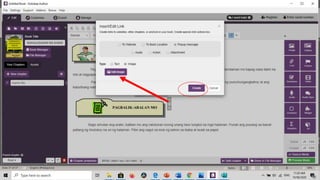
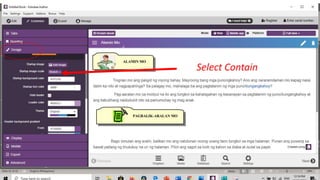
Kotobee Author is an ebook creator and EPUB editor that allows users to easily create interactive ebooks rich with various multimedia elements like video, audio, 3D content, questions and more. It has four main tabs that allow users to create and import content, customize the ebook interface, add interactive elements, and export the ebook in over 12 different formats. The document then provides steps for how to create an interactive ebook using Kotobee Author, including adding a cover page, chapters, subchapters, embedded content, questions and more.