Mixed Workloads on
EMC VNX Storage Arrays
Tony Pittman @pittmantony
   TPittman@Varrow.com


Martin Valencia @ubergiek
 MValencia@Varrow.com
Goals For This Session
Discuss:
• How VNX storage pools work
• How common workloads compare
• Which workloads are compatible
• How to monitor performance
• How to mitigate performance problems
Goals For This Session

   Also check out this session at 2:55

EMC Session: VNX Performance
Optimization and Tuning - David Gadwah,
EMC
VNX Basics
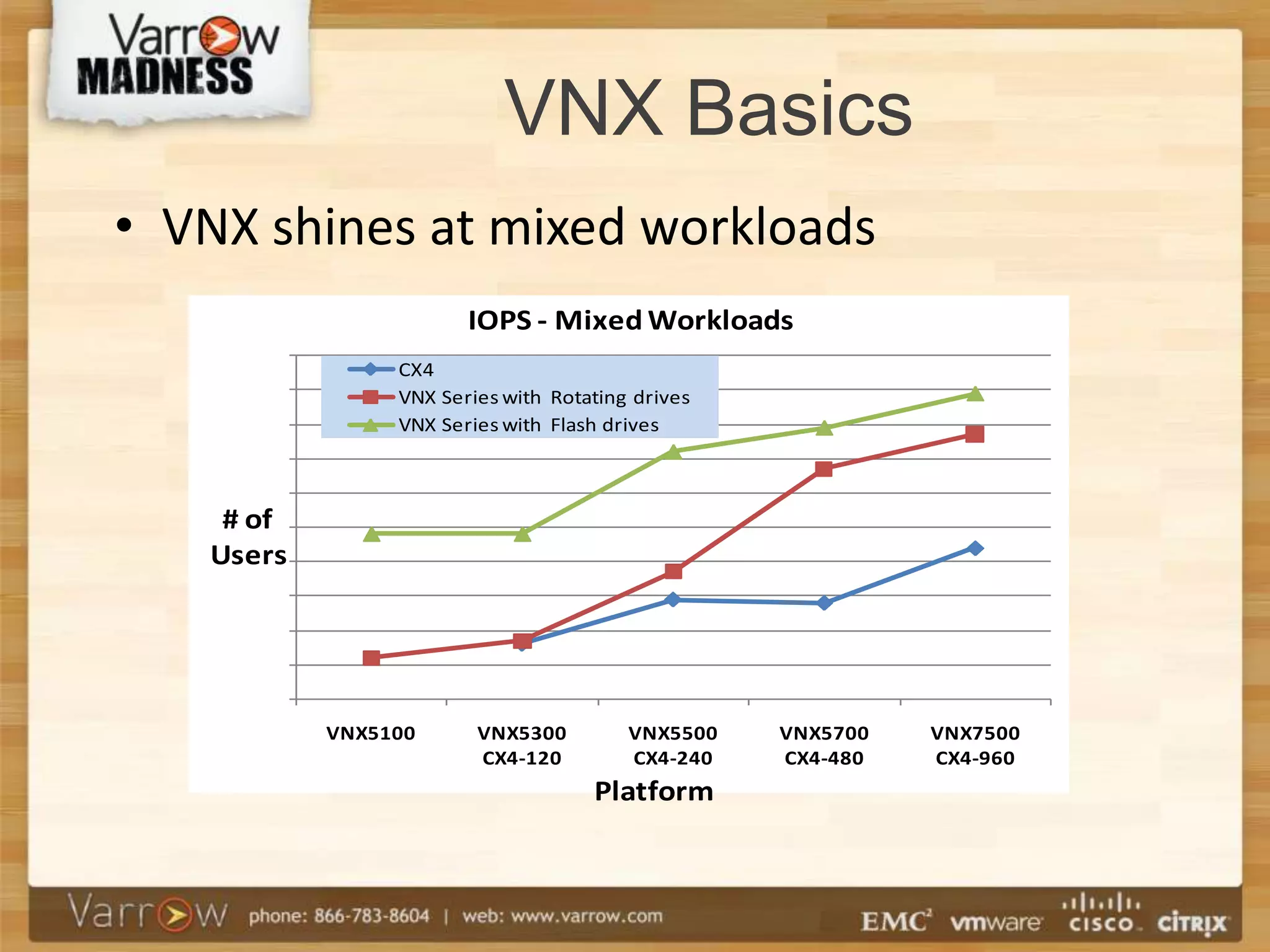
• VNX shines at mixed workloads
                       IOPS - Mixed Workloads
                CX4
                VNX Series with Rotating drives
                VNX Series with Flash drives


    # of
   Users


           VNX5100      VNX5300         VNX5500   VNX5700   VNX7500
                        CX4-120         CX4-240   CX4-480   CX4-960
                                    Platform
VNX Basics

• VNX is EMC’s mid-tier unified storage
  array
• FC, iSCSI or FCoE block connectivity
• Multiple SAS buses backend
• NFS and CIFS file connectivity
• Built for flash
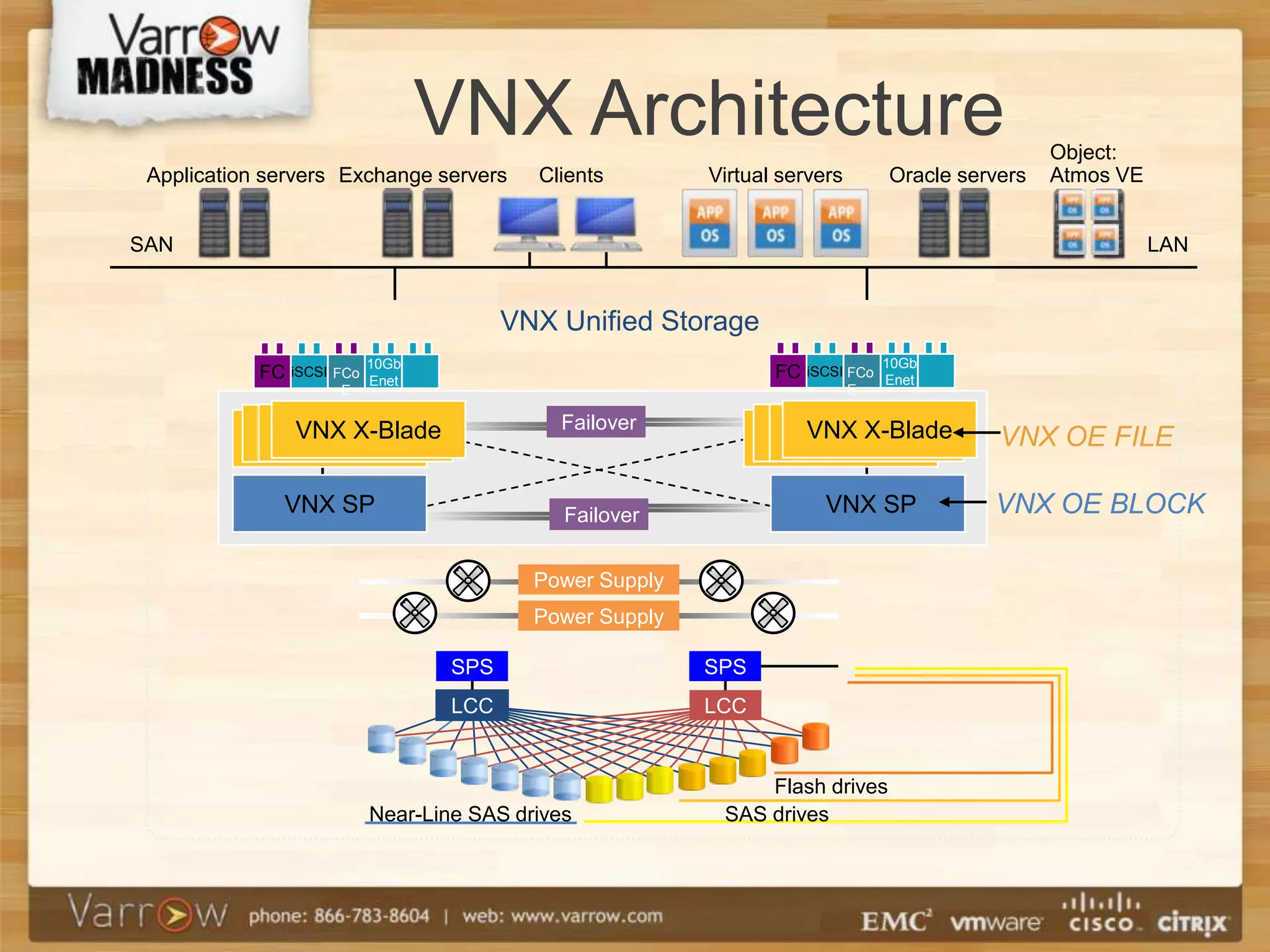
VNX Architecture                                               Object:
 Application servers Exchange servers      Clients        Virtual servers       Oracle servers   Atmos VE


SAN                                                                                                         LAN


                                         VNX Unified Storage
                           10Gb                                                 10Gb
            FC iSCSI FCo   Enet
                                                                 FC iSCSI FCo   Enet
                     E                                                      E


              VNX X-Blade                    Failover              VNX X-Blade
             VNX X-Blade
            VNX X-Blade
           VNX X-Blade                                            VNX X-Blade
                                                                 VNX X-Blade
                                                                VNX X-Blade                VNX OE FILE

               VNX SP                         Failover                 VNX SP             VNX OE BLOCK

                                           Power Supply
                                           Power Supply

                                   SPS                    SPS
                                   LCC                    LCC


                                                               Flash drives
                           Near-Line SAS drives            SAS drives
VNX Architecture

• Two Storage Processors with DRAM
  cache, frontend ports (FC, iSCSI,
  FCOE) and backend ports (6 Gb SAS)
• Each LUN owned by one SP, and
  accessible by both
• Both SP’s have active connections
VNX Architecture
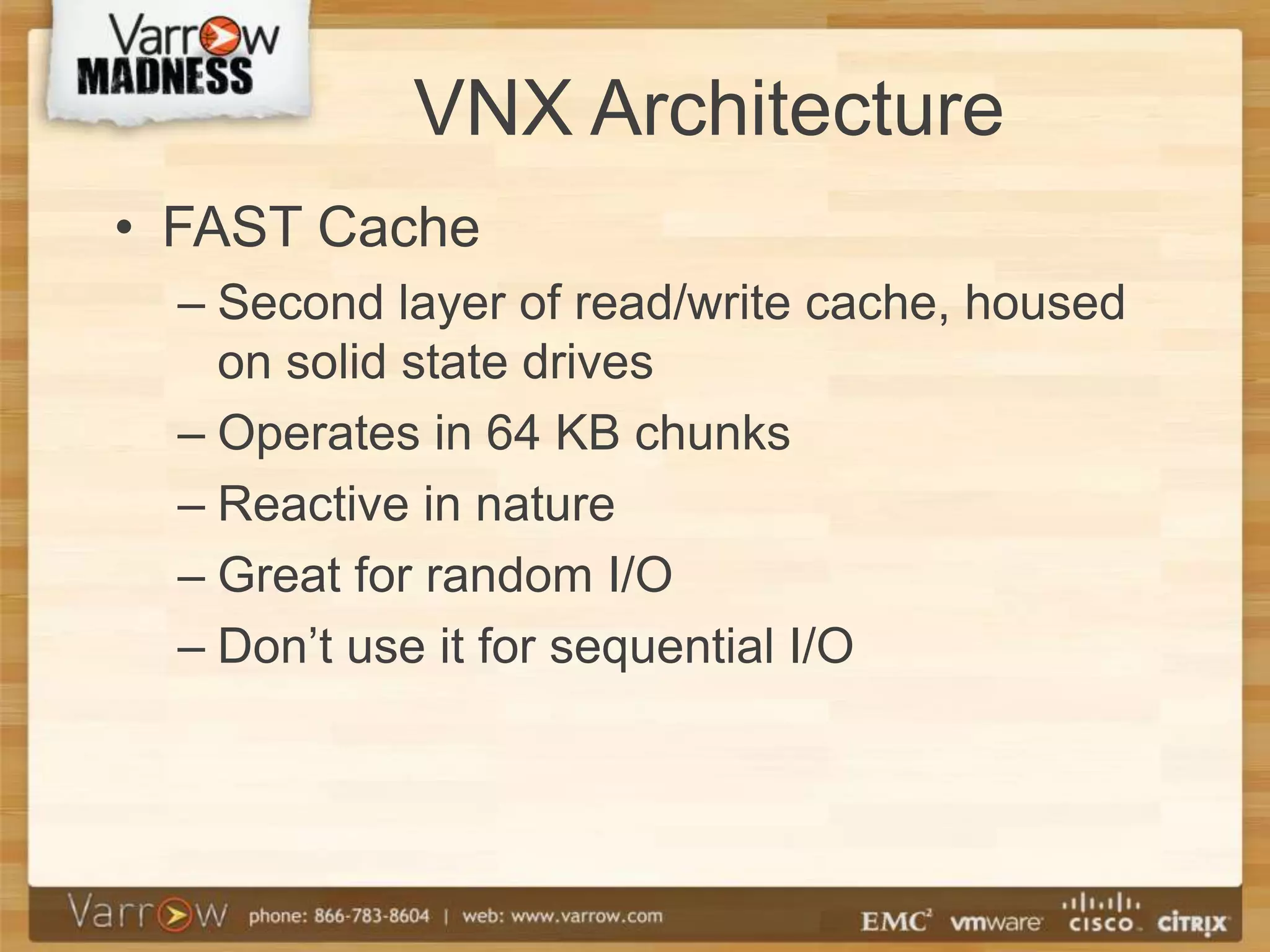
• FAST Cache
  – Second layer of read/write cache, housed
    on solid state drives
  – Operates in 64 KB chunks
  – Reactive in nature
  – Great for random I/O
  – Don’t use it for sequential I/O
VNX Architecture
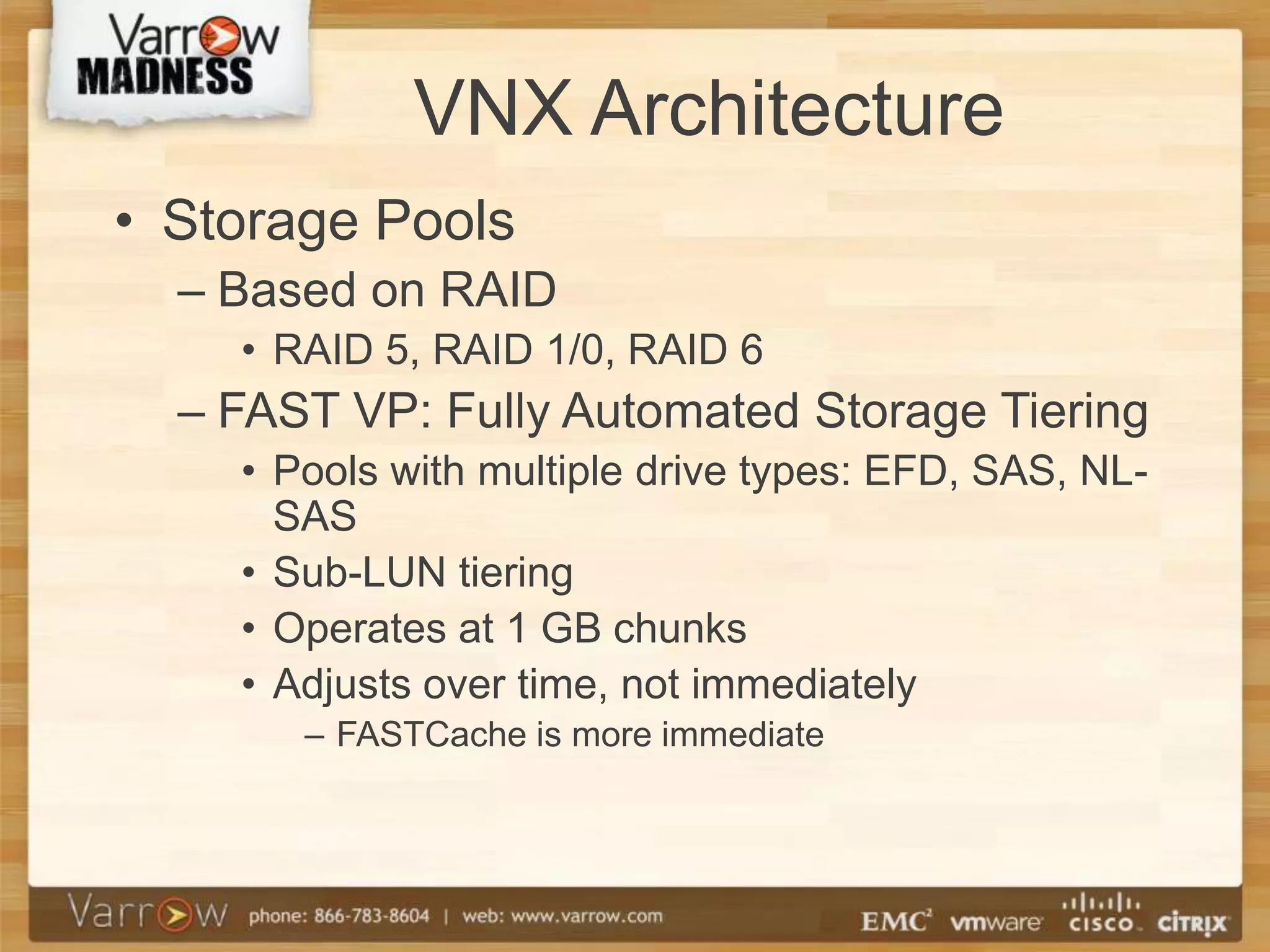
• Storage Pools
  – Based on RAID
    • RAID 5, RAID 1/0, RAID 6
  – FAST VP: Fully Automated Storage Tiering
    • Pools with multiple drive types: EFD, SAS, NL-
      SAS
    • Sub-LUN tiering
    • Operates at 1 GB chunks
    • Adjusts over time, not immediately
       – FASTCache is more immediate
VNX Architecture

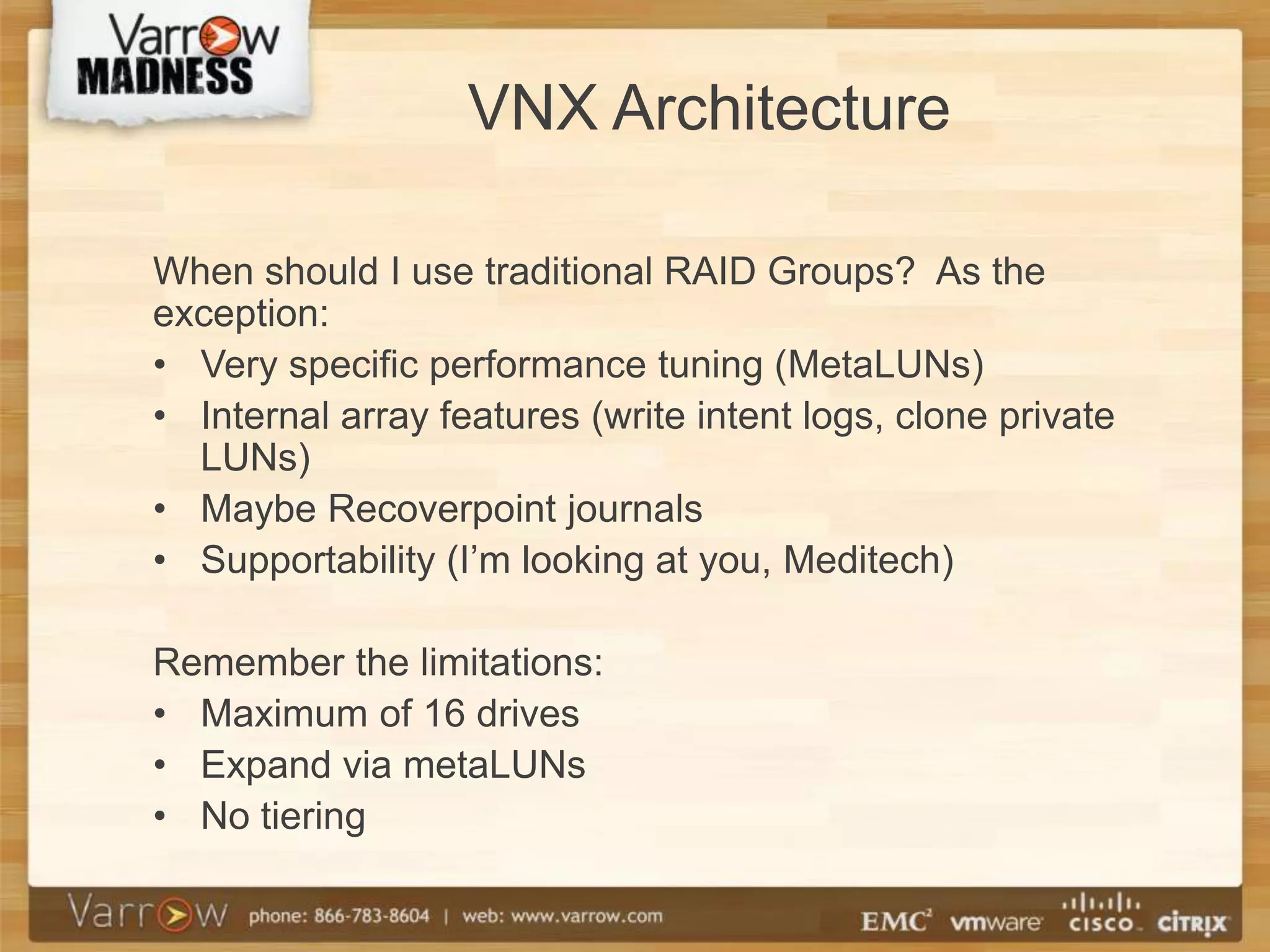
When should I use traditional RAID Groups? As the
exception:
• Very specific performance tuning (MetaLUNs)
• Internal array features (write intent logs, clone private
  LUNs)
• Maybe Recoverpoint journals
• Supportability (I’m looking at you, Meditech)

Remember the limitations:
• Maximum of 16 drives
• Expand via metaLUNs
• No tiering
VNX Architecture
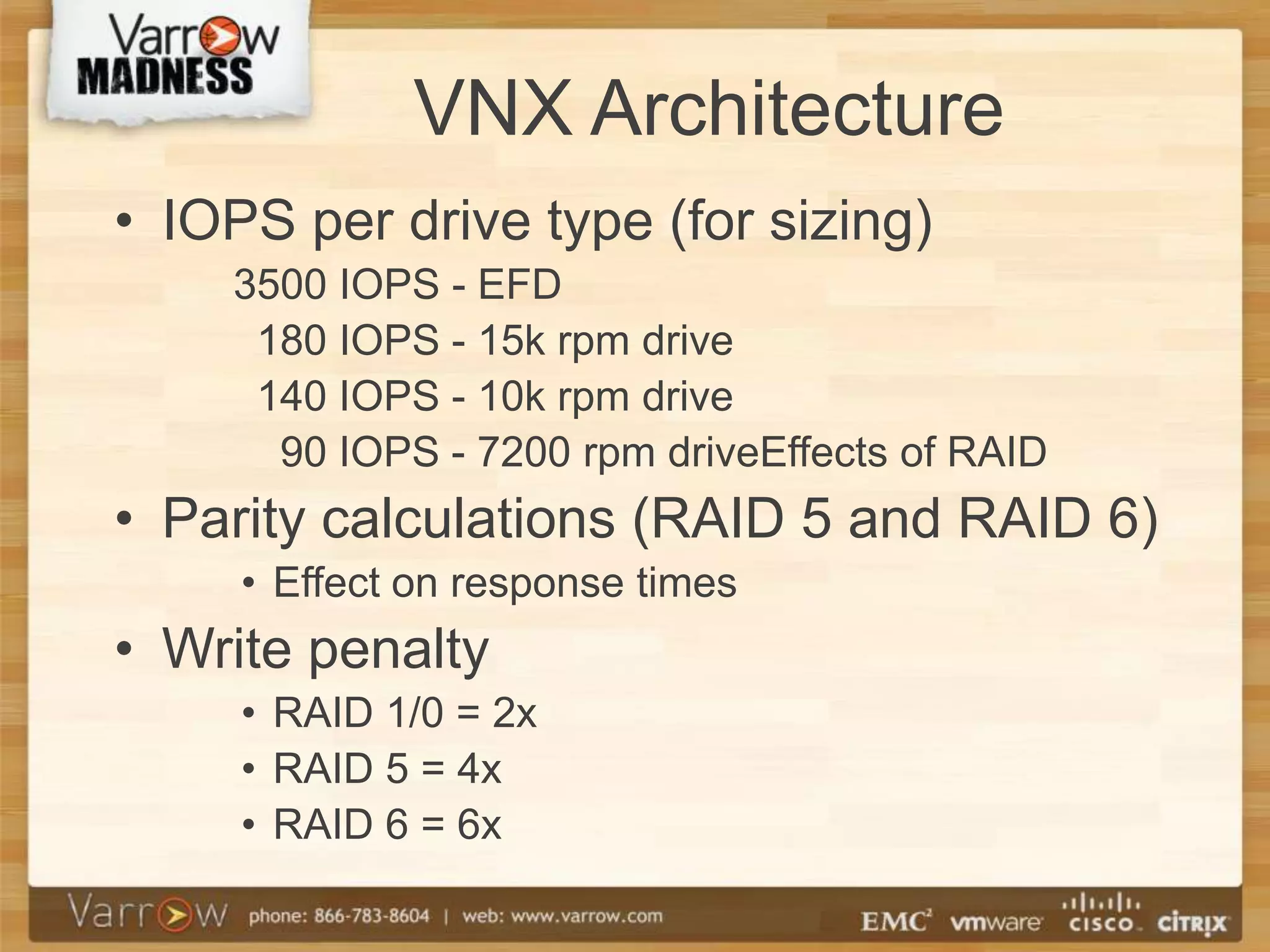
• IOPS per drive type (for sizing)
    3500 IOPS - EFD
     180 IOPS - 15k rpm drive
     140 IOPS - 10k rpm drive
      90 IOPS - 7200 rpm driveEffects of RAID
• Parity calculations (RAID 5 and RAID 6)
     • Effect on response times
• Write penalty
     • RAID 1/0 = 2x
     • RAID 5 = 4x
     • RAID 6 = 6x
VNX Architecture

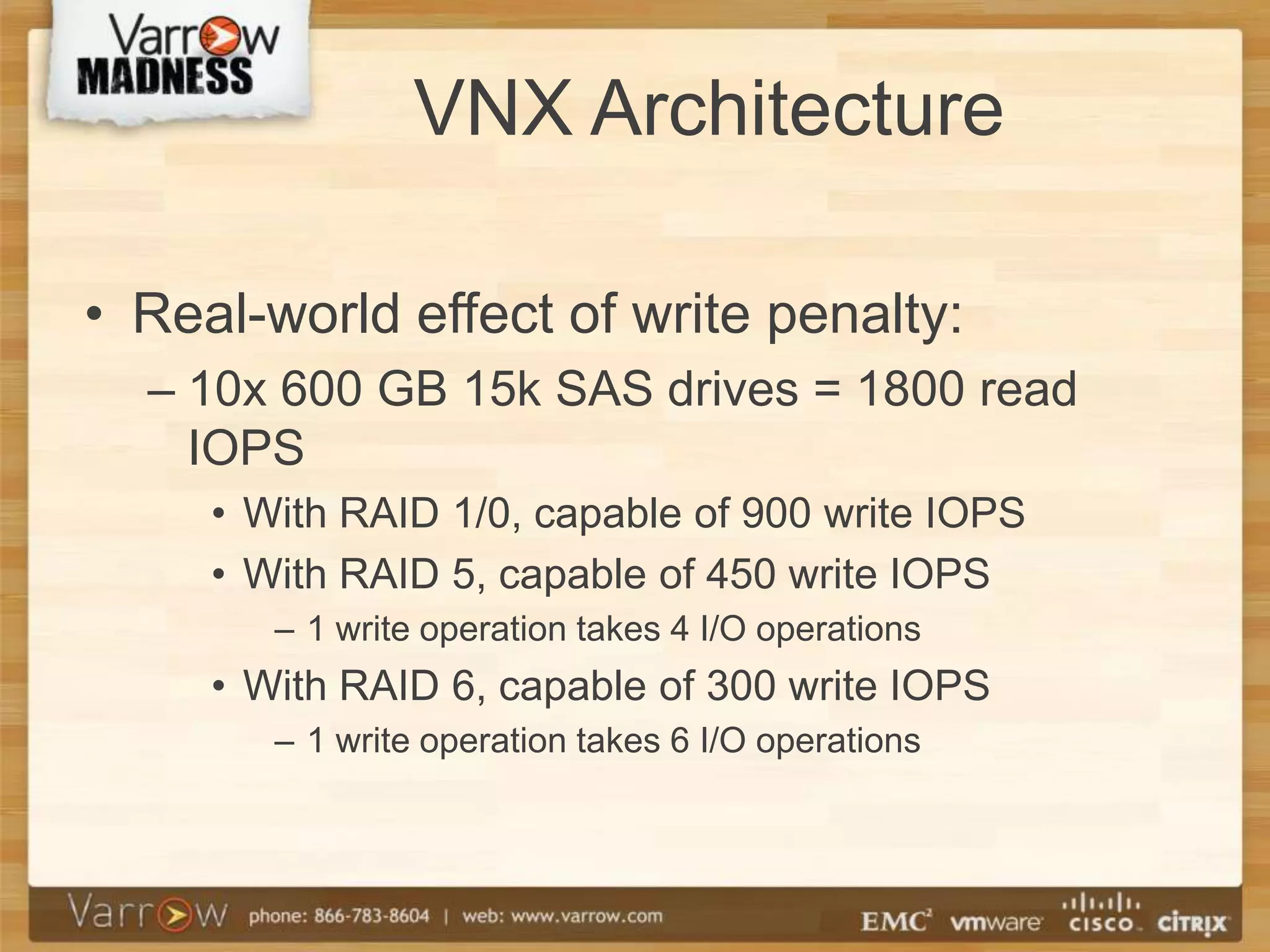
• Real-world effect of write penalty:
  – 10x 600 GB 15k SAS drives = 1800 read
    IOPS
     • With RAID 1/0, capable of 900 write IOPS
     • With RAID 5, capable of 450 write IOPS
        – 1 write operation takes 4 I/O operations
     • With RAID 6, capable of 300 write IOPS
        – 1 write operation takes 6 I/O operations
Workloads

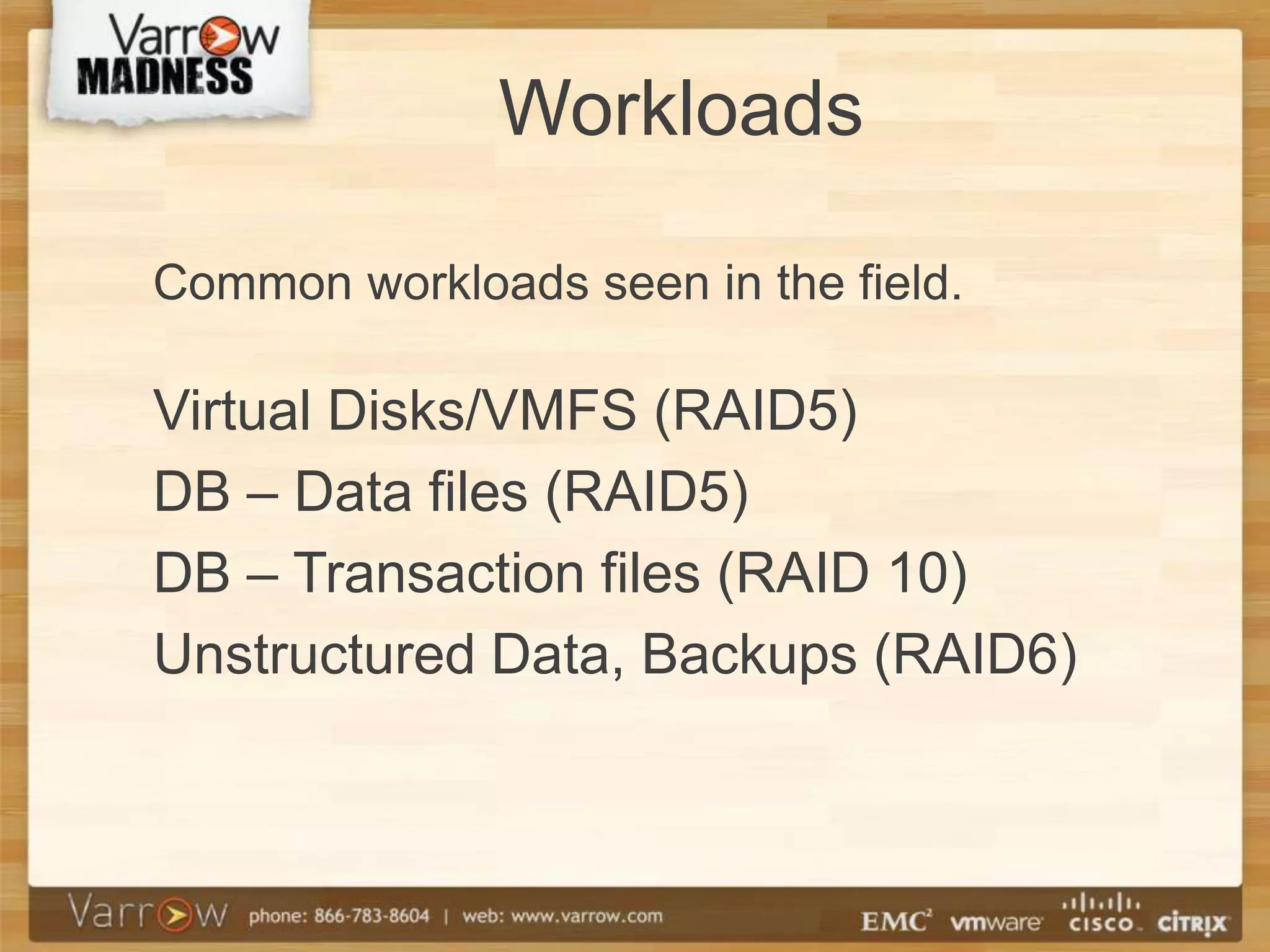
Common workloads seen in the field.

Virtual Disks/VMFS (RAID5)
DB – Data files (RAID5)
DB – Transaction files (RAID 10)
Unstructured Data, Backups (RAID6)
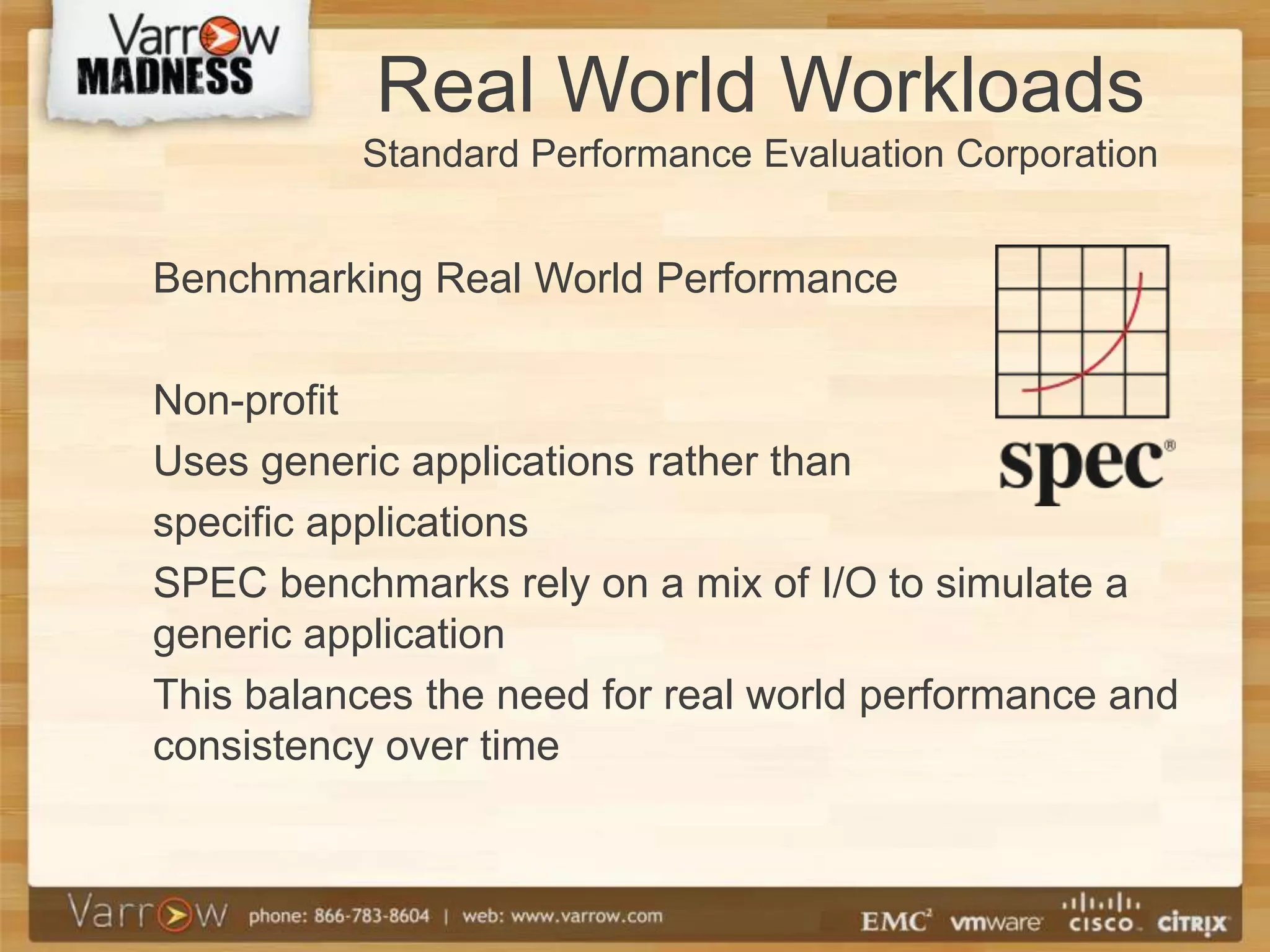
Real World Workloads
          Standard Performance Evaluation Corporation


Benchmarking Real World Performance

Non-profit
Uses generic applications rather than
specific applications
SPEC benchmarks rely on a mix of I/O to simulate a
generic application
This balances the need for real world performance and
consistency over time
Ideal Scenario

• Array with single application
• No budget constraints
• Separate storage pools for different
  sub-workloads
Ideal Scenario
• The ideal SQL:
  – PCIe flash and XtremeSW on the host
  – FAST Cache in the array
  – tempDB:
     • Data files on separate RAID 5 storage pool
  – User DB’s:
     • Each has tlogs on separate RAID 1/0 storage pool
     • Each has data files on one or more RAID 5 storage
       pools, with the appropriate drive configuration
       (EFD+FAST)
  – Backups / Dump files:
     • Separate RAID 6 storage pool, maybe a separate
       array
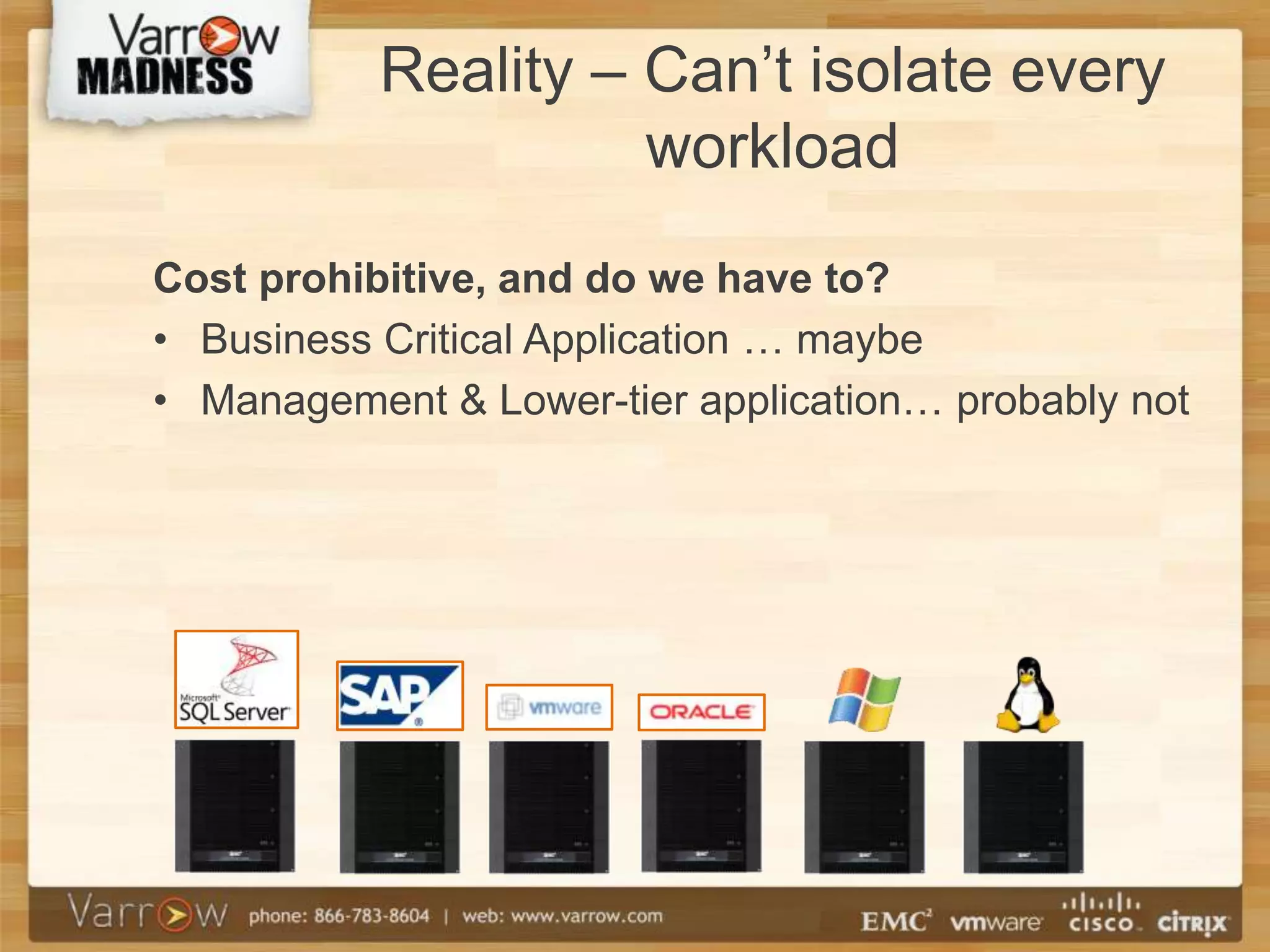
Reality – Can’t isolate every
                     workload
Cost prohibitive, and do we have to?
• Business Critical Application … maybe
• Management & Lower-tier application… probably not
Basic Storage Pool
                Layout
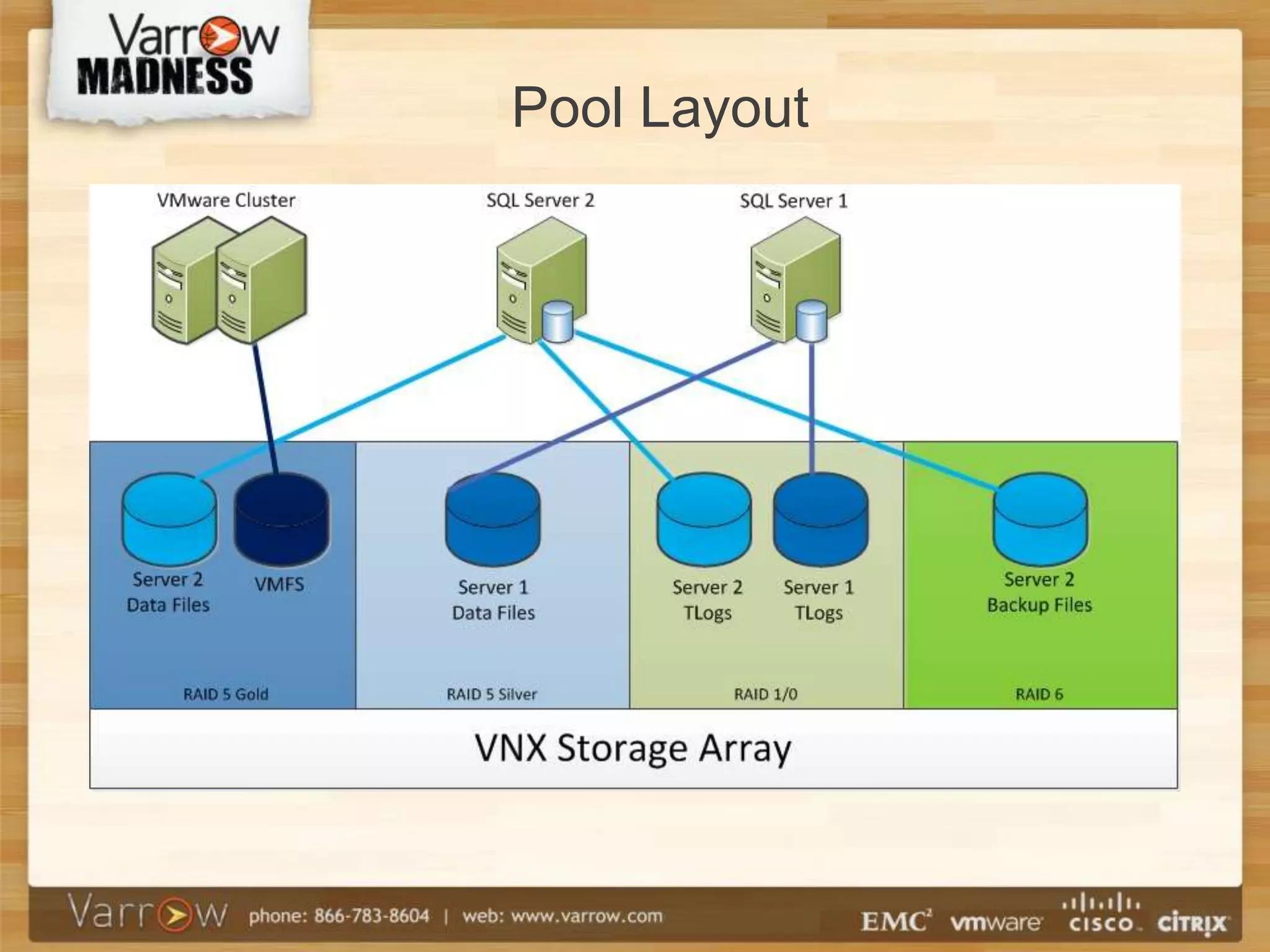
• One or Two RAID 5 pools
  (ex: Gold & Silver)
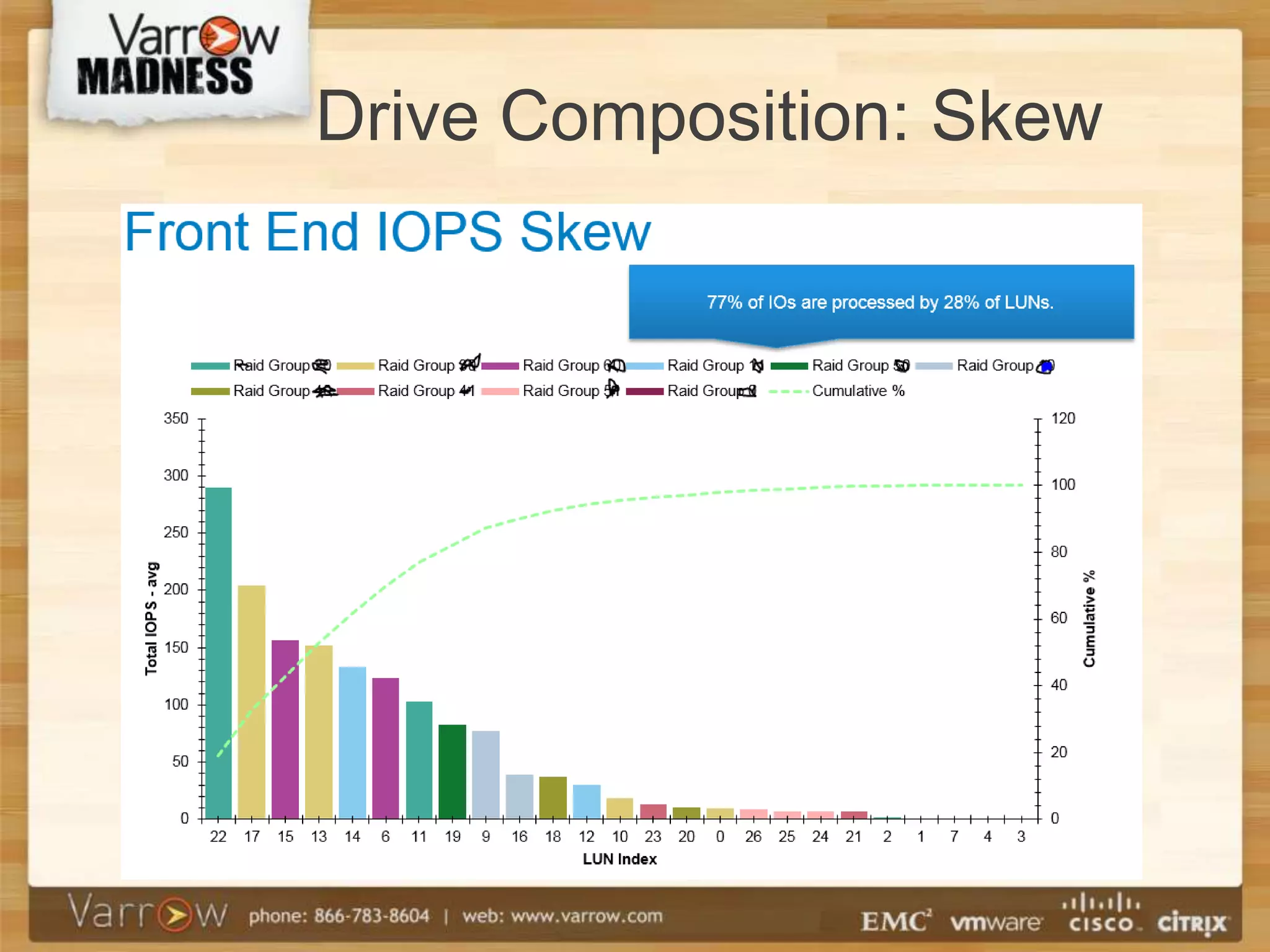
  – FAST with EFDs, SAS, NL-SAS according
    to skew or 5/20/75 rule
• RAID 1/0 pool for transaction logs.
  – 15k SAS drives
• RAID 6 pool for backup files and
  unstructured data
  – 7.2k NL-SAS drives
RAID 5 Pools
•   VMFS
•   DB Data Files
•   Good for random read/write mix
•   Use FASTCache


Example:
• Gold Pool: 5x EFD, 15x SAS, 16x NL-SAS
• Silver Pool: 15x SAS, 16x NL-SAS
Drive Composition: Skew
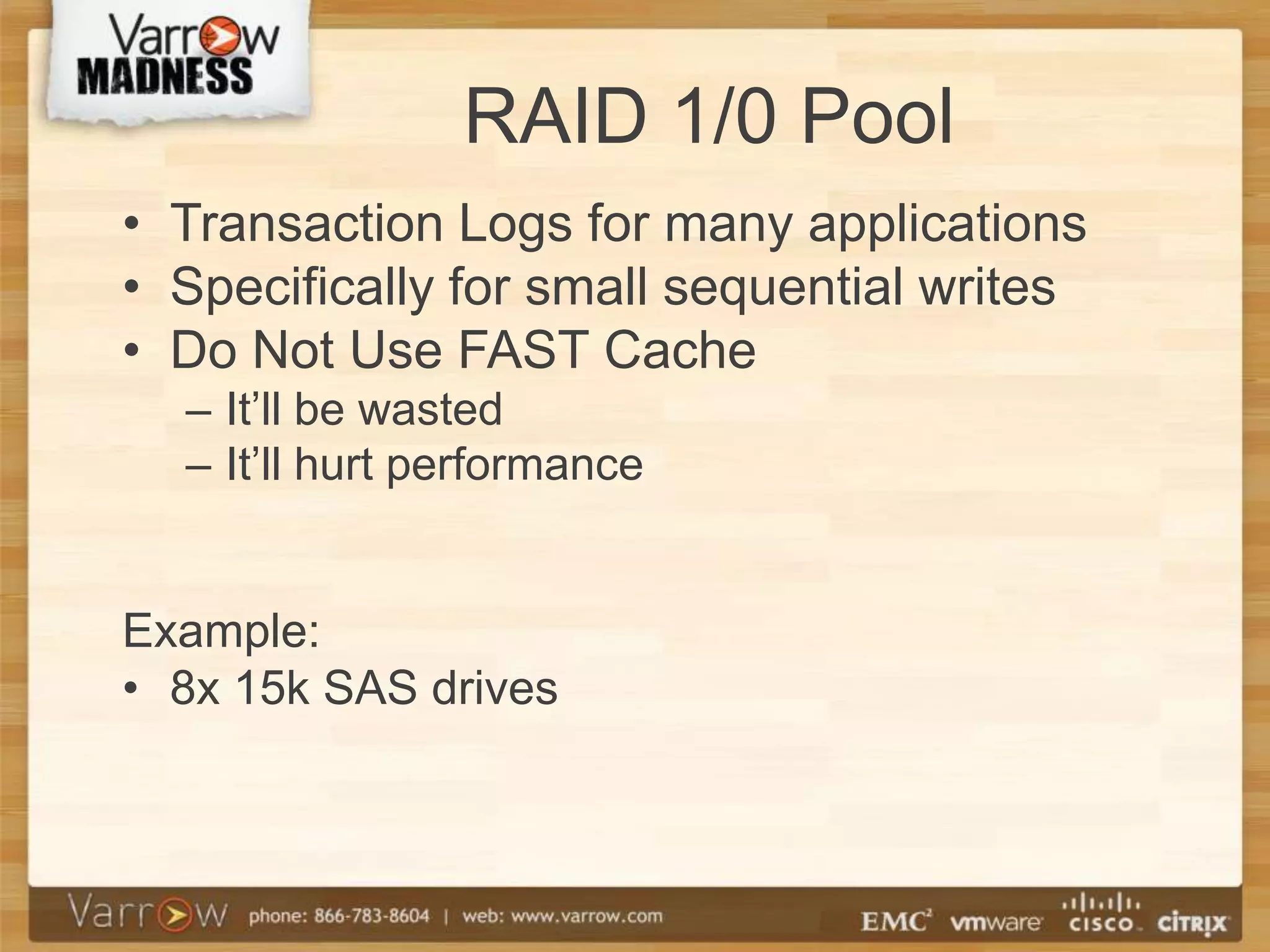
RAID 1/0 Pool
• Transaction Logs for many applications
• Specifically for small sequential writes
• Do Not Use FAST Cache
  – It’ll be wasted
  – It’ll hurt performance


Example:
• 8x 15k SAS drives
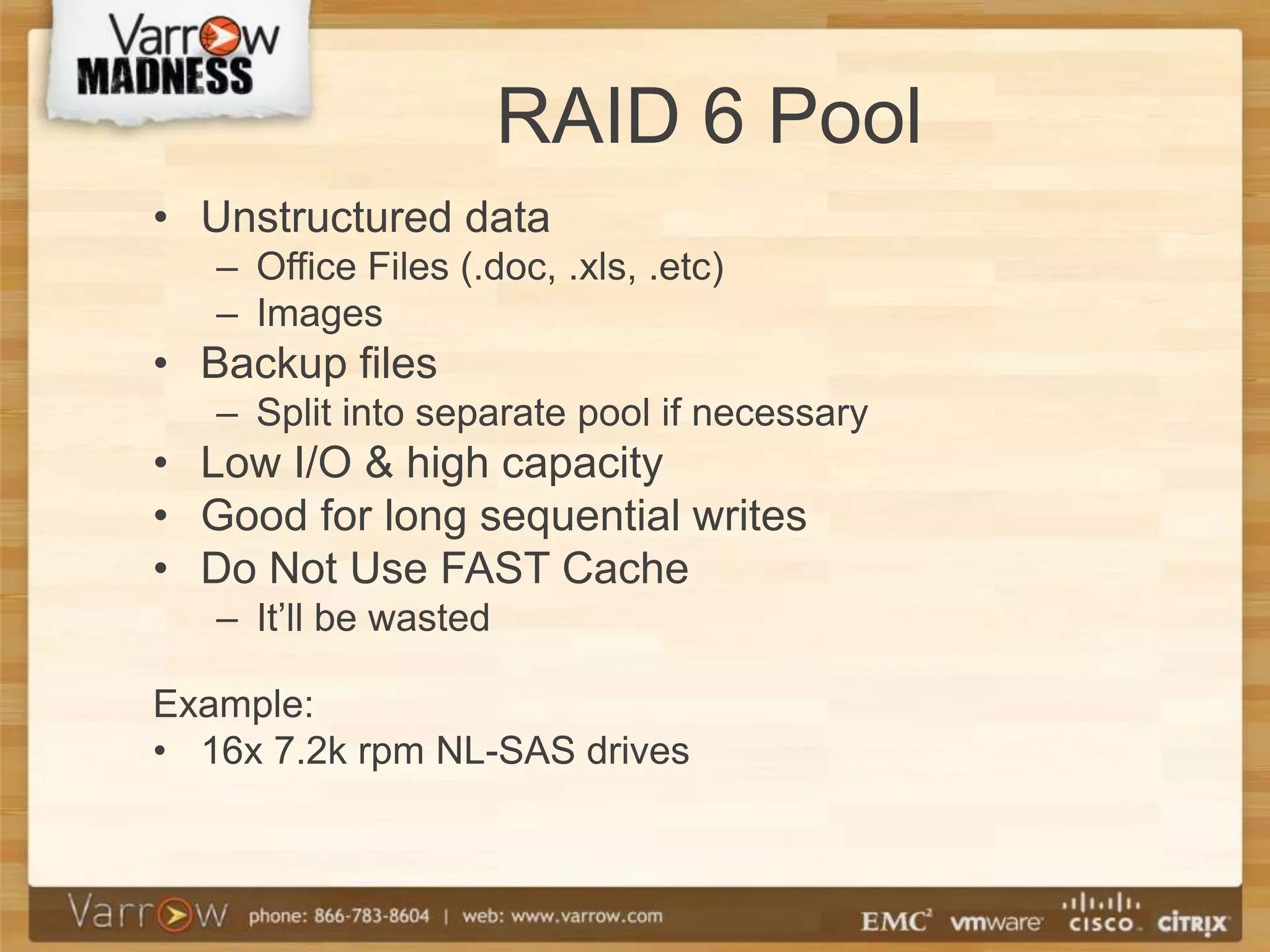
RAID 6 Pool
• Unstructured data
   – Office Files (.doc, .xls, .etc)
   – Images
• Backup files
   – Split into separate pool if necessary
• Low I/O & high capacity
• Good for long sequential writes
• Do Not Use FAST Cache
   – It’ll be wasted

Example:
• 16x 7.2k rpm NL-SAS drives
Pool Layout
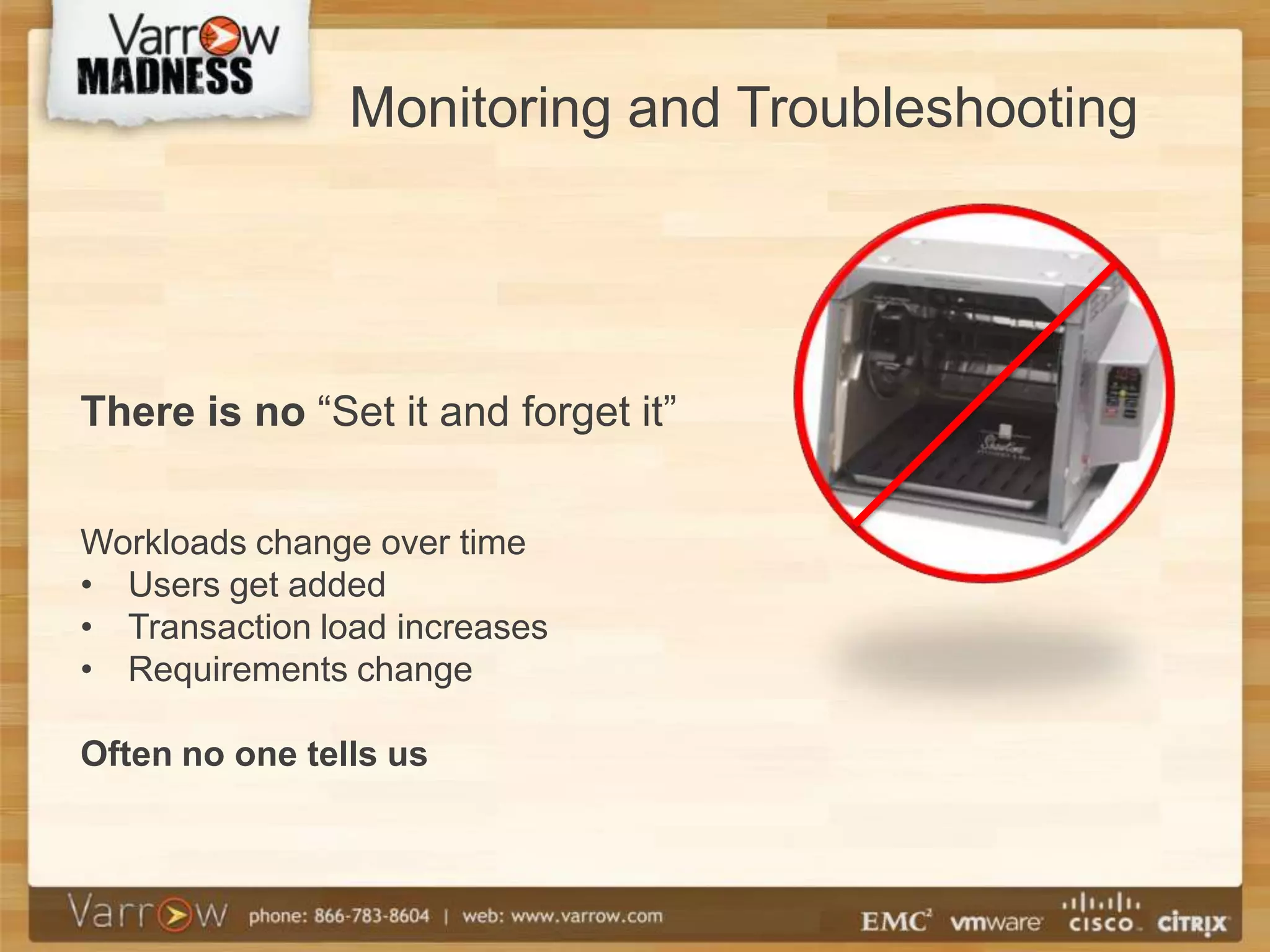
Monitoring and Troubleshooting


There is no “Set it and forget it”


Workloads change over time
• Users get added
• Transaction load increases
• Requirements change

Often no one tells us
Problem identification

Proactive performance review
   – Admins wear too many hats
   – Low priority

Reactive to user impact (Too late)
   – Crisis management
Troubleshooting Metrics

Where do we start? What do we look at?
• Cache Utilization
   – Exceeding a high water marks, need to flush
     cache to disk
   – Forced Flushes
• SP performance
   – Balance the SP load

• Pool LUN migration (metadata)
      • Online LUN migration
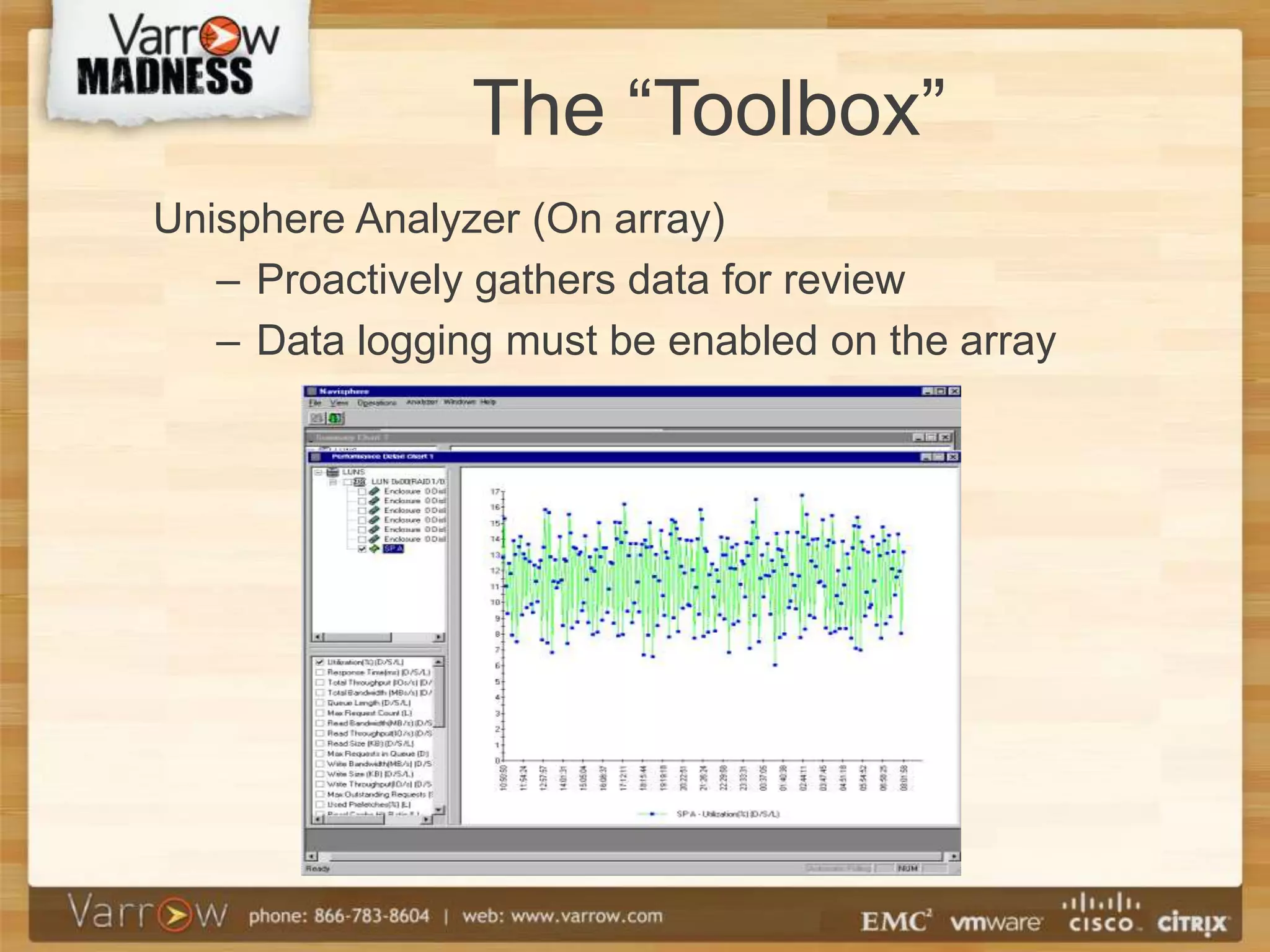
The “Toolbox”
Unisphere Analyzer (On array)
   – Proactively gathers data for review
   – Data logging must be enabled on the array
The “Toolbox”
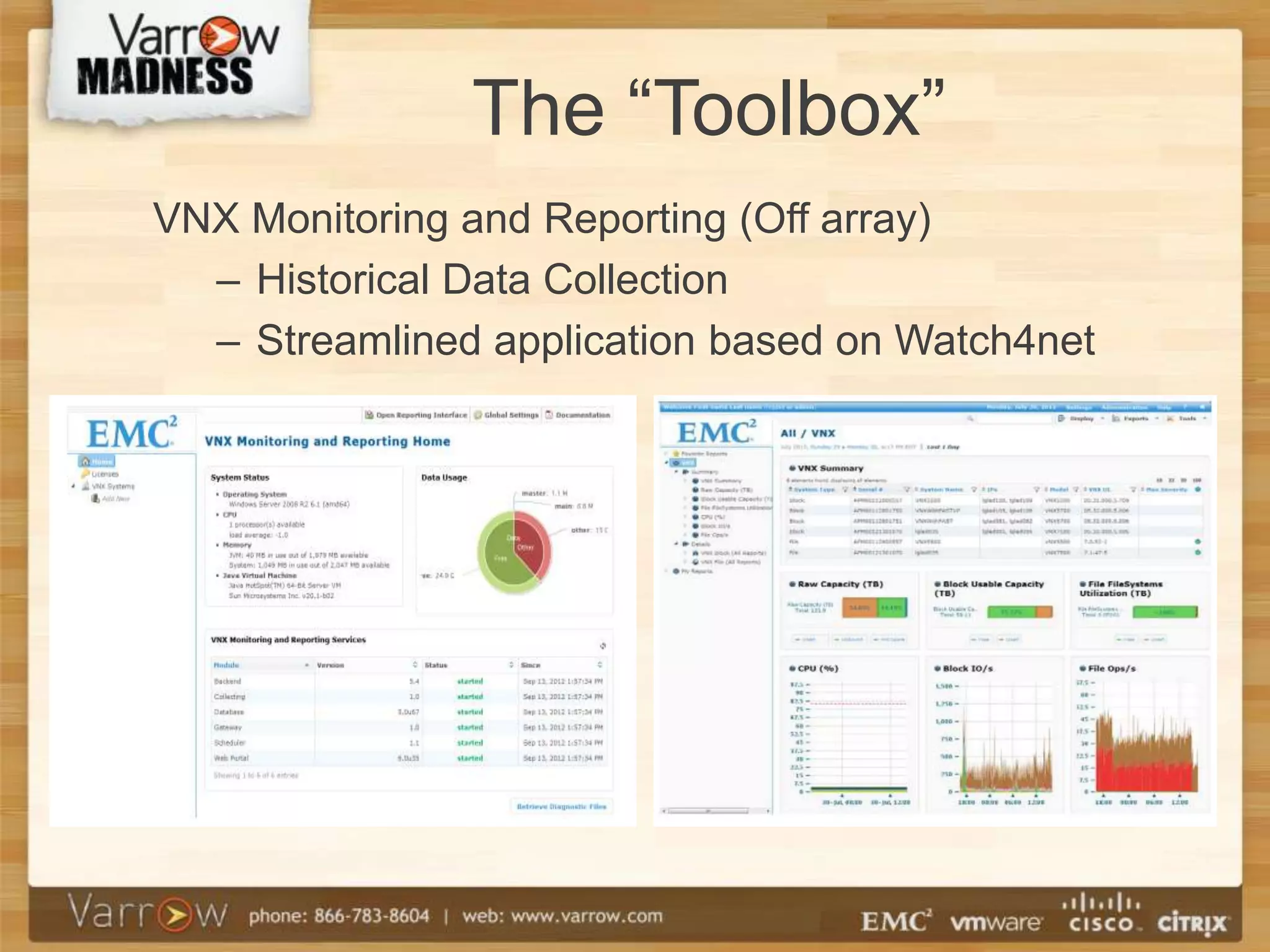
VNX Monitoring and Reporting (Off array)
  – Historical Data Collection
  – Streamlined application based on Watch4net
The “Toolbox”
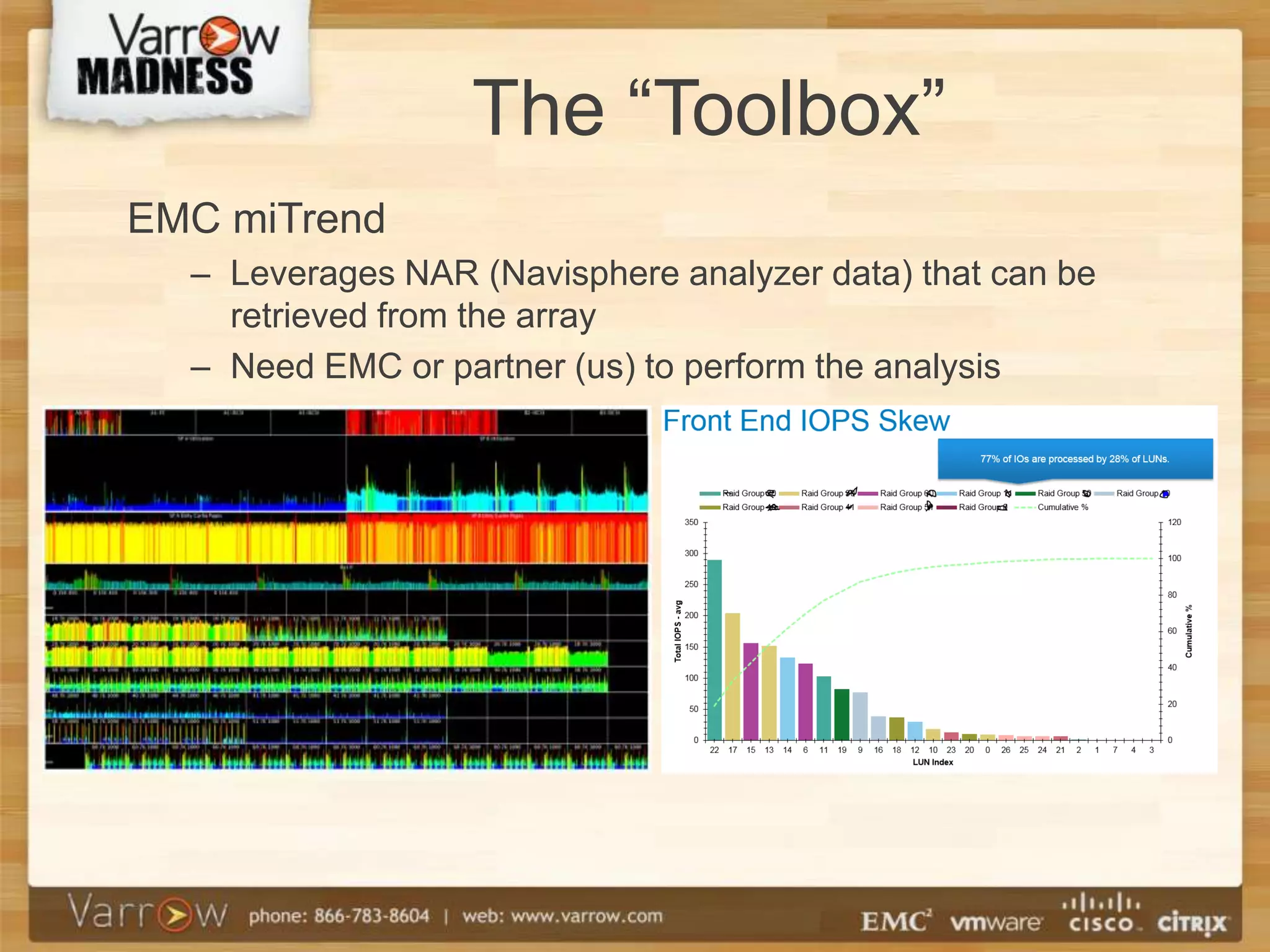
EMC miTrend
  – Leverages NAR (Navisphere analyzer data) that can be
    retrieved from the array
  – Need EMC or partner (us) to perform the analysis
Troubleshooting /
               Problem Mitigation
Several options for mitigating a performance problem:
• Add drives
   – OE 32 required to rebalance existing data
   – Pre OE 32, must increase pool by originating drive
     count, existing data will not be rebalanced
• Migrate to a different pool
   – Live migration avoids the need for an outage
   – Performance Throttling minimizes performance impact
Troubleshooting /
               Problem Mitigation
• Rebalance at the application layer
   – Storage vMotion
   – Host-based data migration (Open Migrator, etc)
• Migrate data between arrays
   – SANCopy
   – Replication (Mirroring/RecoverPoint)
• Reduce workload
   – Reschedule for off-hours (backups for example)
   – Decommission non-critical workloads
Thank You!


Questions

Vm13 vnx mixed workloads

  • 1.
    Mixed Workloads on EMCVNX Storage Arrays
  • 2.
    Tony Pittman @pittmantony TPittman@Varrow.com Martin Valencia @ubergiek MValencia@Varrow.com
  • 3.
    Goals For ThisSession Discuss: • How VNX storage pools work • How common workloads compare • Which workloads are compatible • How to monitor performance • How to mitigate performance problems
  • 4.
    Goals For ThisSession Also check out this session at 2:55 EMC Session: VNX Performance Optimization and Tuning - David Gadwah, EMC
  • 5.
    VNX Basics • VNXshines at mixed workloads IOPS - Mixed Workloads CX4 VNX Series with Rotating drives VNX Series with Flash drives # of Users VNX5100 VNX5300 VNX5500 VNX5700 VNX7500 CX4-120 CX4-240 CX4-480 CX4-960 Platform
  • 6.
    VNX Basics • VNXis EMC’s mid-tier unified storage array • FC, iSCSI or FCoE block connectivity • Multiple SAS buses backend • NFS and CIFS file connectivity • Built for flash
  • 7.
    VNX Architecture Object: Application servers Exchange servers Clients Virtual servers Oracle servers Atmos VE SAN LAN VNX Unified Storage 10Gb 10Gb FC iSCSI FCo Enet FC iSCSI FCo Enet E E VNX X-Blade Failover VNX X-Blade VNX X-Blade VNX X-Blade VNX X-Blade VNX X-Blade VNX X-Blade VNX X-Blade VNX OE FILE VNX SP Failover VNX SP VNX OE BLOCK Power Supply Power Supply SPS SPS LCC LCC Flash drives Near-Line SAS drives SAS drives
  • 8.
    VNX Architecture • TwoStorage Processors with DRAM cache, frontend ports (FC, iSCSI, FCOE) and backend ports (6 Gb SAS) • Each LUN owned by one SP, and accessible by both • Both SP’s have active connections
  • 9.
    VNX Architecture • FASTCache – Second layer of read/write cache, housed on solid state drives – Operates in 64 KB chunks – Reactive in nature – Great for random I/O – Don’t use it for sequential I/O
  • 10.
    VNX Architecture • StoragePools – Based on RAID • RAID 5, RAID 1/0, RAID 6 – FAST VP: Fully Automated Storage Tiering • Pools with multiple drive types: EFD, SAS, NL- SAS • Sub-LUN tiering • Operates at 1 GB chunks • Adjusts over time, not immediately – FASTCache is more immediate
  • 11.
    VNX Architecture When shouldI use traditional RAID Groups? As the exception: • Very specific performance tuning (MetaLUNs) • Internal array features (write intent logs, clone private LUNs) • Maybe Recoverpoint journals • Supportability (I’m looking at you, Meditech) Remember the limitations: • Maximum of 16 drives • Expand via metaLUNs • No tiering
  • 12.
    VNX Architecture • IOPSper drive type (for sizing) 3500 IOPS - EFD 180 IOPS - 15k rpm drive 140 IOPS - 10k rpm drive 90 IOPS - 7200 rpm driveEffects of RAID • Parity calculations (RAID 5 and RAID 6) • Effect on response times • Write penalty • RAID 1/0 = 2x • RAID 5 = 4x • RAID 6 = 6x
  • 13.
    VNX Architecture • Real-worldeffect of write penalty: – 10x 600 GB 15k SAS drives = 1800 read IOPS • With RAID 1/0, capable of 900 write IOPS • With RAID 5, capable of 450 write IOPS – 1 write operation takes 4 I/O operations • With RAID 6, capable of 300 write IOPS – 1 write operation takes 6 I/O operations
  • 14.
    Workloads Common workloads seenin the field. Virtual Disks/VMFS (RAID5) DB – Data files (RAID5) DB – Transaction files (RAID 10) Unstructured Data, Backups (RAID6)
  • 15.
    Real World Workloads Standard Performance Evaluation Corporation Benchmarking Real World Performance Non-profit Uses generic applications rather than specific applications SPEC benchmarks rely on a mix of I/O to simulate a generic application This balances the need for real world performance and consistency over time
  • 16.
    Ideal Scenario • Arraywith single application • No budget constraints • Separate storage pools for different sub-workloads
  • 17.
    Ideal Scenario • Theideal SQL: – PCIe flash and XtremeSW on the host – FAST Cache in the array – tempDB: • Data files on separate RAID 5 storage pool – User DB’s: • Each has tlogs on separate RAID 1/0 storage pool • Each has data files on one or more RAID 5 storage pools, with the appropriate drive configuration (EFD+FAST) – Backups / Dump files: • Separate RAID 6 storage pool, maybe a separate array
  • 18.
    Reality – Can’tisolate every workload Cost prohibitive, and do we have to? • Business Critical Application … maybe • Management & Lower-tier application… probably not
  • 19.
    Basic Storage Pool Layout • One or Two RAID 5 pools (ex: Gold & Silver) – FAST with EFDs, SAS, NL-SAS according to skew or 5/20/75 rule • RAID 1/0 pool for transaction logs. – 15k SAS drives • RAID 6 pool for backup files and unstructured data – 7.2k NL-SAS drives
  • 20.
    RAID 5 Pools • VMFS • DB Data Files • Good for random read/write mix • Use FASTCache Example: • Gold Pool: 5x EFD, 15x SAS, 16x NL-SAS • Silver Pool: 15x SAS, 16x NL-SAS
  • 21.
  • 22.
    RAID 1/0 Pool •Transaction Logs for many applications • Specifically for small sequential writes • Do Not Use FAST Cache – It’ll be wasted – It’ll hurt performance Example: • 8x 15k SAS drives
  • 23.
    RAID 6 Pool •Unstructured data – Office Files (.doc, .xls, .etc) – Images • Backup files – Split into separate pool if necessary • Low I/O & high capacity • Good for long sequential writes • Do Not Use FAST Cache – It’ll be wasted Example: • 16x 7.2k rpm NL-SAS drives
  • 24.
  • 25.
    Monitoring and Troubleshooting Thereis no “Set it and forget it” Workloads change over time • Users get added • Transaction load increases • Requirements change Often no one tells us
  • 26.
    Problem identification Proactive performancereview – Admins wear too many hats – Low priority Reactive to user impact (Too late) – Crisis management
  • 27.
    Troubleshooting Metrics Where dowe start? What do we look at? • Cache Utilization – Exceeding a high water marks, need to flush cache to disk – Forced Flushes • SP performance – Balance the SP load • Pool LUN migration (metadata) • Online LUN migration
  • 28.
    The “Toolbox” Unisphere Analyzer(On array) – Proactively gathers data for review – Data logging must be enabled on the array
  • 29.
    The “Toolbox” VNX Monitoringand Reporting (Off array) – Historical Data Collection – Streamlined application based on Watch4net
  • 30.
    The “Toolbox” EMC miTrend – Leverages NAR (Navisphere analyzer data) that can be retrieved from the array – Need EMC or partner (us) to perform the analysis
  • 31.
    Troubleshooting / Problem Mitigation Several options for mitigating a performance problem: • Add drives – OE 32 required to rebalance existing data – Pre OE 32, must increase pool by originating drive count, existing data will not be rebalanced • Migrate to a different pool – Live migration avoids the need for an outage – Performance Throttling minimizes performance impact
  • 32.
    Troubleshooting / Problem Mitigation • Rebalance at the application layer – Storage vMotion – Host-based data migration (Open Migrator, etc) • Migrate data between arrays – SANCopy – Replication (Mirroring/RecoverPoint) • Reduce workload – Reschedule for off-hours (backups for example) – Decommission non-critical workloads
  • 33.

Editor's Notes

  • #15 DatabaseMix of RAID5 (Database) and RAID10 (Log)Database – Random Read/Write (XX/XX)Log – Small block sequentialRAID 6Large block sequentialAdded protection (Rebuild/Double disk failure)Typical read more than written Network attached storage (VNX File) RAID 6 – large sequential writesLarge sequential writesLarger drives longer rebuildsBackup/Unstruc- If backup windows don’t overlap