Visual Programming .NET
By Dr. M. Sudharsan
VB.NET Control Statements
In VB.NET, the control statements are the
statements that controls the execution of the
program on the basis of the specified
condition. It is useful for determining whether
a condition is true or not. If the condition is
true, a single or block of statement is
executed. In the control statement, we will
use if- Then, if Then Else, if Then ElseIf and
the Select case statement.
• VB.NET provides the following conditional or
decision-making statements.
• If-Then Statement
• If-Then Else Statement
• If-Then ElseIf Statement
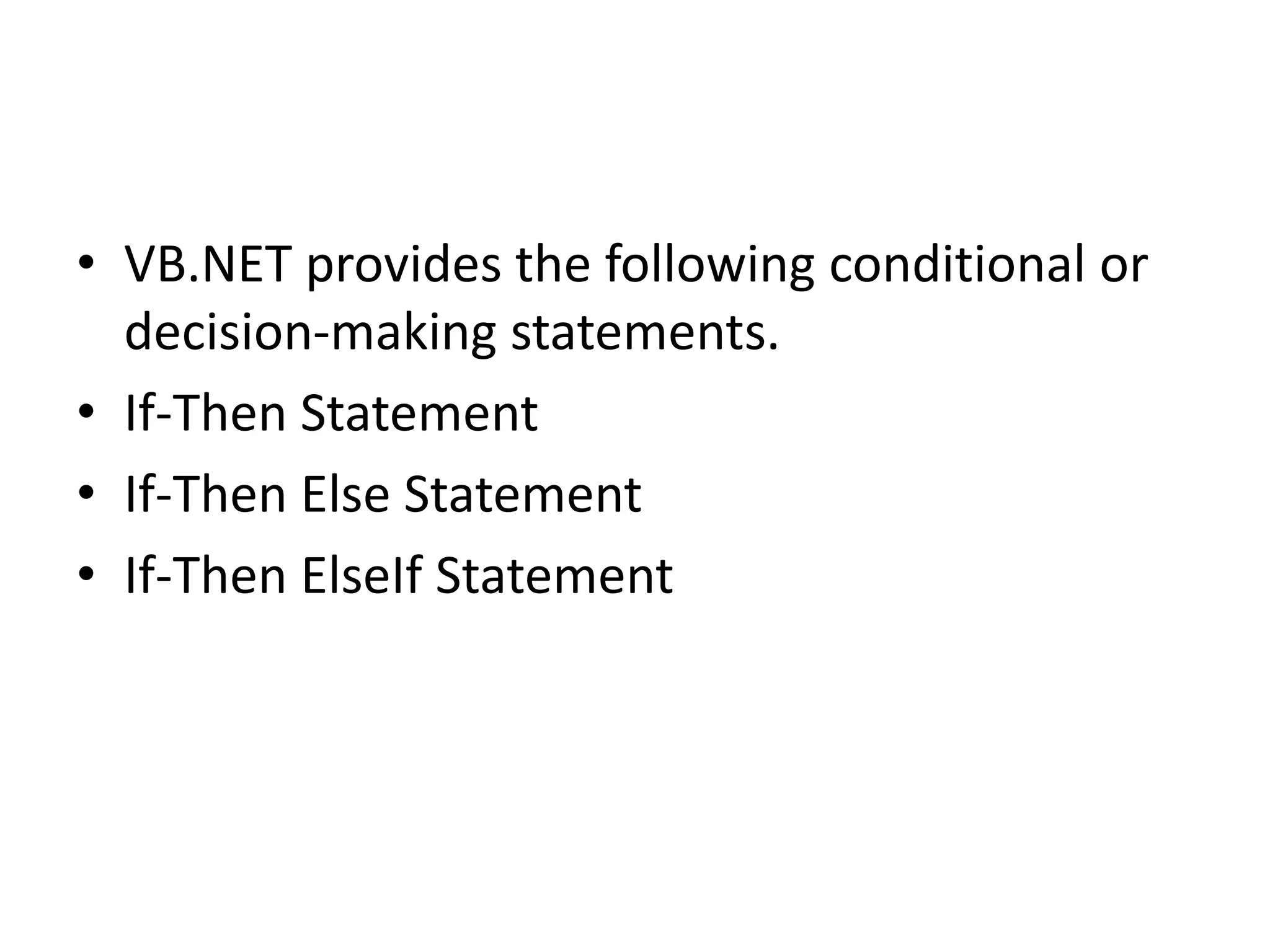
If-Then Statement
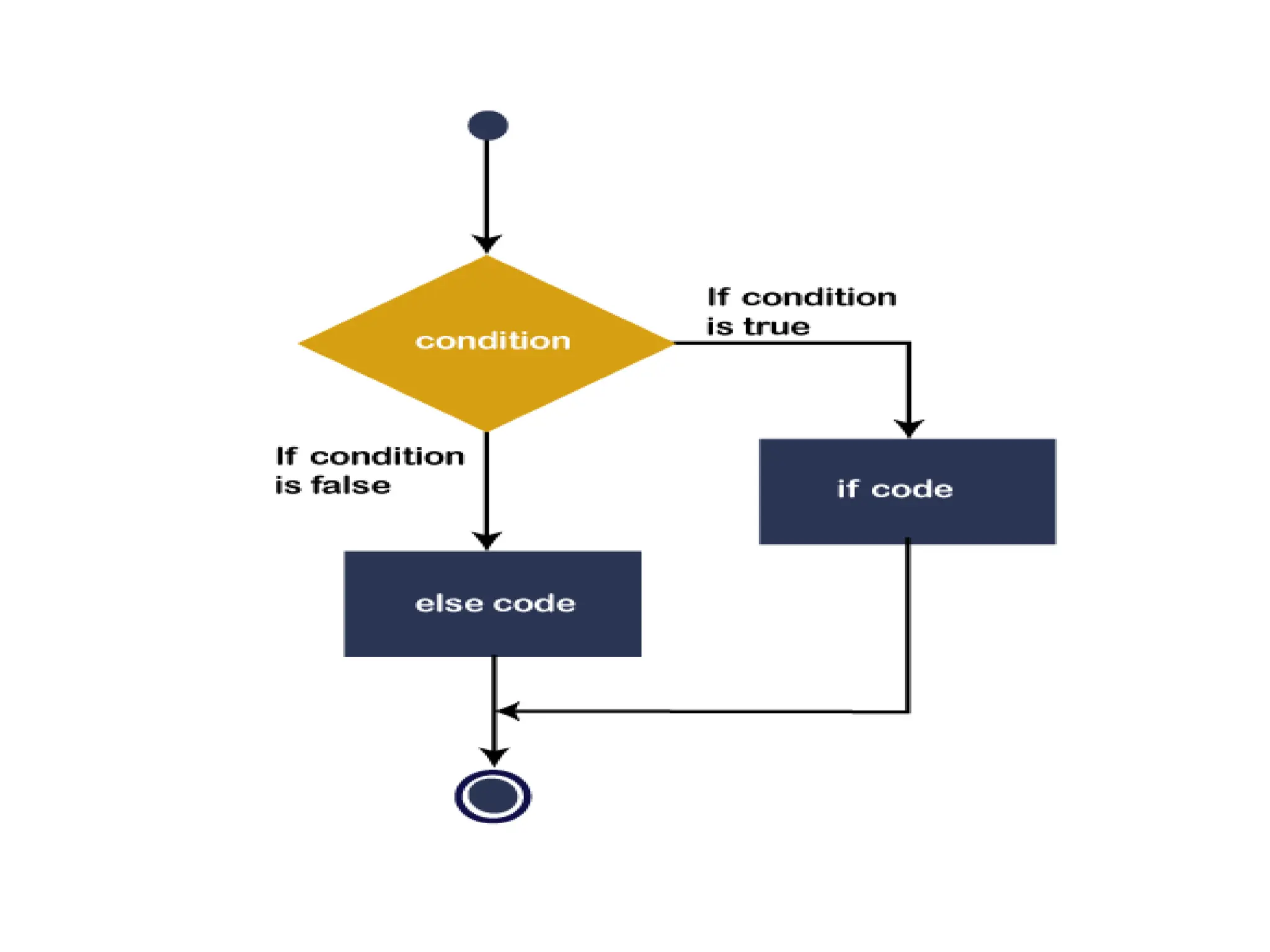
• The If-Then Statement is a control statement
that defines one or more conditions, and if the
particular condition is satisfied, it executes a
piece of information or statements.
If condition Then
[Statement or block of Statement]
End If
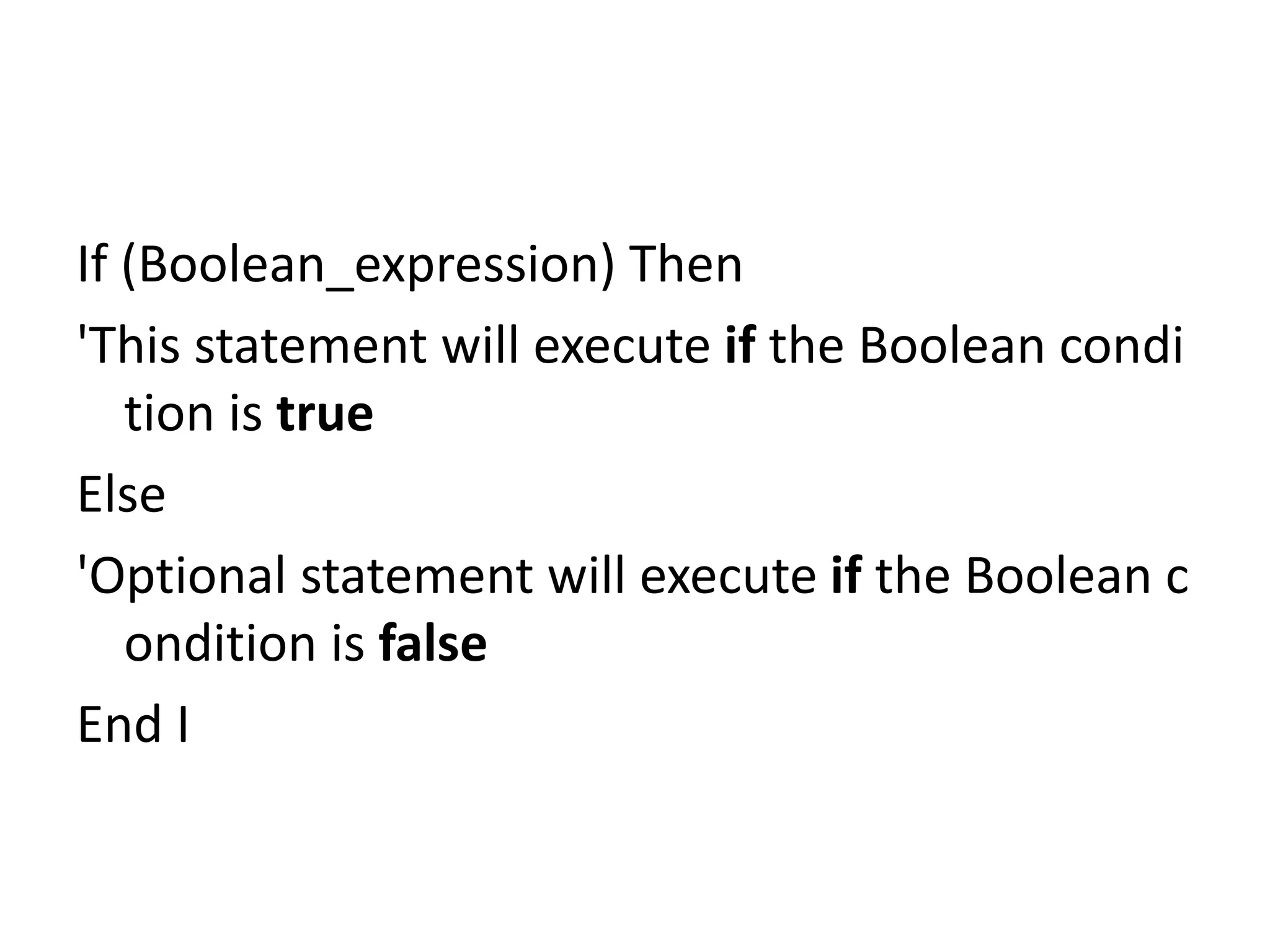
If (Boolean_expression) Then
'This statement will execute if the Boolean condi
tion is true
Else
'Optional statement will execute if the Boolean c
ondition is false
End I
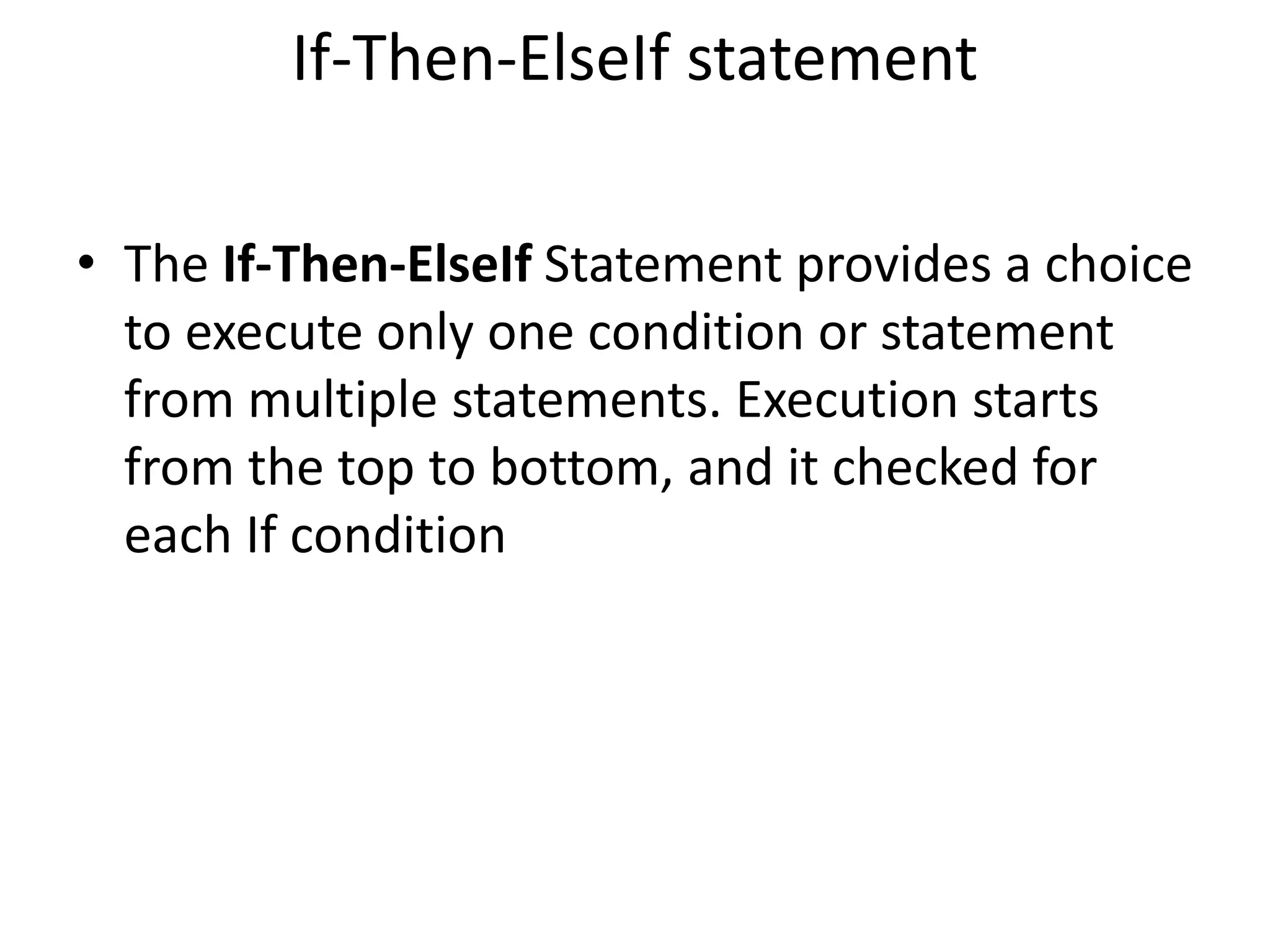
If-Then-ElseIf statement
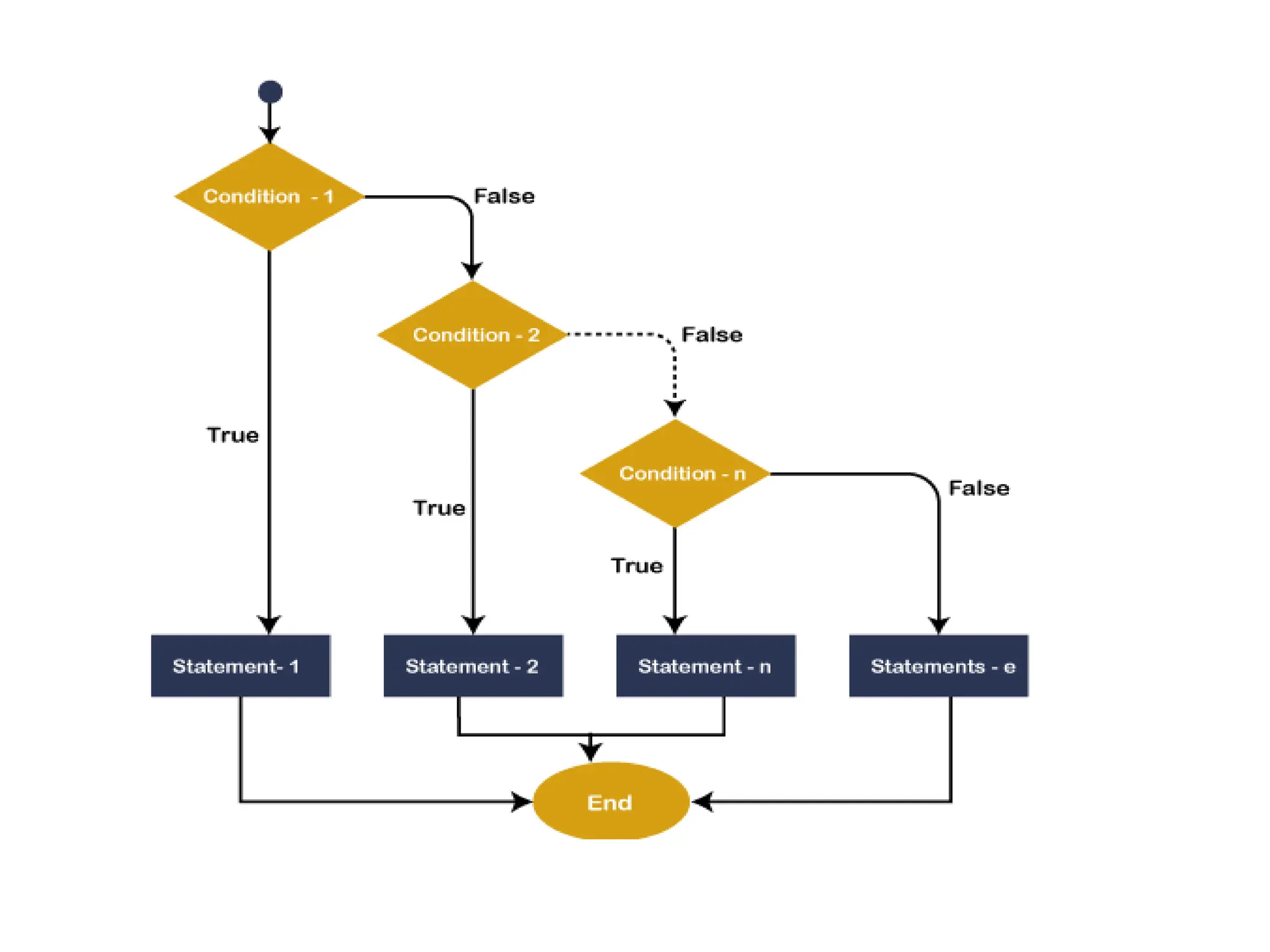
• The If-Then-ElseIf Statement provides a choice
to execute only one condition or statement
from multiple statements. Execution starts
from the top to bottom, and it checked for
each If condition
VB.NET Do Loop
• A Loop is used to repeat the same process
multiple times until it meets the specified
condition in a program. By using a loop in a
program, a programmer can repeat any
number of statements up to the desired
number of repetitions.
Types of Loops
• Do While Loop
• For Next Loop
• For Each Loop
• While End Loop
Do While Loop
• In VB.NET, Do While loop is used to execute
blocks of statements in the program, as long
as the condition remains true.
Do
[ Statements to be executed]
Loop While Boolean_expression
For Next Loop
• A For Next loop is used to repeatedly execute
a sequence of code or a block of code until a
given condition is satisfied. A For loop is useful
in such a case when we know how many times
a block of code has to be executed. In VB.NET,
the For loop is also known as For Next Loop.
For variable_name As [ DataType ] = start To end
[ Step step ]
[ Statements to be executed ]
Next
VB.NET For Each Loop
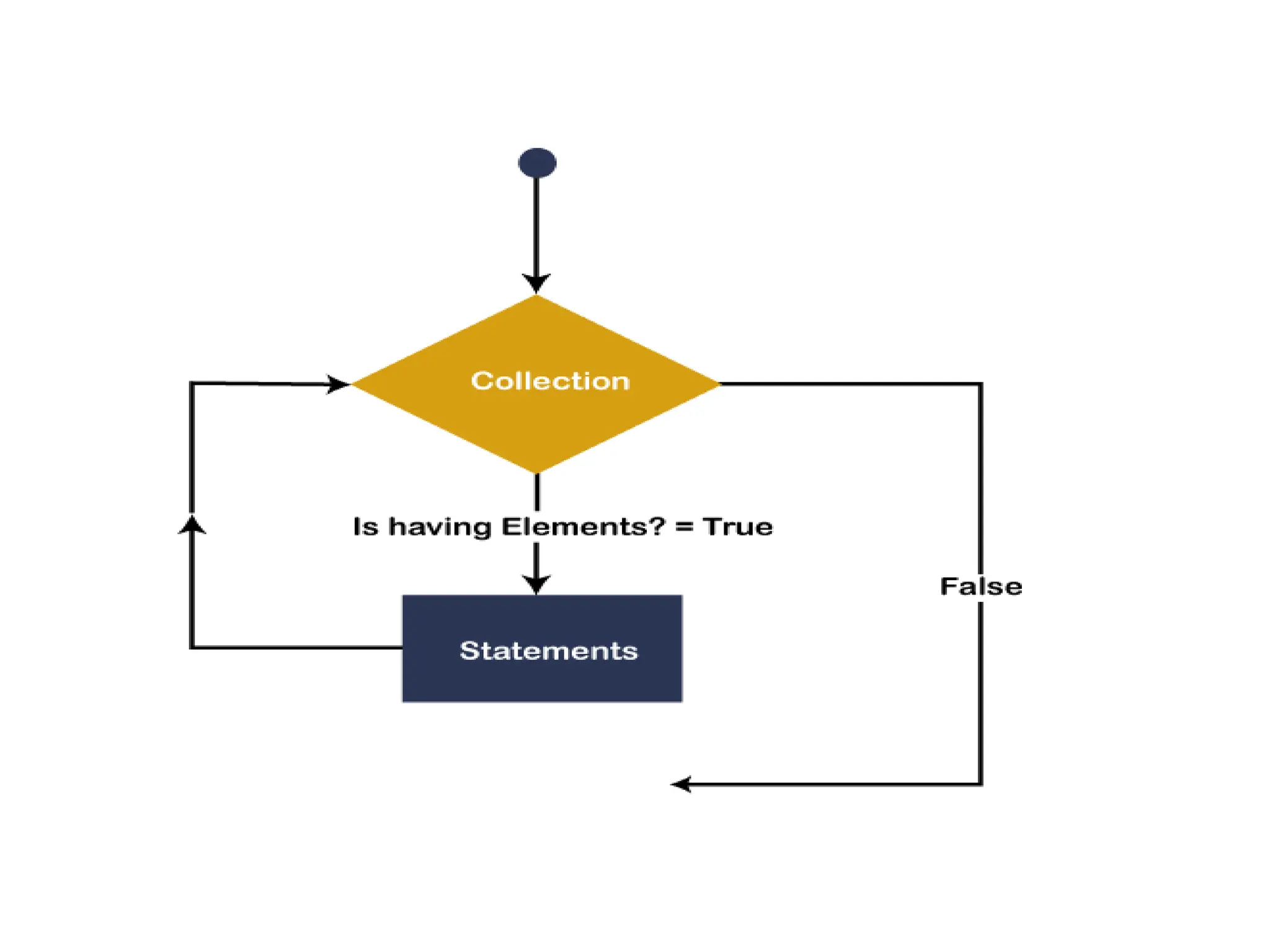
• In the VB.NET, For Each loop is used to iterate
block of statements in an array or collection
objects. Using For Each loop, we can easily
work with collection objects such as lists,
arrays, etc., to execute each element of an
array or in a collection.
For Each var_name As [ DataType ] In Collection
_Object
[ Statements to be executed]
Next
VB.NET Arrays
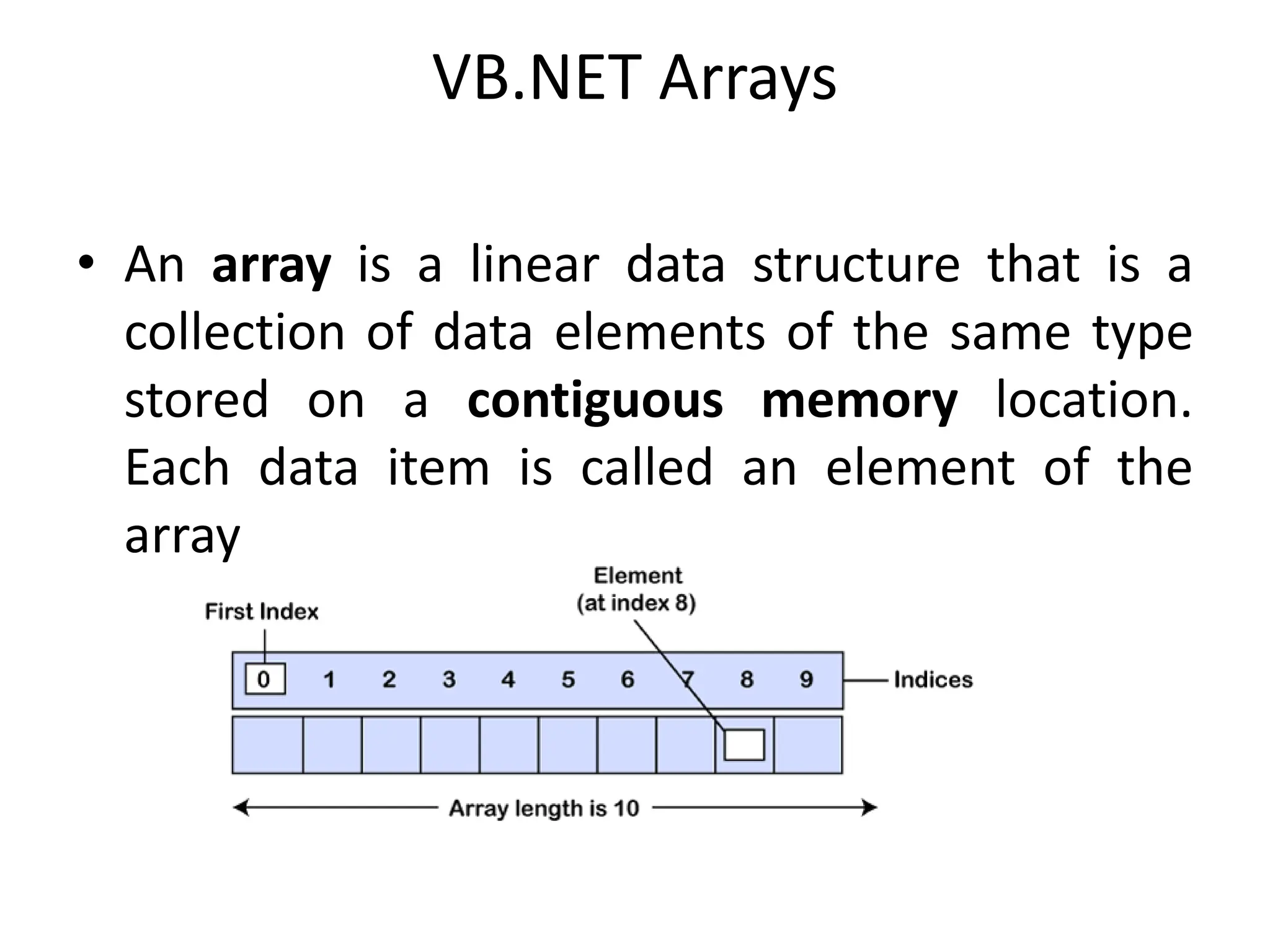
• An array is a linear data structure that is a
collection of data elements of the same type
stored on a contiguous memory location.
Each data item is called an element of the
array
Declaration of VB.NET Array
• We can declare an array by specifying the data
of the elements followed by parentheses () in
the VB.NET
Dim array_name As [Data_Type] ()
Initialization of VB.NET Array
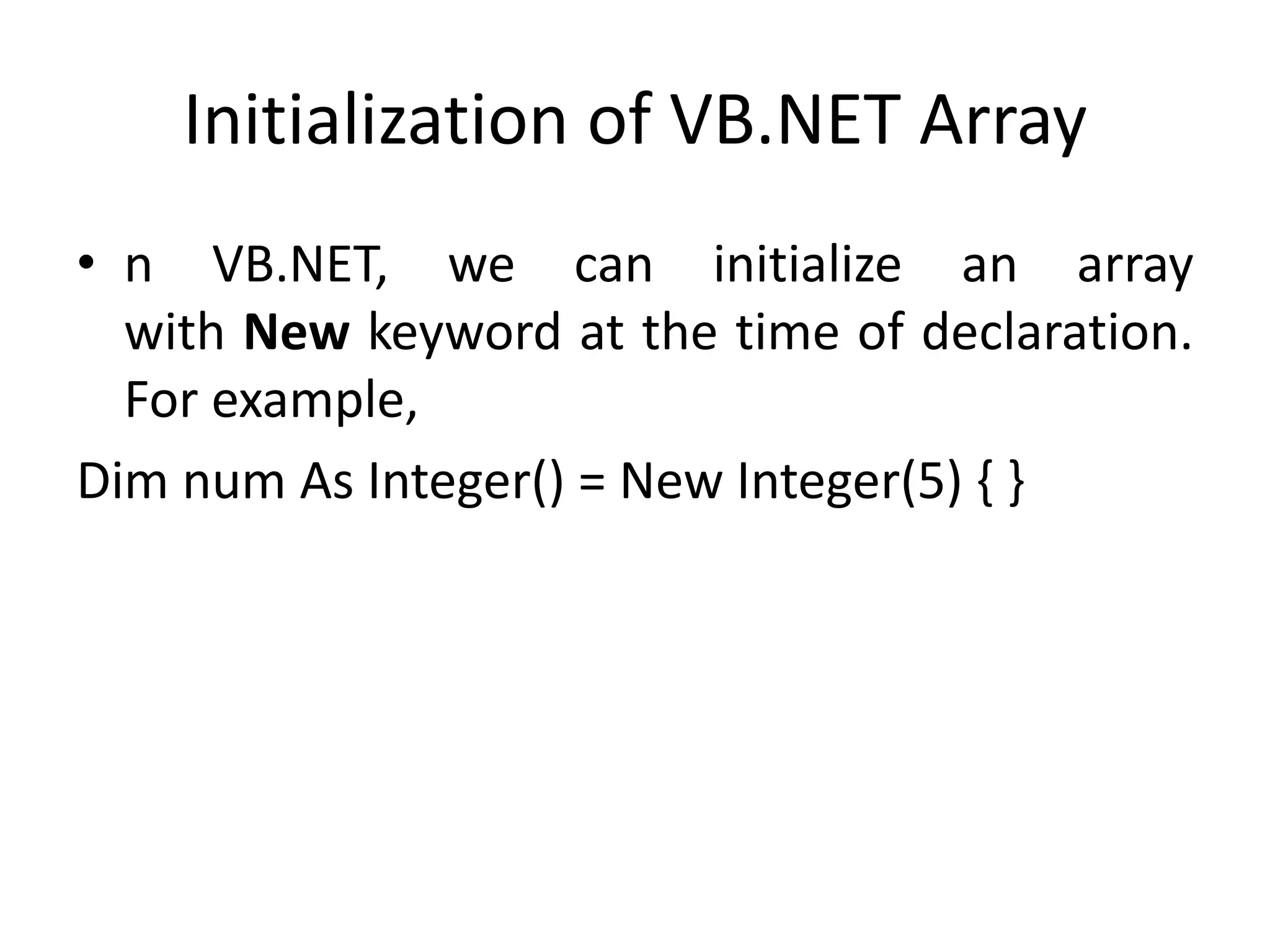
• n VB.NET, we can initialize an array
with New keyword at the time of declaration.
For example,
Dim num As Integer() = New Integer(5) { }
Multidimensional Array
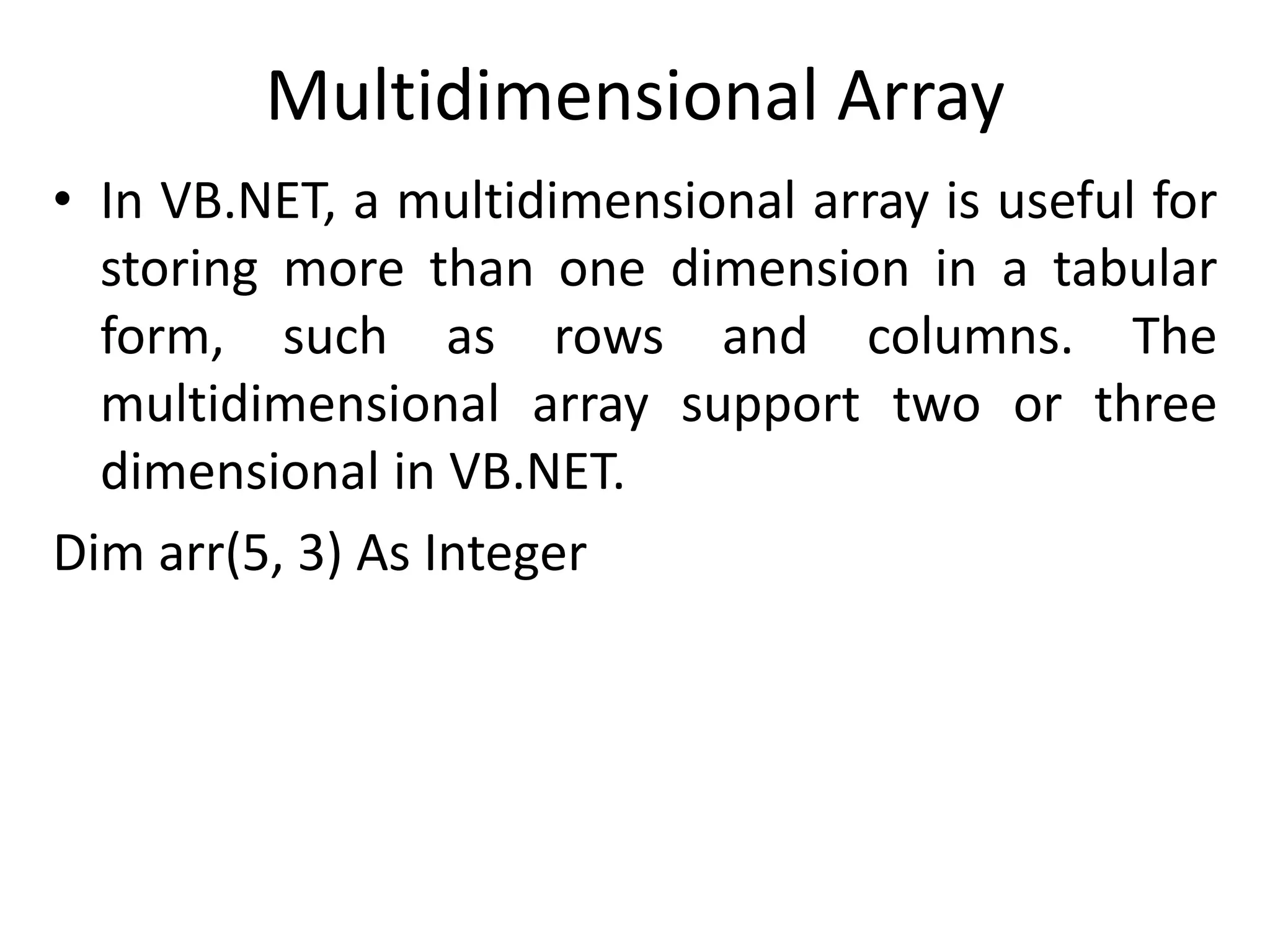
• In VB.NET, a multidimensional array is useful for
storing more than one dimension in a tabular
form, such as rows and columns. The
multidimensional array support two or three
dimensional in VB.NET.
Dim arr(5, 3) As Integer
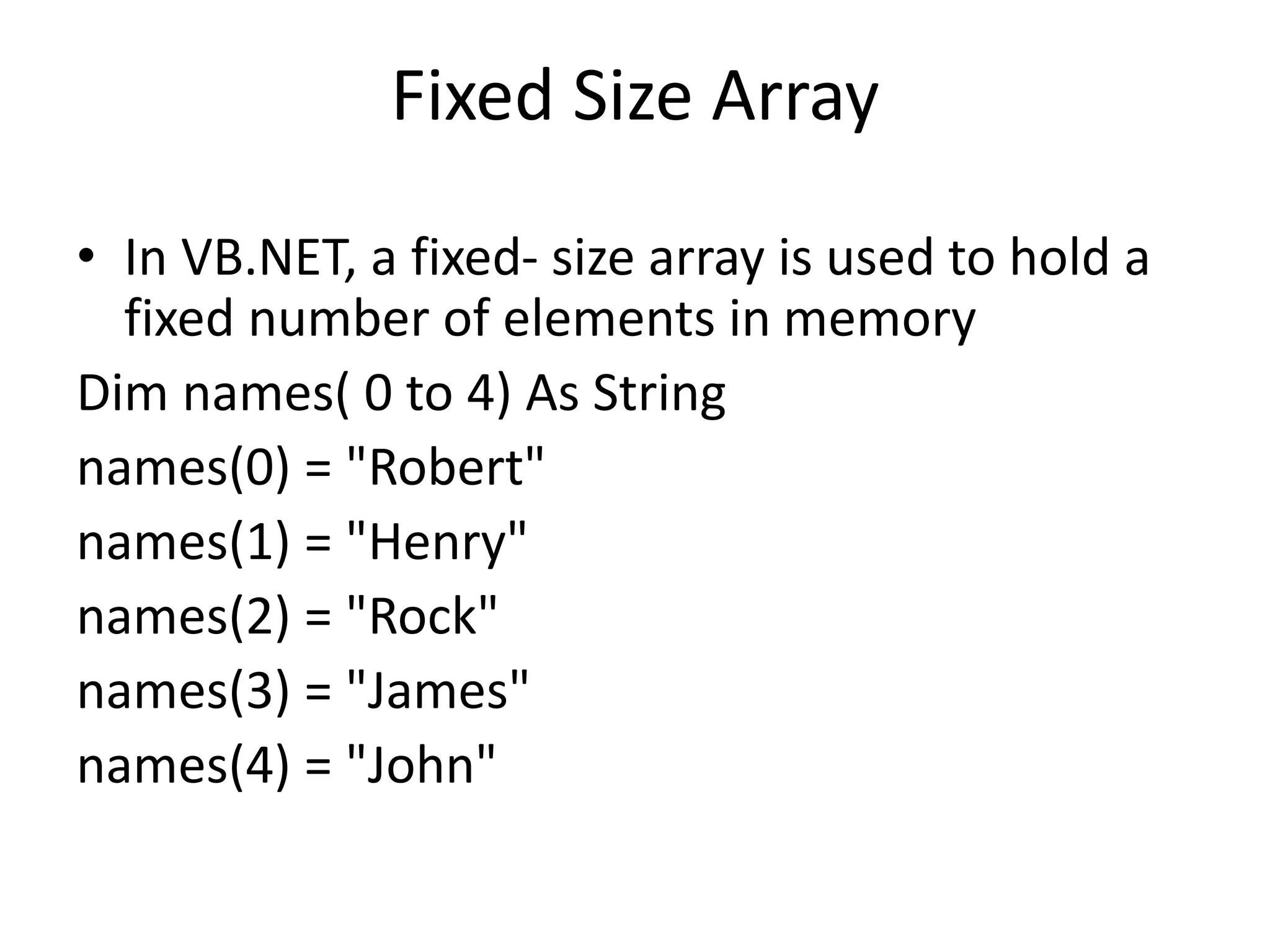
Fixed Size Array
• In VB.NET, a fixed- size array is used to hold a
fixed number of elements in memory
Dim names( 0 to 4) As String
names(0) = "Robert"
names(1) = "Henry"
names(2) = "Rock"
names(3) = "James"
names(4) = "John"
VB.Net - Program Structure
• A VB.Net program basically consists of the
following parts −
• Namespace declaration
• A class or module
• One or more procedures
• Variables
• The Main procedure
• Statements & Expressions
• Comments
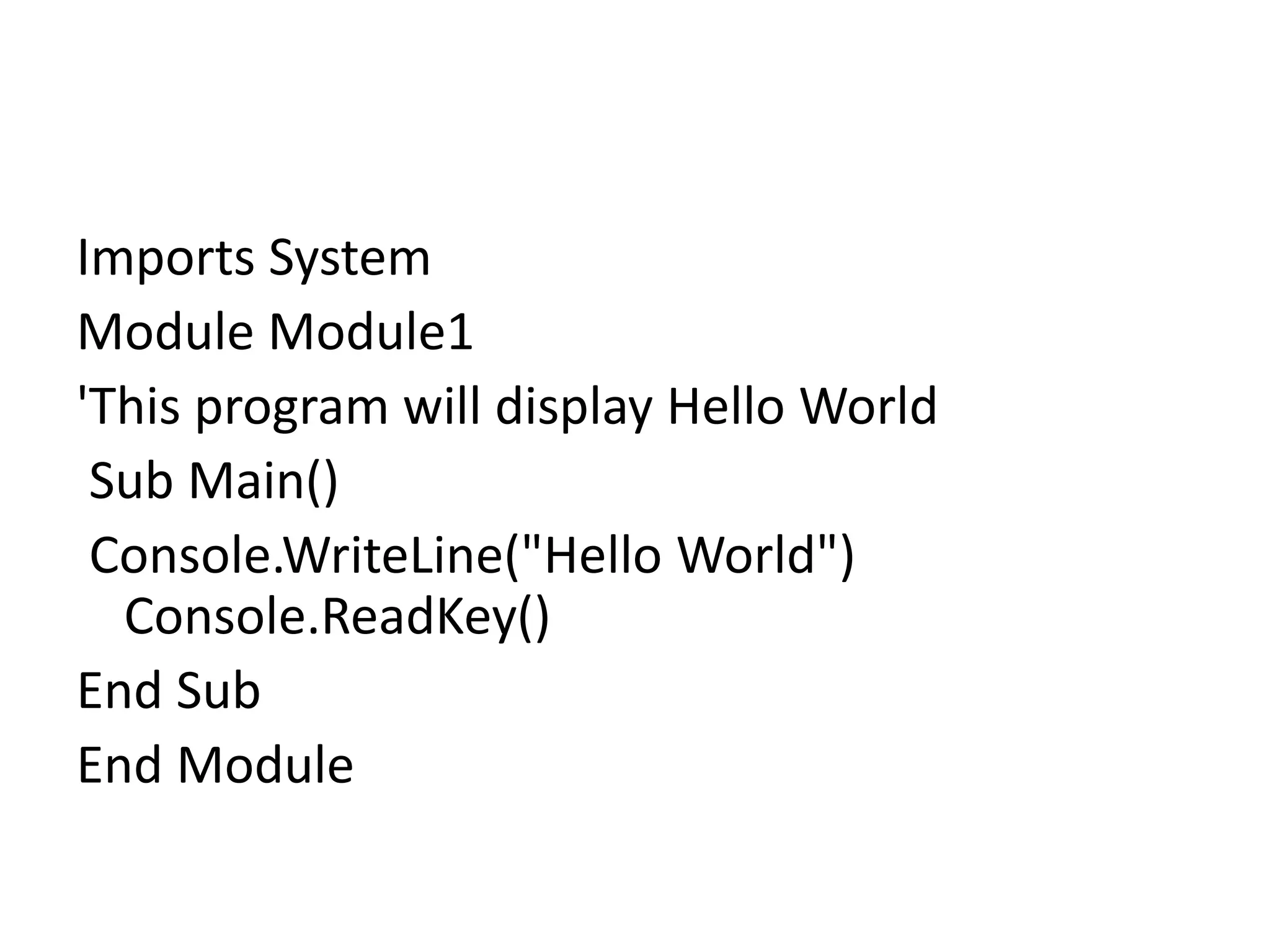
Imports System
Module Module1
'This program will display Hello World
Sub Main()
Console.WriteLine("Hello World")
Console.ReadKey()
End Sub
End Module

VB(unit1).pptx

  • 1.
  • 2.
    VB.NET Control Statements InVB.NET, the control statements are the statements that controls the execution of the program on the basis of the specified condition. It is useful for determining whether a condition is true or not. If the condition is true, a single or block of statement is executed. In the control statement, we will use if- Then, if Then Else, if Then ElseIf and the Select case statement.
  • 4.
    • VB.NET providesthe following conditional or decision-making statements. • If-Then Statement • If-Then Else Statement • If-Then ElseIf Statement
  • 5.
    If-Then Statement • TheIf-Then Statement is a control statement that defines one or more conditions, and if the particular condition is satisfied, it executes a piece of information or statements. If condition Then [Statement or block of Statement] End If
  • 6.
    If (Boolean_expression) Then 'Thisstatement will execute if the Boolean condi tion is true Else 'Optional statement will execute if the Boolean c ondition is false End I
  • 8.
    If-Then-ElseIf statement • TheIf-Then-ElseIf Statement provides a choice to execute only one condition or statement from multiple statements. Execution starts from the top to bottom, and it checked for each If condition
  • 10.
    VB.NET Do Loop •A Loop is used to repeat the same process multiple times until it meets the specified condition in a program. By using a loop in a program, a programmer can repeat any number of statements up to the desired number of repetitions.
  • 11.
    Types of Loops •Do While Loop • For Next Loop • For Each Loop • While End Loop
  • 12.
    Do While Loop •In VB.NET, Do While loop is used to execute blocks of statements in the program, as long as the condition remains true. Do [ Statements to be executed] Loop While Boolean_expression
  • 13.
    For Next Loop •A For Next loop is used to repeatedly execute a sequence of code or a block of code until a given condition is satisfied. A For loop is useful in such a case when we know how many times a block of code has to be executed. In VB.NET, the For loop is also known as For Next Loop.
  • 14.
    For variable_name As[ DataType ] = start To end [ Step step ] [ Statements to be executed ] Next
  • 15.
    VB.NET For EachLoop • In the VB.NET, For Each loop is used to iterate block of statements in an array or collection objects. Using For Each loop, we can easily work with collection objects such as lists, arrays, etc., to execute each element of an array or in a collection.
  • 16.
    For Each var_nameAs [ DataType ] In Collection _Object [ Statements to be executed] Next
  • 18.
    VB.NET Arrays • Anarray is a linear data structure that is a collection of data elements of the same type stored on a contiguous memory location. Each data item is called an element of the array
  • 19.
    Declaration of VB.NETArray • We can declare an array by specifying the data of the elements followed by parentheses () in the VB.NET Dim array_name As [Data_Type] ()
  • 20.
    Initialization of VB.NETArray • n VB.NET, we can initialize an array with New keyword at the time of declaration. For example, Dim num As Integer() = New Integer(5) { }
  • 21.
    Multidimensional Array • InVB.NET, a multidimensional array is useful for storing more than one dimension in a tabular form, such as rows and columns. The multidimensional array support two or three dimensional in VB.NET. Dim arr(5, 3) As Integer
  • 22.
    Fixed Size Array •In VB.NET, a fixed- size array is used to hold a fixed number of elements in memory Dim names( 0 to 4) As String names(0) = "Robert" names(1) = "Henry" names(2) = "Rock" names(3) = "James" names(4) = "John"
  • 23.
    VB.Net - ProgramStructure • A VB.Net program basically consists of the following parts − • Namespace declaration • A class or module • One or more procedures • Variables • The Main procedure • Statements & Expressions • Comments
  • 24.
    Imports System Module Module1 'Thisprogram will display Hello World Sub Main() Console.WriteLine("Hello World") Console.ReadKey() End Sub End Module