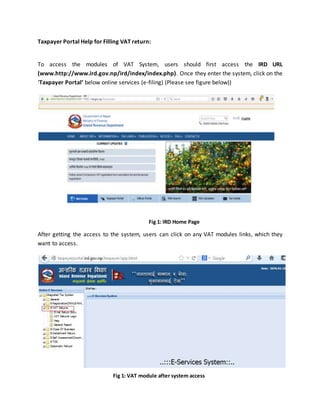
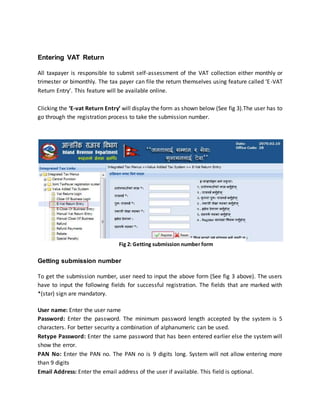
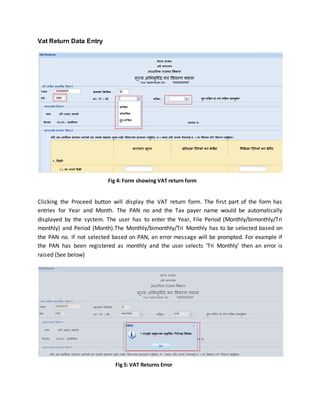
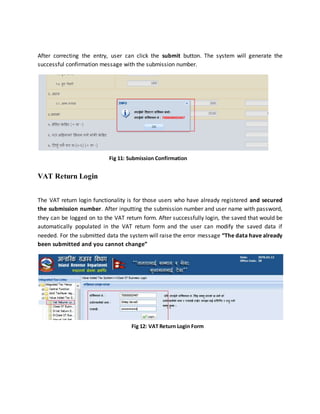
The document provides instructions for taxpayers on filing VAT returns and closing their business through Nepal's tax portal. It outlines the steps to access the portal, register to get a submission number, enter VAT return or close of business details, save or submit the information, and verify submitted returns. Key steps include accessing the IRD website, clicking the taxpayer portal, registering with personal and business details to receive a submission number, entering VAT return or close of business details based on the filing period and period, and saving or submitting the information. Submitted returns can be verified by the taxpayer or tax officer by logging in with credentials.