UX in MotionPrinciples for creating meaningful animation in interfaces
Val Head • @vlh
Author of Designing Interface Animation
What makes good UI animation?
How can I be sure
I’m making good animation?
GreatUI animation has
purpose and style
Continuity
Reinforce mental models of the interface 

and show how content is related
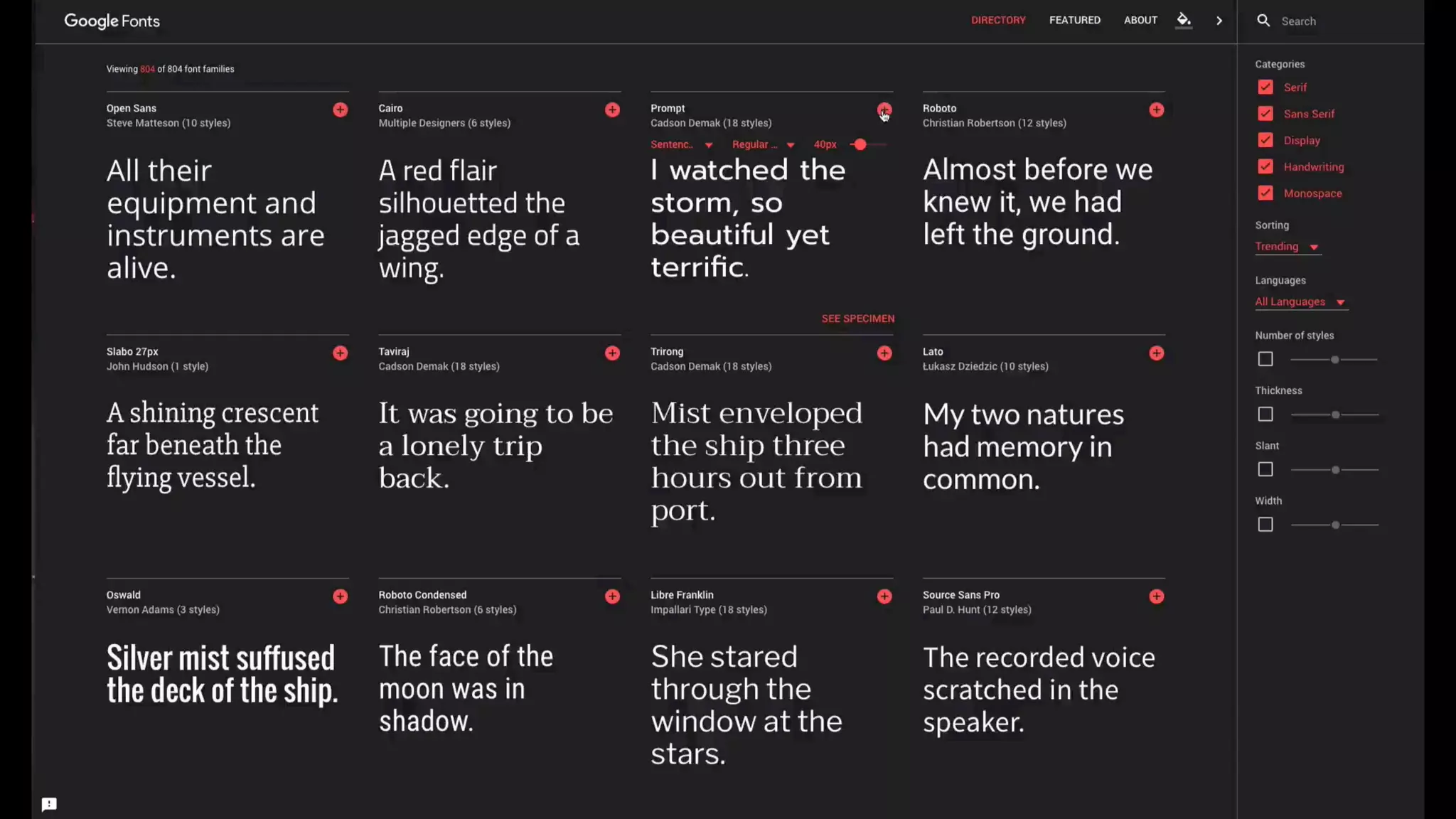
Continuity
• Be consistent with your spatial or layering arrangement
of UI elements
• Transitions between layers or places don’t need to be
complex to be effective
• Have a clear model for what different layers or places are
for
Visual Continuity
Maintaining the “thingness” of an object during points of transition
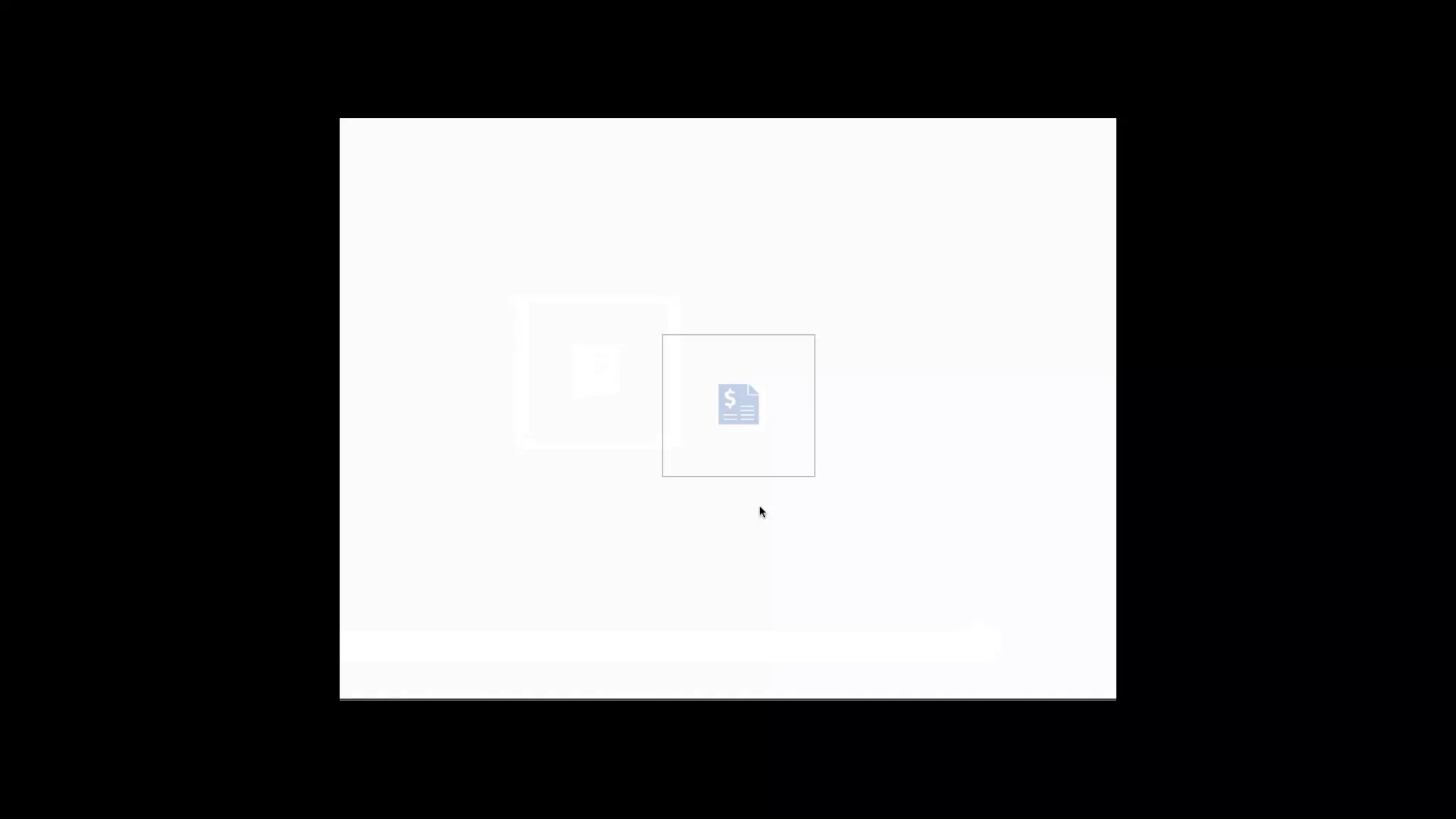
Visual Continuity
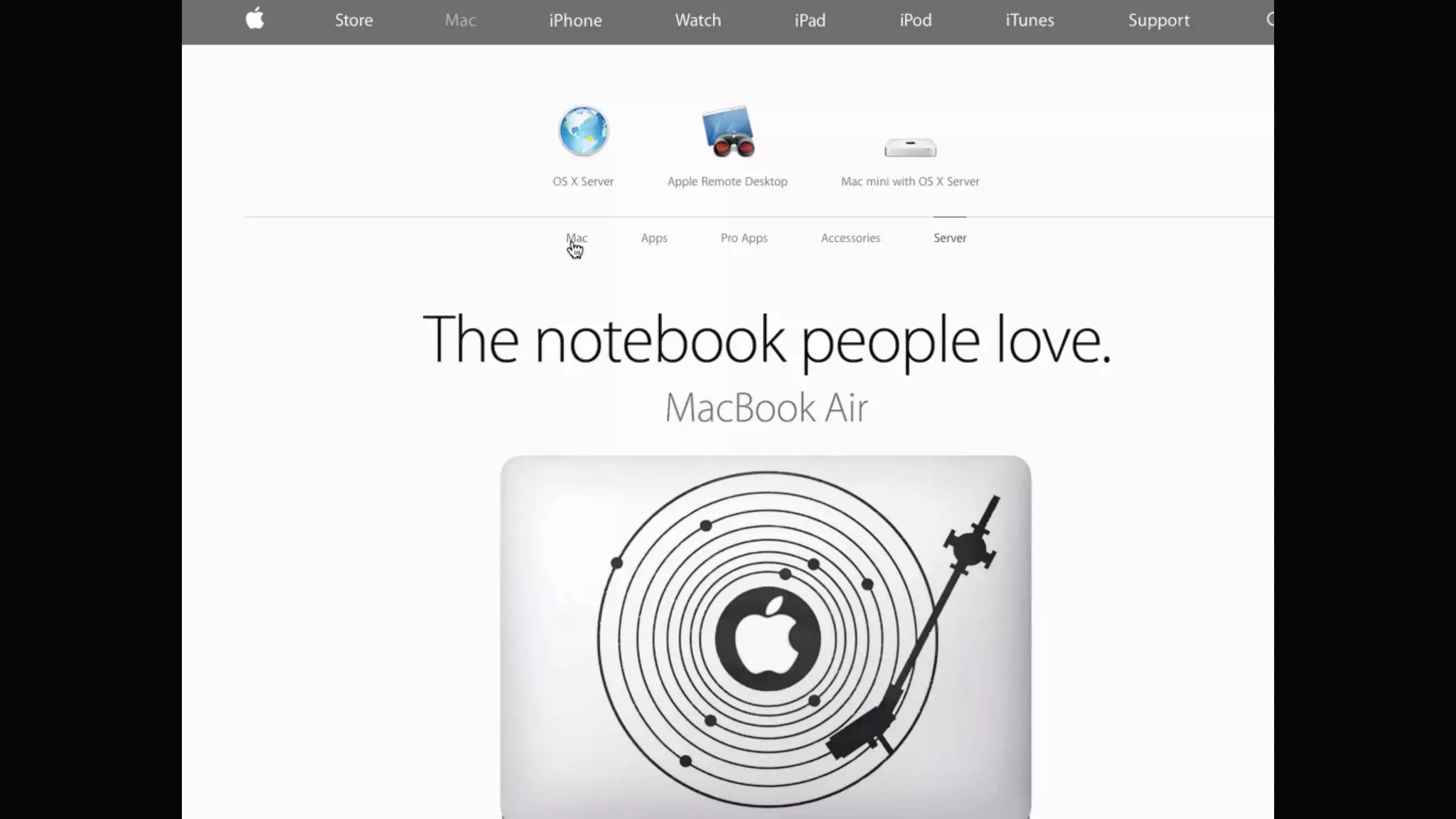
• Reuse elements between views
• Why should it leave the screen just to come right back
on again?
• Planning entrance and exit movements vs. fading to
black every time
Feedback
Letting users know that something 

has happened
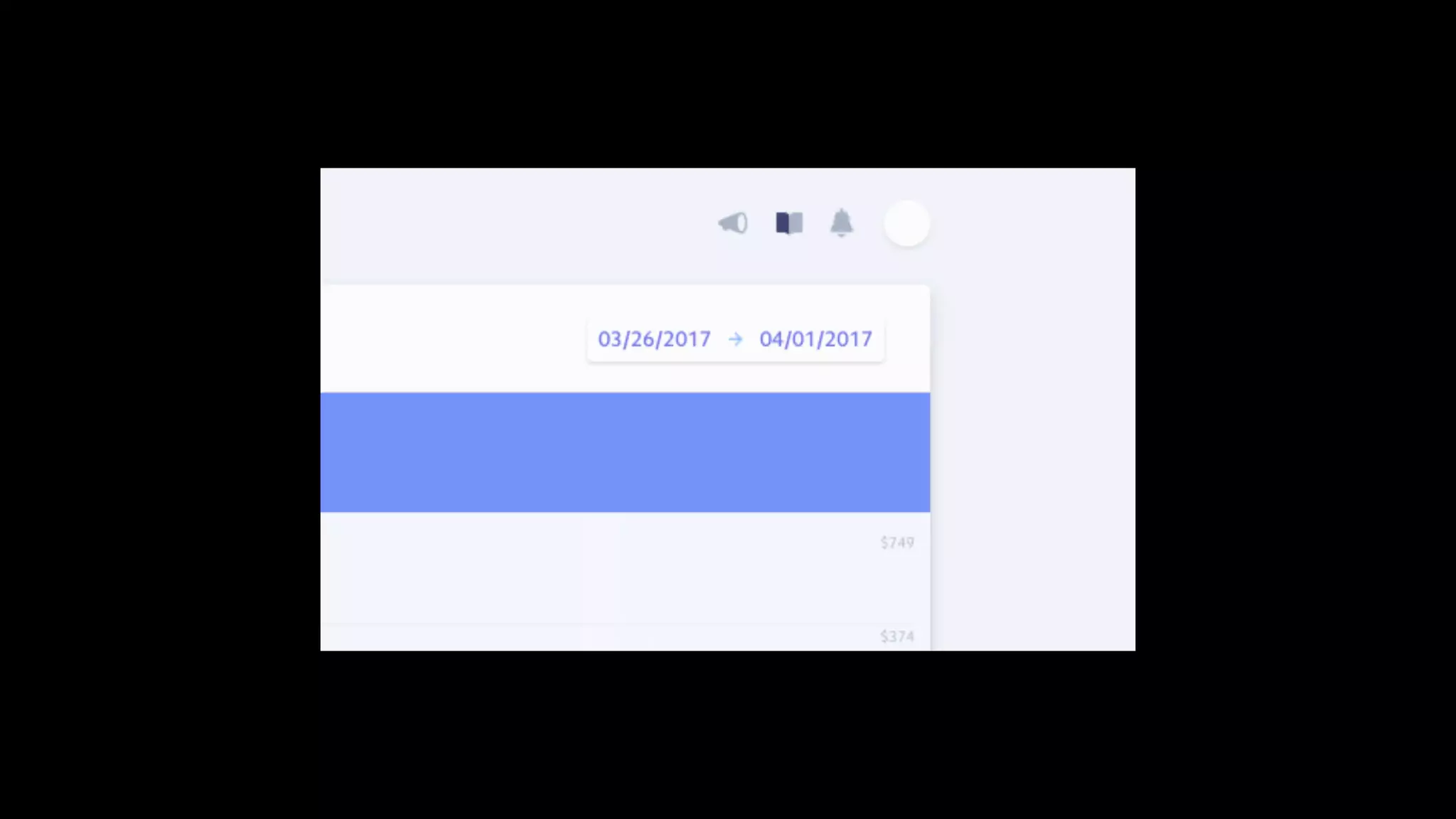
Directing Attention
Leading the eye and calling attention to changes and important items
Animation for feedback
• Use time instead of space for more compact feedback
• Mimicking natural gestures like shaking can be useful for
error states or incorrect responses
• Fit the animation to the context of in the information
being highlighted
Hinting & Affordances
Helping users see the effects, or 

potential effects, of their actions
Guiding Tasks
Cueing what should happen next
Hinting and Affordances
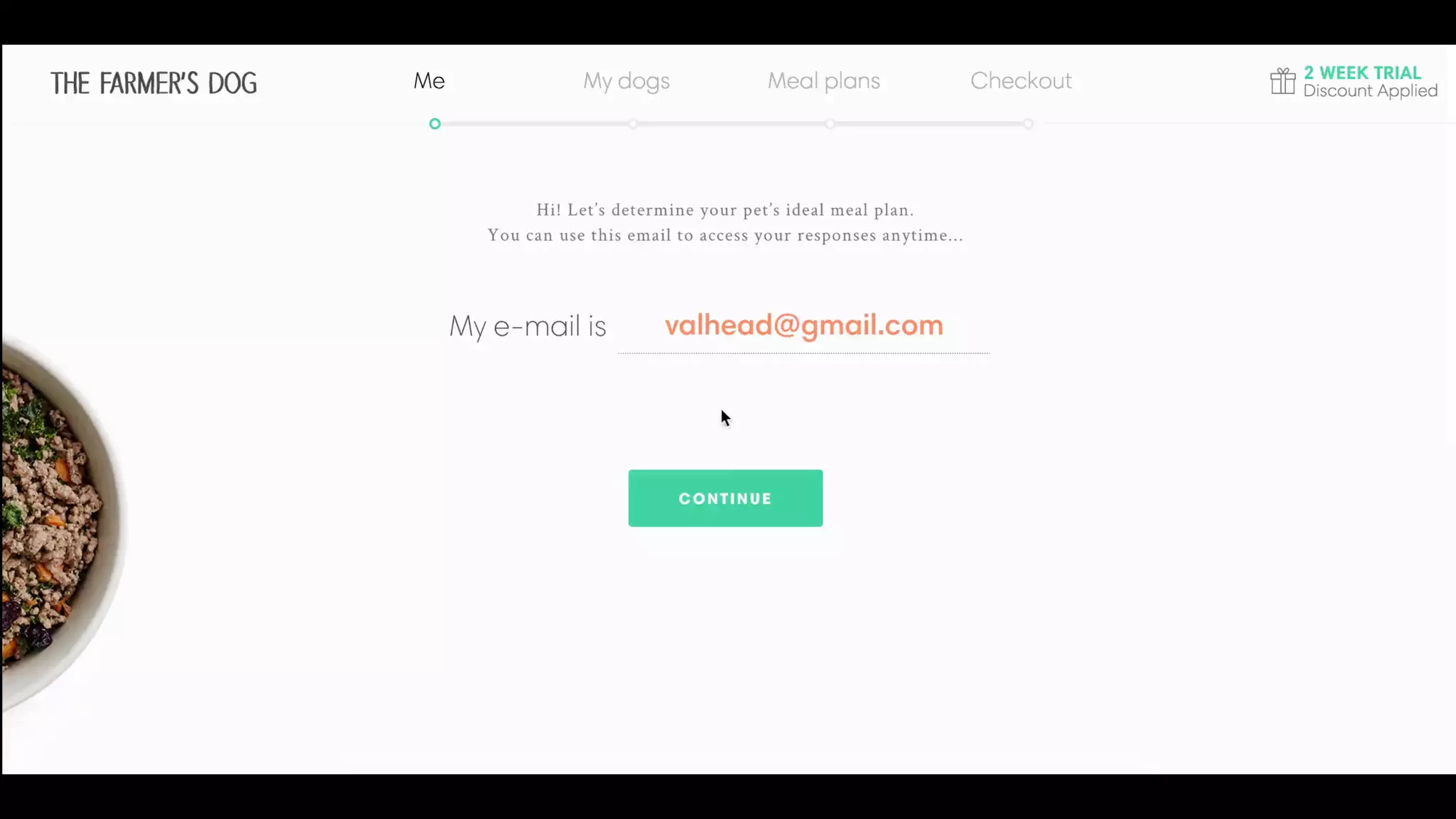
• Use animation to demonstrate gestures or hint at
advanced features
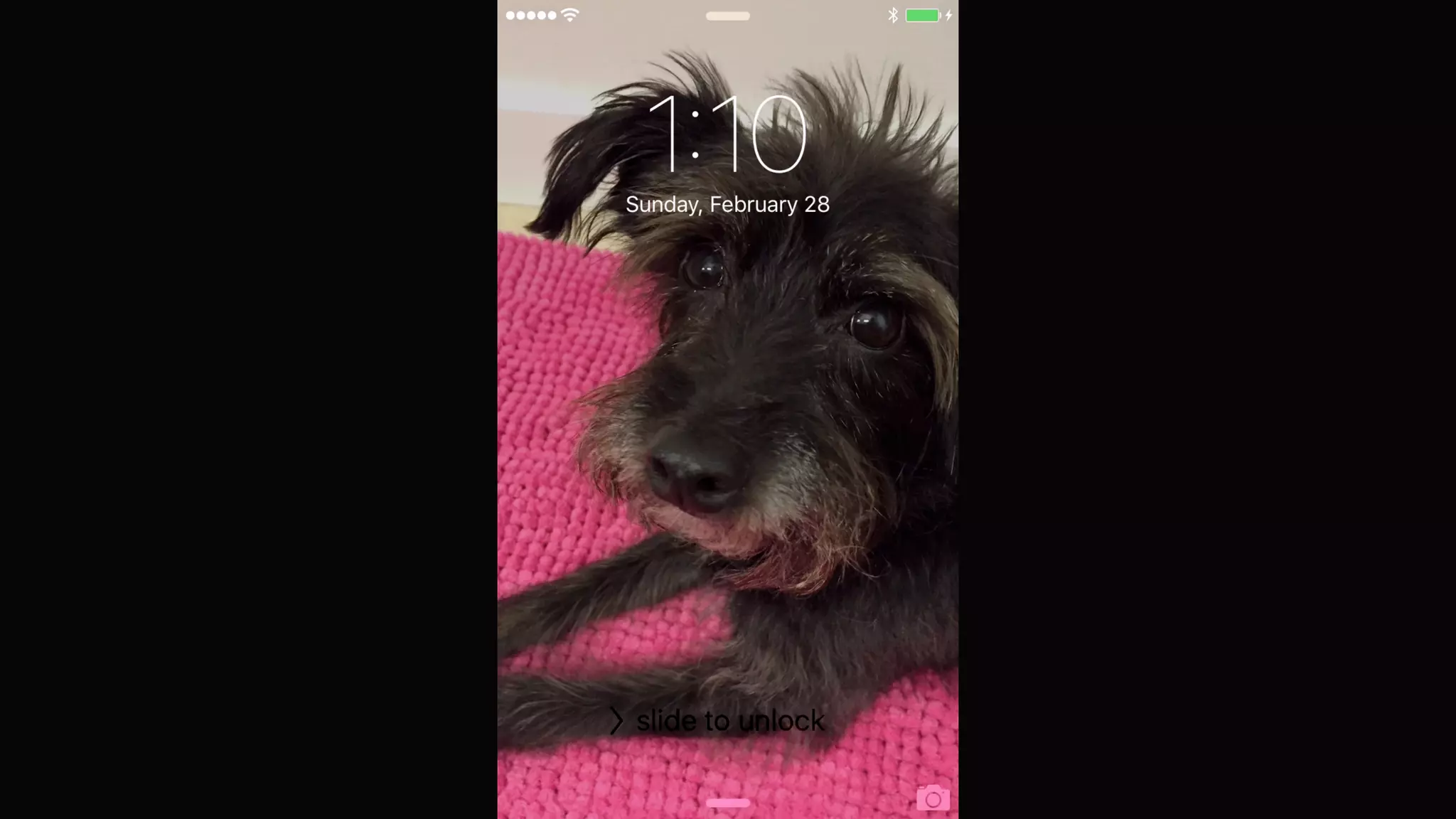
• Move with the user, never make them wait for an
animation to finish
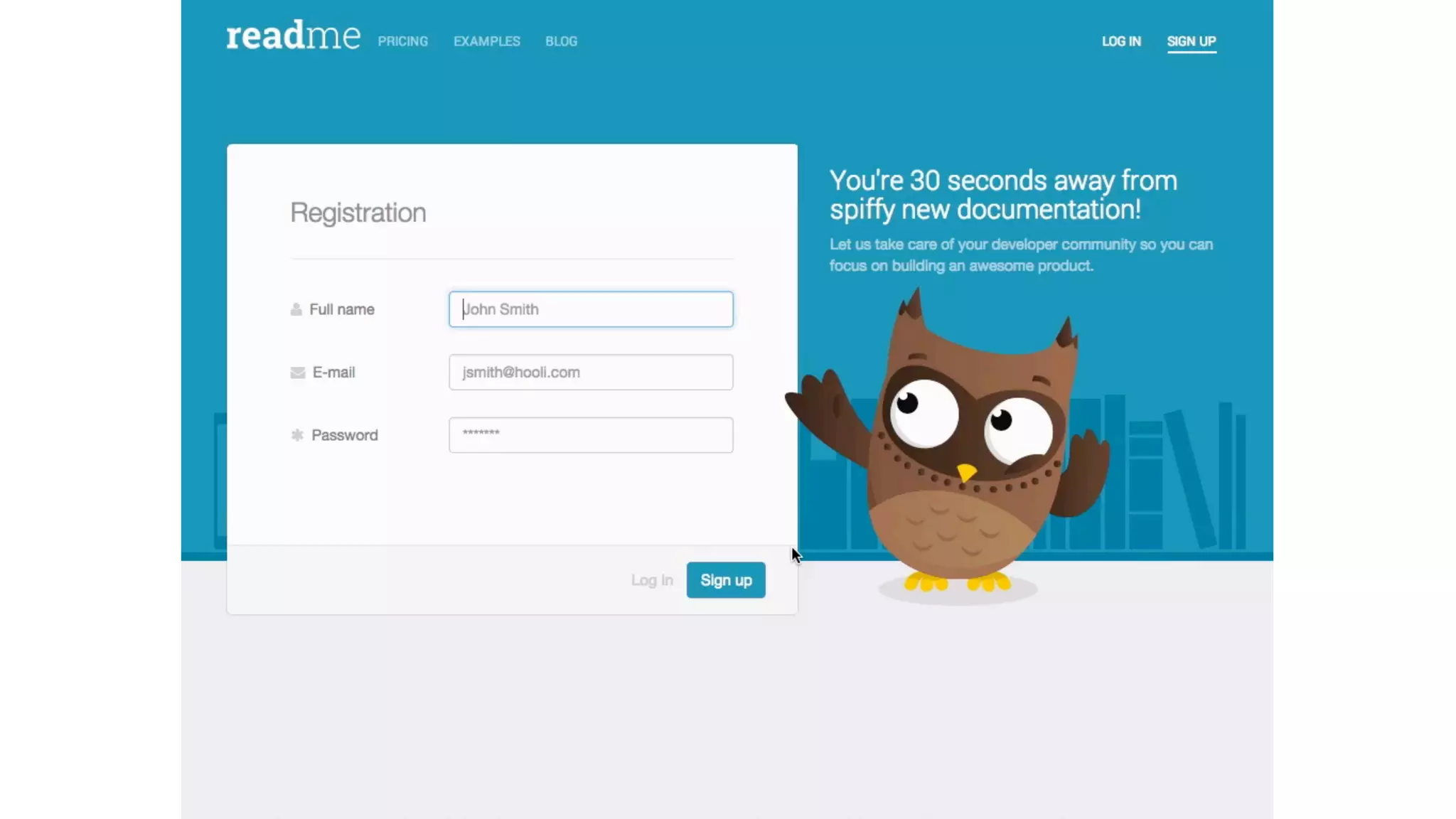
• Make it a conversation
• Look for opportunities to express personality within
these helpful moments
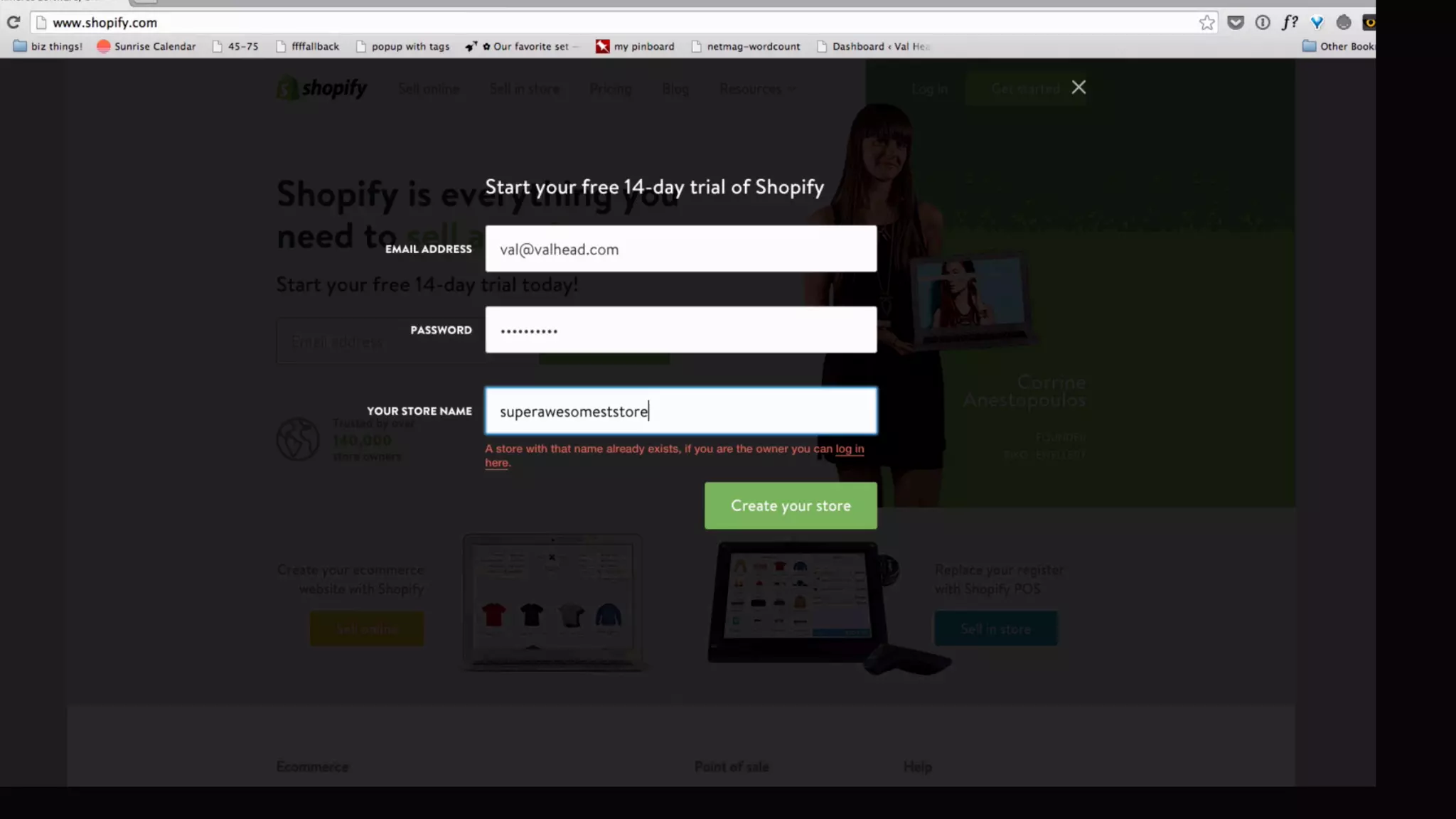
Perceived Performance
Animation can make unavoidable waits 

seem shorter
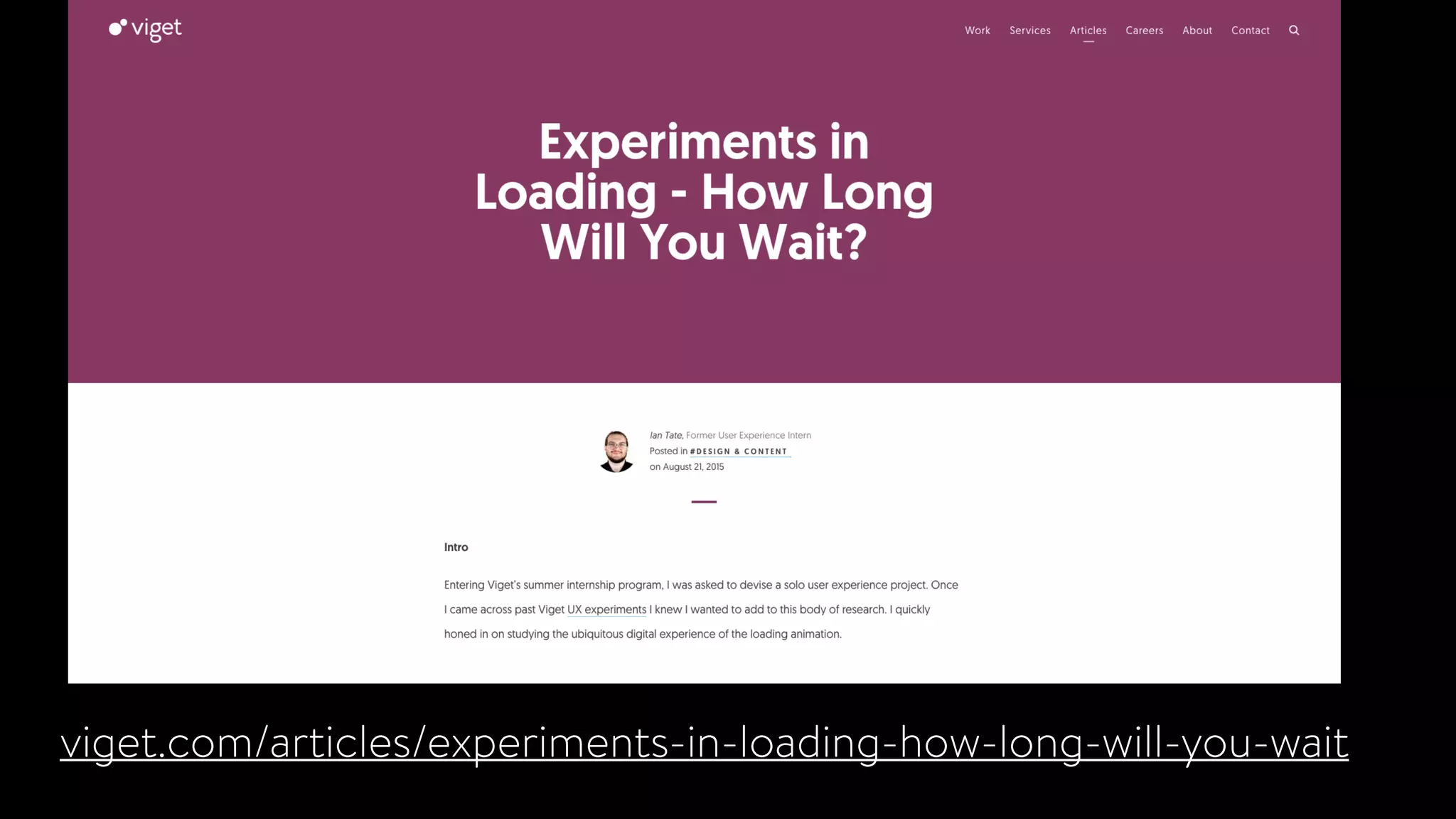
viget.com/articles/experiments-in-loading-how-long-will-you-wait
mercury.io/blog/the-psychology-of-waiting-loading-animations-and-
facebook
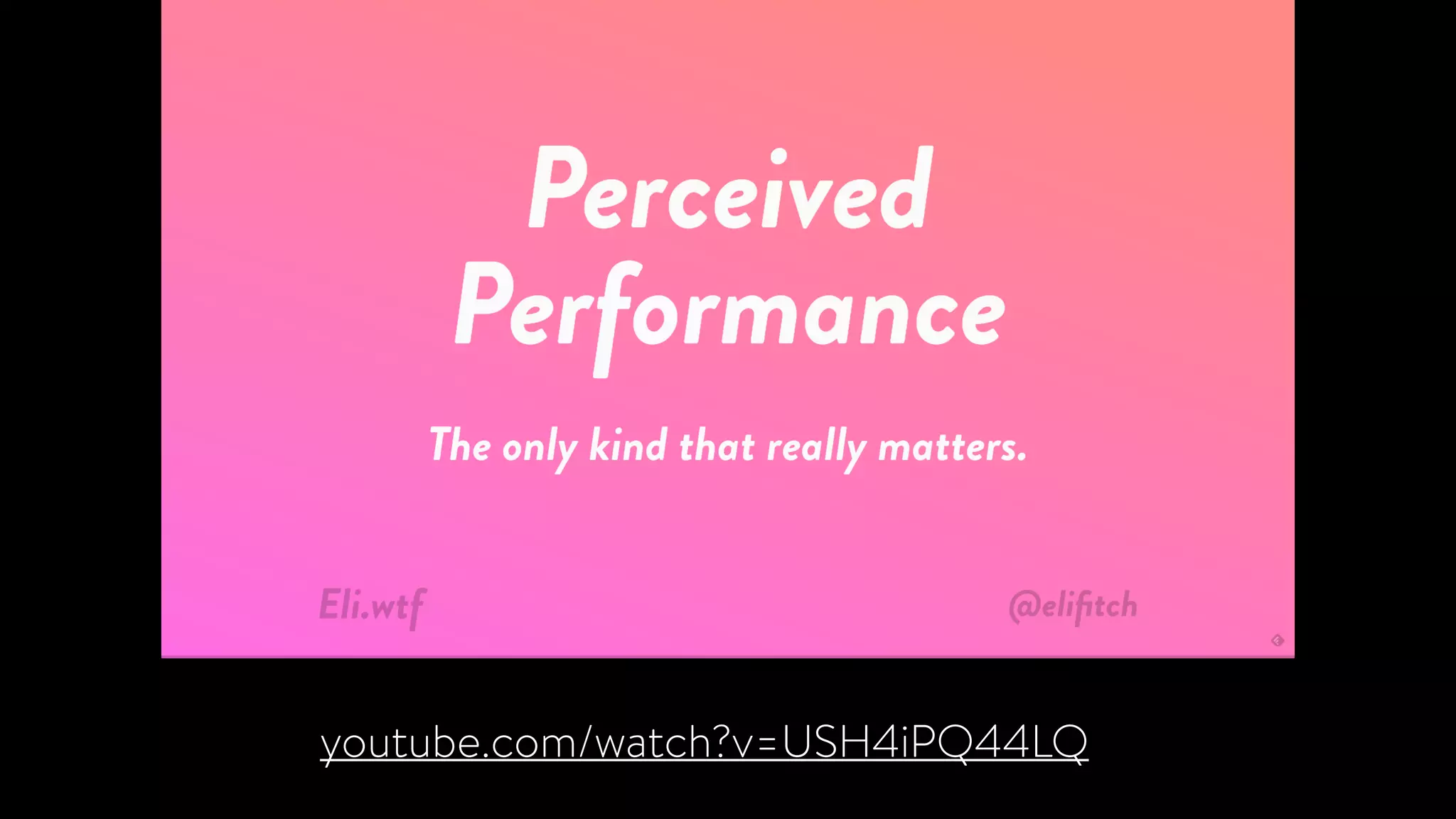
youtube.com/watch?v=USH4iPQ44LQ
Perceived Performance
• The sooner the first hint of content appears, the faster
things feel
• Put the focus on progress
• Customized, well design loading animations can increase
trust
Messaging
Voice and tone comes through in motion too
Your choice of easing 

makes all the difference.
Messaging
• Know what your brand or product’s point of view is
• Experiment with easing to find motion that expresses
that point of view
• Create an easing palette to give your animations a
unique feel and treat animation as a system
Designing Interface Animation
designinginterfaceanimation.com
Thank you!
Newsletter: uianimationewsletter.com
Let’s chat on twitter: @vlh

UX in Motion