The Power of
Animations
Animations can transform digital experiences, guiding users through
complex workflows and providing engaging visual feedback. They
bring interfaces to life, enhancing usability and delight.
Suraj Verma RA2111056010012
Akshat Prasad RA2111056010025
Harshit Kumar RA2111027010164
Problem Statement :- How animations provide feedback and guide users through interactions
or workflows.
Animations Enhance User Experience
Intuitive
Interactions
Animations make interactions feel
natural and responsive, reducing
cognitive load for users.
Emotional
Connection
Thoughtful animations can evoke a
sense of joy and delight,
strengthening the user's bond with
the product.
Seamless
Transitions
Smooth animations bridge the gap
between different app states,
creating a cohesive and polished
experience.
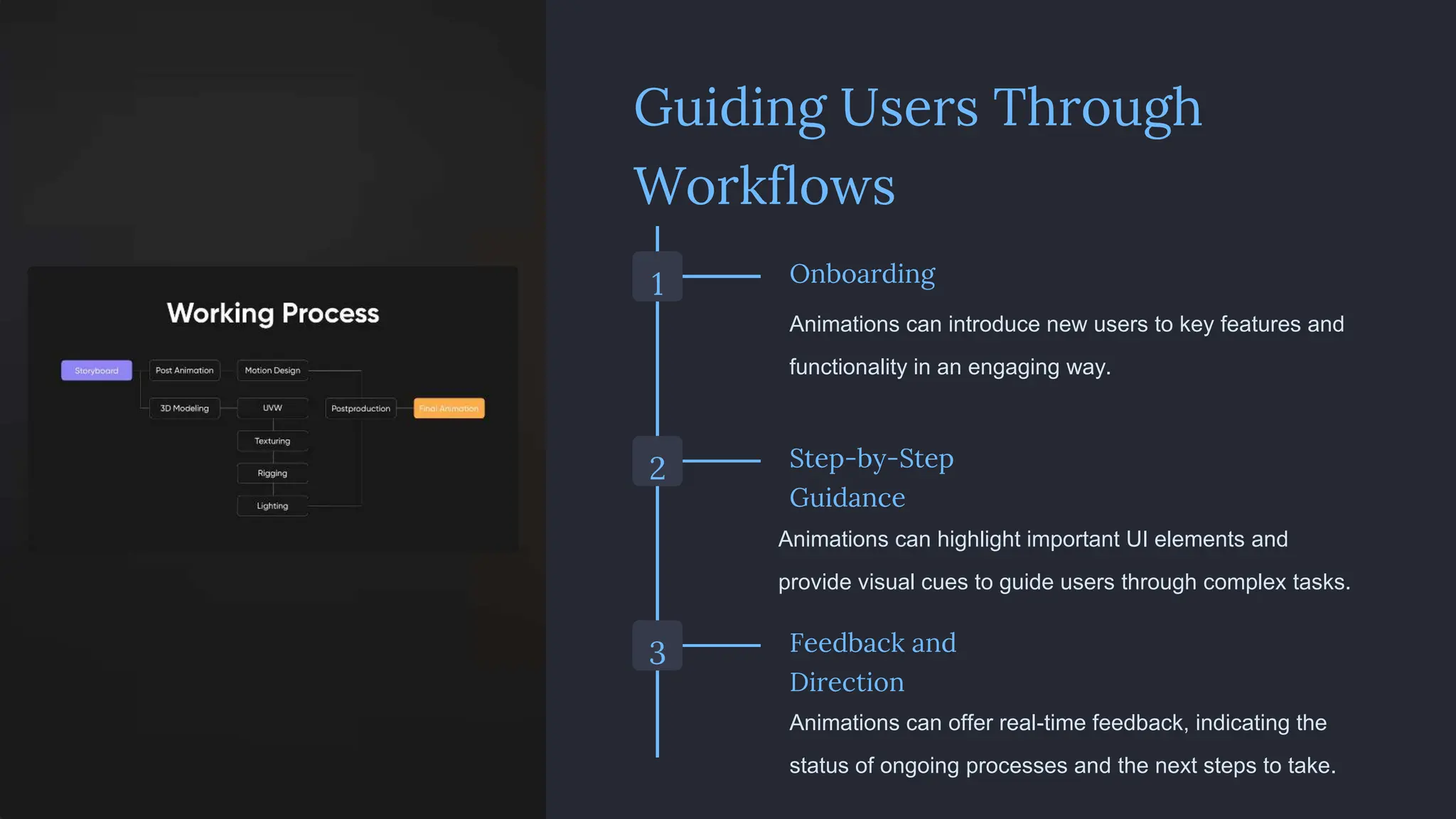
Guiding Users Through
Workflows
1 Onboarding
Animations can introduce new users to key features and
functionality in an engaging way.
2 Step-by-Step
Guidance
Animations can highlight important UI elements and
provide visual cues to guide users through complex tasks.
3 Feedback and
Direction
Animations can offer real-time feedback, indicating the
status of ongoing processes and the next steps to take.
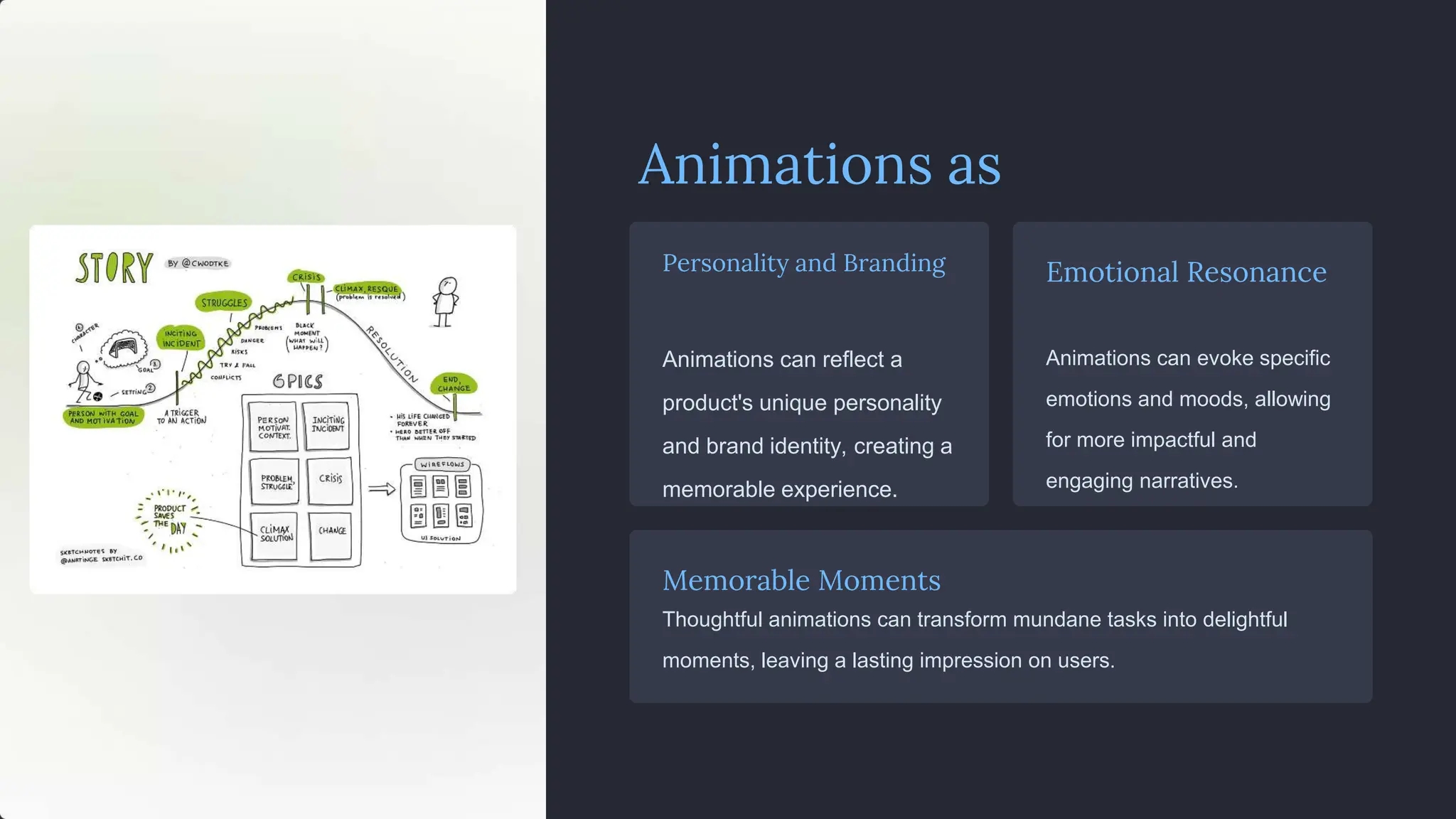
Animations as
Storytelling
Personality and Branding
Animations can reflect a
product's unique personality
and brand identity, creating a
memorable experience.
Emotional Resonance
Animations can evoke specific
emotions and moods, allowing
for more impactful and
engaging narratives.
Memorable Moments
Thoughtful animations can transform mundane tasks into delightful
moments, leaving a lasting impression on users.
Animations for Onboarding and
Tutorials
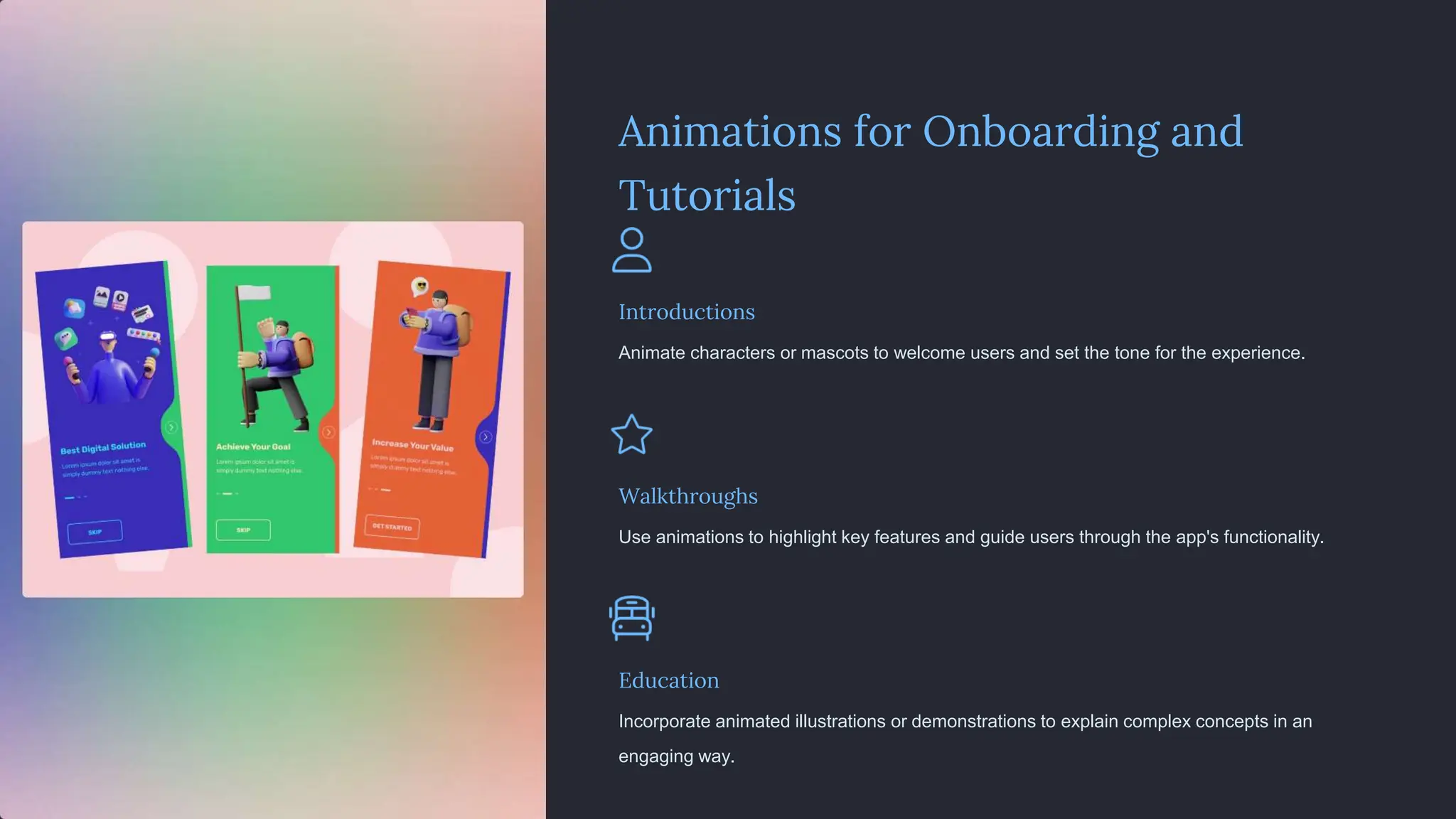
Introductions
Animate characters or mascots to welcome users and set the tone for the experience.
Walkthroughs
Use animations to highlight key features and guide users through the app's functionality.
Education
Incorporate animated illustrations or demonstrations to explain complex concepts in an
engaging way.
Providing Visual Feedback
1 Status Updates
Animations can signal
the completion or
progress of actions,
keeping users informed
and reassured.
2 Error Handling
Animations can draw
attention to issues and
provide contextual
feedback to help users
correct mistakes.
3 Confirmation Cues
Subtle animations can acknowledge user inputs and confirm
successful task completion.
Animations for Loading and
Progress
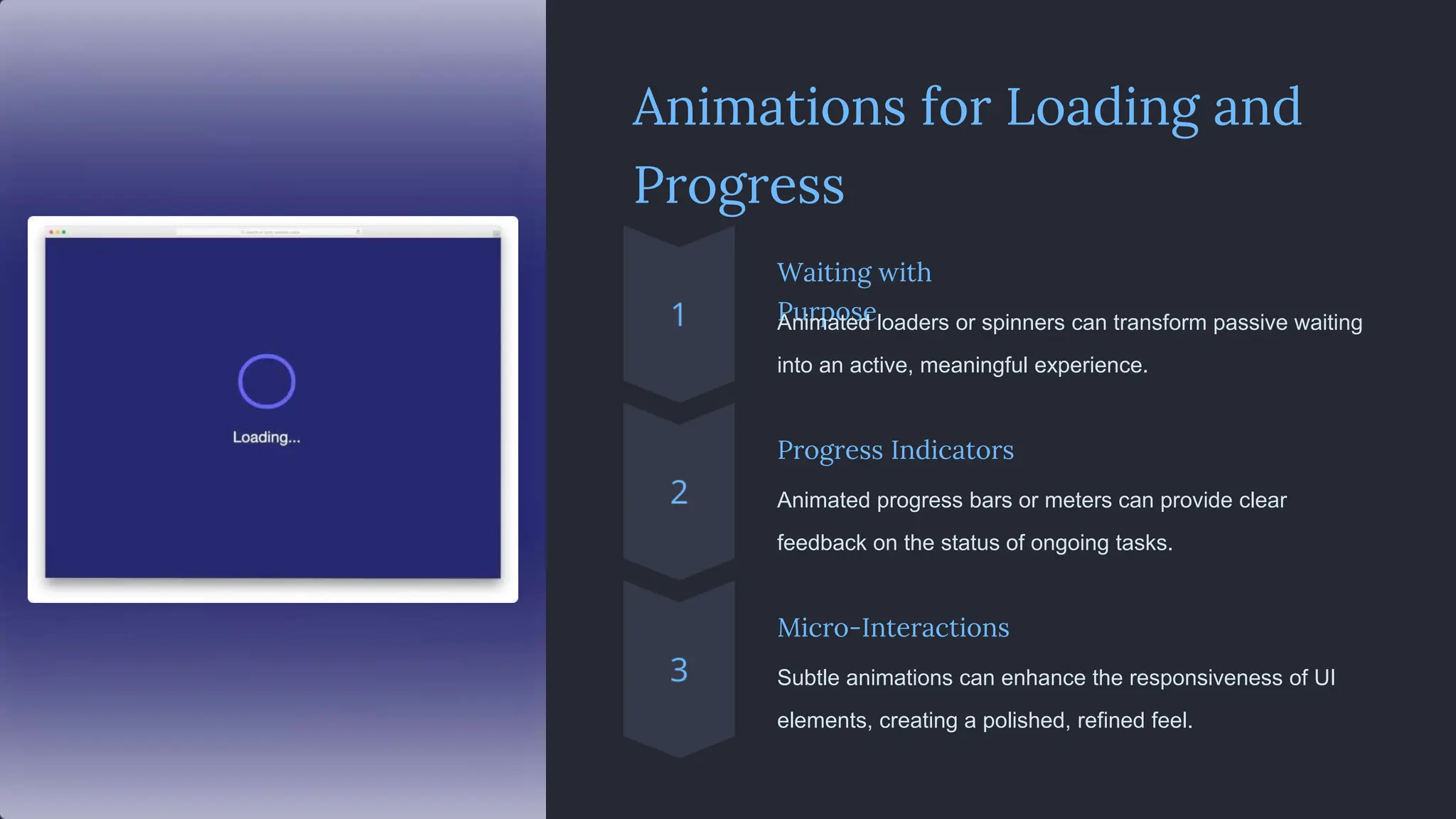
Waiting with
Purpose
Animated loaders or spinners can transform passive waiting
into an active, meaningful experience.
Progress Indicators
Animated progress bars or meters can provide clear
feedback on the status of ongoing tasks.
Micro-Interactions
Subtle animations can enhance the responsiveness of UI
elements, creating a polished, refined feel.
Animations for UI
Elements
Buttons Animate button states to
provide clear feedback and
guide users' actions.
Scrolling Smooth scrolling animations
can make content navigation
feel natural and intuitive.
Hover Effects Subtle animations on hover
can highlight interactive
elements and enhance
discoverability.
Transitions Animated transitions
between app states can
create a cohesive and
polished user experience.
Best Practices for Effective Animations
1 Intentionality
Animations should serve a clear purpose and
enhance the user's understanding or experience.
2 Subtlety
Animations should be subtle and complementary, not
distracting or overwhelming.
3 Consistency
Animations should follow a consistent style and timing
to create a polished, cohesive feel.
4 Optimization
Animations should be optimized for performance to
ensure a smooth and responsive experience.
Animations Amplify Storytelling
Memorable Characters
Animated characters can captivate
users and bring narratives to life,
fostering emotional connections
Seamless Transitions
Thoughtful animations can smoothly
connect different scenes, creating a
cohesive storytelling experience.
Distinctive Aesthetics
The visual style of animations can
establish a unique brand identity and
set the tone for a narrative.
Unlocking the Potential of Animations
Elevate User Experience
Thoughtfully designed animations
can transform digital products,
elevating user engagement and
delight.
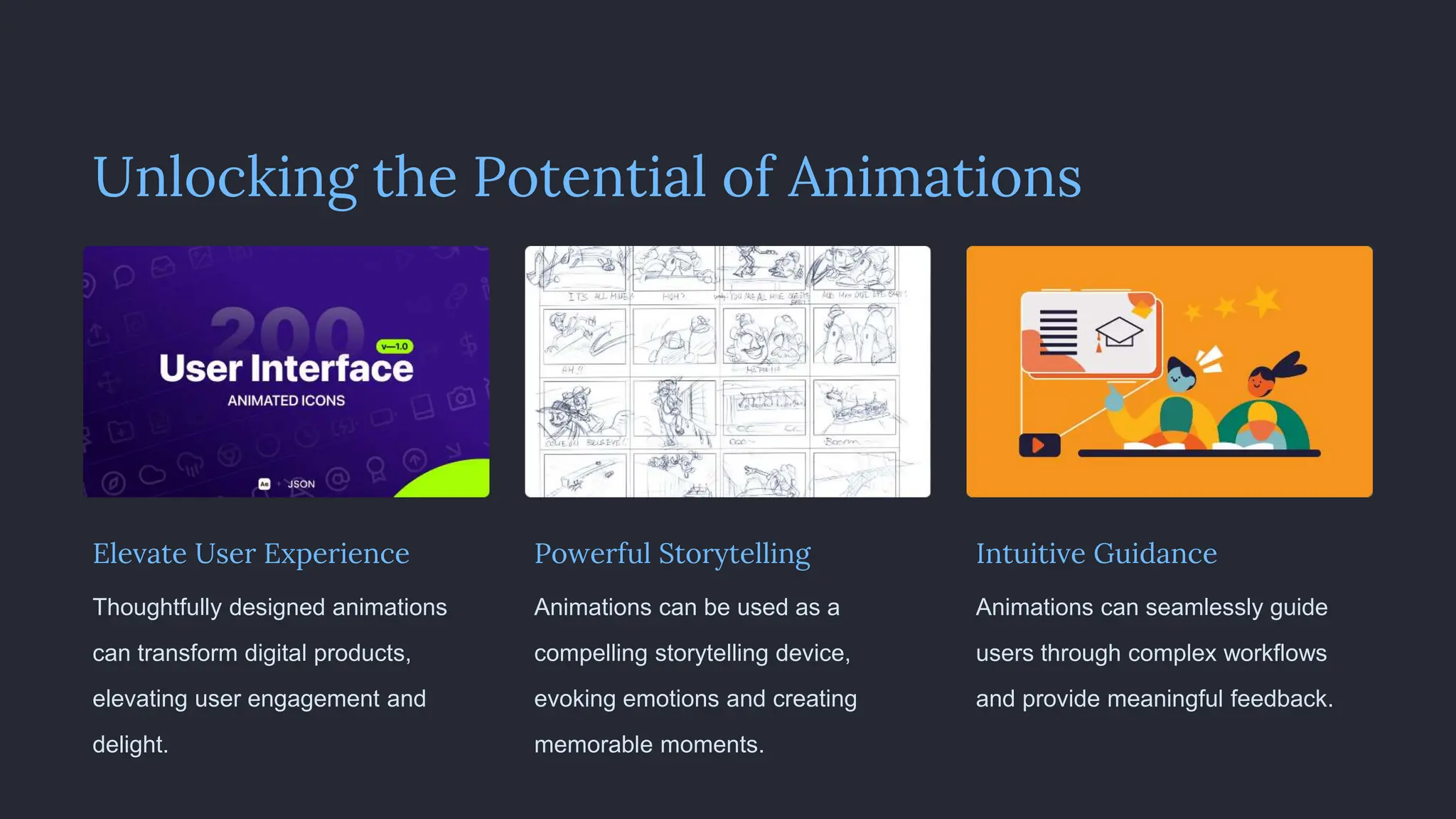
Powerful Storytelling
Animations can be used as a
compelling storytelling device,
evoking emotions and creating
memorable moments.
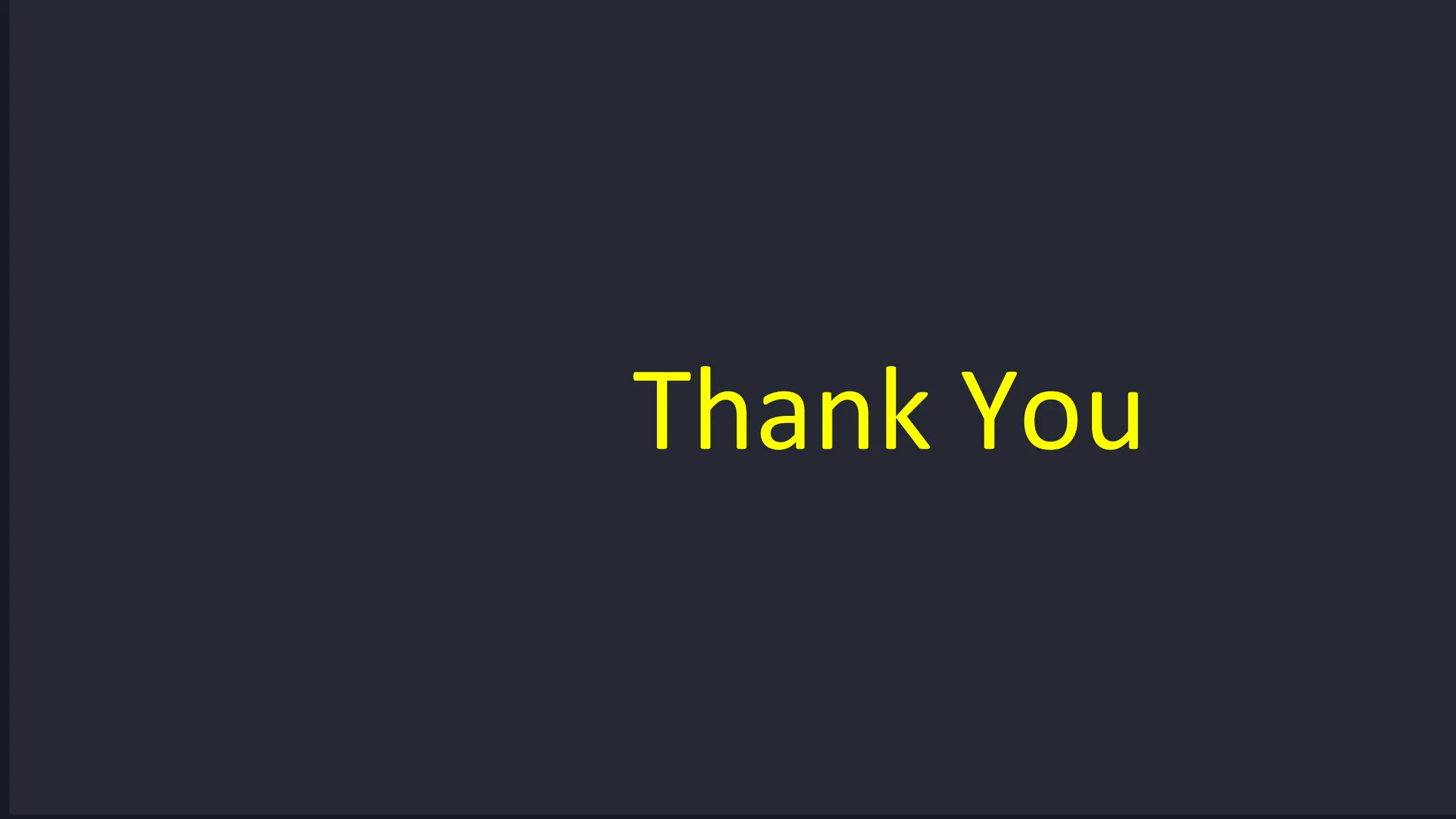
Intuitive Guidance
Animations can seamlessly guide
users through complex workflows
and provide meaningful feedback.
Thank You

Big data visualization presentation on p

  • 1.
    The Power of Animations Animationscan transform digital experiences, guiding users through complex workflows and providing engaging visual feedback. They bring interfaces to life, enhancing usability and delight. Suraj Verma RA2111056010012 Akshat Prasad RA2111056010025 Harshit Kumar RA2111027010164
  • 2.
    Problem Statement :-How animations provide feedback and guide users through interactions or workflows. Animations Enhance User Experience Intuitive Interactions Animations make interactions feel natural and responsive, reducing cognitive load for users. Emotional Connection Thoughtful animations can evoke a sense of joy and delight, strengthening the user's bond with the product. Seamless Transitions Smooth animations bridge the gap between different app states, creating a cohesive and polished experience.
  • 3.
    Guiding Users Through Workflows 1Onboarding Animations can introduce new users to key features and functionality in an engaging way. 2 Step-by-Step Guidance Animations can highlight important UI elements and provide visual cues to guide users through complex tasks. 3 Feedback and Direction Animations can offer real-time feedback, indicating the status of ongoing processes and the next steps to take.
  • 4.
    Animations as Storytelling Personality andBranding Animations can reflect a product's unique personality and brand identity, creating a memorable experience. Emotional Resonance Animations can evoke specific emotions and moods, allowing for more impactful and engaging narratives. Memorable Moments Thoughtful animations can transform mundane tasks into delightful moments, leaving a lasting impression on users.
  • 5.
    Animations for Onboardingand Tutorials Introductions Animate characters or mascots to welcome users and set the tone for the experience. Walkthroughs Use animations to highlight key features and guide users through the app's functionality. Education Incorporate animated illustrations or demonstrations to explain complex concepts in an engaging way.
  • 6.
    Providing Visual Feedback 1Status Updates Animations can signal the completion or progress of actions, keeping users informed and reassured. 2 Error Handling Animations can draw attention to issues and provide contextual feedback to help users correct mistakes. 3 Confirmation Cues Subtle animations can acknowledge user inputs and confirm successful task completion.
  • 7.
    Animations for Loadingand Progress Waiting with Purpose Animated loaders or spinners can transform passive waiting into an active, meaningful experience. Progress Indicators Animated progress bars or meters can provide clear feedback on the status of ongoing tasks. Micro-Interactions Subtle animations can enhance the responsiveness of UI elements, creating a polished, refined feel.
  • 8.
    Animations for UI Elements ButtonsAnimate button states to provide clear feedback and guide users' actions. Scrolling Smooth scrolling animations can make content navigation feel natural and intuitive. Hover Effects Subtle animations on hover can highlight interactive elements and enhance discoverability. Transitions Animated transitions between app states can create a cohesive and polished user experience.
  • 9.
    Best Practices forEffective Animations 1 Intentionality Animations should serve a clear purpose and enhance the user's understanding or experience. 2 Subtlety Animations should be subtle and complementary, not distracting or overwhelming. 3 Consistency Animations should follow a consistent style and timing to create a polished, cohesive feel. 4 Optimization Animations should be optimized for performance to ensure a smooth and responsive experience.
  • 10.
    Animations Amplify Storytelling MemorableCharacters Animated characters can captivate users and bring narratives to life, fostering emotional connections Seamless Transitions Thoughtful animations can smoothly connect different scenes, creating a cohesive storytelling experience. Distinctive Aesthetics The visual style of animations can establish a unique brand identity and set the tone for a narrative.
  • 11.
    Unlocking the Potentialof Animations Elevate User Experience Thoughtfully designed animations can transform digital products, elevating user engagement and delight. Powerful Storytelling Animations can be used as a compelling storytelling device, evoking emotions and creating memorable moments. Intuitive Guidance Animations can seamlessly guide users through complex workflows and provide meaningful feedback.
  • 12.