Using the isdlswiki25th Anniversary of ISDSL
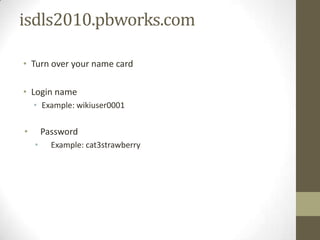
isdls2010.pbworks.comTurn over your name cardLogin nameExample: wikiuser0001PasswordExample: cat3strawberry
The wiki doesn’t bite.
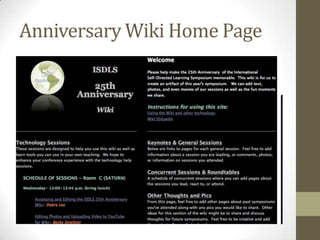
Anniversary Wiki Home Page
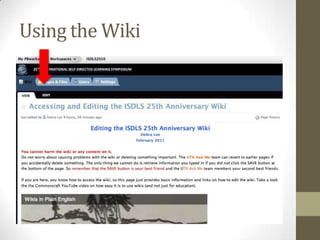
Using the Wiki
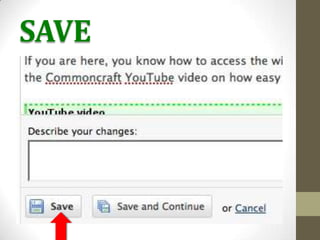
SAVE
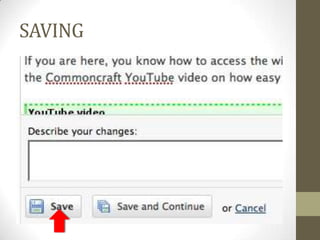
SAVING
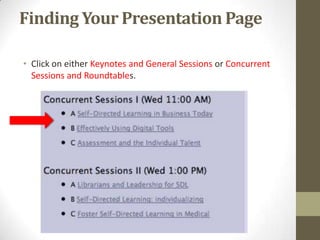
Finding Your Presentation PageClick on either Keynotes and General Sessions or Concurrent Sessions and Roundtables. 
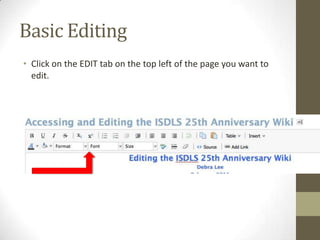
Basic EditingClick on the EDIT tab on the top left of the page you want to edit.
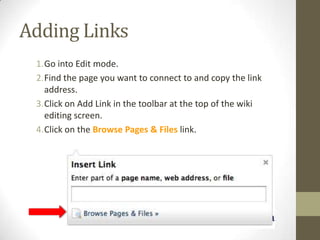
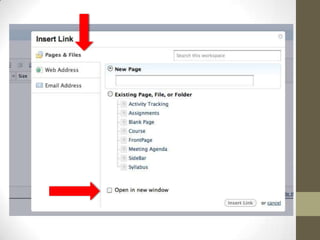
Adding LinksGo into Edit mode.Find the page you want to connect to and copy the link address.Click on Add Link in the toolbar at the top of the wiki editing screen.Click on the Browse Pages & Files link.
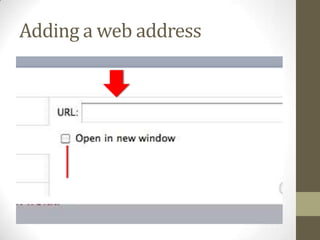
Adding a web address
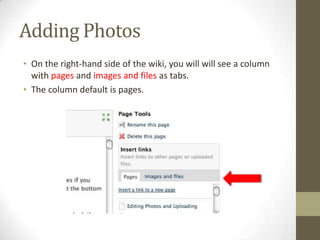
Adding PhotosOn the right-hand side of the wiki, you will will see a column with pages and images and files as tabs. The column default is pages.
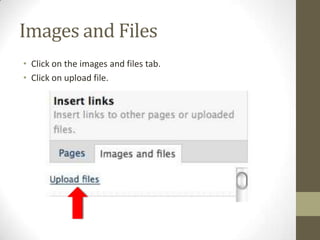
Images and FilesClick on the images and files tab.Click on upload file.
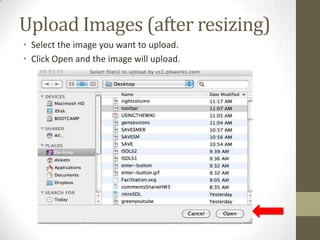
Upload Images (after resizing)Select the image you want to upload.Click Open and the image will upload.
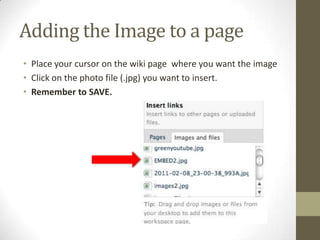
Adding the Image to a pagePlace your cursor on the wiki page  where you want the imageClick on the photo file (.jpg) you want to insert.Remember to SAVE.
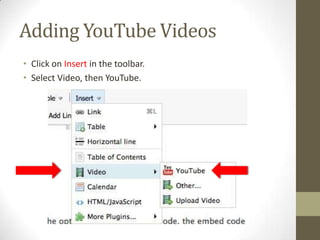
Adding YouTube VideosClick on Insertin the toolbar.Select Video, then YouTube.
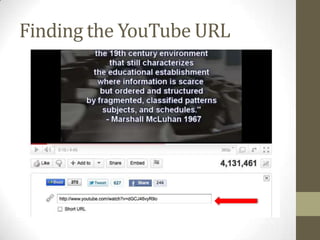
Finding the YouTube URL
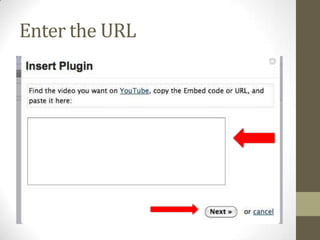
Enter the URL
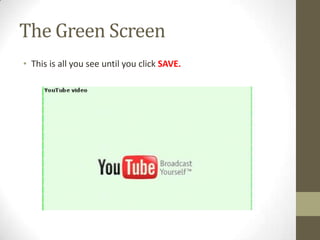
The Green ScreenThis is all you see until you click SAVE.
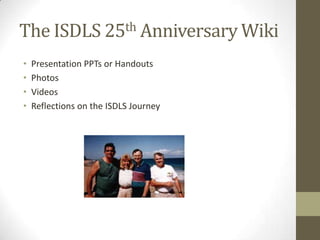
The ISDLS 25th Anniversary WikiPresentation PPTs or HandoutsPhotosVideosReflections on the ISDLS Journey
Isdls2010.pbworks.comDebra Leedlee41@utk.edu

Usingthewiki