Download to read offline


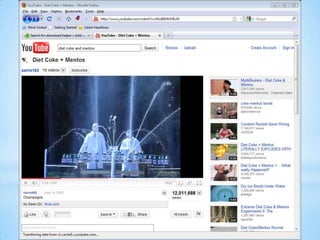


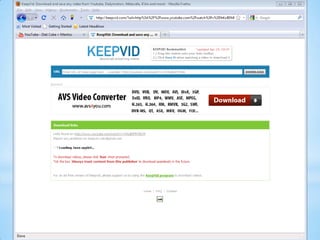
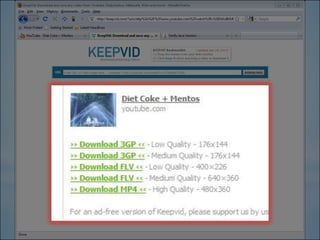

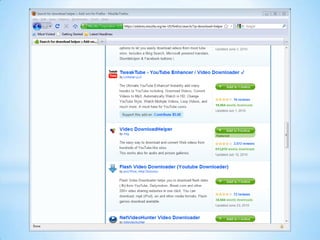


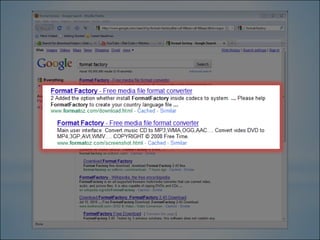
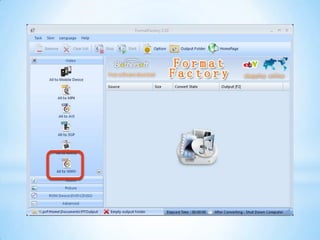
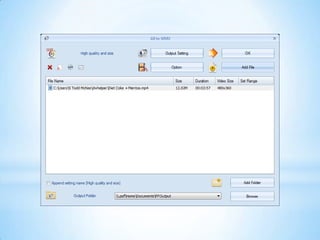

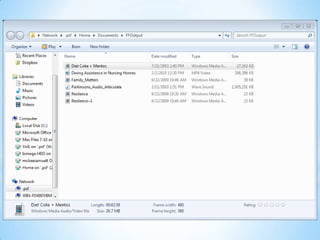


This document provides instructions for downloading videos from YouTube and inserting them into PowerPoint presentations. It outlines four options - opening a web browser and searching for videos, entering a video's web address directly, using a browser extension called Video DownloadHelper to save videos, or inserting YouTube videos directly into PowerPoint 2010 or 2011. Contact information is provided at the end for getting help.


