Using camera manual mode in photography
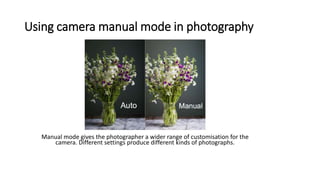
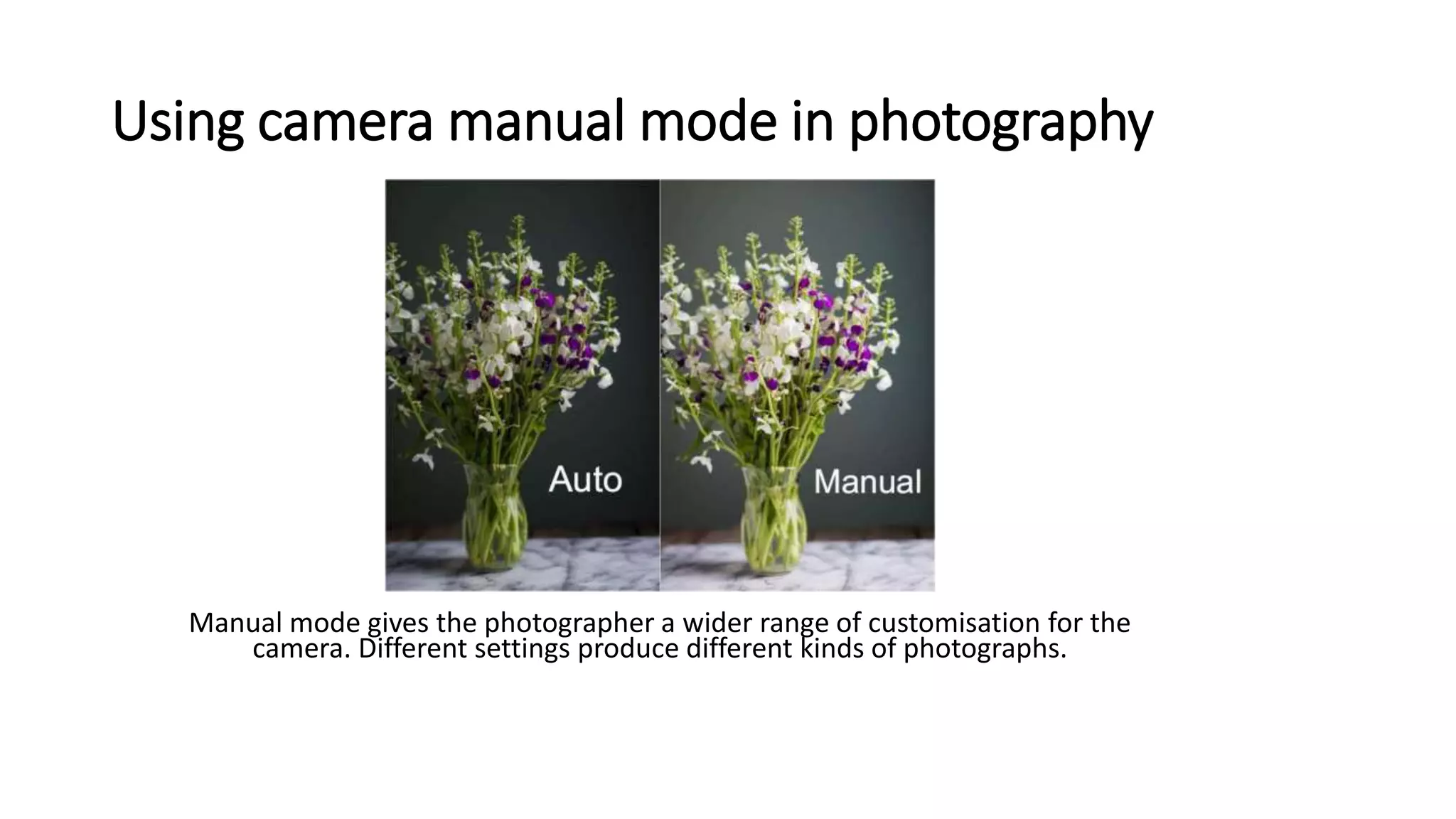
Manual mode gives the photographer a wider range of customisation for the
camera. Different settings produce different kinds of photographs.
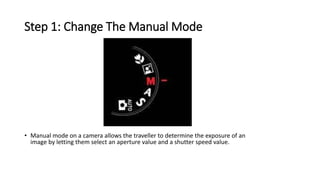
Step 1: Change The Manual Mode
• Manual mode on a camera allows the traveller to determine the exposure of an
image by letting them select an aperture value and a shutter speed value.
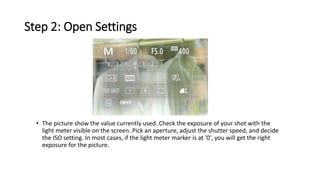
Step 2: Open Settings
• The picture show the value currently used. Check the exposure of your shot with the
light meter visible on the screen. Pick an aperture, adjust the shutter speed, and decide
the ISO setting. In most cases, if the light meter marker is at '0', you will get the right
exposure for the picture.
Step 3: Choose desired picture colour and white
balance
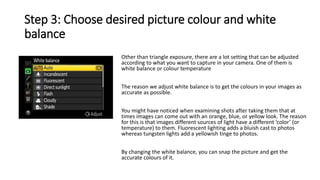
Other than triangle exposure, there are a lot setting that can be adjusted
according to what you want to capture in your camera. One of them is
white balance or colour temperature
The reason we adjust white balance is to get the colours in your images as
accurate as possible.
You might have noticed when examining shots after taking them that at
times images can come out with an orange, blue, or yellow look. The reason
for this is that images different sources of light have a different ‘color’ (or
temperature) to them. Fluorescent lighting adds a bluish cast to photos
whereas tungsten lights add a yellowish tinge to photos.
By changing the white balance, you can snap the picture and get the
accurate colours of it.

Using camera manual mode in photography

  • 1.
    Using camera manualmode in photography Manual mode gives the photographer a wider range of customisation for the camera. Different settings produce different kinds of photographs.
  • 2.
    Step 1: ChangeThe Manual Mode • Manual mode on a camera allows the traveller to determine the exposure of an image by letting them select an aperture value and a shutter speed value.
  • 3.
    Step 2: OpenSettings • The picture show the value currently used. Check the exposure of your shot with the light meter visible on the screen. Pick an aperture, adjust the shutter speed, and decide the ISO setting. In most cases, if the light meter marker is at '0', you will get the right exposure for the picture.
  • 4.
    Step 3: Choosedesired picture colour and white balance Other than triangle exposure, there are a lot setting that can be adjusted according to what you want to capture in your camera. One of them is white balance or colour temperature The reason we adjust white balance is to get the colours in your images as accurate as possible. You might have noticed when examining shots after taking them that at times images can come out with an orange, blue, or yellow look. The reason for this is that images different sources of light have a different ‘color’ (or temperature) to them. Fluorescent lighting adds a bluish cast to photos whereas tungsten lights add a yellowish tinge to photos. By changing the white balance, you can snap the picture and get the accurate colours of it.