Dr. D. P.
Mishra
Digitally signed by Dr. D. P.
Mishra
DN: cn=Dr. D. P. Mishra,
o=durg, ou=BIT,
email=dpmishra@bitdurg.ac.
in, c=IN
Date: 2023.04.10 07:32:08
+05'30'
Linux
Laboratory
-
B.Tech.
6th
CSE
-
Dr.
D.
P.
Mishra,
BIT
Durg
Linux
Laboratory
-
B.Tech.
6th
CSE
-
Dr.
D.
P.
Mishra,
BIT
Durg
Linux
Laboratory
-
B.Tech.
6th
CSE
-
Dr.
D.
P.
Mishra,
BIT
Durg
Linux
Laboratory
-
B.Tech.
6th
CSE
-
Dr.
D.
P.
Mishra,
BIT
Durg
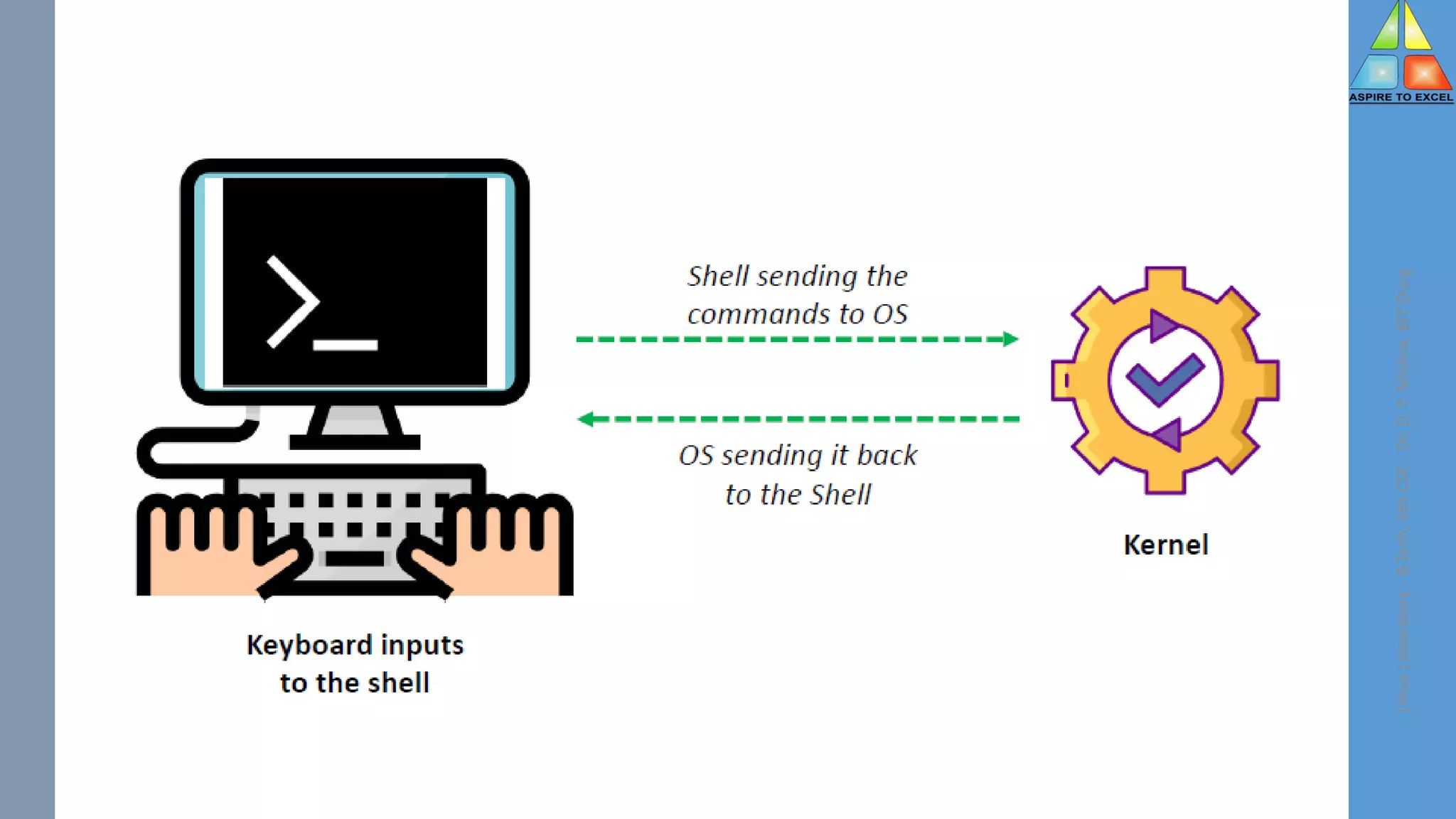
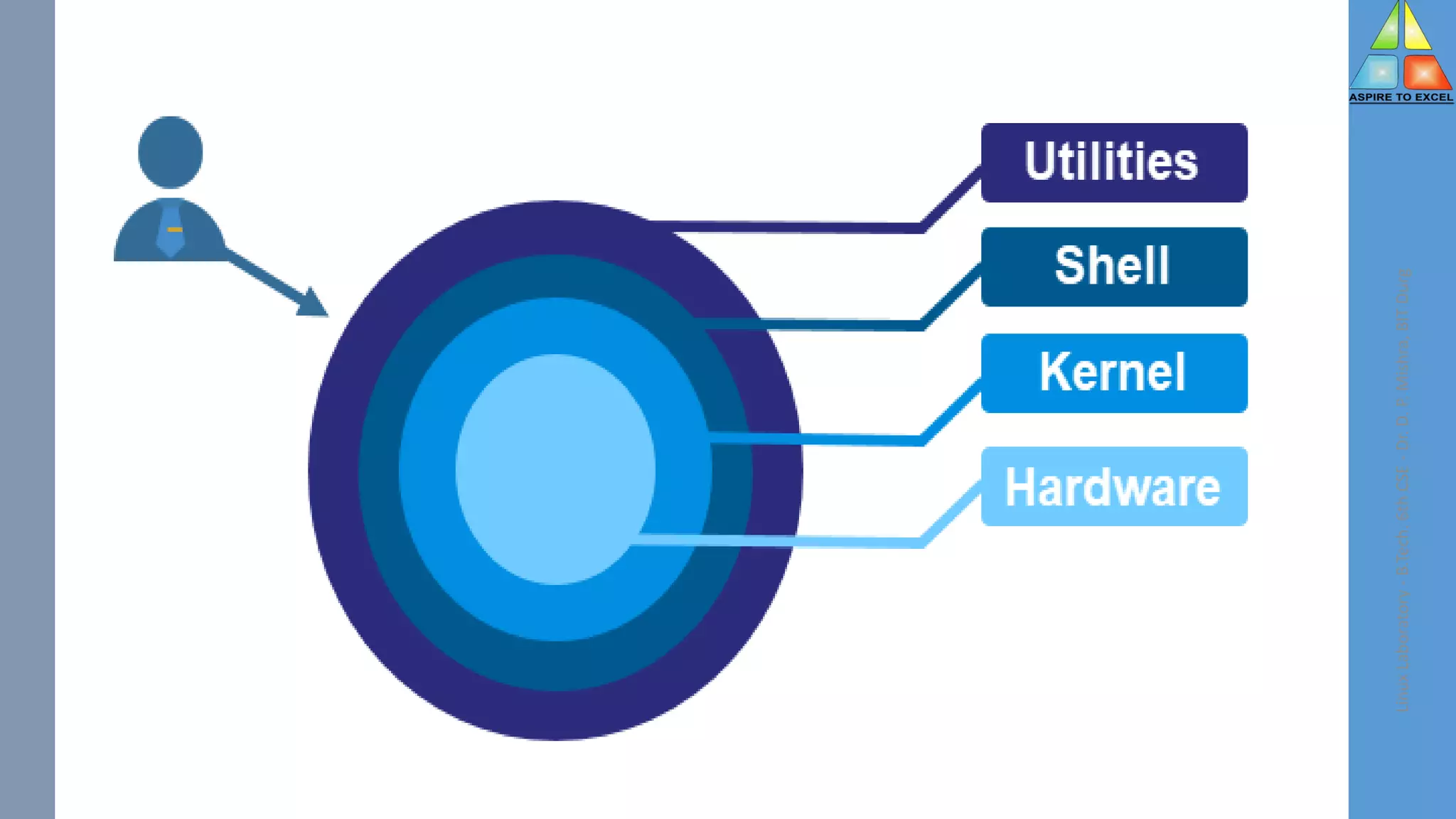
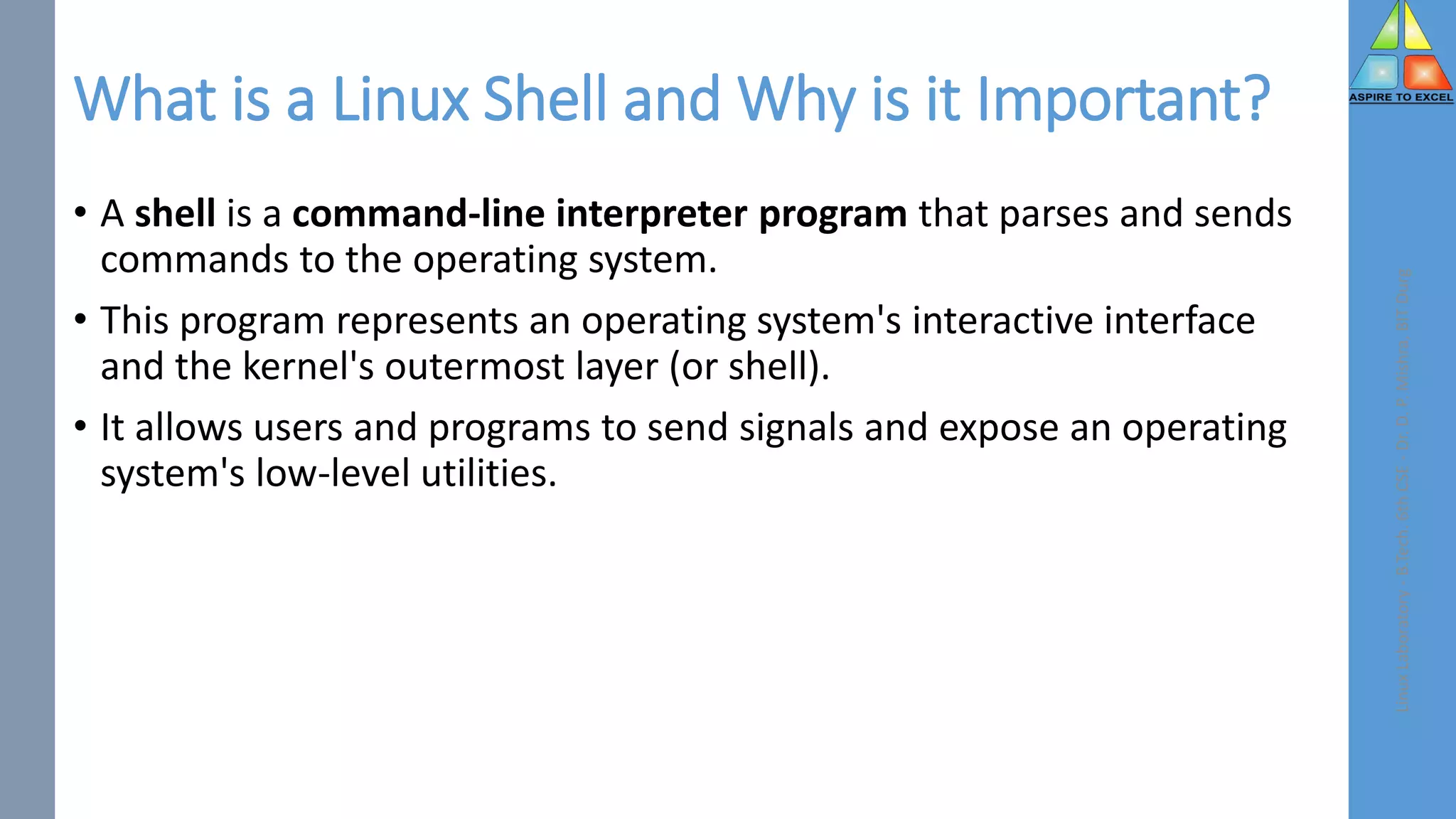
What is a Linux Shell and Why is it Important?
• A shell is a command-line interpreter program that parses and sends
commands to the operating system.
• This program represents an operating system's interactive interface
and the kernel's outermost layer (or shell).
• It allows users and programs to send signals and expose an operating
system's low-level utilities.
Linux
Laboratory
-
B.Tech.
6th
CSE
-
Dr.
D.
P.
Mishra,
BIT
Durg
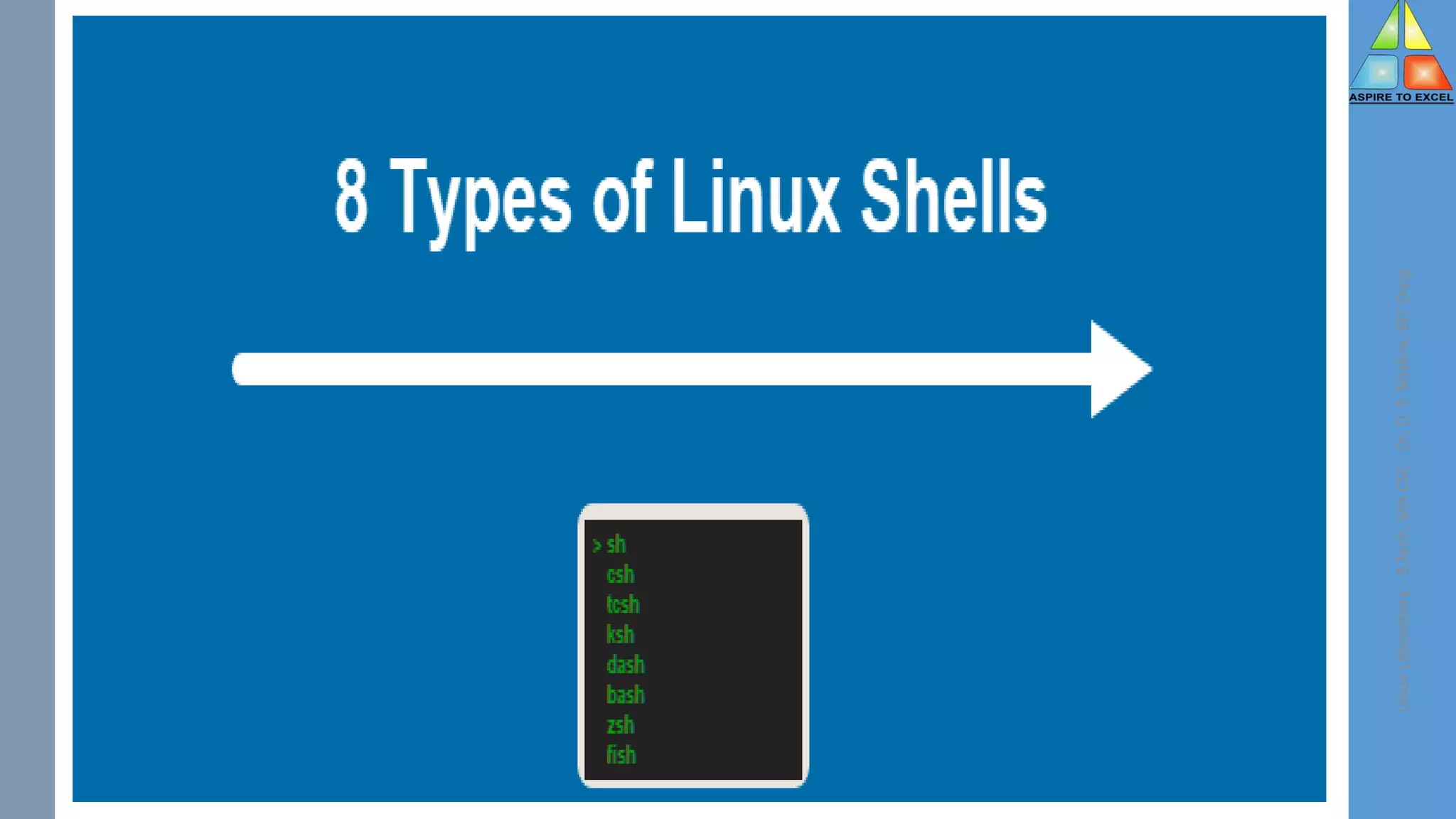
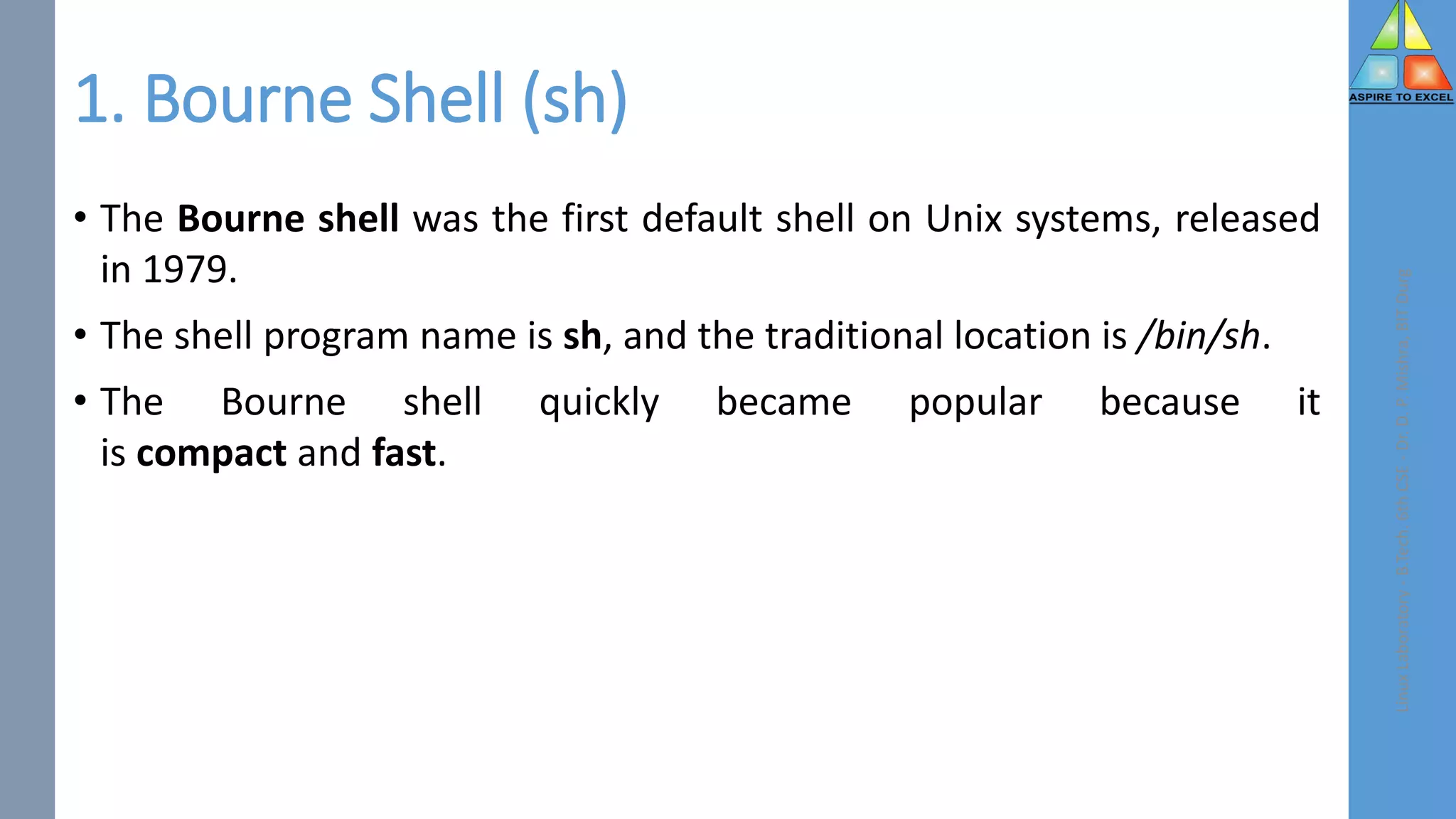
1. Bourne Shell (sh)
• The Bourne shell was the first default shell on Unix systems, released
in 1979.
• The shell program name is sh, and the traditional location is /bin/sh.
• The Bourne shell quickly became popular because it
is compact and fast.
Linux
Laboratory
-
B.Tech.
6th
CSE
-
Dr.
D.
P.
Mishra,
BIT
Durg
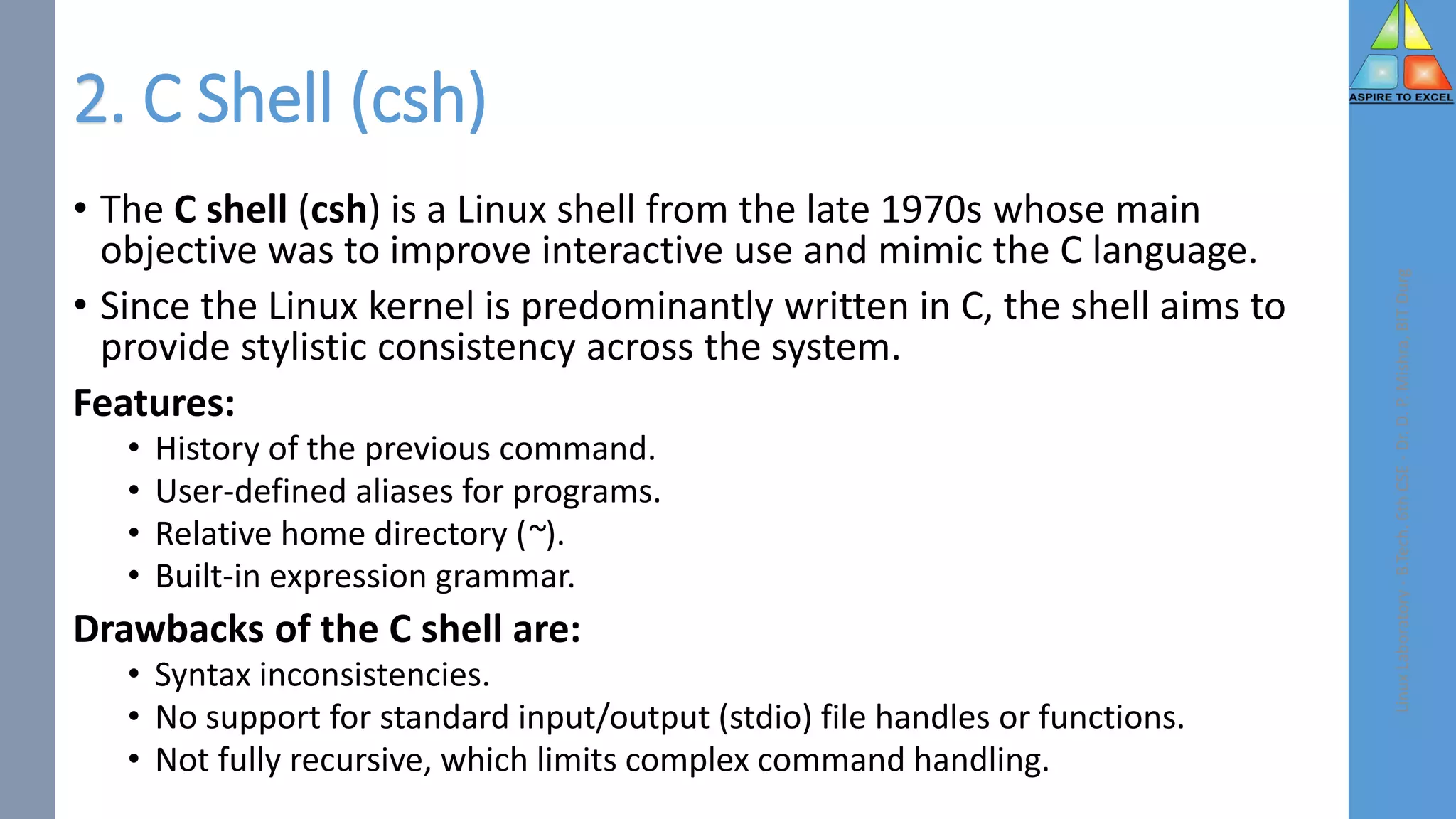
2. C Shell (csh)
• The C shell (csh) is a Linux shell from the late 1970s whose main
objective was to improve interactive use and mimic the C language.
• Since the Linux kernel is predominantly written in C, the shell aims to
provide stylistic consistency across the system.
Features:
• History of the previous command.
• User-defined aliases for programs.
• Relative home directory (~).
• Built-in expression grammar.
Drawbacks of the C shell are:
• Syntax inconsistencies.
• No support for standard input/output (stdio) file handles or functions.
• Not fully recursive, which limits complex command handling.
Linux
Laboratory
-
B.Tech.
6th
CSE
-
Dr.
D.
P.
Mishra,
BIT
Durg
3. TENEX C Shell (tcsh)
• The TENEX C shell (tcsh) is an extension of the C shell (csh) merged in
the early 1980s.
• The shell is backward compatible with csh, with additional features
and concepts borrowed from the TENEX OS.
Features of the shell include:
• Advanced command history.
• Programmable autocomplete.
• Wildcard matching.
• Job control.
• Built-in where command.
Linux
Laboratory
-
B.Tech.
6th
CSE
-
Dr.
D.
P.
Mishra,
BIT
Durg
4. KornShell (ksh)
• The KornShell (ksh) is a Unix shell and language based on the Bourne
shell (sh) developed in the early 1980s.
• The location is in /bin/ksh or /bin/ksh93,
• while the prompt is the same as the Bourne shell ($ for a user and #
for root).
Linux
Laboratory
-
B.Tech.
6th
CSE
-
Dr.
D.
P.
Mishra,
BIT
Durg
5. Debian Almquist Shell (dash)
• The Debian Almquist Shell (dash) is a Unix shell developed in the late
1990s from the Almquist shell (ash), which was ported to Debian and
renamed.
• Dash is famous for being the default shell for Ubuntu and Debian.
• The shell is minimal and POSIX compliant, making it convenient for OS
startup scripts.
Linux
Laboratory
-
B.Tech.
6th
CSE
-
Dr.
D.
P.
Mishra,
BIT
Durg
6. Bourne Again Shell (bash)
• The Bourne Again shell is a Unix shell and command language created
as an extension of the Bourne shell (sh) in 1989.
• The shell program is the default login shell for many Linux distributions
and earlier versions of macOS.
• The shell name shortens to bash, and the location is /bin/bash.
• Like the Bourne shell, the bash prompt is $ for a regular user and # for
root.
Linux
Laboratory
-
B.Tech.
6th
CSE
-
Dr.
D.
P.
Mishra,
BIT
Durg
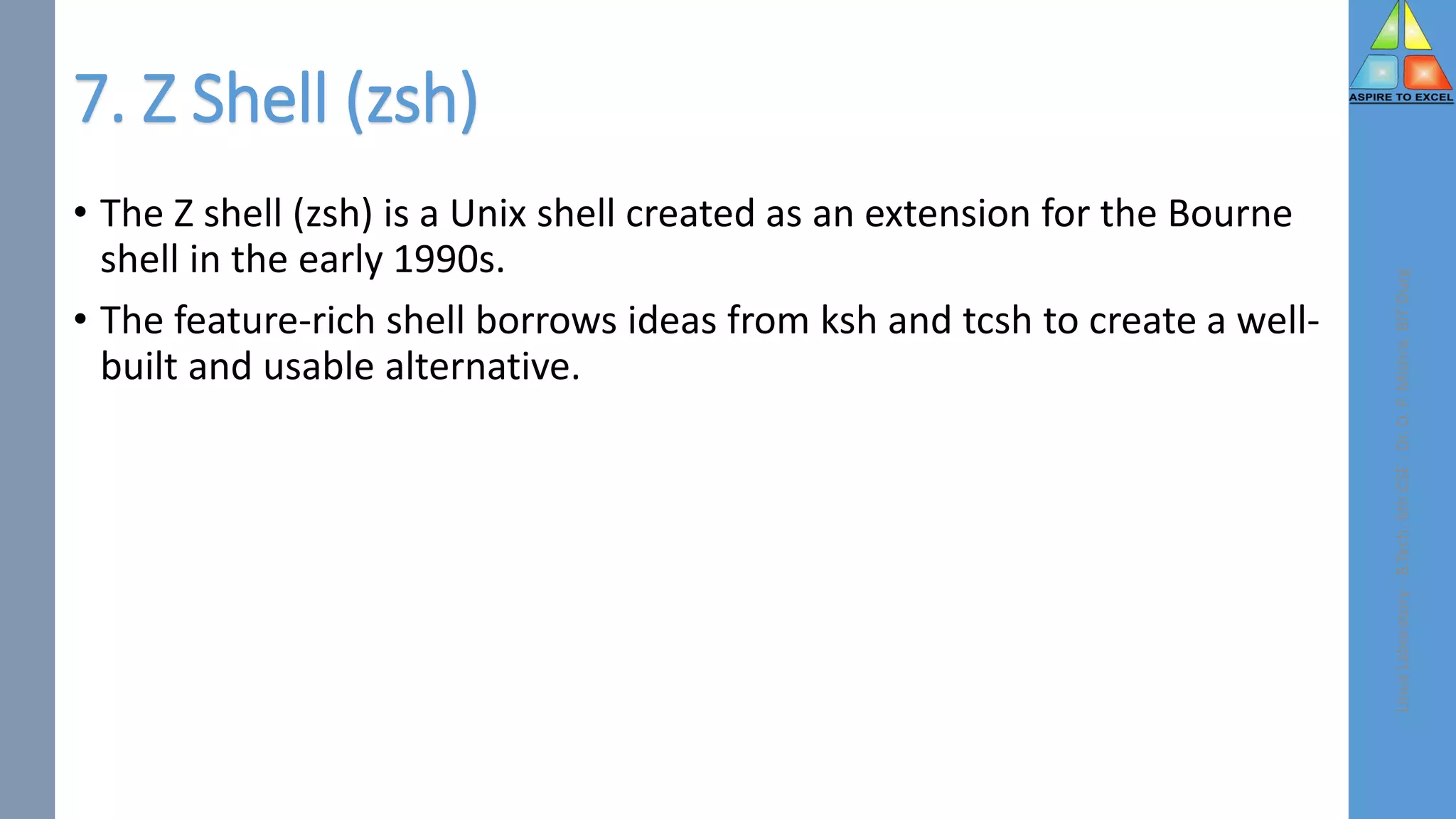
7. Z Shell (zsh)
• The Z shell (zsh) is a Unix shell created as an extension for the Bourne
shell in the early 1990s.
• The feature-rich shell borrows ideas from ksh and tcsh to create a well-
built and usable alternative.
Linux
Laboratory
-
B.Tech.
6th
CSE
-
Dr.
D.
P.
Mishra,
BIT
Durg
8. Friendly Interactive Shell (fish)
• The Friendly Interactive Shell (fish) is a Unix shell released in the mid-
2000s with a focus on usability.
• The feature-rich shell does not require additional configuration, which
makes it user-friendly from the start.
Linux
Laboratory
-
B.Tech.
6th
CSE
-
Dr.
D.
P.
Mishra,
BIT
Durg
Viva Questions
1.what is an file system?
2.why we are using sed command?
3.which command is used to create file?
4.why we are using chmod?
5.which permissions are provided to files?
Linux
Laboratory
-
B.Tech.
6th
CSE
-
Dr.
D.
P.
Mishra,
BIT
Durg
Viva Questions
1. what is an directory?
2. which command is used to create directory?
3. what is the purpose of wc cmd?
4. which command is used to change the directory
5. why we are using grep command?
Linux
Laboratory
-
B.Tech.
6th
CSE
-
Dr.
D.
P.
Mishra,
BIT
Durg
Viva Questions
1. what is an shell script?
2. why we are using egrep command?
3. what is the purpose of fgrep?
4. write a syntax of grep?
5. what is an shell variable?
Linux
Laboratory
-
B.Tech.
6th
CSE
-
Dr.
D.
P.
Mishra,
BIT
Durg
Viva Questions
1.which command is used to display a file?
2.why we are using fd?
3.why we are using popen function?
4.why we are using mv command?
5.how we can assign permissions to the files?
Linux
Laboratory
-
B.Tech.
6th
CSE
-
Dr.
D.
P.
Mishra,
BIT
Durg
#!/bin/bash
read -p "Enter a string: " str
# reverse the string
reverse=$(echo $str | rev)
if [ "$str" == "$reverse" ]; then
echo "The string is a palindrome."
else
echo "The string is not a
palindrome."
fi
• The rev command is used to
reverse the string.
• The if statement checks if the
original string is equal to the
reversed string.
• If they are equal, it means the
string is a palindrome and the
script prints a message
accordingly.
• e.g. RACECAR , LEVEL
Linux
Laboratory
-
B.Tech.
6th
CSE
-
Dr.
D.
P.
Mishra,
BIT
Durg
9.1 Shell script to check palindrome or not
#!/bin/bash
read -p "Enter the first string: " str1
read -p "Enter the second string: " str2
if [ "$str1" == "$str2" ];
then
echo "The strings are equal."
else
echo "The strings are not equal."
fi
• The if statement checks if the two
strings are equal.
• If they are equal, it means that
the strings are the same and the
script prints a message saying that
they are equal.
Linux
Laboratory
-
B.Tech.
6th
CSE
-
Dr.
D.
P.
Mishra,
BIT
Durg
9.2 Shell Script to compare two Strings
#!/bin/bash
if [ $# -eq 0 ]; then
echo "Error: No file name specified."
exit 1
fi
filename=$1
if [ -r $filename ] && [ -w $filename ]; then
echo "The file $filename has both read and write permission."
elif [ -r $filename ]; then
echo "The file $filename has read permission but not write permission."
elif [ -w $filename ]; then
echo "The file $filename has write permission but not read permission."
else
echo "The file $filename does not have read or write permission."
fi
• The if statement checks if the file
has both read and write
permission using the -r and -w
options respectively.
• If it has both permissions, the
script prints a message saying that
the file has both read and write
permission.
Linux
Laboratory
-
B.Tech.
6th
CSE
-
Dr.
D.
P.
Mishra,
BIT
Durg
9.3 Write a script to read file name from command line
and check if it read and write permission or not
#!/bin/bash
count=0
for file in *
do
if [ -f $file ]; then
((count++))
fi
done
echo "The number of files in the current directory
is: $count"
• The if statement checks if the
current file is a regular file using
the -f option.
• If it is, the script increments the
count variable.
• After the loop completes, the
script prints the number of files in
the current directory.
Linux
Laboratory
-
B.Tech.
6th
CSE
-
Dr.
D.
P.
Mishra,
BIT
Durg
9.4 Write a shell script to count number of only files
present in current directory.
#!/bin/bash
read -p "Enter a string: " str
reverse=""
for (( i=${#str}-1; i>=0; i-- ))
do
reverse="$reverse${str:$i:1}"
done
echo "The reversed string is: $reverse"
• The script initializes an empty string
called reverse.
• The for loop iterates through each
character in the string str in reverse
order.
• It uses parameter expansion to
extract the character at each index
and appends it to the reverse string.
• After the loop completes, the script
prints the reversed string.
Linux
Laboratory
-
B.Tech.
6th
CSE
-
Dr.
D.
P.
Mishra,
BIT
Durg
9.5 Write a script to reverse a given string.
Task / Assignment
1. Write a script to copy list of file into specified directory.
2. Write a shell script to list all of the directory files in a directory.
3. Write a shell script to count number of words present in a file
without using commands.
Linux
Laboratory
-
B.Tech.
6th
CSE
-
Dr.
D.
P.
Mishra,
BIT
Durg
Types of Linux Shells

Types of Linux Shells

  • 1.
    Dr. D. P. Mishra Digitallysigned by Dr. D. P. Mishra DN: cn=Dr. D. P. Mishra, o=durg, ou=BIT, email=dpmishra@bitdurg.ac. in, c=IN Date: 2023.04.10 07:32:08 +05'30'
  • 2.
  • 3.
  • 4.
  • 5.
  • 6.
    What is aLinux Shell and Why is it Important? • A shell is a command-line interpreter program that parses and sends commands to the operating system. • This program represents an operating system's interactive interface and the kernel's outermost layer (or shell). • It allows users and programs to send signals and expose an operating system's low-level utilities. Linux Laboratory - B.Tech. 6th CSE - Dr. D. P. Mishra, BIT Durg
  • 7.
    1. Bourne Shell(sh) • The Bourne shell was the first default shell on Unix systems, released in 1979. • The shell program name is sh, and the traditional location is /bin/sh. • The Bourne shell quickly became popular because it is compact and fast. Linux Laboratory - B.Tech. 6th CSE - Dr. D. P. Mishra, BIT Durg
  • 8.
    2. C Shell(csh) • The C shell (csh) is a Linux shell from the late 1970s whose main objective was to improve interactive use and mimic the C language. • Since the Linux kernel is predominantly written in C, the shell aims to provide stylistic consistency across the system. Features: • History of the previous command. • User-defined aliases for programs. • Relative home directory (~). • Built-in expression grammar. Drawbacks of the C shell are: • Syntax inconsistencies. • No support for standard input/output (stdio) file handles or functions. • Not fully recursive, which limits complex command handling. Linux Laboratory - B.Tech. 6th CSE - Dr. D. P. Mishra, BIT Durg
  • 9.
    3. TENEX CShell (tcsh) • The TENEX C shell (tcsh) is an extension of the C shell (csh) merged in the early 1980s. • The shell is backward compatible with csh, with additional features and concepts borrowed from the TENEX OS. Features of the shell include: • Advanced command history. • Programmable autocomplete. • Wildcard matching. • Job control. • Built-in where command. Linux Laboratory - B.Tech. 6th CSE - Dr. D. P. Mishra, BIT Durg
  • 10.
    4. KornShell (ksh) •The KornShell (ksh) is a Unix shell and language based on the Bourne shell (sh) developed in the early 1980s. • The location is in /bin/ksh or /bin/ksh93, • while the prompt is the same as the Bourne shell ($ for a user and # for root). Linux Laboratory - B.Tech. 6th CSE - Dr. D. P. Mishra, BIT Durg
  • 11.
    5. Debian AlmquistShell (dash) • The Debian Almquist Shell (dash) is a Unix shell developed in the late 1990s from the Almquist shell (ash), which was ported to Debian and renamed. • Dash is famous for being the default shell for Ubuntu and Debian. • The shell is minimal and POSIX compliant, making it convenient for OS startup scripts. Linux Laboratory - B.Tech. 6th CSE - Dr. D. P. Mishra, BIT Durg
  • 12.
    6. Bourne AgainShell (bash) • The Bourne Again shell is a Unix shell and command language created as an extension of the Bourne shell (sh) in 1989. • The shell program is the default login shell for many Linux distributions and earlier versions of macOS. • The shell name shortens to bash, and the location is /bin/bash. • Like the Bourne shell, the bash prompt is $ for a regular user and # for root. Linux Laboratory - B.Tech. 6th CSE - Dr. D. P. Mishra, BIT Durg
  • 13.
    7. Z Shell(zsh) • The Z shell (zsh) is a Unix shell created as an extension for the Bourne shell in the early 1990s. • The feature-rich shell borrows ideas from ksh and tcsh to create a well- built and usable alternative. Linux Laboratory - B.Tech. 6th CSE - Dr. D. P. Mishra, BIT Durg
  • 14.
    8. Friendly InteractiveShell (fish) • The Friendly Interactive Shell (fish) is a Unix shell released in the mid- 2000s with a focus on usability. • The feature-rich shell does not require additional configuration, which makes it user-friendly from the start. Linux Laboratory - B.Tech. 6th CSE - Dr. D. P. Mishra, BIT Durg
  • 15.
    Viva Questions 1.what isan file system? 2.why we are using sed command? 3.which command is used to create file? 4.why we are using chmod? 5.which permissions are provided to files? Linux Laboratory - B.Tech. 6th CSE - Dr. D. P. Mishra, BIT Durg
  • 16.
    Viva Questions 1. whatis an directory? 2. which command is used to create directory? 3. what is the purpose of wc cmd? 4. which command is used to change the directory 5. why we are using grep command? Linux Laboratory - B.Tech. 6th CSE - Dr. D. P. Mishra, BIT Durg
  • 17.
    Viva Questions 1. whatis an shell script? 2. why we are using egrep command? 3. what is the purpose of fgrep? 4. write a syntax of grep? 5. what is an shell variable? Linux Laboratory - B.Tech. 6th CSE - Dr. D. P. Mishra, BIT Durg
  • 18.
    Viva Questions 1.which commandis used to display a file? 2.why we are using fd? 3.why we are using popen function? 4.why we are using mv command? 5.how we can assign permissions to the files? Linux Laboratory - B.Tech. 6th CSE - Dr. D. P. Mishra, BIT Durg
  • 19.
    #!/bin/bash read -p "Entera string: " str # reverse the string reverse=$(echo $str | rev) if [ "$str" == "$reverse" ]; then echo "The string is a palindrome." else echo "The string is not a palindrome." fi • The rev command is used to reverse the string. • The if statement checks if the original string is equal to the reversed string. • If they are equal, it means the string is a palindrome and the script prints a message accordingly. • e.g. RACECAR , LEVEL Linux Laboratory - B.Tech. 6th CSE - Dr. D. P. Mishra, BIT Durg 9.1 Shell script to check palindrome or not
  • 20.
    #!/bin/bash read -p "Enterthe first string: " str1 read -p "Enter the second string: " str2 if [ "$str1" == "$str2" ]; then echo "The strings are equal." else echo "The strings are not equal." fi • The if statement checks if the two strings are equal. • If they are equal, it means that the strings are the same and the script prints a message saying that they are equal. Linux Laboratory - B.Tech. 6th CSE - Dr. D. P. Mishra, BIT Durg 9.2 Shell Script to compare two Strings
  • 21.
    #!/bin/bash if [ $#-eq 0 ]; then echo "Error: No file name specified." exit 1 fi filename=$1 if [ -r $filename ] && [ -w $filename ]; then echo "The file $filename has both read and write permission." elif [ -r $filename ]; then echo "The file $filename has read permission but not write permission." elif [ -w $filename ]; then echo "The file $filename has write permission but not read permission." else echo "The file $filename does not have read or write permission." fi • The if statement checks if the file has both read and write permission using the -r and -w options respectively. • If it has both permissions, the script prints a message saying that the file has both read and write permission. Linux Laboratory - B.Tech. 6th CSE - Dr. D. P. Mishra, BIT Durg 9.3 Write a script to read file name from command line and check if it read and write permission or not
  • 22.
    #!/bin/bash count=0 for file in* do if [ -f $file ]; then ((count++)) fi done echo "The number of files in the current directory is: $count" • The if statement checks if the current file is a regular file using the -f option. • If it is, the script increments the count variable. • After the loop completes, the script prints the number of files in the current directory. Linux Laboratory - B.Tech. 6th CSE - Dr. D. P. Mishra, BIT Durg 9.4 Write a shell script to count number of only files present in current directory.
  • 23.
    #!/bin/bash read -p "Entera string: " str reverse="" for (( i=${#str}-1; i>=0; i-- )) do reverse="$reverse${str:$i:1}" done echo "The reversed string is: $reverse" • The script initializes an empty string called reverse. • The for loop iterates through each character in the string str in reverse order. • It uses parameter expansion to extract the character at each index and appends it to the reverse string. • After the loop completes, the script prints the reversed string. Linux Laboratory - B.Tech. 6th CSE - Dr. D. P. Mishra, BIT Durg 9.5 Write a script to reverse a given string.
  • 24.
    Task / Assignment 1.Write a script to copy list of file into specified directory. 2. Write a shell script to list all of the directory files in a directory. 3. Write a shell script to count number of words present in a file without using commands. Linux Laboratory - B.Tech. 6th CSE - Dr. D. P. Mishra, BIT Durg