Making Sense
of Twig
Brandon Kelly
What is Twig?
It’s a templating language.
!
All templating features are
available globally to all
templates in any context,
as part of the language.
!
It’s not up to each and every
application feature to
provide its own tags.
It’s super powerful.
!
- Many ways to stay DRY
- Custom variables
- Functions
- Filters
- It knows math
- Whitespace control
- Extensible
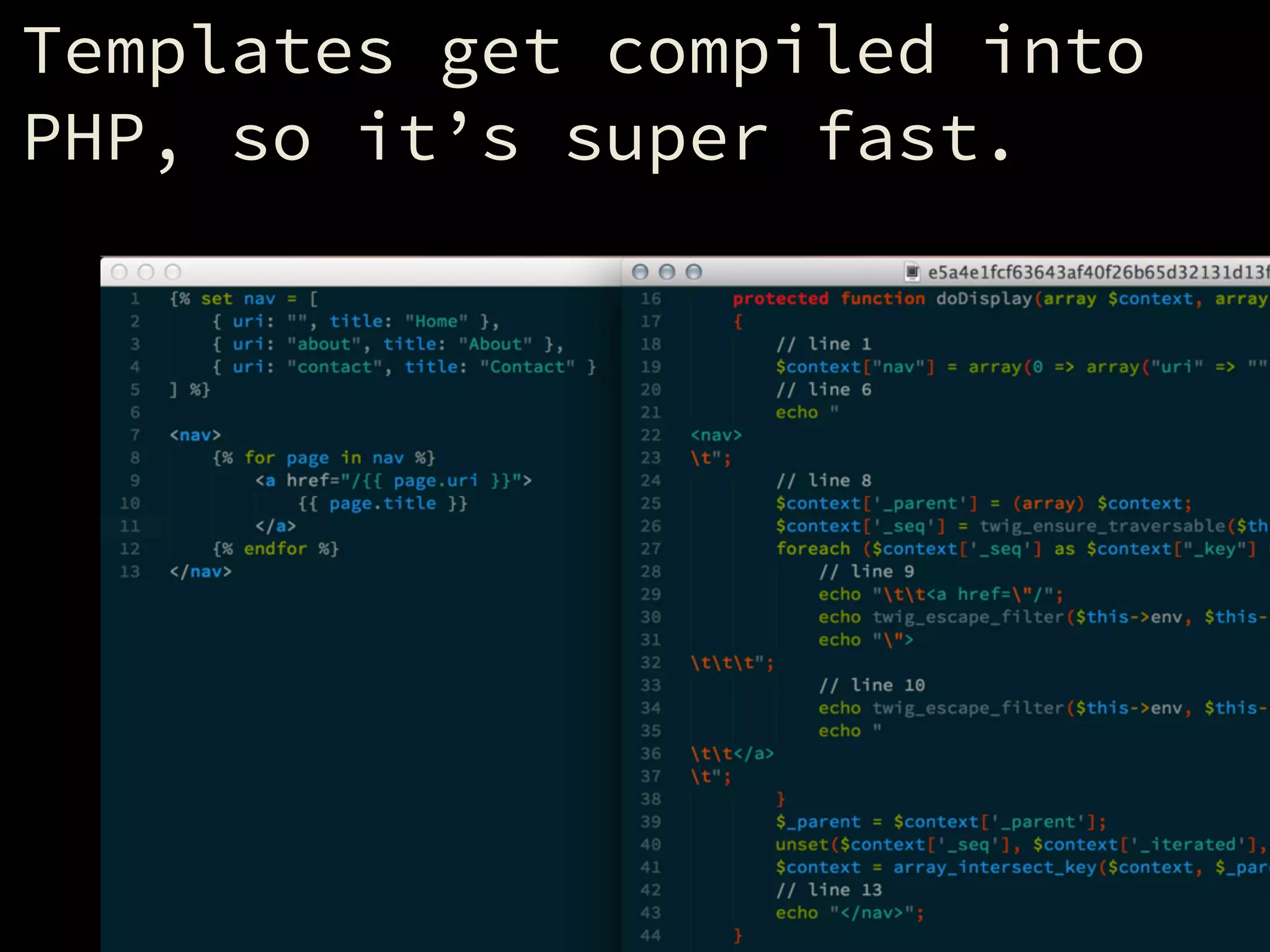
Templates get compiled into
PHP, so it’s super fast.
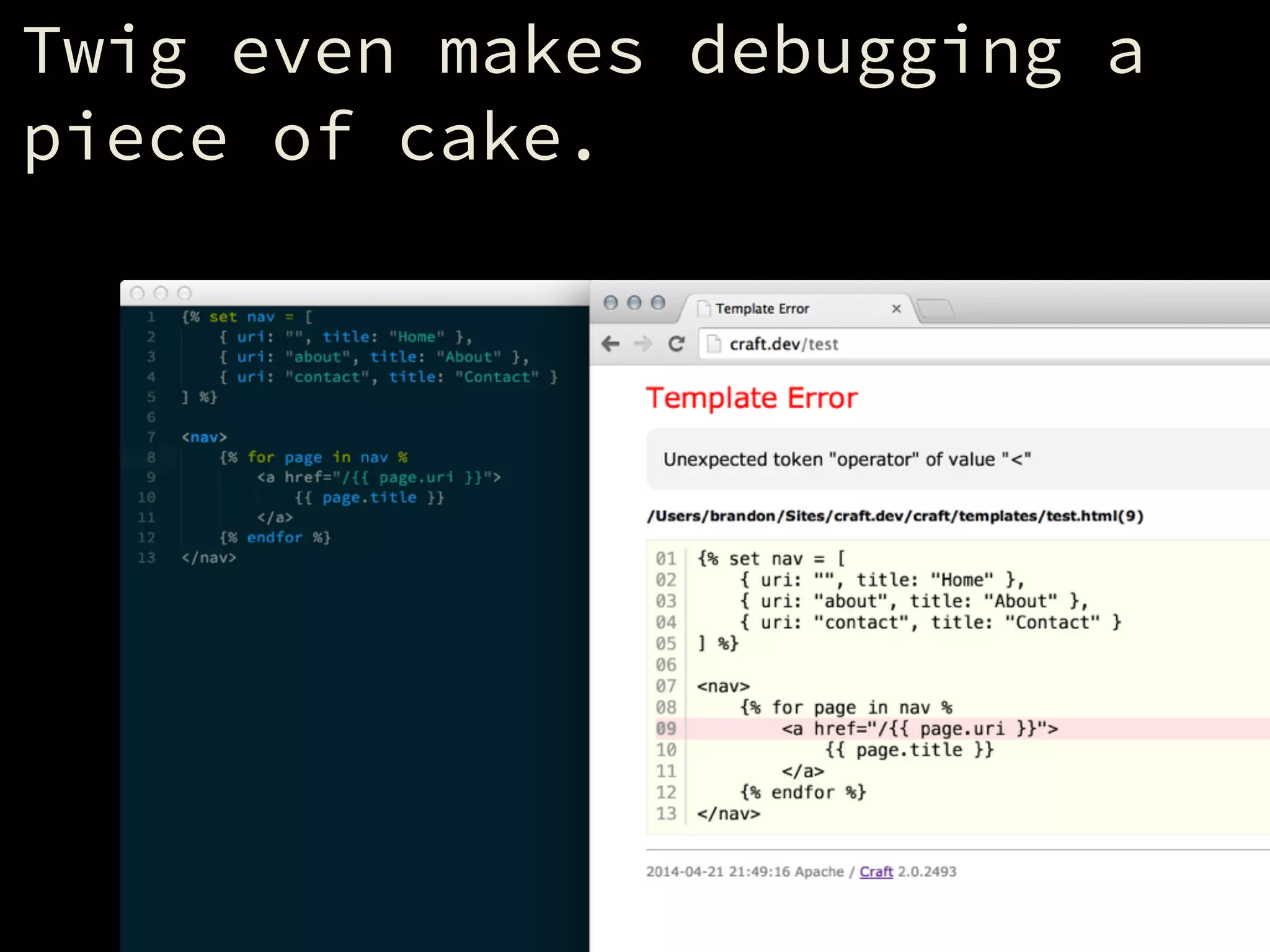
Twig even makes debugging a
piece of cake.
Used by some popular apps:
!
- LemonStand
- Symfony
- Craft
- others
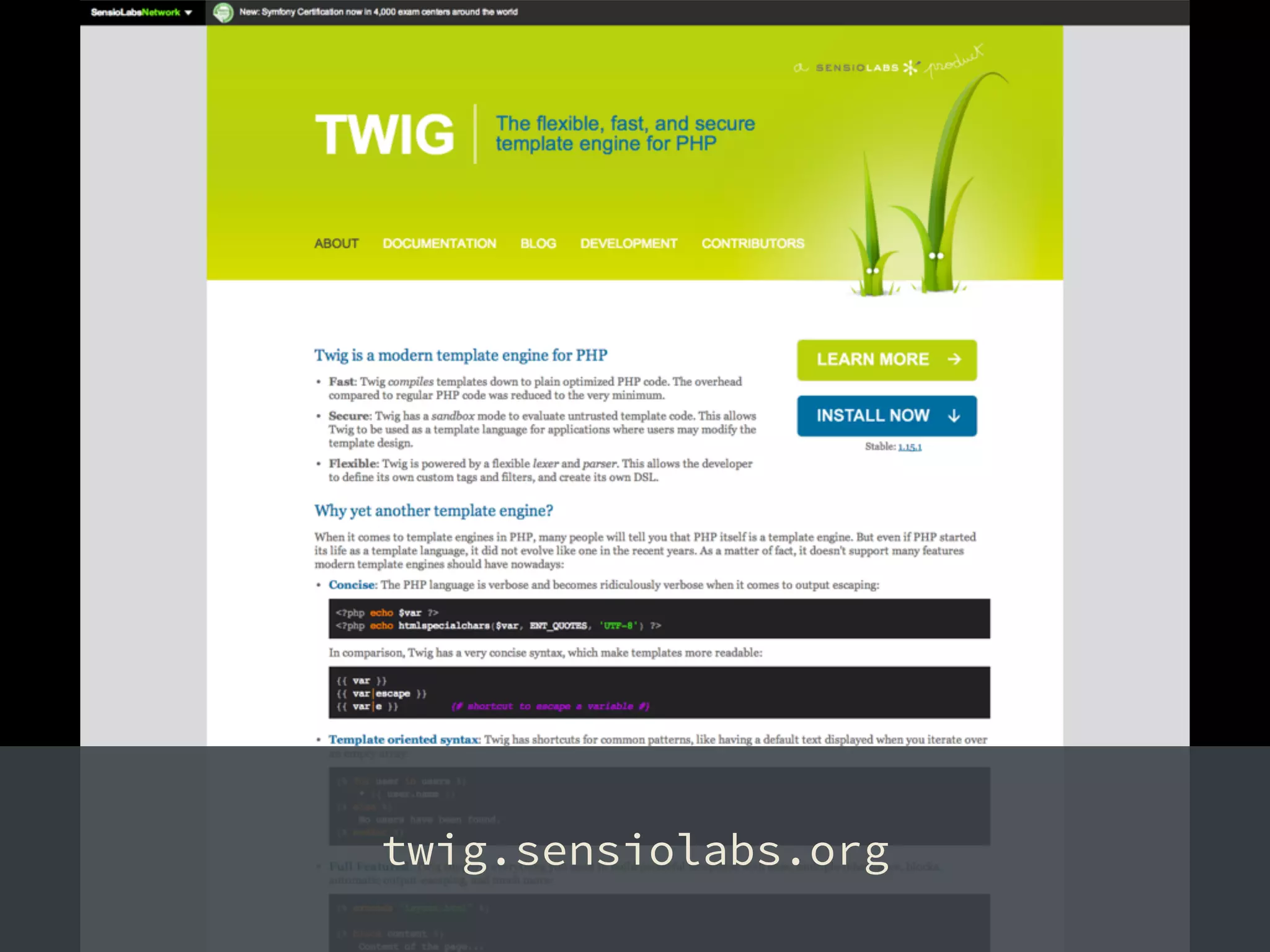
twig.sensiolabs.org
The Language
Types of Tags
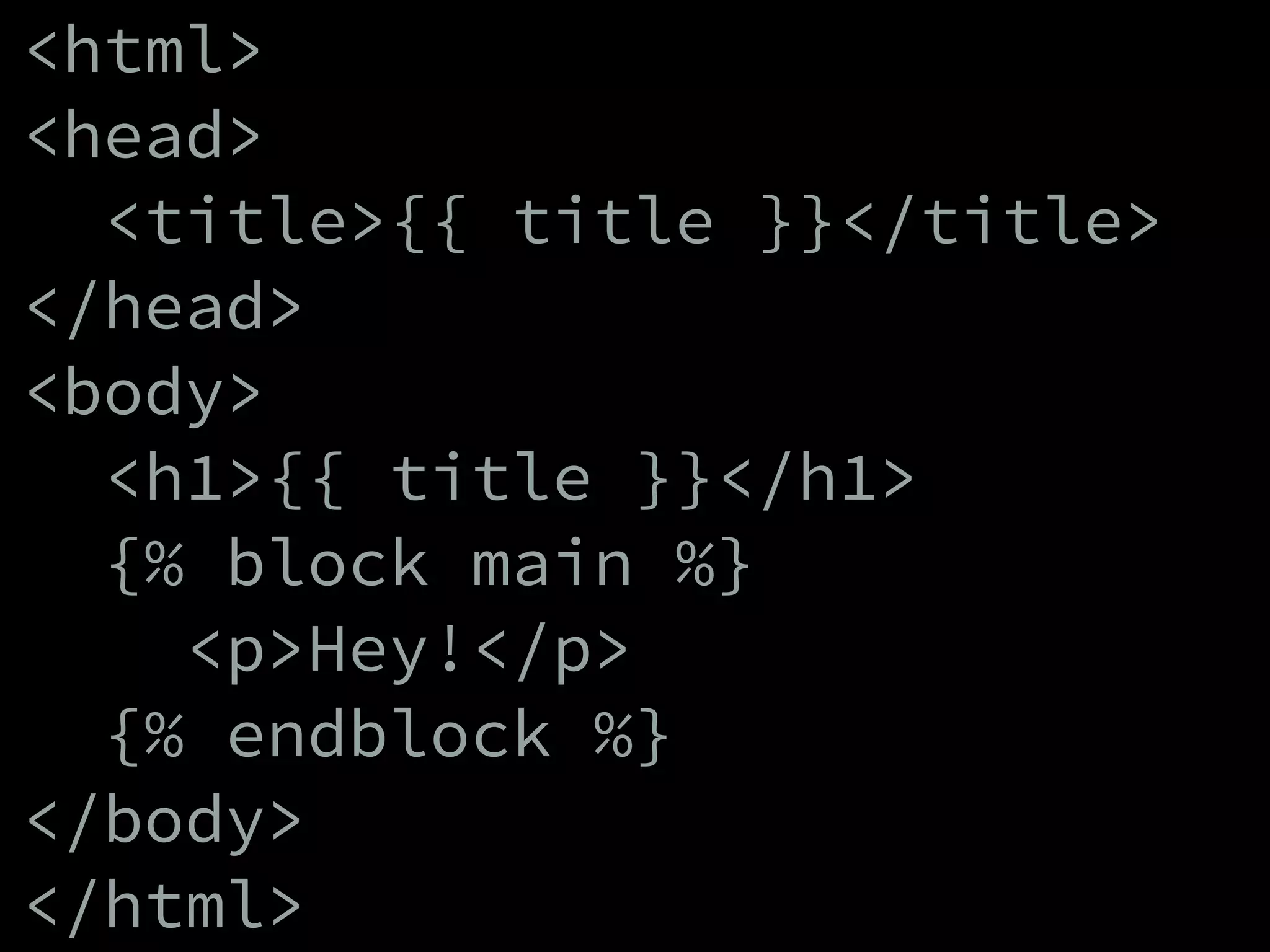
<html>
<head>
<title>{{ title }}</title>
</head>
<body>
<h1>{{ title }}</h1>
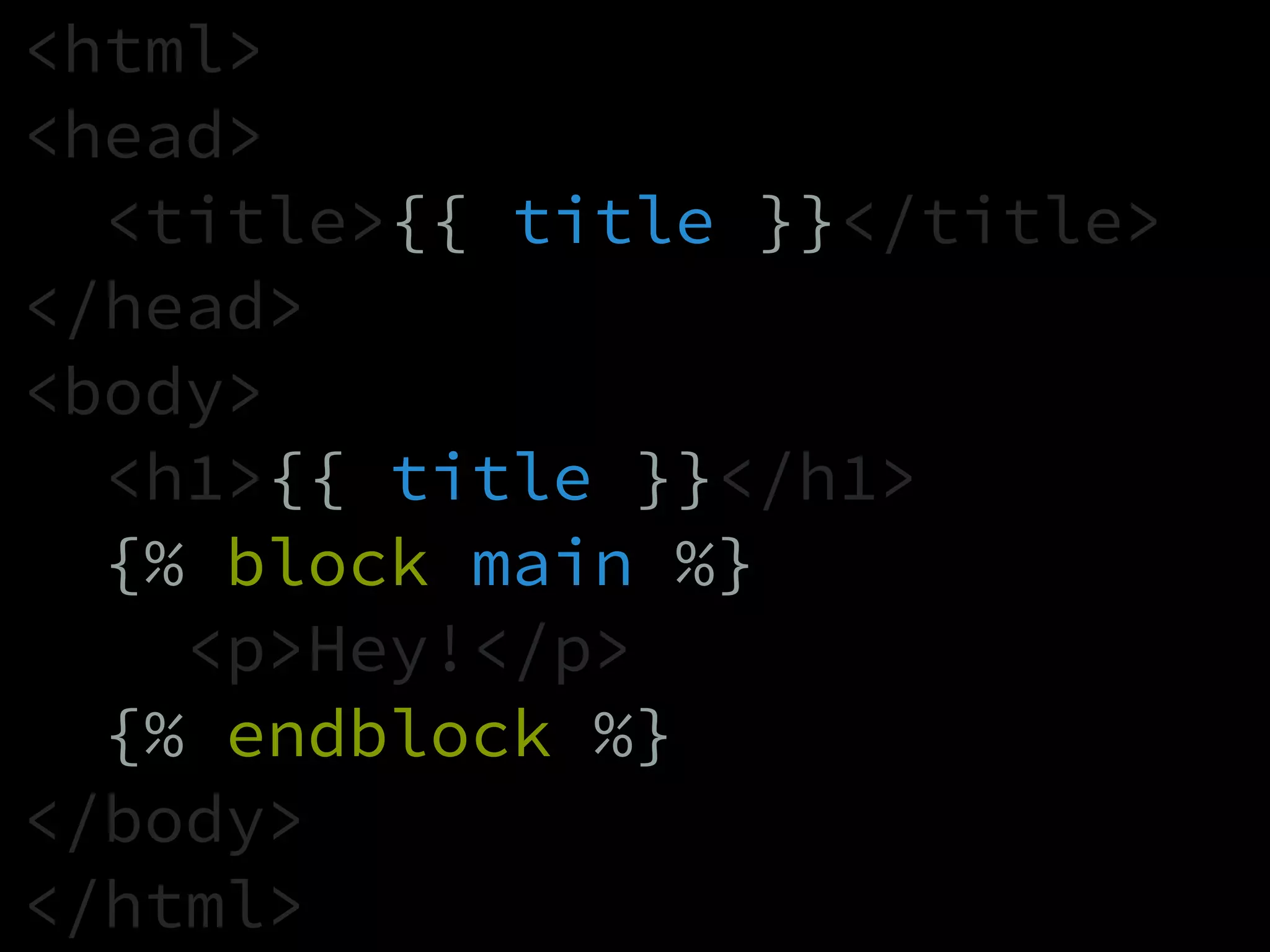
{% block main %}
<p>Hey!</p>
{% endblock %}
</body>
</html>
<html>
<head>
<title>{{ title }}</title>
</head>
<body>
<h1>{{ title }}</h1>
{% block main %}
<p>Hey!</p>
{% endblock %}
</body>
</html>
<html>
<head>
<title>{{ title }}</title>
</head>
<body>
<h1>{{ title }}</h1>
{% block main %}
<p>Hey!</p>
{% endblock %}
</body>
</html>
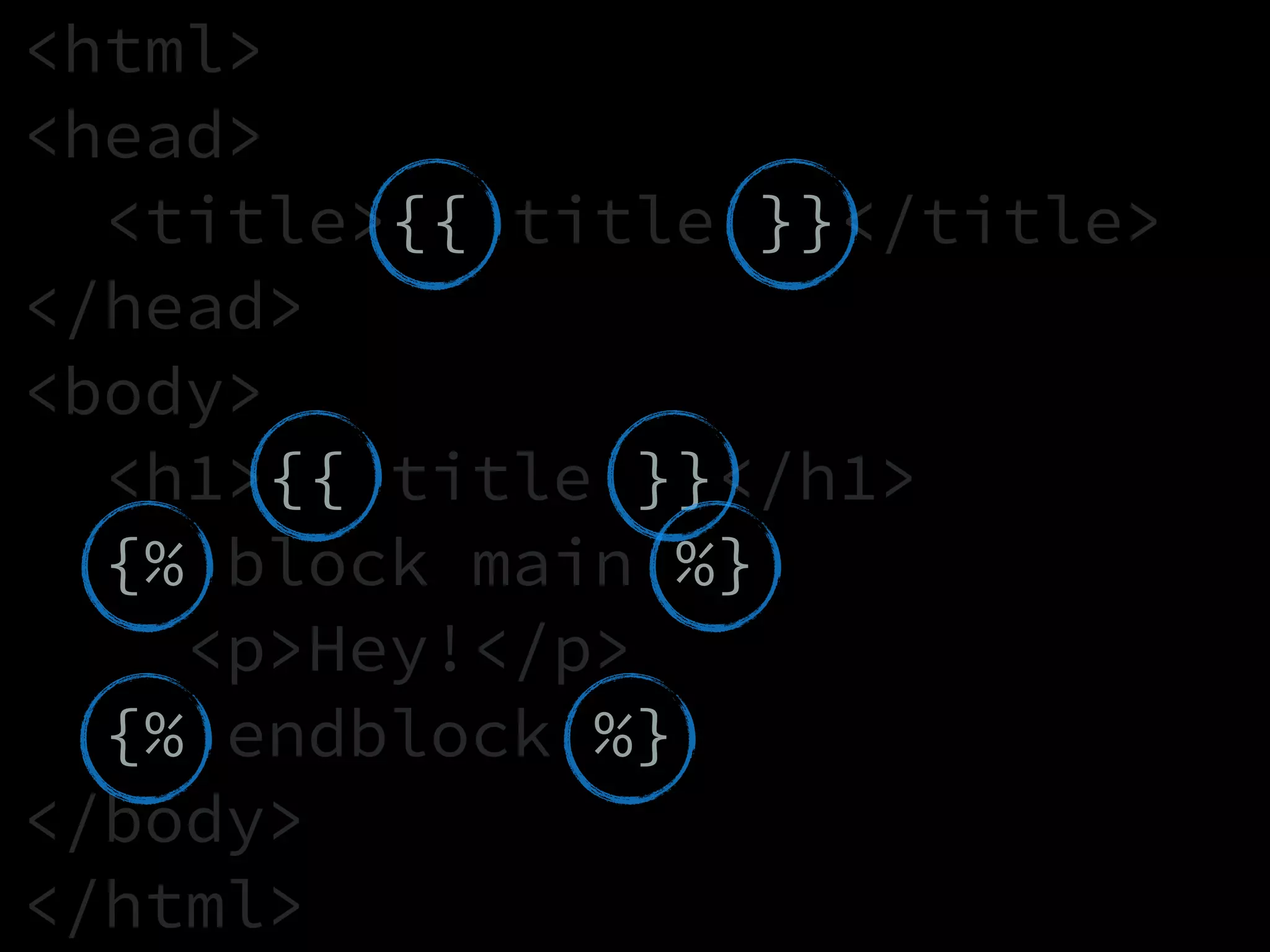
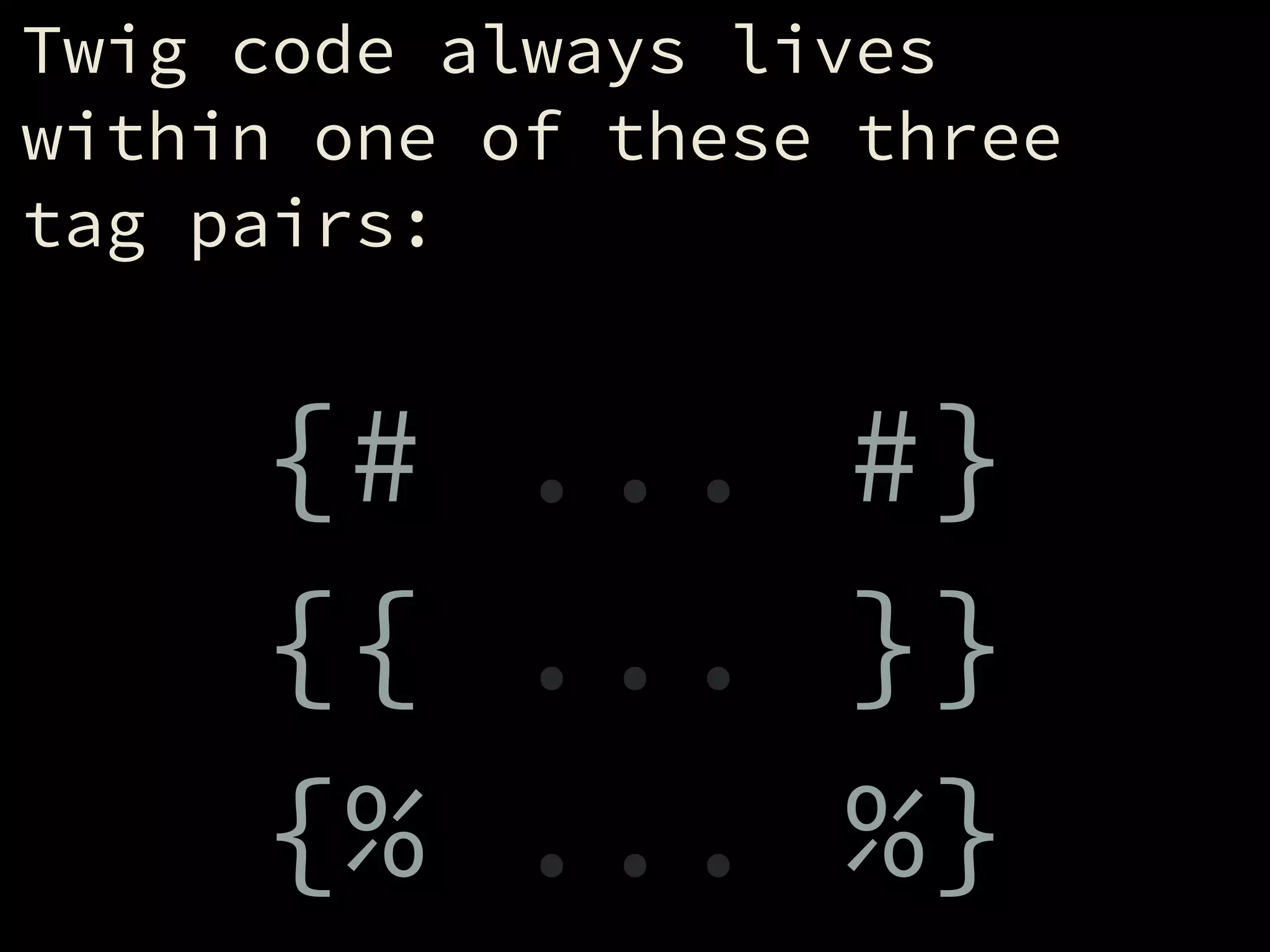
Twig code always lives
within one of these three
tag pairs:
!
{# ... #}
{{ ... }}
{% ... %}
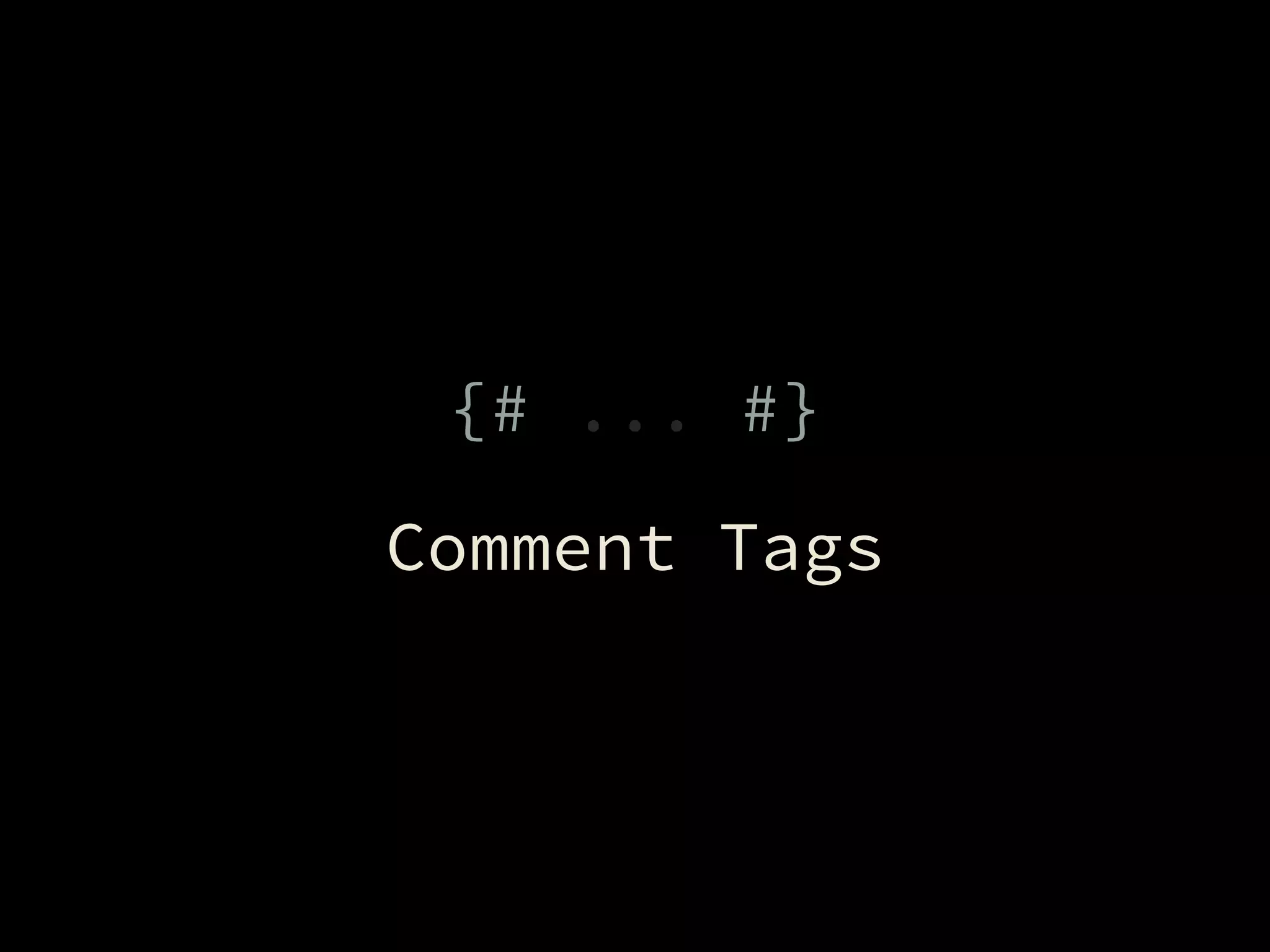
{# ... #}
Comment Tags
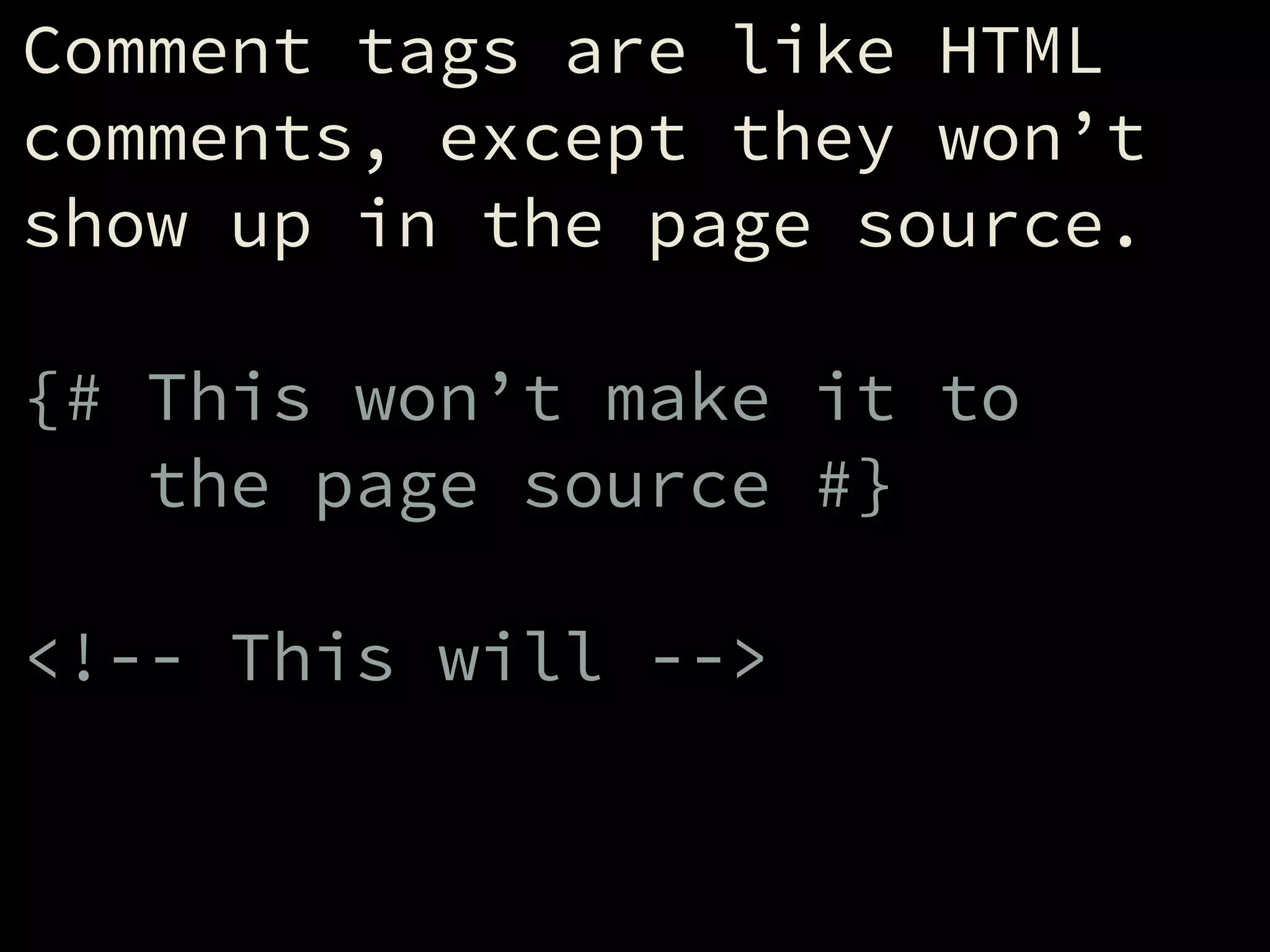
Comment tags are like HTML
comments, except they won’t
show up in the page source.
!
{# This won’t make it to
the page source #}
!
<!-- This will -->
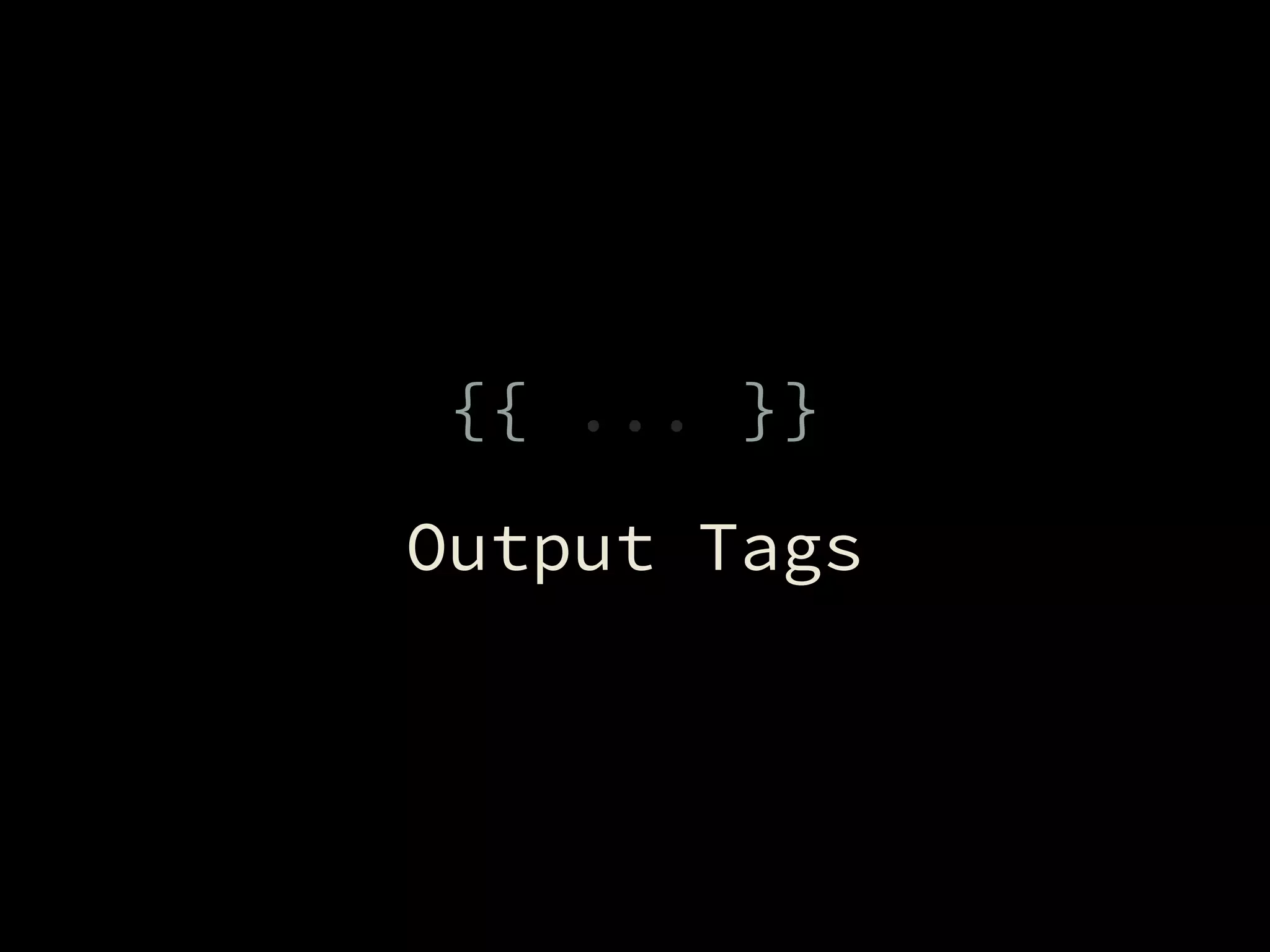
{{ ... }}
Output Tags
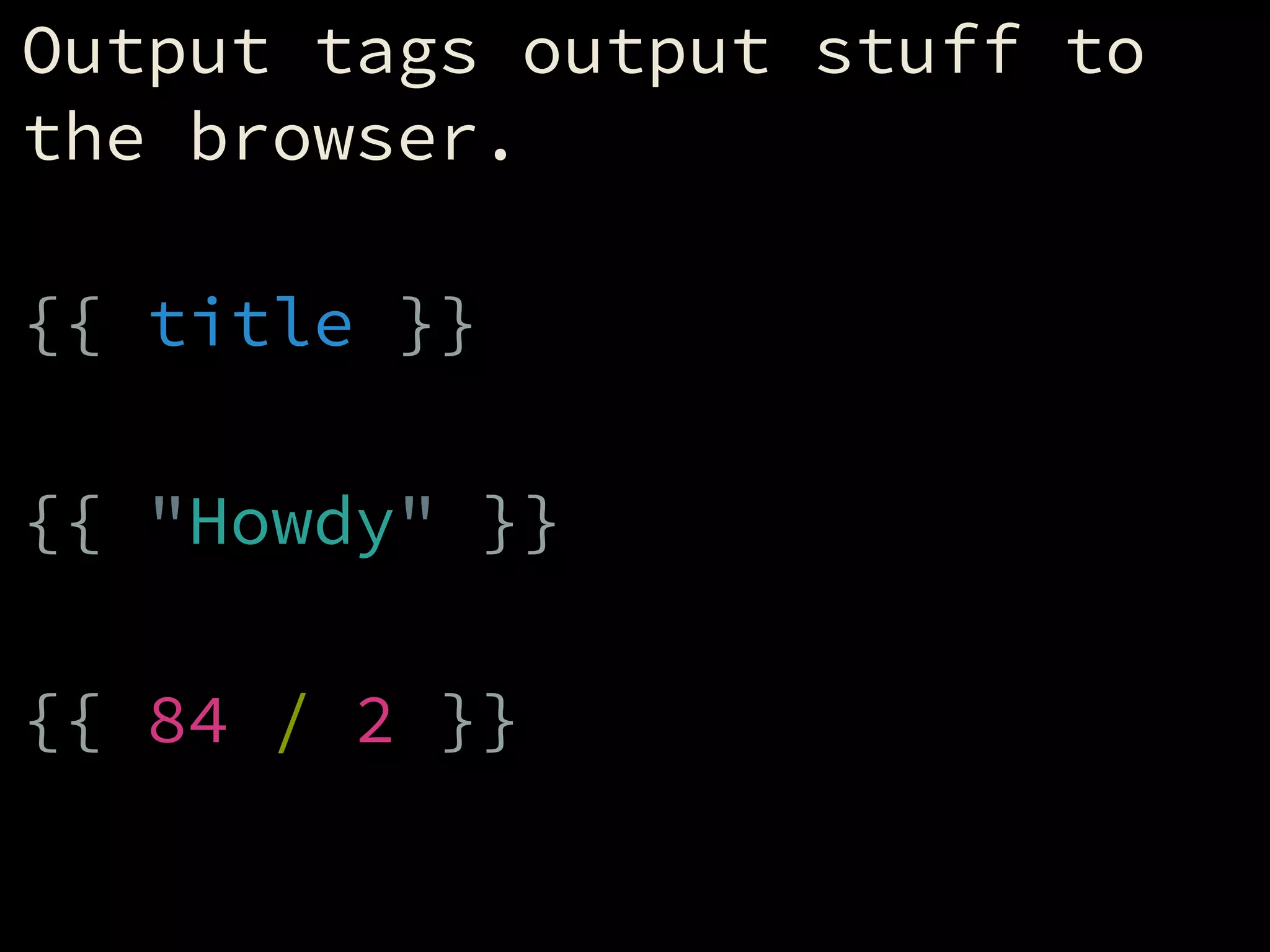
Output tags output stuff to
the browser.
!
{{ title }}
!
{{ "Howdy" }}
!
{{ 84 / 2 }}
{% ... %}
Logic Tags
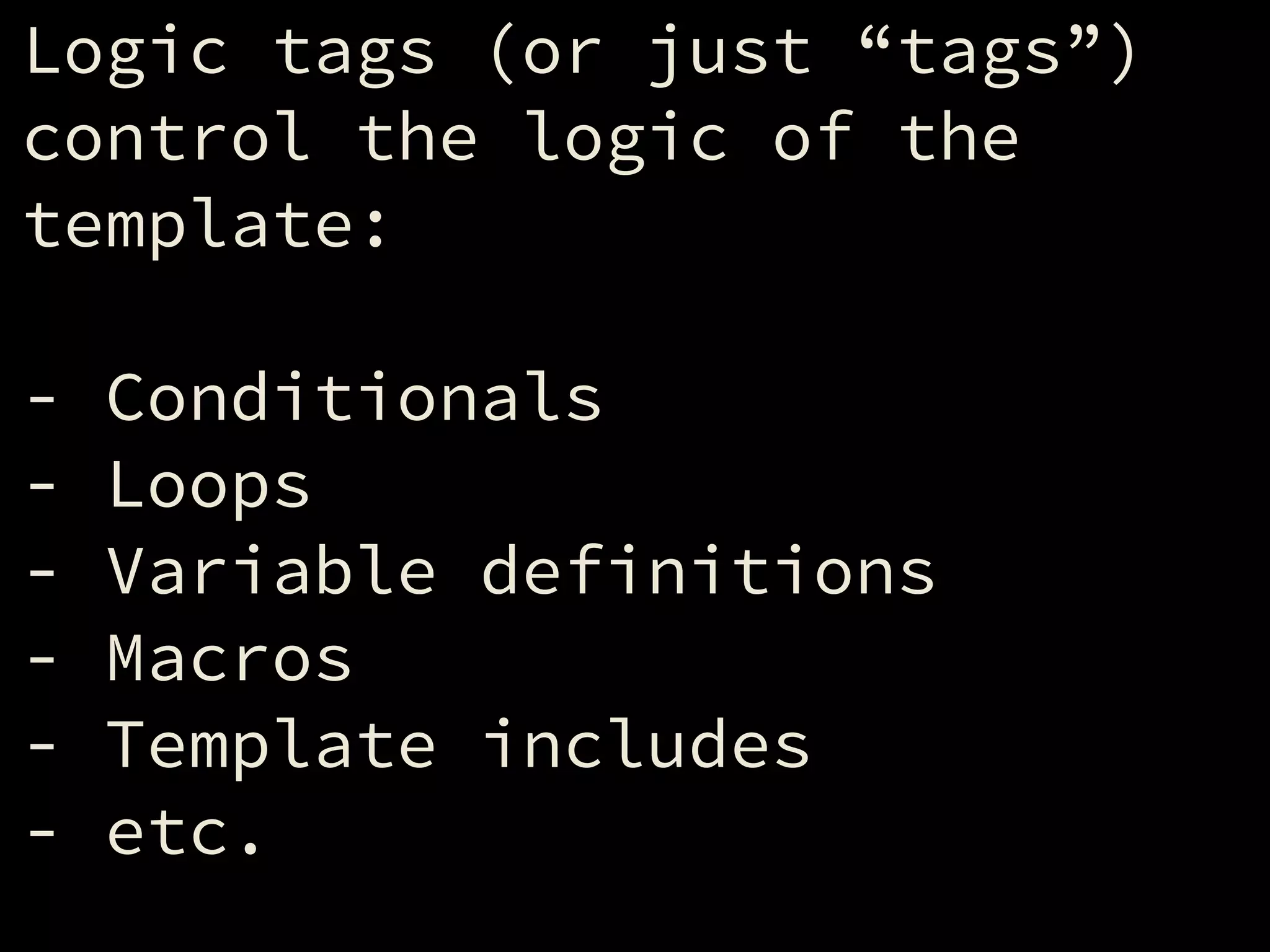
Logic tags (or just “tags”)
control the logic of the
template:
!
- Conditionals
- Loops
- Variable definitions
- Macros
- Template includes
- etc.
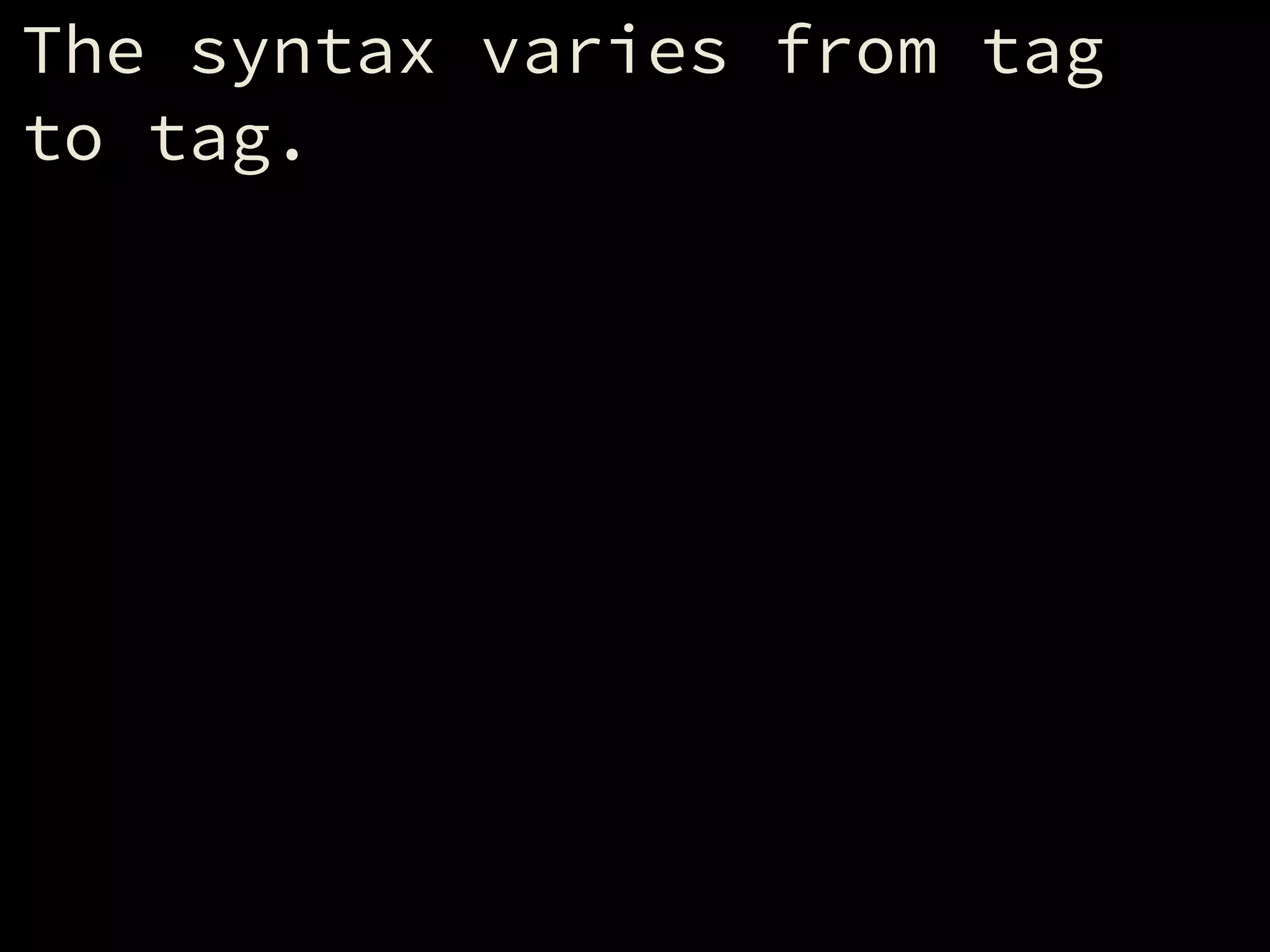
The syntax varies from tag
to tag.
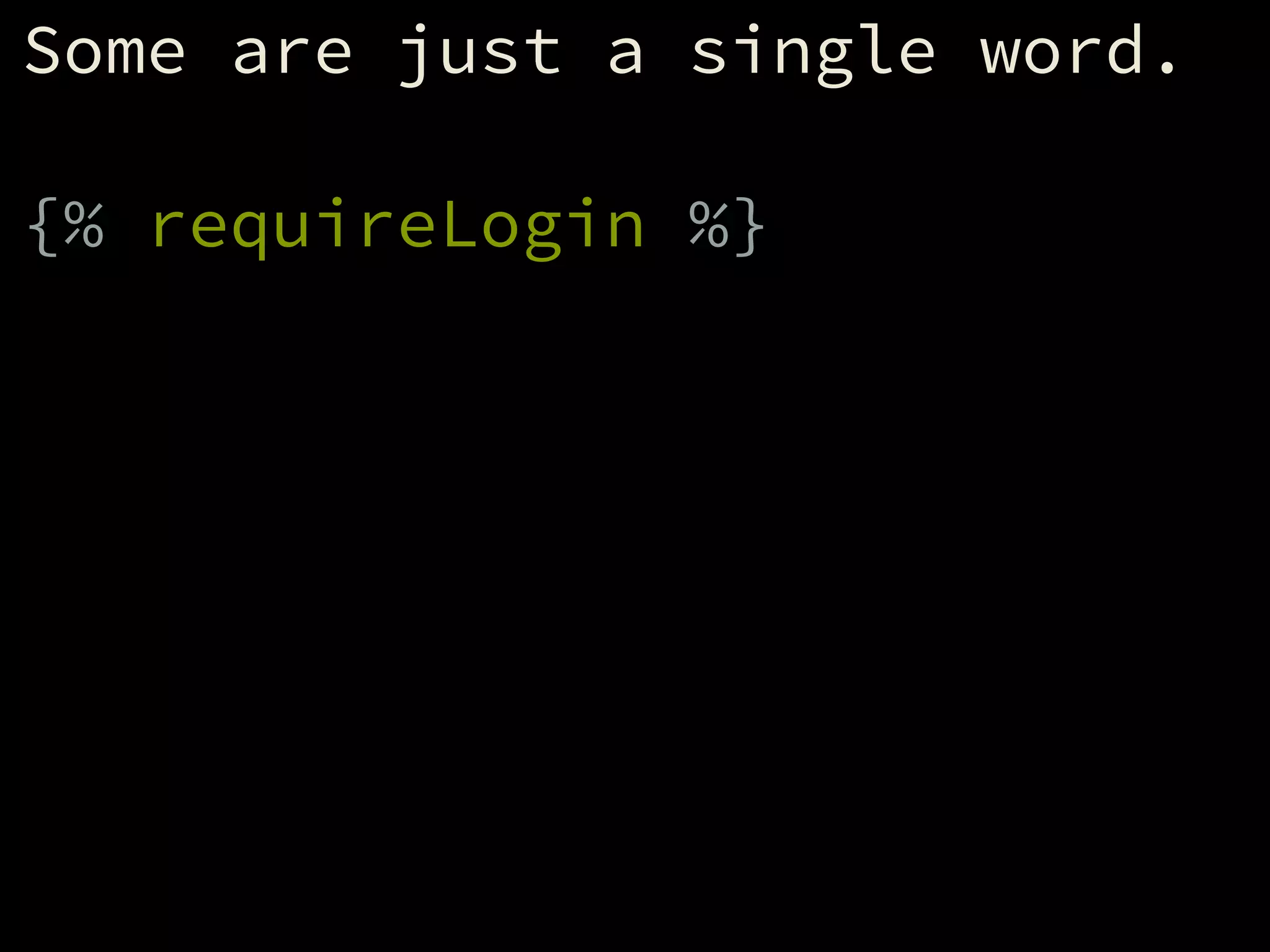
Some are just a single word.
!
{% requireLogin %}
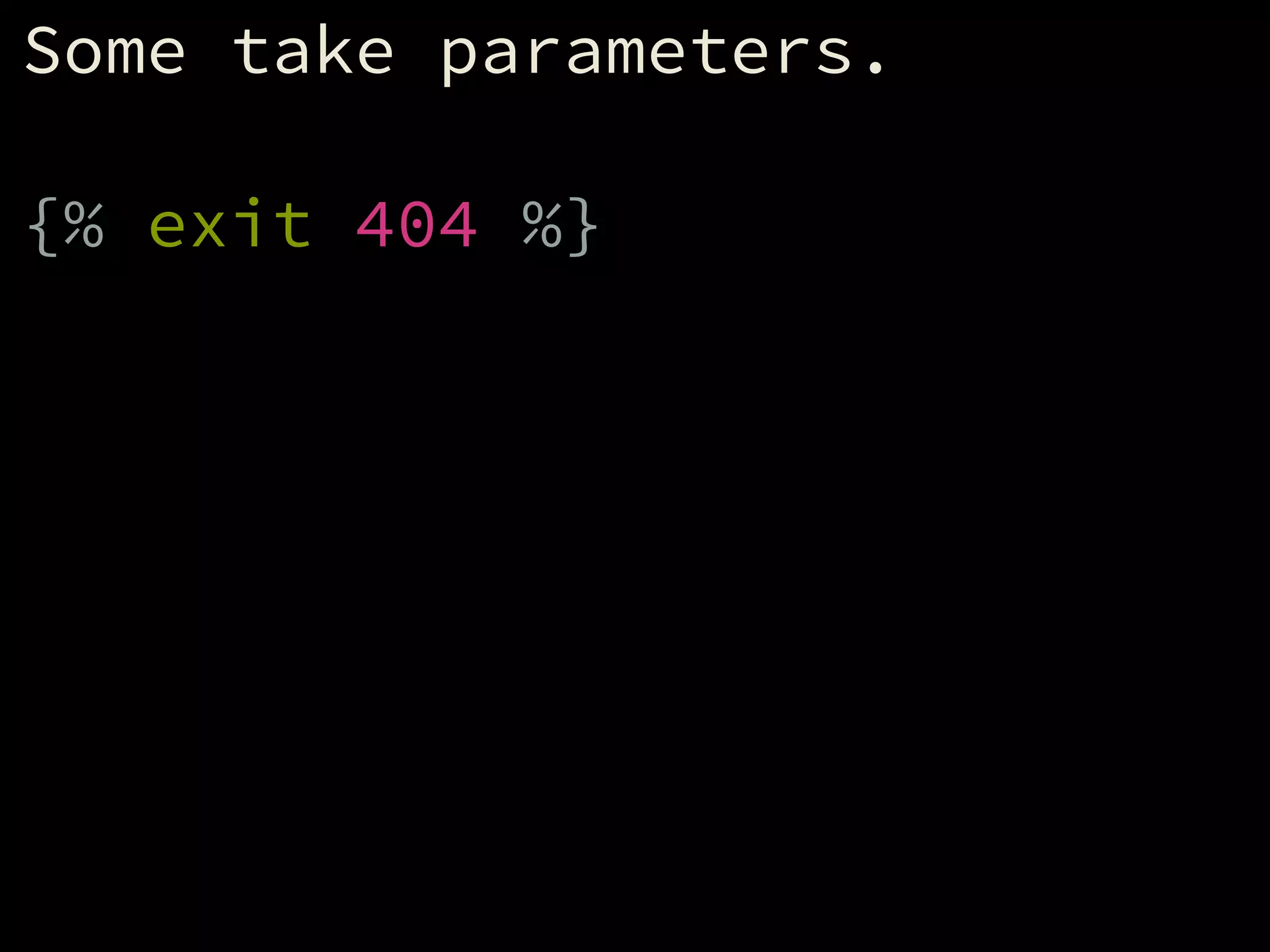
Some take parameters.
!
{% exit 404 %}
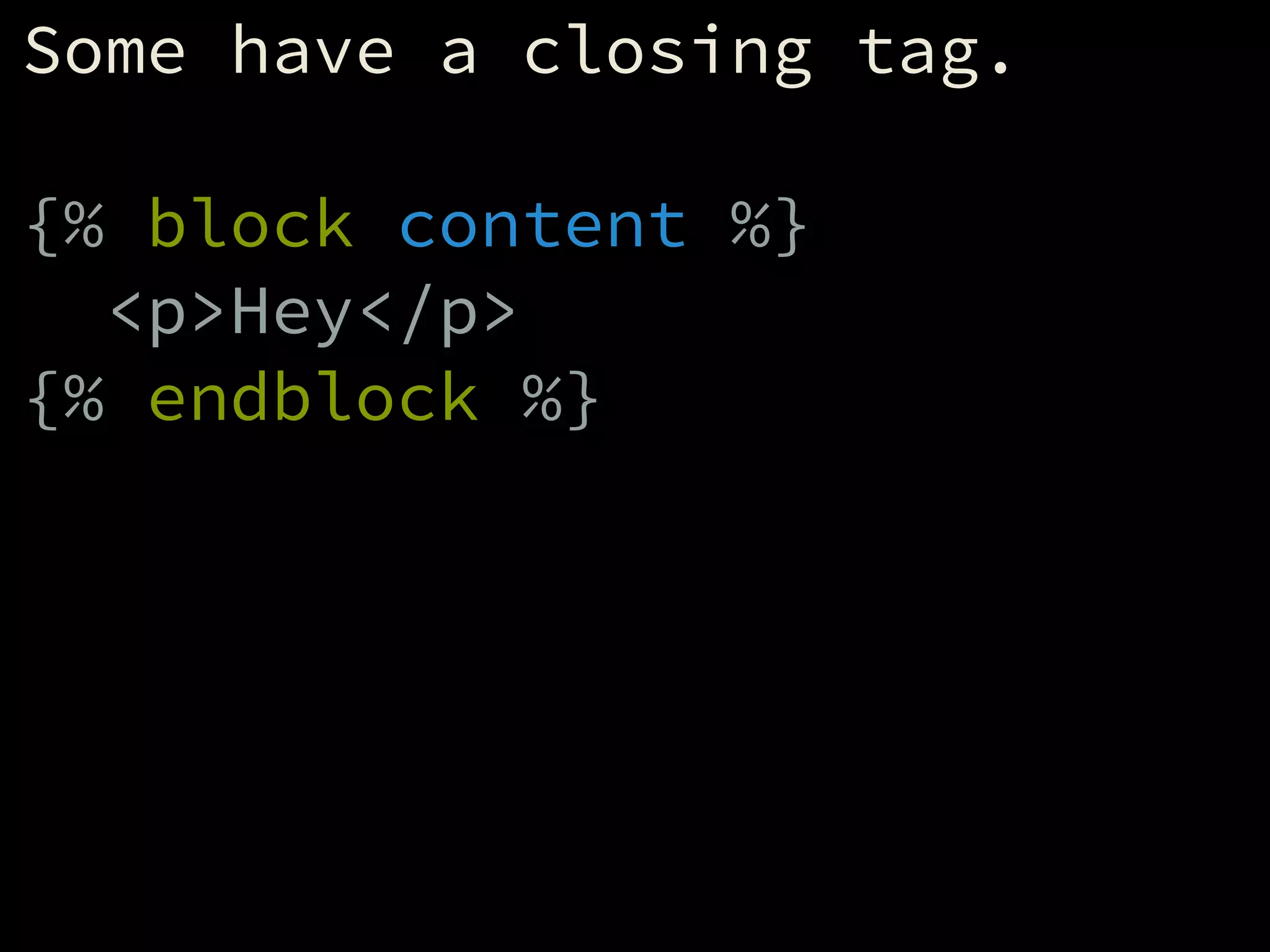
Some have a closing tag.
!
{% block content %}
<p>Hey</p>
{% endblock %}
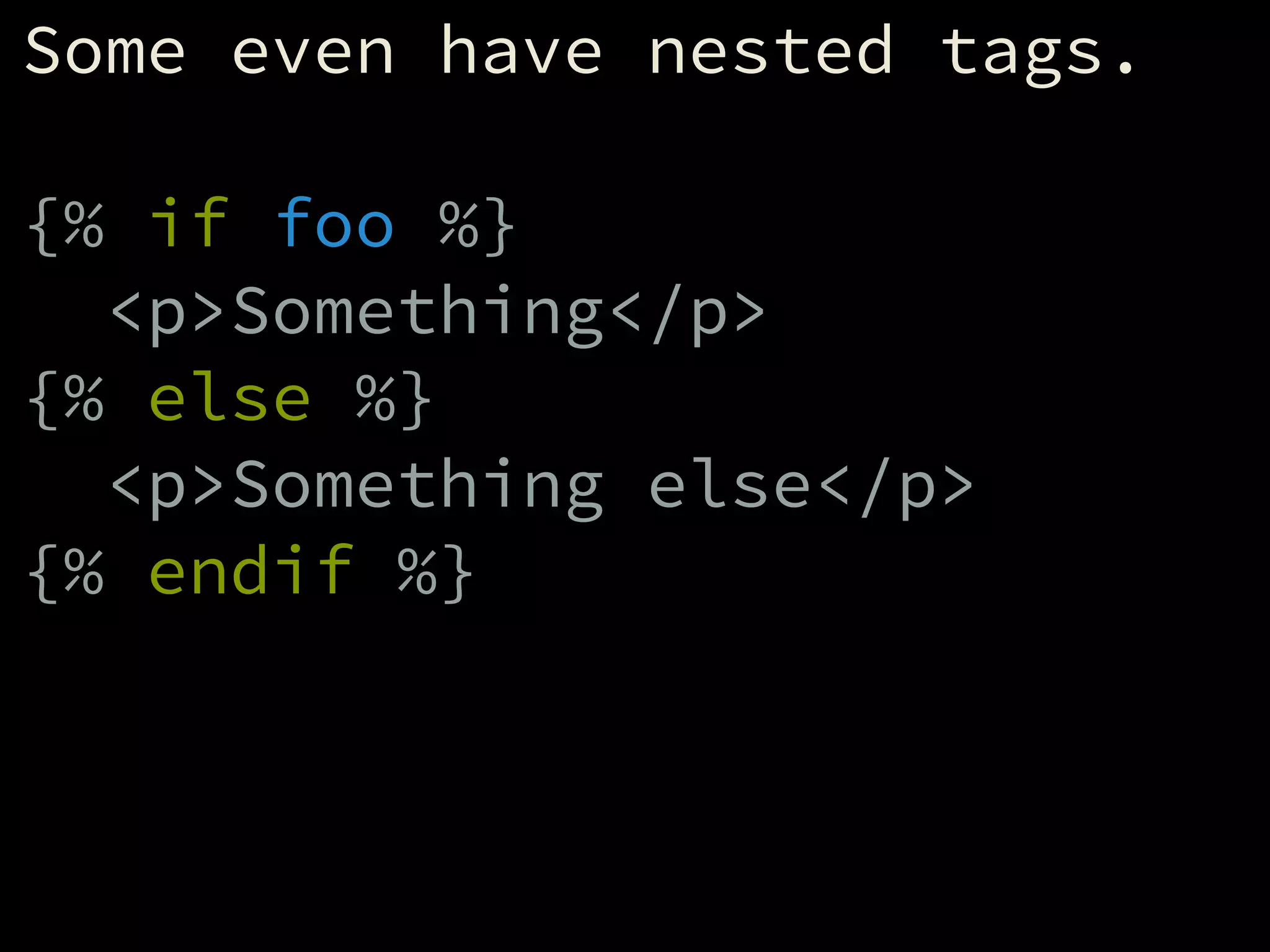
Some even have nested tags.
!
{% if foo %}
<p>Something</p>
{% else %}
<p>Something else</p>
{% endif %}
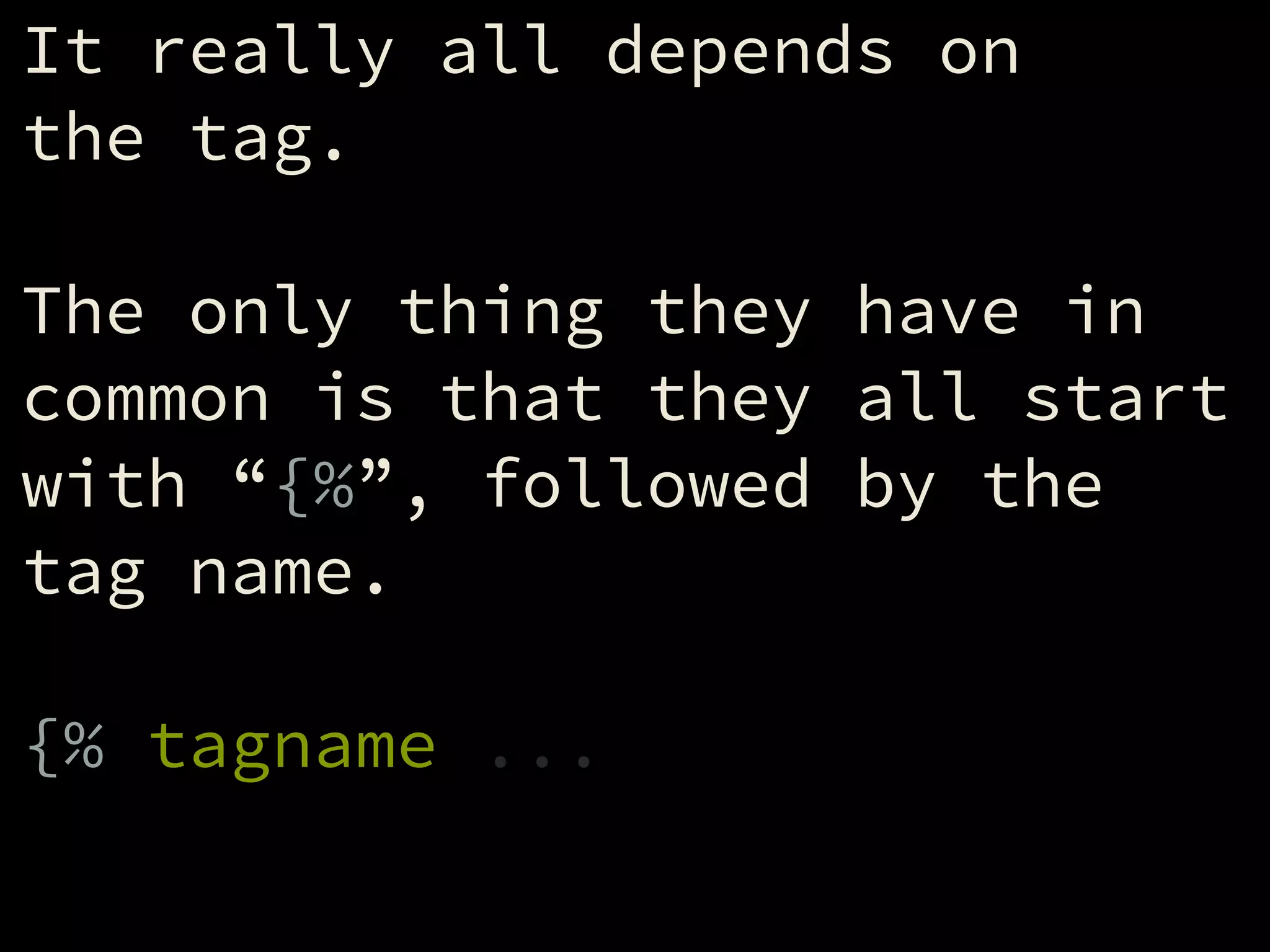
It really all depends on
the tag.
!
The only thing they have in
common is that they all start
with “{%”, followed by the
tag name.
!
{% tagname ...
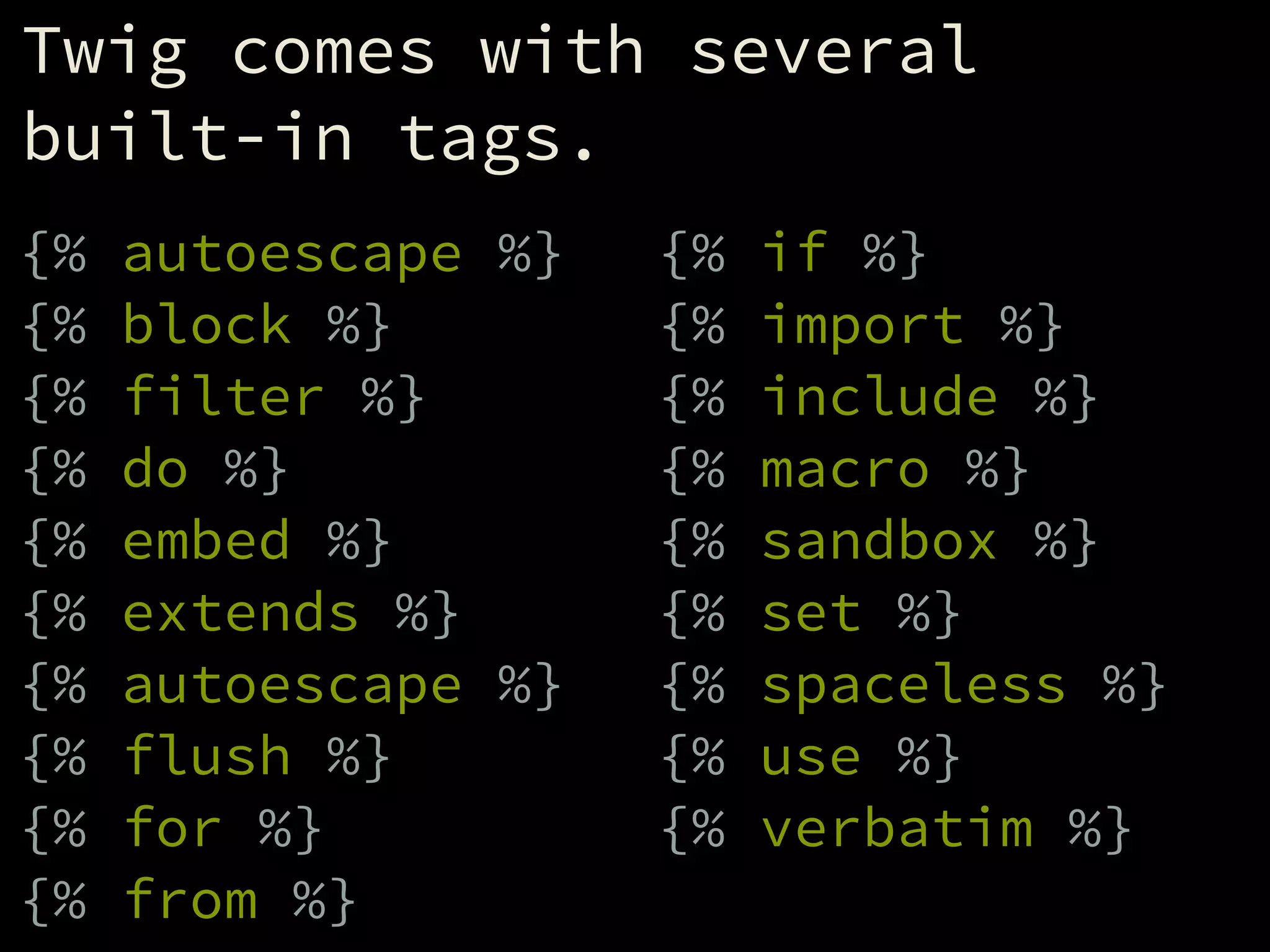
Twig comes with several
built-in tags.
!
{% autoescape %}
{% block %}
{% filter %}
{% do %}
{% embed %}
{% extends %}
{% autoescape %}
{% flush %}
{% for %}
{% from %}
{% if %}
{% import %}
{% include %}
{% macro %}
{% sandbox %}
{% set %}
{% spaceless %}
{% use %}
{% verbatim %}
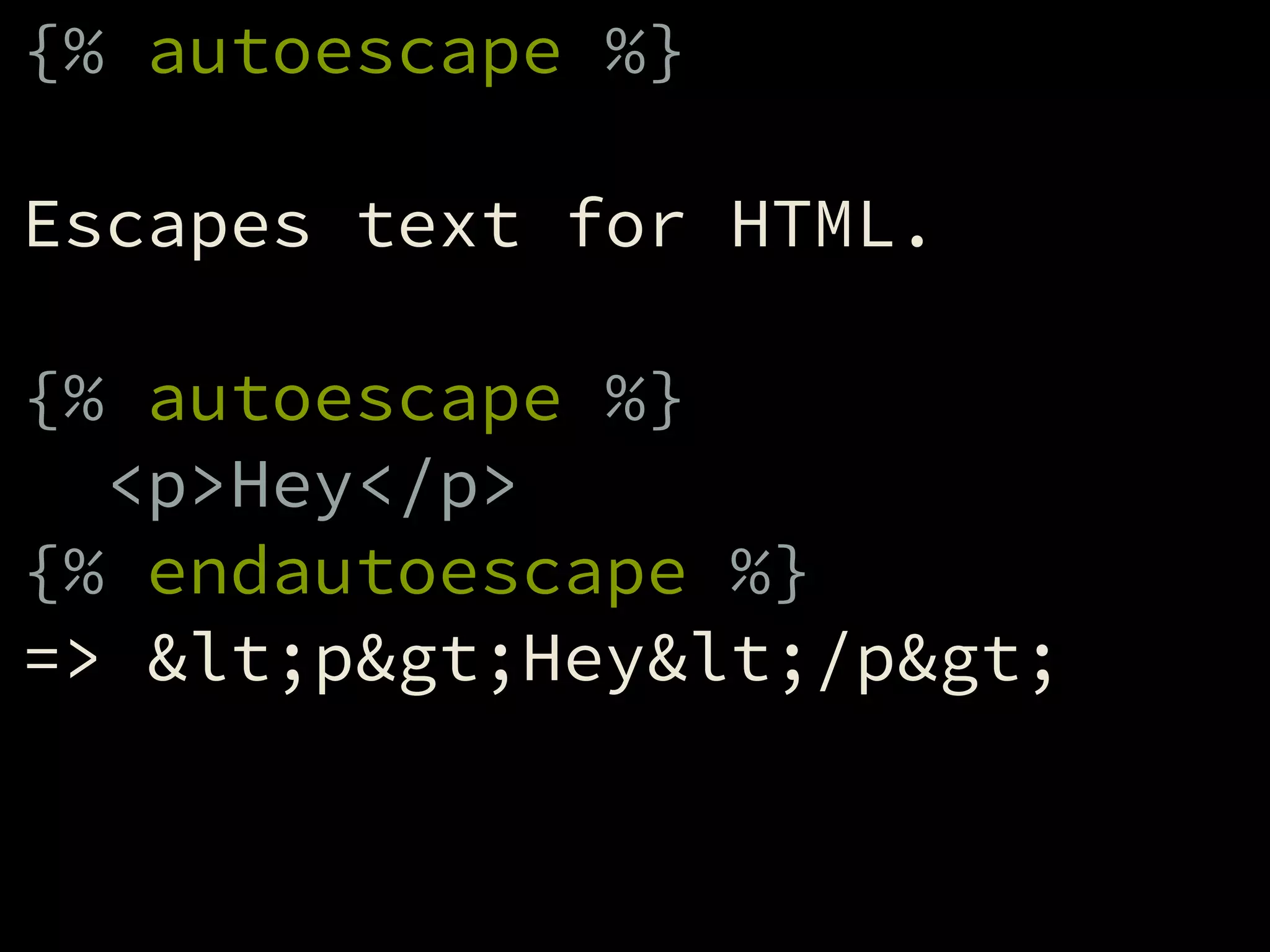
{% autoescape %}
!
Escapes text for HTML.
!
{% autoescape %}
<p>Hey</p>
{% endautoescape %}
=> &lt;p&gt;Hey&lt;/p&gt;
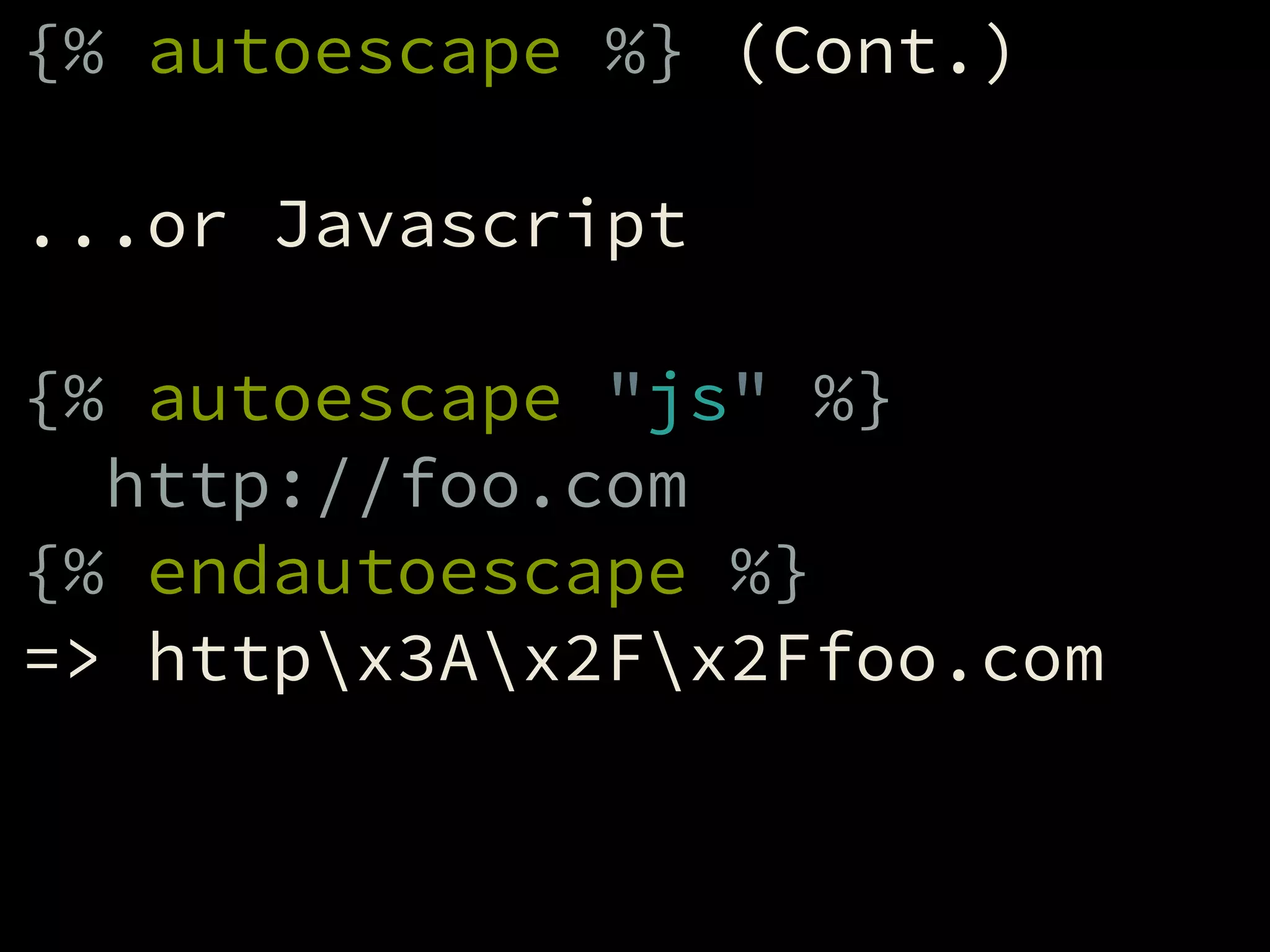
{% autoescape %} (Cont.)
!
...or Javascript
!
{% autoescape "js" %}
http://foo.com
{% endautoescape %}
=> httpx3Ax2Fx2Ffoo.com
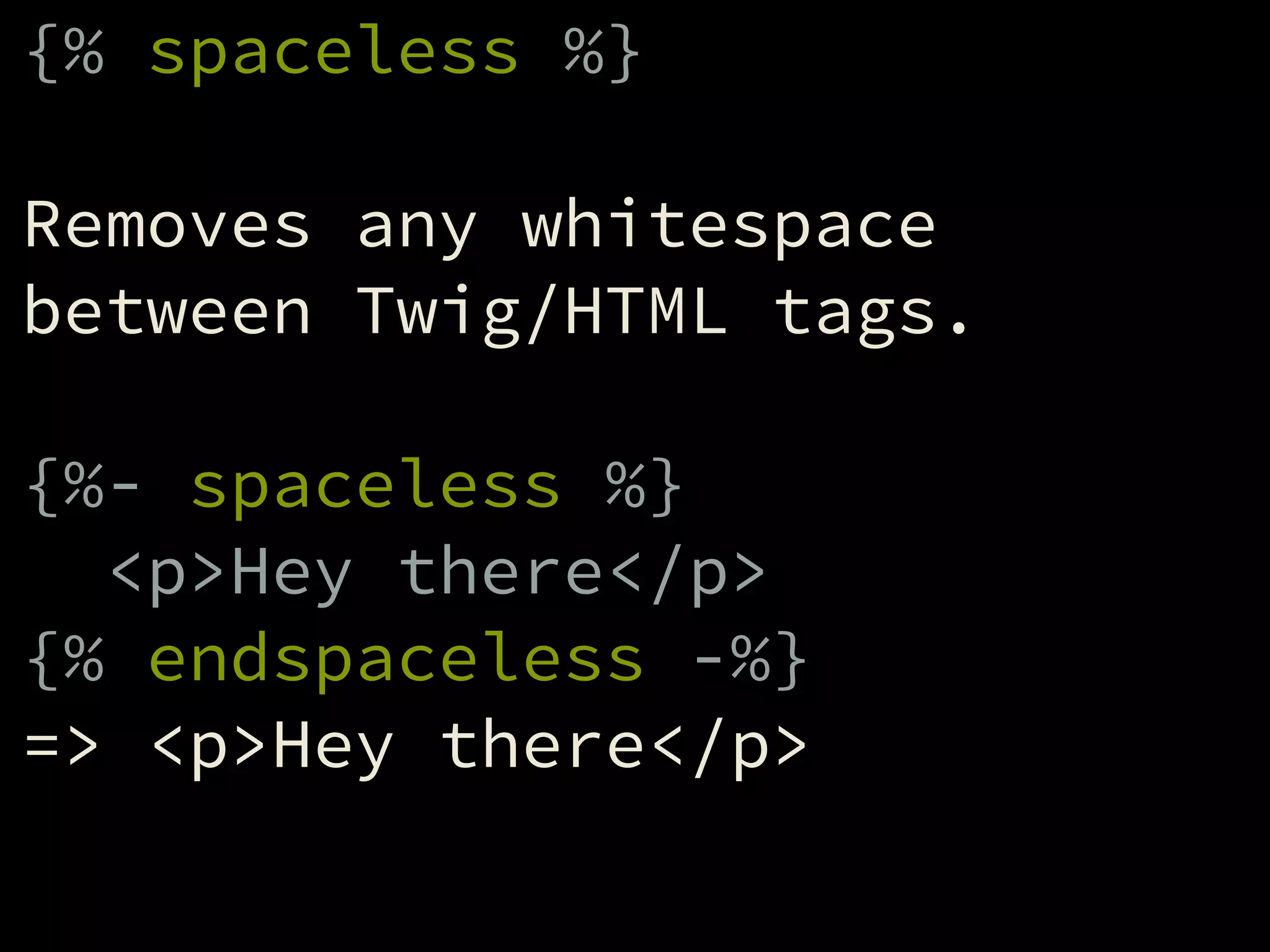
{% spaceless %}
!
Removes any whitespace
between Twig/HTML tags.
!
{%- spaceless %}
<p>Hey there</p>
{% endspaceless -%}
=> <p>Hey there</p>
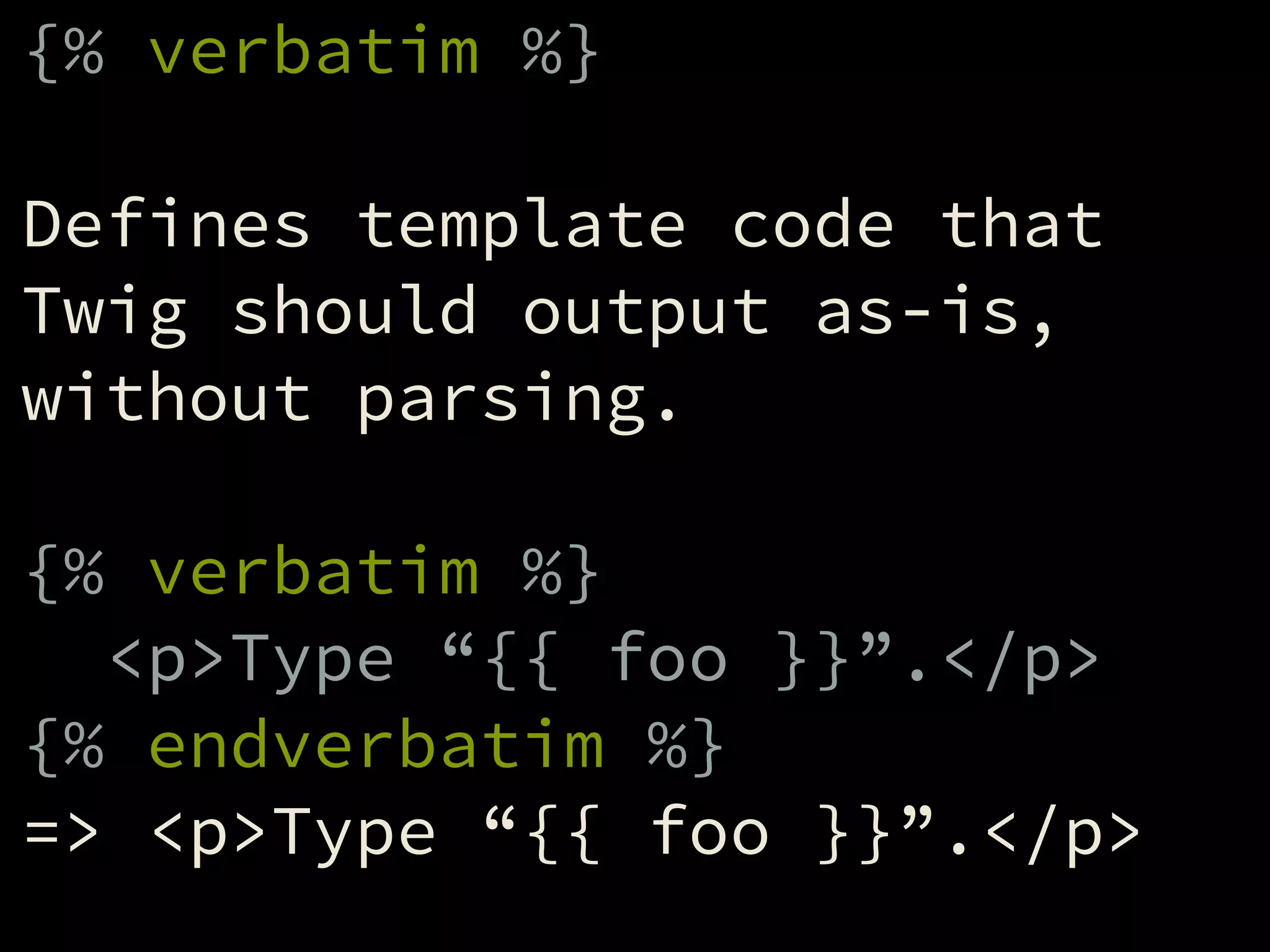
{% verbatim %}
!
Defines template code that
Twig should output as-is,
without parsing.
!
{% verbatim %}
<p>Type “{{ foo }}”.</p>
{% endverbatim %}
=> <p>Type “{{ foo }}”.</p>
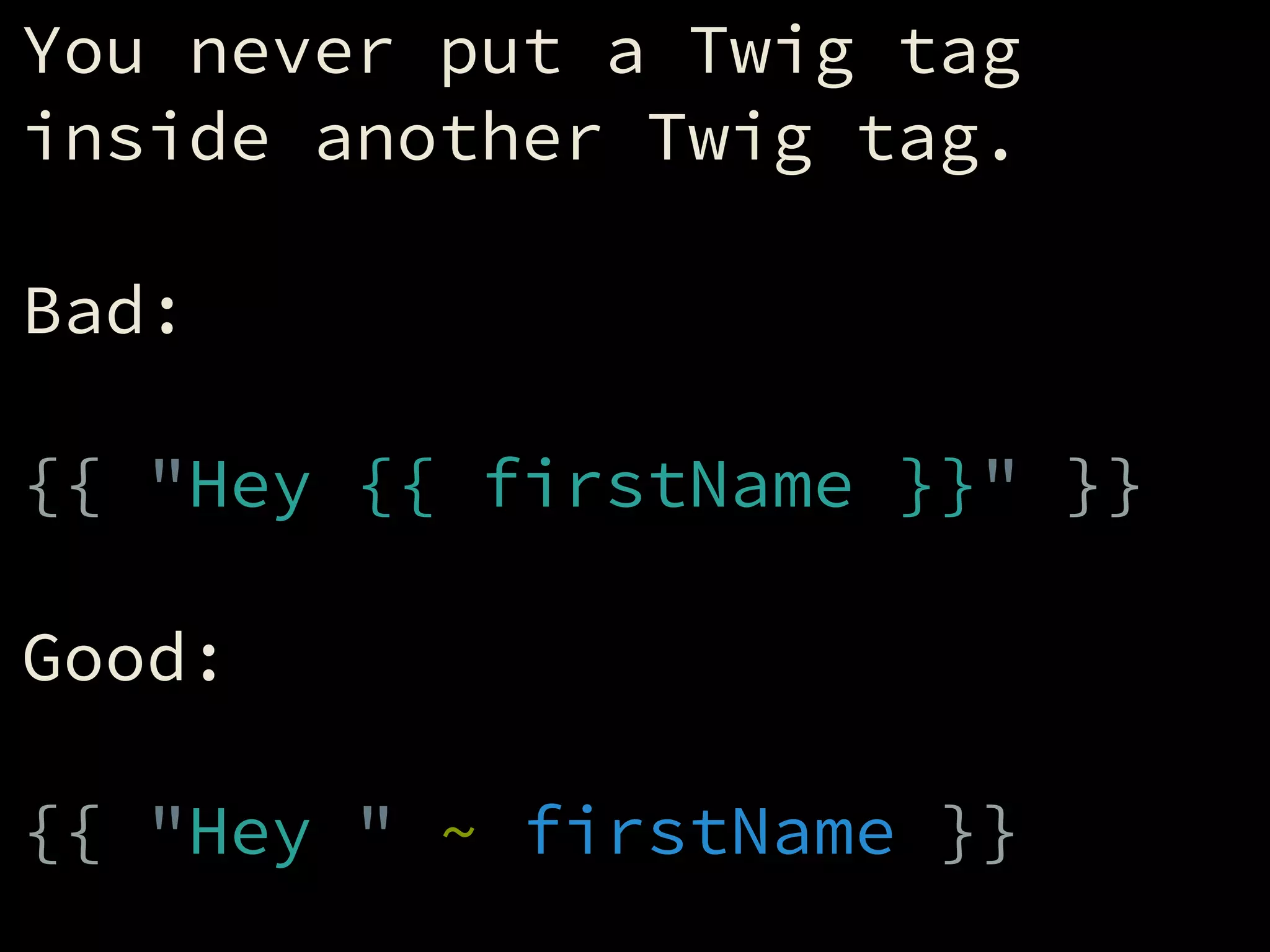
You never put a Twig tag
inside another Twig tag.
!
Bad:
!
{{ "Hey {{ firstName }}" }}
!
Good:
!
{{ "Hey " ~ firstName }}
Values, Expressions,

and Variables
Twig supports five different
types of values.
!
Strings: "Hey" / 'Hey'
Numbers: 42 / 3.14
Booleans: true / false
Arrays: ['a', 'b', 'c']
Objects: { foo: 'bar' }
An expression is either a solo
value, or multiple values
combined to form another value.
!
"Hey" => "Hey"
"Hey "~"there" => "Hey there"
10 => 10
true => true
['a','b','c'] => ['a','b','c']
"Day "~1 => "Day 1"
10*(5+5) => 100
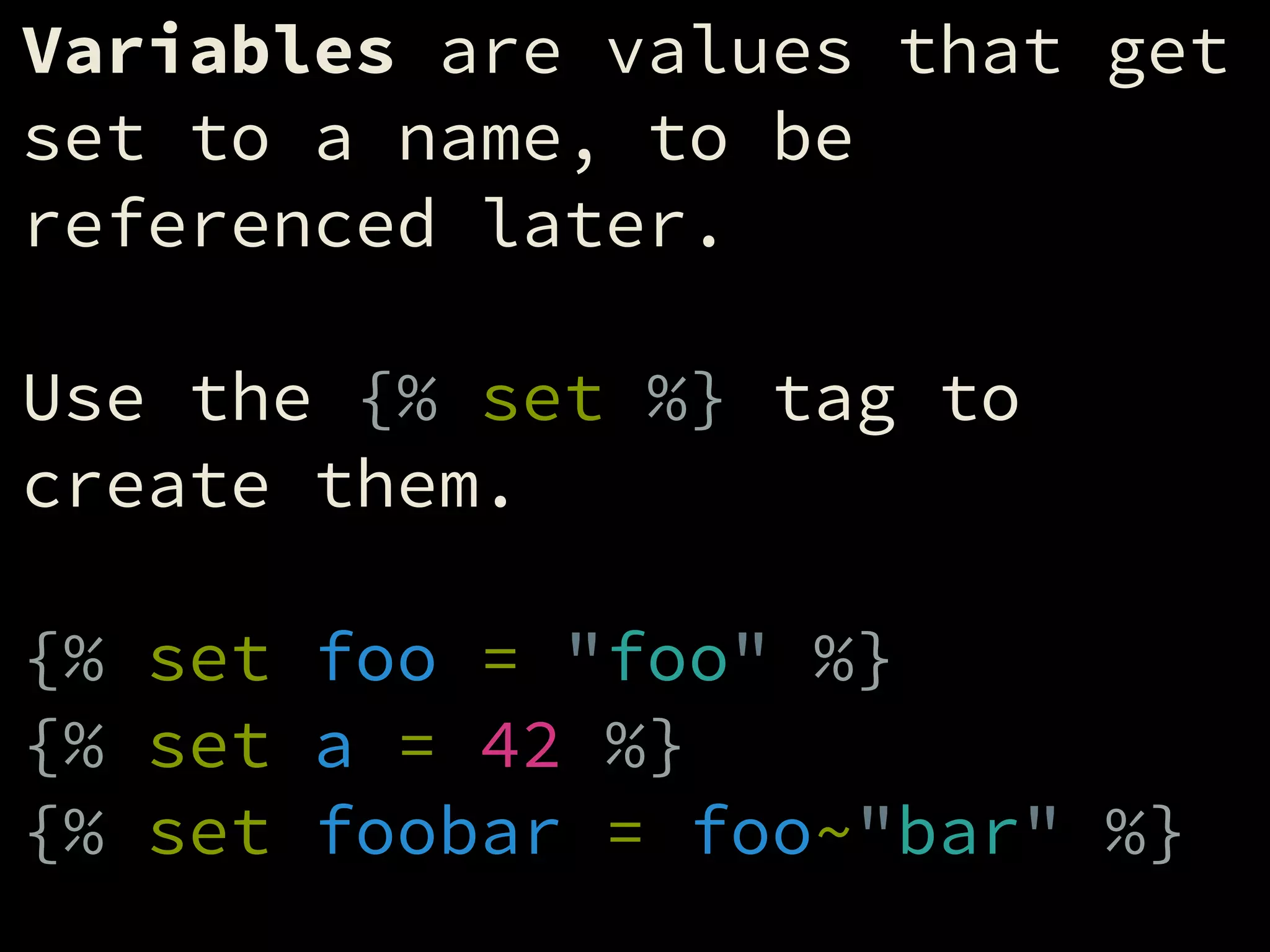
Variables are values that get
set to a name, to be
referenced later.
!
Use the {% set %} tag to
create them.
!
{% set foo = "foo" %}
{% set a = 42 %}
{% set foobar = foo~"bar" %}
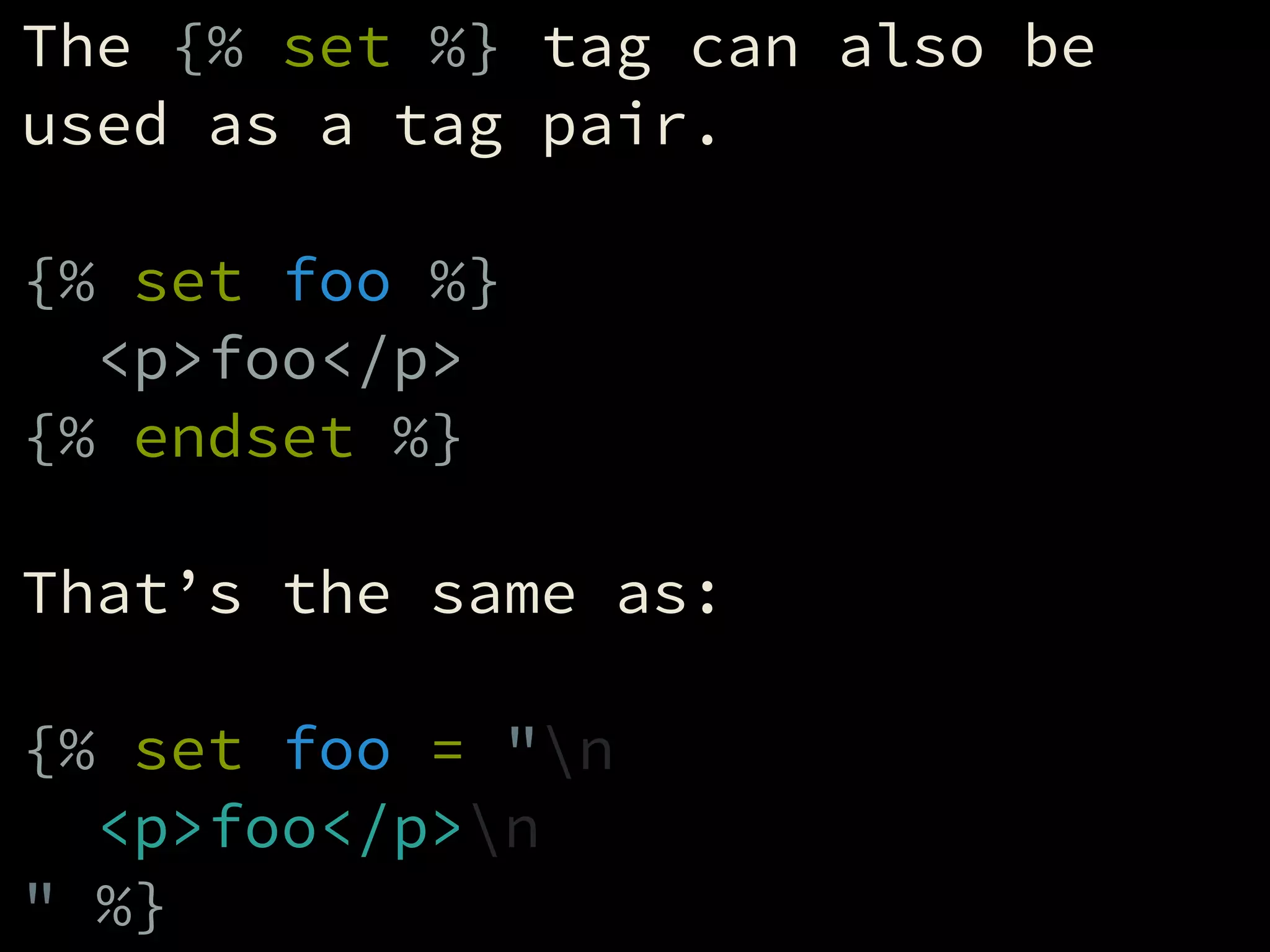
The {% set %} tag can also be
used as a tag pair.
!
{% set foo %}
<p>foo</p>
{% endset %}
!
That’s the same as:
!
{% set foo = "n
<p>foo</p>n
" %}
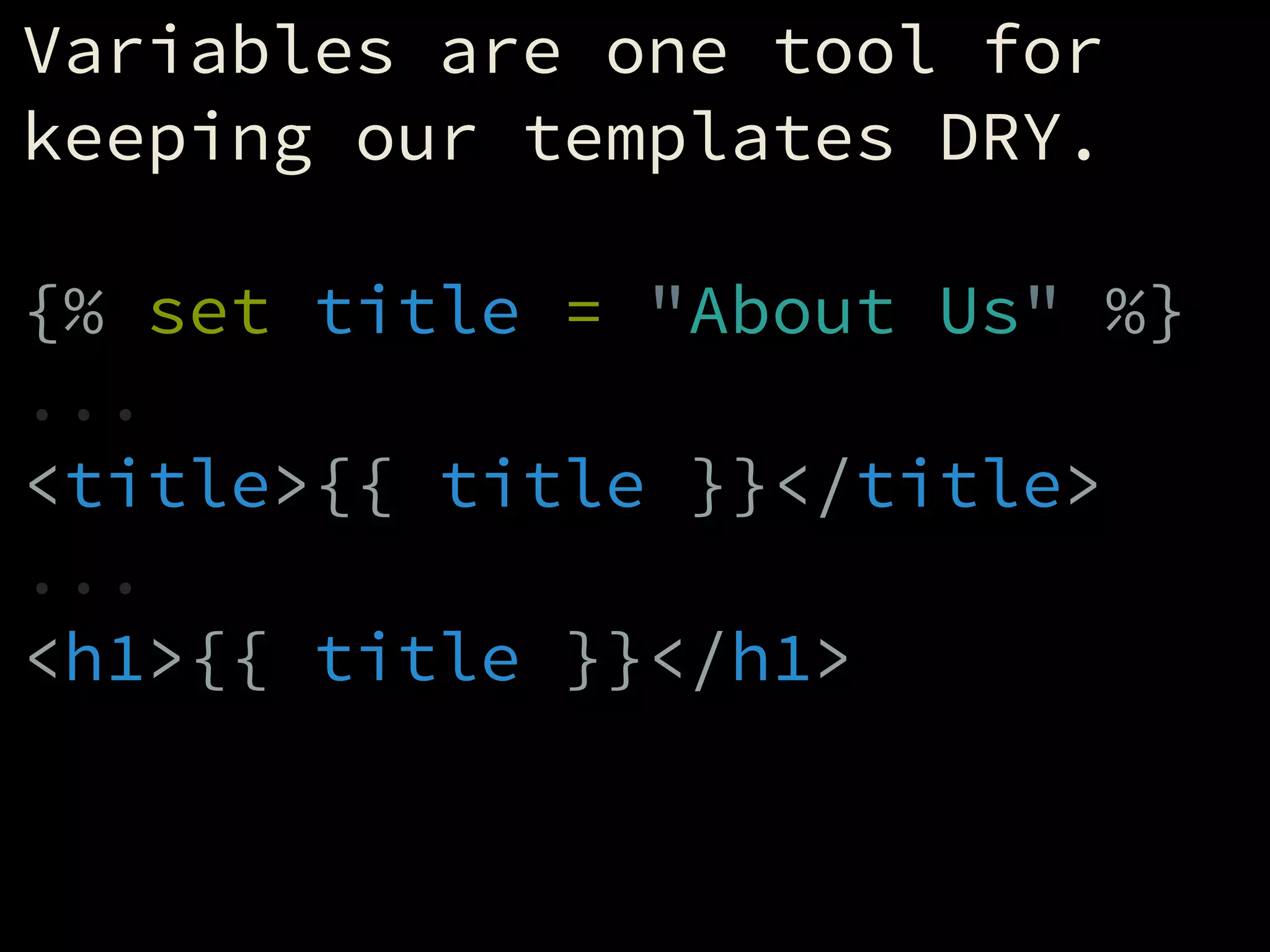
Variables are one tool for
keeping our templates DRY.
!
{% set title = "About Us" %}
...
<title>{{ title }}</title>
...
<h1>{{ title }}</h1>
Filters
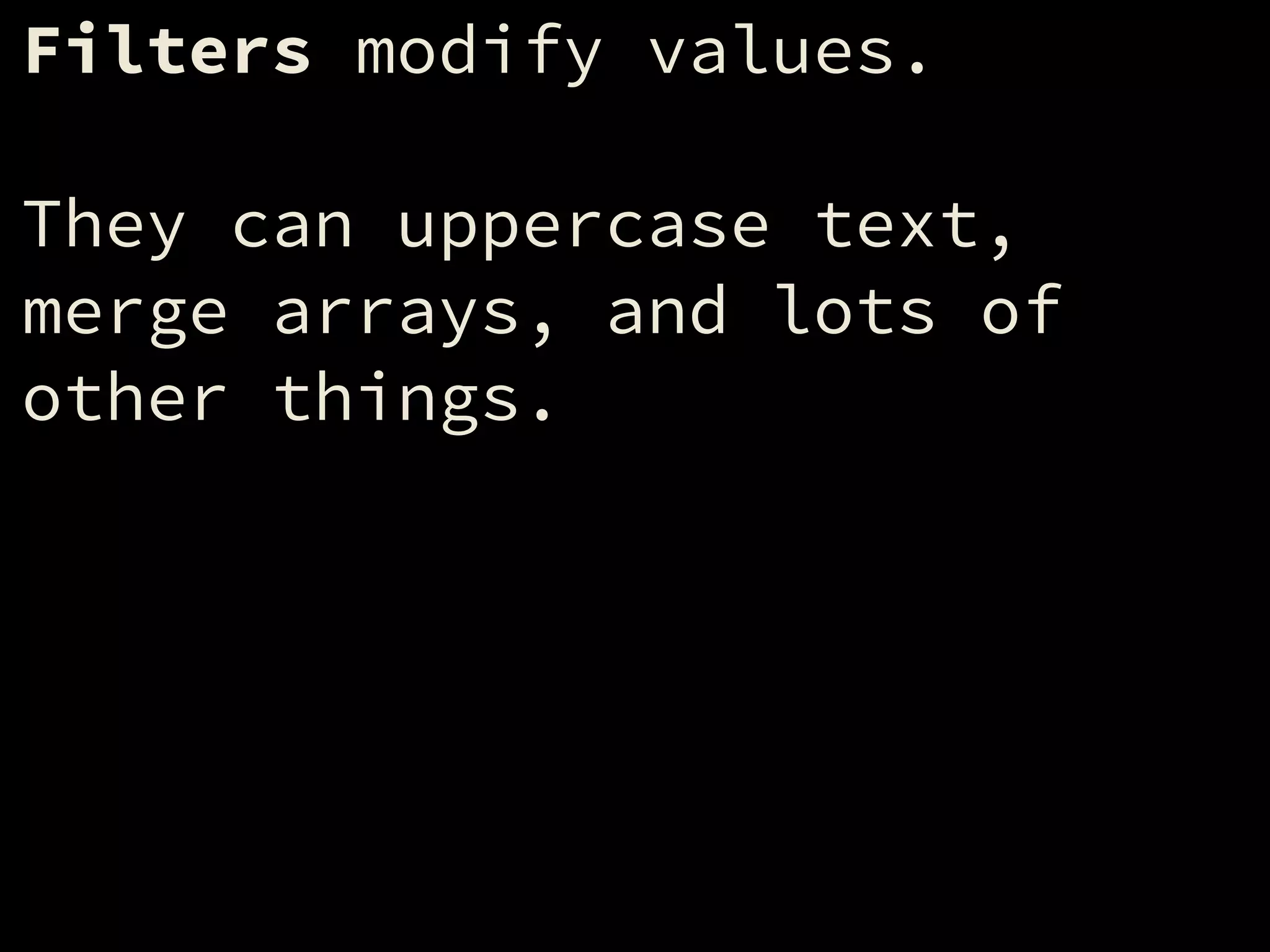
Filters modify values.
!
They can uppercase text,
merge arrays, and lots of
other things.
To pass a value through a
filter, type a pipe (“|”)
after the value, followed by
the filter name.
!
"foo"|upper => "FOO"
21.3|round => 21
['a','b','c']|length => 3
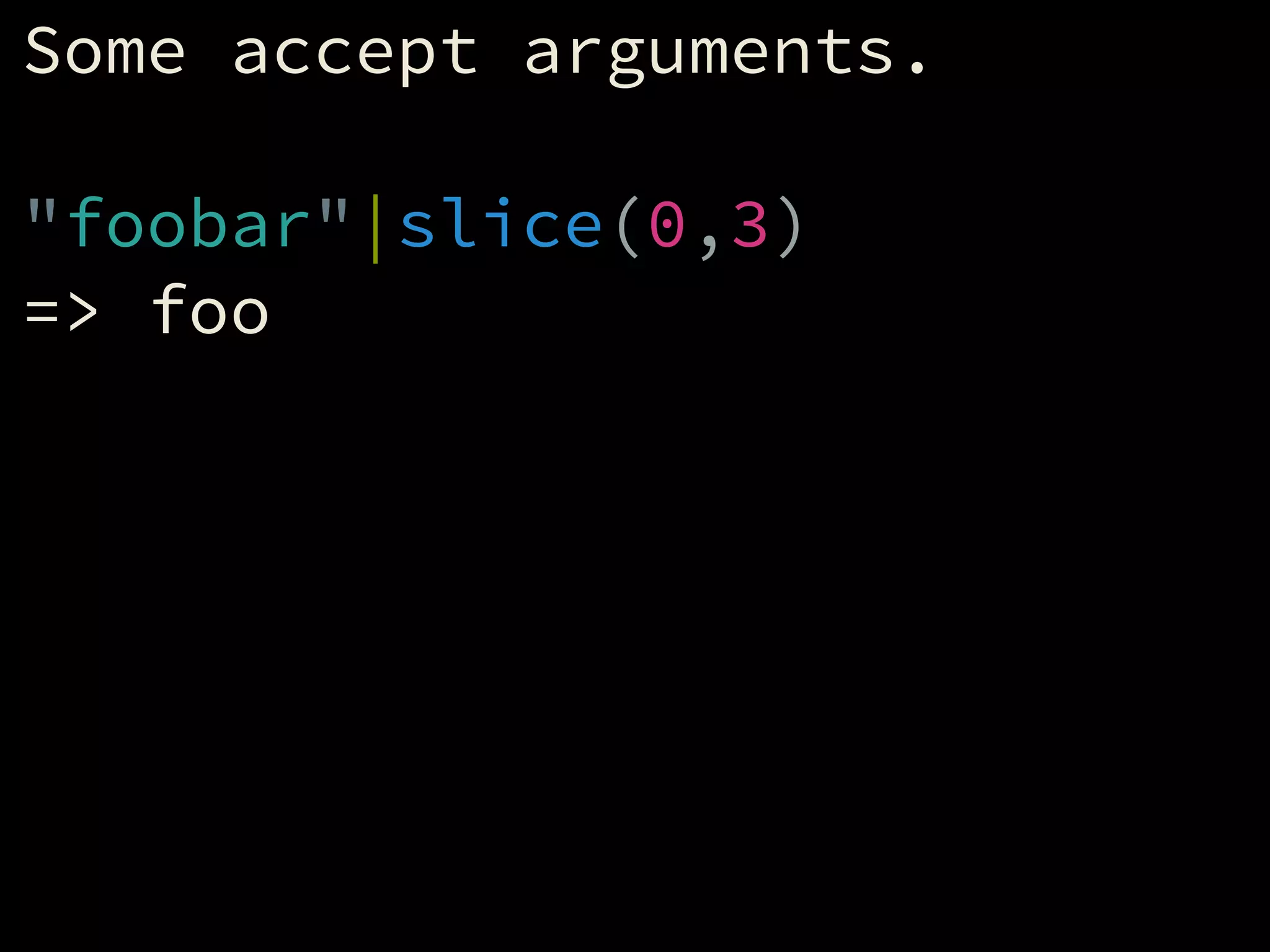
Some accept arguments.
!
"foobar"|slice(0,3)
=> foo
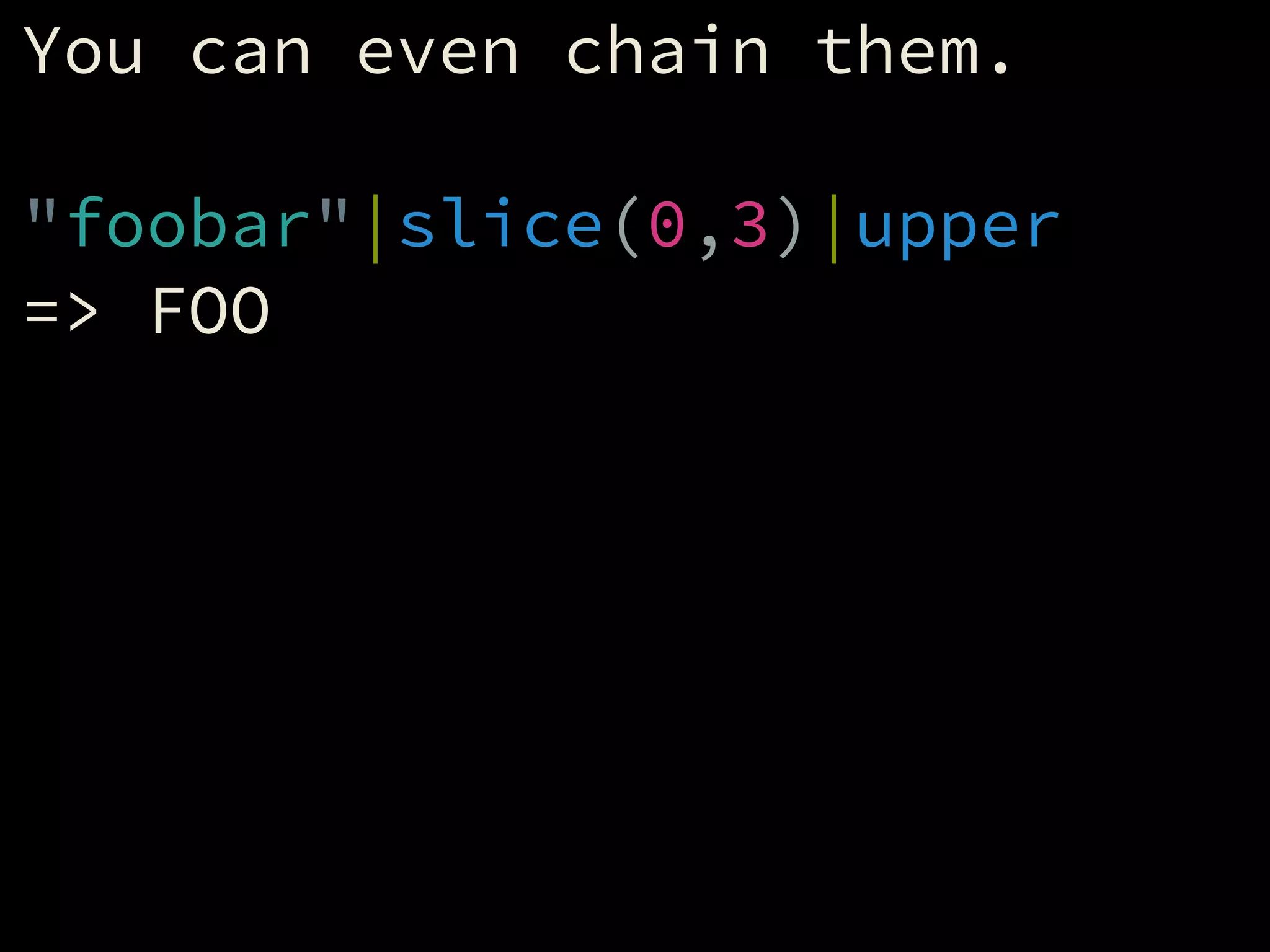
You can even chain them.
!
"foobar"|slice(0,3)|upper
=> FOO
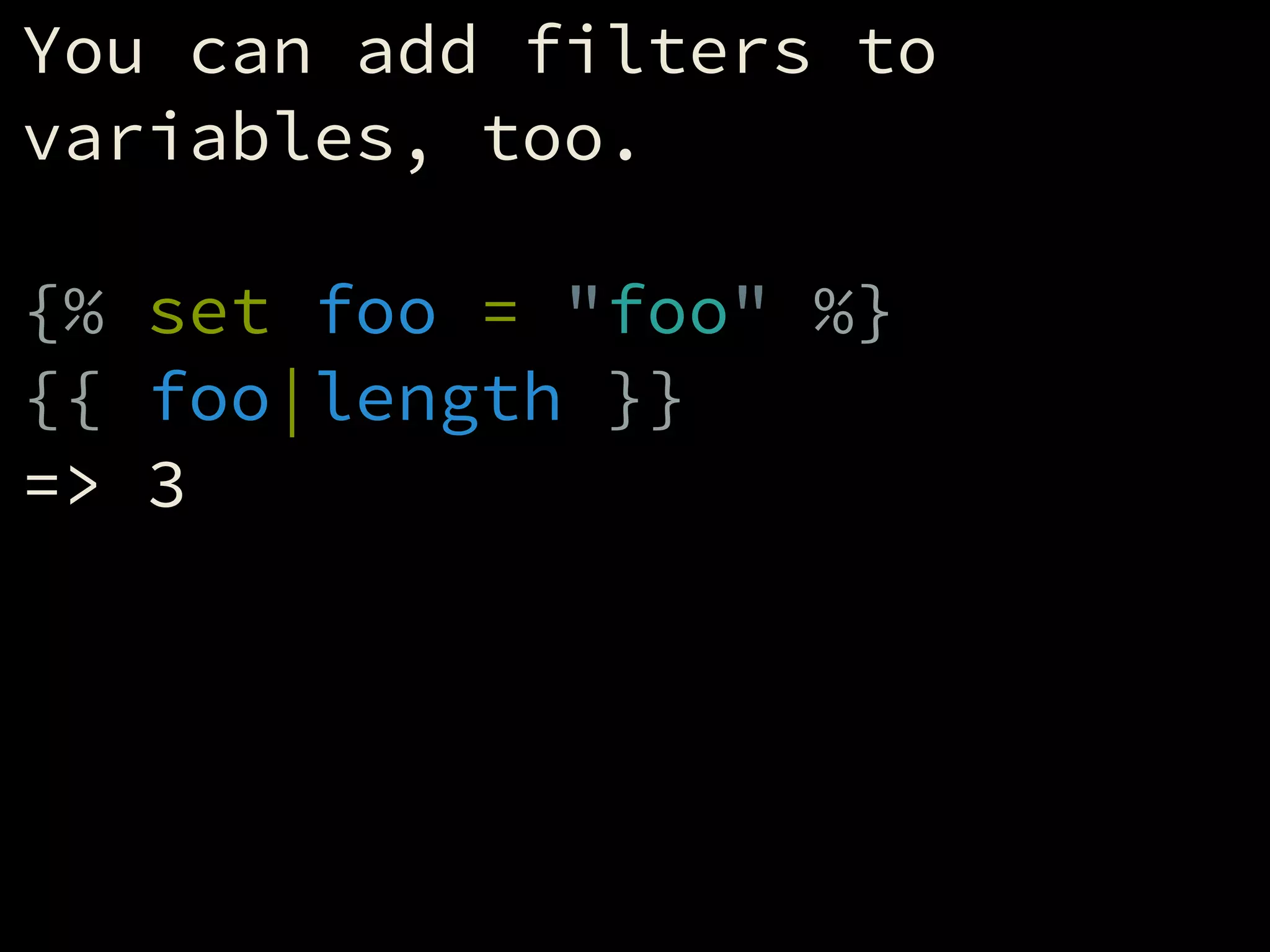
You can add filters to
variables, too.
!
{% set foo = "foo" %}
{{ foo|length }}
=> 3
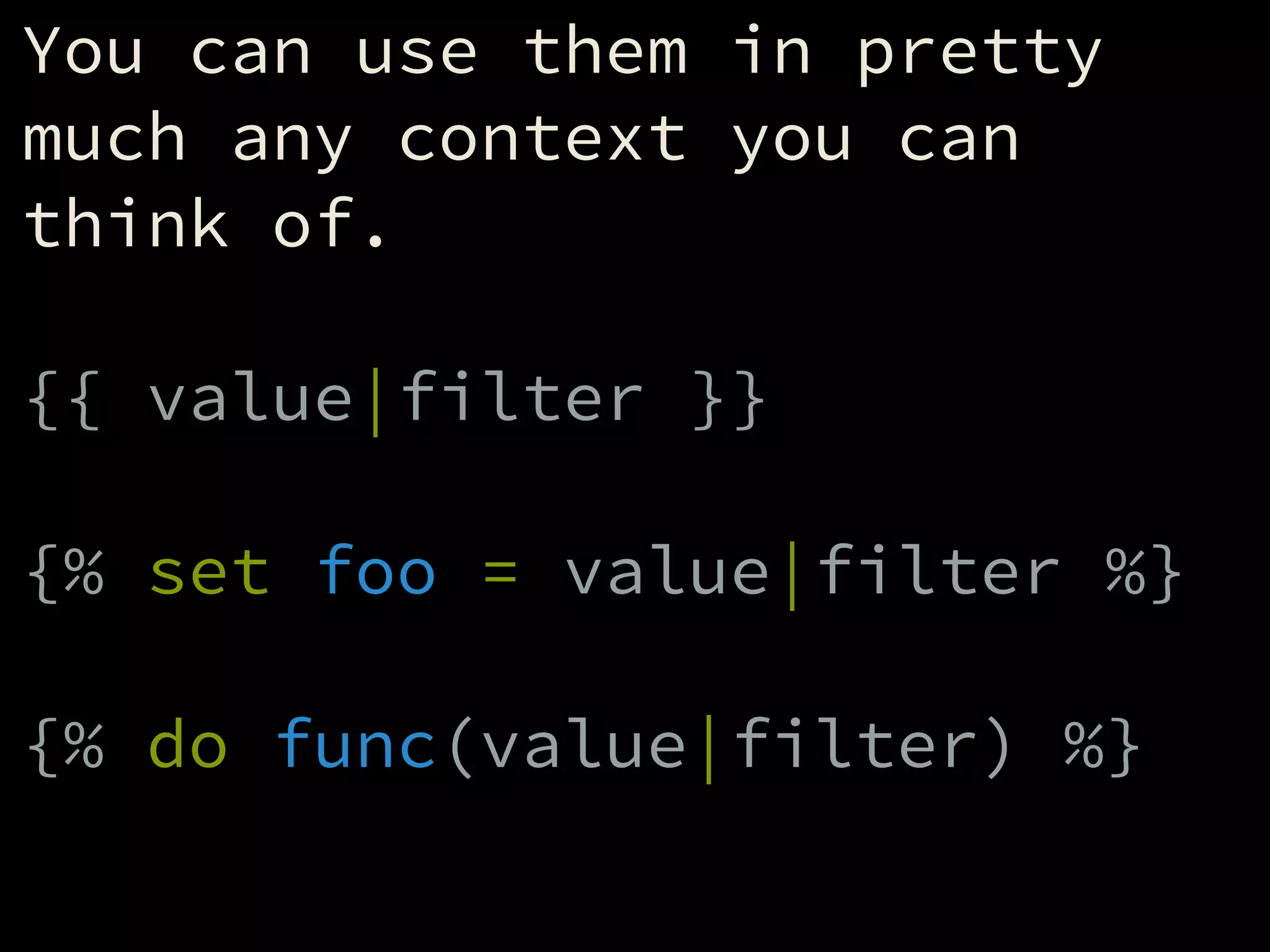
You can use them in pretty
much any context you can
think of.
!
{{ value|filter }}
!
{% set foo = value|filter %}
!
{% do func(value|filter) %}
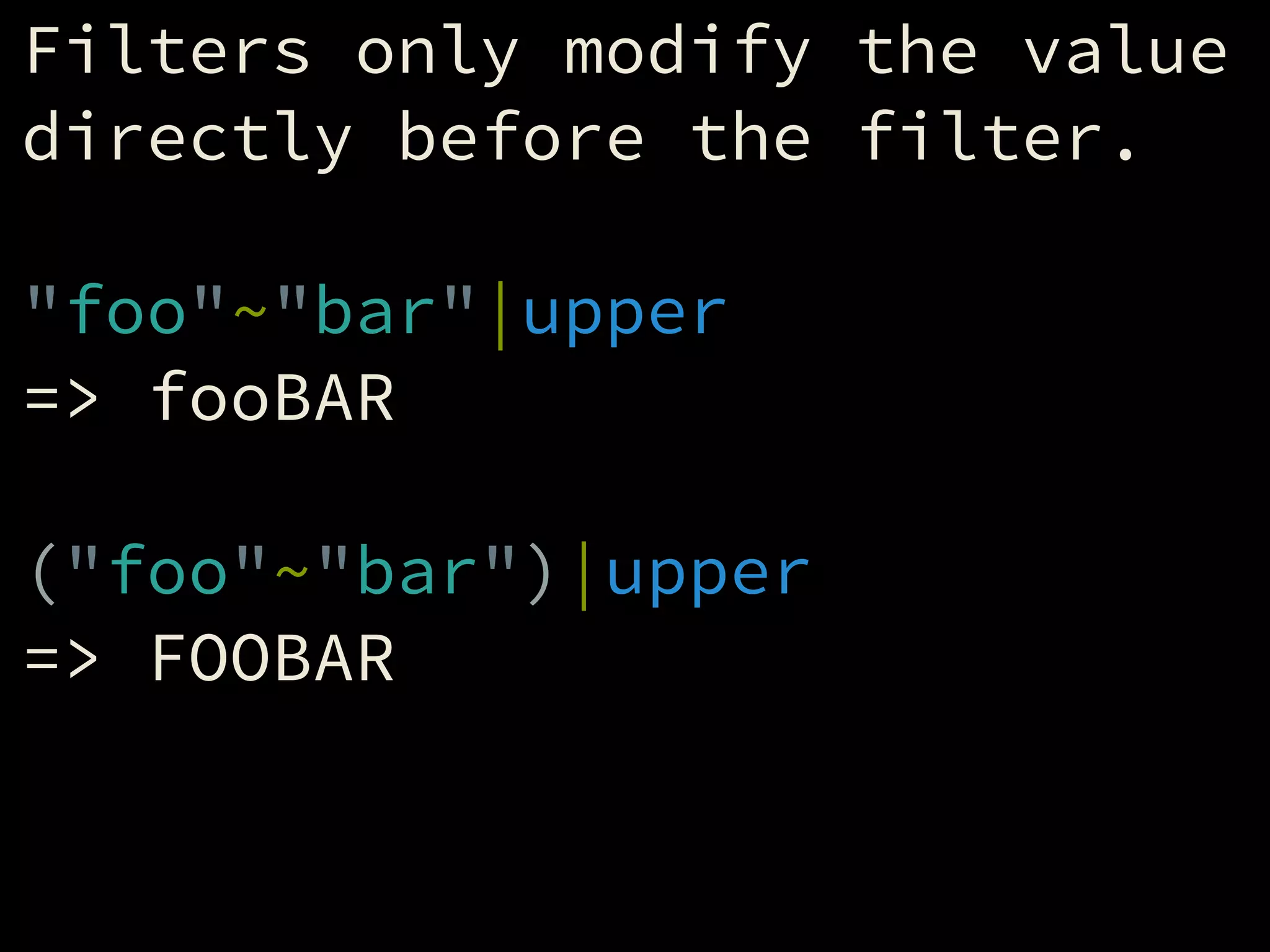
Filters only modify the value
directly before the filter.
!
"foo"~"bar"|upper
=> fooBAR
!
("foo"~"bar")|upper
=> FOOBAR
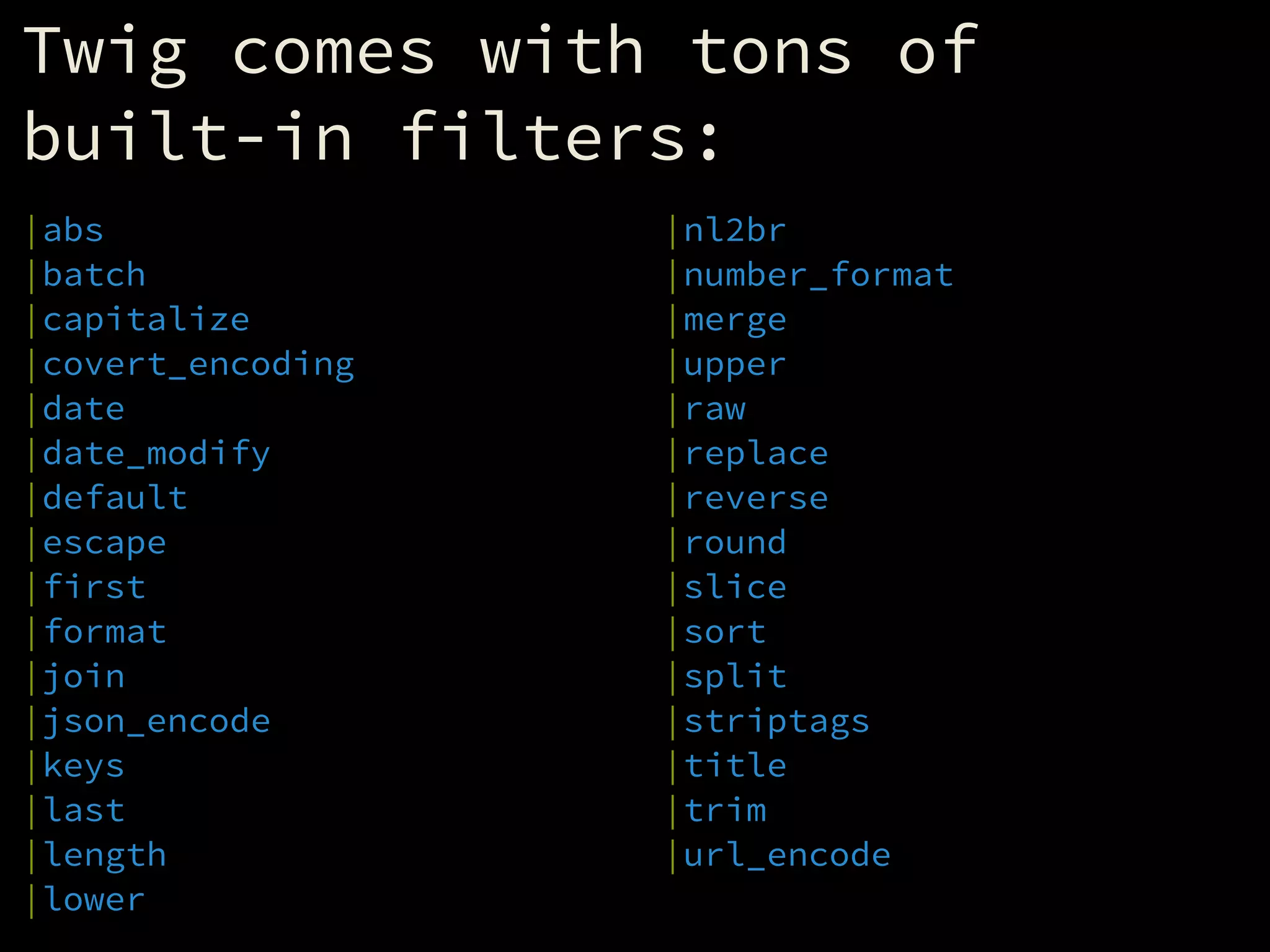
Twig comes with tons of
built-in filters:
|abs
|batch
|capitalize
|covert_encoding
|date
|date_modify
|default
|escape
|first
|format
|join
|json_encode
|keys
|last
|length
|lower
|nl2br
|number_format
|merge
|upper
|raw
|replace
|reverse
|round
|slice
|sort
|split
|striptags
|title
|trim
|url_encode
|length
!
Finds the length of a string
or array.
!
{{ "foobar"|length }}
=> 6
!
{{ [1, 2, 3]|length }}
=> 3
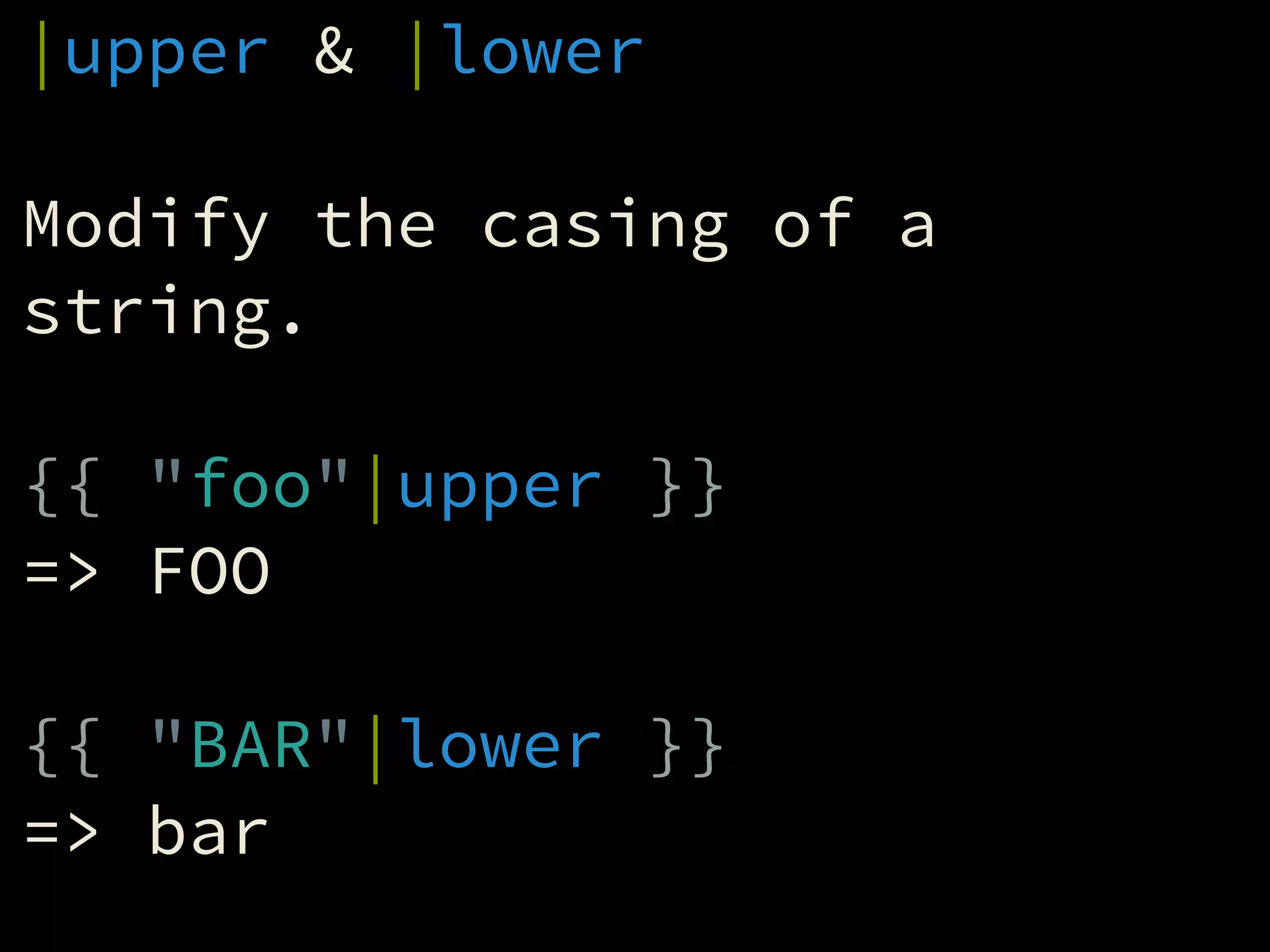
|upper & |lower
!
Modify the casing of a
string.
!
{{ "foo"|upper }}
=> FOO
!
{{ "BAR"|lower }}
=> bar
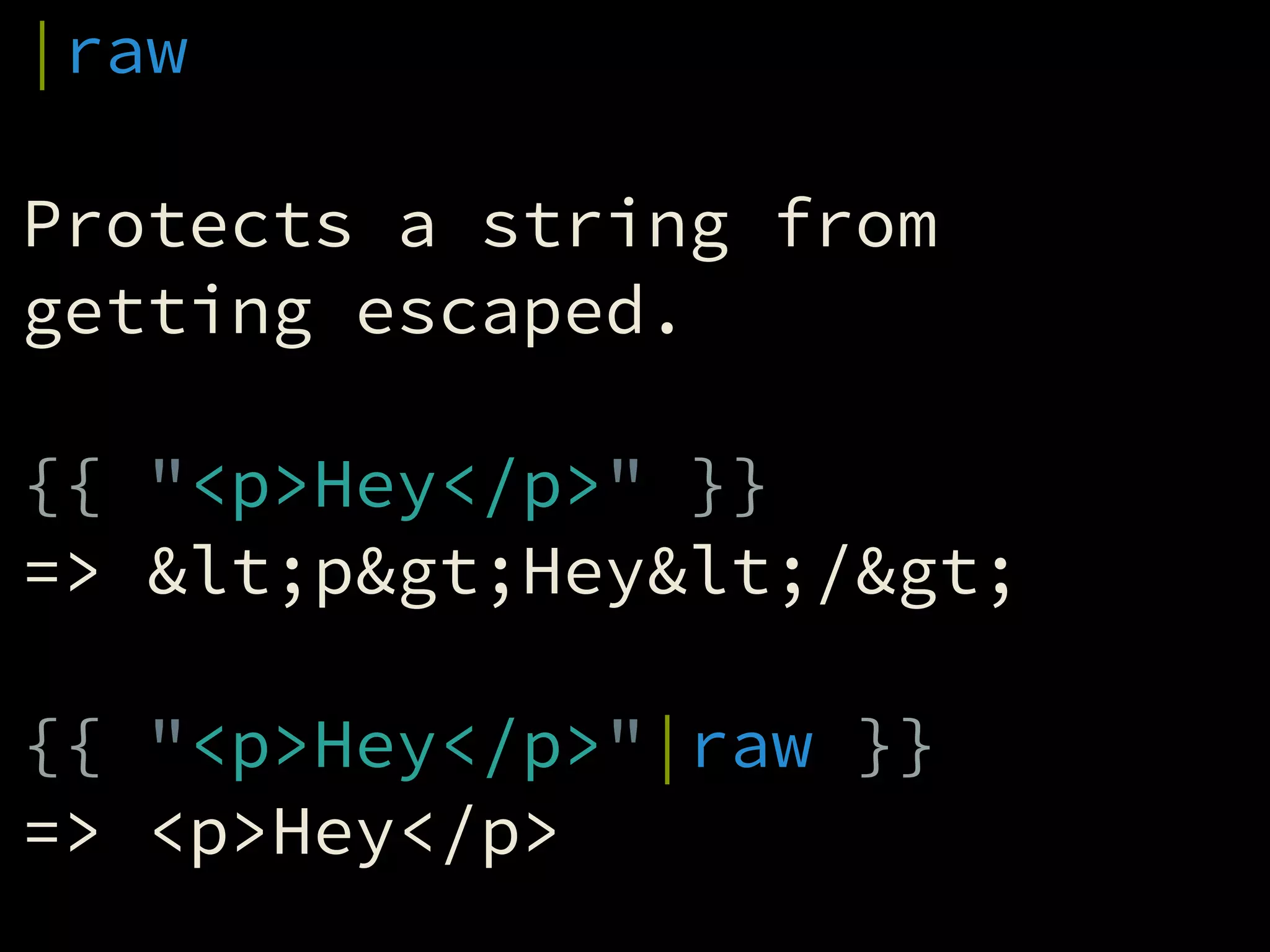
|raw
!
Protects a string from
getting escaped.
!
{{ "<p>Hey</p>" }}
=> &lt;p&gt;Hey&lt;/&gt;
!
{{ "<p>Hey</p>"|raw }}
=> <p>Hey</p>
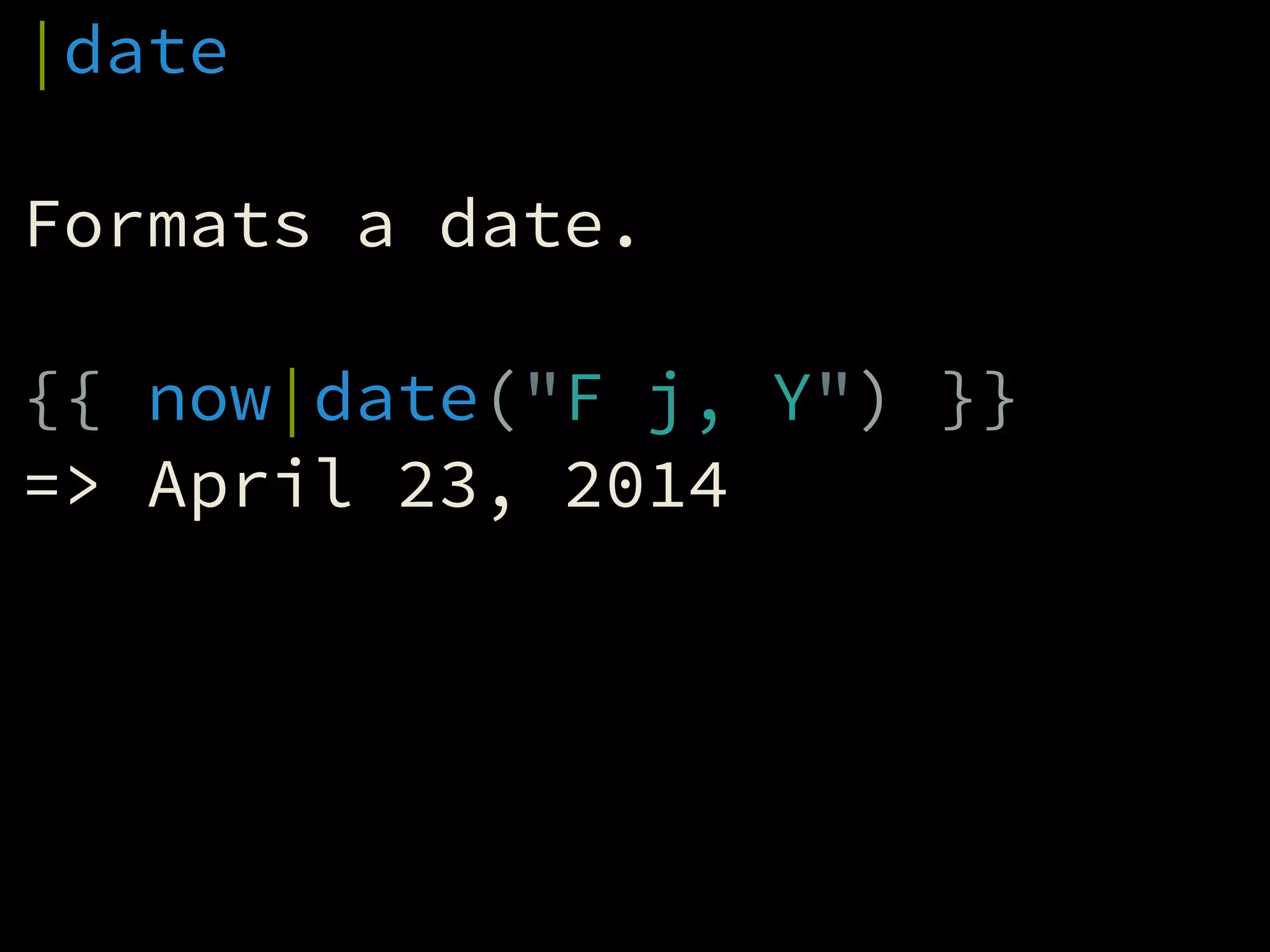
|date
!
Formats a date.
!
{{ now|date("F j, Y") }}
=> April 23, 2014
Functions
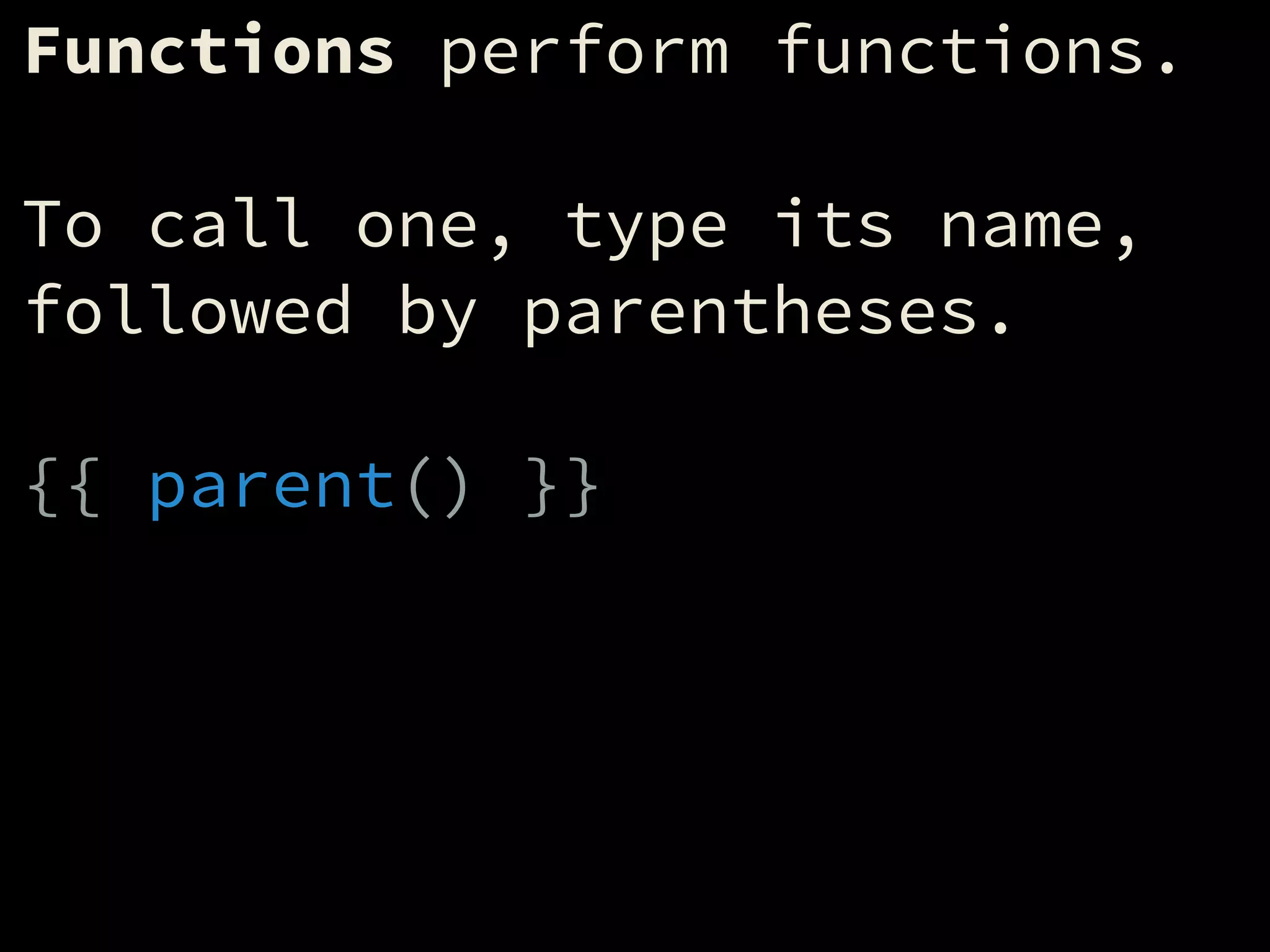
Functions perform functions.
!
To call one, type its name,
followed by parentheses.
!
{{ parent() }}
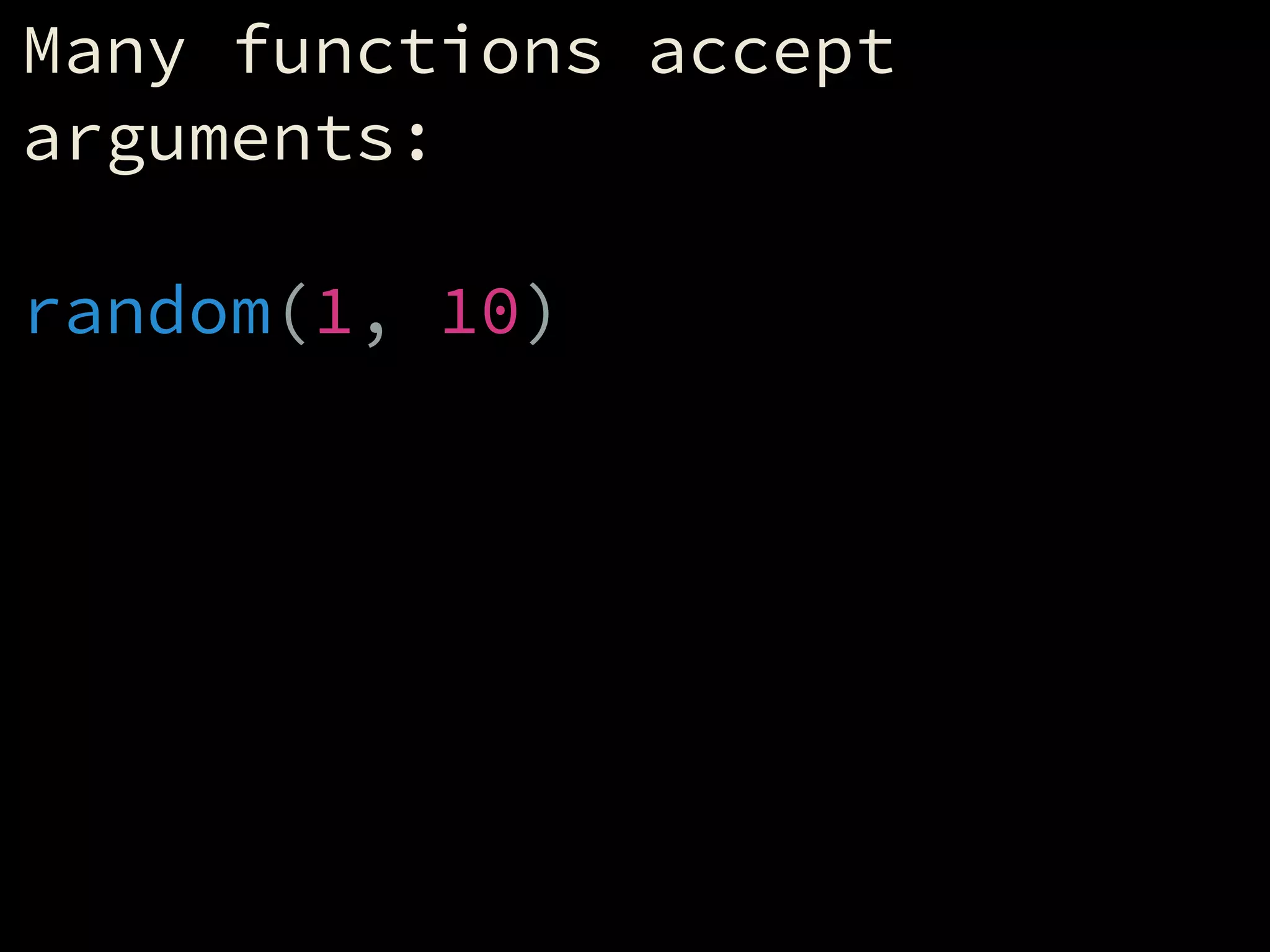
Many functions accept
arguments:
!
random(1, 10)
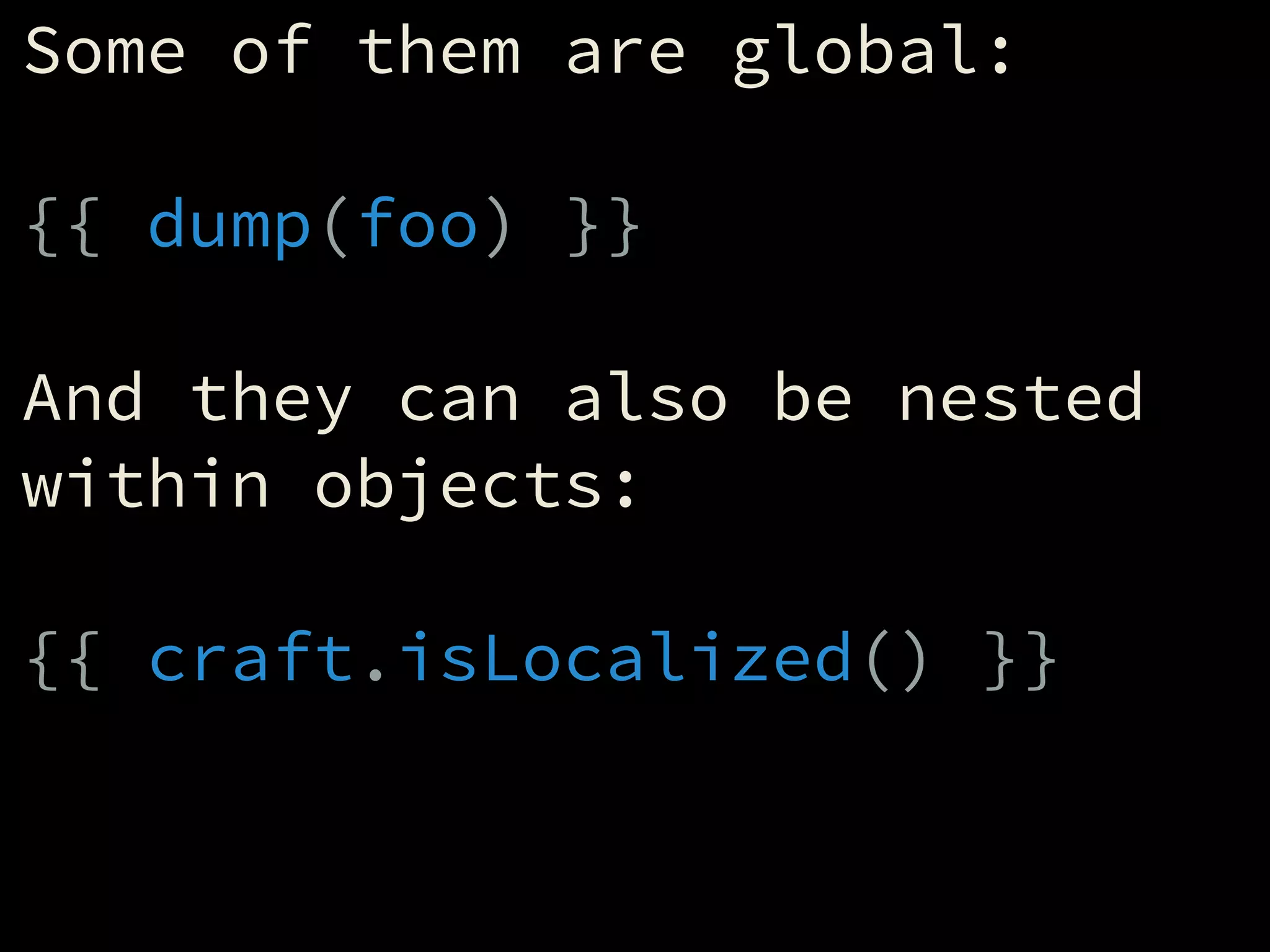
Some of them are global:
!
{{ dump(foo) }}
!
And they can also be nested
within objects:
!
{{ craft.isLocalized() }}
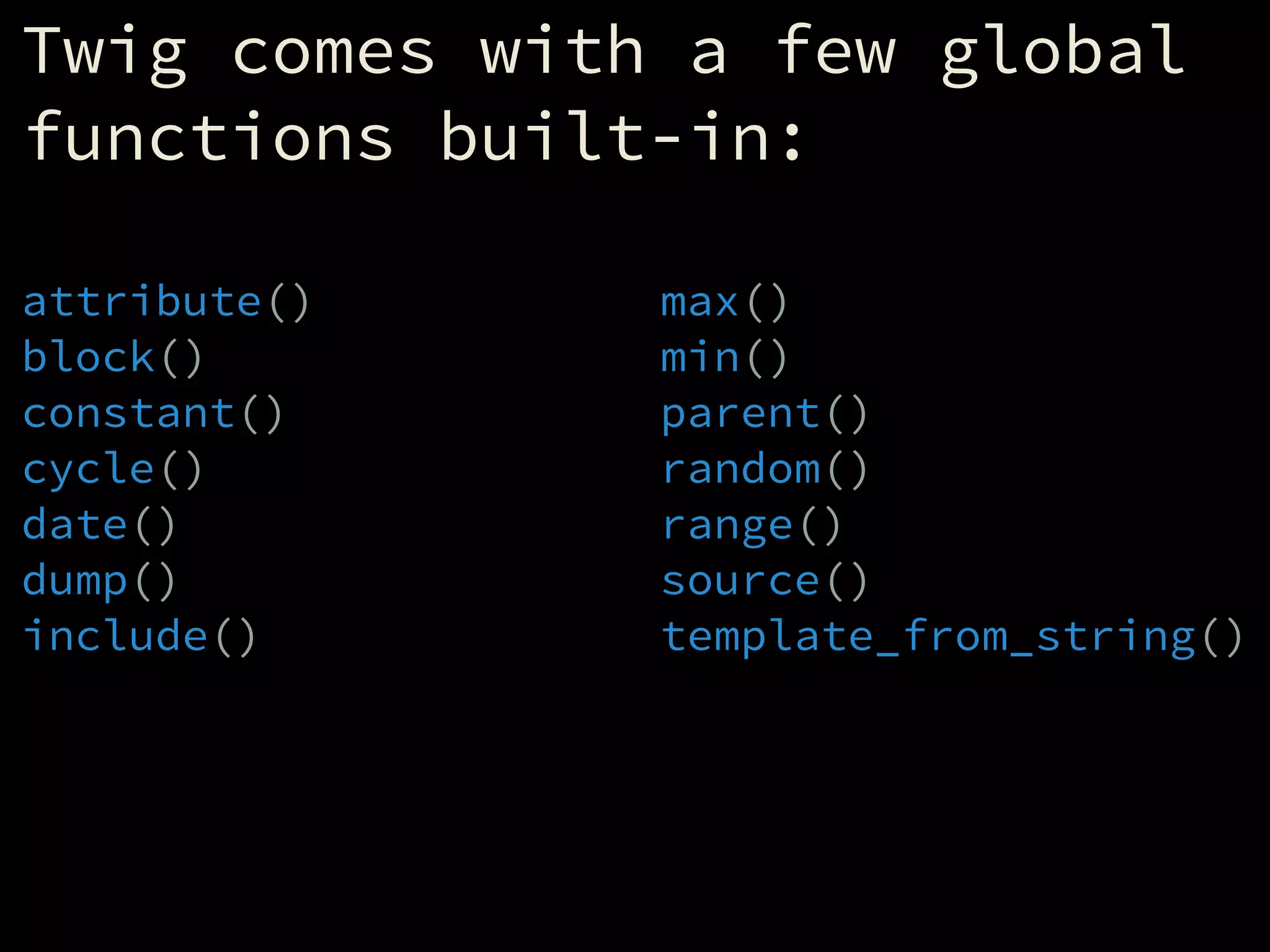
Twig comes with a few global
functions built-in:
attribute()
block()
constant()
cycle()
date()
dump()
include()
max()
min()
parent()
random()
range()
source()
template_from_string()
min() & max()
!
Returns the smallest/largest
value in a given array.
!
{{ min([1, 2, 3]) }}
=> 1
!
{{ max([1, 2, 3]) }}
=> 3
random()
!
{{ random("foobar") }}
=> f/o/b/a/r
!
{{ random([1, 2, 3]) }}
=> 1/2/3
!
{{ random(10) }}
=> 1/2/3/4/5/6/7/8/9/10
range()
!
Creates a range of numbers as
an array.
!
{% set r = range(1, 5) %}
=> [1, 2, 3, 4, 5]
!
{% set r = [1..5] %}
=> [1, 2, 3, 4, 5]
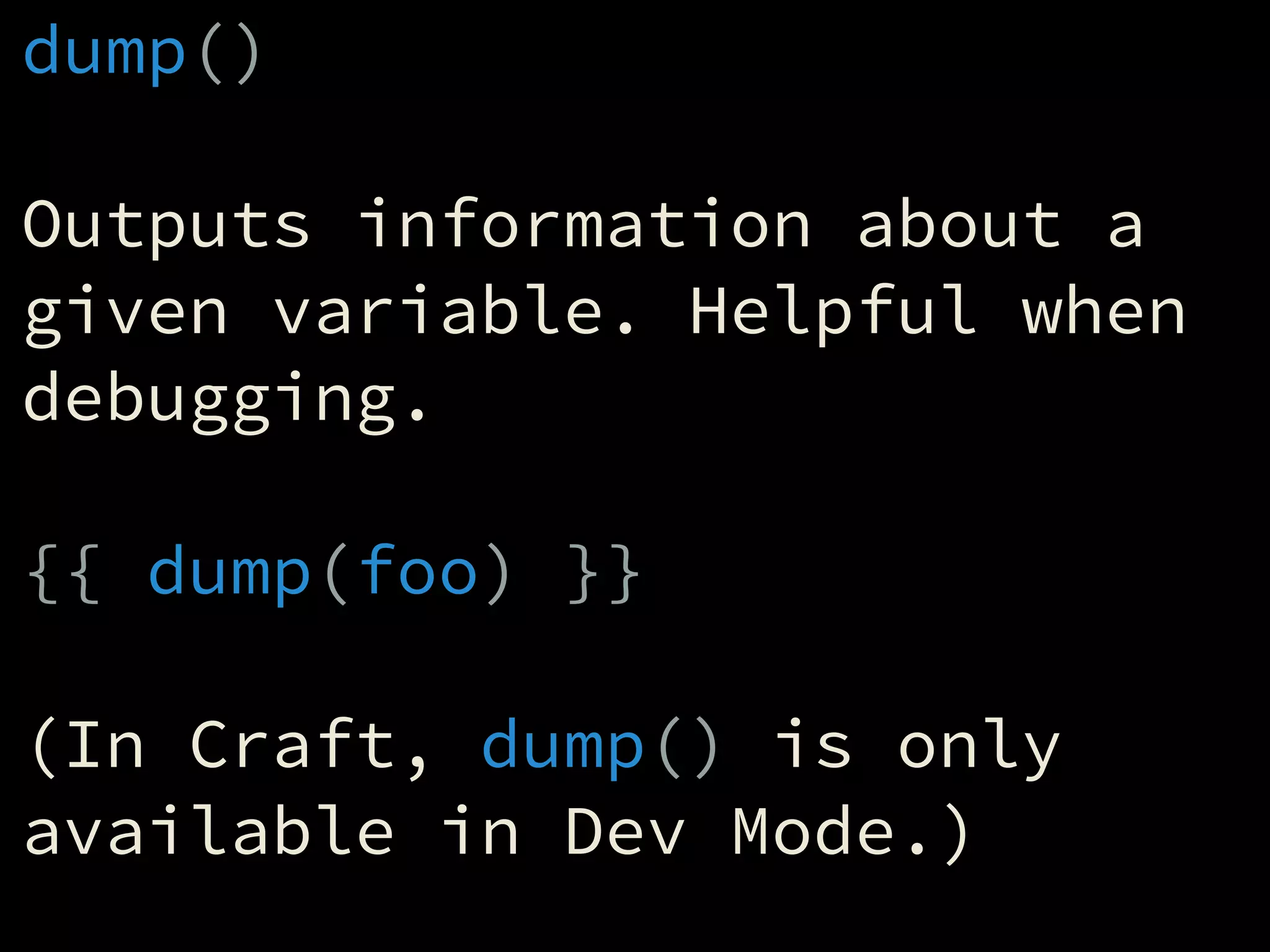
dump()
!
Outputs information about a
given variable. Helpful when
debugging.
!
{{ dump(foo) }}
!
(In Craft, dump() is only
available in Dev Mode.)
Conditionals
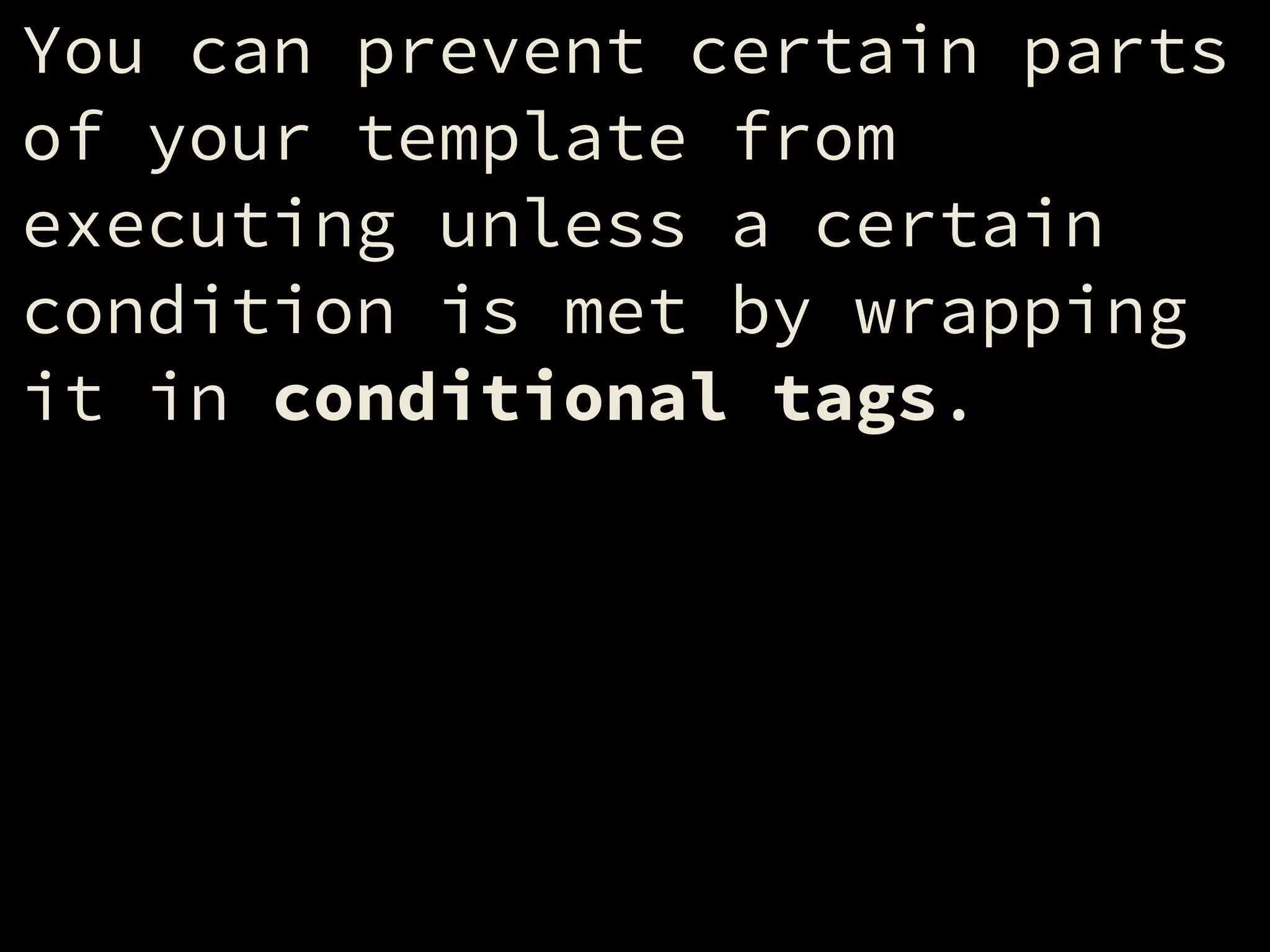
You can prevent certain parts
of your template from
executing unless a certain
condition is met by wrapping
it in conditional tags.
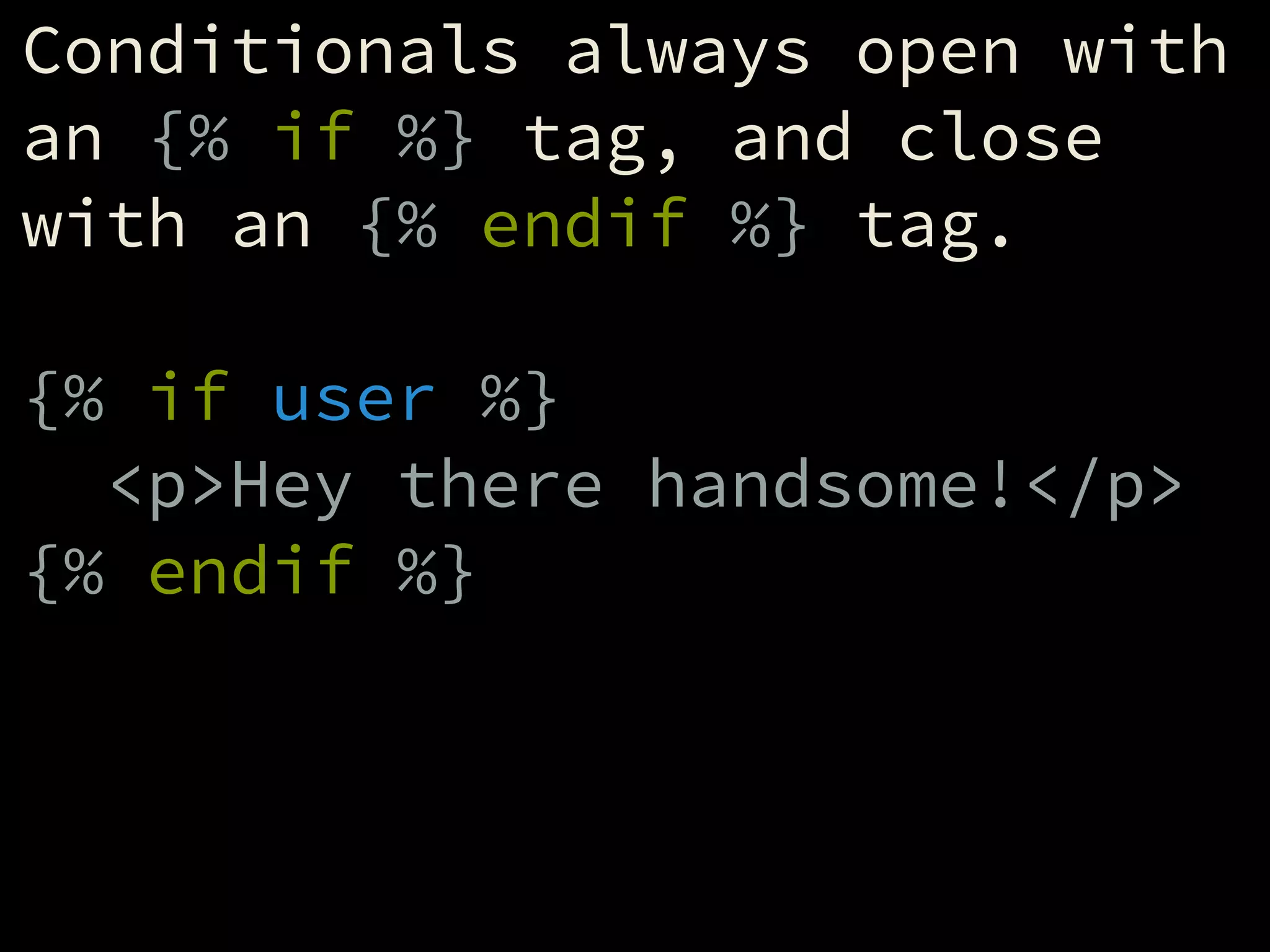
Conditionals always open with
an {% if %} tag, and close
with an {% endif %} tag.
!
{% if user %}
<p>Hey there handsome!</p>
{% endif %}
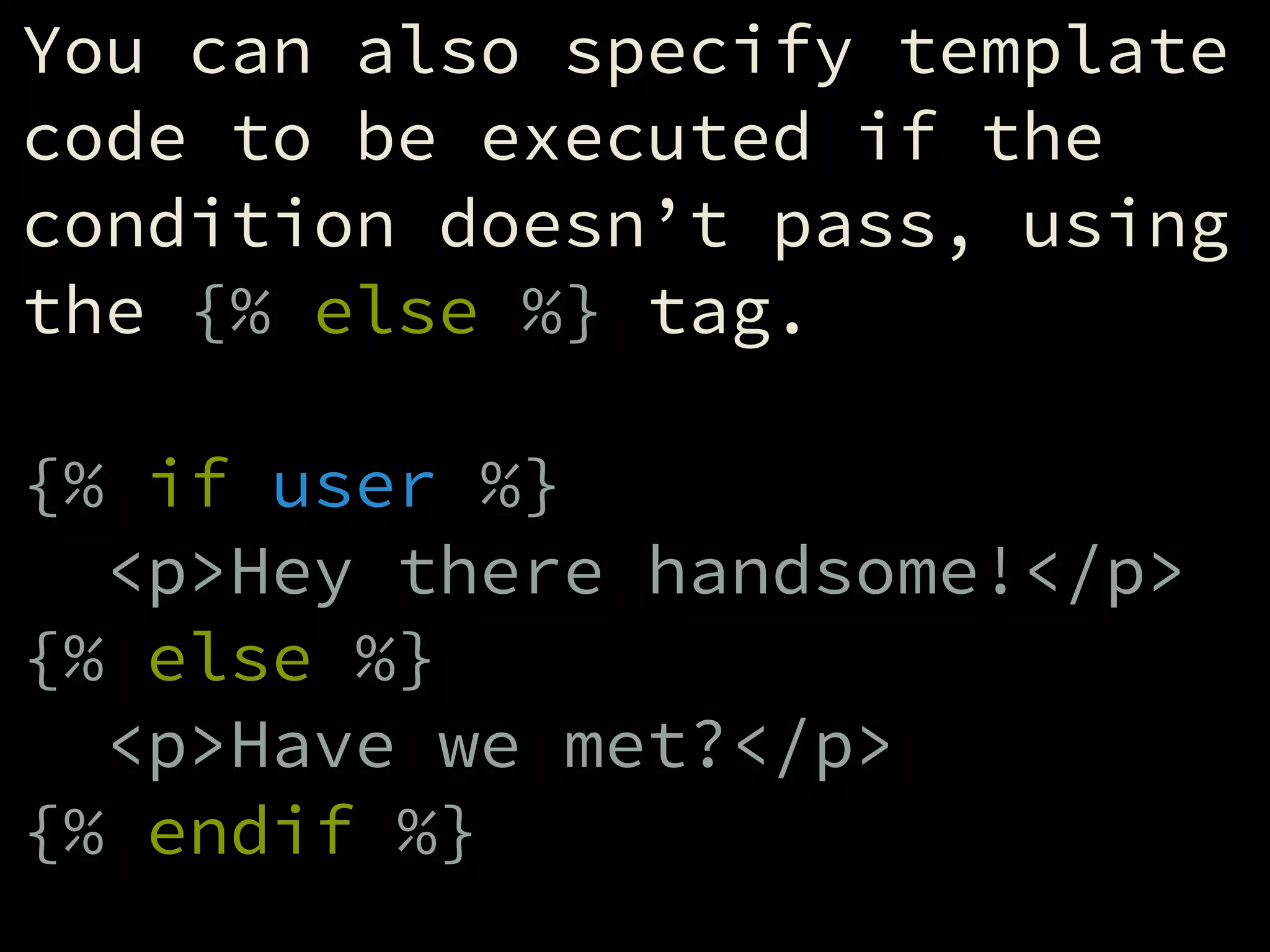
You can also specify template
code to be executed if the
condition doesn’t pass, using
the {% else %} tag.
!
{% if user %}
<p>Hey there handsome!</p>
{% else %}
<p>Have we met?</p>
{% endif %}
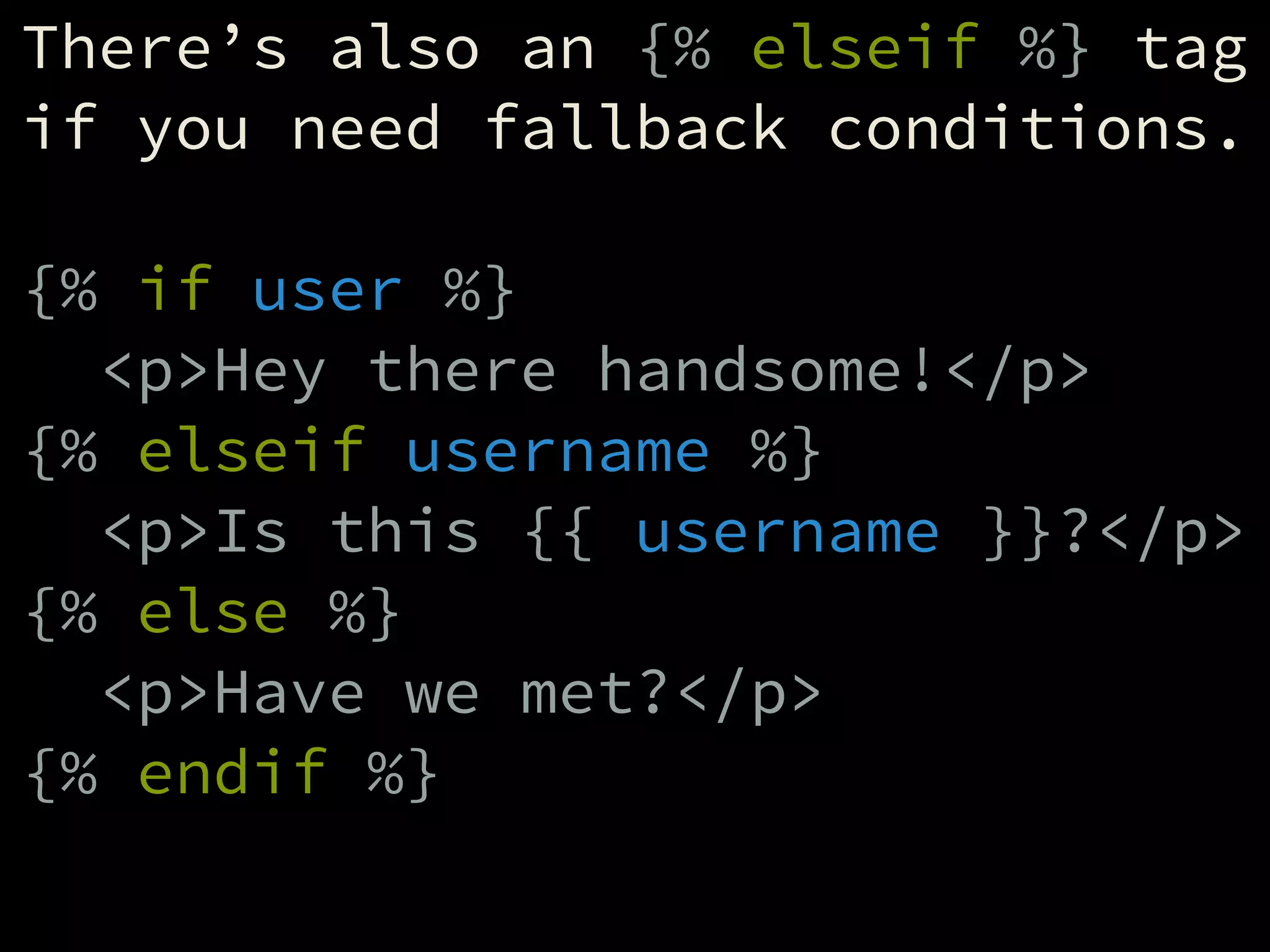
There’s also an {% elseif %} tag
if you need fallback conditions.
!
{% if user %}
<p>Hey there handsome!</p>
{% elseif username %}
<p>Is this {{ username }}?</p>
{% else %}
<p>Have we met?</p>
{% endif %}
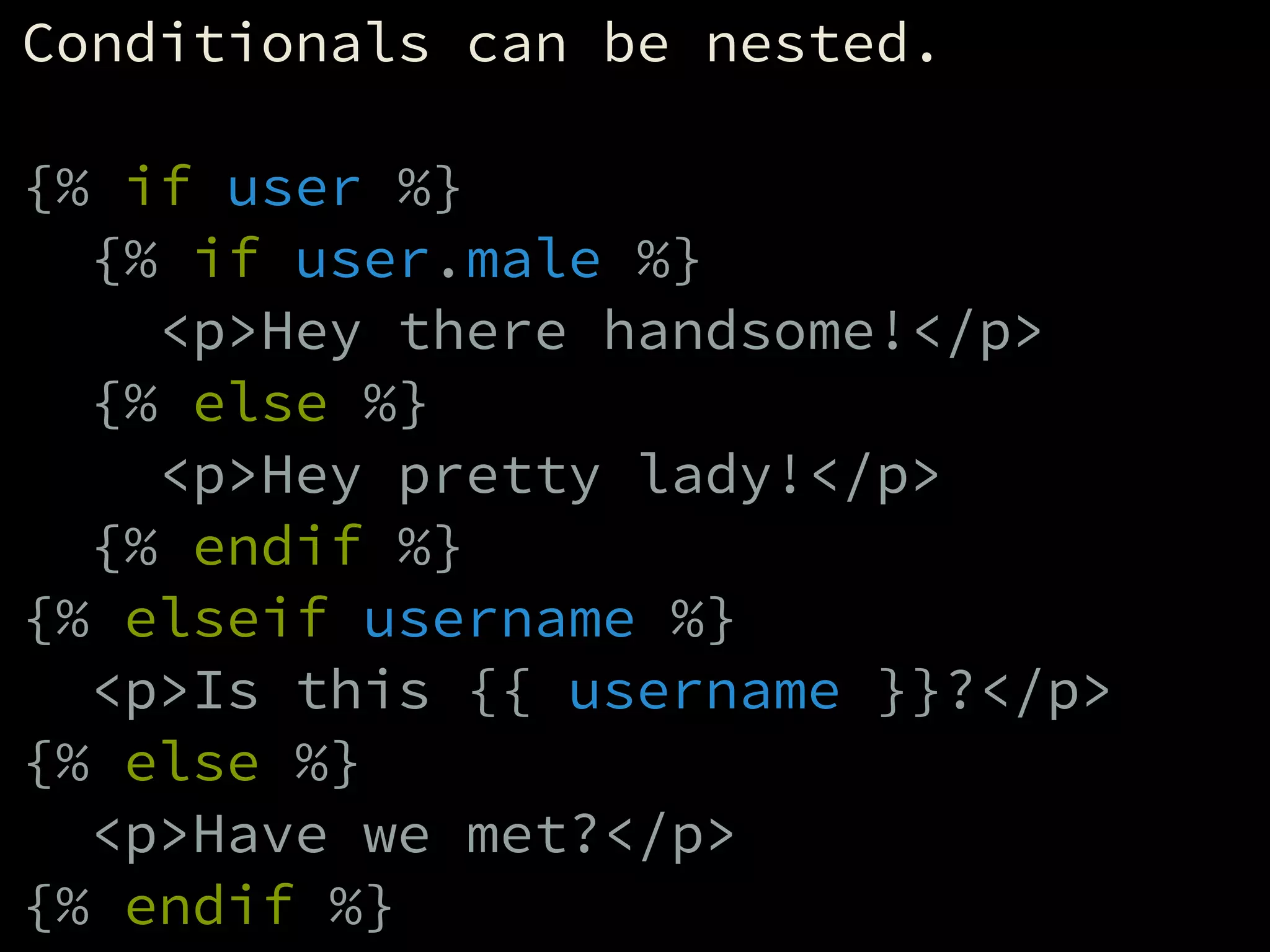
Conditionals can be nested.
!
{% if user %}
{% if user.male %}
<p>Hey there handsome!</p>
{% else %}
<p>Hey pretty lady!</p>
{% endif %}
{% elseif username %}
<p>Is this {{ username }}?</p>
{% else %}
<p>Have we met?</p>
{% endif %}
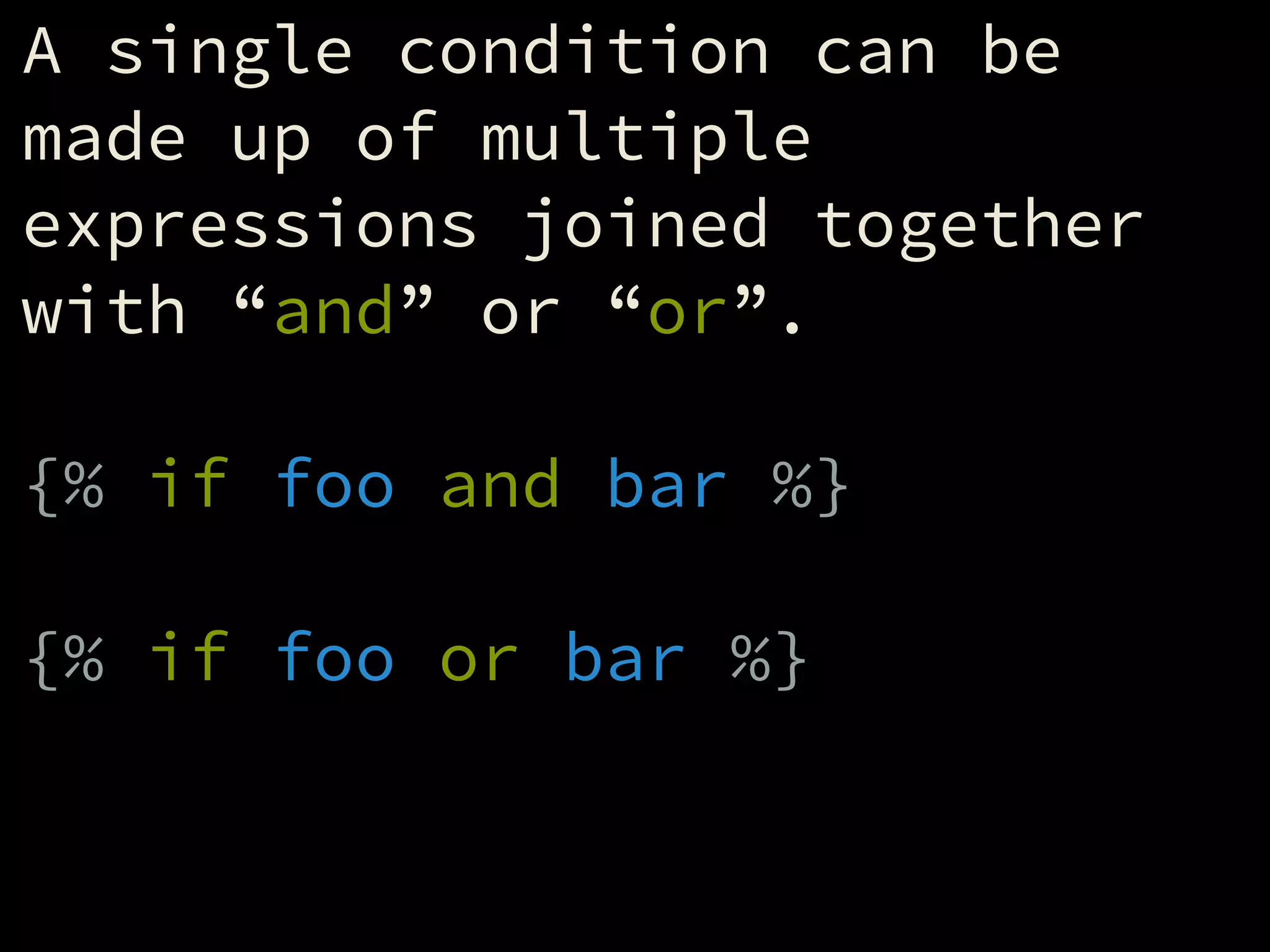
A single condition can be
made up of multiple
expressions joined together
with “and” or “or”.
!
{% if foo and bar %}
!
{% if foo or bar %}
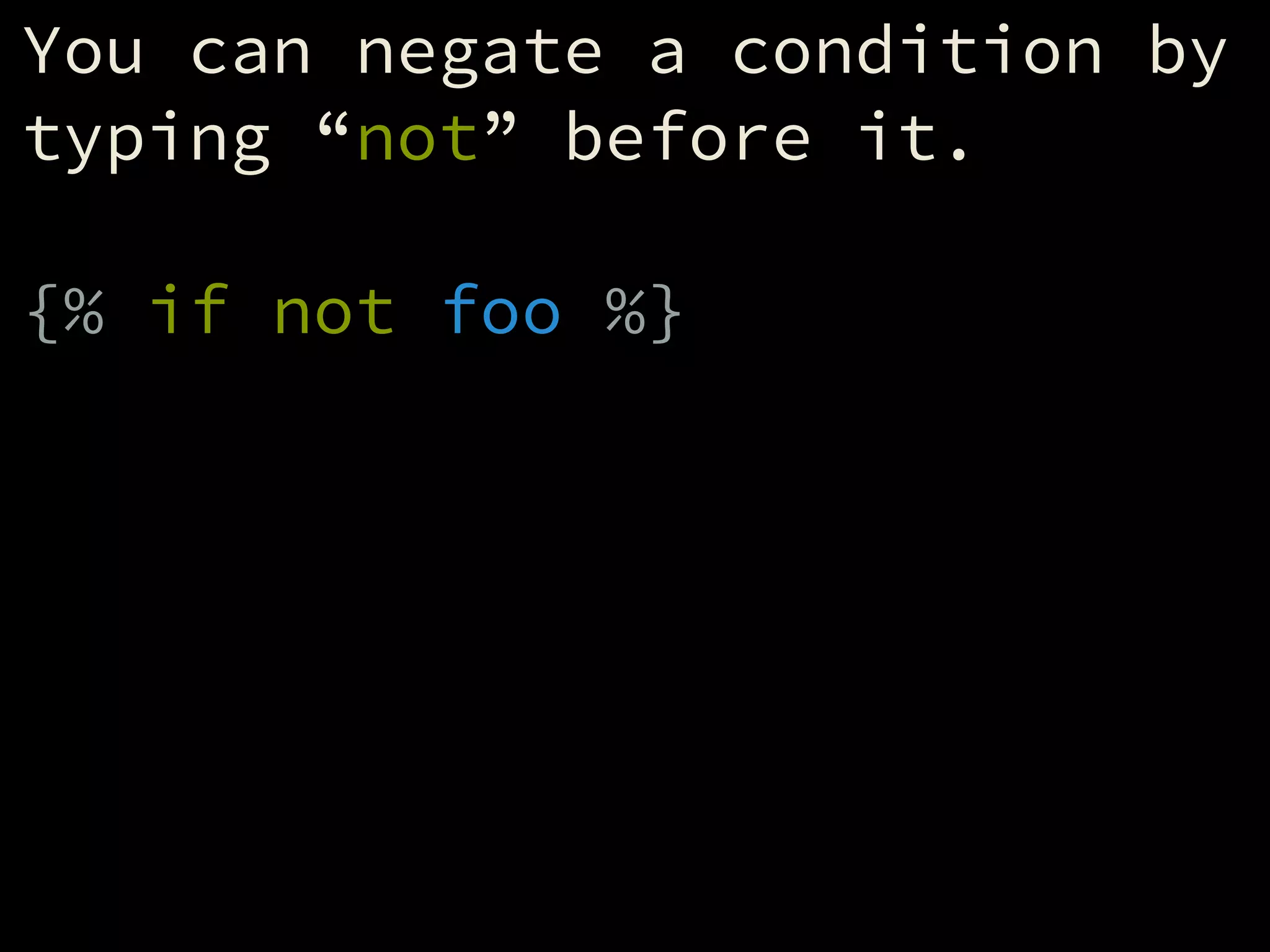
You can negate a condition by
typing “not” before it.
!
{% if not foo %}
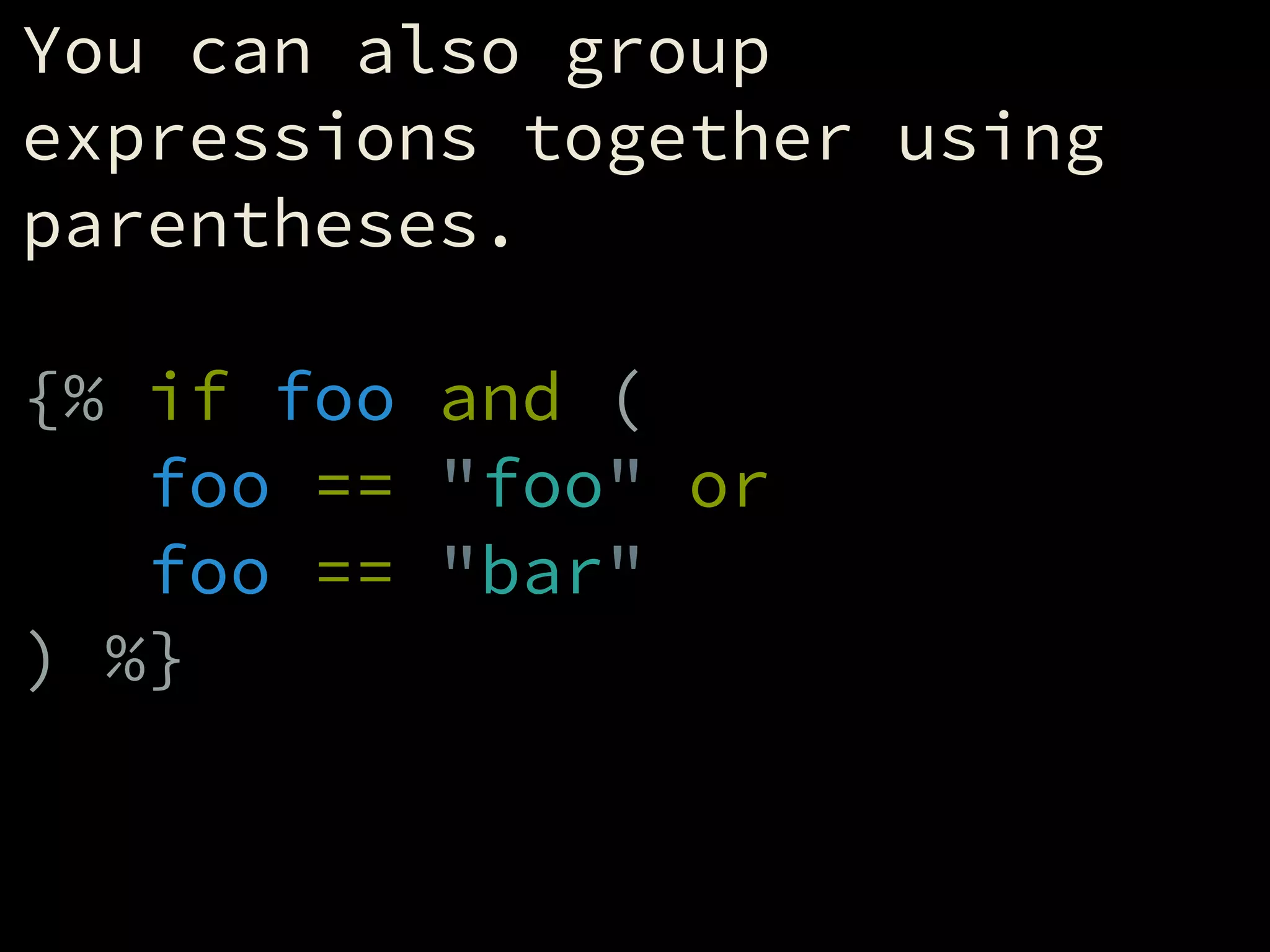
You can also group
expressions together using
parentheses.
!
{% if foo and (
foo == "foo" or
foo == "bar"
) %}
Tests
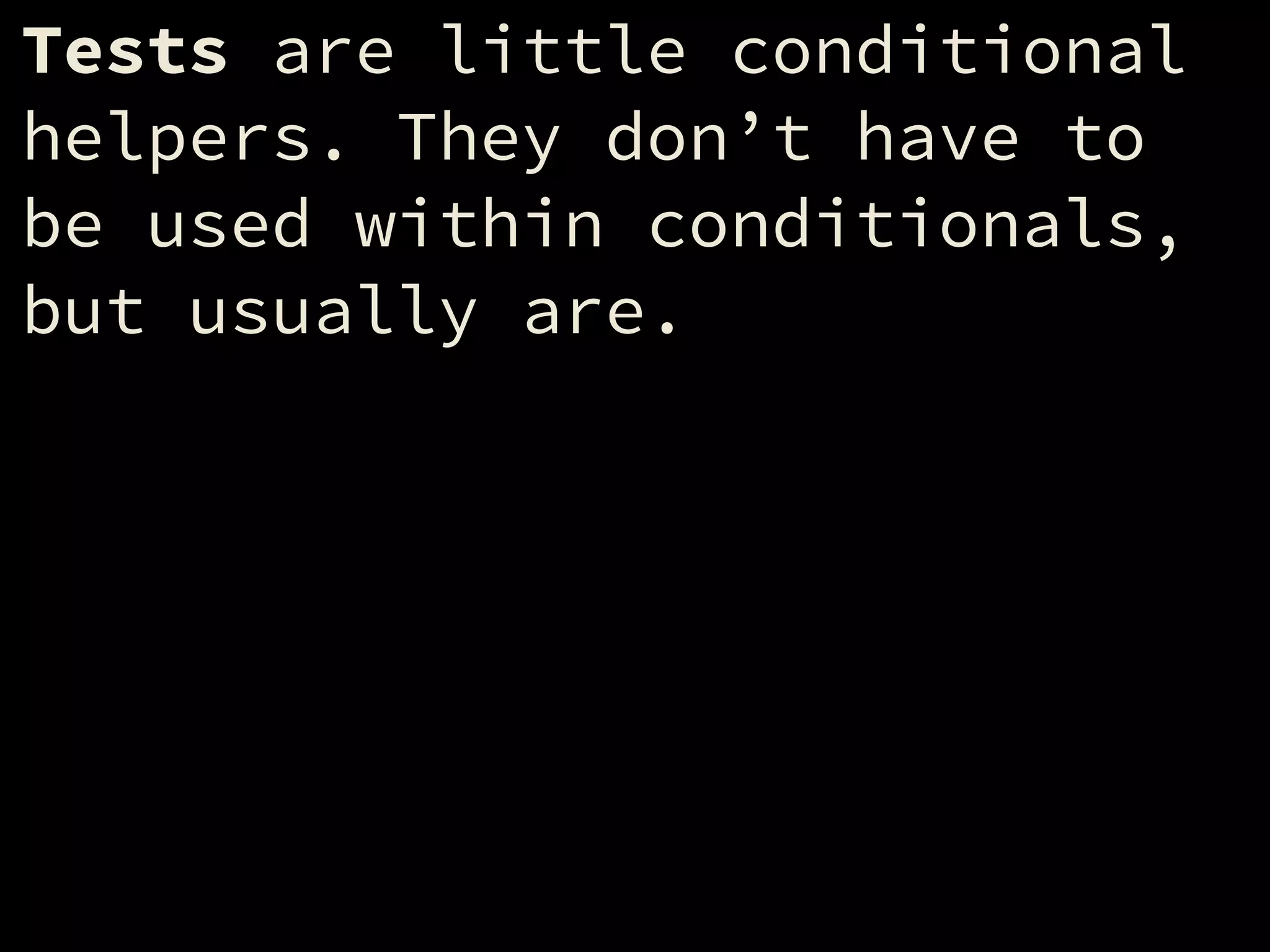
Tests are little conditional
helpers. They don’t have to
be used within conditionals,
but usually are.
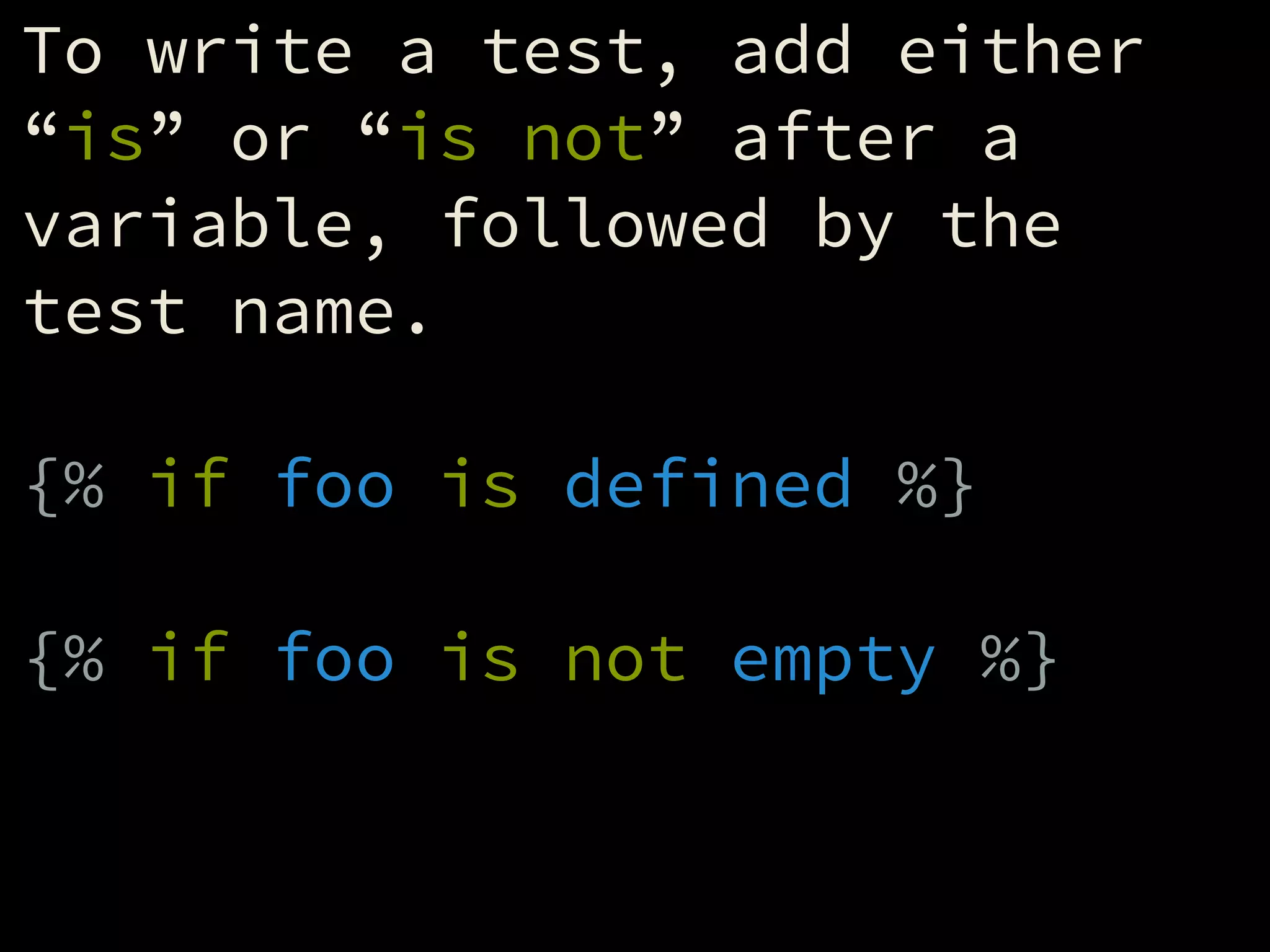
To write a test, add either
“is” or “is not” after a
variable, followed by the
test name.
!
{% if foo is defined %}
!
{% if foo is not empty %}
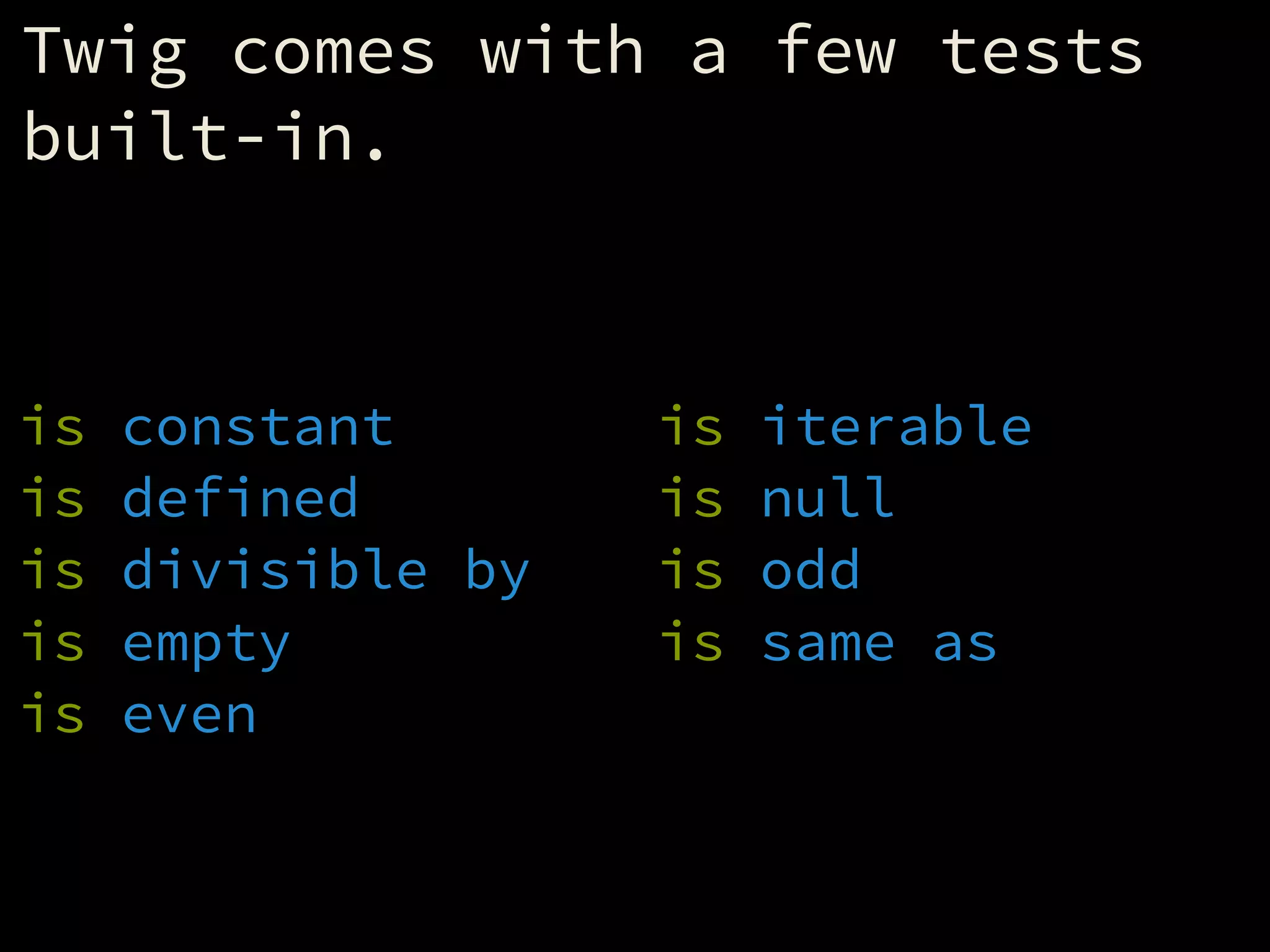
Twig comes with a few tests
built-in.
!
is constant
is defined
is divisible by
is empty
is even
is iterable
is null
is odd
is same as
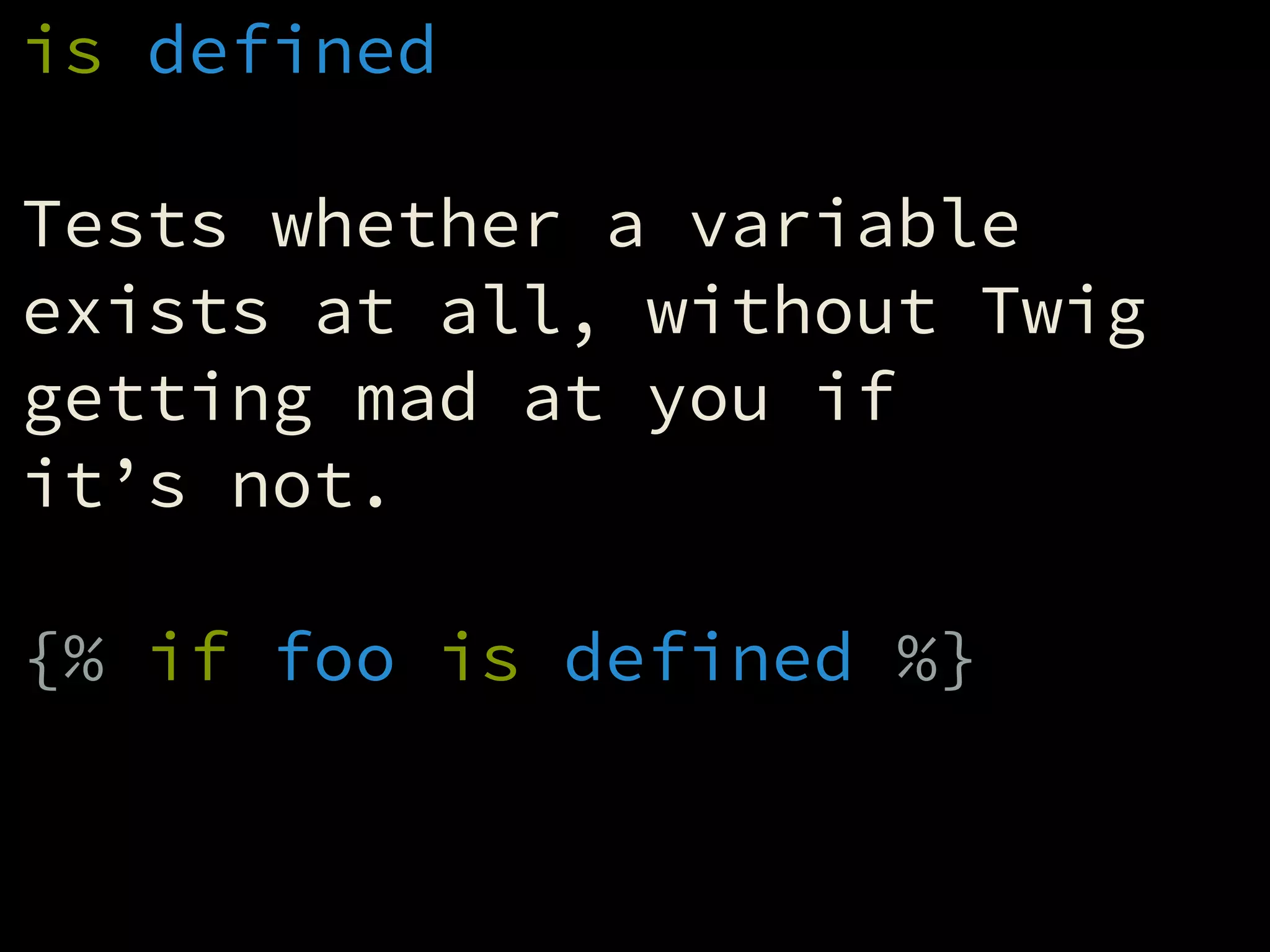
is defined
!
Tests whether a variable
exists at all, without Twig
getting mad at you if
it’s not.
!
{% if foo is defined %}
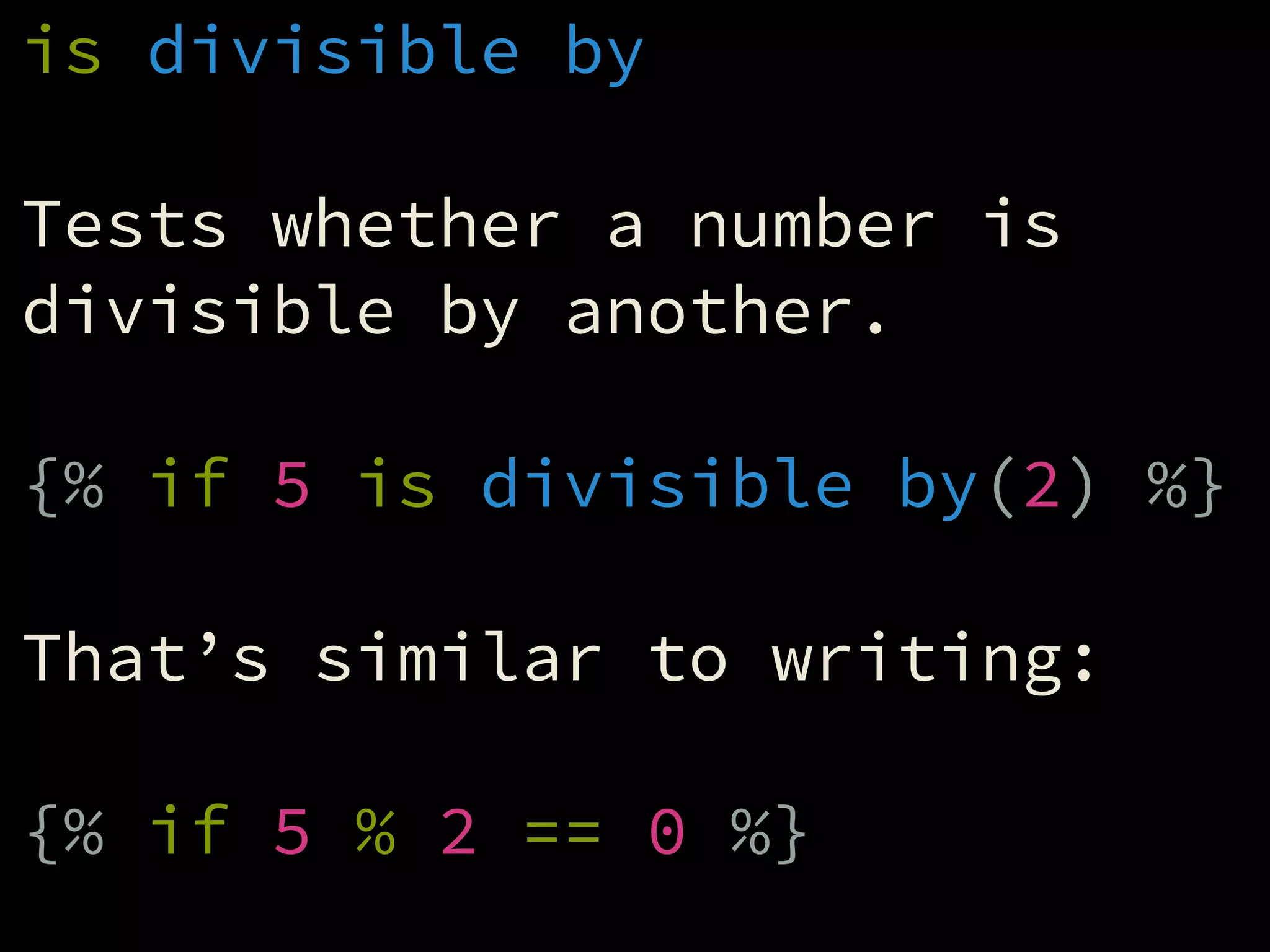
is divisible by
!
Tests whether a number is
divisible by another.
!
{% if 5 is divisible by(2) %}
!
That’s similar to writing:
!
{% if 5 % 2 == 0 %}
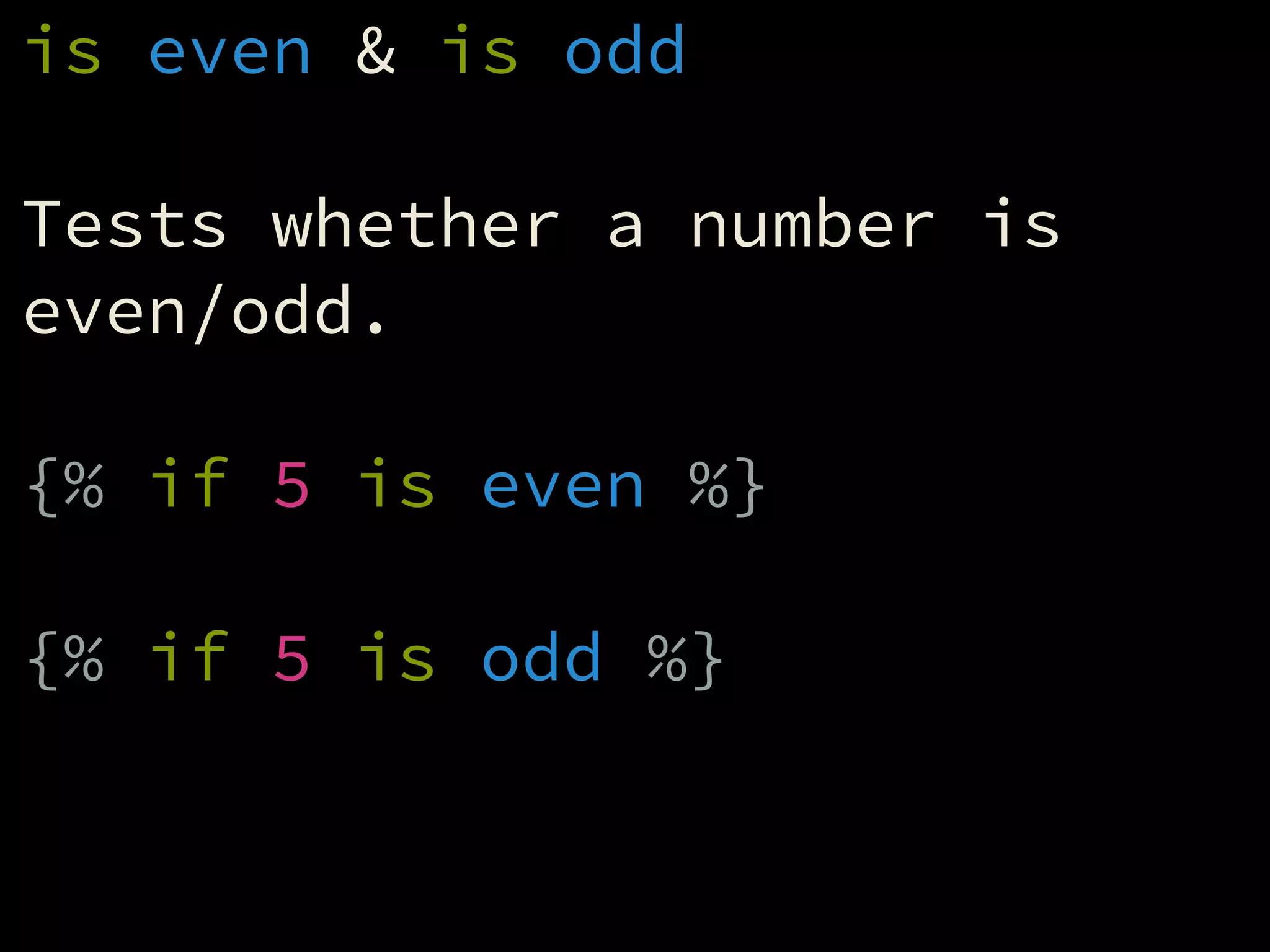
is even & is odd
!
Tests whether a number is
even/odd.
!
{% if 5 is even %}
!
{% if 5 is odd %}
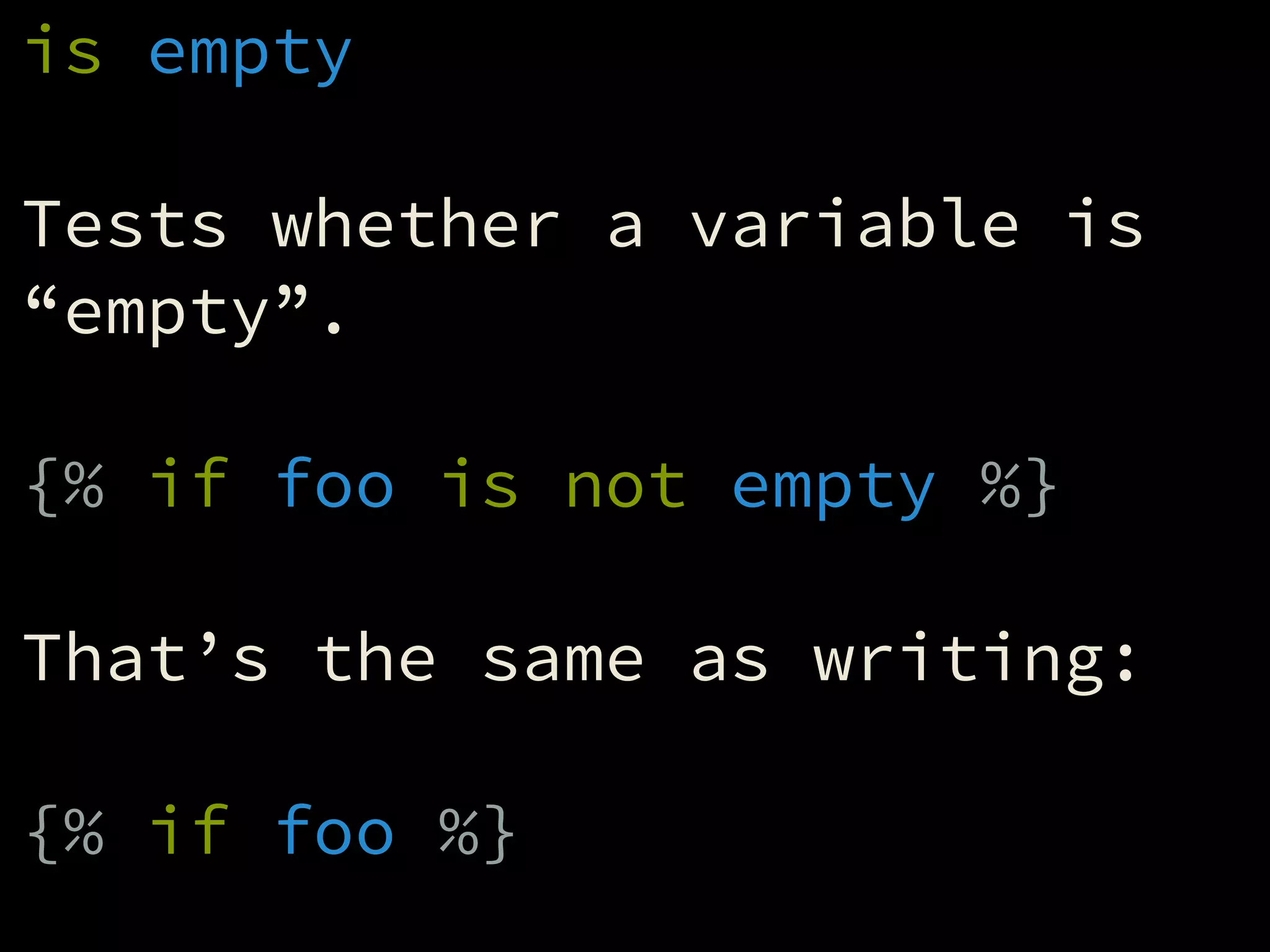
is empty
!
Tests whether a variable is
“empty”.
!
{% if foo is not empty %}
!
That’s the same as writing:
!
{% if foo %}
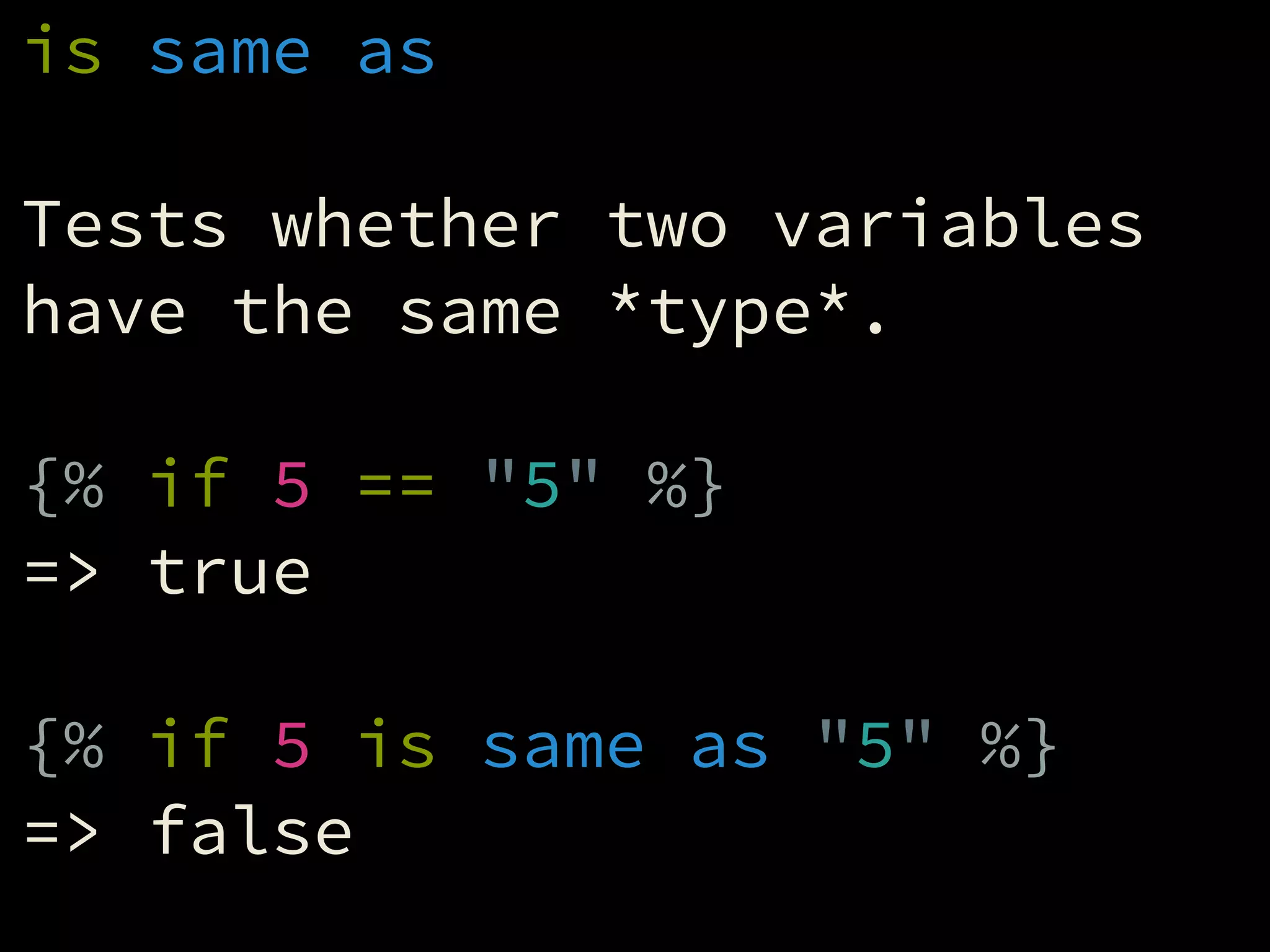
is same as
!
Tests whether two variables
have the same *type*.
!
{% if 5 == "5" %}
=> true
!
{% if 5 is same as "5" %}
=> false
Working with
Arrays and Objects
Arrays and objects both
contain multiple values.
Arrays contain values in a
specific order, and have an
inherent numerical index.
!
{% set arr = ['a','b','c'] %}
!
{{ arr[0] }} => 'a'
{{ arr[1] }} => 'b'
{{ arr[2] }} => 'c'
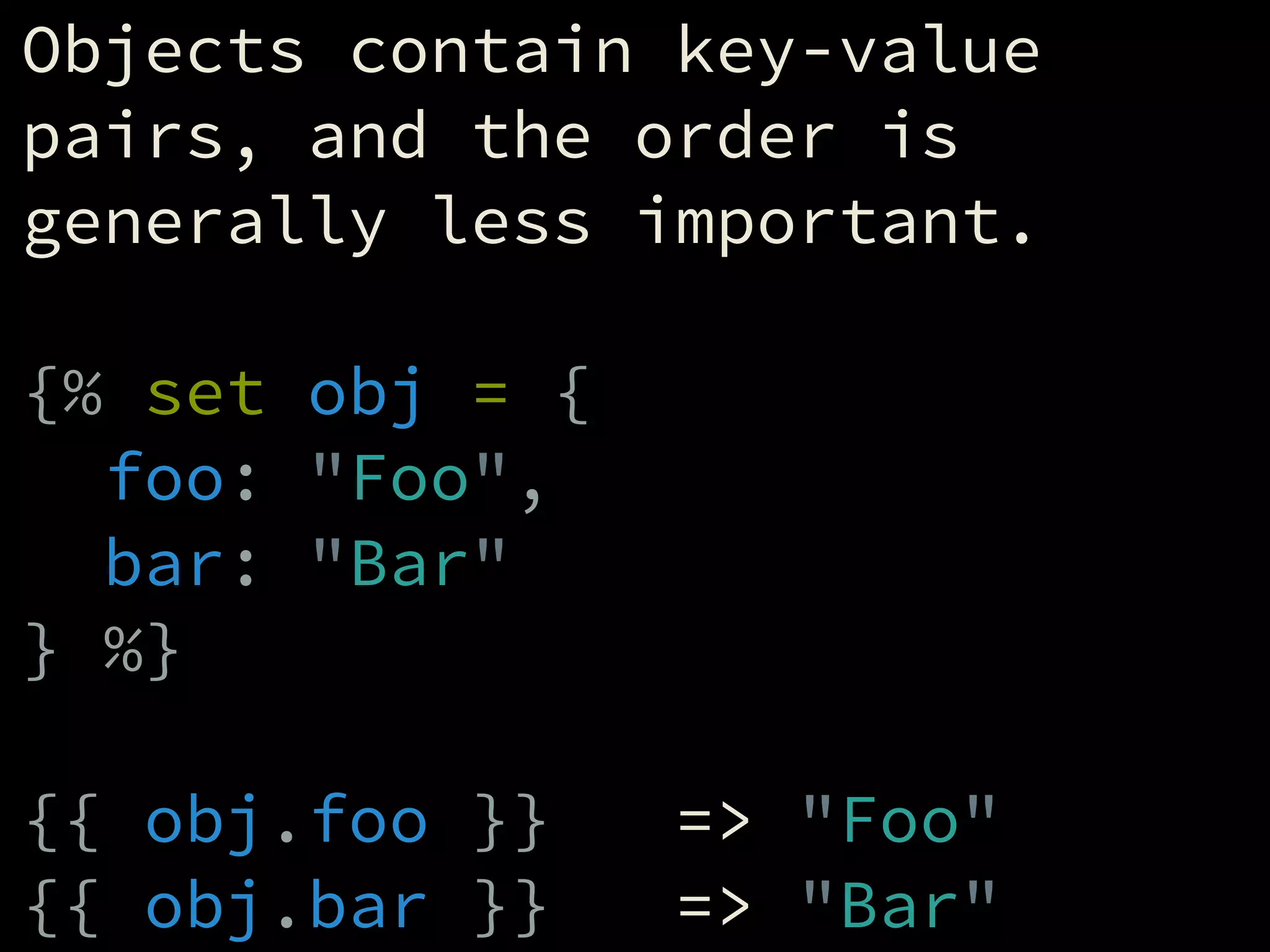
Objects contain key-value
pairs, and the order is
generally less important.
!
{% set obj = {
foo: "Foo",
bar: "Bar"
} %}
!
{{ obj.foo }} => "Foo"
{{ obj.bar }} => "Bar"
You can merge arrays together
with the ‘merge’ filter.
!
{% set a1 = ['a','b'] %}
{% set a2 = ['c','d'] %}
{% set a3 = a1|merge(a2) %}
!
=> ['a','b','c','d']
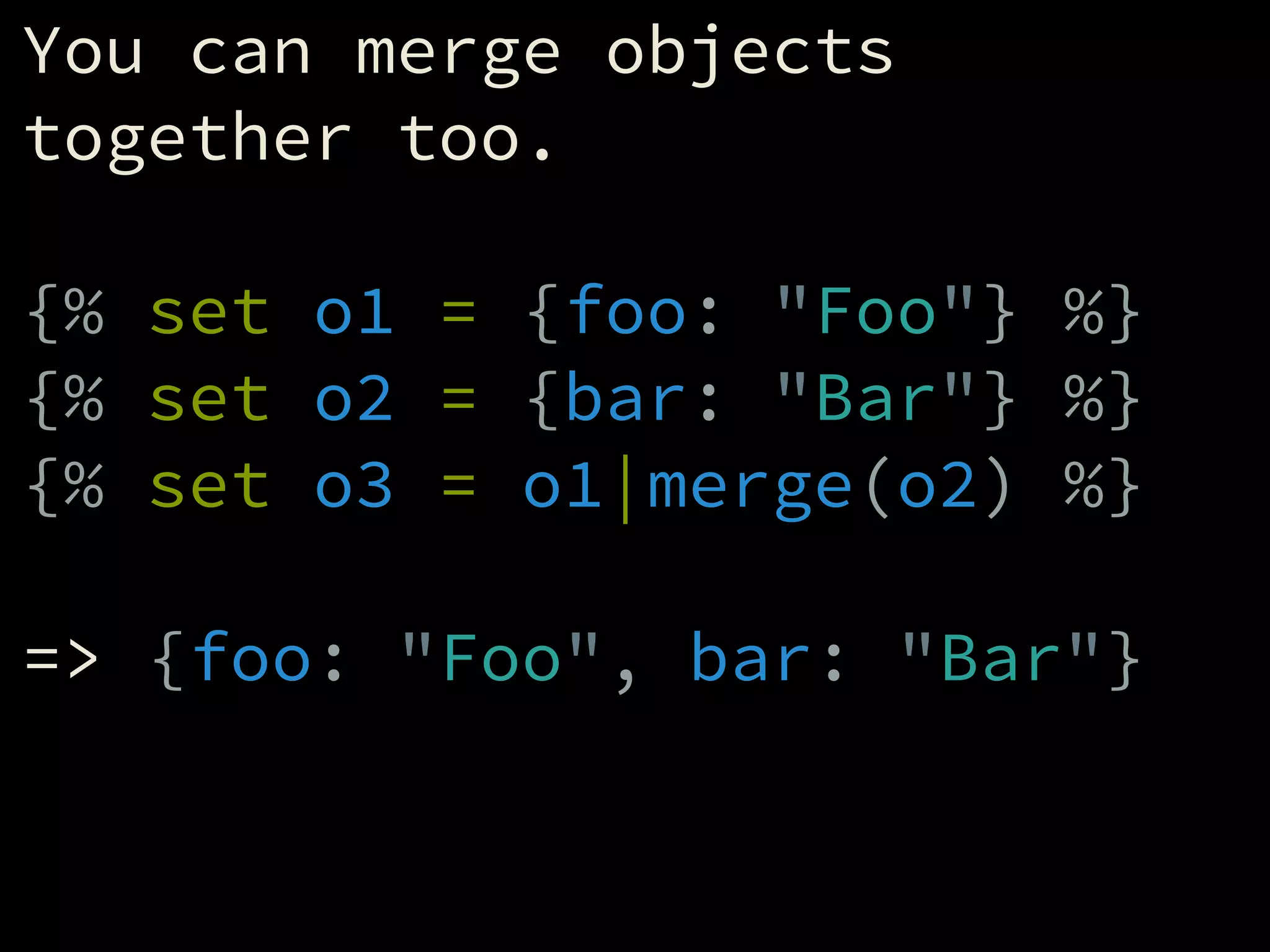
You can merge objects
together too.
!
{% set o1 = {foo: "Foo"} %}
{% set o2 = {bar: "Bar"} %}
{% set o3 = o1|merge(o2) %}
!
=> {foo: "Foo", bar: "Bar"}
You can grab part of an array
with the “slice” filter.
!
{% set a1 = ['a','b','c'] %}
{% set a2 = a1|slice(0, 2) %}
!
=> ['a','b']
!
A shortcut is also available:
!
{% set a2 = a1[0:2] %}
Looping through

arrays and objects
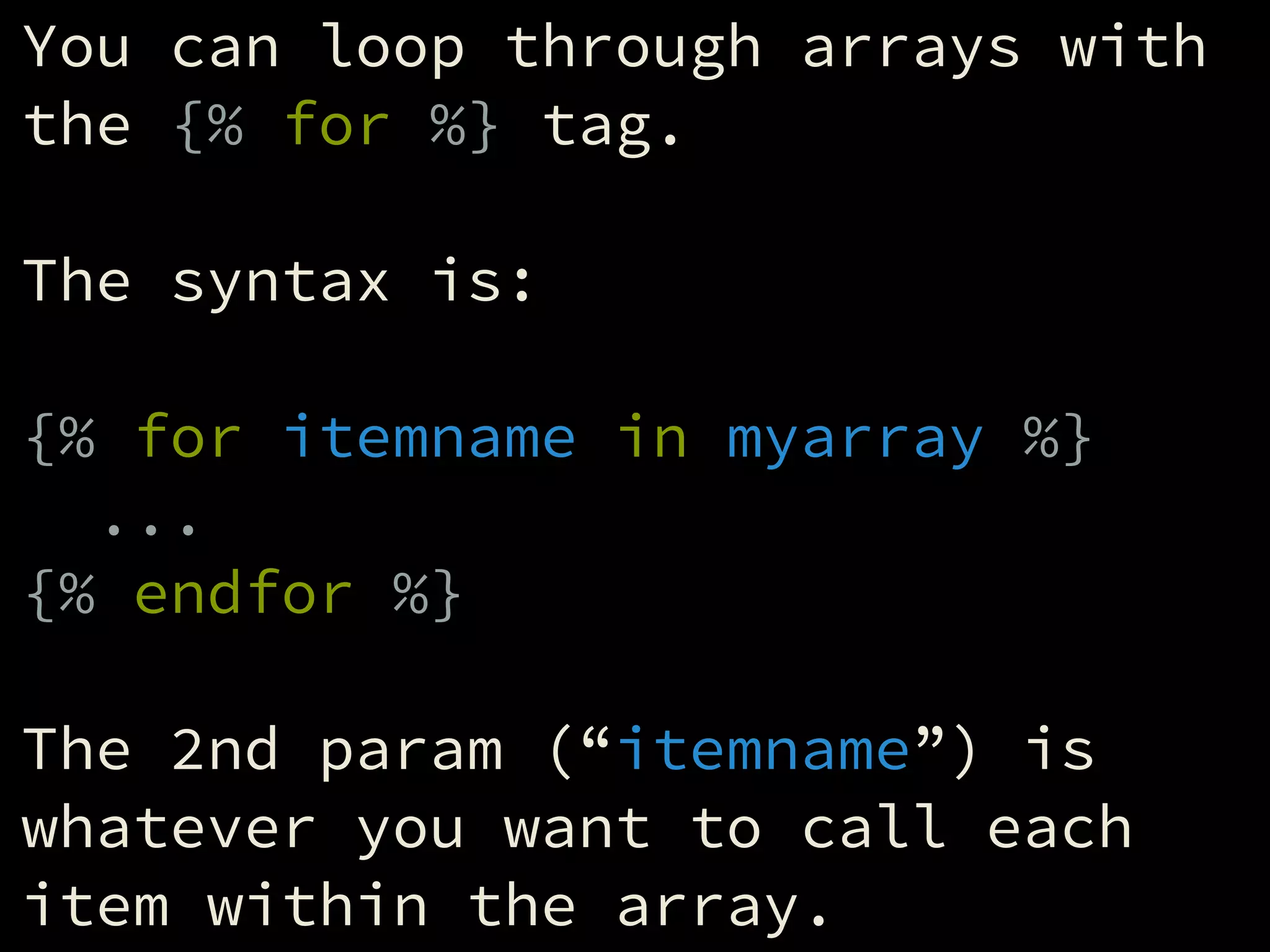
You can loop through arrays with
the {% for %} tag.
!
The syntax is:
!
{% for itemname in myarray %}
...
{% endfor %}
!
The 2nd param (“itemname”) is
whatever you want to call each
item within the array.
Example 1: Age field
!
<select name="age">
{% for age in [0..150] %}
<option>
{{ age }}</option>
{% endfor %}
</select>
Example 2: Exp. Year field
!
{% set y1 = now.year %}
{% set y2 = y1 + 10 %}
!
<select name="exp_year">
{% for year in [y1..y2] %}
<option>
{{ year }}</option>
{% endfor %}
</select>
Example 3: Navigation
!
{% set nav = [
{ title: "Home", uri: "" },
{ title: "About", uri: "about" }
] %}
!
<nav>
{% for item in nav %}
<a href="{{ url(item.uri) }}">
{{ item.title }}</a>
{% endfor %}
</nav>
DRY Templating
Includes
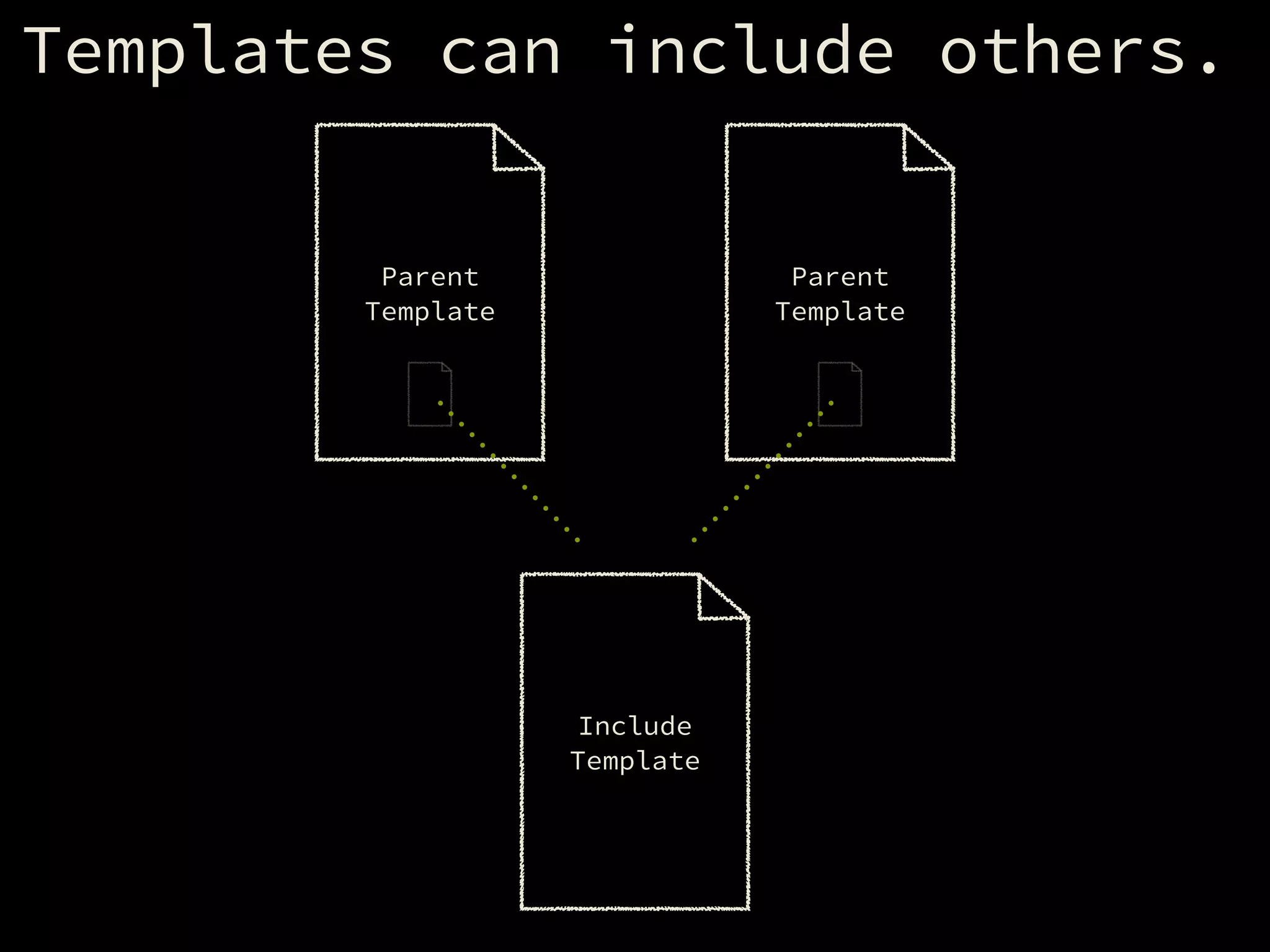
Templates can include others.
Include
Template
Parent
Template
Parent
Template
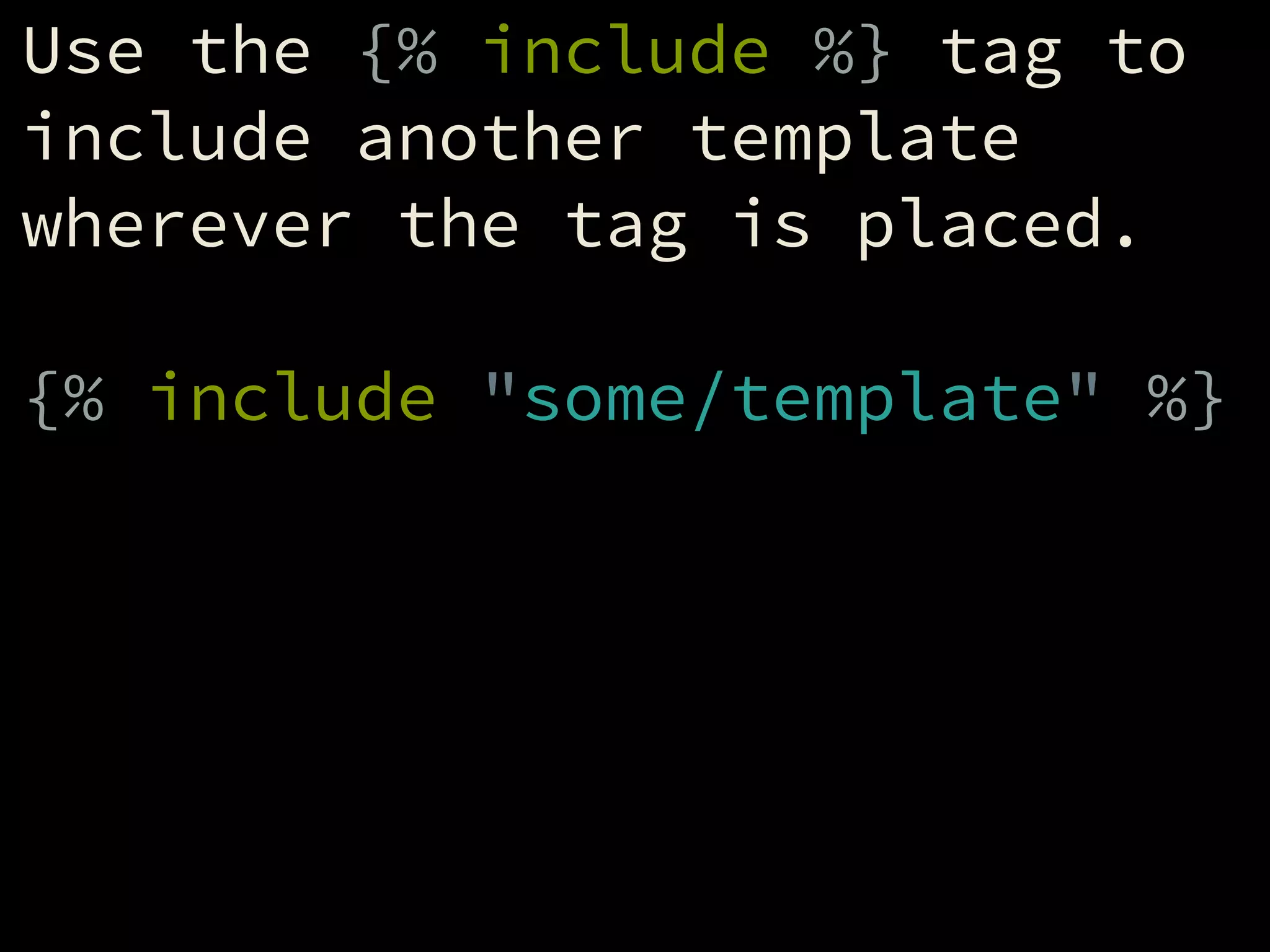
Use the {% include %} tag to
include another template
wherever the tag is placed.
!
{% include "some/template" %}
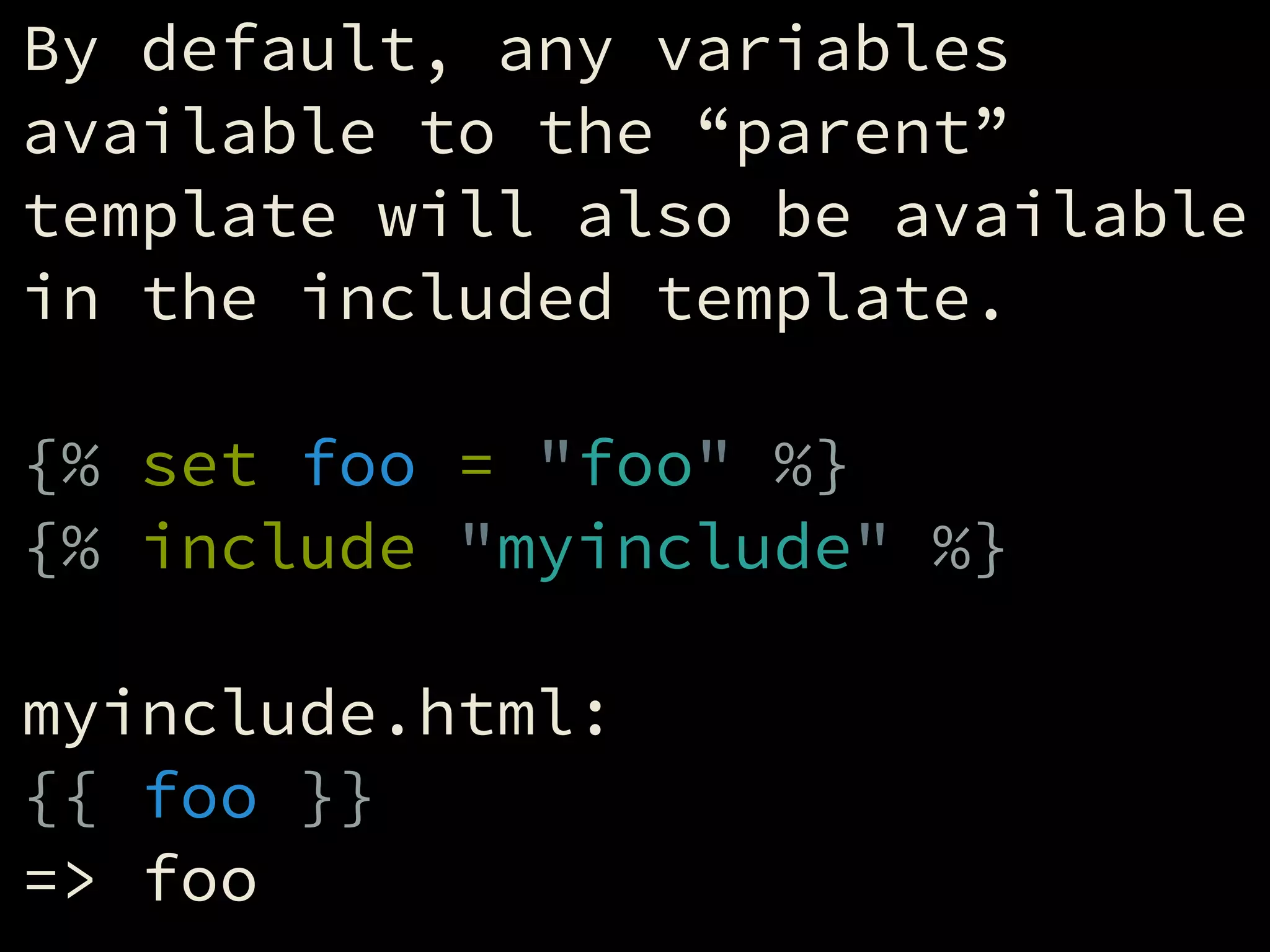
By default, any variables
available to the “parent”
template will also be available
in the included template.
!
{% set foo = "foo" %}
{% include "myinclude" %}
!
myinclude.html:
{{ foo }}
=> foo
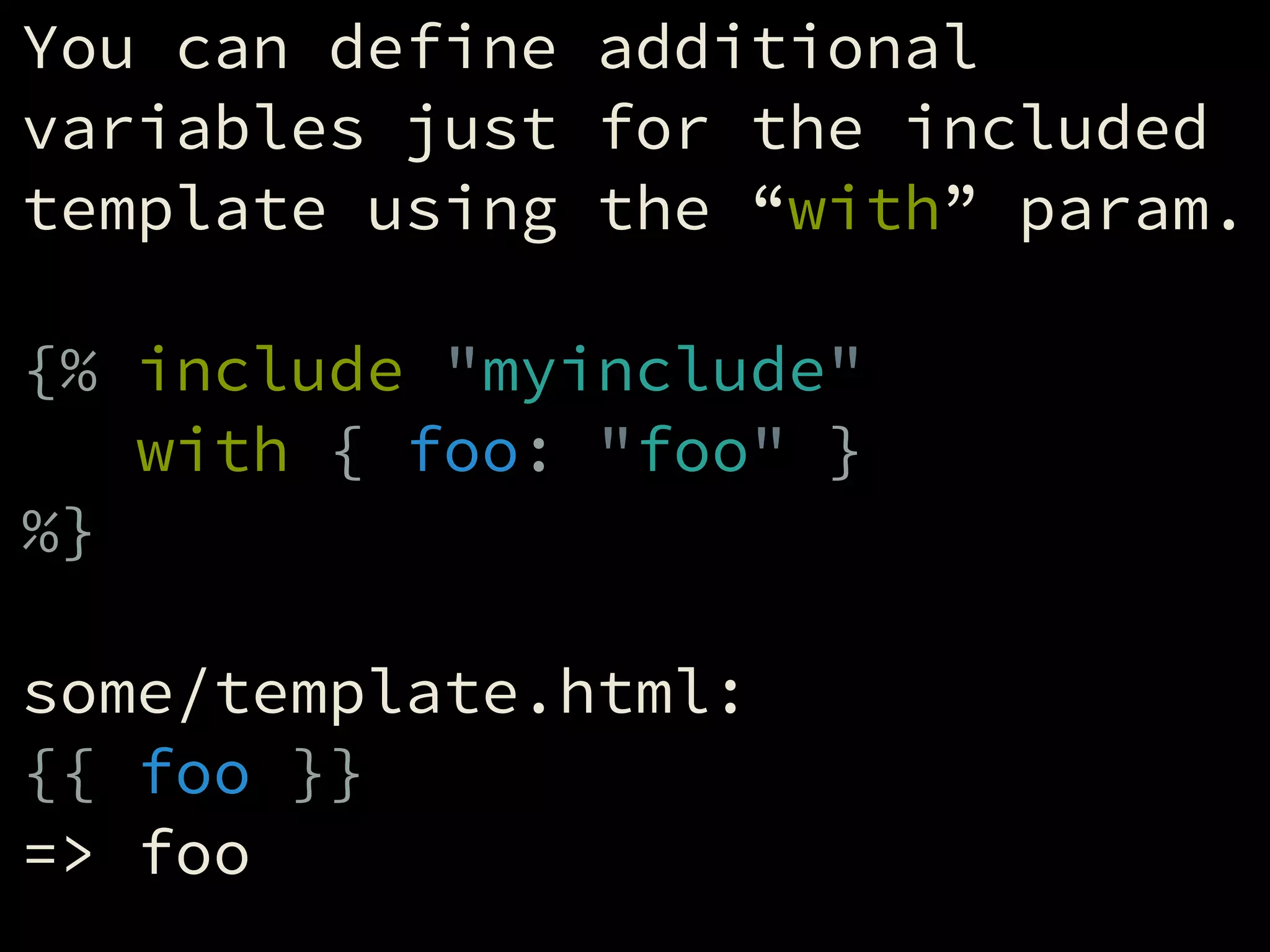
You can define additional
variables just for the included
template using the “with” param.
!
{% include "myinclude"
with { foo: "foo" }
%}
!
some/template.html:
{{ foo }}
=> foo
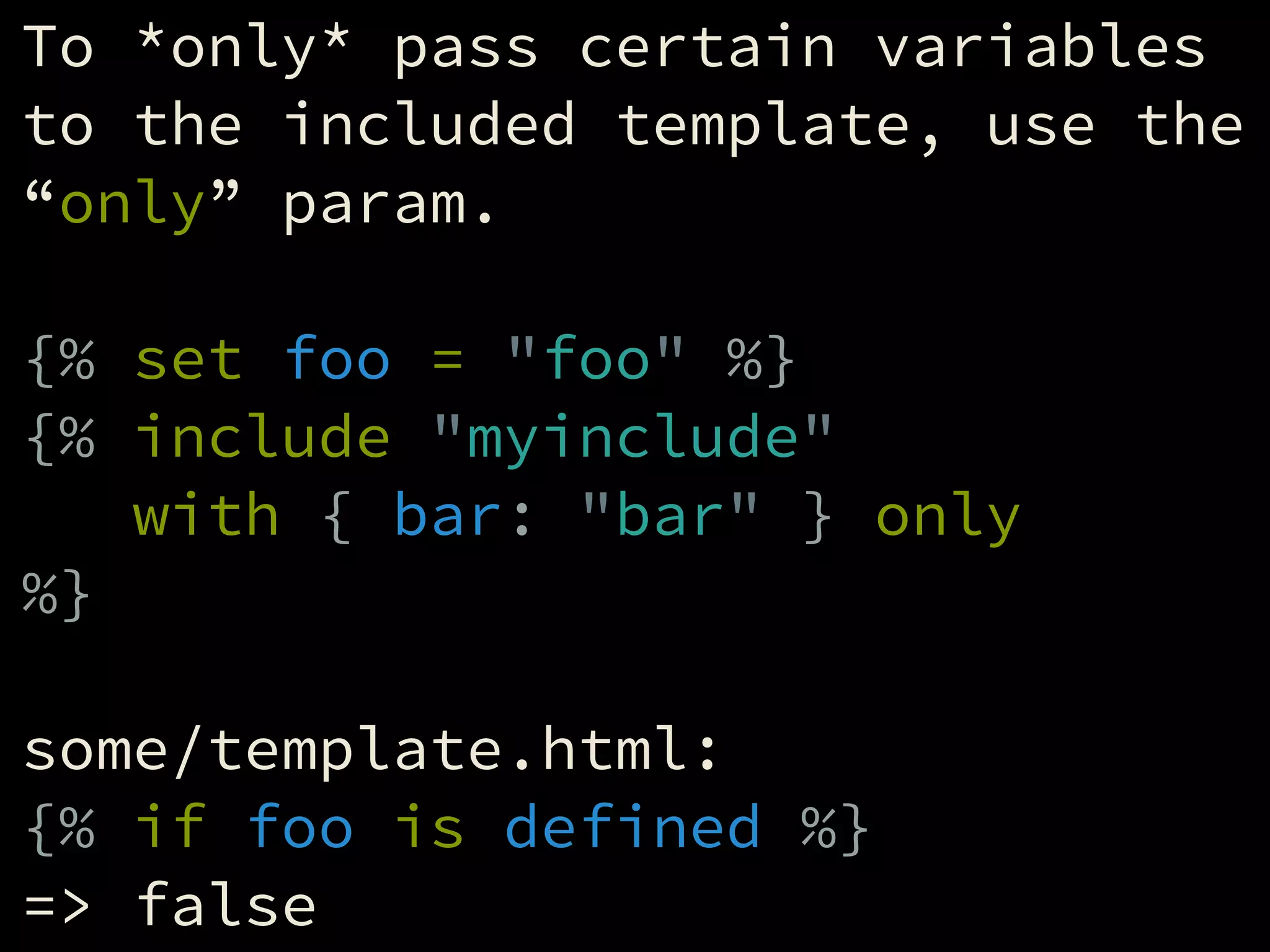
To *only* pass certain variables
to the included template, use the
“only” param.
!
{% set foo = "foo" %}
{% include "myinclude"
with { bar: "bar" } only
%}
!
some/template.html:
{% if foo is defined %}
=> false
Extending Templates
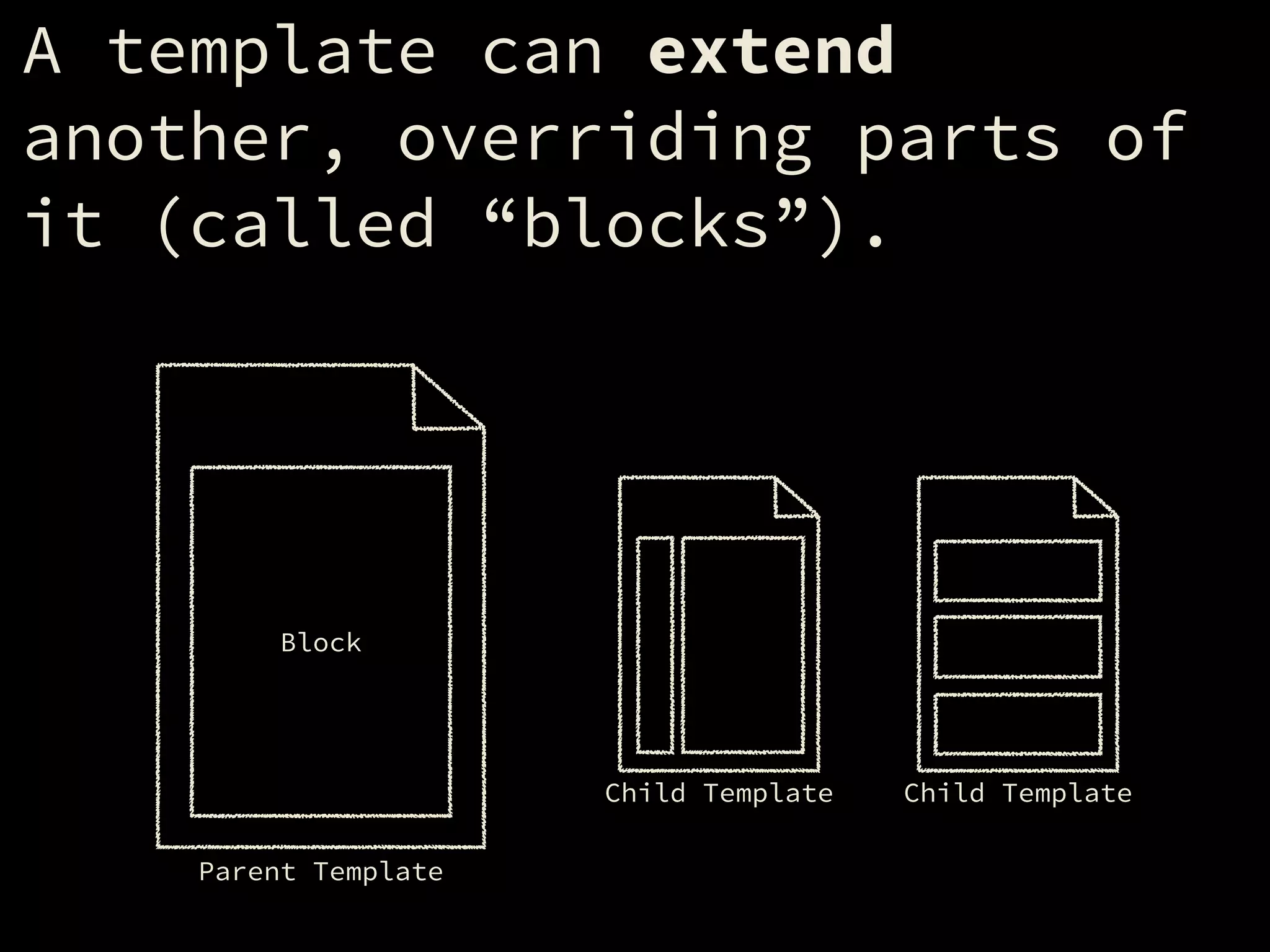
A template can extend
another, overriding parts of
it (called “blocks”).
Parent Template
Block
Child Template Child Template
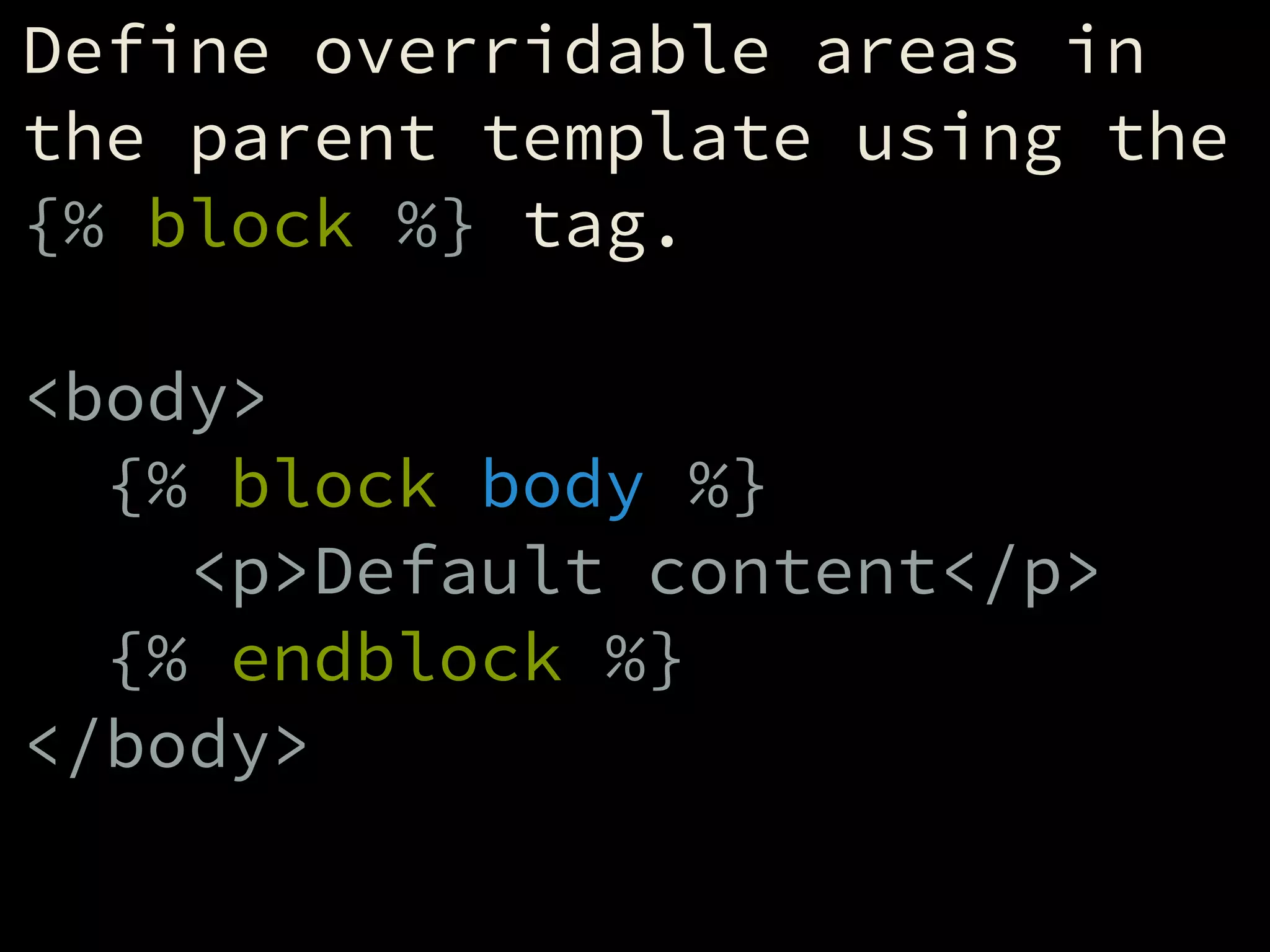
Define overridable areas in
the parent template using the
{% block %} tag.
!
<body>
{% block body %}
<p>Default content</p>
{% endblock %}
</body>
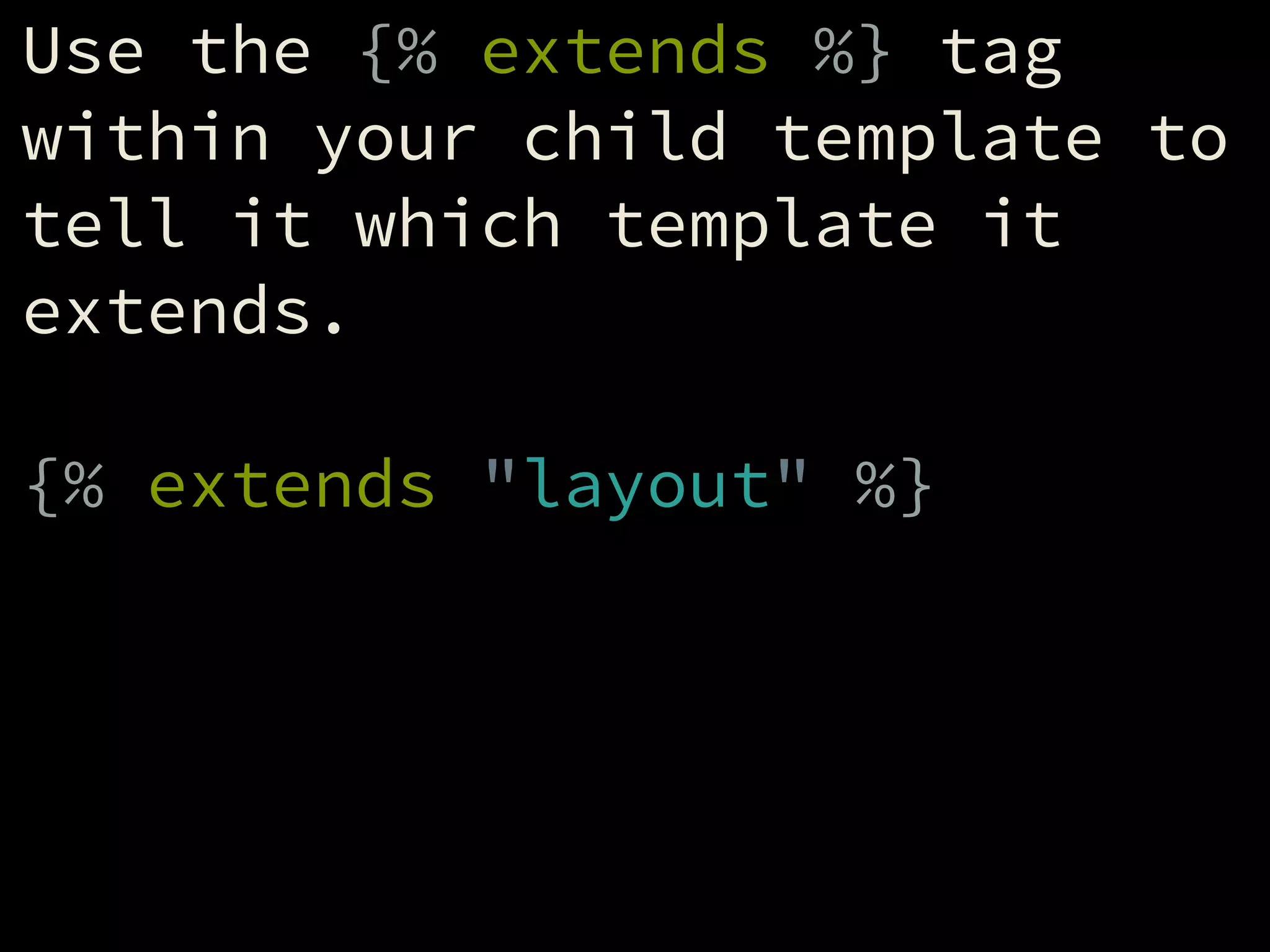
Use the {% extends %} tag
within your child template to
tell it which template it
extends.
!
{% extends "layout" %}
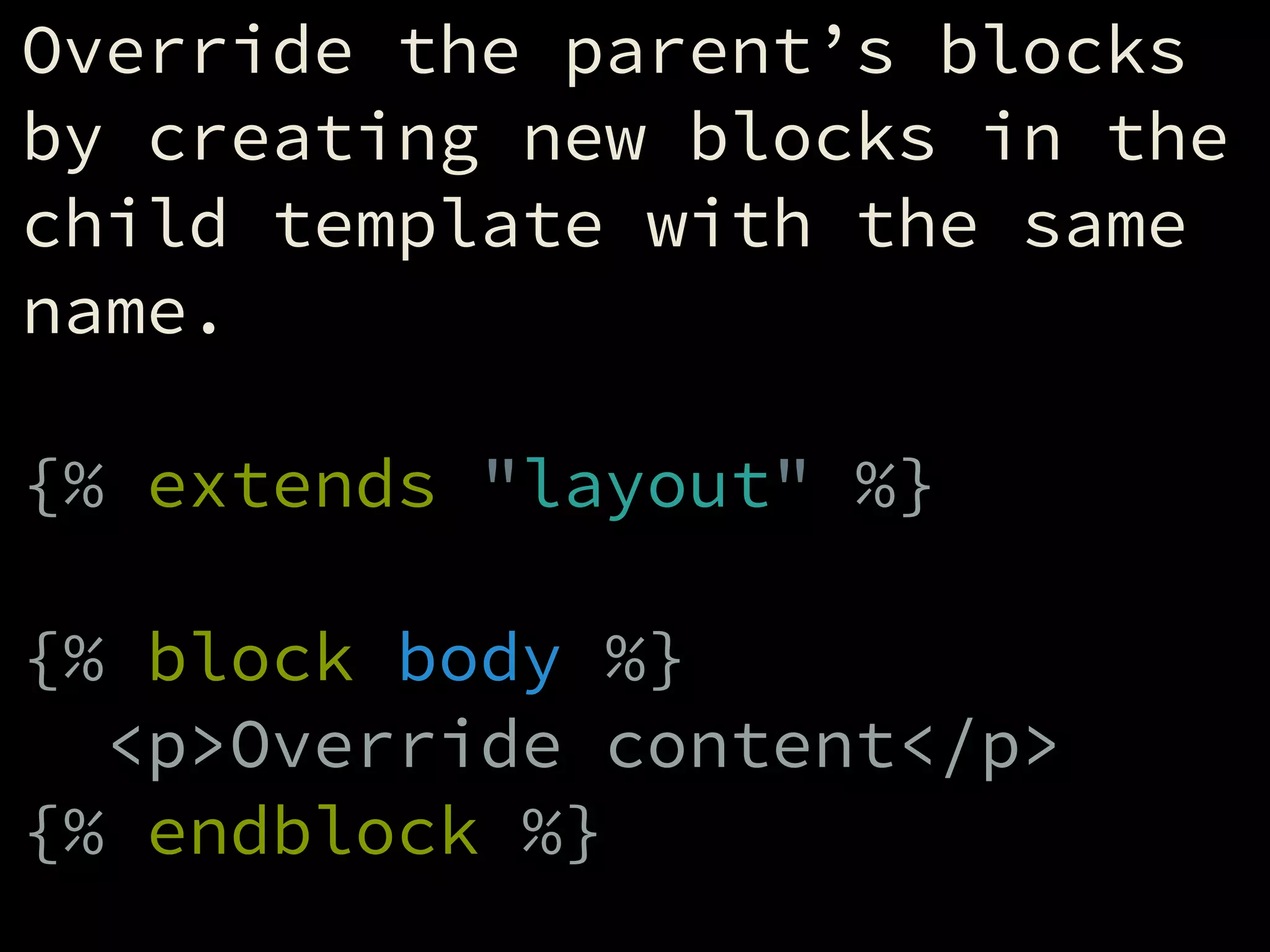
Override the parent’s blocks
by creating new blocks in the
child template with the same
name.
!
{% extends "layout" %}
!
{% block body %}
<p>Override content</p>
{% endblock %}
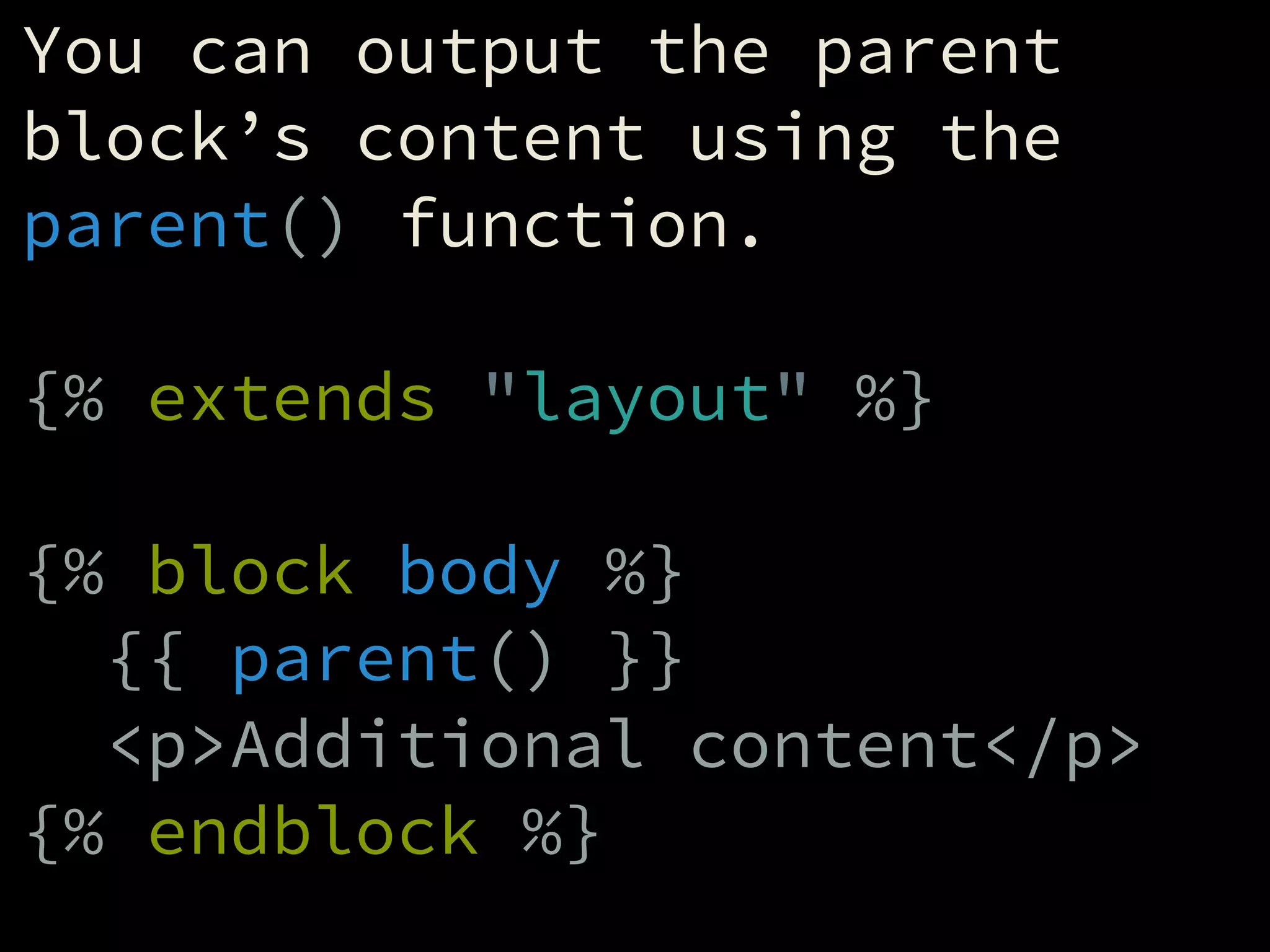
You can output the parent
block’s content using the
parent() function.
!
{% extends "layout" %}
!
{% block body %}
{{ parent() }}
<p>Additional content</p>
{% endblock %}
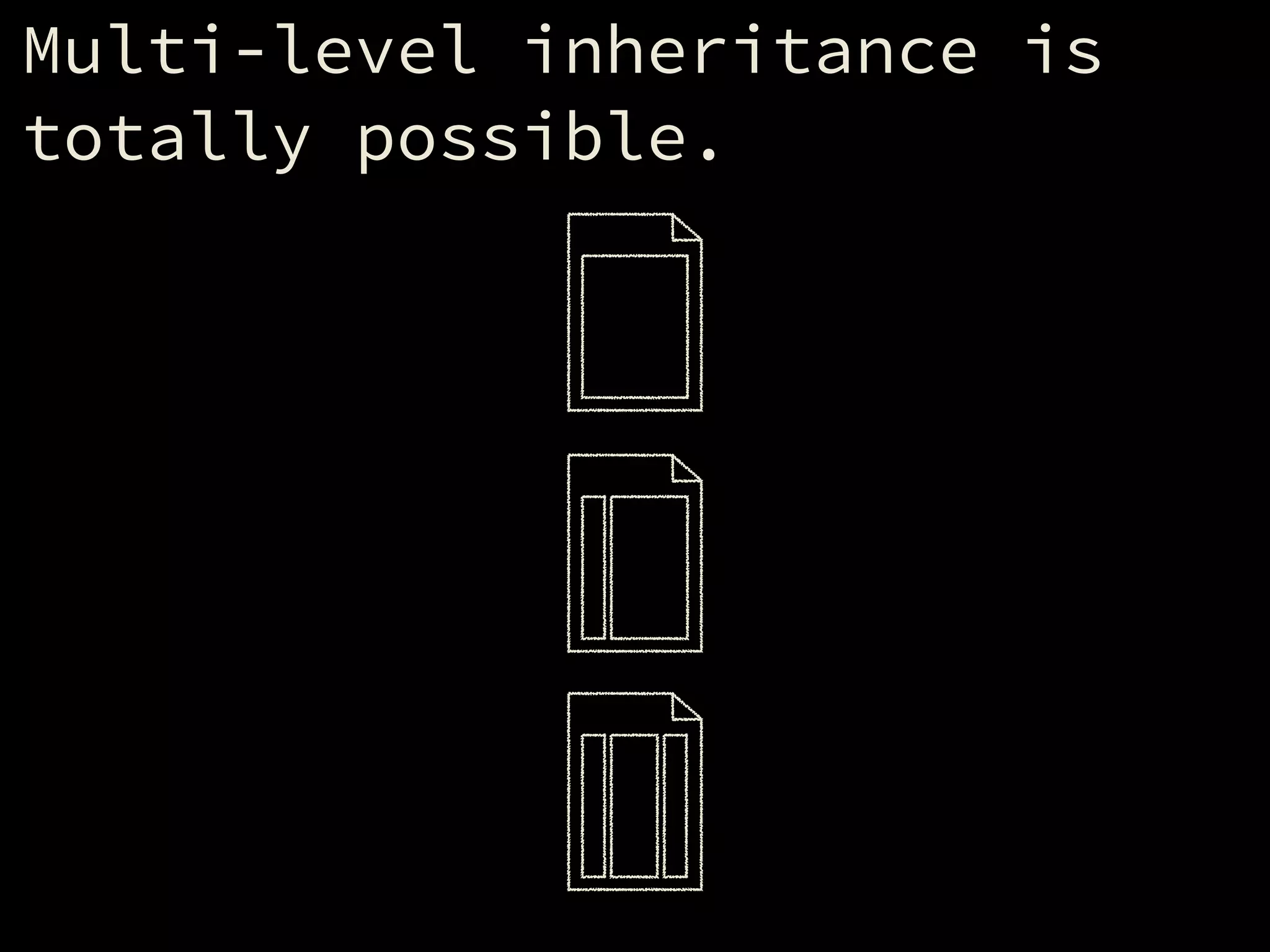
Multi-level inheritance is
totally possible.
Embedding Templates
Twig also lets you “embed”
other templates, which is
similar to including them,
except you get to override
the child template’s blocks
in the process.
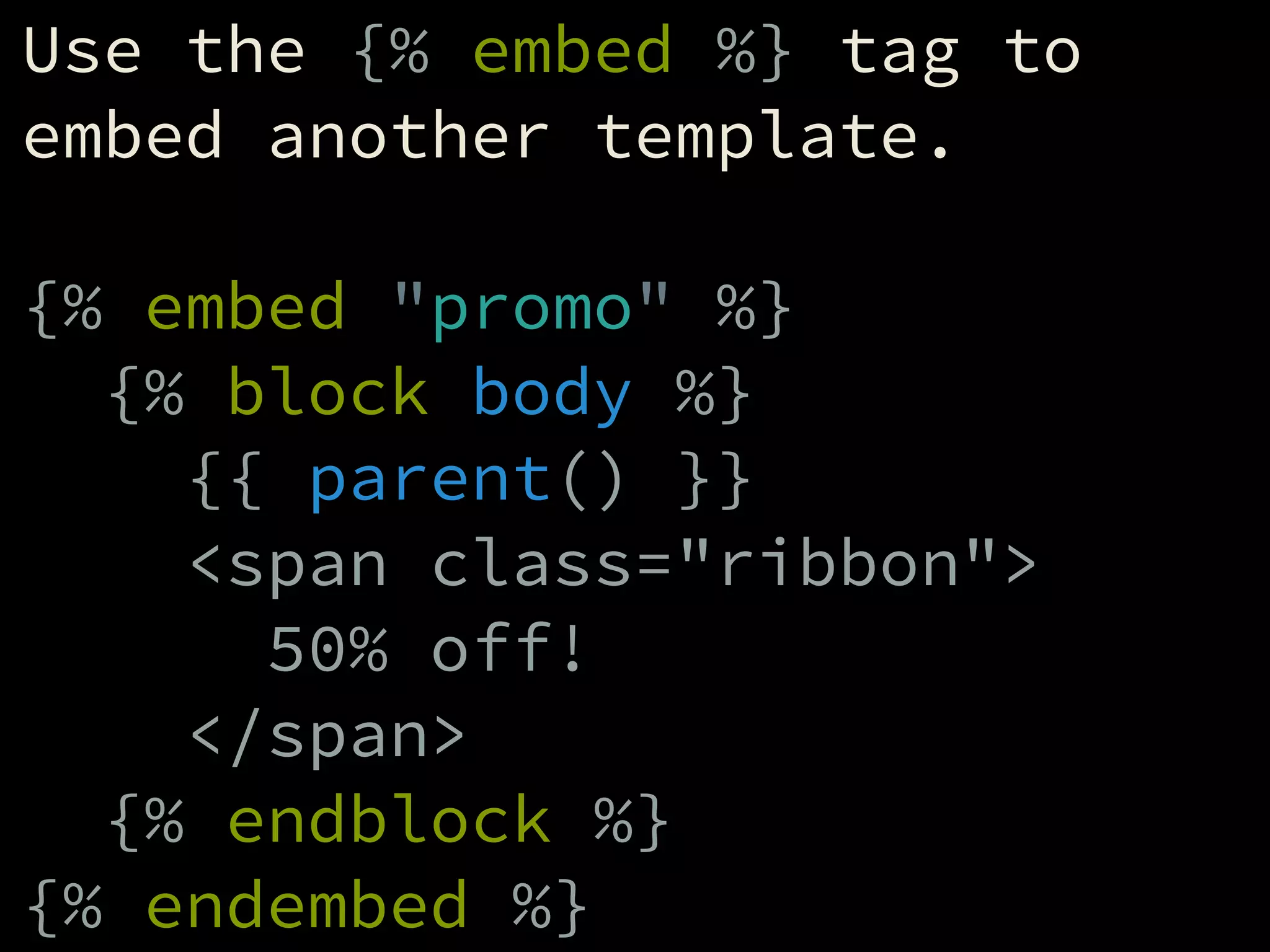
Use the {% embed %} tag to
embed another template.
!
{% embed "promo" %}
{% block body %}
{{ parent() }}
<span class="ribbon">
50% off!
</span>
{% endblock %}
{% endembed %}
Macros
Macros are like includes that
are defined right within
another template.
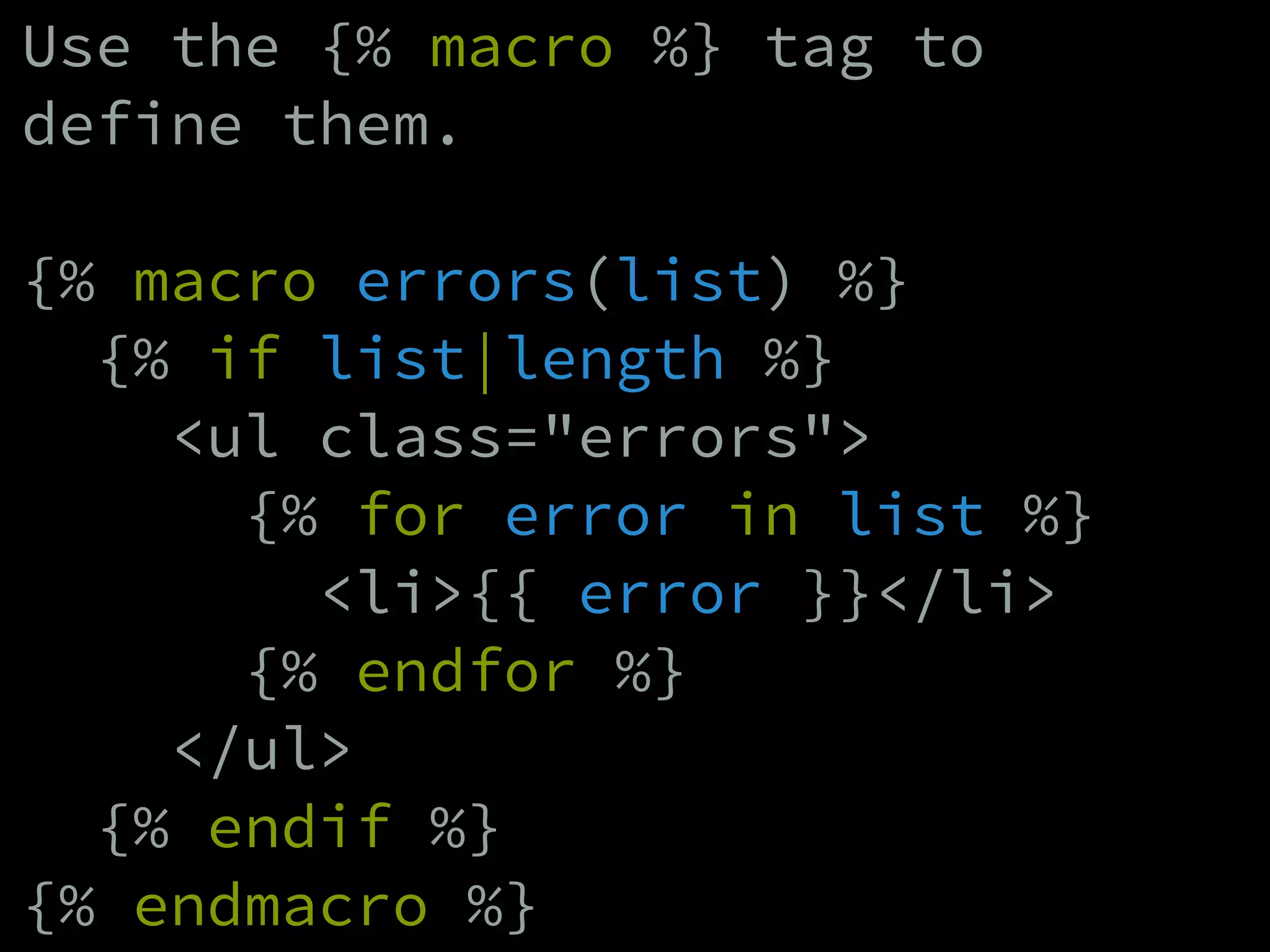
Use the {% macro %} tag to
define them.
!
{% macro errors(list) %}
{% if list|length %}
<ul class="errors">
{% for error in list %}
<li>{{ error }}</li>
{% endfor %}
</ul>
{% endif %}
{% endmacro %}
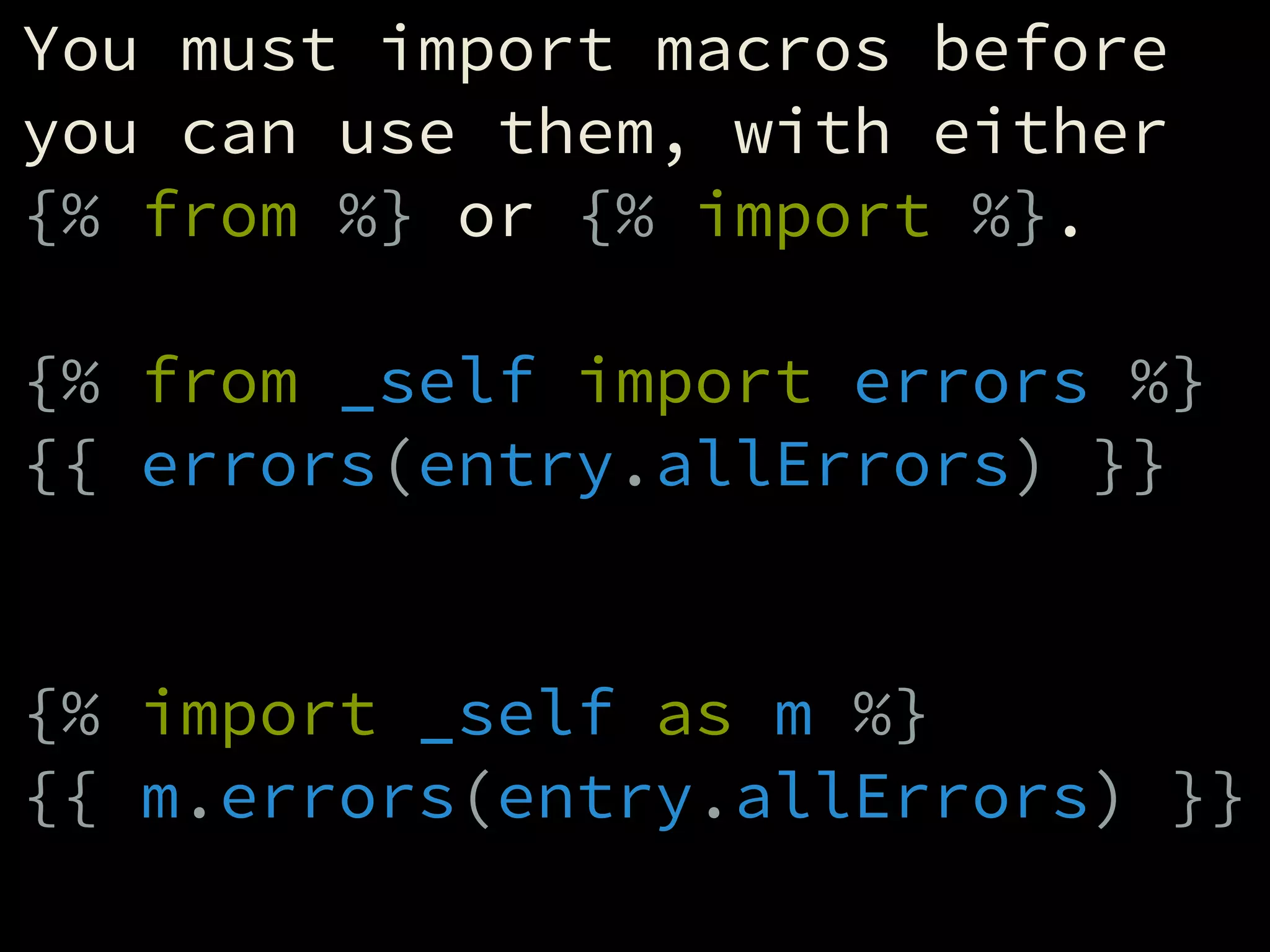
You must import macros before
you can use them, with either
{% from %} or {% import %}.
!
{% from _self import errors %}
{{ errors(entry.allErrors) }}
!
!
{% import _self as m %}
{{ m.errors(entry.allErrors) }}
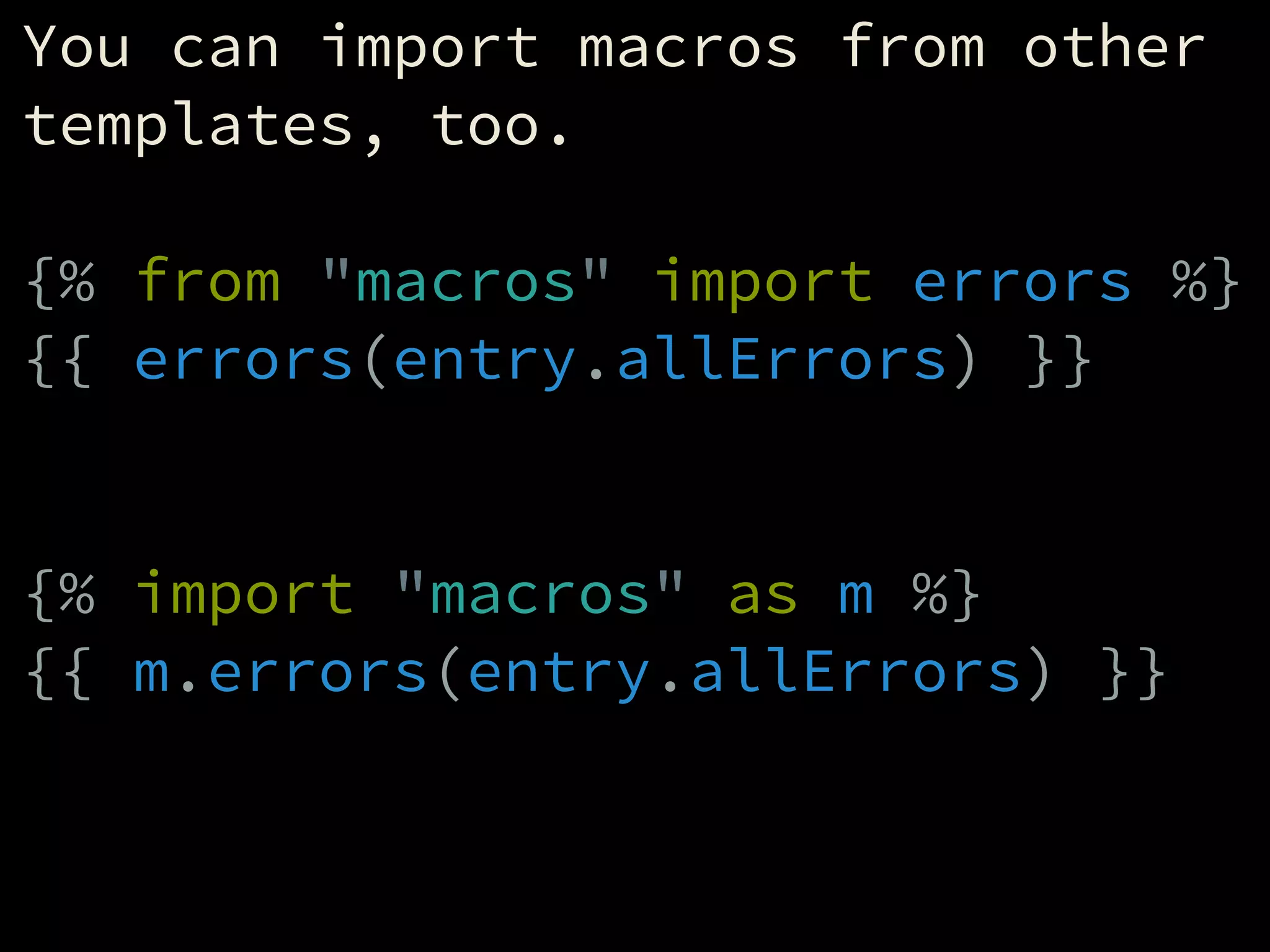
You can import macros from other
templates, too.
!
{% from "macros" import errors %}
{{ errors(entry.allErrors) }}
!
!
{% import "macros" as m %}
{{ m.errors(entry.allErrors) }}
!
The End.

Making Sense of Twig

  • 1.
  • 2.
  • 3.
    It’s a templatinglanguage. ! All templating features are available globally to all templates in any context, as part of the language. ! It’s not up to each and every application feature to provide its own tags.
  • 4.
    It’s super powerful. ! -Many ways to stay DRY - Custom variables - Functions - Filters - It knows math - Whitespace control - Extensible
  • 5.
    Templates get compiledinto PHP, so it’s super fast.
  • 6.
    Twig even makesdebugging a piece of cake.
  • 7.
    Used by somepopular apps: ! - LemonStand - Symfony - Craft - others
  • 8.
  • 9.
  • 10.
  • 11.
    <html> <head> <title>{{ title }}</title> </head> <body> <h1>{{title }}</h1> {% block main %} <p>Hey!</p> {% endblock %} </body> </html>
  • 12.
    <html> <head> <title>{{ title }}</title> </head> <body> <h1>{{title }}</h1> {% block main %} <p>Hey!</p> {% endblock %} </body> </html>
  • 13.
    <html> <head> <title>{{ title }}</title> </head> <body> <h1>{{title }}</h1> {% block main %} <p>Hey!</p> {% endblock %} </body> </html>
  • 14.
    Twig code alwayslives within one of these three tag pairs: ! {# ... #} {{ ... }} {% ... %}
  • 15.
  • 16.
    Comment tags arelike HTML comments, except they won’t show up in the page source. ! {# This won’t make it to the page source #} ! <!-- This will -->
  • 17.
  • 18.
    Output tags outputstuff to the browser. ! {{ title }} ! {{ "Howdy" }} ! {{ 84 / 2 }}
  • 19.
  • 20.
    Logic tags (orjust “tags”) control the logic of the template: ! - Conditionals - Loops - Variable definitions - Macros - Template includes - etc.
  • 21.
    The syntax variesfrom tag to tag.
  • 22.
    Some are justa single word. ! {% requireLogin %}
  • 23.
  • 24.
    Some have aclosing tag. ! {% block content %} <p>Hey</p> {% endblock %}
  • 25.
    Some even havenested tags. ! {% if foo %} <p>Something</p> {% else %} <p>Something else</p> {% endif %}
  • 26.
    It really alldepends on the tag. ! The only thing they have in common is that they all start with “{%”, followed by the tag name. ! {% tagname ...
  • 27.
    Twig comes withseveral built-in tags. ! {% autoescape %} {% block %} {% filter %} {% do %} {% embed %} {% extends %} {% autoescape %} {% flush %} {% for %} {% from %} {% if %} {% import %} {% include %} {% macro %} {% sandbox %} {% set %} {% spaceless %} {% use %} {% verbatim %}
  • 28.
    {% autoescape %} ! Escapestext for HTML. ! {% autoescape %} <p>Hey</p> {% endautoescape %} => &lt;p&gt;Hey&lt;/p&gt;
  • 29.
    {% autoescape %}(Cont.) ! ...or Javascript ! {% autoescape "js" %} http://foo.com {% endautoescape %} => httpx3Ax2Fx2Ffoo.com
  • 30.
    {% spaceless %} ! Removesany whitespace between Twig/HTML tags. ! {%- spaceless %} <p>Hey there</p> {% endspaceless -%} => <p>Hey there</p>
  • 31.
    {% verbatim %} ! Definestemplate code that Twig should output as-is, without parsing. ! {% verbatim %} <p>Type “{{ foo }}”.</p> {% endverbatim %} => <p>Type “{{ foo }}”.</p>
  • 32.
    You never puta Twig tag inside another Twig tag. ! Bad: ! {{ "Hey {{ firstName }}" }} ! Good: ! {{ "Hey " ~ firstName }}
  • 33.
  • 34.
    Twig supports fivedifferent types of values. ! Strings: "Hey" / 'Hey' Numbers: 42 / 3.14 Booleans: true / false Arrays: ['a', 'b', 'c'] Objects: { foo: 'bar' }
  • 35.
    An expression iseither a solo value, or multiple values combined to form another value. ! "Hey" => "Hey" "Hey "~"there" => "Hey there" 10 => 10 true => true ['a','b','c'] => ['a','b','c'] "Day "~1 => "Day 1" 10*(5+5) => 100
  • 36.
    Variables are valuesthat get set to a name, to be referenced later. ! Use the {% set %} tag to create them. ! {% set foo = "foo" %} {% set a = 42 %} {% set foobar = foo~"bar" %}
  • 37.
    The {% set%} tag can also be used as a tag pair. ! {% set foo %} <p>foo</p> {% endset %} ! That’s the same as: ! {% set foo = "n <p>foo</p>n " %}
  • 38.
    Variables are onetool for keeping our templates DRY. ! {% set title = "About Us" %} ... <title>{{ title }}</title> ... <h1>{{ title }}</h1>
  • 39.
  • 40.
    Filters modify values. ! Theycan uppercase text, merge arrays, and lots of other things.
  • 41.
    To pass avalue through a filter, type a pipe (“|”) after the value, followed by the filter name. ! "foo"|upper => "FOO" 21.3|round => 21 ['a','b','c']|length => 3
  • 42.
  • 43.
    You can evenchain them. ! "foobar"|slice(0,3)|upper => FOO
  • 44.
    You can addfilters to variables, too. ! {% set foo = "foo" %} {{ foo|length }} => 3
  • 45.
    You can usethem in pretty much any context you can think of. ! {{ value|filter }} ! {% set foo = value|filter %} ! {% do func(value|filter) %}
  • 46.
    Filters only modifythe value directly before the filter. ! "foo"~"bar"|upper => fooBAR ! ("foo"~"bar")|upper => FOOBAR
  • 47.
    Twig comes withtons of built-in filters: |abs |batch |capitalize |covert_encoding |date |date_modify |default |escape |first |format |join |json_encode |keys |last |length |lower |nl2br |number_format |merge |upper |raw |replace |reverse |round |slice |sort |split |striptags |title |trim |url_encode
  • 48.
    |length ! Finds the lengthof a string or array. ! {{ "foobar"|length }} => 6 ! {{ [1, 2, 3]|length }} => 3
  • 49.
    |upper & |lower ! Modifythe casing of a string. ! {{ "foo"|upper }} => FOO ! {{ "BAR"|lower }} => bar
  • 50.
    |raw ! Protects a stringfrom getting escaped. ! {{ "<p>Hey</p>" }} => &lt;p&gt;Hey&lt;/&gt; ! {{ "<p>Hey</p>"|raw }} => <p>Hey</p>
  • 51.
    |date ! Formats a date. ! {{now|date("F j, Y") }} => April 23, 2014
  • 52.
  • 53.
    Functions perform functions. ! Tocall one, type its name, followed by parentheses. ! {{ parent() }}
  • 54.
  • 55.
    Some of themare global: ! {{ dump(foo) }} ! And they can also be nested within objects: ! {{ craft.isLocalized() }}
  • 56.
    Twig comes witha few global functions built-in: attribute() block() constant() cycle() date() dump() include() max() min() parent() random() range() source() template_from_string()
  • 57.
    min() & max() ! Returnsthe smallest/largest value in a given array. ! {{ min([1, 2, 3]) }} => 1 ! {{ max([1, 2, 3]) }} => 3
  • 58.
    random() ! {{ random("foobar") }} =>f/o/b/a/r ! {{ random([1, 2, 3]) }} => 1/2/3 ! {{ random(10) }} => 1/2/3/4/5/6/7/8/9/10
  • 59.
    range() ! Creates a rangeof numbers as an array. ! {% set r = range(1, 5) %} => [1, 2, 3, 4, 5] ! {% set r = [1..5] %} => [1, 2, 3, 4, 5]
  • 60.
    dump() ! Outputs information abouta given variable. Helpful when debugging. ! {{ dump(foo) }} ! (In Craft, dump() is only available in Dev Mode.)
  • 61.
  • 62.
    You can preventcertain parts of your template from executing unless a certain condition is met by wrapping it in conditional tags.
  • 63.
    Conditionals always openwith an {% if %} tag, and close with an {% endif %} tag. ! {% if user %} <p>Hey there handsome!</p> {% endif %}
  • 64.
    You can alsospecify template code to be executed if the condition doesn’t pass, using the {% else %} tag. ! {% if user %} <p>Hey there handsome!</p> {% else %} <p>Have we met?</p> {% endif %}
  • 65.
    There’s also an{% elseif %} tag if you need fallback conditions. ! {% if user %} <p>Hey there handsome!</p> {% elseif username %} <p>Is this {{ username }}?</p> {% else %} <p>Have we met?</p> {% endif %}
  • 66.
    Conditionals can benested. ! {% if user %} {% if user.male %} <p>Hey there handsome!</p> {% else %} <p>Hey pretty lady!</p> {% endif %} {% elseif username %} <p>Is this {{ username }}?</p> {% else %} <p>Have we met?</p> {% endif %}
  • 67.
    A single conditioncan be made up of multiple expressions joined together with “and” or “or”. ! {% if foo and bar %} ! {% if foo or bar %}
  • 68.
    You can negatea condition by typing “not” before it. ! {% if not foo %}
  • 69.
    You can alsogroup expressions together using parentheses. ! {% if foo and ( foo == "foo" or foo == "bar" ) %}
  • 70.
  • 71.
    Tests are littleconditional helpers. They don’t have to be used within conditionals, but usually are.
  • 72.
    To write atest, add either “is” or “is not” after a variable, followed by the test name. ! {% if foo is defined %} ! {% if foo is not empty %}
  • 73.
    Twig comes witha few tests built-in. ! is constant is defined is divisible by is empty is even is iterable is null is odd is same as
  • 74.
    is defined ! Tests whethera variable exists at all, without Twig getting mad at you if it’s not. ! {% if foo is defined %}
  • 75.
    is divisible by ! Testswhether a number is divisible by another. ! {% if 5 is divisible by(2) %} ! That’s similar to writing: ! {% if 5 % 2 == 0 %}
  • 76.
    is even &is odd ! Tests whether a number is even/odd. ! {% if 5 is even %} ! {% if 5 is odd %}
  • 77.
    is empty ! Tests whethera variable is “empty”. ! {% if foo is not empty %} ! That’s the same as writing: ! {% if foo %}
  • 78.
    is same as ! Testswhether two variables have the same *type*. ! {% if 5 == "5" %} => true ! {% if 5 is same as "5" %} => false
  • 79.
  • 80.
    Arrays and objectsboth contain multiple values.
  • 81.
    Arrays contain valuesin a specific order, and have an inherent numerical index. ! {% set arr = ['a','b','c'] %} ! {{ arr[0] }} => 'a' {{ arr[1] }} => 'b' {{ arr[2] }} => 'c'
  • 82.
    Objects contain key-value pairs,and the order is generally less important. ! {% set obj = { foo: "Foo", bar: "Bar" } %} ! {{ obj.foo }} => "Foo" {{ obj.bar }} => "Bar"
  • 83.
    You can mergearrays together with the ‘merge’ filter. ! {% set a1 = ['a','b'] %} {% set a2 = ['c','d'] %} {% set a3 = a1|merge(a2) %} ! => ['a','b','c','d']
  • 84.
    You can mergeobjects together too. ! {% set o1 = {foo: "Foo"} %} {% set o2 = {bar: "Bar"} %} {% set o3 = o1|merge(o2) %} ! => {foo: "Foo", bar: "Bar"}
  • 85.
    You can grabpart of an array with the “slice” filter. ! {% set a1 = ['a','b','c'] %} {% set a2 = a1|slice(0, 2) %} ! => ['a','b'] ! A shortcut is also available: ! {% set a2 = a1[0:2] %}
  • 86.
  • 87.
    You can loopthrough arrays with the {% for %} tag. ! The syntax is: ! {% for itemname in myarray %} ... {% endfor %} ! The 2nd param (“itemname”) is whatever you want to call each item within the array.
  • 88.
    Example 1: Agefield ! <select name="age"> {% for age in [0..150] %} <option> {{ age }}</option> {% endfor %} </select>
  • 89.
    Example 2: Exp.Year field ! {% set y1 = now.year %} {% set y2 = y1 + 10 %} ! <select name="exp_year"> {% for year in [y1..y2] %} <option> {{ year }}</option> {% endfor %} </select>
  • 90.
    Example 3: Navigation ! {%set nav = [ { title: "Home", uri: "" }, { title: "About", uri: "about" } ] %} ! <nav> {% for item in nav %} <a href="{{ url(item.uri) }}"> {{ item.title }}</a> {% endfor %} </nav>
  • 91.
  • 92.
  • 93.
    Templates can includeothers. Include Template Parent Template Parent Template
  • 94.
    Use the {%include %} tag to include another template wherever the tag is placed. ! {% include "some/template" %}
  • 95.
    By default, anyvariables available to the “parent” template will also be available in the included template. ! {% set foo = "foo" %} {% include "myinclude" %} ! myinclude.html: {{ foo }} => foo
  • 96.
    You can defineadditional variables just for the included template using the “with” param. ! {% include "myinclude" with { foo: "foo" } %} ! some/template.html: {{ foo }} => foo
  • 97.
    To *only* passcertain variables to the included template, use the “only” param. ! {% set foo = "foo" %} {% include "myinclude" with { bar: "bar" } only %} ! some/template.html: {% if foo is defined %} => false
  • 98.
  • 99.
    A template canextend another, overriding parts of it (called “blocks”). Parent Template Block Child Template Child Template
  • 100.
    Define overridable areasin the parent template using the {% block %} tag. ! <body> {% block body %} <p>Default content</p> {% endblock %} </body>
  • 101.
    Use the {%extends %} tag within your child template to tell it which template it extends. ! {% extends "layout" %}
  • 102.
    Override the parent’sblocks by creating new blocks in the child template with the same name. ! {% extends "layout" %} ! {% block body %} <p>Override content</p> {% endblock %}
  • 103.
    You can outputthe parent block’s content using the parent() function. ! {% extends "layout" %} ! {% block body %} {{ parent() }} <p>Additional content</p> {% endblock %}
  • 104.
  • 105.
  • 106.
    Twig also letsyou “embed” other templates, which is similar to including them, except you get to override the child template’s blocks in the process.
  • 108.
    Use the {%embed %} tag to embed another template. ! {% embed "promo" %} {% block body %} {{ parent() }} <span class="ribbon"> 50% off! </span> {% endblock %} {% endembed %}
  • 109.
  • 110.
    Macros are likeincludes that are defined right within another template.
  • 111.
    Use the {%macro %} tag to define them. ! {% macro errors(list) %} {% if list|length %} <ul class="errors"> {% for error in list %} <li>{{ error }}</li> {% endfor %} </ul> {% endif %} {% endmacro %}
  • 112.
    You must importmacros before you can use them, with either {% from %} or {% import %}. ! {% from _self import errors %} {{ errors(entry.allErrors) }} ! ! {% import _self as m %} {{ m.errors(entry.allErrors) }}
  • 113.
    You can importmacros from other templates, too. ! {% from "macros" import errors %} {{ errors(entry.allErrors) }} ! ! {% import "macros" as m %} {{ m.errors(entry.allErrors) }} !
  • 114.