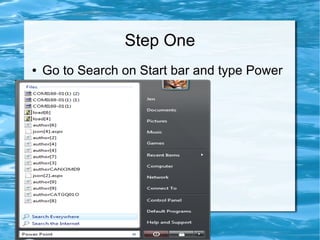
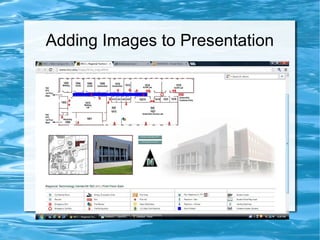
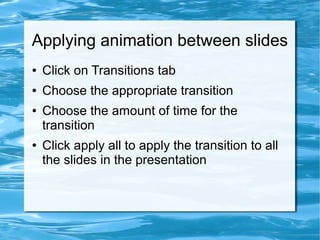
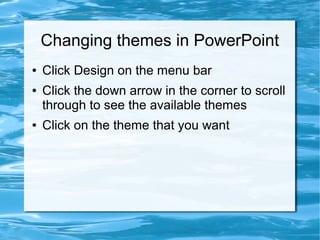
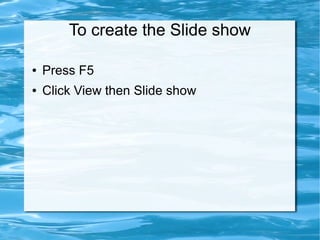
This document provides instructions for creating a presentation in PowerPoint, including how to open PowerPoint, add text, slides, images, apply transitions between slides, change themes, and start a slide show. Key steps include opening PowerPoint from the Start menu, inserting slides and choosing a slide type, saving images to the desktop and inserting them into slides, selecting transitions and timing, and choosing themes from the Design menu before pressing F5 or clicking View then Slide show to start the presentation.