Troubleshooting .NET Core apps
on Linux
and very, very brief intro to Google Cloud
Pavel Klimiankou
The Plan
● A backstory
● Troubleshooting
○ Sampling
○ Tracing
○ Core dumps
● A little bit of Cloud
A backstory
● A backstory
● Troubleshooting
○ Sampling
○ Tracing
○ Core dumps
● A little bit of Cloud
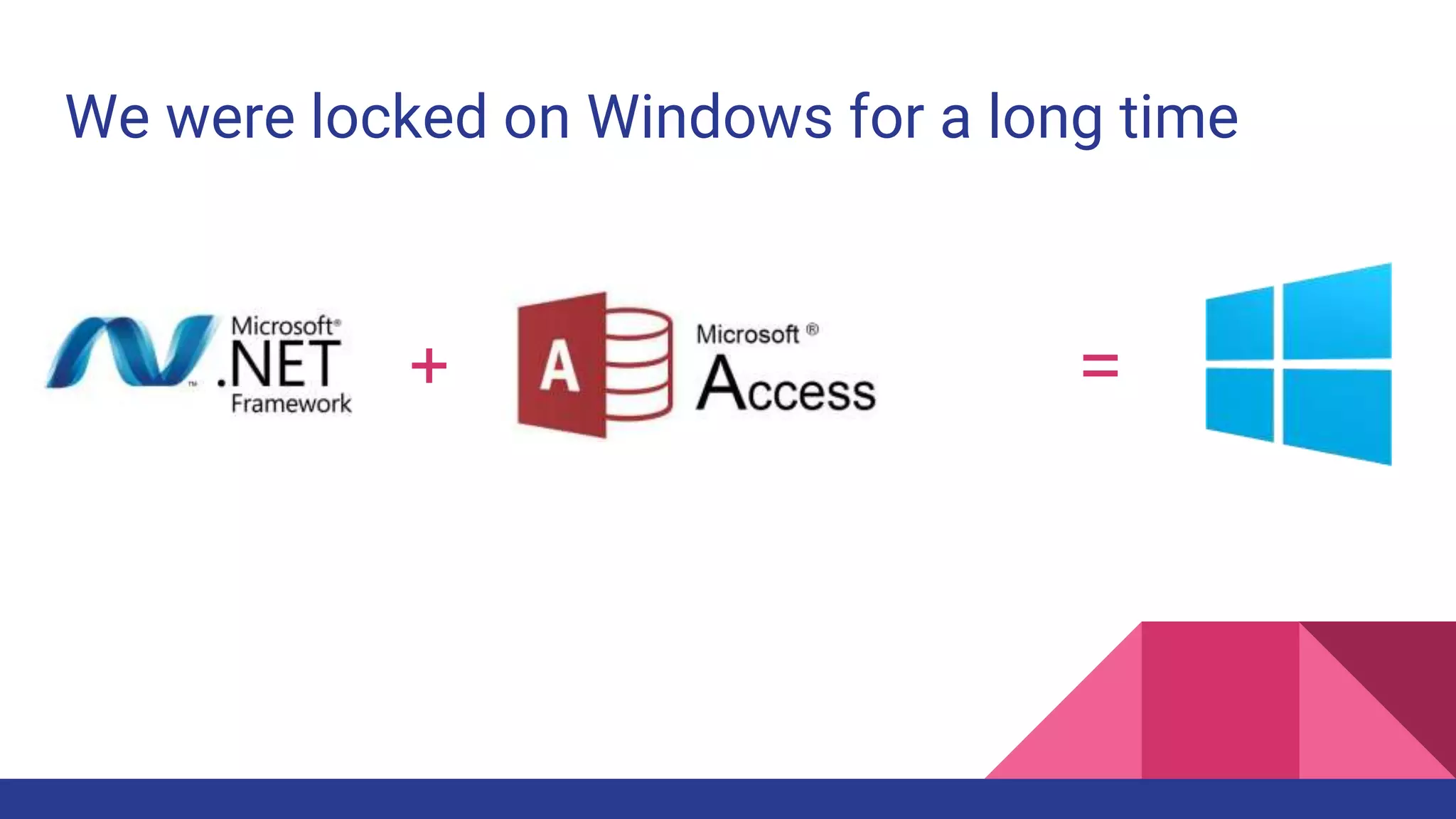
We were locked on Windows for a long time
+ =
Very long time
+ =
Very, very long time
+ =
Until...
+ =
=
=
We want Linux!
But how do we debug on it?
Debugging
● A backstory
● Debugging
○ Sampling
○ Tracing
○ Core dumps
● A little bit of Cloud
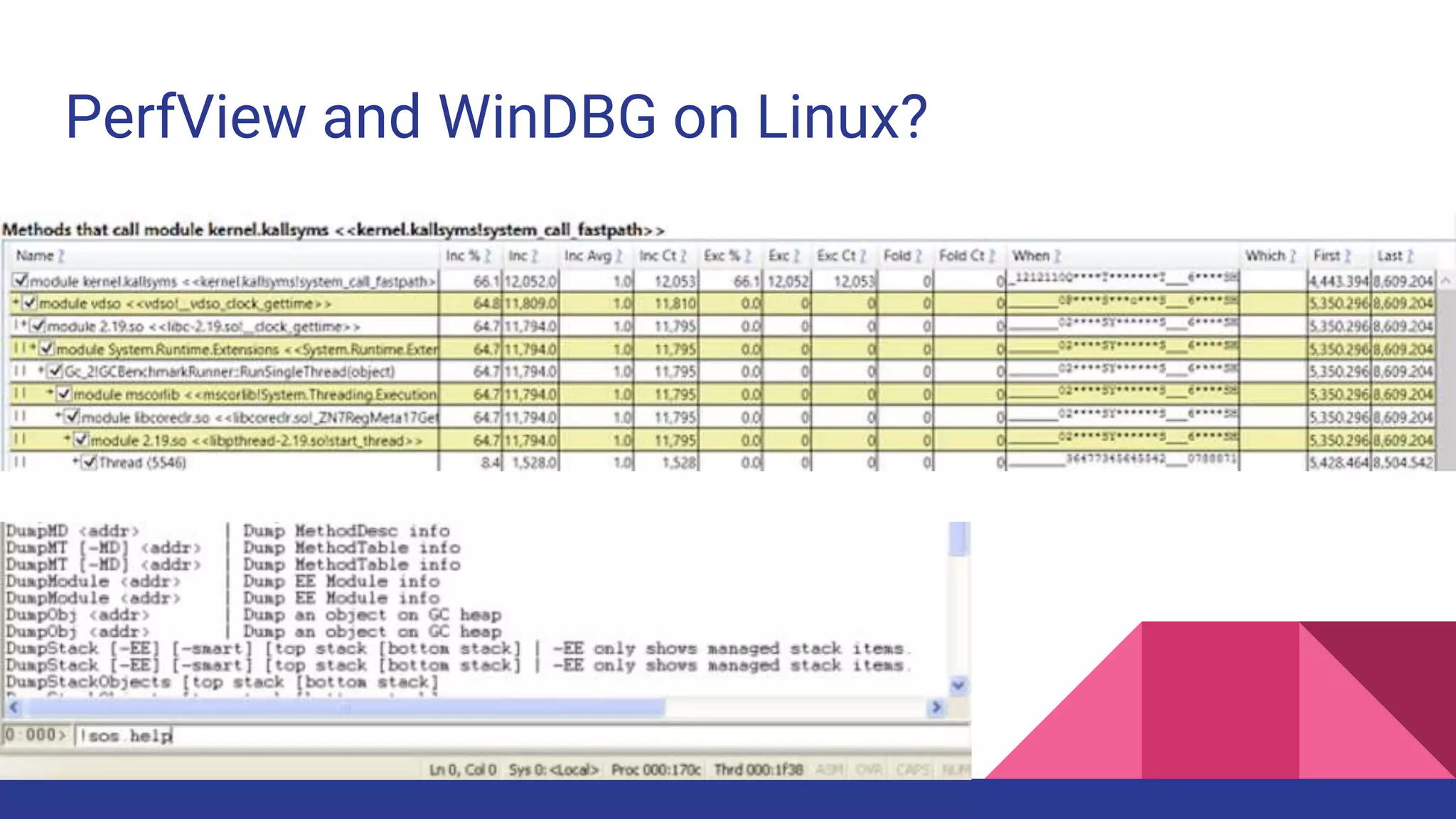
PerfView and WinDBG on Linux?
Sampling
● A backstory
● Debugging
○ Sampling
○ Tracing
○ Core dumps
● A little bit of Cloud
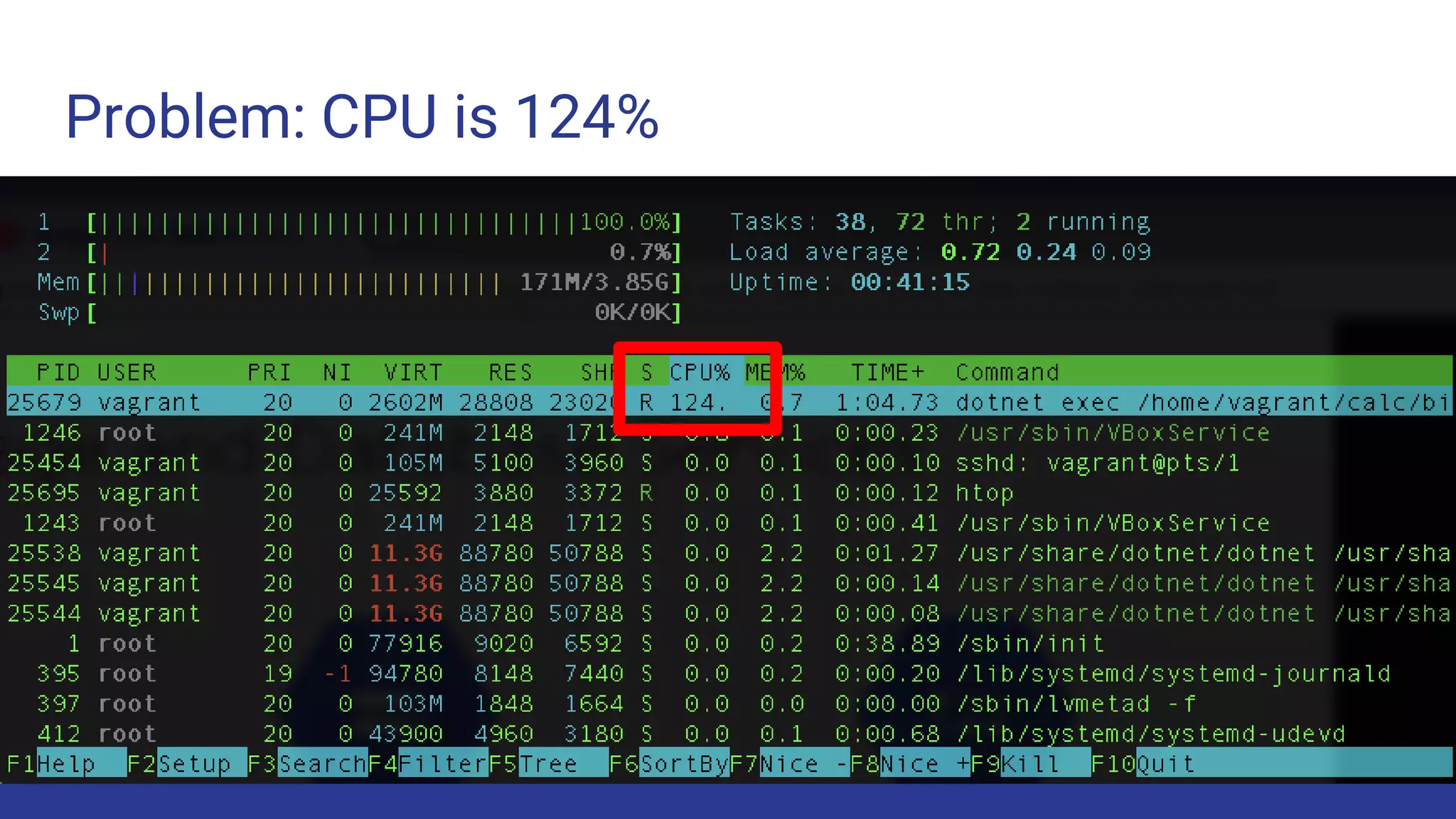
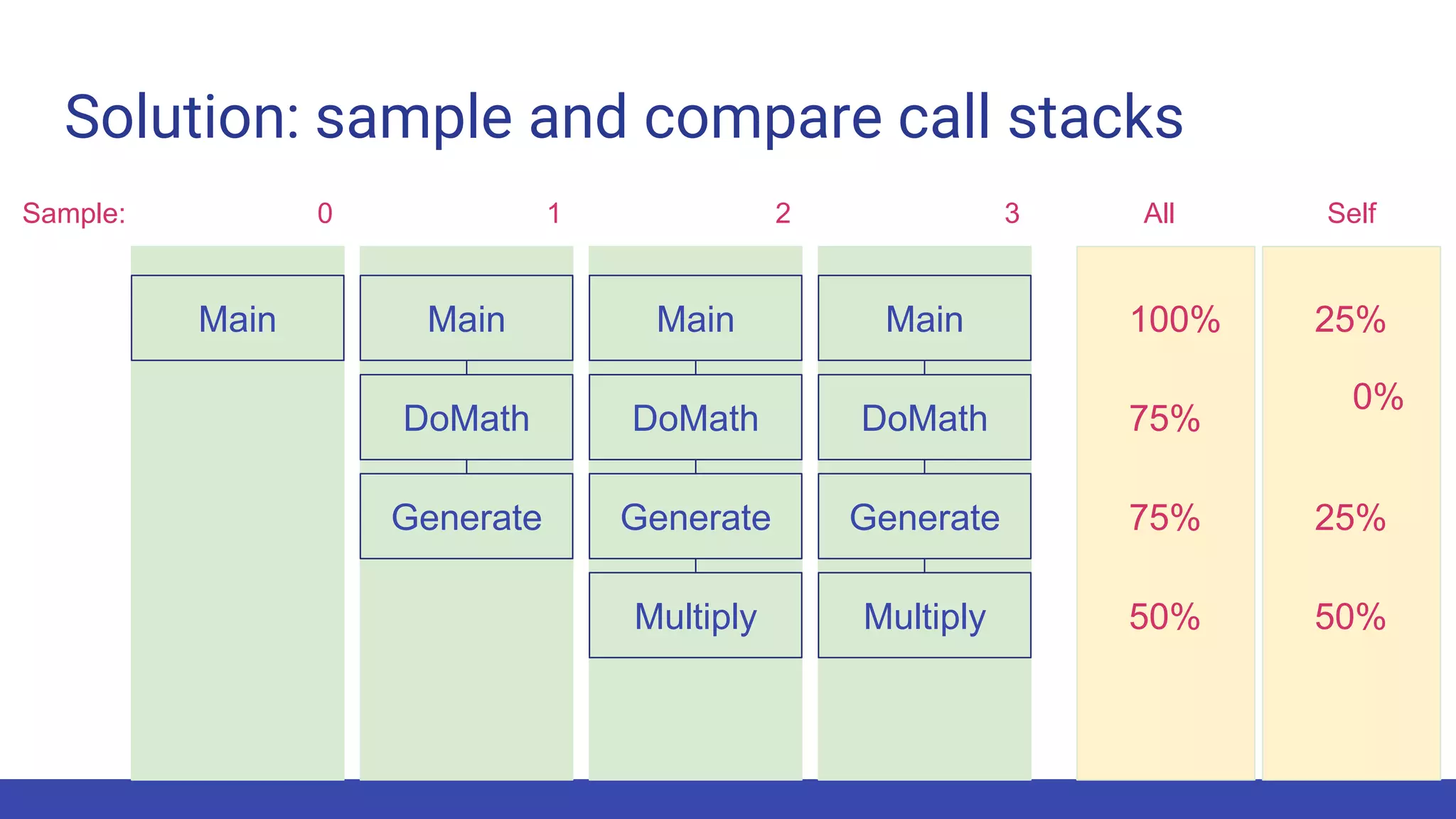
Problem: CPU is 124%
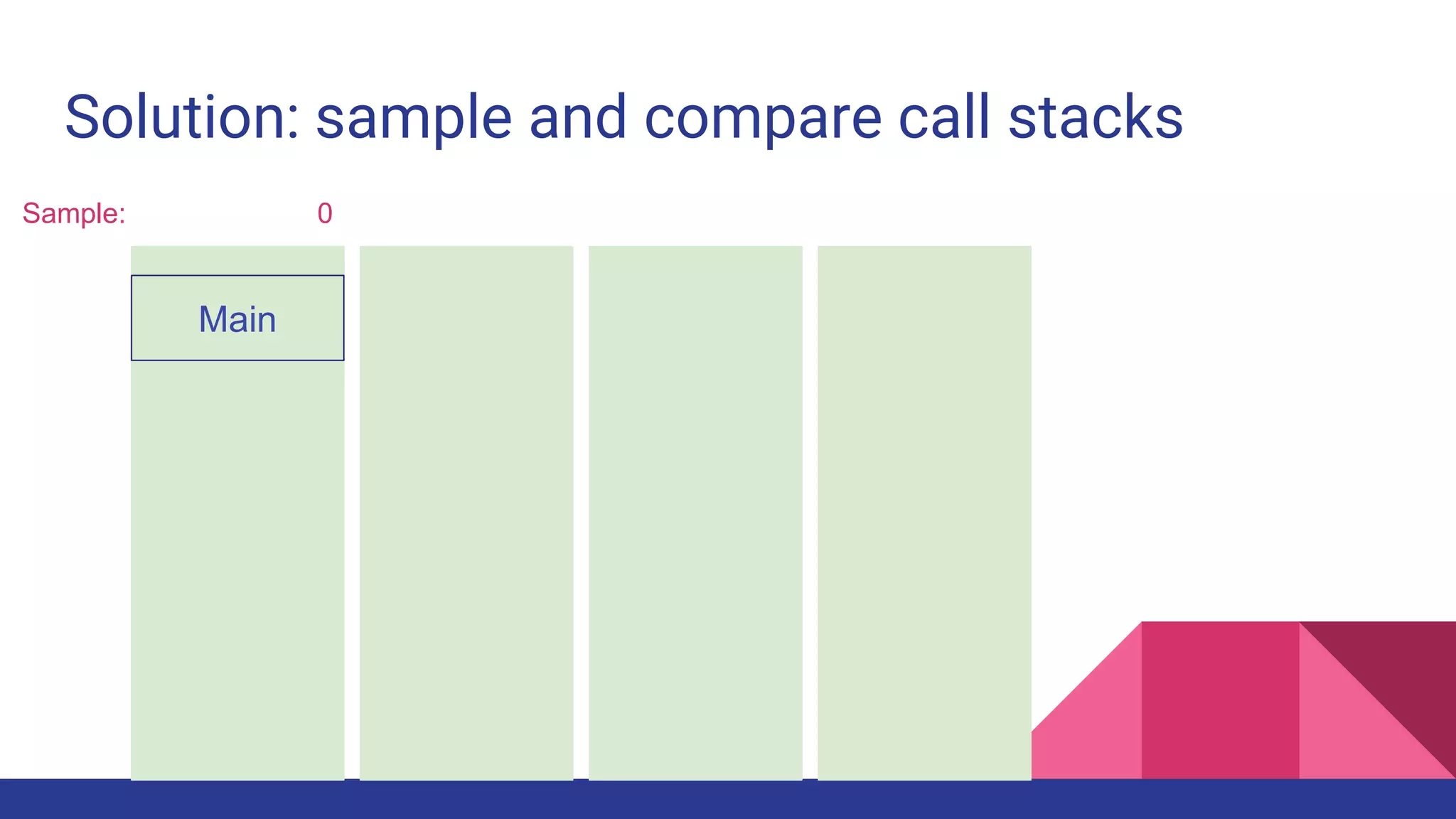
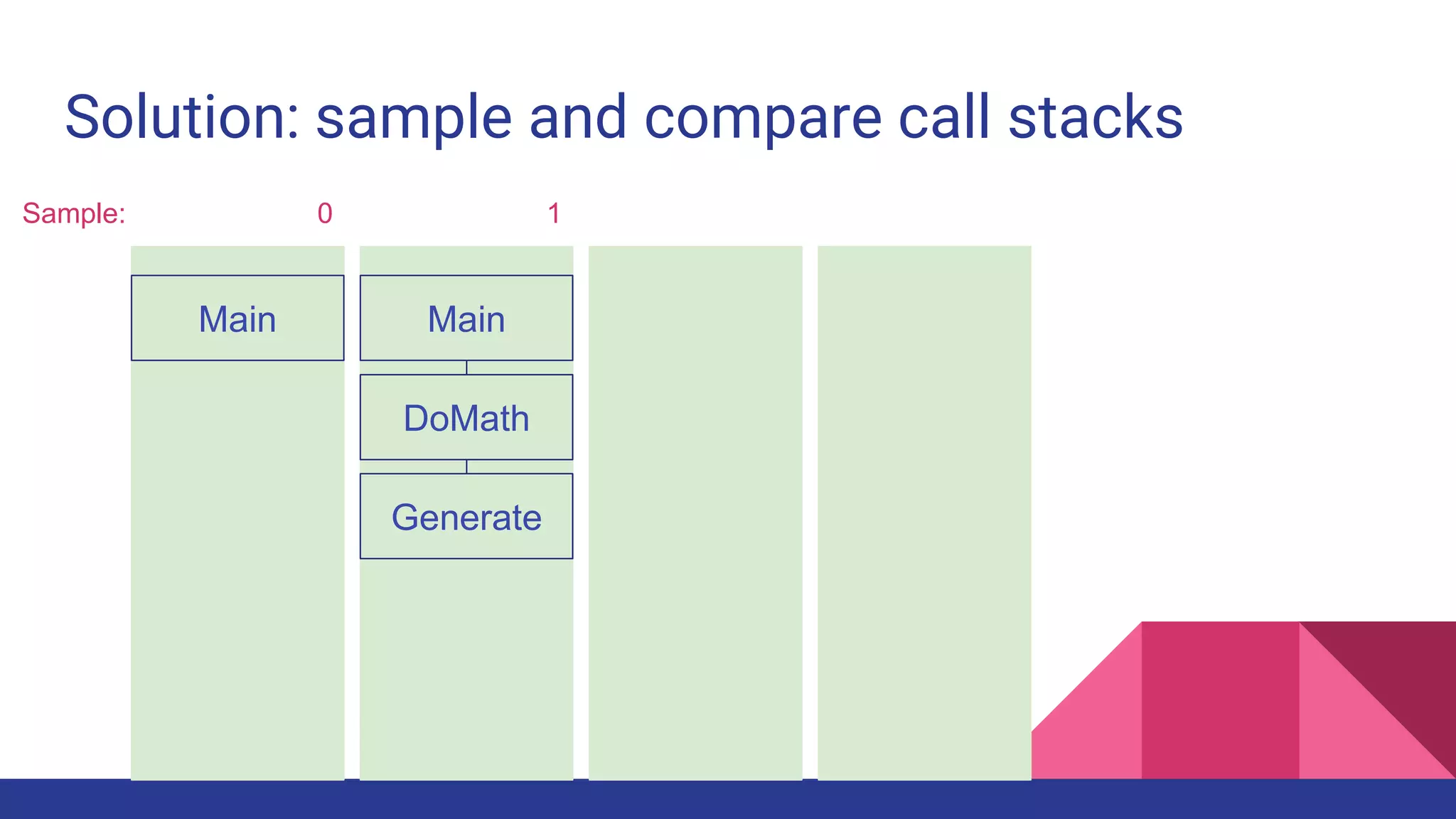
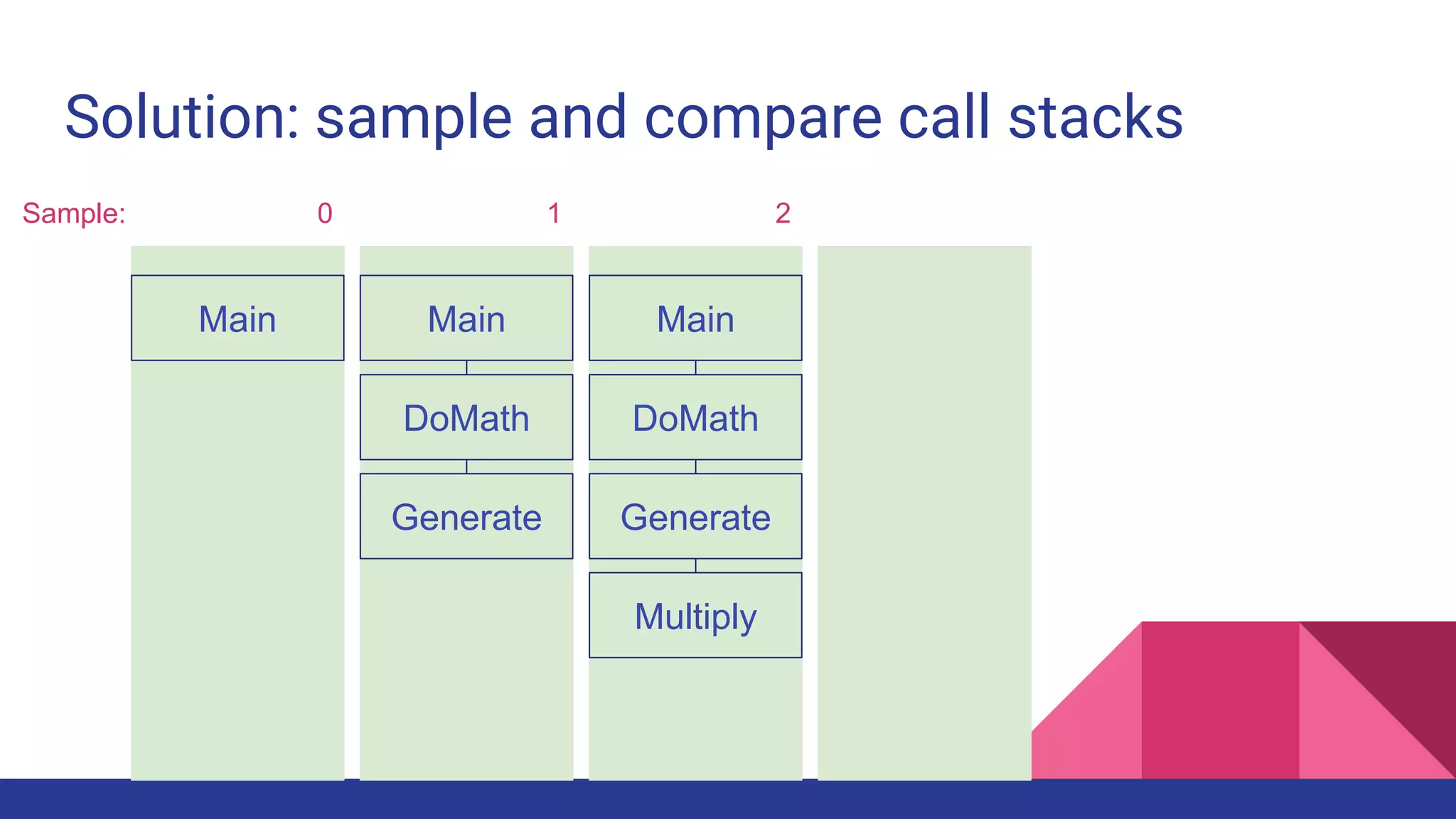
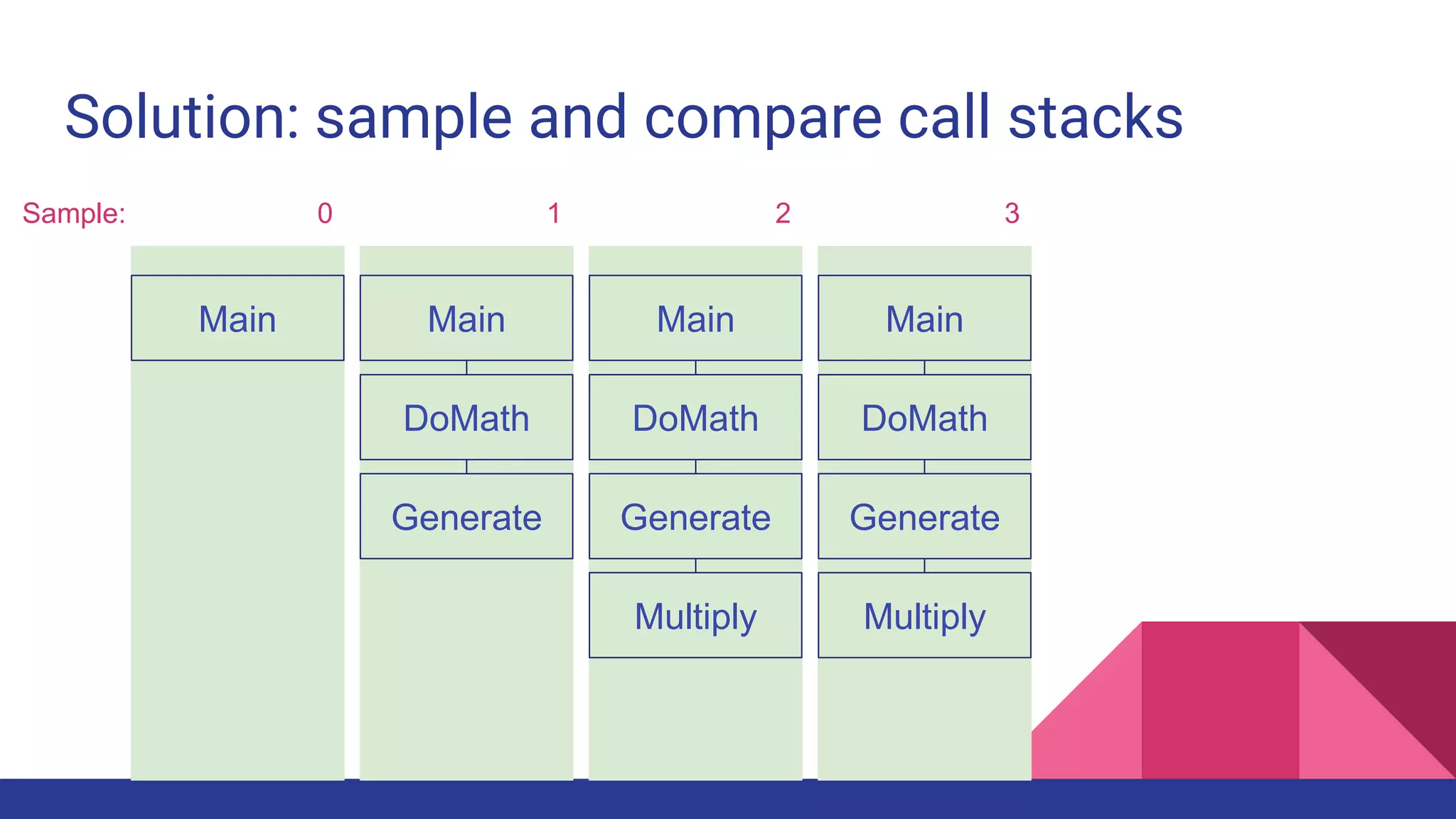
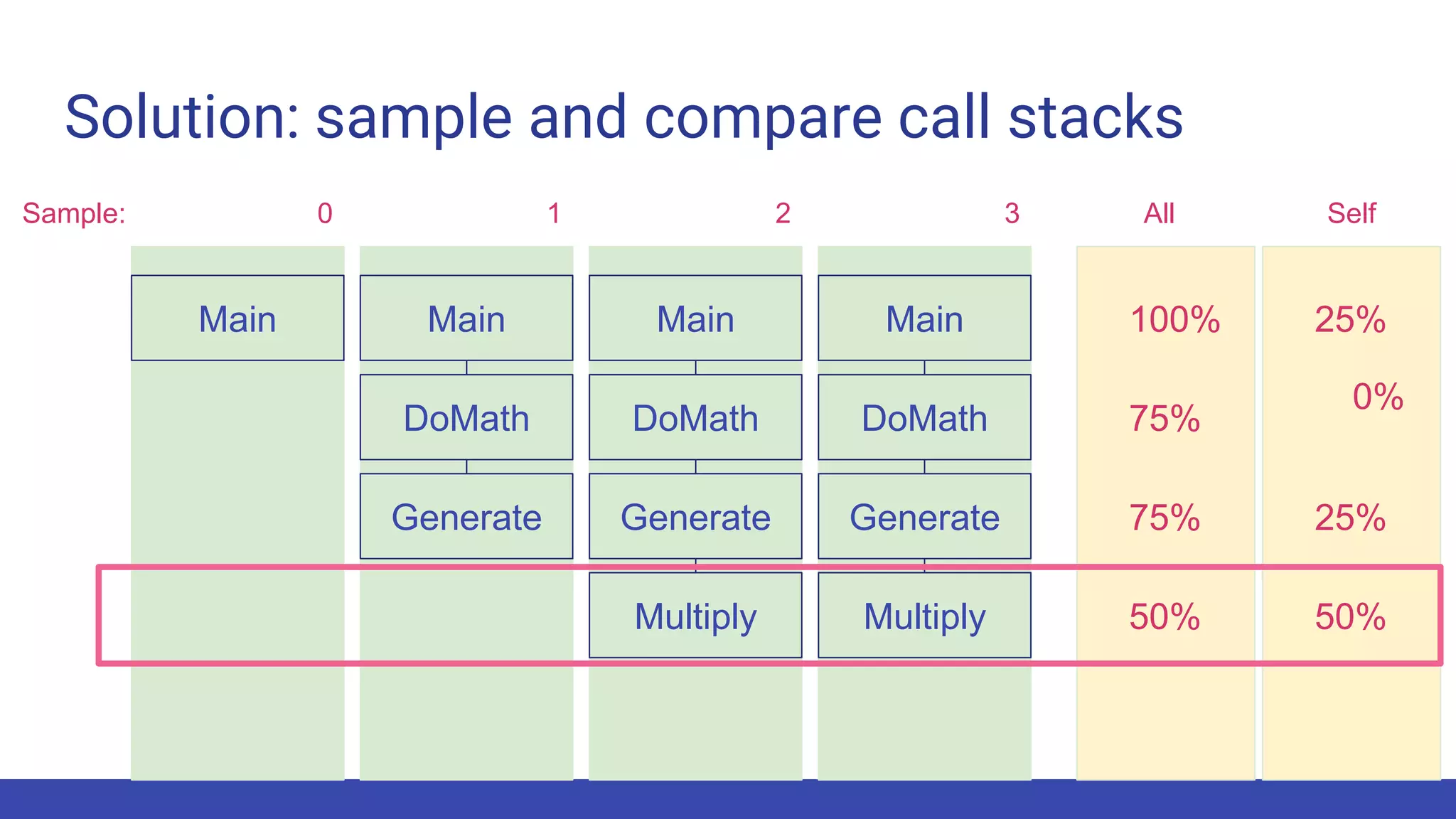
Solution: sample and compare call stacks
Sample:
Solution: sample and compare call stacks
Sample: 0
Main
Solution: sample and compare call stacks
Sample: 0
Main
DoMath
Main
Generate
1
Solution: sample and compare call stacks
Sample: 0
Main
DoMath
Main
Generate
Main
DoMath
Generate
Multiply
1 2
Solution: sample and compare call stacks
Sample: 0
Main
DoMath
Main
Generate
Main
DoMath
Generate
Multiply
Main
DoMath
Generate
Multiply
1 2 3
Solution: sample and compare call stacks
Sample: 0
Main
DoMath
Main
Generate
Main
DoMath
Generate
Multiply
Main
DoMath
Generate
Multiply
1 2 3 SelfAll
100% 25%
75%
0%
75% 25%
50% 50%
Solution: sample and compare call stacks
Sample: 0
Main
DoMath
Main
Generate
Main
DoMath
Generate
Multiply
Main
DoMath
Generate
Multiply
1 2 3
100% 25%
75%
0%
75% 25%
50% 50%
SelfAll
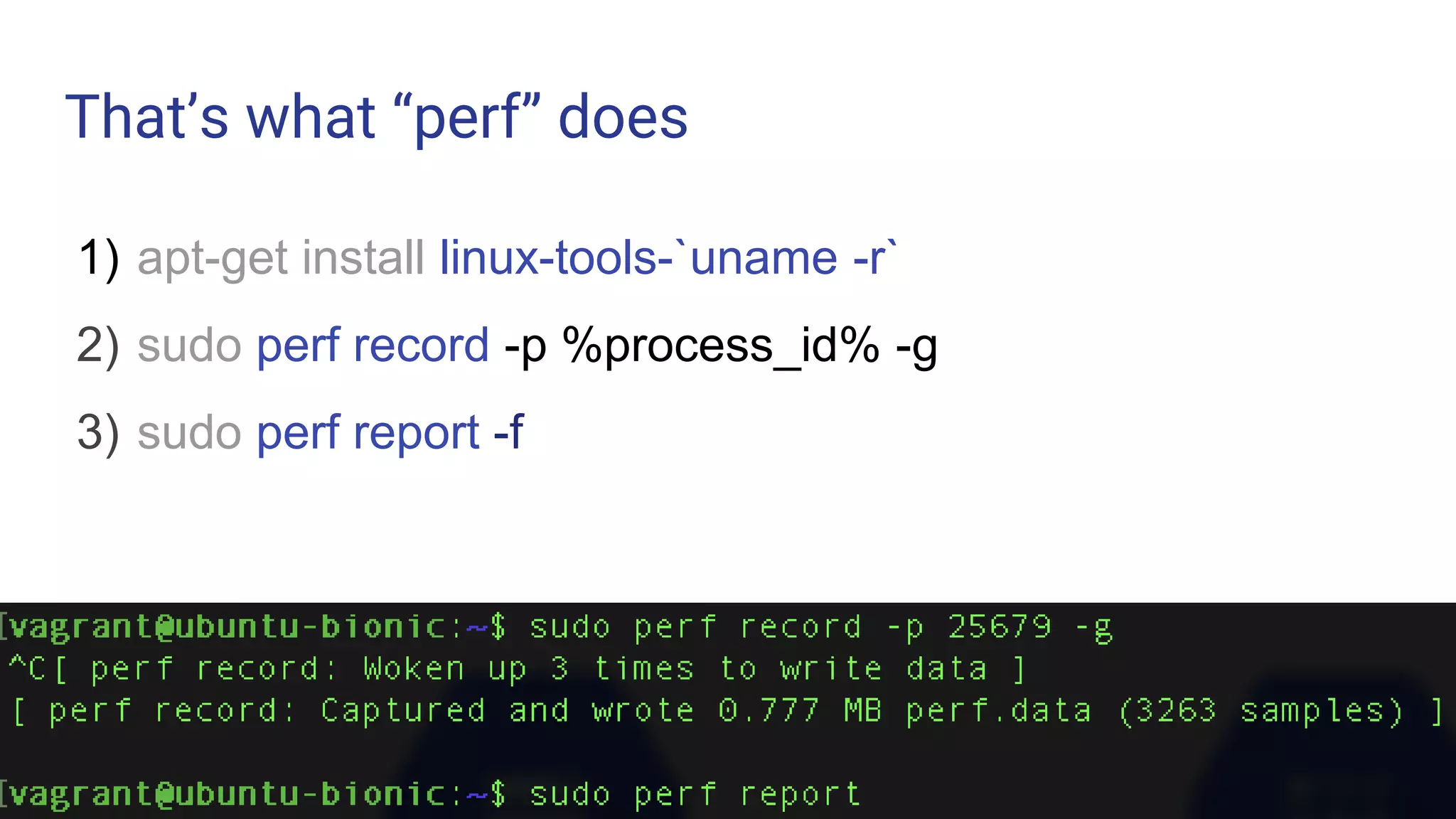
That’s what “perf” does
1) apt-get install linux-tools-`uname -r`
2) sudo perf record -p %process_id% -g
3) sudo perf report -f
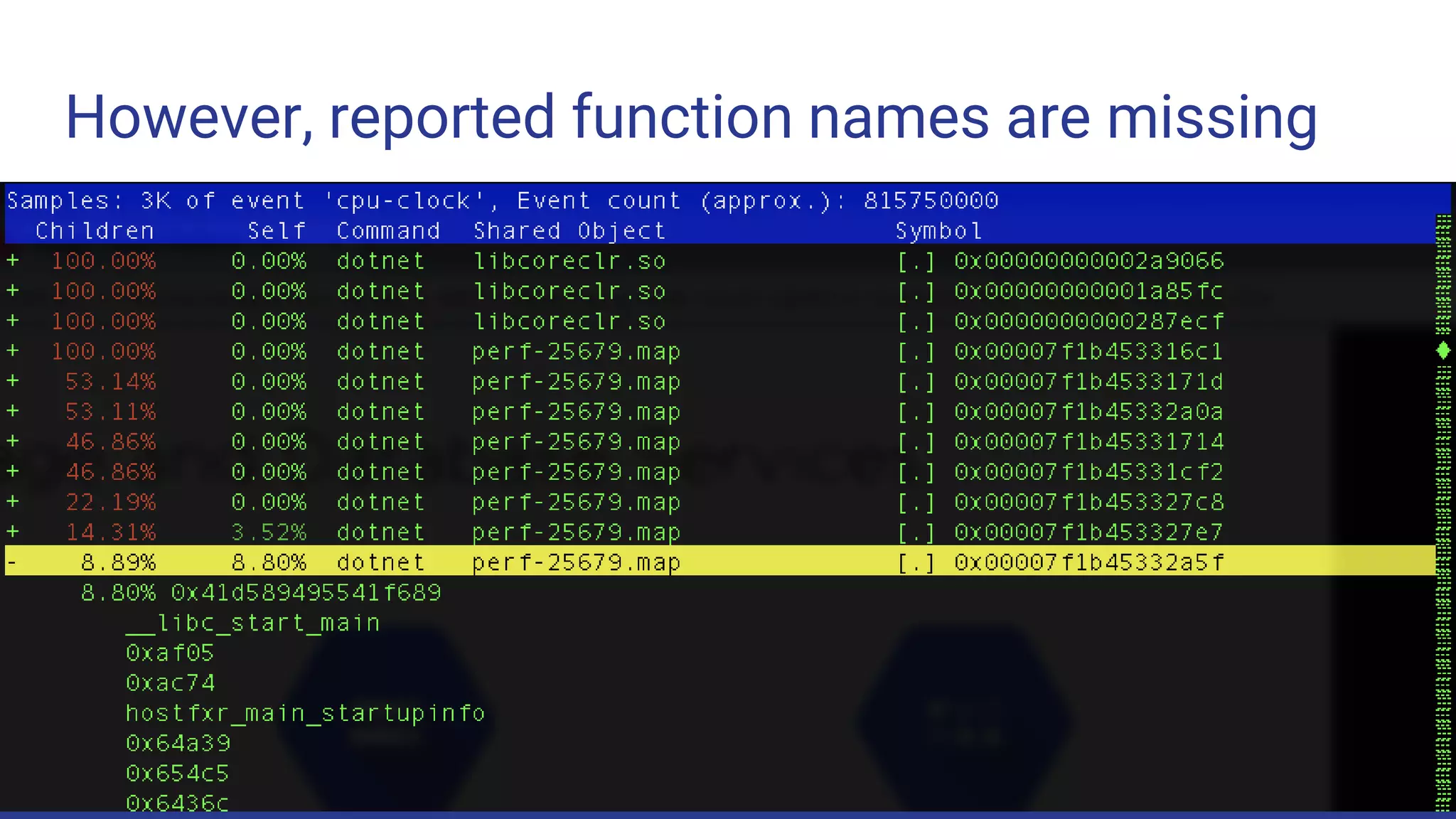
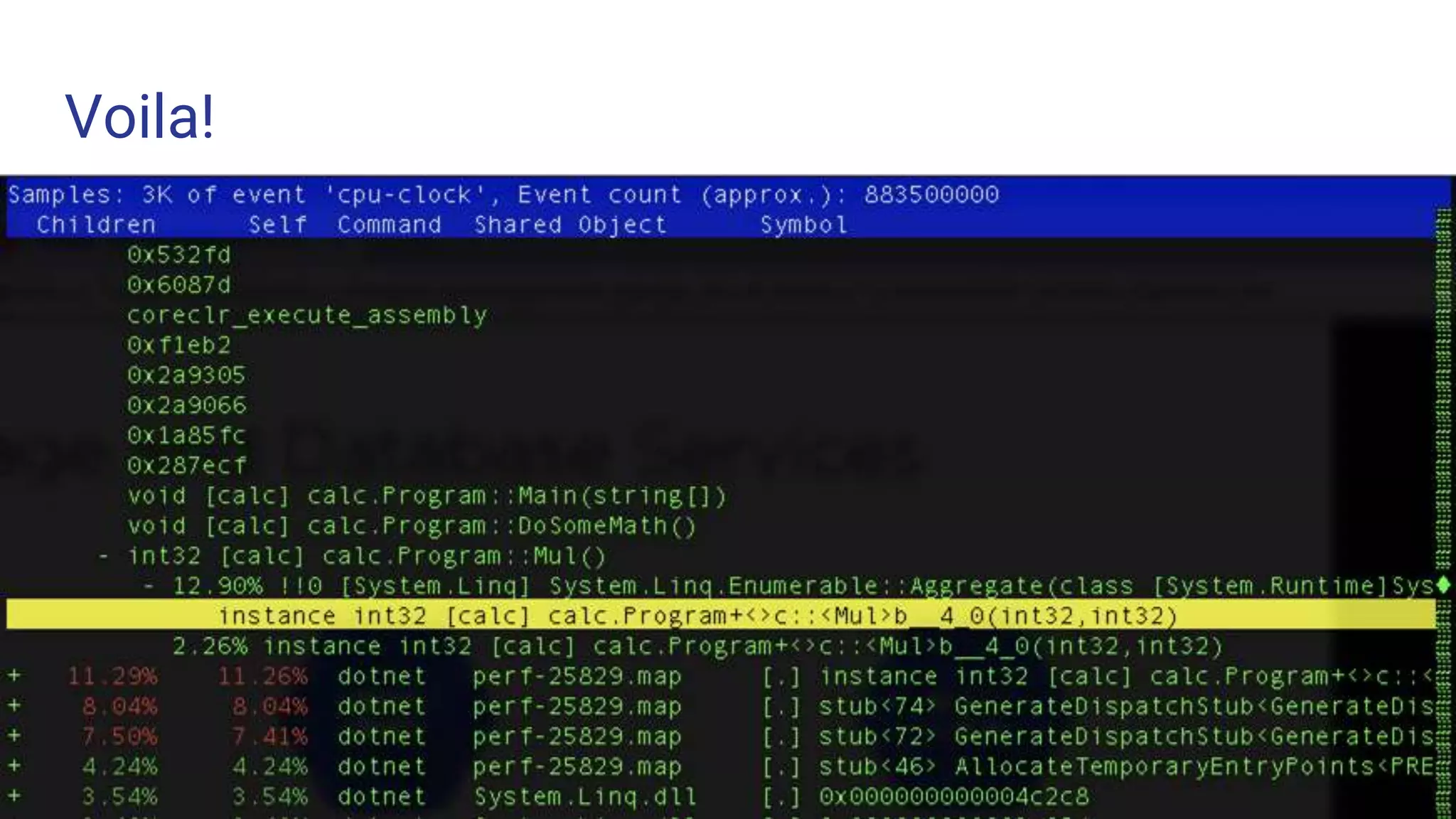
However, reported function names are missing
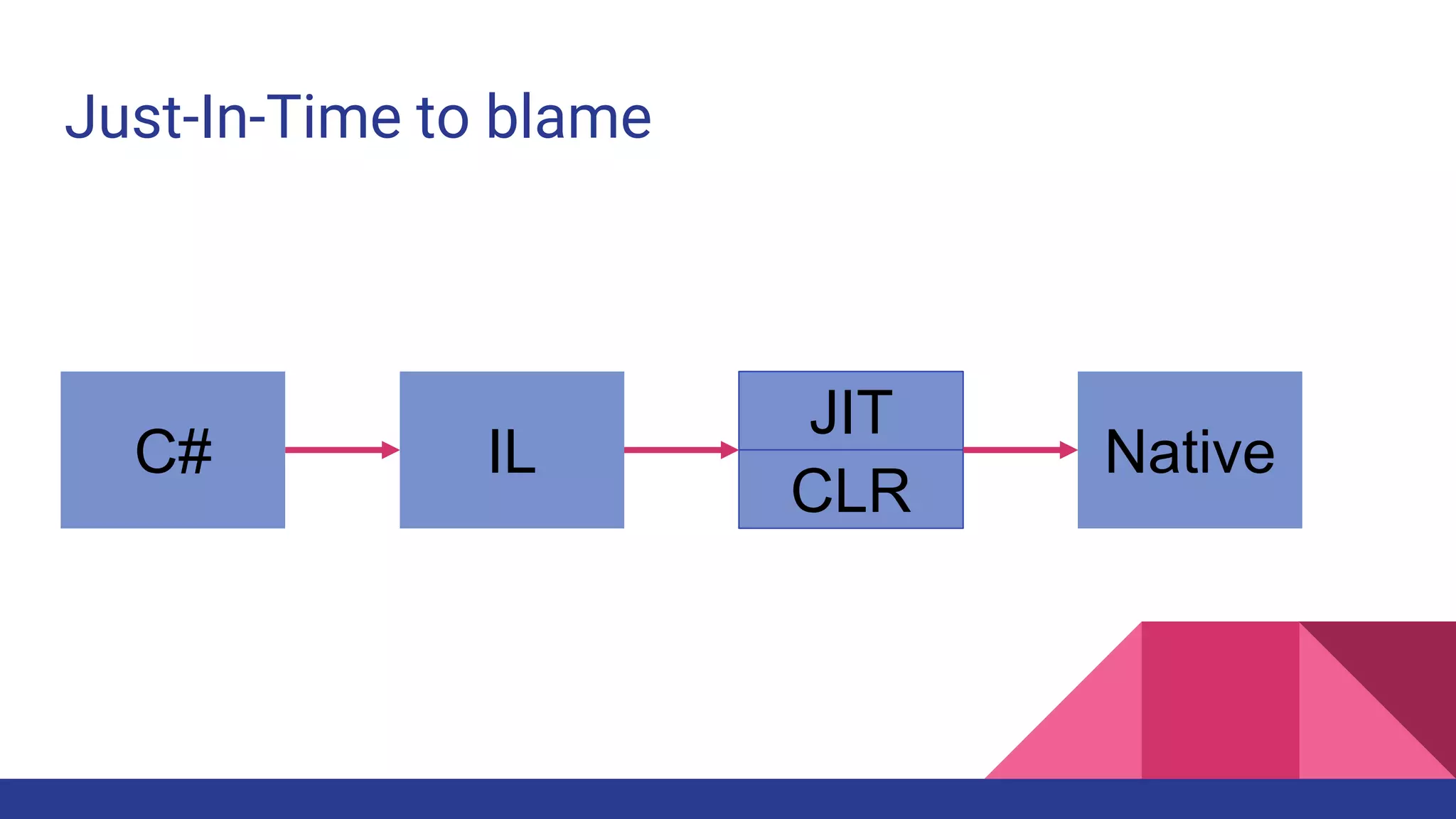
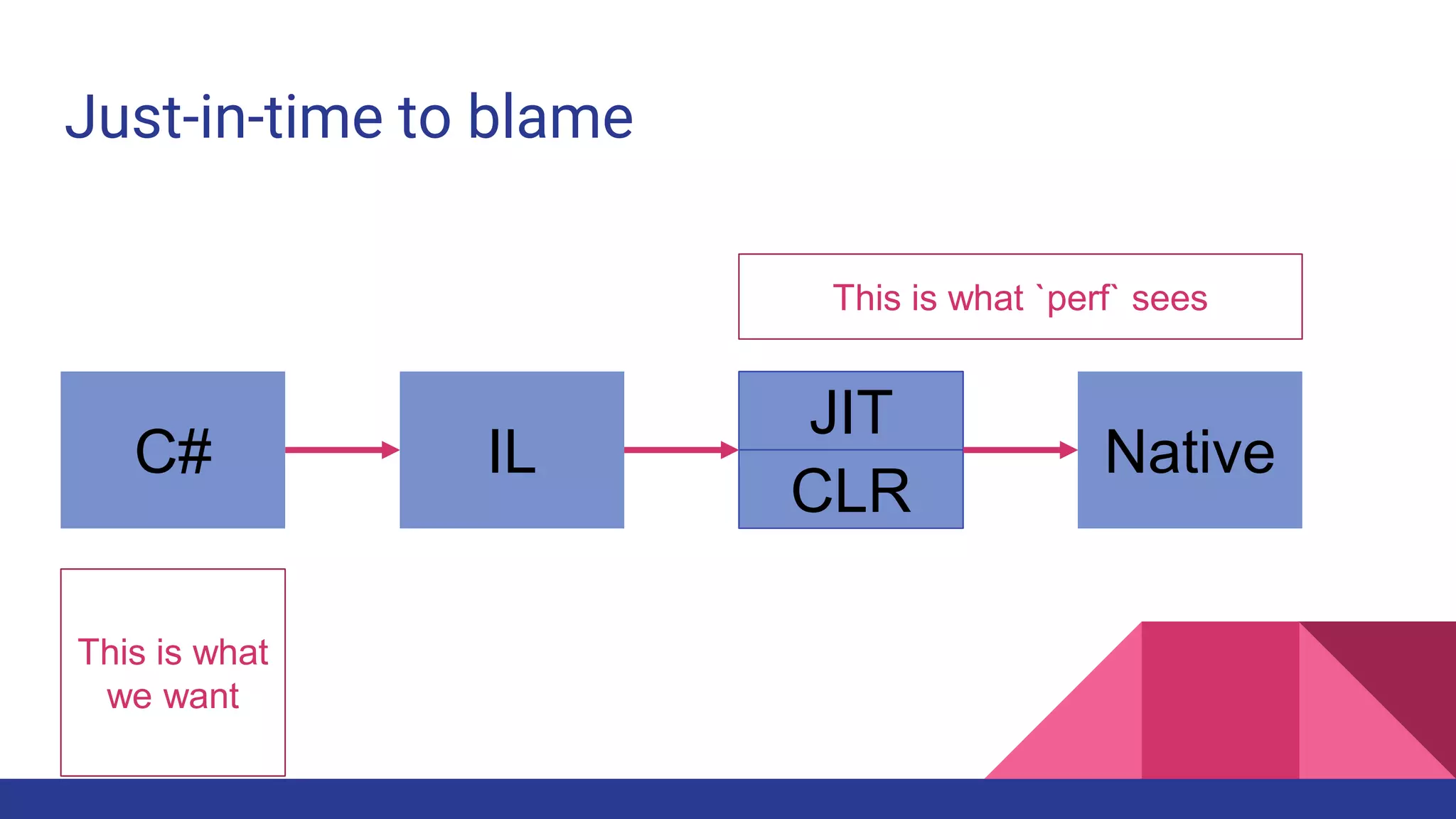
Just-In-Time to blame
C# IL
JIT
CLR
Native
Just-in-time to blame
C# IL
JIT
CLR
Native
This is what `perf` sees
This is what
we want
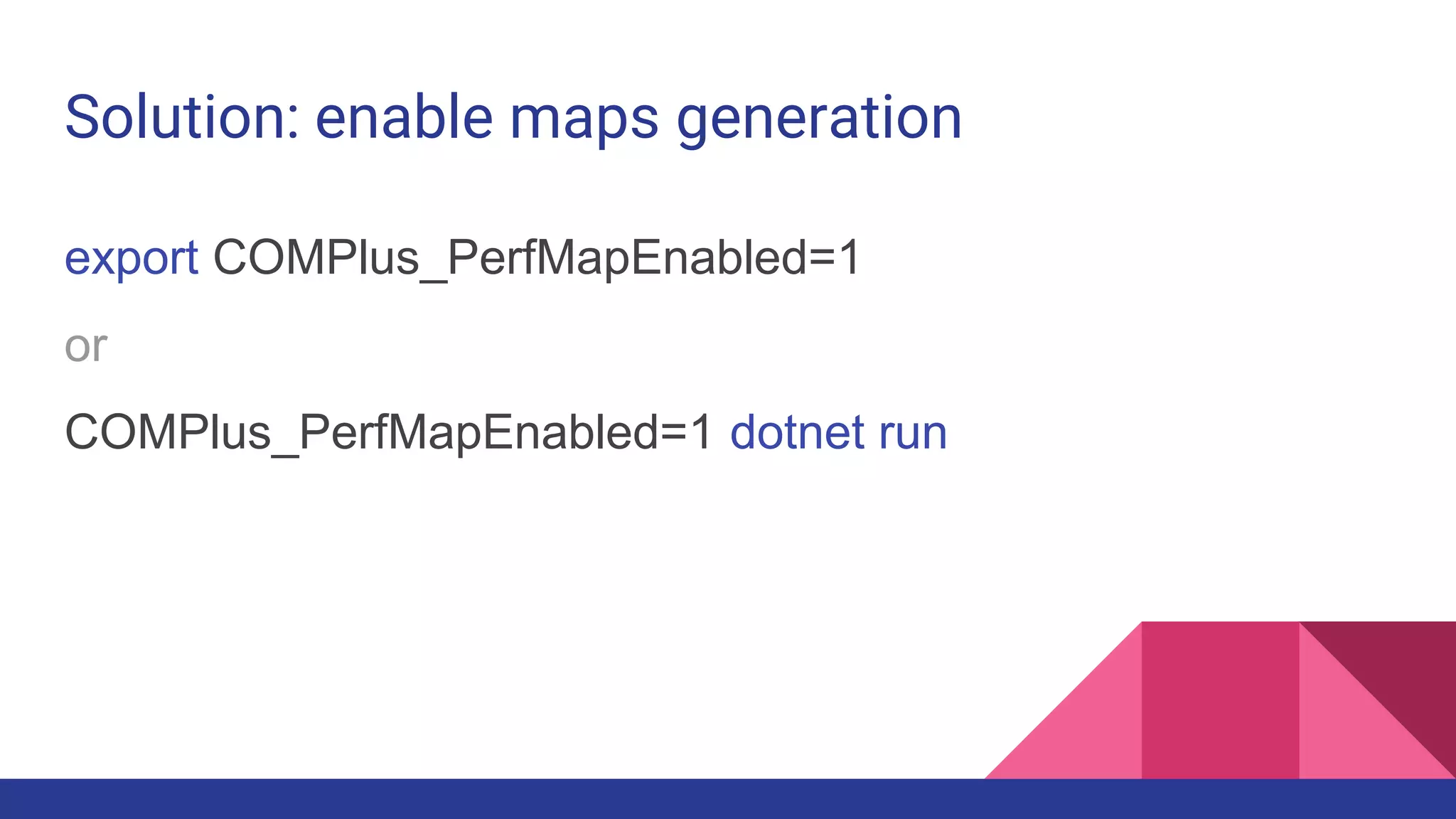
Solution: enable maps generation
export COMPlus_PerfMapEnabled=1
or
COMPlus_PerfMapEnabled=1 dotnet run
Voila!
Tracing
● A backstory
● Debugging
○ Sampling
○ Tracing
○ Core dumps
● A little bit of Cloud
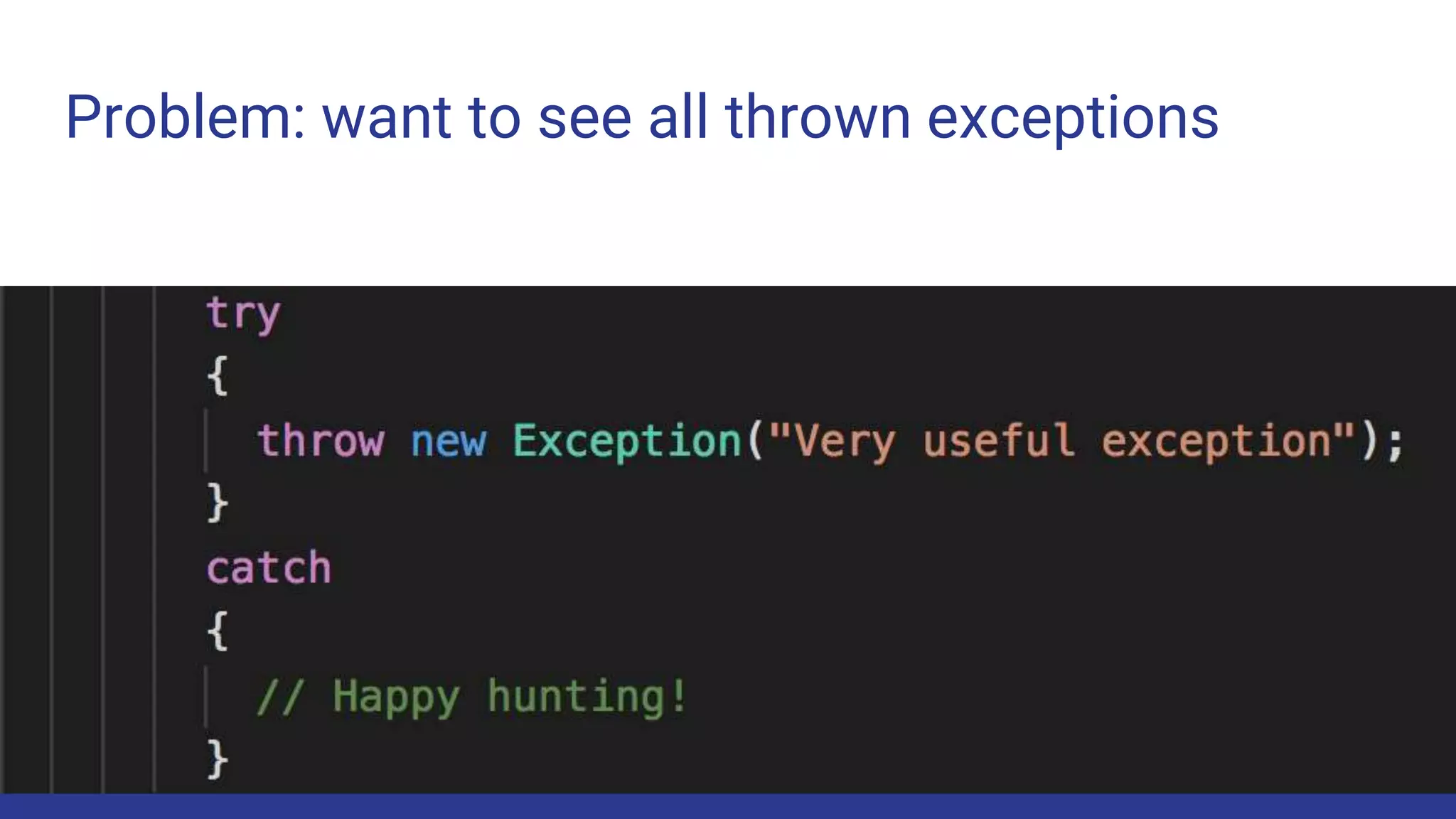
Problem: want to see all thrown exceptions
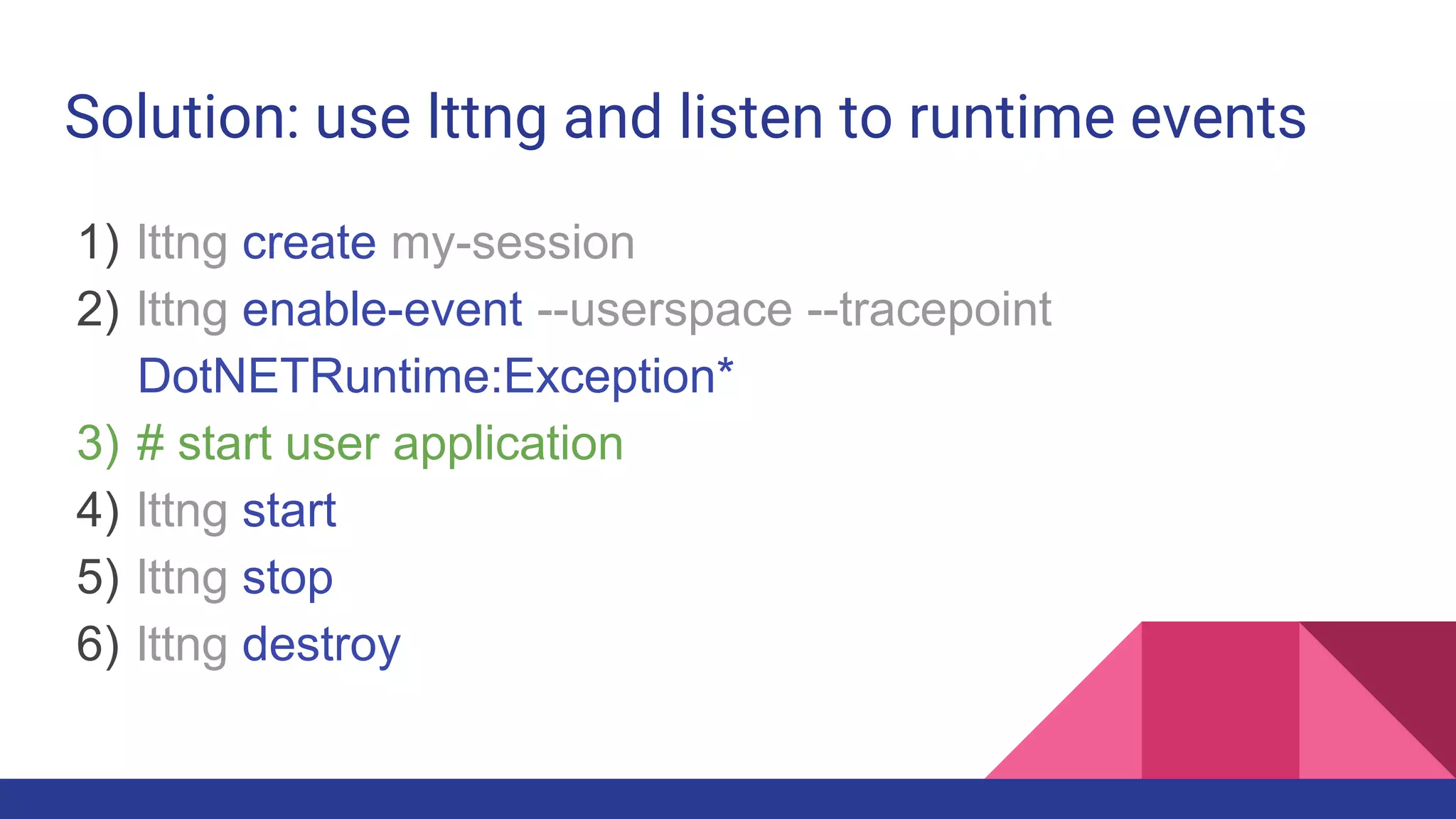
Solution: use lttng and listen to runtime events
1) lttng create my-session
2) lttng enable-event --userspace --tracepoint
DotNETRuntime:Exception*
3) # start user application
4) lttng start
5) lttng stop
6) lttng destroy
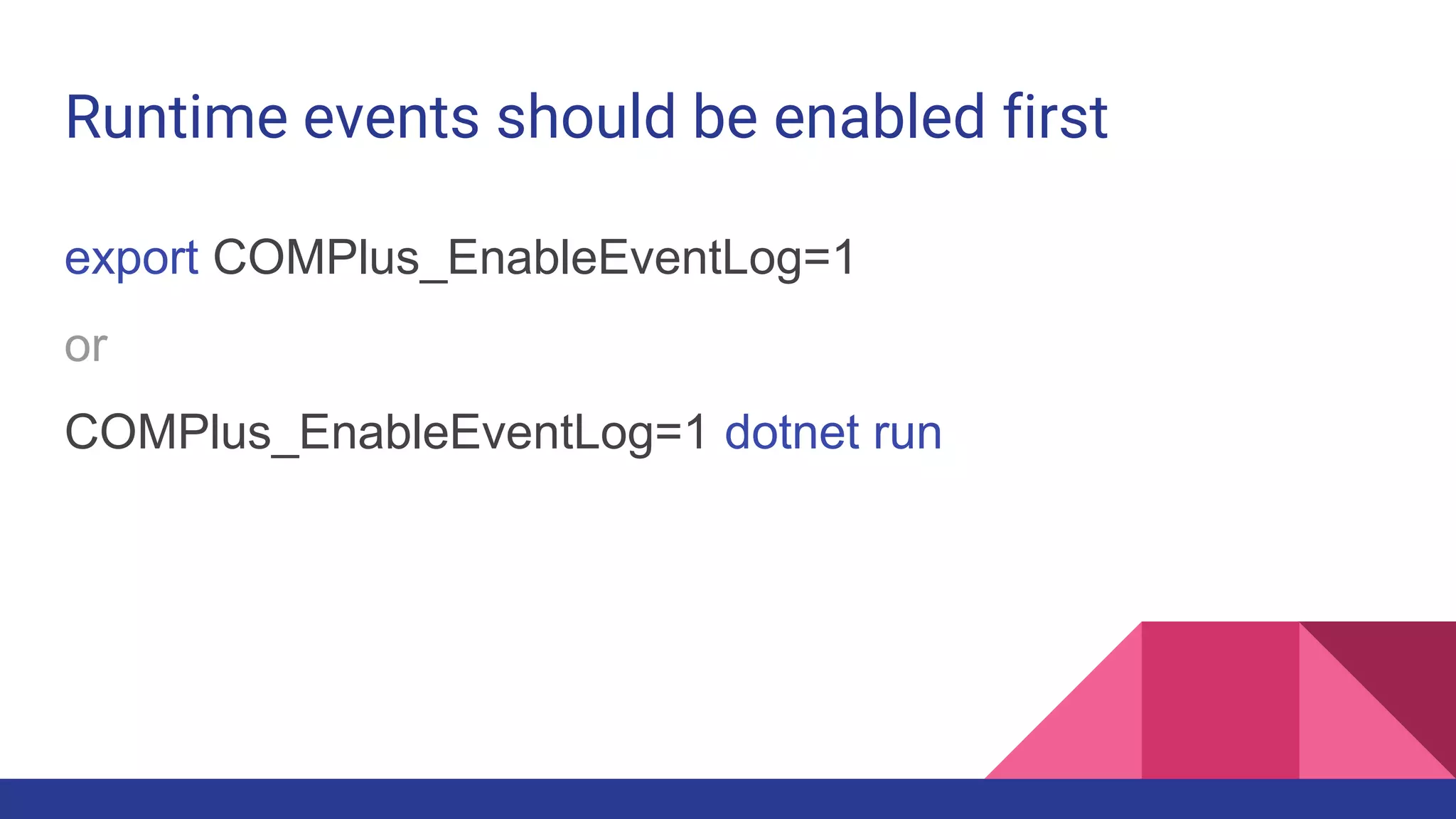
Runtime events should be enabled first
export COMPlus_EnableEventLog=1
or
COMPlus_EnableEventLog=1 dotnet run
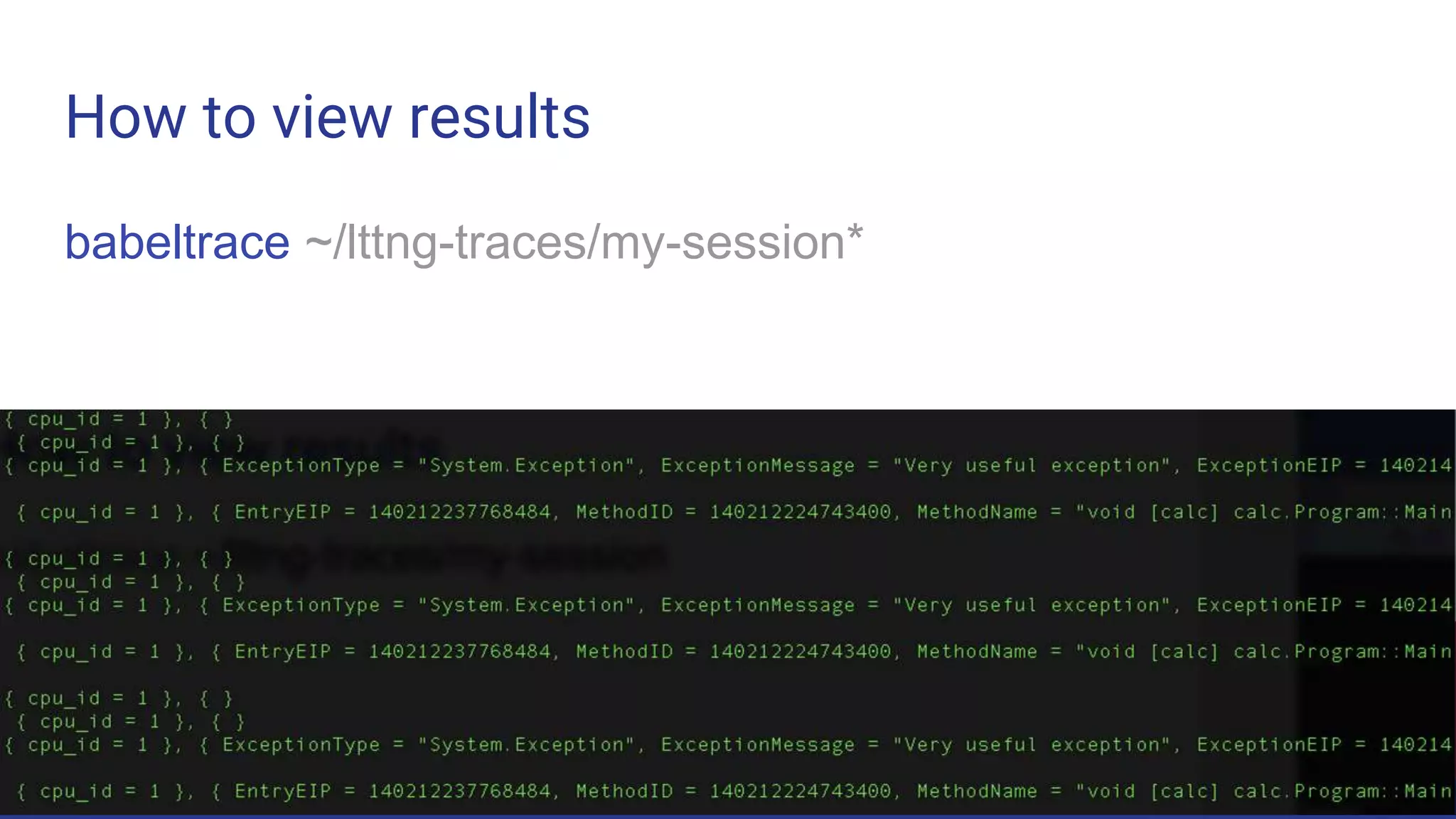
How to view results
babeltrace ~/lttng-traces/my-session*
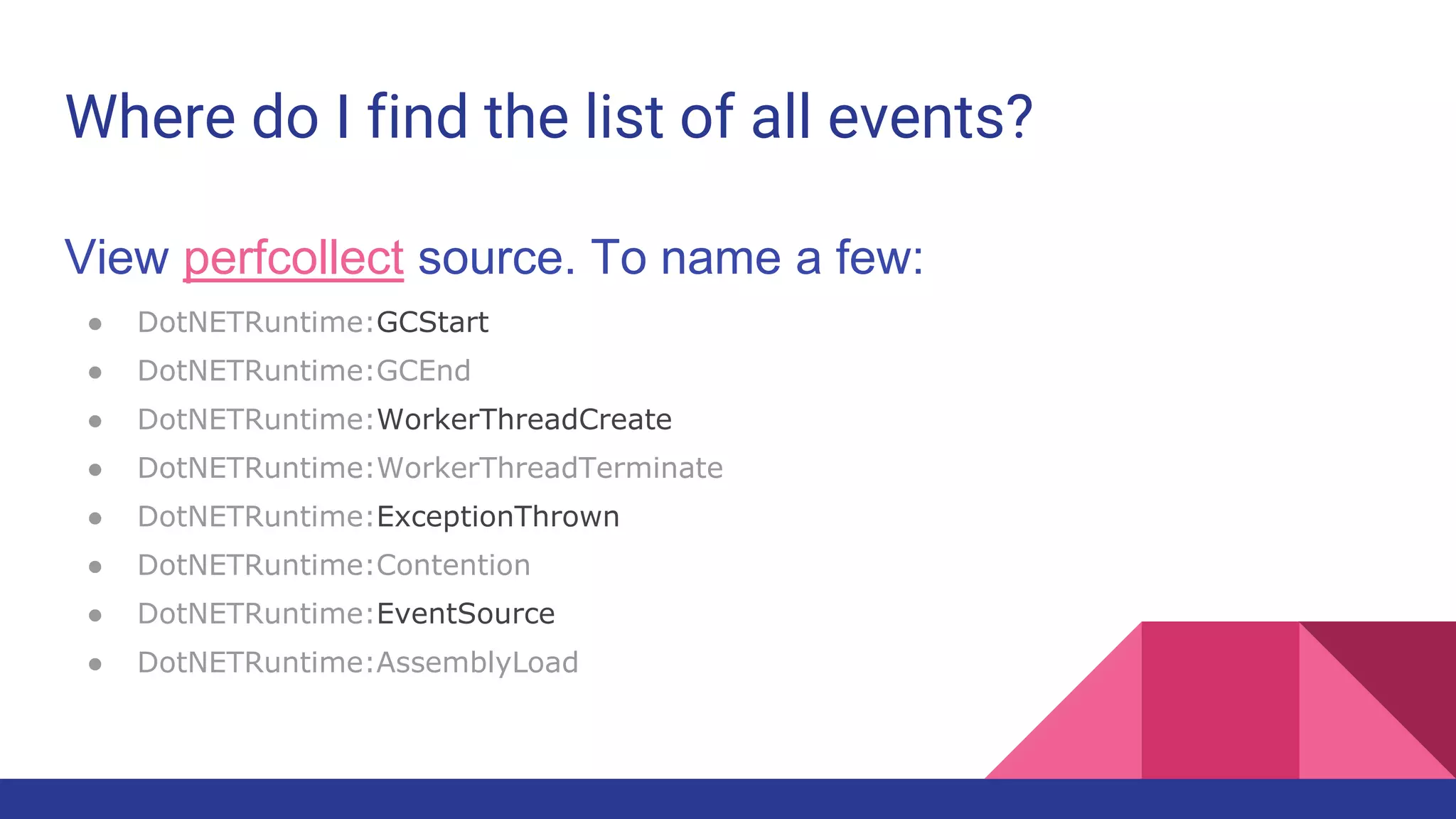
Where do I find the list of all events?
View perfcollect source. To name a few:
● DotNETRuntime:GCStart
● DotNETRuntime:GCEnd
● DotNETRuntime:WorkerThreadCreate
● DotNETRuntime:WorkerThreadTerminate
● DotNETRuntime:ExceptionThrown
● DotNETRuntime:Contention
● DotNETRuntime:EventSource
● DotNETRuntime:AssemblyLoad
Core dumps
● A backstory
● Troubleshooting
○ Sampling
○ Tracing
○ Core dumps
● A little bit of Cloud
Problem: where did application memory go?
or Why did the process crashed?
or What’s happening right now?
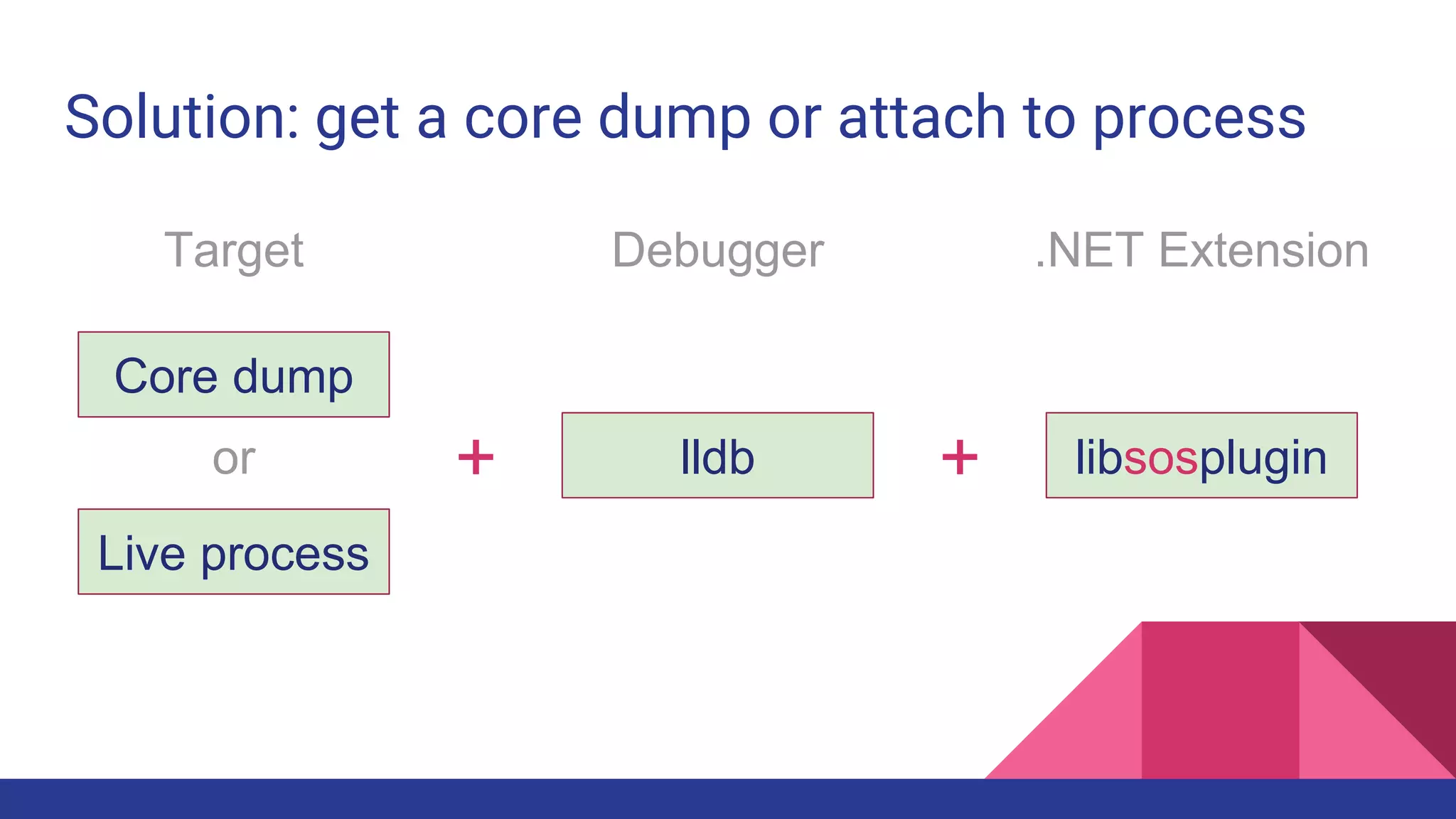
Solution: get a core dump or attach to process
Core dump
Live process
or + lldb + libsosplugin
Target Debugger .NET Extension
Solution: get a core dump or attach to process
Core dump
Live process
or + lldb + libsosplugin
Target Debugger .NET Extension
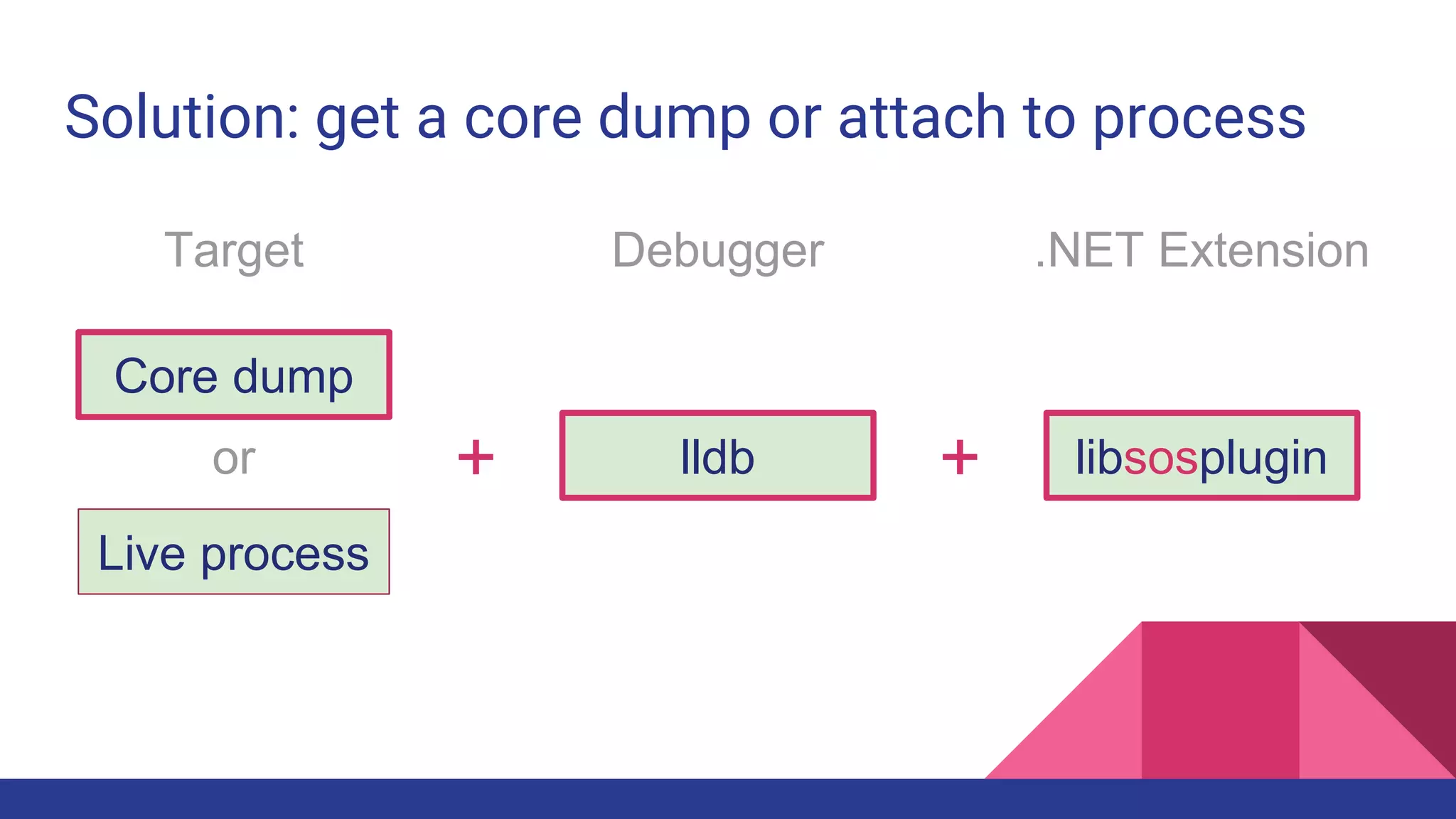
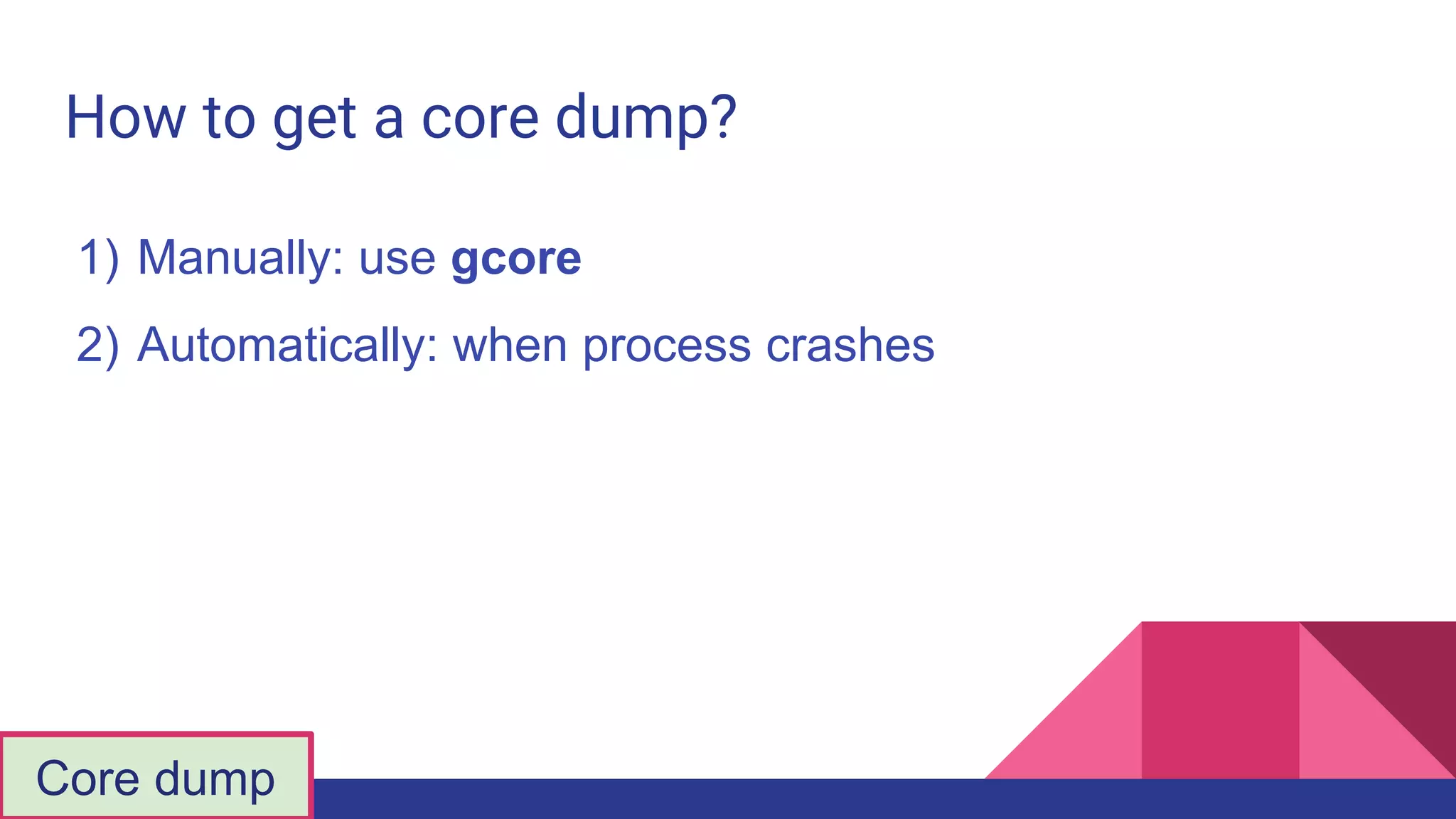
How to get a core dump?
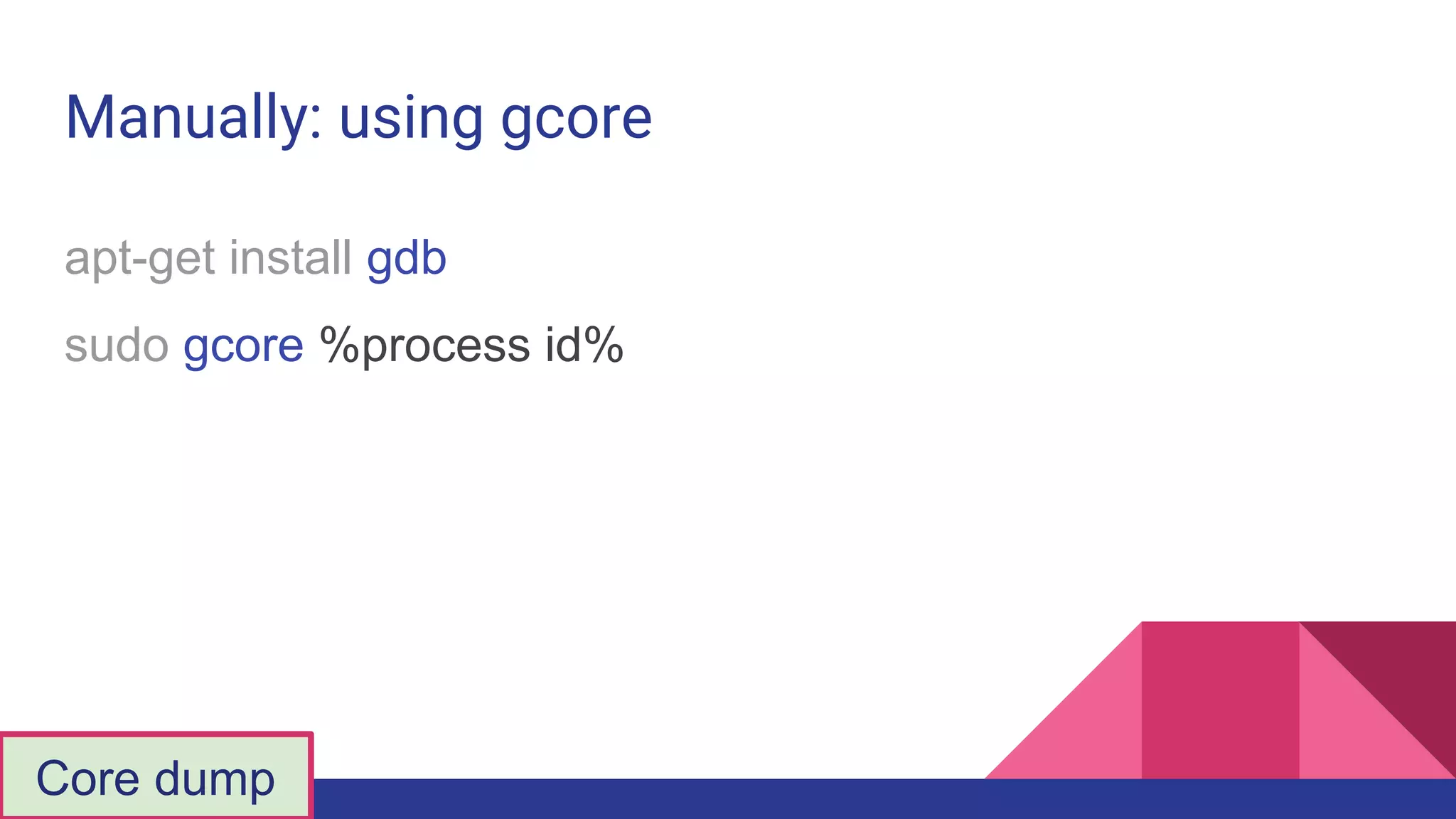
1) Manually: use gcore
2) Automatically: when process crashes
Core dump
Manually: using gcore
apt-get install gdb
sudo gcore %process id%
Core dump
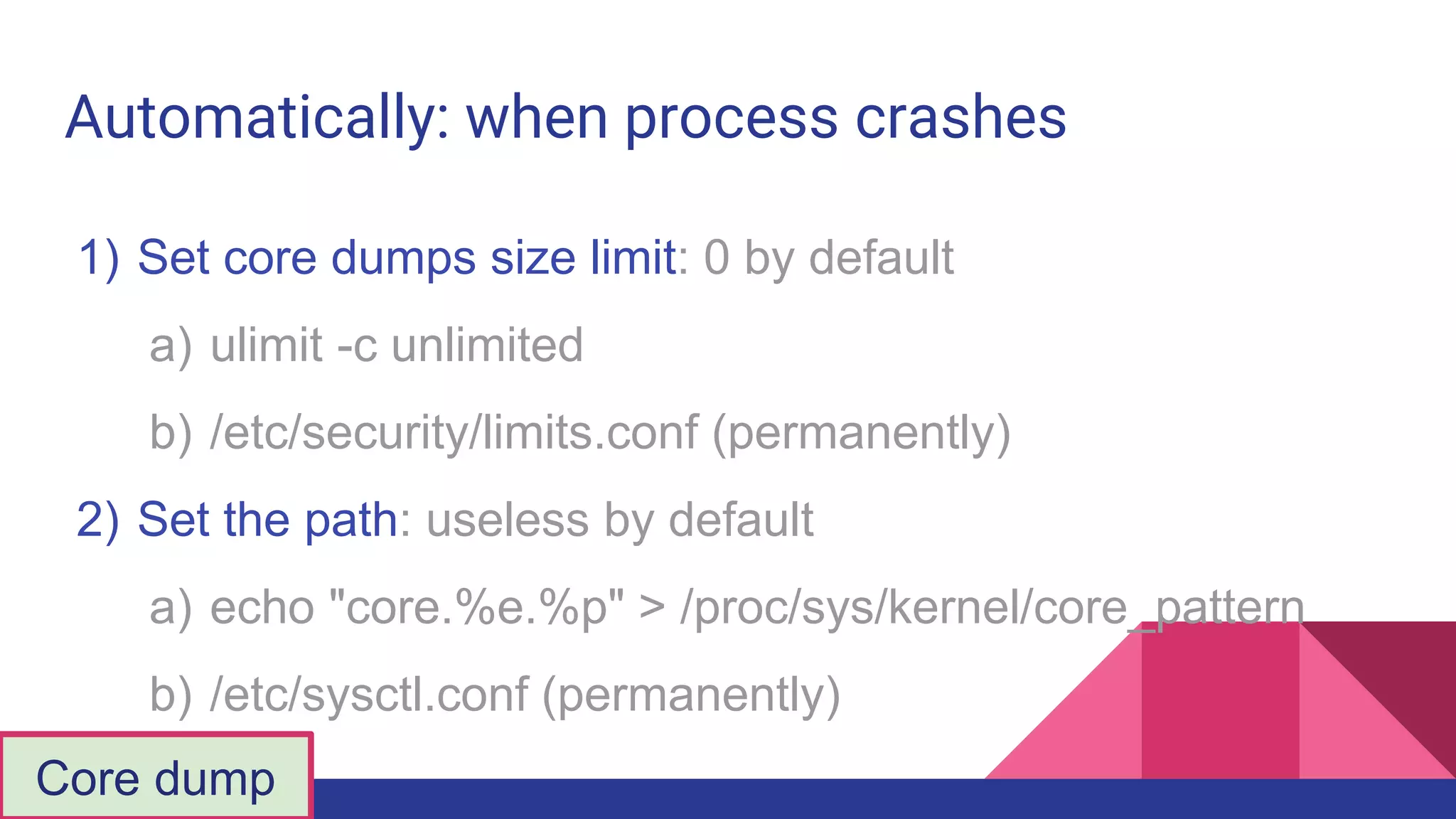
Automatically: when process crashes
1) Set core dumps size limit: 0 by default
a) ulimit -c unlimited
b) /etc/security/limits.conf (permanently)
2) Set the path: useless by default
a) echo "core.%e.%p" > /proc/sys/kernel/core_pattern
b) /etc/sysctl.conf (permanently)
Core dump
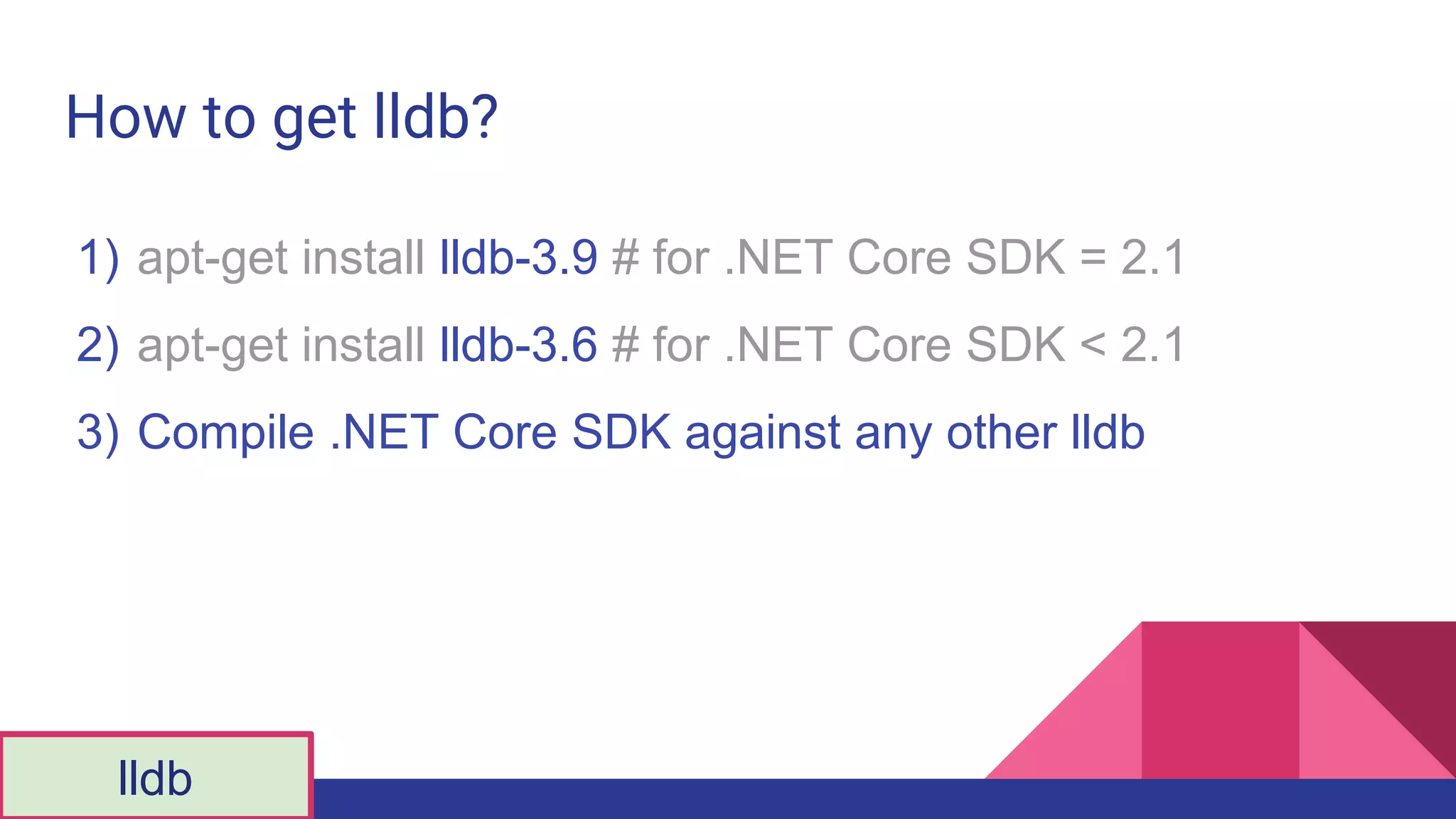
How to get lldb?
1) apt-get install lldb-3.9 # for .NET Core SDK = 2.1
2) apt-get install lldb-3.6 # for .NET Core SDK < 2.1
3) Compile .NET Core SDK against any other lldb
lldb
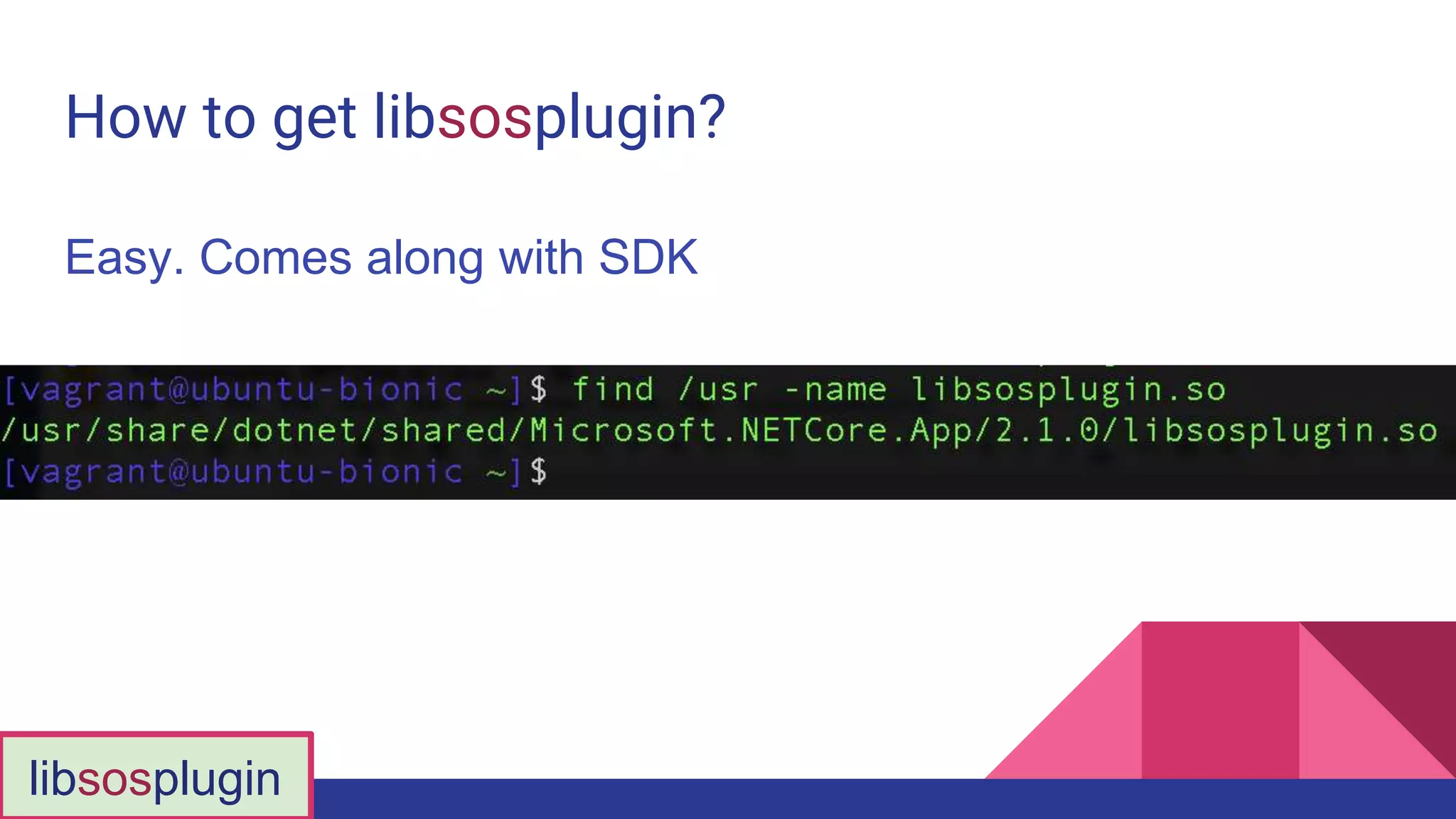
How to get libsosplugin?
Easy. Comes along with SDK
libsosplugin
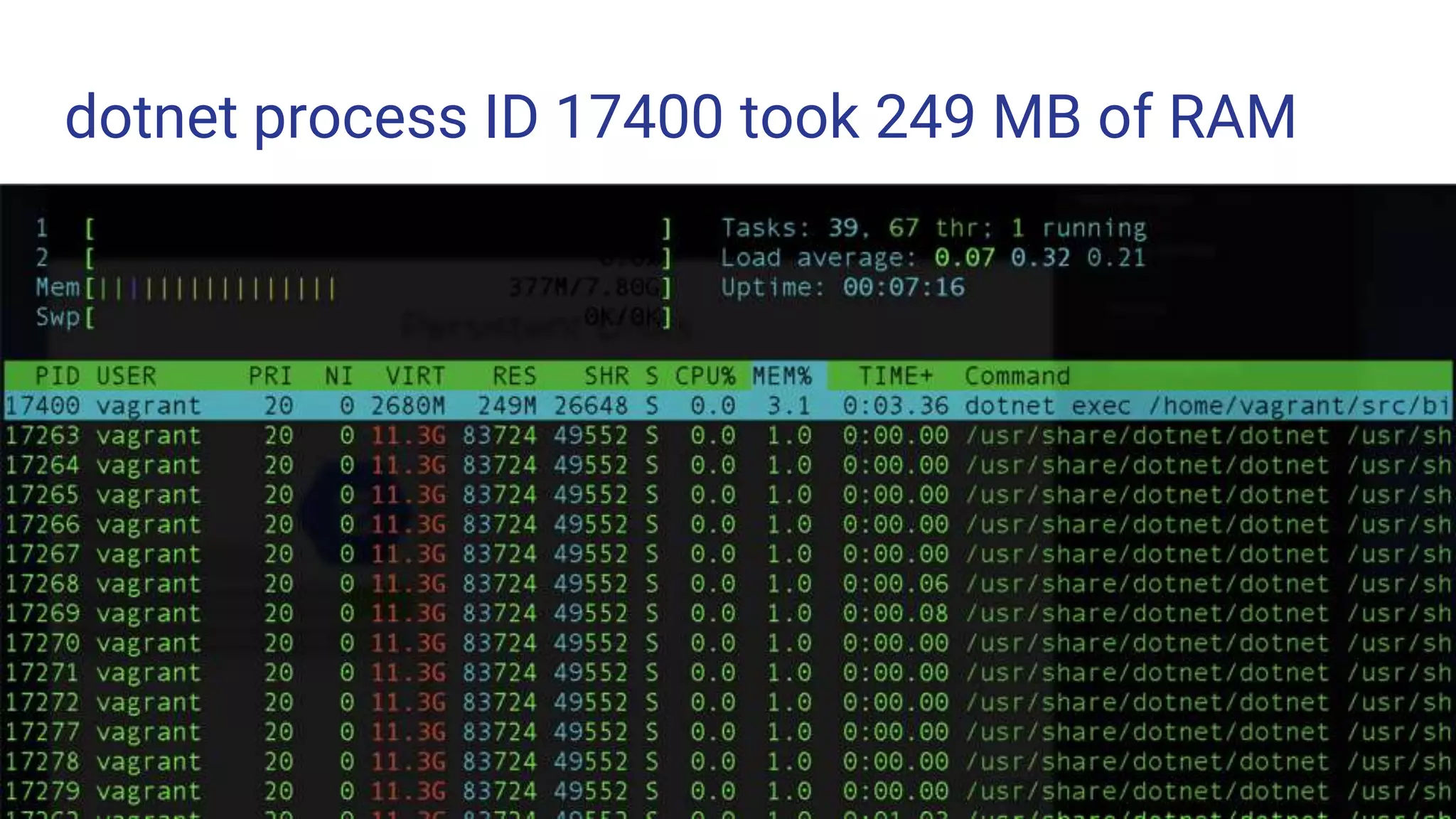
dotnet process ID 17400 took 249 MB of RAM
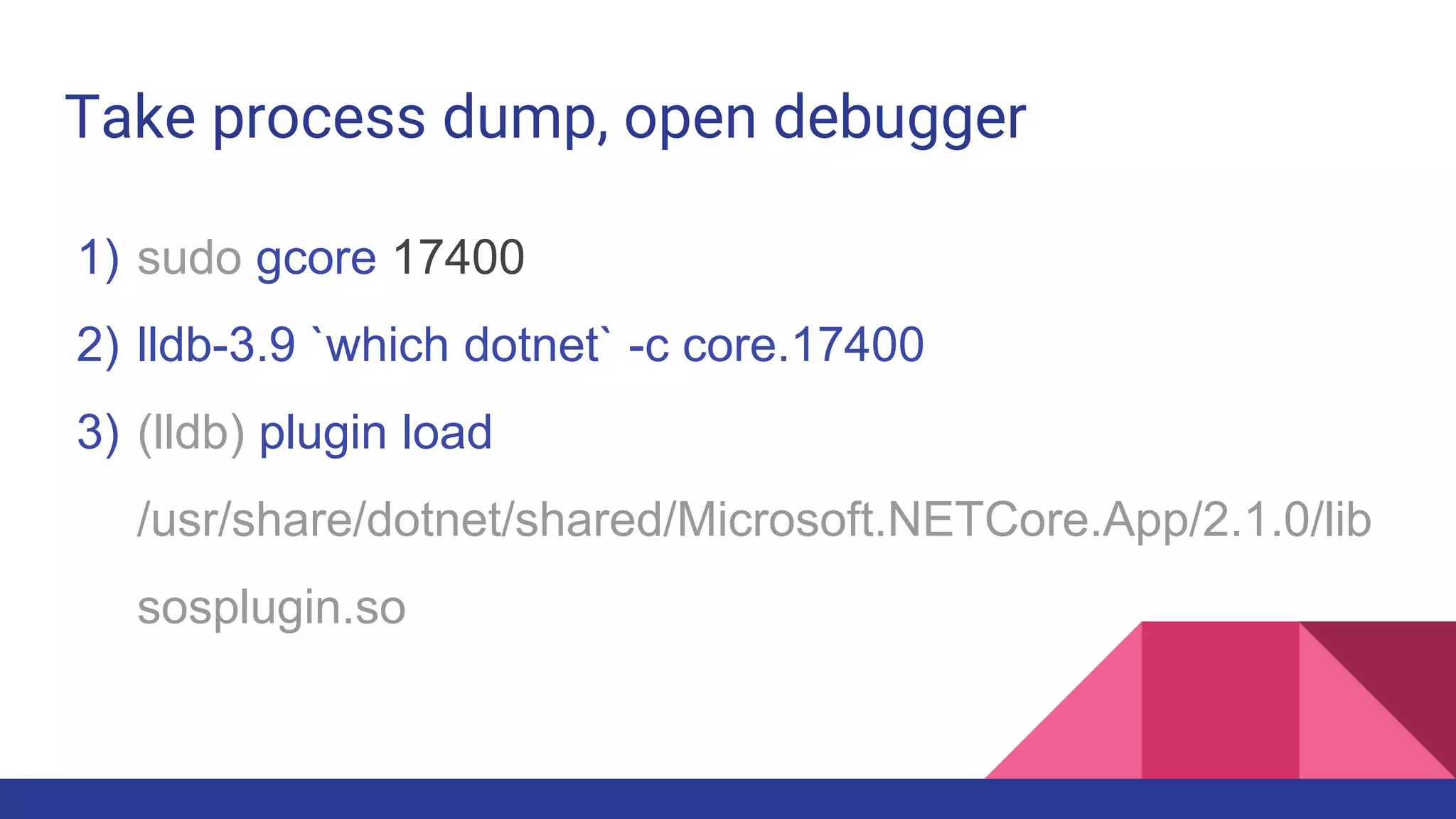
Take process dump, open debugger
1) sudo gcore 17400
2) lldb-3.9 `which dotnet` -c core.17400
3) (lldb) plugin load
/usr/share/dotnet/shared/Microsoft.NETCore.App/2.1.0/lib
sosplugin.so
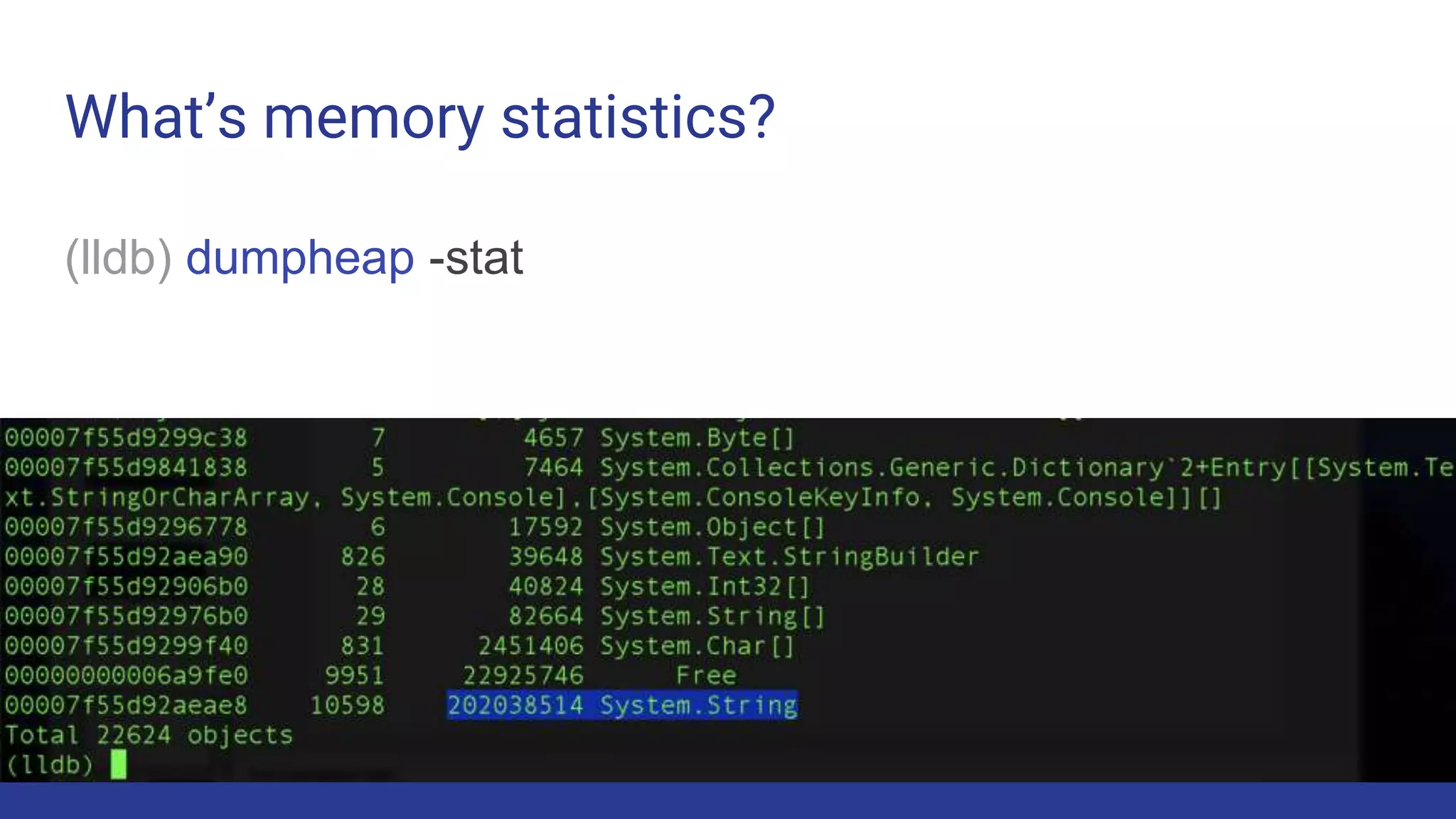
What’s memory statistics?
(lldb) dumpheap -stat
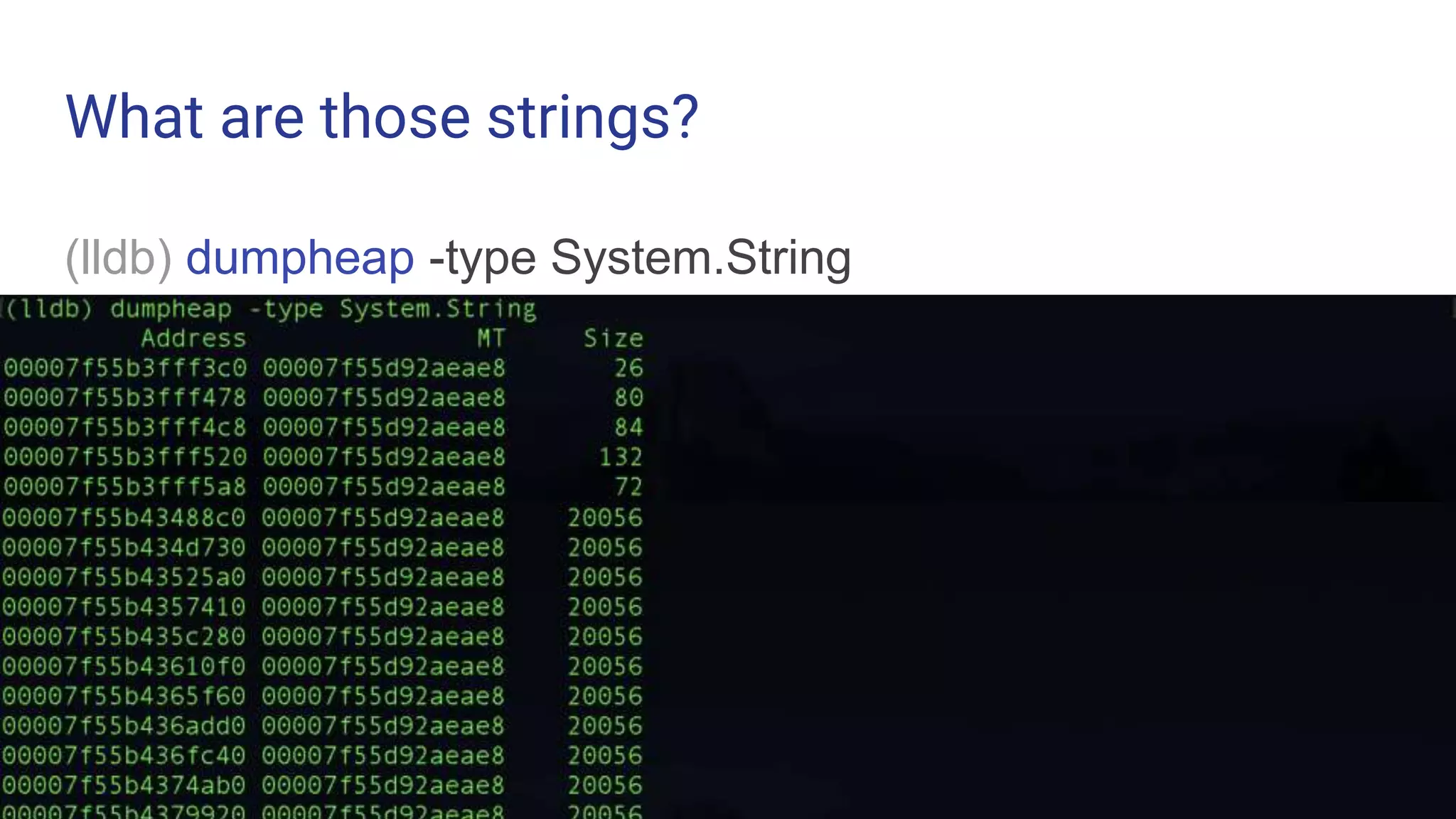
What are those strings?
(lldb) dumpheap -type System.String
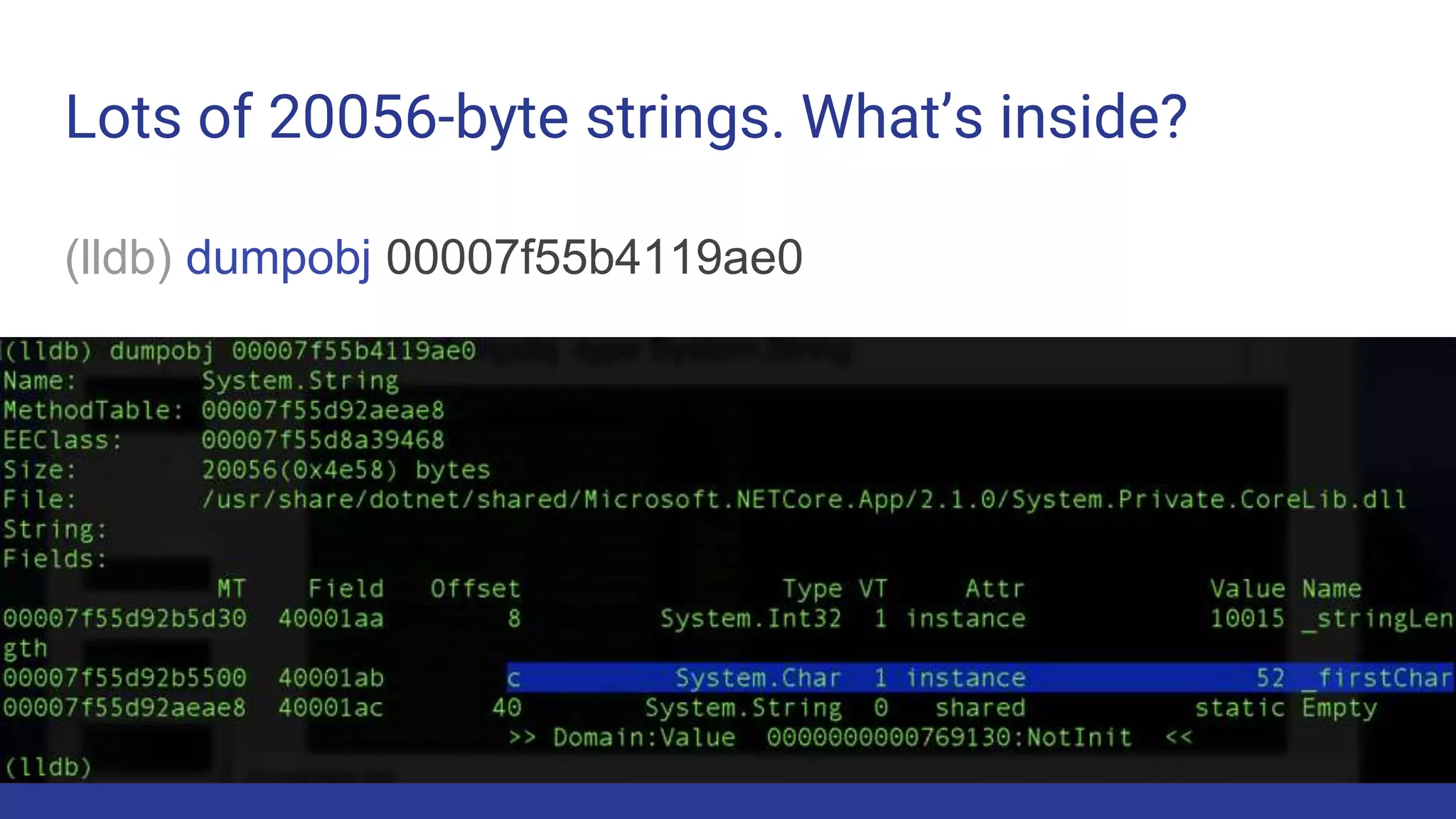
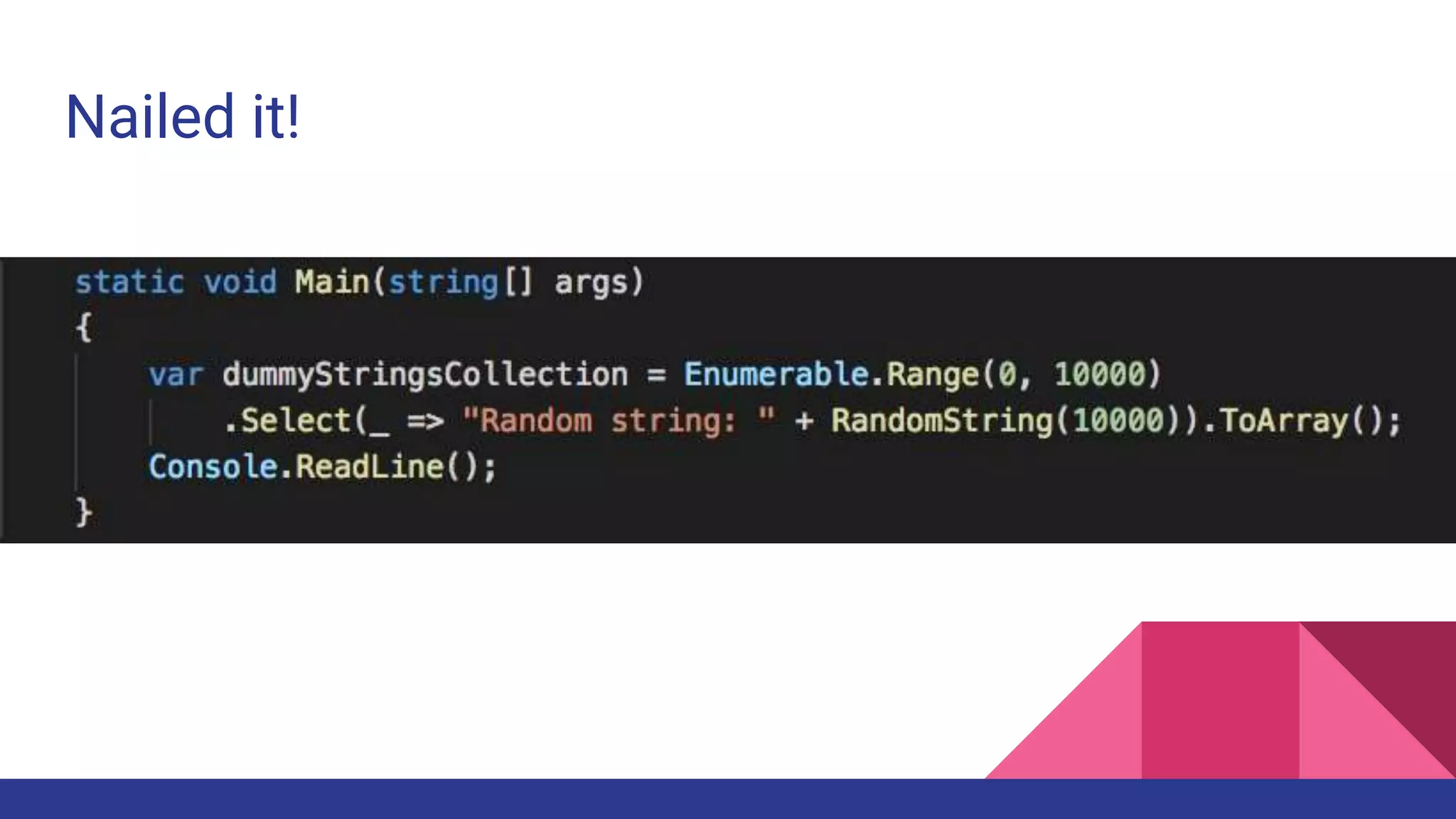
Lots of 20056-byte strings. What’s inside?
(lldb) dumpobj 00007f55b4119ae0
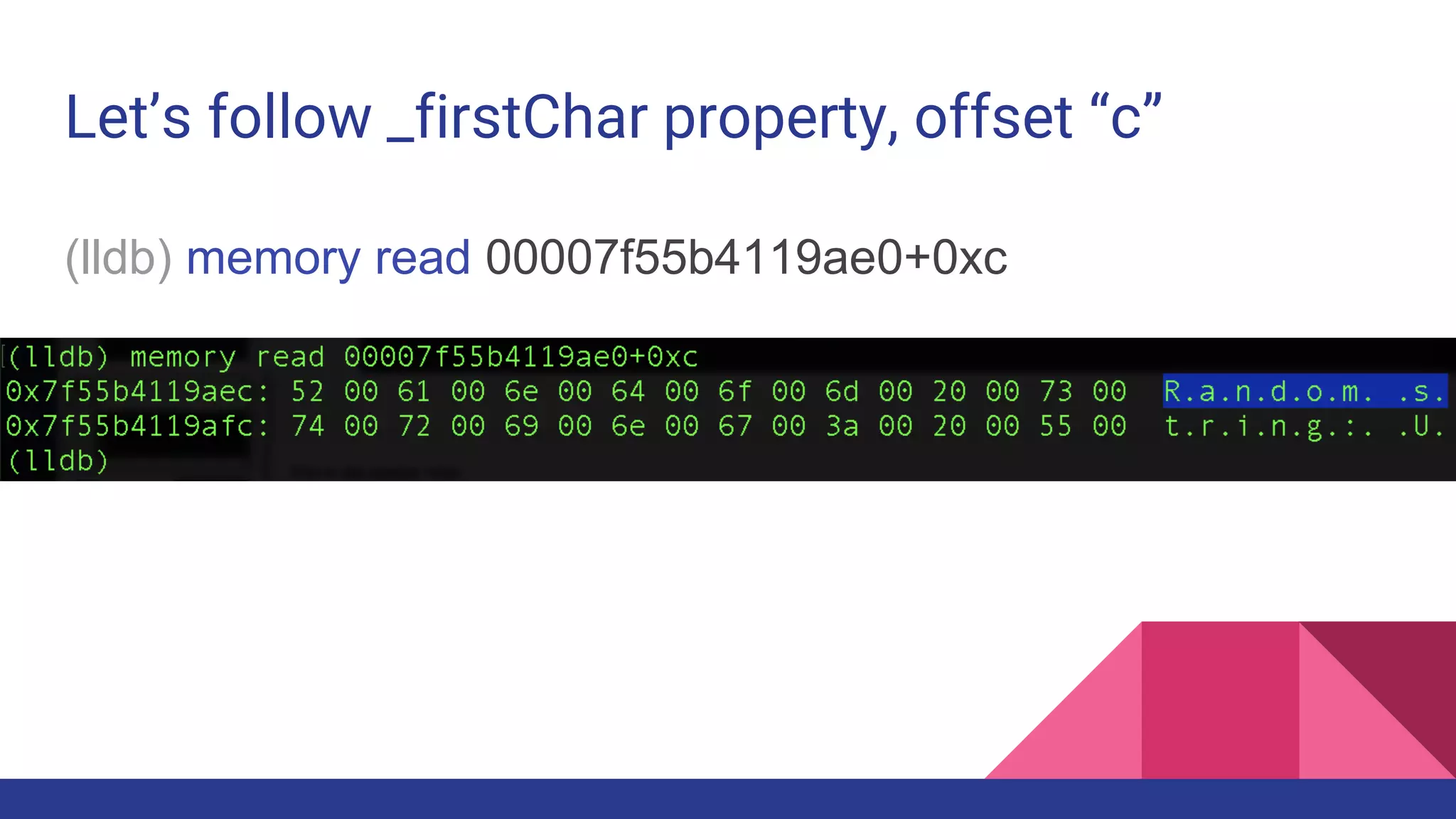
Let’s follow _firstChar property, offset “c”
(lldb) memory read 00007f55b4119ae0+0xc
Nailed it!
lldb also can
1) Show threads
2) Stacks
3) Types and Assemblies
4) Set breakpoints
Links
● Profile .NET Core process
○ https://codeblog.dotsandbrackets.com/profiling-net-core-app-linux/
● Analyze process memory
○ https://codeblog.dotsandbrackets.com/net-core-memory-linux/
● Debug from command line
○ https://codeblog.dotsandbrackets.com/command-line-debugging-core-linux/
● Debugging session example
○ https://codeblog.dotsandbrackets.com/debug-adapter-process-has-terminated/
A cloud.
Google Cloud.
● A backstory
● Debugging
○ Sampling
○ Tracing
○ Core dumps
● A little bit of Cloud
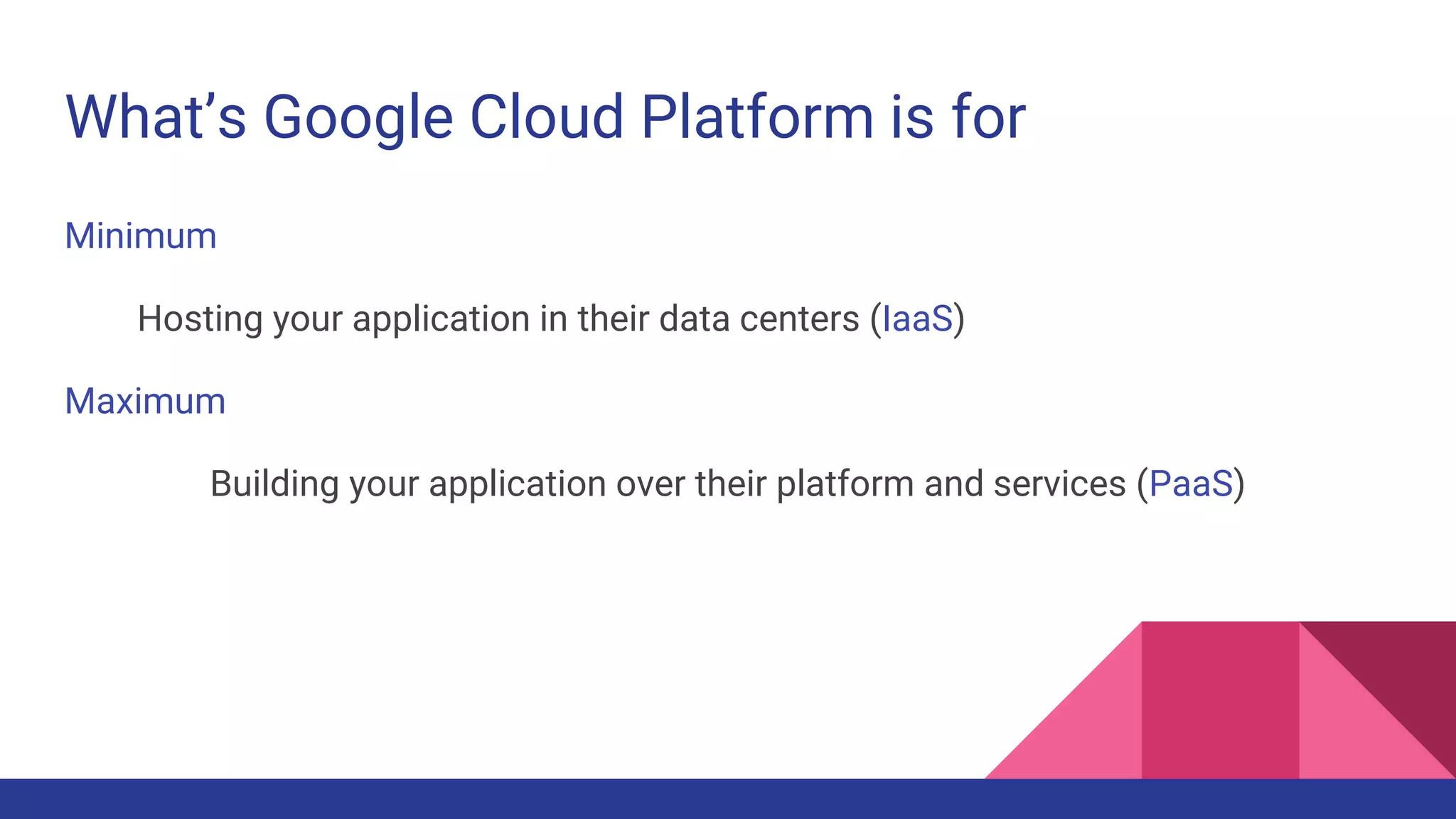
What’s Google Cloud Platform is for
Minimum
Hosting your application in their data centers (IaaS)
Maximum
Building your application over their platform and services (PaaS)
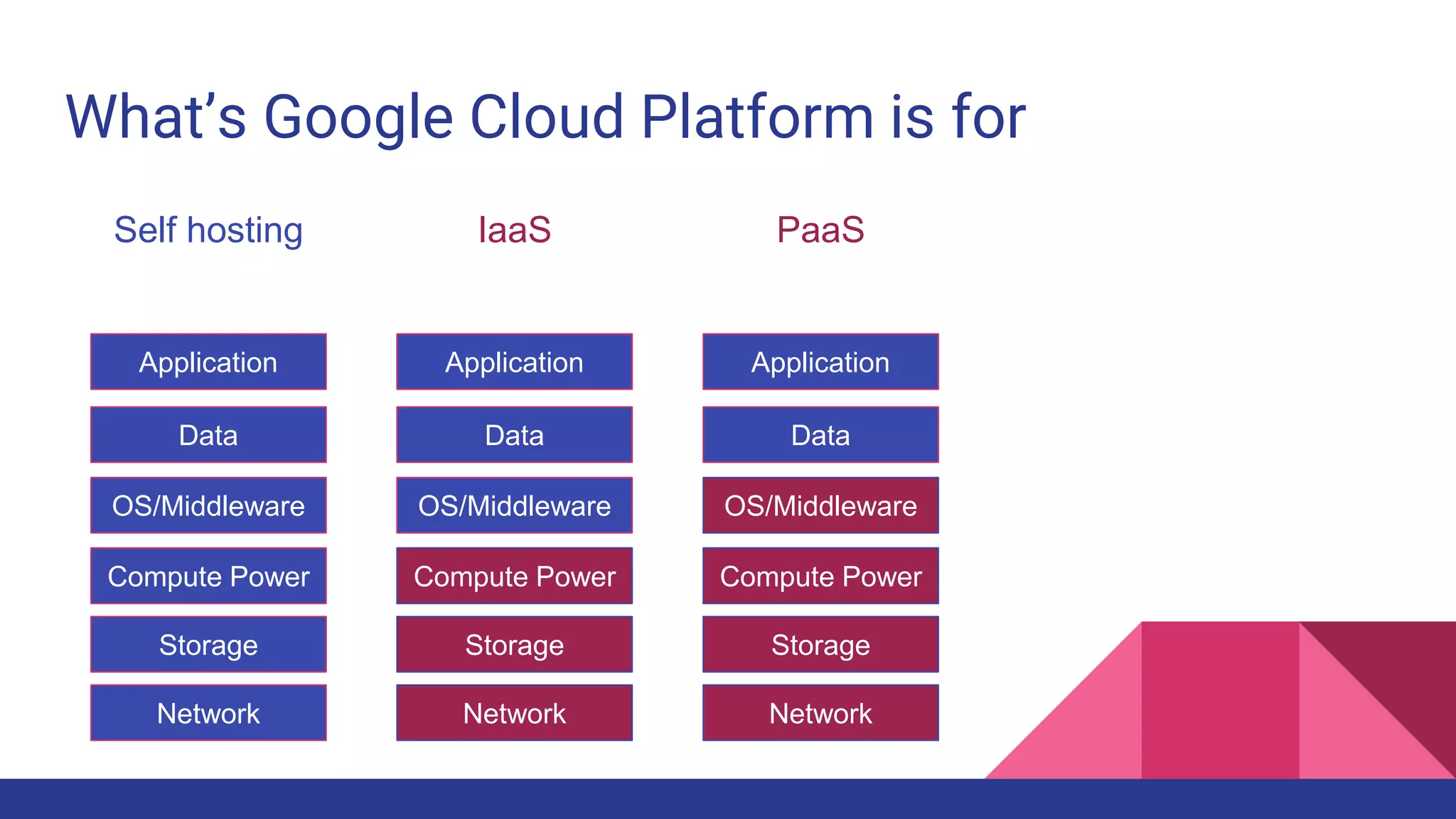
What’s Google Cloud Platform is for
Application
Data
Compute Power
Storage
Network
Self hosting
OS/Middleware
Application
Data
Compute Power
Storage
Network
IaaS
OS/Middleware
Application
Data
Compute Power
Storage
Network
PaaS
OS/Middleware
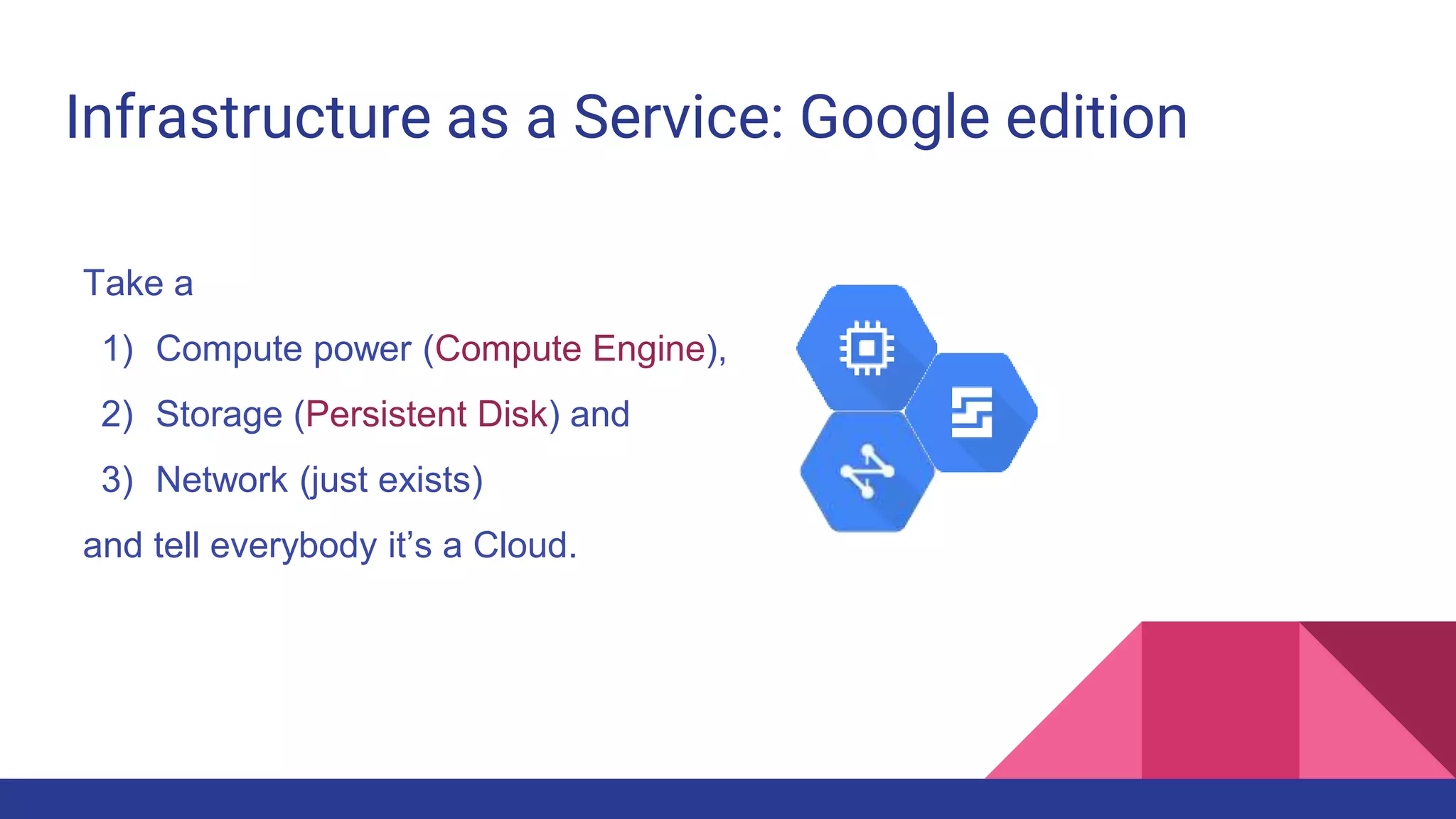
Infrastructure as a Service: Google edition
Take a
1) Compute power (Compute Engine),
2) Storage (Persistent Disk) and
3) Network (just exists)
and tell everybody it’s a Cloud.
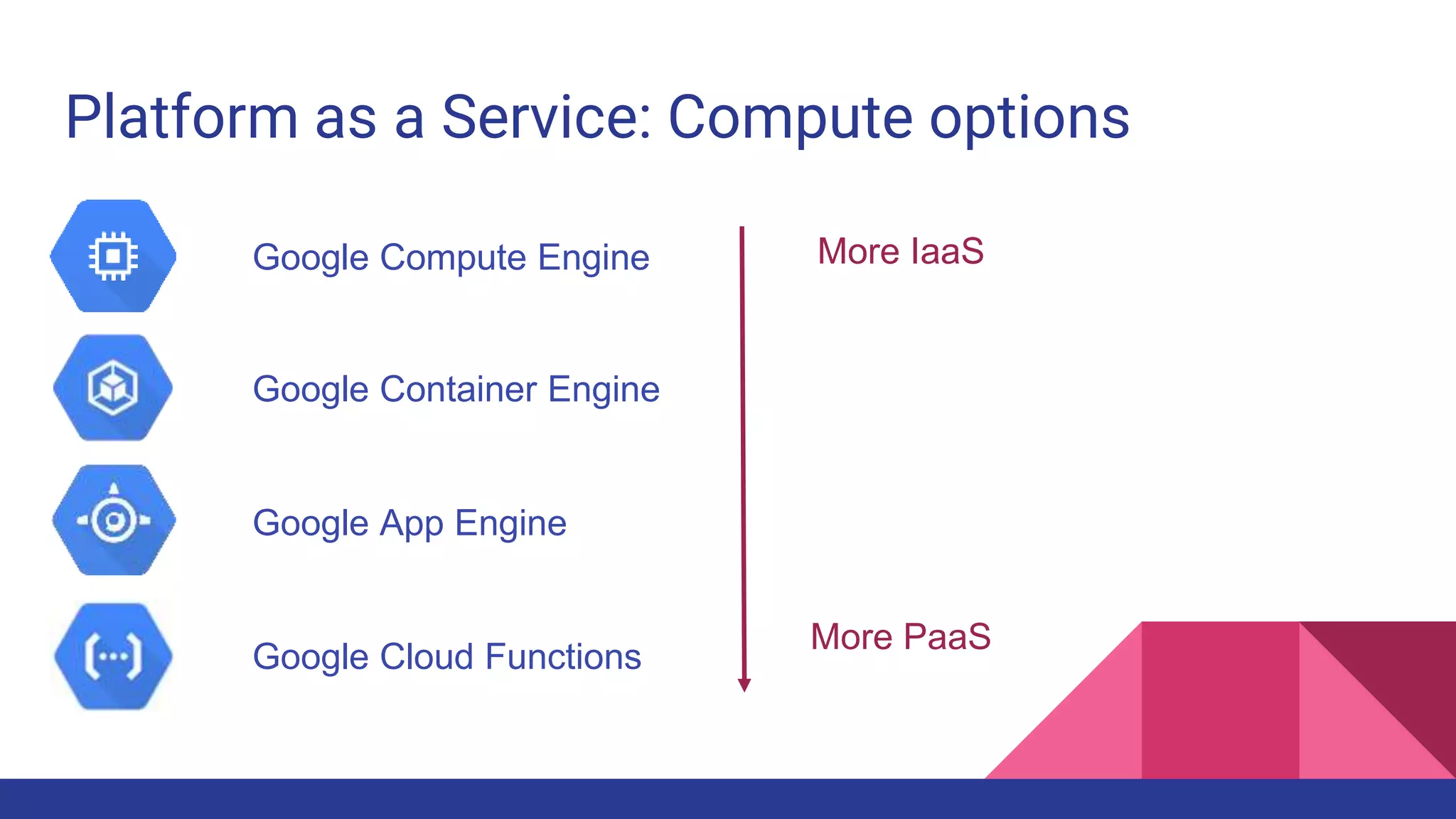
Platform as a Service: Compute options
Google Compute Engine
Google Container Engine
Google App Engine
Google Cloud Functions
More IaaS
More PaaS
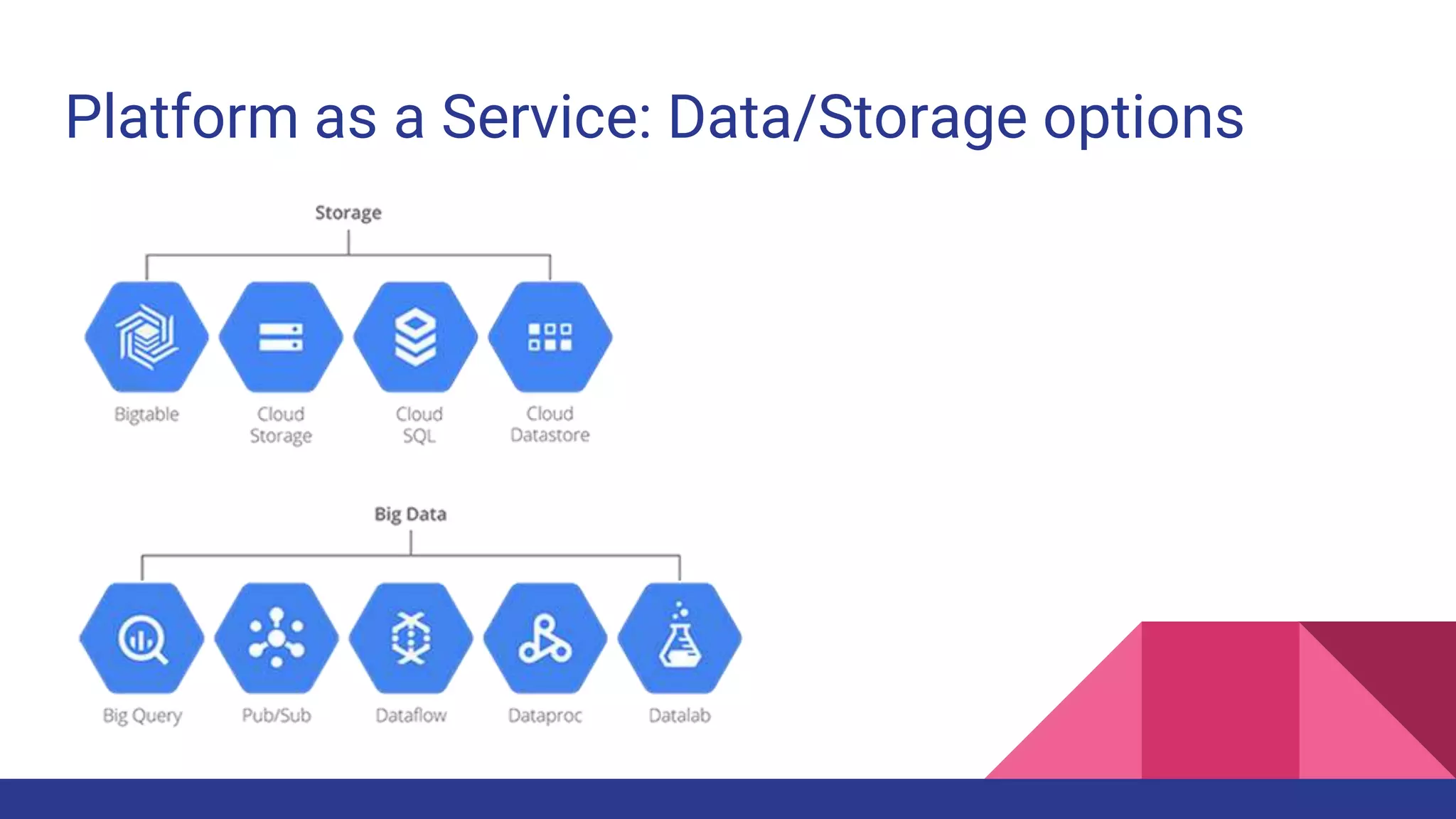
Platform as a Service: Data/Storage options
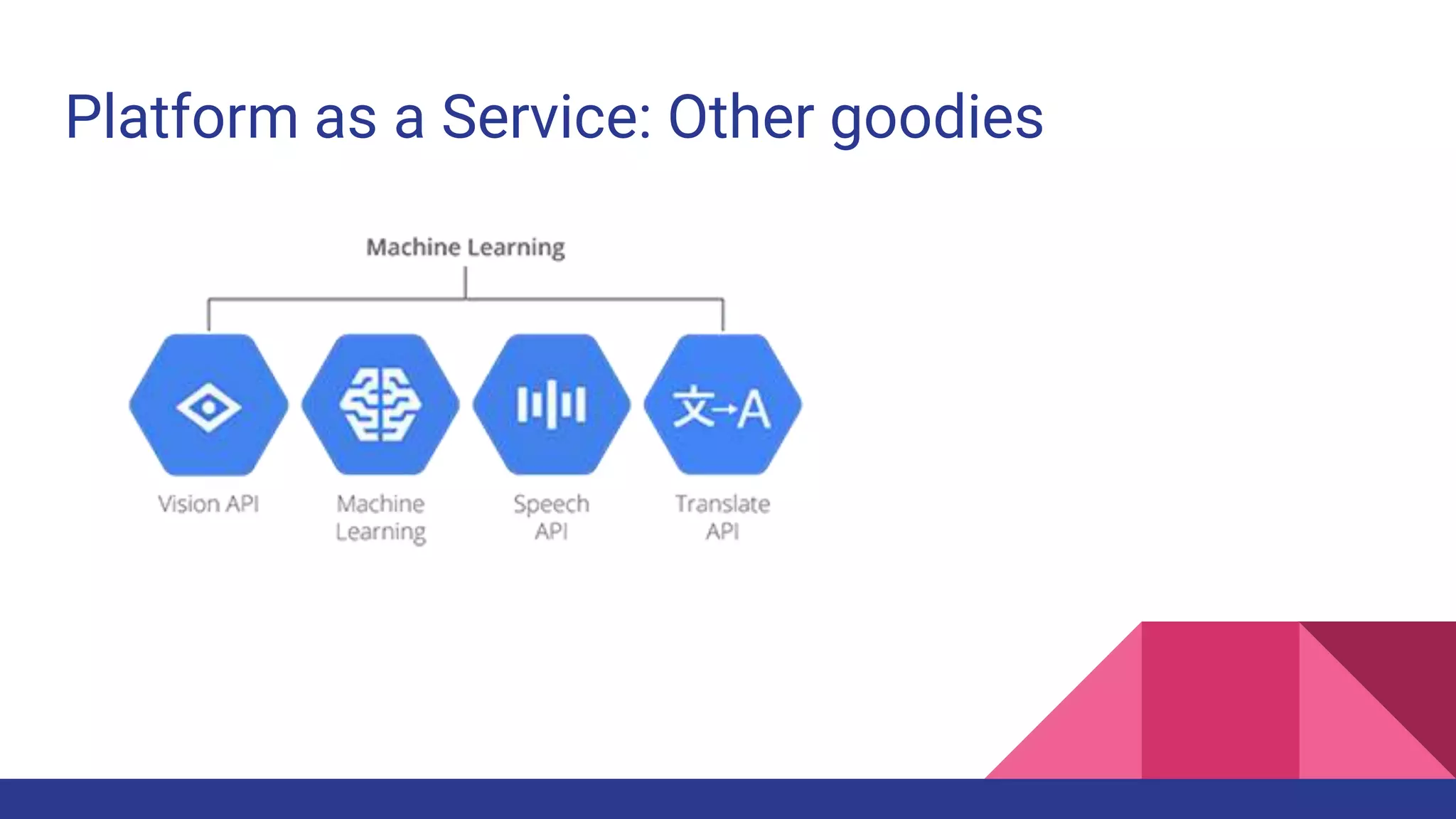
Platform as a Service: Other goodies
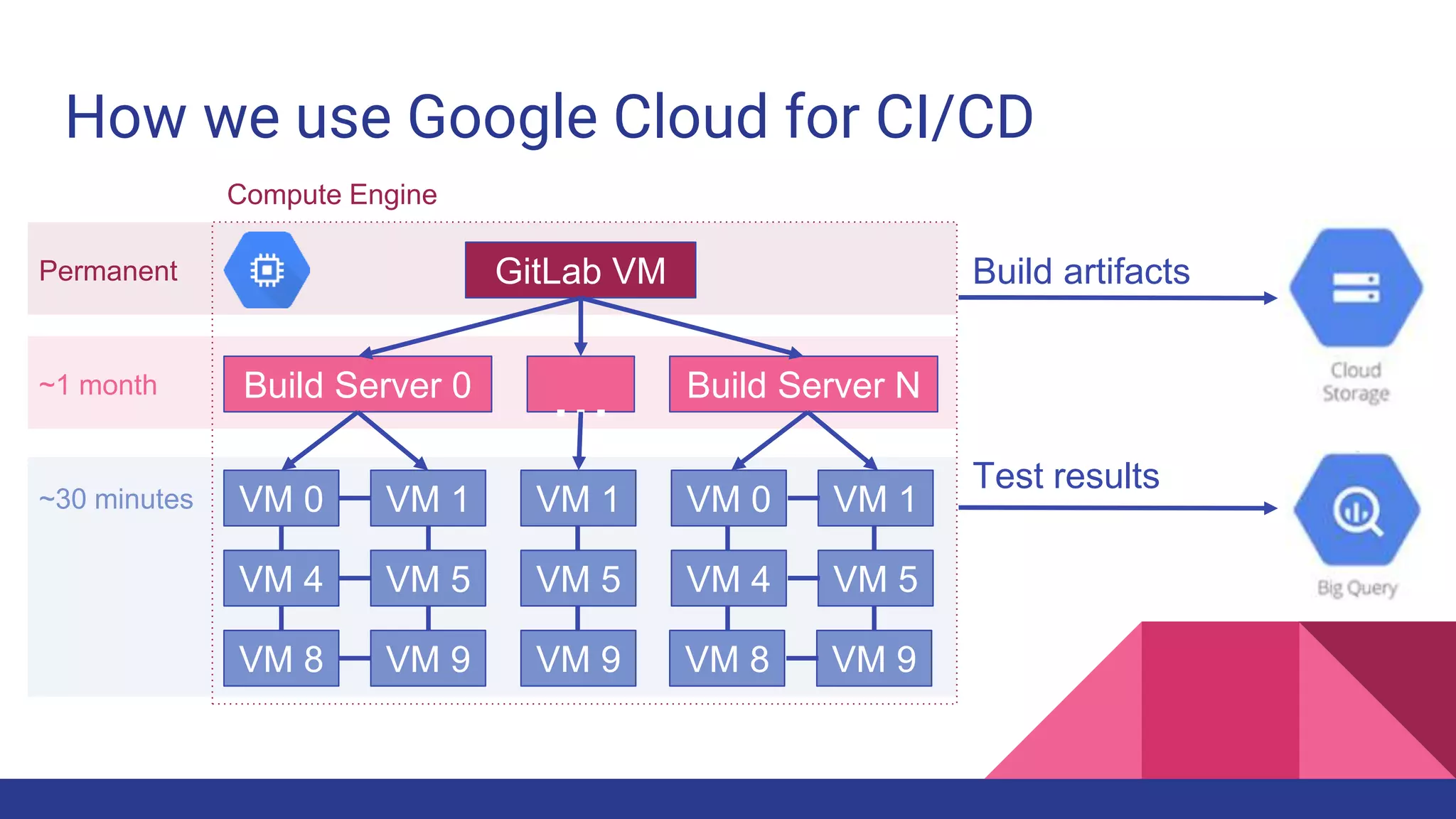
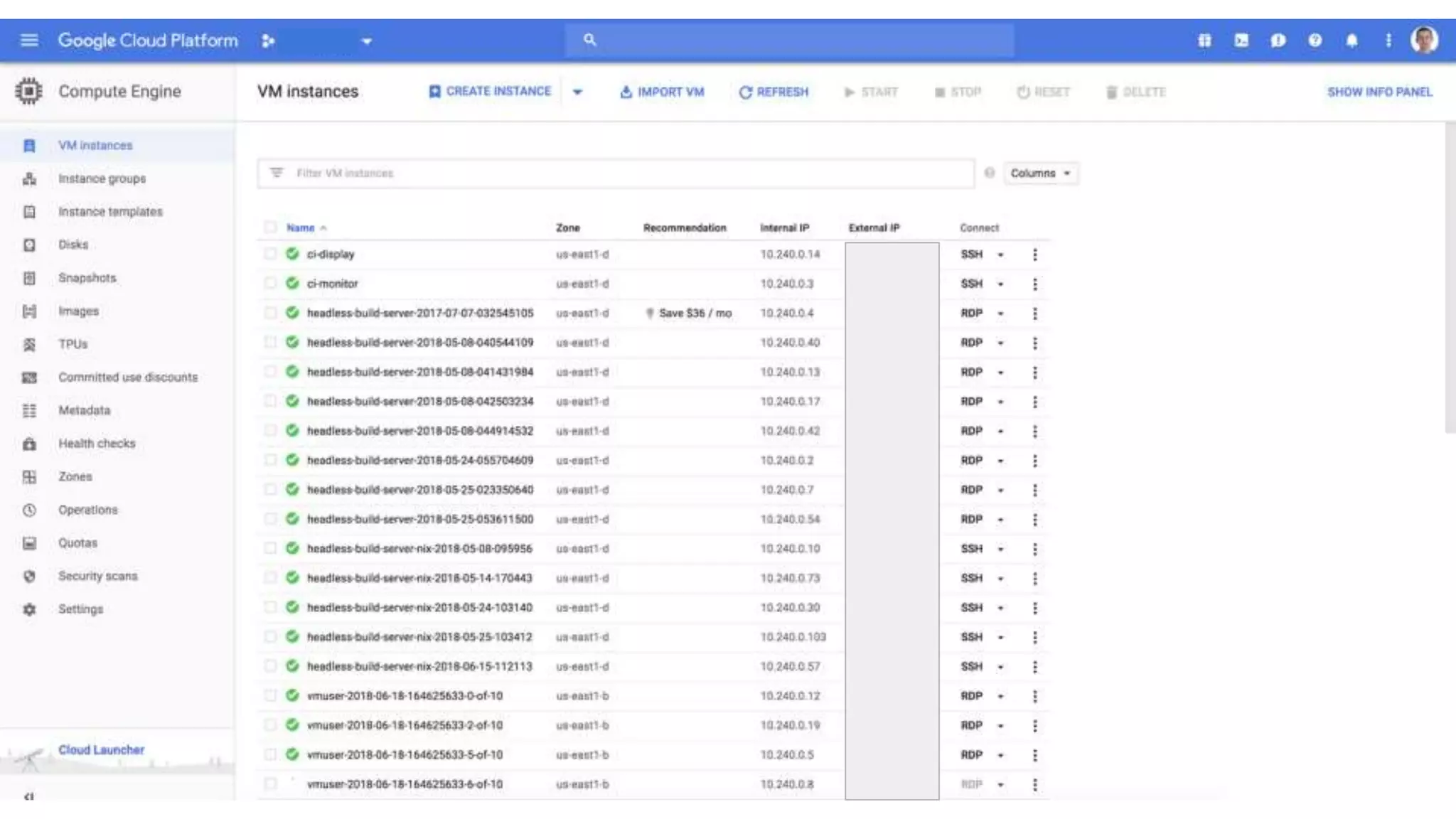
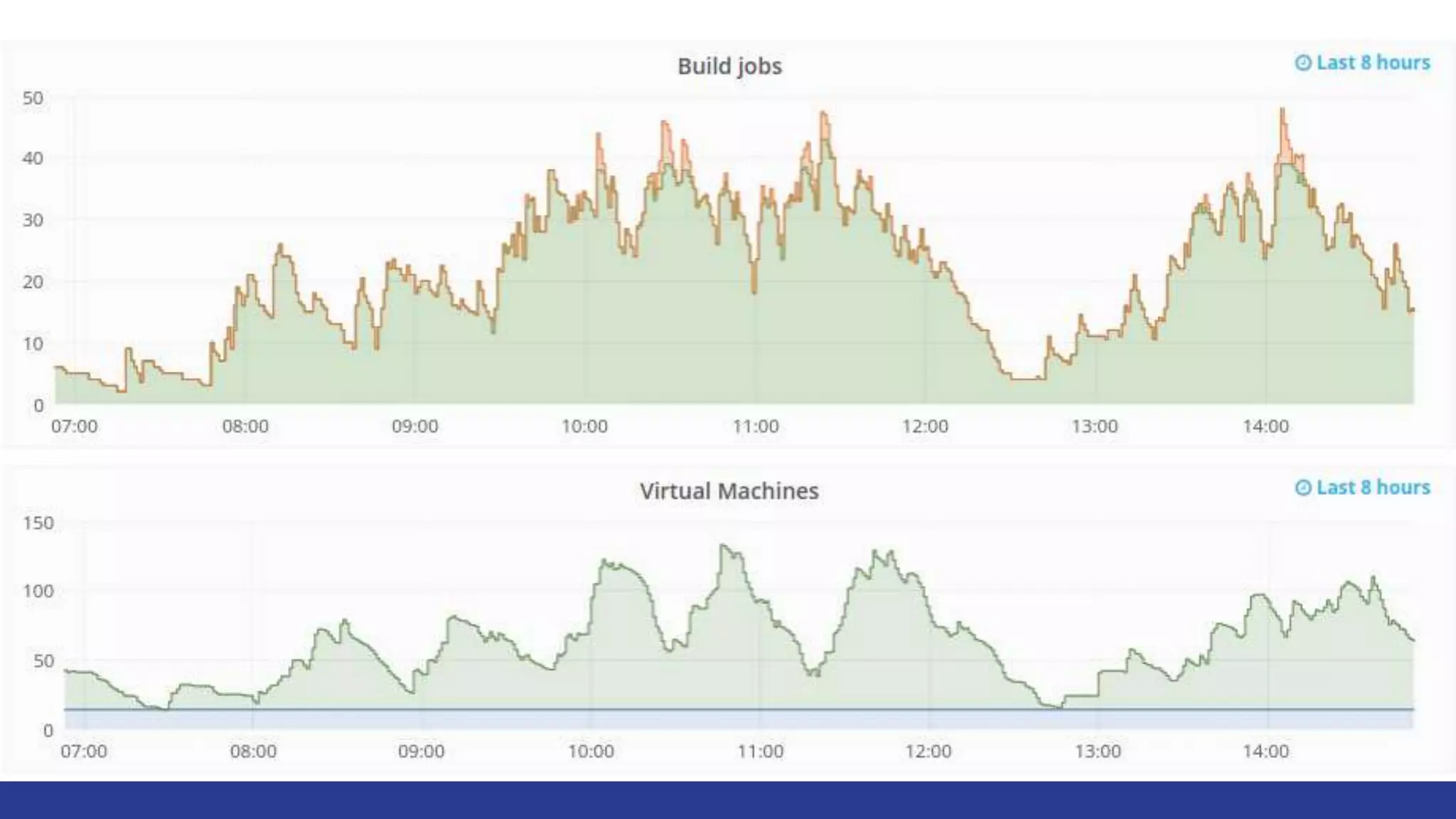
How we use Google Cloud for CI/CD
Compute Engine
GitLab VM
Build Server 0 Build Server N
...
VM 0
Permanent
~1 month
~30 minutes VM 1
VM 4 VM 5
VM 8 VM 9
VM 0 VM 1
VM 4 VM 5
VM 8 VM 9
VM 1
VM 5
VM 9
Build artifacts
Test results
The End

Troubleshooting .net core on linux

  • 1.
    Troubleshooting .NET Coreapps on Linux and very, very brief intro to Google Cloud Pavel Klimiankou
  • 2.
    The Plan ● Abackstory ● Troubleshooting ○ Sampling ○ Tracing ○ Core dumps ● A little bit of Cloud
  • 3.
    A backstory ● Abackstory ● Troubleshooting ○ Sampling ○ Tracing ○ Core dumps ● A little bit of Cloud
  • 4.
    We were lockedon Windows for a long time + =
  • 5.
  • 6.
  • 7.
  • 8.
  • 9.
  • 10.
    We want Linux! Buthow do we debug on it?
  • 11.
    Debugging ● A backstory ●Debugging ○ Sampling ○ Tracing ○ Core dumps ● A little bit of Cloud
  • 12.
  • 13.
    Sampling ● A backstory ●Debugging ○ Sampling ○ Tracing ○ Core dumps ● A little bit of Cloud
  • 14.
  • 15.
    Solution: sample andcompare call stacks Sample:
  • 16.
    Solution: sample andcompare call stacks Sample: 0 Main
  • 17.
    Solution: sample andcompare call stacks Sample: 0 Main DoMath Main Generate 1
  • 18.
    Solution: sample andcompare call stacks Sample: 0 Main DoMath Main Generate Main DoMath Generate Multiply 1 2
  • 19.
    Solution: sample andcompare call stacks Sample: 0 Main DoMath Main Generate Main DoMath Generate Multiply Main DoMath Generate Multiply 1 2 3
  • 20.
    Solution: sample andcompare call stacks Sample: 0 Main DoMath Main Generate Main DoMath Generate Multiply Main DoMath Generate Multiply 1 2 3 SelfAll 100% 25% 75% 0% 75% 25% 50% 50%
  • 21.
    Solution: sample andcompare call stacks Sample: 0 Main DoMath Main Generate Main DoMath Generate Multiply Main DoMath Generate Multiply 1 2 3 100% 25% 75% 0% 75% 25% 50% 50% SelfAll
  • 22.
    That’s what “perf”does 1) apt-get install linux-tools-`uname -r` 2) sudo perf record -p %process_id% -g 3) sudo perf report -f
  • 23.
    However, reported functionnames are missing
  • 24.
    Just-In-Time to blame C#IL JIT CLR Native
  • 25.
    Just-in-time to blame C#IL JIT CLR Native This is what `perf` sees This is what we want
  • 26.
    Solution: enable mapsgeneration export COMPlus_PerfMapEnabled=1 or COMPlus_PerfMapEnabled=1 dotnet run
  • 27.
  • 28.
    Tracing ● A backstory ●Debugging ○ Sampling ○ Tracing ○ Core dumps ● A little bit of Cloud
  • 29.
    Problem: want tosee all thrown exceptions
  • 30.
    Solution: use lttngand listen to runtime events 1) lttng create my-session 2) lttng enable-event --userspace --tracepoint DotNETRuntime:Exception* 3) # start user application 4) lttng start 5) lttng stop 6) lttng destroy
  • 31.
    Runtime events shouldbe enabled first export COMPlus_EnableEventLog=1 or COMPlus_EnableEventLog=1 dotnet run
  • 32.
    How to viewresults babeltrace ~/lttng-traces/my-session*
  • 33.
    Where do Ifind the list of all events? View perfcollect source. To name a few: ● DotNETRuntime:GCStart ● DotNETRuntime:GCEnd ● DotNETRuntime:WorkerThreadCreate ● DotNETRuntime:WorkerThreadTerminate ● DotNETRuntime:ExceptionThrown ● DotNETRuntime:Contention ● DotNETRuntime:EventSource ● DotNETRuntime:AssemblyLoad
  • 34.
    Core dumps ● Abackstory ● Troubleshooting ○ Sampling ○ Tracing ○ Core dumps ● A little bit of Cloud
  • 35.
    Problem: where didapplication memory go? or Why did the process crashed? or What’s happening right now?
  • 36.
    Solution: get acore dump or attach to process Core dump Live process or + lldb + libsosplugin Target Debugger .NET Extension
  • 37.
    Solution: get acore dump or attach to process Core dump Live process or + lldb + libsosplugin Target Debugger .NET Extension
  • 38.
    How to geta core dump? 1) Manually: use gcore 2) Automatically: when process crashes Core dump
  • 39.
    Manually: using gcore apt-getinstall gdb sudo gcore %process id% Core dump
  • 40.
    Automatically: when processcrashes 1) Set core dumps size limit: 0 by default a) ulimit -c unlimited b) /etc/security/limits.conf (permanently) 2) Set the path: useless by default a) echo "core.%e.%p" > /proc/sys/kernel/core_pattern b) /etc/sysctl.conf (permanently) Core dump
  • 41.
    How to getlldb? 1) apt-get install lldb-3.9 # for .NET Core SDK = 2.1 2) apt-get install lldb-3.6 # for .NET Core SDK < 2.1 3) Compile .NET Core SDK against any other lldb lldb
  • 42.
    How to getlibsosplugin? Easy. Comes along with SDK libsosplugin
  • 43.
    dotnet process ID17400 took 249 MB of RAM
  • 44.
    Take process dump,open debugger 1) sudo gcore 17400 2) lldb-3.9 `which dotnet` -c core.17400 3) (lldb) plugin load /usr/share/dotnet/shared/Microsoft.NETCore.App/2.1.0/lib sosplugin.so
  • 45.
  • 46.
    What are thosestrings? (lldb) dumpheap -type System.String
  • 47.
    Lots of 20056-bytestrings. What’s inside? (lldb) dumpobj 00007f55b4119ae0
  • 48.
    Let’s follow _firstCharproperty, offset “c” (lldb) memory read 00007f55b4119ae0+0xc
  • 49.
  • 50.
    lldb also can 1)Show threads 2) Stacks 3) Types and Assemblies 4) Set breakpoints
  • 51.
    Links ● Profile .NETCore process ○ https://codeblog.dotsandbrackets.com/profiling-net-core-app-linux/ ● Analyze process memory ○ https://codeblog.dotsandbrackets.com/net-core-memory-linux/ ● Debug from command line ○ https://codeblog.dotsandbrackets.com/command-line-debugging-core-linux/ ● Debugging session example ○ https://codeblog.dotsandbrackets.com/debug-adapter-process-has-terminated/
  • 53.
    A cloud. Google Cloud. ●A backstory ● Debugging ○ Sampling ○ Tracing ○ Core dumps ● A little bit of Cloud
  • 54.
    What’s Google CloudPlatform is for Minimum Hosting your application in their data centers (IaaS) Maximum Building your application over their platform and services (PaaS)
  • 55.
    What’s Google CloudPlatform is for Application Data Compute Power Storage Network Self hosting OS/Middleware Application Data Compute Power Storage Network IaaS OS/Middleware Application Data Compute Power Storage Network PaaS OS/Middleware
  • 56.
    Infrastructure as aService: Google edition Take a 1) Compute power (Compute Engine), 2) Storage (Persistent Disk) and 3) Network (just exists) and tell everybody it’s a Cloud.
  • 57.
    Platform as aService: Compute options Google Compute Engine Google Container Engine Google App Engine Google Cloud Functions More IaaS More PaaS
  • 58.
    Platform as aService: Data/Storage options
  • 59.
    Platform as aService: Other goodies
  • 60.
    How we useGoogle Cloud for CI/CD Compute Engine GitLab VM Build Server 0 Build Server N ... VM 0 Permanent ~1 month ~30 minutes VM 1 VM 4 VM 5 VM 8 VM 9 VM 0 VM 1 VM 4 VM 5 VM 8 VM 9 VM 1 VM 5 VM 9 Build artifacts Test results
  • 63.