What is Internet?
•Theinternet is simply a network of computers that communicate with each other
to send and receive data (information).
•Each of these computers on the internet can be distinguished and located by a
unique number called an IP Address. An IP Address looks something like
this: 168.212.226.204
3.
What is theWeb?
• The Web is a subset of the internet.
• Like every other computer network out there, the Web is made up of two main
components: the web browser client and the web server.
• The client requests the data and the server shares or serves its data. To achieve
this, the two parties have to establish an agreement. That agreement is called
the Application Programming Interface or in short, the API.
• But this data has to be arranged and formatted into a form that's understandable
by end-users who have a wide range of technical experiences and abilities.
• This is where the whole concept of web development come into play.
4.
What is WebDevelopment?
• Web development refers to the process of creating websites or web applications.
It includes several aspects, including:
• Web Design: The layout, appearance, and user experience (UX) of a website.
• Web Page: is a document that is displayed in a web browser, such as Google
Chrome, Mozilla Firefox, or Safari.
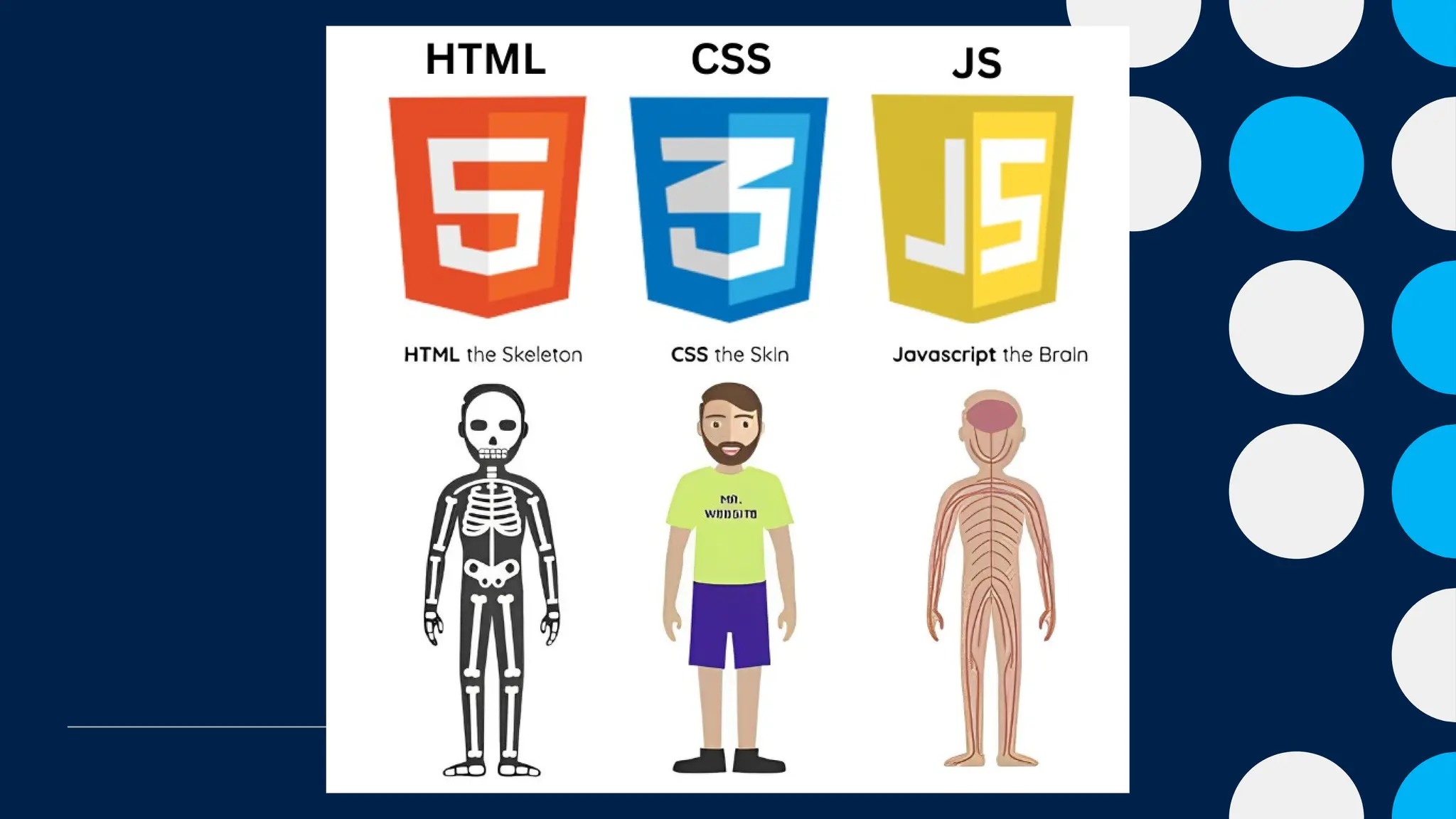
• Front-End Development: Coding the visual and interactive parts of the site using
languages like HTML, CSS, and JavaScript.
• Back-End Development: Managing databases, servers, and applications to ensure
everything works behind the scenes.
• Full-Stack Development: A combination of front-end and back-end development.
• Websites are hosted on servers, and users access them using browsers such as
Google Chrome, Mozilla Firefox, or Safari.
5.
Website vs Webpage
•A webpage is a single document that can be viewed in a web browser. It is made
using HTML and can include text, images, links, videos, and other multimedia
content.
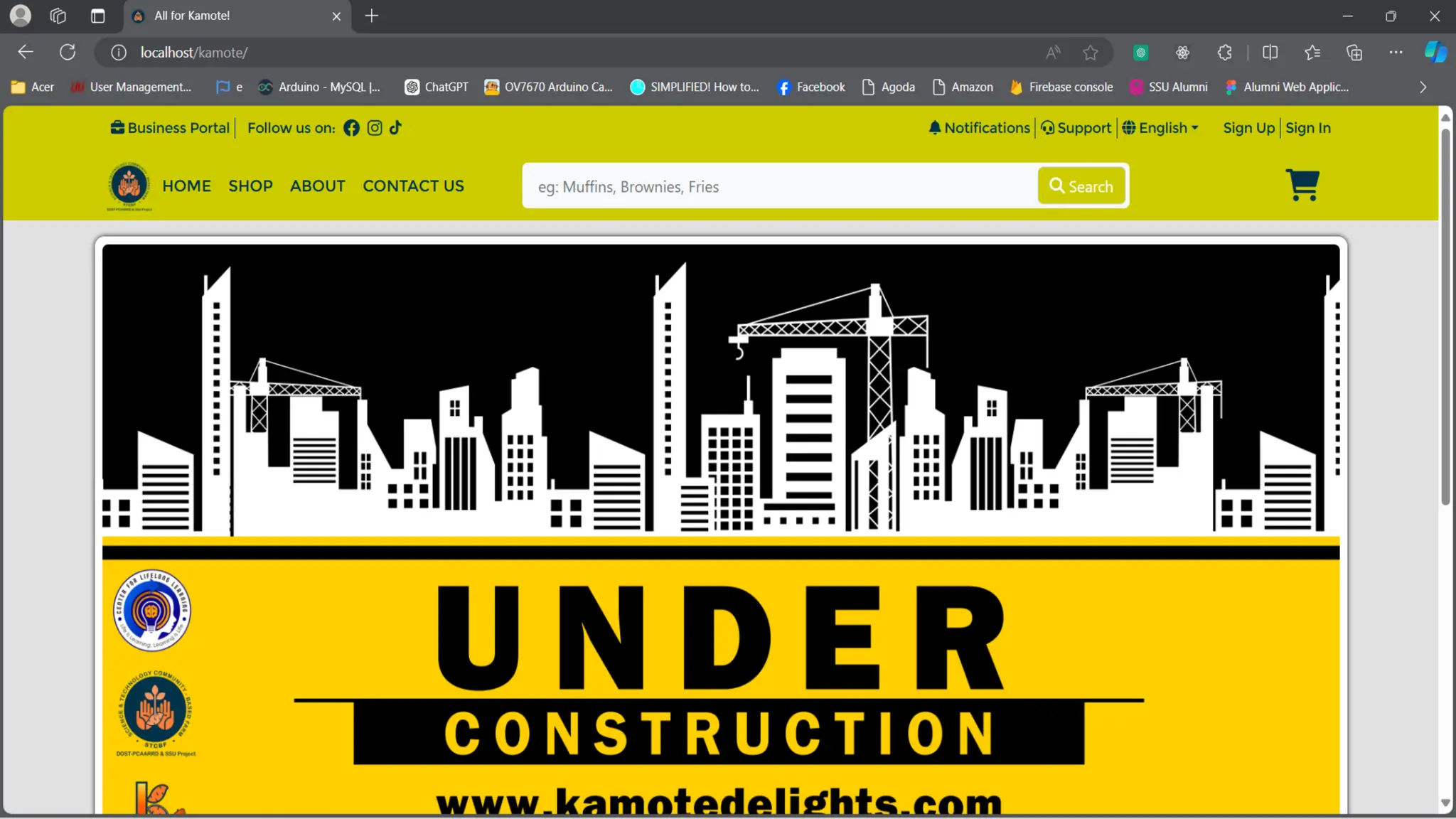
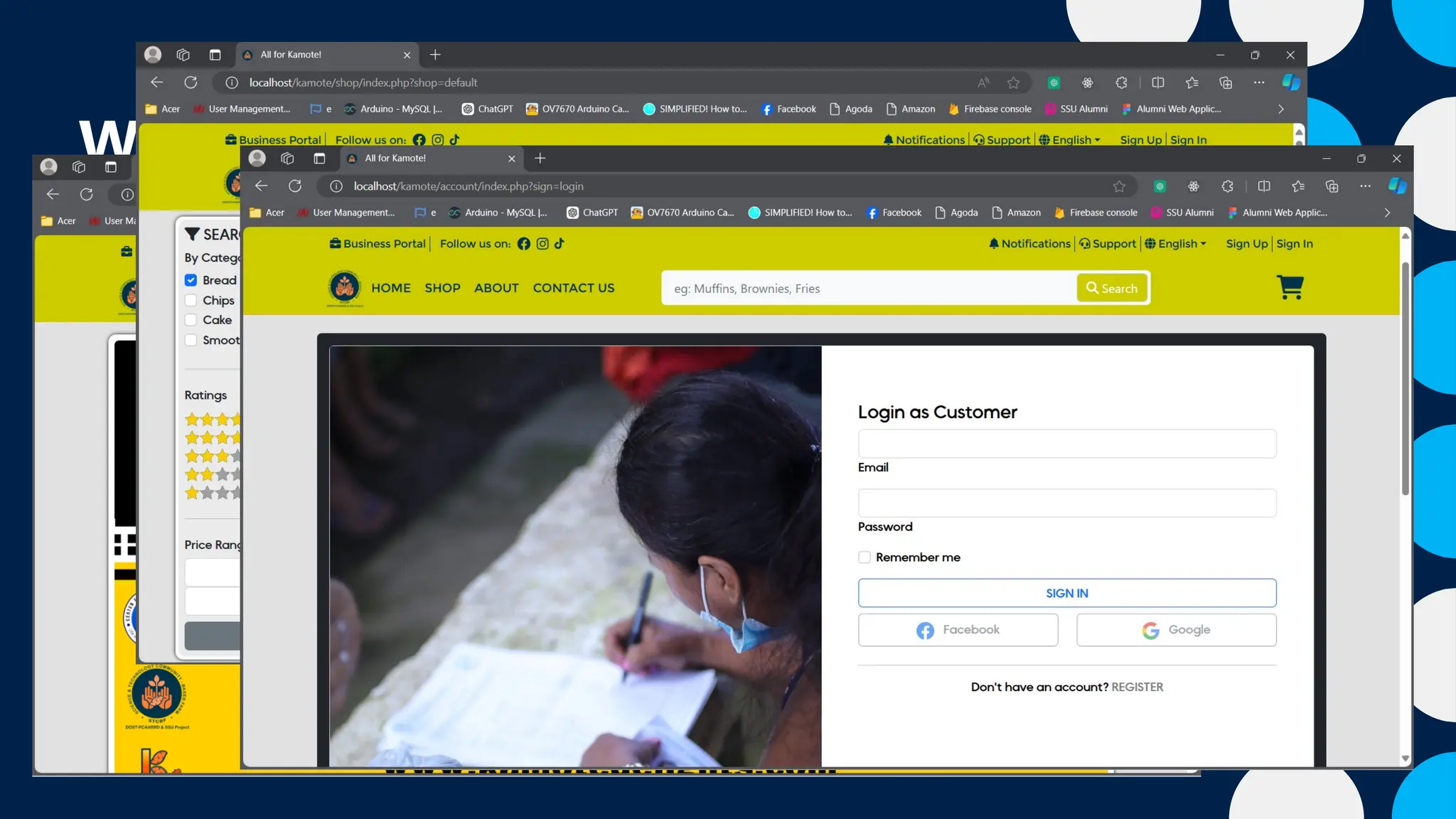
• A website is a collection of interconnected webpages under a single domain (e.g.,
www.example.com). A website can consist of multiple webpages with a common
theme or purpose, like a business site, an online store, or a blog.
6.
Website vs Webpage
•A webpage is a single document that can be viewed in a web browser. It is made
using HTML and can include text, images, links, videos, and other multimedia
content.
• A website is a collection of interconnected webpages under a single domain (e.g.,
www.example.com). A website can consist of multiple webpages with a common
theme or purpose, like a business site, an online store, or a blog.
7.
Website vs Webpage
•A webpage is a single document that can be viewed in a web browser. It is made
using HTML and can include text, images, links, videos, and other multimedia
content.
• A website is a collection of interconnected webpages under a single domain (e.g.,
www.example.com). A website can consist of multiple webpages with a common
theme or purpose, like a business site, an online store, or a blog.
8.
Building Blocks ofWeb Development
• HTML (HyperText Markup Language)
• CSS (Cascading Style Sheets)
• JavaScript
9.
Building Blocks ofWeb Development
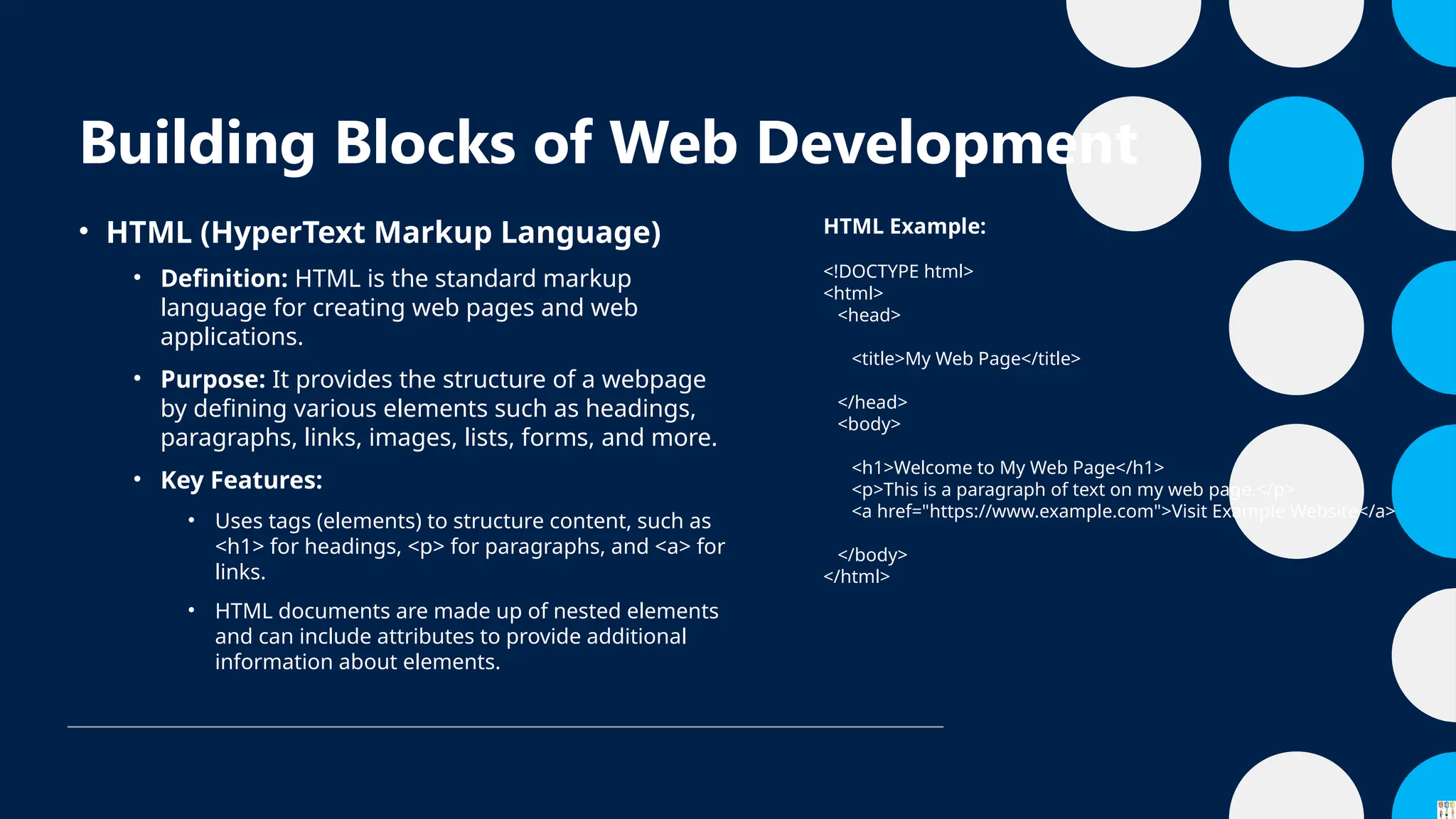
• HTML (HyperText Markup Language)
• Definition: HTML is the standard markup
language for creating web pages and web
applications.
• Purpose: It provides the structure of a webpage
by defining various elements such as headings,
paragraphs, links, images, lists, forms, and more.
• Key Features:
• Uses tags (elements) to structure content, such as
<h1> for headings, <p> for paragraphs, and <a> for
links.
• HTML documents are made up of nested elements
and can include attributes to provide additional
information about elements.
HTML Example:
<!DOCTYPE html>
<html>
<head>
<title>My Web Page</title>
</head>
<body>
<h1>Welcome to My Web Page</h1>
<p>This is a paragraph of text on my web page.</p>
<a href="https://www.example.com">Visit Example Website</a>
</body>
</html>
10.
Building Blocks ofWeb Development
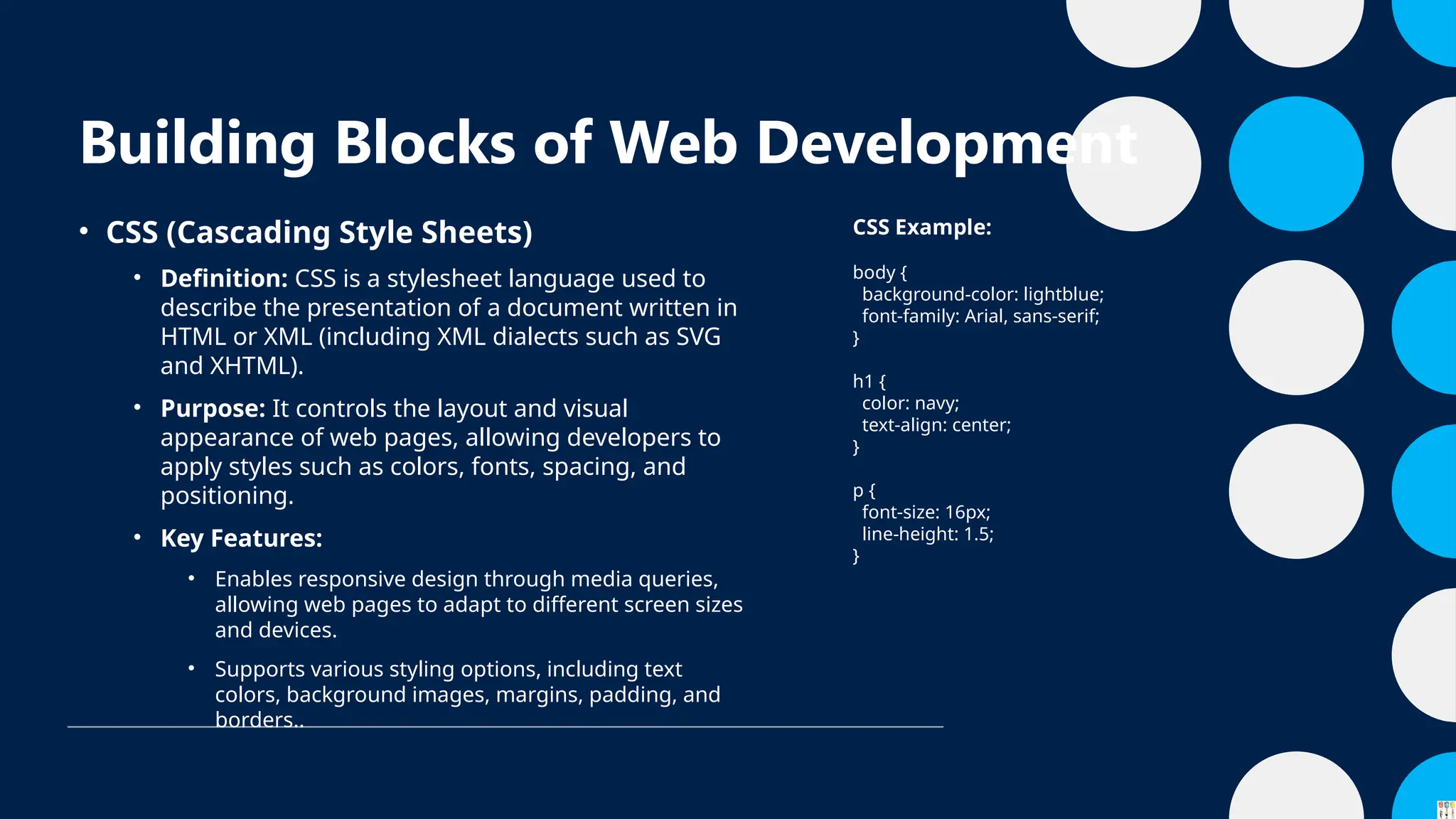
• CSS (Cascading Style Sheets)
• Definition: CSS is a stylesheet language used to
describe the presentation of a document written in
HTML or XML (including XML dialects such as SVG
and XHTML).
• Purpose: It controls the layout and visual
appearance of web pages, allowing developers to
apply styles such as colors, fonts, spacing, and
positioning.
• Key Features:
• Enables responsive design through media queries,
allowing web pages to adapt to different screen sizes
and devices.
• Supports various styling options, including text
colors, background images, margins, padding, and
borders..
CSS Example:
body {
background-color: lightblue;
font-family: Arial, sans-serif;
}
h1 {
color: navy;
text-align: center;
}
p {
font-size: 16px;
line-height: 1.5;
}
11.
Building Blocks ofWeb Development
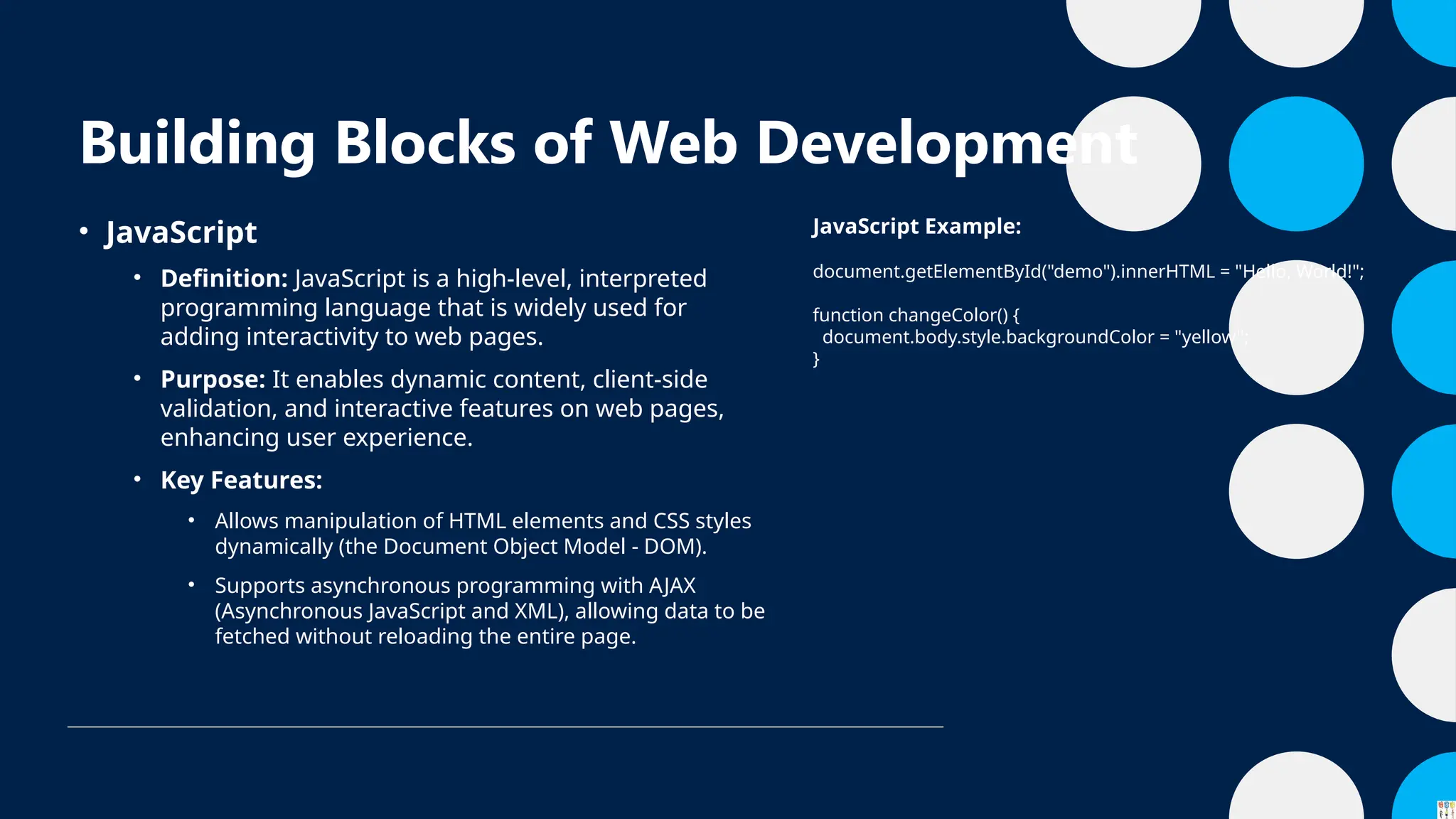
• JavaScript
• Definition: JavaScript is a high-level, interpreted
programming language that is widely used for
adding interactivity to web pages.
• Purpose: It enables dynamic content, client-side
validation, and interactive features on web pages,
enhancing user experience.
• Key Features:
• Allows manipulation of HTML elements and CSS styles
dynamically (the Document Object Model - DOM).
• Supports asynchronous programming with AJAX
(Asynchronous JavaScript and XML), allowing data to be
fetched without reloading the entire page.
JavaScript Example:
document.getElementById("demo").innerHTML = "Hello, World!";
function changeColor() {
document.body.style.backgroundColor = "yellow";
}
13.
Web Development Tools
•VS Code (Visual Studio Code): A lightweight, open-source code editor widely
used by developers.
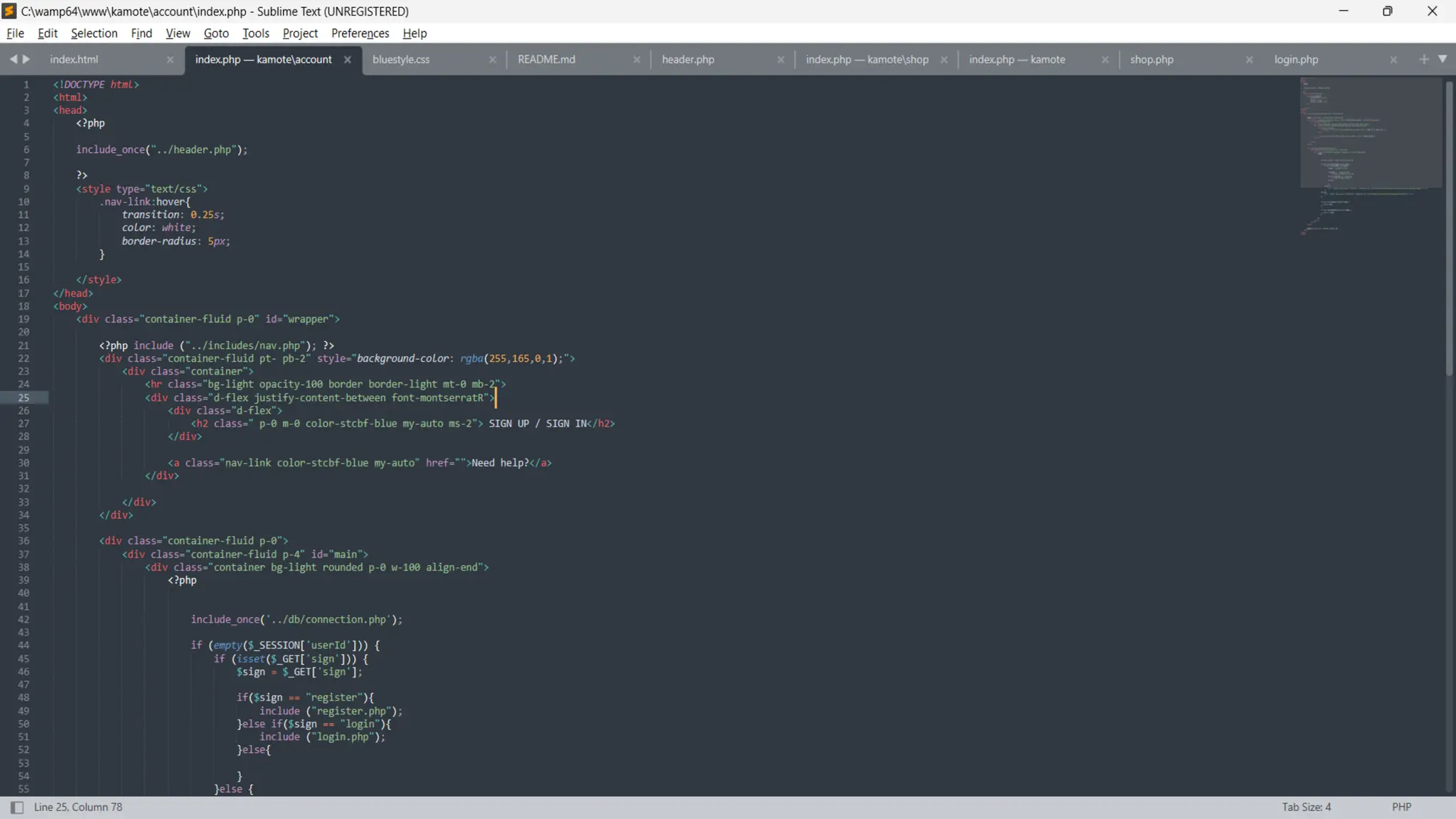
• Sublime Text: A popular text editor known for its speed and simplicity.
• Notepad++: A free source code editor and Notepad replacement that supports
several programming languages. It’s lightweight and ideal for quick edits.
• Dreamweaver: A powerful web development tool that provides a visual interface
for building websites. It supports both code and WYSIWYG (What You See Is What
You Get) editing, making it suitable for developers and designers alike.
• Chrome DevTools: Built-in tools in Google Chrome for inspecting web page
elements, debugging JavaScript, and optimizing performance.
• Postman: A tool for testing APIs by making HTTP requests to endpoints.
15.
CMS (Content ManagementSystems)
CMS platforms are used for building and managing websites without deep coding
knowledge.
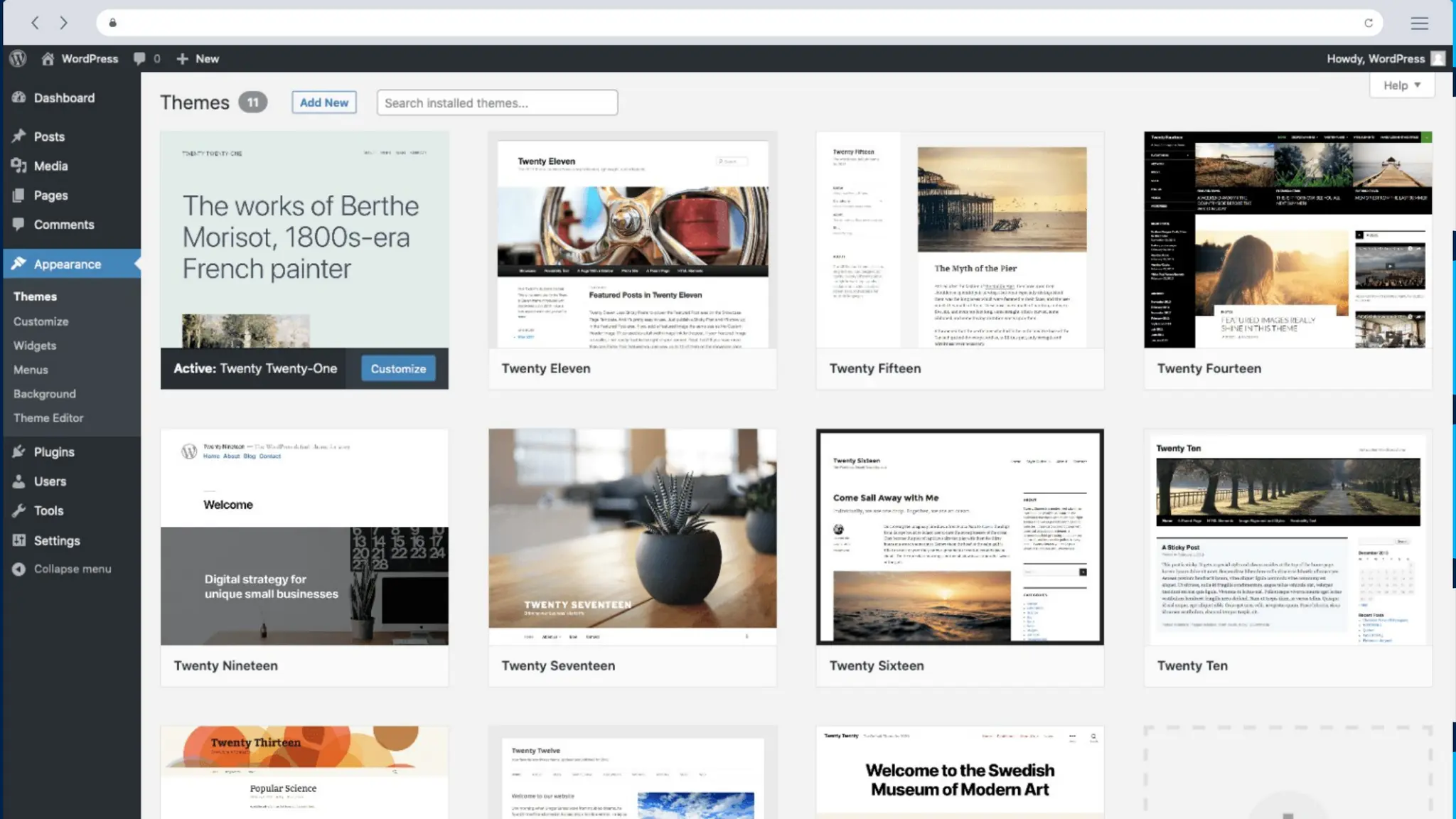
• WordPress: The most popular CMS, especially for blogs and small business
websites.
• Drupal: A more complex and flexible CMS, often used for large, content-heavy
websites.
• Joomla: A middle-ground CMS with a balance of user-friendliness and flexibility.
• Wix: A user-friendly, cloud-based website builder that allows users to create and
manage websites through a drag-and-drop interface without coding.
• Webflow: A web design tool, CMS, and hosting platform that allows designers to
build responsive websites visually, with the ability to add custom code if desired.
16.
CMS (Content ManagementSystems)
CMS platforms are used for building and managing websites without deep coding
knowledge.
• WordPress: The most popular CMS, especially for blogs and small business
websites.
• Drupal: A more complex and flexible CMS, often used for large, content-heavy
websites.
• Joomla: A middle-ground CMS with a balance of user-friendliness and flexibility.
• Wix: A user-friendly, cloud-based website builder that allows users to create and
manage websites through a drag-and-drop interface without coding.
• Webflow: A web design tool, CMS, and hosting platform that allows designers to
build responsive websites visually, with the ability to add custom code if desired.


![Vibe Coding vs. Spec-Driven Development [Free Meetup]](https://cdn.slidesharecdn.com/ss_thumbnails/vibecodingvsspecdrivendevelopment-251209105622-43f455e7-thumbnail.jpg?width=640&height=640&fit=bounds)