Paula Januszkiewicz
CQURE: CEO, Penetration Tester / Security Expert
CQURE Academy: Trainer
MVP: Enterprise Security, MCT
Contact: paula@cqure.us | http://cqure.us
@paulacqure
@CQUREAcademy
Technical systems are:
Reviewed
Scanned
Penetration Tested
So?
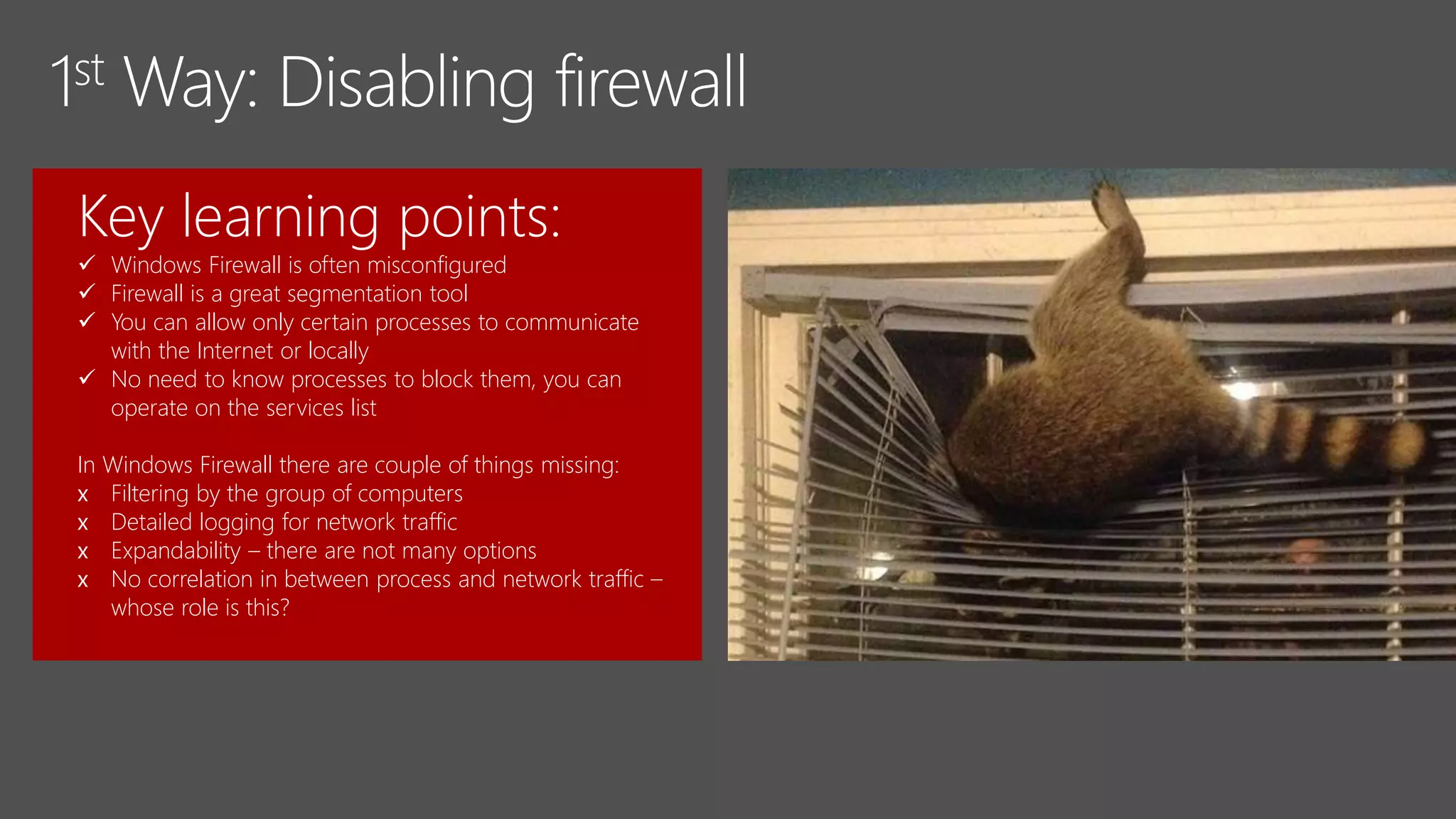
Key learning points:
 Windows Firewall is often misconfigured
 Firewall is a great segmentation tool
 You can allow only certain processes to communicate
with the Internet or locally
 No need to know processes to block them, you can
operate on the services list
In Windows Firewall there are couple of things missing:
x Filtering by the group of computers
x Detailed logging for network traffic
x Expandability – there are not many options
x No correlation in between process and network traffic –
whose role is this?
Key learning points:
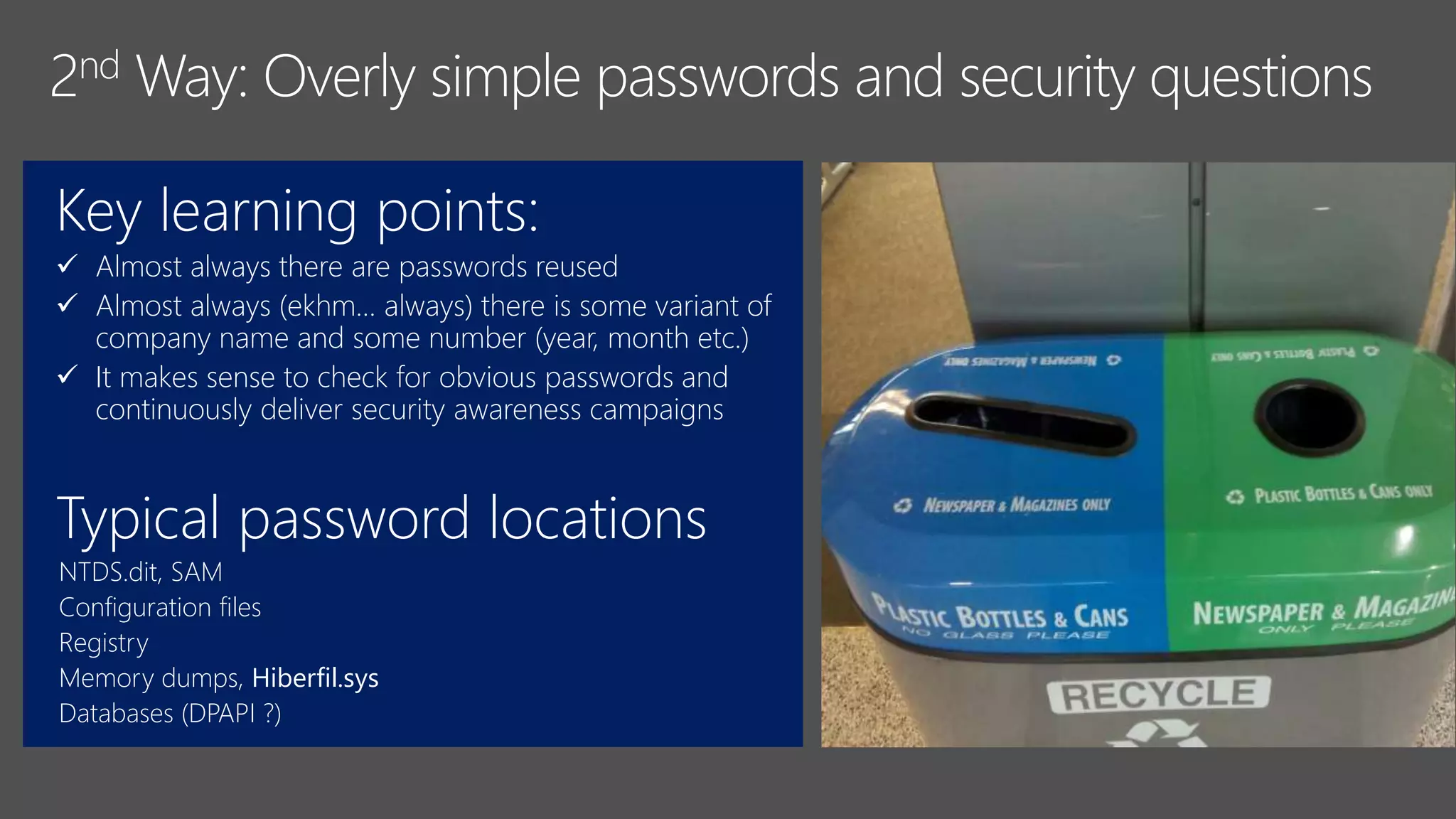
 Almost always there are passwords reused
 Almost always (ekhm… always) there is some variant of
company name and some number (year, month etc.)
 It makes sense to check for obvious passwords and
continuously deliver security awareness campaigns
Typical password locations
NTDS.dit, SAM
Configuration files
Registry
Memory dumps, Hiberfil.sys
Databases (DPAPI ?)
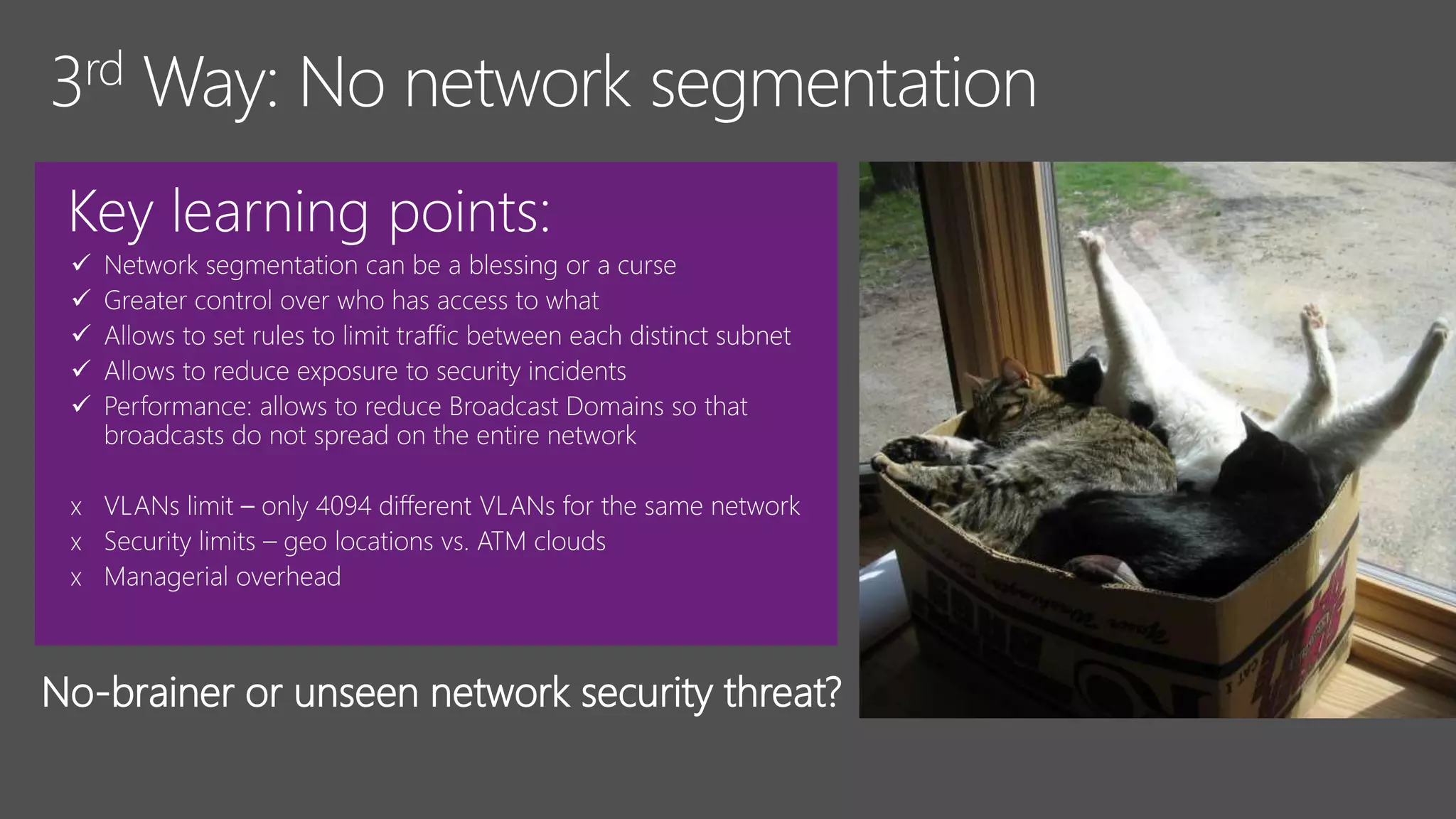
Key learning points:





x
x
x
No-brainer or unseen network security threat?
Key learning points:
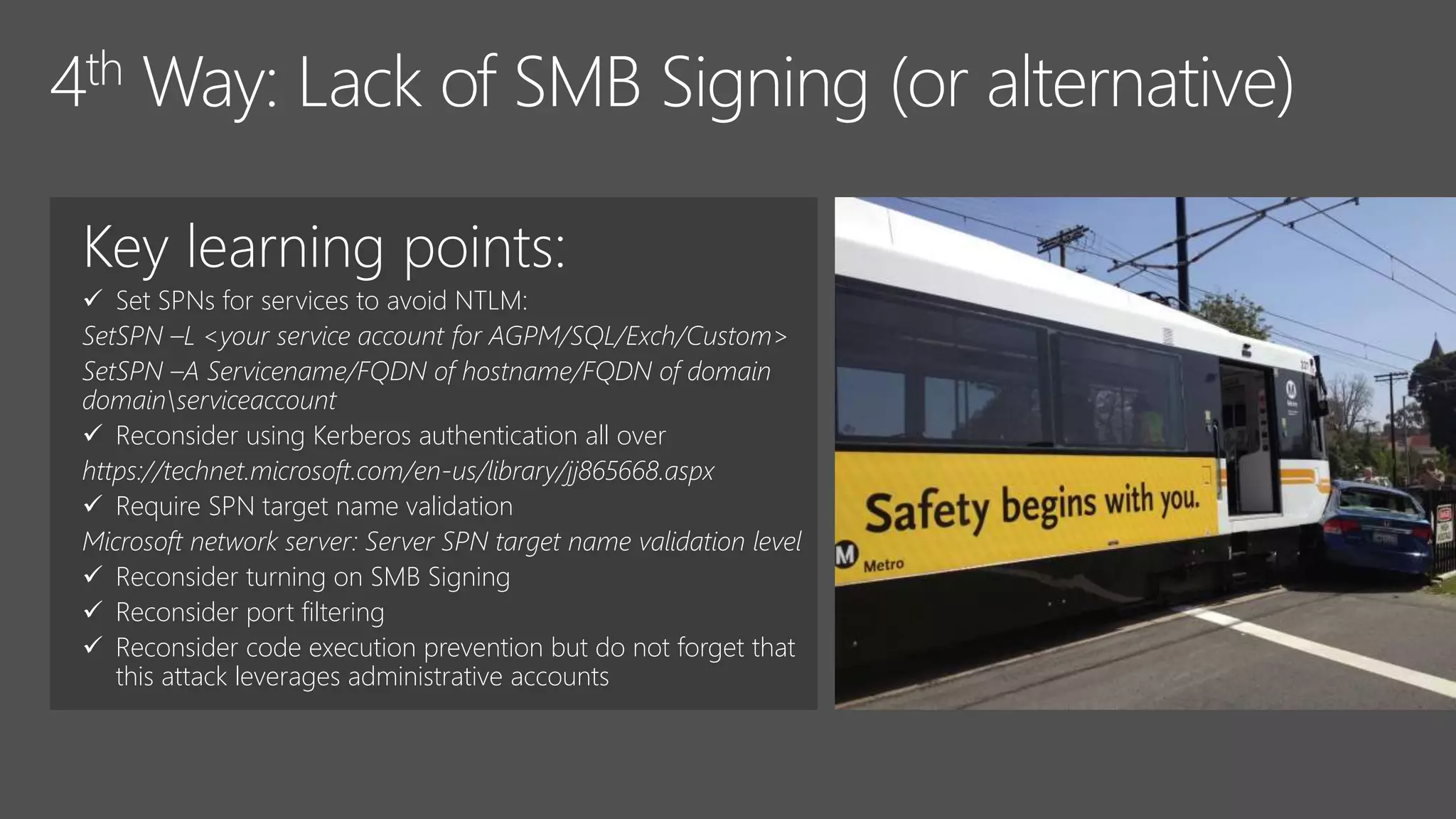
 Set SPNs for services to avoid NTLM:
SetSPN –L <your service account for AGPM/SQL/Exch/Custom>
SetSPN –A Servicename/FQDN of hostname/FQDN of domain
domainserviceaccount
 Reconsider using Kerberos authentication all over
https://technet.microsoft.com/en-us/library/jj865668.aspx
 Require SPN target name validation
Microsoft network server: Server SPN target name validation level
 Reconsider turning on SMB Signing
 Reconsider port filtering
 Reconsider code execution prevention but do not forget that
this attack leverages administrative accounts
Key learning points:
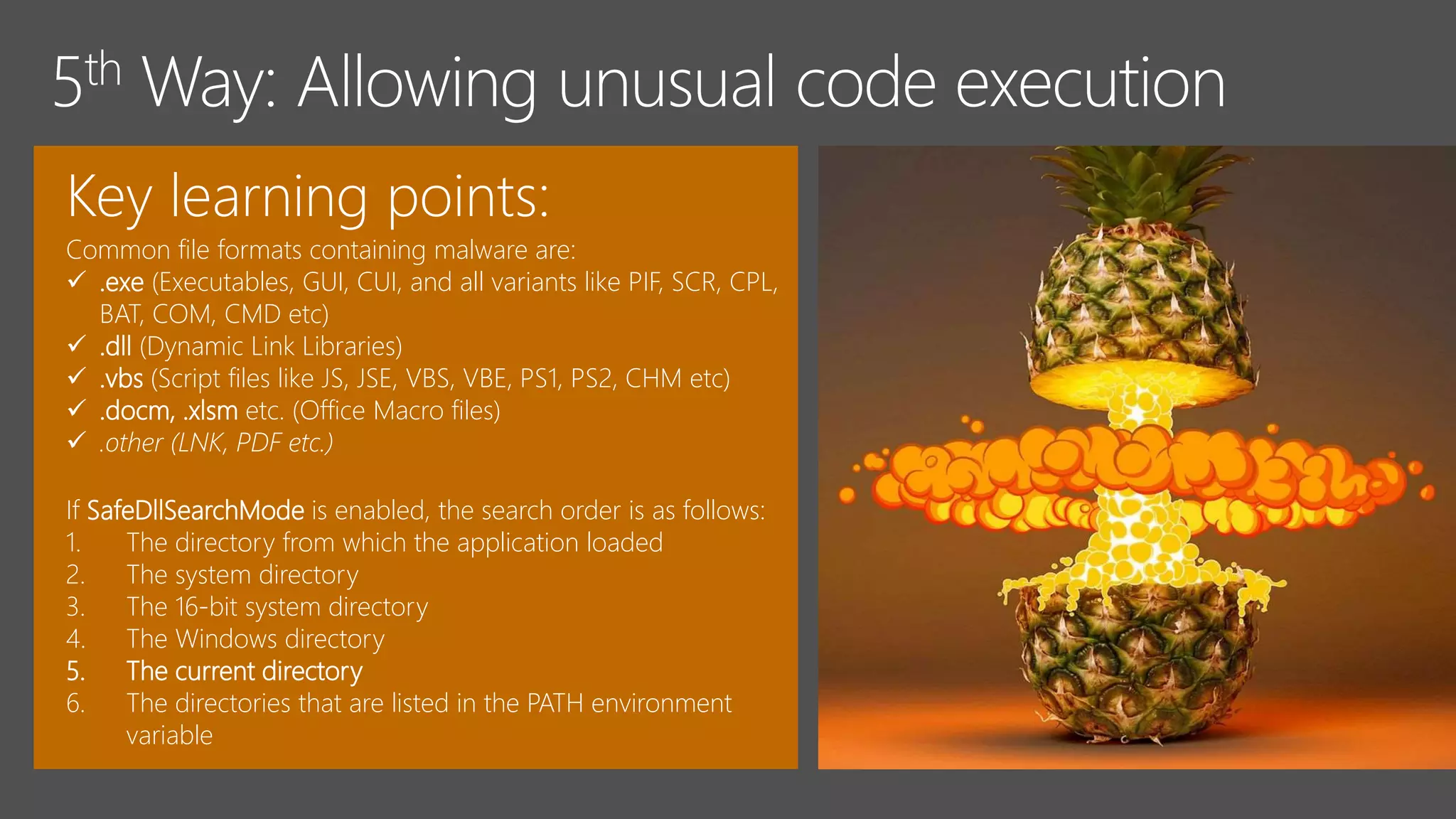
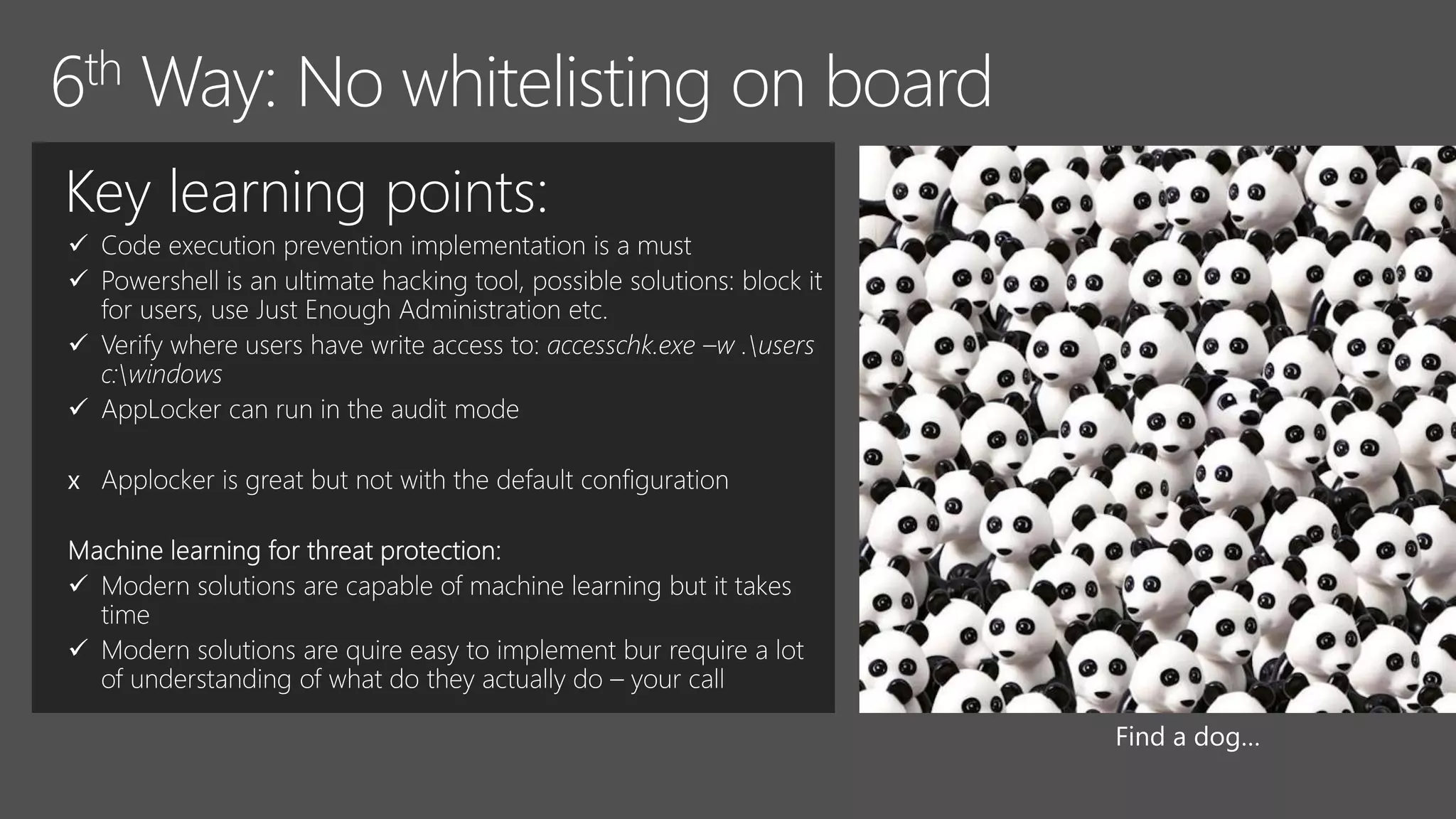
Common file formats containing malware are:
 .exe (Executables, GUI, CUI, and all variants like PIF, SCR, CPL,
BAT, COM, CMD etc)
 .dll (Dynamic Link Libraries)
 .vbs (Script files like JS, JSE, VBS, VBE, PS1, PS2, CHM etc)
 .docm, .xlsm etc. (Office Macro files)
 .other (LNK, PDF etc.)
If SafeDllSearchMode is enabled, the search order is as follows:
1. The directory from which the application loaded
2. The system directory
3. The 16-bit system directory
4. The Windows directory
5. The current directory
6. The directories that are listed in the PATH environment
variable
Key learning points:




x


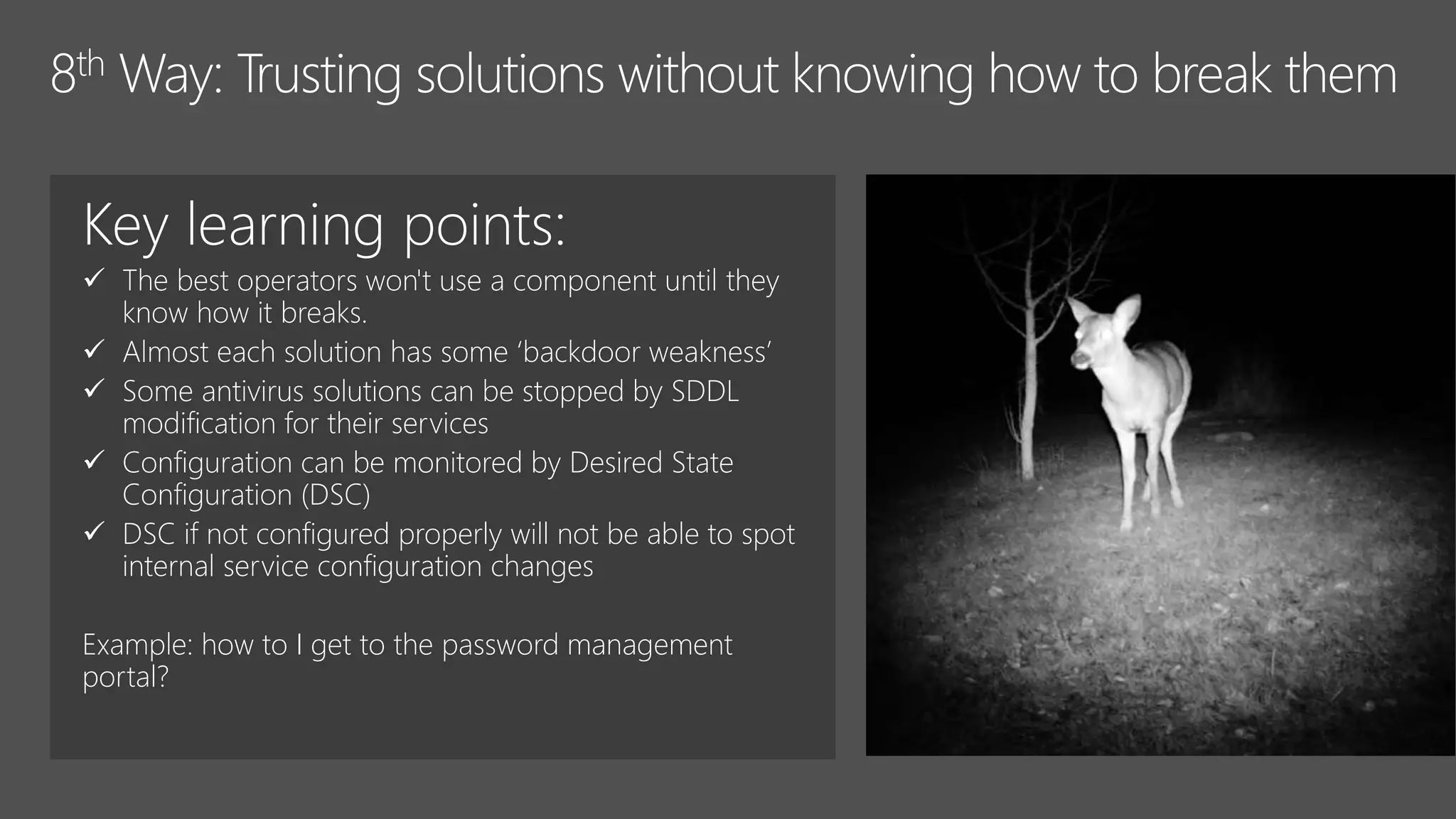
Key learning points:
 The best operators won't use a component until they
know how it breaks.
 Almost each solution has some ‘backdoor weakness’
 Some antivirus solutions can be stopped by SDDL
modification for their services
 Configuration can be monitored by Desired State
Configuration (DSC)
 DSC if not configured properly will not be able to spot
internal service configuration changes
Example: how to I get to the password management
portal?
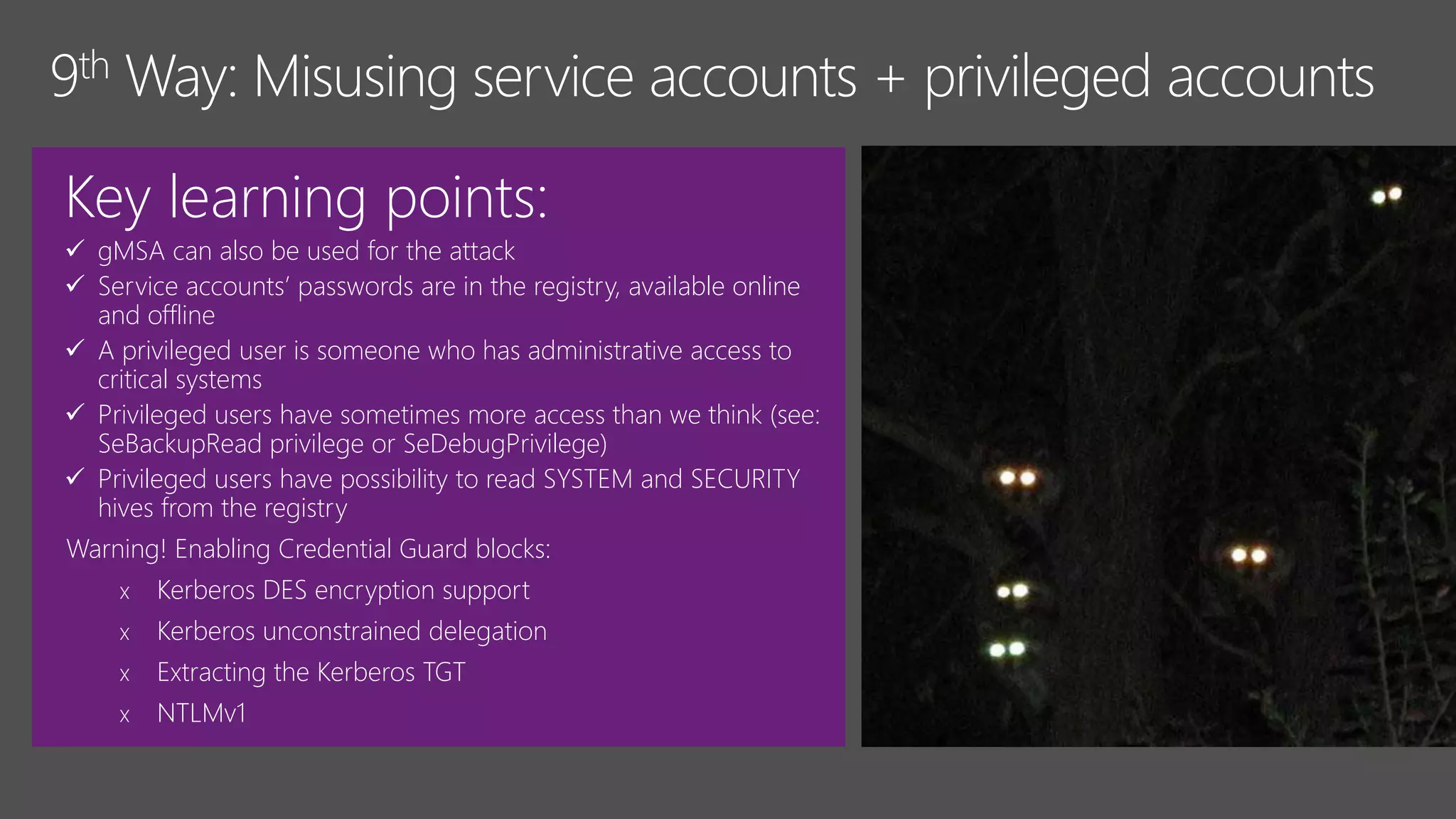
Key learning points:
 gMSA can also be used for the attack
 Service accounts’ passwords are in the registry, available online
and offline
 A privileged user is someone who has administrative access to
critical systems
 Privileged users have sometimes more access than we think (see:
SeBackupRead privilege or SeDebugPrivilege)
 Privileged users have possibility to read SYSTEM and SECURITY
hives from the registry
Warning! Enabling Credential Guard blocks:
x Kerberos DES encryption support
x Kerberos unconstrained delegation
x Extracting the Kerberos TGT
x NTLMv1
Key learning points:
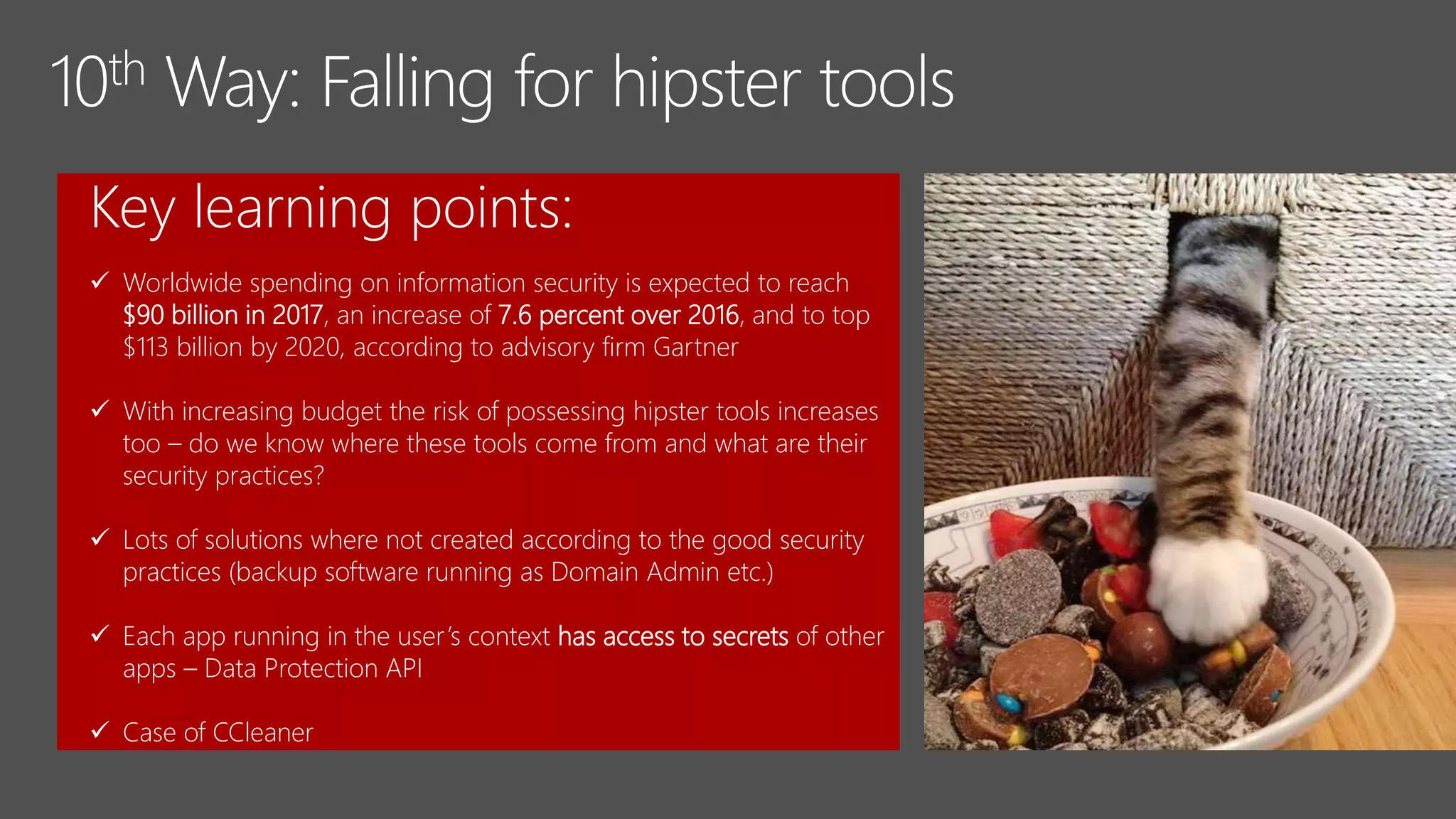
 Worldwide spending on information security is expected to reach
$90 billion in 2017, an increase of 7.6 percent over 2016, and to top
$113 billion by 2020, according to advisory firm Gartner
 With increasing budget the risk of possessing hipster tools increases
too – do we know where these tools come from and what are their
security practices?
 Lots of solutions where not created according to the good security
practices (backup software running as Domain Admin etc.)
 Each app running in the user’s context has access to secrets of other
apps – Data Protection API
 Case of CCleaner
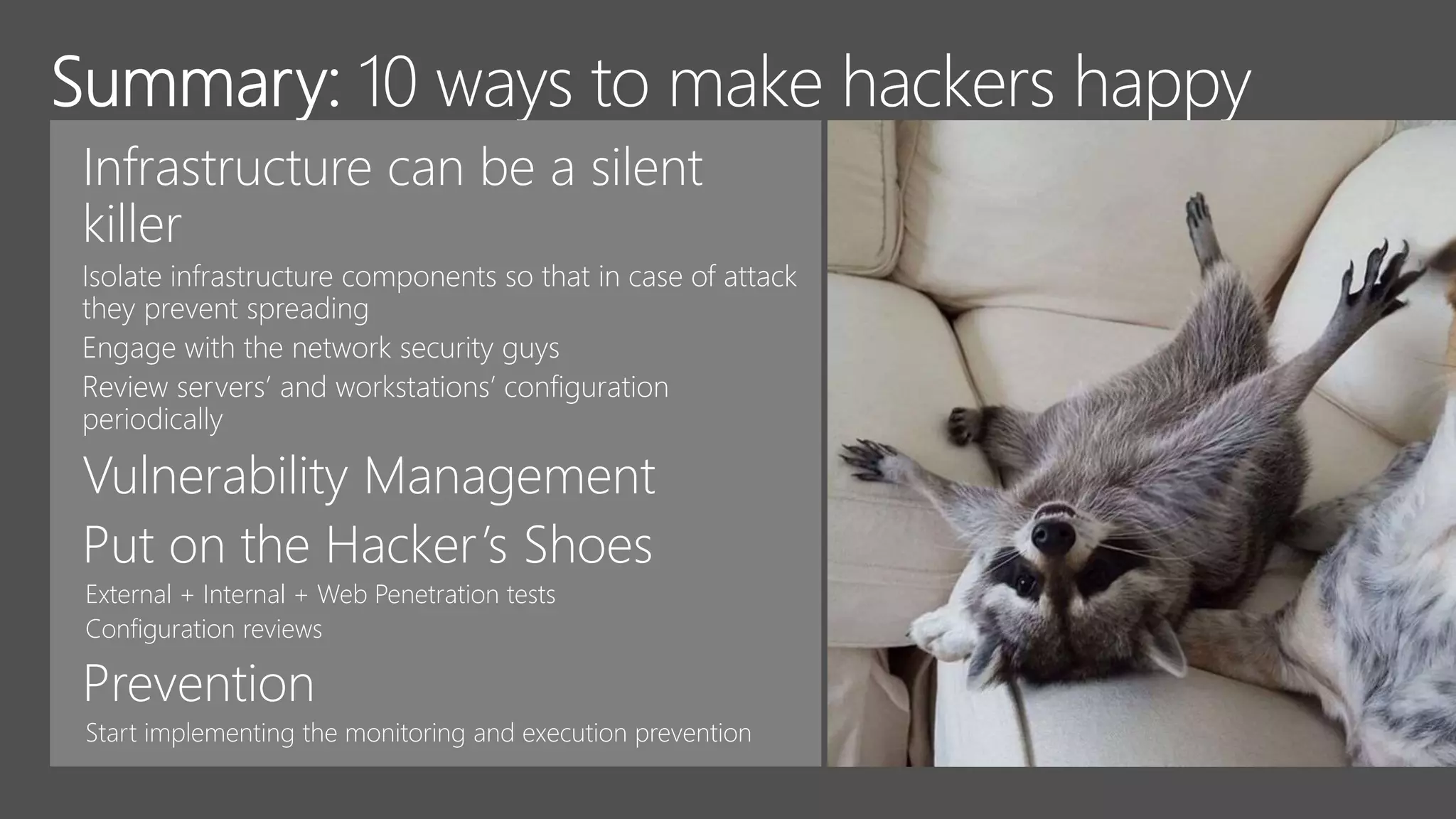
Infrastructure can be a silent
killer
Vulnerability Management
Put on the Hacker’s Shoes
External + Internal + Web Penetration tests
Configuration reviews
Prevention
Top 10 ways to make hackers excited: All about the shortcuts not worth taking

Top 10 ways to make hackers excited: All about the shortcuts not worth taking

  • 1.
    Paula Januszkiewicz CQURE: CEO,Penetration Tester / Security Expert CQURE Academy: Trainer MVP: Enterprise Security, MCT Contact: paula@cqure.us | http://cqure.us @paulacqure @CQUREAcademy
  • 3.
  • 4.
    Key learning points: Windows Firewall is often misconfigured  Firewall is a great segmentation tool  You can allow only certain processes to communicate with the Internet or locally  No need to know processes to block them, you can operate on the services list In Windows Firewall there are couple of things missing: x Filtering by the group of computers x Detailed logging for network traffic x Expandability – there are not many options x No correlation in between process and network traffic – whose role is this?
  • 6.
    Key learning points: Almost always there are passwords reused  Almost always (ekhm… always) there is some variant of company name and some number (year, month etc.)  It makes sense to check for obvious passwords and continuously deliver security awareness campaigns Typical password locations NTDS.dit, SAM Configuration files Registry Memory dumps, Hiberfil.sys Databases (DPAPI ?)
  • 8.
  • 10.
    Key learning points: Set SPNs for services to avoid NTLM: SetSPN –L <your service account for AGPM/SQL/Exch/Custom> SetSPN –A Servicename/FQDN of hostname/FQDN of domain domainserviceaccount  Reconsider using Kerberos authentication all over https://technet.microsoft.com/en-us/library/jj865668.aspx  Require SPN target name validation Microsoft network server: Server SPN target name validation level  Reconsider turning on SMB Signing  Reconsider port filtering  Reconsider code execution prevention but do not forget that this attack leverages administrative accounts
  • 12.
    Key learning points: Commonfile formats containing malware are:  .exe (Executables, GUI, CUI, and all variants like PIF, SCR, CPL, BAT, COM, CMD etc)  .dll (Dynamic Link Libraries)  .vbs (Script files like JS, JSE, VBS, VBE, PS1, PS2, CHM etc)  .docm, .xlsm etc. (Office Macro files)  .other (LNK, PDF etc.) If SafeDllSearchMode is enabled, the search order is as follows: 1. The directory from which the application loaded 2. The system directory 3. The 16-bit system directory 4. The Windows directory 5. The current directory 6. The directories that are listed in the PATH environment variable
  • 14.
  • 18.
    Key learning points: The best operators won't use a component until they know how it breaks.  Almost each solution has some ‘backdoor weakness’  Some antivirus solutions can be stopped by SDDL modification for their services  Configuration can be monitored by Desired State Configuration (DSC)  DSC if not configured properly will not be able to spot internal service configuration changes Example: how to I get to the password management portal?
  • 20.
    Key learning points: gMSA can also be used for the attack  Service accounts’ passwords are in the registry, available online and offline  A privileged user is someone who has administrative access to critical systems  Privileged users have sometimes more access than we think (see: SeBackupRead privilege or SeDebugPrivilege)  Privileged users have possibility to read SYSTEM and SECURITY hives from the registry Warning! Enabling Credential Guard blocks: x Kerberos DES encryption support x Kerberos unconstrained delegation x Extracting the Kerberos TGT x NTLMv1
  • 22.
    Key learning points: Worldwide spending on information security is expected to reach $90 billion in 2017, an increase of 7.6 percent over 2016, and to top $113 billion by 2020, according to advisory firm Gartner  With increasing budget the risk of possessing hipster tools increases too – do we know where these tools come from and what are their security practices?  Lots of solutions where not created according to the good security practices (backup software running as Domain Admin etc.)  Each app running in the user’s context has access to secrets of other apps – Data Protection API  Case of CCleaner
  • 24.
    Infrastructure can bea silent killer Vulnerability Management Put on the Hacker’s Shoes External + Internal + Web Penetration tests Configuration reviews Prevention

Editor's Notes

  • #6 Story of dissapointment
  • #9 [60] Normalnie takie rzczy sa po patchowaniu. Skrypt – informacja – RDP Operational Prefetch – mimikatz.
  • #10 [50]How can we use MSDCC2 within the attack? Is it really useless for bad guys?
  • #11 [60] Broadcast Domain The set of all devices that will receive broadcast frames originating from any device within the set. Broadcast domains can be bounded by VLANs in a stand-alone environment. In an interworking environment, they are typically bounded by routers because routers do not forward broadcast frames.
  • #12 [50]How can we use MSDCC2 within the attack? Is it really useless for bad guys?
  • #14 [50]How can we use MSDCC2 within the attack? Is it really useless for bad guys?
  • #15 [CC] wallpapers-and-backgrounds.net Note that this does not include the per-application path specified by the App Paths registry key. The App Paths key is not used when computing the DLL search path.
  • #17 https://twitter.com/thedudolf
  • #18 Exclude all Microsoft-signed image loads: <ImageLoad onmatch="exclude"> <Signature condition="contains">Microsoft</Signature> <Signature condition="contains">Windows</Signature> </ImageLoad>
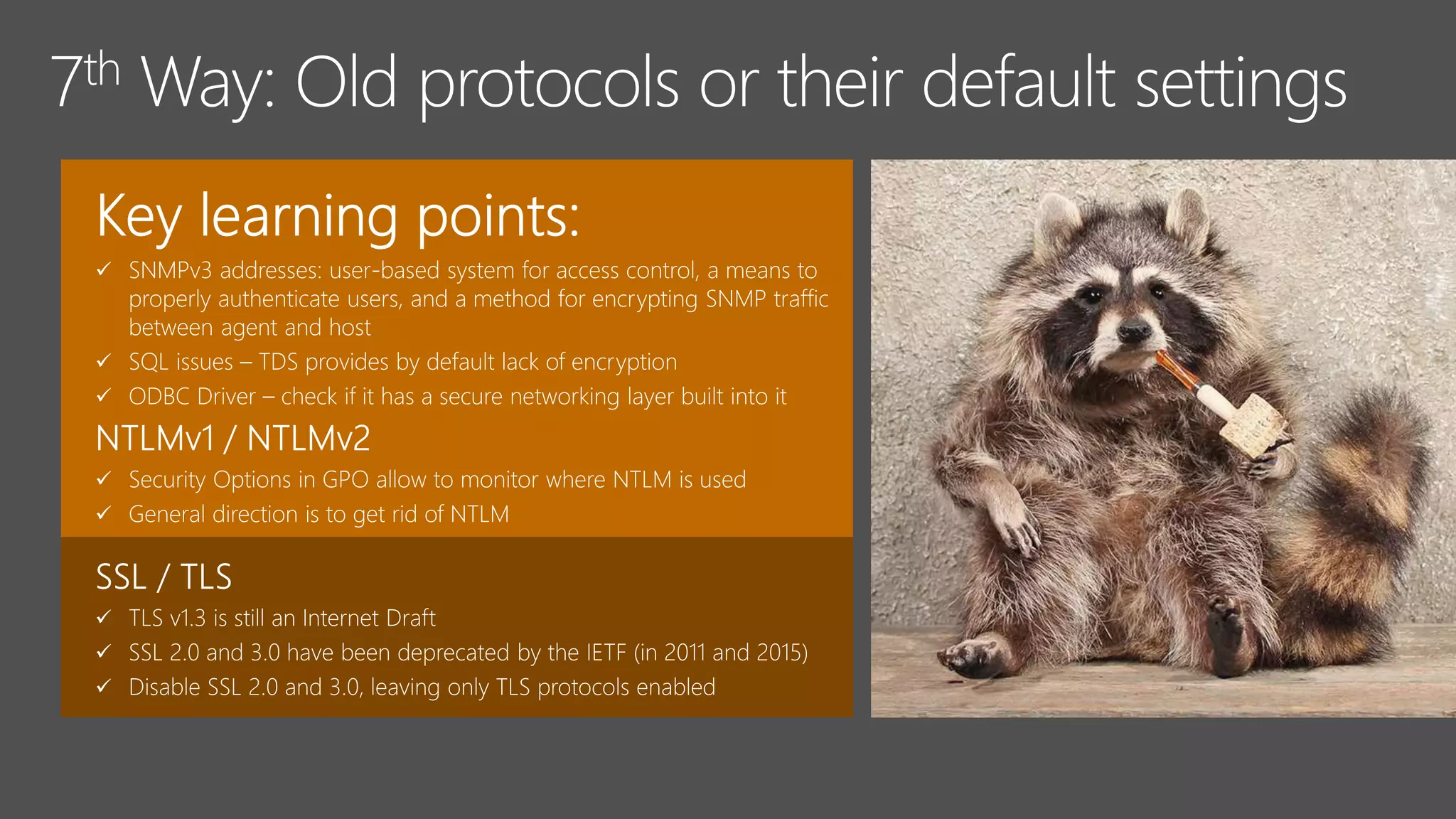
  • #19 http://www.ebay.com/itm/11114-E-Novelty-Pipe-Raccoon-Life-Size-Taxidermy-Mount-Coon-Possum-/161031671900 Over the years vulnerabilities have been and continue to be discovered in the deprecated SSL protocols (e.g. POODLE, DROWN). Most modern browsers will show a degraded user experience (e.g. line through the padlock or https in the URL bar, security warnings) when they encounter a web server using the old protocols. For these reasons, you should disable SSL 2.0 and 3.0 in your server configuration, leaving only TLS protocols enabled. Some of things that v1.3 is going to provide: Complete removal of things that are known to be cryptographically weak such as MD5, RC4, and weak elliptic curves Dropping support for seldom-used features like compression and “change cipher” ciphers; and adding new elliptic curves  It will be much faster and resilient to attack that break older versions of the TLS protocol
  • #20 [50]How can we use MSDCC2 within the attack? Is it really useless for bad guys?
  • #22 [50]How can we use MSDCC2 within the attack? Is it really useless for bad guys?
  • #23 [60] Normalnie takie rzczy sa po patchowaniu. Skrypt – informacja – RDP Operational Prefetch – mimikatz. gMSA powinny byc tak samo monitorowane
  • #24 [50]How can we use MSDCC2 within the attack? Is it really useless for bad guys?
  • #26 [50]How can we use MSDCC2 within the attack? Is it really useless for bad guys?
  • #27  Licence: Common Infrastructure can be a silent killer. One day you’re running a company to deliver something special and new to customers — completely unrelated to the underlying technology making it possible — and the next, you’re stymied by bills or bugs. Not to mention, plagued by performance problems. How disappointing to get taken down by something so foundational when your company is taking off! Yet it happens all the time.