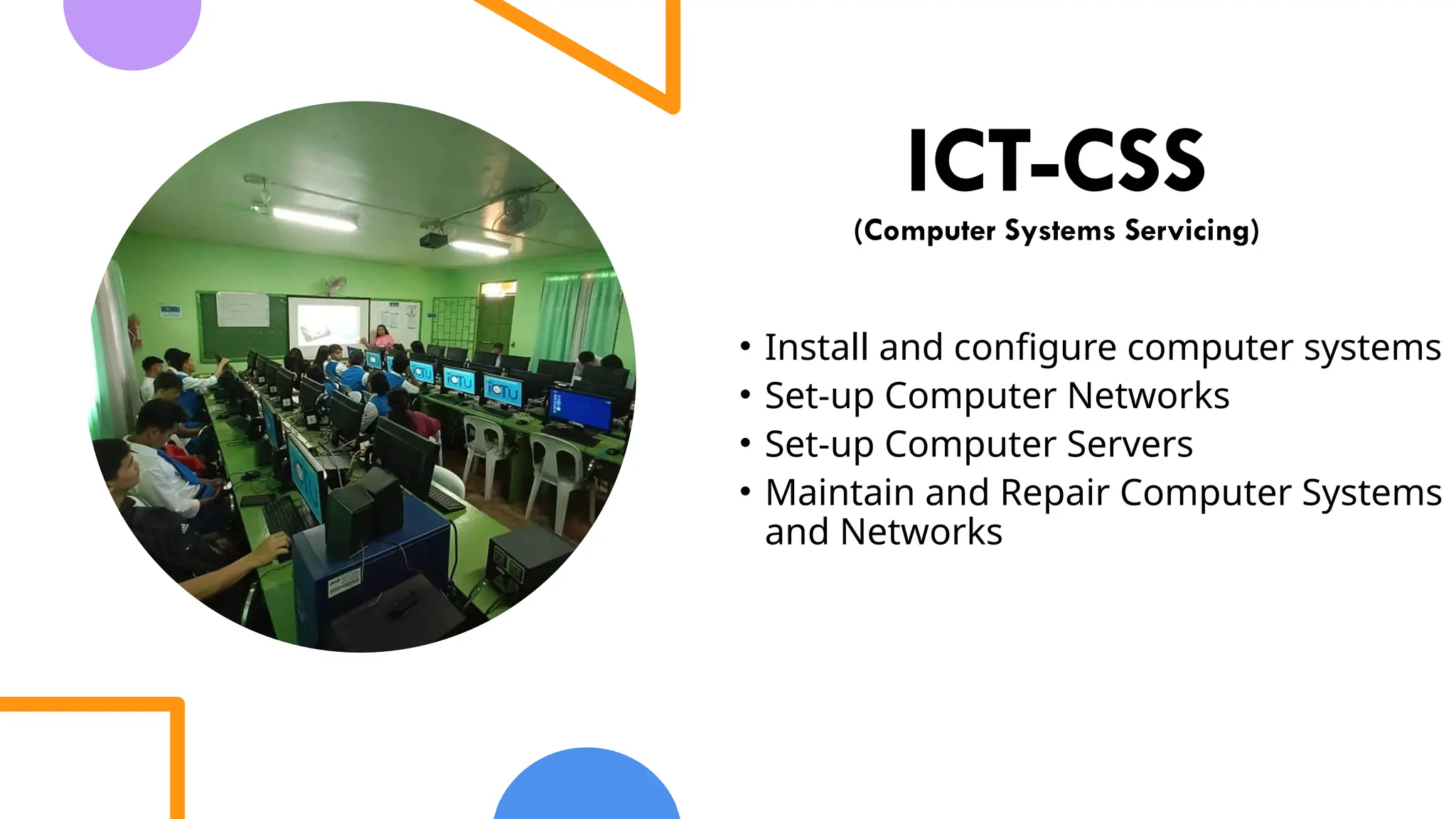
ICT-CSS
(Computer Systems Servicing)
•Install and configure computer systems
• Set-up Computer Networks
• Set-up Computer Servers
• Maintain and Repair Computer Systems
and Networks
3.
Occupational Safety andHealth
(OSH)
also commonly referred to as Occupational Health
and Safety (OHS) or Workplace Health and Safety
(WHS) is an area concerned with the safety, health
and welfare of people engaged in work or
employment.
OHS relating toInstalling computer systems and
networks:
1.Safety on handling computer components and devices
2.Safety on connecting power connectors
3.Check the proper voltage for every device.
4.Check the electrical connection for faulty wirings.
5.Use power surge protector or suppressor.
6.Use proper screw and screwdrivers for each component.
7.Hold CPU components and CD‟s/DVD‟s on its edges or in its bracket.
8.Put extra care in dismantling and returning the IO shield.
6.
Safety Precautions Dealingwith Electrical Components
of Computer
1.Disconnect all power before:
- Performing a hardware inspections
- Attempt directly to internal and external
computer components
- Working power supply
- Removing or installing main units
7.
Safety Precautions Dealingwith Electrical Components
of Computer
2.) Before starting work, unplug the power cord.
3.) Never assume that power has been
disconnected from a circuit. First, check that it
has been powered-off.
8.
Safety Precautions Dealingwith Electrical Components
of Computer
5.) Discharge static electricity
6.) If an electrical accident occurs:
Use caution
Switch off power
Send another person to get medical aid
9.
Safety Precautions Dealingwith Electrical Components
of Computer
5.) Discharge static electricity
6.) If an electrical accident occurs:
Use caution
Switch off power
Send another person to get medical aid
10.
Safety Precautions Dealingwith Electrical Components
of Computer
5.) Discharge static electricity
6.) If an electrical accident occurs:
Use caution
Switch off power
Send another person to get medical aid
11.
OHS relating toInstalling computer systems and
networks:
1.Safety on handling computer components and devices
2.Safety on connecting power connectors
3.Check the proper voltage for every device.
4.Check the electrical connection for faulty wirings.
5.Use power surge protector or suppressor.
6.Use proper screw and screwdrivers for each component.
7.Hold CPU components and CD‟s/DVD‟s on its edges or in its bracket.
8.Put extra care in dismantling and returning the IO shield.






![Performing Computer Operations [Autosaved].pptx](https://cdn.slidesharecdn.com/ss_thumbnails/performingcomputeroperationsautosaved-230213131335-0c4b802d-thumbnail.jpg?width=640&height=640&fit=bounds)


