©Prentice Hall, Inc. All rights reserved.
1
Threads in Java
OOutline
1- Introduction
1- Class Thread: An Overview of the Thread Methods
1- Thread States: Life Cycle of a Thread
1- Thread Priorities and Thread Scheduling
1- Thread Synchronization
1- Daemon Threads
1- Runnable Interface
1- Thread Groups
Nilesh Jha
©Prentice Hall, Inc. All rights reserved.
2
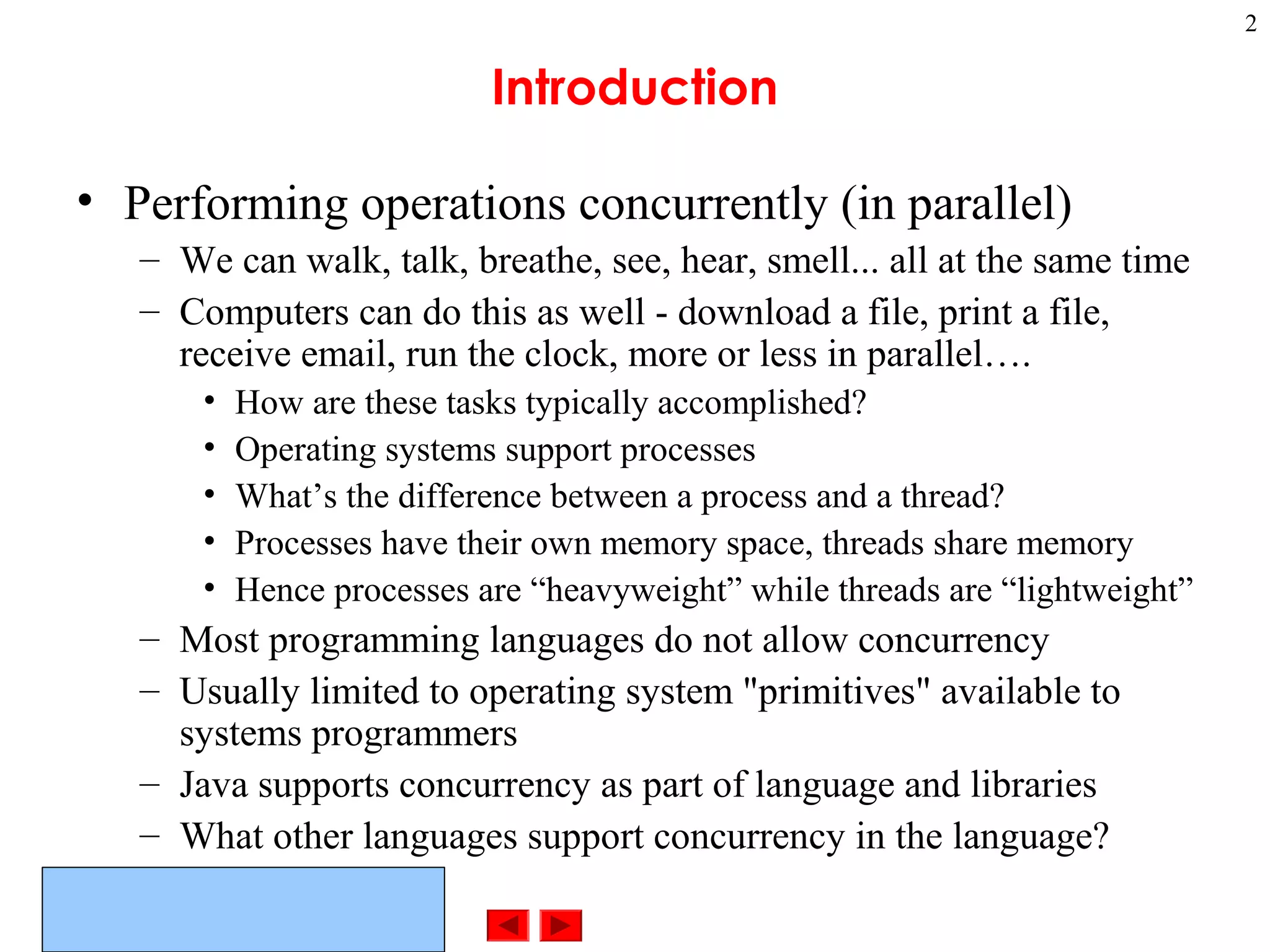
Introduction
• Performing operations concurrently (in parallel)
– We can walk, talk, breathe, see, hear, smell... all at the same time
– Computers can do this as well - download a file, print a file,
receive email, run the clock, more or less in parallel….
• How are these tasks typically accomplished?
• Operating systems support processes
• What’s the difference between a process and a thread?
• Processes have their own memory space, threads share memory
• Hence processes are “heavyweight” while threads are “lightweight”
– Most programming languages do not allow concurrency
– Usually limited to operating system "primitives" available to
systems programmers
– Java supports concurrency as part of language and libraries
– What other languages support concurrency in the language?
©Prentice Hall, Inc. All rights reserved.
3
What and why
• Threads of execution
– Each thread is a portion of a program that can execute
concurrently with other threads (multithreading)
• C and C++ are single-threaded
• Gives Java powerful capabilities not found in C and C++
– Example: downloading a video clip
• Instead of having to download the entire clip then play it:
• Download a portion, play that portion, download the next
portion, play that portion... (streaming)
• Ensure that it is done smoothly
– Other example applications of multi-threading?
©Prentice Hall, Inc. All rights reserved.
4
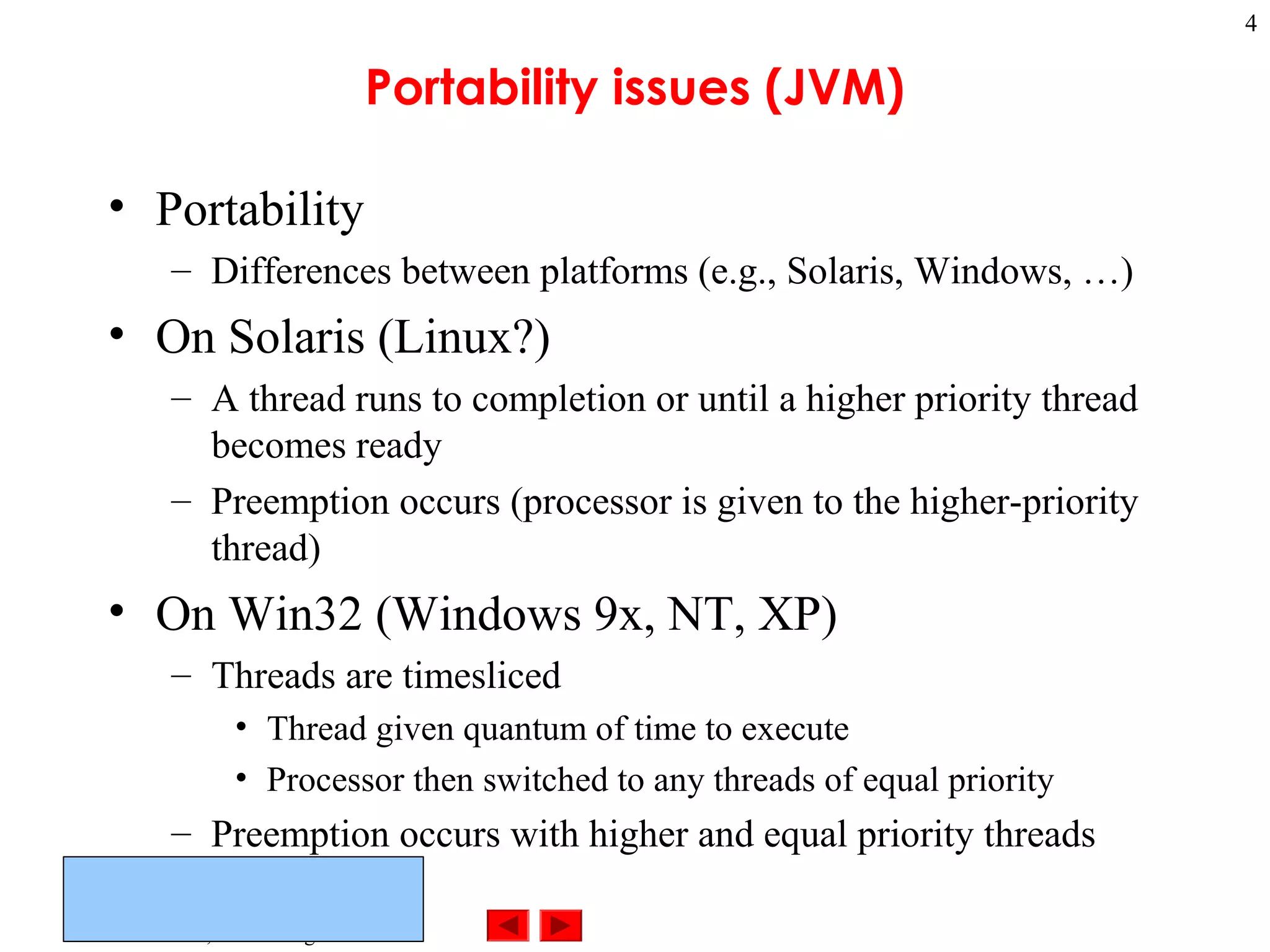
Portability issues (JVM)
• Portability
– Differences between platforms (e.g., Solaris, Windows, …)
• On Solaris (Linux?)
– A thread runs to completion or until a higher priority thread
becomes ready
– Preemption occurs (processor is given to the higher-priority
thread)
• On Win32 (Windows 9x, NT, XP)
– Threads are timesliced
• Thread given quantum of time to execute
• Processor then switched to any threads of equal priority
– Preemption occurs with higher and equal priority threads
©Prentice Hall, Inc. All rights reserved.
5
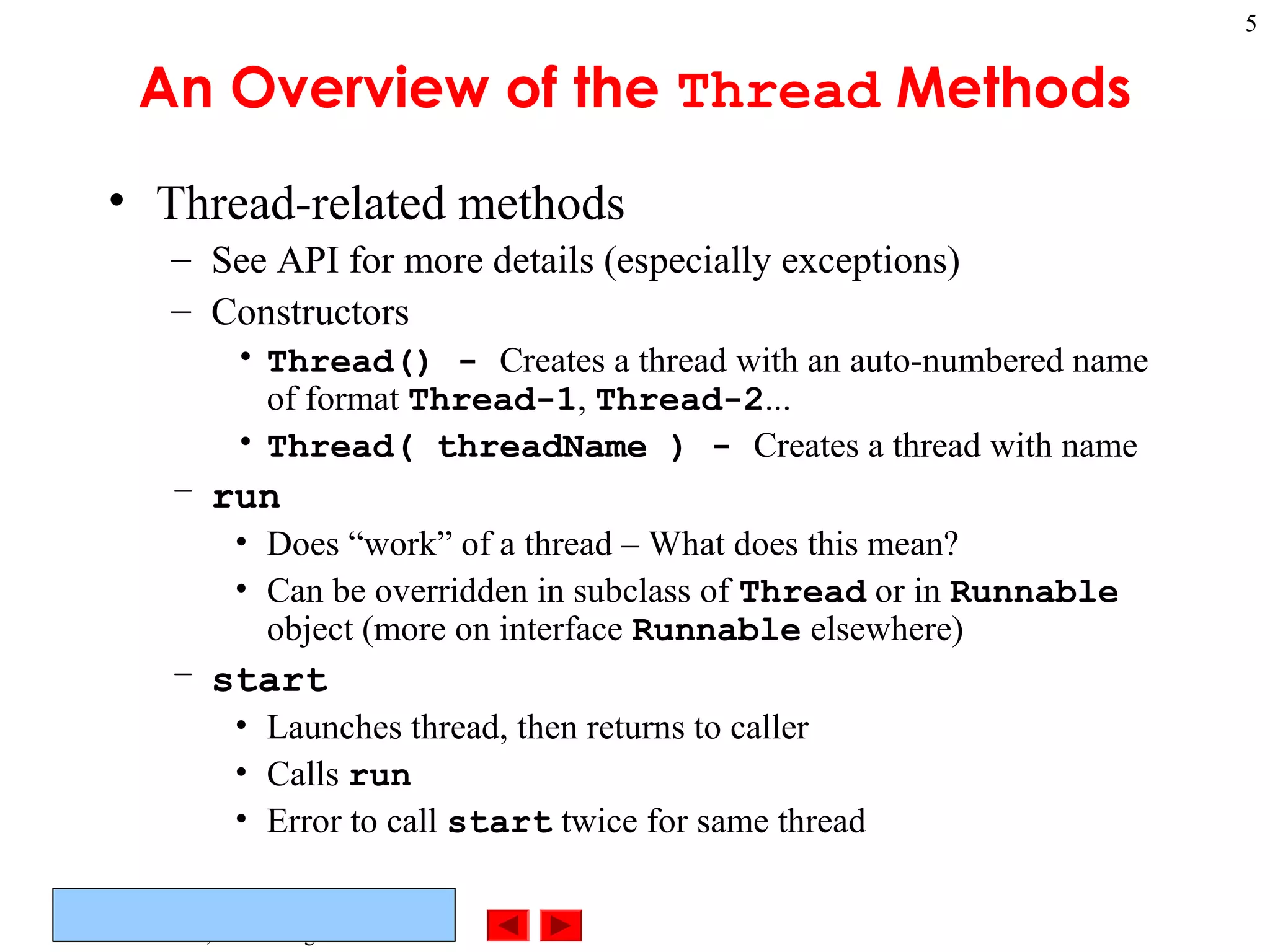
An Overview of the Thread Methods
• Thread-related methods
– See API for more details (especially exceptions)
– Constructors
• Thread() - Creates a thread with an auto-numbered name
of format Thread-1, Thread-2...
• Thread( threadName ) - Creates a thread with name
– run
• Does “work” of a thread – What does this mean?
• Can be overridden in subclass of Thread or in Runnable
object (more on interface Runnable elsewhere)
– start
• Launches thread, then returns to caller
• Calls run
• Error to call start twice for same thread
©Prentice Hall, Inc. All rights reserved.
6
Thread States: Life Cycle of a Thread
• Born state
– Thread just created
– When start called, enters ready state
• Ready state (runnable state)
– Highest-priority ready thread enters running state
• Running state
– System assigns processor to thread (thread begins executing)
– When run completes or terminates, enters dead state
• Dead state
– Thread marked to be removed by system
– Entered when run terminates or throws uncaught exception
©Prentice Hall, Inc. All rights reserved.
7
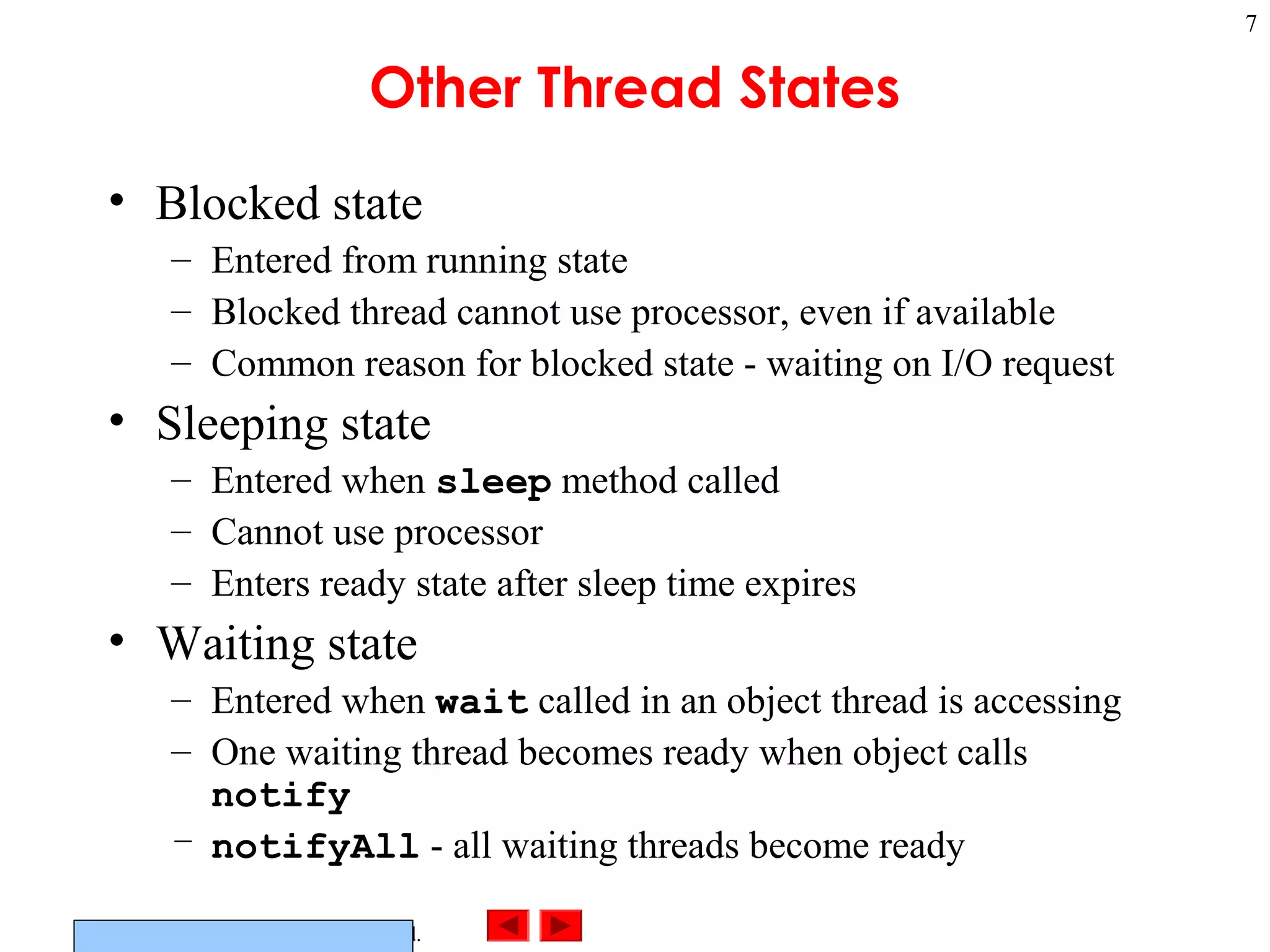
Other Thread States
• Blocked state
– Entered from running state
– Blocked thread cannot use processor, even if available
– Common reason for blocked state - waiting on I/O request
• Sleeping state
– Entered when sleep method called
– Cannot use processor
– Enters ready state after sleep time expires
• Waiting state
– Entered when wait called in an object thread is accessing
– One waiting thread becomes ready when object calls
notify
– notifyAll - all waiting threads become ready
©Prentice Hall, Inc. All rights reserved.
8
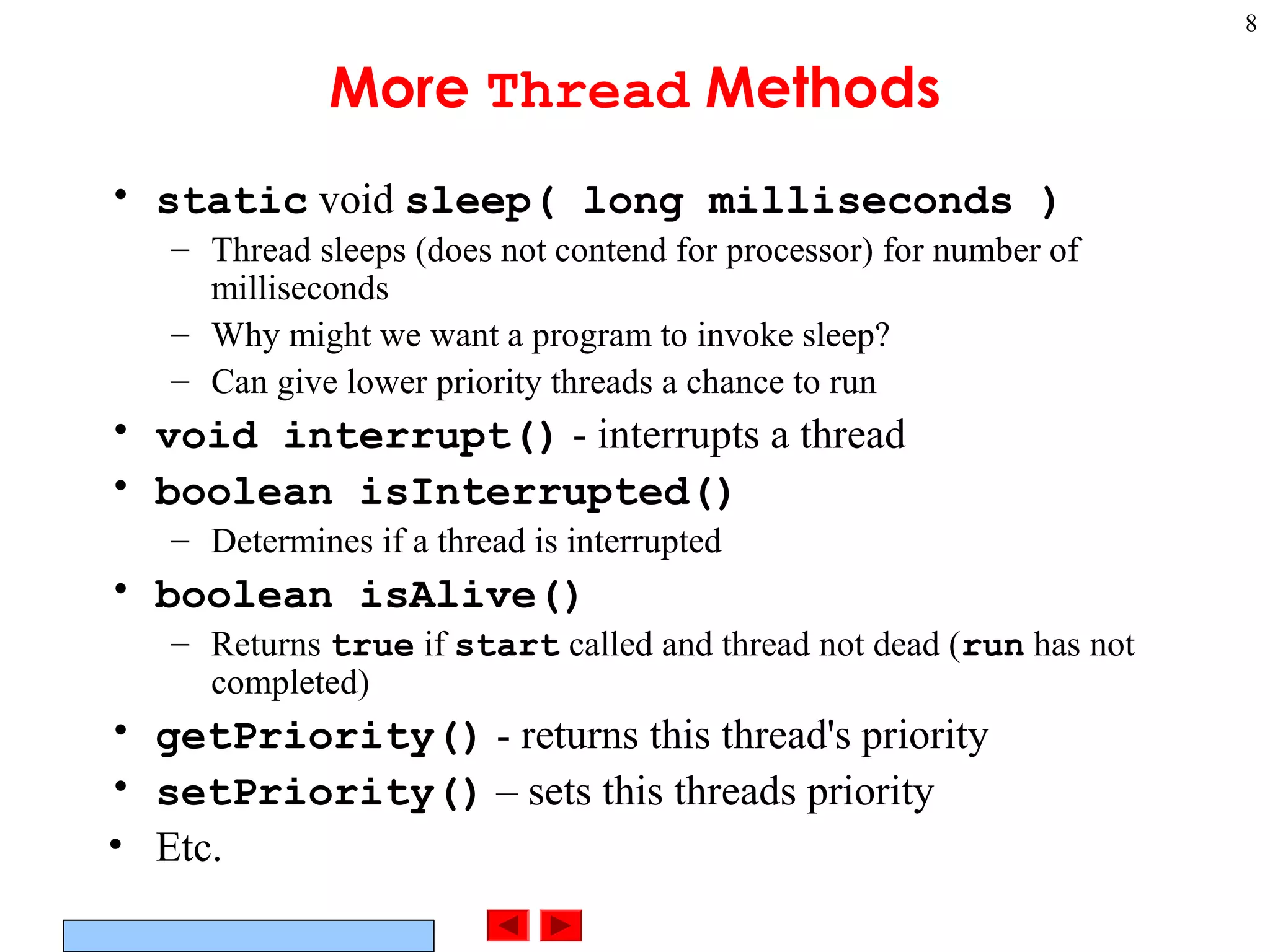
More Thread Methods
• static void sleep( long milliseconds )
– Thread sleeps (does not contend for processor) for number of
milliseconds
– Why might we want a program to invoke sleep?
– Can give lower priority threads a chance to run
• void interrupt() - interrupts a thread
• boolean isInterrupted()
– Determines if a thread is interrupted
• boolean isAlive()
– Returns true if start called and thread not dead (run has not
completed)
• getPriority() - returns this thread's priority
• setPriority() – sets this threads priority
• Etc.
©Prentice Hall, Inc. All rights reserved.
9
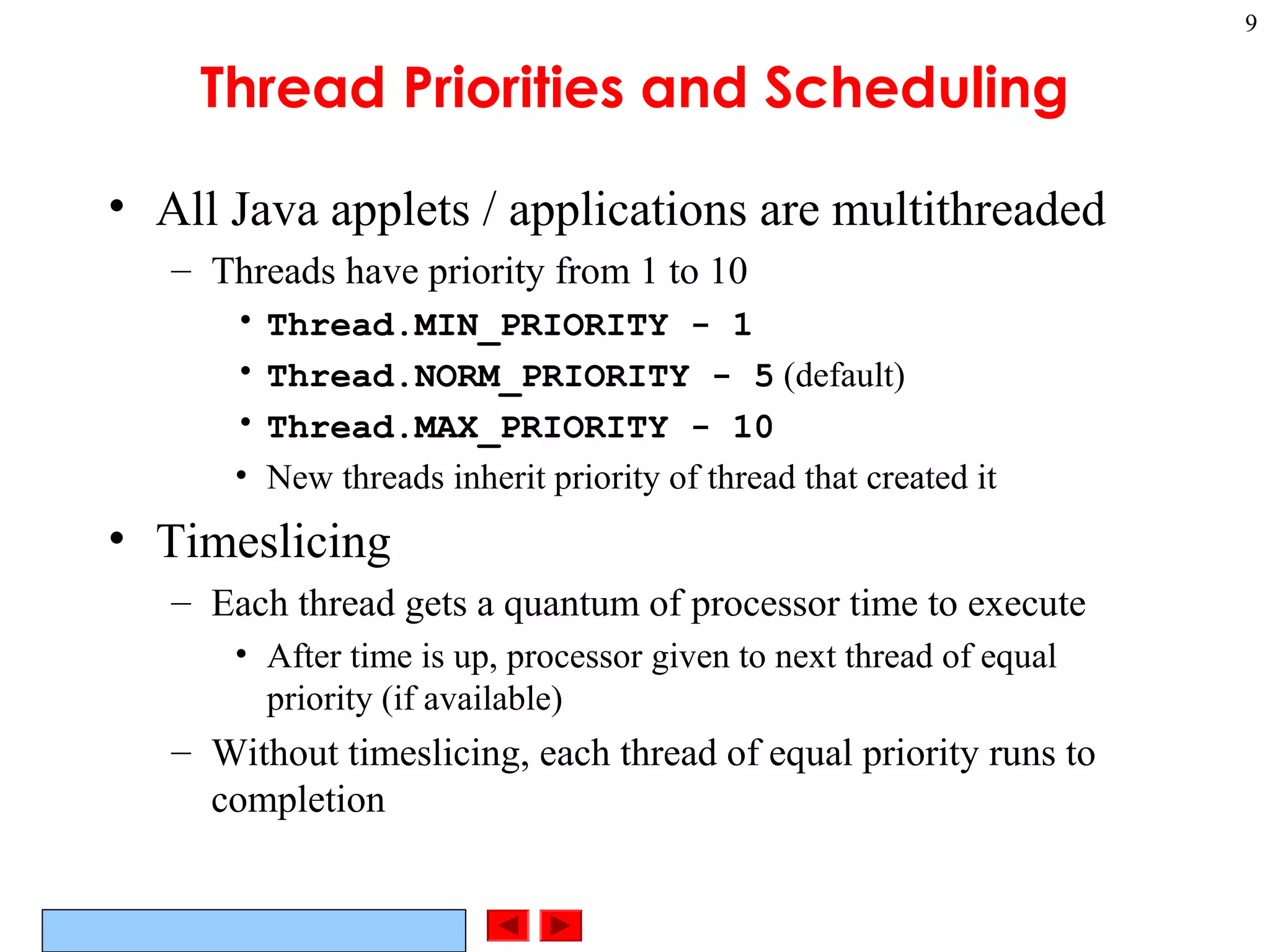
Thread Priorities and Scheduling
• All Java applets / applications are multithreaded
– Threads have priority from 1 to 10
• Thread.MIN_PRIORITY - 1
• Thread.NORM_PRIORITY - 5 (default)
• Thread.MAX_PRIORITY - 10
• New threads inherit priority of thread that created it
• Timeslicing
– Each thread gets a quantum of processor time to execute
• After time is up, processor given to next thread of equal
priority (if available)
– Without timeslicing, each thread of equal priority runs to
completion
©Prentice Hall, Inc. All rights reserved.
10
Thread Priorities and Scheduling
• Java scheduler
– Keeps highest-priority thread running at all times
– If timeslicing available, ensure equal priority threads execute
in round-robin fashion
– New high priority threads could postpone execution of lower
priority threads
• Indefinite postponement (starvation)
• Priority methods
– setPriority( int priorityNumber )
– getPriority
– yield - thread yields processor to threads of equal priority
• Useful for non-timesliced systems, where threads run to
completion
©Prentice Hall, Inc. All rights reserved.
11
Thread Scheduling Example
• Demonstrates basic threading techniques:
– Create a class derived from Thread
– Use sleep method
• What it does:
– Create four threads, which sleep for random amount of time
– After they finish sleeping, print their name
• Program has two classes:
– PrintThread
• Derives from Thread
• Instance variable sleepTime
– ThreadTester
• Creates four PrintThread objects
© Prentice Hall, Inc. All rights reserved.
Outline
12
Class ThreadTester
1. main
1.1 Initialize objects
1.2 start
---------------
Class PrintThread
1. extends Thread
1.1 Instance variable
1 // Fig. 15.3: ThreadTester.java
2 // Show multiple threads printing at different intervals.
3
4 public class ThreadTester {
5 public static void main( String args[] )
6 {
7 PrintThread thread1, thread2, thread3, thread4;
8
9 thread1 = new PrintThread( "thread1" );
10 thread2 = new PrintThread( "thread2" );
11 thread3 = new PrintThread( "thread3" );
12 thread4 = new PrintThread( "thread4" );
13
14 System.err.println( "nStarting threads" );
15
1616 thread1.start();
17 thread2.start();
18 thread3.start();
19 thread4.start();
20
21 System.err.println( "Threads startedn" );
22 }
23 }
24
25 class PrintThread extends Thread {
26 private int sleepTime;
27
28 // PrintThread constructor assigns name to thread
29 // by calling Thread constructor
main terminates after starting the PrintThreads,
but the application does not end until the last thread
dies.
© Prentice Hall, Inc. All rights reserved.
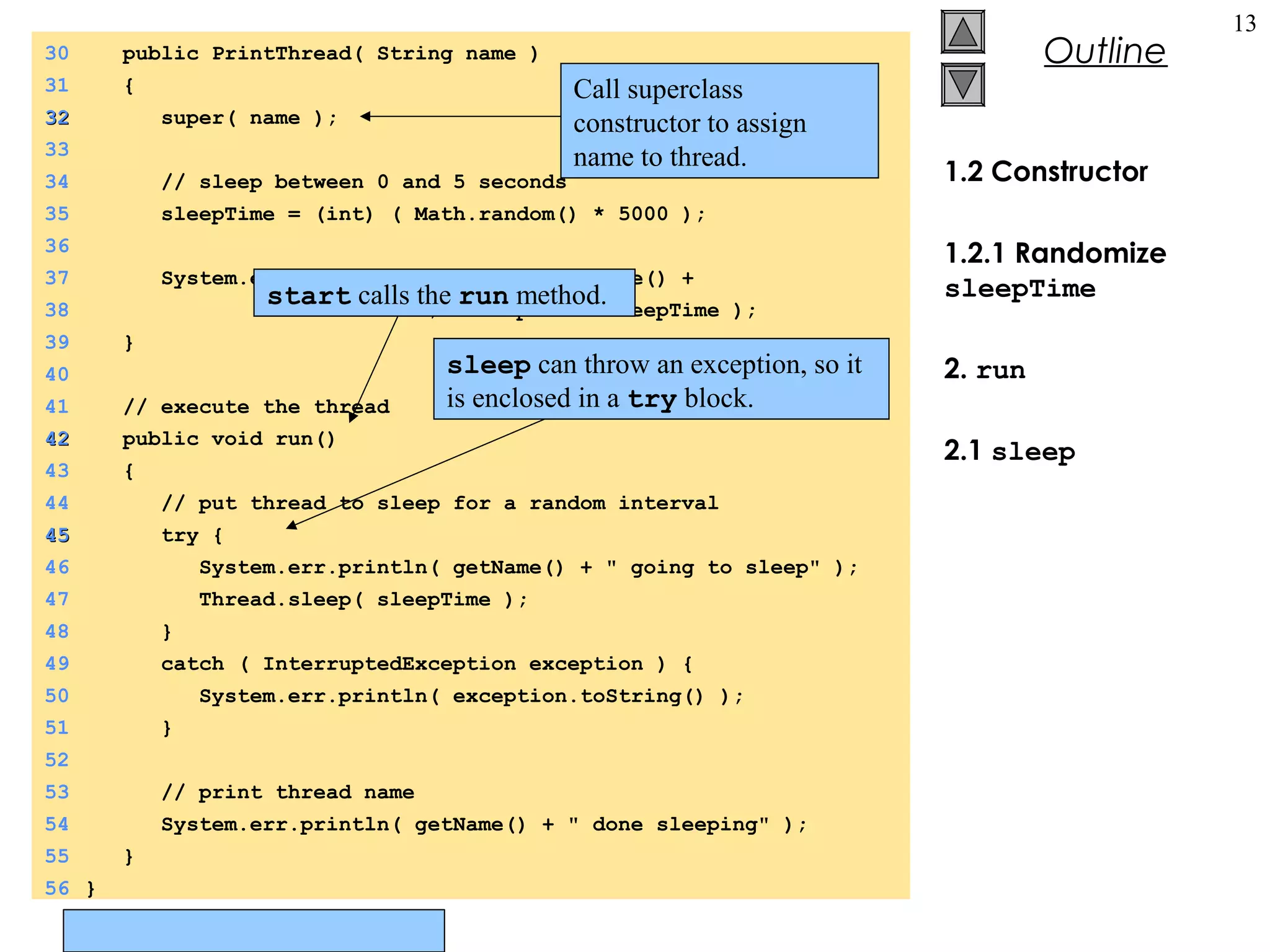
Outline
13
1.2 Constructor
1.2.1 Randomize
sleepTime
2. run
2.1 sleep
30 public PrintThread( String name )
31 {
3232 super( name );
33
34 // sleep between 0 and 5 seconds
35 sleepTime = (int) ( Math.random() * 5000 );
36
37 System.err.println( "Name: " + getName() +
38 "; sleep: " + sleepTime );
39 }
40
41 // execute the thread
4242 public void run()
43 {
44 // put thread to sleep for a random interval
4545 try {
46 System.err.println( getName() + " going to sleep" );
47 Thread.sleep( sleepTime );
48 }
49 catch ( InterruptedException exception ) {
50 System.err.println( exception.toString() );
51 }
52
53 // print thread name
54 System.err.println( getName() + " done sleeping" );
55 }
56 }
Call superclass
constructor to assign
name to thread.
sleep can throw an exception, so it
is enclosed in a try block.
start calls the run method.
© Prentice Hall, Inc. All rights reserved.
Outline
14
Program Output
Name: thread1; sleep: 1653
Name: thread2; sleep: 2910
Name: thread3; sleep: 4436
Name: thread4; sleep: 201
Starting threads
Threads started
thread1 going to sleep
thread2 going to sleep
thread3 going to sleep
thread4 going to sleep
thread4 done sleeping
thread1 done sleeping
thread2 done sleeping
thread3 done sleeping
Name: thread1; sleep: 3876
Name: thread2; sleep: 64
Name: thread3; sleep: 1752
Name: thread4; sleep: 3120
Starting threads
Threads started
thread2 going to sleep
thread4 going to sleep
thread1 going to sleep
thread3 going to sleep
thread2 done sleeping
thread3 done sleeping
thread4 done sleeping
thread1 done sleeping
©Prentice Hall, Inc. All rights reserved.
15
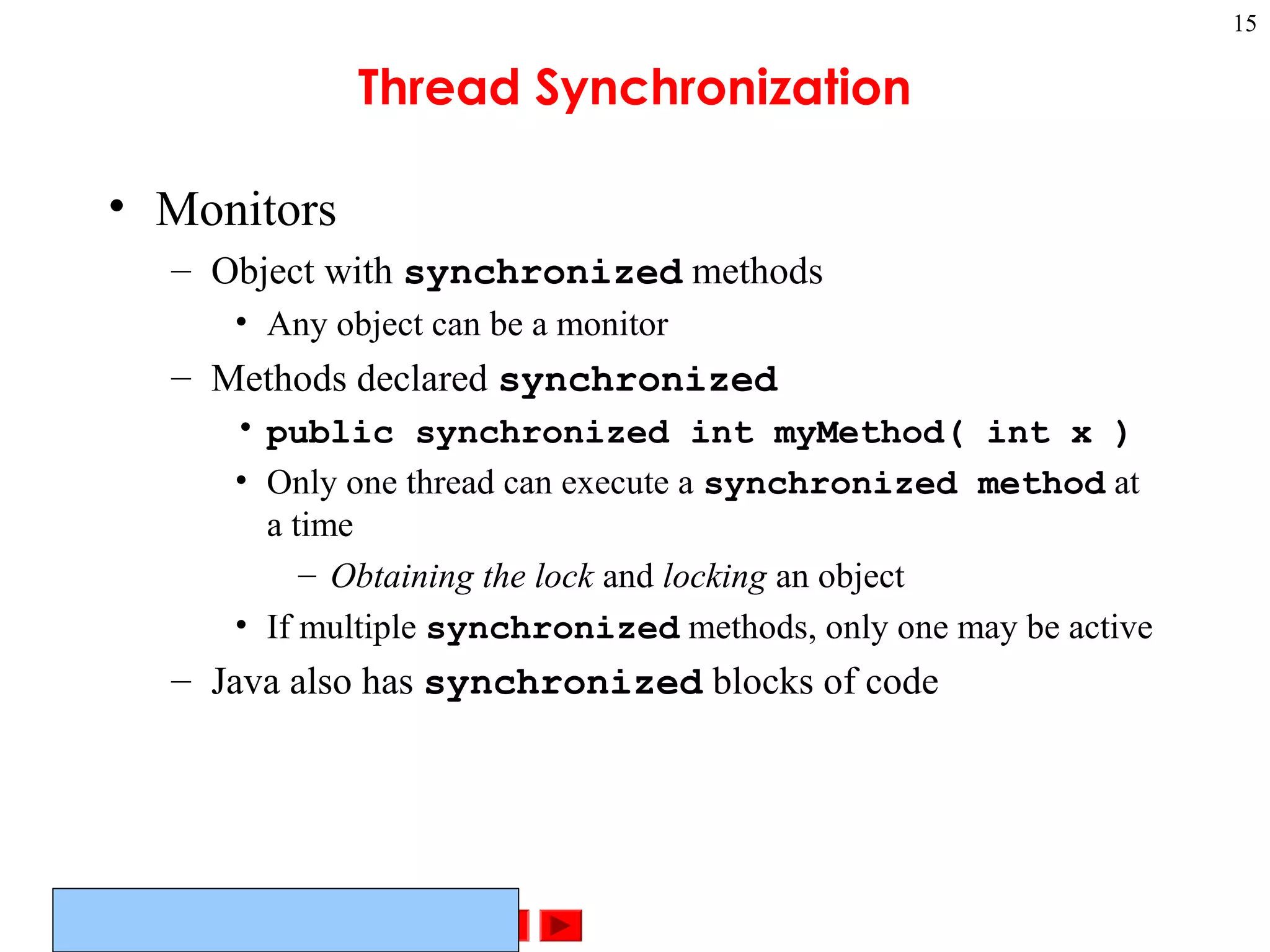
Thread Synchronization
• Monitors
– Object with synchronized methods
• Any object can be a monitor
– Methods declared synchronized
• public synchronized int myMethod( int x )
• Only one thread can execute a synchronized method at
a time
– Obtaining the lock and locking an object
• If multiple synchronized methods, only one may be active
– Java also has synchronized blocks of code
©Prentice Hall, Inc. All rights reserved.
16
Thread Synchronization
• Thread may decide it cannot proceed
– May voluntarily call wait while accessing a
synchronized method
• Removes thread from contention for monitor object and
processor
• Thread in waiting state
– Other threads try to enter monitor object
• Suppose condition first thread needs has now been met
• Can call notify to tell a single waiting thread to enter ready
state
• notifyAll - tells all waiting threads to enter ready state
©Prentice Hall, Inc. All rights reserved.
17
Daemon Threads
• Daemon threads
– Threads that run for benefit of other threads
• E.g., garbage collector
– Run in background
• Use processor time that would otherwise go to waste
– Unlike normal threads, do not prevent a program from
terminating - when only daemon threads remain, program exits
– Must designate a thread as daemon before start called:
void setDaemon( true );
– Method boolean isDaemon()
• Returns true if thread is a daemon thread
©Prentice Hall, Inc. All rights reserved.
18
Runnable Interface
• Java does not support multiple inheritance
– Instead, use interfaces
– Until now, we inherited from class Thread, overrode run
• Multithreading for an already derived class
– Implement interface Runnable (java.lang)
• New class objects "are" Runnable objects
– Override run method
• Controls thread, just as deriving from Thread class
• In fact, class Thread implements interface Runnable
– Create new threads using Thread constructors
• Thread( runnableObject )
• Thread( runnableObject, threadName )
©Prentice Hall, Inc. All rights reserved.
19
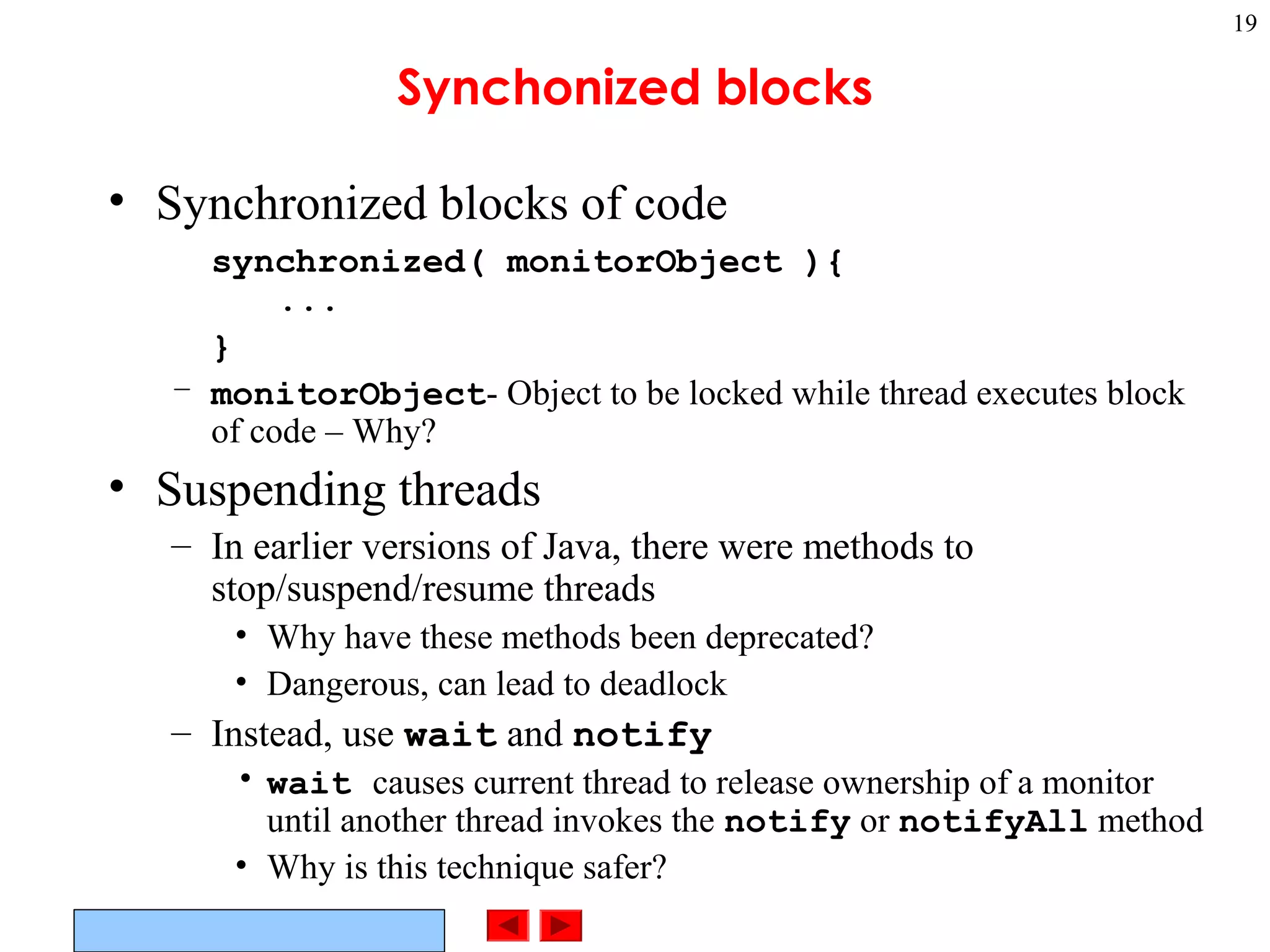
Synchonized blocks
• Synchronized blocks of code
synchronized( monitorObject ){
...
}
– monitorObject- Object to be locked while thread executes block
of code – Why?
• Suspending threads
– In earlier versions of Java, there were methods to
stop/suspend/resume threads
• Why have these methods been deprecated?
• Dangerous, can lead to deadlock
– Instead, use wait and notify
• wait causes current thread to release ownership of a monitor
until another thread invokes the notify or notifyAll method
• Why is this technique safer?
©Prentice Hall, Inc. All rights reserved.
20
Runnable Interface example
• Upcoming example program
– Create a GUI and three threads, each constantly displaying a
random letter
– Have suspend buttons, which will suspend a thread
• Actually calls wait
• When suspend unclicked, calls notify
• Use an array of booleans to keep track of which threads are
suspended
© Prentice Hall, Inc. All rights reserved.
Outline
21
Class
RandomCharacters
1. implements
Runnable
1.1 Instance variables
1.2 init
1 // Fig. 15.7: RandomCharacters.java
2 // Demonstrating the Runnable interface
3 import java.awt.*;
4 import java.awt.event.*;
5 import javax.swing.*;
6
7 public class RandomCharacters extends JApplet
8 implements Runnable,
9 ActionListener {
10 private String alphabet = "ABCDEFGHIJKLMNOPQRSTUVWXYZ";
11 private JLabel outputs[];
12 private JCheckBox checkboxes[];
13 private final static int SIZE = 3;
14
15 private Thread threads[];
1616 private boolean suspended[];
17
18 public void init()
19 {
20 outputs = new JLabel[ SIZE ];
21 checkboxes = new JCheckBox[ SIZE ];
22
23 threads = new Thread[ SIZE ];
24 suspended = new boolean[ SIZE ];
25
26 Container c = getContentPane();
27 c.setLayout( new GridLayout( SIZE, 2, 5, 5 ) );
28
Use a boolean array to keep track of which
threads are "suspended". We will actually use
wait and notify to suspend the threads.
© Prentice Hall, Inc. All rights reserved.
Outline
22
1.3 Set up GUI
2. start
2.1 Initialize objects
2.2 start
3. run
29 for ( int i = 0; i < SIZE; i++ ) {
30 outputs[ i ] = new JLabel();
31 outputs[ i ].setBackground( Color.green );
32 outputs[ i ].setOpaque( true );
33 c.add( outputs[ i ] );
34
35 checkboxes[ i ] = new JCheckBox( "Suspended" );
36 checkboxes[ i ].addActionListener( this );
37 c.add( checkboxes[ i ] );
38 }
39 }
40
4141 public void start()
42 {
43 // create threads and start every time start is called
44 for ( int i = 0; i < threads.length; i++ ) {
45 threads[ i ] =
46 new Thread( this, "Thread " + (i + 1) );
47 threads[ i ].start();
48 }
49 }
50
51 public void run()
52 {
53 Thread currentThread = Thread.currentThread();
54 int index = getIndex( currentThread );
55 char displayChar;
56
5757 while ( threads[ index ] == currentThread ) {
58 // sleep from 0 to 1 second
59 try {
60 Thread.sleep( (int) ( Math.random() * 1000 ) );
Use the Thread constructor to create new
threads. Runnable object is this applet.
Loop will execute indefinitely because
threads[index] == currentThread.
The stop method in the applet sets all threads to
null, which causes the loop to end.start calls run method for thread.
© Prentice Hall, Inc. All rights reserved.
Outline
23
3.1 synchronized
block
3.2 Display random
character
4. getIndex
6262 synchronized( this ) {
63 while ( suspended[ index ] &&
64 threads[ index ] == currentThread )
65 wait();
66 }
67 }
68 catch ( InterruptedException e ) {
69 System.err.println( "sleep interrupted" );
70 }
71
72 displayChar = alphabet.charAt(
73 (int) ( Math.random() * 26 ) );
74
75 outputs[ index ].setText( currentThread.getName() +
76 ": " + displayChar );
77 }
78
79 System.err.println(
80 currentThread.getName() + " terminating" );
81 }
82
83 private int getIndex( Thread current )
84 {
85 for ( int i = 0; i < threads.length; i++ )
86 if ( current == threads[ i ] )
87 return i;
88
89 return -1;
90 }
91
Synchronized block tests suspended array
to see if a thread should be "suspended".
If so, calls wait.
© Prentice Hall, Inc. All rights reserved.
Outline
24
5. stop
6. Event handler
92 public synchronized void stop()
93 {
94 // stop threads every time stop is called
95 // as the user browses another Web page
96 for ( int i = 0; i < threads.length; i++ )
9797 threads[ i ] = null;
98
99 notifyAll();
100 }
101
102 public synchronized void actionPerformed( ActionEvent e )
103 {
104 for ( int i = 0; i < checkboxes.length; i++ ) {
105 if ( e.getSource() == checkboxes[ i ] ) {
106106 suspended[ i ] = !suspended[ i ];
107
108 outputs[ i ].setBackground(
109 !suspended[ i ] ? Color.green : Color.red );
110
111 if ( !suspended[ i ] )
112 notify();
113
114 return;
115 }
116 }
117 }
118}
Sets all threads to null, which causes
loop in run to end, and run
terminates.
Loop and find which box was checked, and suspend
appropriate thread. The run method checks for suspended
threads.
If suspend is off, then notify the appropriate thread.
© Prentice Hall, Inc. All rights reserved.
Outline
25
Program Output
Javaprogrramar.
blogspot.in
©Prentice Hall, Inc. All rights reserved.
26
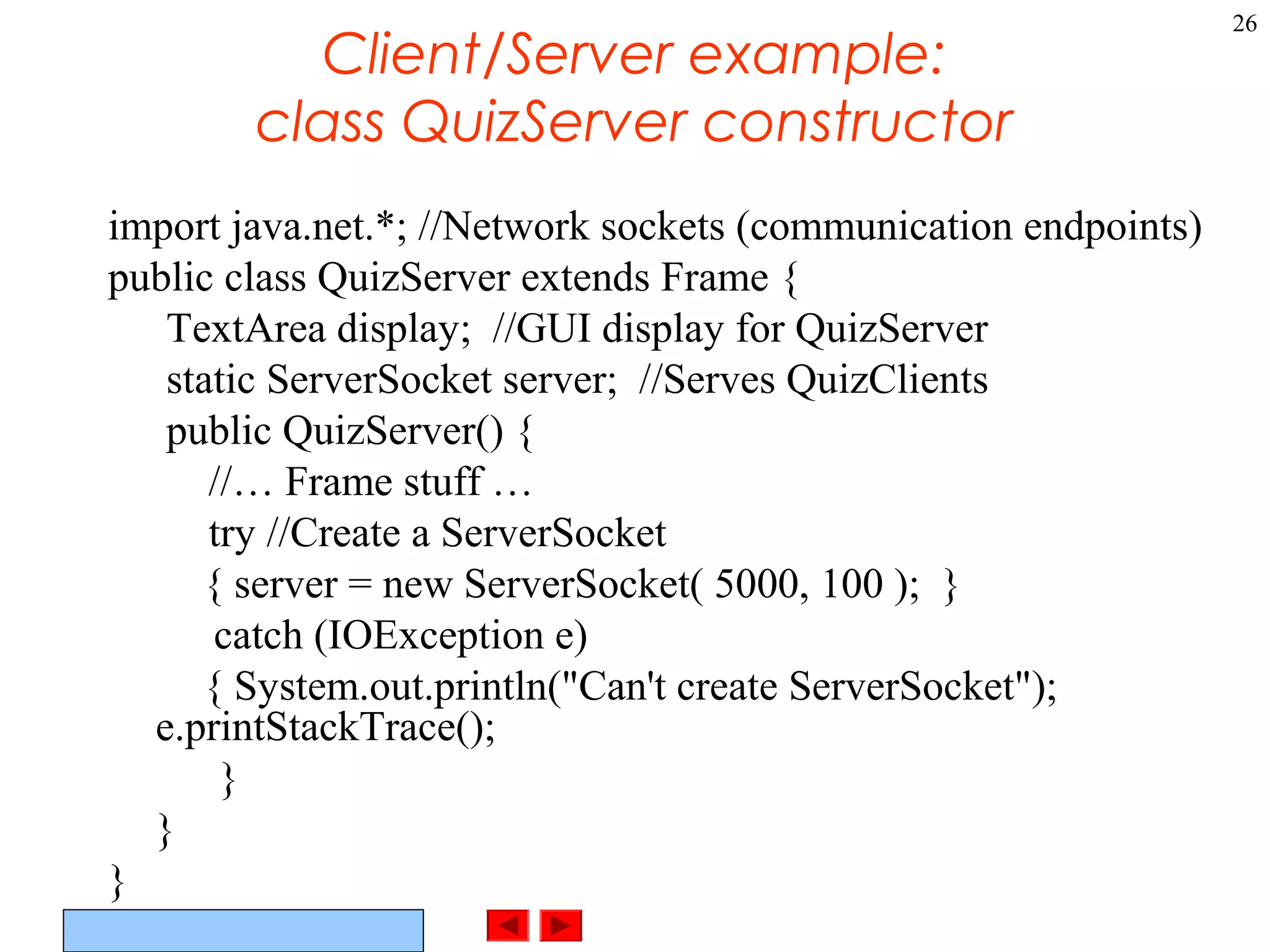
Client/Server example:
class QuizServer constructor
import java.net.*; //Network sockets (communication endpoints)
public class QuizServer extends Frame {
TextArea display; //GUI display for QuizServer
static ServerSocket server; //Serves QuizClients
public QuizServer() {
//… Frame stuff …
try //Create a ServerSocket
{ server = new ServerSocket( 5000, 100 ); }
catch (IOException e)
{ System.out.println("Can't create ServerSocket");
e.printStackTrace();
}
}
}
©Prentice Hall, Inc. All rights reserved.
27
Client/Server example:
class QuizServer main()
public static void main( String args[] )
{ //Check command-line parameter (should be quiz #)
if (args.length < 1 || args.length > 1)
{ System.out.println("Usage: QuizServer <number>");
System.exit(1);
} //OK, get quiz number from command-line
QuizNumber = new Integer(args[0].trim()).intValue() - 1; //Convert to index
//Set up a Frame for the QuizServer
QuizServer qs = new QuizServer();
//Wait for connections from students running the Quiz program
QuizClient client; //a QuizClient
Vector clients = new Vector(25); //keep track of a Vector of clients
while (true) { //server goes into infinite loop
try
{ client = new QuizClient( server.accept(), qs); //create a QuizClient
client.start(); //What is start()?
clients.addElement(client);
}
catch (IOException e)
{ System.out.println("QuizServer couldn't accept QuizClient connection"); }
} //main()
©Prentice Hall, Inc. All rights reserved.
28
Client/server example:
class QuizClient
class QuizClient extends Thread {
//How else could I have gotten thread functionality?
//class QuizClient implements Runnable {
Socket connection; //From java.net.*
DataOutputStream output; //Data to socket
DataInputStream input; //Data from socket
QuizServer quizServer; //Talk to my quizServer
©Prentice Hall, Inc. All rights reserved.
29
Client/server example:
QuizClient constructor
public QuizClient( Socket s, QuizServer server )
{ //Get input and output streams.
connection = s;
quizServer = server;
quizServer.display.append( "Connection received from: " +
connection.getInetAddress().getHostName() );
try
{ input = new DataInputStream( connection.getInputStream() );
output = new DataOutputStream( connection.getOutputStream() );
}
catch ( IOException e )
{ System.out.println("QuizClient can’t open streams thru connection");
e.printStackTrace();
}
}
©Prentice Hall, Inc. All rights reserved.
30
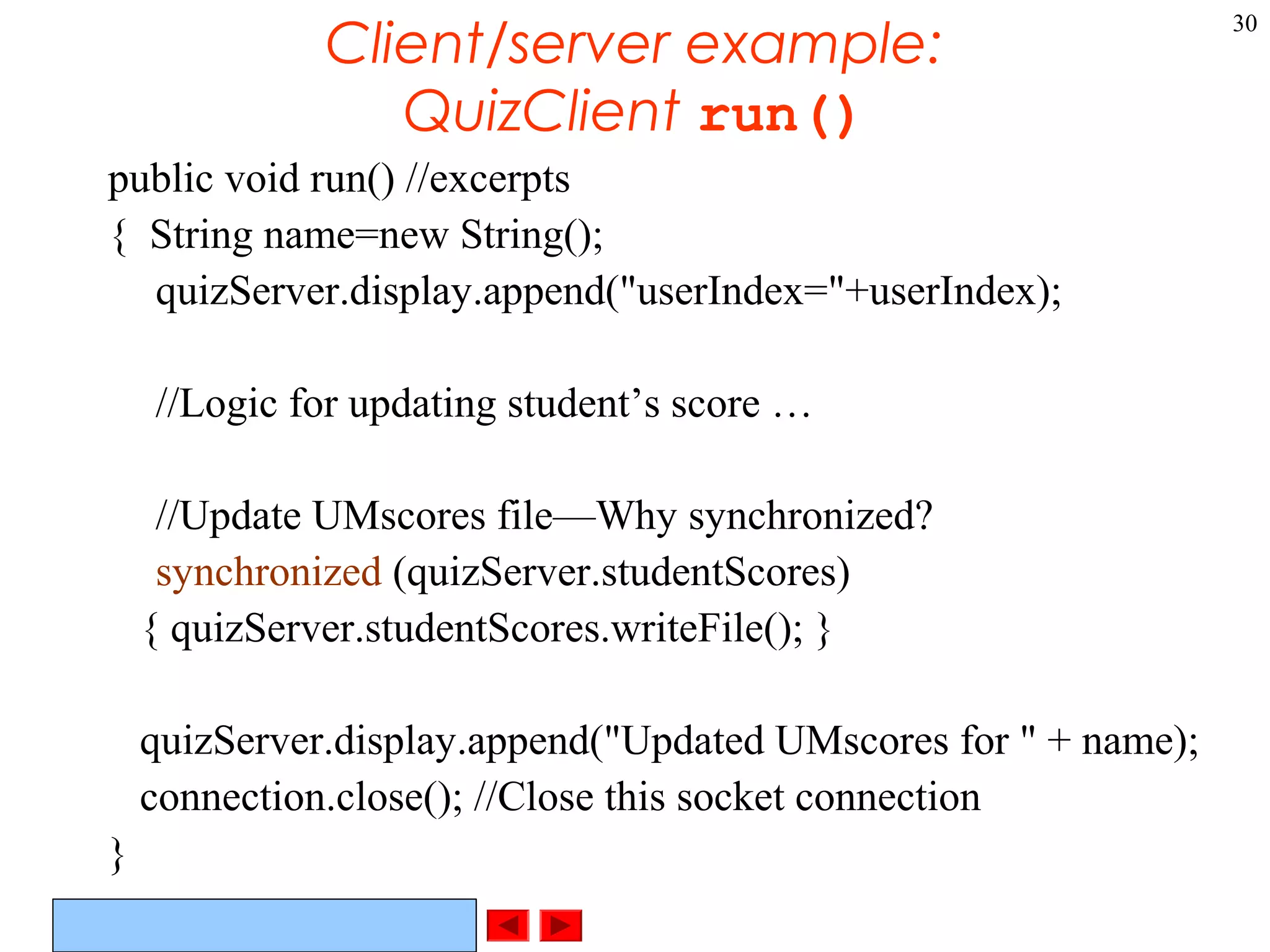
Client/server example:
QuizClient run()
public void run() //excerpts
{ String name=new String();
quizServer.display.append("userIndex="+userIndex);
//Logic for updating student’s score …
//Update UMscores file—Why synchronized?
synchronized (quizServer.studentScores)
{ quizServer.studentScores.writeFile(); }
quizServer.display.append("Updated UMscores for " + name);
connection.close(); //Close this socket connection
}
©Prentice Hall, Inc. All rights reserved.
31
Thread Groups
• Thread groups
– Why might it be useful to organize threads into groups?
– May want to interrupt all threads in a group
– Thread group can be parent to a child thread group
• Class ThreadGroup
– Constructors
ThreadGroup( threadGroupName )
ThreadGroup( parentThreadGroup, name )
• Creates child ThreadGroup named name
©Prentice Hall, Inc. All rights reserved.
32
Associating Threads with
ThreadGroups
• Use constructors
– Thread( threadGroup, threadName )
– Thread( threadGroup, runnableObject )
• Invokes run method of runnableObject when thread
executes
– Thread( threadGroup, runnableObject,
threadName )
• As above, but Thread named threadName
©Prentice Hall, Inc. All rights reserved.
33
ThreadGroup methods
• ThreadGroup Methods
– See API for more details
– activeCount
• Number of active threads in a group and all child groups
– enumerate
• Two versions copy active threads into an array of references
• Two versions copy active threads in a child group into an array
of references
– getMaxPriority
• Returns maximum priority of a ThreadGroup
• setMaxPriority
– getName, getParent

Threads

  • 1.
    ©Prentice Hall, Inc.All rights reserved. 1 Threads in Java OOutline 1- Introduction 1- Class Thread: An Overview of the Thread Methods 1- Thread States: Life Cycle of a Thread 1- Thread Priorities and Thread Scheduling 1- Thread Synchronization 1- Daemon Threads 1- Runnable Interface 1- Thread Groups Nilesh Jha
  • 2.
    ©Prentice Hall, Inc.All rights reserved. 2 Introduction • Performing operations concurrently (in parallel) – We can walk, talk, breathe, see, hear, smell... all at the same time – Computers can do this as well - download a file, print a file, receive email, run the clock, more or less in parallel…. • How are these tasks typically accomplished? • Operating systems support processes • What’s the difference between a process and a thread? • Processes have their own memory space, threads share memory • Hence processes are “heavyweight” while threads are “lightweight” – Most programming languages do not allow concurrency – Usually limited to operating system "primitives" available to systems programmers – Java supports concurrency as part of language and libraries – What other languages support concurrency in the language?
  • 3.
    ©Prentice Hall, Inc.All rights reserved. 3 What and why • Threads of execution – Each thread is a portion of a program that can execute concurrently with other threads (multithreading) • C and C++ are single-threaded • Gives Java powerful capabilities not found in C and C++ – Example: downloading a video clip • Instead of having to download the entire clip then play it: • Download a portion, play that portion, download the next portion, play that portion... (streaming) • Ensure that it is done smoothly – Other example applications of multi-threading?
  • 4.
    ©Prentice Hall, Inc.All rights reserved. 4 Portability issues (JVM) • Portability – Differences between platforms (e.g., Solaris, Windows, …) • On Solaris (Linux?) – A thread runs to completion or until a higher priority thread becomes ready – Preemption occurs (processor is given to the higher-priority thread) • On Win32 (Windows 9x, NT, XP) – Threads are timesliced • Thread given quantum of time to execute • Processor then switched to any threads of equal priority – Preemption occurs with higher and equal priority threads
  • 5.
    ©Prentice Hall, Inc.All rights reserved. 5 An Overview of the Thread Methods • Thread-related methods – See API for more details (especially exceptions) – Constructors • Thread() - Creates a thread with an auto-numbered name of format Thread-1, Thread-2... • Thread( threadName ) - Creates a thread with name – run • Does “work” of a thread – What does this mean? • Can be overridden in subclass of Thread or in Runnable object (more on interface Runnable elsewhere) – start • Launches thread, then returns to caller • Calls run • Error to call start twice for same thread
  • 6.
    ©Prentice Hall, Inc.All rights reserved. 6 Thread States: Life Cycle of a Thread • Born state – Thread just created – When start called, enters ready state • Ready state (runnable state) – Highest-priority ready thread enters running state • Running state – System assigns processor to thread (thread begins executing) – When run completes or terminates, enters dead state • Dead state – Thread marked to be removed by system – Entered when run terminates or throws uncaught exception
  • 7.
    ©Prentice Hall, Inc.All rights reserved. 7 Other Thread States • Blocked state – Entered from running state – Blocked thread cannot use processor, even if available – Common reason for blocked state - waiting on I/O request • Sleeping state – Entered when sleep method called – Cannot use processor – Enters ready state after sleep time expires • Waiting state – Entered when wait called in an object thread is accessing – One waiting thread becomes ready when object calls notify – notifyAll - all waiting threads become ready
  • 8.
    ©Prentice Hall, Inc.All rights reserved. 8 More Thread Methods • static void sleep( long milliseconds ) – Thread sleeps (does not contend for processor) for number of milliseconds – Why might we want a program to invoke sleep? – Can give lower priority threads a chance to run • void interrupt() - interrupts a thread • boolean isInterrupted() – Determines if a thread is interrupted • boolean isAlive() – Returns true if start called and thread not dead (run has not completed) • getPriority() - returns this thread's priority • setPriority() – sets this threads priority • Etc.
  • 9.
    ©Prentice Hall, Inc.All rights reserved. 9 Thread Priorities and Scheduling • All Java applets / applications are multithreaded – Threads have priority from 1 to 10 • Thread.MIN_PRIORITY - 1 • Thread.NORM_PRIORITY - 5 (default) • Thread.MAX_PRIORITY - 10 • New threads inherit priority of thread that created it • Timeslicing – Each thread gets a quantum of processor time to execute • After time is up, processor given to next thread of equal priority (if available) – Without timeslicing, each thread of equal priority runs to completion
  • 10.
    ©Prentice Hall, Inc.All rights reserved. 10 Thread Priorities and Scheduling • Java scheduler – Keeps highest-priority thread running at all times – If timeslicing available, ensure equal priority threads execute in round-robin fashion – New high priority threads could postpone execution of lower priority threads • Indefinite postponement (starvation) • Priority methods – setPriority( int priorityNumber ) – getPriority – yield - thread yields processor to threads of equal priority • Useful for non-timesliced systems, where threads run to completion
  • 11.
    ©Prentice Hall, Inc.All rights reserved. 11 Thread Scheduling Example • Demonstrates basic threading techniques: – Create a class derived from Thread – Use sleep method • What it does: – Create four threads, which sleep for random amount of time – After they finish sleeping, print their name • Program has two classes: – PrintThread • Derives from Thread • Instance variable sleepTime – ThreadTester • Creates four PrintThread objects
  • 12.
    © Prentice Hall,Inc. All rights reserved. Outline 12 Class ThreadTester 1. main 1.1 Initialize objects 1.2 start --------------- Class PrintThread 1. extends Thread 1.1 Instance variable 1 // Fig. 15.3: ThreadTester.java 2 // Show multiple threads printing at different intervals. 3 4 public class ThreadTester { 5 public static void main( String args[] ) 6 { 7 PrintThread thread1, thread2, thread3, thread4; 8 9 thread1 = new PrintThread( "thread1" ); 10 thread2 = new PrintThread( "thread2" ); 11 thread3 = new PrintThread( "thread3" ); 12 thread4 = new PrintThread( "thread4" ); 13 14 System.err.println( "nStarting threads" ); 15 1616 thread1.start(); 17 thread2.start(); 18 thread3.start(); 19 thread4.start(); 20 21 System.err.println( "Threads startedn" ); 22 } 23 } 24 25 class PrintThread extends Thread { 26 private int sleepTime; 27 28 // PrintThread constructor assigns name to thread 29 // by calling Thread constructor main terminates after starting the PrintThreads, but the application does not end until the last thread dies.
  • 13.
    © Prentice Hall,Inc. All rights reserved. Outline 13 1.2 Constructor 1.2.1 Randomize sleepTime 2. run 2.1 sleep 30 public PrintThread( String name ) 31 { 3232 super( name ); 33 34 // sleep between 0 and 5 seconds 35 sleepTime = (int) ( Math.random() * 5000 ); 36 37 System.err.println( "Name: " + getName() + 38 "; sleep: " + sleepTime ); 39 } 40 41 // execute the thread 4242 public void run() 43 { 44 // put thread to sleep for a random interval 4545 try { 46 System.err.println( getName() + " going to sleep" ); 47 Thread.sleep( sleepTime ); 48 } 49 catch ( InterruptedException exception ) { 50 System.err.println( exception.toString() ); 51 } 52 53 // print thread name 54 System.err.println( getName() + " done sleeping" ); 55 } 56 } Call superclass constructor to assign name to thread. sleep can throw an exception, so it is enclosed in a try block. start calls the run method.
  • 14.
    © Prentice Hall,Inc. All rights reserved. Outline 14 Program Output Name: thread1; sleep: 1653 Name: thread2; sleep: 2910 Name: thread3; sleep: 4436 Name: thread4; sleep: 201 Starting threads Threads started thread1 going to sleep thread2 going to sleep thread3 going to sleep thread4 going to sleep thread4 done sleeping thread1 done sleeping thread2 done sleeping thread3 done sleeping Name: thread1; sleep: 3876 Name: thread2; sleep: 64 Name: thread3; sleep: 1752 Name: thread4; sleep: 3120 Starting threads Threads started thread2 going to sleep thread4 going to sleep thread1 going to sleep thread3 going to sleep thread2 done sleeping thread3 done sleeping thread4 done sleeping thread1 done sleeping
  • 15.
    ©Prentice Hall, Inc.All rights reserved. 15 Thread Synchronization • Monitors – Object with synchronized methods • Any object can be a monitor – Methods declared synchronized • public synchronized int myMethod( int x ) • Only one thread can execute a synchronized method at a time – Obtaining the lock and locking an object • If multiple synchronized methods, only one may be active – Java also has synchronized blocks of code
  • 16.
    ©Prentice Hall, Inc.All rights reserved. 16 Thread Synchronization • Thread may decide it cannot proceed – May voluntarily call wait while accessing a synchronized method • Removes thread from contention for monitor object and processor • Thread in waiting state – Other threads try to enter monitor object • Suppose condition first thread needs has now been met • Can call notify to tell a single waiting thread to enter ready state • notifyAll - tells all waiting threads to enter ready state
  • 17.
    ©Prentice Hall, Inc.All rights reserved. 17 Daemon Threads • Daemon threads – Threads that run for benefit of other threads • E.g., garbage collector – Run in background • Use processor time that would otherwise go to waste – Unlike normal threads, do not prevent a program from terminating - when only daemon threads remain, program exits – Must designate a thread as daemon before start called: void setDaemon( true ); – Method boolean isDaemon() • Returns true if thread is a daemon thread
  • 18.
    ©Prentice Hall, Inc.All rights reserved. 18 Runnable Interface • Java does not support multiple inheritance – Instead, use interfaces – Until now, we inherited from class Thread, overrode run • Multithreading for an already derived class – Implement interface Runnable (java.lang) • New class objects "are" Runnable objects – Override run method • Controls thread, just as deriving from Thread class • In fact, class Thread implements interface Runnable – Create new threads using Thread constructors • Thread( runnableObject ) • Thread( runnableObject, threadName )
  • 19.
    ©Prentice Hall, Inc.All rights reserved. 19 Synchonized blocks • Synchronized blocks of code synchronized( monitorObject ){ ... } – monitorObject- Object to be locked while thread executes block of code – Why? • Suspending threads – In earlier versions of Java, there were methods to stop/suspend/resume threads • Why have these methods been deprecated? • Dangerous, can lead to deadlock – Instead, use wait and notify • wait causes current thread to release ownership of a monitor until another thread invokes the notify or notifyAll method • Why is this technique safer?
  • 20.
    ©Prentice Hall, Inc.All rights reserved. 20 Runnable Interface example • Upcoming example program – Create a GUI and three threads, each constantly displaying a random letter – Have suspend buttons, which will suspend a thread • Actually calls wait • When suspend unclicked, calls notify • Use an array of booleans to keep track of which threads are suspended
  • 21.
    © Prentice Hall,Inc. All rights reserved. Outline 21 Class RandomCharacters 1. implements Runnable 1.1 Instance variables 1.2 init 1 // Fig. 15.7: RandomCharacters.java 2 // Demonstrating the Runnable interface 3 import java.awt.*; 4 import java.awt.event.*; 5 import javax.swing.*; 6 7 public class RandomCharacters extends JApplet 8 implements Runnable, 9 ActionListener { 10 private String alphabet = "ABCDEFGHIJKLMNOPQRSTUVWXYZ"; 11 private JLabel outputs[]; 12 private JCheckBox checkboxes[]; 13 private final static int SIZE = 3; 14 15 private Thread threads[]; 1616 private boolean suspended[]; 17 18 public void init() 19 { 20 outputs = new JLabel[ SIZE ]; 21 checkboxes = new JCheckBox[ SIZE ]; 22 23 threads = new Thread[ SIZE ]; 24 suspended = new boolean[ SIZE ]; 25 26 Container c = getContentPane(); 27 c.setLayout( new GridLayout( SIZE, 2, 5, 5 ) ); 28 Use a boolean array to keep track of which threads are "suspended". We will actually use wait and notify to suspend the threads.
  • 22.
    © Prentice Hall,Inc. All rights reserved. Outline 22 1.3 Set up GUI 2. start 2.1 Initialize objects 2.2 start 3. run 29 for ( int i = 0; i < SIZE; i++ ) { 30 outputs[ i ] = new JLabel(); 31 outputs[ i ].setBackground( Color.green ); 32 outputs[ i ].setOpaque( true ); 33 c.add( outputs[ i ] ); 34 35 checkboxes[ i ] = new JCheckBox( "Suspended" ); 36 checkboxes[ i ].addActionListener( this ); 37 c.add( checkboxes[ i ] ); 38 } 39 } 40 4141 public void start() 42 { 43 // create threads and start every time start is called 44 for ( int i = 0; i < threads.length; i++ ) { 45 threads[ i ] = 46 new Thread( this, "Thread " + (i + 1) ); 47 threads[ i ].start(); 48 } 49 } 50 51 public void run() 52 { 53 Thread currentThread = Thread.currentThread(); 54 int index = getIndex( currentThread ); 55 char displayChar; 56 5757 while ( threads[ index ] == currentThread ) { 58 // sleep from 0 to 1 second 59 try { 60 Thread.sleep( (int) ( Math.random() * 1000 ) ); Use the Thread constructor to create new threads. Runnable object is this applet. Loop will execute indefinitely because threads[index] == currentThread. The stop method in the applet sets all threads to null, which causes the loop to end.start calls run method for thread.
  • 23.
    © Prentice Hall,Inc. All rights reserved. Outline 23 3.1 synchronized block 3.2 Display random character 4. getIndex 6262 synchronized( this ) { 63 while ( suspended[ index ] && 64 threads[ index ] == currentThread ) 65 wait(); 66 } 67 } 68 catch ( InterruptedException e ) { 69 System.err.println( "sleep interrupted" ); 70 } 71 72 displayChar = alphabet.charAt( 73 (int) ( Math.random() * 26 ) ); 74 75 outputs[ index ].setText( currentThread.getName() + 76 ": " + displayChar ); 77 } 78 79 System.err.println( 80 currentThread.getName() + " terminating" ); 81 } 82 83 private int getIndex( Thread current ) 84 { 85 for ( int i = 0; i < threads.length; i++ ) 86 if ( current == threads[ i ] ) 87 return i; 88 89 return -1; 90 } 91 Synchronized block tests suspended array to see if a thread should be "suspended". If so, calls wait.
  • 24.
    © Prentice Hall,Inc. All rights reserved. Outline 24 5. stop 6. Event handler 92 public synchronized void stop() 93 { 94 // stop threads every time stop is called 95 // as the user browses another Web page 96 for ( int i = 0; i < threads.length; i++ ) 9797 threads[ i ] = null; 98 99 notifyAll(); 100 } 101 102 public synchronized void actionPerformed( ActionEvent e ) 103 { 104 for ( int i = 0; i < checkboxes.length; i++ ) { 105 if ( e.getSource() == checkboxes[ i ] ) { 106106 suspended[ i ] = !suspended[ i ]; 107 108 outputs[ i ].setBackground( 109 !suspended[ i ] ? Color.green : Color.red ); 110 111 if ( !suspended[ i ] ) 112 notify(); 113 114 return; 115 } 116 } 117 } 118} Sets all threads to null, which causes loop in run to end, and run terminates. Loop and find which box was checked, and suspend appropriate thread. The run method checks for suspended threads. If suspend is off, then notify the appropriate thread.
  • 25.
    © Prentice Hall,Inc. All rights reserved. Outline 25 Program Output Javaprogrramar. blogspot.in
  • 26.
    ©Prentice Hall, Inc.All rights reserved. 26 Client/Server example: class QuizServer constructor import java.net.*; //Network sockets (communication endpoints) public class QuizServer extends Frame { TextArea display; //GUI display for QuizServer static ServerSocket server; //Serves QuizClients public QuizServer() { //… Frame stuff … try //Create a ServerSocket { server = new ServerSocket( 5000, 100 ); } catch (IOException e) { System.out.println("Can't create ServerSocket"); e.printStackTrace(); } } }
  • 27.
    ©Prentice Hall, Inc.All rights reserved. 27 Client/Server example: class QuizServer main() public static void main( String args[] ) { //Check command-line parameter (should be quiz #) if (args.length < 1 || args.length > 1) { System.out.println("Usage: QuizServer <number>"); System.exit(1); } //OK, get quiz number from command-line QuizNumber = new Integer(args[0].trim()).intValue() - 1; //Convert to index //Set up a Frame for the QuizServer QuizServer qs = new QuizServer(); //Wait for connections from students running the Quiz program QuizClient client; //a QuizClient Vector clients = new Vector(25); //keep track of a Vector of clients while (true) { //server goes into infinite loop try { client = new QuizClient( server.accept(), qs); //create a QuizClient client.start(); //What is start()? clients.addElement(client); } catch (IOException e) { System.out.println("QuizServer couldn't accept QuizClient connection"); } } //main()
  • 28.
    ©Prentice Hall, Inc.All rights reserved. 28 Client/server example: class QuizClient class QuizClient extends Thread { //How else could I have gotten thread functionality? //class QuizClient implements Runnable { Socket connection; //From java.net.* DataOutputStream output; //Data to socket DataInputStream input; //Data from socket QuizServer quizServer; //Talk to my quizServer
  • 29.
    ©Prentice Hall, Inc.All rights reserved. 29 Client/server example: QuizClient constructor public QuizClient( Socket s, QuizServer server ) { //Get input and output streams. connection = s; quizServer = server; quizServer.display.append( "Connection received from: " + connection.getInetAddress().getHostName() ); try { input = new DataInputStream( connection.getInputStream() ); output = new DataOutputStream( connection.getOutputStream() ); } catch ( IOException e ) { System.out.println("QuizClient can’t open streams thru connection"); e.printStackTrace(); } }
  • 30.
    ©Prentice Hall, Inc.All rights reserved. 30 Client/server example: QuizClient run() public void run() //excerpts { String name=new String(); quizServer.display.append("userIndex="+userIndex); //Logic for updating student’s score … //Update UMscores file—Why synchronized? synchronized (quizServer.studentScores) { quizServer.studentScores.writeFile(); } quizServer.display.append("Updated UMscores for " + name); connection.close(); //Close this socket connection }
  • 31.
    ©Prentice Hall, Inc.All rights reserved. 31 Thread Groups • Thread groups – Why might it be useful to organize threads into groups? – May want to interrupt all threads in a group – Thread group can be parent to a child thread group • Class ThreadGroup – Constructors ThreadGroup( threadGroupName ) ThreadGroup( parentThreadGroup, name ) • Creates child ThreadGroup named name
  • 32.
    ©Prentice Hall, Inc.All rights reserved. 32 Associating Threads with ThreadGroups • Use constructors – Thread( threadGroup, threadName ) – Thread( threadGroup, runnableObject ) • Invokes run method of runnableObject when thread executes – Thread( threadGroup, runnableObject, threadName ) • As above, but Thread named threadName
  • 33.
    ©Prentice Hall, Inc.All rights reserved. 33 ThreadGroup methods • ThreadGroup Methods – See API for more details – activeCount • Number of active threads in a group and all child groups – enumerate • Two versions copy active threads into an array of references • Two versions copy active threads in a child group into an array of references – getMaxPriority • Returns maximum priority of a ThreadGroup • setMaxPriority – getName, getParent