Java Programming
Thread is a light weight process
Smallest unit of program but they act independently
Contains separate path of execution
Every java program contains at least one thread
It is created and controlled by the java.lang.Thread class
• Program that has
Single flow of control
Single
Threaded
Program
• Program that has
Multiple flow of
control
Multi
Threaded
Program
Computer Game- Road Rash
Life cycle of a thread
Newborn
Dead
Blocked
Running Runnable
Stop
Start
Yield
Stop
Stop
Resume
notify
Suspend
Sleep
Wait
New Thread
Active Thread
Idle Thread
Thread
lies only in
one of the
states at
any point
of time
New Born
A new thread begins -newborn state.
1. Thread is started using start() method.
2. Thread is Killed using stop() method.
Runnable
• The thread is ready for execution
• Based on queue i.e. first-come, first-serve manner.
Multitasking: – refers to a computers ability to perform multiple jobs concurrently
– more than one program are running concurrently,
e.g.,windows xp,7,8, unix etc
• Multithreading: – refers where a
program(process) is divided into two or more
subprograms(processes),which can be
implemented at the same time in parallel.
• A thread is a single flow of control or
sequence of execution within a program
• It has a beginning, a body and an end and
executes commands sequentially.
• Java supports Multiple flows of control or
• Each flow of control may be treated as tiny
program(module) known as thread that runs in
parallel.
• A programs that contains multiple flows of
control is known as multithreaded program
• The ability of a language to support multithreads is referred to as concurrency.
• Threads are subprograms of a main application program and share the same
memory space, they are known as lightweight threads or lightweight processes.
• Java interpreter handles the switching of control between the threads in
concurrently.
• Threads are extensively used in java enabled browsers such as HotJava
• Threads are implemented in the form of objects.
• The run() and start() are two inbuilt methods which helps to thread implementation
• The run() method is the heart and soul of any thread
– It makes up the entire body of a thread
• The run() method should be invoked by an object of the concerned thread.
• This can be achieved by creating the thread and can be initiating with the help of start()
method.
CREATING
THREAD
1. By extending
Thread class
2. By
implementing
Runnable
interface
• Java.lang.thread
• Define a class that extends Thread class
• Overrride its run() method with the code
required by the thread.
• Java.lang. Runnable
• Define a class that implements Runnable
interface
• Runnable interface has only one
method,run()- define in method with the code
to be executed by thread.
• Java.lang.thread – to make our class runnable
• This gives us access to all the thread methods directly.
• It includes the following steps:
1. Declare a class that extends Thread class
2. Implements the run() method – for executing the sequence of code that the thread
will execute.
3. Create a thread object and call the start() methods to initiate the thread execution
The thread class can be extended as follows:
Syntax:
class name_of_thread extends Thread
{
…………………..
………………….
………………….
}
Eg
class Mythread extends Thread
{
…………………..
………………….
………………….
}
The run() method has been inherited by the class Mythread.
The basic implementation of run()
Public void run()
{
…………………..
…………………. //thread code here
………………….
}
Create and run an instance of thread class
Syntax:
name_of_thread objectname = new name_of_thread()
Objectname.start();
Eg
Mythread A= new Mythread()
A.start();
First line starts a new object of class mythread. It is in a newborn state
Second line calls start() method into runnable state
// Creating thread By Extending To Thread class
class MyThread extends Thread {
public run() // Run() method for our thread
{
// Print statement
System.out.println("Thread is running created by extending to parent Thread class");
}
// Main driver method
public static void main(String[] args)
{
// Creating object of our thread class inside main()
// method
MyThread myThread = new MyThread();
// Starting the thread
myThread.start();
}
}
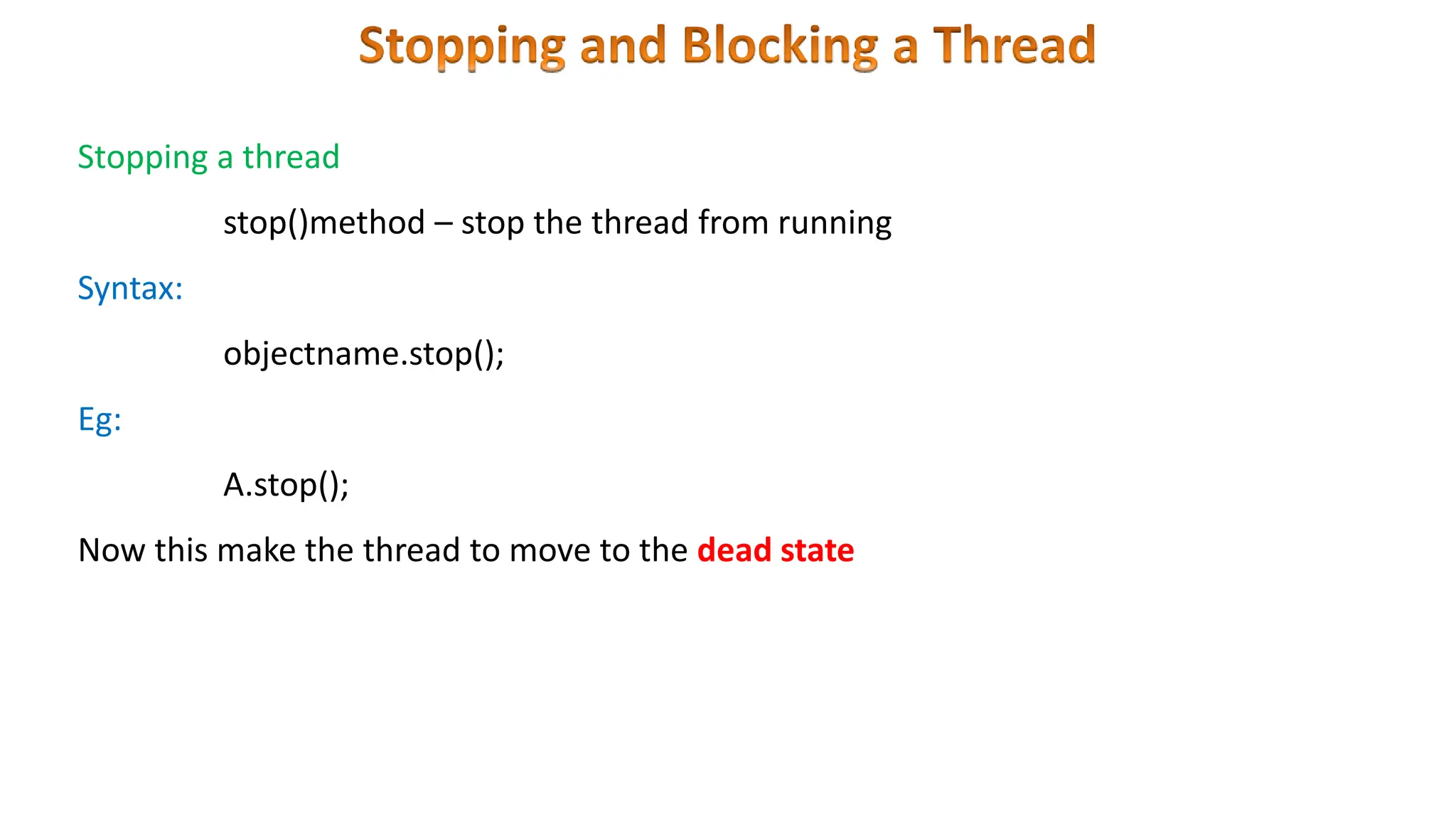
Stopping a thread
stop()method – stop the thread from running
Syntax:
objectname.stop();
Eg:
A.stop();
Now this make the thread to move to the dead state
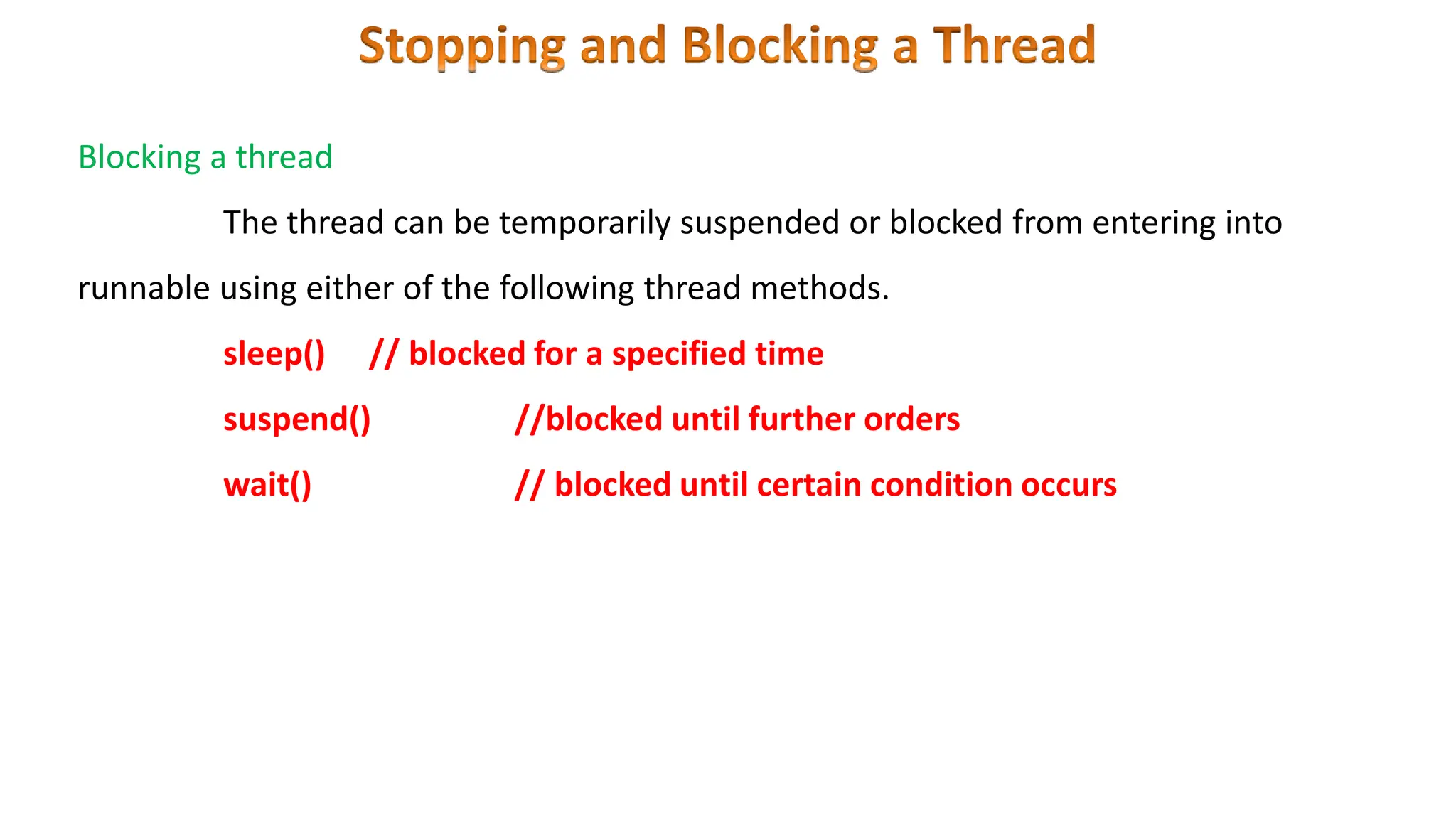
Blocking a thread
The thread can be temporarily suspended or blocked from entering into
runnable using either of the following thread methods.
sleep() // blocked for a specified time
suspend() //blocked until further orders
wait() // blocked until certain condition occurs
During the life time of a thread, there are many states it can enter.
• They include:
1. Newborn state
2. Runnable state
3. Running state
4. Blocked state
5. Dead state
• The thread is born and is said to be in newborn
state.
• The thread is not yet scheduled for running.
• At this state, we can do only one of the following:
• Schedule it for running using start() method.
• Kill it using stop() method.
• The thread is ready for execution
• Waiting for the availability of the processor.
• The thread has joined the queue
• If all threads have equal priority, then they are given time
slots for execution in round robin fashion. i.e. first-come,
first-serve manner.
• The thread that relinquishes control joins the queue at the
end and again waits for its turn. This process of assigning time
to threads is known as time- slicing.
• If we want a thread to relinquish control to another thread of
equal priority before its turn comes, we can do so by using
the yield() method.
• Thread is executing
• The processor has given its time to the thread for its
execution.
• The thread runs until it gives up control on its own or taken
over by other threads.
• Thread has been suspended using suspend() method
• A suspended thread can be resume by using the resume() method
• This approach is useful when we want to suspend a thread for some time
due to certain reason, but do not want to kill it.
• Thread has been sleep using sleep() method
• This means that the thread is out of the queue during this time period.
• The thread re-enter the runnable state as soon as this time period is
elapsed.
• Thread has been wait until some event occurs using wait() method
• Thread can be scheduled to run again using the notify() method
• A thread is said to be blocked
• It is prevented to entering into the runnable and the running state.
• This happens when the thread is suspended, sleeping, or waiting in
order to satisfy certain requirements.
• This state is achieved when we Invoke suspend() or sleep() or
wait() methods.
• Every thread has a life cycle.
• A running thread ends its life when it has completed executing its
run( ) method. It is a natural death.
• A thread can be killed in born, or in running, or even in "not
runnable" (blocked) condition.
• It is called premature death.
• This state is achieved when we invoke stop() method or the thread
completes it execution.
Thread Class Methods
 start()
 run()
 yield()
 sleep()
 stop()
• The call to sleep() method is enclosed in try block and followed by a catch block.
• In java, each thread is assigned a priority, which affects the order in which it is scheduled
for running.
• Java permits us to set the priority of a thread using the setPriority() method as follows:
ThreadName.setPriority(intNumber);
• The intNumber may assume one of these constants or any value between 1 and 10.
• The intNumber is an integer value to which the thread’s priority is set.
• The Thread class defines several priority constants:
MIN_PRIORITY=1
NORM_PRIORITY=5
MAX_PRIORITY=10
• The default setting is NORM_PRIORITY.
• When two or more threads need access to a shared resource, they need some way to
ensure that the resource will be used by only one thread at a time.
• The process by which this is achieved is called synchronization.
• This can be done in two ways.
• First, a method can be synchronized by using the synchronized keyword as a modifier
in the method declaration
• When a thread begins executing a synchronized instance method, it
automatically acquires a lock on that object.
• The lock is automatically relinquished when the method completes.
• Only one thread has this lock at any time.
• Therefore, only one thread may execute any of the synchronized instance
methods for that same object at a particular time.
• Another way to synchronize access to common data is via a synchronized
statement block.
• This has the following syntax:
synchronized(obj)
{
//statement block
}
Example
• An interesting situation may occur when
two or more threads are waiting to gain
control of a resource.
• Due to some reasons gain control of a
resource does not happen This is called as
deadlock
Eg:
Thread A must access method1
before it can release method2, but thread B
cannot release method1 until it gets hold of
method2 – this cause deadlock
Inter- Thread Communication can be defined as the exchange of the message between
two or more threads
Inter –
Thread
Communica
tions
notify()
notifyall()
wait()
notify()
• Resumes the first thread that went into sleep mode.
• The object class declaration
final void notify()
notifyall()
• Resumes all threads that are in sleep mode.
• The execution of these threads happens as per priority
• The object class declaration
final void notifyall()
wait ()
• Sends the calling thread into sleep mode.
• This thread can now be activated only by notify() &notifyall() methods
• The object class declaration
final void wait()
econtent thread in java.pptx

econtent thread in java.pptx

  • 1.
  • 2.
    Thread is alight weight process Smallest unit of program but they act independently Contains separate path of execution Every java program contains at least one thread It is created and controlled by the java.lang.Thread class
  • 3.
    • Program thathas Single flow of control Single Threaded Program • Program that has Multiple flow of control Multi Threaded Program
  • 5.
  • 6.
    Life cycle ofa thread Newborn Dead Blocked Running Runnable Stop Start Yield Stop Stop Resume notify Suspend Sleep Wait New Thread Active Thread Idle Thread Thread lies only in one of the states at any point of time
  • 7.
    New Born A newthread begins -newborn state. 1. Thread is started using start() method. 2. Thread is Killed using stop() method. Runnable • The thread is ready for execution • Based on queue i.e. first-come, first-serve manner.
  • 17.
    Multitasking: – refersto a computers ability to perform multiple jobs concurrently – more than one program are running concurrently, e.g.,windows xp,7,8, unix etc
  • 18.
    • Multithreading: –refers where a program(process) is divided into two or more subprograms(processes),which can be implemented at the same time in parallel. • A thread is a single flow of control or sequence of execution within a program • It has a beginning, a body and an end and executes commands sequentially.
  • 19.
    • Java supportsMultiple flows of control or • Each flow of control may be treated as tiny program(module) known as thread that runs in parallel. • A programs that contains multiple flows of control is known as multithreaded program
  • 20.
    • The abilityof a language to support multithreads is referred to as concurrency. • Threads are subprograms of a main application program and share the same memory space, they are known as lightweight threads or lightweight processes. • Java interpreter handles the switching of control between the threads in concurrently. • Threads are extensively used in java enabled browsers such as HotJava
  • 21.
    • Threads areimplemented in the form of objects. • The run() and start() are two inbuilt methods which helps to thread implementation • The run() method is the heart and soul of any thread – It makes up the entire body of a thread • The run() method should be invoked by an object of the concerned thread. • This can be achieved by creating the thread and can be initiating with the help of start() method.
  • 22.
    CREATING THREAD 1. By extending Threadclass 2. By implementing Runnable interface • Java.lang.thread • Define a class that extends Thread class • Overrride its run() method with the code required by the thread. • Java.lang. Runnable • Define a class that implements Runnable interface • Runnable interface has only one method,run()- define in method with the code to be executed by thread.
  • 23.
    • Java.lang.thread –to make our class runnable • This gives us access to all the thread methods directly. • It includes the following steps: 1. Declare a class that extends Thread class 2. Implements the run() method – for executing the sequence of code that the thread will execute. 3. Create a thread object and call the start() methods to initiate the thread execution
  • 24.
    The thread classcan be extended as follows: Syntax: class name_of_thread extends Thread { ………………….. …………………. …………………. } Eg class Mythread extends Thread { ………………….. …………………. …………………. }
  • 25.
    The run() methodhas been inherited by the class Mythread. The basic implementation of run() Public void run() { ………………….. …………………. //thread code here …………………. }
  • 26.
    Create and runan instance of thread class Syntax: name_of_thread objectname = new name_of_thread() Objectname.start(); Eg Mythread A= new Mythread() A.start(); First line starts a new object of class mythread. It is in a newborn state Second line calls start() method into runnable state
  • 27.
    // Creating threadBy Extending To Thread class class MyThread extends Thread { public run() // Run() method for our thread { // Print statement System.out.println("Thread is running created by extending to parent Thread class"); } // Main driver method public static void main(String[] args) { // Creating object of our thread class inside main() // method MyThread myThread = new MyThread(); // Starting the thread myThread.start(); } }
  • 28.
    Stopping a thread stop()method– stop the thread from running Syntax: objectname.stop(); Eg: A.stop(); Now this make the thread to move to the dead state
  • 29.
    Blocking a thread Thethread can be temporarily suspended or blocked from entering into runnable using either of the following thread methods. sleep() // blocked for a specified time suspend() //blocked until further orders wait() // blocked until certain condition occurs
  • 30.
    During the lifetime of a thread, there are many states it can enter. • They include: 1. Newborn state 2. Runnable state 3. Running state 4. Blocked state 5. Dead state
  • 32.
    • The threadis born and is said to be in newborn state. • The thread is not yet scheduled for running. • At this state, we can do only one of the following: • Schedule it for running using start() method. • Kill it using stop() method.
  • 33.
    • The threadis ready for execution • Waiting for the availability of the processor. • The thread has joined the queue • If all threads have equal priority, then they are given time slots for execution in round robin fashion. i.e. first-come, first-serve manner.
  • 34.
    • The threadthat relinquishes control joins the queue at the end and again waits for its turn. This process of assigning time to threads is known as time- slicing. • If we want a thread to relinquish control to another thread of equal priority before its turn comes, we can do so by using the yield() method.
  • 36.
    • Thread isexecuting • The processor has given its time to the thread for its execution. • The thread runs until it gives up control on its own or taken over by other threads.
  • 37.
    • Thread hasbeen suspended using suspend() method • A suspended thread can be resume by using the resume() method • This approach is useful when we want to suspend a thread for some time due to certain reason, but do not want to kill it.
  • 38.
    • Thread hasbeen sleep using sleep() method • This means that the thread is out of the queue during this time period. • The thread re-enter the runnable state as soon as this time period is elapsed.
  • 39.
    • Thread hasbeen wait until some event occurs using wait() method • Thread can be scheduled to run again using the notify() method
  • 40.
    • A threadis said to be blocked • It is prevented to entering into the runnable and the running state. • This happens when the thread is suspended, sleeping, or waiting in order to satisfy certain requirements. • This state is achieved when we Invoke suspend() or sleep() or wait() methods.
  • 41.
    • Every threadhas a life cycle. • A running thread ends its life when it has completed executing its run( ) method. It is a natural death. • A thread can be killed in born, or in running, or even in "not runnable" (blocked) condition. • It is called premature death. • This state is achieved when we invoke stop() method or the thread completes it execution.
  • 42.
    Thread Class Methods start()  run()  yield()  sleep()  stop()
  • 43.
    • The callto sleep() method is enclosed in try block and followed by a catch block.
  • 44.
    • In java,each thread is assigned a priority, which affects the order in which it is scheduled for running. • Java permits us to set the priority of a thread using the setPriority() method as follows: ThreadName.setPriority(intNumber); • The intNumber may assume one of these constants or any value between 1 and 10. • The intNumber is an integer value to which the thread’s priority is set. • The Thread class defines several priority constants: MIN_PRIORITY=1 NORM_PRIORITY=5 MAX_PRIORITY=10 • The default setting is NORM_PRIORITY.
  • 45.
    • When twoor more threads need access to a shared resource, they need some way to ensure that the resource will be used by only one thread at a time. • The process by which this is achieved is called synchronization. • This can be done in two ways. • First, a method can be synchronized by using the synchronized keyword as a modifier in the method declaration
  • 46.
    • When athread begins executing a synchronized instance method, it automatically acquires a lock on that object. • The lock is automatically relinquished when the method completes. • Only one thread has this lock at any time. • Therefore, only one thread may execute any of the synchronized instance methods for that same object at a particular time.
  • 47.
    • Another wayto synchronize access to common data is via a synchronized statement block. • This has the following syntax: synchronized(obj) { //statement block } Example
  • 48.
    • An interestingsituation may occur when two or more threads are waiting to gain control of a resource. • Due to some reasons gain control of a resource does not happen This is called as deadlock Eg: Thread A must access method1 before it can release method2, but thread B cannot release method1 until it gets hold of method2 – this cause deadlock
  • 51.
    Inter- Thread Communicationcan be defined as the exchange of the message between two or more threads Inter – Thread Communica tions notify() notifyall() wait()
  • 52.
    notify() • Resumes thefirst thread that went into sleep mode. • The object class declaration final void notify() notifyall() • Resumes all threads that are in sleep mode. • The execution of these threads happens as per priority • The object class declaration final void notifyall()
  • 53.
    wait () • Sendsthe calling thread into sleep mode. • This thread can now be activated only by notify() &notifyall() methods • The object class declaration final void wait()