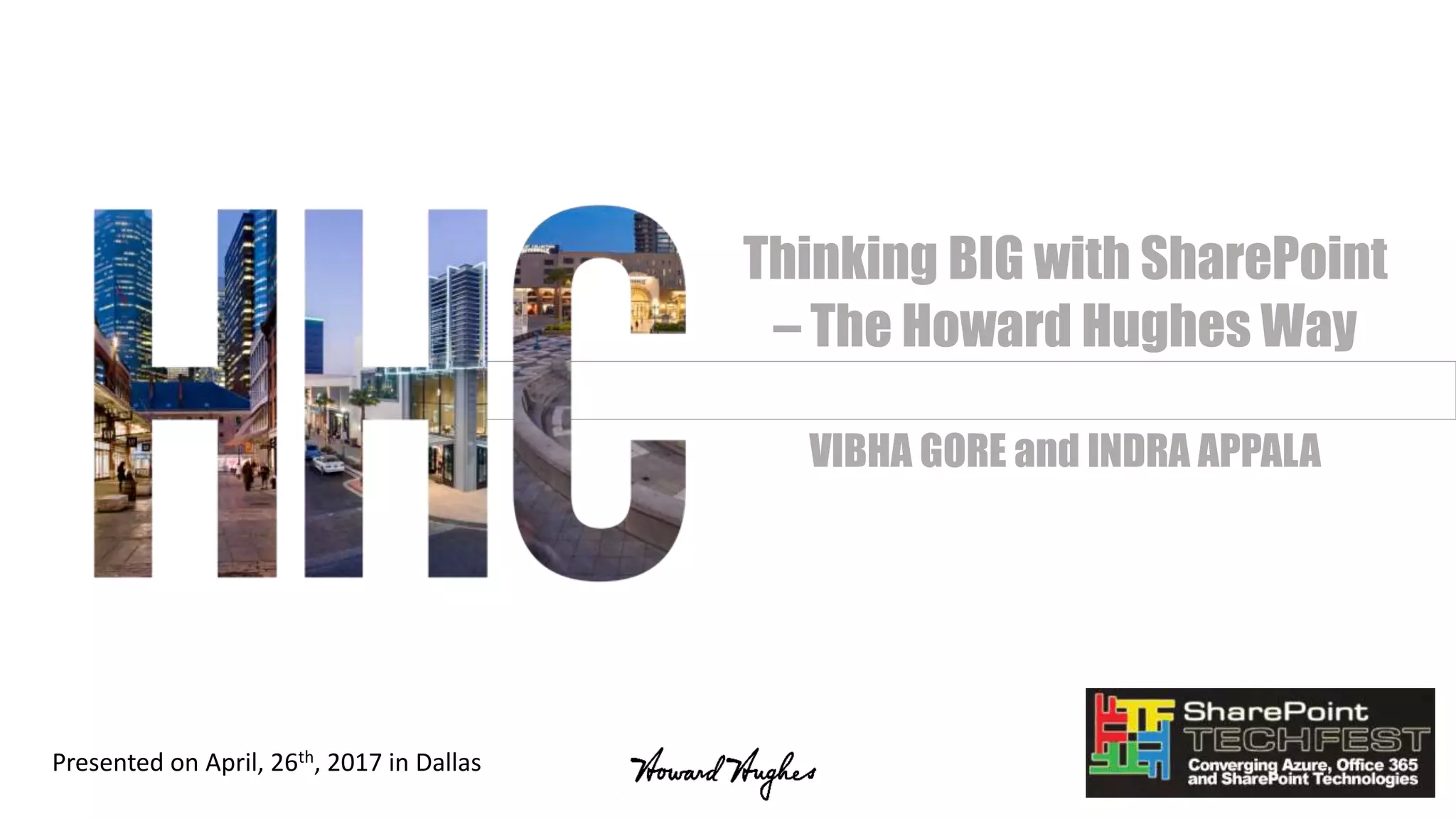
Thinking BIG with SharePoint
– The Howard Hughes Way
VIBHA GORE and INDRA APPALA
Presented on April, 26th, 2017 in Dallas
Agenda
• About Us
• What are we solving with SharePoint?
• Design Considerations, Solutions and Challenges
• UI and Development
• Content Migration
• Automating Business Processes
• Integrating with LOB Applications
• Single Sign On
• User Adoption
• On the verge of Cloud Migration
About Us
• Indra Appala - SharePoint Solutions Architect for Howard Hughes
• Vibha Gore - Sr. Director, IT Applications for Howard Hughes
• Twitter Handle : @indraappala
• Blog : http://sptechlearn.com
• Linked In: Indra Appala
• Twitter Handle: @GoreVibha
• Blog: https://vibhagore.wordpress.com/
• Linked In: Vibha Gore
Howard Hughes Corporation
Our vision is to be among the leading American brands of the 21st century.
Our Mission
The Howard Hughes Corporation’s mission is to be the preeminent developer
and operator of master planned communities and mixed-use properties. We
create timeless places and extraordinary experiences that inspire people
while driving sustainable, long-term growth and value for our shareholders.
About Us
We own, manage and develop commercial, residential and mixed-use real
estate throughout the country. Our company is comprised of master planned
communities, operating properties, development opportunities and other
unique assets spanning 14 states from New York to Hawaii.
What are we solving with
SharePoint?
Our Landscape
Objectives
Deliverables
Our Landscape when we started the project..
• Dynamic company – born in 2010 – growing at a very rapid rate!
• Many mergers and acquisitions – working at different locations
• Business segments – Master Planned Communities, Construction and
Development and Property Management
• Galore of applications and content management systems
• Varied technical skills and technology awareness
• Manual business processes
• Very aggressive business goals
Objectives of our SharePoint Platform
• Publishing Platform
• Intranet Portal –
• Single launching point for all our applications
• Community of Employees – Birthdays, Stories, Announcements and Spotlight
• HR specific information: Benefits, Wellness Programs, Perks, Vacation Calendar
• Collaboration Platform
• Enterprise content management system: Documents, Records, Calendars,
Lists, Forms and Workflows
• User friendly, Mobile friendly and intuitive Interface
• Single Sign-On needed for all our LOB applications
Deliverables
• Create self-service Employee Portal for Employees
• Create Enterprise Content Management System with content migrated
from:
• File shares
• Legacy Systems
• Personal drives
• “Find Anything, Anywhere, Anytime” – Search!
• Search content from SharePoint
• Search documents from other LOB applications
• Automate business processes
• On Premises SharePoint farm in our Private Cloud - to support our
requirements
Design Considerations,
Challenges and How we solved
for those?
UI and client side development
Content Migration
Automating Business Processes
Integrating with LOB Applications
Single Sign On
User Adoption
Overall Design Considerations
• Each Content DB cannot be more than 100 GB – limit from our
managed IT provider
• Logical Hierarchy/Navigation for ~375 Site collections
• Responsive web sites
• User friendly Search and Custom display templates
• Single Sign On
• Integration with other LOB applications
• Office 365 on the road-map – very minimal server side components
UI and Client side development
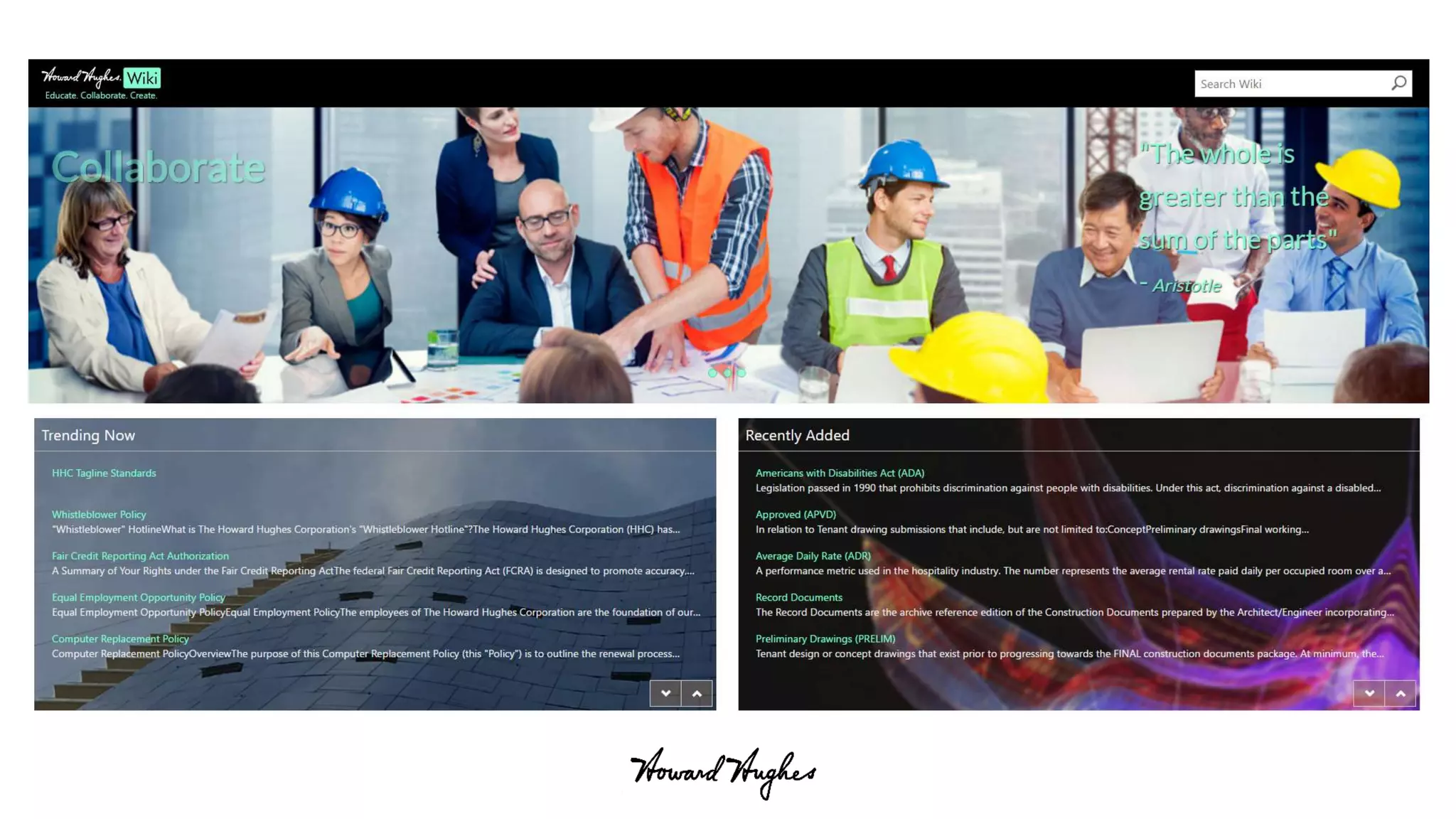
• Considering custom page layouts and master pages and no server
side components - How to deploy the design components?
• How to design common elements that can be deployed globally?
• How to design UI that will not impact page load performance?
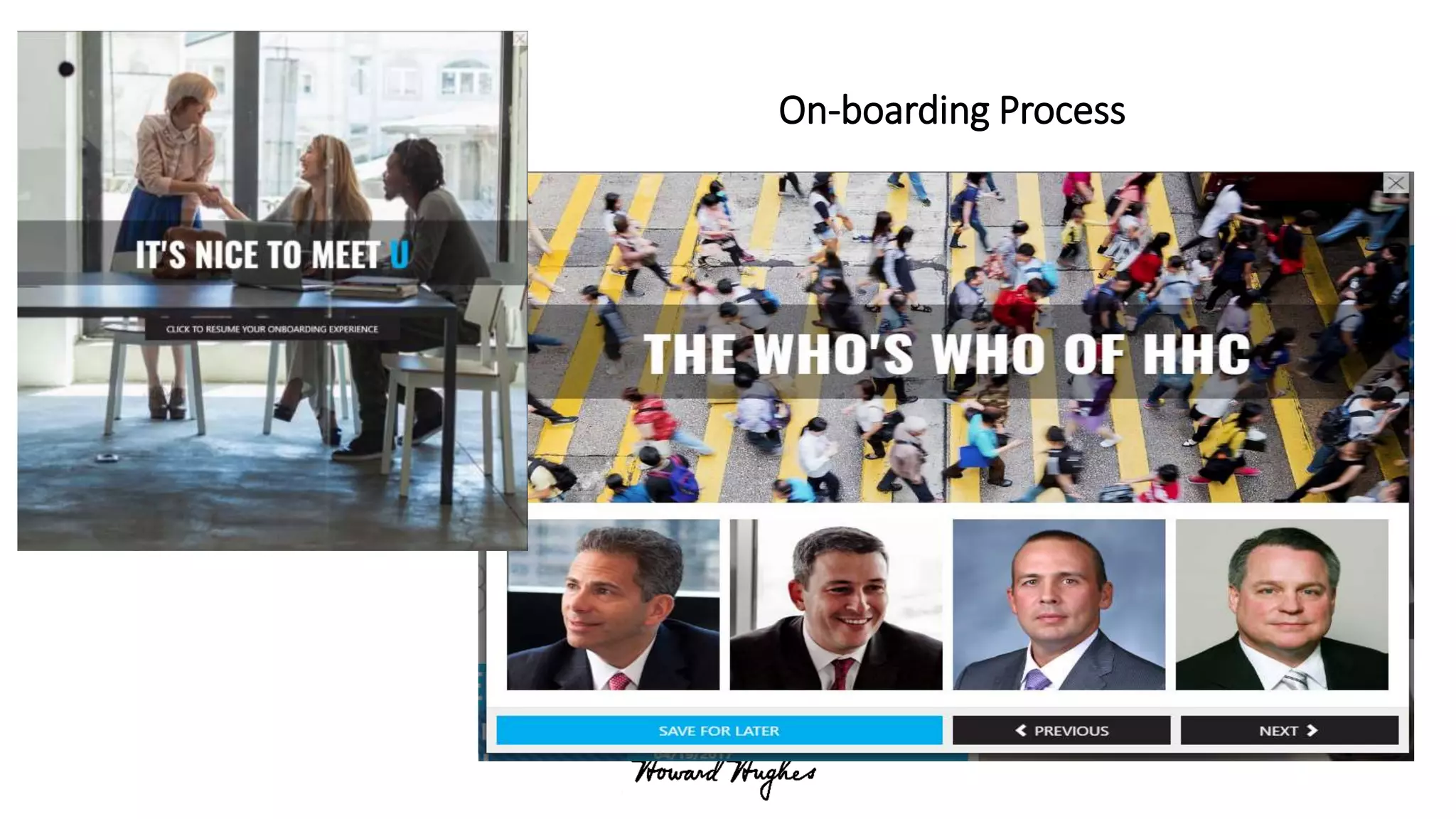
On-boarding Process
Content Migration
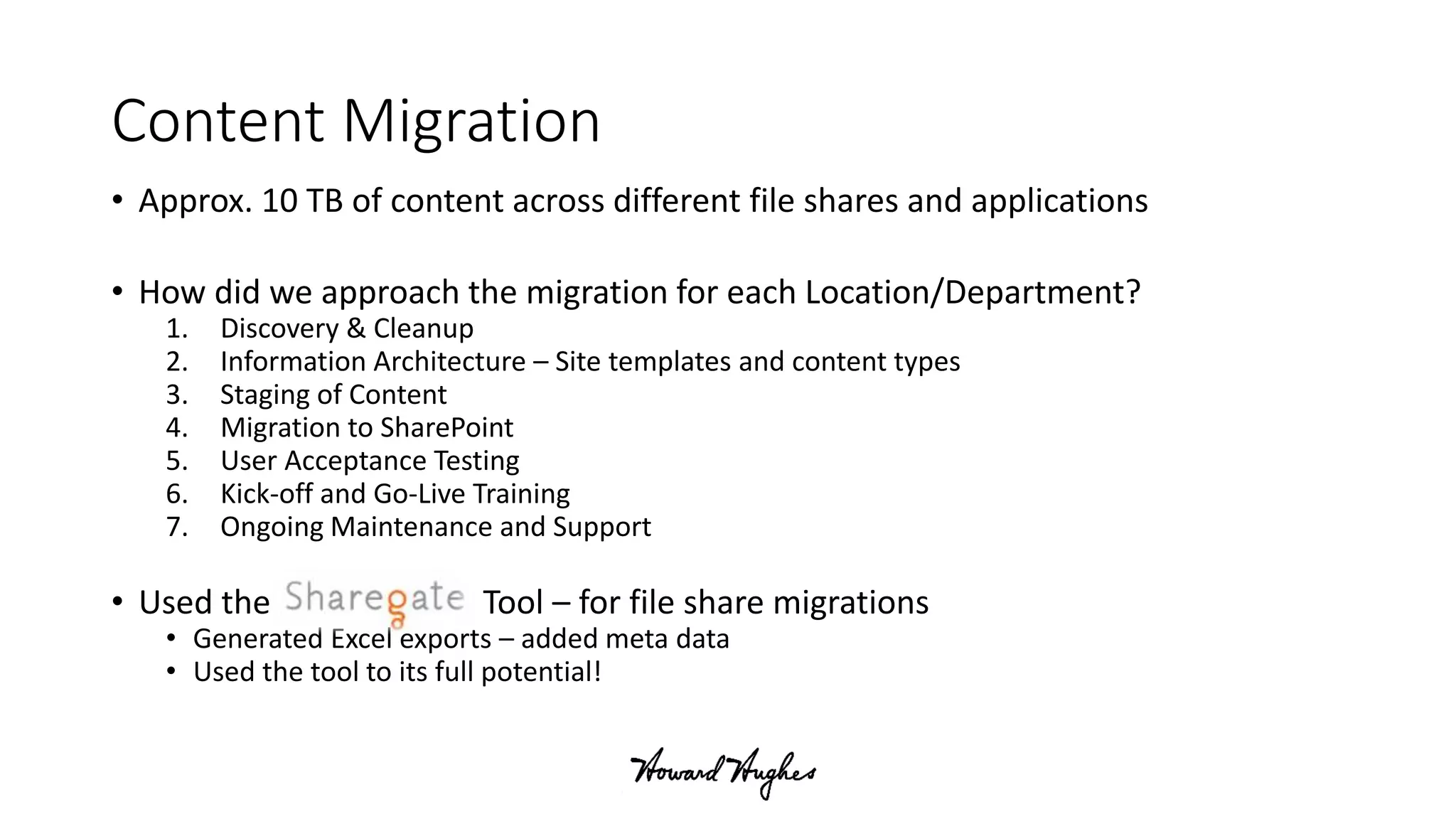
• Approx. 10 TB of content across different file shares and applications
• How did we approach the migration for each Location/Department?
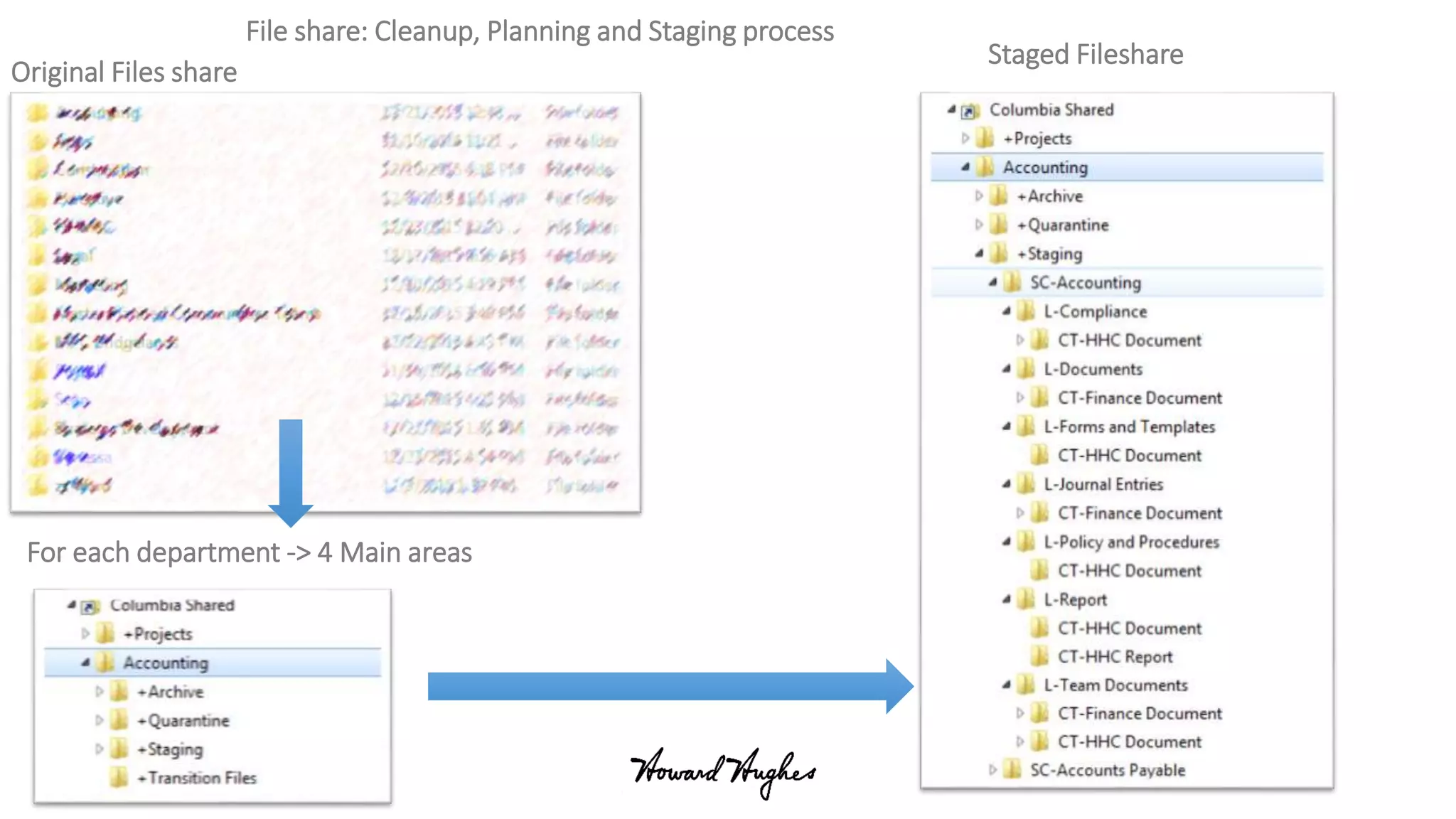
1. Discovery & Cleanup
2. Information Architecture – Site templates and content types
3. Staging of Content
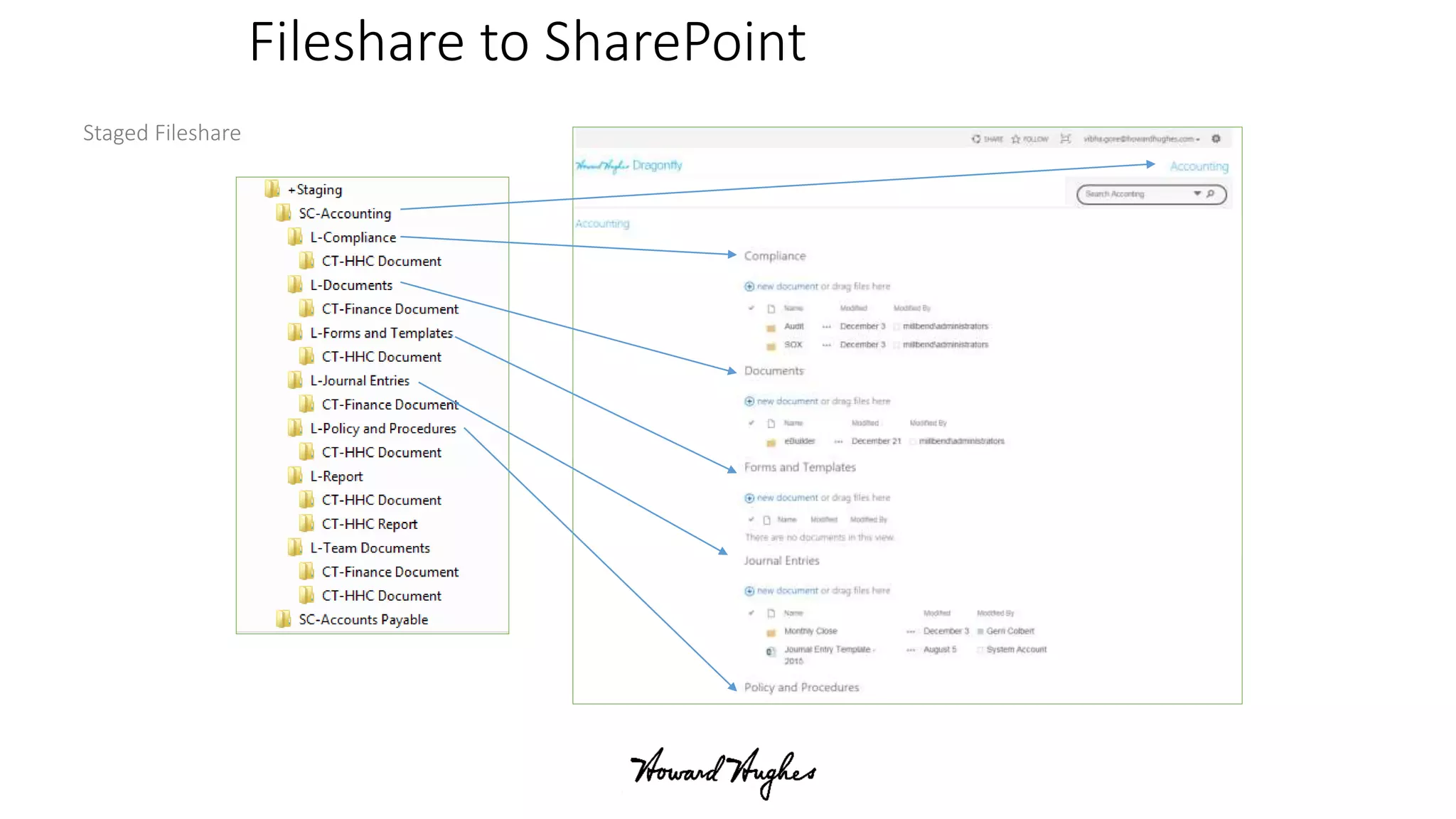
4. Migration to SharePoint
5. User Acceptance Testing
6. Kick-off and Go-Live Training
7. Ongoing Maintenance and Support
• Used the Tool – for file share migrations
• Generated Excel exports – added meta data
• Used the tool to its full potential!
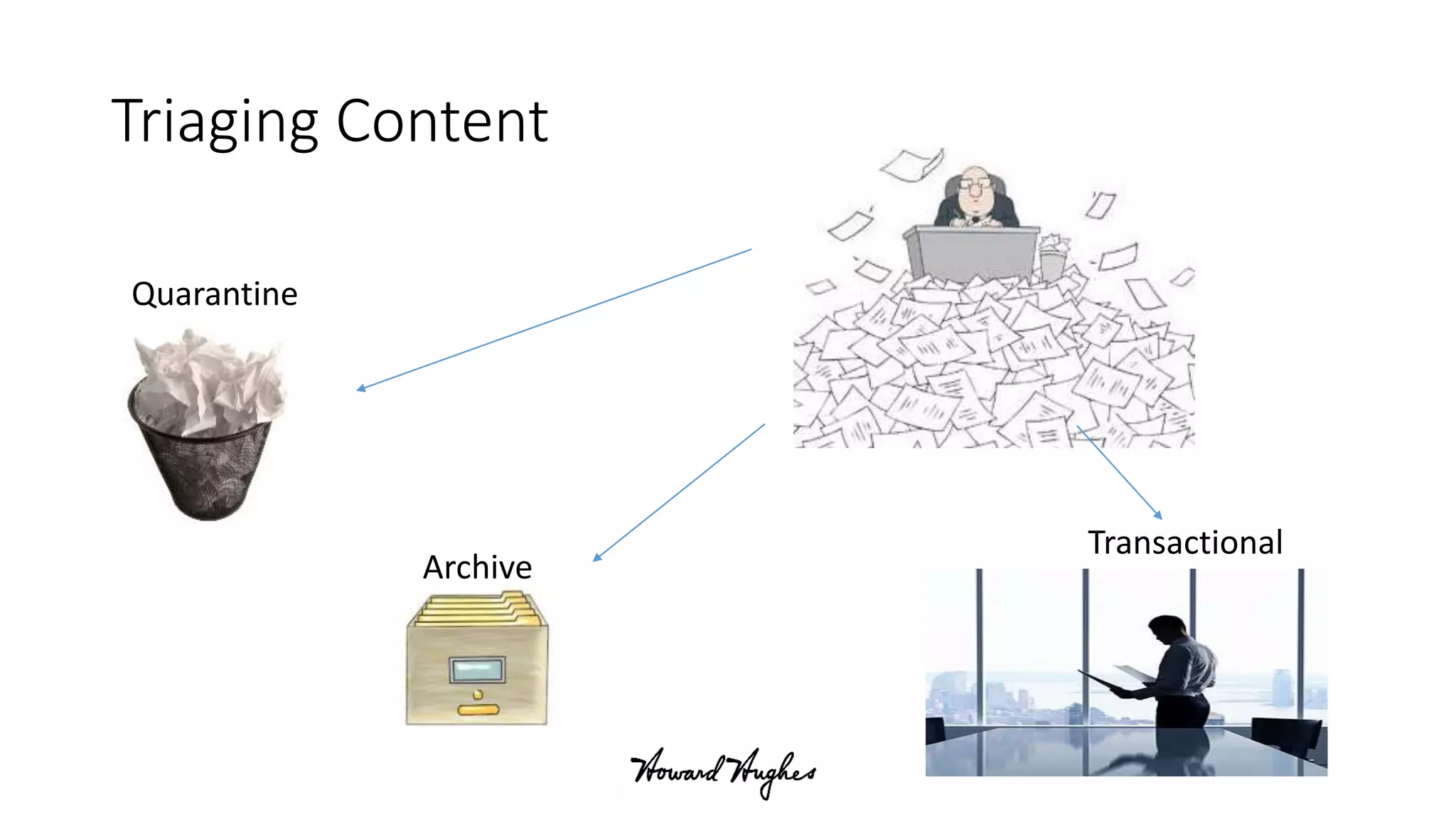
Triaging Content
Quarantine
Transactional
Archive
Original Files share
File share: Cleanup, Planning and Staging process
For each department -> 4 Main areas
Staged Fileshare
Fileshare to SharePoint
Staged Fileshare
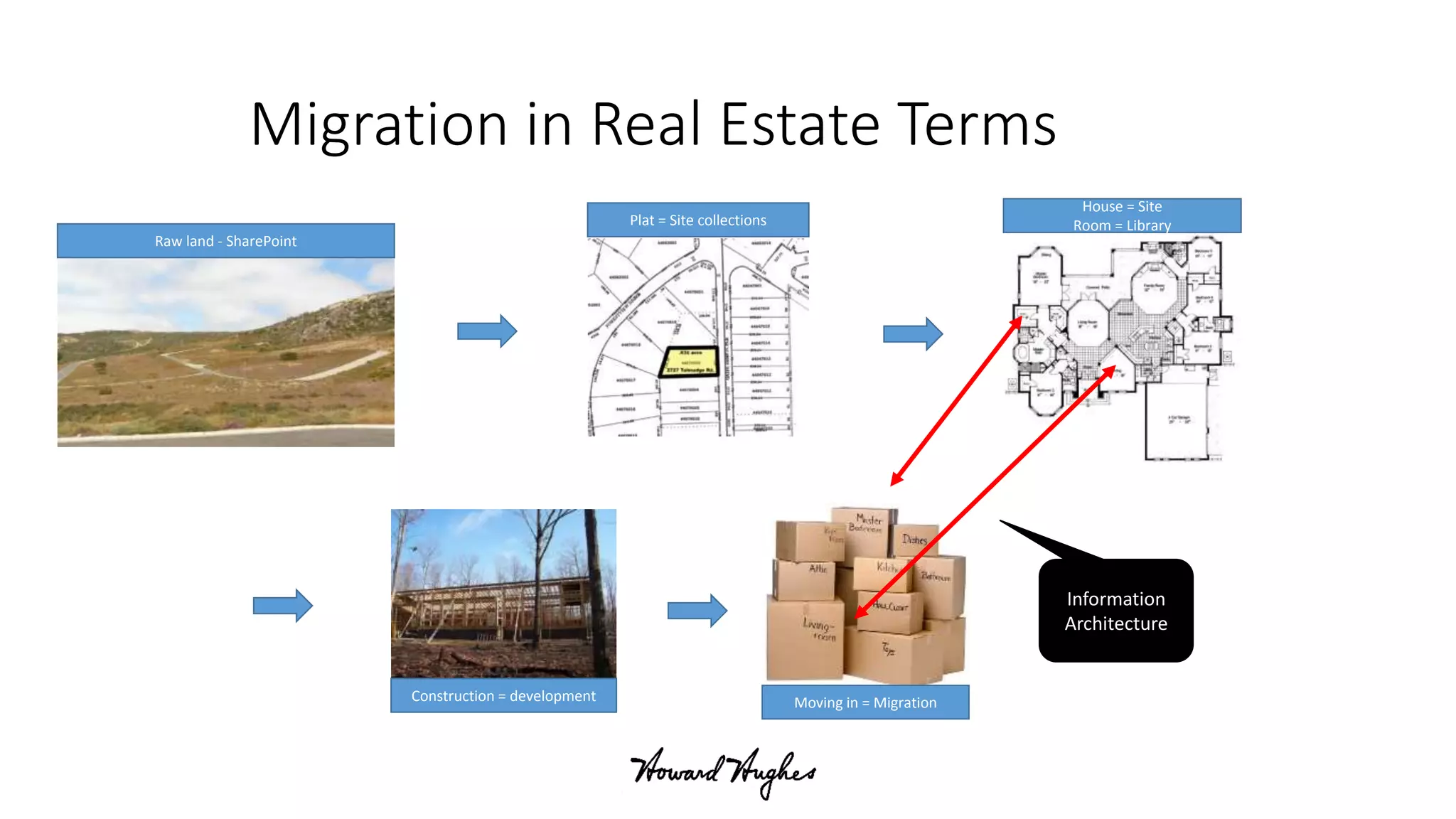
Migration in Real Estate Terms
Raw land - SharePoint
Plat = Site collections
House = Site
Room = Library
Construction = development Moving in = Migration
Information
Architecture
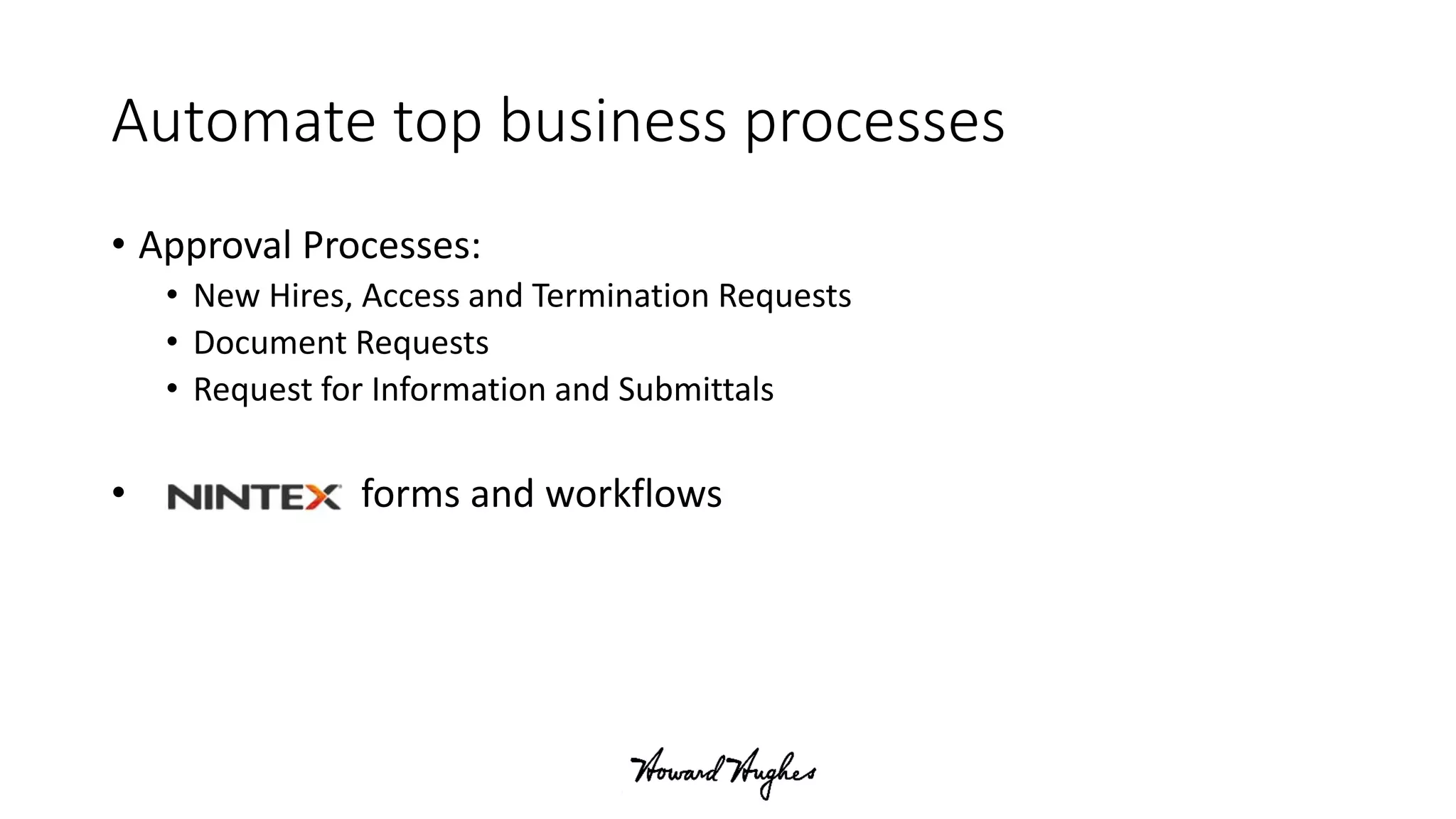
Automate top business processes
• Approval Processes:
• New Hires, Access and Termination Requests
• Document Requests
• Request for Information and Submittals
• forms and workflows
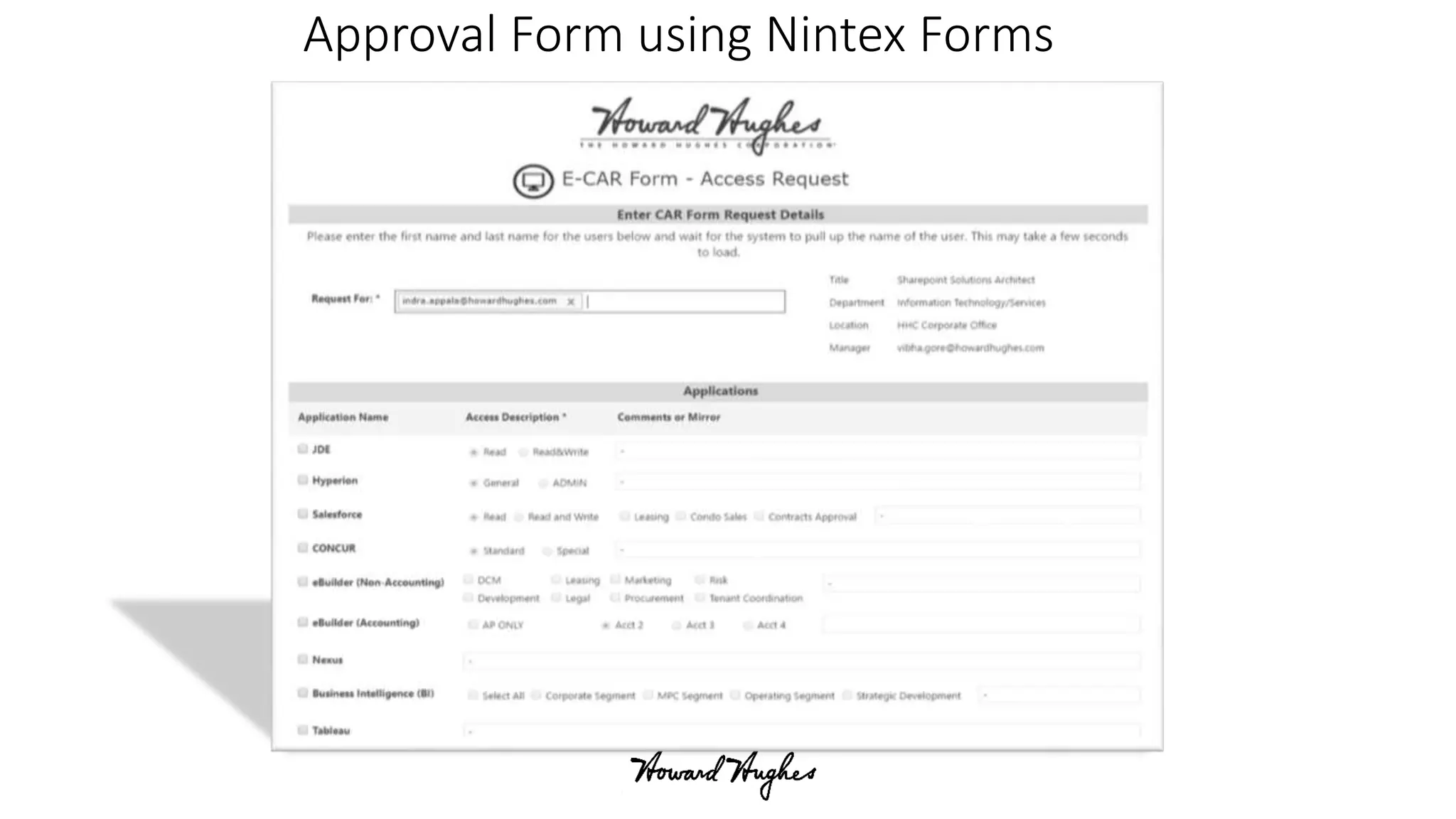
Approval Form using Nintex Forms
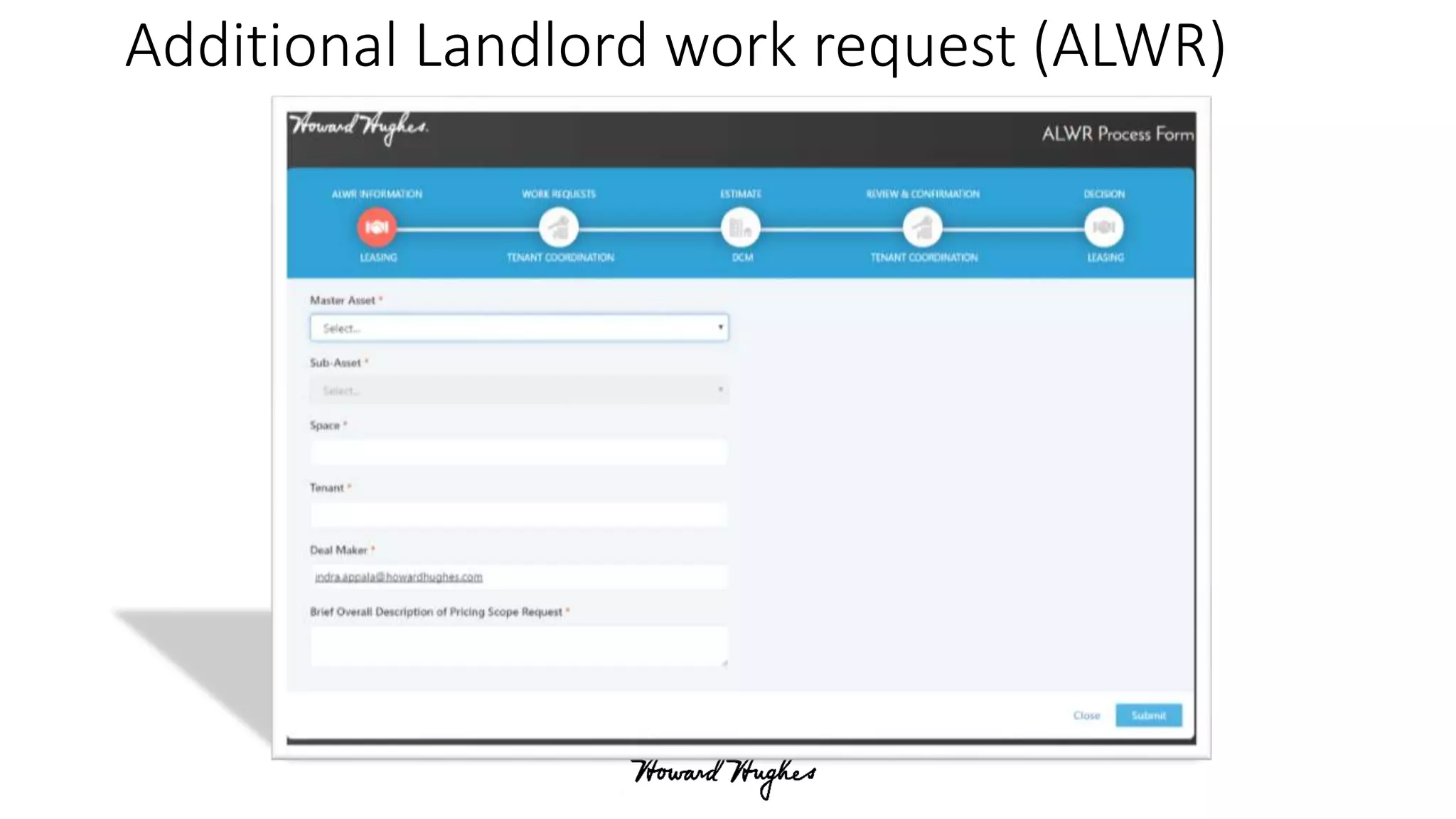
Additional Landlord work request (ALWR)
Integrate Search with LOB Applications
• Our LOB Applications – CRM, Construction Software and ERP/Finance
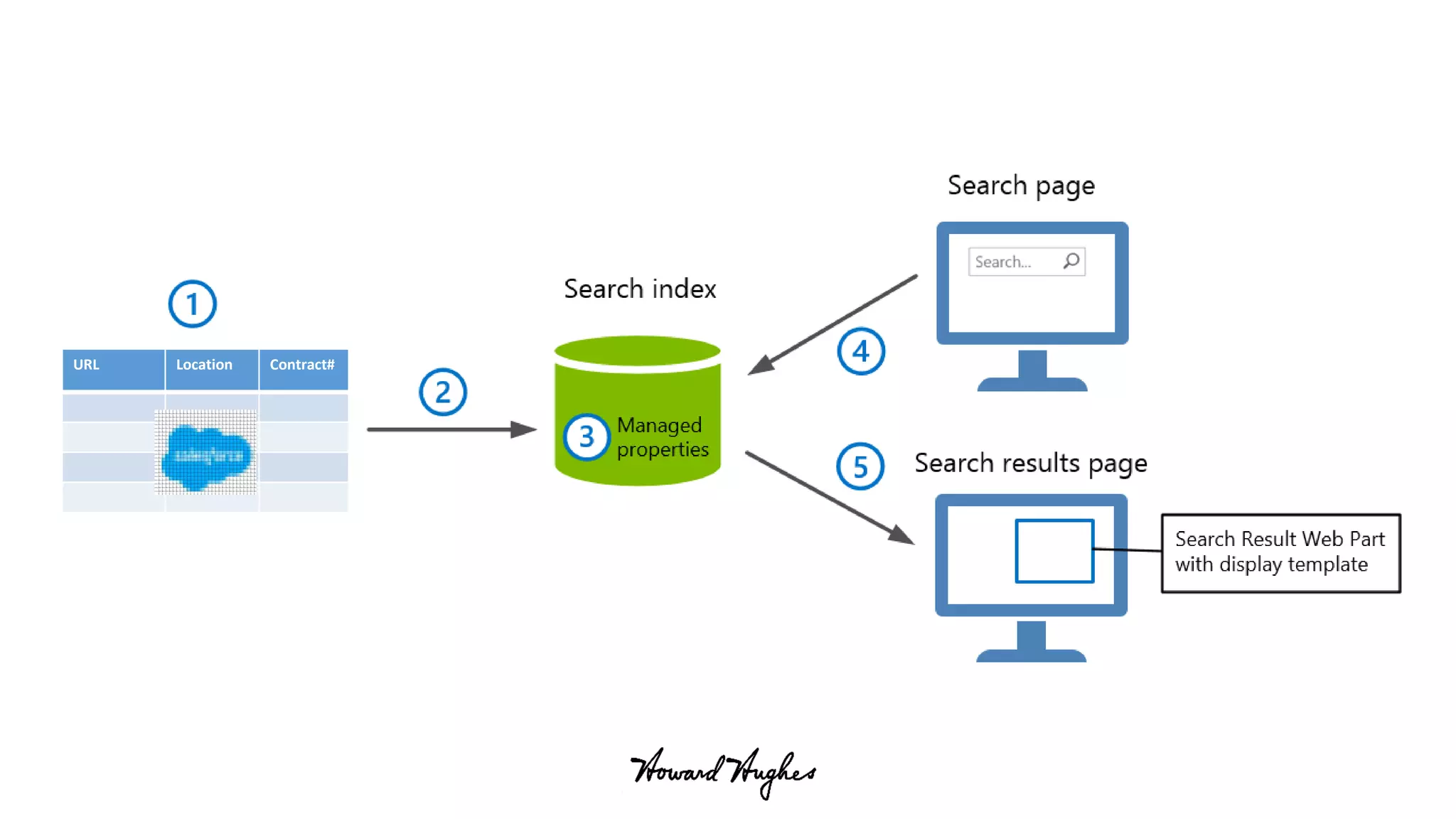
• Powershell Script: Runs every night
• Captures scheduled extracts - links and meta-data associated with
documents
• Indexes this content
• Search results presented with a branded display template – with
various refiners
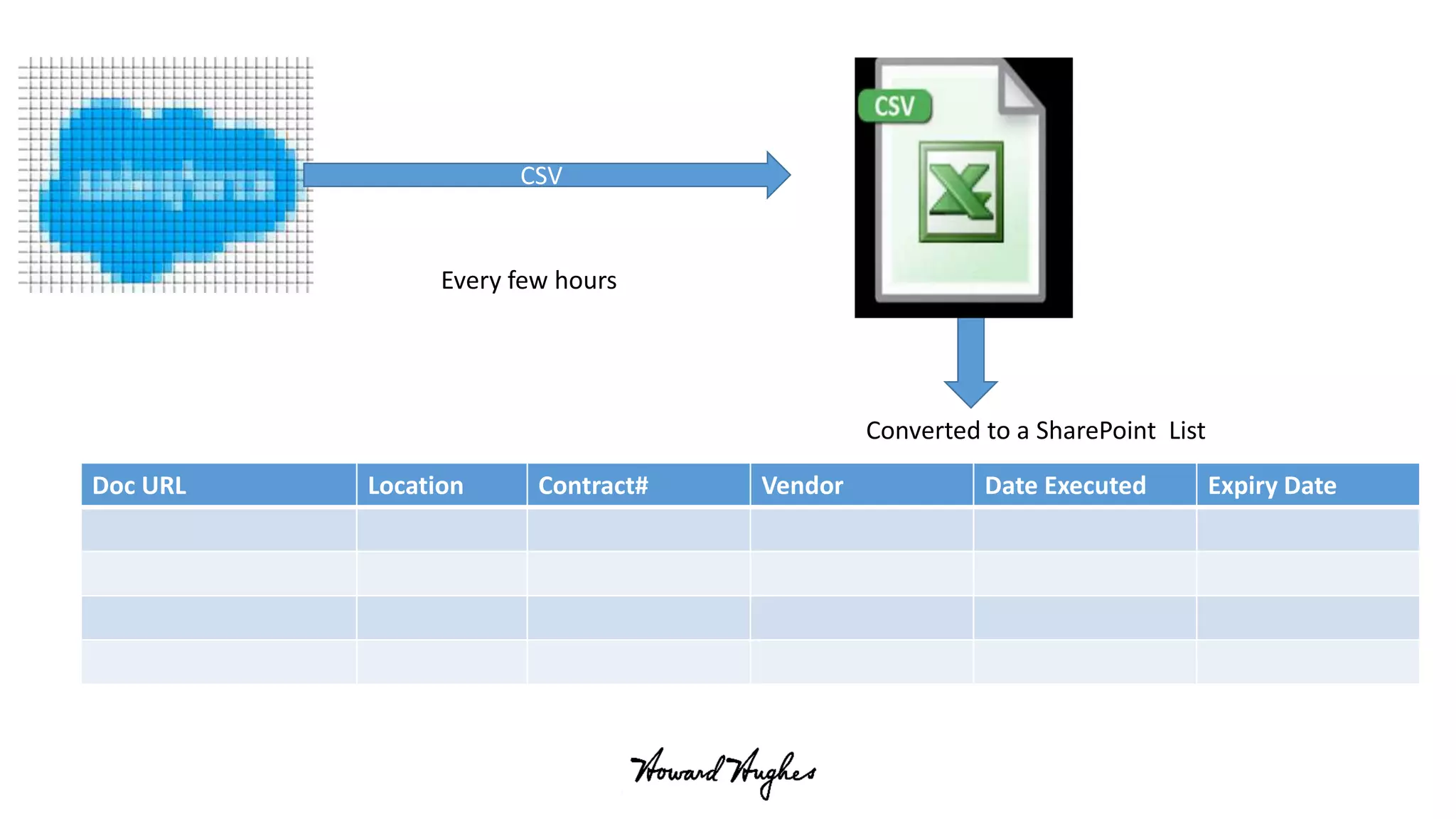
CSV
Doc URL Location Contract# Vendor Date Executed Expiry Date
Every few hours
Converted to a SharePoint List
URL Location Contract#
Implement Single Sign on solution
• Implementing for Single Sign On – Success Stories
• Road blocks:
• App Fabric/ Distribution Cache (DC) nightmares - Recommended settings for
DC
• Fileshare as a content source for search
• Calling web services from Nintex workflows
• Workflow problems when the farm is in a separate domain
• Could not use Okta Dlls (not fully secure) from the client side
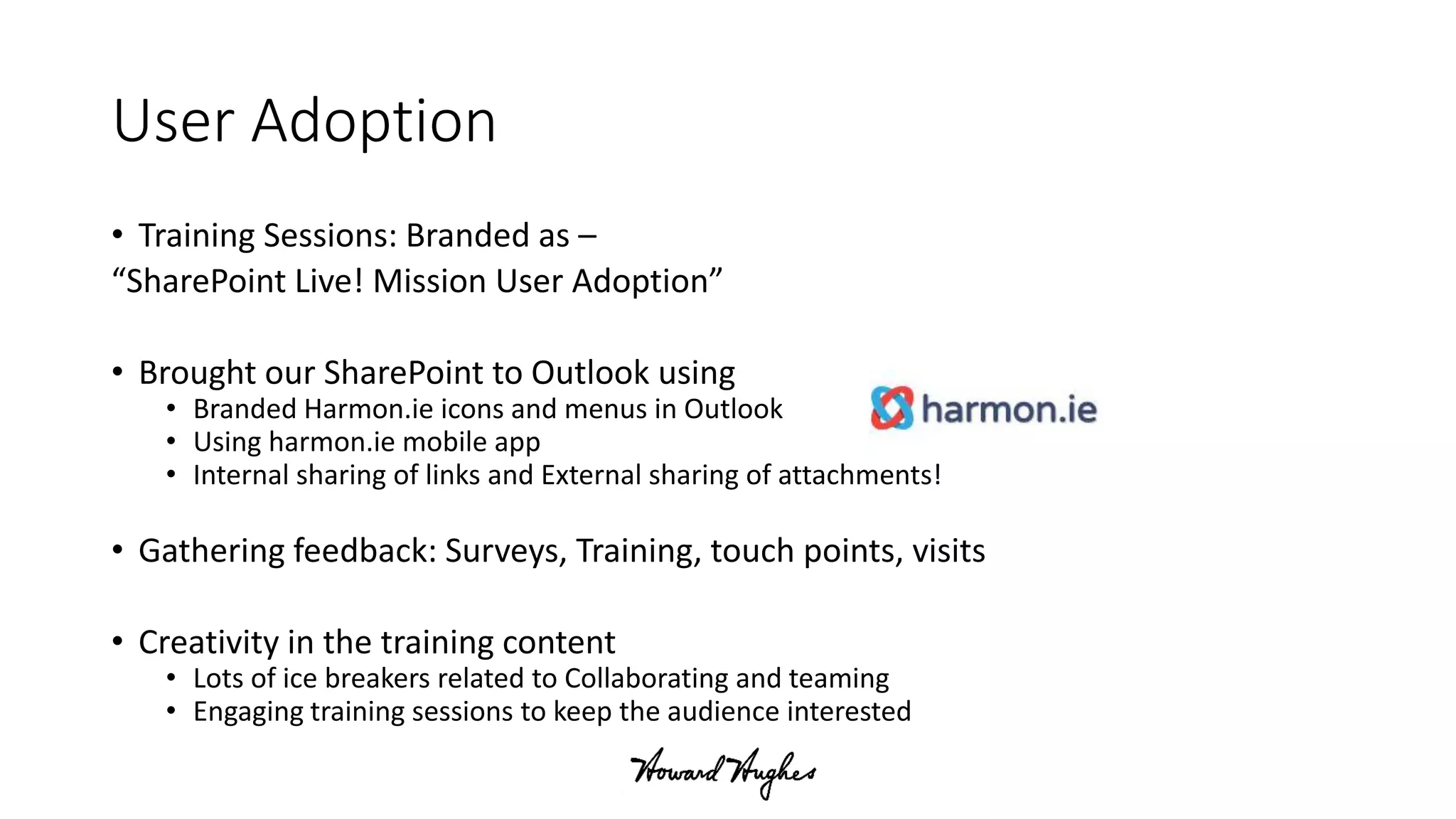
User Adoption
• Training Sessions: Branded as –
“SharePoint Live! Mission User Adoption”
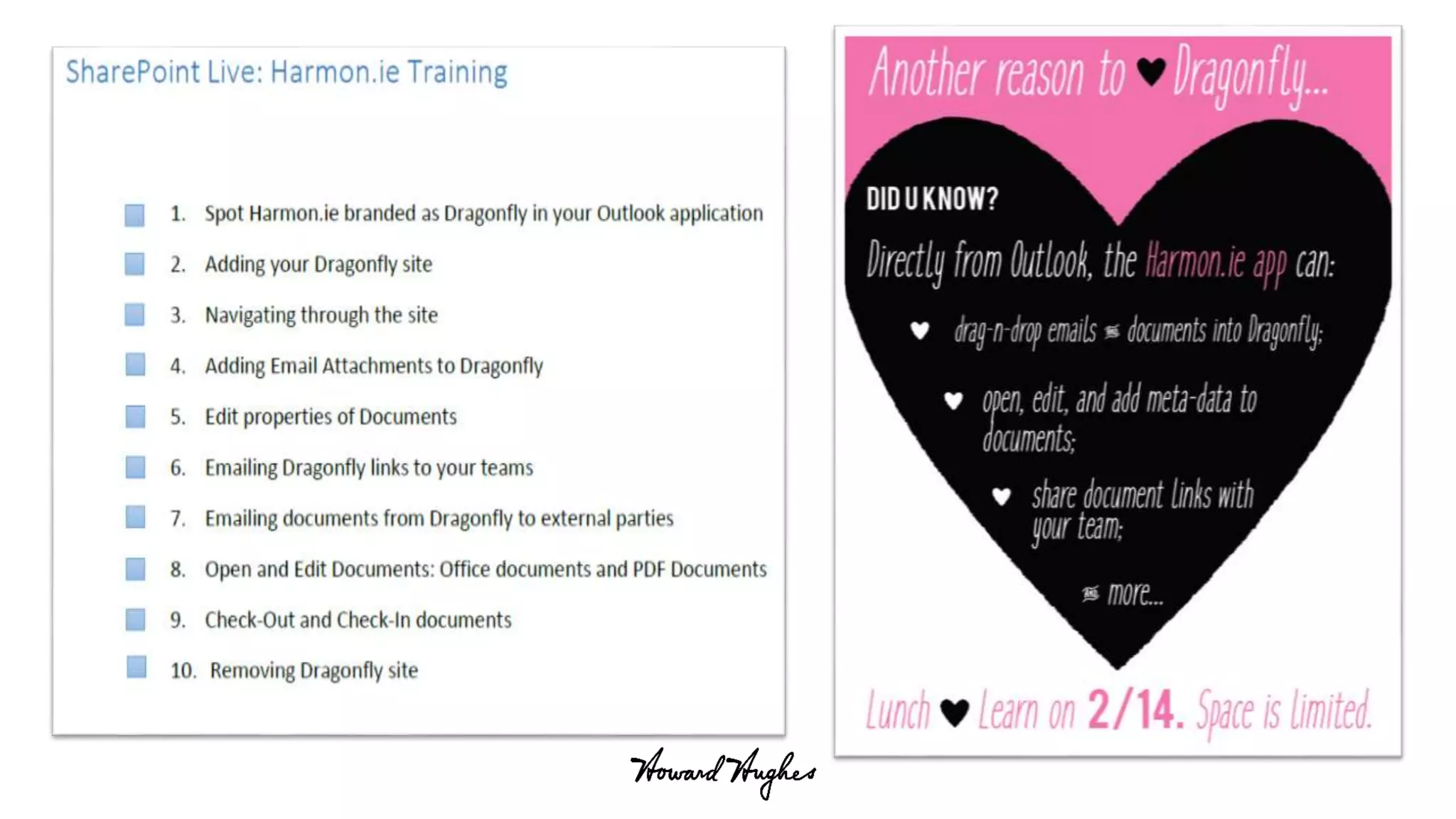
• Brought our SharePoint to Outlook using
• Branded Harmon.ie icons and menus in Outlook
• Using harmon.ie mobile app
• Internal sharing of links and External sharing of attachments!
• Gathering feedback: Surveys, Training, touch points, visits
• Creativity in the training content
• Lots of ice breakers related to Collaborating and teaming
• Engaging training sessions to keep the audience interested
On the verge of Cloud Migration
Migration to O365 - Challenges
Office365 features
Migration Challenges
• PowerShell Scripts
• Email enabled document libraries
• SSRS reports published to SharePoint
• On-Prem Nintex Workflows and Forms
On-Prem Nintex Workflows Migration
• How can we migrate these?
• Can we use Flow for workflows?
• Do we need Nintex for O365?
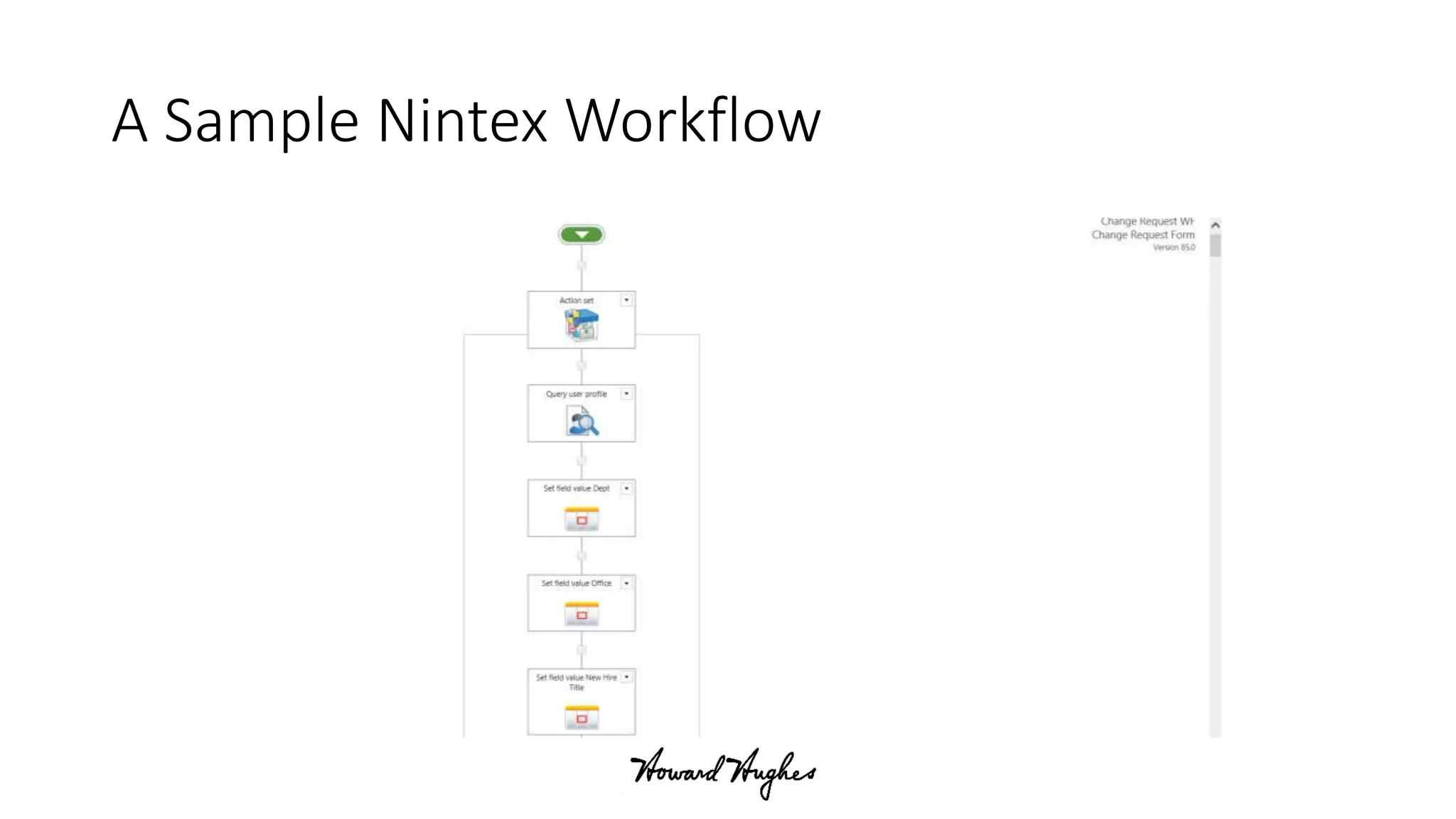
A Sample Nintex Workflow
Office365 features we will leverage
• Modern Sites
• One drive – external sharing
• Teams
• Delve
• Integration with SPO apps
Thinking BIG with SharePoint
– The Howard Hughes Way
VIBHA GORE and INDRA APPALA
Hope this “Case Study” was very valuable to
you!
Presented on April, 26th, 2017 in Dallas

Thinking big with SharePoint the Howard Hughes Way!

  • 1.
    Thinking BIG withSharePoint – The Howard Hughes Way VIBHA GORE and INDRA APPALA Presented on April, 26th, 2017 in Dallas
  • 2.
    Agenda • About Us •What are we solving with SharePoint? • Design Considerations, Solutions and Challenges • UI and Development • Content Migration • Automating Business Processes • Integrating with LOB Applications • Single Sign On • User Adoption • On the verge of Cloud Migration
  • 3.
    About Us • IndraAppala - SharePoint Solutions Architect for Howard Hughes • Vibha Gore - Sr. Director, IT Applications for Howard Hughes • Twitter Handle : @indraappala • Blog : http://sptechlearn.com • Linked In: Indra Appala • Twitter Handle: @GoreVibha • Blog: https://vibhagore.wordpress.com/ • Linked In: Vibha Gore
  • 4.
    Howard Hughes Corporation Ourvision is to be among the leading American brands of the 21st century. Our Mission The Howard Hughes Corporation’s mission is to be the preeminent developer and operator of master planned communities and mixed-use properties. We create timeless places and extraordinary experiences that inspire people while driving sustainable, long-term growth and value for our shareholders. About Us We own, manage and develop commercial, residential and mixed-use real estate throughout the country. Our company is comprised of master planned communities, operating properties, development opportunities and other unique assets spanning 14 states from New York to Hawaii.
  • 5.
    What are wesolving with SharePoint? Our Landscape Objectives Deliverables
  • 6.
    Our Landscape whenwe started the project.. • Dynamic company – born in 2010 – growing at a very rapid rate! • Many mergers and acquisitions – working at different locations • Business segments – Master Planned Communities, Construction and Development and Property Management • Galore of applications and content management systems • Varied technical skills and technology awareness • Manual business processes • Very aggressive business goals
  • 7.
    Objectives of ourSharePoint Platform • Publishing Platform • Intranet Portal – • Single launching point for all our applications • Community of Employees – Birthdays, Stories, Announcements and Spotlight • HR specific information: Benefits, Wellness Programs, Perks, Vacation Calendar • Collaboration Platform • Enterprise content management system: Documents, Records, Calendars, Lists, Forms and Workflows • User friendly, Mobile friendly and intuitive Interface • Single Sign-On needed for all our LOB applications
  • 8.
    Deliverables • Create self-serviceEmployee Portal for Employees • Create Enterprise Content Management System with content migrated from: • File shares • Legacy Systems • Personal drives • “Find Anything, Anywhere, Anytime” – Search! • Search content from SharePoint • Search documents from other LOB applications • Automate business processes • On Premises SharePoint farm in our Private Cloud - to support our requirements
  • 9.
    Design Considerations, Challenges andHow we solved for those? UI and client side development Content Migration Automating Business Processes Integrating with LOB Applications Single Sign On User Adoption
  • 10.
    Overall Design Considerations •Each Content DB cannot be more than 100 GB – limit from our managed IT provider • Logical Hierarchy/Navigation for ~375 Site collections • Responsive web sites • User friendly Search and Custom display templates • Single Sign On • Integration with other LOB applications • Office 365 on the road-map – very minimal server side components
  • 11.
    UI and Clientside development • Considering custom page layouts and master pages and no server side components - How to deploy the design components? • How to design common elements that can be deployed globally? • How to design UI that will not impact page load performance?
  • 13.
  • 15.
    Content Migration • Approx.10 TB of content across different file shares and applications • How did we approach the migration for each Location/Department? 1. Discovery & Cleanup 2. Information Architecture – Site templates and content types 3. Staging of Content 4. Migration to SharePoint 5. User Acceptance Testing 6. Kick-off and Go-Live Training 7. Ongoing Maintenance and Support • Used the Tool – for file share migrations • Generated Excel exports – added meta data • Used the tool to its full potential!
  • 16.
  • 17.
    Original Files share Fileshare: Cleanup, Planning and Staging process For each department -> 4 Main areas Staged Fileshare
  • 18.
  • 19.
    Migration in RealEstate Terms Raw land - SharePoint Plat = Site collections House = Site Room = Library Construction = development Moving in = Migration Information Architecture
  • 20.
    Automate top businessprocesses • Approval Processes: • New Hires, Access and Termination Requests • Document Requests • Request for Information and Submittals • forms and workflows
  • 21.
    Approval Form usingNintex Forms
  • 22.
  • 23.
    Integrate Search withLOB Applications • Our LOB Applications – CRM, Construction Software and ERP/Finance • Powershell Script: Runs every night • Captures scheduled extracts - links and meta-data associated with documents • Indexes this content • Search results presented with a branded display template – with various refiners
  • 24.
    CSV Doc URL LocationContract# Vendor Date Executed Expiry Date Every few hours Converted to a SharePoint List
  • 25.
  • 26.
    Implement Single Signon solution • Implementing for Single Sign On – Success Stories • Road blocks: • App Fabric/ Distribution Cache (DC) nightmares - Recommended settings for DC • Fileshare as a content source for search • Calling web services from Nintex workflows • Workflow problems when the farm is in a separate domain • Could not use Okta Dlls (not fully secure) from the client side
  • 27.
    User Adoption • TrainingSessions: Branded as – “SharePoint Live! Mission User Adoption” • Brought our SharePoint to Outlook using • Branded Harmon.ie icons and menus in Outlook • Using harmon.ie mobile app • Internal sharing of links and External sharing of attachments! • Gathering feedback: Surveys, Training, touch points, visits • Creativity in the training content • Lots of ice breakers related to Collaborating and teaming • Engaging training sessions to keep the audience interested
  • 29.
    On the vergeof Cloud Migration Migration to O365 - Challenges Office365 features
  • 30.
    Migration Challenges • PowerShellScripts • Email enabled document libraries • SSRS reports published to SharePoint • On-Prem Nintex Workflows and Forms
  • 31.
    On-Prem Nintex WorkflowsMigration • How can we migrate these? • Can we use Flow for workflows? • Do we need Nintex for O365?
  • 32.
  • 33.
    Office365 features wewill leverage • Modern Sites • One drive – external sharing • Teams • Delve • Integration with SPO apps
  • 34.
    Thinking BIG withSharePoint – The Howard Hughes Way VIBHA GORE and INDRA APPALA Hope this “Case Study” was very valuable to you! Presented on April, 26th, 2017 in Dallas

Editor's Notes

  • #3 ()
  • #5 ()
  • #6 With that intro - would like to know a bit more about our audience too Interactive questions: How many of you have Sp2013, sp2016 and Office365 Understanding Roles: Consultants/Full time employees? Management Team Admins/Architects Developers Power Users With that let us zoom in on SharePoint world of Howard Hughes So what business problem are we solving with SP How are we solving with SP
  • #7 You must first know our audience first - our landscape
  • #8 Objectives that were set by our stakeholders
  • #9 Our goal was to deliver this:
  • #11  We solved all the above questions 1. Came up with information Architecture that will make end users and SharePoint admins/dev/ easy to manage 1.a) we have total 375 site collections including archives 2. Our SC naming convention is D- and P- where D is for Departments and P for projects 3. D-CorpIT – Example Dept corp location and IT Dept. site 4. We did implement bookmarks within SharePoint, so no more browser bookmarks and no complaints about missing them when not using non-standard office laptop How we branded? Client side development – which technology Development process No server side web parts Had to use some POSH
  • #12 The challenge here is how can we develop UI elements which can be deployed across all the site collections but not server side? – no WSP We leveraged new concept that was introduced in SharePoint 2013 – Design manager, we used PowerShell to deploy to all site collections using design manager OK now what about if we change something - Yes we need to deploy but how often we will change master page? May a new version How about few things that can be used globally? – we have announcement at top of you master page, it’s actually used as company wide message like maintenance alert, or announce something is coming!! And it’s simple to avoid page load issues we need to use REST where it’s possible or use CSOM If we use PowerShell scripts can we migrated it later to Office 365 – yes we need to convert those to CSOM code or SharePoint PnP (of course PnP is not that matured but it’s on the way) How we branded? Client side development – which technology Development process No server side web parts Had to use some POSH
  • #20 Vibha
  • #21 Applications in SharePoint -We build many apps in SharePoint and at HHC we use Nintex forms and Workflows Interactive Questions: How many use Nintex here? – What are the main advantages using Nintex and do we need that in O365? So Nintex with Flow? Is flow matured enough to replace any 3rd party tools? - My 2 cents NO The direction is always client side and we used CSOM, REST and we used knockout and Angular Js
  • #23 I would just explain the processes we automated – other people do not care too much about the ALWR,CAR forms.
  • #27 We use OKTA for single sign on Interactive Questions - How many here use single sign on How many had challenges with SSO? Like frequent authentications? How many had issues with so called App fabric/ Distribution Cache Suggestion When you use App Fabric please follow the best practices for Distribution Cache settings
  • #31 Even If we considered o365 on the roadmap – there were some things that we had to do some server side scripting/components due to the business needs
  • #32 Explain the bullet points and give users a good hope to migrate to O365 -Explain that we need Nintex for extra stuff that’s needed What does flow do and do we need that? Can Sharegate migrate workflows? - Want to see an example ? Here it is
  • #33 Look at the version And look at the scroll bar lol.. Imagine with this can we move to flow? I do not think so, it’s good that they are adding new features but we cannot just move completely we do need these 3rd party tools.