Session’s Objectives
The participants should be aware about:
Definitions of educational technology
Addressing barriers in the classroom environment, Laboratory,
Library etc.
Concept of Universal Design for Learning solutions with reference to
students with visual impairment, hearing impairment, communication
disorders and intellectual disability
Technology used in Education:
Concepts and Definitions
Educational technology is the combined use of computer hardware,
software, and educational theory and practice to facilitate learning.
“the technological tools and media that assist in the communication of
knowledge.
Education ICT is the use of information and communication technologies
(ICT) for educational purposes.”
Why Educational Technology??
• Personalized learning with access to data.
• Prepares students for the 21st century workforce with
modern technology skills and competencies.
• Helps educators create blended learning environments that
make learning relevant to students’ lives.
• Gives educators access to real-time feedback through
digital formative and summative assessments and data.
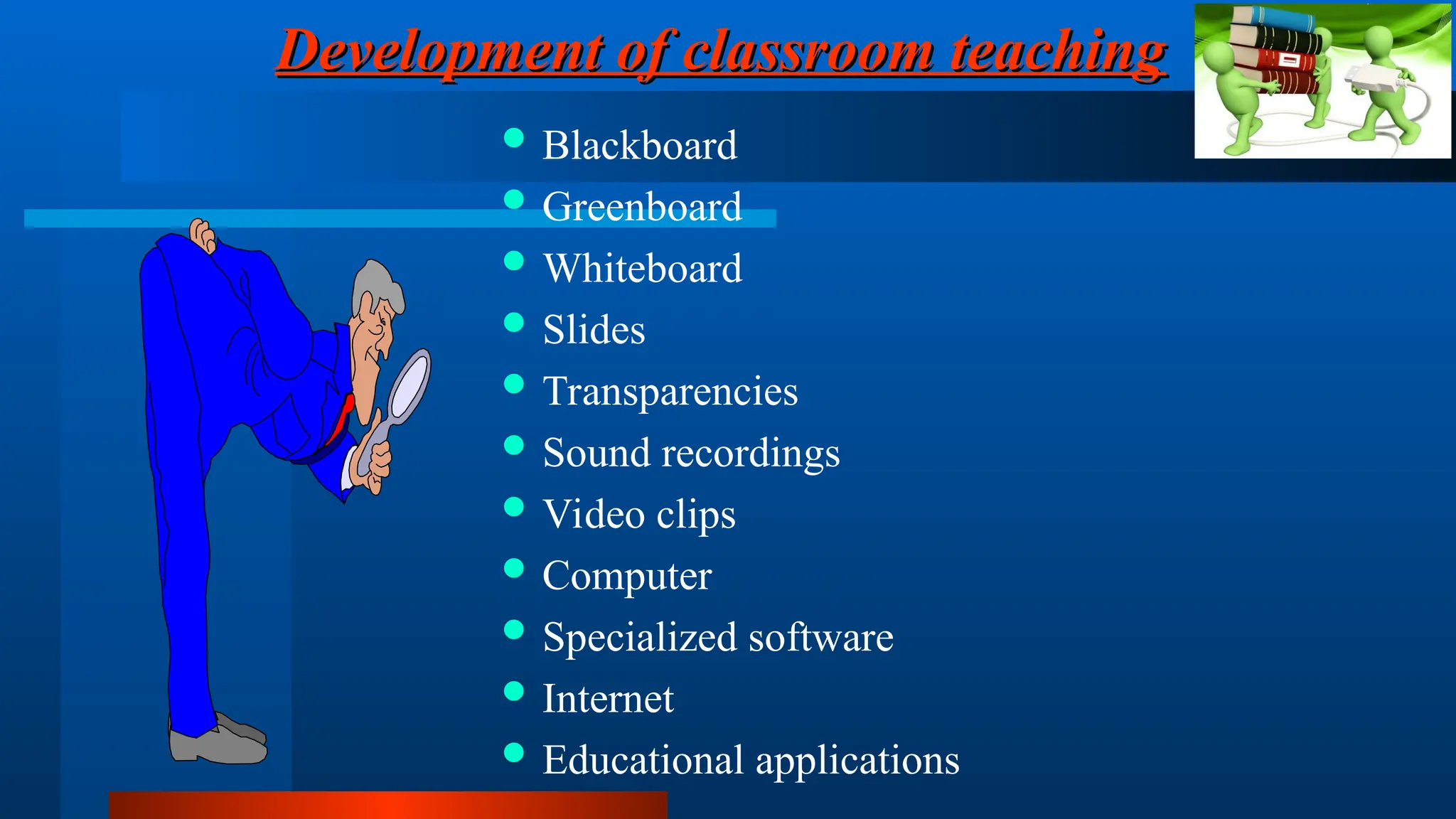
Development of classroom teaching
 Blackboard
 Greenboard
 Whiteboard
 Slides
 Transparencies
 Sound recordings
 Video clips
 Computer
 Specialized software
 Internet
 Educational applications
Barriers in the Classrooms
1. Attitudinal Barriers
2. Physical Barriers
3. Inappropriate Curriculum
4. Untrained Teachers
5. Inadequate Furniture
6. Poor Organization of the Education System
7. Policies as Barrier
8. Language & Communication Barrier
9. ‘Special Educational Needs’ As ‘Barriers’ to Inclusion
Technology in Education as Media and
Audio-visual Communications
Audiovisual movement: ways of delivering information that could be
used as alternatives to lectures and books.
Audiovisual communications: the “branch of educational theory and
practice concerned primarily with the design and use of messages
which control the learning process.”
(Saettler, IETIE,p6)
Technology in Education as
Instructional Systems
Human and non-human resources
( teachers and media).
Systematic approach to designing, developing, and delivering
instruction matched to carefully identified needs.
International Society for Performance Improvement.
Validating and creating instruction.
Technology in Education as
Vocational Training Tools
Current Applications of
Educational Technology Systems
--Instructional software
--Interactive video-based materials
--Courses through distance learning
– Productivity Tools:
--Prepare print instructional materials
--Keep records and analyze data
--Prepare and make instructional and informative presentations
--Organize time and materials
Instructional Technology Applications:
Applications of Technology in
Disability Rehabilitation
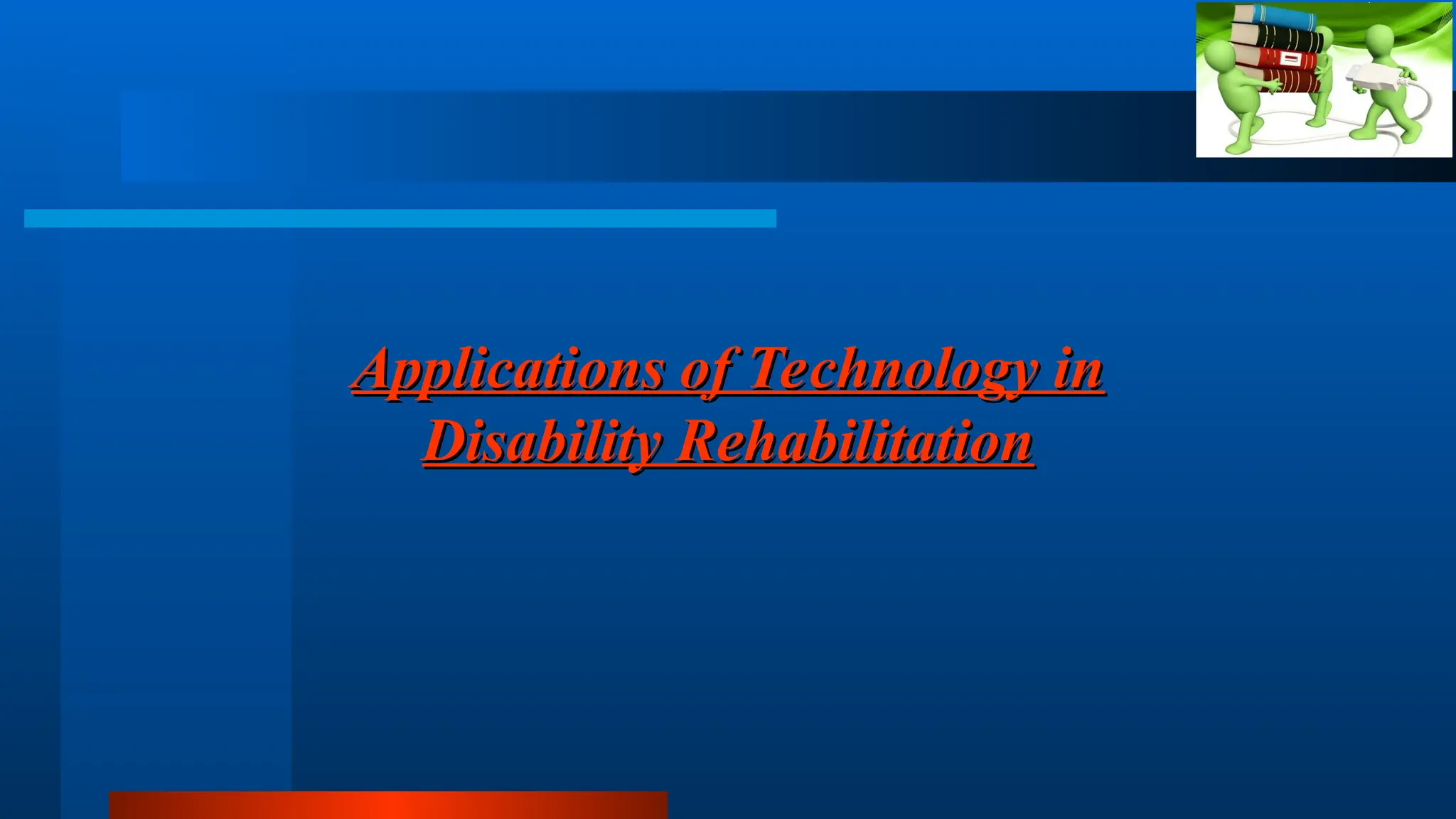
–Tools for CwHI:
-- Screening/Diagnostic tools
 OAE
 BERA
 Pure tone Audiometer
 Impedance
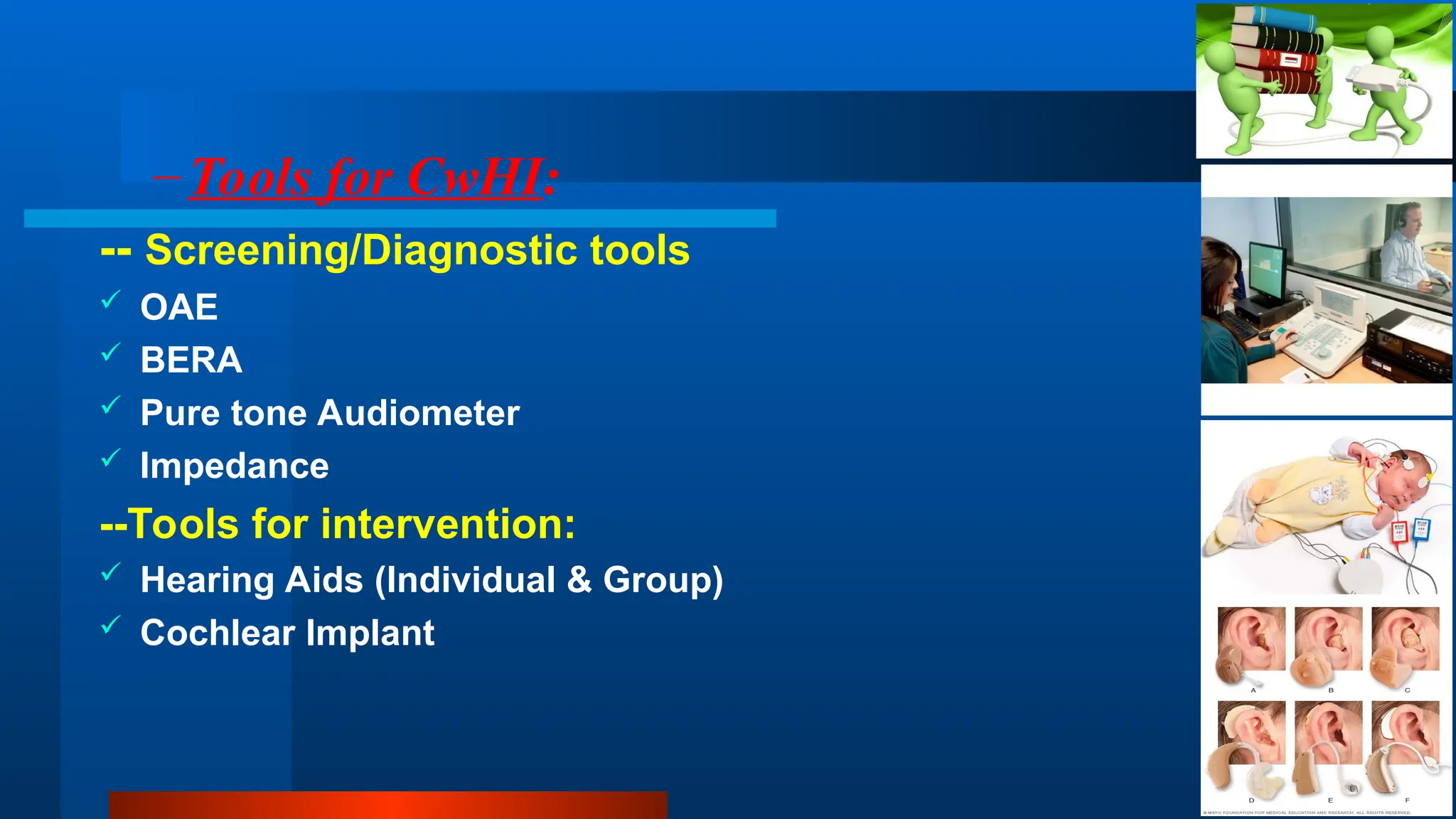
--Tools for intervention:
 Hearing Aids (Individual & Group)
 Cochlear Implant
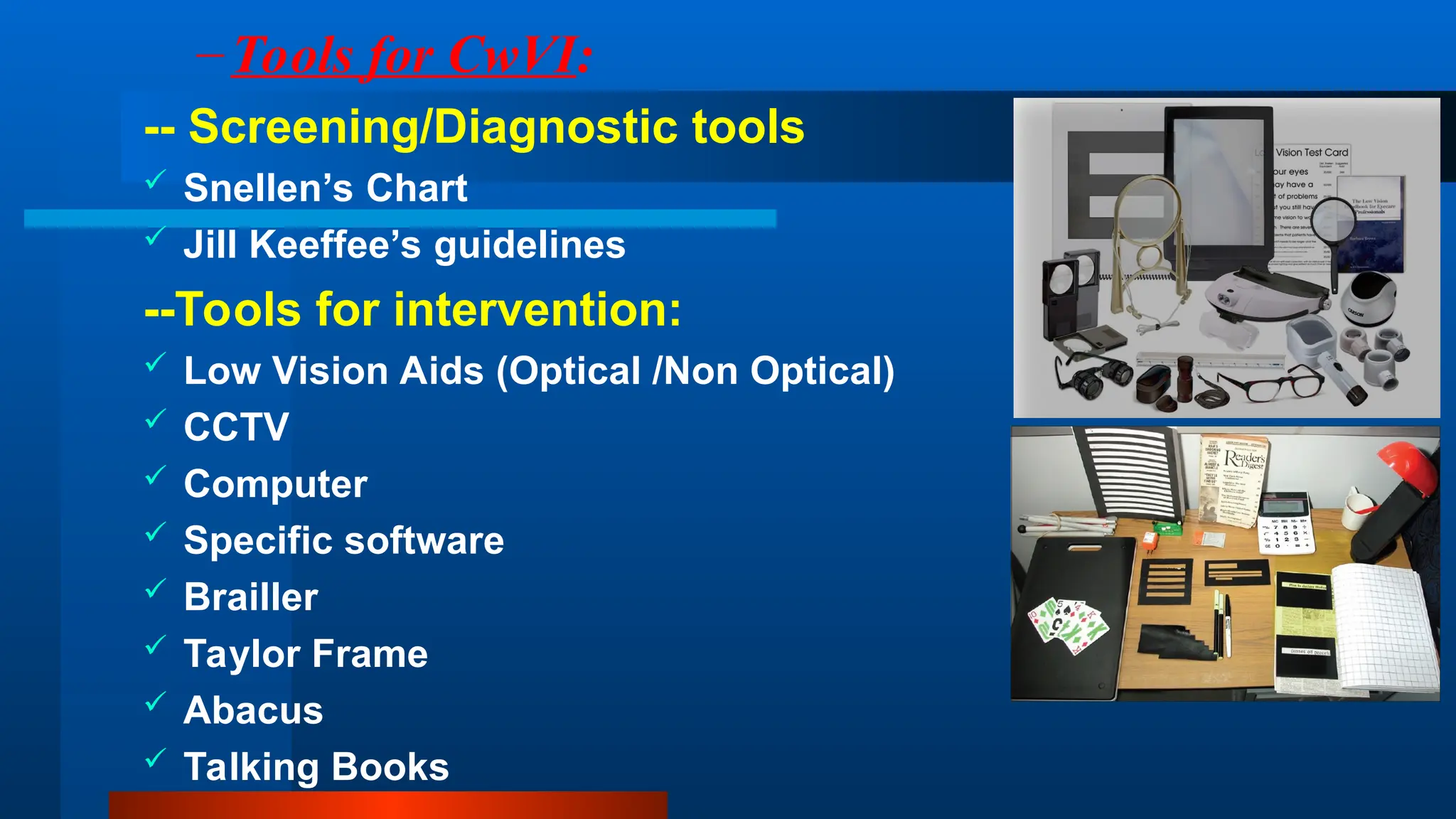
–Tools for CwVI:
-- Screening/Diagnostic tools
 Snellen’s Chart
 Jill Keeffee’s guidelines
--Tools for intervention:
 Low Vision Aids (Optical /Non Optical)
 CCTV
 Computer
 Specific software
 Brailler
 Taylor Frame
 Abacus
 Talking Books
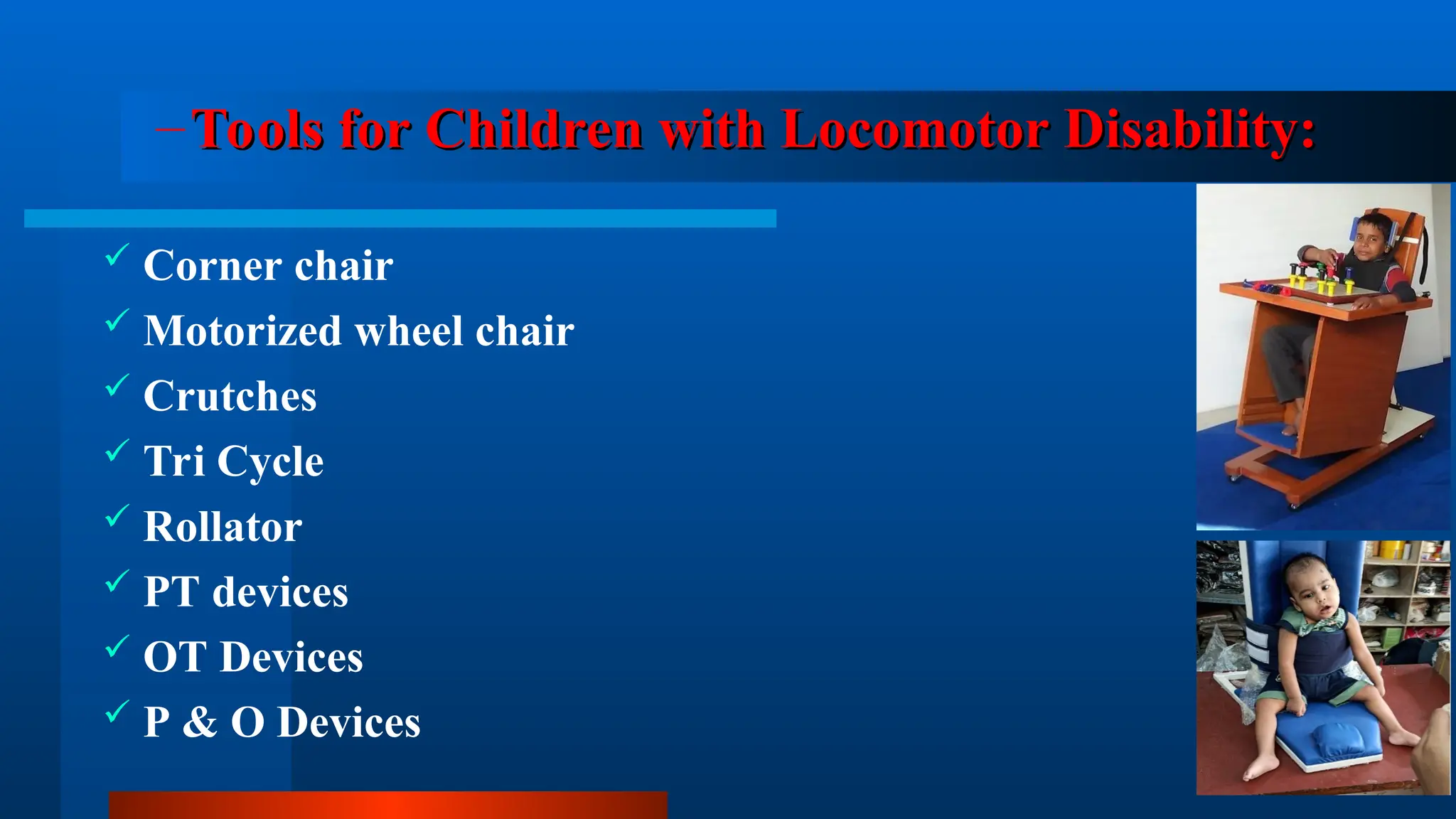
–Tools for Children with Locomotor Disability:
Tools for Children with Locomotor Disability:
 Corner chair
 Motorized wheel chair
 Crutches
 Tri Cycle
 Rollator
 PT devices
 OT Devices
 P & O Devices
Language & Communication tools
Linguistic Profile Test (LPT)
Language Improvement Indicator (LII)
Receptive Expressive Emergent Language(REEL)
Peabody Picture Vocabulary Test (PPVT)
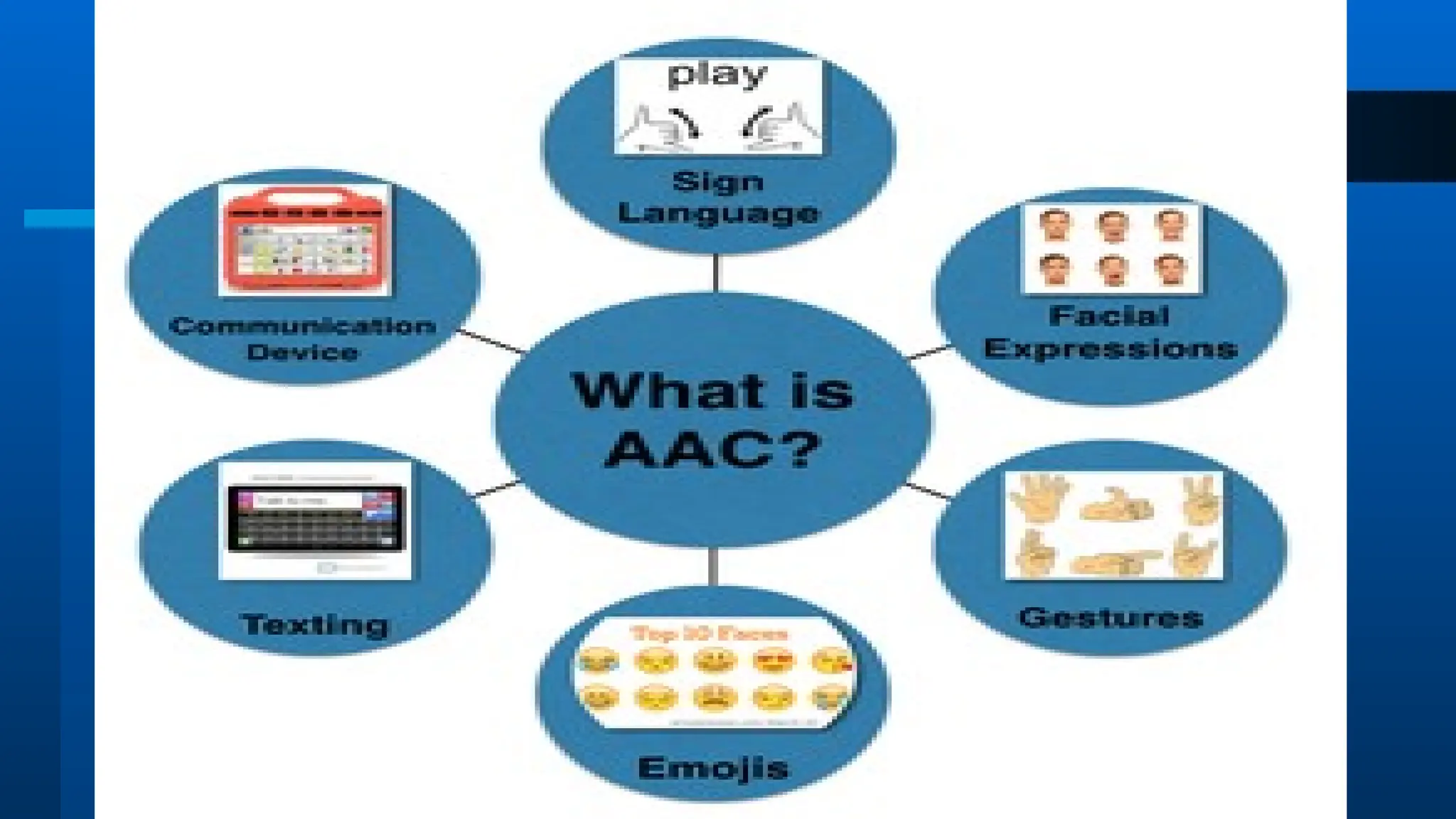
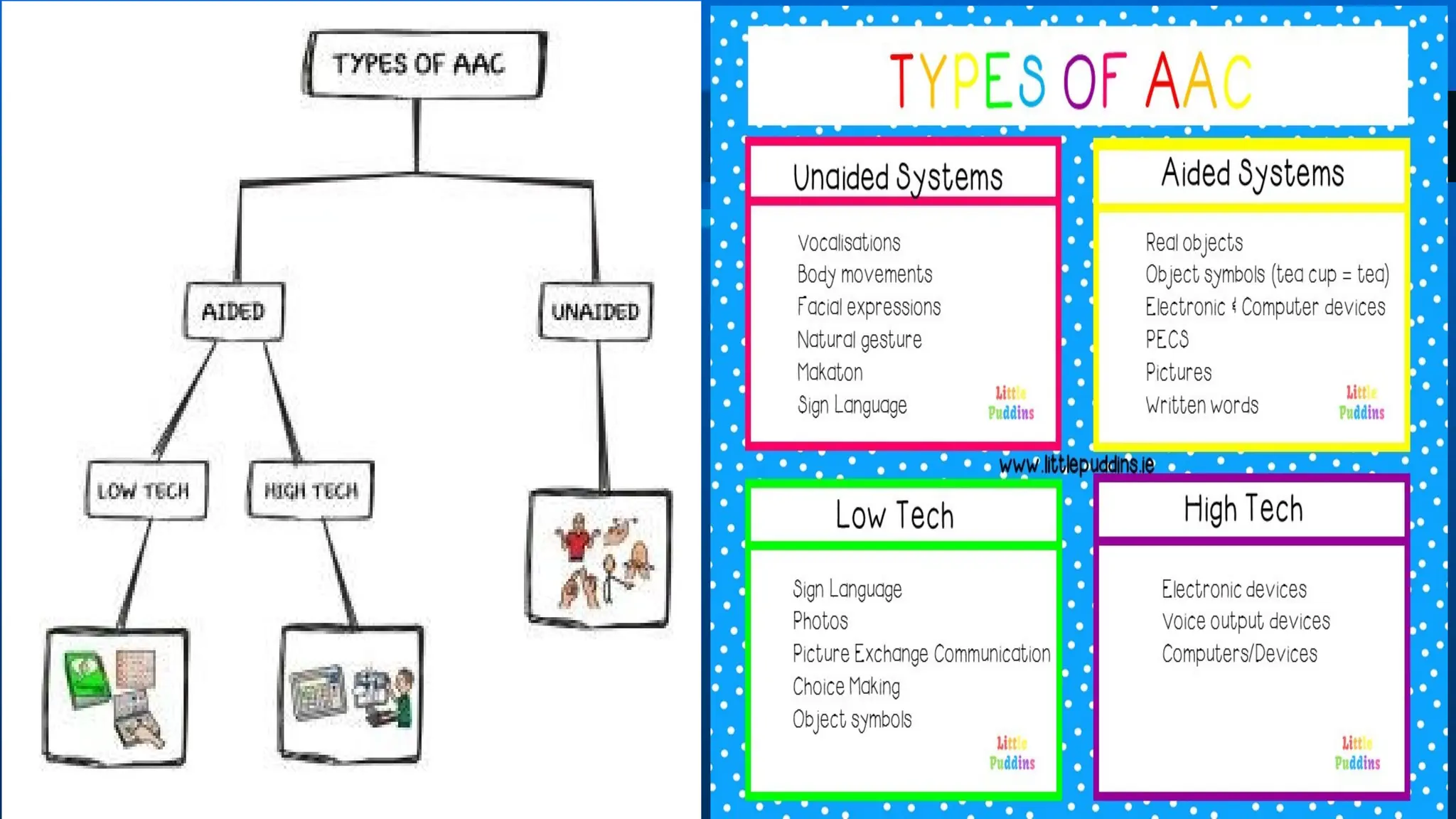
Augmentative & Alternative Communication
 Augmentative & alternative communication (AAC) is
an umbrella term that encompasses the communication
methods used to supplement or replace speech or writing
for those with impairments in the production or
comprehension of spoken or written language.
Universal Design for Learning
Universal design for learning (UDL) is a teaching
approach that works to accommodate the needs and
abilities of all learners and eliminates unnecessary
hurdles in the learning process and improves the
learning experience for all.
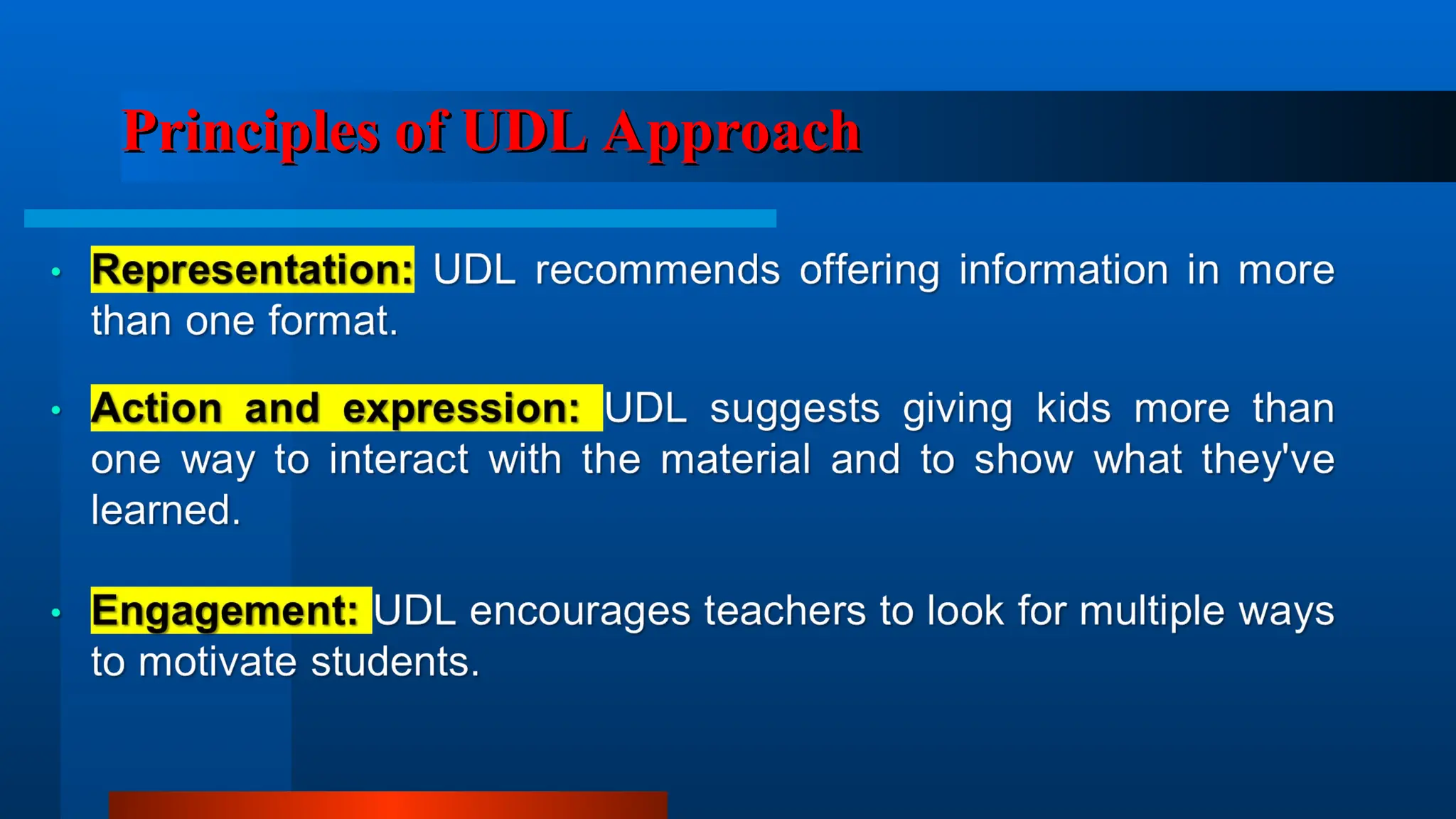
Principles of UDL Approach
-- The End --
-- The End --

the use of technology in the education .ppt

  • 1.
    Session’s Objectives Session’s Objectives Theparticipants should be aware about: Definitions of educational technology Addressing barriers in the classroom environment, Laboratory, Library etc. Concept of Universal Design for Learning solutions with reference to students with visual impairment, hearing impairment, communication disorders and intellectual disability
  • 2.
    Technology used inEducation: Technology used in Education: Concepts and Definitions Educational technology is the combined use of computer hardware, software, and educational theory and practice to facilitate learning. “the technological tools and media that assist in the communication of knowledge. Education ICT is the use of information and communication technologies (ICT) for educational purposes.”
  • 3.
    Why Educational Technology?? WhyEducational Technology?? • Personalized learning with access to data. • Prepares students for the 21st century workforce with modern technology skills and competencies. • Helps educators create blended learning environments that make learning relevant to students’ lives. • Gives educators access to real-time feedback through digital formative and summative assessments and data.
  • 5.
    Development of classroomteaching Development of classroom teaching  Blackboard  Greenboard  Whiteboard  Slides  Transparencies  Sound recordings  Video clips  Computer  Specialized software  Internet  Educational applications
  • 6.
    Barriers in theClassrooms Barriers in the Classrooms 1. Attitudinal Barriers 2. Physical Barriers 3. Inappropriate Curriculum 4. Untrained Teachers 5. Inadequate Furniture 6. Poor Organization of the Education System 7. Policies as Barrier 8. Language & Communication Barrier 9. ‘Special Educational Needs’ As ‘Barriers’ to Inclusion
  • 7.
    Technology in Educationas Media and Technology in Education as Media and Audio-visual Communications Audio-visual Communications
  • 8.
    Audiovisual movement: waysof delivering information that could be used as alternatives to lectures and books. Audiovisual communications: the “branch of educational theory and practice concerned primarily with the design and use of messages which control the learning process.” (Saettler, IETIE,p6)
  • 9.
    Technology in Educationas Technology in Education as Instructional Systems Instructional Systems
  • 10.
    Human and non-humanresources ( teachers and media). Systematic approach to designing, developing, and delivering instruction matched to carefully identified needs. International Society for Performance Improvement. Validating and creating instruction.
  • 11.
    Technology in Educationas Technology in Education as Vocational Training Tools Vocational Training Tools
  • 13.
    Current Applications of CurrentApplications of Educational Technology Systems Educational Technology Systems
  • 14.
    --Instructional software --Interactive video-basedmaterials --Courses through distance learning – Productivity Tools: --Prepare print instructional materials --Keep records and analyze data --Prepare and make instructional and informative presentations --Organize time and materials Instructional Technology Applications:
  • 15.
    Applications of Technologyin Applications of Technology in Disability Rehabilitation Disability Rehabilitation
  • 16.
    –Tools for CwHI: --Screening/Diagnostic tools  OAE  BERA  Pure tone Audiometer  Impedance --Tools for intervention:  Hearing Aids (Individual & Group)  Cochlear Implant
  • 17.
    –Tools for CwVI: --Screening/Diagnostic tools  Snellen’s Chart  Jill Keeffee’s guidelines --Tools for intervention:  Low Vision Aids (Optical /Non Optical)  CCTV  Computer  Specific software  Brailler  Taylor Frame  Abacus  Talking Books
  • 18.
    –Tools for Childrenwith Locomotor Disability: Tools for Children with Locomotor Disability:  Corner chair  Motorized wheel chair  Crutches  Tri Cycle  Rollator  PT devices  OT Devices  P & O Devices
  • 19.
    Language & Communicationtools Language & Communication tools Linguistic Profile Test (LPT) Language Improvement Indicator (LII) Receptive Expressive Emergent Language(REEL) Peabody Picture Vocabulary Test (PPVT)
  • 20.
    Augmentative & AlternativeCommunication Augmentative & Alternative Communication  Augmentative & alternative communication (AAC) is an umbrella term that encompasses the communication methods used to supplement or replace speech or writing for those with impairments in the production or comprehension of spoken or written language.
  • 23.
    Universal Design forLearning Universal Design for Learning Universal design for learning (UDL) is a teaching approach that works to accommodate the needs and abilities of all learners and eliminates unnecessary hurdles in the learning process and improves the learning experience for all.
  • 24.
    Principles of UDLApproach Principles of UDL Approach
  • 26.
    -- The End-- -- The End --