The Universal Developer
Deploying Modern Solutions on the Mac
Kevin Walzer
Overview
● About myself
● Why the Mac?
● Brief history of Tcl/Tk
on the Mac
● Carbon port
● Cocoa port
● Tk-Cocoa 2.0
● State of Tk/Mac at present
● Tk/Mac applications
● Best practices for
developing Tk on the Mac
● Optimizing a Tk app on OS
X: A case study
● Looking to the future
About me
● Kevin Walzer
● www.codebykevin.com
● Developing Tcl/Tk apps
on Mac since 2004
● Developing Tcl/Tk
extensions since 2006
● Took over as Tk-Mac
maintainer in 2011
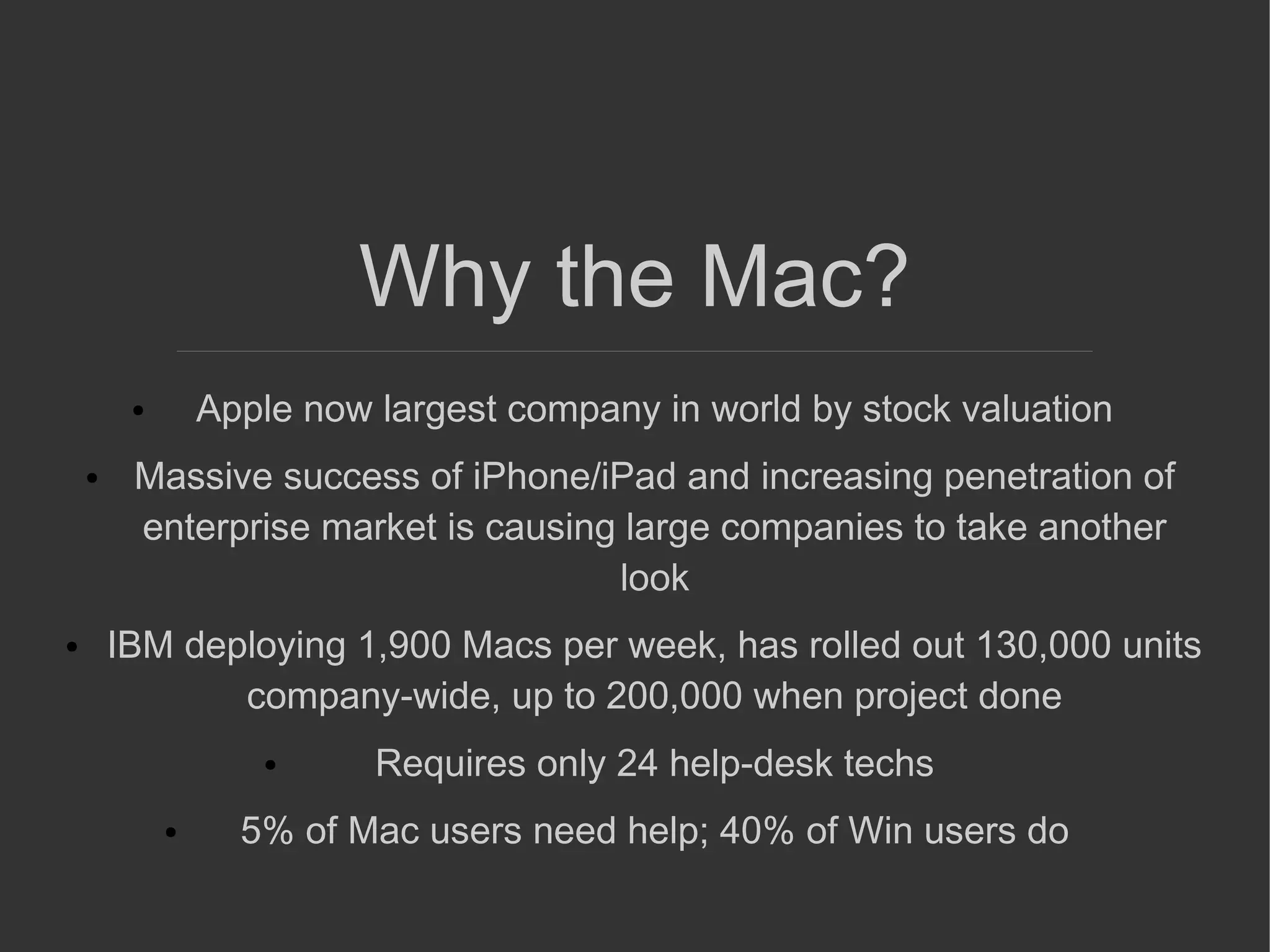
Why the Mac?
● Apple now largest company in world by stock valuation
● Massive success of iPhone/iPad and increasing penetration of
enterprise market is causing large companies to take another
look
● IBM deploying 1,900 Macs per week, has rolled out 130,000 units
company-wide, up to 200,000 when project done
● Requires only 24 help-desk techs
● 5% of Mac users need help; 40% of Win users do
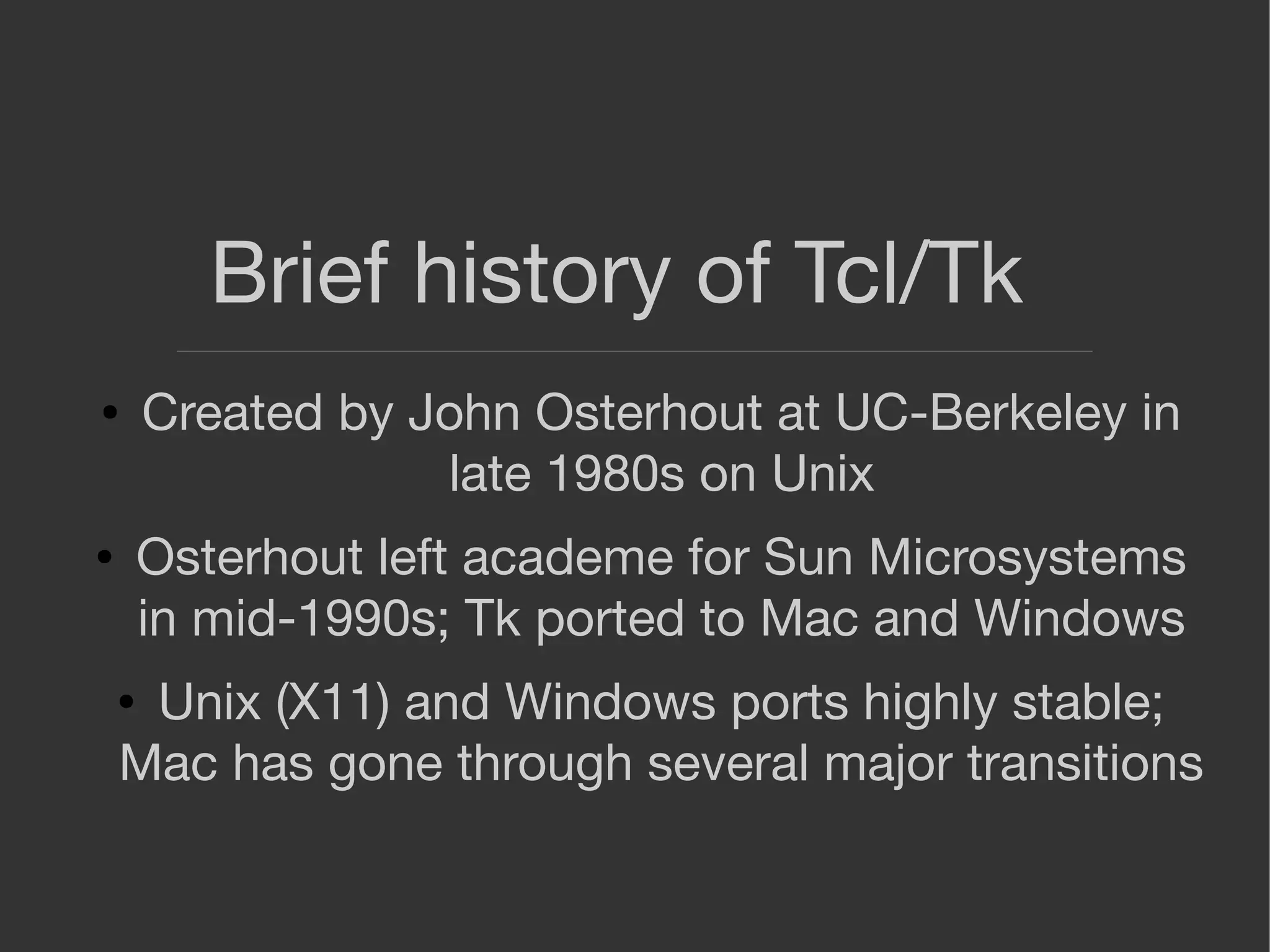
Brief history of Tcl/Tk
● Created by John Osterhout at UC-Berkeley in
late 1980s on Unix
● Osterhout left academe for Sun Microsystems
in mid-1990s; Tk ported to Mac and Windows
● Unix (X11) and Windows ports highly stable;
Mac has gone through several major transitions
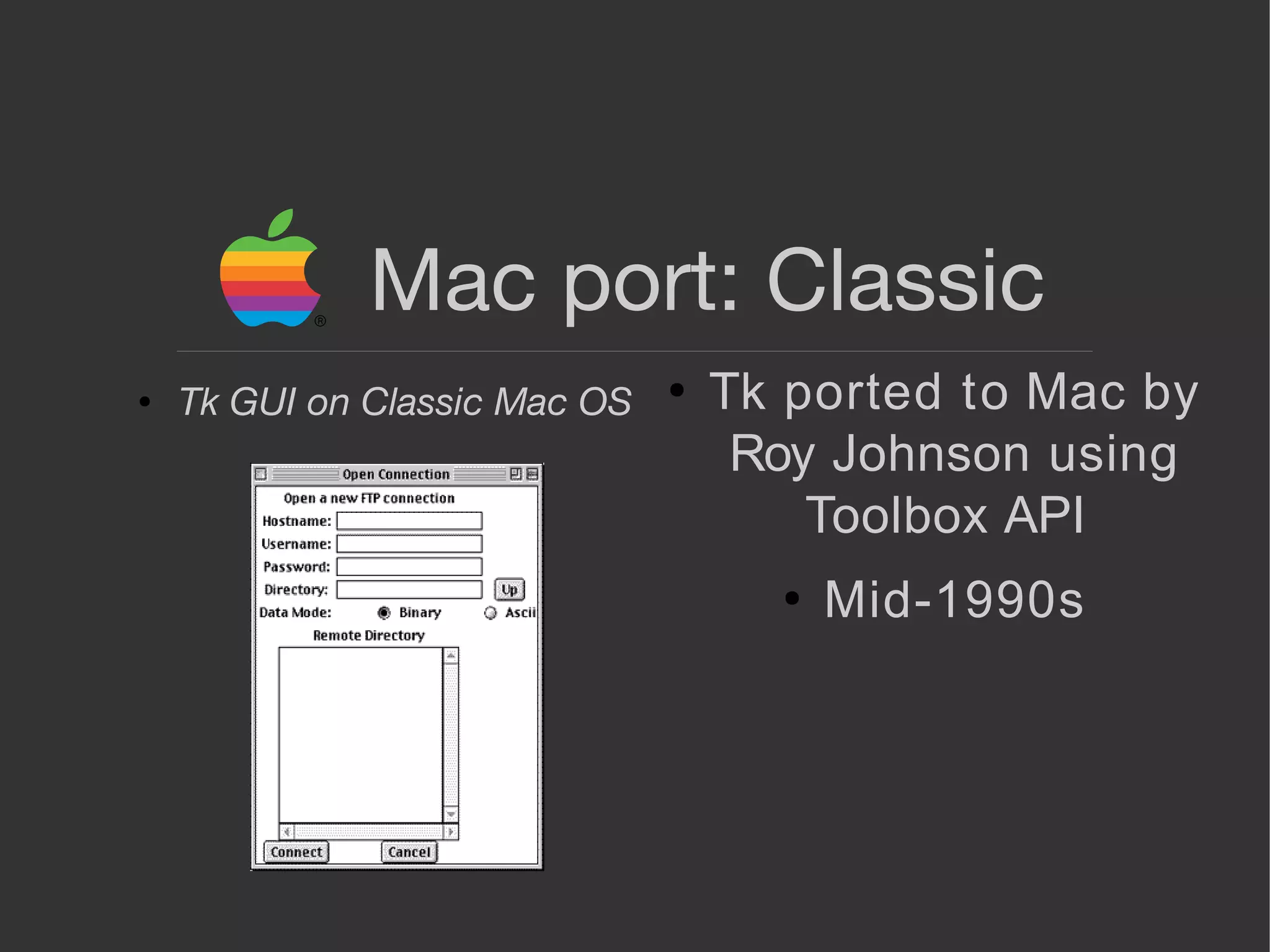
Mac port: Classic
●
Tk ported to Mac by
Roy Johnson using
Toolbox API
●
Mid-1990s
● Tk GUI on Classic Mac OS
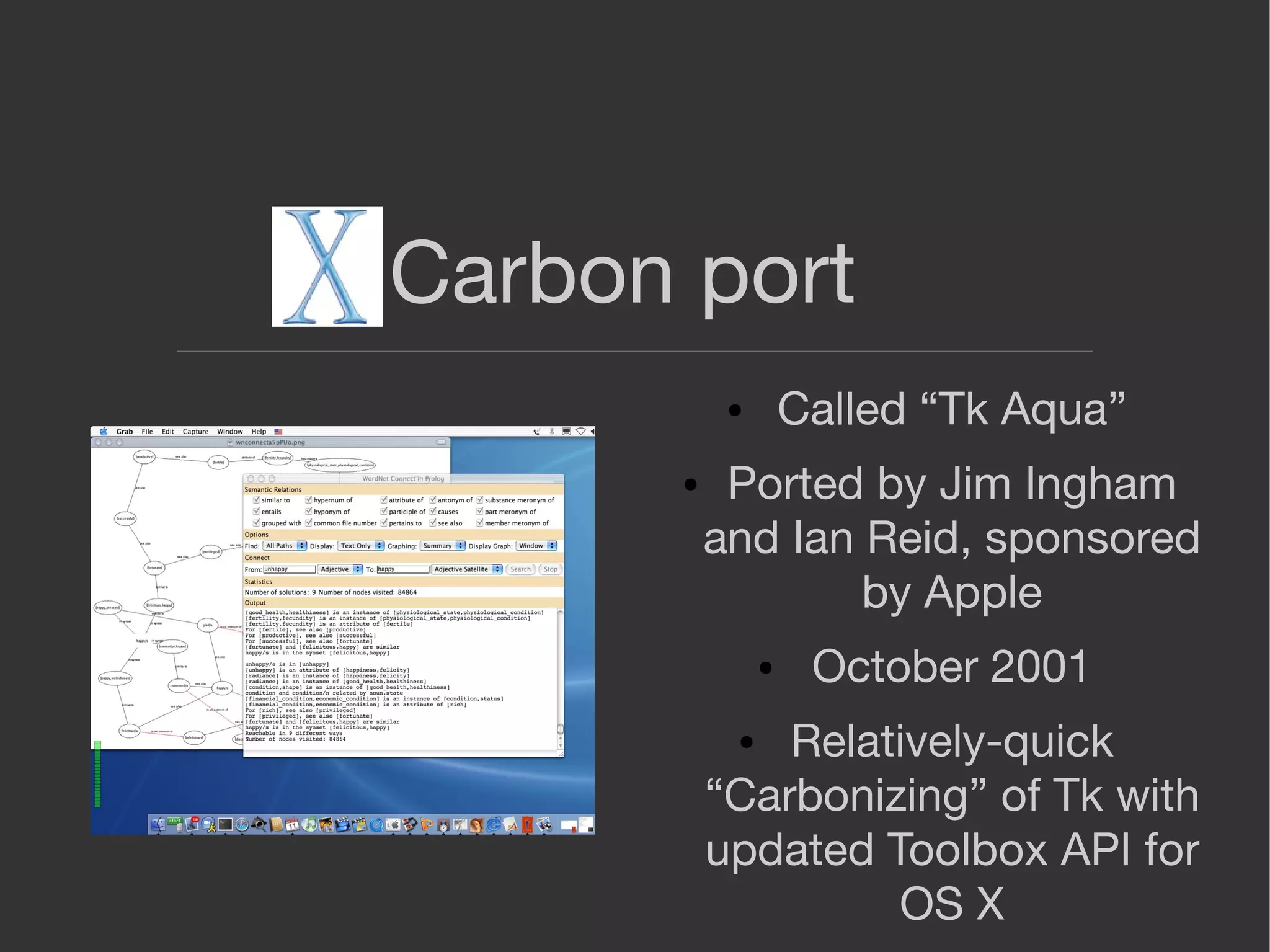
Carbon port
● Called “Tk Aqua”
● Ported by Jim Ingham
and Ian Reid, sponsored
by Apple
● October 2001
● Relatively-quick
“Carbonizing” of Tk with
updated Toolbox API for
OS X
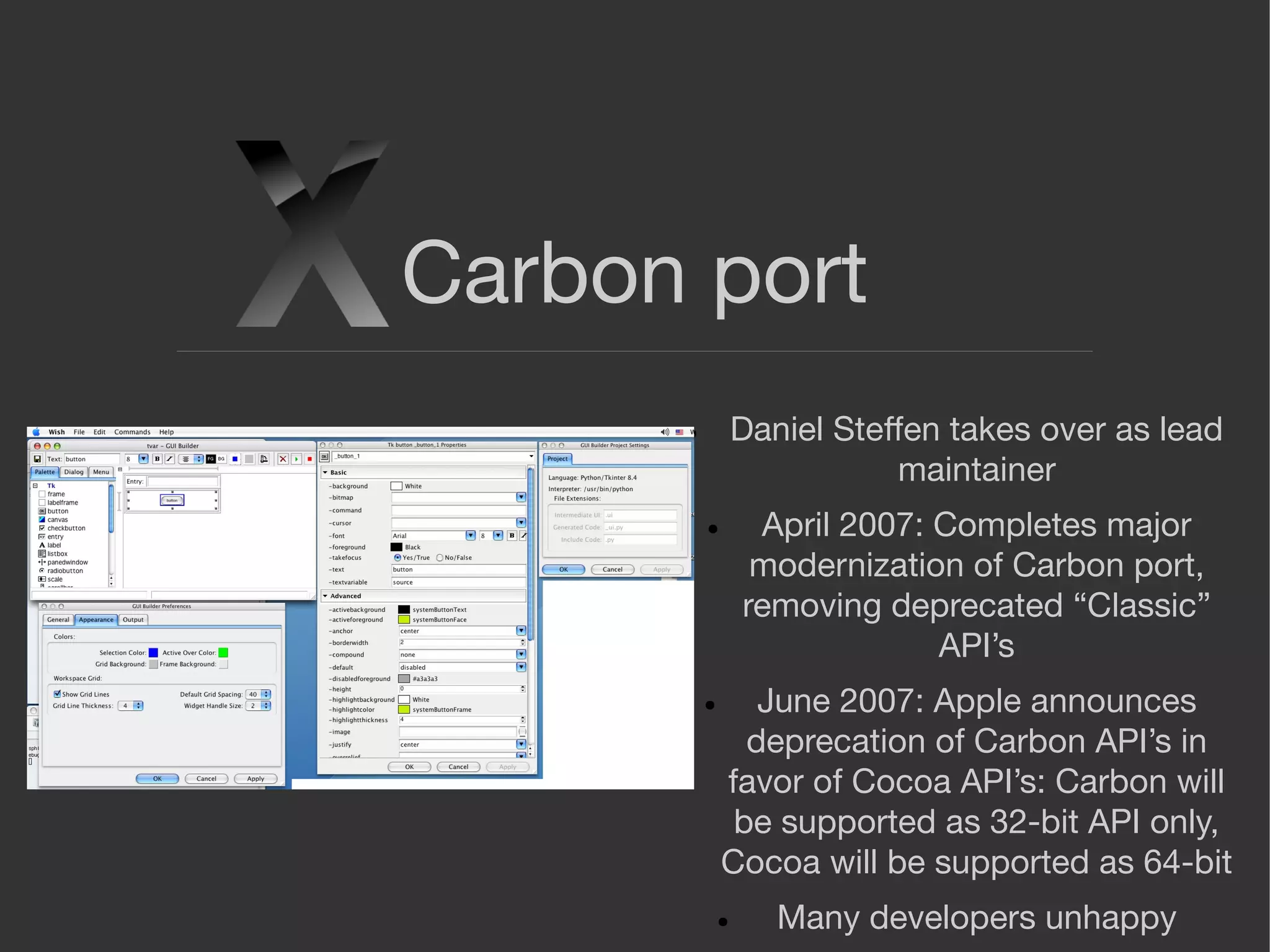
Carbon port
● Daniel Steffen takes over as lead
maintainer
● April 2007: Completes major
modernization of Carbon port,
removing deprecated “Classic”
API’s
● June 2007: Apple announces
deprecation of Carbon API’s in
favor of Cocoa API’s: Carbon will
be supported as 32-bit API only,
Cocoa will be supported as 64-bit
● Many developers unhappy
Cocoa port
● Apple hires Daniel Steffen to port Tk from
Carbon to Cocoa
● Begins work September 2008, announces
release April 2009
● Ensures Tk’s viability on OS X with 64-bit
support
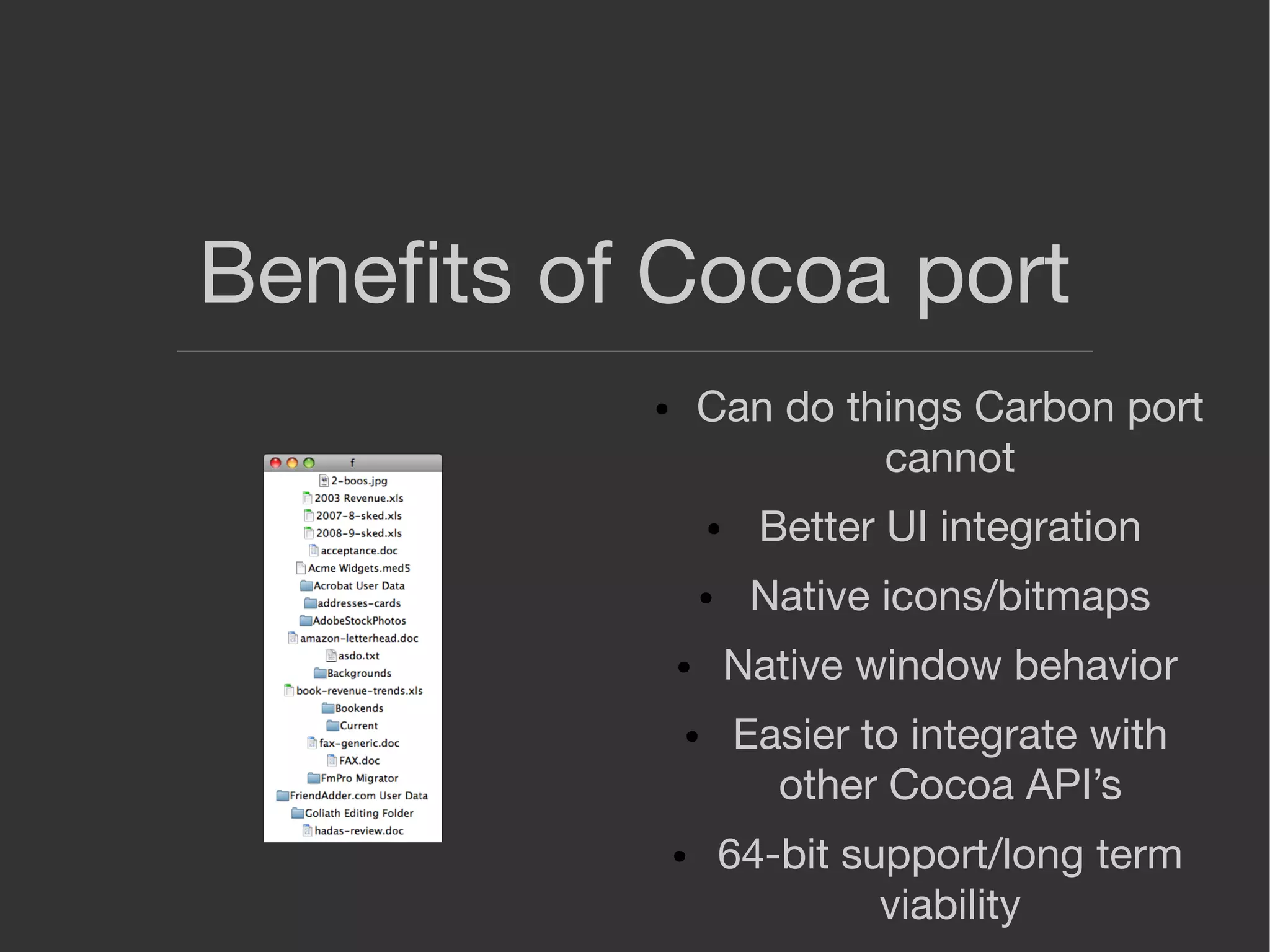
Benefits of Cocoa port
● Can do things Carbon port
cannot
● Better UI integration
● Native icons/bitmaps
● Native window behavior
● Easier to integrate with
other Cocoa API’s
● 64-bit support/long term
viability
2010-2013: Cocoa issues
● More complex design than
Carbon
● High-level widgets and event
loop do not map neatly to Tk’s
low-level, draw-everything
model
● Tk often freezes at random
intervals, especially when
event loop overloaded
● Drawing sometimes displays
artifacts
2010-2013 Cocoa issues
● Use of private API’s
prevents deploying Tk-
Cocoa apps in Mac App
Store
● Author of port, Daniel
Steffen, hired by Apple
full time and can no
longer works on Tk
● Other developers lack
expertise to address
issues
Tk-Cocoa 2.0
● Decided to remove private API’s
● Removal revealed numerous flaws; Tk was
seriously broken
● Re-implementing several Tk widgets with
alternative API solved many of these issues
● Converted button, menubuttons and scrolling
to HITheme
Tk-Cocoa 2.0
● Cocoa design: NSWindow (toplevel) wraps NSView (window
content/client area)
● Tk uses single NSView for drawing child windows in a toplevel
● Buttons and scrolling were additional NSViews with their own
hierarchy of subviews
● Tk could not handle this complexity
● HITheme is a drawing-only API; ttk themed widgets already use it
● Much simpler to render widgets only and delegate widget behavior
to Tk
● HITheme is a relic of Carbon that was not removed because it is
useful for custom drawing
Tk-Cocoa 2.0
● Marc Culler, Python and Tkinter developer,
began contributing numerous patches to fix
and improve various aspects of Cocoa port:
image rendering, event processing, scrolling,
memory management
● Did not keep every one of his changes but
there was so much iteration that he earned a
co-author credit on Tk-Cocoa
Tk-Cocoa at present
● Finally stable: 8.6.5 will mark point release of
stable Tk/Mac
● Rapid, heavy development phase complete
Tcl/Tk apps on OS X -
Commercial
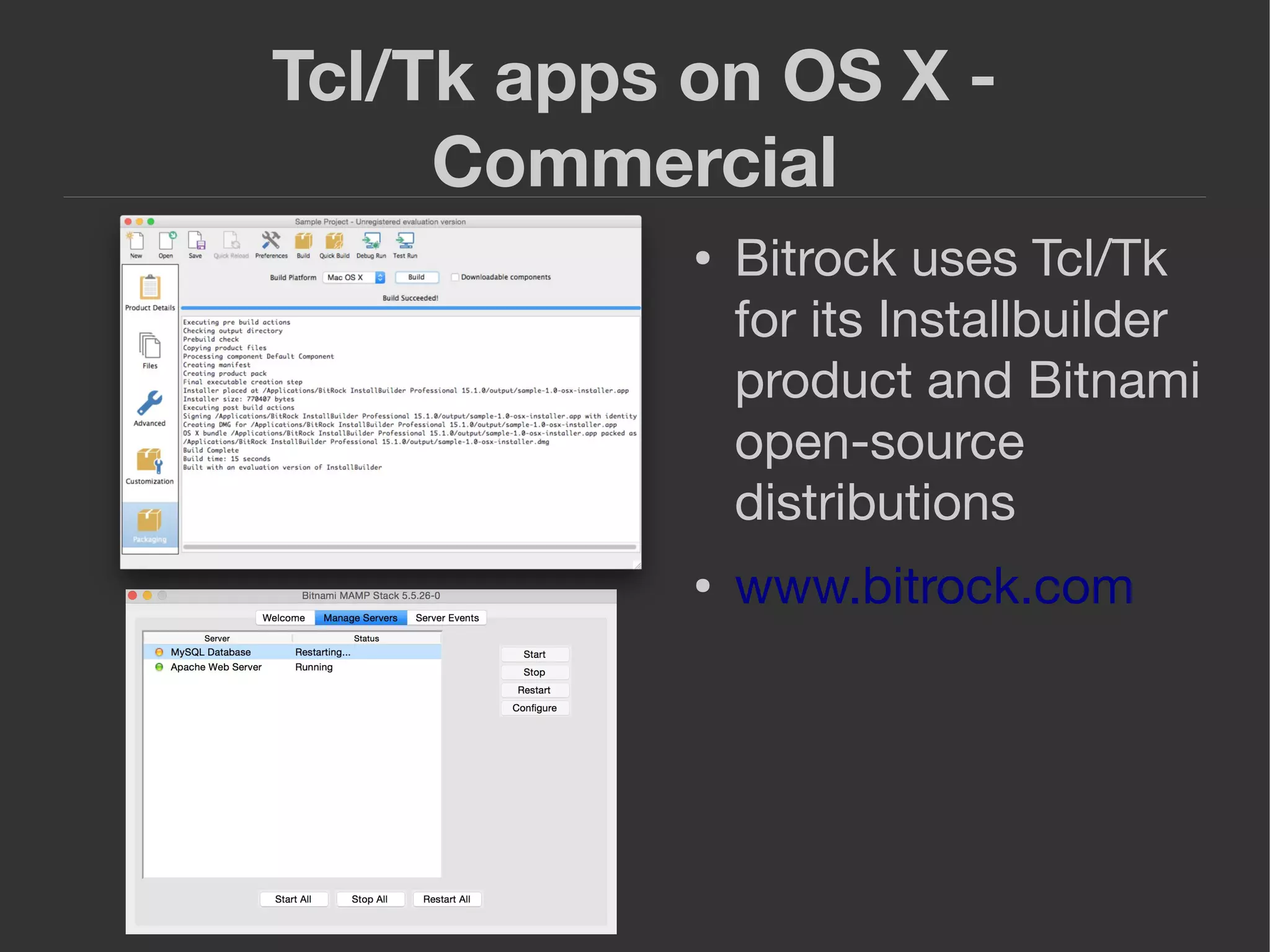
● Bitrock uses Tcl/Tk
for its Installbuilder
product and Bitnami
open-source
distributions
● www.bitrock.com
Tcl/Tk apps on OS X -
Commercial
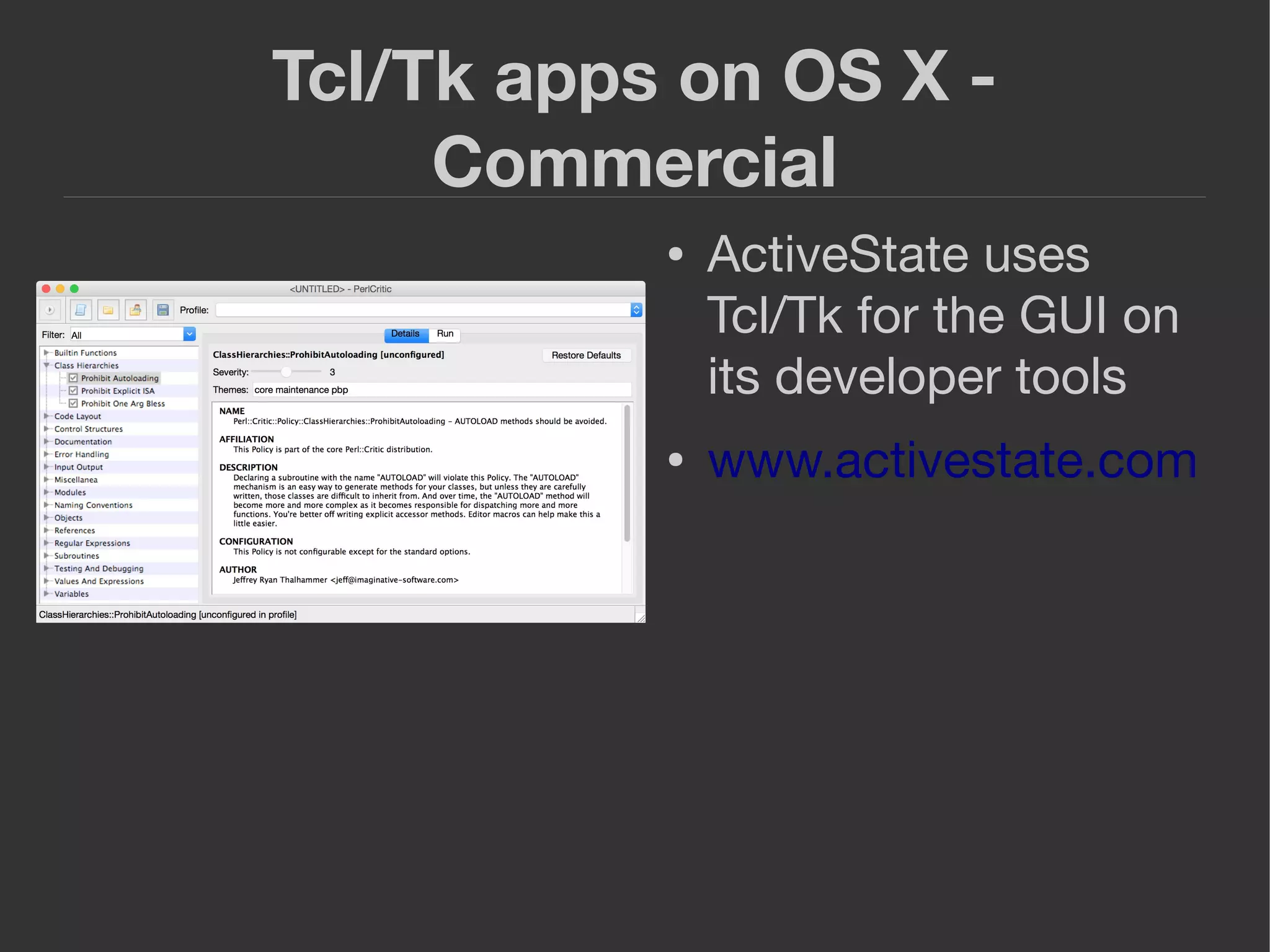
● ActiveState uses
Tcl/Tk for the GUI on
its developer tools
● www.activestate.com
Tcl/Tk apps on OS X -
Commercial
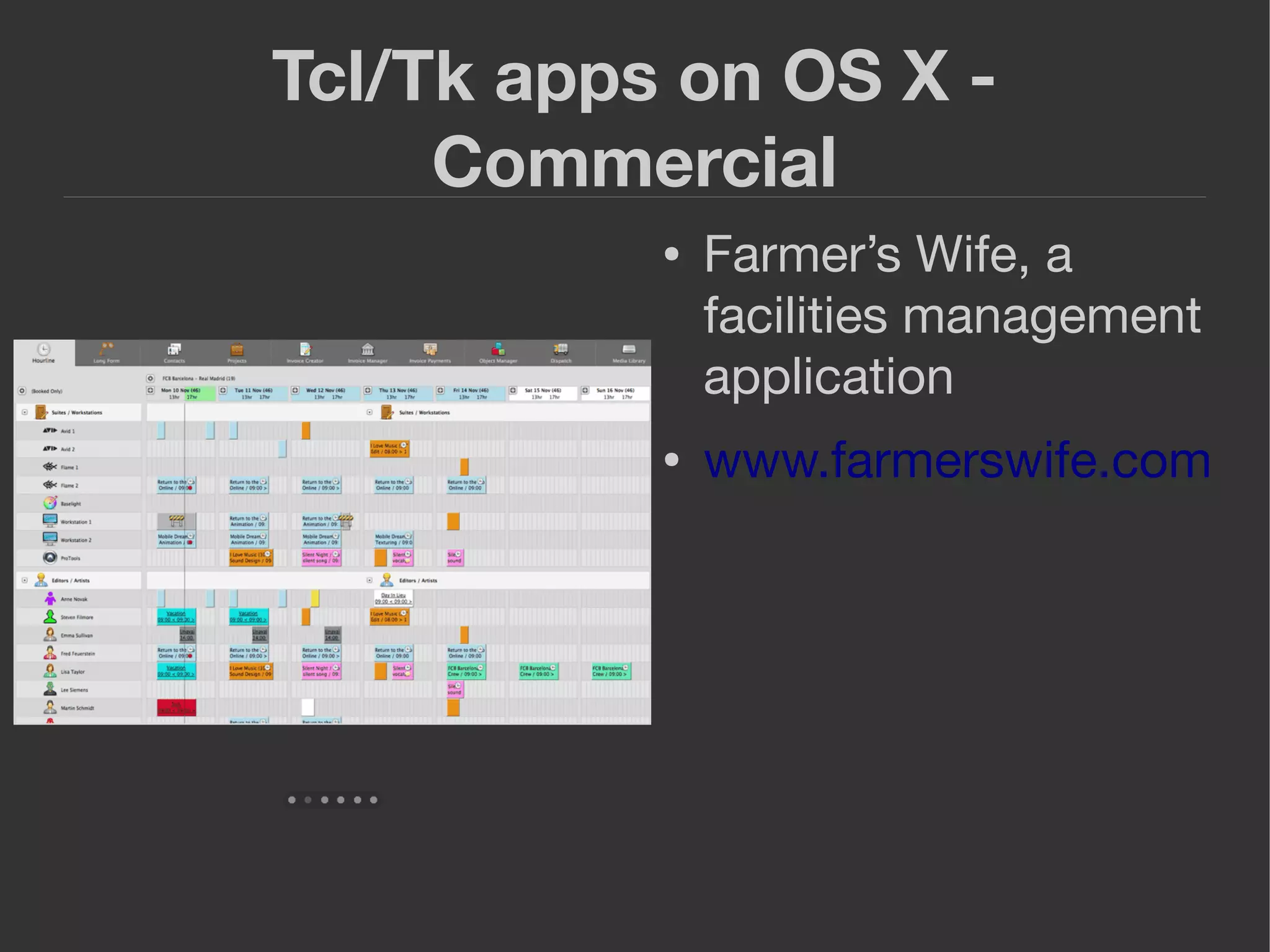
● Farmer’s Wife, a
facilities management
application
● www.farmerswife.com
Tcl/Tk apps on OS X -
Commercial
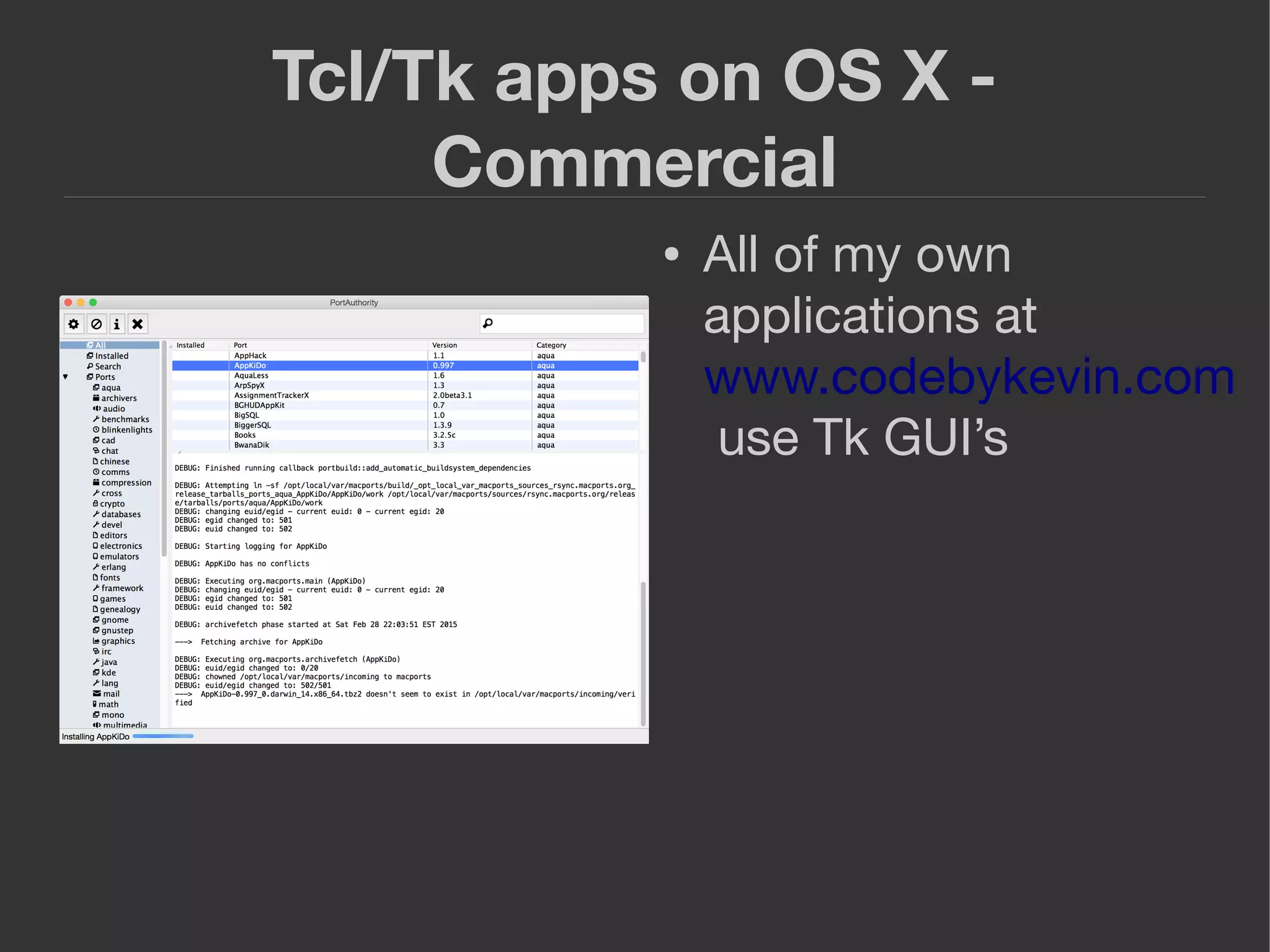
● All of my own
applications at
www.codebykevin.com
use Tk GUI’s
Tcl/Tk apps on OS X – Open
Source
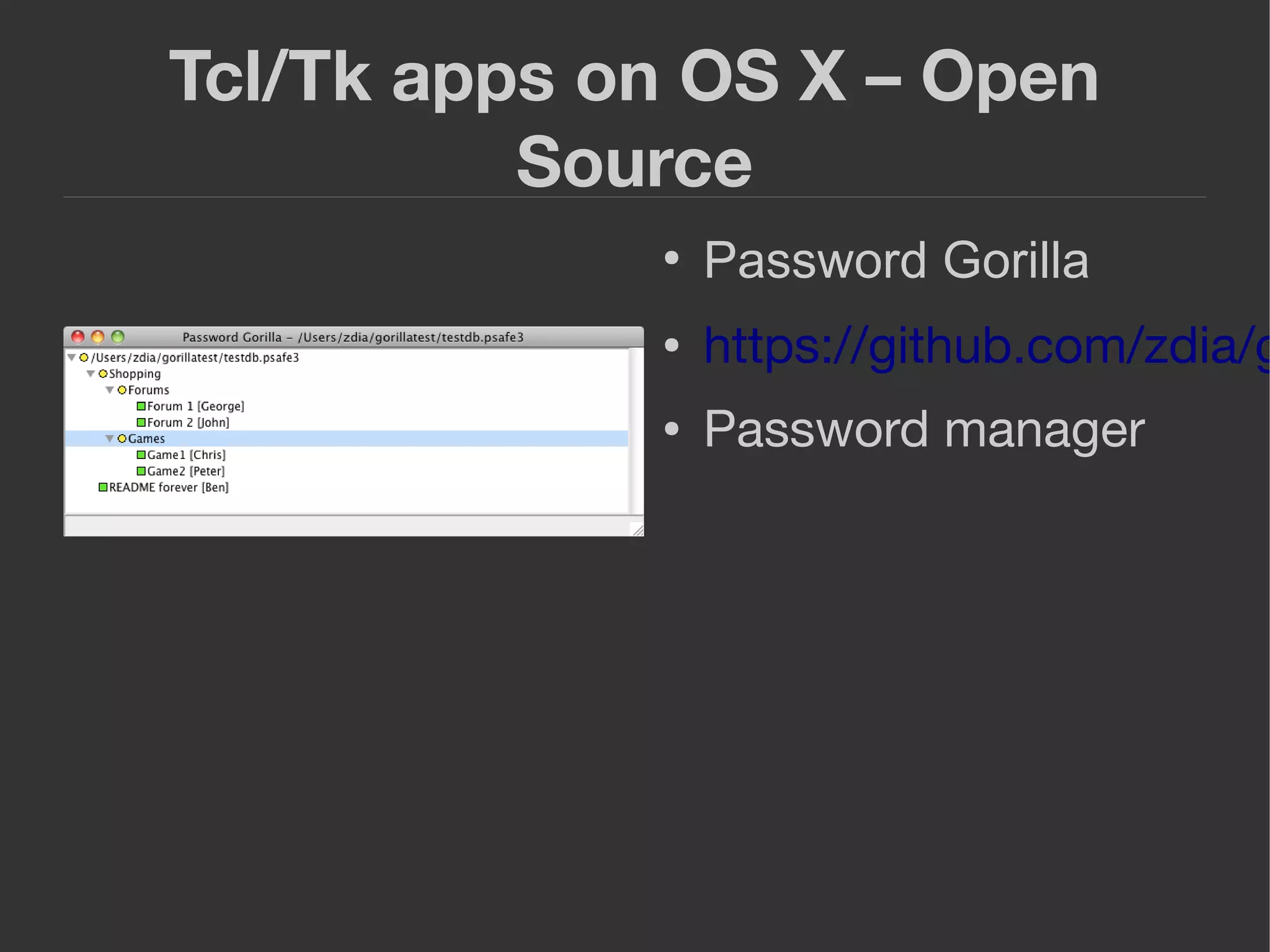
●
Password Gorilla
● https://github.com/zdia/g
● Password manager
Tcl/Tk apps on OS X – Open
Source
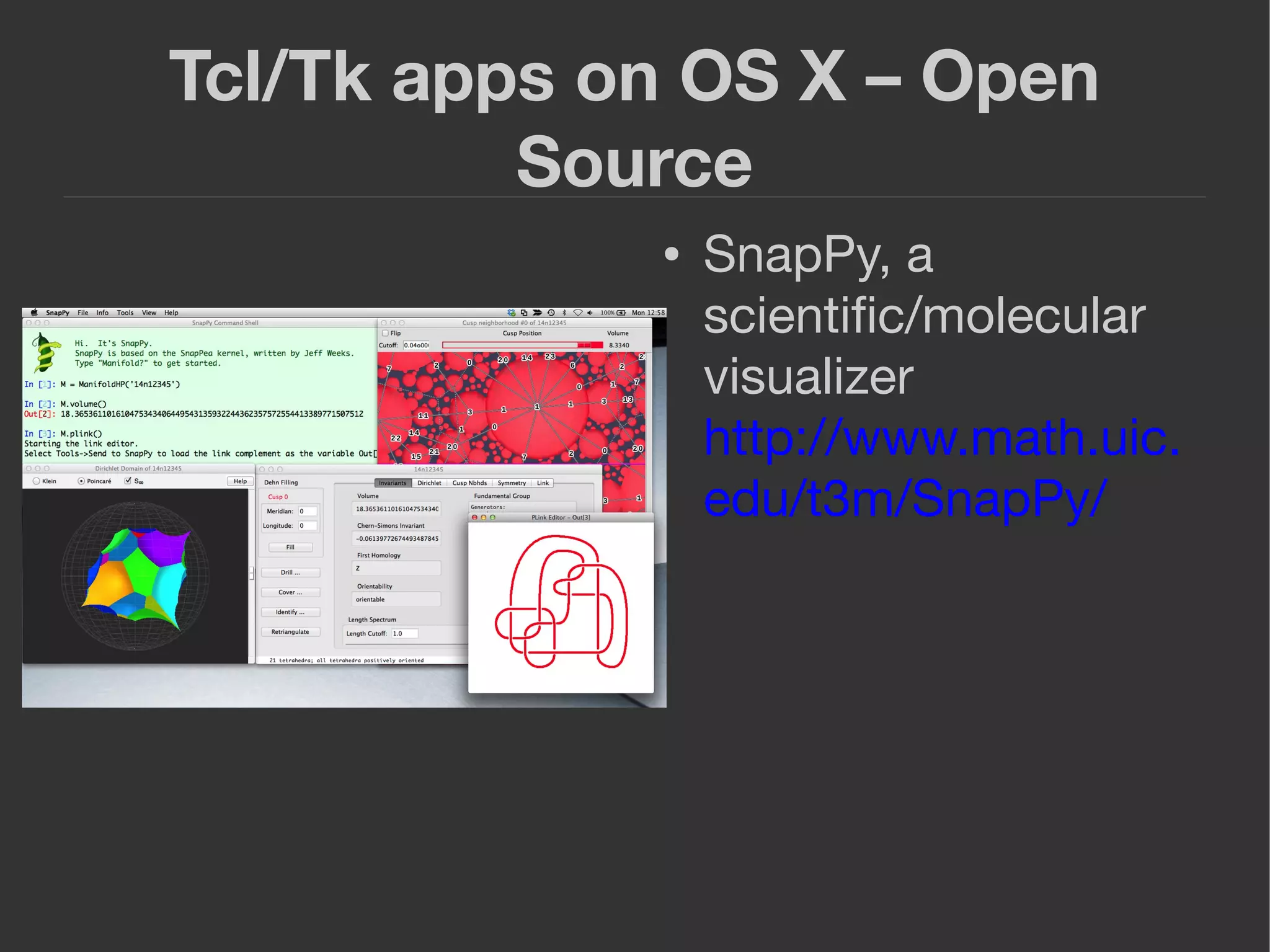
● SnapPy, a
scientific/molecular
visualizer
http://www.math.uic.
edu/t3m/SnapPy/
Tcl/Tk apps on OS X – Open
Source
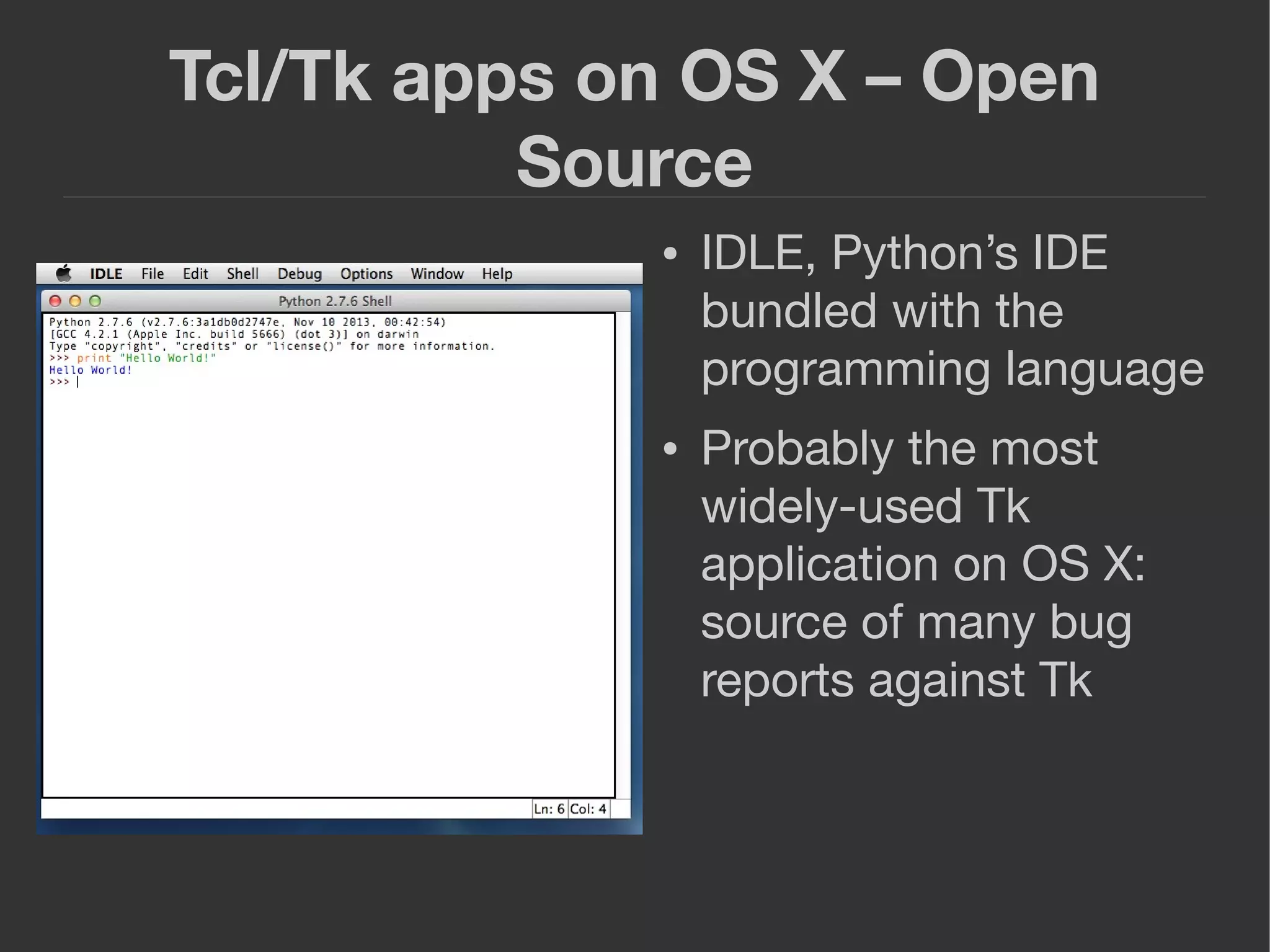
● IDLE, Python’s IDE
bundled with the
programming language
● Probably the most
widely-used Tk
application on OS X:
source of many bug
reports against Tk
Best practices for developing
Tcl/Tk apps on OS X
● Mac users place a premium on the user
experience and user interface
● Mac platform has interface guidelines that
most apps conform to
● While Tk is cross-platform, a little extra work
will make your app work much better in the
Mac environment and will make Mac users
more comfortable using it.
Best practices for developing
Tcl/Tk apps on OS X
● Use a Mac application structure - starpack
|-- StarkitApp.app
| `-- Contents
| |-- Info.plist <-----XML file with app configuration data
| |-- MacOS
| | `-- starpack <-----executable
| `-- Resources
| `-- StarkitApp.icns
Best practices for developing
Tcl/Tk apps on OS X
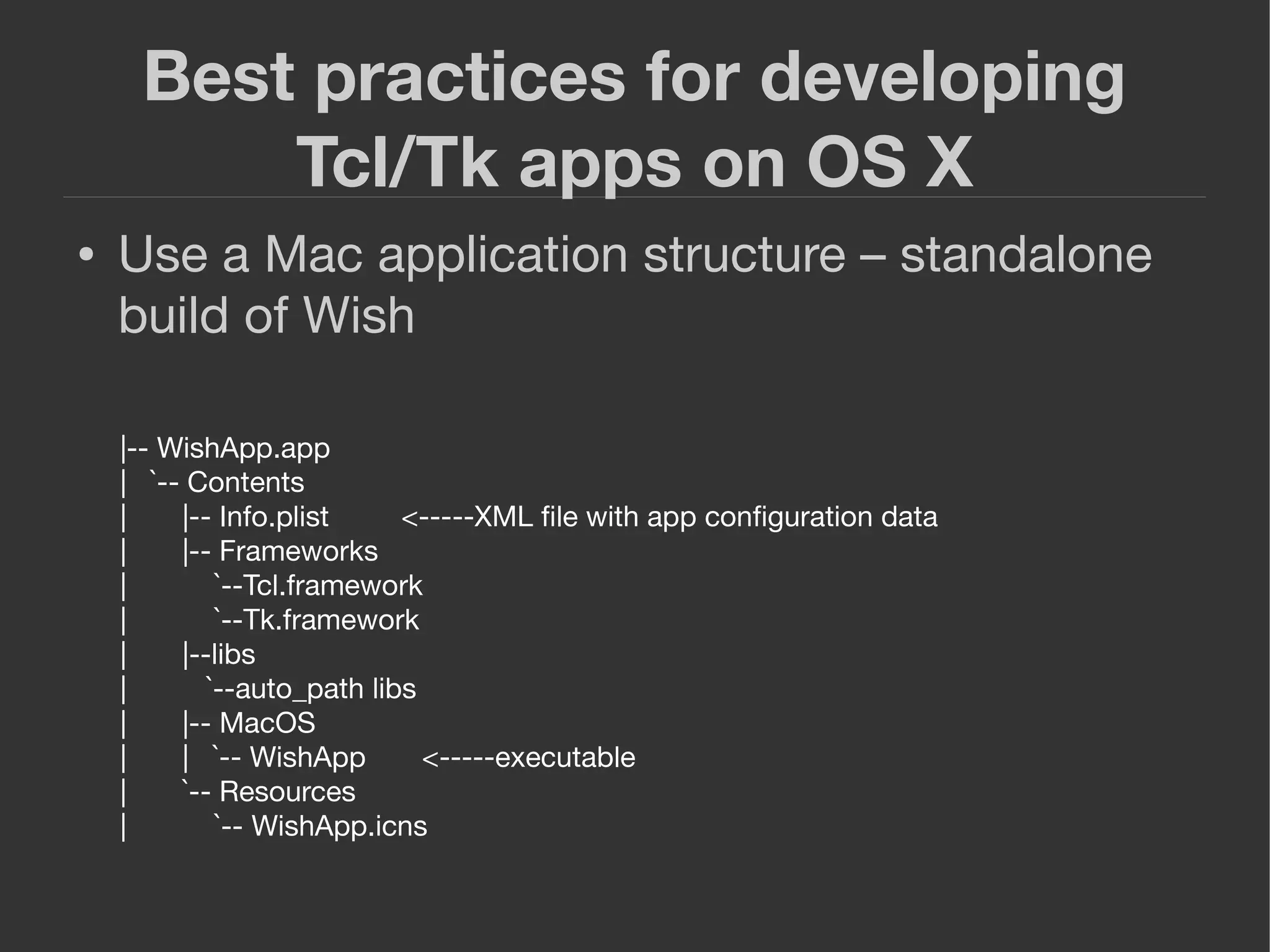
● Use a Mac application structure – standalone
build of Wish
|-- WishApp.app
| `-- Contents
| |-- Info.plist <-----XML file with app configuration data
| |-- Frameworks
| `--Tcl.framework
| `--Tk.framework
| |--libs
| `--auto_path libs
| |-- MacOS
| | `-- WishApp <-----executable
| `-- Resources
| `-- WishApp.icns
Best practices for developing
Tcl/Tk apps on OS X
● More information on app bundles and
deployment:
http://www.codebykevin.com/tutorial.html
Best practices for developing
Tcl/Tk apps on OS X
● Keyboard accelerators: use Command instead
of Control
● Menu items:
if { [tk windowingsystem] == "aqua"} {
proc ::tk::mac::ShowPreferences {} {
prefs_dialog_command
}
proc ::tk::mac::Quit {} {
exit
}
proc tk::mac::ShowHelp {} {
user_help_cmd
}
}
Optimizing a Tk app on OS X: A case study
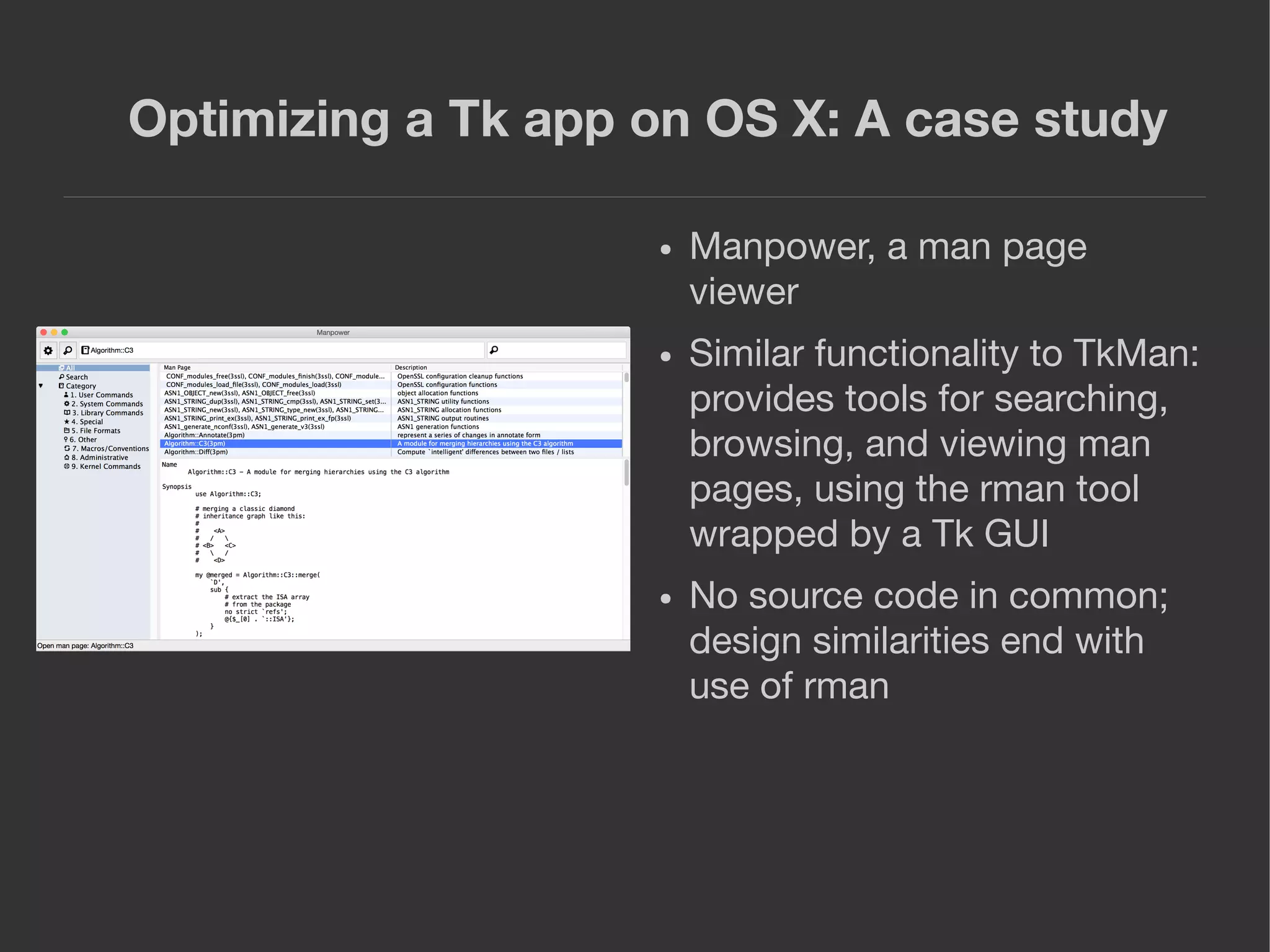
● Manpower, a man page
viewer
● Similar functionality to TkMan:
provides tools for searching,
browsing, and viewing man
pages, using the rman tool
wrapped by a Tk GUI
● No source code in common;
design similarities end with
use of rman
Optimizing a Tk app on OS X: A case study
● Manpower makes use of many Mac-specific
API’s: scriptable via AppleScript and Services
interfaces, supports native printing, supports
native fullscreen API via window manager
● Tk extension packages for these API’s at
http://fossil.codebykevin.com -- look for tk-
components repo
Looking to the future
● Main priorities for Tk: Keep up to date with
Mac API churn
● Now that it is reasonably stable, I do not
anticipate making radical changes
● Tk will likely continue to require more
maintenance on Mac than Windows or X11
Change in programming
languages
● Apple has added a new language,
Swift, that they are positioning as the
development language of the future
● They likely will continue to support
Objective-C and C indefinitely as
millions and millions of lines of code
are written in these languages
● Objective-C will likely not undergo
further enhancement
Implications of Swift for Tcl/Tk
● The move to Swift does not present as many
issues for Tk as the switch from Carbon to
Cocoa, which was an existential threat
● Cocoa vs. Carbon was an API shift; Swift is still
Cocoa
● Swift seems more analogous to C-Sharp on
Windows
Questions and thanks
● I am happy to answer any questions.
● Thanks for your interest.

The Universal Developer: Deploying Modern Tcl/Tk Solutions on the Mac

  • 1.
    The Universal Developer DeployingModern Solutions on the Mac Kevin Walzer
  • 2.
    Overview ● About myself ●Why the Mac? ● Brief history of Tcl/Tk on the Mac ● Carbon port ● Cocoa port ● Tk-Cocoa 2.0 ● State of Tk/Mac at present ● Tk/Mac applications ● Best practices for developing Tk on the Mac ● Optimizing a Tk app on OS X: A case study ● Looking to the future
  • 3.
    About me ● KevinWalzer ● www.codebykevin.com ● Developing Tcl/Tk apps on Mac since 2004 ● Developing Tcl/Tk extensions since 2006 ● Took over as Tk-Mac maintainer in 2011
  • 4.
    Why the Mac? ●Apple now largest company in world by stock valuation ● Massive success of iPhone/iPad and increasing penetration of enterprise market is causing large companies to take another look ● IBM deploying 1,900 Macs per week, has rolled out 130,000 units company-wide, up to 200,000 when project done ● Requires only 24 help-desk techs ● 5% of Mac users need help; 40% of Win users do
  • 5.
    Brief history ofTcl/Tk ● Created by John Osterhout at UC-Berkeley in late 1980s on Unix ● Osterhout left academe for Sun Microsystems in mid-1990s; Tk ported to Mac and Windows ● Unix (X11) and Windows ports highly stable; Mac has gone through several major transitions
  • 6.
    Mac port: Classic ● Tkported to Mac by Roy Johnson using Toolbox API ● Mid-1990s ● Tk GUI on Classic Mac OS
  • 7.
    Carbon port ● Called“Tk Aqua” ● Ported by Jim Ingham and Ian Reid, sponsored by Apple ● October 2001 ● Relatively-quick “Carbonizing” of Tk with updated Toolbox API for OS X
  • 8.
    Carbon port ● DanielSteffen takes over as lead maintainer ● April 2007: Completes major modernization of Carbon port, removing deprecated “Classic” API’s ● June 2007: Apple announces deprecation of Carbon API’s in favor of Cocoa API’s: Carbon will be supported as 32-bit API only, Cocoa will be supported as 64-bit ● Many developers unhappy
  • 9.
    Cocoa port ● Applehires Daniel Steffen to port Tk from Carbon to Cocoa ● Begins work September 2008, announces release April 2009 ● Ensures Tk’s viability on OS X with 64-bit support
  • 10.
    Benefits of Cocoaport ● Can do things Carbon port cannot ● Better UI integration ● Native icons/bitmaps ● Native window behavior ● Easier to integrate with other Cocoa API’s ● 64-bit support/long term viability
  • 11.
    2010-2013: Cocoa issues ●More complex design than Carbon ● High-level widgets and event loop do not map neatly to Tk’s low-level, draw-everything model ● Tk often freezes at random intervals, especially when event loop overloaded ● Drawing sometimes displays artifacts
  • 12.
    2010-2013 Cocoa issues ●Use of private API’s prevents deploying Tk- Cocoa apps in Mac App Store ● Author of port, Daniel Steffen, hired by Apple full time and can no longer works on Tk ● Other developers lack expertise to address issues
  • 13.
    Tk-Cocoa 2.0 ● Decidedto remove private API’s ● Removal revealed numerous flaws; Tk was seriously broken ● Re-implementing several Tk widgets with alternative API solved many of these issues ● Converted button, menubuttons and scrolling to HITheme
  • 14.
    Tk-Cocoa 2.0 ● Cocoadesign: NSWindow (toplevel) wraps NSView (window content/client area) ● Tk uses single NSView for drawing child windows in a toplevel ● Buttons and scrolling were additional NSViews with their own hierarchy of subviews ● Tk could not handle this complexity ● HITheme is a drawing-only API; ttk themed widgets already use it ● Much simpler to render widgets only and delegate widget behavior to Tk ● HITheme is a relic of Carbon that was not removed because it is useful for custom drawing
  • 15.
    Tk-Cocoa 2.0 ● MarcCuller, Python and Tkinter developer, began contributing numerous patches to fix and improve various aspects of Cocoa port: image rendering, event processing, scrolling, memory management ● Did not keep every one of his changes but there was so much iteration that he earned a co-author credit on Tk-Cocoa
  • 16.
    Tk-Cocoa at present ●Finally stable: 8.6.5 will mark point release of stable Tk/Mac ● Rapid, heavy development phase complete
  • 17.
    Tcl/Tk apps onOS X - Commercial ● Bitrock uses Tcl/Tk for its Installbuilder product and Bitnami open-source distributions ● www.bitrock.com
  • 18.
    Tcl/Tk apps onOS X - Commercial ● ActiveState uses Tcl/Tk for the GUI on its developer tools ● www.activestate.com
  • 19.
    Tcl/Tk apps onOS X - Commercial ● Farmer’s Wife, a facilities management application ● www.farmerswife.com
  • 20.
    Tcl/Tk apps onOS X - Commercial ● All of my own applications at www.codebykevin.com use Tk GUI’s
  • 21.
    Tcl/Tk apps onOS X – Open Source ● Password Gorilla ● https://github.com/zdia/g ● Password manager
  • 22.
    Tcl/Tk apps onOS X – Open Source ● SnapPy, a scientific/molecular visualizer http://www.math.uic. edu/t3m/SnapPy/
  • 23.
    Tcl/Tk apps onOS X – Open Source ● IDLE, Python’s IDE bundled with the programming language ● Probably the most widely-used Tk application on OS X: source of many bug reports against Tk
  • 24.
    Best practices fordeveloping Tcl/Tk apps on OS X ● Mac users place a premium on the user experience and user interface ● Mac platform has interface guidelines that most apps conform to ● While Tk is cross-platform, a little extra work will make your app work much better in the Mac environment and will make Mac users more comfortable using it.
  • 25.
    Best practices fordeveloping Tcl/Tk apps on OS X ● Use a Mac application structure - starpack |-- StarkitApp.app | `-- Contents | |-- Info.plist <-----XML file with app configuration data | |-- MacOS | | `-- starpack <-----executable | `-- Resources | `-- StarkitApp.icns
  • 26.
    Best practices fordeveloping Tcl/Tk apps on OS X ● Use a Mac application structure – standalone build of Wish |-- WishApp.app | `-- Contents | |-- Info.plist <-----XML file with app configuration data | |-- Frameworks | `--Tcl.framework | `--Tk.framework | |--libs | `--auto_path libs | |-- MacOS | | `-- WishApp <-----executable | `-- Resources | `-- WishApp.icns
  • 27.
    Best practices fordeveloping Tcl/Tk apps on OS X ● More information on app bundles and deployment: http://www.codebykevin.com/tutorial.html
  • 28.
    Best practices fordeveloping Tcl/Tk apps on OS X ● Keyboard accelerators: use Command instead of Control ● Menu items: if { [tk windowingsystem] == "aqua"} { proc ::tk::mac::ShowPreferences {} { prefs_dialog_command } proc ::tk::mac::Quit {} { exit } proc tk::mac::ShowHelp {} { user_help_cmd } }
  • 29.
    Optimizing a Tkapp on OS X: A case study ● Manpower, a man page viewer ● Similar functionality to TkMan: provides tools for searching, browsing, and viewing man pages, using the rman tool wrapped by a Tk GUI ● No source code in common; design similarities end with use of rman
  • 30.
    Optimizing a Tkapp on OS X: A case study ● Manpower makes use of many Mac-specific API’s: scriptable via AppleScript and Services interfaces, supports native printing, supports native fullscreen API via window manager ● Tk extension packages for these API’s at http://fossil.codebykevin.com -- look for tk- components repo
  • 31.
    Looking to thefuture ● Main priorities for Tk: Keep up to date with Mac API churn ● Now that it is reasonably stable, I do not anticipate making radical changes ● Tk will likely continue to require more maintenance on Mac than Windows or X11
  • 32.
    Change in programming languages ●Apple has added a new language, Swift, that they are positioning as the development language of the future ● They likely will continue to support Objective-C and C indefinitely as millions and millions of lines of code are written in these languages ● Objective-C will likely not undergo further enhancement
  • 33.
    Implications of Swiftfor Tcl/Tk ● The move to Swift does not present as many issues for Tk as the switch from Carbon to Cocoa, which was an existential threat ● Cocoa vs. Carbon was an API shift; Swift is still Cocoa ● Swift seems more analogous to C-Sharp on Windows
  • 34.
    Questions and thanks ●I am happy to answer any questions. ● Thanks for your interest.