Developers Conference	

MEAN Stack	

The
Sr. JavaScript Developer
Elance-oDesk Corp

@jquerygeek	

Md. Ziaul Haq
What is MEAN Stack ?
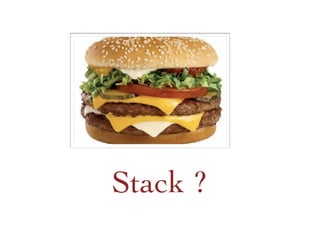
Stack ?
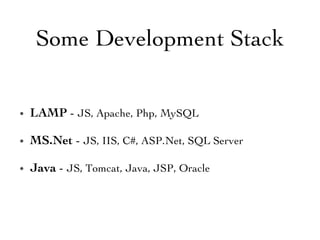
•  LAMP - JS, Apache, Php, MySQL	

•  MS.Net - JS, IIS, C#, ASP.Net, SQL Server	

•  Java - JS, Tomcat, Java, JSP, Oracle	

Some Development Stack
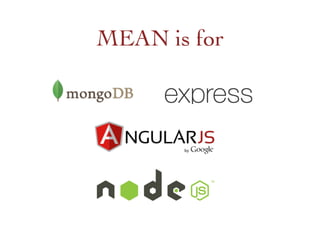
MEAN is for
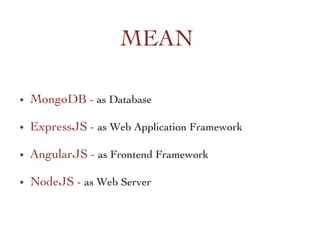
•  MongoDB - as Database	

•  ExpressJS - as Web Application Framework	

•  AngularJS - as Frontend Framework 	

•  NodeJS - as Web Server	

MEAN
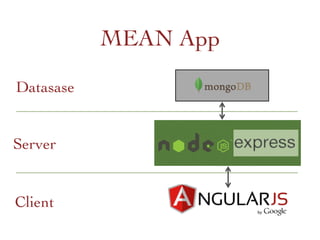
Server	

Datasase	

Client	

MEAN App
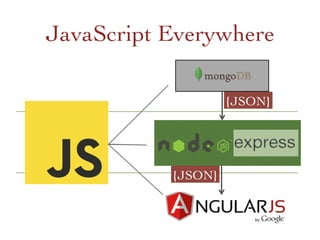
JavaScript Everywhere	

{JSON}	

{JSON}
Fullstack JavaScript
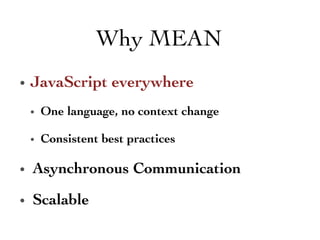
•  JavaScript everywhere	

•  One language, no context change	

•  Consistent best practices	

•  Asynchronous Communication 	

•  Scalable 	

Why MEAN
•  Popular among the community 	

•  Popular in Github 	

•  HackerNews love JS :) 	

•  Enough resource 	

•  Easy to start on 	

Why JavaScript
Who Using
Quick Overview
•  NoSQL, document-oriented database system 	

•  JSON-like documents	

•  Easier  Faster to communicate 	

•  Scalable	

•  Learn more : http://www.mongodb.org/
•  A lightweight web app framework on top of Node.js	

•  Wrapper for Node.js HTTP module objects	

•  Easier  Faster to communicate 	

•  Learn More: http://expressjs.com
•  Client-side MVC framework	

•  2 way data binding	

•  Watcher everywhere 	

•  Learn More: http://angularjs.org
•  Server-side JavaScript platform built on V8 engine 	

•  Non blocking I/O	

•  Asynchronous	

•  Event driven 	

•  Almost every thing in NPM	

•  Learn More: http://nodejs.org
Jump on
•  Install Node and MongoDB in your system 	

•  Install the required tools	

•  npm, Git, bower, grunt/gulp, mongoose 	

•  Setup the MEAN project with dependency
•  Install Node and MongoDB in your system 	

•  Install the required tools	

•  npm, Git, bower, grunt/gulp, mongoose 	

•  Setup the MEAN project with dependency
Fullstack JavaScript Framework
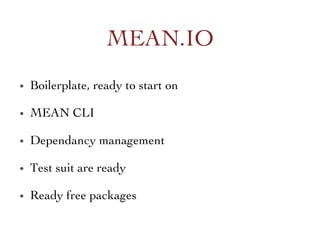
•  Boilerplate, ready to start on	

•  MEAN CLI	

•  Dependancy management 	

•  Test suit are ready	

•  Ready free packages	

MEAN.IO
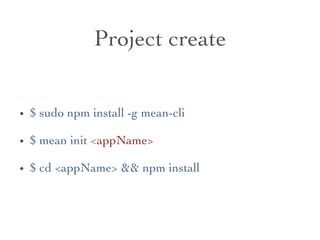
Project create	

•  $ sudo npm install -g mean-cli	

•  $ mean init appName	

•  $ cd appName  npm install
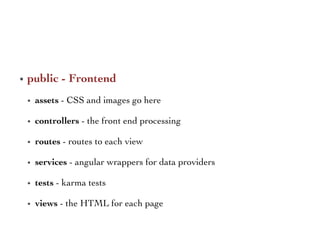
•  public - Frontend	

•  assets - CSS and images go here	

•  controllers - the front end processing	

•  routes - routes to each view	

•  services - angular wrappers for data providers	

•  tests - karma tests	

•  views - the HTML for each page
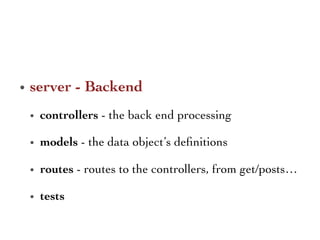
•  server - Backend 	

•  controllers - the back end processing	

•  models - the data object’s definitions	

•  routes - routes to the controllers, from get/posts…	

•  tests
Love Generator ? 	

•  Yeoman 	

•  generator-mean
jquerygeek@elance-odesk.com 	

Thank you all.
	

Questions?

The MEAN Stack