1
New EU Data
Protection Regulation
Proposed changes and what they mean for
your business
2
Agenda
• Proposed EU Data Protection Regulation
• Survey results: European attitudes to data protection
• How to comply with the Regulation and minimize fines in the
event of a breach
• Stopping breaches in the first place
• How Sophos can help
33
EU Data Protection
Regulation
4
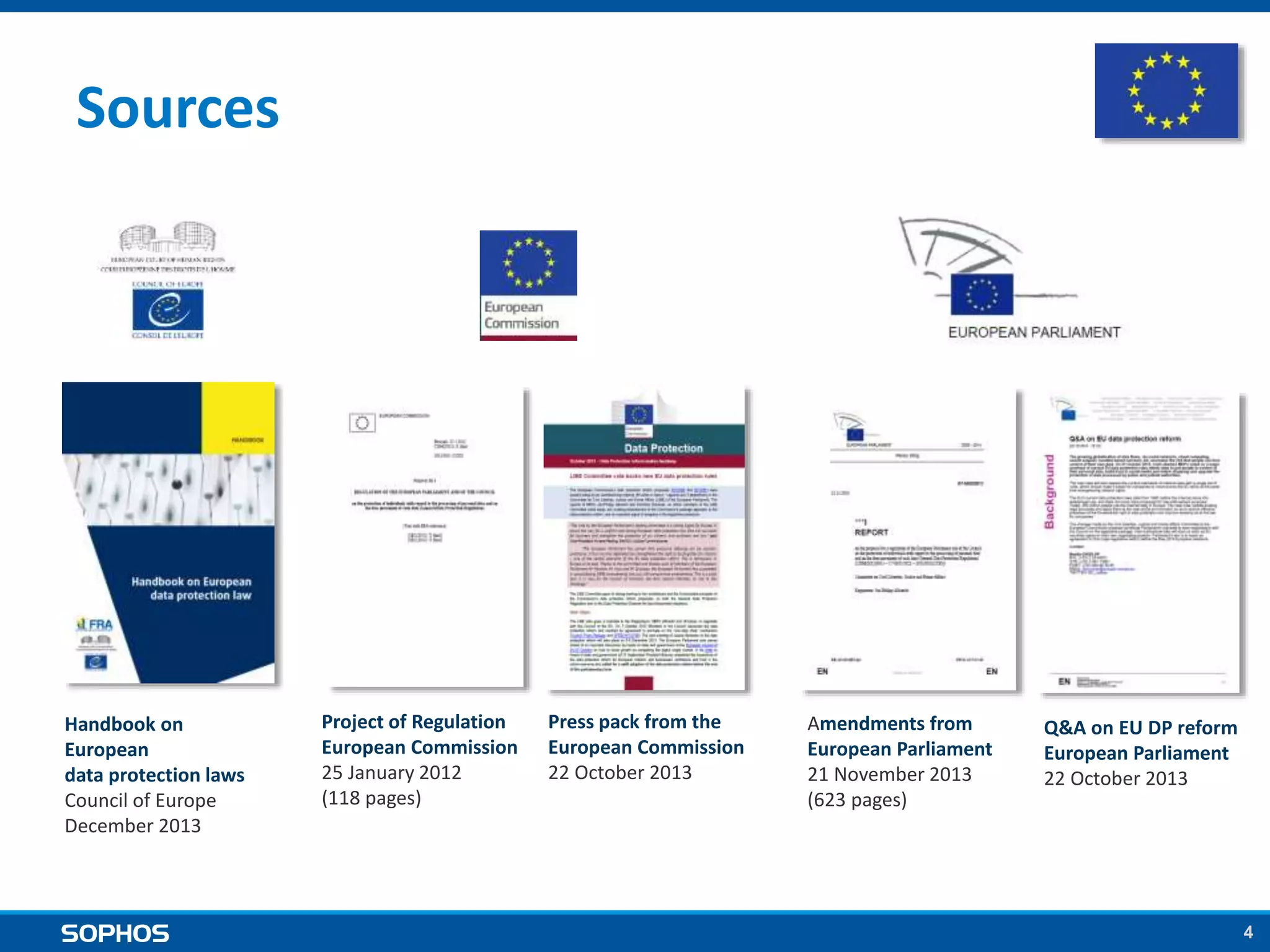
Amendments from
European Parliament
21 November 2013
(623 pages)
Q&A on EU DP reform
European Parliament
22 October 2013
Project of Regulation
European Commission
25 January 2012
(118 pages)
Press pack from the
European Commission
22 October 2013
Handbook on
European
data protection laws
Council of Europe
December 2013
Sources
5
Establish a single, pan-European law to
replace the current inconsistent
patchwork of national laws.
Modernize the principles enshrined in the 1995 Data
Protection Directive
Goal
6
Benefits of the new Regulation
Benefits for businesses
1. One EU market, one law
2. One-stop-shop – a single supervisory authority
3. Same rules for all companies
Benefits for EU citizens
1. Better data security
2. Putting people in control
7
Data security focus
3 key Articles pertaining to data security :
1. Security of processing (Article 30)
a. prevent any unauthorized access to personal data
b. prevent any unauthorized disclosure, reading, copying, modification,
erasure or removal of personal data
2. Notification of a personal data breach to the supervisory
authority (Article 31)
3. Communication of a personal data breach to the data
subject (Article 32)
8
What you need to know
• Organizations must:
○ implement appropriate security measures to protect personal data
○ have a clear data protection policy
○ have a named Data Protection officer (except SMEs)
• Fines for unprotected data breaches will range up to €100
million or 5% of annual turnover.
• If you suffer a breach and can show that the personal data can’t
be accessed by unauthorized people (e.g. it was encrypted):
○ The likelihood of being fined should be very greatly reduced
○ You won’t need to notify affected data subjects of the breach
9
The legislative process
• 25 January 2012 – Draft legislation first presented by EU
Commissioner Vivian Reding
• January 2012 – October 2013 – Extensive discussion and
amendment to the proposed bill
• 12 March 2014 – European Parliament voted overwhelmingly
in favor of the legislation (95%)
• The Regulation still needs to go through further steps.
However, it is widely anticipated that it will be adopted by
2015
9
10
The legislative process (NL)
• Netherlands have already started the process for a national
legislation.
• Notification of a personal data breach to the supervisory
authority (CBP – College Bescherming persoonsgegevens)
• Communication of a personal data breach to the data subject
○ Passed in Tweede Kamer, awaiting approval of Eerste Kamer
○ Fines ranging to max. 810.000 EUR or 10% of annual revenue
1111
Survey results:
European attitudes to
data protection
12
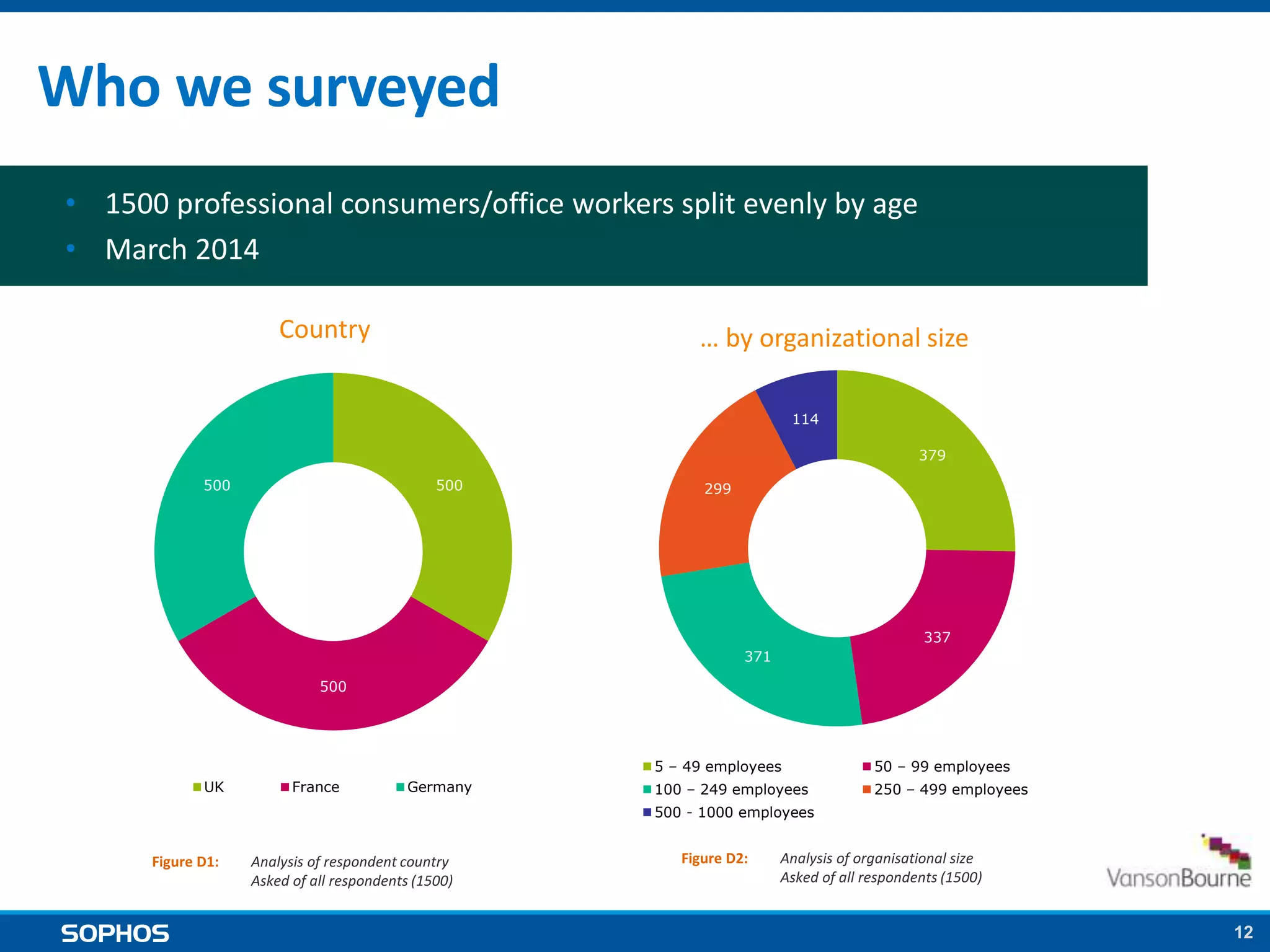
• 1500 professional consumers/office workers split evenly by age
• March 2014
Who we surveyed
Country … by organizational size
500
500
500
UK France Germany
Figure D1: Analysis of respondent country
Asked of all respondents (1500)
379
337
371
299
114
5 – 49 employees 50 – 99 employees
100 – 249 employees 250 – 499 employees
500 - 1000 employees
Figure D2: Analysis of organisational size
Asked of all respondents (1500)
13
Key findings
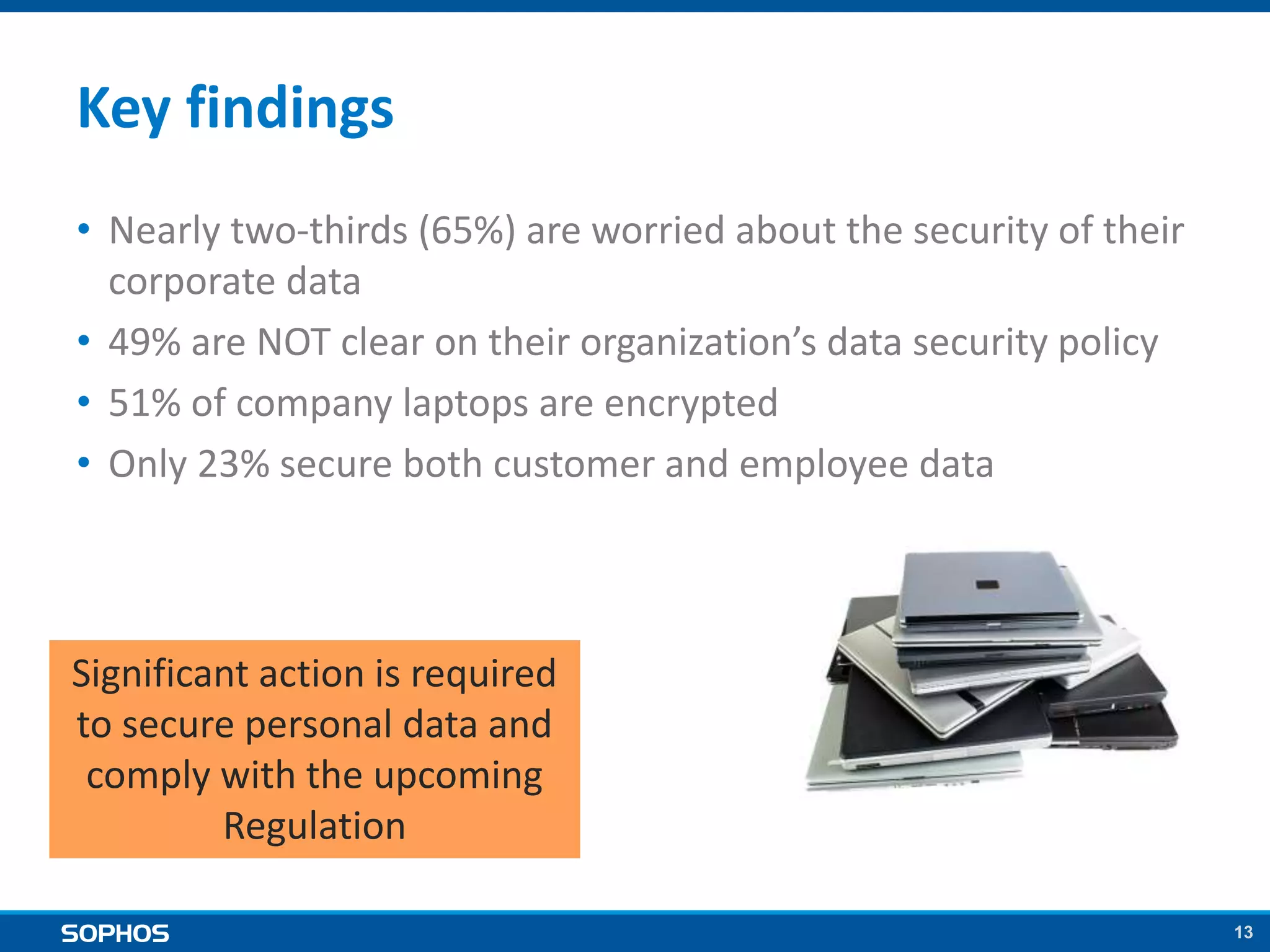
• Nearly two-thirds (65%) are worried about the security of their
corporate data
• 49% are NOT clear on their organization’s data security policy
• 51% of company laptops are encrypted
• Only 23% secure both customer and employee data
Significant action is required
to secure personal data and
comply with the upcoming
Regulation
1414
How to ensure
compliance with the
Regulation
15
Encryption is key
The Regulation will require organizations to:
1. Implement ‘appropriate security measures’ to protect personal data
Encryption is widely agreed to be the best data security measure
available
2. Notify affected parties in the event of a personal data breach
If you can prove the data was encrypted you don’t need to notify
the individuals concerned
3. Pay fines in the event of a personal data breach
If the data was encrypted it’s highly likely that no fines will be
imposed
16
Encryption is key
But What? Where? When?
17
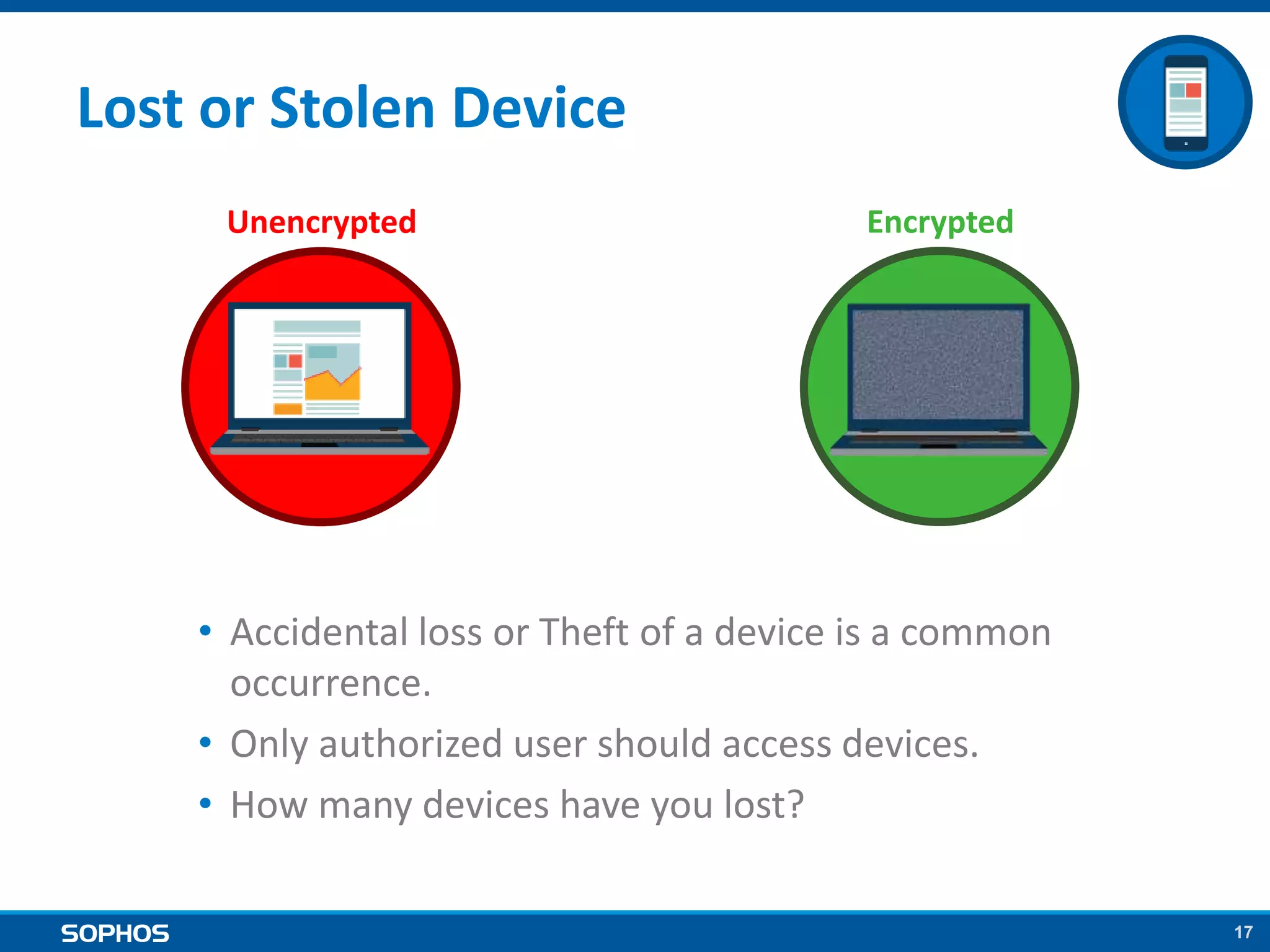
Lost or Stolen Device
Unencrypted Encrypted
• Accidental loss or Theft of a device is a common
occurrence.
• Only authorized user should access devices.
• How many devices have you lost?
18
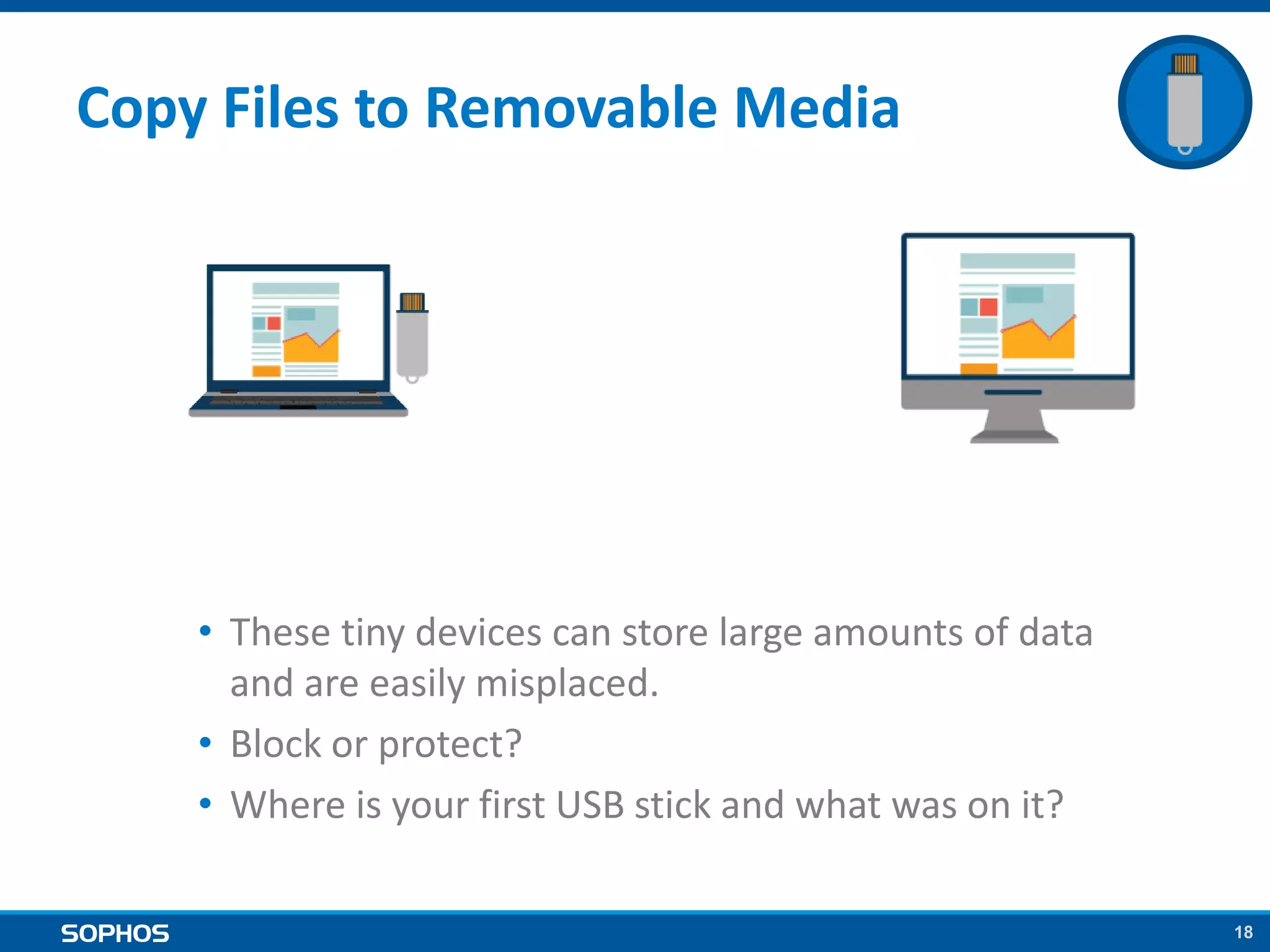
Copy Files to Removable Media
• These tiny devices can store large amounts of data
and are easily misplaced.
• Block or protect?
• Where is your first USB stick and what was on it?
19
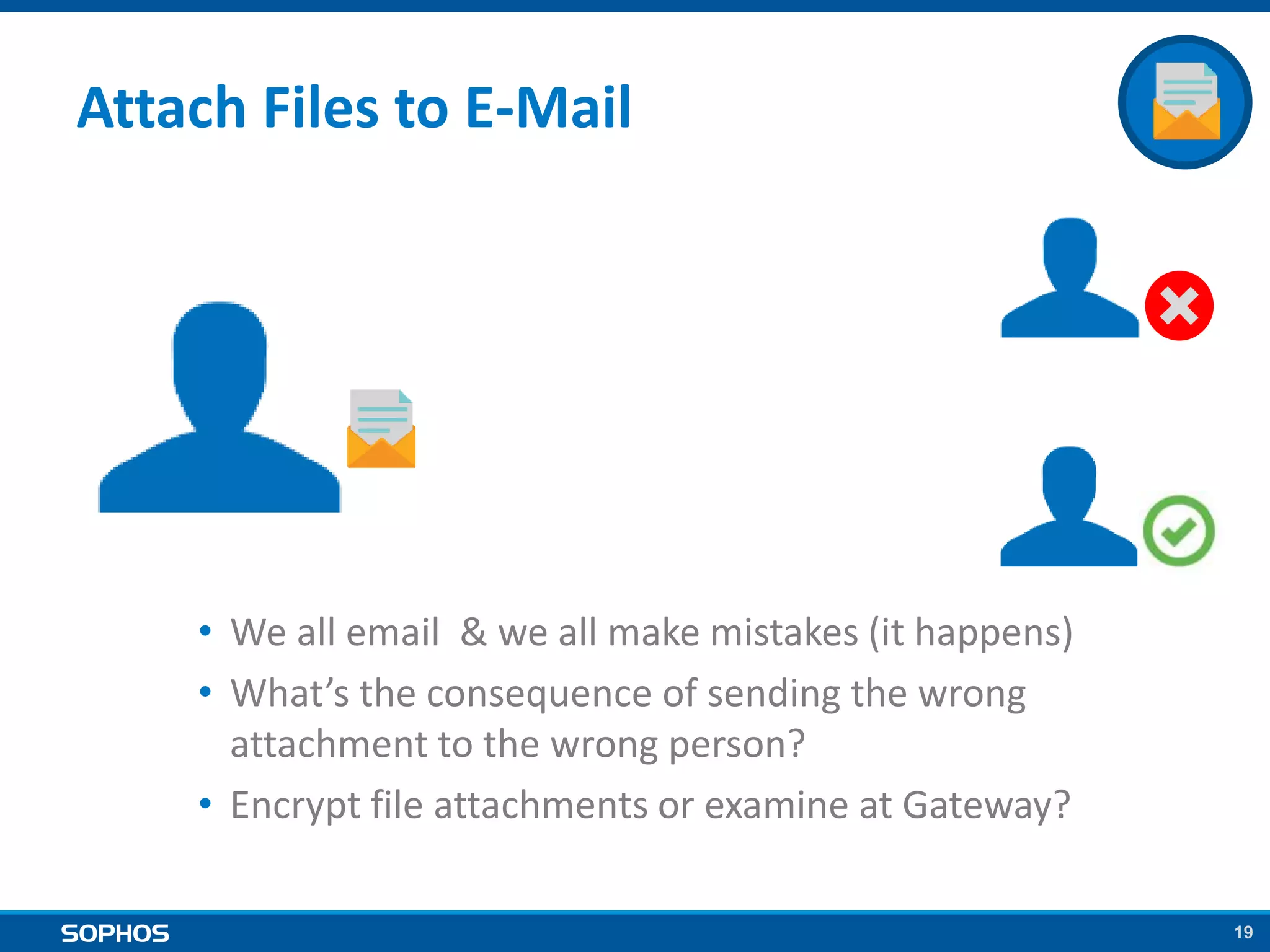
Attach Files to E-Mail
• We all email & we all make mistakes (it happens)
• What’s the consequence of sending the wrong
attachment to the wrong person?
• Encrypt file attachments or examine at Gateway?
20
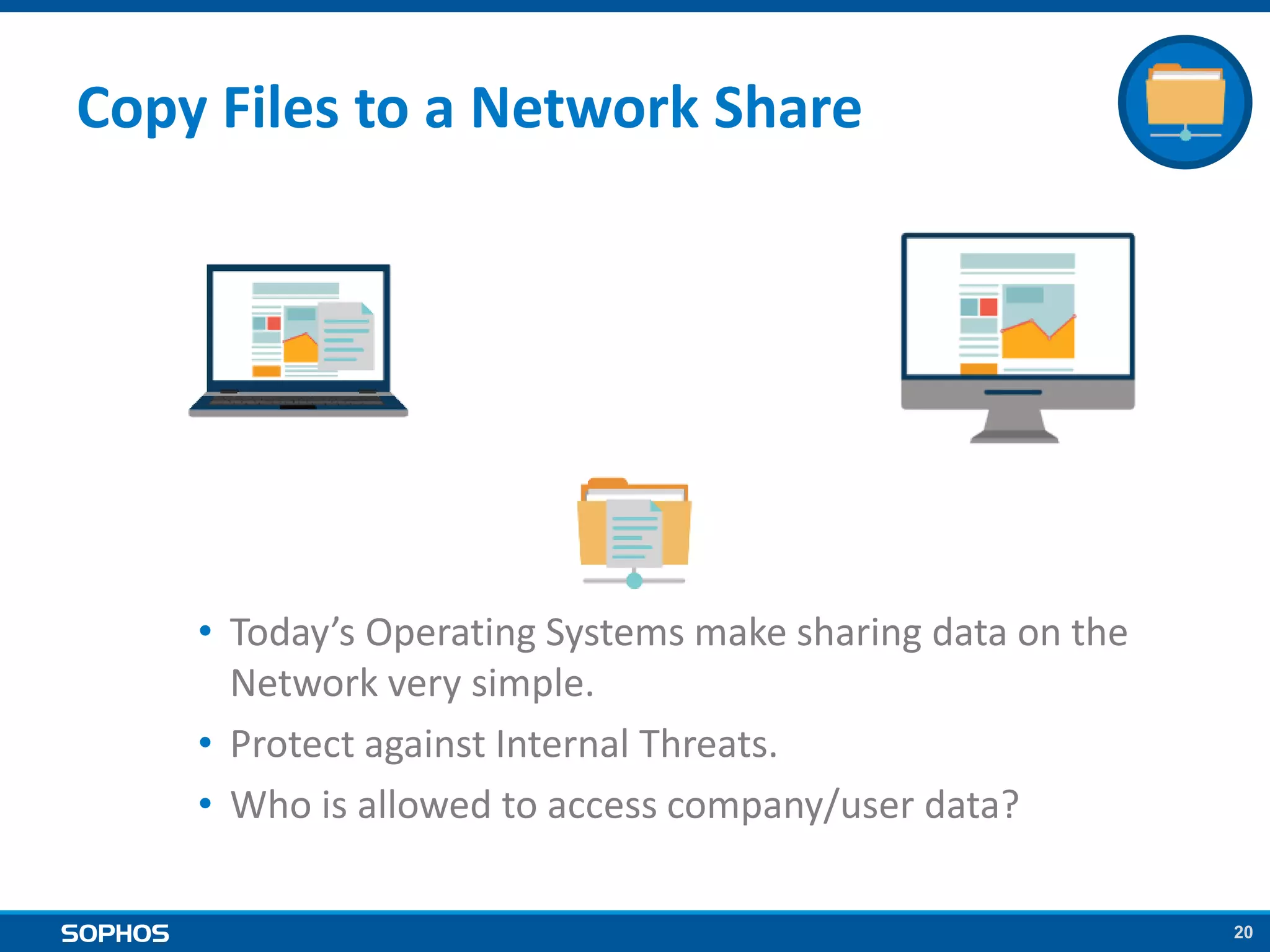
Copy Files to a Network Share
• Today’s Operating Systems make sharing data on the
Network very simple.
• Protect against Internal Threats.
• Who is allowed to access company/user data?
21
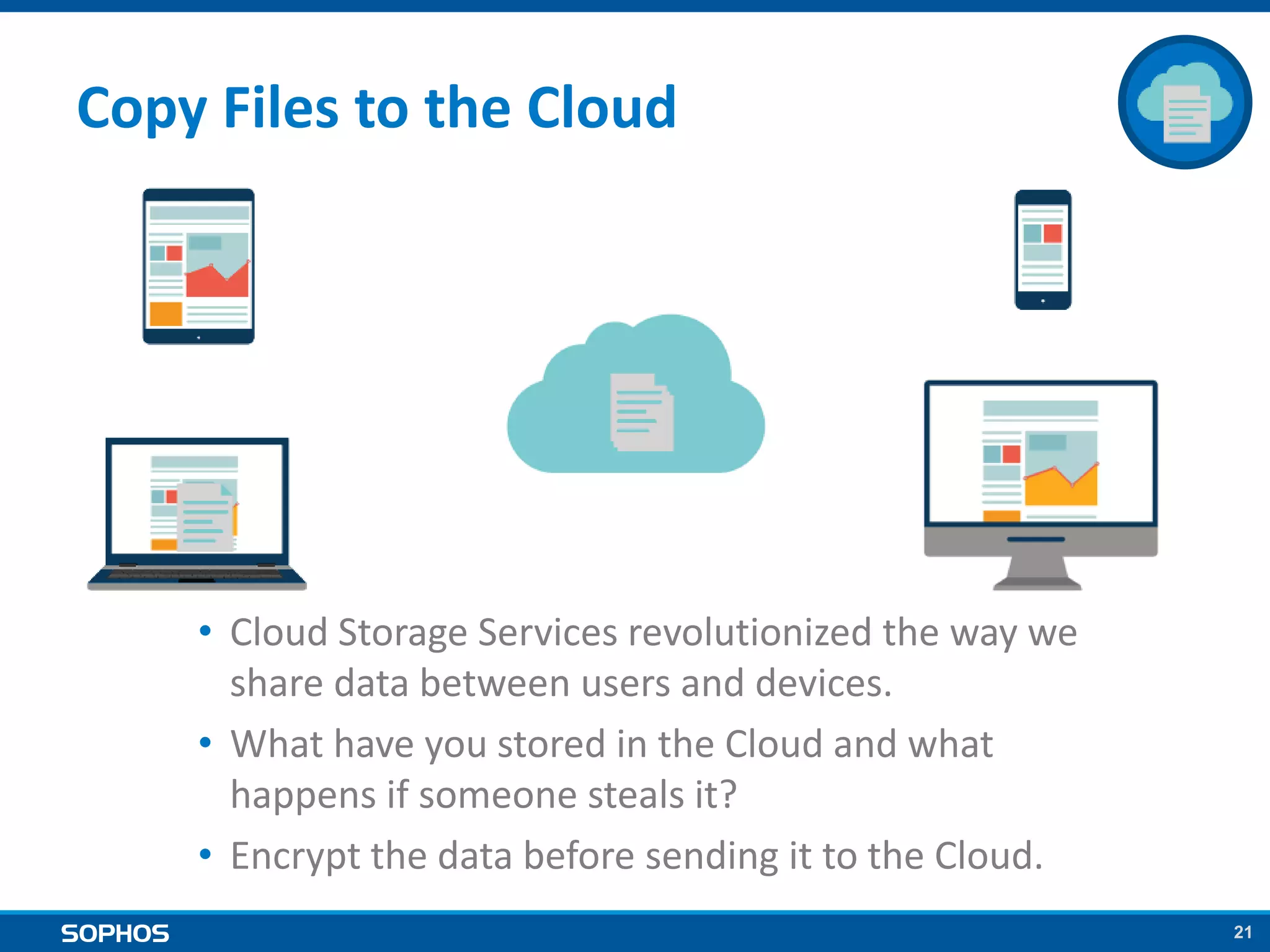
Copy Files to the Cloud
• Cloud Storage Services revolutionized the way we
share data between users and devices.
• What have you stored in the Cloud and what
happens if someone steals it?
• Encrypt the data before sending it to the Cloud.
22
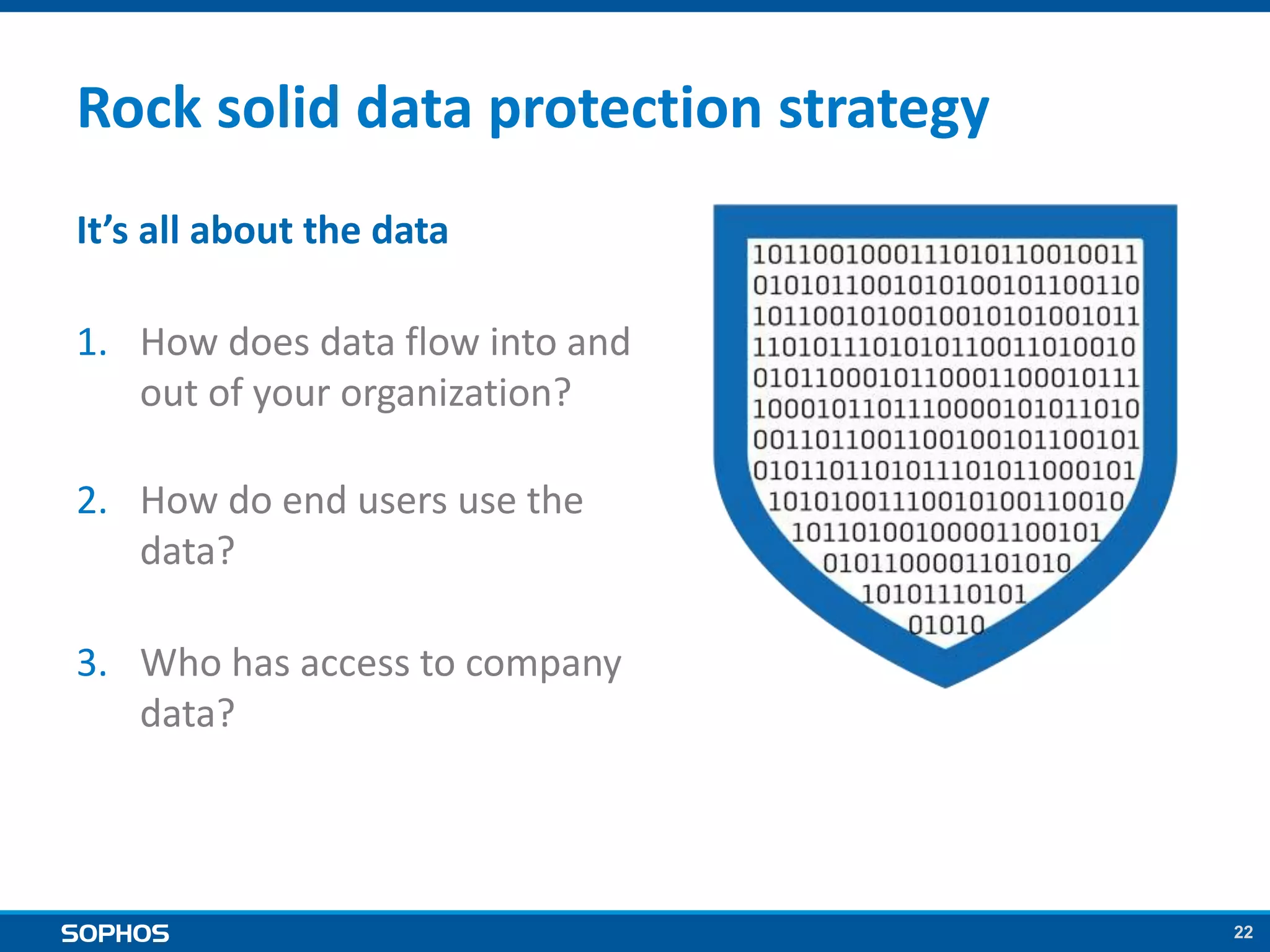
Rock solid data protection strategy
It’s all about the data
1. How does data flow into and
out of your organization?
2. How do end users use the
data?
3. Who has access to company
data?
2323
Preventing breaches
24
5 steps to stop data getting into the wrong hands
1. Keep patches up-to-date
Data-stealing malware often exploits known vulnerabilities.
2. Apply multi-layered entry-point protection
Secure against multiple vectors of attack with Web, Email and Malware
protection at the gateway.
3. Select Advanced Threat Protection
Choose a next-generation firewall that detects and blocks attacks directly
on the network.
4. Use Selective Sandboxing
Secure against slow-moving or delayed threats.
5. Limit dissemination of sensitive data
Deploy Application Control and Data Control
2525
How Sophos can help
26
Our award-winning encryption
solutions are appropriate security
measures to protect personal data
27
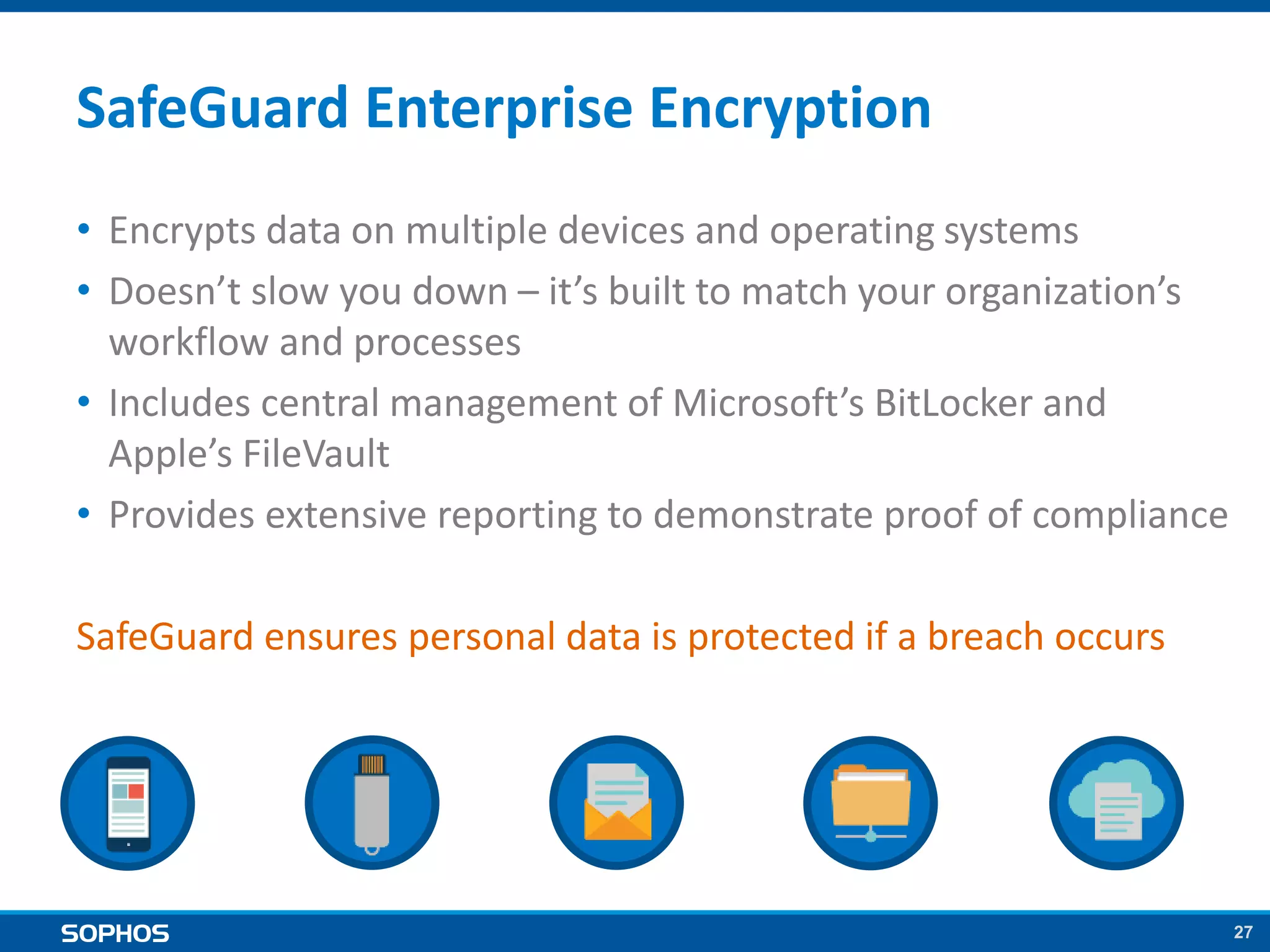
SafeGuard Enterprise Encryption
• Encrypts data on multiple devices and operating systems
• Doesn’t slow you down – it’s built to match your organization’s
workflow and processes
• Includes central management of Microsoft’s BitLocker and
Apple’s FileVault
• Provides extensive reporting to demonstrate proof of compliance
SafeGuard ensures personal data is protected if a breach occurs
28
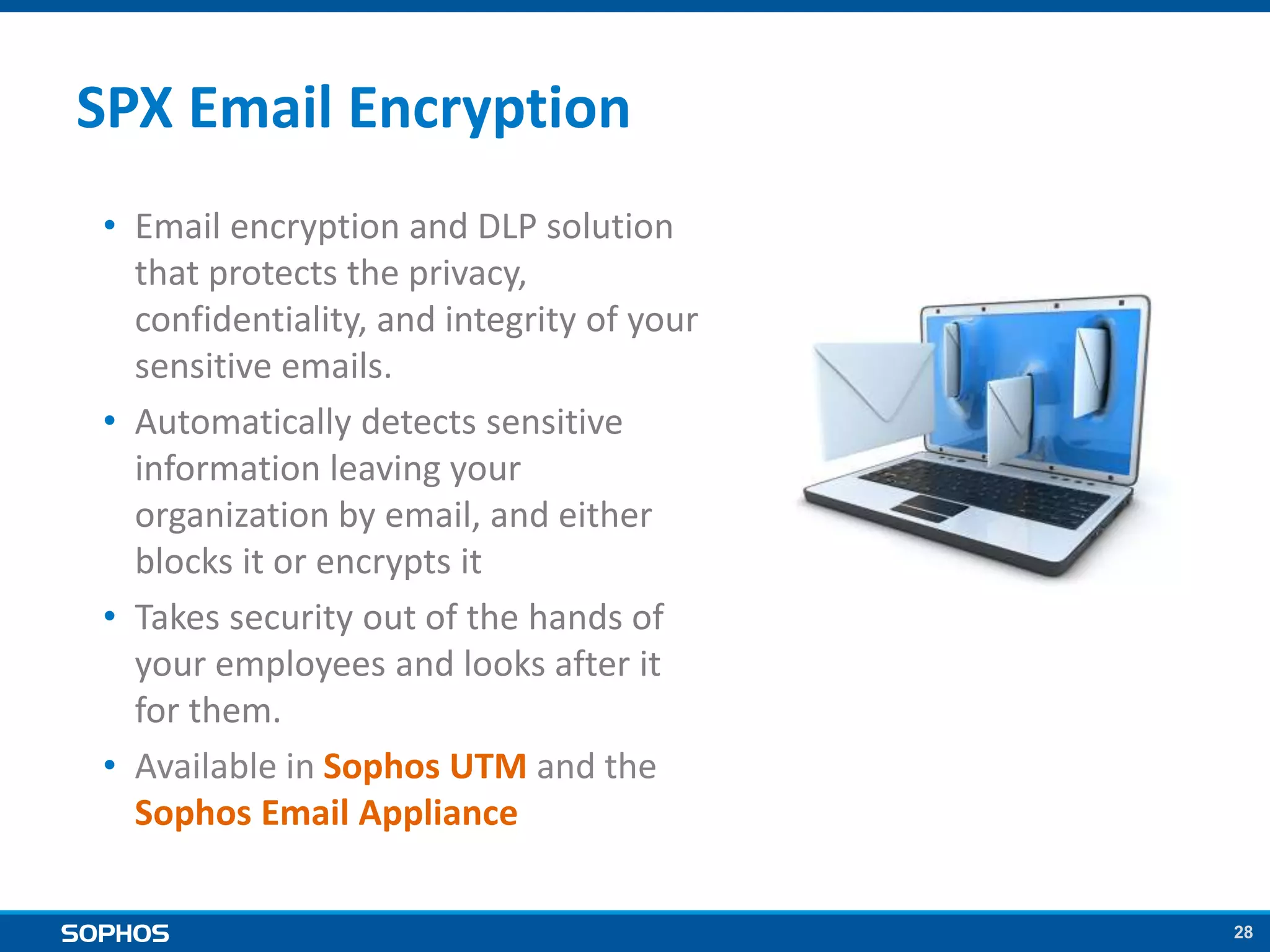
SPX Email Encryption
• Email encryption and DLP solution
that protects the privacy,
confidentiality, and integrity of your
sensitive emails.
• Automatically detects sensitive
information leaving your
organization by email, and either
blocks it or encrypts it
• Takes security out of the hands of
your employees and looks after it
for them.
• Available in Sophos UTM and the
Sophos Email Appliance
29
We can help you create a
data protection policy
30
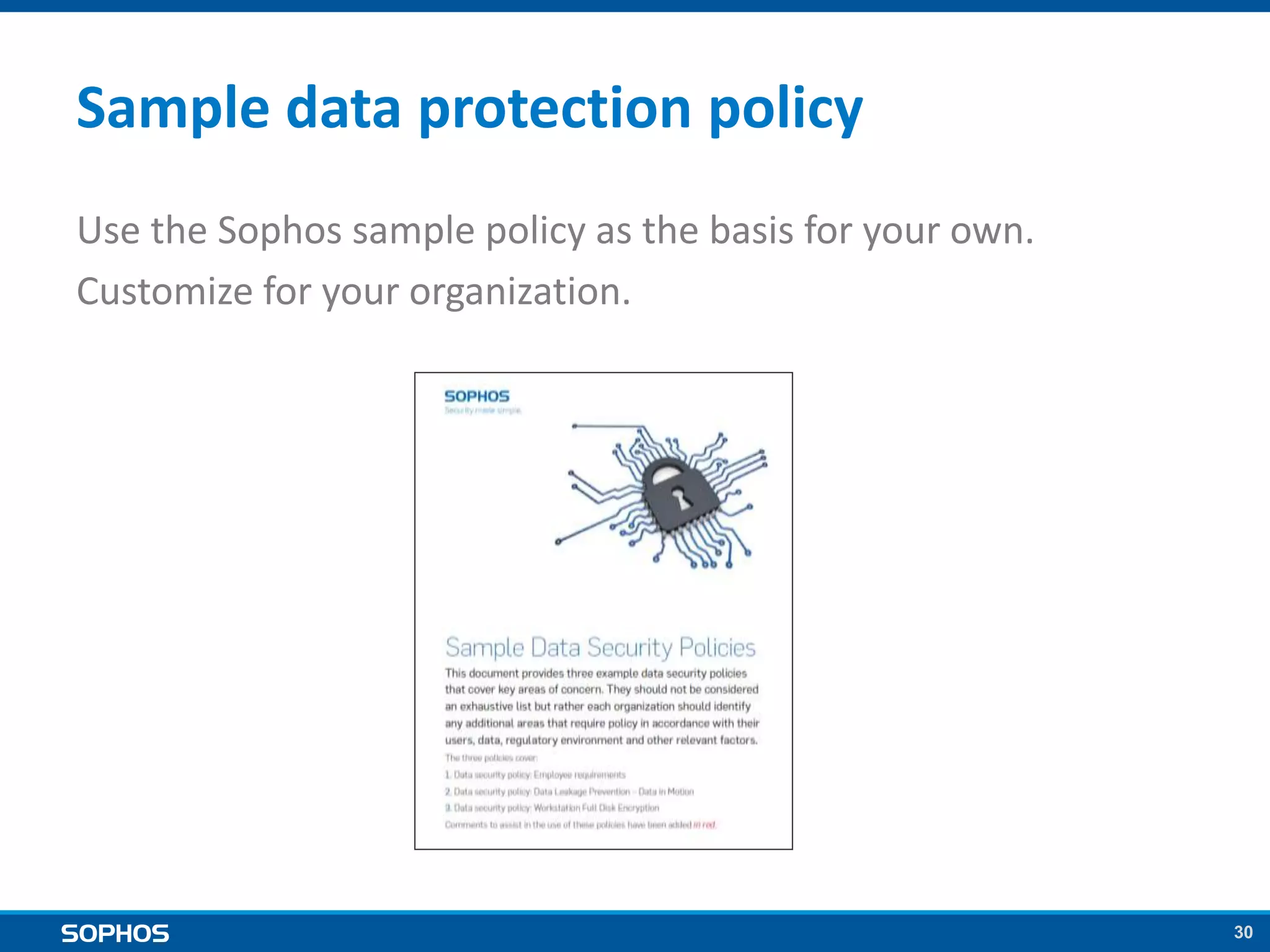
Sample data protection policy
Use the Sophos sample policy as the basis for your own.
Customize for your organization.
31
And we can help you
prevent breaches in the first place
32
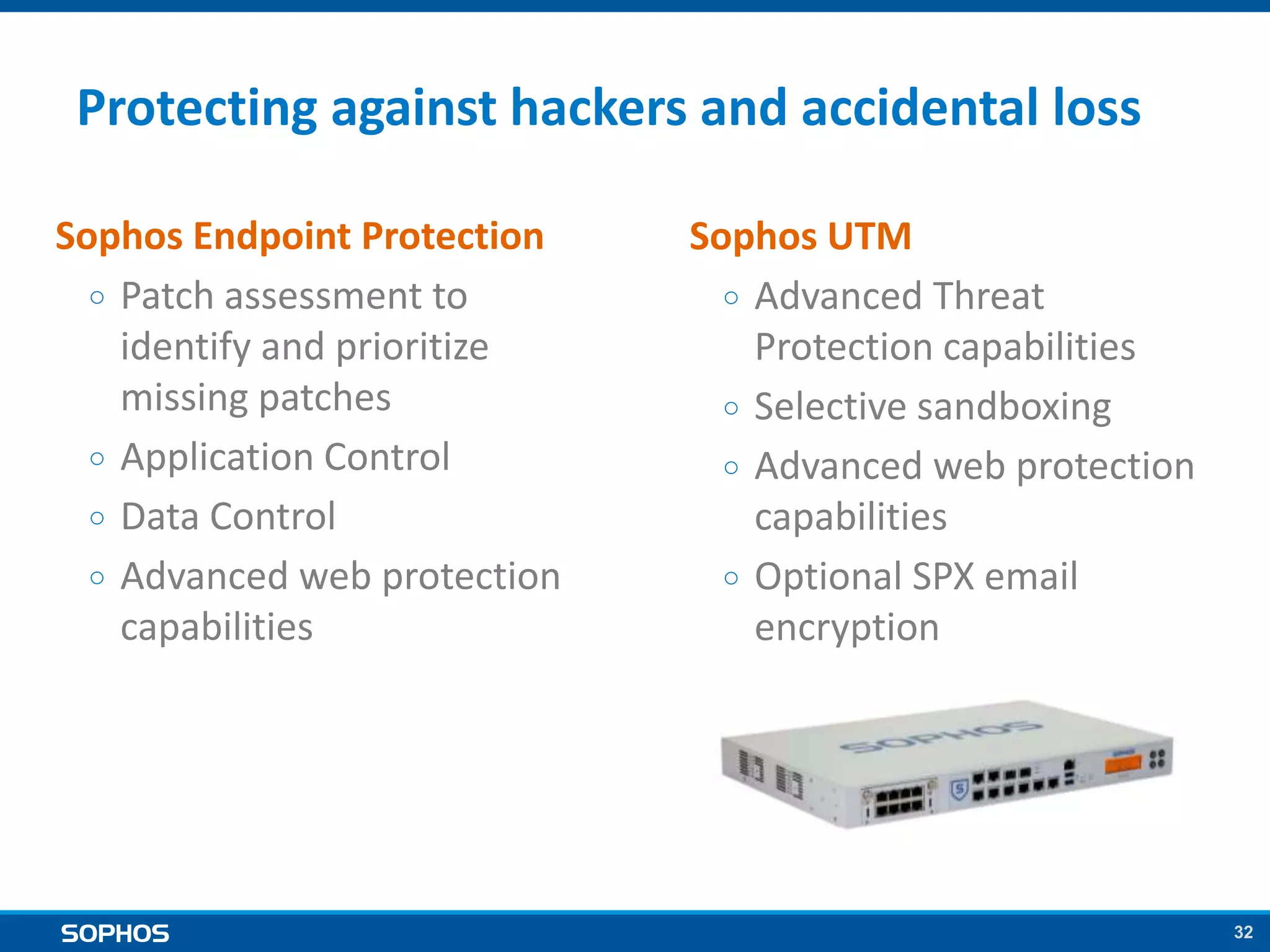
Protecting against hackers and accidental loss
Sophos Endpoint Protection
○ Patch assessment to
identify and prioritize
missing patches
○ Application Control
○ Data Control
○ Advanced web protection
capabilities
Sophos UTM
○ Advanced Threat
Protection capabilities
○ Selective sandboxing
○ Advanced web protection
capabilities
○ Optional SPX email
encryption
3333
Summary
34
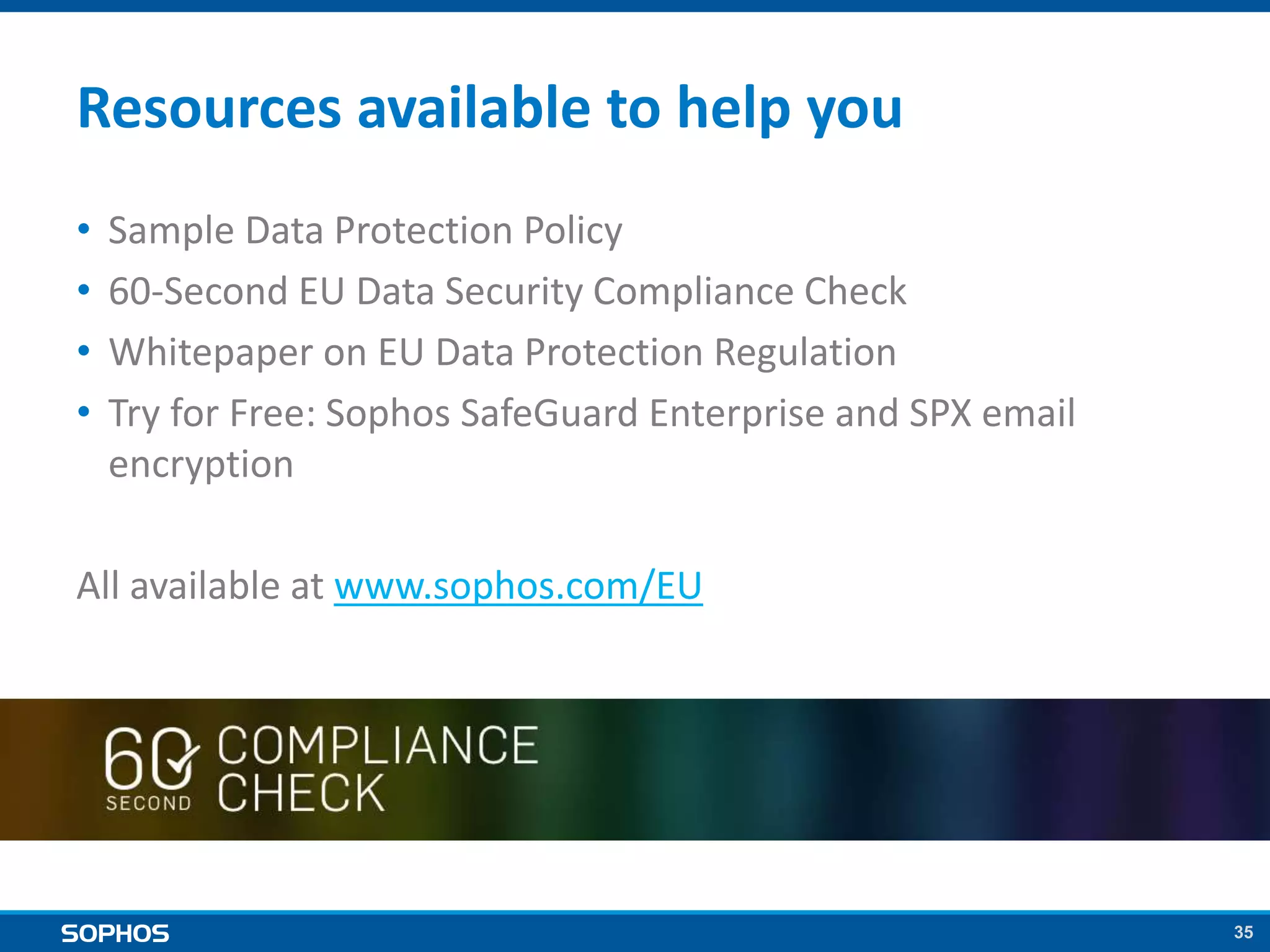
Summary
• This legislation WILL go ahead
○ It has already progressed very far, and with very high support. It will not
be allowed to fail.
• Key stakeholders want to move fast
○ European Commission
○ European Parliament
○ Data Protection Authorities
○ Individual Governments
• Media pressure is building up
○ PRISM, large scale data thefts (e.g. Target)
○ Confidence from citizens in online activities is eroding
• You need to be ready
○ Implement appropriate data security measures
○ Create and communicate your data protection policy
35
Resources available to help you
• Sample Data Protection Policy
• 60-Second EU Data Security Compliance Check
• Whitepaper on EU Data Protection Regulation
• Try for Free: Sophos SafeGuard Enterprise and SPX email
encryption
All available at www.sophos.com/EU
36© Sophos Ltd. All rights reserved.
Share your opinion or questions:
@SophosBenelux

The EU Data Protection Regulation - what you need to know

  • 1.
    1 New EU Data ProtectionRegulation Proposed changes and what they mean for your business
  • 2.
    2 Agenda • Proposed EUData Protection Regulation • Survey results: European attitudes to data protection • How to comply with the Regulation and minimize fines in the event of a breach • Stopping breaches in the first place • How Sophos can help
  • 3.
  • 4.
    4 Amendments from European Parliament 21November 2013 (623 pages) Q&A on EU DP reform European Parliament 22 October 2013 Project of Regulation European Commission 25 January 2012 (118 pages) Press pack from the European Commission 22 October 2013 Handbook on European data protection laws Council of Europe December 2013 Sources
  • 5.
    5 Establish a single,pan-European law to replace the current inconsistent patchwork of national laws. Modernize the principles enshrined in the 1995 Data Protection Directive Goal
  • 6.
    6 Benefits of thenew Regulation Benefits for businesses 1. One EU market, one law 2. One-stop-shop – a single supervisory authority 3. Same rules for all companies Benefits for EU citizens 1. Better data security 2. Putting people in control
  • 7.
    7 Data security focus 3key Articles pertaining to data security : 1. Security of processing (Article 30) a. prevent any unauthorized access to personal data b. prevent any unauthorized disclosure, reading, copying, modification, erasure or removal of personal data 2. Notification of a personal data breach to the supervisory authority (Article 31) 3. Communication of a personal data breach to the data subject (Article 32)
  • 8.
    8 What you needto know • Organizations must: ○ implement appropriate security measures to protect personal data ○ have a clear data protection policy ○ have a named Data Protection officer (except SMEs) • Fines for unprotected data breaches will range up to €100 million or 5% of annual turnover. • If you suffer a breach and can show that the personal data can’t be accessed by unauthorized people (e.g. it was encrypted): ○ The likelihood of being fined should be very greatly reduced ○ You won’t need to notify affected data subjects of the breach
  • 9.
    9 The legislative process •25 January 2012 – Draft legislation first presented by EU Commissioner Vivian Reding • January 2012 – October 2013 – Extensive discussion and amendment to the proposed bill • 12 March 2014 – European Parliament voted overwhelmingly in favor of the legislation (95%) • The Regulation still needs to go through further steps. However, it is widely anticipated that it will be adopted by 2015 9
  • 10.
    10 The legislative process(NL) • Netherlands have already started the process for a national legislation. • Notification of a personal data breach to the supervisory authority (CBP – College Bescherming persoonsgegevens) • Communication of a personal data breach to the data subject ○ Passed in Tweede Kamer, awaiting approval of Eerste Kamer ○ Fines ranging to max. 810.000 EUR or 10% of annual revenue
  • 11.
  • 12.
    12 • 1500 professionalconsumers/office workers split evenly by age • March 2014 Who we surveyed Country … by organizational size 500 500 500 UK France Germany Figure D1: Analysis of respondent country Asked of all respondents (1500) 379 337 371 299 114 5 – 49 employees 50 – 99 employees 100 – 249 employees 250 – 499 employees 500 - 1000 employees Figure D2: Analysis of organisational size Asked of all respondents (1500)
  • 13.
    13 Key findings • Nearlytwo-thirds (65%) are worried about the security of their corporate data • 49% are NOT clear on their organization’s data security policy • 51% of company laptops are encrypted • Only 23% secure both customer and employee data Significant action is required to secure personal data and comply with the upcoming Regulation
  • 14.
    1414 How to ensure compliancewith the Regulation
  • 15.
    15 Encryption is key TheRegulation will require organizations to: 1. Implement ‘appropriate security measures’ to protect personal data Encryption is widely agreed to be the best data security measure available 2. Notify affected parties in the event of a personal data breach If you can prove the data was encrypted you don’t need to notify the individuals concerned 3. Pay fines in the event of a personal data breach If the data was encrypted it’s highly likely that no fines will be imposed
  • 16.
    16 Encryption is key ButWhat? Where? When?
  • 17.
    17 Lost or StolenDevice Unencrypted Encrypted • Accidental loss or Theft of a device is a common occurrence. • Only authorized user should access devices. • How many devices have you lost?
  • 18.
    18 Copy Files toRemovable Media • These tiny devices can store large amounts of data and are easily misplaced. • Block or protect? • Where is your first USB stick and what was on it?
  • 19.
    19 Attach Files toE-Mail • We all email & we all make mistakes (it happens) • What’s the consequence of sending the wrong attachment to the wrong person? • Encrypt file attachments or examine at Gateway?
  • 20.
    20 Copy Files toa Network Share • Today’s Operating Systems make sharing data on the Network very simple. • Protect against Internal Threats. • Who is allowed to access company/user data?
  • 21.
    21 Copy Files tothe Cloud • Cloud Storage Services revolutionized the way we share data between users and devices. • What have you stored in the Cloud and what happens if someone steals it? • Encrypt the data before sending it to the Cloud.
  • 22.
    22 Rock solid dataprotection strategy It’s all about the data 1. How does data flow into and out of your organization? 2. How do end users use the data? 3. Who has access to company data?
  • 23.
  • 24.
    24 5 steps tostop data getting into the wrong hands 1. Keep patches up-to-date Data-stealing malware often exploits known vulnerabilities. 2. Apply multi-layered entry-point protection Secure against multiple vectors of attack with Web, Email and Malware protection at the gateway. 3. Select Advanced Threat Protection Choose a next-generation firewall that detects and blocks attacks directly on the network. 4. Use Selective Sandboxing Secure against slow-moving or delayed threats. 5. Limit dissemination of sensitive data Deploy Application Control and Data Control
  • 25.
  • 26.
    26 Our award-winning encryption solutionsare appropriate security measures to protect personal data
  • 27.
    27 SafeGuard Enterprise Encryption •Encrypts data on multiple devices and operating systems • Doesn’t slow you down – it’s built to match your organization’s workflow and processes • Includes central management of Microsoft’s BitLocker and Apple’s FileVault • Provides extensive reporting to demonstrate proof of compliance SafeGuard ensures personal data is protected if a breach occurs
  • 28.
    28 SPX Email Encryption •Email encryption and DLP solution that protects the privacy, confidentiality, and integrity of your sensitive emails. • Automatically detects sensitive information leaving your organization by email, and either blocks it or encrypts it • Takes security out of the hands of your employees and looks after it for them. • Available in Sophos UTM and the Sophos Email Appliance
  • 29.
    29 We can helpyou create a data protection policy
  • 30.
    30 Sample data protectionpolicy Use the Sophos sample policy as the basis for your own. Customize for your organization.
  • 31.
    31 And we canhelp you prevent breaches in the first place
  • 32.
    32 Protecting against hackersand accidental loss Sophos Endpoint Protection ○ Patch assessment to identify and prioritize missing patches ○ Application Control ○ Data Control ○ Advanced web protection capabilities Sophos UTM ○ Advanced Threat Protection capabilities ○ Selective sandboxing ○ Advanced web protection capabilities ○ Optional SPX email encryption
  • 33.
  • 34.
    34 Summary • This legislationWILL go ahead ○ It has already progressed very far, and with very high support. It will not be allowed to fail. • Key stakeholders want to move fast ○ European Commission ○ European Parliament ○ Data Protection Authorities ○ Individual Governments • Media pressure is building up ○ PRISM, large scale data thefts (e.g. Target) ○ Confidence from citizens in online activities is eroding • You need to be ready ○ Implement appropriate data security measures ○ Create and communicate your data protection policy
  • 35.
    35 Resources available tohelp you • Sample Data Protection Policy • 60-Second EU Data Security Compliance Check • Whitepaper on EU Data Protection Regulation • Try for Free: Sophos SafeGuard Enterprise and SPX email encryption All available at www.sophos.com/EU
  • 36.
    36© Sophos Ltd.All rights reserved. Share your opinion or questions: @SophosBenelux

Editor's Notes

  • #3 We’ll start by looking at the key data security requirements in the proposed EU Data Protection regulation, and the potential penalties in the event of a breach. We’ll then have a look at where the EU stands at the moment, sharing the results of a recent Sophos survey into data protection. Next we’ll look at what you need to do to comply with the data security regulation, and also steps to take to minimize fines in the event that a breach does occur. As well as securing data in the event of a breach, it’s also important to prevent the breach in the first place, so we will look at some technologies that can help prevent data loss. And then we’ll go on to how Sophos can help you comply with the data security requirements and minimize the likelihood of you being fined if a breach does occur.
  • #5 The information we are going to cover is from a number of sources, provided at different stages of the legislative process. It is based on the draft Regulation as of November 2014, including the European Parliament's proposed amendments, approved by the European Parliament in March 2014.  Please be aware that, while the Regulation has so far received overwhelming support at all stages of the process, it is likely  to be subject to further change before it is comes into force. And finally, I am not a lawyer and this is not legal advice. Please consult your own legal experts if required.
  • #6  Currently there are a number of different data security regulations across the 28 countries of the EU. This legislation is designed to provide a single, consistent law that applies to all EU countries – so one market, one rule. The law is split into two formats: Regulation - this covers the bulk of personal data processing in the European Union Directive - on processing data to prevent, investigate, detect or prosecute criminal offences, or enforce criminal penalties. The goal here is to protect both domestic and cross-border transfers of data
  • #7 Let’s start by looking at the benefits for businesses of having this new law. One EU market, one law – businesses just need to deal with one law not 28. Savings as a result are estimated at €2.3 billion per year. One-stop-shop – companies will only have to deal with one single supervisory authority, not 28, making it simpler and cheaper to do business in the EU. Same rules for all companies – Everyone who holds data on EU citizens, whether they are based in the EU or not, will need to comply with the regulation. European regulators will be able to fine companies who do not comply with EU rules based on their global annual turnover. This puts everyone on the same footing. It’s not just businesses that benefit. EU citizens also benefit, here are some of the key ways in which the Regulation helps them. Better data security. Data protection becomes a priority rather than an afterthought. Putting people in control. Individuals will actively need to give their consent when their data is processed. Also businesses and other organizations will need to inform people without undue delay about data breaches that could adversely affect them.
  • #8 The legislation is very broad and covers many aspects of personal data. In terms of personal data security, there are three key Articles that you need to be aware of. Article 30 is all about securing personal data , which could include payment details, customer records, healthcare information. Article 31 looks at the need to inform the supervisory authority of a breach Article 32 centers on telling individuals if there has been a breach that may affect them. We are going to focus on these three Articles for the rest of this session.
  • #9 So here’s the requirements in a nutshell. In terms of securing personal data, organizations need to: 1. Implement appropriate security measures to protect personal data. We’ll go into what these measures are in more detail in a minute. 2. Have a data protection policy that guides employees in how to keep personal data secure. 3. Have a named Data Protection officer (unless they are classified as a SMB, which in this context means you process data on less than 5000 EU citizens a year) As well as imposing requirements on organizations to secure data, the Regulation will also open the door to fines of up to €100 million or 5% of annual turnover in the event of a breach. If you suffer a breach, but can demonstrate that the the data was subject to technological protection measures rendering it unintelligible to unauthorized people (e.g. encryption) then you won’t need to notify affected individuals of the breach. At present we do not know the criteria which will be used when considering whether to impose fines, but it is highly likely that use of encryption will result in no fines being imposed.
  • #12 We’ll now take a quick look at a recent Sophos survey into attitudes to data protection – so we can see where we stand at the moment.
  • #13 We surveyed 1500 professionals in the UK, France and Germany from sub 1000 user organizations.
  • #14 So what did we learn? Well, in a nutshell, that many organizations have a long way to go before they comply with the forthcoming regulation. - just under half of people are NOT clear on their organization’s data security policy. This is a key requirement of the new Regulation. - only just over half of company laptops are encrypted. Lost or stolen laptops are a very common source of accidental data loss so this is a big concern. - less than a quarter of people are confident that their organizations secure personal data for both customers and employees.
  • #16 So where does encryption fit in? The regulation doesn’t specifically mandate the use of encryption. However, the need to encrypt data is a key outcome from the Regulation. At present we do not know the criteria which will be used when considering whether to impose fines, but legal experts confirm it is highly likely that use of encryption will result in no fines being imposed.
  • #17 Encryption is widely agreed to be the best security measure to protect personal data. But where to start? Data no longer stops at the corporate perimeter. Let’s think about common ways that data is lost and how to implement encryption for them.
  • #18 Accidental loss or Theft of a device is common place: Left at airport security? Left your mobile phone at a restaurant/bar? Stolen from office, hotel or car? Handed over after physical threats Only authorized users can access the devices! Consider all of your devices: Laptops Desktops Mobiles Tablets The use cases here is a lost or stolen device. The threat is an external one to the organization; say an thief who has stolen the device. We’re all human. It’s possible that a user will accidentally leave their laptop at airport security; or it is stolen from the office or their car or hotel room. In any of these scenarios you don’t want the attacker to be able to boot the system and gain access to your data. Think of this simple example, when you are going through airport security what is the object you are most aware of and it’s location? And in a rush, what do you grab first? For most people it is their wallet, passport, or mobile phone. Laptops tend to be a secondary consideration. Questions to consider: Has your organization lost any devices recently? What were they? What data did they contain? Did they contain anything confidential? How many different platforms do you have? Windows? Mac OS X? iOS? Android? The principle of this requirement is that you only access to a device by an authorized user. While the majority of these cases can be attributed to simple human error it is a common vector for data loss. With the large storage capacity of devices today, a large amount of data can be lost through an innocent act. This is the historical usage of encryption. Historically this was full disk encryption used on laptops because those were the devices that left the organization. Now there are more devices with data outside of the organization. They all need to be considered in a data protection strategy. While desktops don’t leave the office, they need to be considered because of the possibility that they are stolen from an office. For laptops and desktops this is the use of Full Disk Encryption. The disk is encrypted and a user must authenticate before the Operating System will boot. This ensures that only authorized users can access the device. And as the drive is encrypted, the drive cannot be extracted and inserted into another system in an attempt to read the data. For mobile or tablet devices, this is enabling the native encryption options in those devices and require the user to enter a PIN/Password before accessing the device. This is the first layer of defense in a data protection strategy. Notes for Sales: The Full Disk Encryption functionality is a part of Sophos SafeGuard. The subscriptions SKUs are SEE or DEA. You can cross sell the Mobile Management functionality if they want to manage the default encryption settings on mobile devices.
  • #19 Removable Media (e.g. USB Sticks) can also be a vector for data loss. Small devices can store large amounts of data and are easily misplaced. Do you remember where your first USB Stick is located? Have you ever lost a USB Stick? More importantly, what was on it? Two basic choices: Don’t allow users to attach removable media Protect data being copied to removable media Copying data to removable media, such as a USB stick, is a very simple act and end users have learnt that it is a very easy way to share a small or large amount of data with a colleague, customer or partner. As these devices are generally used as a temporary storage mechanism for sharing larger amounts of data end users don’t tend to track what is on these devices. Alternatively, it could be a completely backup of a laptop. Just like with everything else, technology has made advances and a small removable media device (from something the size of a fingernail, to something the size of a mobile phone) can contain gigabytes/terabytes of data. And as they generally tend to be small, they are easily lost. Running late, you put the USB stick in your pocket. You pull your keys out of your pocket and accidentally also pull out the USB stick and it drops to the floor. Would you notice? It’s very interesting to consider the basic question: Do you know where your first USB stick is located and what is stored on it? This is a good example because most people can’t tell you the answer to either part of the question. It illustrates the point that the location of these devices tend to be at best a secondary consideration and who knows what was stored on them. So what can organizations do? One method is to not all users to attach removable media devices. If they can’t attach a removable media device, they can’t copy data to one. This is a perfectly valid solution and removes this vector for data loss, however it does remove this sharing possibility from end users and could be met with end user resistance. There are other options such as Device Control which can control which types of removable media devices are allowed to attach to the laptop/desktop and reject all others. The very security conscience of organizations could even go as far as to glue up the USB ports so nothing can ever be inserted. That brings on the other second option: If users are allowed to attach removable media devices, protect/encrypt the data that is written to them. Think back to the description of “What is a data breach” – make sure that data being written is not in a useable form to the attacker. Additional possible pitch: Who has found a 64/128GB USB Stick just laying on the ground and picked it up? If yes, did you insert it into your laptop? If Yes, congratulations you could now be infected with malware. Make sure that you keep your Anti-virus/Anti-Malware up to date. This is a common vector of getting malware into an organization. Notes to Sales: The ability to protect/encrypt removable media is a part of Sophos SafeGuard. The subscriptions SKUs are SEE or FEA. The device control ability is a part of the Endpoint functionality.
  • #20 We all email – we all make mistakes. Unintentional human error: Accidentally attached the wrong file to an email? Did that e-mail go outside the company? Accidentally sent the e-mail to the wrong person? Even it was inside the organization, what is the implication of the person knowing that information? Two basic choices: Encrypt files attached to e-mails Examine e-mails at the gateway No one can say that they haven’t sent a file attachment with an email. This is a very common use case for the sharing of the data. E-Mail is one of those double edge sword technologies. It is a great way to easily share information, both inside and outside of an organization. However this can be a vector for data loss, either accidentally or maliciously by an end user. We’re all human and it’s easy to accidentally attach the wrong file to an e-mail. What harm can that do you ask? Imagine if you were going through an acquisition/merger and someone accidentally sent out the offer and the deal fell through because it got publicized? Or maybe the attachment was your price list, or financials, or the details of your competitive advantage? It comes back to the question of what data is important to your organization and what happens if it is lost/stolen. It’s one thing to send the wrong file outside the organization, but think about doing the same thing internally. What happens if HR, or Legal made that mistake and sent information to someone who shouldn’t need to see it/know it? It’s always a good idea to encrypt the data files in your organization. These are main types of files that users would work with during their day. For example: The office documents (Word, Excel, Powerpoint) and the Adobe documents (PDF, InDesign, Photoshop, etc.). Notes to Sales: The ability to protect/encrypt files is a part of Sophos SafeGuard. The subscriptions SKUs are SEE or FEA. Additional pitch: Sophos also offers SPX email encryption in our Gateway Email Appliance and UTM solutions.
  • #21 Modern Operating Systems make sharing data on the Network very simple: Do you have any data that should be restricted to certain parts of your organization? Do you have a compliance implication with authorized access to data? Protect against internal threats: IT Administrator accessing all HR documents Only Legal should access documents on the Legal Share Only authorized users can access patient data/results Encrypt your data to help protect against Internal Threats Everyone has accessed data on a network share. Or they’ve put data on a network share. This is such an easy way to share data internally in an organization. And modern operating systems make this effortless. At times it’s not easy to tell the difference between copying a file locally or across to a network drive. Now think about internal threats. This doesn’t necessarily mean that an end user is malicious, but they may accidentally access data to which they should not be authorized, and do not require to perform their day to day tasks. You might think, “Well what does that matter?”. It actually matters a lot. For some regulations there is specific text that deals with who has access to customer data, and how much of it they can see (for example: PCI-DSS. This is the regulation for anyone accepting Credit Card Payments) An example: IT Administrators tend to have god-like privileges on internal infrastructure. Imagine if an IT administrator could access all of the HR data and know what different employees are paid. Obviously this is a HR, and ethical issue. Users expect privacy. A second example: Do you want anyone from outside of the Legal department to have access to your organization’s legal documents about current cases, etc.? A third example: You may visit your doctor one or more times a year. Maybe they are in a practice with a few doctors. Imagine that you’ve gone for a scan, or a blood test. Do you want other people to know the results of your blood test or would you as a private citizen expect your private data to be kept confidential? So how can you protect your organization’s data on Network Shares? Obviously the first step is to get the permissions correct on who can access the network shares in the first place. But after that, it’s good practice to ensure that the data is encrypted. This gives you an additional layer of defense. Especially in the example of the IT administrator where they may not be restricted by the network share permissions. Notes to Sales: The ability to protect/encrypt files is a part of Sophos SafeGuard. The subscriptions SKUs are SEE or FEA.
  • #22 Cloud Storage Services provide an easy way to share data between users and devices DropBox, OneDrive, etc. These services are outside of the organizational perimeter Who has access to them? What type of data is stored using these services? What is the impact if the accounts are compromised and the data is stolen? Encrypt the data before it goes to Cloud Storage Services Cloud Storage Services like DropBox, OneDrive, etc. have become very popular and are an easy way to share data between devices, and between users. As these services exist outside of the organizational perimeter, they present another vector for data loss. You need to ask yourself the following questions: Should your organization allow the usage of such services? Who in the organization should be allowed to access them? What type of data can be, and should not be, stored on these services? What happens if the accounts are compromised and the data is stolen? This can represent a regulatory data breach if such an account is compromised. As with all things, the burden of proof is on you to show that your data was not compromised. In such situations, the default assumption is that all of your data has been stolen until you can prove otherwise. There have been many publicized events where such accounts have been compromised. The CEO of Box even recommended to all of their customers that they encrypt their data before it is stored on box. So what can you do? Ensure that all of the data that is transmitted to any of these cloud based services is encrypted before it even leaves a device. This means the encryption of your files before they are even synced. (You may start to see a pattern emerging). You don’t want to encrypt it once it reaches the service because that means it was transmitted in plain text over the internet – which is a very bad thing. And at the same time you want employees to remain productive. Notes to Sales: The ability to protect/encrypt files is a part of Sophos SafeGuard. The subscriptions SKUs are SEE or FEA.
  • #23 With all these options, how do you go about implementing the security measures to secure personal data? Well, your starting point is a rock-solid Data Protection strategy. This will then guide what you need to do. Building a Strategy – Consider the following: How does data flow both into and out of your organization? How do end users use the data? Who has access to company data? Always remember – Your Data Protection strategy should not disrupt your user’s workflow. You need a strategy to protect the personal data your organization holds. So let’s look at three basic questions to help you start building a data protection strategy. Firstly, how does data flow into, and where necessary, out of your organization? Do you receive emails with file attachments, or send them out? Do you receive data on USB sticks or other forms of removable media? Same question for sending large amounts of data. What about the use of cloud base storage services like DropBox, Box, OneDrive, etc.? Secondly, how do your end users use data? What are their workflows and how do their go about their day to day jobs being productive? What tools or methodologies do they use and do any of those present a possible vector for data loss? Thirdly, who has access to the personal data you hold? Does the IT administrator need access to everyone’s HR data? Do your employees have access to the data they need to do their job, or do they have access to a lot more? They will certainly tell you if they don’t have access! Everyone organization is different, and will implement a different data protection strategy based on their business, the type of data they have, any local/industry regulations and the size of their business. Some will only need to implemented a small data protection strategy, whereas another organization will need everything. However, there are common themes/best practices to be implemented when introducing a DP plan: 1. Does it satisfy compliance regulations 2. While your workforce/users should not need to be burdened with adapting their work habits to adhere to a data protection strategy – it is important that they are aware of what is at stake, and their role in protecting both customer and company data. 3. The most common ways of sharing personal data should be reviewed to ensure that there is not the case of accidental data loss. 4. There are other ways that end users can lose data which is simply human error. If someone prints out customer information and then leaves them their desk and the cleaner takes them and sells them the competition is an example. This goes back to point 2. Flow of data inside and outside the organization. As we already have the image above showing a flow, perhaps this could be more strategy oriented: a. You have data, that is valuable b. Protecting it is your number 1 priority c. Your DP strategy should be built around where the data is used, how it is flows, etc. It should be easy for IT to administrator and also easy for end users to comply. Basically, I’d like it to demonstrate that the users aren’t even aware that they’re protected. They shouldn’t have to be aware of this stuff, it’s happening in the background and the IT administrator can manage all of this.
  • #24 While it’s essential to secure data in the event of a breach, organizations should also look to defend against data loss so that the breaches don’t happen in the first place. We’re now going to take a quick look at some of the key ways to do that.
  • #25 Encryption is essential as it means personal data is secure whatever happens to it. But of course, you save yourself lots of time, effort and worry if you can prevent breaches in the first place. Here are 5 top tips to stop data getting in the wrong hand: Keep patches up-to-date Data-stealing malware often exploits known vulnerabilities. Ensure you have the latest patches installed on all your endpoints, including Windows and Mac laptops and desktops, as well as point-of-sale systems. Apply multi-layered entry-point protection Secure against multiple vectors of attack with Web, Email and Malware protection at the gateway.  Together they prevent infections from entering the network in the first place through drive-by downloads, spam or phishing attacks Select Advanced Threat Protection Choose a next-generation firewall that includes Advanced Threat Protection to detect and block direct attacks on the network, and identify command and control traffic patterns on the local network before data is lost. Use Selective Sandboxing Today’s threats are increasingly complex and sophisticated. With Selective Sandboxing suspicious code or content that is not readily identified as a threat is sent for analysis to uncover slow-moving or delayed threats. Limit dissemination of sensitive data Application Control lets you prevent your employees from using file sharing applications that make it easy to accidentally share data outside the organization. Data Control monitors and optionally blocks sensitive data, like credit card numbers or personally identifiable information (PII), when users try to post it to web sites or store it on removable devices.   Sophos Enduser Protection delivers the multi-layered protection you need to stay secure. It includes patch assessment to identify and prioritize missing patches, Application Control, Data Control, and advanced web protection capabilities for optimum data security. <Learn more> <Get pricing>   Sophos UTM, our next-generation firewall solution, protects against data loss at the gateway. It includes powerful Advanced Threat Protection capabilities and selective sandboxing to give you the ultimate network security package. <Learn more> <Try for free>
  • #27 Sophos can help organizations comply with the regulations and minimize the likelihood of a fines in many ways. Let’s first look at the requirement to implement ‘appropriate security measures’
  • #29 Stop inadvertent data leakage and make compliance easy, with our advanced DLP and policy-driven encryption. Message bodies and attachments are automatically scanned for sensitive data and you can easily establish policies that determine if those emails are blocked or encrypted with just a few clicks. Alternatively, give users the option to encrypt emails themselves with our Outlook plugin. The best part is, our unique patent-pending SPX Encryption allows users to manage their encrypted mail in their preferred email client—online, offline, desktop or mobile, it doesn’t matter. Email encryption has never been simpler for users or administrators. In our UTM, you can also use standardized S/MIME or OpenPGP to guard privacy and ensure authenticity of secure messages. And as you might expect, no client software is required.
  • #30 Another requirement is to have a clear data protection policy. We can help with that too.
  • #31 Sophos has a sample data security policy that you can use as the basis for your own should you wish. It covers three key areas of concern namely: 1. Data security policy: Employee requirements 2. Data security policy: Data Leakage Prevention – Data in Motion 3. Data security policy: Workstation Full Disk Encryption
  • #32 Another requirement is to have a clear data protection policy. We can help with that too.