Download to read offline
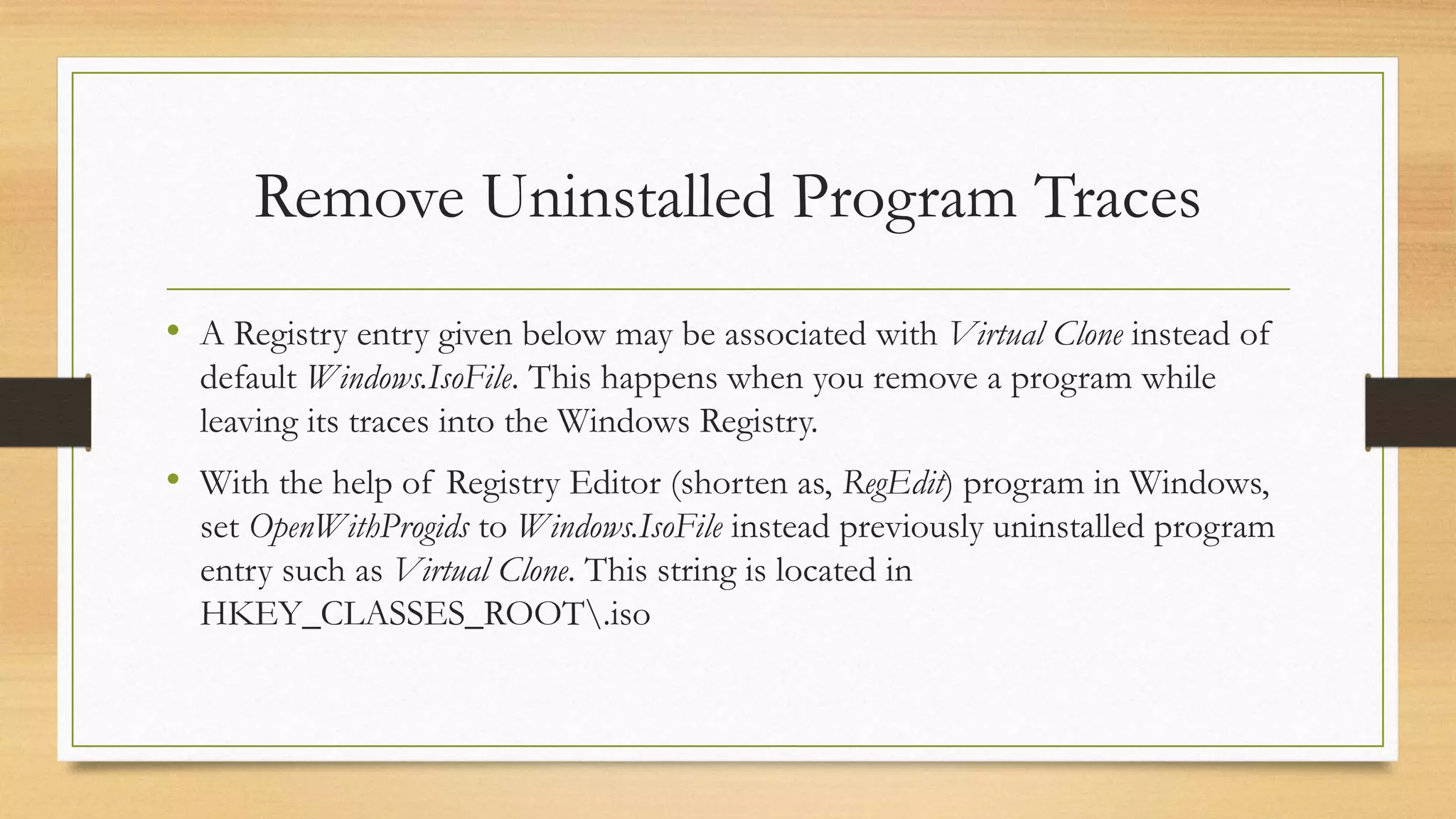
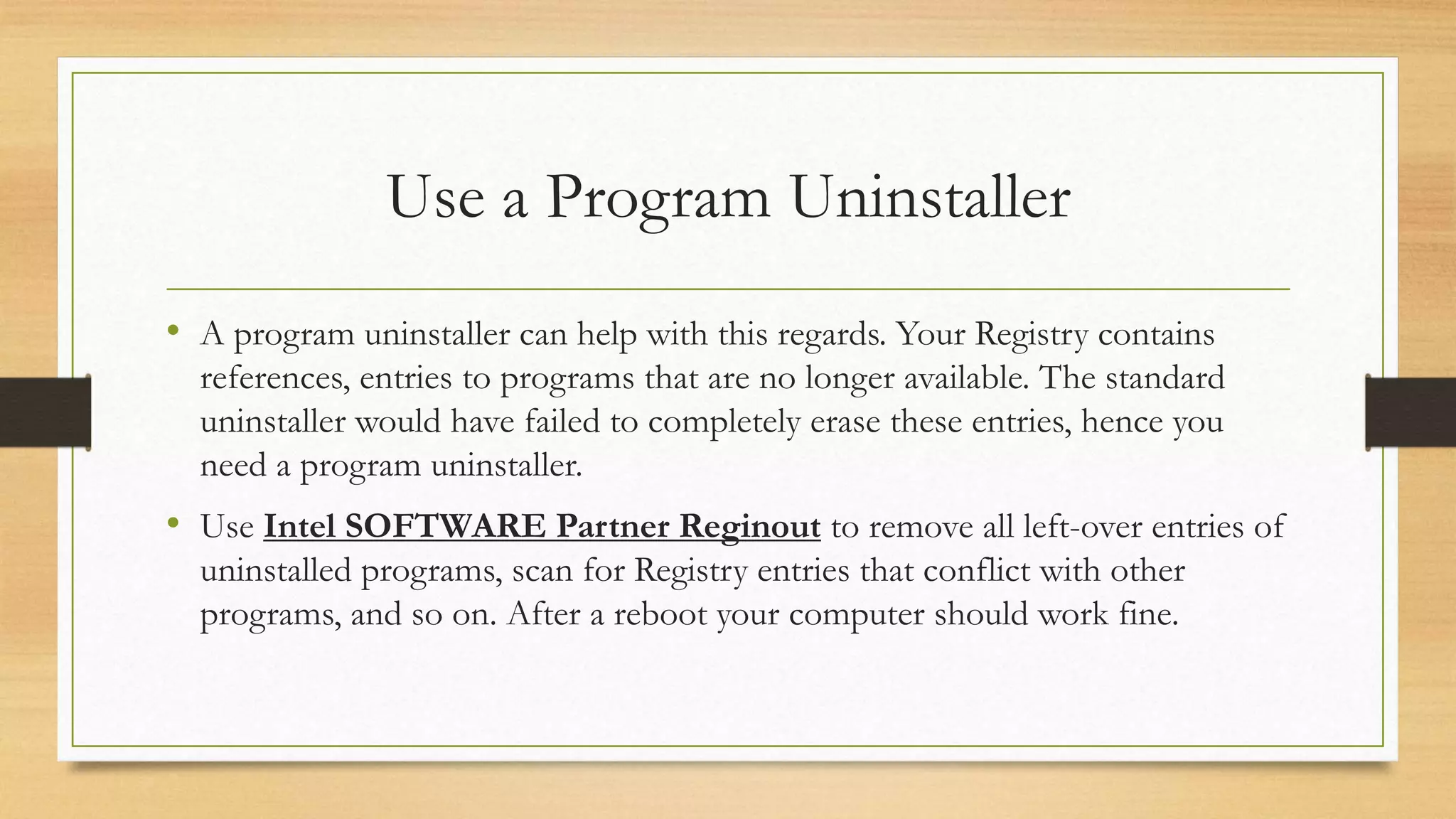

The document outlines troubleshooting steps for resolving the 'disc image file is corrupted' error in Windows 8, which can occur when mounting ISO files. Solutions include using a program uninstaller to clean up registry entries, checking disks for errors, cleaning physical discs, replacing the image disc, and redownloading the corrupted image file. Following these steps can help restore proper functionality to the system.


