Download to read offline
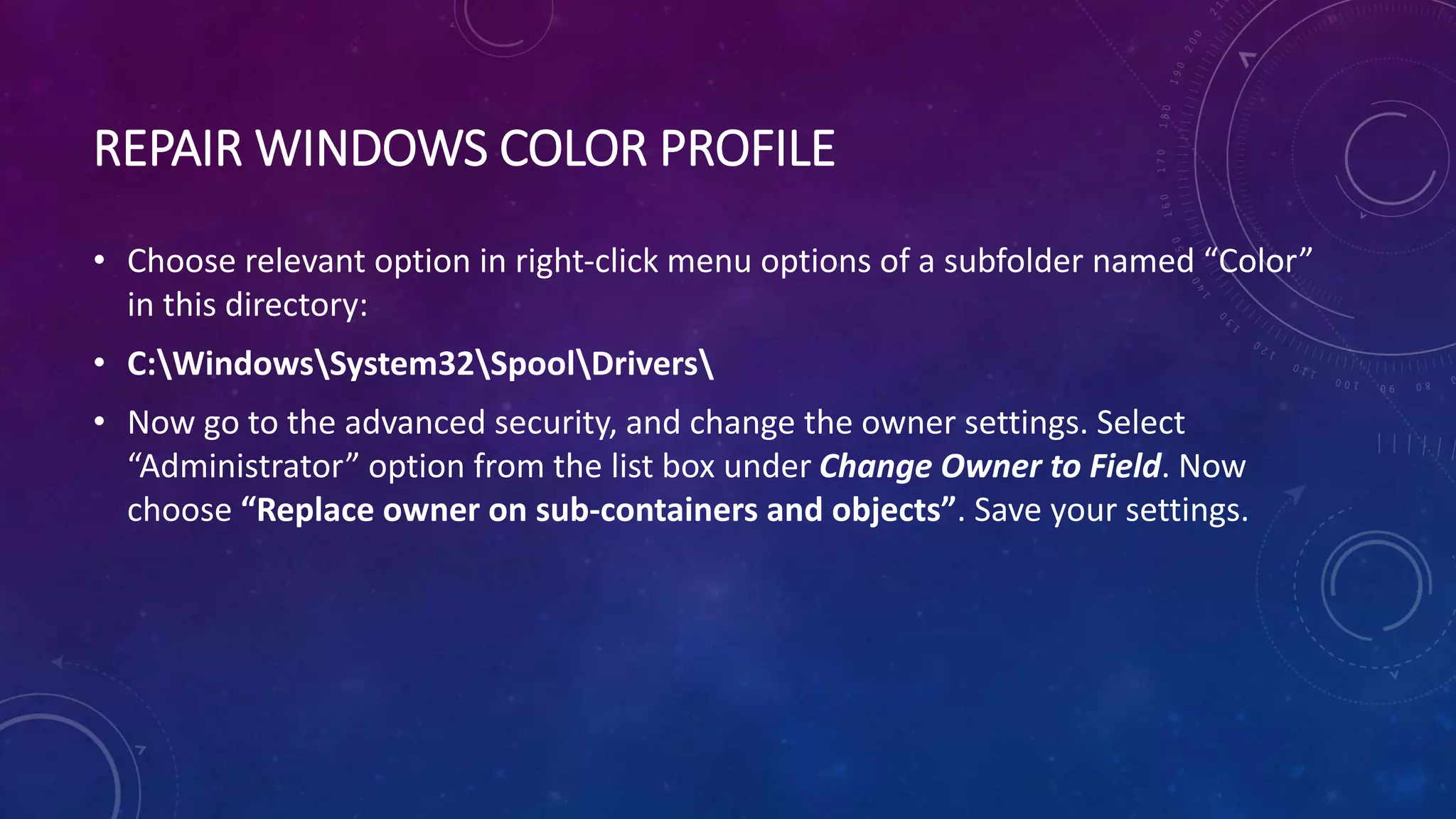
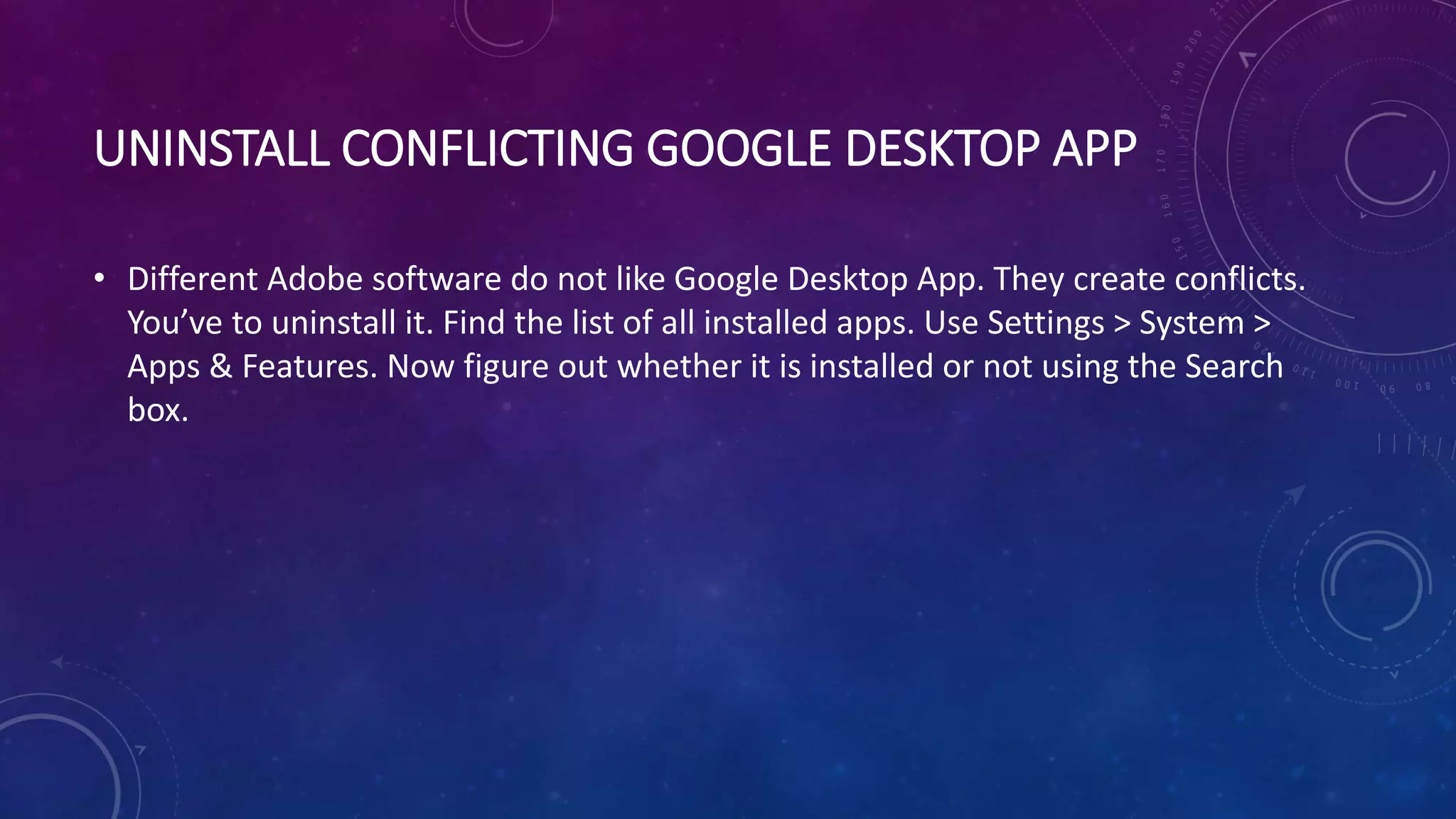
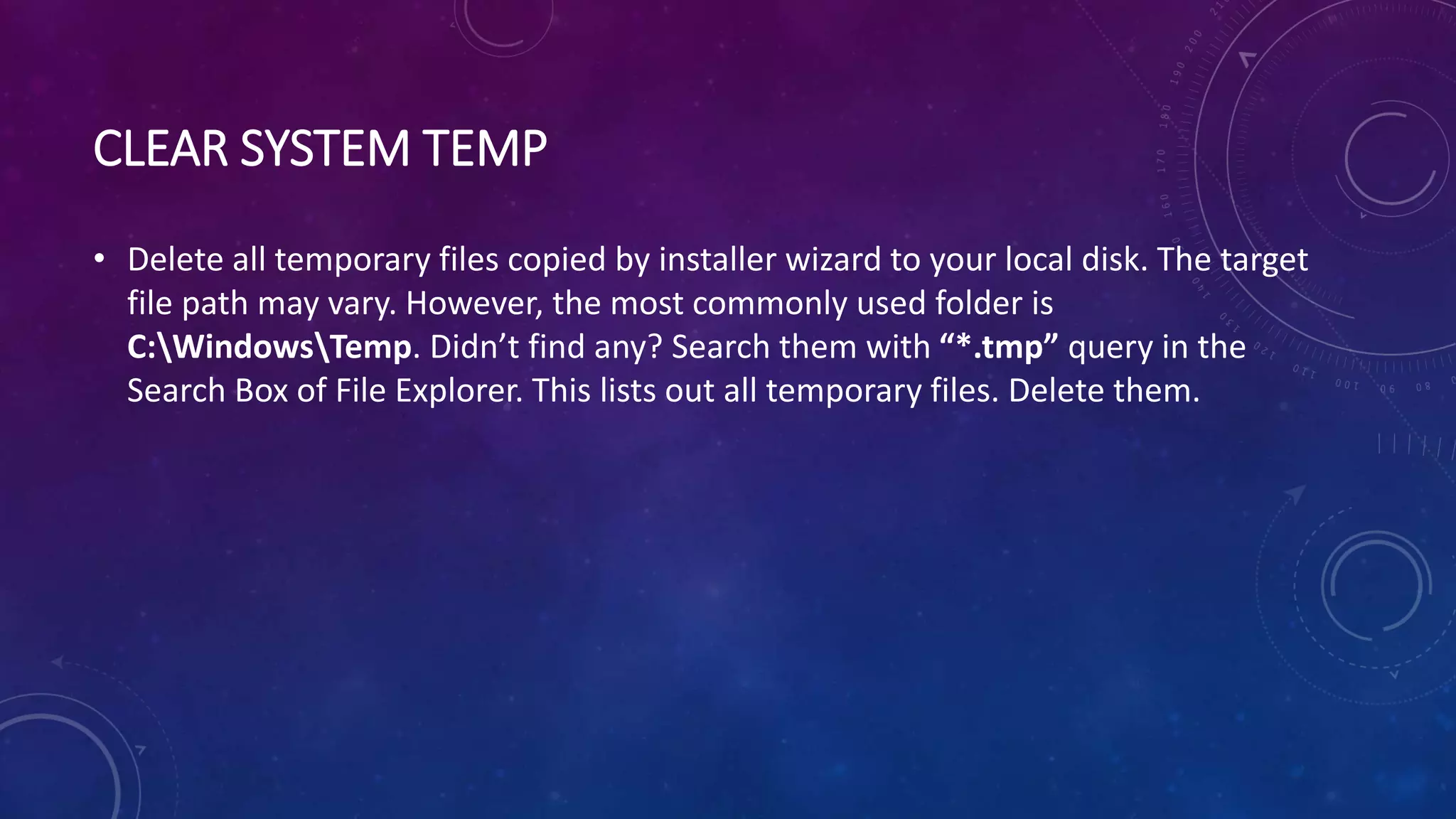

This document provides troubleshooting steps for resolving the "Error 1603" that can occur when installing Java, Adobe software, or other applications on Windows 10. It recommends using a Java uninstall tool, repairing registry issues, disabling Java content in the browser, fixing folder permissions, switching to the administrator account, clearing temporary files, and uninstalling conflicting applications.


