Testing 3:
Data-Driven Testing
@Inflectra | #InflectraCon
Remco Putker
Owner, Robust-IT
Program Manager, EY
@RPutker
Session Objectives
 Building on the content of Testing 1 and 2, we will discuss
more advanced techniques available in Spira for test
management.
 We will review the different ways to use test sets,
automation hosts, test parameters and test configurations
to promote data-driven testing, reliable automation, and
DevOps integration with CI tools.
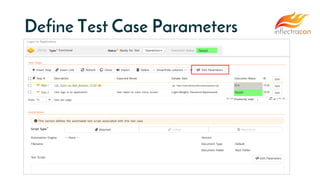
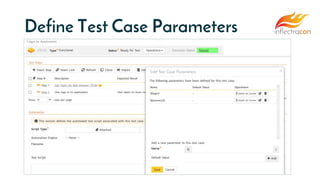
Test Case
Parameters
Define Test Case Parameters
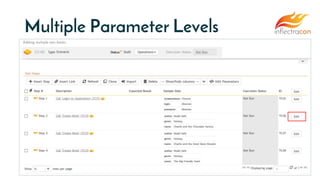
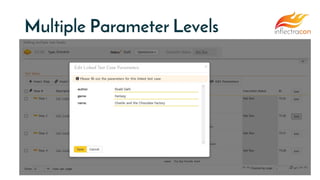
Multiple Parameter Levels
Test Sets &
Parameters
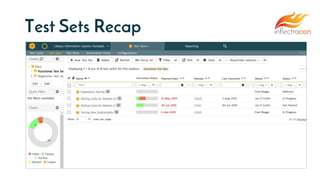
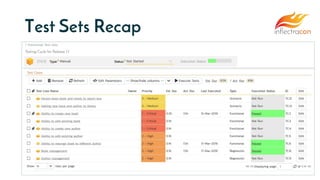
Test Sets Recap
Test Sets Recap
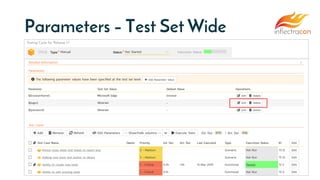
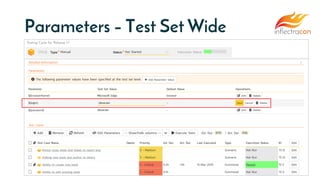
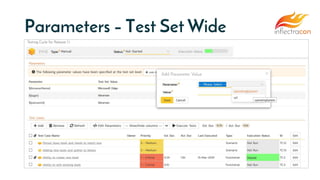
Parameters – Test Set Wide
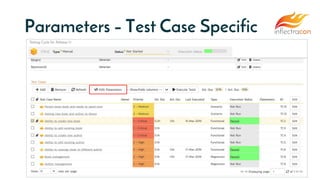
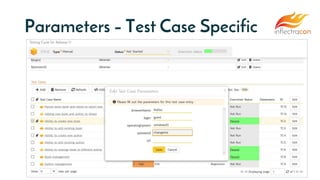
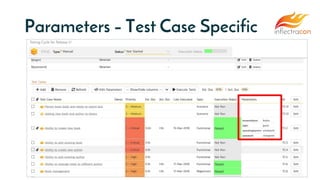
Parameters – Test Case Specific
Test Sets &
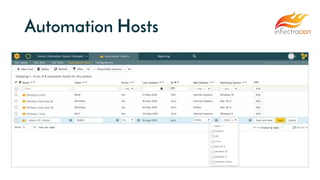
Automation Hosts
Automation Hosts
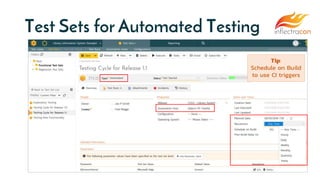
Test Sets for Automated Testing
Tip:
Schedule on Build
to use CI triggers
Test
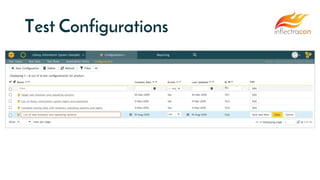
Configurations
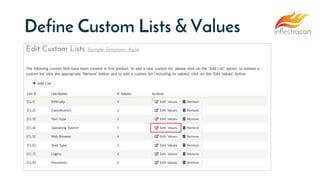
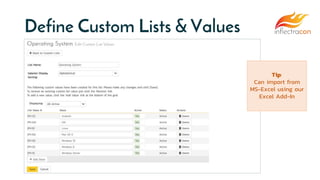
Define Custom Lists & Values
Tip:
Can import from
MS-Excel using our
Excel Add-In
Test Configurations
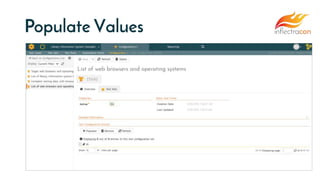
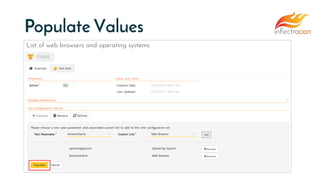
Populate Values
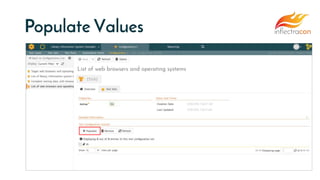
Populate Values
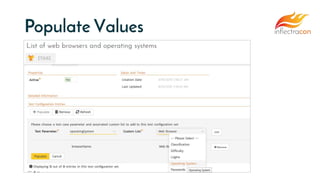
Populate Values
Populate Values
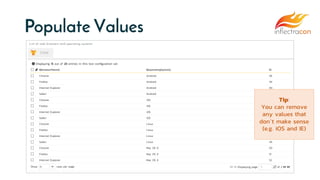
Populate Values
Tip:
You can remove
any values that
don’t make sense
(e.g. iOS and IE)
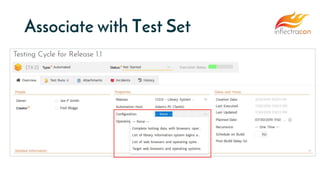
Associate with Test Set
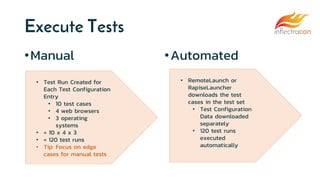
Execute Tests
•Manual •Automated
• Test Run Created for
Each Test Configuration
Entry
• 10 test cases
• 4 web browsers
• 3 operating
systems
• = 10 x 4 x 3
• = 120 test runs
• Tip: Focus on edge
cases for manual tests
• RemoteLaunch or
RapiseLauncher
downloads the test
cases in the test set
• Test Configuration
Data downloaded
separately
• 120 test runs
executed
automatically
Wrap Up
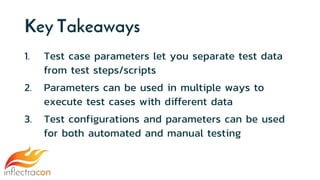
Key Takeaways
1. Test case parameters let you separate test data
from test steps/scripts
2. Parameters can be used in multiple ways to
execute test cases with different data
3. Test configurations and parameters can be used
for both automated and manual testing
Questions?

Testing 3: Data-Driven Testing