3
Automation Testing isthe process of using the
assistance of tools, scripts, and software to perform
test cases by repeating pre-defined actions.
Test Automation focuses on replacing manual
human activity with systems or devices that
enhance efficiency.
5
Performing testing tofind defects or bugs manually
is time-consuming, expensive, often repetitive, and
subject to human error.
This is where automation comes into the picture.
Automation is essential for software development
teams to keep pace with the rising demands for
higher-quality software at lightning speed.
7
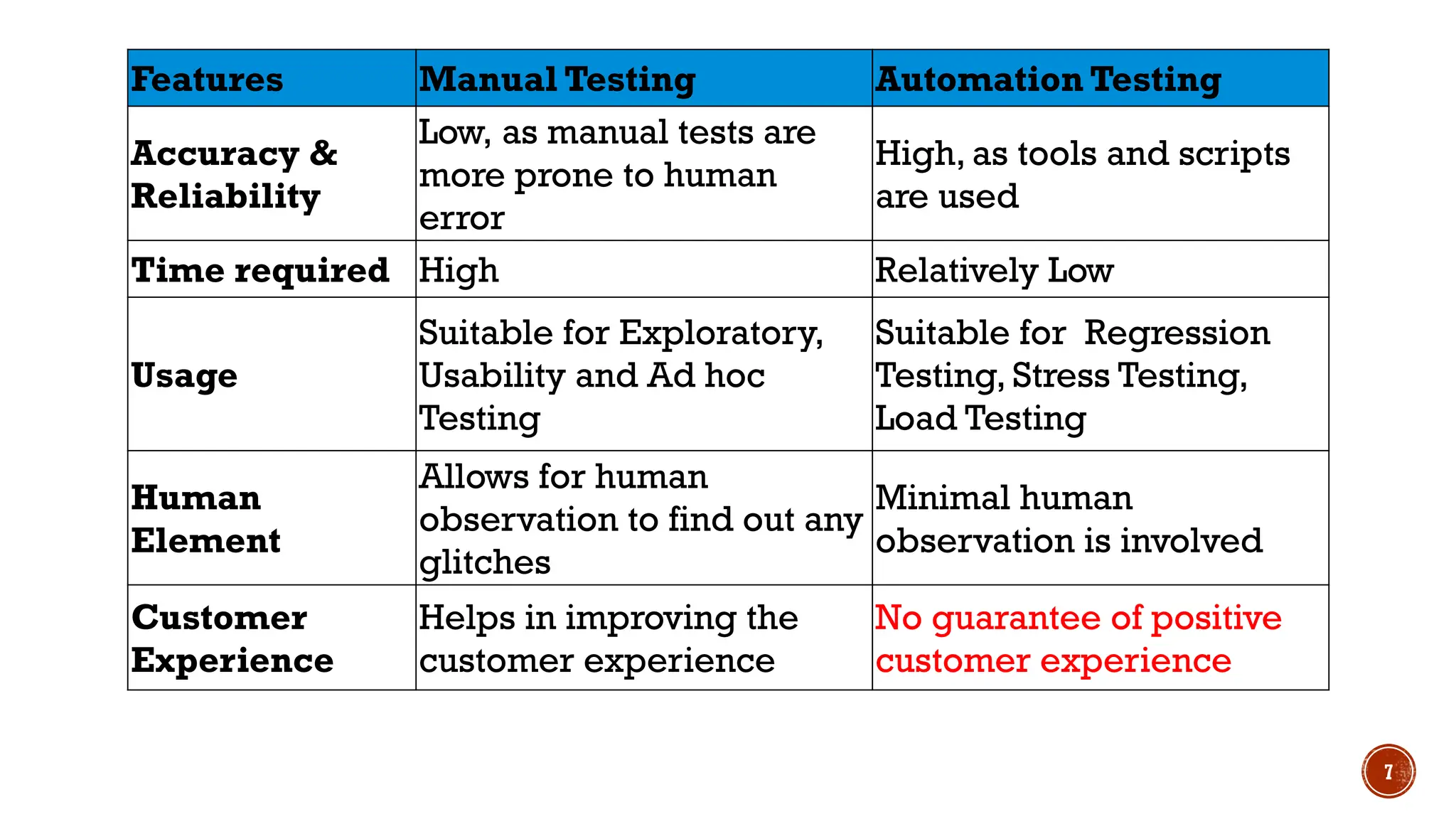
Features Manual TestingAutomation Testing
Accuracy &
Reliability
Low, as manual tests are
more prone to human
error
High, as tools and scripts
are used
Time required High Relatively Low
Usage
Suitable for Exploratory,
Usability and Ad hoc
Testing
Suitable for Regression
Testing, Stress Testing,
Load Testing
Human
Element
Allows for human
observation to find out any
glitches
Minimal human
observation is involved
Customer
Experience
Helps in improving the
customer experience
No guarantee of positive
customer experience
8.
8
Neither of theseoptions are technically better or worse
than the other.
But the size, budget and time of a project will certainly be
determining factors that affect which method will work best
in your testing procedure.
Manual testing allows a human mind to draw insights from a
test that might otherwise be missed by an automated
testing program.
While, automated testing is well-suited for large projects
that require testing the same areas over and over again.
But can we automate every test case?
10
Well, it’simpossible to automate all testing, so it is important to
determine which test cases should be automated. Some test cases
where you can apply automation are:
Repetitive tasks are prime candidates for automation. Not only are
these tasks boring to you, but they’re often the ones where you make
mistakes.
Rather than manually exporting your data, crunching the numbers,
and making complex graphs by yourself, invest in a tool or automation
strategy that will do this for you.
You can apply automation for the tests that require multiple data sets.
Instead of manually typing in information into forms, automate the
process.
Another good case where you can apply automation is load & stress
testing.
You can apply automation for test cases that run on several different
hardware or software platforms and configurations.
12
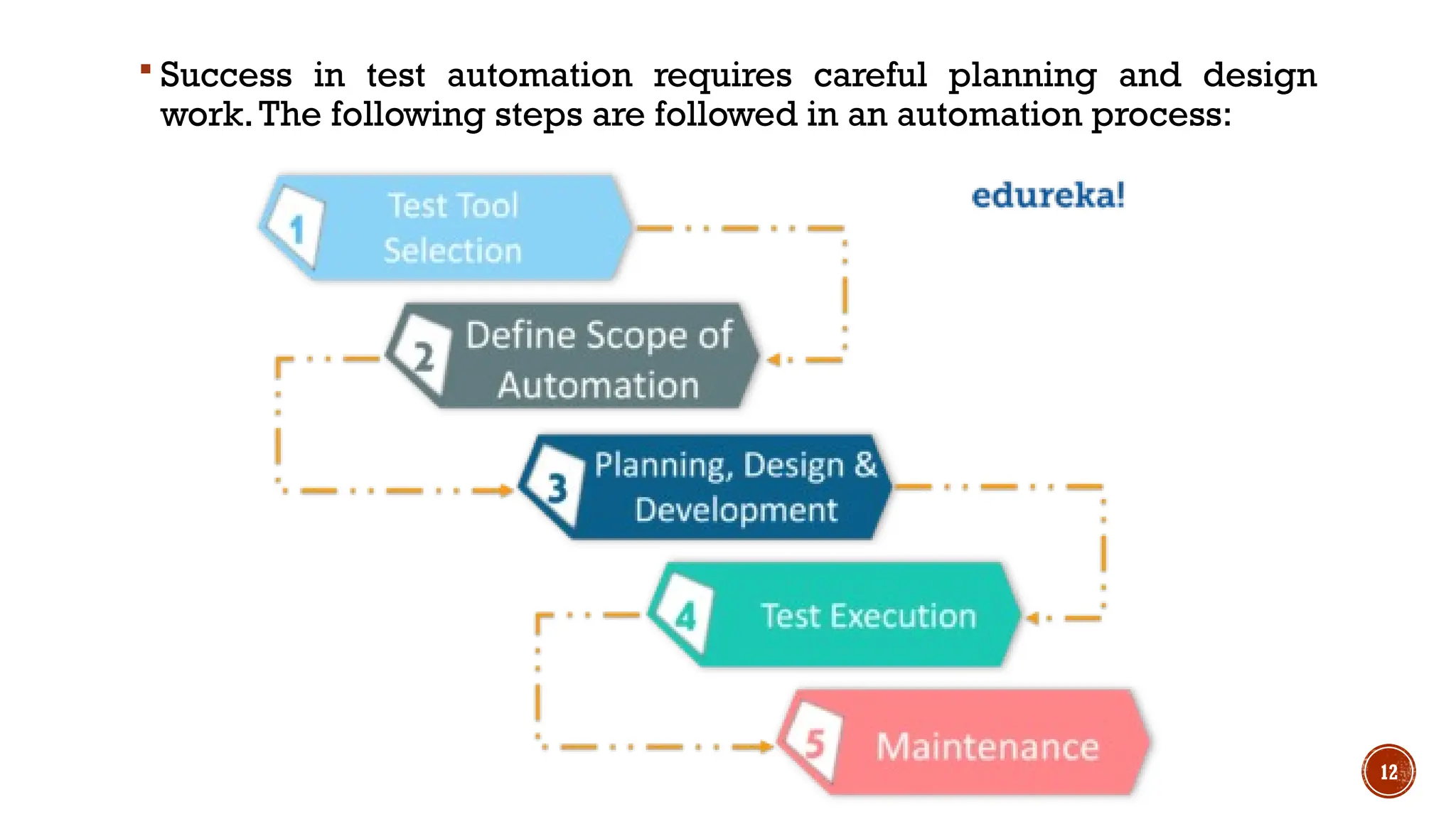
Success intest automation requires careful planning and design
work.The following steps are followed in an automation process:
13.
13
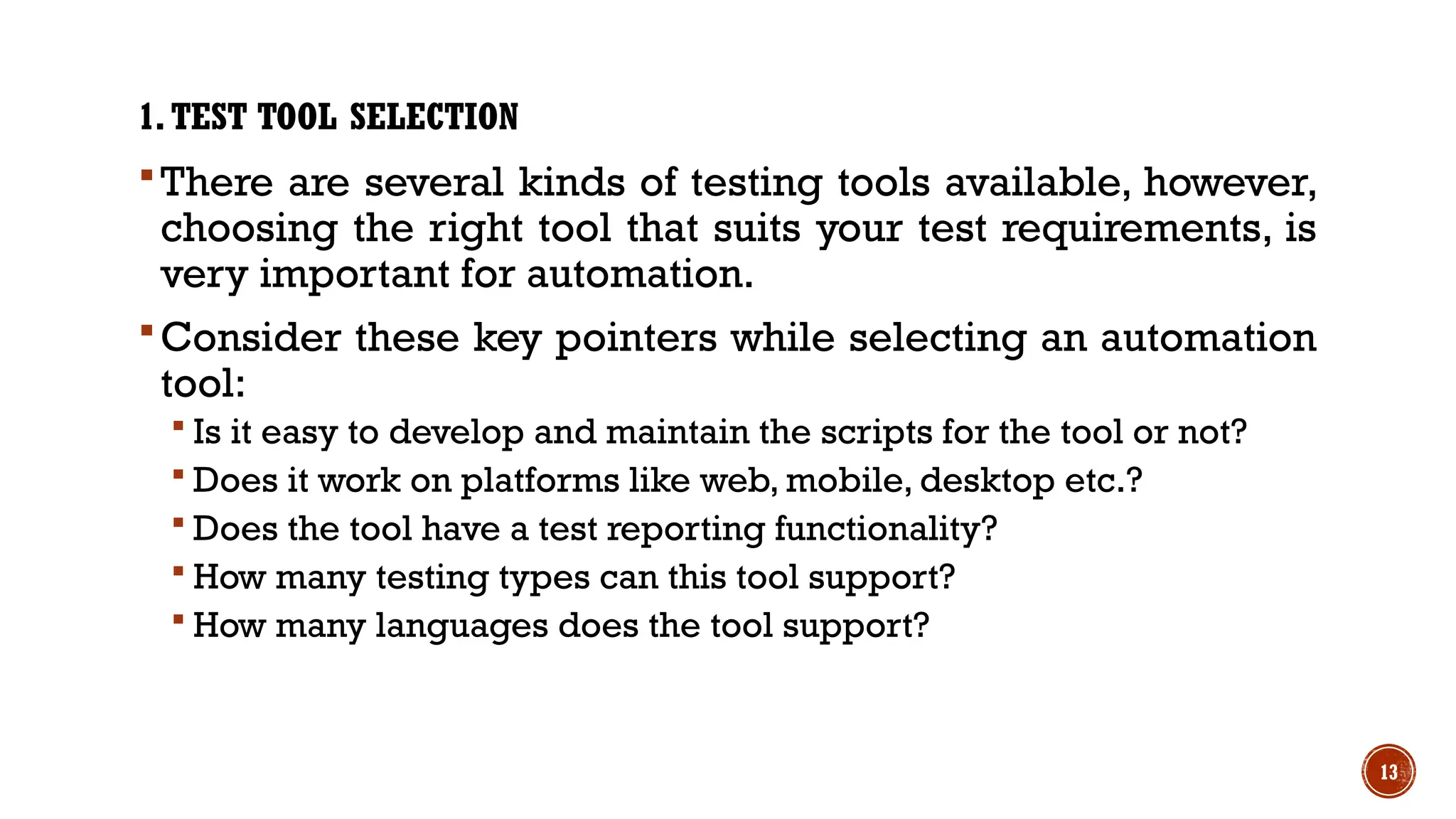
1.TEST TOOL SELECTION
Thereare several kinds of testing tools available, however,
choosing the right tool that suits your test requirements, is
very important for automation.
Consider these key pointers while selecting an automation
tool:
Is it easy to develop and maintain the scripts for the tool or not?
Does it work on platforms like web, mobile, desktop etc.?
Does the tool have a test reporting functionality?
How many testing types can this tool support?
How many languages does the tool support?
14.
14
2. DEFINE THESCOPE OF AUTOMATION
Next, you define the scope of automation, as in you need to
decide which test cases to automate. Some pointers that
you can follow are:
Scenarios which have a large amount of data
Test cases which have common functionalities across
applications
The complexity of test cases
15.
15
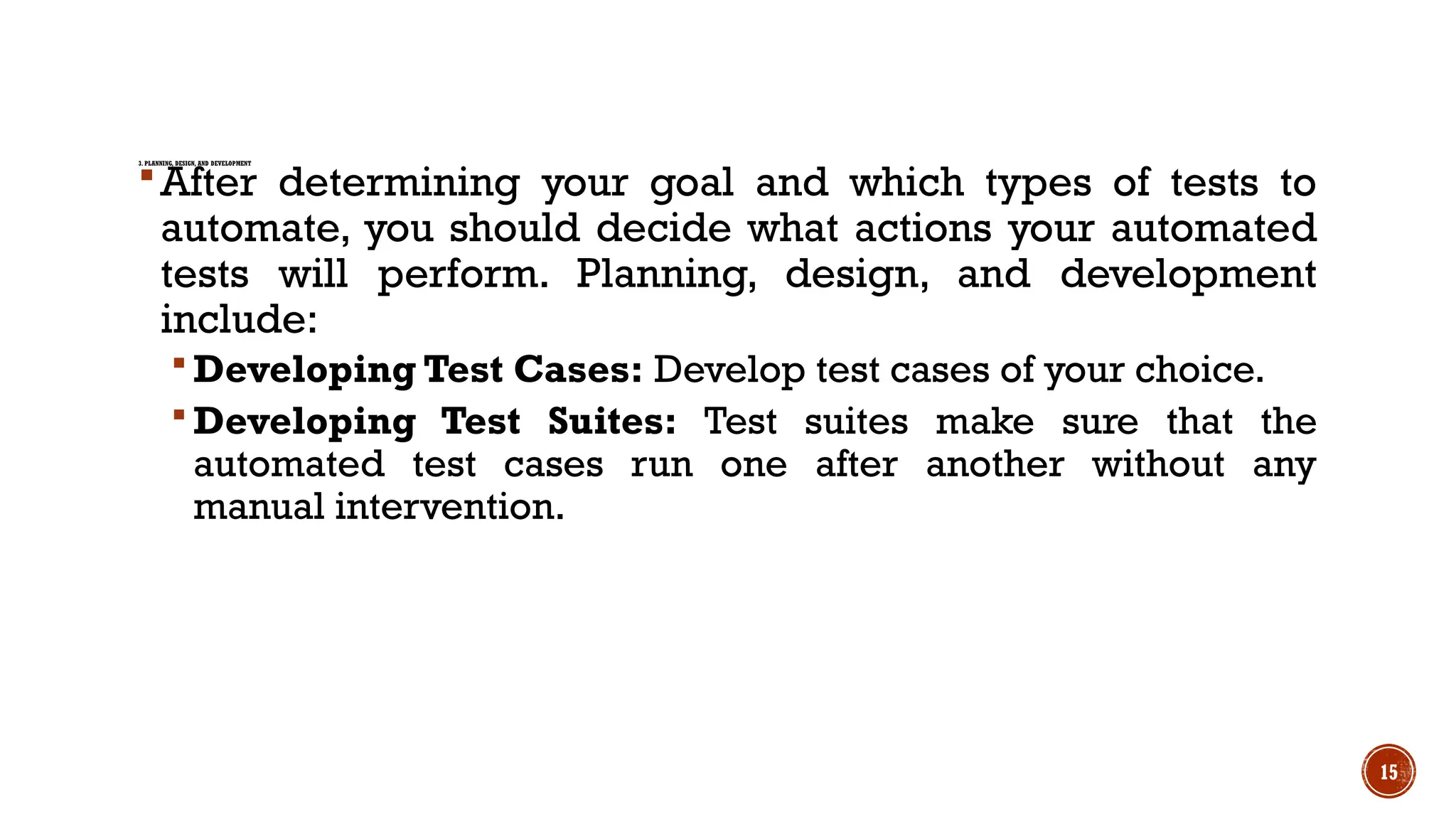
3. PLANNING, DESIGN,AND DEVELOPMENT
After determining your goal and which types of tests to
automate, you should decide what actions your automated
tests will perform. Planning, design, and development
include:
Developing Test Cases: Develop test cases of your choice.
Developing Test Suites: Test suites make sure that the
automated test cases run one after another without any
manual intervention.
16.
16
4.TEST EXECUTION
Automation Scriptsare executed during this phase.
Execution can be performed using the automation tool
directly or through the test management tool which will
invoke the automation tool.
17.
17
5. MAINTENANCE
Once testcases are executed, the next step is to create
reports so that the actions performed during testing are
recorded.
As new functionalities get added to the software that you
are testing with successive cycles, automation scripts need
to be added, reviewed and maintained for each release
cycle.
#7 Ad hoc testing is a commonly used term for software testing performed without planning and documentation. Ad hoc testing is the least formal test method.