Ten Steps to Successful
Software Implementation
April 25, 2017 Copyright Nicholas Tufaro, Jr.
The Ten Steps
I. Early Involvement
II. Continuous Involvement
III. Component Documentation
IV. Attaining Finalized Implementation Documents
V. Commitments from Resources
VI. Building the Schedule
VII. Stakeholder Communications
VIII. Preparation for the Implementation Event
IX. The Implementation Event
X. Post Mortem and Lessons Learned
April 25, 2017 Copyright Nicholas Tufaro, Jr.
Early Involvement
GET INVOLVED AT THE START OF
THE SOFTWARE DESIGN
As the Implementation and Migration
Specialist, your focus should be:
• What components are needed for a
successful implementation
• What are the security requirements
of those components
• What is the processing order of
those components.
April 25, 2017 Copyright Nicholas Tufaro, Jr.
Continous Involvement
REMAIN INVOLVED WITH THE
SOFTWARE DESIGN AND TESTING
PROCESSES
During the software design process:
• Components may be added or
removed
• Resource availability may change
• Business and Market needs may
change
• Regulatory requirements may have
a critical impact
• Scheduling and Prioritization may
change
• … and more !
April 25, 2017 Copyright Nicholas Tufaro, Jr.
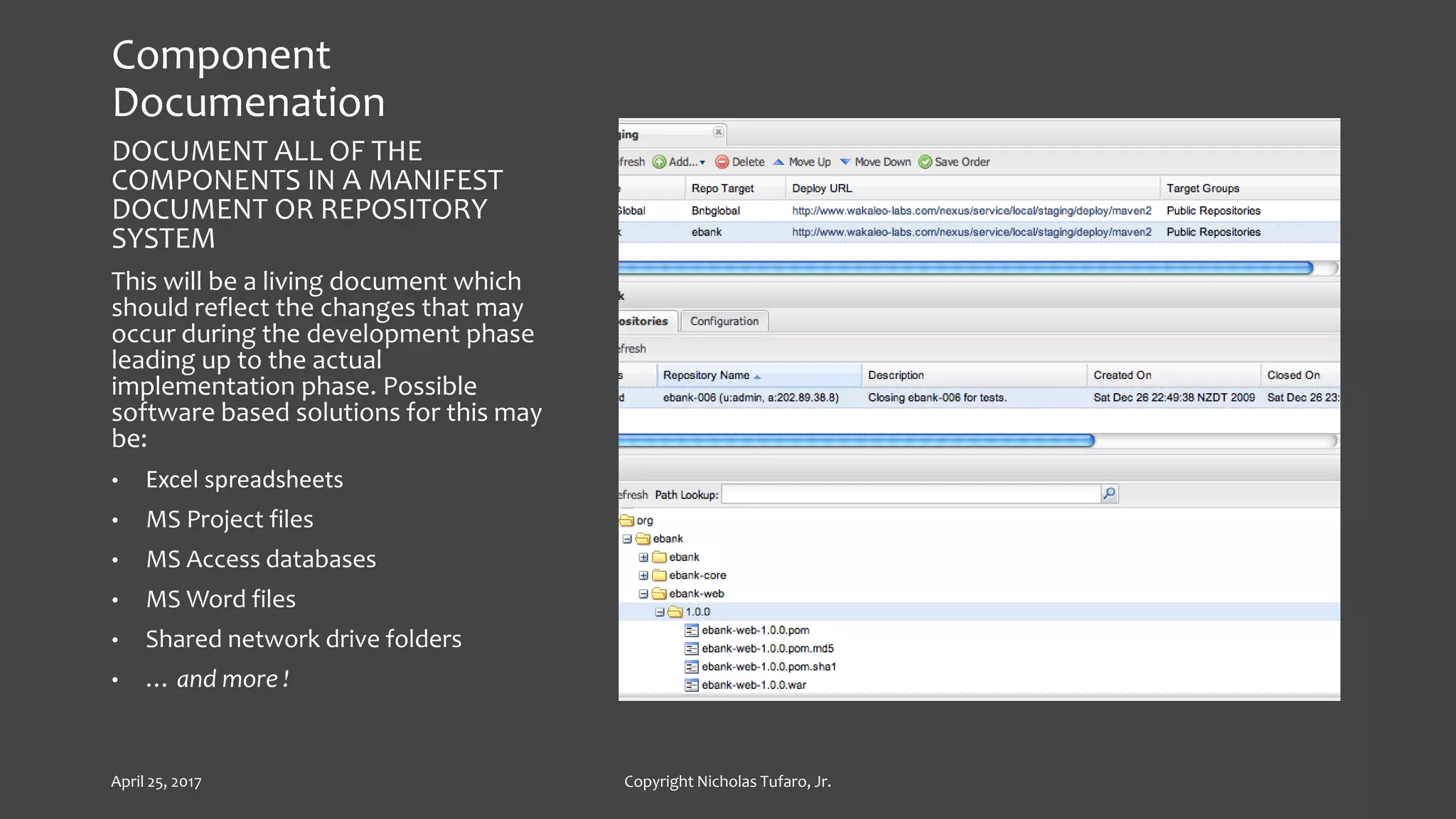
Component
Documenation
DOCUMENT ALL OF THE
COMPONENTS IN A MANIFEST
DOCUMENT OR REPOSITORY
SYSTEM
This will be a living document which
should reflect the changes that may
occur during the development phase
leading up to the actual
implementation phase. Possible
software based solutions for this may
be:
• Excel spreadsheets
• MS Project files
• MS Access databases
• MS Word files
• Shared network drive folders
• … and more !
April 25, 2017 Copyright Nicholas Tufaro, Jr.
Attaining Finalized
Implementation
Documents
ATTAIN AND STORE
FINALIZED
IMPLEMENTATION
DOCUMENTS
This will include the following:
• List of software components
• List of configuration files
• List of execution scripts
• Step by step implementation plan
• Step by step rollback plan
• Security Access and Roles needed
• … and more !
April 25, 2017 Copyright Nicholas Tufaro, Jr.
Commitments from
Resources
ATTAIN COMMITMENTS
FROM RESOURCES
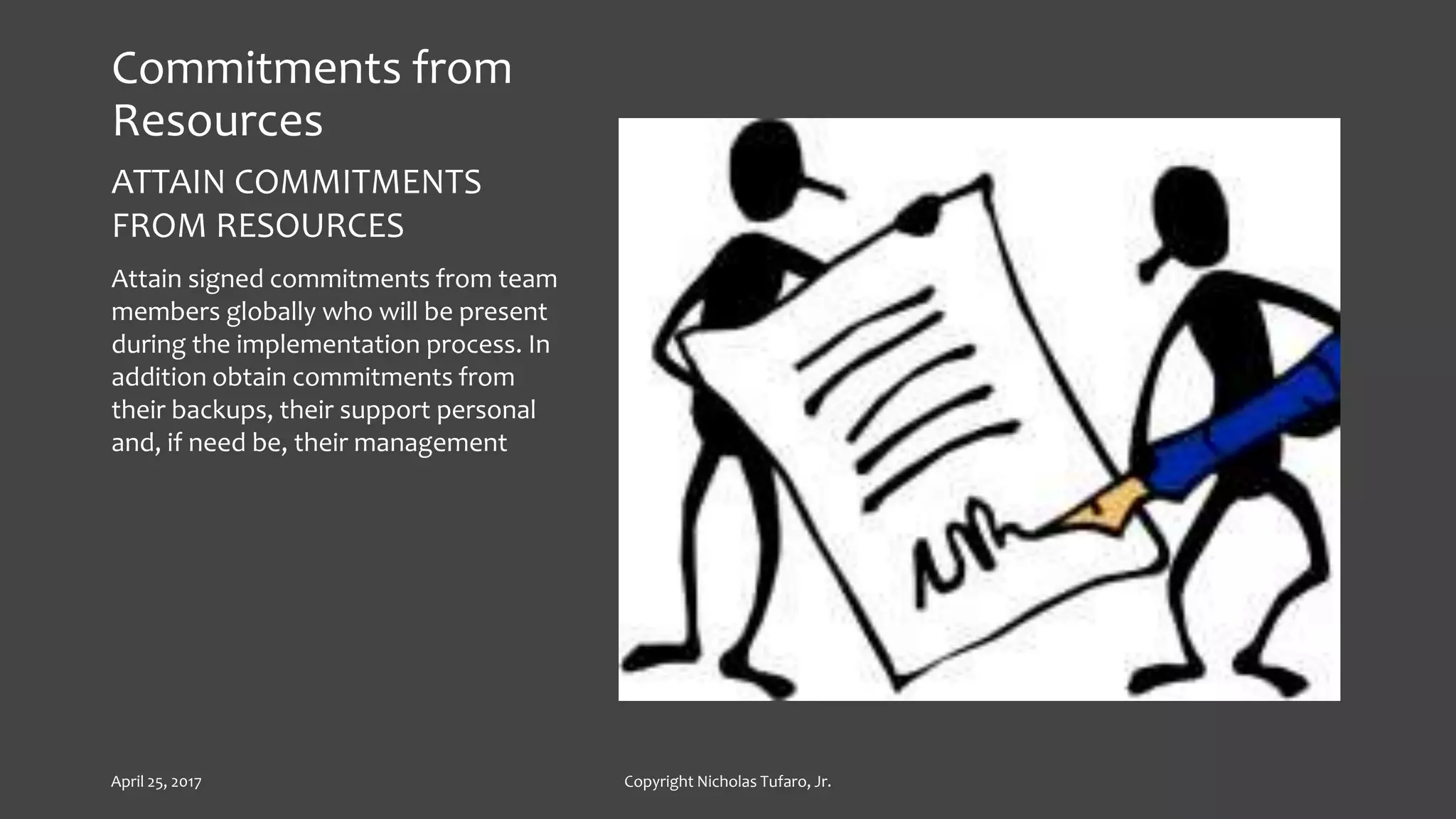
Attain signed commitments from team
members globally who will be present
during the implementation process. In
addition obtain commitments from
their backups, their support personal
and, if need be, their management
April 25, 2017 Copyright Nicholas Tufaro, Jr.
Building the Schedule
BUILD THE SCHEDULE
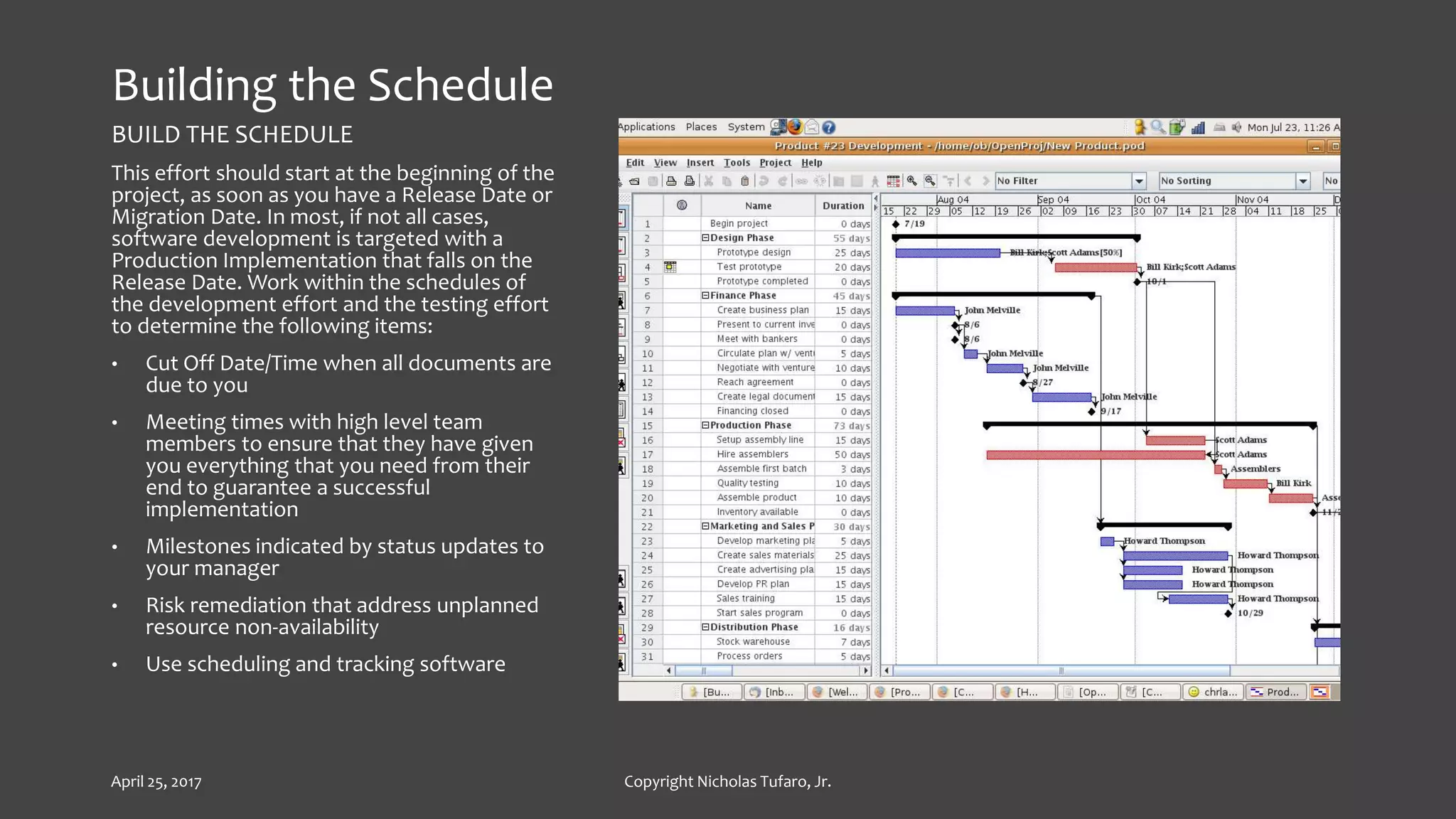
This effort should start at the beginning of the
project, as soon as you have a Release Date or
Migration Date. In most, if not all cases,
software development is targeted with a
Production Implementation that falls on the
Release Date. Work within the schedules of
the development effort and the testing effort
to determine the following items:
• Cut Off Date/Time when all documents are
due to you
• Meeting times with high level team
members to ensure that they have given
you everything that you need from their
end to guarantee a successful
implementation
• Milestones indicated by status updates to
your manager
• Risk remediation that address unplanned
resource non-availability
• Use scheduling and tracking software
April 25, 2017 Copyright Nicholas Tufaro, Jr.
Stakeholder
Communications
COMMUNICATE TO ALL THE
STAKEHOLDERS
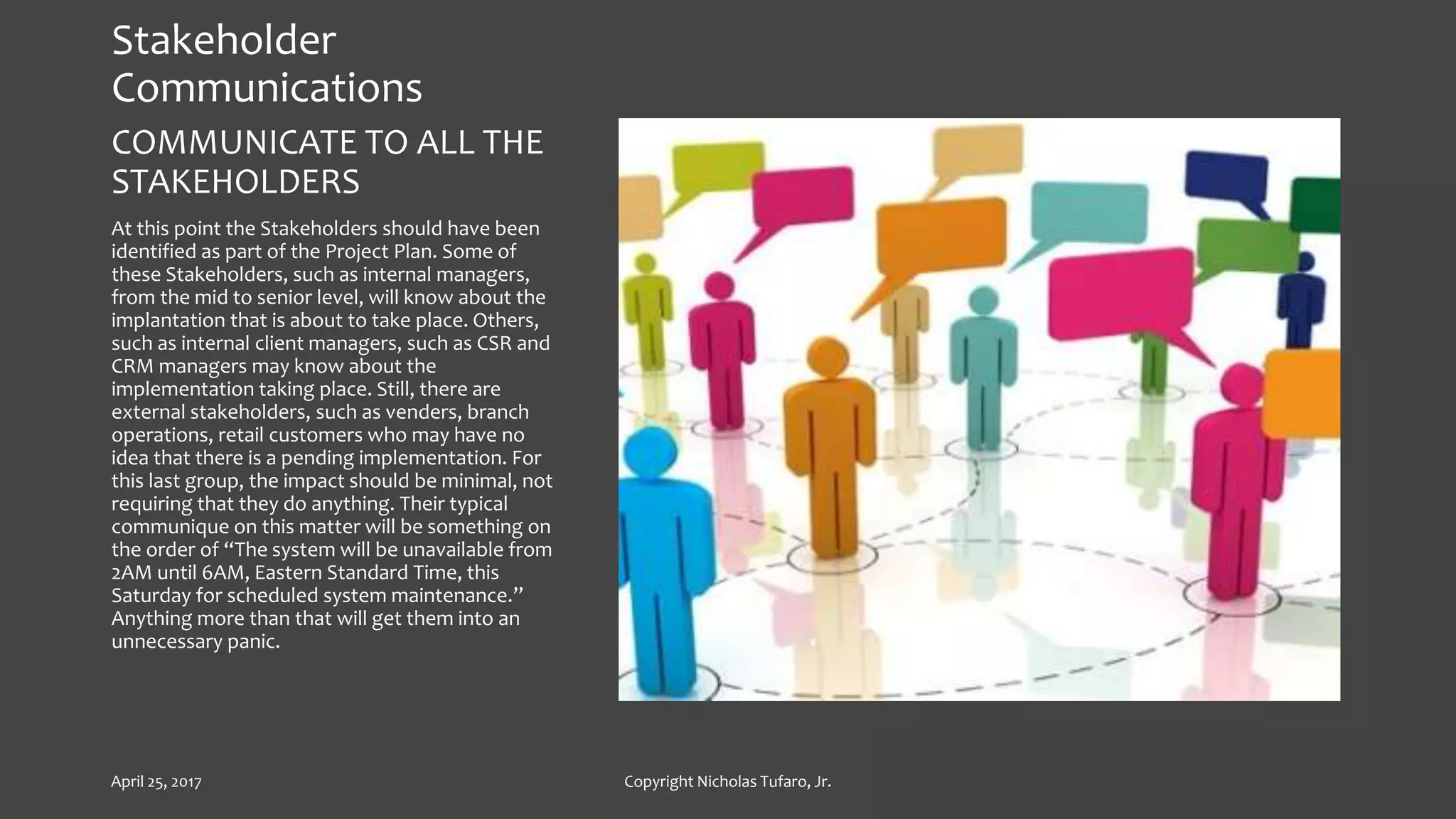
At this point the Stakeholders should have been
identified as part of the Project Plan. Some of
these Stakeholders, such as internal managers,
from the mid to senior level, will know about the
implantation that is about to take place. Others,
such as internal client managers, such as CSR and
CRM managers may know about the
implementation taking place. Still, there are
external stakeholders, such as venders, branch
operations, retail customers who may have no
idea that there is a pending implementation. For
this last group, the impact should be minimal, not
requiring that they do anything. Their typical
communique on this matter will be something on
the order of “The system will be unavailable from
2AM until 6AM, Eastern Standard Time, this
Saturday for scheduled system maintenance.”
Anything more than that will get them into an
unnecessary panic.
April 25, 2017 Copyright Nicholas Tufaro, Jr.
Preparation for the
Implemenation Event
IMPLEMENTATION EVENT
PREPARATION
Ensure that you’ve got the Implementation
Conference Room reserved. If this
Implementation involves team members in other
locations, ensure that you’ve got a calendar
appointment to include a conference bridge line
as well as the ability to share the screen where
monitoring of the processing will take place. One
of the best tools for this is Adobe Connect
April 25, 2017 Copyright Nicholas Tufaro, Jr.
The Implemenation Event
Log into the Event Software and start the screen sharing
at least 15 minutes ahead of schedule. As the conference
call leader, you should also call into the conference bridge
line using your leadership access code. This allows you to
control the meeting, including muting and unmuting other
participants as well as recording the event. You want to
record the event both in the meeting software and in the
conference call. Prior to hitting the “record” button, you
want to reach out to committed resources who haven’t
dialed into the call and find out when they will join the
meeting or if they will send a delegate in their place. Once
everyone is on the call and logged into the meeting
software, hit the “record” button and start the meeting
by doing the following:
Announce Date and Time of the event and its purpose
Conduct a Roll Call
After the completion of the roll call, have all participants
log into the chat screen who they are what group they are
with and where they are geographically located
Continue to have participants log into the chat, when they
start and complete the execution of their steps
Upon completion of the implementation event, verbally
close out the event by announcing its completion and also
mention that the system is now available for all of the
users. Document this in the chat window.
April 25, 2017 Copyright Nicholas Tufaro, Jr.
Post Mortem and Lessons
Learned
At this point, you’ve got all of the raw data of the
event, including start and end times of each step,
any restarts, any conflicts and their resolutions,
the number of components installed and the
details of the size of the team. Ensure that you’ve
entered this into an Excel spreadsheet and create
a graph showing these metrics, then store the
results in your SharePoint site. Finally, send out
your final communique to all Stakeholders
advising them of the success of the
implementation event and that the system is now
available for their use. Also let them know that
should they encounter any issues that they
should escalate to you.
April 25, 2017 Copyright Nicholas Tufaro, Jr.
Conclusion
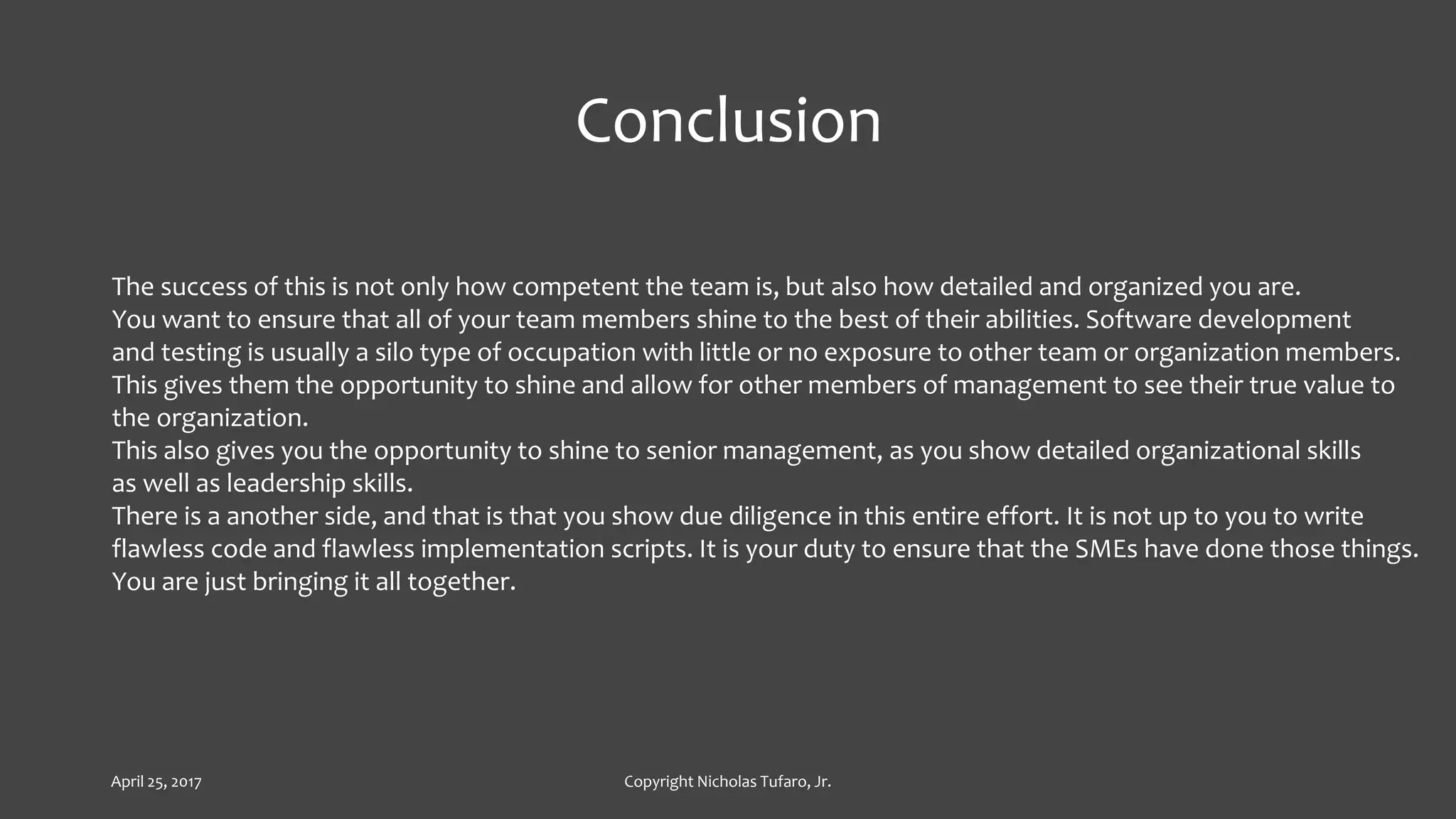
The success of this is not only how competent the team is, but also how detailed and organized you are.
You want to ensure that all of your team members shine to the best of their abilities. Software development
and testing is usually a silo type of occupation with little or no exposure to other team or organization members.
This gives them the opportunity to shine and allow for other members of management to see their true value to
the organization.
This also gives you the opportunity to shine to senior management, as you show detailed organizational skills
as well as leadership skills.
There is a another side, and that is that you show due diligence in this entire effort. It is not up to you to write
flawless code and flawless implementation scripts. It is your duty to ensure that the SMEs have done those things.
You are just bringing it all together.
April 25, 2017 Copyright Nicholas Tufaro, Jr.
Possible Tools For This Effort
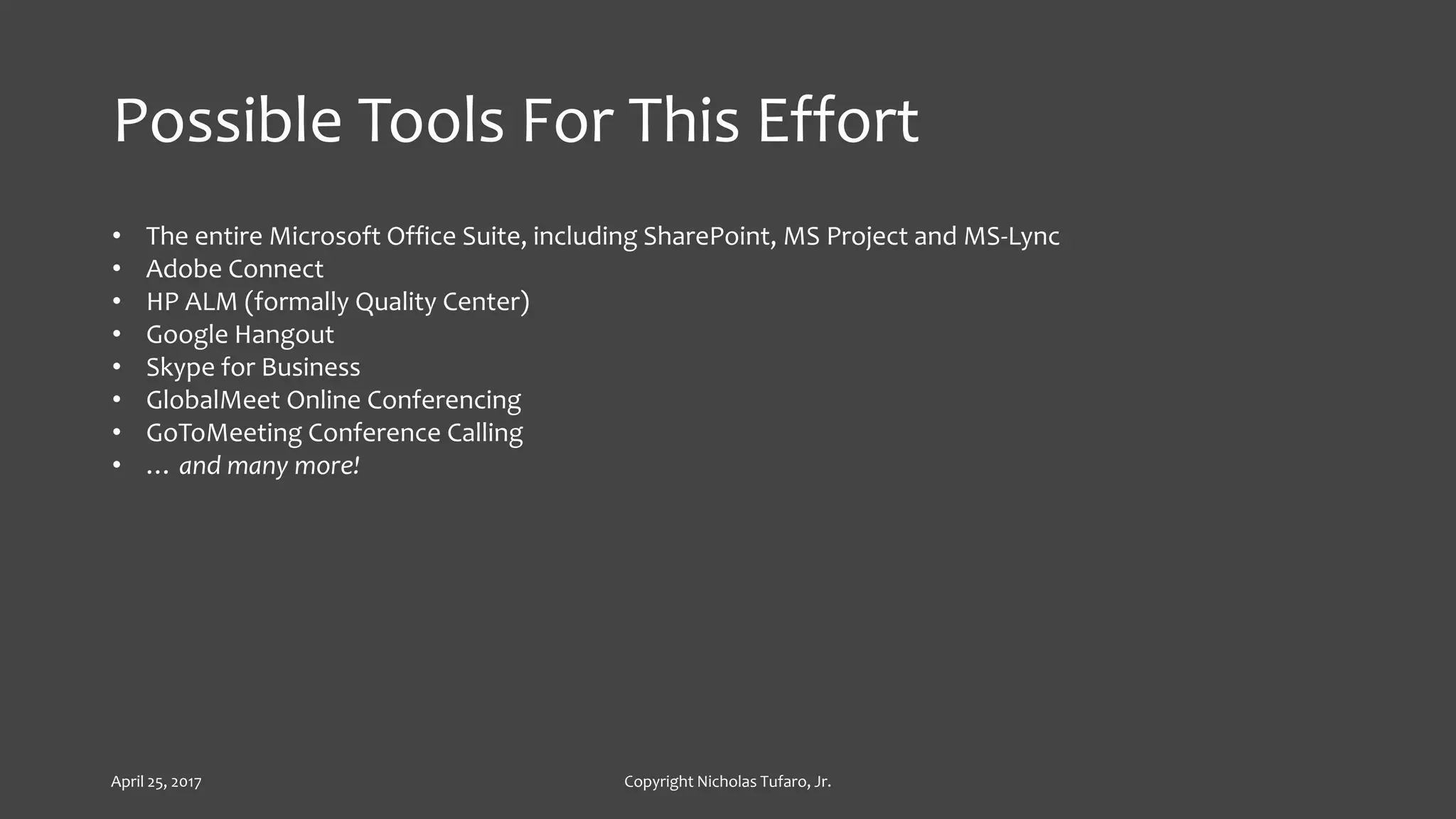
• The entire Microsoft Office Suite, including SharePoint, MS Project and MS-Lync
• Adobe Connect
• HP ALM (formally Quality Center)
• Google Hangout
• Skype for Business
• GlobalMeet Online Conferencing
• GoToMeeting Conference Calling
• … and many more!
April 25, 2017 Copyright Nicholas Tufaro, Jr.

Ten Steps To Successful Software Implementation

  • 1.
    Ten Steps toSuccessful Software Implementation April 25, 2017 Copyright Nicholas Tufaro, Jr.
  • 2.
    The Ten Steps I.Early Involvement II. Continuous Involvement III. Component Documentation IV. Attaining Finalized Implementation Documents V. Commitments from Resources VI. Building the Schedule VII. Stakeholder Communications VIII. Preparation for the Implementation Event IX. The Implementation Event X. Post Mortem and Lessons Learned April 25, 2017 Copyright Nicholas Tufaro, Jr.
  • 3.
    Early Involvement GET INVOLVEDAT THE START OF THE SOFTWARE DESIGN As the Implementation and Migration Specialist, your focus should be: • What components are needed for a successful implementation • What are the security requirements of those components • What is the processing order of those components. April 25, 2017 Copyright Nicholas Tufaro, Jr.
  • 4.
    Continous Involvement REMAIN INVOLVEDWITH THE SOFTWARE DESIGN AND TESTING PROCESSES During the software design process: • Components may be added or removed • Resource availability may change • Business and Market needs may change • Regulatory requirements may have a critical impact • Scheduling and Prioritization may change • … and more ! April 25, 2017 Copyright Nicholas Tufaro, Jr.
  • 5.
    Component Documenation DOCUMENT ALL OFTHE COMPONENTS IN A MANIFEST DOCUMENT OR REPOSITORY SYSTEM This will be a living document which should reflect the changes that may occur during the development phase leading up to the actual implementation phase. Possible software based solutions for this may be: • Excel spreadsheets • MS Project files • MS Access databases • MS Word files • Shared network drive folders • … and more ! April 25, 2017 Copyright Nicholas Tufaro, Jr.
  • 6.
    Attaining Finalized Implementation Documents ATTAIN ANDSTORE FINALIZED IMPLEMENTATION DOCUMENTS This will include the following: • List of software components • List of configuration files • List of execution scripts • Step by step implementation plan • Step by step rollback plan • Security Access and Roles needed • … and more ! April 25, 2017 Copyright Nicholas Tufaro, Jr.
  • 7.
    Commitments from Resources ATTAIN COMMITMENTS FROMRESOURCES Attain signed commitments from team members globally who will be present during the implementation process. In addition obtain commitments from their backups, their support personal and, if need be, their management April 25, 2017 Copyright Nicholas Tufaro, Jr.
  • 8.
    Building the Schedule BUILDTHE SCHEDULE This effort should start at the beginning of the project, as soon as you have a Release Date or Migration Date. In most, if not all cases, software development is targeted with a Production Implementation that falls on the Release Date. Work within the schedules of the development effort and the testing effort to determine the following items: • Cut Off Date/Time when all documents are due to you • Meeting times with high level team members to ensure that they have given you everything that you need from their end to guarantee a successful implementation • Milestones indicated by status updates to your manager • Risk remediation that address unplanned resource non-availability • Use scheduling and tracking software April 25, 2017 Copyright Nicholas Tufaro, Jr.
  • 9.
    Stakeholder Communications COMMUNICATE TO ALLTHE STAKEHOLDERS At this point the Stakeholders should have been identified as part of the Project Plan. Some of these Stakeholders, such as internal managers, from the mid to senior level, will know about the implantation that is about to take place. Others, such as internal client managers, such as CSR and CRM managers may know about the implementation taking place. Still, there are external stakeholders, such as venders, branch operations, retail customers who may have no idea that there is a pending implementation. For this last group, the impact should be minimal, not requiring that they do anything. Their typical communique on this matter will be something on the order of “The system will be unavailable from 2AM until 6AM, Eastern Standard Time, this Saturday for scheduled system maintenance.” Anything more than that will get them into an unnecessary panic. April 25, 2017 Copyright Nicholas Tufaro, Jr.
  • 10.
    Preparation for the ImplemenationEvent IMPLEMENTATION EVENT PREPARATION Ensure that you’ve got the Implementation Conference Room reserved. If this Implementation involves team members in other locations, ensure that you’ve got a calendar appointment to include a conference bridge line as well as the ability to share the screen where monitoring of the processing will take place. One of the best tools for this is Adobe Connect April 25, 2017 Copyright Nicholas Tufaro, Jr.
  • 11.
    The Implemenation Event Loginto the Event Software and start the screen sharing at least 15 minutes ahead of schedule. As the conference call leader, you should also call into the conference bridge line using your leadership access code. This allows you to control the meeting, including muting and unmuting other participants as well as recording the event. You want to record the event both in the meeting software and in the conference call. Prior to hitting the “record” button, you want to reach out to committed resources who haven’t dialed into the call and find out when they will join the meeting or if they will send a delegate in their place. Once everyone is on the call and logged into the meeting software, hit the “record” button and start the meeting by doing the following: Announce Date and Time of the event and its purpose Conduct a Roll Call After the completion of the roll call, have all participants log into the chat screen who they are what group they are with and where they are geographically located Continue to have participants log into the chat, when they start and complete the execution of their steps Upon completion of the implementation event, verbally close out the event by announcing its completion and also mention that the system is now available for all of the users. Document this in the chat window. April 25, 2017 Copyright Nicholas Tufaro, Jr.
  • 12.
    Post Mortem andLessons Learned At this point, you’ve got all of the raw data of the event, including start and end times of each step, any restarts, any conflicts and their resolutions, the number of components installed and the details of the size of the team. Ensure that you’ve entered this into an Excel spreadsheet and create a graph showing these metrics, then store the results in your SharePoint site. Finally, send out your final communique to all Stakeholders advising them of the success of the implementation event and that the system is now available for their use. Also let them know that should they encounter any issues that they should escalate to you. April 25, 2017 Copyright Nicholas Tufaro, Jr.
  • 13.
    Conclusion The success ofthis is not only how competent the team is, but also how detailed and organized you are. You want to ensure that all of your team members shine to the best of their abilities. Software development and testing is usually a silo type of occupation with little or no exposure to other team or organization members. This gives them the opportunity to shine and allow for other members of management to see their true value to the organization. This also gives you the opportunity to shine to senior management, as you show detailed organizational skills as well as leadership skills. There is a another side, and that is that you show due diligence in this entire effort. It is not up to you to write flawless code and flawless implementation scripts. It is your duty to ensure that the SMEs have done those things. You are just bringing it all together. April 25, 2017 Copyright Nicholas Tufaro, Jr.
  • 14.
    Possible Tools ForThis Effort • The entire Microsoft Office Suite, including SharePoint, MS Project and MS-Lync • Adobe Connect • HP ALM (formally Quality Center) • Google Hangout • Skype for Business • GlobalMeet Online Conferencing • GoToMeeting Conference Calling • … and many more! April 25, 2017 Copyright Nicholas Tufaro, Jr.