
Scalable Vector Graphics
                                           Barend Köbben
                                           kobben@itc.nl
Department of Geo-information Processing
Scalable Vector Graphics (SVG)
SVG is the XML for Graphics (W3C standard)
       It offers:
        graphic quality
        scalability
        interactivity
        animated & dynamic maps


Department of Geo-information Processing
SVG: graphic quality (1)
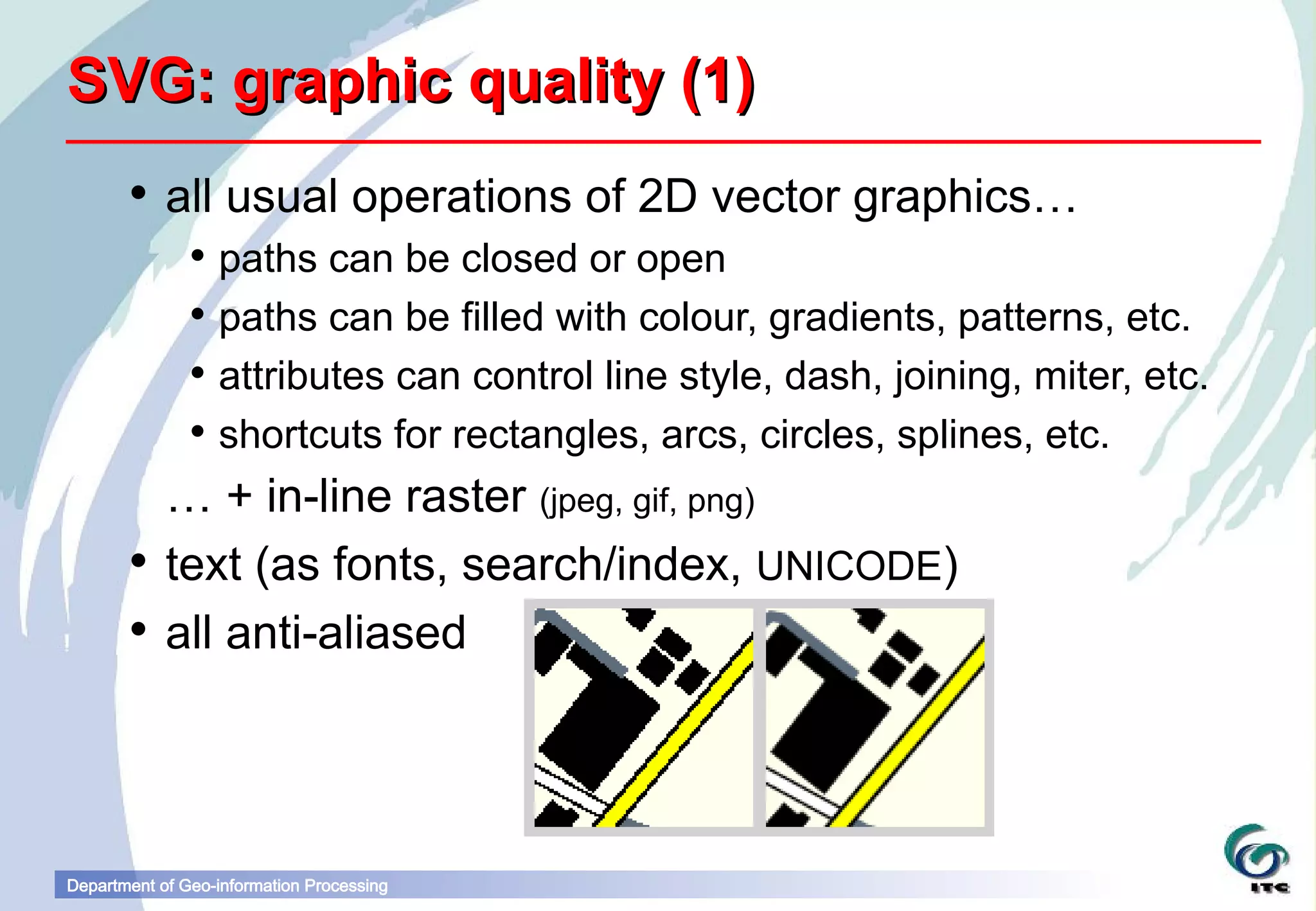
        all usual operations of 2D vector graphics…
                paths can be closed or open
                paths can be filled with colour, gradients, patterns, etc.
                attributes can control line style, dash, joining, miter, etc.
                shortcuts for rectangles, arcs, circles, splines, etc.
         … + in-line raster (jpeg, gif, png)
        text (as fonts, search/index, UNICODE)
        all anti-aliased


Department of Geo-information Processing
SVG: graphic quality (2)
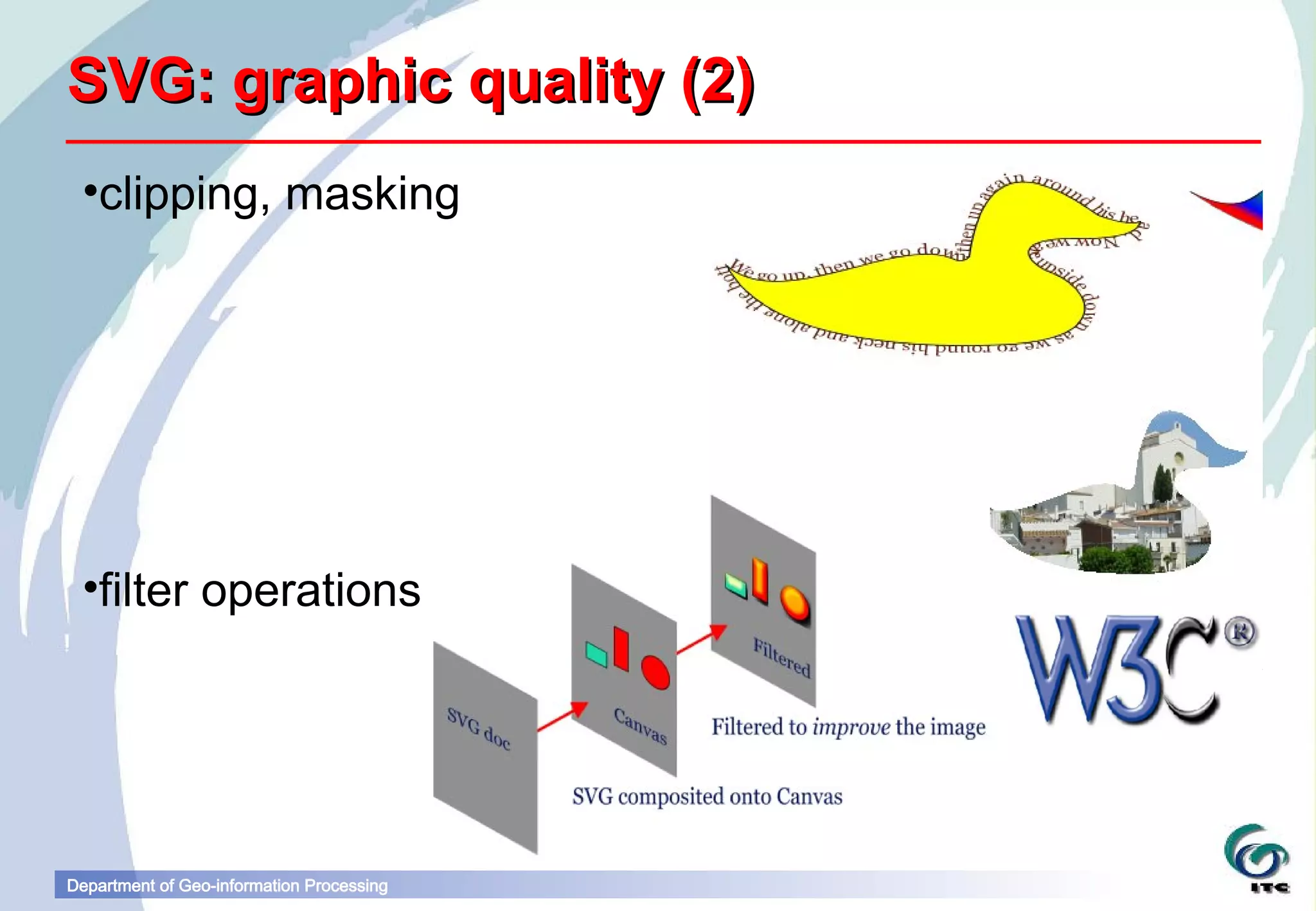
 •clipping, masking


 •filter operations


Department of Geo-information Processing
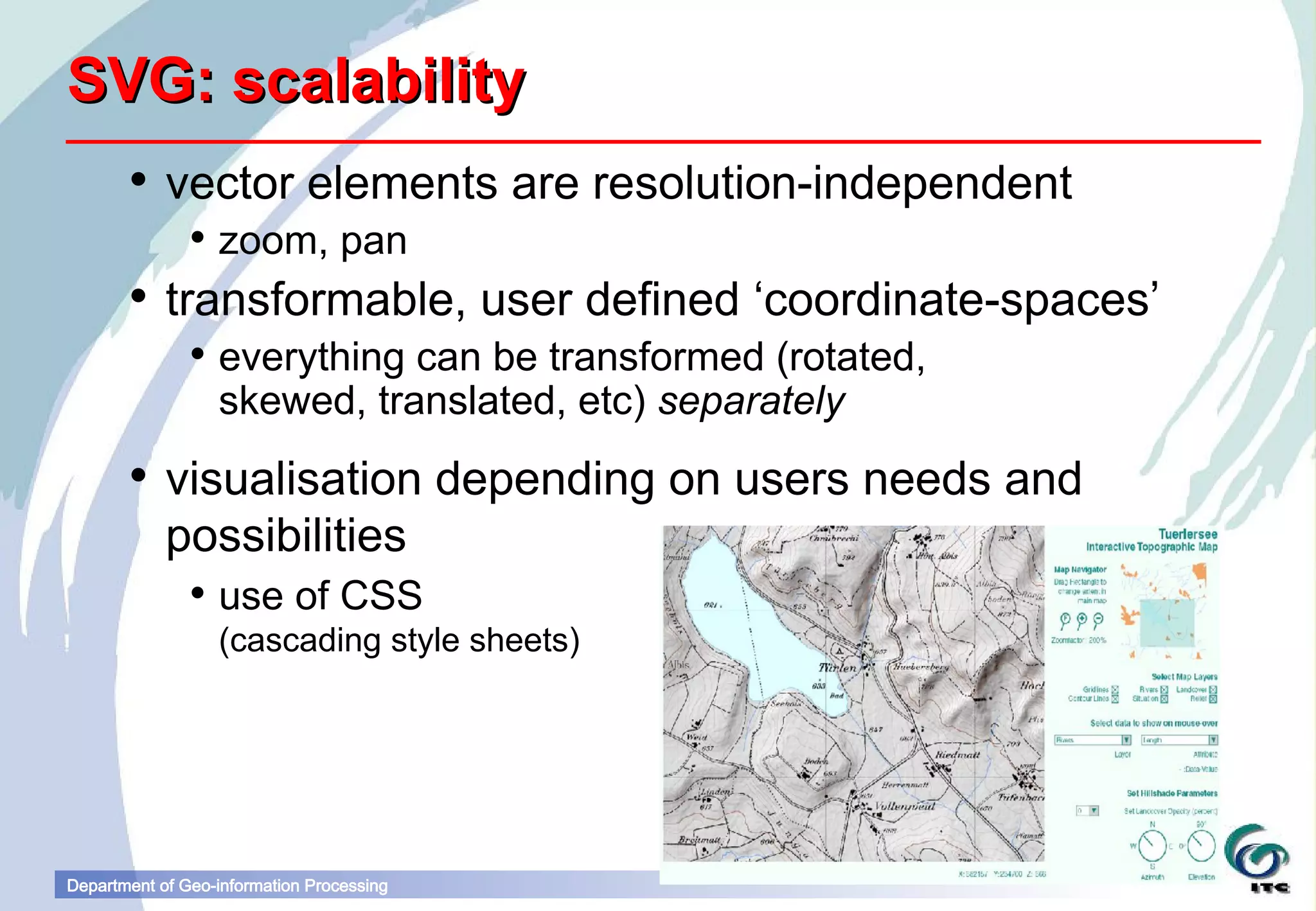
SVG: scalability
        vector elements are resolution-independent
                zoom, pan
        transformable, user defined ‘coordinate-spaces’
                everything can be transformed (rotated,
                 skewed, translated, etc) separately
        visualisation depending on users needs and
         possibilities
                use of CSS
                  (cascading style sheets)


Department of Geo-information Processing
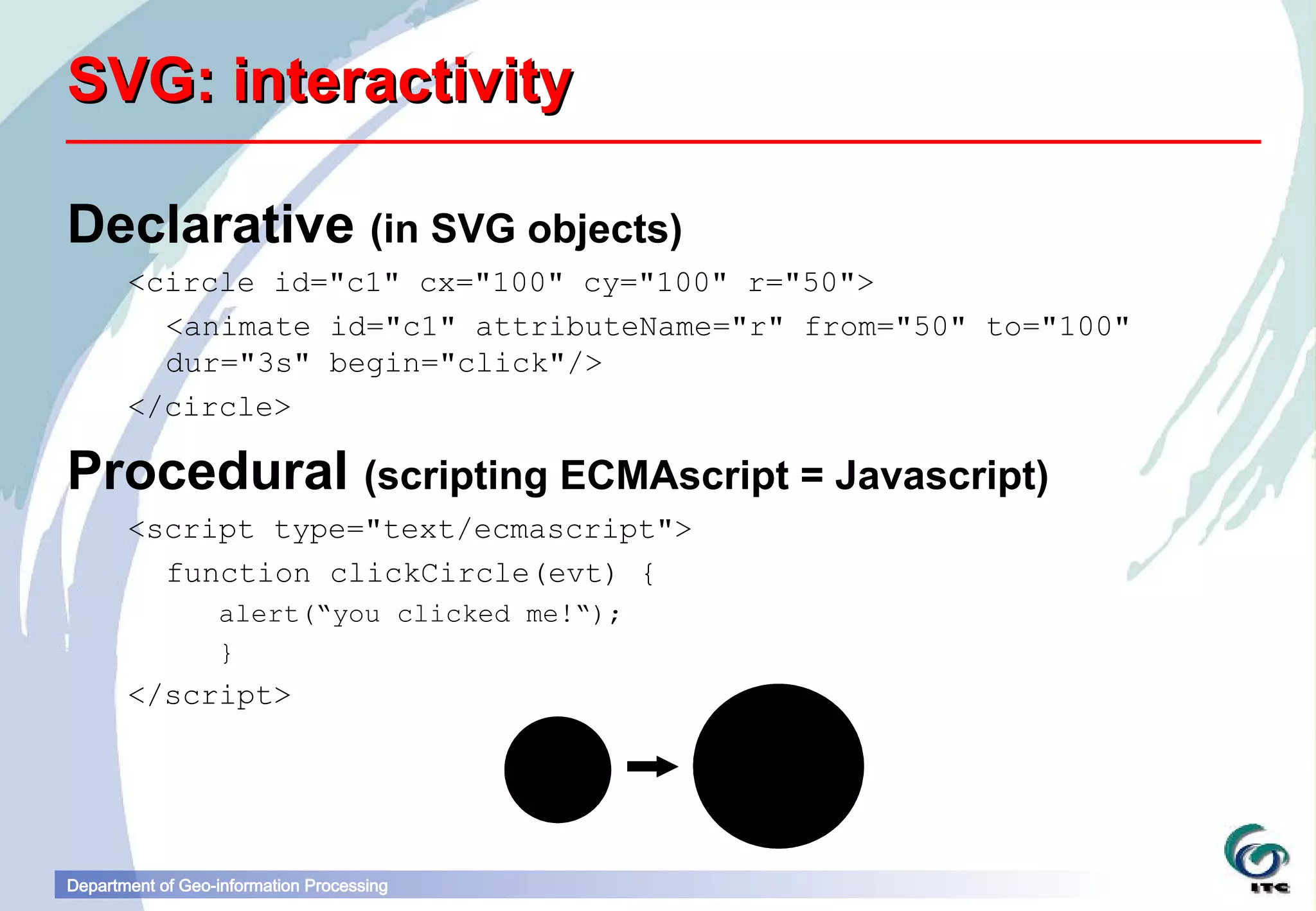
SVG: interactivity

Declarative (in SVG objects)
       <circle id="c1" cx="100" cy="100" r="50">
         <animate id="c1" attributeName="r" from="50" to="100"
         dur="3s" begin="click"/>
       </circle>

Procedural (scripting ECMAscript = Javascript)
       <script type="text/ecmascript">
         function clickCircle(evt) {
                  alert(“you clicked me!“);
                  }
       </script>


Department of Geo-information Processing
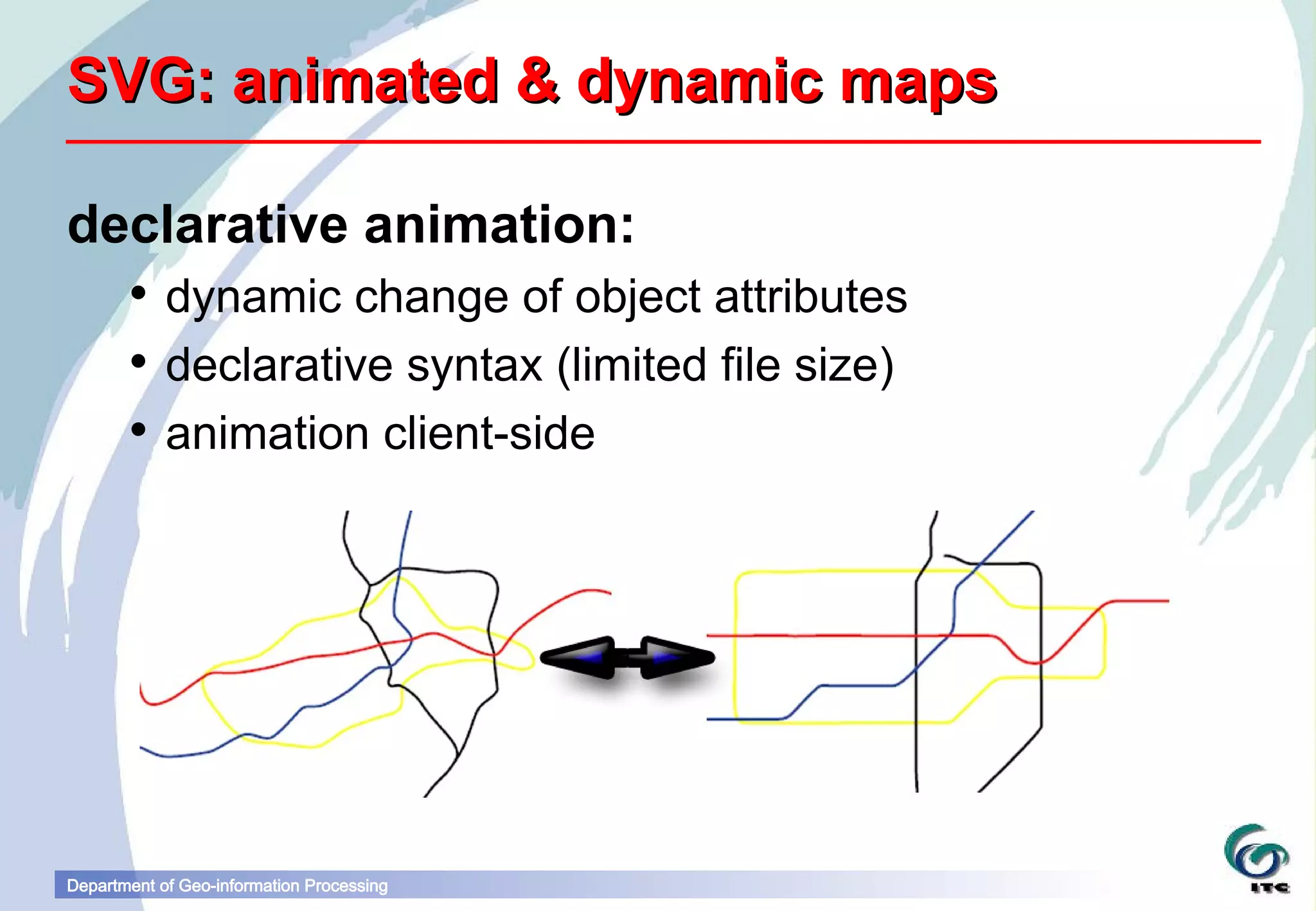
SVG: animated & dynamic maps

declarative animation:
        dynamic change of object attributes
        declarative syntax (limited file size)
        animation client-side


Department of Geo-information Processing
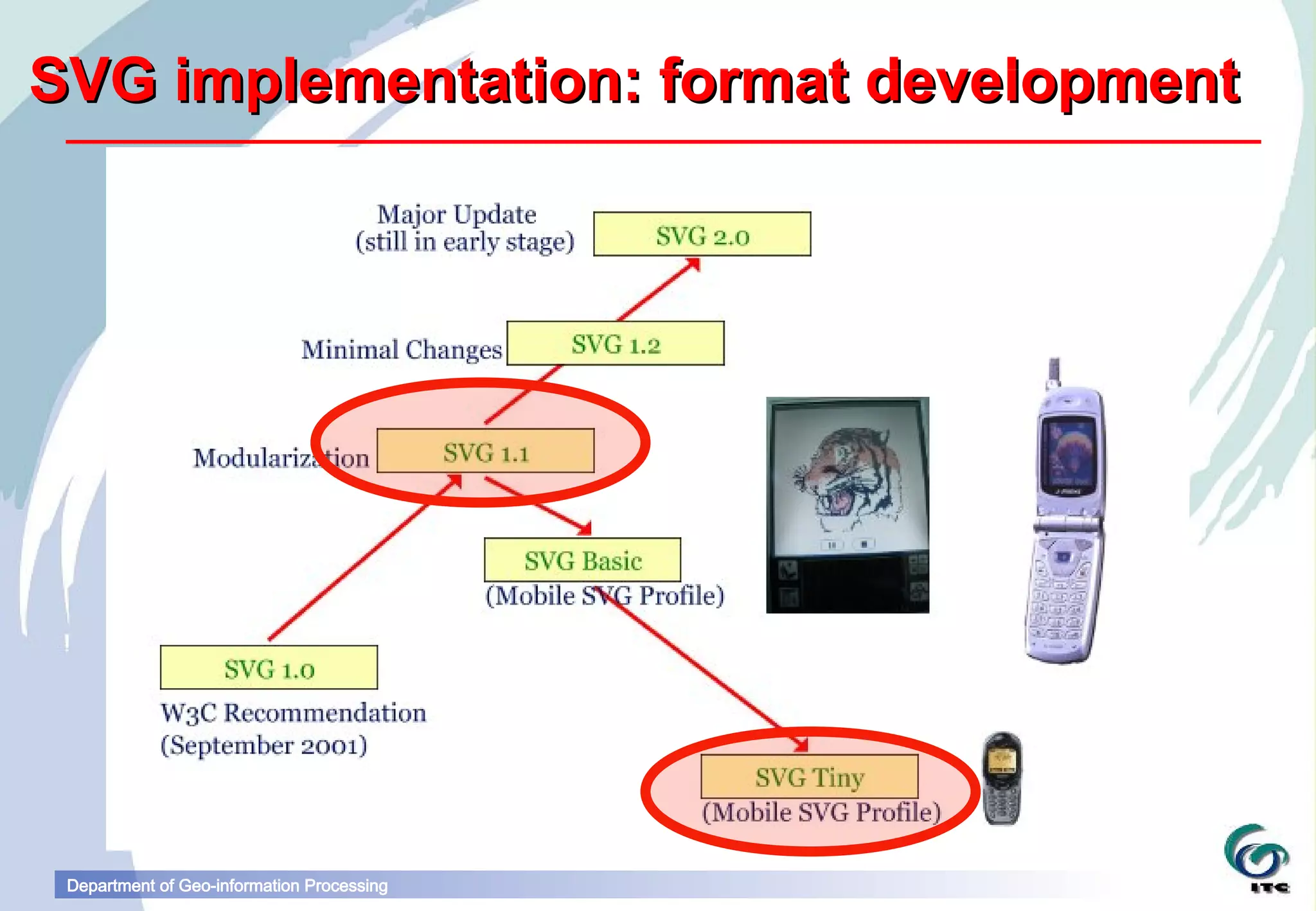
SVG implementation: format development


 Department of Geo-information Processing
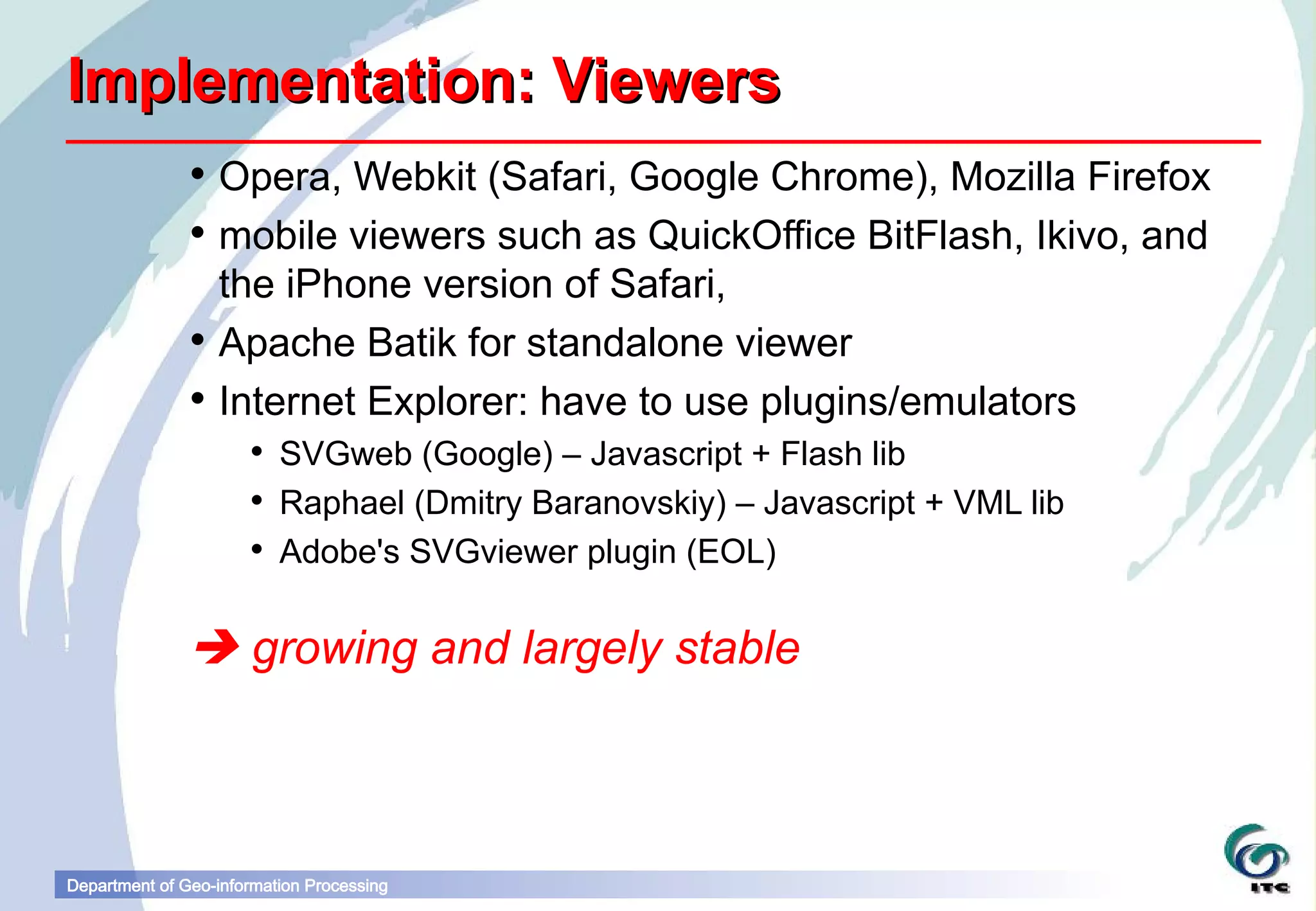
Implementation: Viewers
                Opera, Webkit (Safari, Google Chrome), Mozilla Firefox
                mobile viewers such as QuickOffice BitFlash, Ikivo, and
                 the iPhone version of Safari,
                Apache Batik for standalone viewer
                Internet Explorer: have to use plugins/emulators
                       SVGweb (Google) – Javascript + Flash lib
                       Raphael (Dmitry Baranovskiy) – Javascript + VML lib
                       Adobe's SVGviewer plugin (EOL)


                growing and largely stable


Department of Geo-information Processing
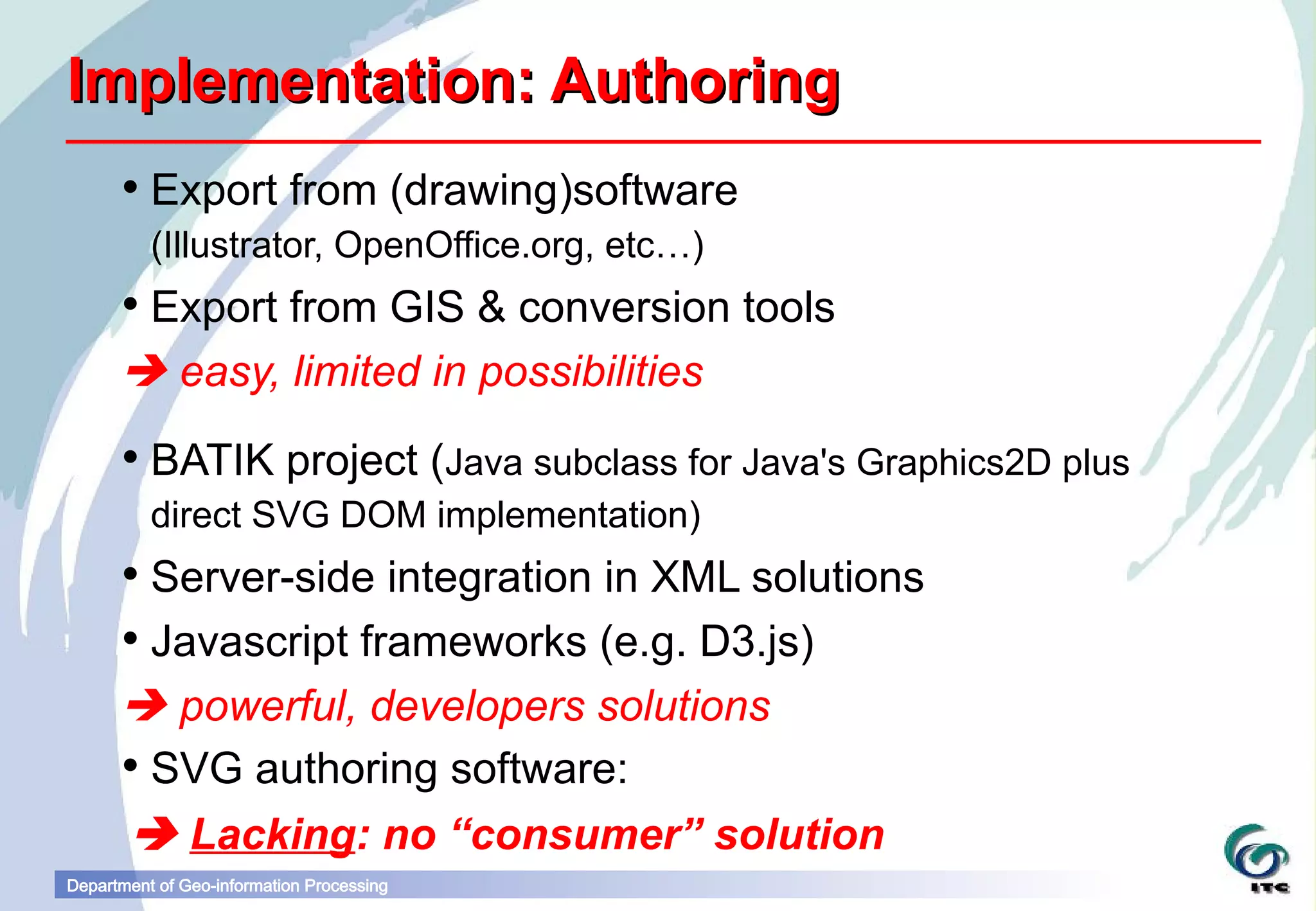
Implementation: Authoring
       Export from (drawing)software
          (Illustrator, OpenOffice.org, etc…)
       Export from GIS & conversion tools
       easy, limited in possibilities
       BATIK project (Java subclass for Java's Graphics2D plus
          direct SVG DOM implementation)
       Server-side integration in XML solutions
       Javascript frameworks (e.g. D3.js)
       powerful, developers solutions
       SVG authoring software:
        Lacking: no “consumer” solution
Department of Geo-information Processing
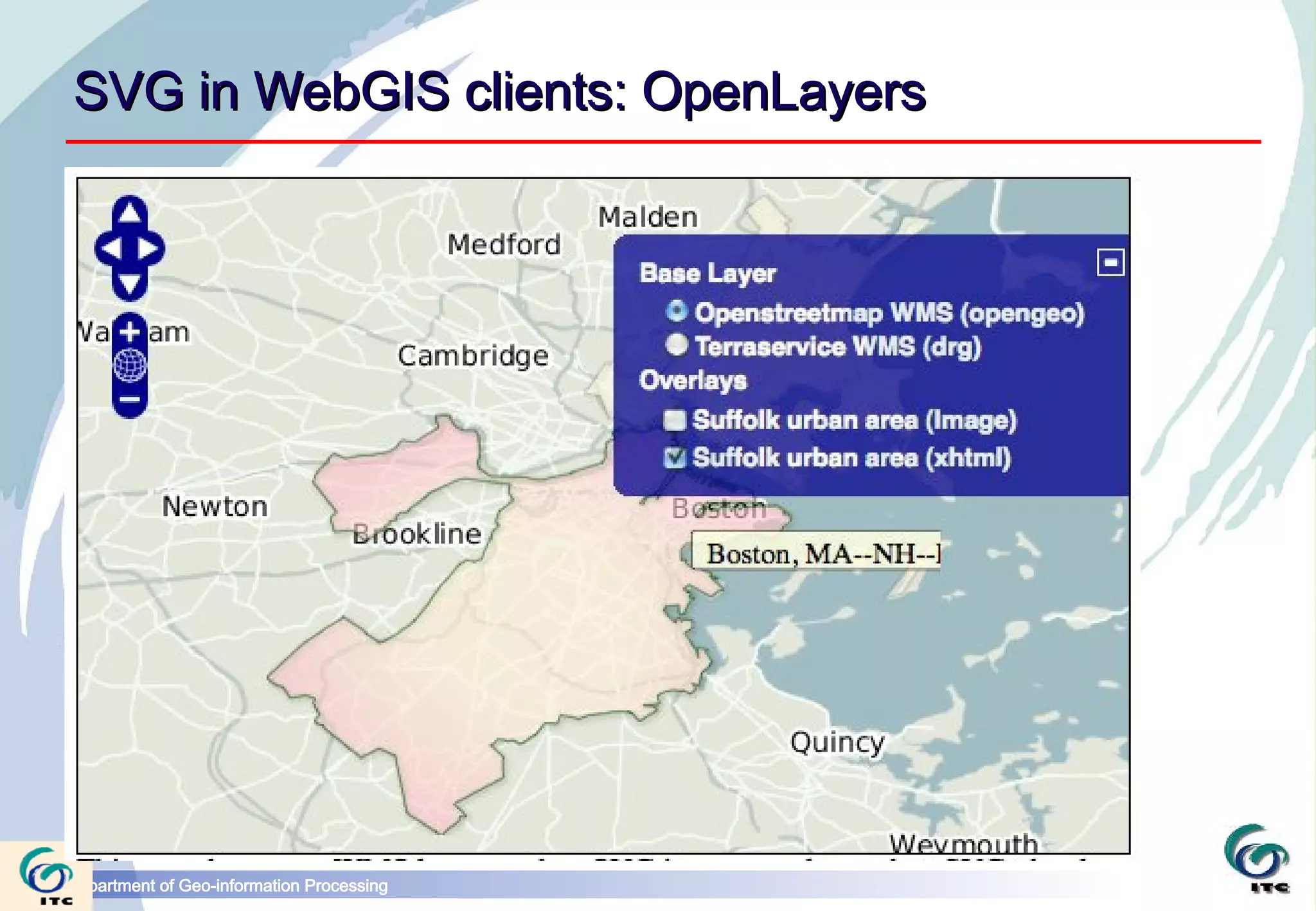
SVG in WebGIS clients: OpenLayers


Department of Geo-information Processing
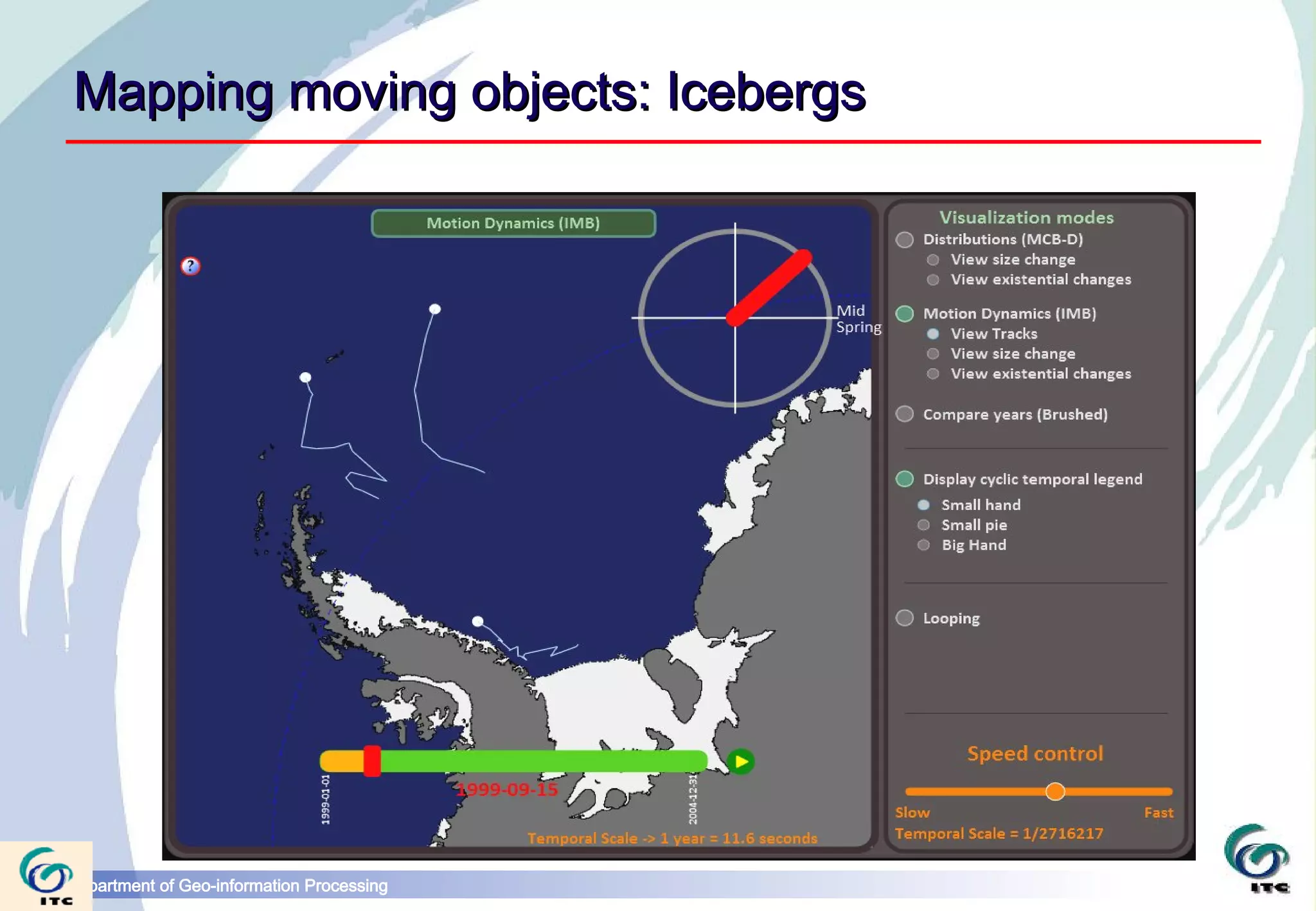
Mapping moving objects: Icebergs


Department of Geo-information Processing
r g
                                                  .o
                                            e   n
                                         o p
                                      v g
                              s
Department of Geo-information Processing
links

svgopen.org
www.w3.org/standards/techs/svg#w3c_all
www.tutorialspoint.com/html5/html5_svg.htm
svg-wow.org


Department of Geo-information Processing

Scalable Vector Graphics for webmapping

  • 1.
    Scalable Vector Graphics Barend Köbben kobben@itc.nl Department of Geo-information Processing
  • 2.
    Scalable Vector Graphics(SVG) SVG is the XML for Graphics (W3C standard) It offers:  graphic quality  scalability  interactivity  animated & dynamic maps Department of Geo-information Processing
  • 3.
    SVG: graphic quality(1)  all usual operations of 2D vector graphics…  paths can be closed or open  paths can be filled with colour, gradients, patterns, etc.  attributes can control line style, dash, joining, miter, etc.  shortcuts for rectangles, arcs, circles, splines, etc. … + in-line raster (jpeg, gif, png)  text (as fonts, search/index, UNICODE)  all anti-aliased Department of Geo-information Processing
  • 4.
    SVG: graphic quality(2) •clipping, masking •filter operations Department of Geo-information Processing
  • 5.
    SVG: scalability  vector elements are resolution-independent  zoom, pan  transformable, user defined ‘coordinate-spaces’  everything can be transformed (rotated, skewed, translated, etc) separately  visualisation depending on users needs and possibilities  use of CSS (cascading style sheets) Department of Geo-information Processing
  • 6.
    SVG: interactivity Declarative (inSVG objects) <circle id="c1" cx="100" cy="100" r="50"> <animate id="c1" attributeName="r" from="50" to="100" dur="3s" begin="click"/> </circle> Procedural (scripting ECMAscript = Javascript) <script type="text/ecmascript"> function clickCircle(evt) { alert(“you clicked me!“); } </script> Department of Geo-information Processing
  • 7.
    SVG: animated &dynamic maps declarative animation:  dynamic change of object attributes  declarative syntax (limited file size)  animation client-side Department of Geo-information Processing
  • 8.
    SVG implementation: formatdevelopment Department of Geo-information Processing
  • 9.
    Implementation: Viewers  Opera, Webkit (Safari, Google Chrome), Mozilla Firefox  mobile viewers such as QuickOffice BitFlash, Ikivo, and the iPhone version of Safari,  Apache Batik for standalone viewer  Internet Explorer: have to use plugins/emulators  SVGweb (Google) – Javascript + Flash lib  Raphael (Dmitry Baranovskiy) – Javascript + VML lib  Adobe's SVGviewer plugin (EOL)  growing and largely stable Department of Geo-information Processing
  • 10.
    Implementation: Authoring  Export from (drawing)software (Illustrator, OpenOffice.org, etc…)  Export from GIS & conversion tools  easy, limited in possibilities  BATIK project (Java subclass for Java's Graphics2D plus direct SVG DOM implementation)  Server-side integration in XML solutions  Javascript frameworks (e.g. D3.js)  powerful, developers solutions  SVG authoring software:  Lacking: no “consumer” solution Department of Geo-information Processing
  • 11.
    SVG in WebGISclients: OpenLayers Department of Geo-information Processing
  • 12.
    Mapping moving objects:Icebergs Department of Geo-information Processing
  • 13.
    r g .o e n o p v g s Department of Geo-information Processing
  • 14.