Collaborative Workshop (A) Super- -rs Using Moodle productively by… understanding course settings making auto-enrolment work useful taxonomy making course pages stand out using resources & activities
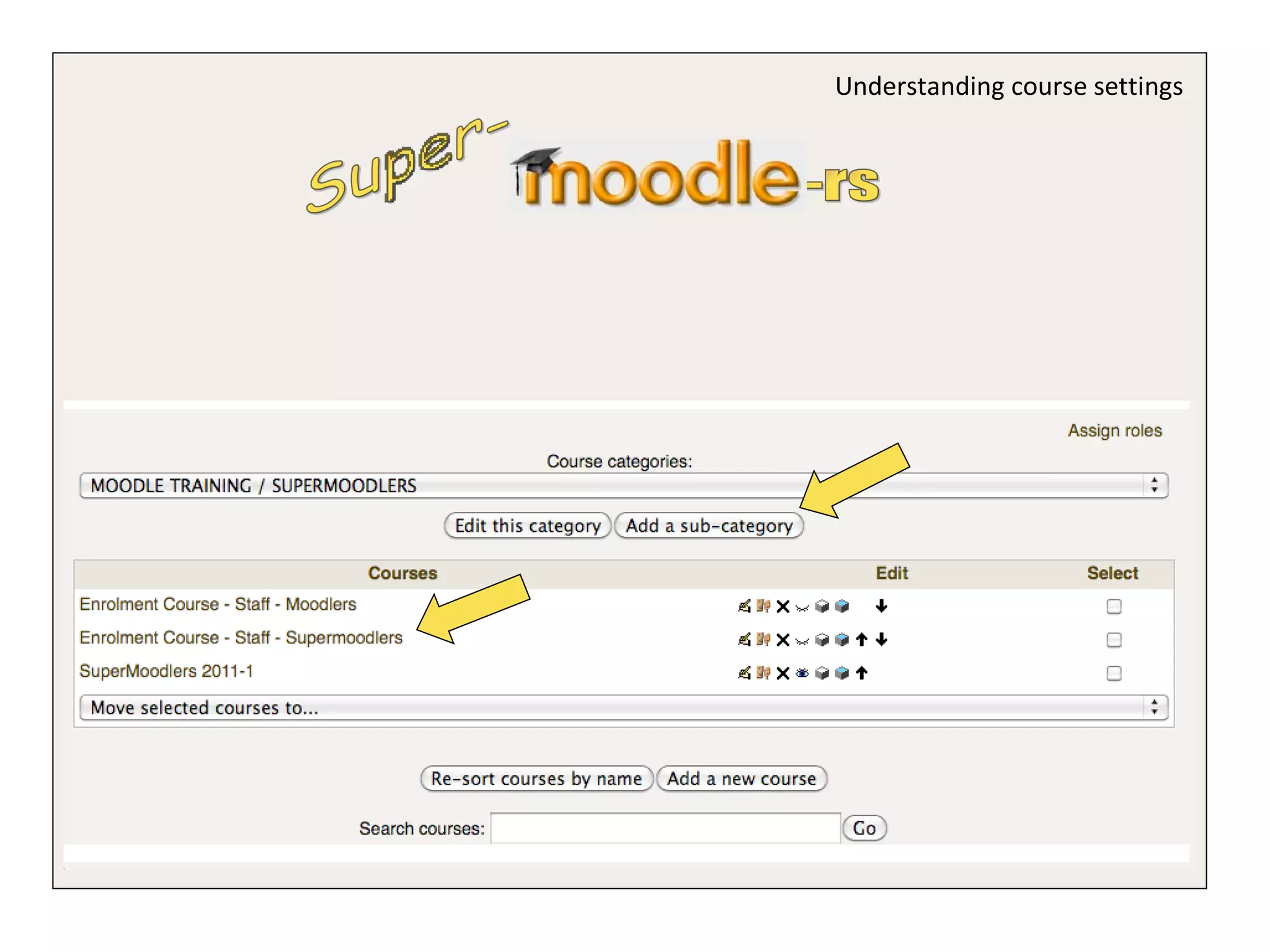
Understanding course settings Super- -rs
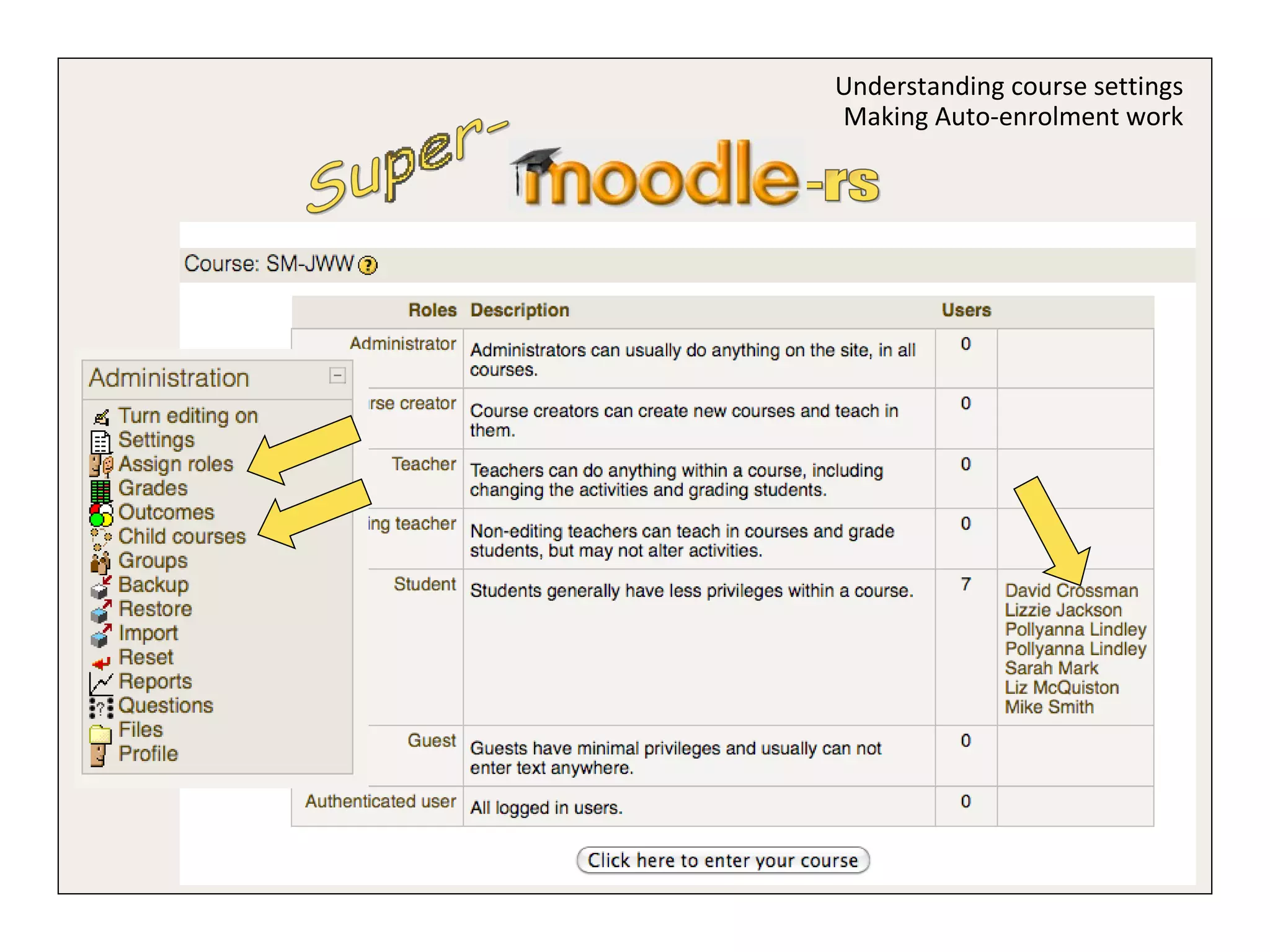
Super- -rs Understanding course settings
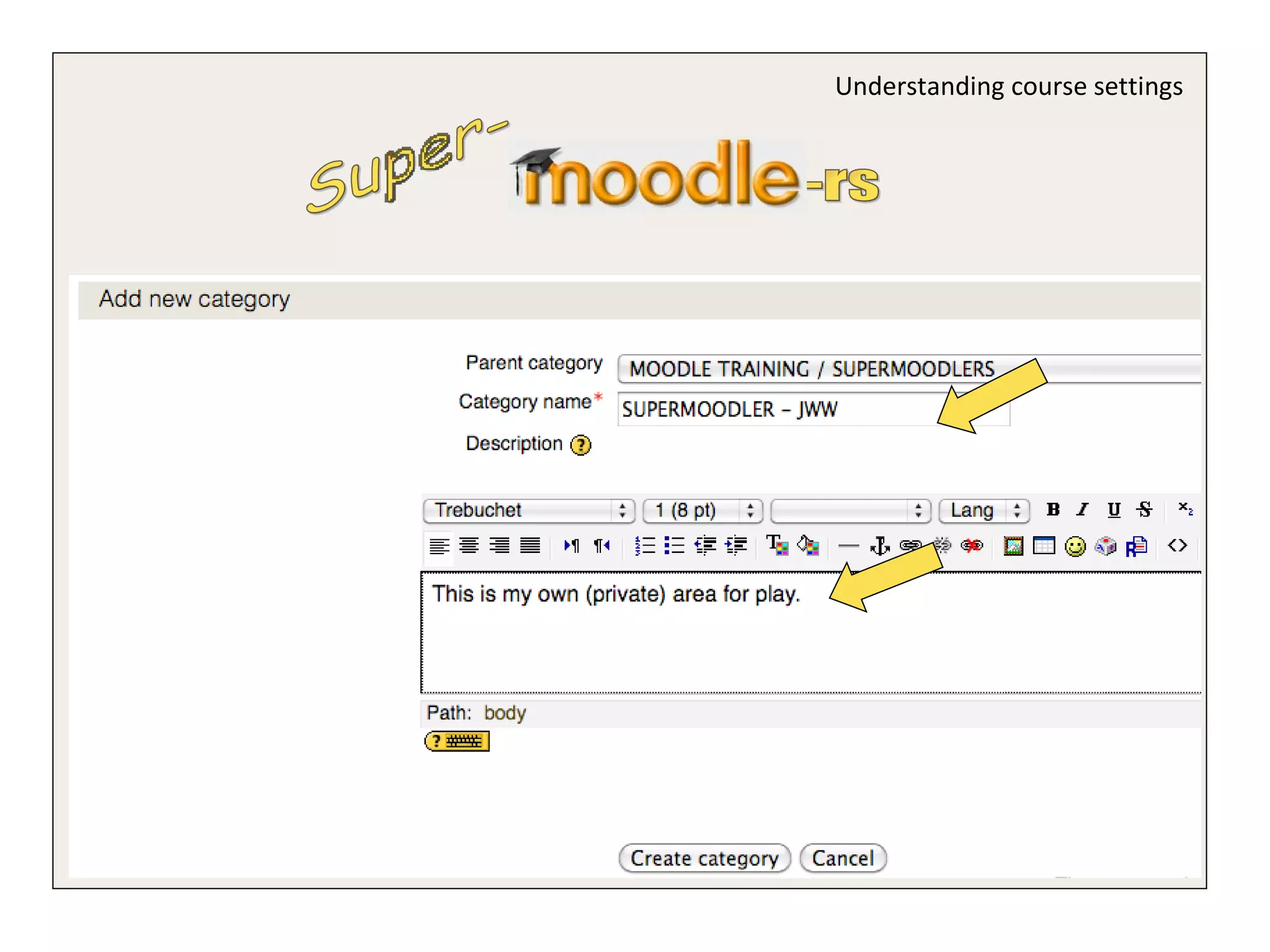
Super- -rs Understanding course settings Useful Taxonomy
Super- -rs Understanding course settings
 
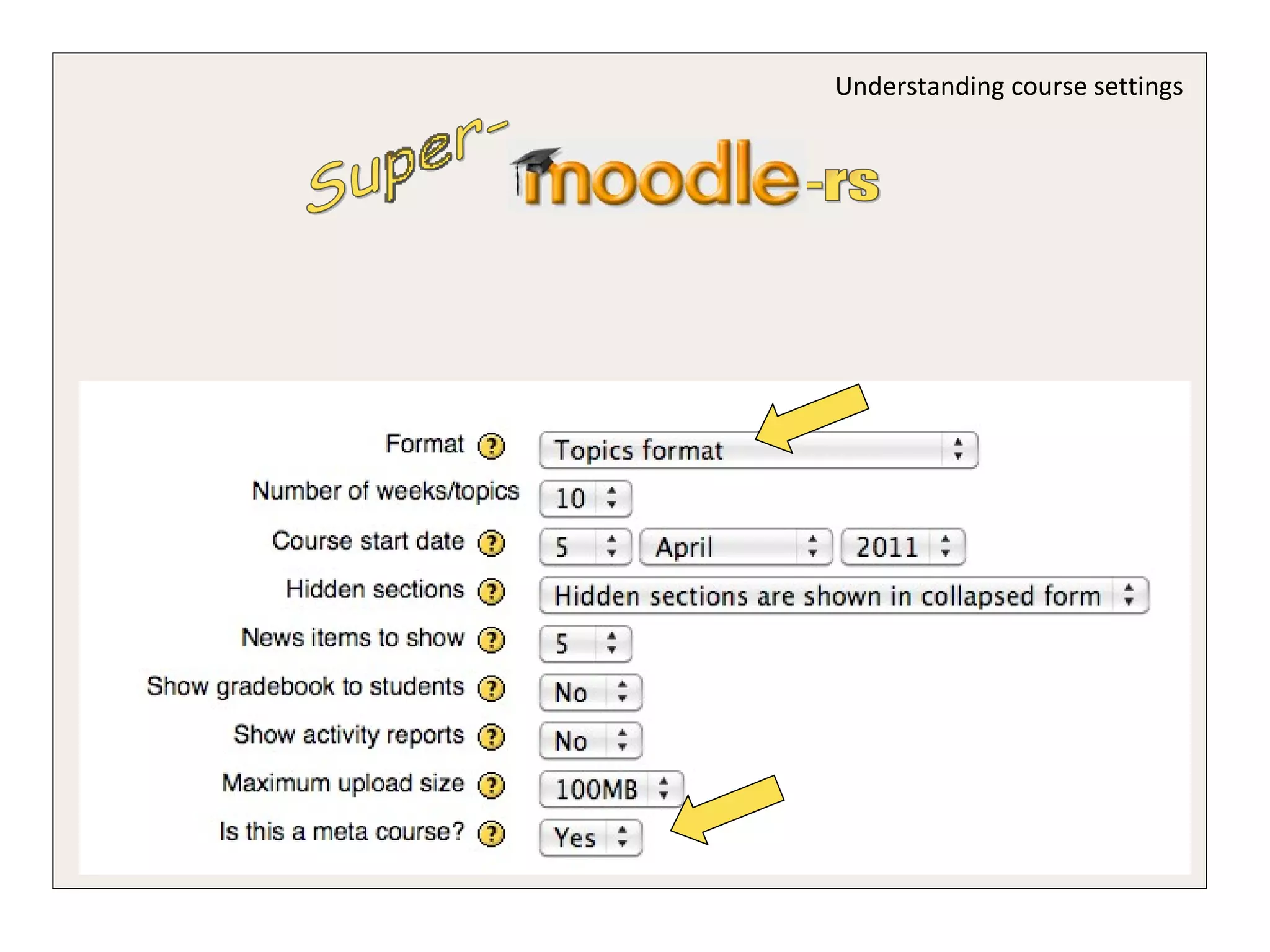
Super- -rs Understanding course settings Making Auto-enrolment work
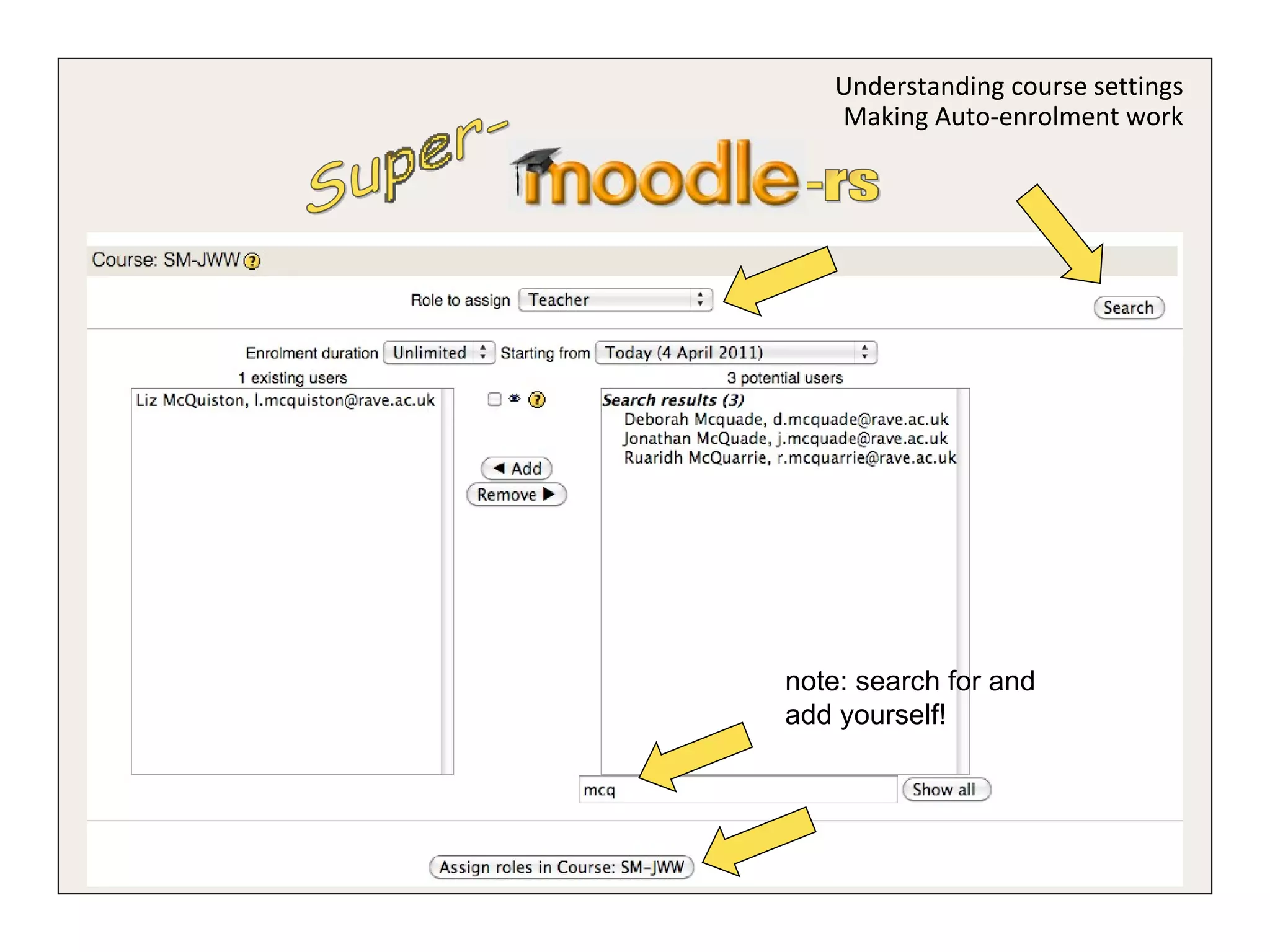
Super- -rs Understanding course settings Making Auto-enrolment work note: search for and add yourself!
Super- -rs Using resources and activities
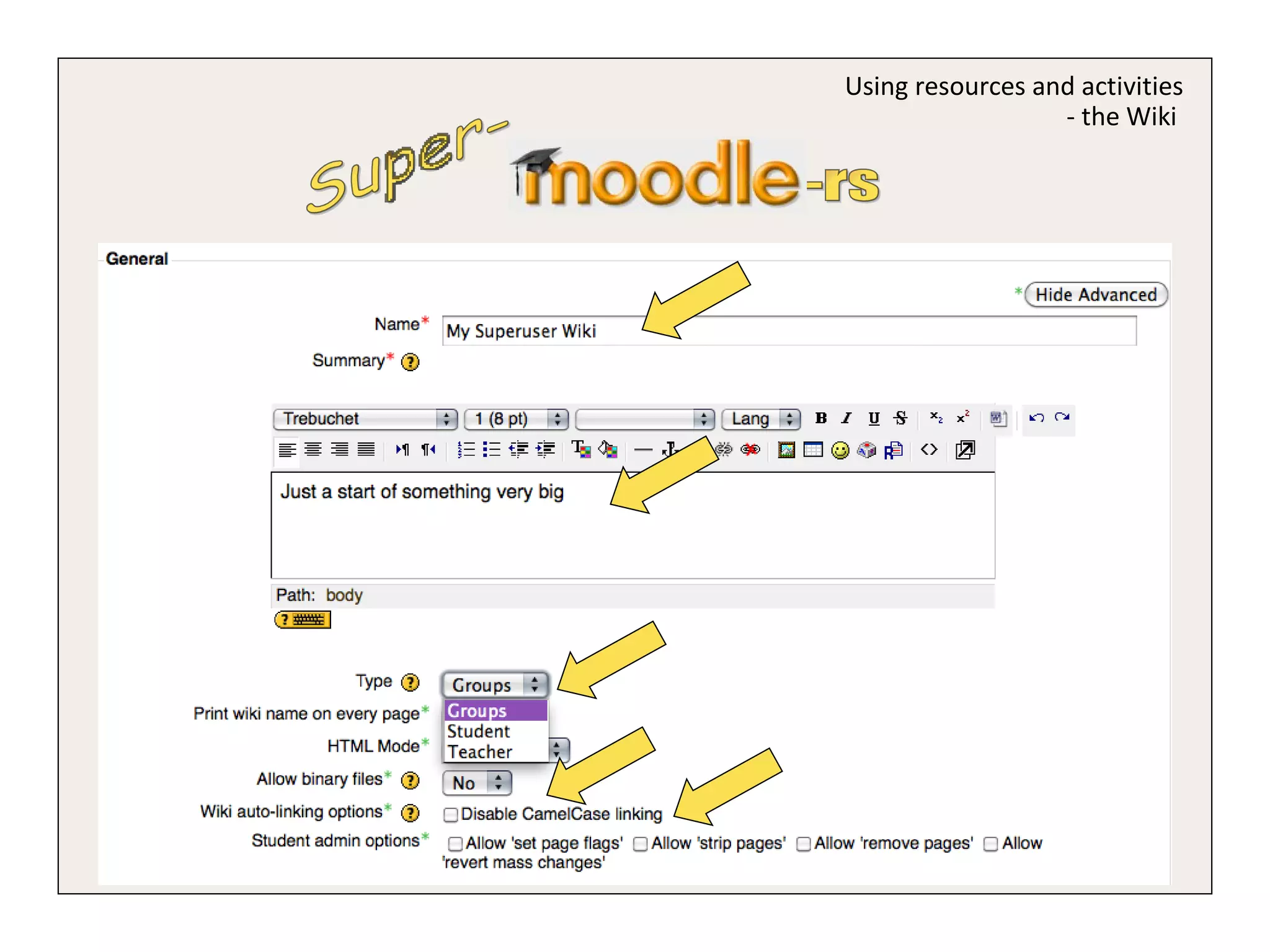
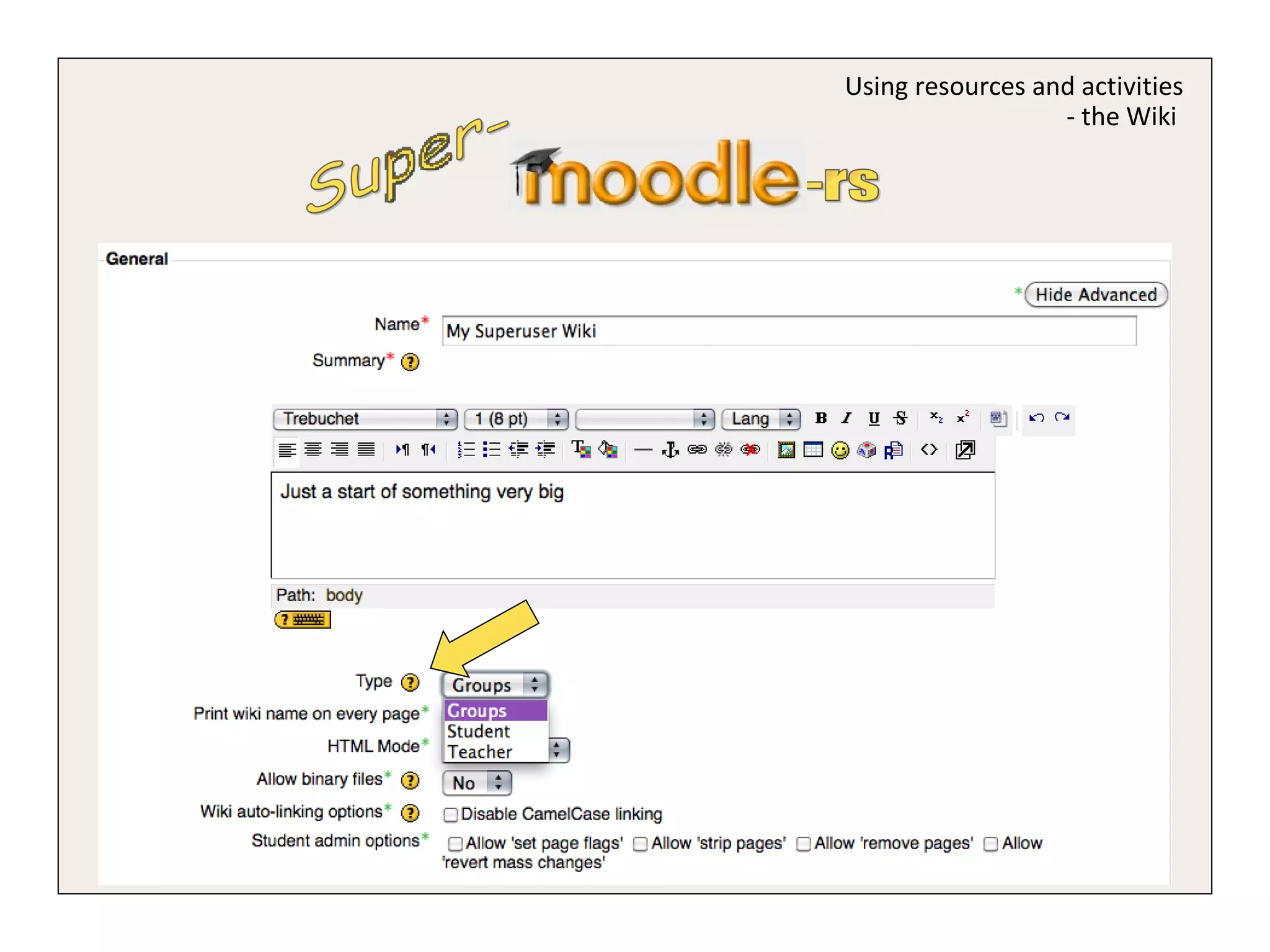
Super- -rs Using resources and activities - the Wiki
Super- -rs Using resources and activities - the Wiki  1 2 3 4 my own wiki viewed by coursemates my own wiki viewed by my group my very own wiki Student my group edits wiki, but all can view my group edits its own wiki one big wiki we can all edit Groups teacher edits group wikis all can view teacher edits wiki only my group can see teacher edits one wiki I can see Teacher visible groups separate groups no groups
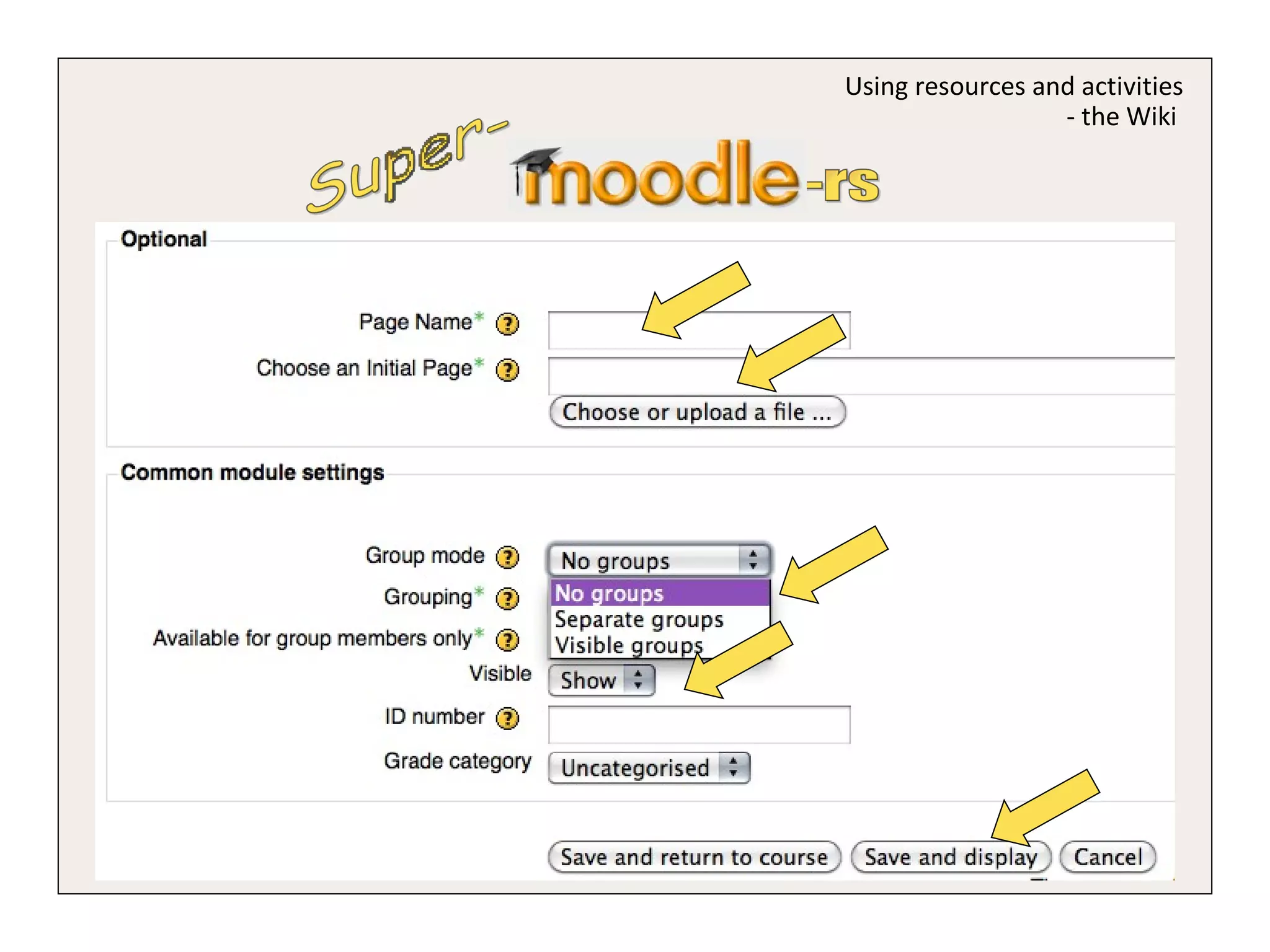
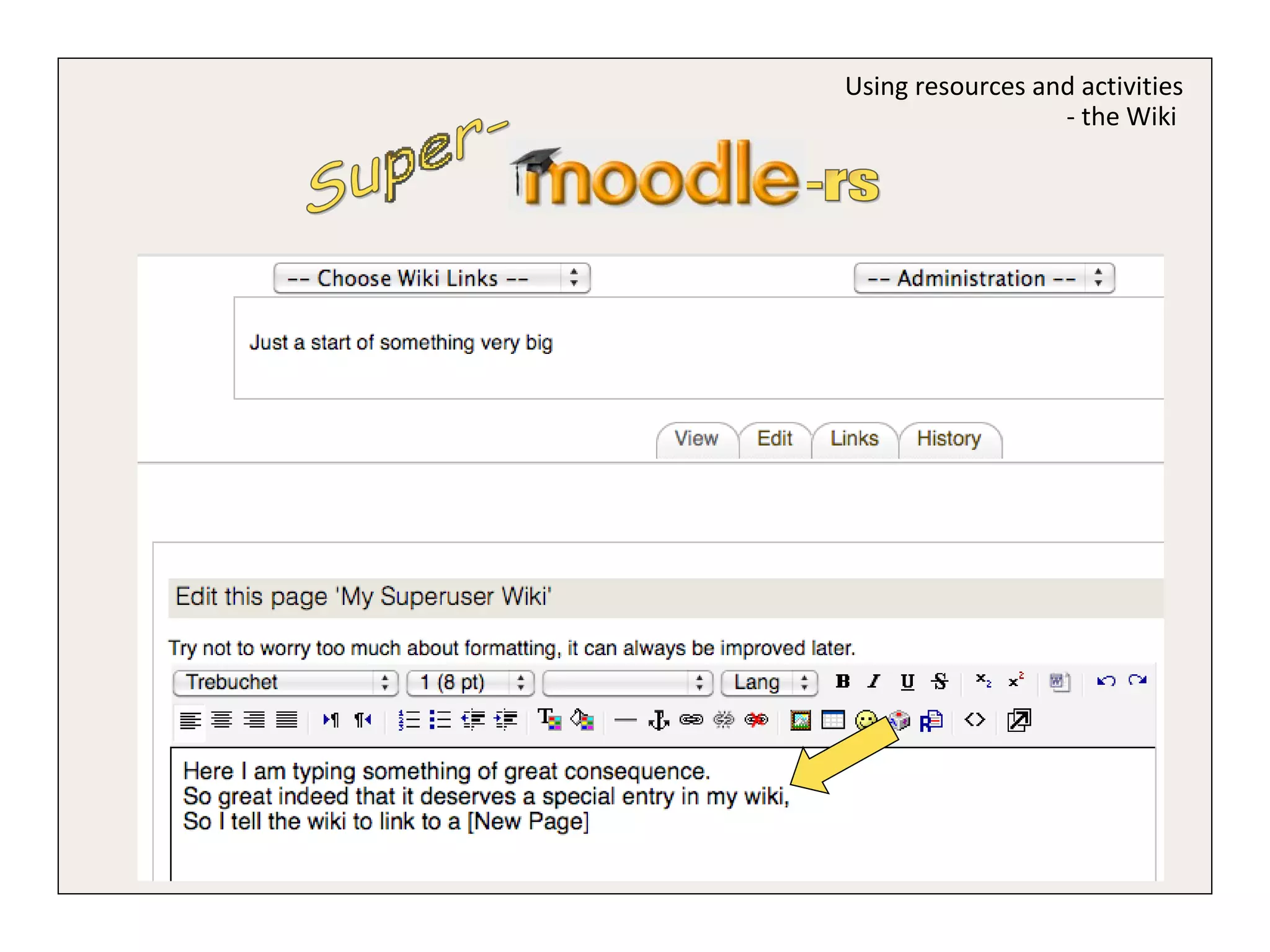
Super- -rs Using resources and activities - the Wiki
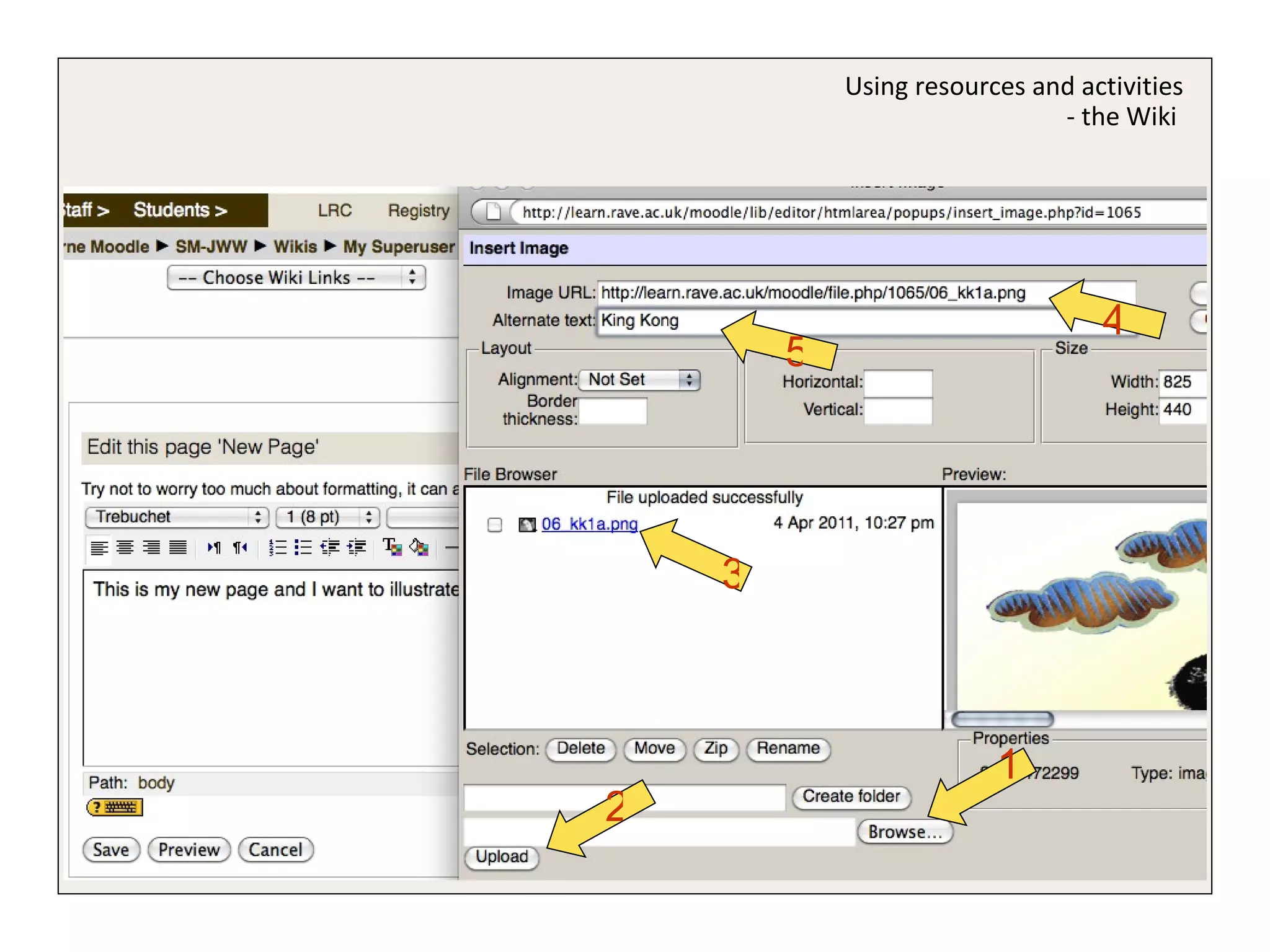
Using resources and activities - the Wiki  1 2 3 4 5
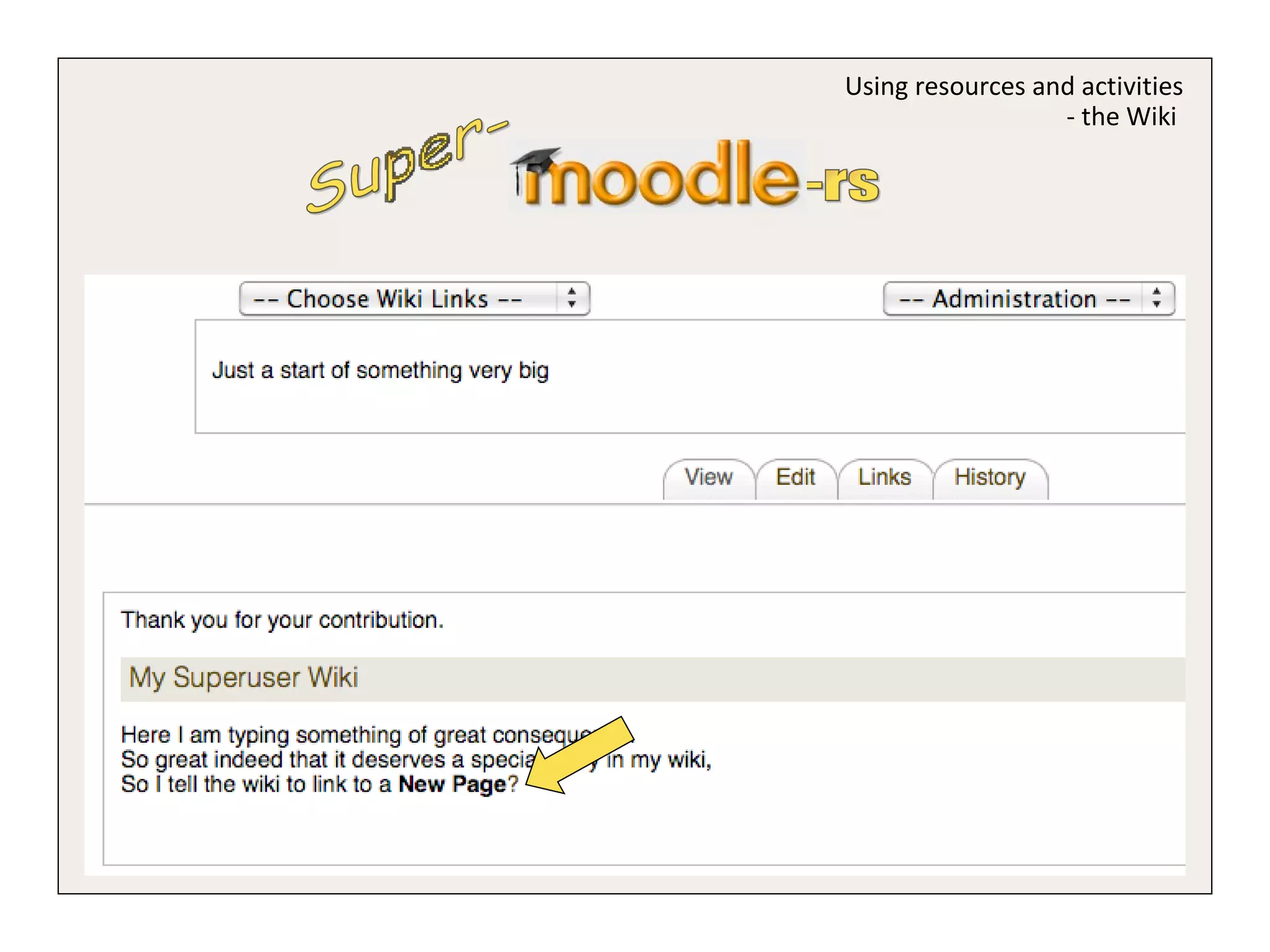
Super- -rs Using resources and activities - the Wiki
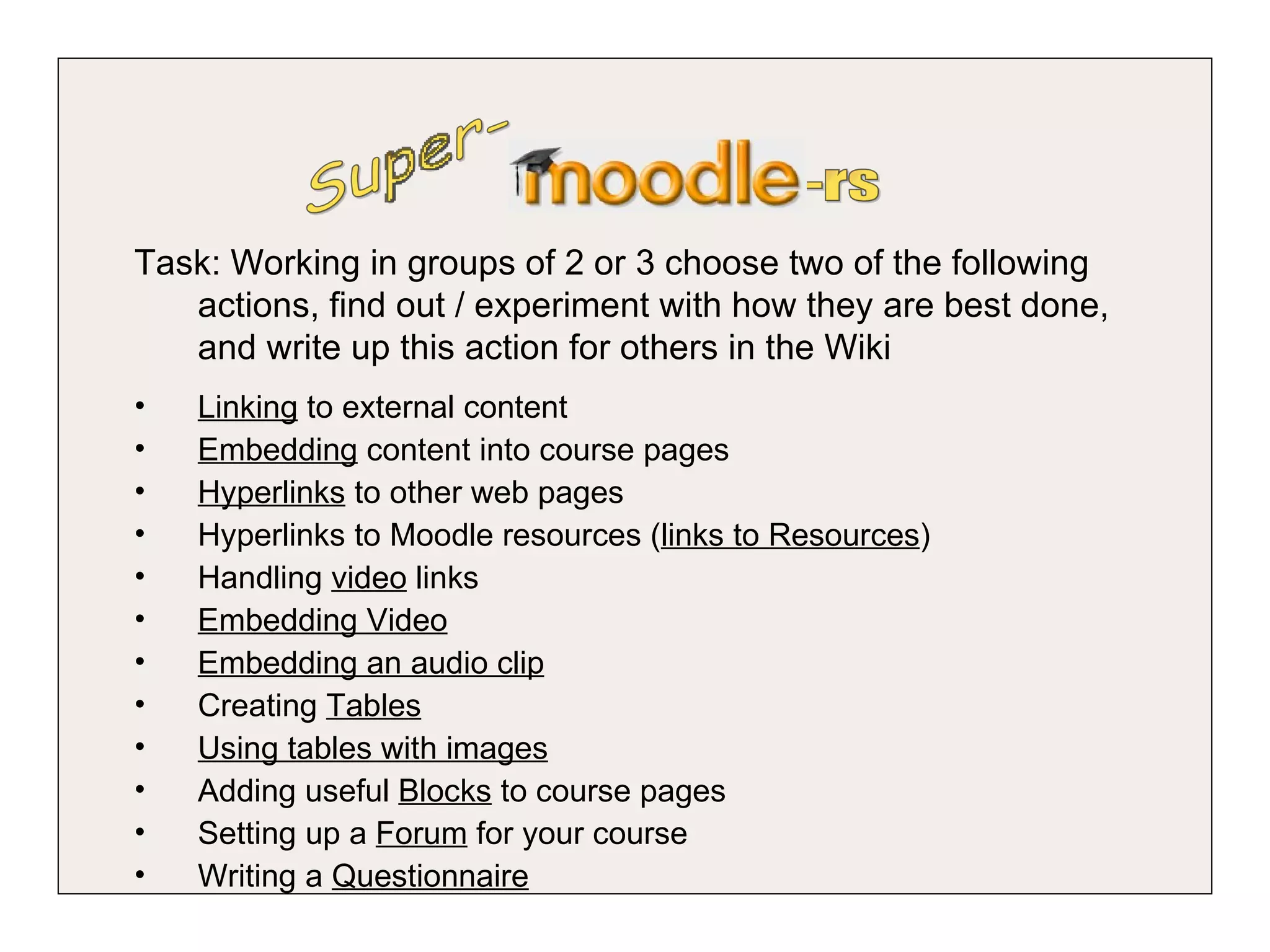
Super- -rs Task: Working in groups of 2 or 3 choose two of the following actions, find out / experiment with how they are best done, and write up this action for others in the Wiki Linking  to external content Embedding  content into course pages Hyperlinks  to other web pages  Hyperlinks to Moodle resources ( links to Resources ) Handling  video  links Embedding Video Embedding an audio clip Creating  Tables Using tables with images Adding useful  Blocks  to course pages Setting up a  Forum  for your course  Writing a  Questionnaire

Super moodlers