Download as PDF, PPTX
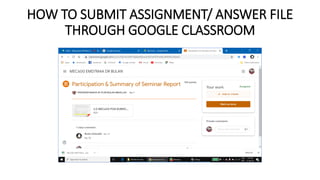
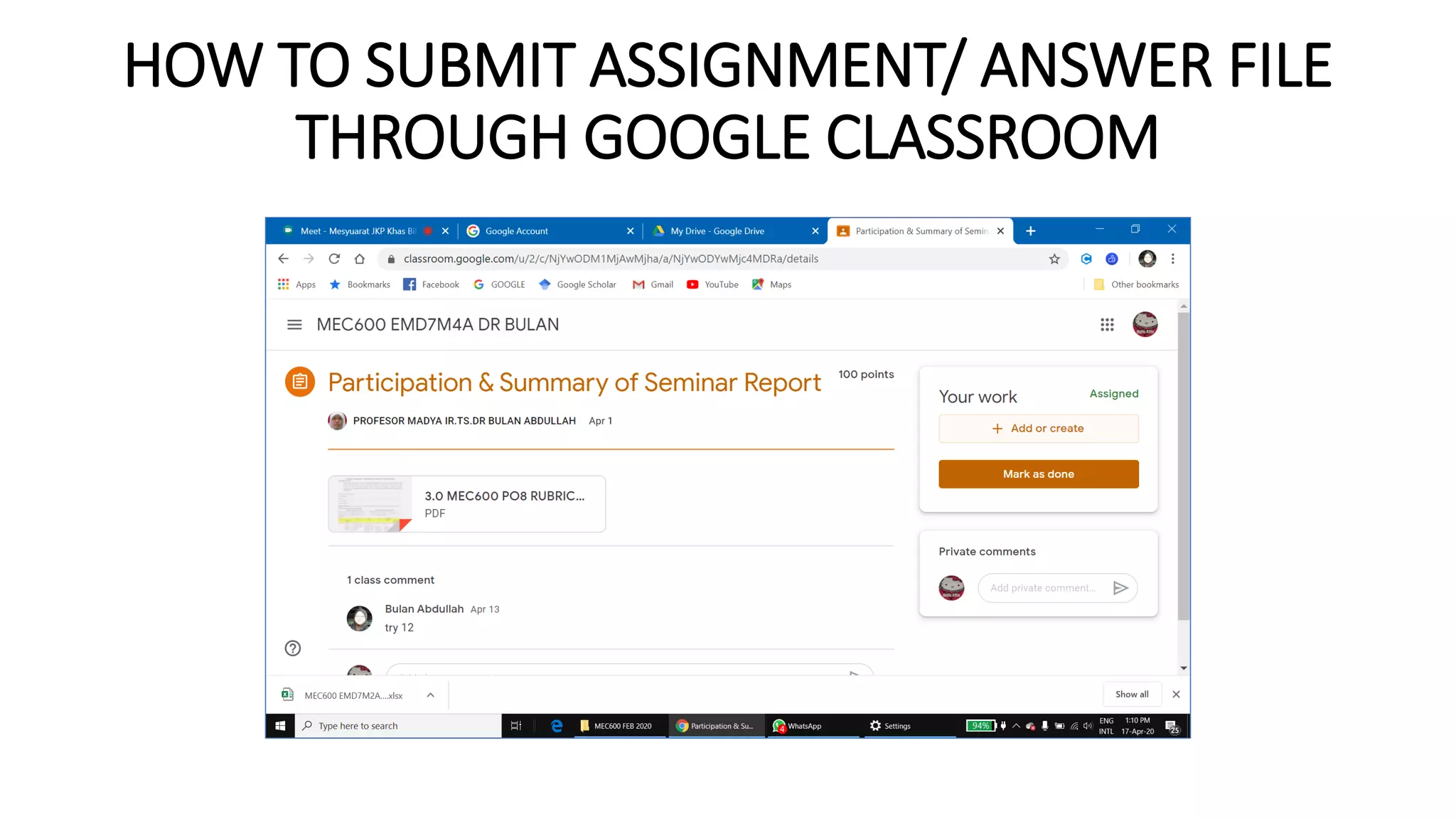
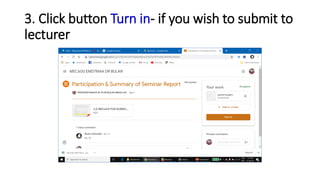
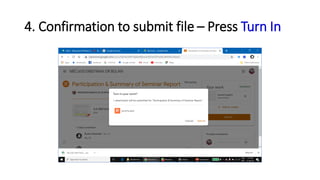


To submit an assignment file through Google Classroom, click the + Add or create button to upload your file. Click the Turn in button to submit the file to the lecturer. You will see a confirmation screen to submit the file. If you have already submitted but wish to change the file, click the Unsubmit button to resubmit the updated file.


