Download to read offline
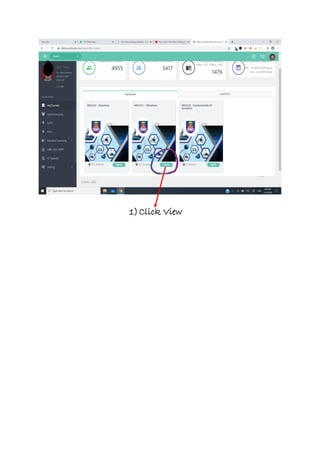
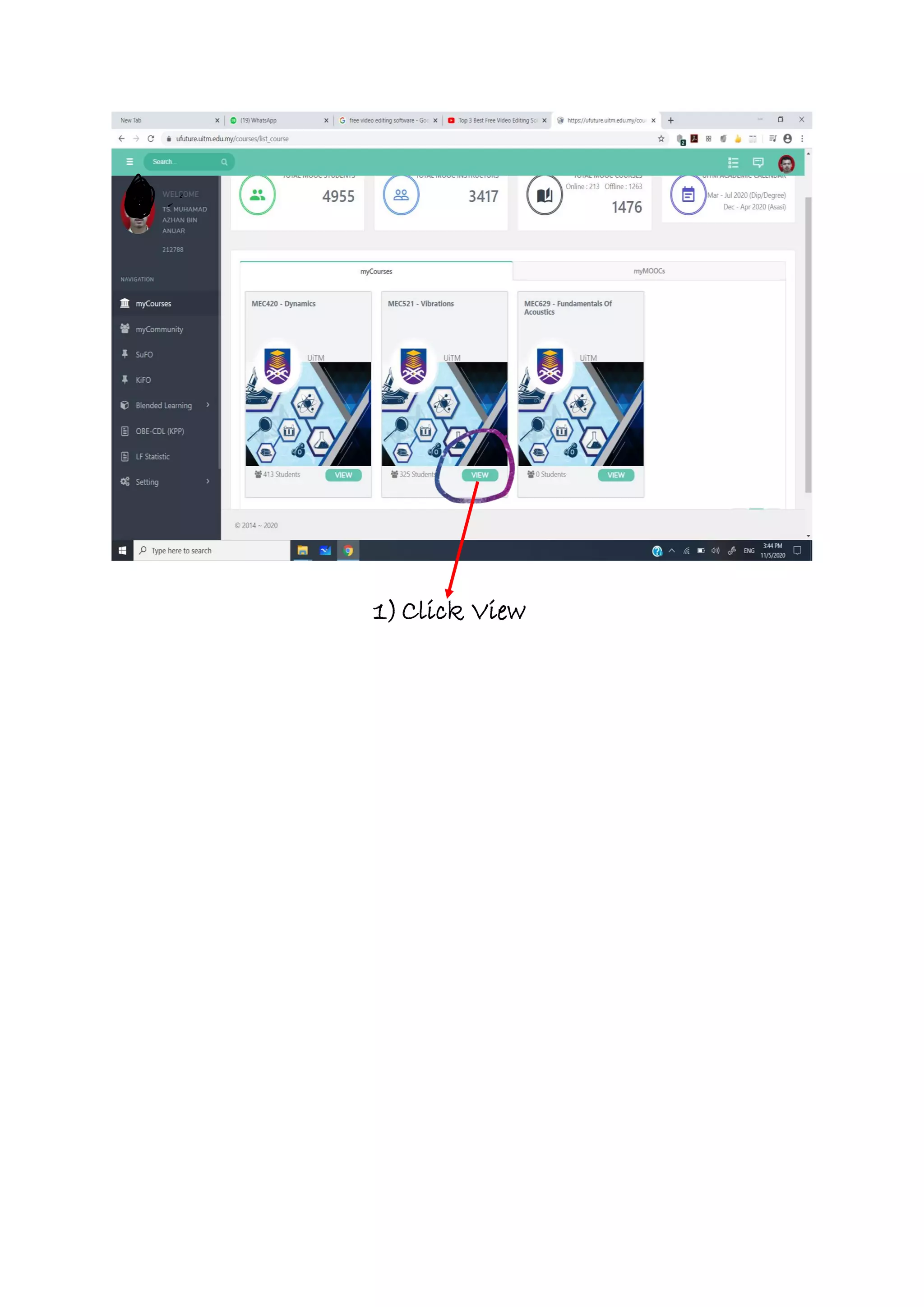
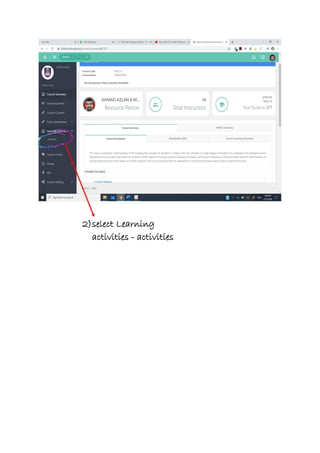
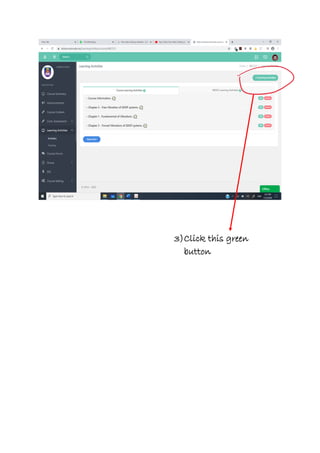
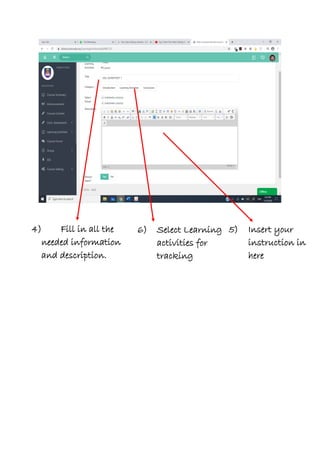
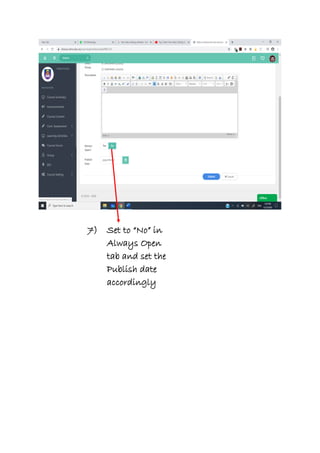
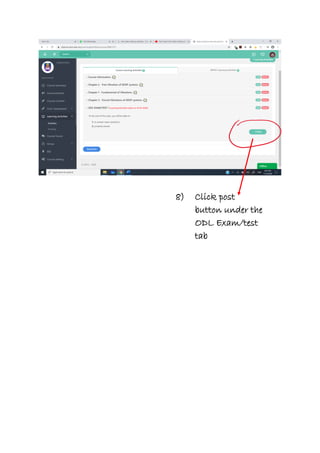
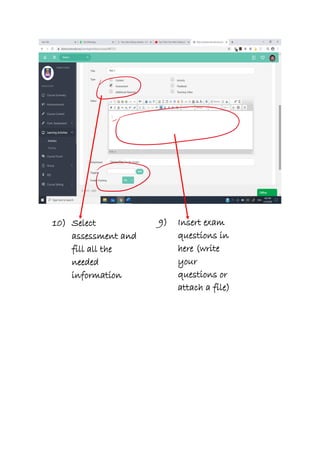
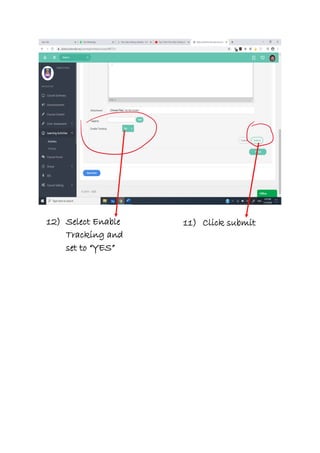
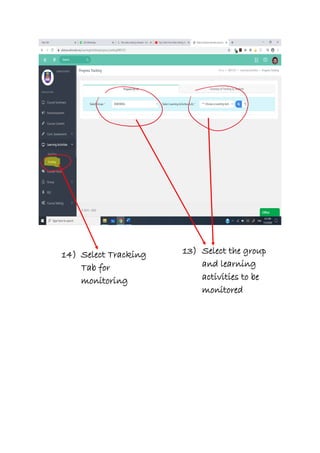

To create and publish a learning activity or exam on the platform, a user must click View, select Learning Activities, fill in required information and descriptions, insert instructions and questions, set the publish date and tracking settings, and click submit or post. They can then monitor participation from the Tracking tab.


