Stream Processing Live
Traffic Data with Kafka
Streams
Tim Ysewyn
Principal Java
Software Engineer
Spring & Spring Cloud
Contributor
@TYsewyn
Who are we
Tom Van den Bulck
Principal Java
Software Engineer
Competence Leader
Fast & Big Data
@tomvdbulck
Setup Environment
http://bit.ly/docker-kafka
http://bit.ly/Spring-Cloud-Stream-Workshop
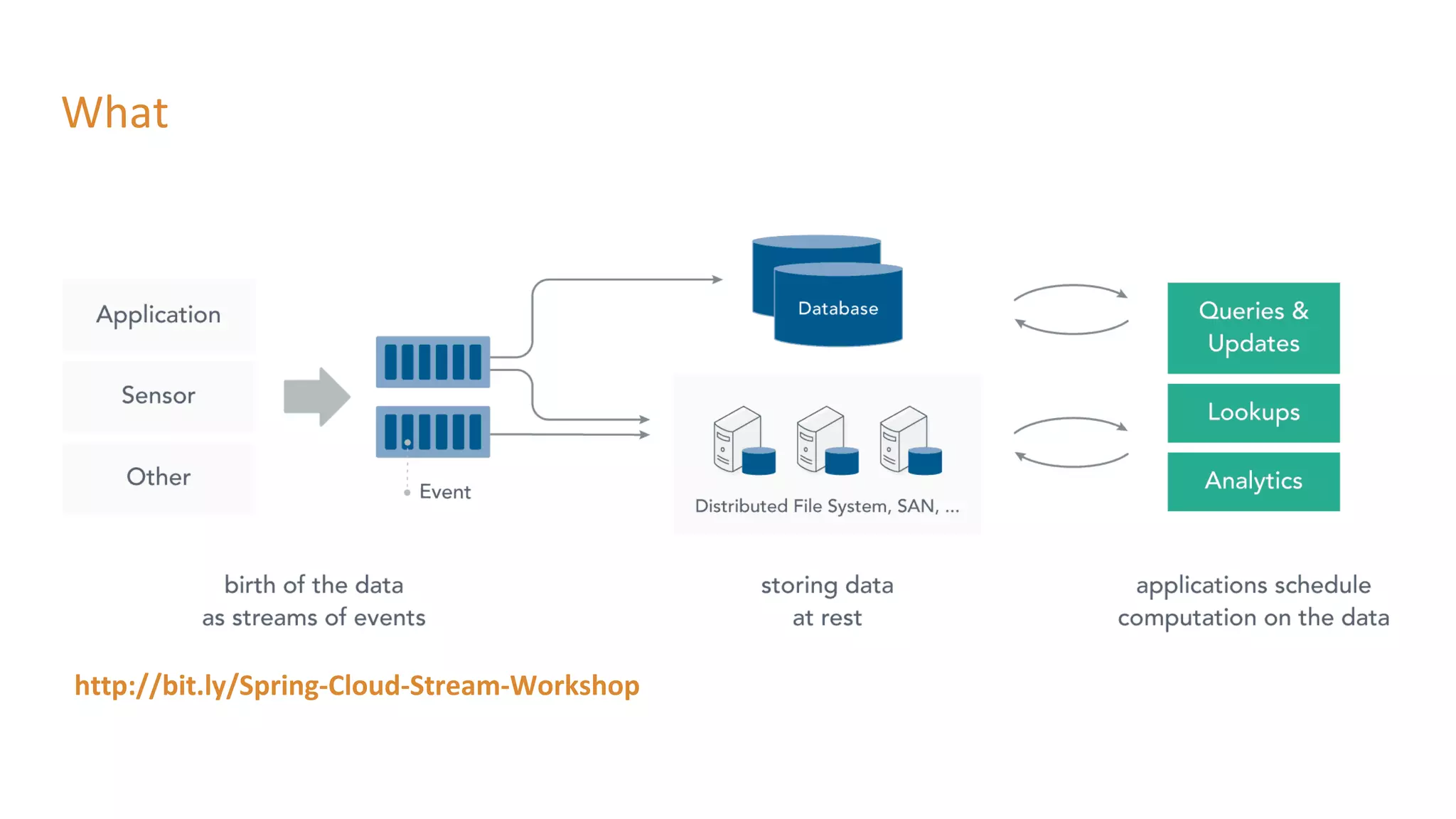
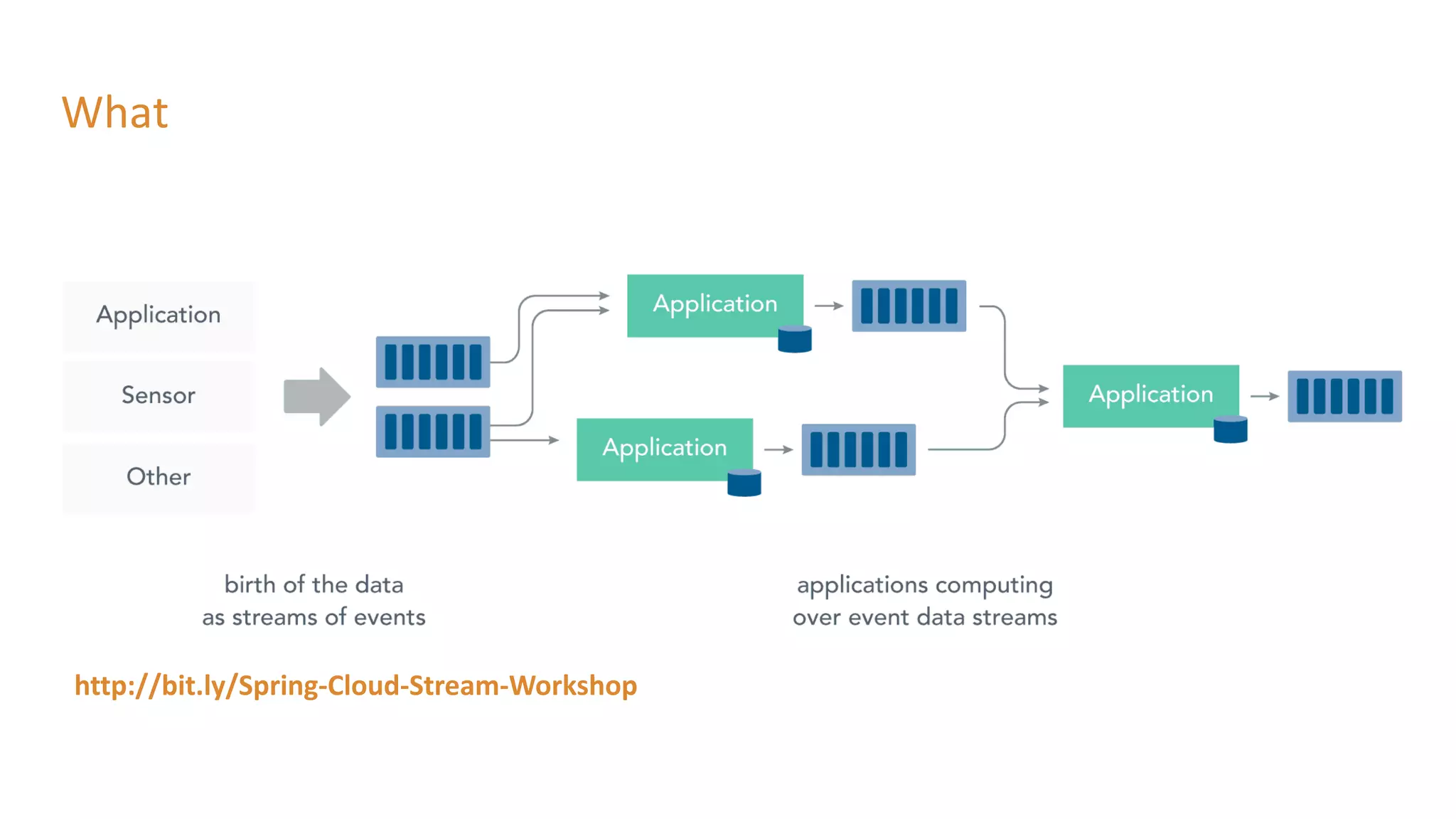
What
http://bit.ly/Spring-Cloud-Stream-Workshop
What
http://bit.ly/Spring-Cloud-Stream-Workshop
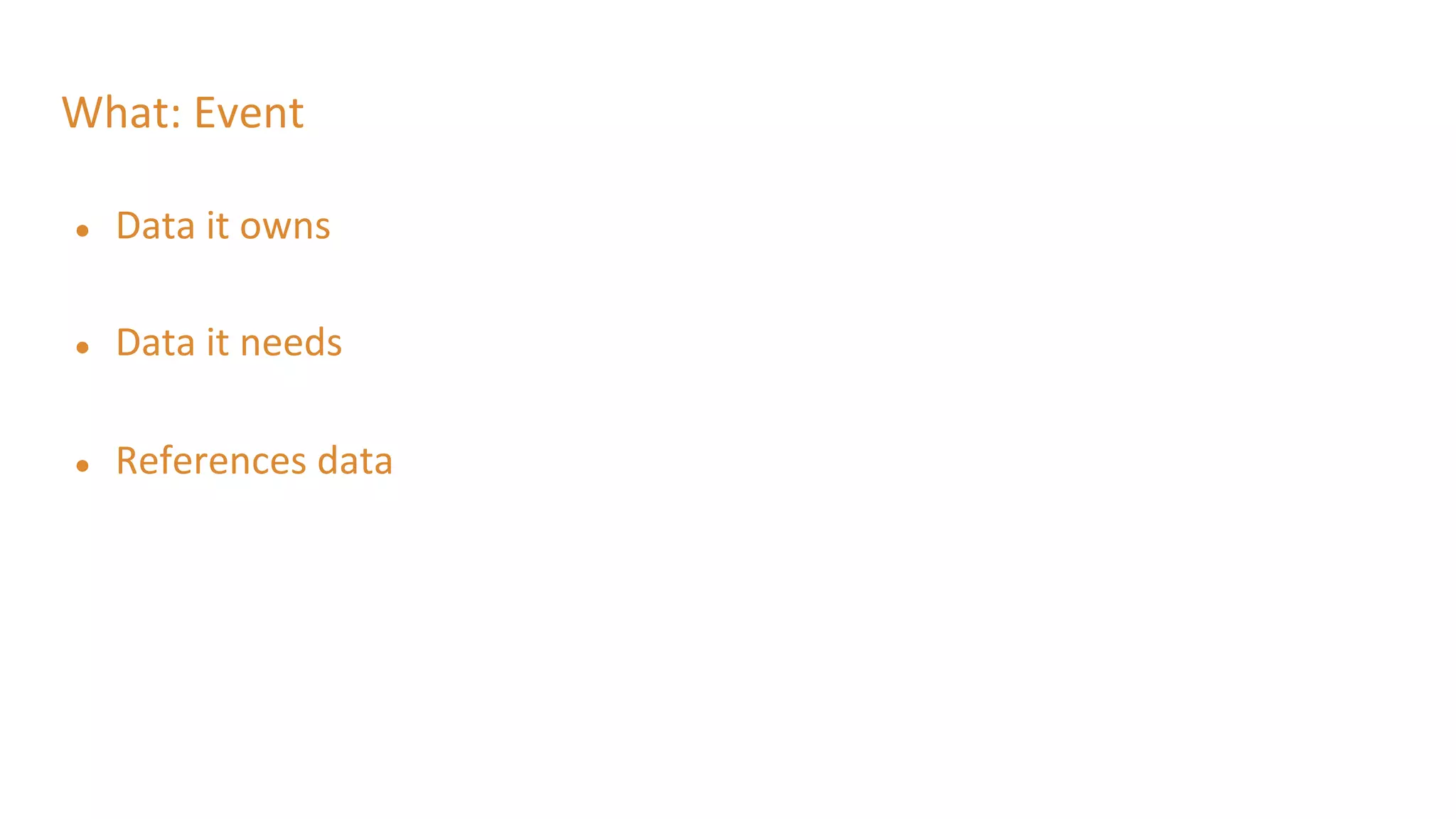
What: Event
● Data it owns
● Data it needs
● References data
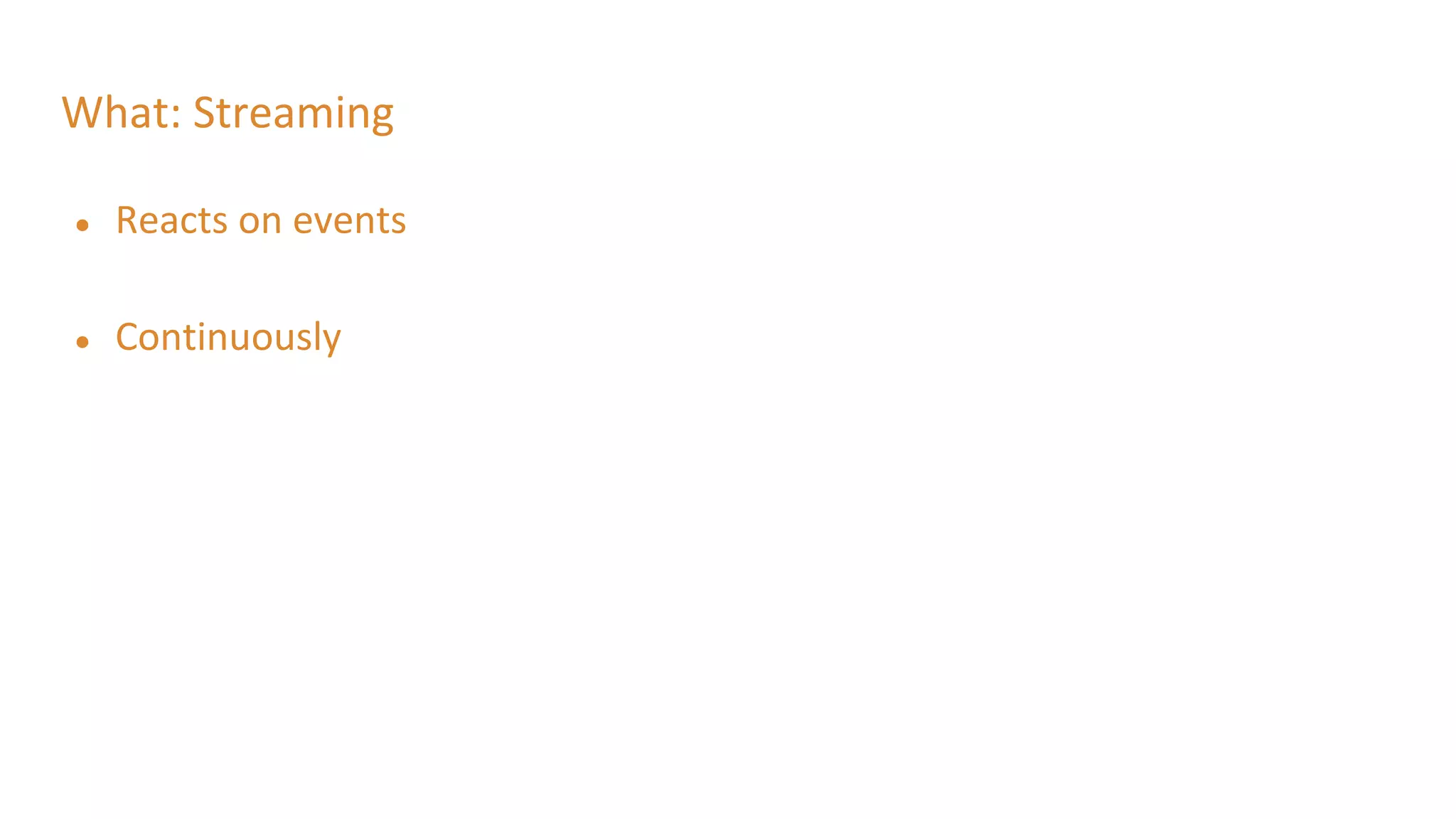
What: Streaming
● Reacts on events
● Continuously
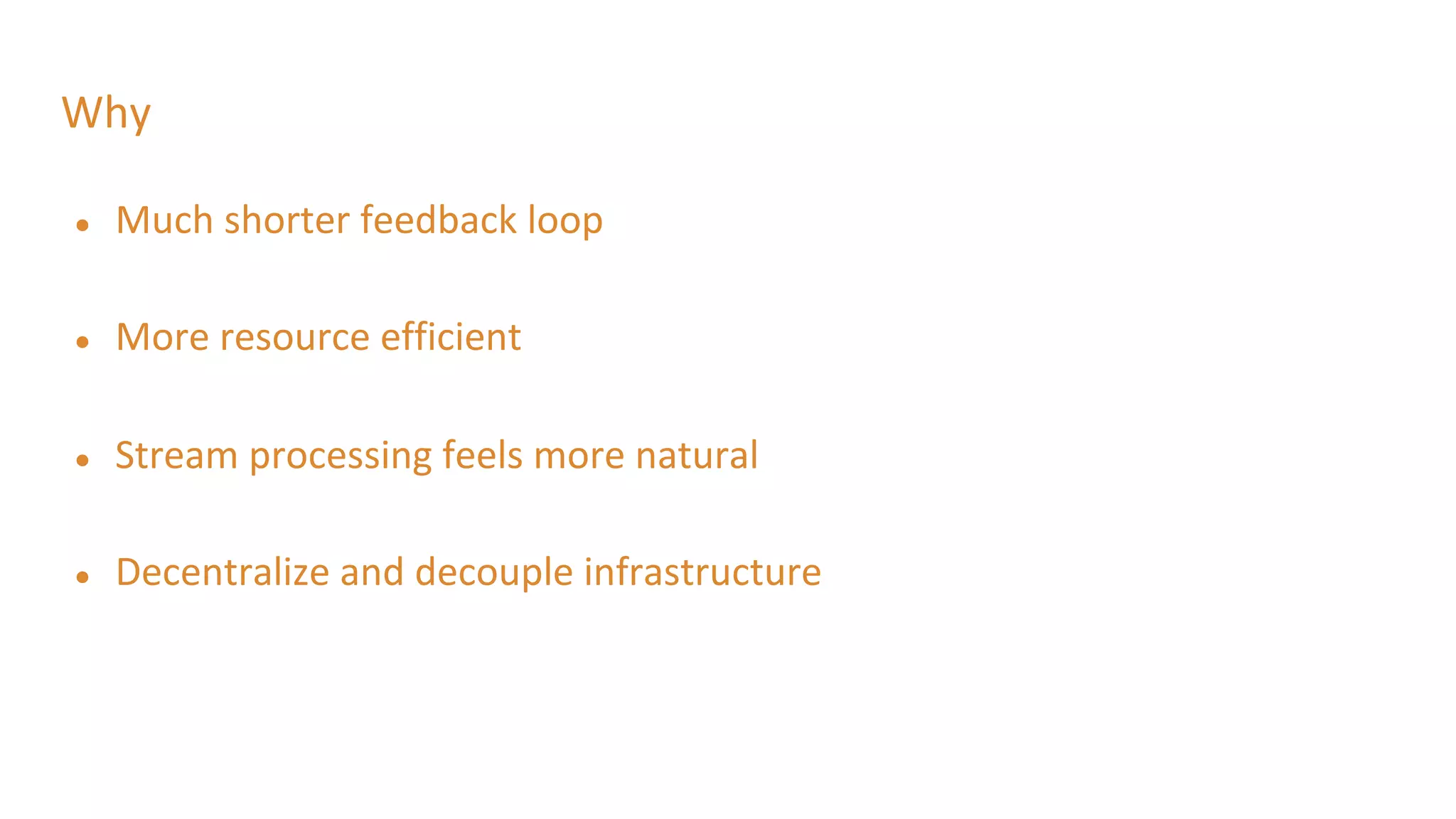
Why
● Much shorter feedback loop
● More resource efficient
● Stream processing feels more natural
● Decentralize and decouple infrastructure
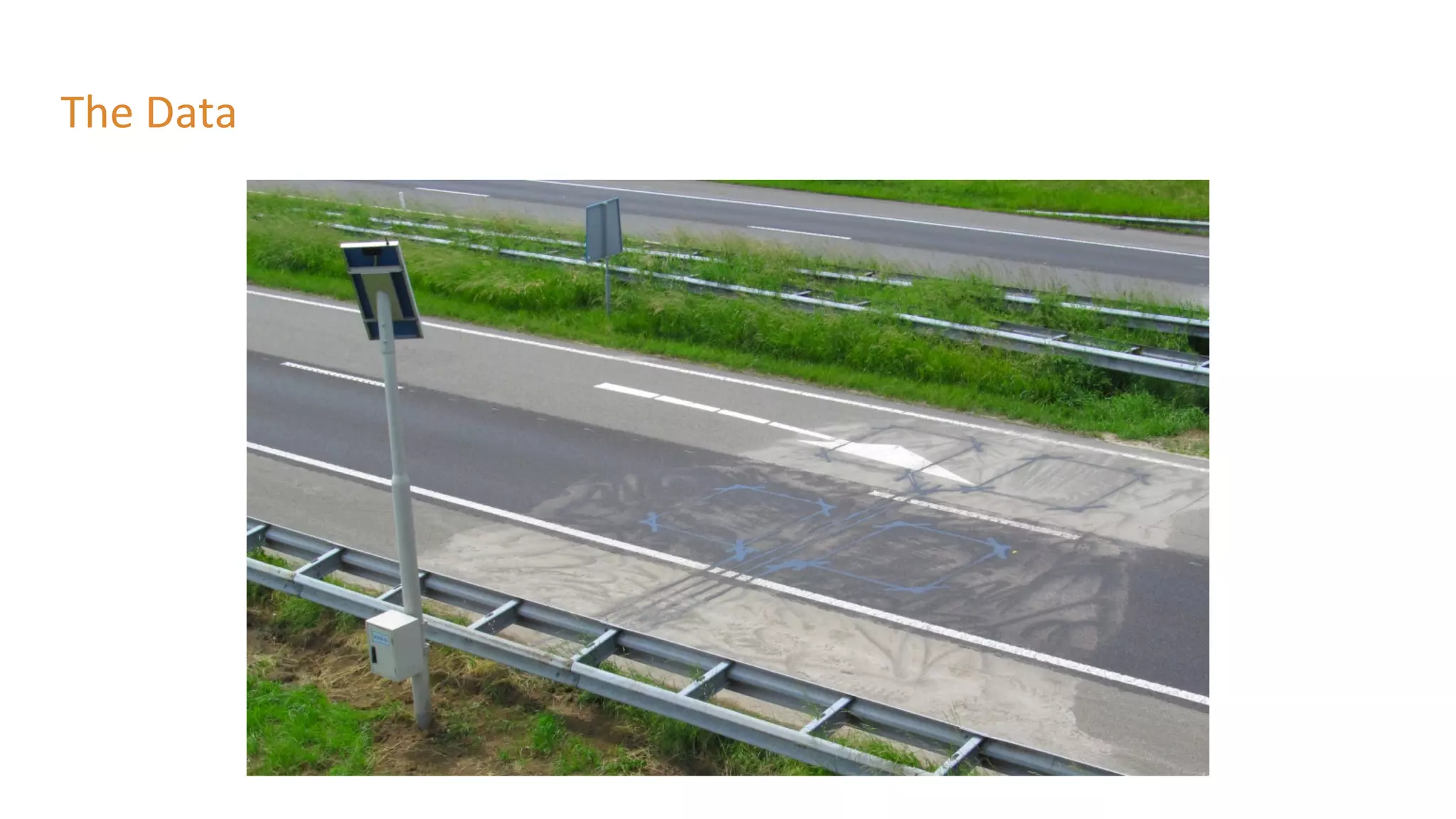
The Data
The Data
● Every minute XML is generated
○ So it is not the raw data
● Be aware:
○ Dutch words
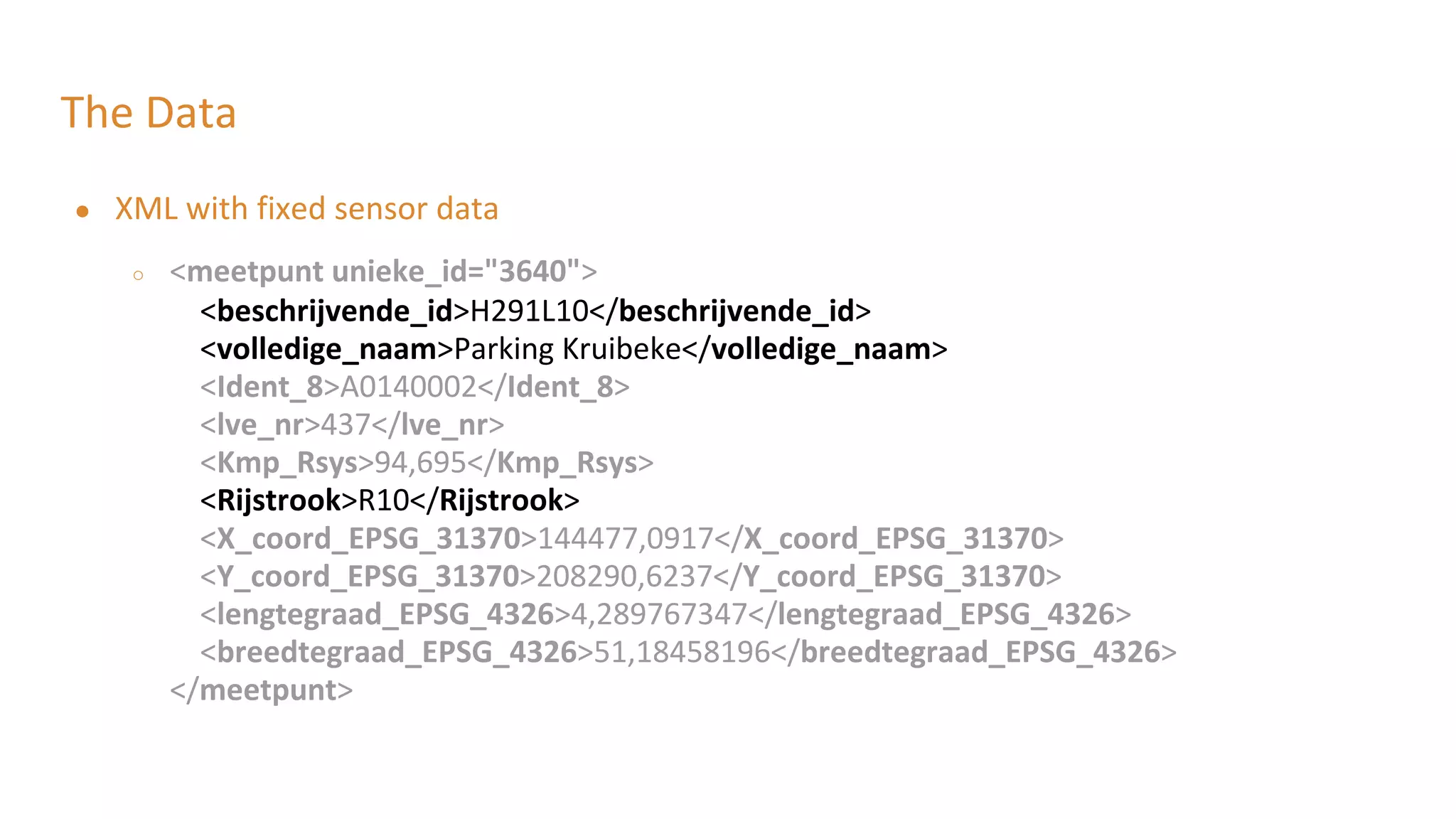
The Data
● XML with fixed sensor data
○ <meetpunt unieke_id="3640">
<beschrijvende_id>H291L10</beschrijvende_id>
<volledige_naam>Parking Kruibeke</volledige_naam>
<Ident_8>A0140002</Ident_8>
<lve_nr>437</lve_nr>
<Kmp_Rsys>94,695</Kmp_Rsys>
<Rijstrook>R10</Rijstrook>
<X_coord_EPSG_31370>144477,0917</X_coord_EPSG_31370>
<Y_coord_EPSG_31370>208290,6237</Y_coord_EPSG_31370>
<lengtegraad_EPSG_4326>4,289767347</lengtegraad_EPSG_4326>
<breedtegraad_EPSG_4326>51,18458196</breedtegraad_EPSG_4326>
</meetpunt>
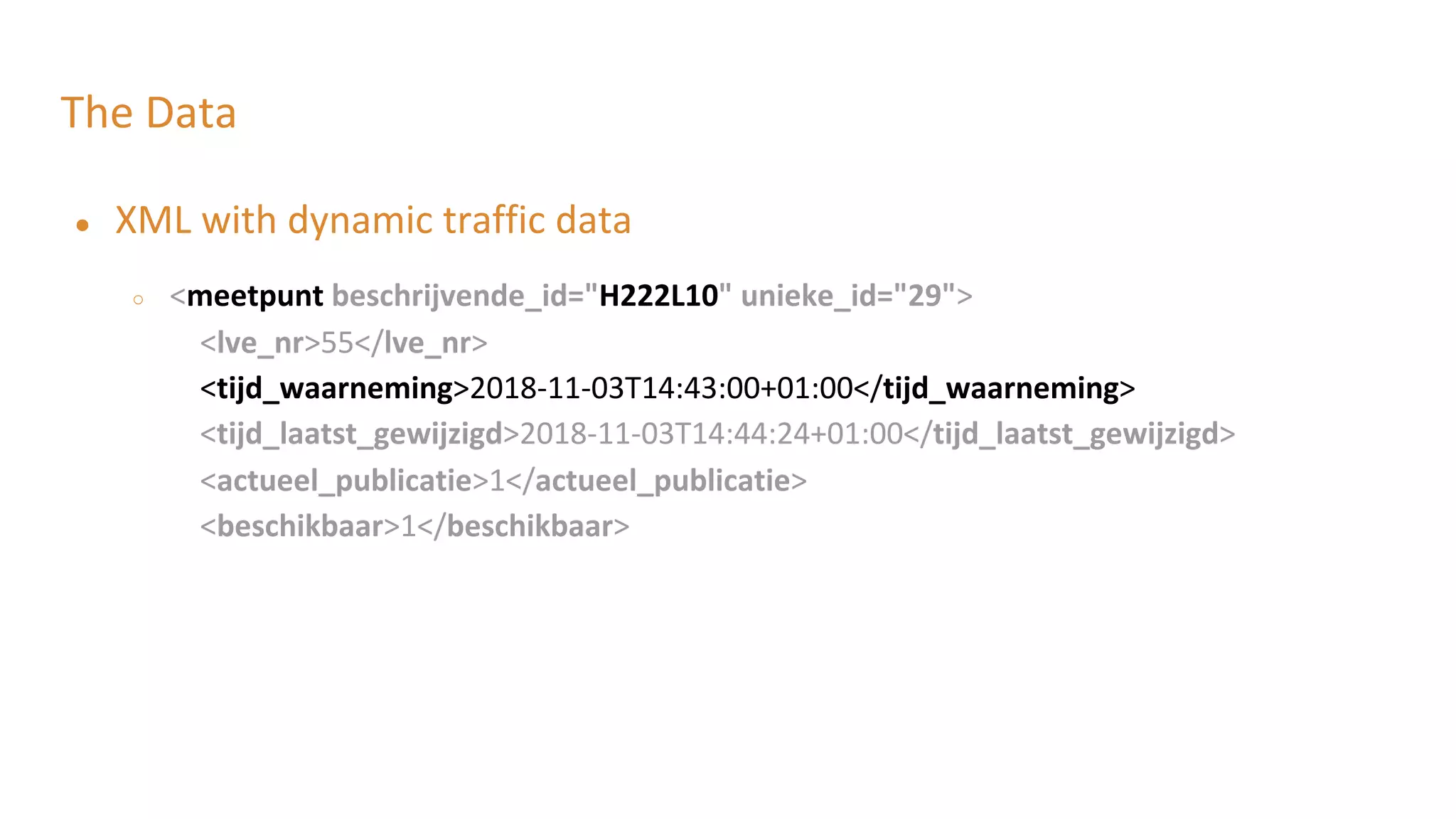
The Data
● XML with dynamic traffic data
○ <meetpunt beschrijvende_id="H222L10" unieke_id="29">
<lve_nr>55</lve_nr>
<tijd_waarneming>2018-11-03T14:43:00+01:00</tijd_waarneming>
<tijd_laatst_gewijzigd>2018-11-03T14:44:24+01:00</tijd_laatst_gewijzigd>
<actueel_publicatie>1</actueel_publicatie>
<beschikbaar>1</beschikbaar>
The Data
● XML with dynamic traffic data
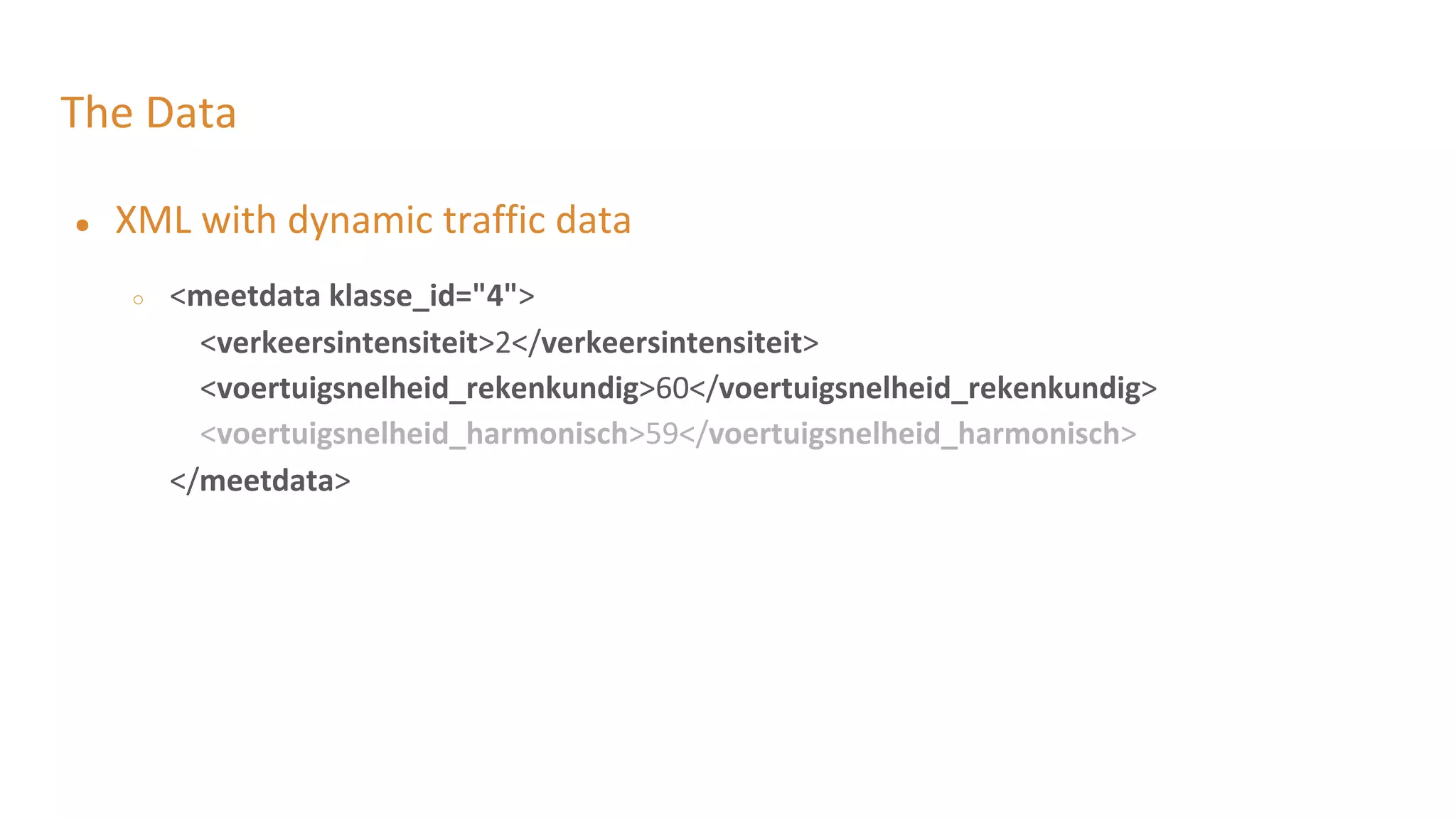
○ <meetdata klasse_id="4">
<verkeersintensiteit>2</verkeersintensiteit>
<voertuigsnelheid_rekenkundig>60</voertuigsnelheid_rekenkundig>
<voertuigsnelheid_harmonisch>59</voertuigsnelheid_harmonisch>
</meetdata>
The Data
● XML with dynamic traffic data
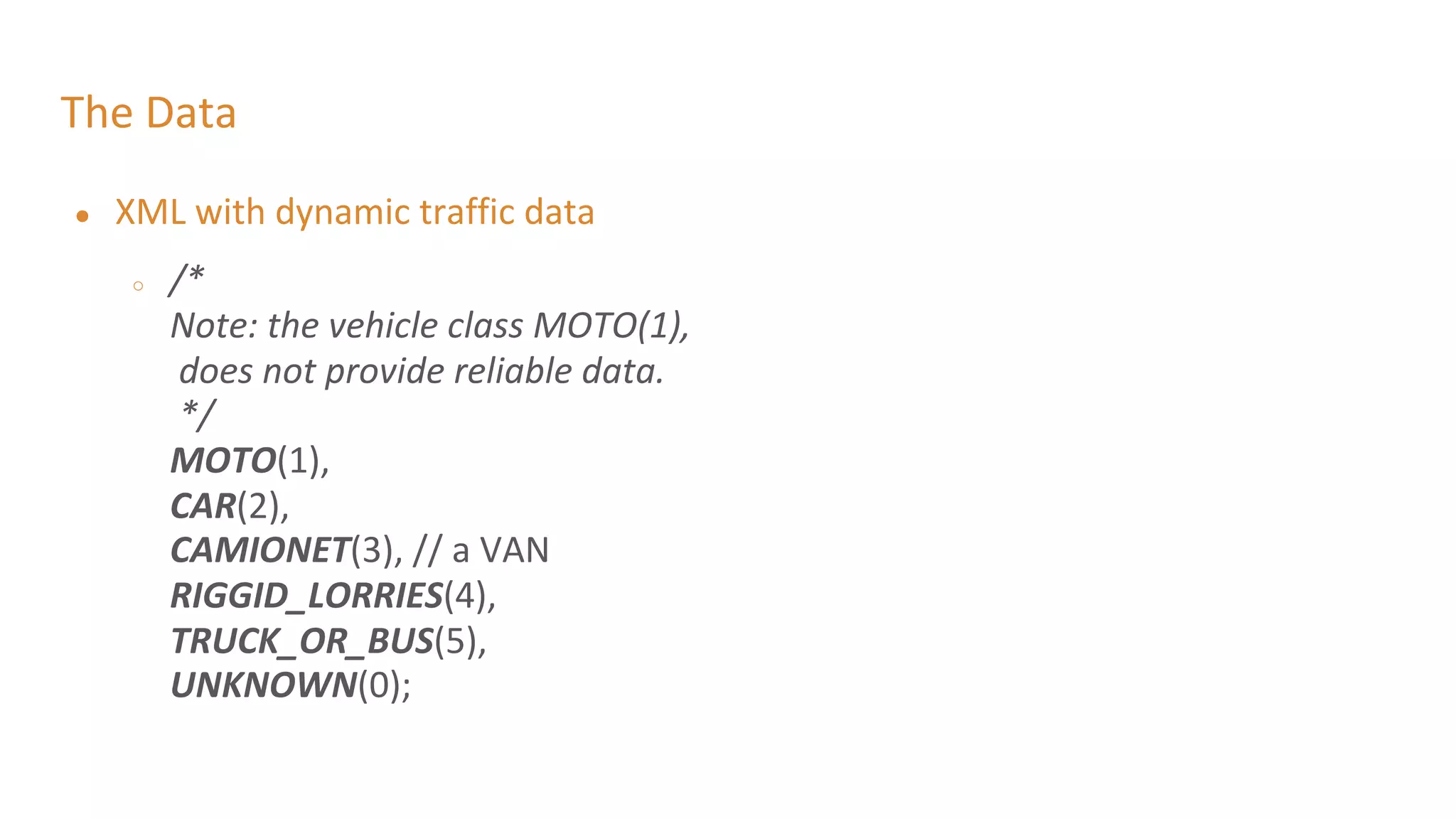
○ /*
Note: the vehicle class MOTO(1),
does not provide reliable data.
*/
MOTO(1),
CAR(2),
CAMIONET(3), // a VAN
RIGGID_LORRIES(4),
TRUCK_OR_BUS(5),
UNKNOWN(0);
The Data
● XML with dynamic traffic data
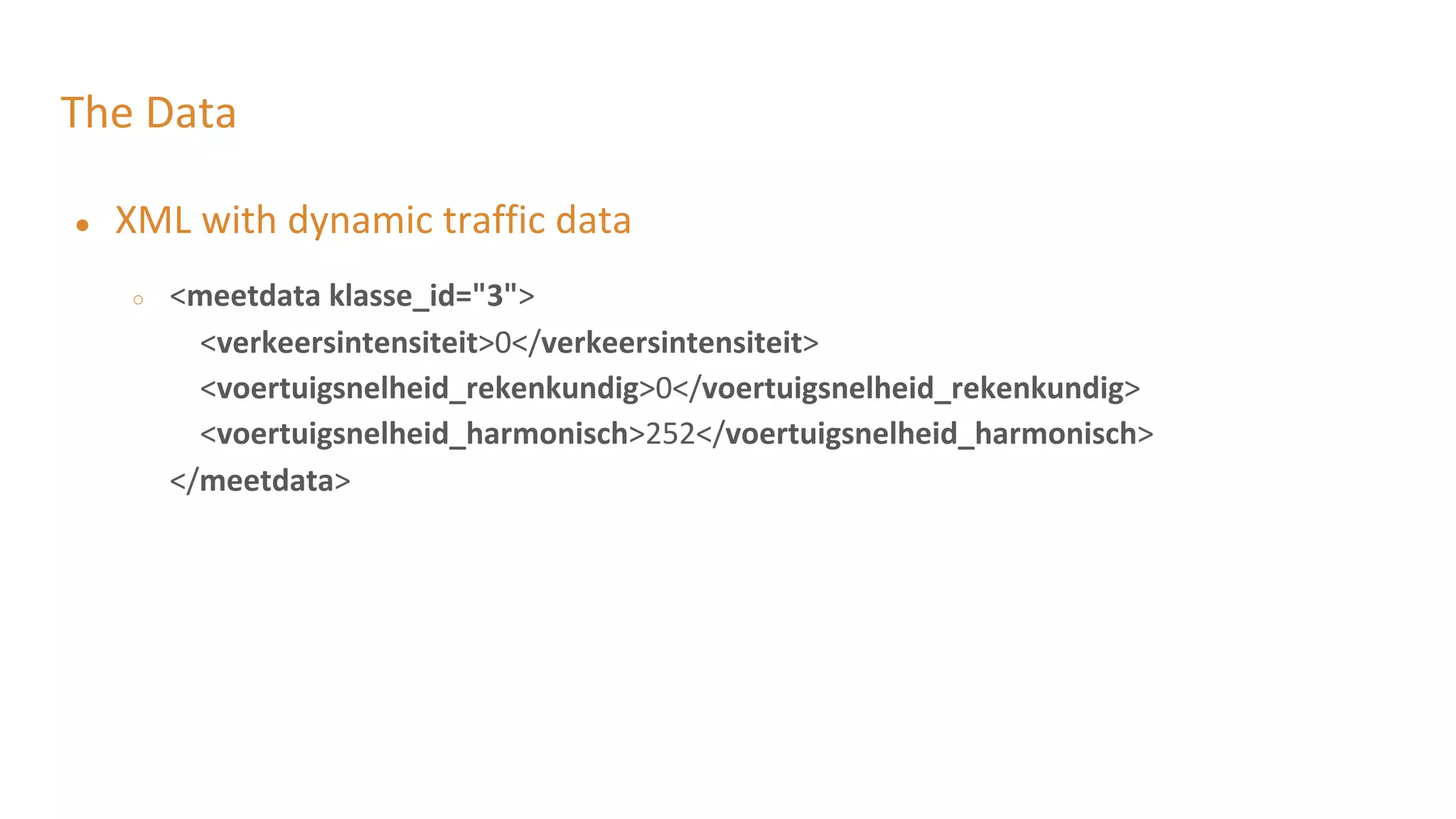
○ <meetdata klasse_id="3">
<verkeersintensiteit>0</verkeersintensiteit>
<voertuigsnelheid_rekenkundig>0</voertuigsnelheid_rekenkundig>
<voertuigsnelheid_harmonisch>252</voertuigsnelheid_harmonisch>
</meetdata>
The Data
● Do not worry
● We translated it to simplified POJO
● TrafficEvent.java
The Data: Some Lessons
● Think about the language
● Think about the values you are going to output
○ 252 when no readings
○ 254 when an error occurred
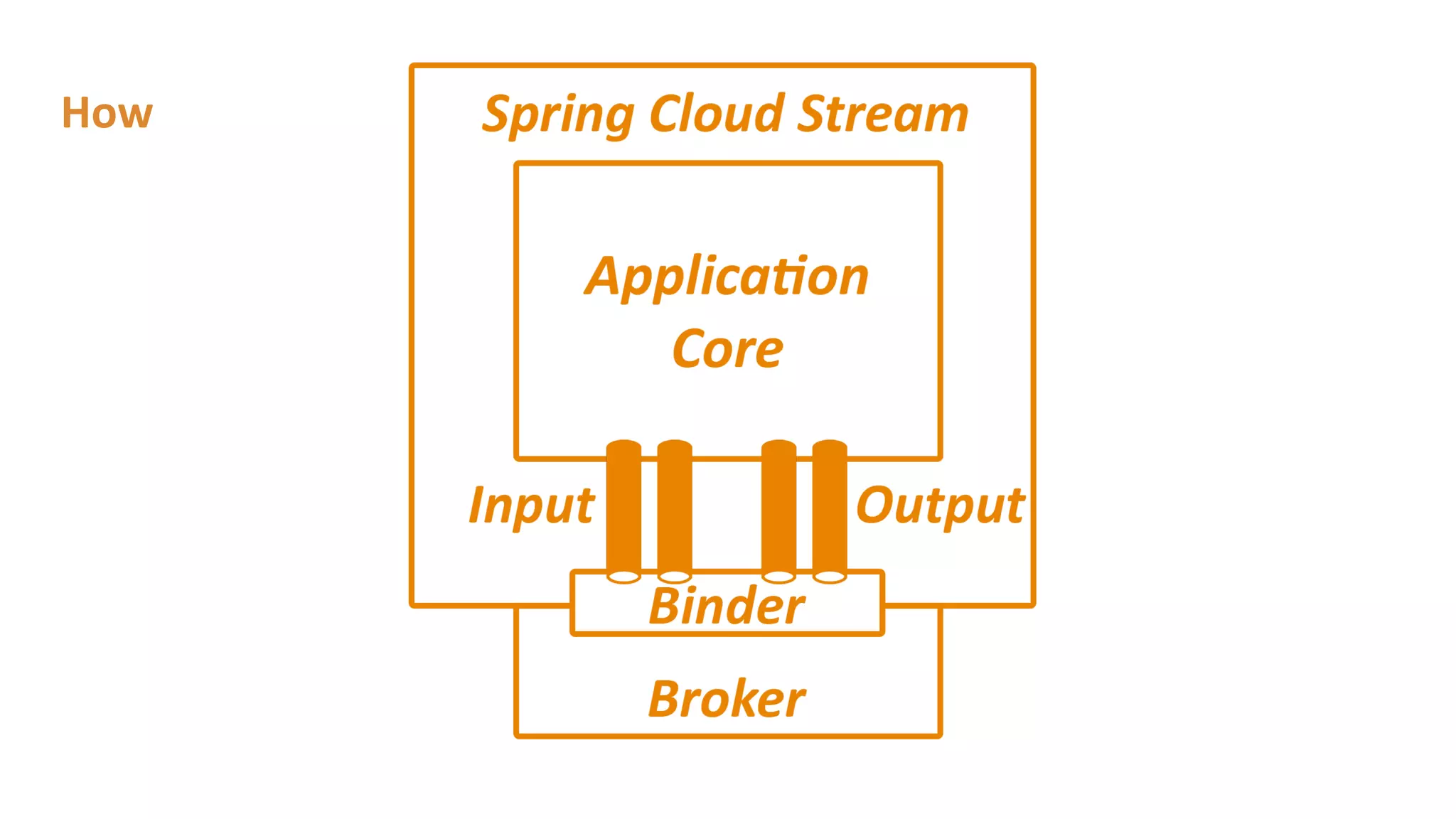
How
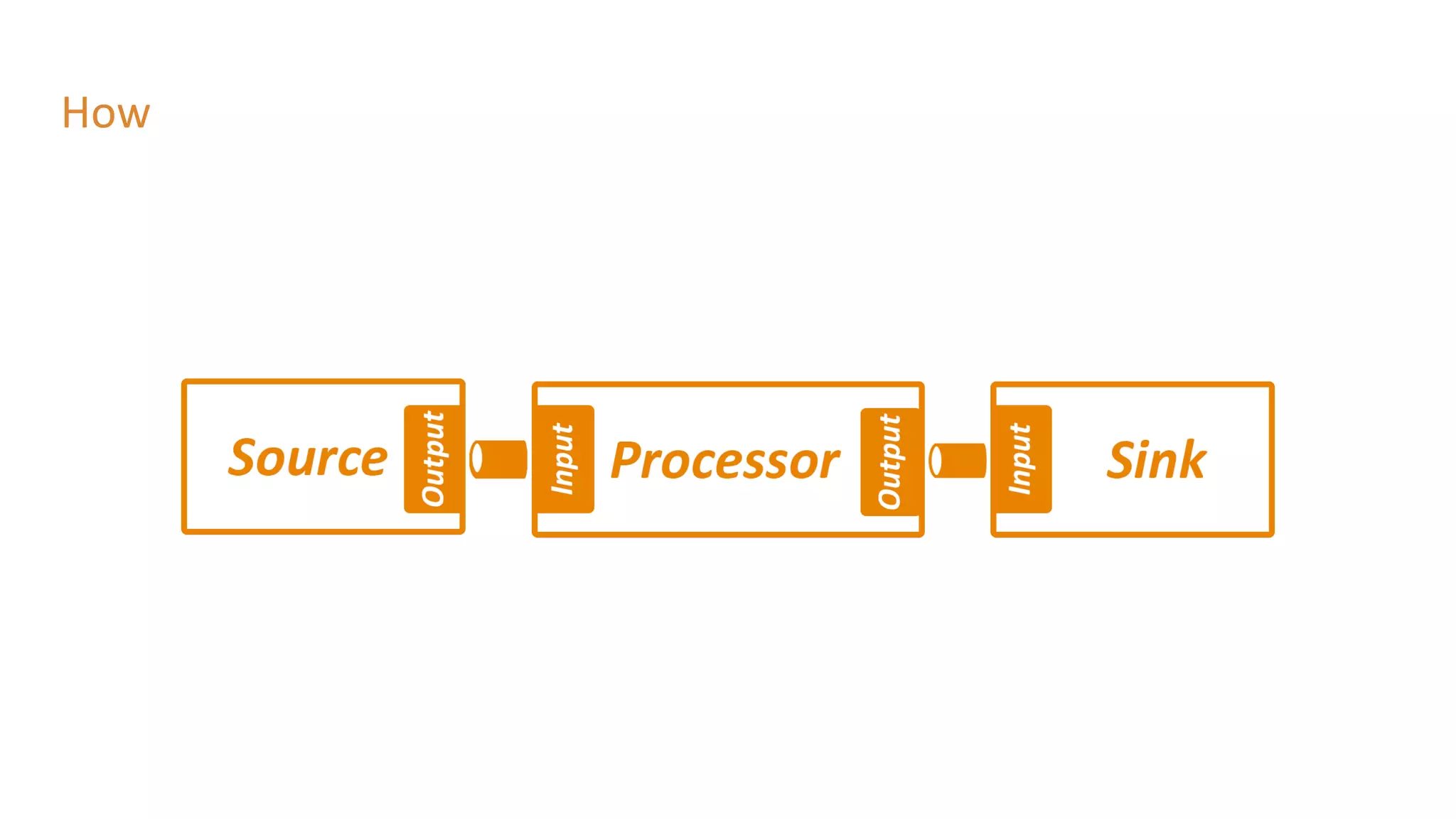
How
Lab 1: Send events to Kafka - Imperative
● Dependencies
○ spring-cloud-starter-stream-kafka
● Added @EnableBinding
● Properties:
○ spring.cloud.stream.bindings.output.destination=traffic-data
● Added @Scheduling
Lab 1: Send events to Kafka - Reactive
● Dependencies
○ spring-cloud-starter-stream-kafka
○ spring-cloud-stream-reactive
● Added @StreamEmitter (spring-cloud-stream-reactive)
● Added @SendTo
Lab 1: Send events to Kafka
● Don’t use @Scheduling for use cases like this in production
○ Bad practice, use batch jobs: eg. Spring Cloud Task or K8s CronJob!
Lab 2: Intake of data from Kafka
● @EnableBinding
● @StreamListener(Source.INPUT)
● Properties:
○ spring.cloud.stream.bindings.input.destination=traffic-data
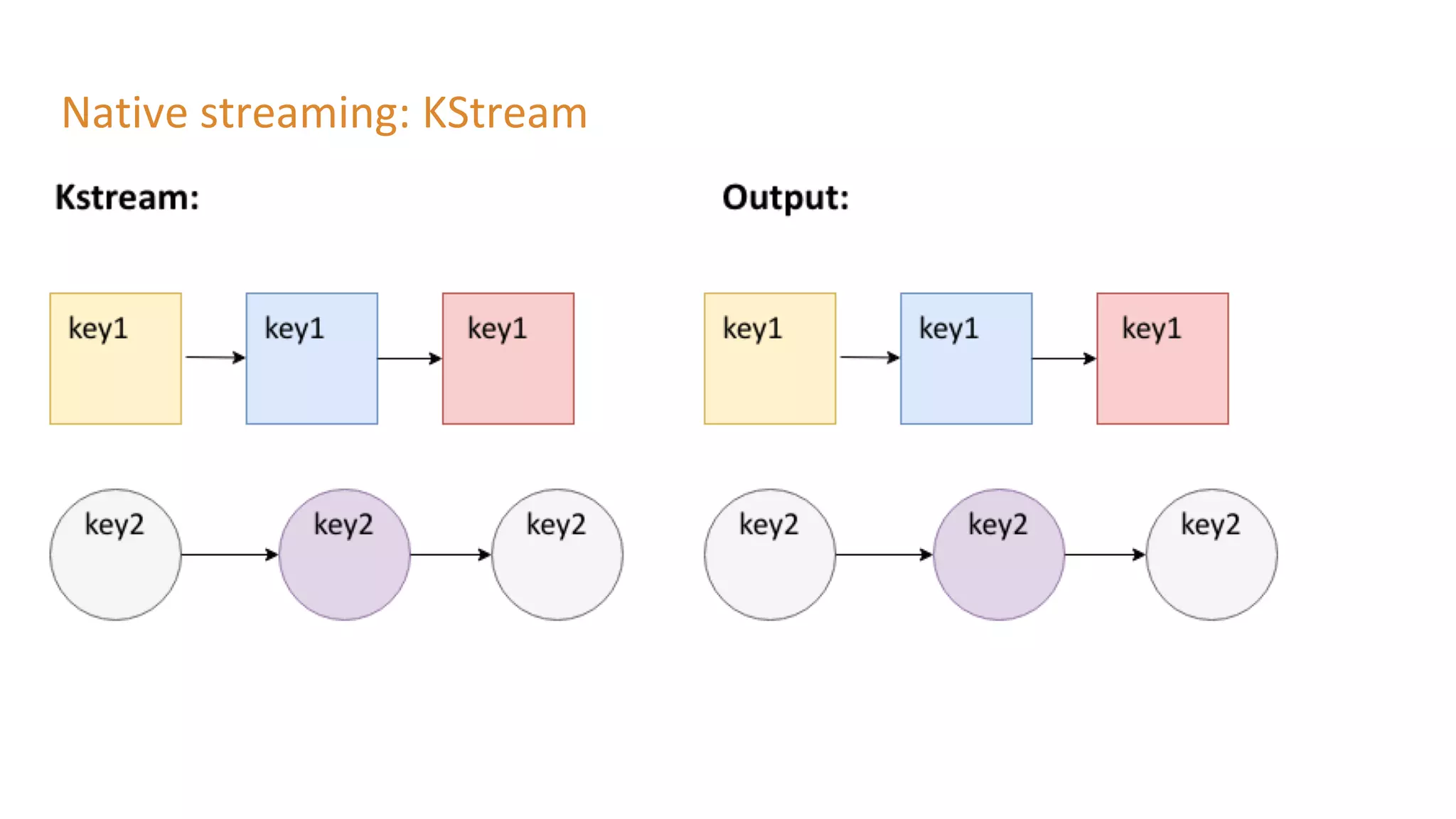
Native streaming: KStream
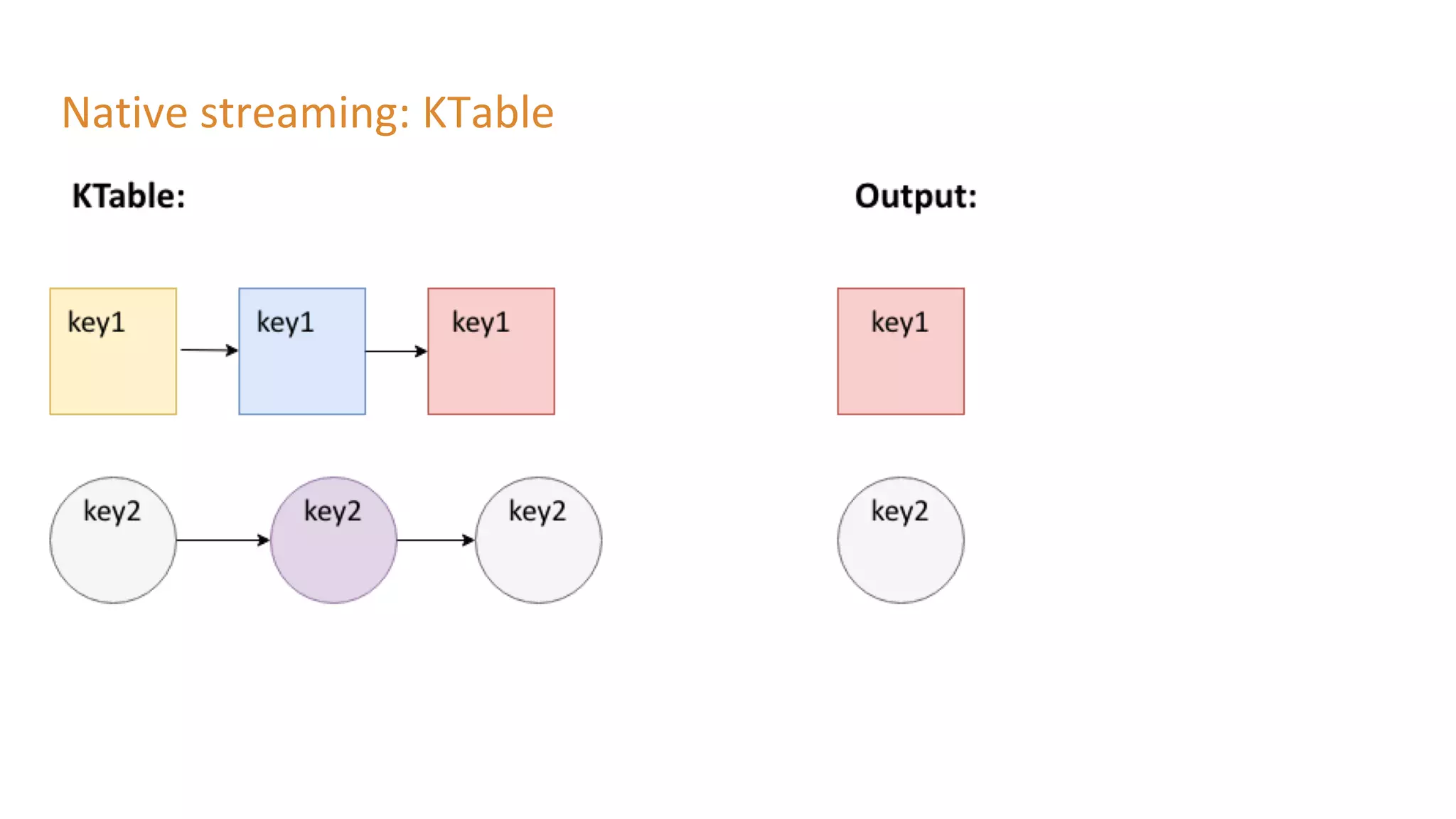
Native streaming: KTable
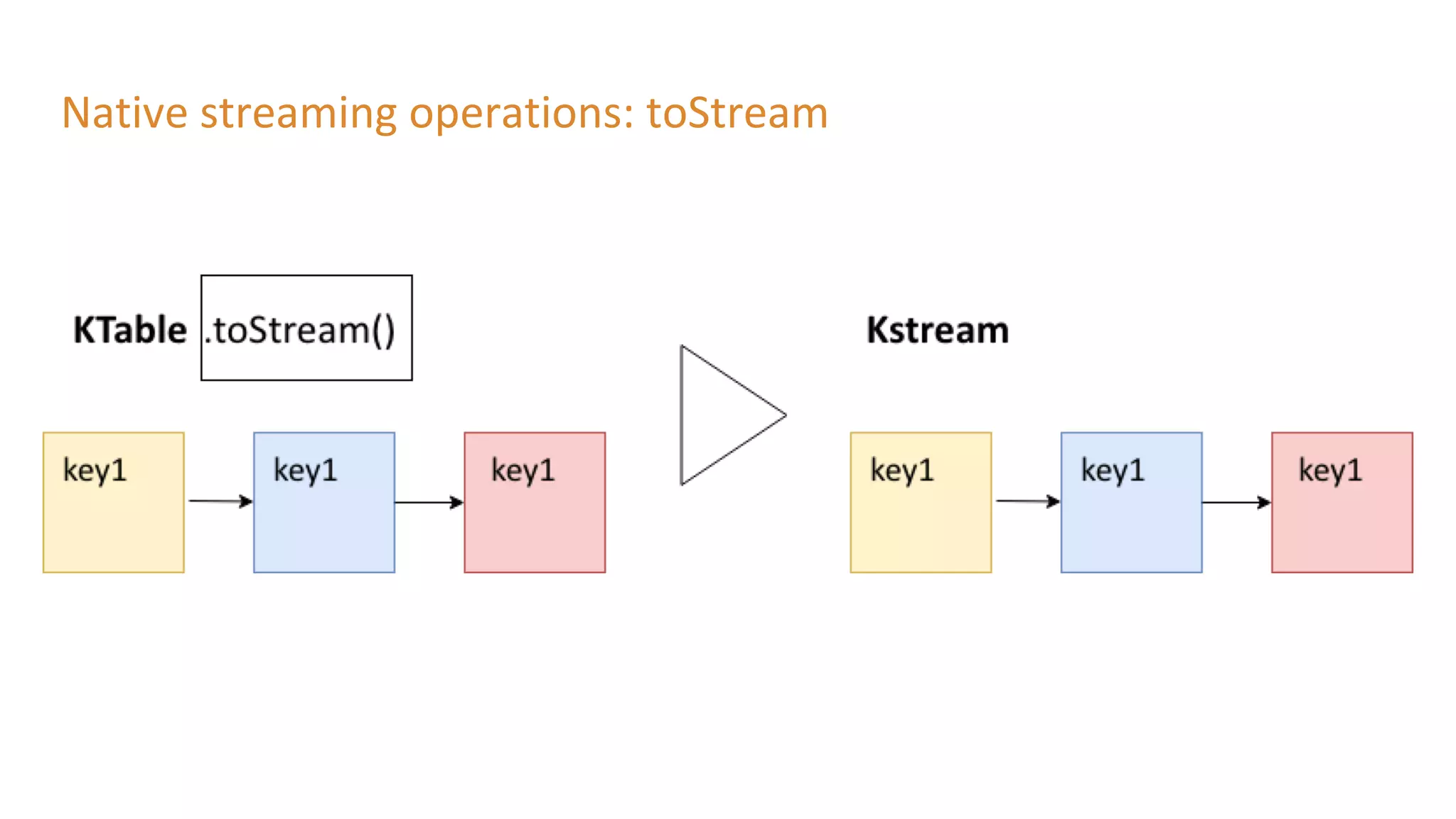
Native streaming operations: toStream
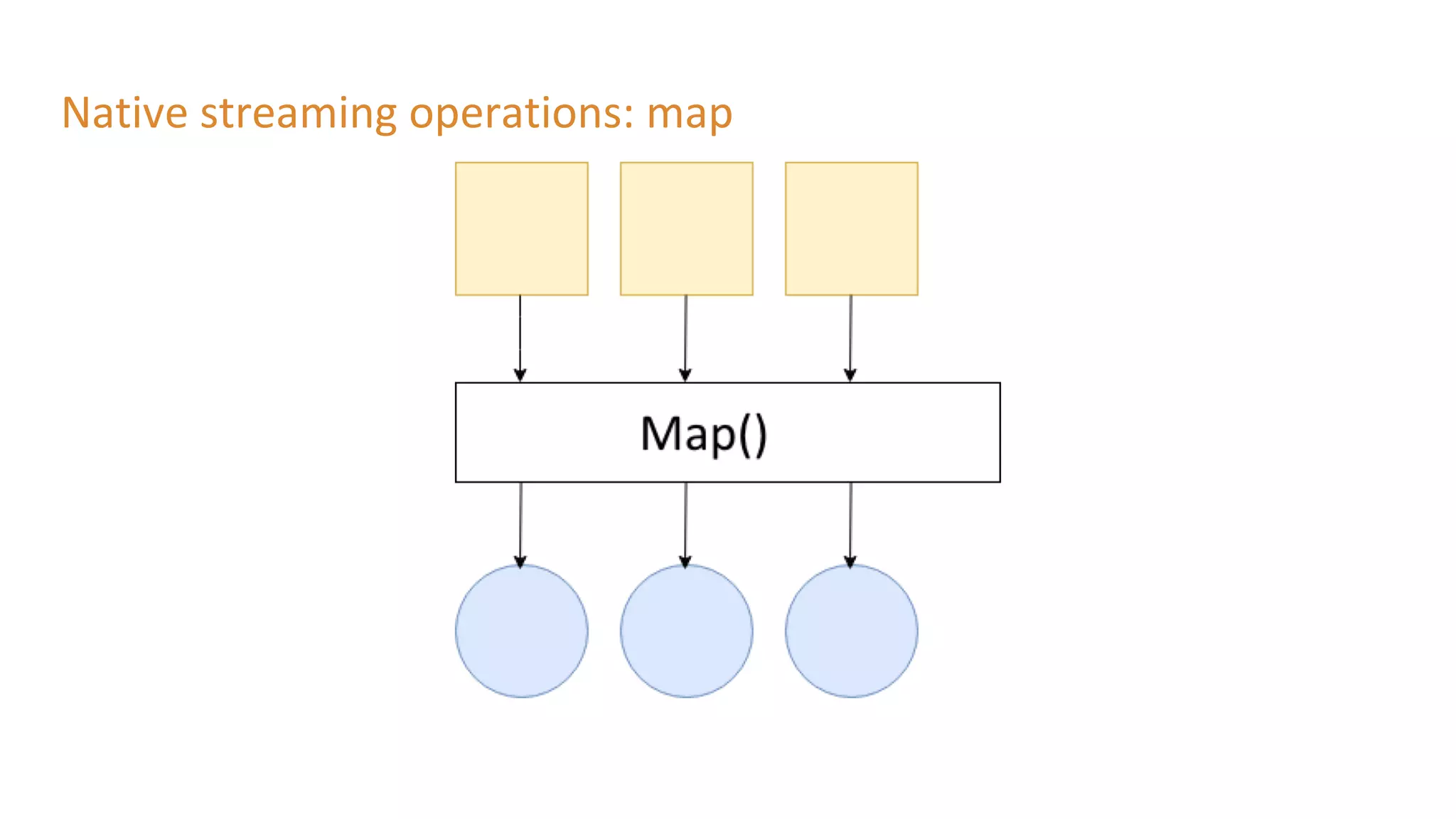
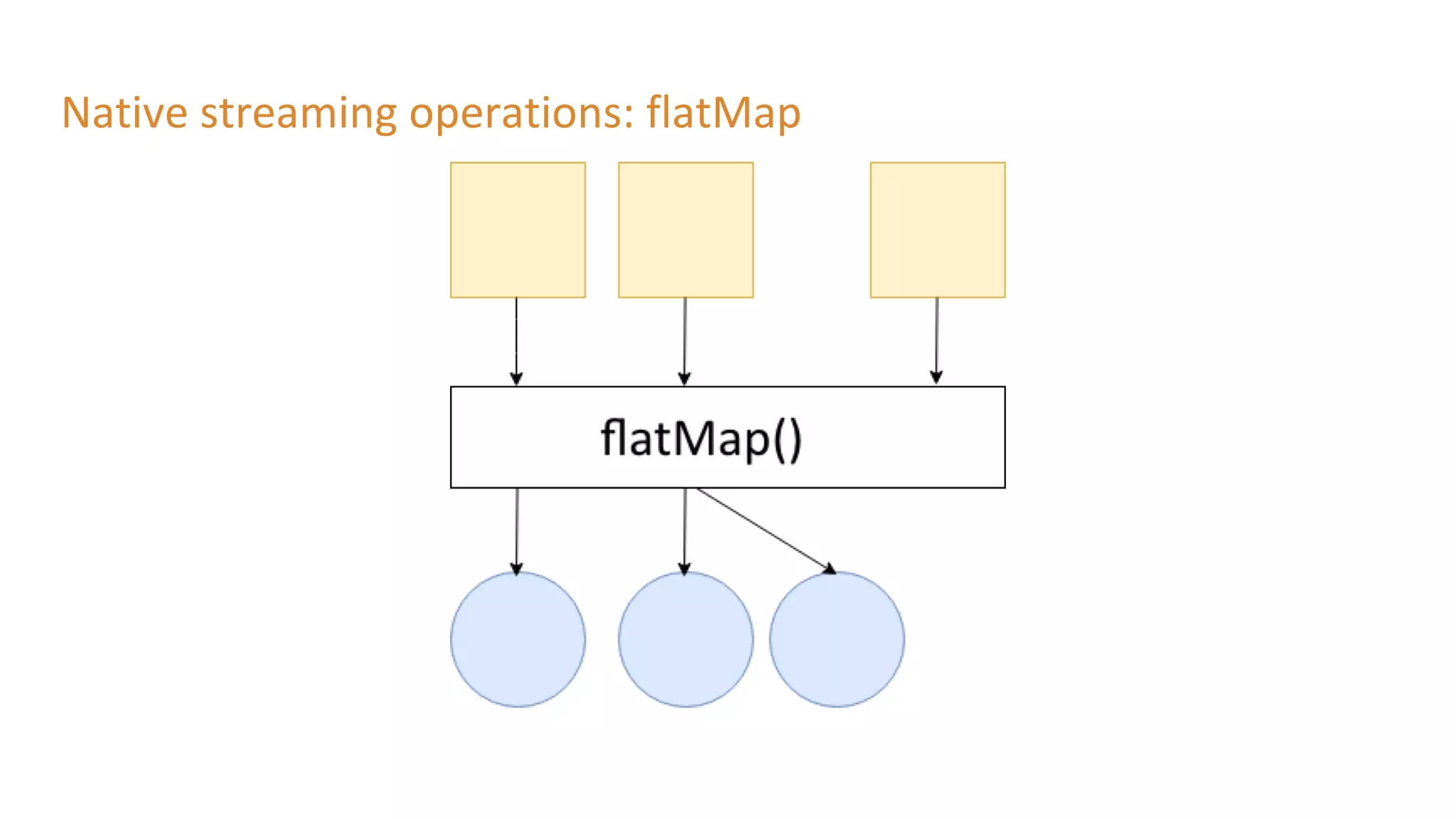
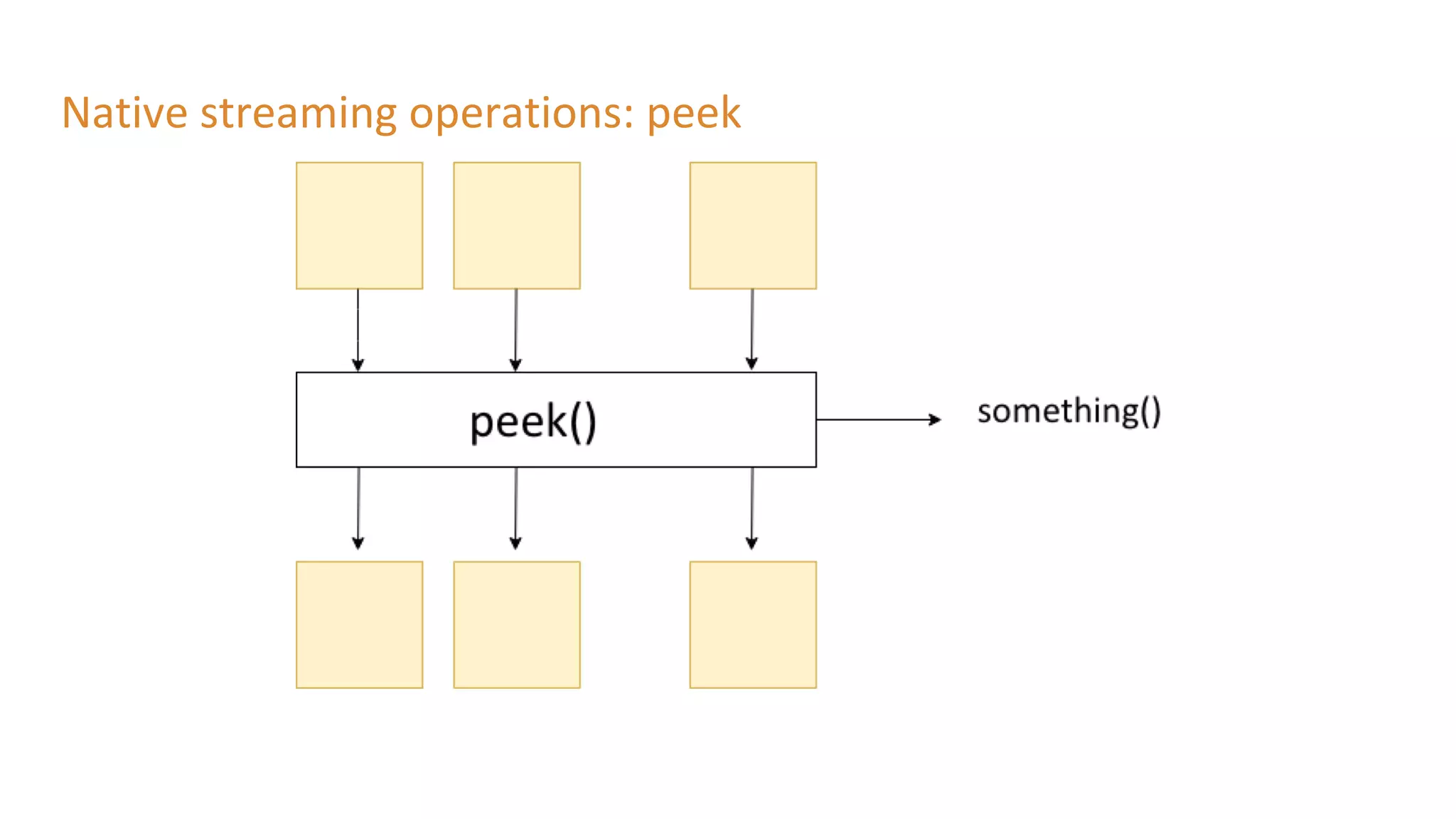
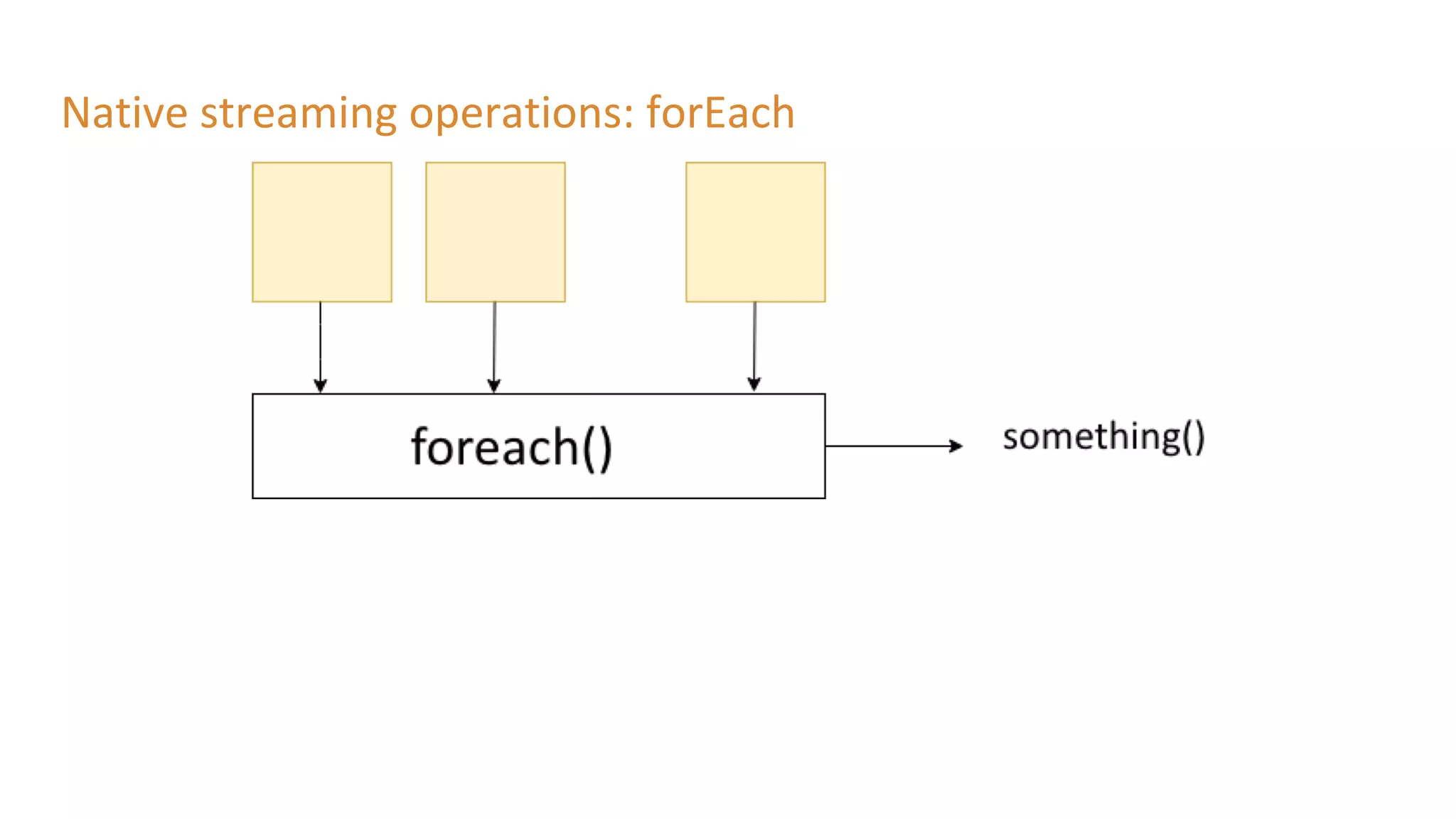
Native streaming operations: Stateless
● No need of a state store for these operations
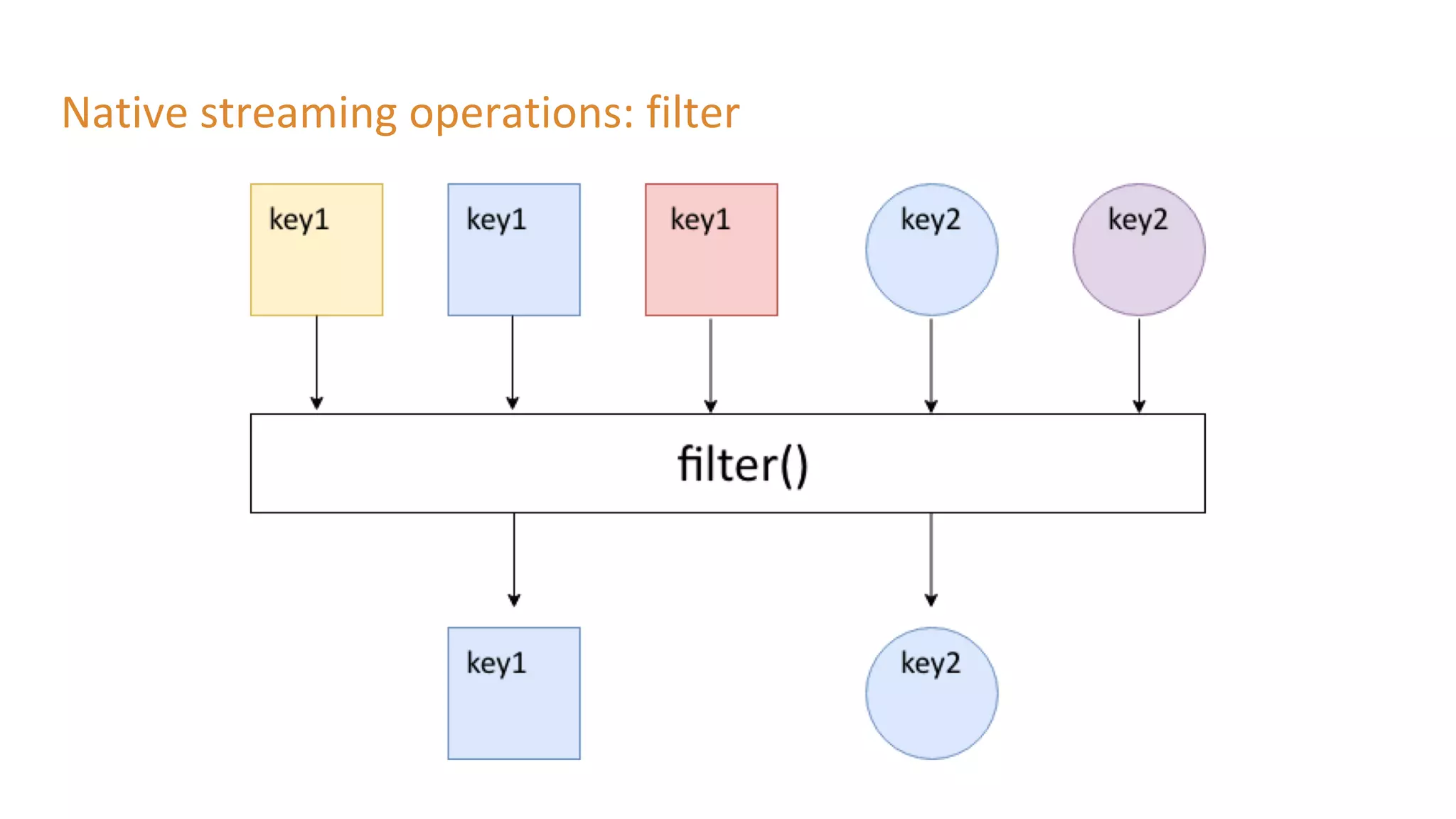
Native streaming operations: filter
Native streaming operations: map
Native streaming operations: flatMap
Native streaming operations: peek
Native streaming operations: forEach
Native streaming operations: Stateless
● selectKey
● filter
● map/mapValues
● flatMap/flatMapValues
● peek
● forEach
● groupByKey
● toStream
Lab 3: Stateless
● Dependencies
○ spring-cloud-stream-binder-kafka-streams
● Added custom interface: KStreamSink
● Methods used
○ .filter
○ .print
● Updated configuration:
○ spring.cloud.stream.default-binder=kafka
○ spring.cloud.stream.bindings.native-input.binder=kstream
Native streaming operations: stateful
● State store is used
○ In memory database
○ RocksDB
● Fault-Tolerant: replicated changelog topic in Kafka
Native streaming operations: groupByKey
● Groups records in KGroupedStream
● Required before aggregation operations
● Writes data to new topic (might repartition)
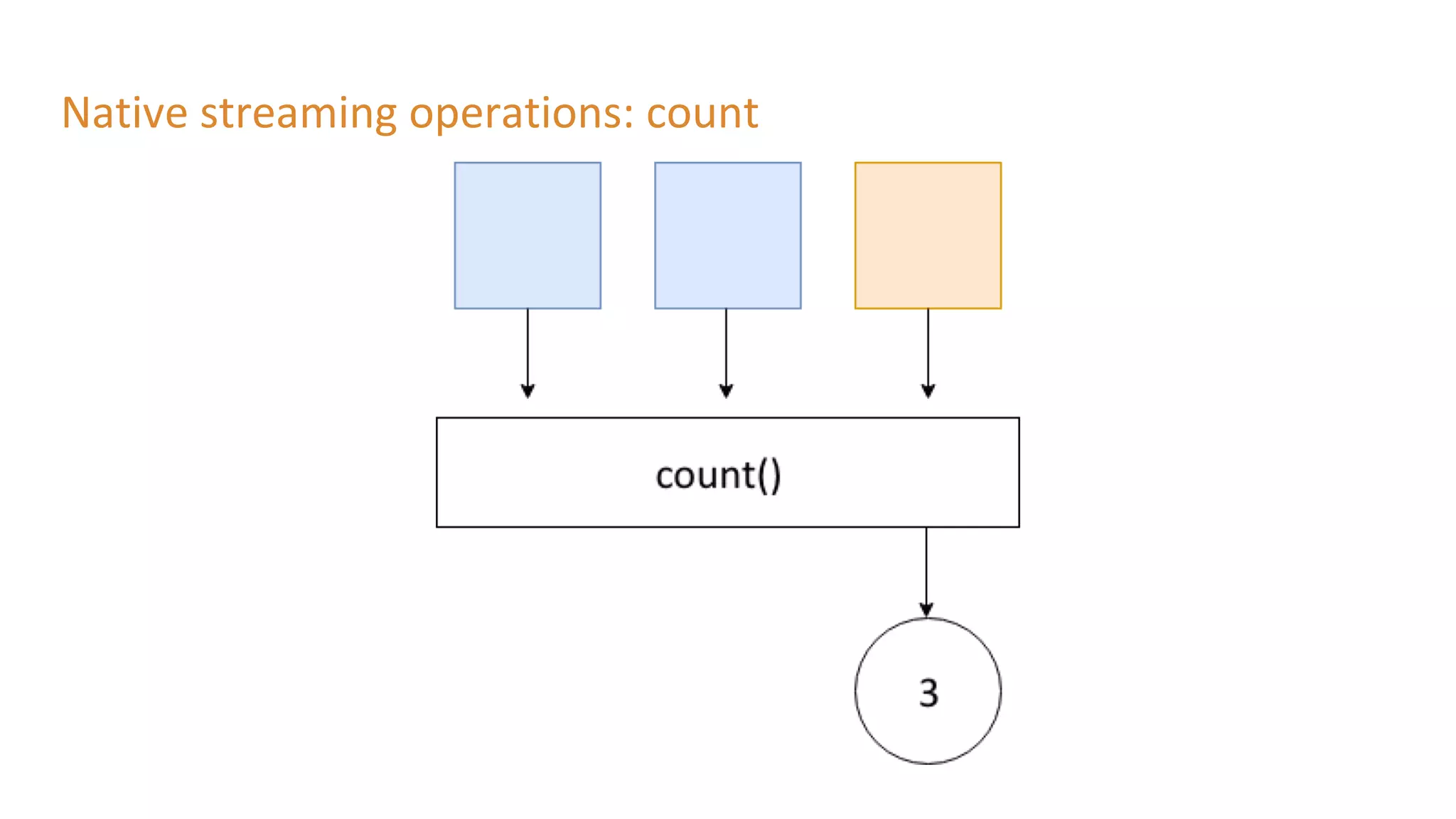
Native streaming operations: count
Native streaming operations: aggregations
● Transforms groupedKStream to Ktable
● Need Initializer: aggValue = 0
● Operation: “adder”: aggValue + oldValue
Native streaming operations: joining
Native streaming operations: stateful
● groupByKey (still stateless)
● count
● aggregations
● joining
● windowing
Lab 3: Stateful
● GroupByKey
○ Use of SerDe (StringSerde and JsonSerde)
● Methods used
○ .count
○ .toStream: Convert KTable to KStream
Windows
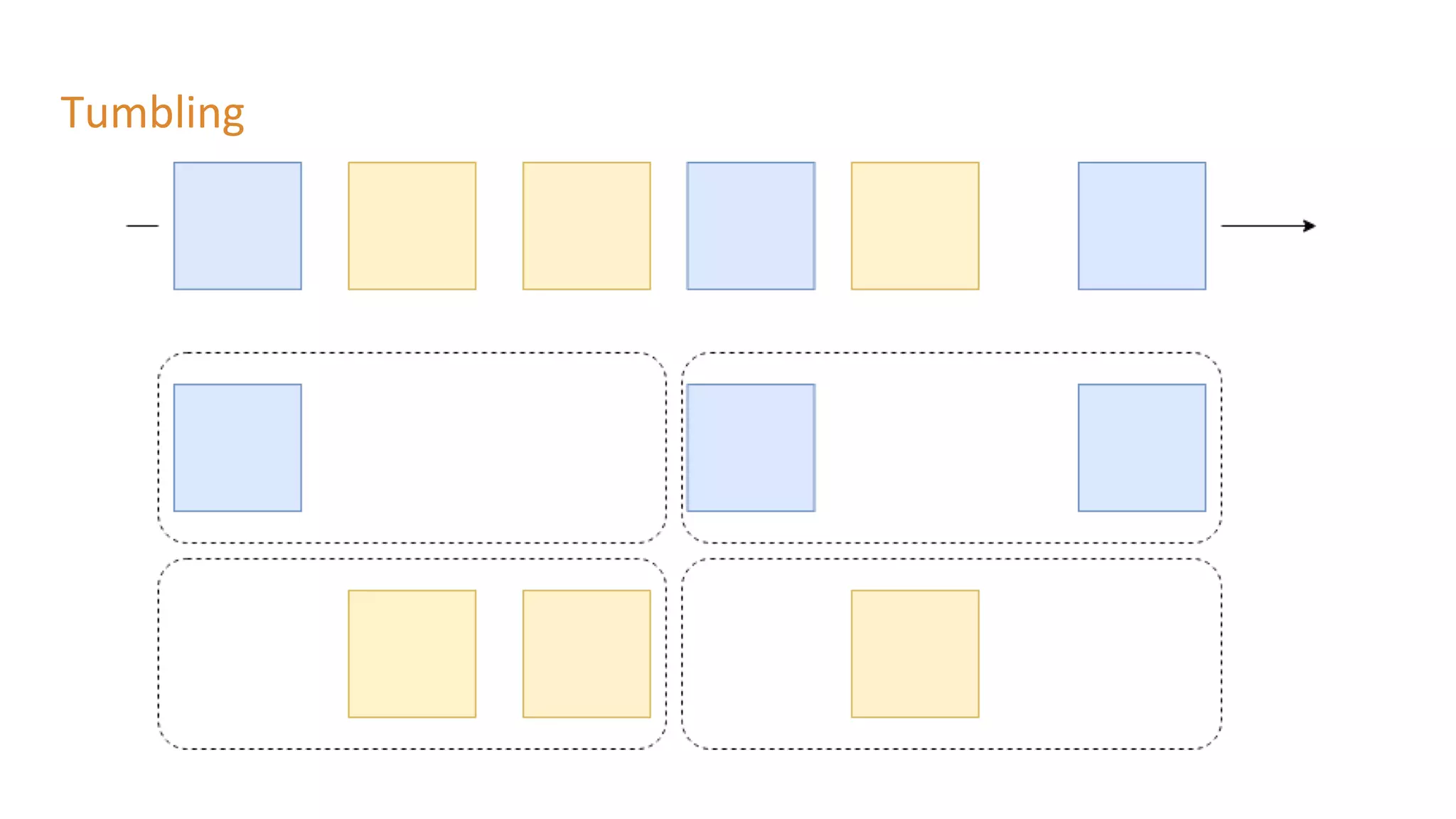
● Tumbling
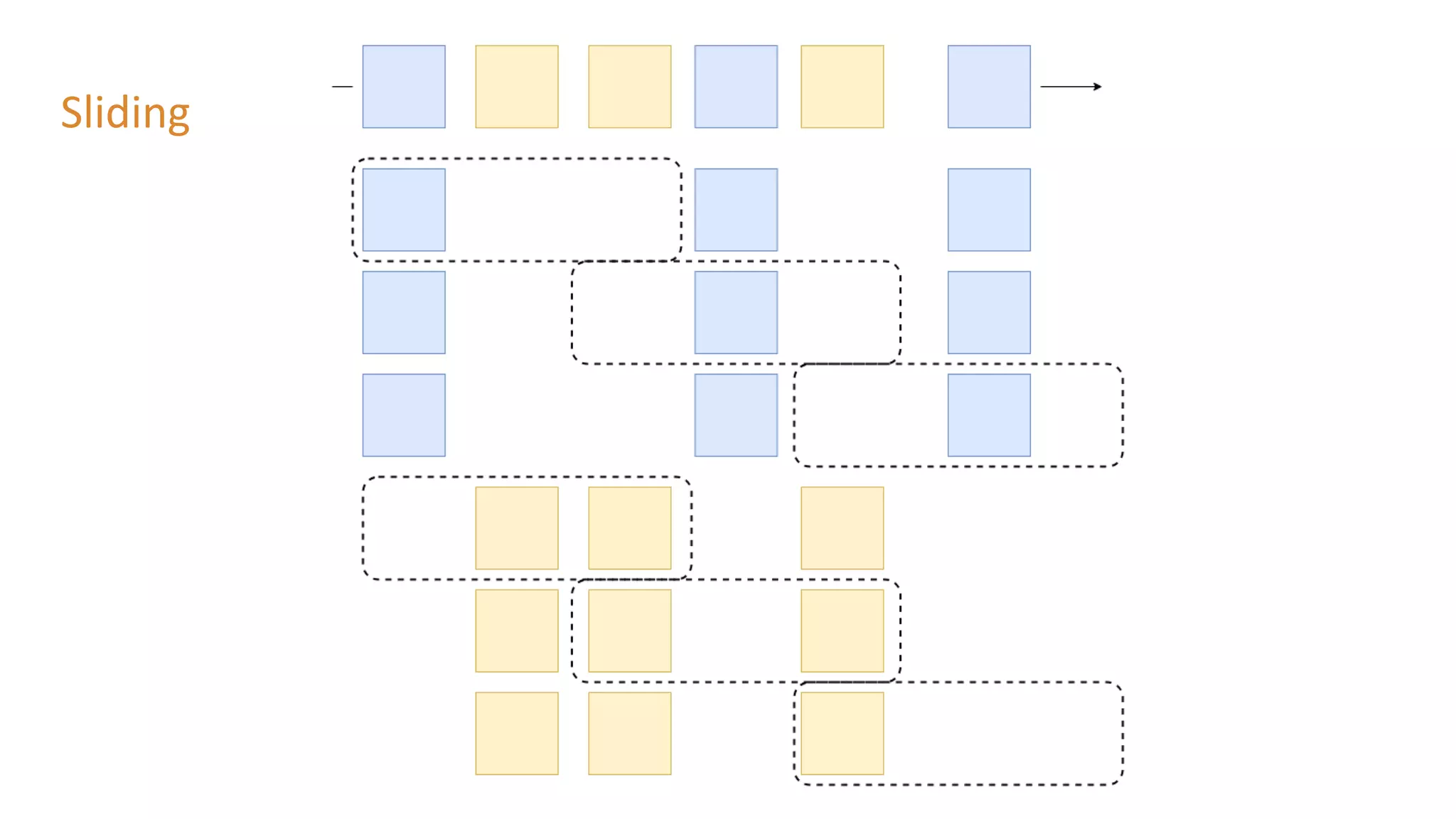
● Sliding
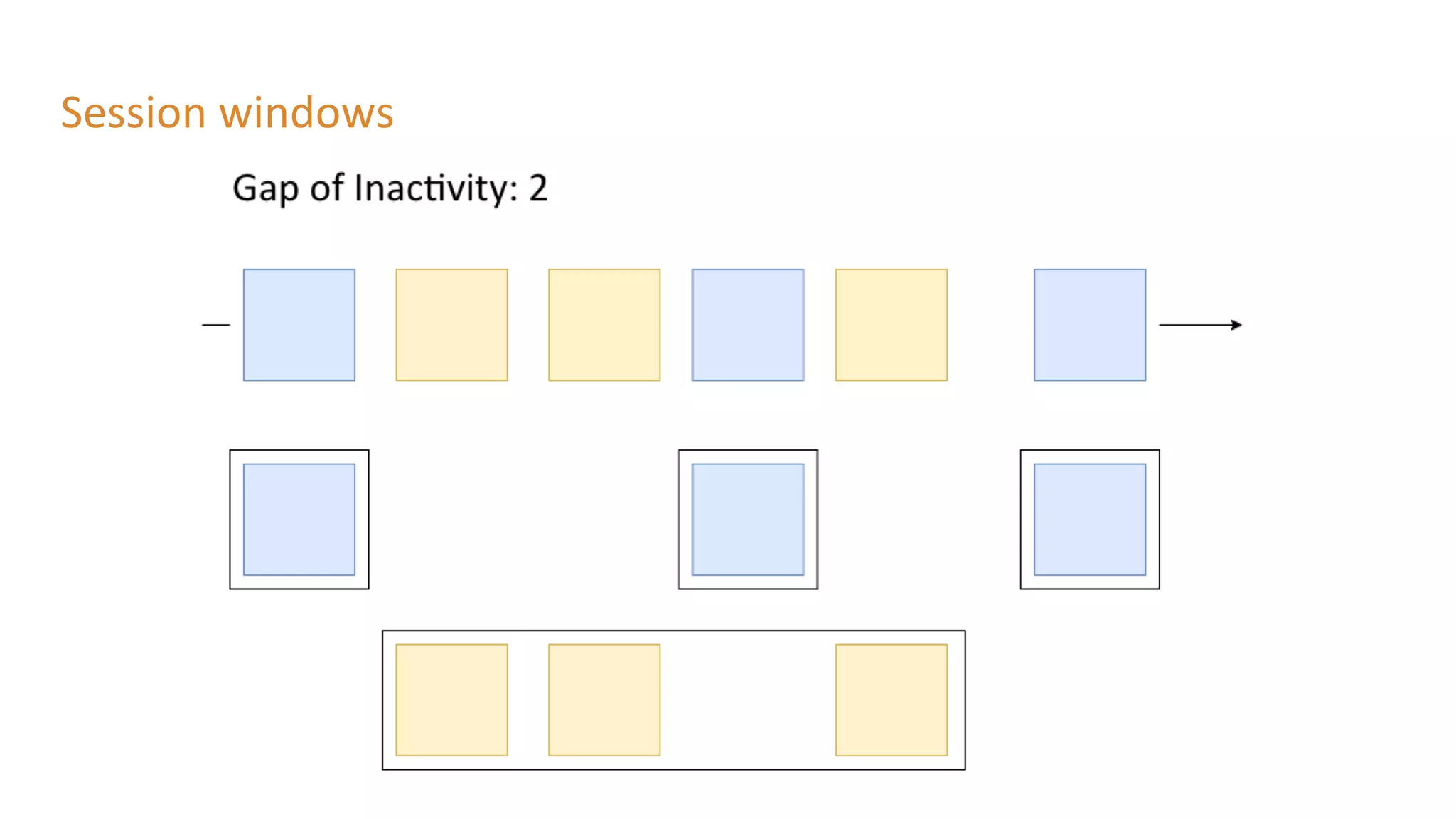
● Session
Tumbling
Sliding
Session windows
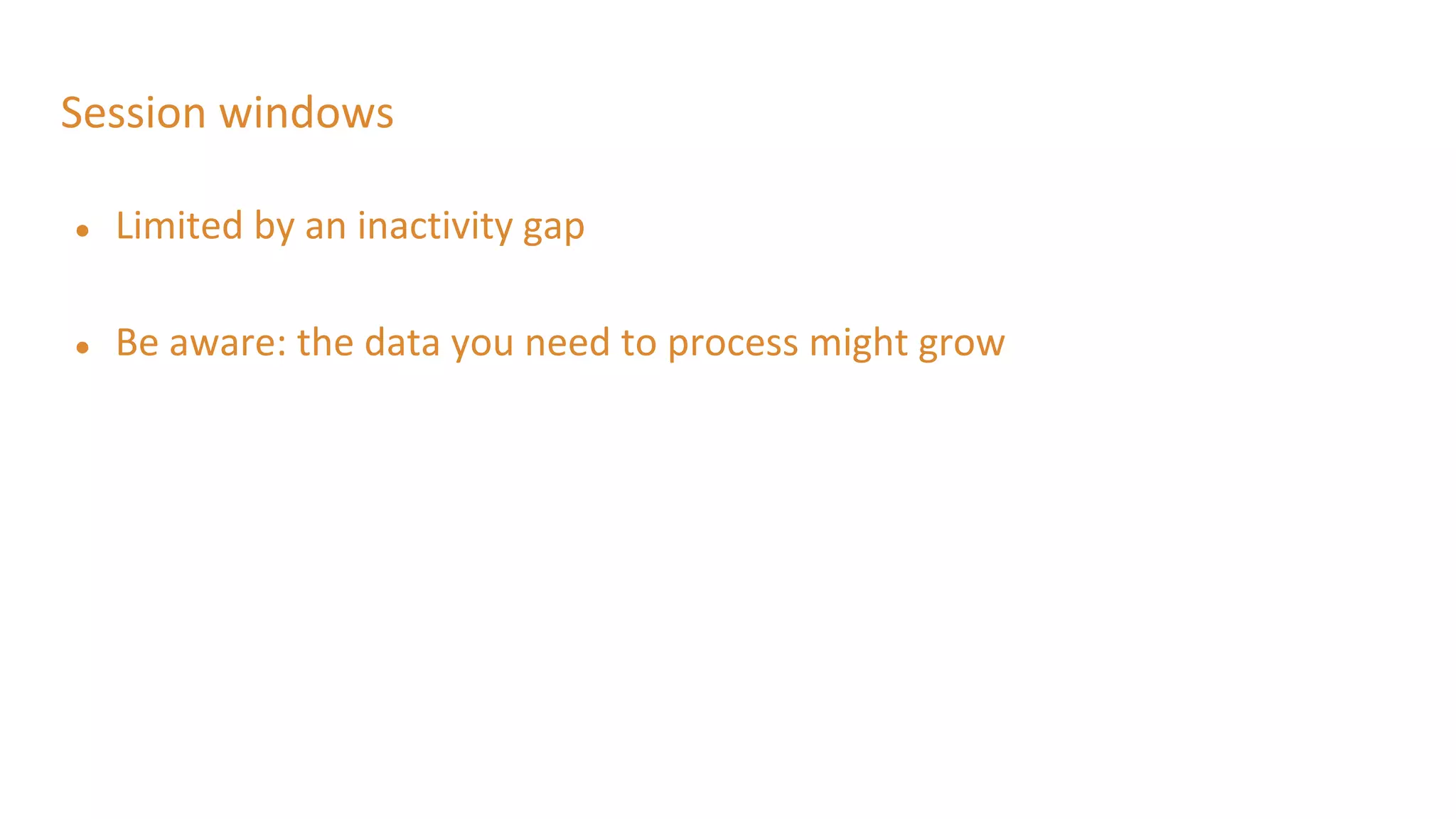
Session windows
● Limited by an inactivity gap
● Be aware: the data you need to process might grow
Lab 4: Windows
● Methods used
○ .windowedBy
○ .aggregate
■ Use of aggregator class
■ Materialized with
○ .mapValues: convert records
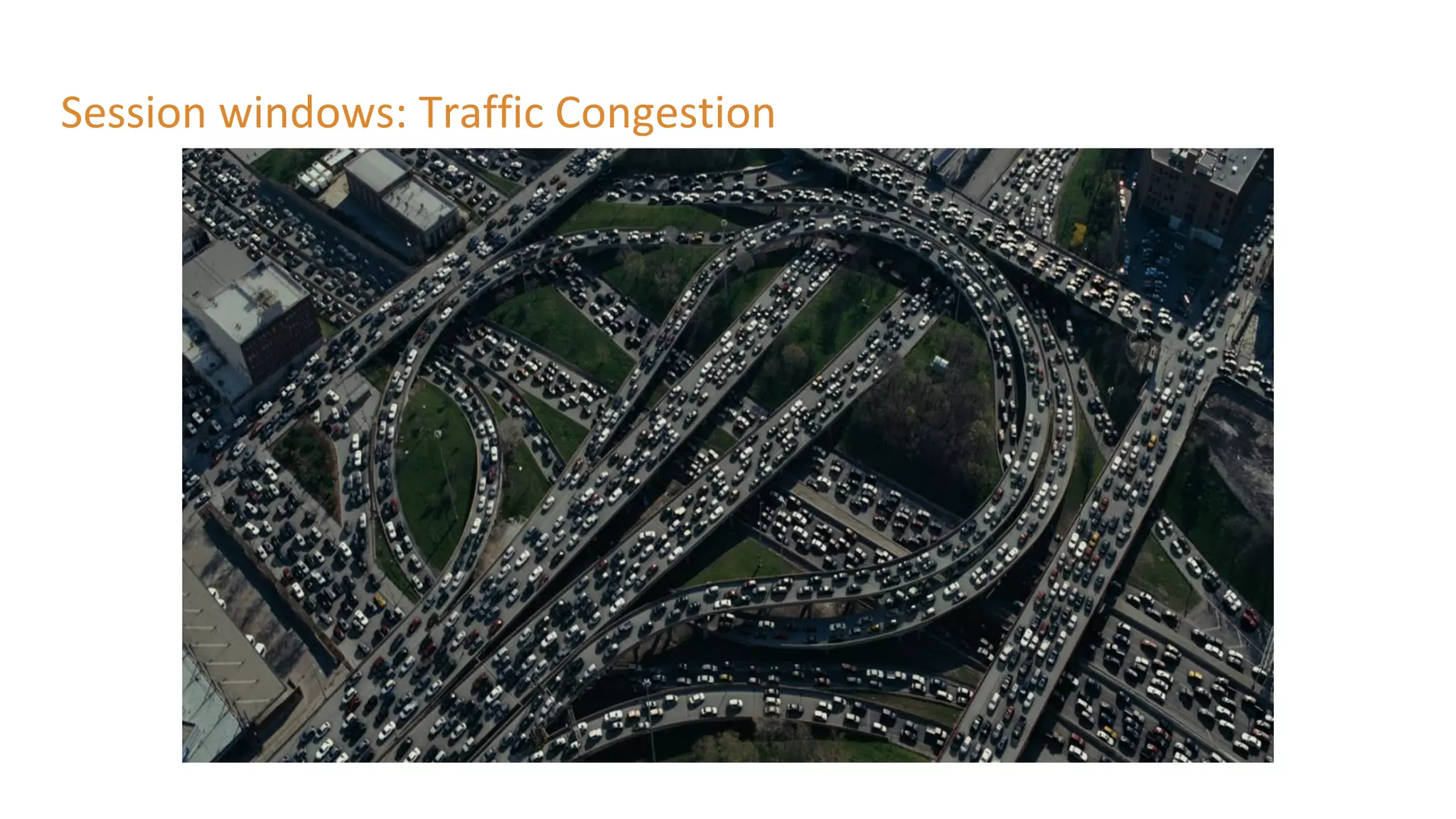
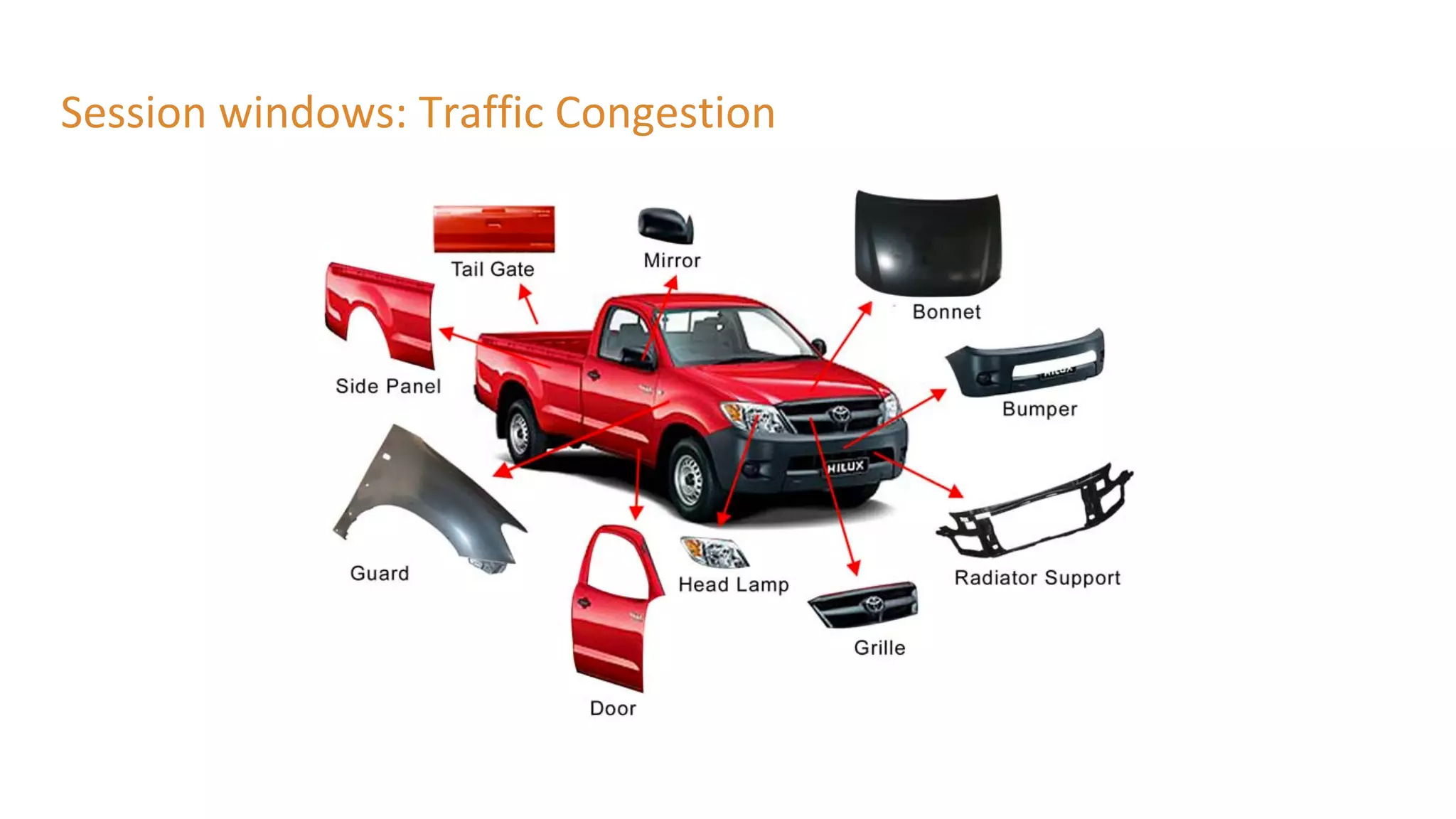
Session windows: Traffic Congestion
● Merge results of all lanes
● If average speed < 50km => slow traffic
● To: slow-traffic-topic
● @Input slow-traffic-topic => session window with gap of 5 minutes
● Aggregate results: vehicle count
● To: vehicles-involved-in-traffic-jam
● Because the session window also has a start and end time
● => length of the traffic jam
Thank you for attending!

Stream Processing Live Traffic Data with Kafka Streams

  • 1.
    Stream Processing Live TrafficData with Kafka Streams
  • 2.
    Tim Ysewyn Principal Java SoftwareEngineer Spring & Spring Cloud Contributor @TYsewyn Who are we Tom Van den Bulck Principal Java Software Engineer Competence Leader Fast & Big Data @tomvdbulck
  • 3.
  • 4.
  • 5.
  • 6.
    What: Event ● Datait owns ● Data it needs ● References data
  • 7.
    What: Streaming ● Reactson events ● Continuously
  • 8.
    Why ● Much shorterfeedback loop ● More resource efficient ● Stream processing feels more natural ● Decentralize and decouple infrastructure
  • 9.
  • 10.
    The Data ● Everyminute XML is generated ○ So it is not the raw data ● Be aware: ○ Dutch words
  • 11.
    The Data ● XMLwith fixed sensor data ○ <meetpunt unieke_id="3640"> <beschrijvende_id>H291L10</beschrijvende_id> <volledige_naam>Parking Kruibeke</volledige_naam> <Ident_8>A0140002</Ident_8> <lve_nr>437</lve_nr> <Kmp_Rsys>94,695</Kmp_Rsys> <Rijstrook>R10</Rijstrook> <X_coord_EPSG_31370>144477,0917</X_coord_EPSG_31370> <Y_coord_EPSG_31370>208290,6237</Y_coord_EPSG_31370> <lengtegraad_EPSG_4326>4,289767347</lengtegraad_EPSG_4326> <breedtegraad_EPSG_4326>51,18458196</breedtegraad_EPSG_4326> </meetpunt>
  • 12.
    The Data ● XMLwith dynamic traffic data ○ <meetpunt beschrijvende_id="H222L10" unieke_id="29"> <lve_nr>55</lve_nr> <tijd_waarneming>2018-11-03T14:43:00+01:00</tijd_waarneming> <tijd_laatst_gewijzigd>2018-11-03T14:44:24+01:00</tijd_laatst_gewijzigd> <actueel_publicatie>1</actueel_publicatie> <beschikbaar>1</beschikbaar>
  • 13.
    The Data ● XMLwith dynamic traffic data ○ <meetdata klasse_id="4"> <verkeersintensiteit>2</verkeersintensiteit> <voertuigsnelheid_rekenkundig>60</voertuigsnelheid_rekenkundig> <voertuigsnelheid_harmonisch>59</voertuigsnelheid_harmonisch> </meetdata>
  • 14.
    The Data ● XMLwith dynamic traffic data ○ /* Note: the vehicle class MOTO(1), does not provide reliable data. */ MOTO(1), CAR(2), CAMIONET(3), // a VAN RIGGID_LORRIES(4), TRUCK_OR_BUS(5), UNKNOWN(0);
  • 15.
    The Data ● XMLwith dynamic traffic data ○ <meetdata klasse_id="3"> <verkeersintensiteit>0</verkeersintensiteit> <voertuigsnelheid_rekenkundig>0</voertuigsnelheid_rekenkundig> <voertuigsnelheid_harmonisch>252</voertuigsnelheid_harmonisch> </meetdata>
  • 16.
    The Data ● Donot worry ● We translated it to simplified POJO ● TrafficEvent.java
  • 17.
    The Data: SomeLessons ● Think about the language ● Think about the values you are going to output ○ 252 when no readings ○ 254 when an error occurred
  • 18.
  • 19.
  • 20.
    Lab 1: Sendevents to Kafka - Imperative ● Dependencies ○ spring-cloud-starter-stream-kafka ● Added @EnableBinding ● Properties: ○ spring.cloud.stream.bindings.output.destination=traffic-data ● Added @Scheduling
  • 21.
    Lab 1: Sendevents to Kafka - Reactive ● Dependencies ○ spring-cloud-starter-stream-kafka ○ spring-cloud-stream-reactive ● Added @StreamEmitter (spring-cloud-stream-reactive) ● Added @SendTo
  • 22.
    Lab 1: Sendevents to Kafka ● Don’t use @Scheduling for use cases like this in production ○ Bad practice, use batch jobs: eg. Spring Cloud Task or K8s CronJob!
  • 23.
    Lab 2: Intakeof data from Kafka ● @EnableBinding ● @StreamListener(Source.INPUT) ● Properties: ○ spring.cloud.stream.bindings.input.destination=traffic-data
  • 24.
  • 25.
  • 26.
  • 27.
    Native streaming operations:Stateless ● No need of a state store for these operations
  • 28.
  • 29.
  • 30.
  • 31.
  • 32.
  • 33.
    Native streaming operations:Stateless ● selectKey ● filter ● map/mapValues ● flatMap/flatMapValues ● peek ● forEach ● groupByKey ● toStream
  • 34.
    Lab 3: Stateless ●Dependencies ○ spring-cloud-stream-binder-kafka-streams ● Added custom interface: KStreamSink ● Methods used ○ .filter ○ .print ● Updated configuration: ○ spring.cloud.stream.default-binder=kafka ○ spring.cloud.stream.bindings.native-input.binder=kstream
  • 35.
    Native streaming operations:stateful ● State store is used ○ In memory database ○ RocksDB ● Fault-Tolerant: replicated changelog topic in Kafka
  • 36.
    Native streaming operations:groupByKey ● Groups records in KGroupedStream ● Required before aggregation operations ● Writes data to new topic (might repartition)
  • 37.
  • 38.
    Native streaming operations:aggregations ● Transforms groupedKStream to Ktable ● Need Initializer: aggValue = 0 ● Operation: “adder”: aggValue + oldValue
  • 39.
  • 40.
    Native streaming operations:stateful ● groupByKey (still stateless) ● count ● aggregations ● joining ● windowing
  • 41.
    Lab 3: Stateful ●GroupByKey ○ Use of SerDe (StringSerde and JsonSerde) ● Methods used ○ .count ○ .toStream: Convert KTable to KStream
  • 42.
  • 43.
  • 44.
  • 45.
  • 46.
    Session windows ● Limitedby an inactivity gap ● Be aware: the data you need to process might grow
  • 47.
    Lab 4: Windows ●Methods used ○ .windowedBy ○ .aggregate ■ Use of aggregator class ■ Materialized with ○ .mapValues: convert records
  • 48.
  • 49.
  • 50.
    Session windows: TrafficCongestion ● Merge results of all lanes ● If average speed < 50km => slow traffic ● To: slow-traffic-topic ● @Input slow-traffic-topic => session window with gap of 5 minutes ● Aggregate results: vehicle count ● To: vehicles-involved-in-traffic-jam ● Because the session window also has a start and end time ● => length of the traffic jam
  • 51.
    Thank you forattending!