Programming with Sikander: STL Containers : vector
vector is a sequence container that encapsulates
dynamic size arrays.
The storage of the vector is handled automatically,
being expanded and contracted as needed.
The elements are stored contiguously.
Random Access is supported
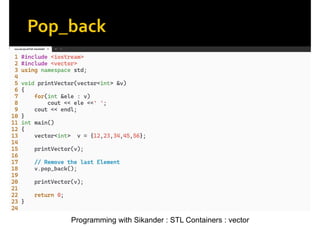
Programming with Sikander: STL Containers : vector
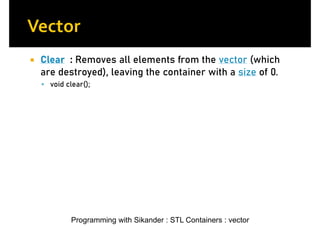
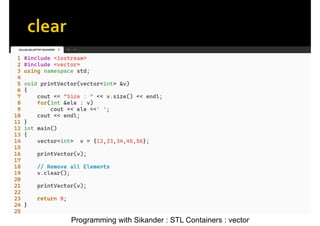
Clear : Removes all elements from the vector (which
are destroyed), leaving the container with a size of 0.
void clear();
Programming with Sikander: STL Containers : vector
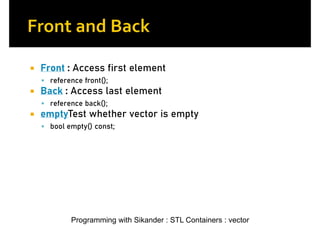
Front : Access first element
reference front();
Back : Access last element
reference back();
emptyTest whether vector is empty
bool empty() const;
Programming with Sikander: STL Containers : vector
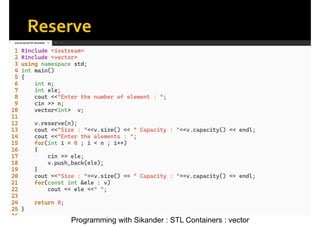
reserve : Increase the capacity of the vector
void reserve(size_type new_cap);
The reserve method increases the capacity of a
vector to a specified size.
It does this without changing the current size of the
vector.
Useful for optimizing performance by reducing
reallocations.
Programming with Sikander: STL Containers : vector
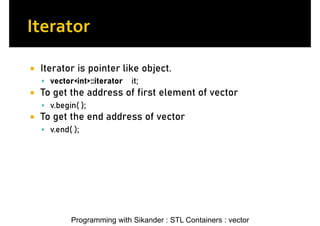
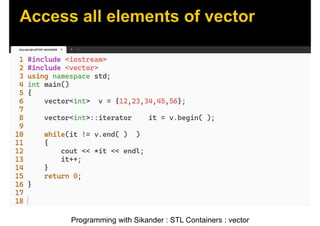
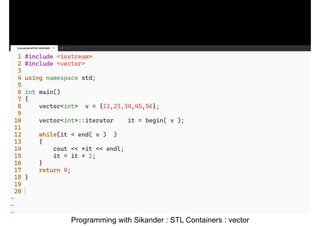
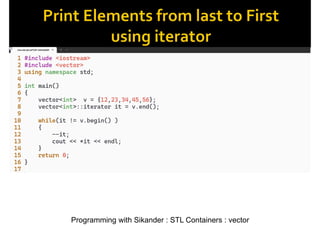
Iterator is pointer like object.
vector<int>::iterator it;
To get the address of first element of vector
v.begin( );
To get the end address of vector
v.end( );
Programming with Sikander: STL Containers : vector
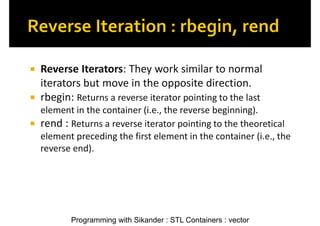
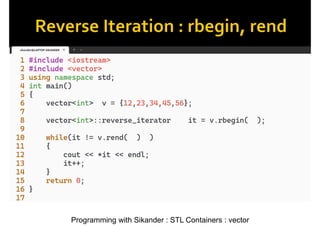
Reverse Iterators: They work similar to normal
iterators but move in the opposite direction.
rbegin: Returns a reverse iterator pointing to the last
element in the container (i.e., the reverse beginning).
rend : Returns a reverse iterator pointing to the theoretical
element preceding the first element in the container (i.e., the
reverse end).
Programming with Sikander: STL Containers : vector
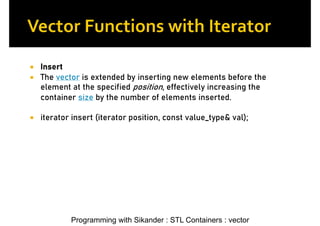
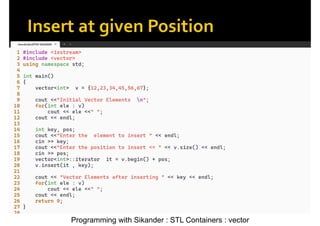
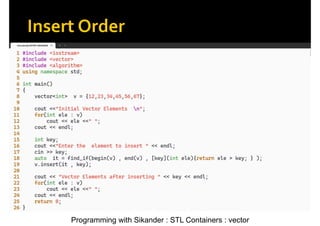
Insert
The vector is extended by inserting new elements before the
element at the specified position, effectively increasing the
container size by the number of elements inserted.
iterator insert (iterator position, const value_type& val);
Programming with Sikander: STL Containers : vector
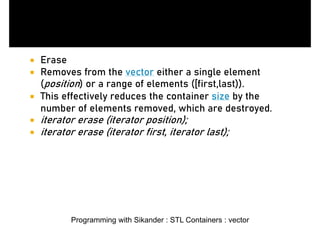
Erase
Removes from the vector either a single element
(position) or a range of elements ([first,last)).
This effectively reduces the container size by the
number of elements removed, which are destroyed.
iterator erase (iterator position);
iterator erase (iterator first, iterator last);
32.
Programming with Sikander: STL Containers : vector
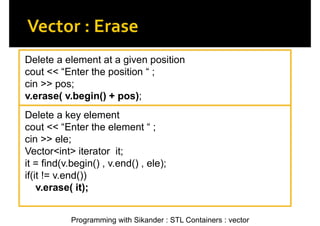
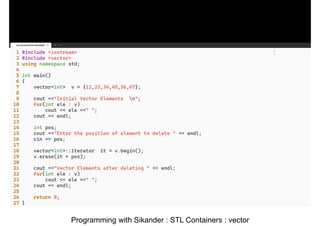
Delete a element at a given position
cout << “Enter the position “ ;
cin >> pos;
v.erase( v.begin() + pos);
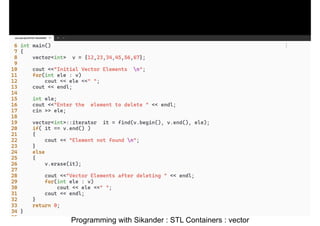
Delete a key element
cout << “Enter the element “ ;
cin >> ele;
Vector<int> iterator it;
it = find(v.begin() , v.end() , ele);
if(it != v.end())
v.erase( it);



![oops_final_ppt[1].pptx](https://cdn.slidesharecdn.com/ss_thumbnails/oopsfinalppt1-230501164230-34a8f22e-thumbnail.jpg?width=640&height=640&fit=bounds)


