HOW TO (NOT) TORMENT 
YOUR FELLOW SSIS DEVELOPER 
SQL SERVER DAYS 2014 
KOEN VERBEECK 
#sqlserverdays
ABOUT ME
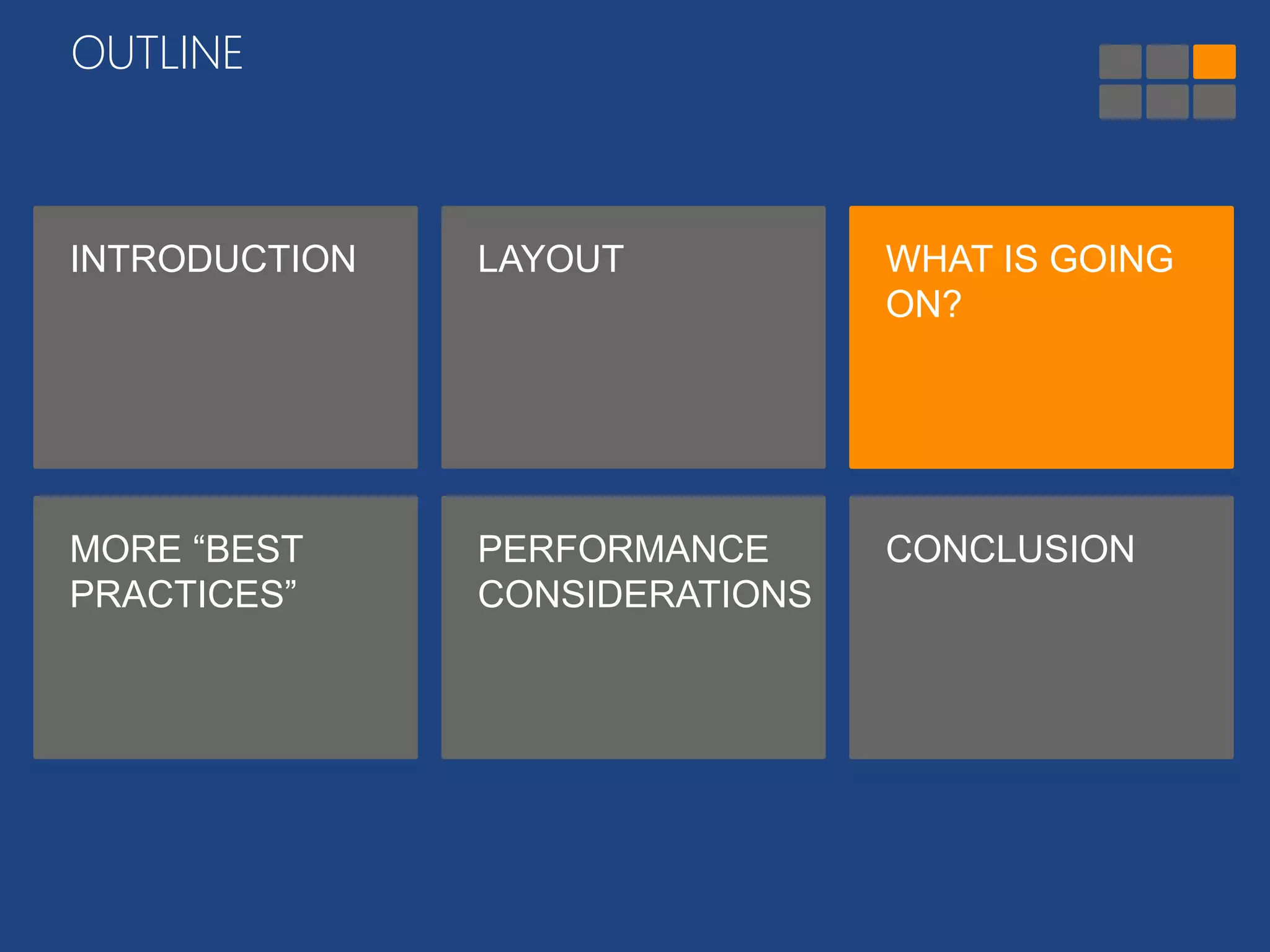
OUTLINE 
INTRODUCTION LAYOUT WHAT IS GOING 
ON? 
MORE “BEST 
PRACTICES” 
PERFORMANCE 
CONSIDERATIONS 
CONCLUSION
OUTLINE 
INTRODUCTION LAYOUT WHAT IS GOING 
ON? 
MORE “BEST 
PRACTICES” 
PERFORMANCE 
CONSIDERATIONS 
CONCLUSION
INTRODUCTION 
• I am 
• an ETL / DWH developer/consultant 
• a Business Intelligence developer/consultant 
• an analyst 
• an architect 
• a BI (project) manager 
• someone else…
INTRODUCTION 
• I have worked with SSIS 
• … never at all 
• for less than a year 
• for 1 to 5 years 
• for 5+ years 
• ever worked on someone else’s 
SSIS package/project
INTRODUCTION
OUTLINE 
INTRODUCTION LAYOUT WHAT IS GOING 
ON? 
MORE “BEST 
PRACTICES” 
PERFORMANCE 
CONSIDERATIONS 
CONCLUSION
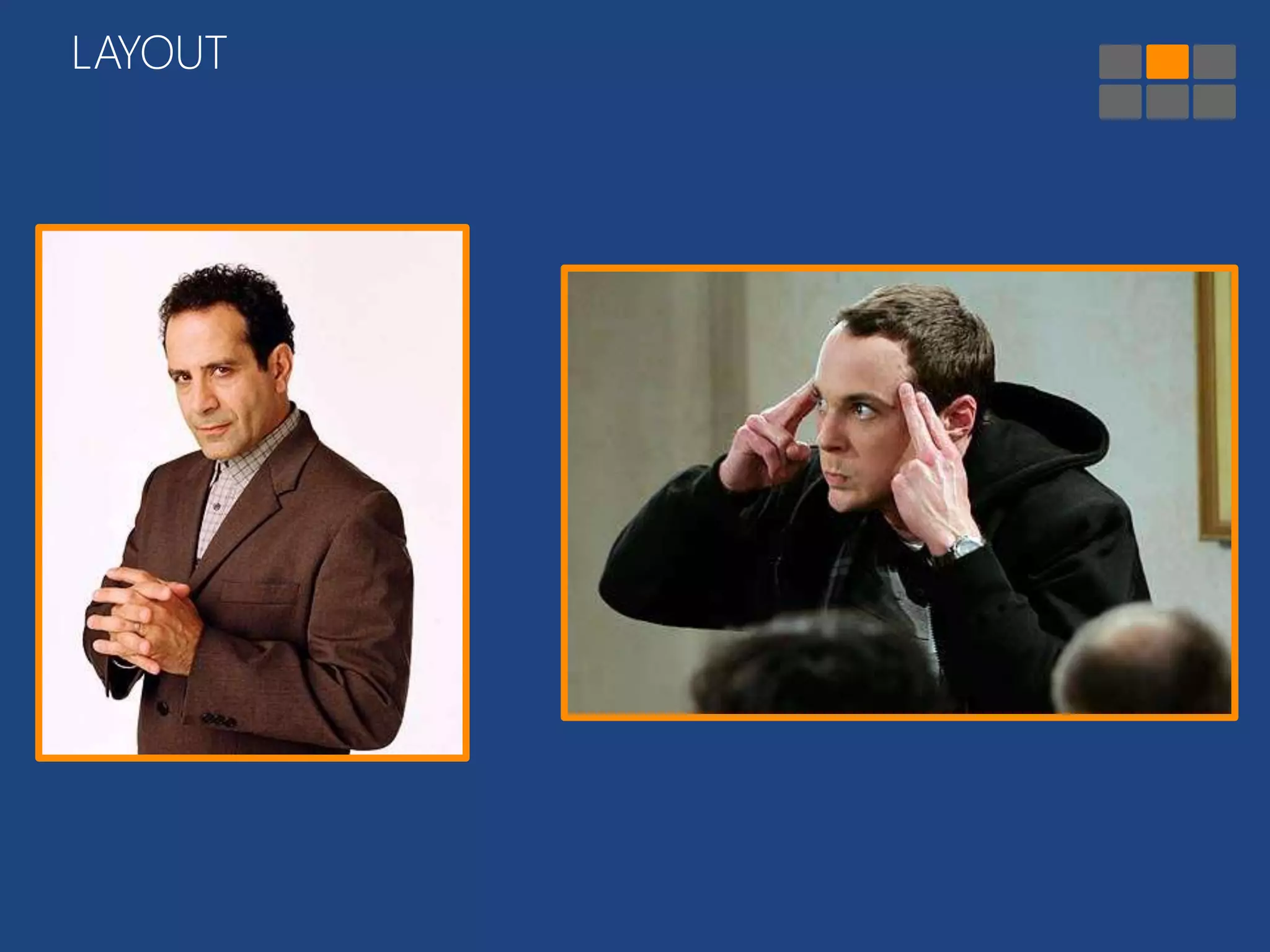
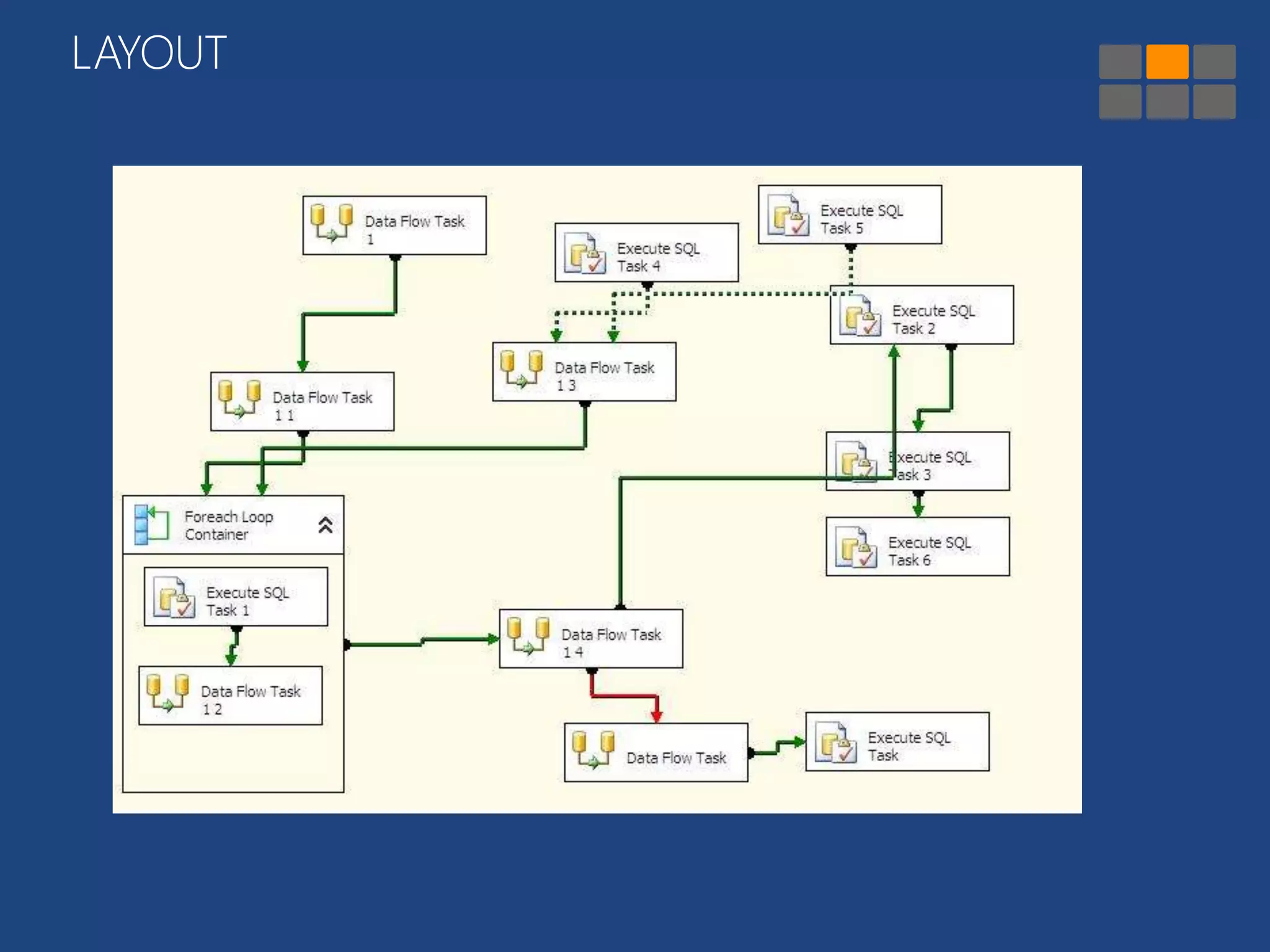
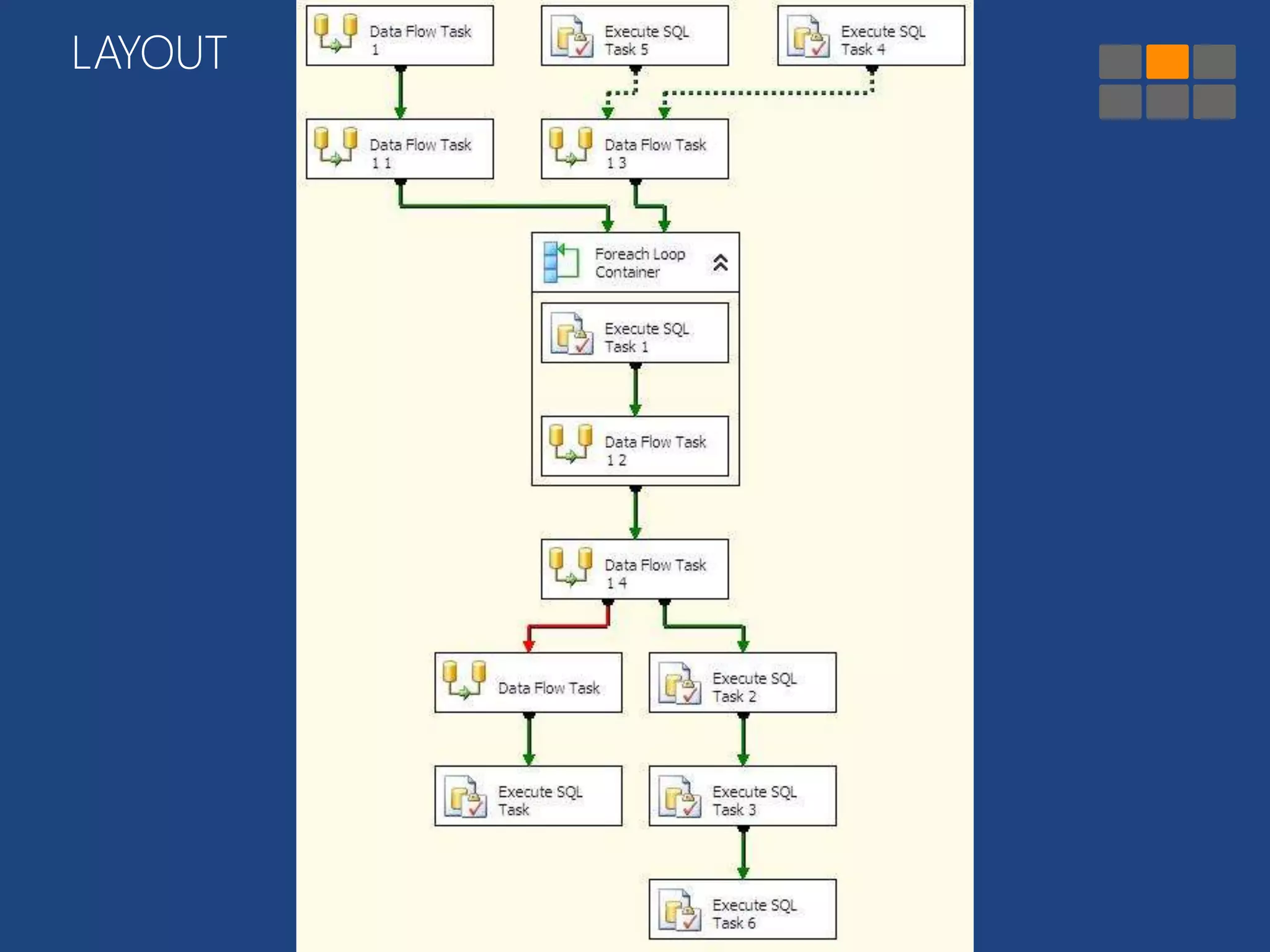
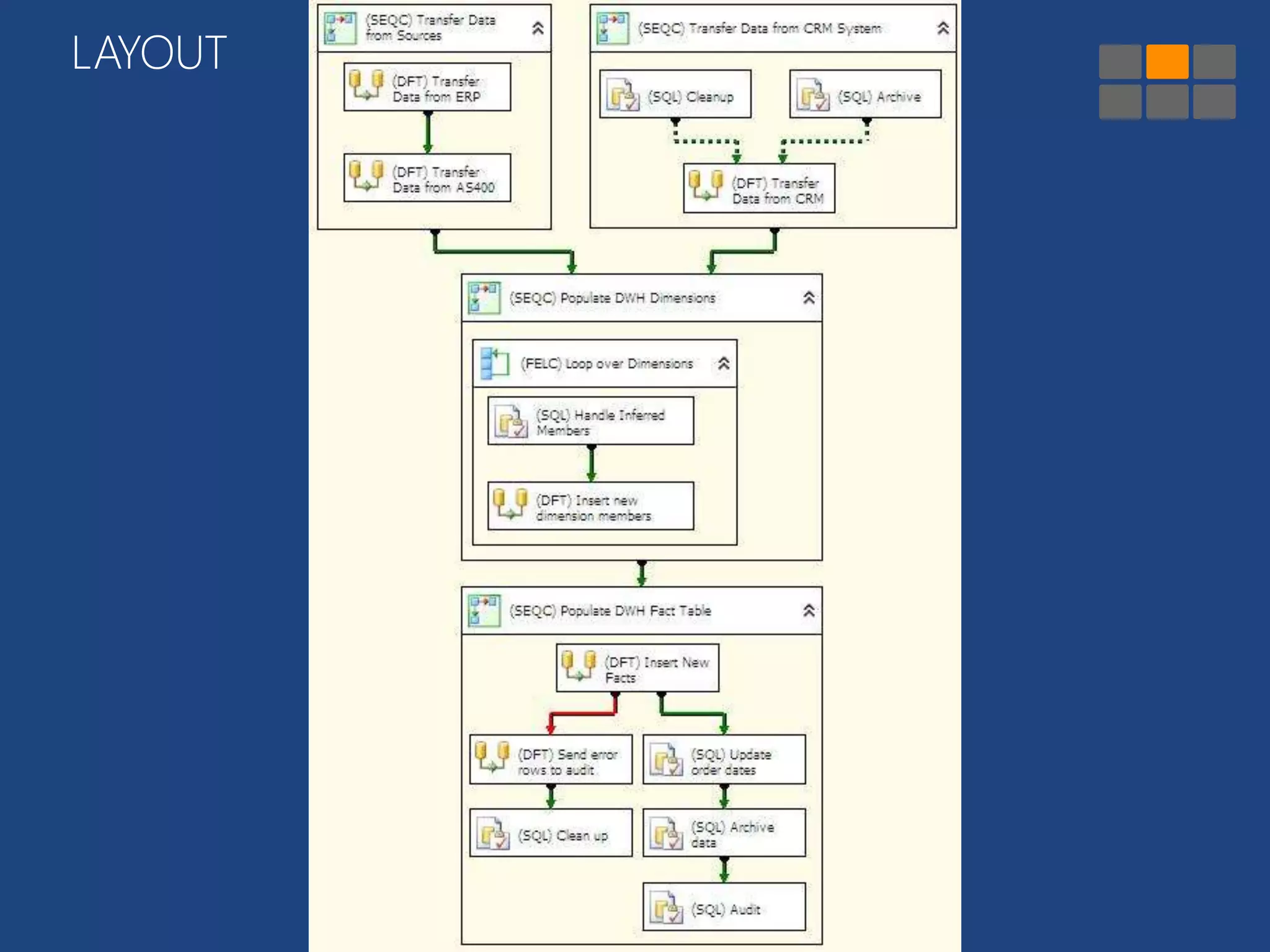
LAYOUT
LAYOUT
LAYOUT
LAYOUT
LAYOUT 
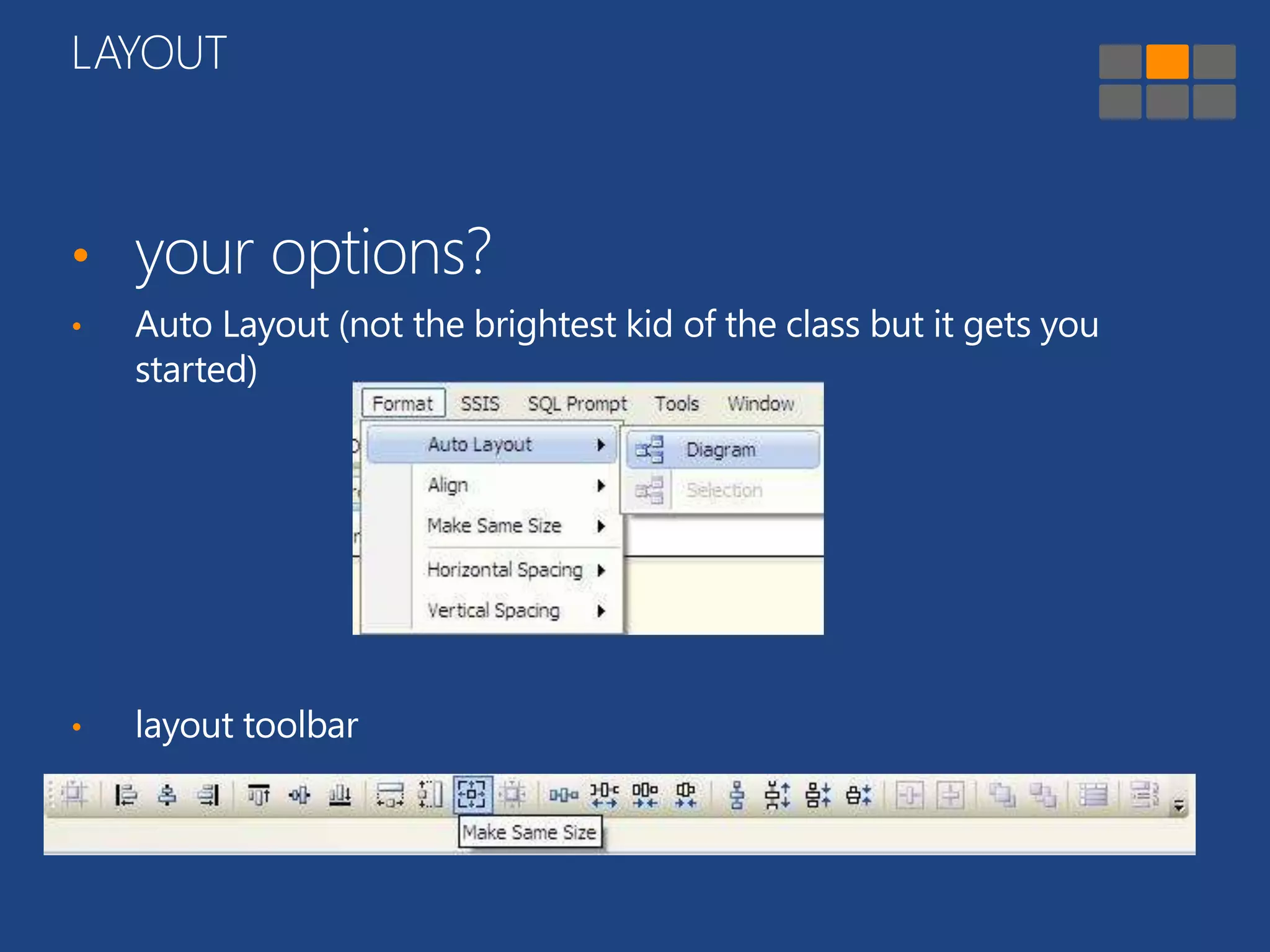
• your options? 
• Auto Layout (not the brightest kid of the class but it gets you 
started) 
• layout toolbar
Demo 
show the layout tools
OUTLINE 
INTRODUCTION LAYOUT WHAT IS GOING 
ON? 
MORE “BEST 
PRACTICES” 
PERFORMANCE 
CONSIDERATIONS 
CONCLUSION
WHAT IS GOING ON?
WHAT IS GOING ON? 
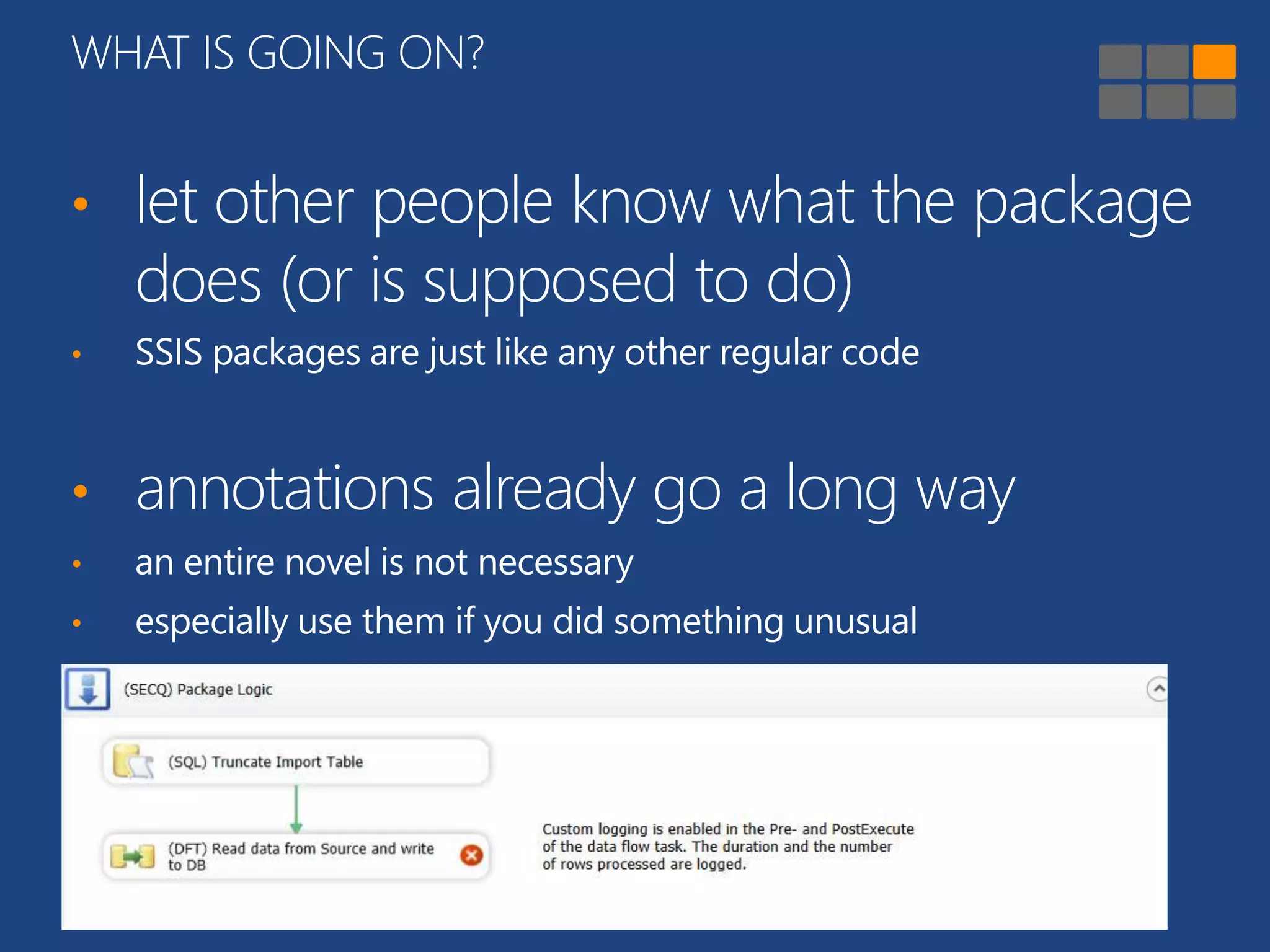
• let other people know what the package 
does (or is supposed to do) 
• SSIS packages are just like any other regular code 
• annotations already go a long way 
• an entire novel is not necessary 
• especially use them if you did something unusual
Demo 
• column with filename 
• data load with clustered index
WHAT IS GOING ON? 
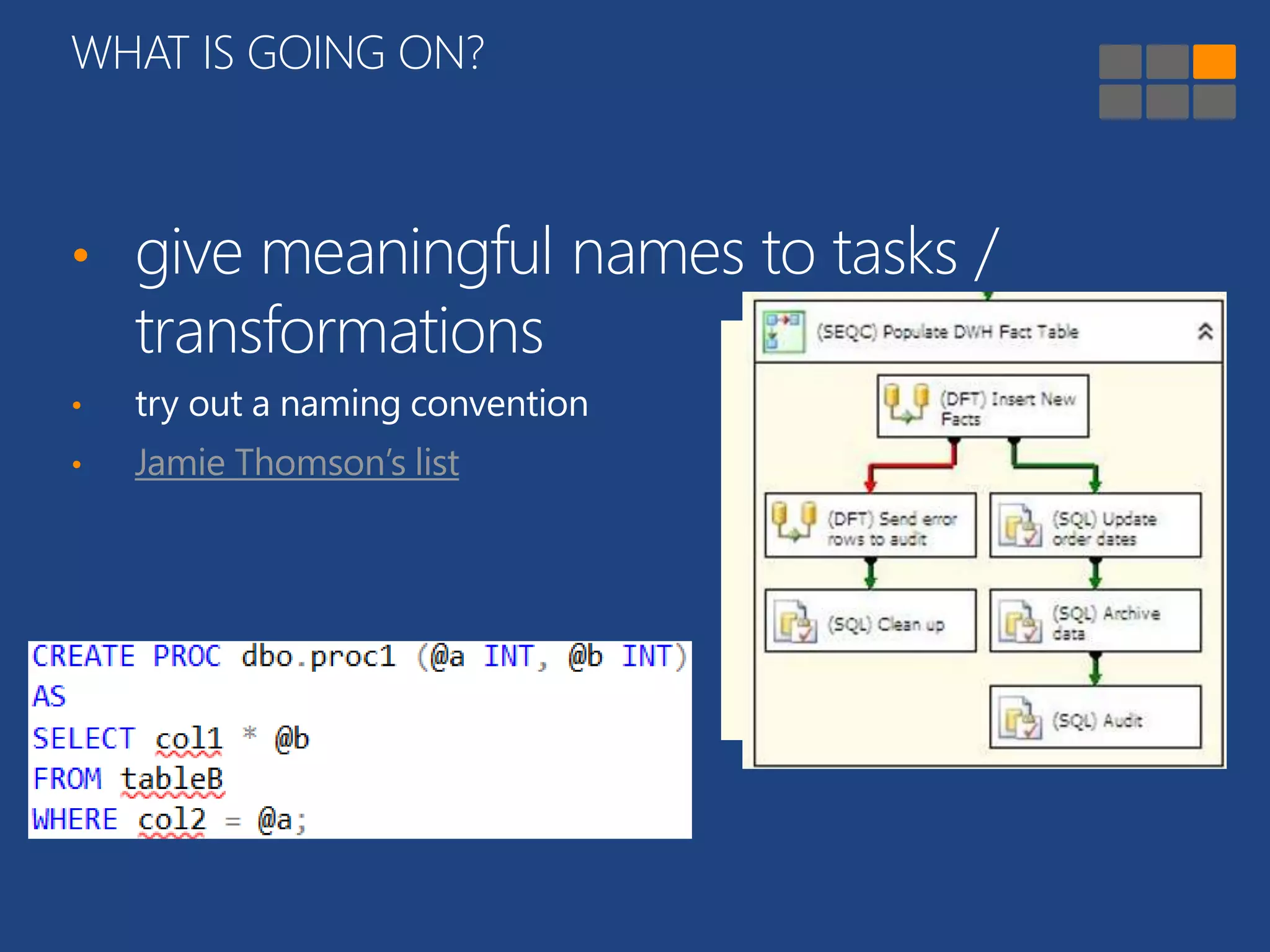
• give meaningful names to tasks / 
transformations 
• try out a naming convention 
• Jamie Thomson’s list
WHAT IS GOING ON? 
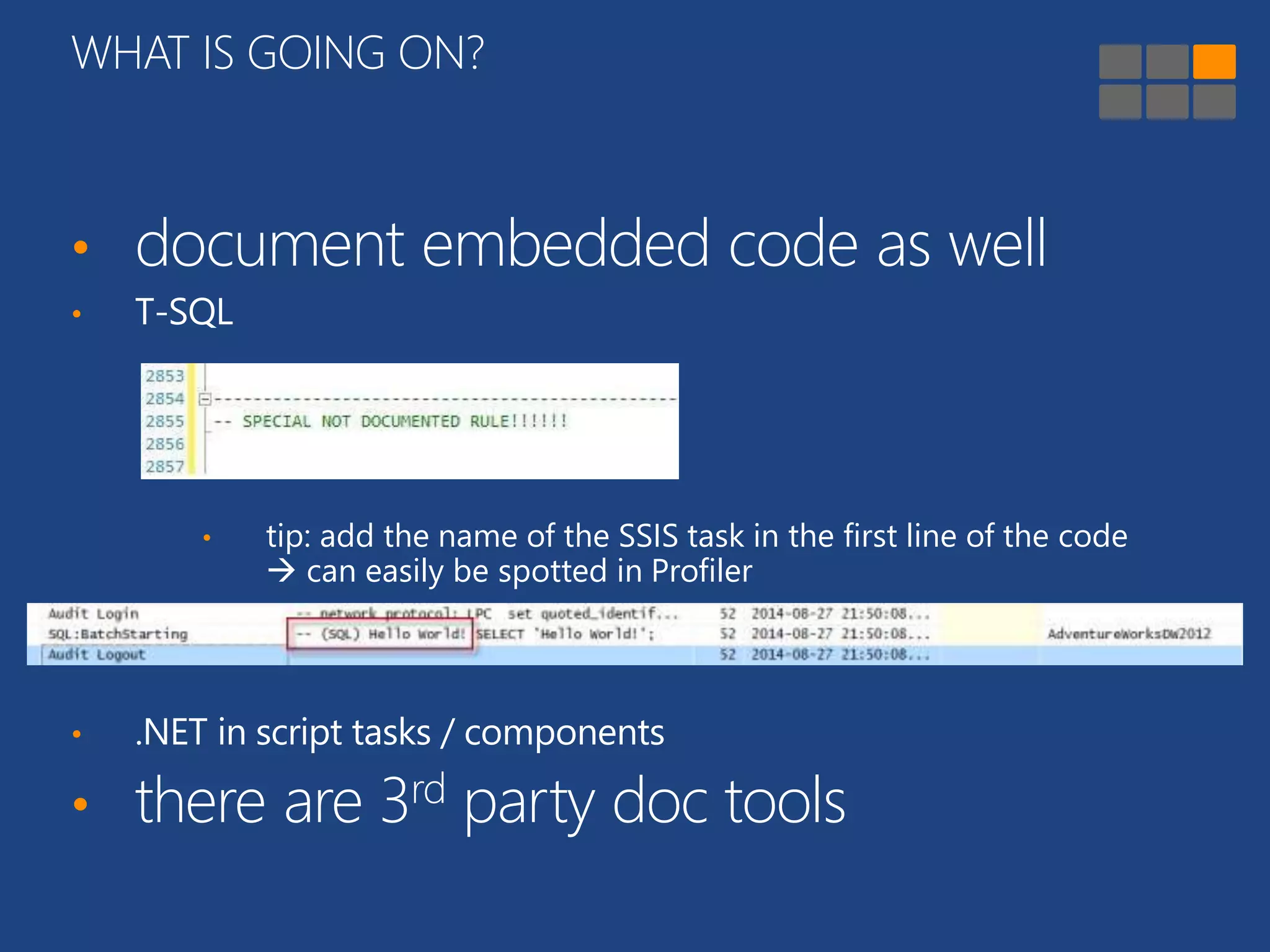
• document embedded code as well 
• T-SQL 
• tip: add the name of the SSIS task in the first line of the code 
 can easily be spotted in Profiler 
• .NET in script tasks / components 
• there are 3rd party doc tools
OUTLINE 
INTRODUCTION LAYOUT WHAT IS GOING 
ON? 
MORE “BEST 
PRACTICES” 
PERFORMANCE 
CONSIDERATIONS 
CONCLUSION
MORE “BEST PRACTICES” 
• use source control 
• I mean like, right now 
• especially important in SSIS 2012+ 
• check out packages you are working on 
• not the entire project… 
• try to use only one version of BIDS/SSDT
MORE “BEST PRACTICES” 
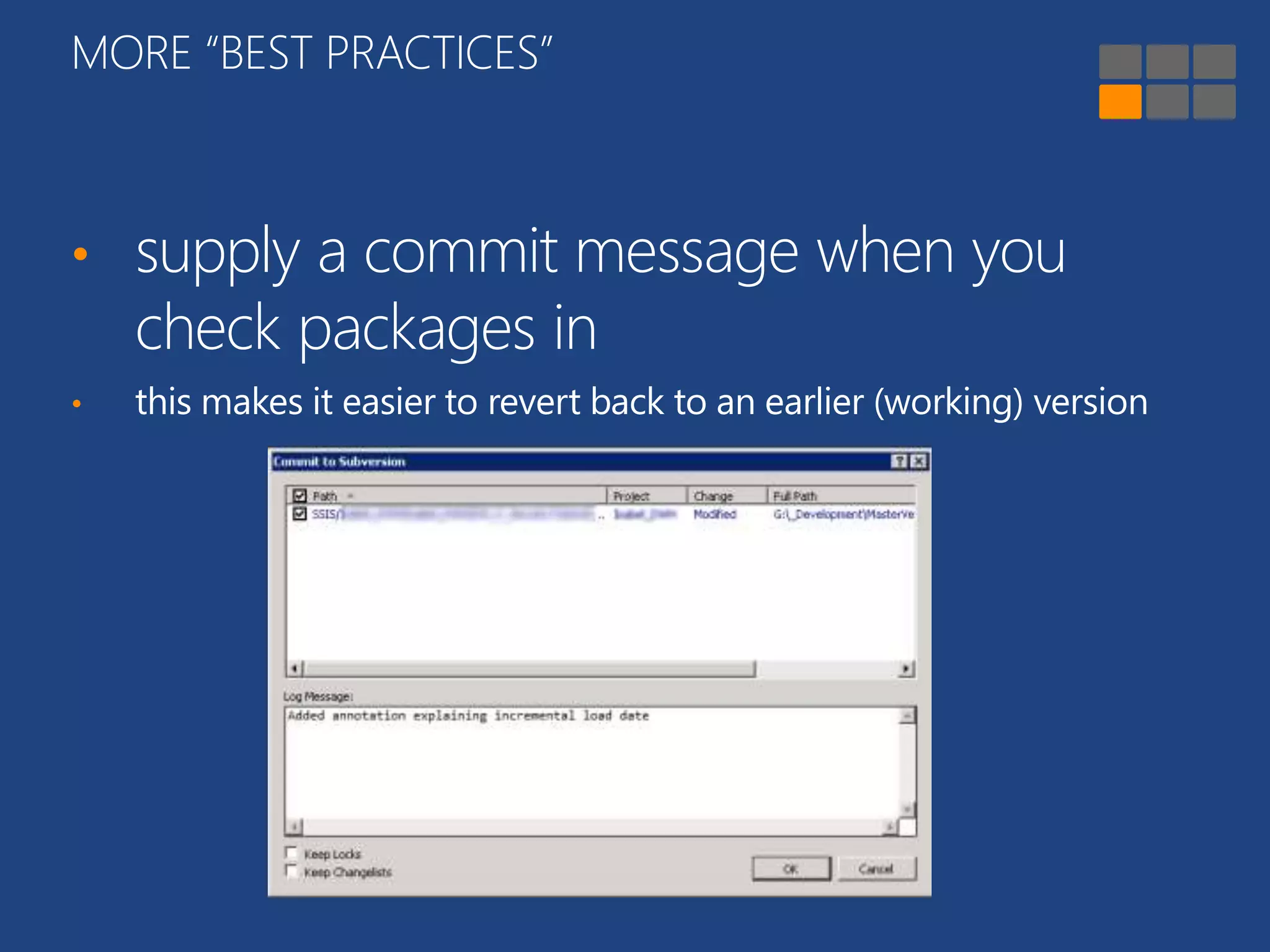
• supply a commit message when you 
check packages in 
• this makes it easier to revert back to an earlier (working) version
MORE “BEST PRACTICES” 
• allow for easy troubleshooting 
• enable logging 
• logs in SQL Server are easy to query 
• in SSIS 2012+, the SSISDB takes care of business 
• select appropriate logging level 
• use audit columns 
• PackageID, InsertDate, UpdateDate …
MORE “BEST PRACTICES” 
• develop package templates 
• ensures consistency across projects 
• revise them from time to time 
• useful for common “patterns” 
• generate with BIML for extra awesomeness 
• log to a central database 
• useful for SSIS 2005-08R2, less for SSIS 2012+ 
• tie packages from different projects together 
• e.g. all packages from the same ETL load 
• makes it easier to analyze durations
Demo 
“upsert” load pattern
MORE “BEST PRACTICES” 
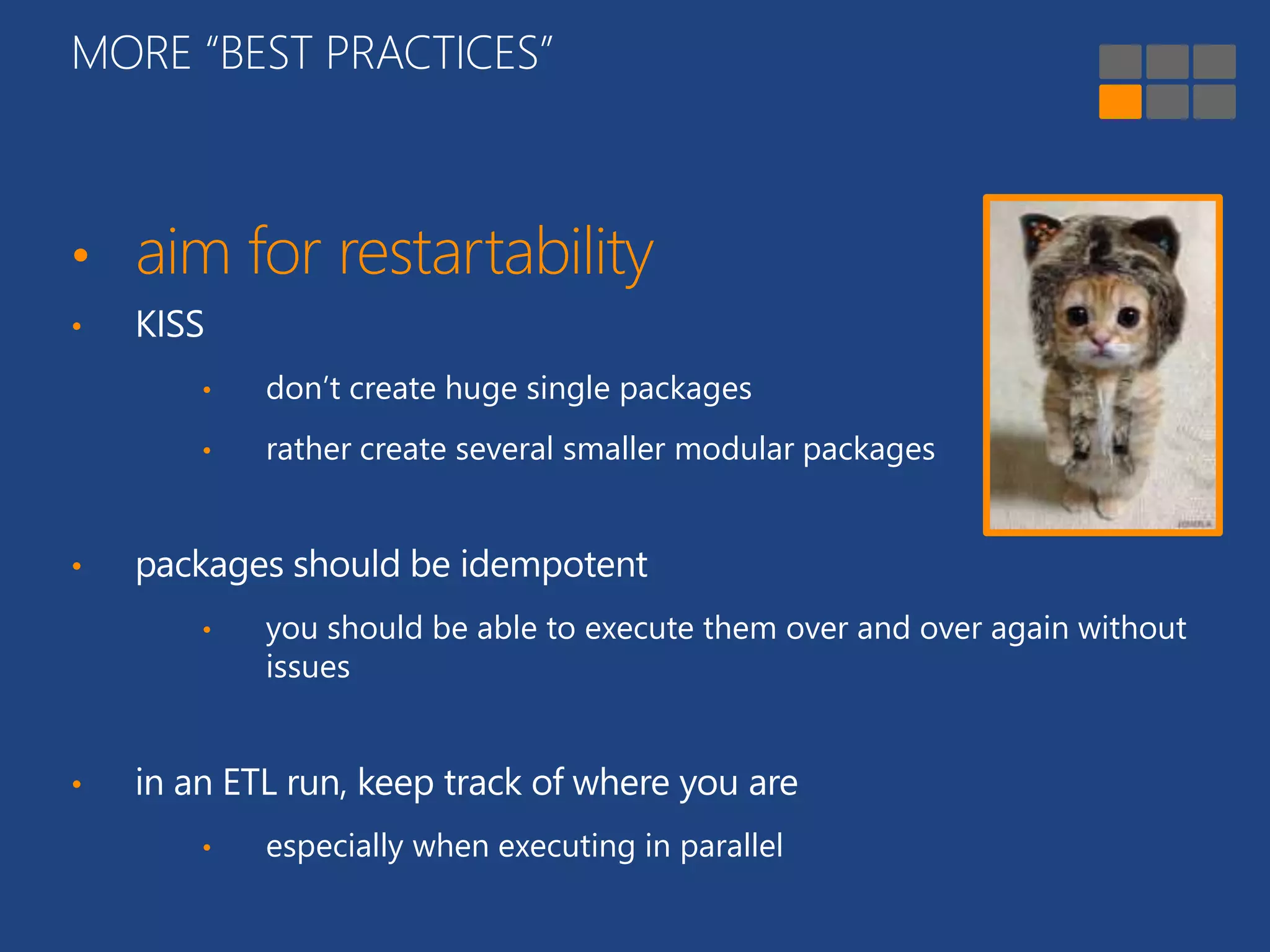
• aim for restartability 
• KISS 
• don’t create huge single packages 
• rather create several smaller modular packages 
• packages should be idempotent 
• you should be able to execute them over and over again without 
issues 
• in an ETL run, keep track of where you are 
• especially when executing in parallel
OUTLINE 
INTRODUCTION LAYOUT WHAT IS GOING 
ON? 
MORE “BEST 
PRACTICES” 
PERFORMANCE 
CONSIDERATIONS 
CONCLUSION
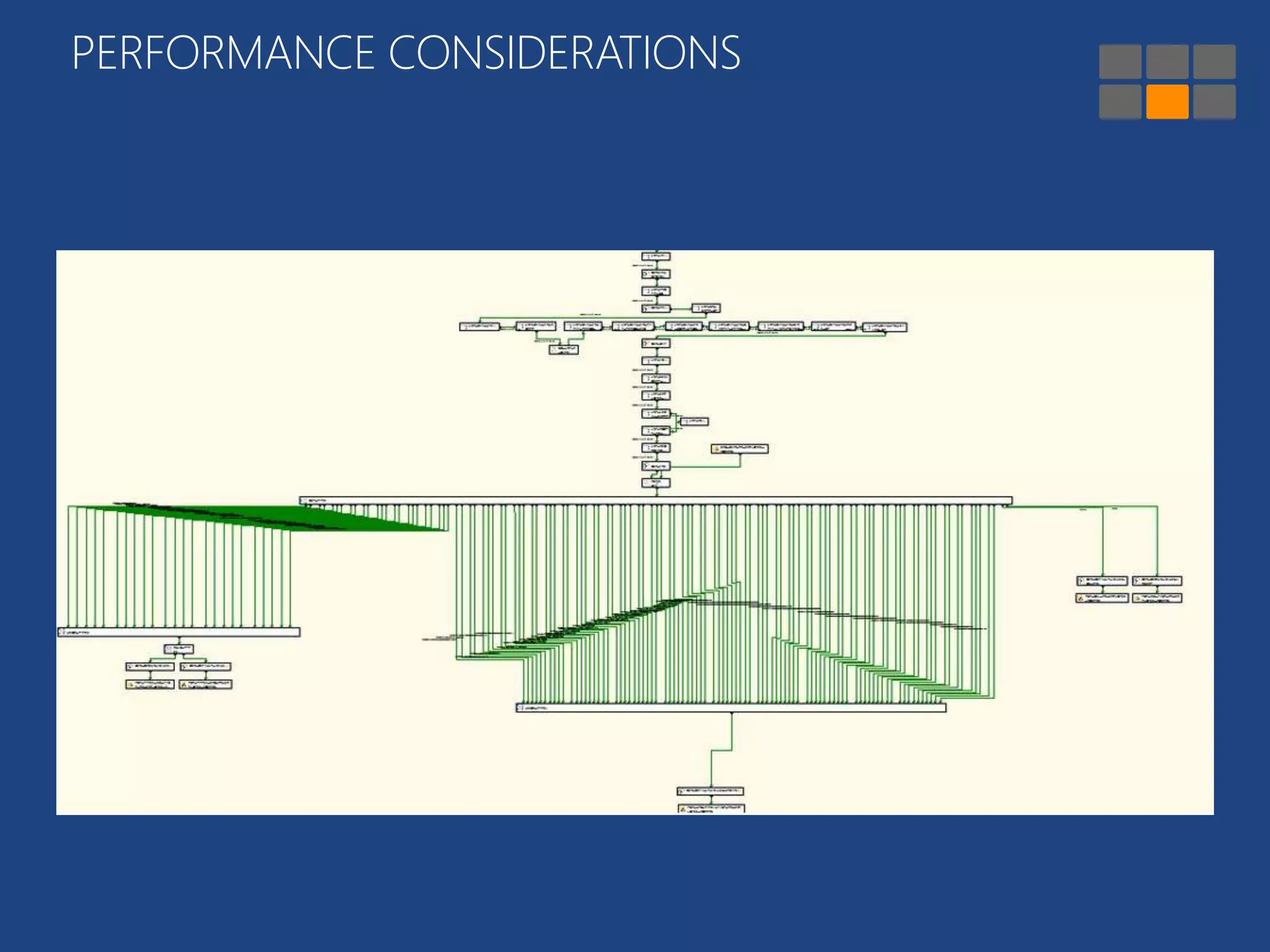
PERFORMANCE CONSIDERATIONS 
• blocking, semi-blocking & non-blocking 
• avoid certain components 
• sort, aggregate, merge and merge join 
• use T-SQL instead 
• synchronous vs asynchronous 
• use Union All transformation only when needed 
• avoid row-by-row transformations 
• OLE DB command = EVIL
PERFORMANCE CONSIDERATIONS
Demo 
alternative design pattern Union All
PERFORMANCE CONSIDERATIONS 
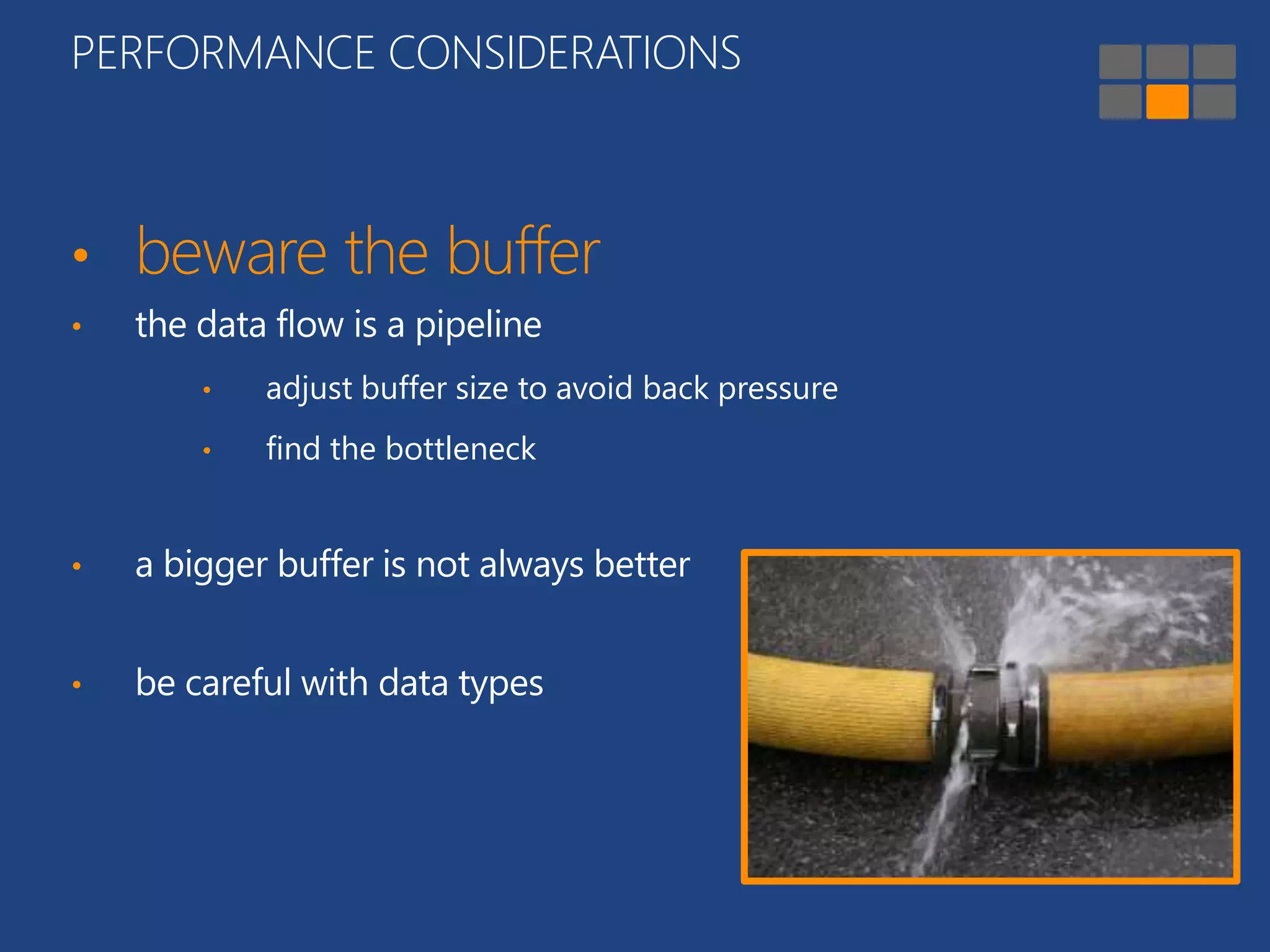
• beware the buffer 
• the data flow is a pipeline 
• adjust buffer size to avoid back pressure 
• find the bottleneck 
• a bigger buffer is not always better 
• be careful with data types
Demo 
data types and nvp
OUTLINE 
INTRODUCTION LAYOUT WHAT IS GOING 
ON? 
MORE “BEST 
PRACTICES” 
PERFORMANCE 
CONSIDERATIONS 
CONCLUSION
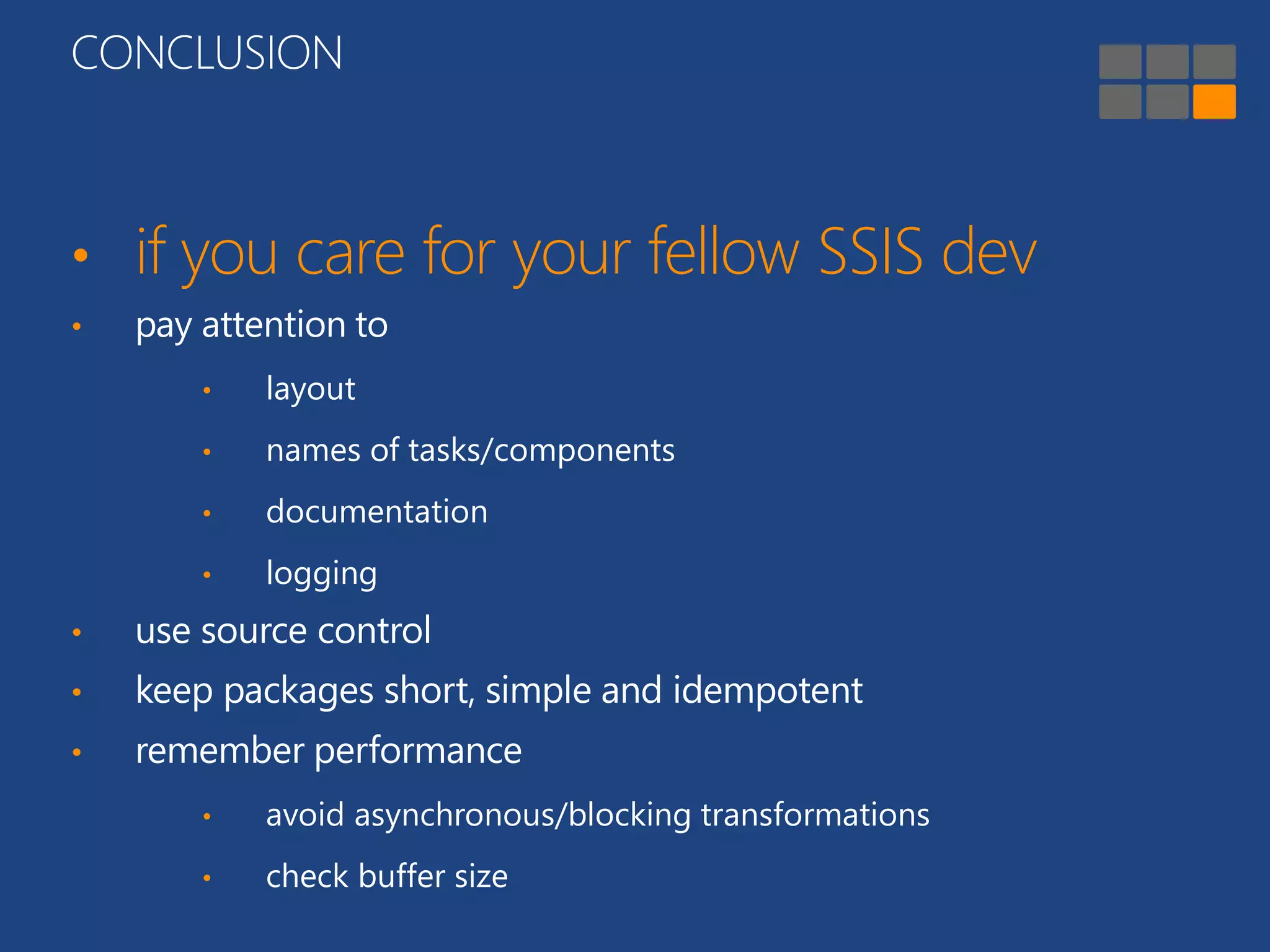
CONCLUSION 
• if you care for your fellow SSIS dev 
• pay attention to 
• layout 
• names of tasks/components 
• documentation 
• logging 
• use source control 
• keep packages short, simple and idempotent 
• remember performance 
• avoid asynchronous/blocking transformations 
• check buffer size
RESOURCES 
– Suggested Best Practises and naming conventions – Jamie Thomson 
http://sqlblog.com/blogs/jamie_thomson/archive/2012/01/29/suggested-best-practises-and-naming-conventions.aspx 
– SQL Server 2012 Integration Services Design Patterns – various authors 
http://www.amazon.com/Server-Integration-Services-Design-Patterns-ebook/dp/B00992OBHS 
– MS SQL Server 2008 SSIS: Problem, Design, Solution – various authors 
http://www.amazon.com/Microsoft-Server-2008-Integration-Services/dp/0470525762 
– Improve SSIS data flow buffer performance – Koen Verbeeck 
http://www.mssqltips.com/sqlservertip/3217/improve-ssis-data-flow-buffer-performance/ 
– Top 10 SQL Server Integration Services Best Practices – SQL CAT 
http://blogs.msdn.com/b/sqlcat/archive/2013/09/16/top-10-sql-server-integration-services-best-practices.aspx 
– Data Flow Performance Features 
http://technet.microsoft.com/en-us/library/ms141031.aspx 
– Semi-blocking Transformations in SSIS – Koen Verbeeck 
http://www.mssqltips.com/sqlservertip/3242/semiblocking-transformations-in-sql-server-integration-services-ssis/ 
–Non-blocking, Semi-blocking and Fully-blocking components – Jorg Klein 
http://sqlblog.com/blogs/jorg_klein/archive/2008/02/12/ssis-lookup-transformation-is-case-sensitive.aspx 
– Understanding Synchronous and Asynchronous Transformations – MSDN 
http://technet.microsoft.com/en-us/library/aa337074.aspx
Q & A 
SQL SERVER DAYS 2014 
KOEN VERBEECK
SQL Server Days would like to thank all of our sponsors!
THANKS FOR LISTENING 
SQL SERVER DAYS 2014 
KOEN VERBEECK 
koen.verbeeck@element61.be 
@Ko_Ver 
http://www.linkedin.com/in/kverbeeck

SQL Server Days 2014 - How to (not) torment your fellow SSIS developer

  • 1.
    HOW TO (NOT)TORMENT YOUR FELLOW SSIS DEVELOPER SQL SERVER DAYS 2014 KOEN VERBEECK #sqlserverdays
  • 2.
  • 3.
    OUTLINE INTRODUCTION LAYOUTWHAT IS GOING ON? MORE “BEST PRACTICES” PERFORMANCE CONSIDERATIONS CONCLUSION
  • 4.
    OUTLINE INTRODUCTION LAYOUTWHAT IS GOING ON? MORE “BEST PRACTICES” PERFORMANCE CONSIDERATIONS CONCLUSION
  • 5.
    INTRODUCTION • Iam • an ETL / DWH developer/consultant • a Business Intelligence developer/consultant • an analyst • an architect • a BI (project) manager • someone else…
  • 6.
    INTRODUCTION • Ihave worked with SSIS • … never at all • for less than a year • for 1 to 5 years • for 5+ years • ever worked on someone else’s SSIS package/project
  • 7.
  • 8.
    OUTLINE INTRODUCTION LAYOUTWHAT IS GOING ON? MORE “BEST PRACTICES” PERFORMANCE CONSIDERATIONS CONCLUSION
  • 9.
  • 10.
  • 11.
  • 12.
  • 13.
    LAYOUT • youroptions? • Auto Layout (not the brightest kid of the class but it gets you started) • layout toolbar
  • 14.
    Demo show thelayout tools
  • 15.
    OUTLINE INTRODUCTION LAYOUTWHAT IS GOING ON? MORE “BEST PRACTICES” PERFORMANCE CONSIDERATIONS CONCLUSION
  • 16.
  • 17.
    WHAT IS GOINGON? • let other people know what the package does (or is supposed to do) • SSIS packages are just like any other regular code • annotations already go a long way • an entire novel is not necessary • especially use them if you did something unusual
  • 18.
    Demo • columnwith filename • data load with clustered index
  • 19.
    WHAT IS GOINGON? • give meaningful names to tasks / transformations • try out a naming convention • Jamie Thomson’s list
  • 20.
    WHAT IS GOINGON? • document embedded code as well • T-SQL • tip: add the name of the SSIS task in the first line of the code  can easily be spotted in Profiler • .NET in script tasks / components • there are 3rd party doc tools
  • 21.
    OUTLINE INTRODUCTION LAYOUTWHAT IS GOING ON? MORE “BEST PRACTICES” PERFORMANCE CONSIDERATIONS CONCLUSION
  • 22.
    MORE “BEST PRACTICES” • use source control • I mean like, right now • especially important in SSIS 2012+ • check out packages you are working on • not the entire project… • try to use only one version of BIDS/SSDT
  • 23.
    MORE “BEST PRACTICES” • supply a commit message when you check packages in • this makes it easier to revert back to an earlier (working) version
  • 24.
    MORE “BEST PRACTICES” • allow for easy troubleshooting • enable logging • logs in SQL Server are easy to query • in SSIS 2012+, the SSISDB takes care of business • select appropriate logging level • use audit columns • PackageID, InsertDate, UpdateDate …
  • 25.
    MORE “BEST PRACTICES” • develop package templates • ensures consistency across projects • revise them from time to time • useful for common “patterns” • generate with BIML for extra awesomeness • log to a central database • useful for SSIS 2005-08R2, less for SSIS 2012+ • tie packages from different projects together • e.g. all packages from the same ETL load • makes it easier to analyze durations
  • 26.
  • 27.
    MORE “BEST PRACTICES” • aim for restartability • KISS • don’t create huge single packages • rather create several smaller modular packages • packages should be idempotent • you should be able to execute them over and over again without issues • in an ETL run, keep track of where you are • especially when executing in parallel
  • 28.
    OUTLINE INTRODUCTION LAYOUTWHAT IS GOING ON? MORE “BEST PRACTICES” PERFORMANCE CONSIDERATIONS CONCLUSION
  • 29.
    PERFORMANCE CONSIDERATIONS •blocking, semi-blocking & non-blocking • avoid certain components • sort, aggregate, merge and merge join • use T-SQL instead • synchronous vs asynchronous • use Union All transformation only when needed • avoid row-by-row transformations • OLE DB command = EVIL
  • 30.
  • 31.
    Demo alternative designpattern Union All
  • 32.
    PERFORMANCE CONSIDERATIONS •beware the buffer • the data flow is a pipeline • adjust buffer size to avoid back pressure • find the bottleneck • a bigger buffer is not always better • be careful with data types
  • 33.
  • 34.
    OUTLINE INTRODUCTION LAYOUTWHAT IS GOING ON? MORE “BEST PRACTICES” PERFORMANCE CONSIDERATIONS CONCLUSION
  • 35.
    CONCLUSION • ifyou care for your fellow SSIS dev • pay attention to • layout • names of tasks/components • documentation • logging • use source control • keep packages short, simple and idempotent • remember performance • avoid asynchronous/blocking transformations • check buffer size
  • 36.
    RESOURCES – SuggestedBest Practises and naming conventions – Jamie Thomson http://sqlblog.com/blogs/jamie_thomson/archive/2012/01/29/suggested-best-practises-and-naming-conventions.aspx – SQL Server 2012 Integration Services Design Patterns – various authors http://www.amazon.com/Server-Integration-Services-Design-Patterns-ebook/dp/B00992OBHS – MS SQL Server 2008 SSIS: Problem, Design, Solution – various authors http://www.amazon.com/Microsoft-Server-2008-Integration-Services/dp/0470525762 – Improve SSIS data flow buffer performance – Koen Verbeeck http://www.mssqltips.com/sqlservertip/3217/improve-ssis-data-flow-buffer-performance/ – Top 10 SQL Server Integration Services Best Practices – SQL CAT http://blogs.msdn.com/b/sqlcat/archive/2013/09/16/top-10-sql-server-integration-services-best-practices.aspx – Data Flow Performance Features http://technet.microsoft.com/en-us/library/ms141031.aspx – Semi-blocking Transformations in SSIS – Koen Verbeeck http://www.mssqltips.com/sqlservertip/3242/semiblocking-transformations-in-sql-server-integration-services-ssis/ –Non-blocking, Semi-blocking and Fully-blocking components – Jorg Klein http://sqlblog.com/blogs/jorg_klein/archive/2008/02/12/ssis-lookup-transformation-is-case-sensitive.aspx – Understanding Synchronous and Asynchronous Transformations – MSDN http://technet.microsoft.com/en-us/library/aa337074.aspx
  • 37.
    Q & A SQL SERVER DAYS 2014 KOEN VERBEECK
  • 38.
    SQL Server Dayswould like to thank all of our sponsors!
  • 39.
    THANKS FOR LISTENING SQL SERVER DAYS 2014 KOEN VERBEECK koen.verbeeck@element61.be @Ko_Ver http://www.linkedin.com/in/kverbeeck

Editor's Notes

  • #2 Explain title and goal of this session.
  • #4 Originally had “documentation” instead of “what’s going on”, but this would freak everybody out…
  • #8 some ssis packages are just time bombs executing on a server…
  • #9 The first item on the agenda, because I think it is really underused.
  • #16 Packages are not black boxes.
  • #19 Another example: lookup with multiple matches and order by
  • #20 Just like objects in any programming language, you need to give decent names. (example with C# and function1, function2, …)
  • #21 Profiler tip: useful when using parameters or expressions
  • #26 Package templates are also useful for junior developers.
  • #34 nvp = name value pair