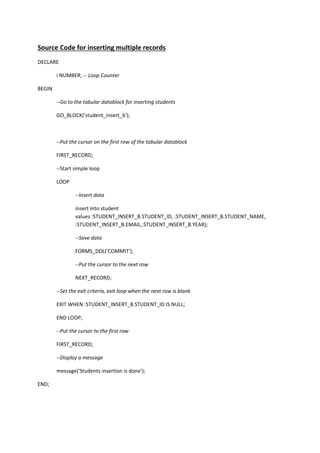
Source Code for inserting multiple records  
DECLARE 
  i NUMBER; ‐‐ Loop Counter 
BEGIN 
  ‐‐Go to the tabular datablock for inserting students   
  GO_BLOCK('student_insert_b'); 
   
  ‐‐Put the cursor on the first row of the tabular datablock 
  FIRST_RECORD; 
  ‐‐Start simple loop 
  LOOP 
    ‐‐Insert data   
insert into student 
values :STUDENT_INSERT_B.STUDENT_ID, :STUDENT_INSERT_B.STUDENT_NAME,  
:STUDENT_INSERT_B.EMAIL,:STUDENT_INSERT_B.YEAR); 
    ‐‐Save data 
    FORMS_DDL('COMMIT'); 
    ‐‐Put the cursor to the next row 
    NEXT_RECORD; 
  ‐‐Set the exit criteria, exit loop when the next row is blank 
  EXIT WHEN :STUDENT_INSERT_B.STUDENT_ID IS NULL; 
  END LOOP; 
  ‐‐Put the cursor to the first row 
  FIRST_RECORD; 
  ‐‐Display a message 
  message('Students insertion is done'); 
END; 
   

Source code for insert multiple rows(database)

  • 1.
    Source Code for inserting multiple records   DECLARE    i NUMBER; ‐‐ Loop Counter  BEGIN    ‐‐Go to the tabular datablock for inserting students     GO_BLOCK('student_insert_b');        ‐‐Put the cursor on the first row of the tabular datablock    FIRST_RECORD;    ‐‐Start simple loop    LOOP      ‐‐Insert data    insert into student  values :STUDENT_INSERT_B.STUDENT_ID, :STUDENT_INSERT_B.STUDENT_NAME,   :STUDENT_INSERT_B.EMAIL,:STUDENT_INSERT_B.YEAR);      ‐‐Save data      FORMS_DDL('COMMIT');      ‐‐Put the cursor to the next row      NEXT_RECORD;    ‐‐Set the exit criteria, exit loop when the next row is blank    EXIT WHEN :STUDENT_INSERT_B.STUDENT_ID IS NULL;    END LOOP;    ‐‐Put the cursor to the first row    FIRST_RECORD;    ‐‐Display a message    message('Students insertion is done');  END;