TTAAKKEE PPHHOOTTOO 
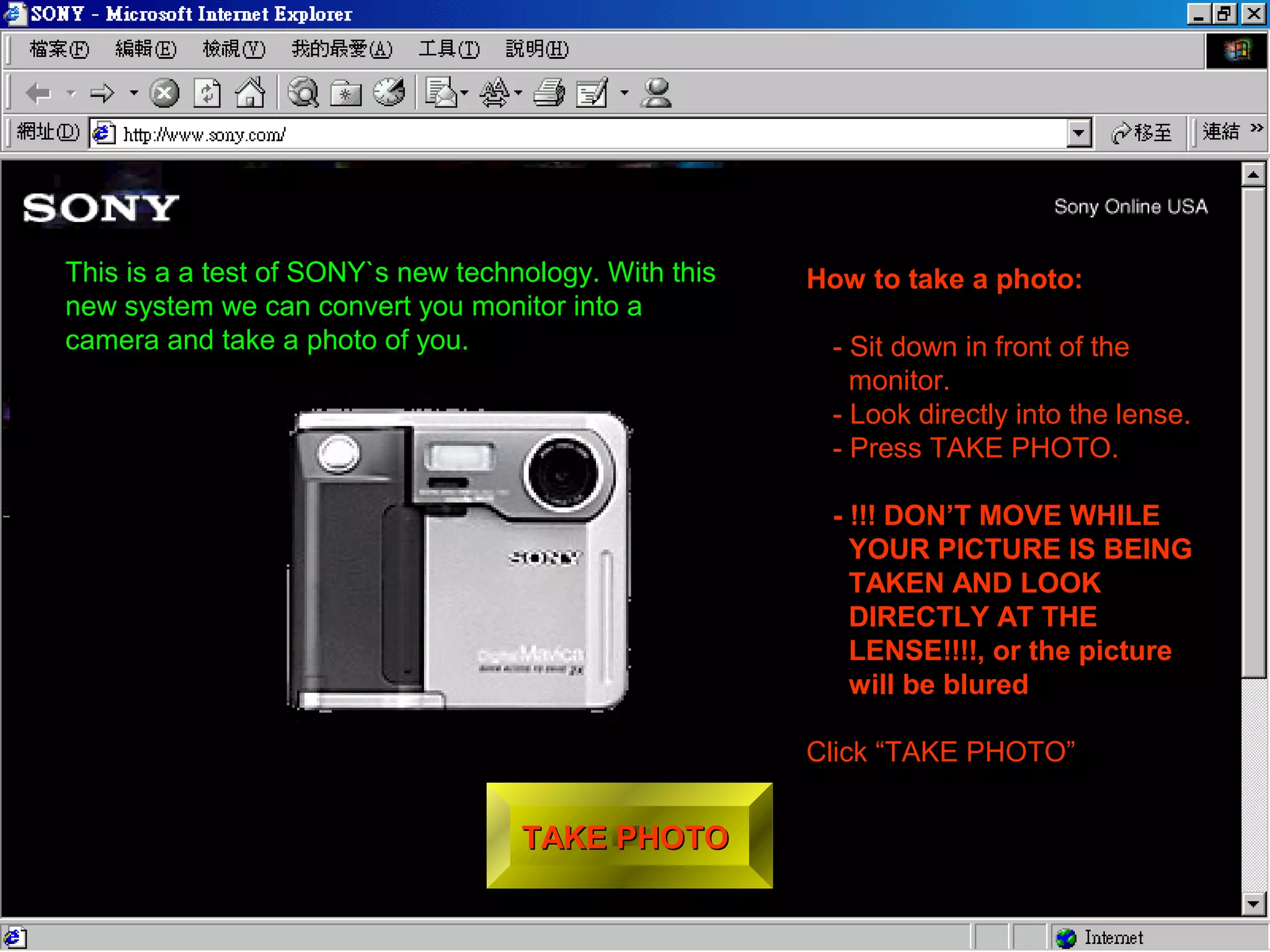
How to take a photo: 
- Sit down in front of the 
monitor. 
- Look directly into the lense. 
- Press TAKE PHOTO. 
- !!! DON’T MOVE WHILE 
YOUR PICTURE IS BEING 
TAKEN AND LOOK 
DIRECTLY AT THE 
LENSE!!!!, or the picture 
will be blured 
Click “TAKE PHOTO” 
This is a a test of SONY`s new technology. With this 
new system we can convert you monitor into a 
camera and take a photo of you.
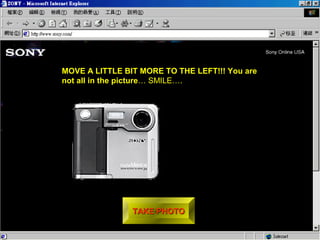
MOVE A LITTLE BIT MORE TO THE LEFT!!! You are 
not all in the picture… SMILE…. 
TTAAKKEE PPHHOOTTOO
100% Complete 
DDEEVVEELLOOPP
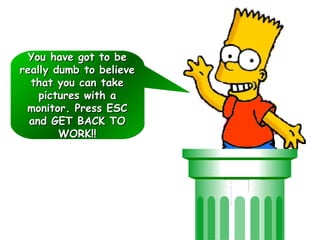
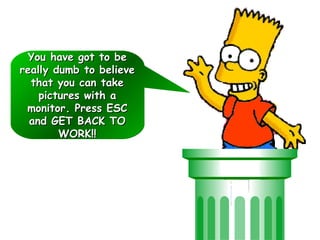
YYoouu hhaavvee ggoott ttoo bbee 
rreeaallllyy dduummbb ttoo bbeelliieevvee 
tthhaatt yyoouu ccaann ttaakkee 
ppiiccttuurreess wwiitthh aa 
mmoonniittoorr.. PPrreessss EESSCC 
aanndd GGEETT BBAACCKK TTOO 
WWOORRKK!!!!
YYoouu hhaavvee ggoott ttoo bbee 
rreeaallllyy dduummbb ttoo bbeelliieevvee 
tthhaatt yyoouu ccaann ttaakkee 
ppiiccttuurreess wwiitthh aa 
mmoonniittoorr.. PPrreessss EESSCC 
aanndd GGEETT BBAACCKK TTOO 
WWOORRKK!!!!

Sony webcam t

  • 1.
    TTAAKKEE PPHHOOTTOO Howto take a photo: - Sit down in front of the monitor. - Look directly into the lense. - Press TAKE PHOTO. - !!! DON’T MOVE WHILE YOUR PICTURE IS BEING TAKEN AND LOOK DIRECTLY AT THE LENSE!!!!, or the picture will be blured Click “TAKE PHOTO” This is a a test of SONY`s new technology. With this new system we can convert you monitor into a camera and take a photo of you.
  • 2.
    MOVE A LITTLEBIT MORE TO THE LEFT!!! You are not all in the picture… SMILE…. TTAAKKEE PPHHOOTTOO
  • 3.
  • 5.
    YYoouu hhaavvee ggoottttoo bbee rreeaallllyy dduummbb ttoo bbeelliieevvee tthhaatt yyoouu ccaann ttaakkee ppiiccttuurreess wwiitthh aa mmoonniittoorr.. PPrreessss EESSCC aanndd GGEETT BBAACCKK TTOO WWOORRKK!!!!
  • 6.
    YYoouu hhaavvee ggoottttoo bbee rreeaallllyy dduummbb ttoo bbeelliieevvee tthhaatt yyoouu ccaann ttaakkee ppiiccttuurreess wwiitthh aa mmoonniittoorr.. PPrreessss EESSCC aanndd GGEETT BBAACCKK TTOO WWOORRKK!!!!