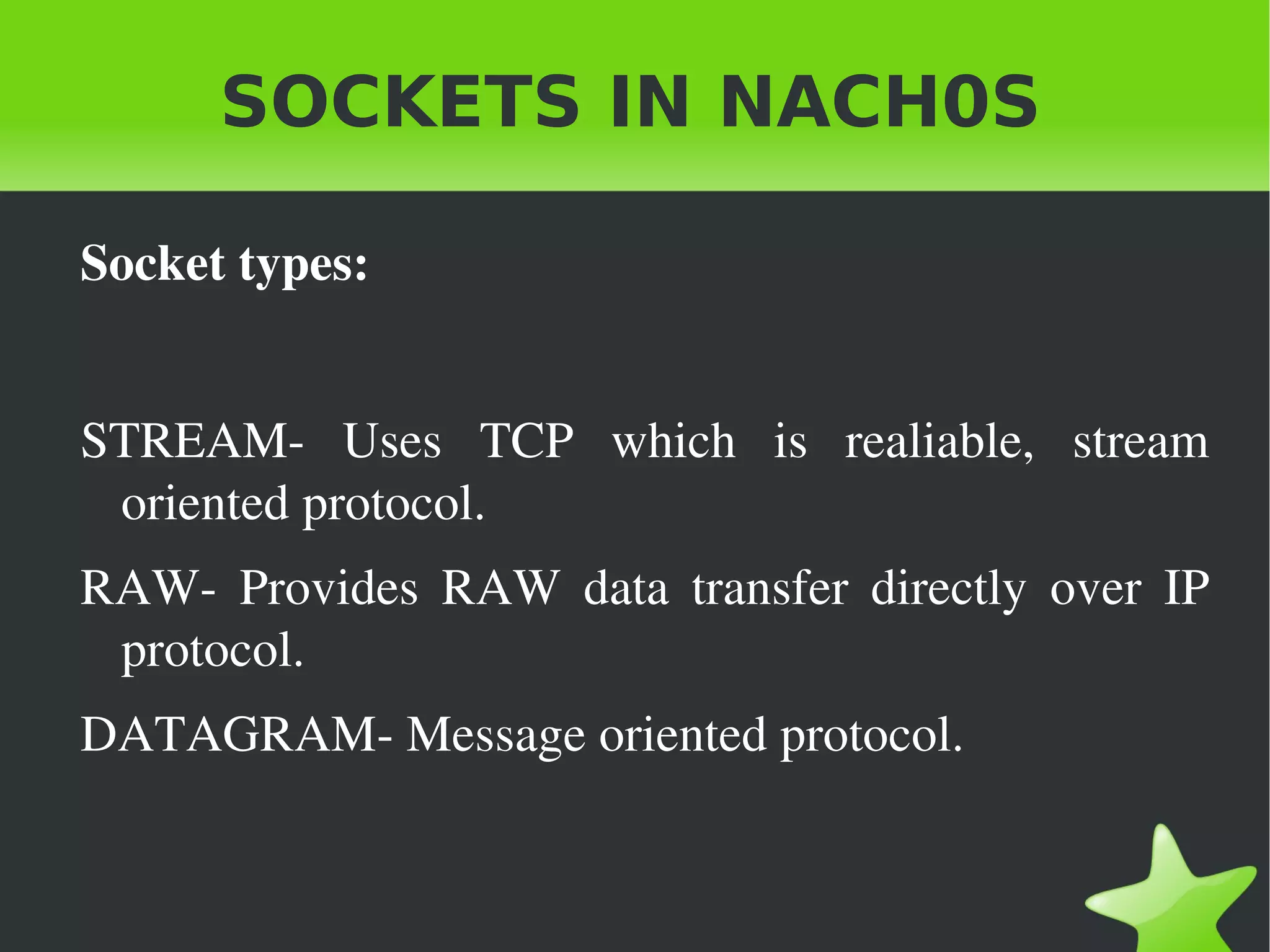
SOCKETS IN NACH0S Socket types: STREAM- Uses TCP which is realiable, stream oriented protocol.
RAW- Provides RAW data transfer directly over IP protocol.
DATAGRAM- Message oriented protocol.
SOCKETS IN NACH0S Socket use: Unicast
Multicast
Broadcast
Loopback
SOCKETS IN NACH0S Programming Client-Servidor in JAVA All the class located in the  java.net package.
Stream classes are in the  java.io package.

Sockets in nach0s

  • 1.
    SOCKETS IN NACH0SSocket types: STREAM- Uses TCP which is realiable, stream oriented protocol.
  • 2.
    RAW- Provides RAWdata transfer directly over IP protocol.
  • 3.
  • 4.
    SOCKETS IN NACH0SSocket use: Unicast
  • 5.
  • 6.
  • 7.
  • 8.
    SOCKETS IN NACH0SProgramming Client-Servidor in JAVA All the class located in the java.net package.
  • 9.
    Stream classes arein the java.io package.
  • 10.
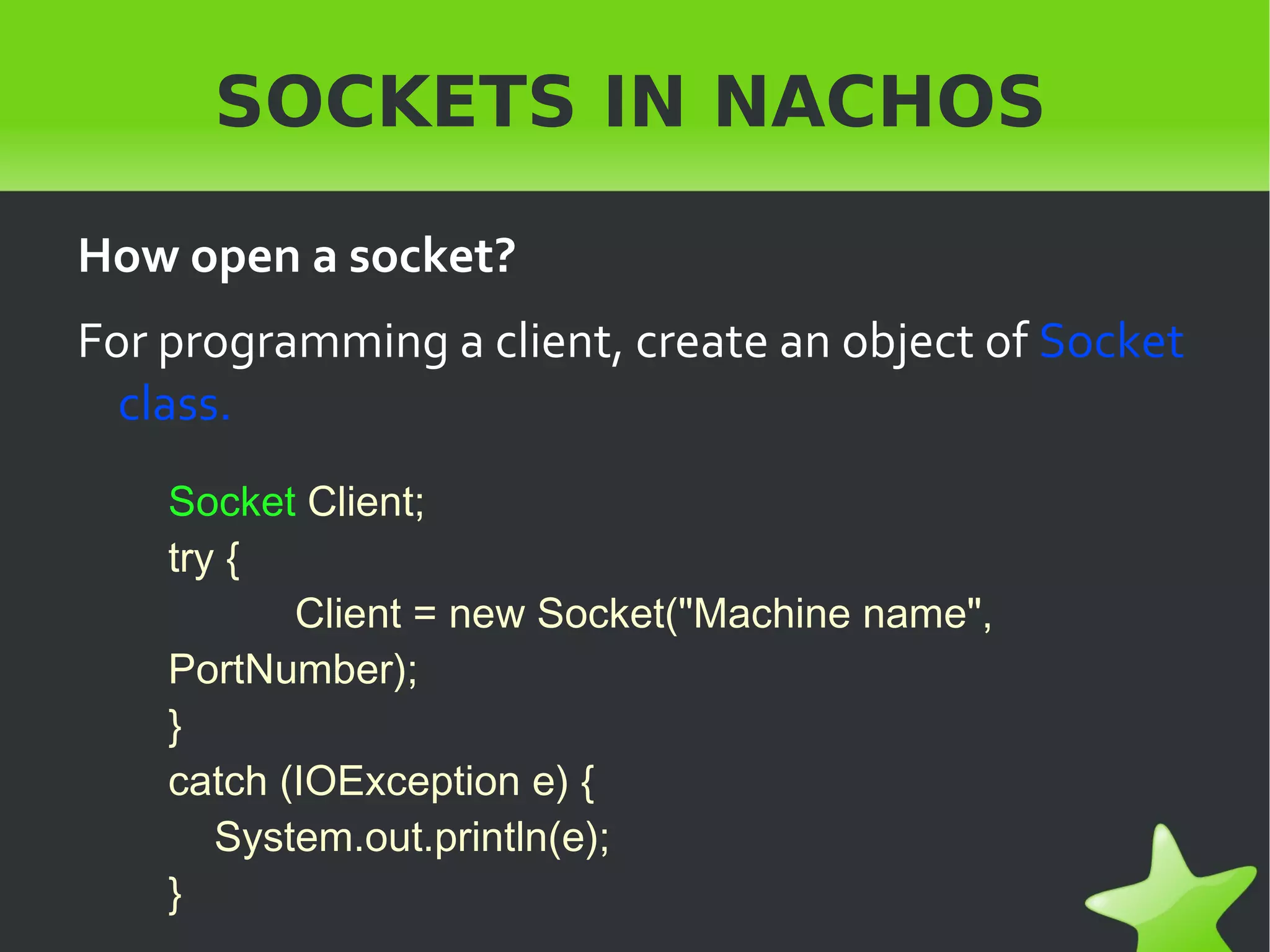
    SOCKETS IN NACHOSHow open a socket? For programming a client, create an object of Socket class. Socket Client; try { Client = new Socket("Machine name", PortNumber); } catch (IOException e) { System.out.println(e); }
  • 11.
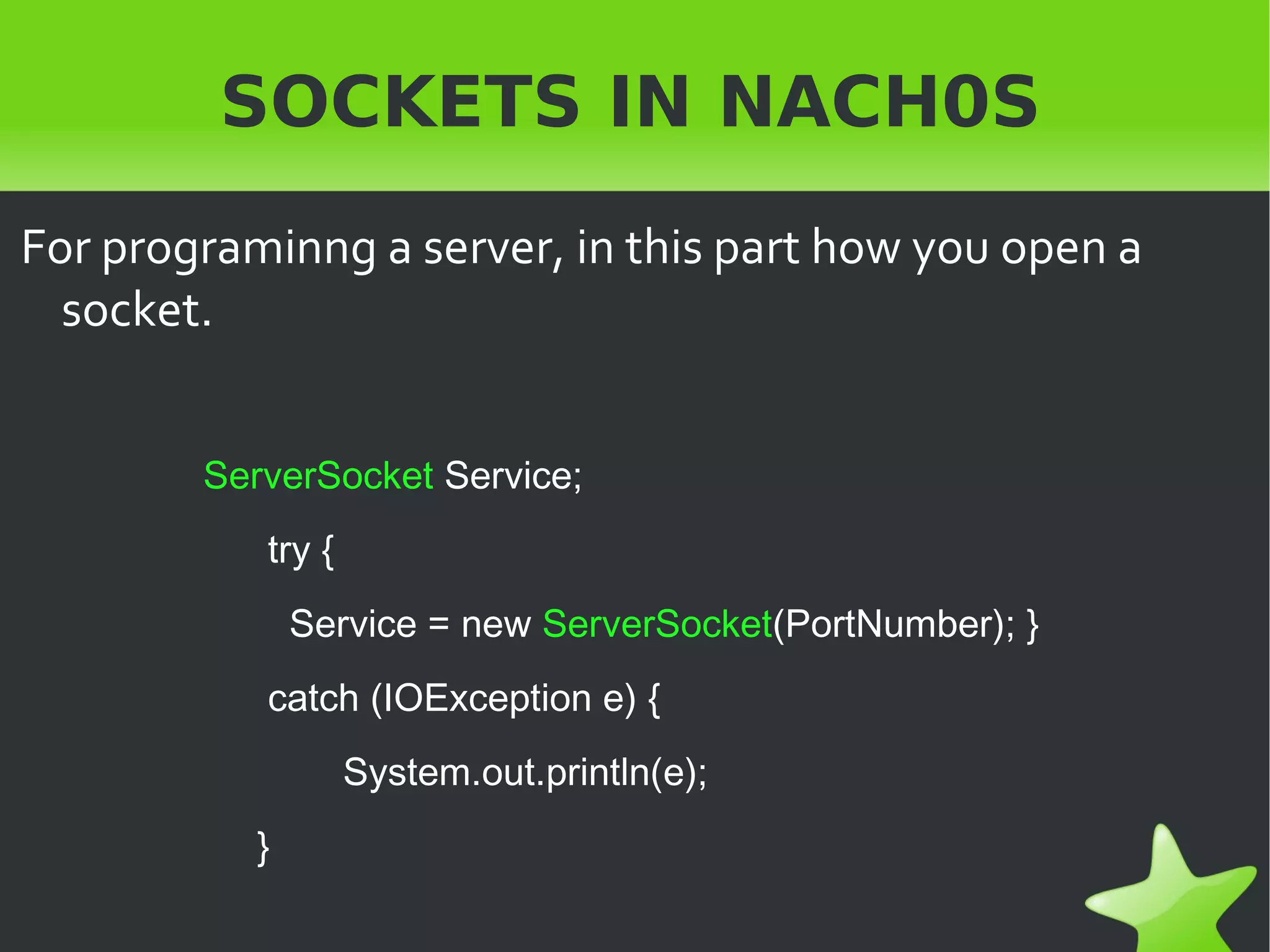
    SOCKETS IN NACH0SFor programinng a server, in this part how you open a socket. ServerSocket Service; try { Service = new ServerSocket (PortNumber); } catch (IOException e) { System.out.println(e); }
  • 12.
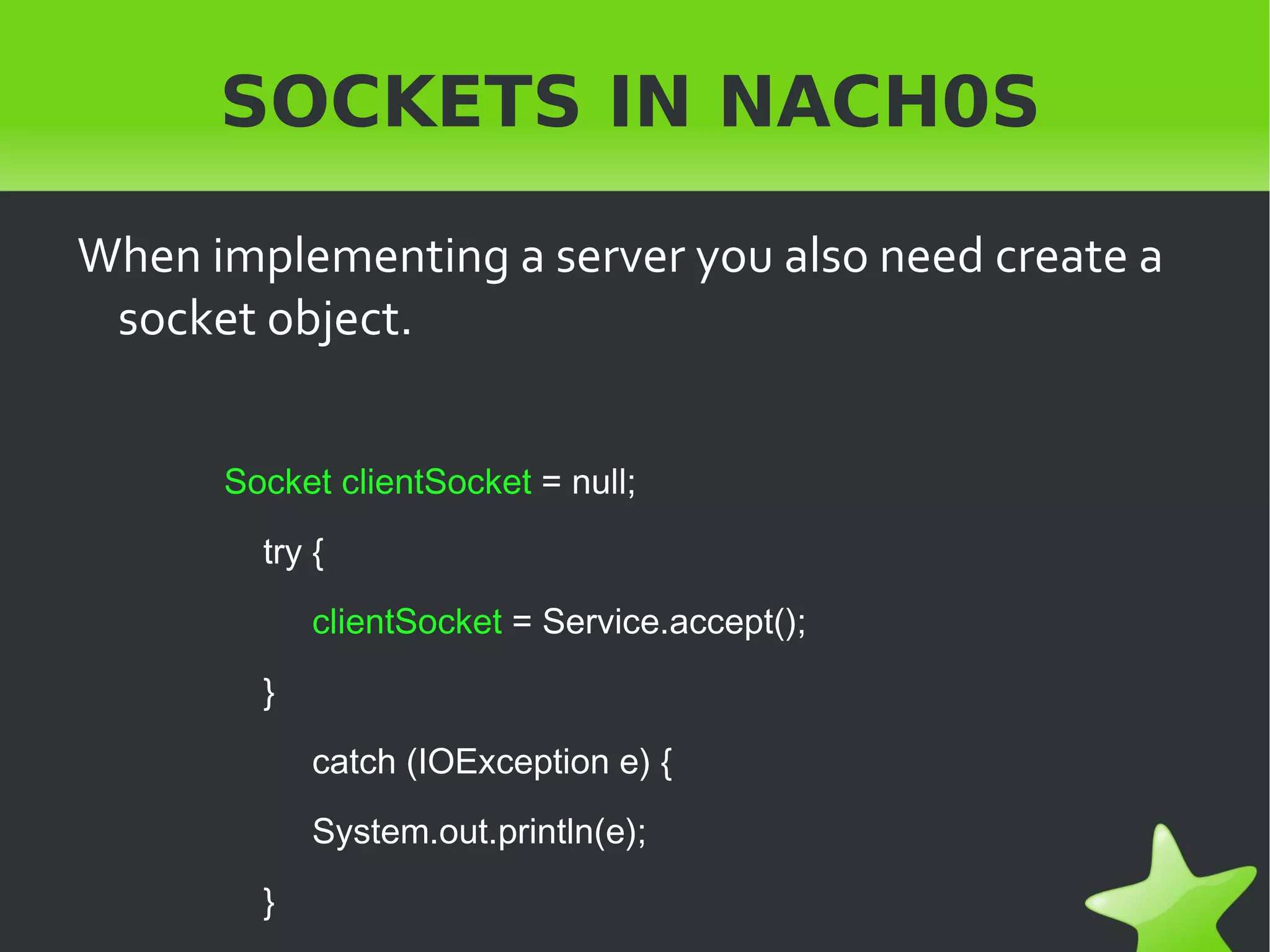
    When implementing aserver you also need create a socket object. Socket clientSocket = null; try { clientSocket = Service.accept(); } catch (IOException e) { System.out.println(e); } SOCKETS IN NACH0S
  • 13.
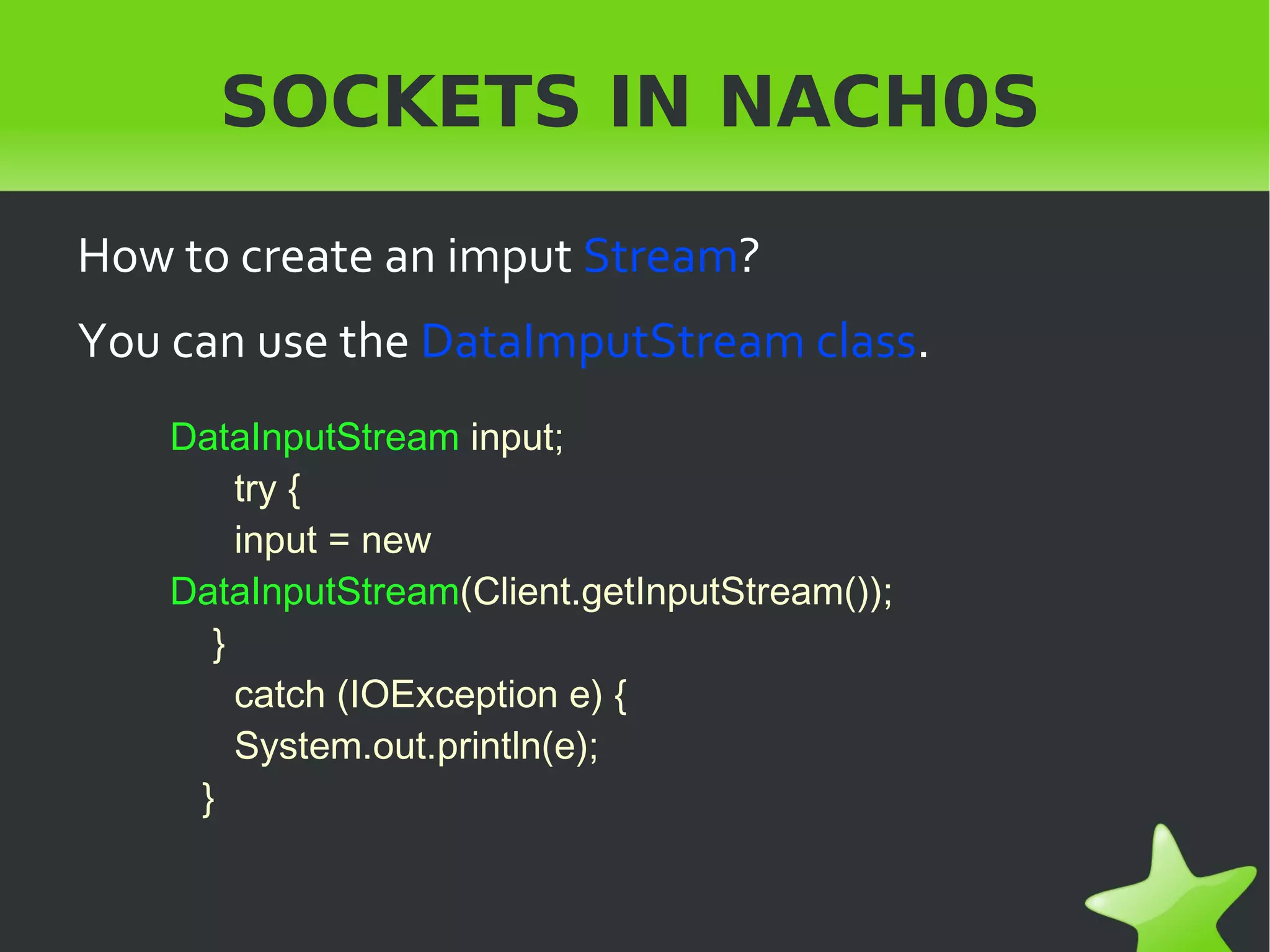
    SOCKETS IN NACH0SHow to create an imput Stream ? You can use the DataImputStream class . DataInputStream input; try { input = new DataInputStream (Client.getInputStream()); } catch (IOException e) { System.out.println(e); }
  • 14.
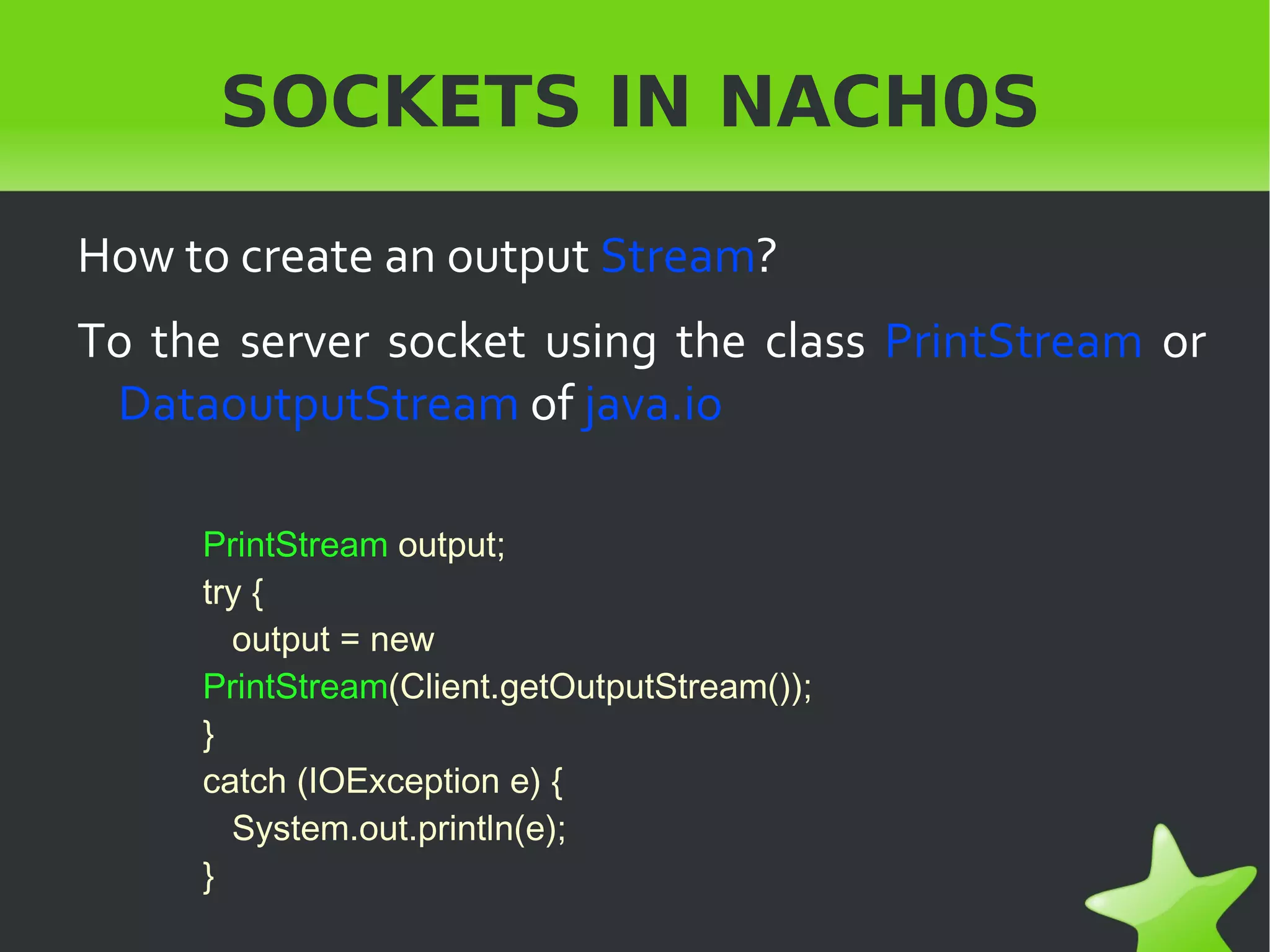
    SOCKETS IN NACH0SHow to create an output Stream ? To the server socket using the class PrintStream or DataoutputStream of java.io PrintStream output; try { output = new PrintStream (Client.getOutputStream()); } catch (IOException e) { System.out.println(e); }
  • 15.
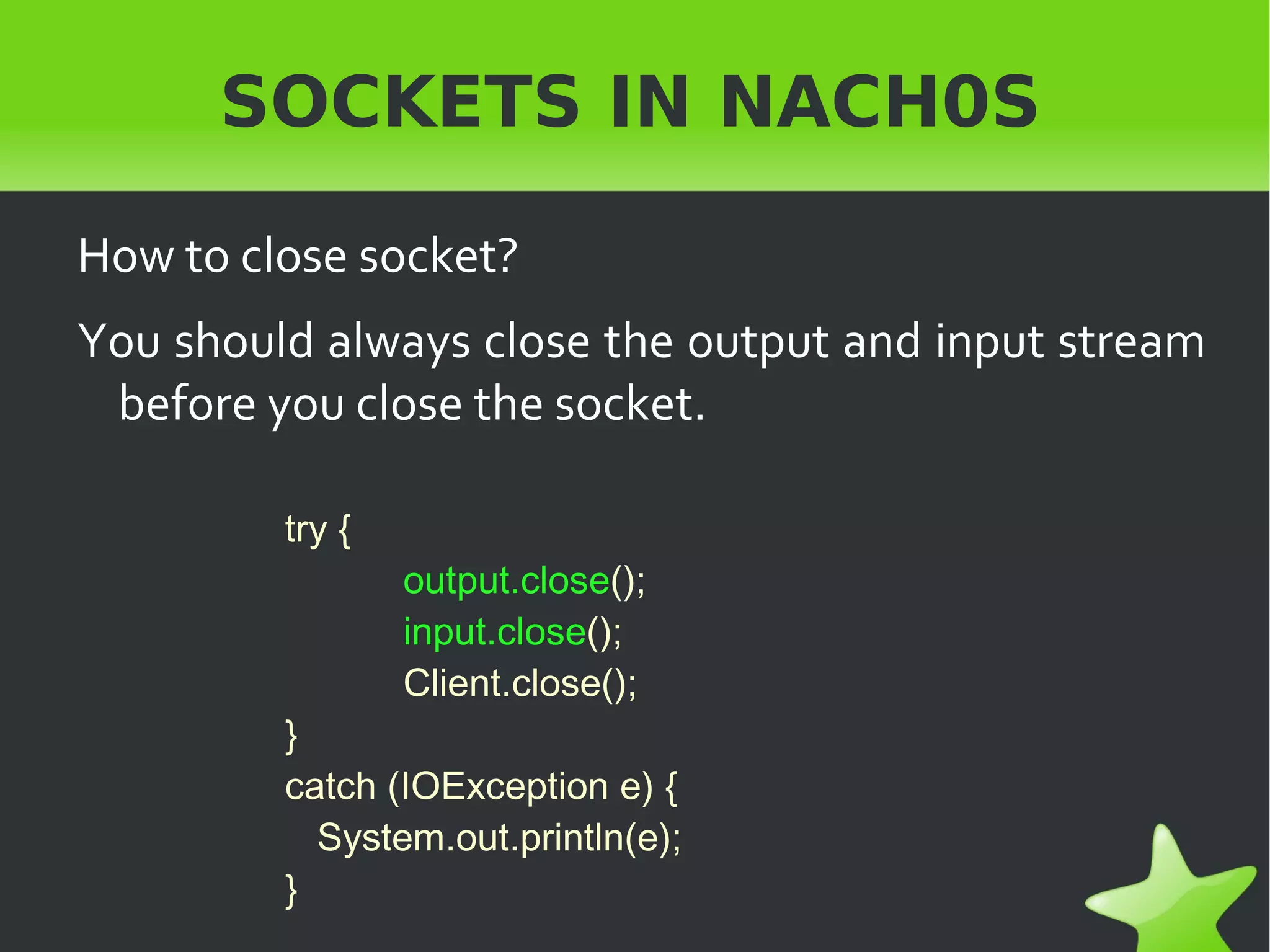
    SOCKETS IN NACH0SHow to close socket? You should always close the output and input stream before you close the socket. try { output.close (); input.close (); Client.close(); } catch (IOException e) { System.out.println(e); }