So We Have Computers… NOW WHAT?  Presenters Dedra Stafford And Renee’ Boatman
Let’s Get Acquainted!  Who you are What you teach How comfortable are you with technology?
Why do we need Technology? I do a fine job!  Yes, You DO!!!  Real world demands it! It is not as hard as it seems Some of the students know more than the teacher!  Kudos to any one willing to teach…
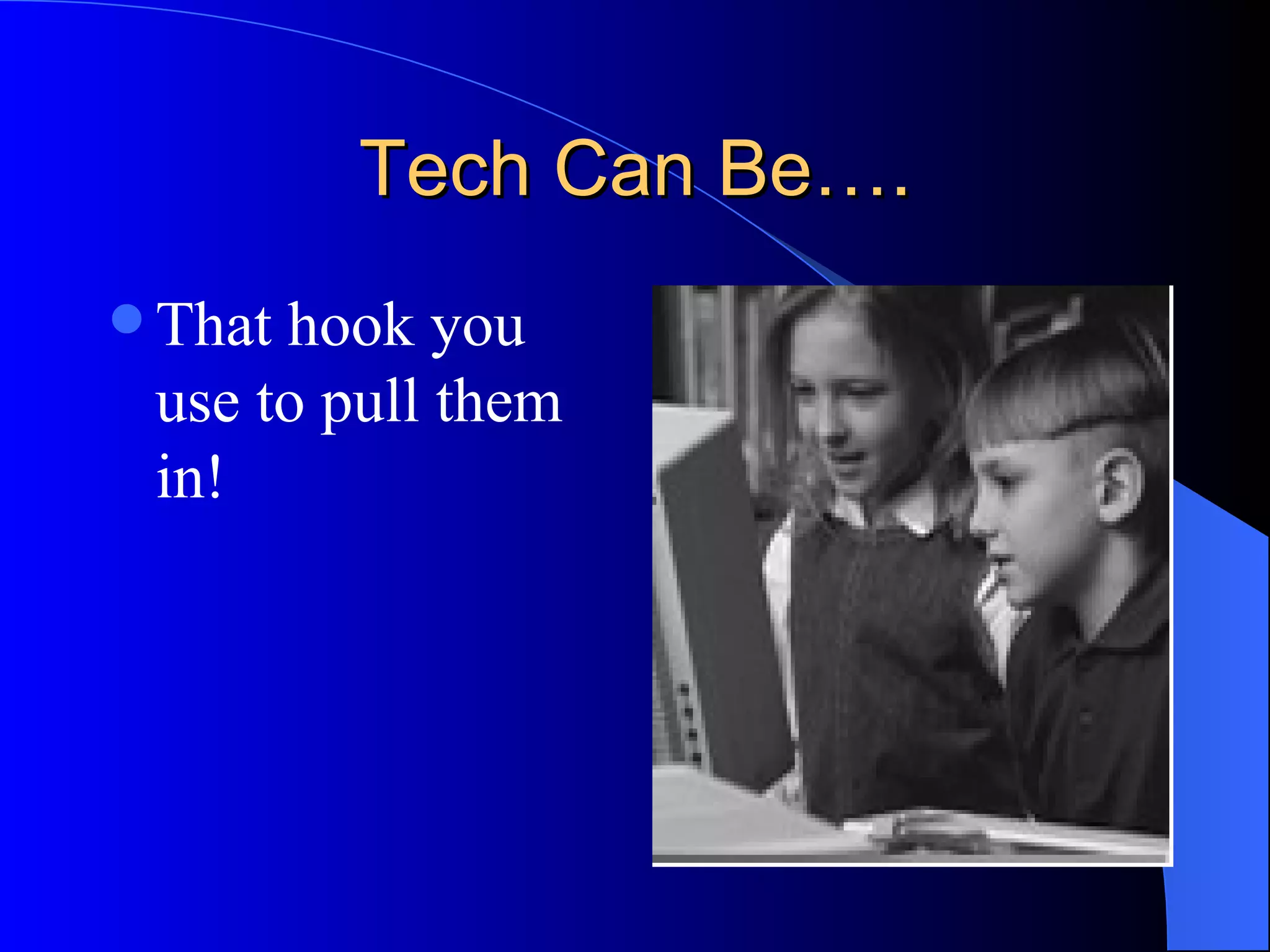
Tech Can Be…. That hook you use to pull them in!
Tech Can Be…. Tutor helps the accelerated students go above and beyond Teacher’s aid that helps low levels move up
Tech Can Be…. Seamless part of your curriculum and an aid to you  …. If you let it!
Ok so we know it’s the right thing, it’s needed but what’s first? Feeling Overwhelmed? Just start somewhere! Then build each year! Share what you are doing
We want to show you 3 ways to  easily  get technology into your curriculum …. Are you ready?  
Communication Tool Everyone else has one, why not you???? A web page is what you need!  It doesn't matter what you use----- FrontPage,,, Teacher Web.com,,,, just communicate….
Let’s Look at some History English Science
A Good Web page Needs How/when to contact you Agenda or homework information Links to help parents and students Maybe FAQ’s
Let’s Make One! Teacher  web.com It really is that easy!
Instructional Tool PowerPoint's can be the key!  -Use as review games -Rules for the first of the year  -Notes for lecture - Parent Teacher Conferences
Click and Learn The Basics!!
Performance Tool Use the lab!  Students do research  Students Type reports and projects Students make PPTs Students make brochures Partner up
Trackstar to get things going hprtec.org
Ok so now we have inspired you…..  Let’s see if we can help solve some problems. If you wanted to do some of these things what would you need?
What Things Would You Wish For??
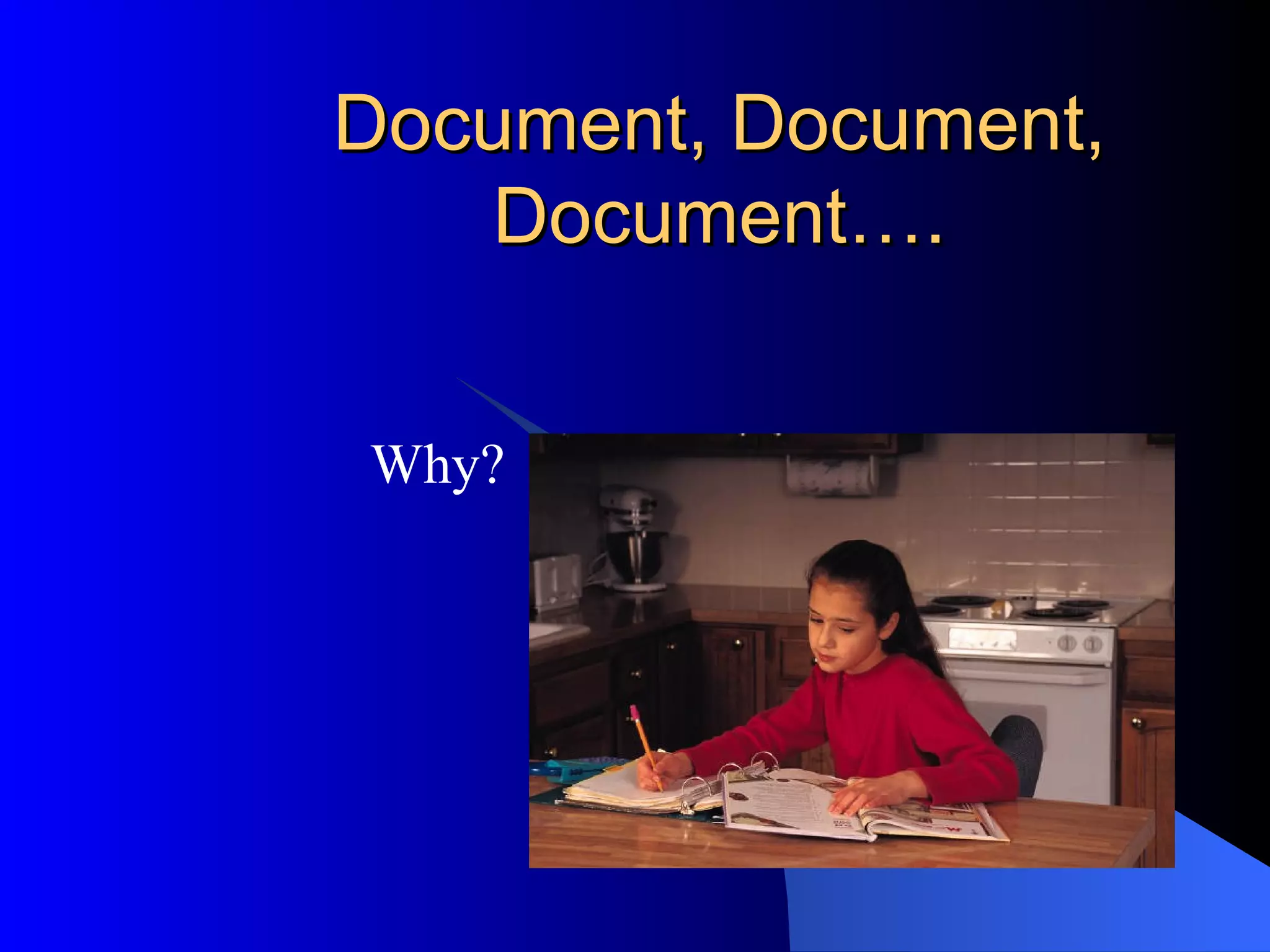
Document, Document, Document…. Why?
Ok, Now You Are Ready Make a commitment to yourself Add an element from each of the Keys Communication Tool Instructional Tool Performance Tool

So we have computersnow what

  • 1.
    So We HaveComputers… NOW WHAT? Presenters Dedra Stafford And Renee’ Boatman
  • 2.
    Let’s Get Acquainted! Who you are What you teach How comfortable are you with technology?
  • 3.
    Why do weneed Technology? I do a fine job! Yes, You DO!!! Real world demands it! It is not as hard as it seems Some of the students know more than the teacher! Kudos to any one willing to teach…
  • 4.
    Tech Can Be….That hook you use to pull them in!
  • 5.
    Tech Can Be….Tutor helps the accelerated students go above and beyond Teacher’s aid that helps low levels move up
  • 6.
    Tech Can Be….Seamless part of your curriculum and an aid to you …. If you let it!
  • 7.
    Ok so weknow it’s the right thing, it’s needed but what’s first? Feeling Overwhelmed? Just start somewhere! Then build each year! Share what you are doing
  • 8.
    We want toshow you 3 ways to easily get technology into your curriculum …. Are you ready?  
  • 9.
    Communication Tool Everyoneelse has one, why not you???? A web page is what you need! It doesn't matter what you use----- FrontPage,,, Teacher Web.com,,,, just communicate….
  • 10.
    Let’s Look atsome History English Science
  • 11.
    A Good Webpage Needs How/when to contact you Agenda or homework information Links to help parents and students Maybe FAQ’s
  • 12.
    Let’s Make One!Teacher web.com It really is that easy!
  • 13.
    Instructional Tool PowerPoint'scan be the key! -Use as review games -Rules for the first of the year -Notes for lecture - Parent Teacher Conferences
  • 14.
    Click and LearnThe Basics!!
  • 15.
    Performance Tool Usethe lab! Students do research Students Type reports and projects Students make PPTs Students make brochures Partner up
  • 16.
    Trackstar to getthings going hprtec.org
  • 17.
    Ok so nowwe have inspired you….. Let’s see if we can help solve some problems. If you wanted to do some of these things what would you need?
  • 18.
    What Things WouldYou Wish For??
  • 19.
  • 20.
    Ok, Now YouAre Ready Make a commitment to yourself Add an element from each of the Keys Communication Tool Instructional Tool Performance Tool