What do you use Web Browser?
●   Many people use a version of Microsoft's Internet
    Explorer. It's the browser that comes already
    installed on computers with Windows operating
    systems.
●   Options are out there, however, and one of them
    has been steadily chipping away at Internet
    Explorer's dominance. It's called Firefox!
Firefox History
●   At the first, Firefox called Phoenix.
●   There were trademark problems, however, so the
    name was changed to Firebird.
●   Another software company had a project known as
    Firebird, so the name changed again Firefox.
●   First release is in 2002. The latest version of
    Firefox: Firefox 3.5.
●   the Mozilla software was becoming bigger and
    bigger as more features were added in -- a
    problem in software development known as "feature
    creep" or "bloat."
Firefox Basics
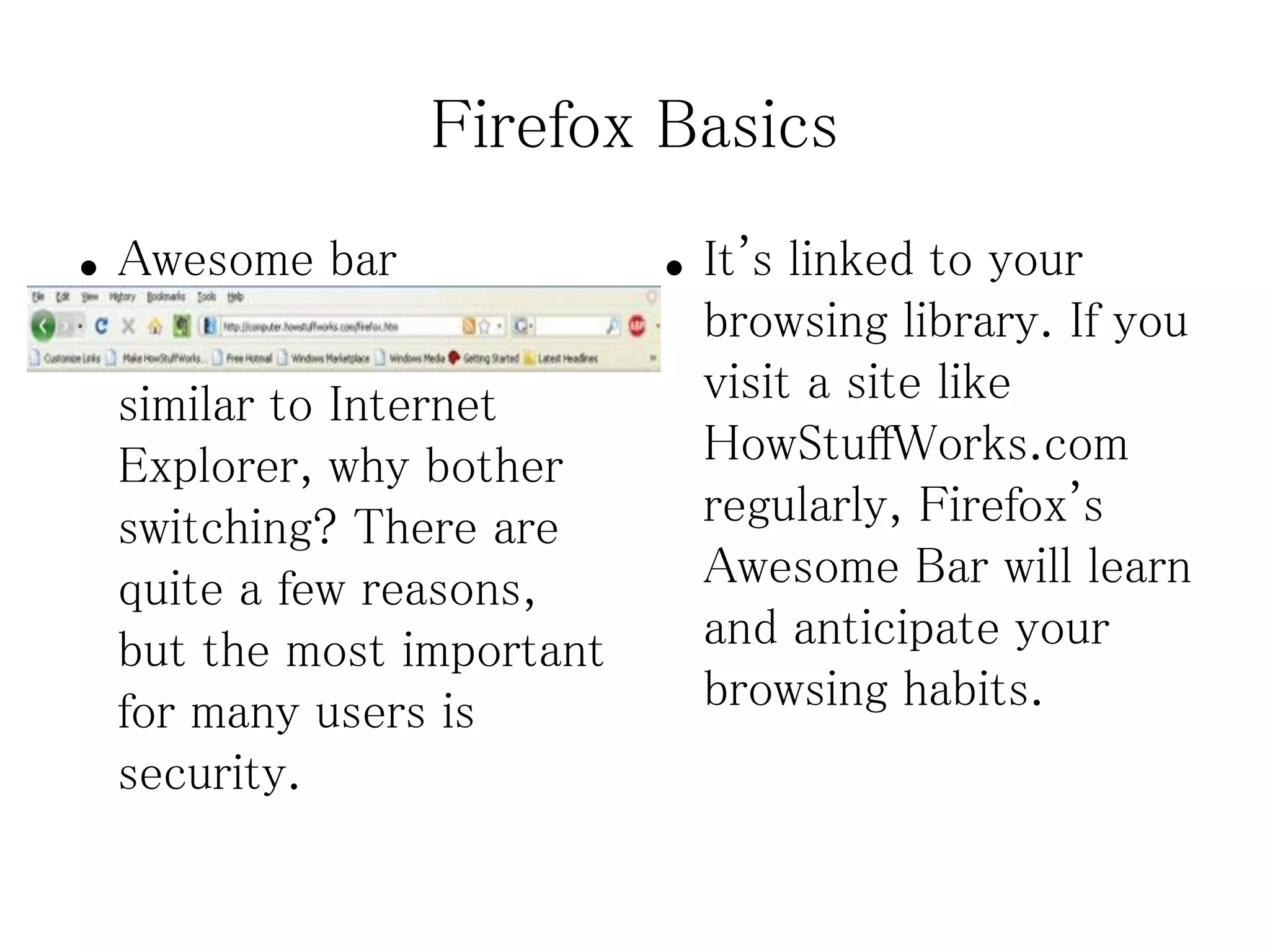
●   Awesome bar              ●   It's linked to your
●   Now, if Firefox is so        browsing library. If you
    similar to Internet          visit a site like
    Explorer, why bother         HowStuffWorks.com
    switching? There are         regularly, Firefox's
    quite a few reasons,         Awesome Bar will learn
    but the most important       and anticipate your
    for many users is            browsing habits.
    security.
Firefox Features
Firefox has following features:              useful windows as opposed to unwanted
                                                ads.
       Tabbed browsing
                                             Cross-platform application
       Built-in pop-up blocker
       Cross-platform application           That means that Firefox works under
                                               several different operating systems,
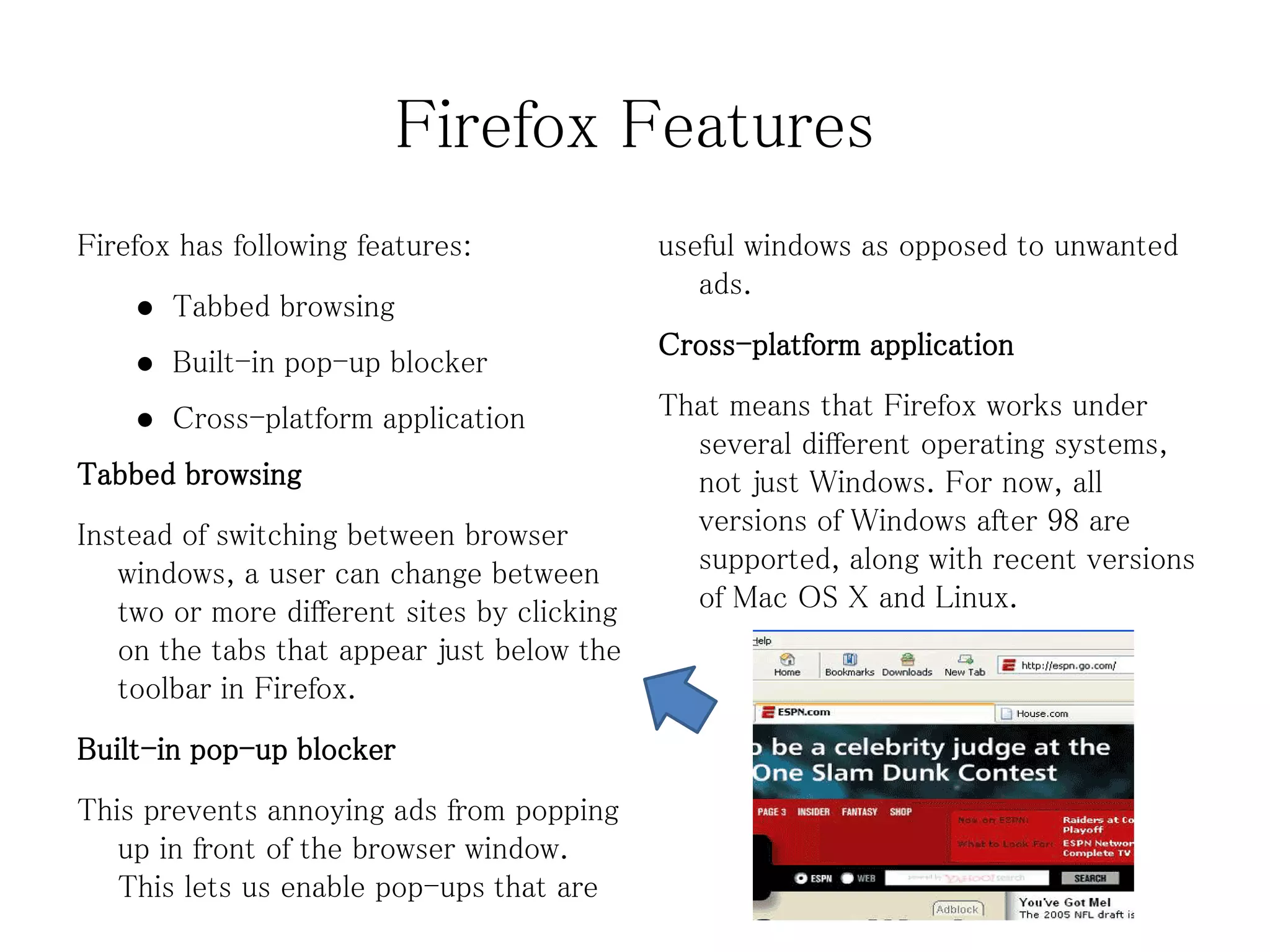
Tabbed browsing                                not just Windows. For now, all
Instead of switching between browser           versions of Windows after 98 are
   windows, a user can change between          supported, along with recent versions
   two or more different sites by clicking     of Mac OS X and Linux.
   on the tabs that appear just below the
   toolbar in Firefox.
Built-in pop-up blocker
This prevents annoying ads from popping
   up in front of the browser window.
   This lets us enable pop-ups that are
Firefox Extensions
●   Themes – Themes change how      ●   ForecastFox – We can select
    Firefox looks.                      our location, how many days we
                                        want in the forecast and
●   Gestures – Users can execute
                                        whether we want only daytime
    various common Web surfing
                                        forecasts or both days and
    commands by holding down the
                                        nights.
    right mouse button and
    “gesturing” in a certain        ●   RadialContext – It livens this
    direction with the mouse.           up by giving us a small dial of
                                        graphical options instead of
●   FoxyTunes – This allows users
                                        that plain text menu.
    to control any media player
    software from within the        ●   Adblock Plus – These
    browser.                            extensions allow users to block
                                        some or all banner ads and
                                        other advertisements.
Firefox Security
●   While the absence of ActiveX in Firefox does mean that
    some sites will not be viewable, it also closes many
    security holes; in this case, Firefox chooses security over
    functionality.
●   Firefox 3.5 offers several other security enhancements.
    Clicking on the favicon will tell you if that site's identity
    can be verified.
●   If you visit a site that may attempt to install spyware, a
    Trojan horse or worm on your computer, Firefox will give
    you a warning and even provide you with a reason why it's
    not safe to visit that site.

Slide

  • 1.
    What do youuse Web Browser? ● Many people use a version of Microsoft's Internet Explorer. It's the browser that comes already installed on computers with Windows operating systems. ● Options are out there, however, and one of them has been steadily chipping away at Internet Explorer's dominance. It's called Firefox!
  • 2.
    Firefox History ● At the first, Firefox called Phoenix. ● There were trademark problems, however, so the name was changed to Firebird. ● Another software company had a project known as Firebird, so the name changed again Firefox. ● First release is in 2002. The latest version of Firefox: Firefox 3.5. ● the Mozilla software was becoming bigger and bigger as more features were added in -- a problem in software development known as "feature creep" or "bloat."
  • 3.
    Firefox Basics ● Awesome bar ● It's linked to your ● Now, if Firefox is so browsing library. If you similar to Internet visit a site like Explorer, why bother HowStuffWorks.com switching? There are regularly, Firefox's quite a few reasons, Awesome Bar will learn but the most important and anticipate your for many users is browsing habits. security.
  • 4.
    Firefox Features Firefox hasfollowing features: useful windows as opposed to unwanted ads.  Tabbed browsing Cross-platform application  Built-in pop-up blocker  Cross-platform application That means that Firefox works under several different operating systems, Tabbed browsing not just Windows. For now, all Instead of switching between browser versions of Windows after 98 are windows, a user can change between supported, along with recent versions two or more different sites by clicking of Mac OS X and Linux. on the tabs that appear just below the toolbar in Firefox. Built-in pop-up blocker This prevents annoying ads from popping up in front of the browser window. This lets us enable pop-ups that are
  • 5.
    Firefox Extensions ● Themes – Themes change how ● ForecastFox – We can select Firefox looks. our location, how many days we want in the forecast and ● Gestures – Users can execute whether we want only daytime various common Web surfing forecasts or both days and commands by holding down the nights. right mouse button and “gesturing” in a certain ● RadialContext – It livens this direction with the mouse. up by giving us a small dial of graphical options instead of ● FoxyTunes – This allows users that plain text menu. to control any media player software from within the ● Adblock Plus – These browser. extensions allow users to block some or all banner ads and other advertisements.
  • 6.
    Firefox Security ● While the absence of ActiveX in Firefox does mean that some sites will not be viewable, it also closes many security holes; in this case, Firefox chooses security over functionality. ● Firefox 3.5 offers several other security enhancements. Clicking on the favicon will tell you if that site's identity can be verified. ● If you visit a site that may attempt to install spyware, a Trojan horse or worm on your computer, Firefox will give you a warning and even provide you with a reason why it's not safe to visit that site.