The Unix and GNU/Linux Command Line


      Shell Script
            2011 10.28
Shell Script            Tomcat 状态监视脚本

#!/bin/sh

while test true ;do

   ui=$(ps x | egrep tomcat | grep -v grep | 
     awk '{print $1}')

   if [ "$ui" == ""   ] ;then

       /opt/unimas/tomcatui/bin/startup.sh
       sleep 4

   else
      echo "tomcat is running"
   fi

done
Shell Script


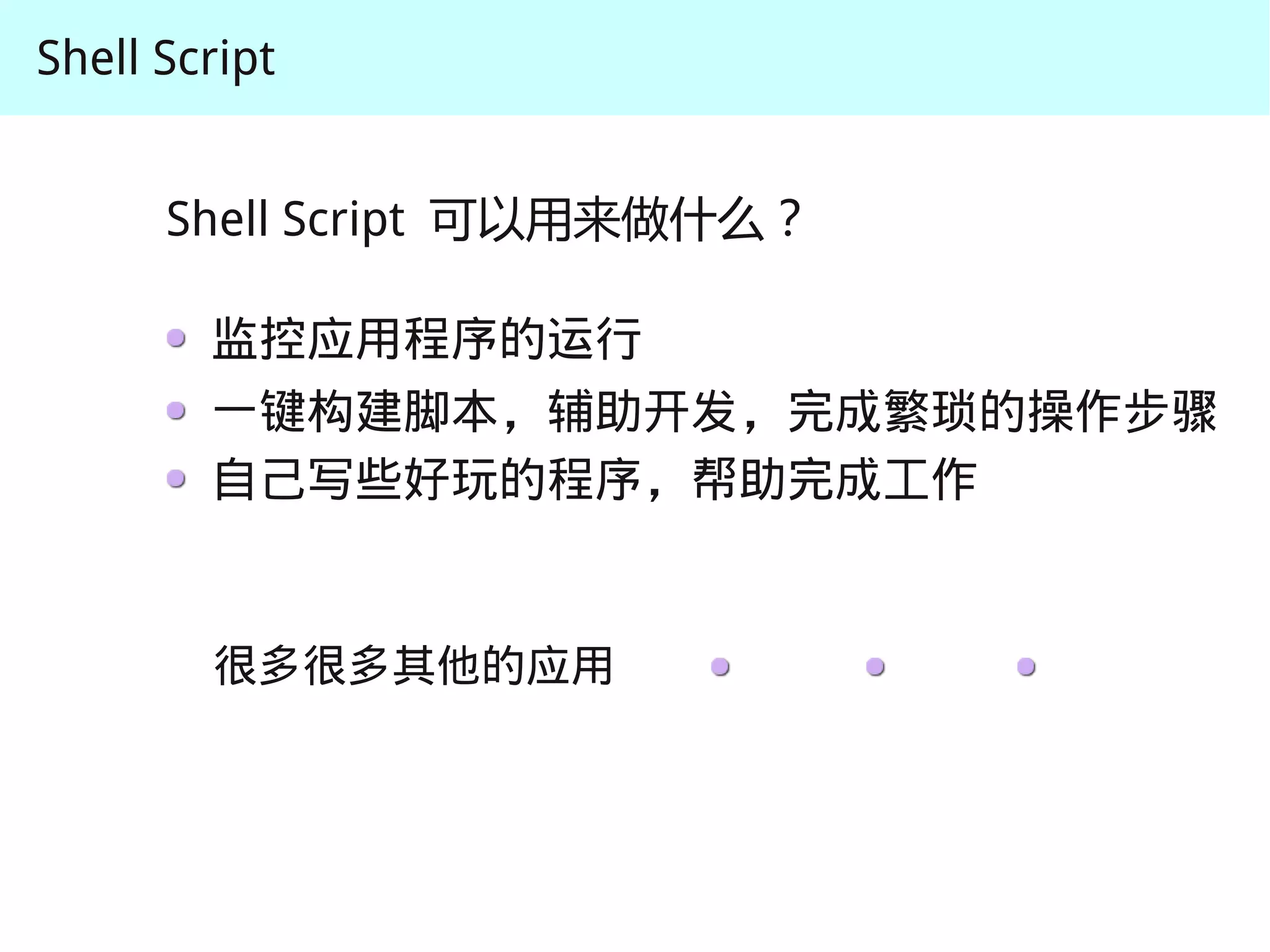
      Shell Script 可以用来做什么?

        监控应用程序的运行
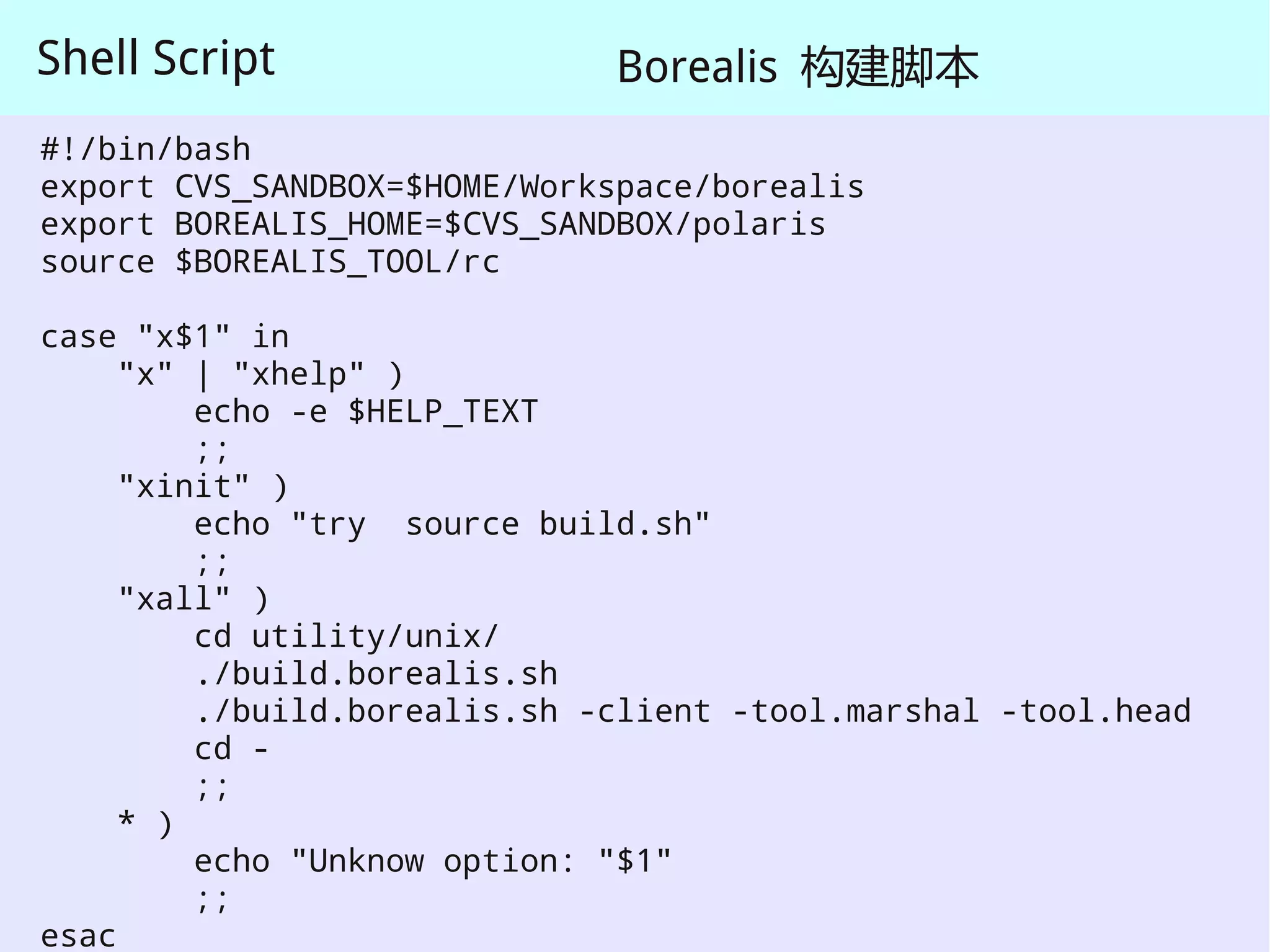
Shell Script                  Borealis 构建脚本
#!/bin/bash
export CVS_SANDBOX=$HOME/Workspace/borealis
export BOREALIS_HOME=$CVS_SANDBOX/polaris
source $BOREALIS_TOOL/rc

case "x$1" in
     "x" | "xhelp" )
         echo -e $HELP_TEXT
         ;;
     "xinit" )
         echo "try source build.sh"
         ;;
     "xall" )
         cd utility/unix/
         ./build.borealis.sh
         ./build.borealis.sh -client -tool.marshal -tool.head
         cd -
         ;;
     * )
         echo "Unknow option: "$1"
         ;;
esac
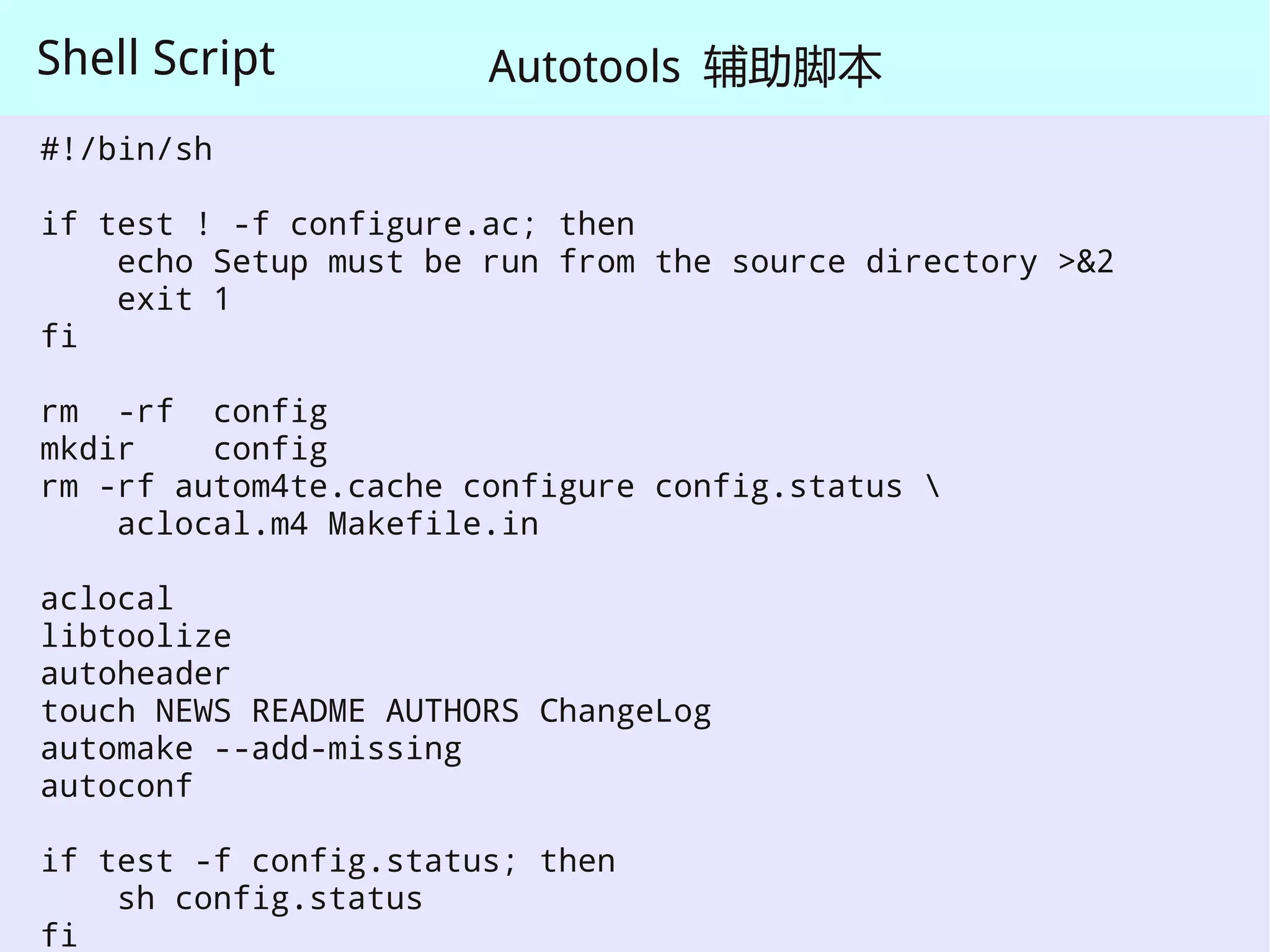
Shell Script           Autotools 辅助脚本
#!/bin/sh

if test ! -f configure.ac; then
    echo Setup must be run from the source directory >&2
    exit 1
fi

rm -rf config
mkdir    config
rm -rf autom4te.cache configure config.status 
    aclocal.m4 Makefile.in

aclocal
libtoolize
autoheader
touch NEWS README AUTHORS ChangeLog
automake --add-missing
autoconf

if test -f config.status; then
    sh config.status
fi
Shell Script


      Shell Script 可以用来做什么?

        监控应用程序的运行
        一键构建脚本,辅助开发,完成繁琐的操作步骤
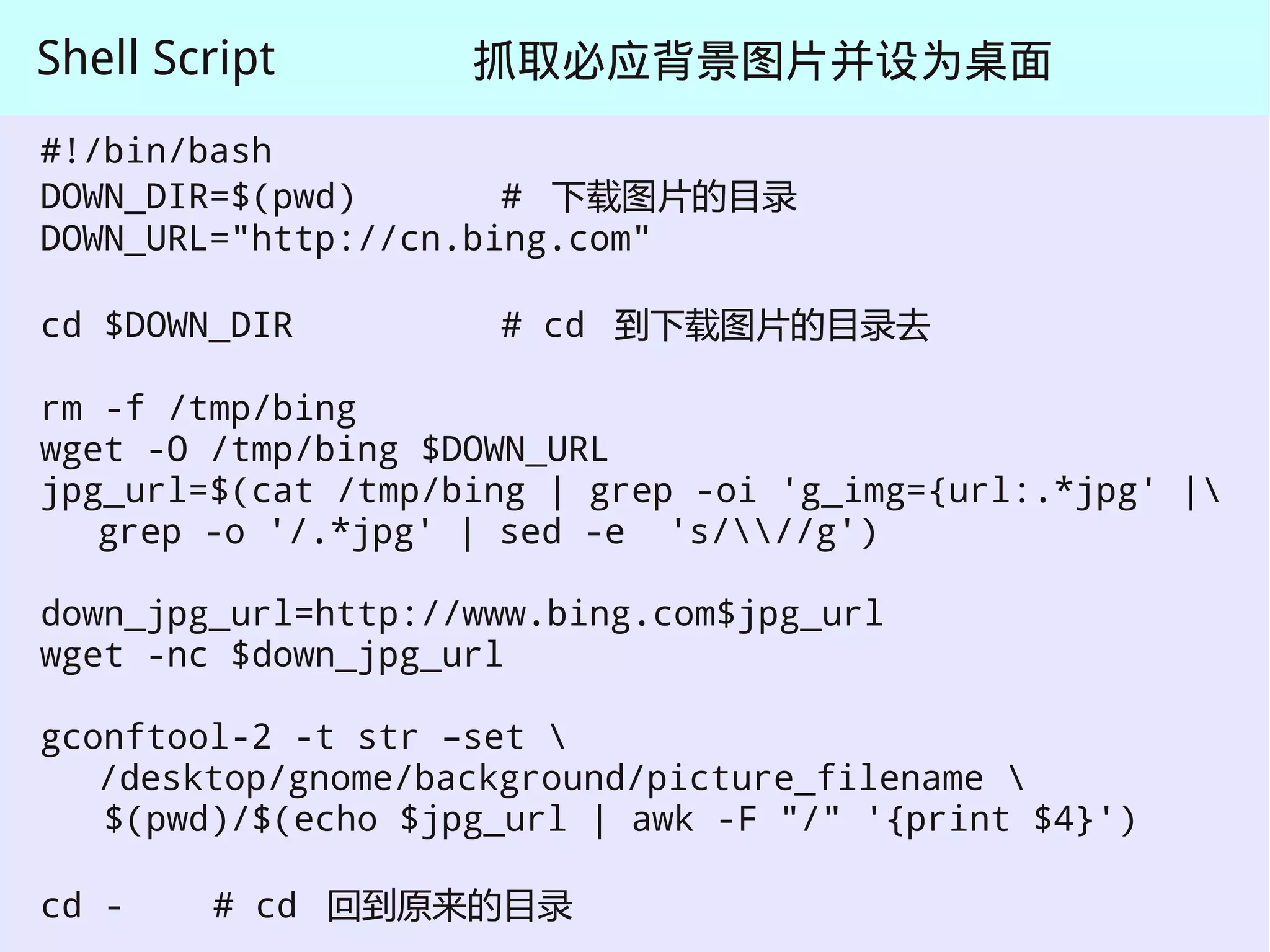
Shell Script        抓取必应背景图片并设为桌面
#!/bin/bash
DOWN_DIR=$(pwd)       # 下载图片的目录
DOWN_URL="http://cn.bing.com"

cd $DOWN_DIR         # cd 到下载图片的目录去

rm -f /tmp/bing
wget -O /tmp/bing $DOWN_URL
jpg_url=$(cat /tmp/bing | grep -oi 'g_img={url:.*jpg' |
   grep -o '/.*jpg' | sed -e 's///g')

down_jpg_url=http://www.bing.com$jpg_url
wget -nc $down_jpg_url

gconftool-2 -t str –set 
   /desktop/gnome/background/picture_filename 
   $(pwd)/$(echo $jpg_url | awk -F "/" '{print $4}')

cd -    # cd 回到原来的目录
Shell Script


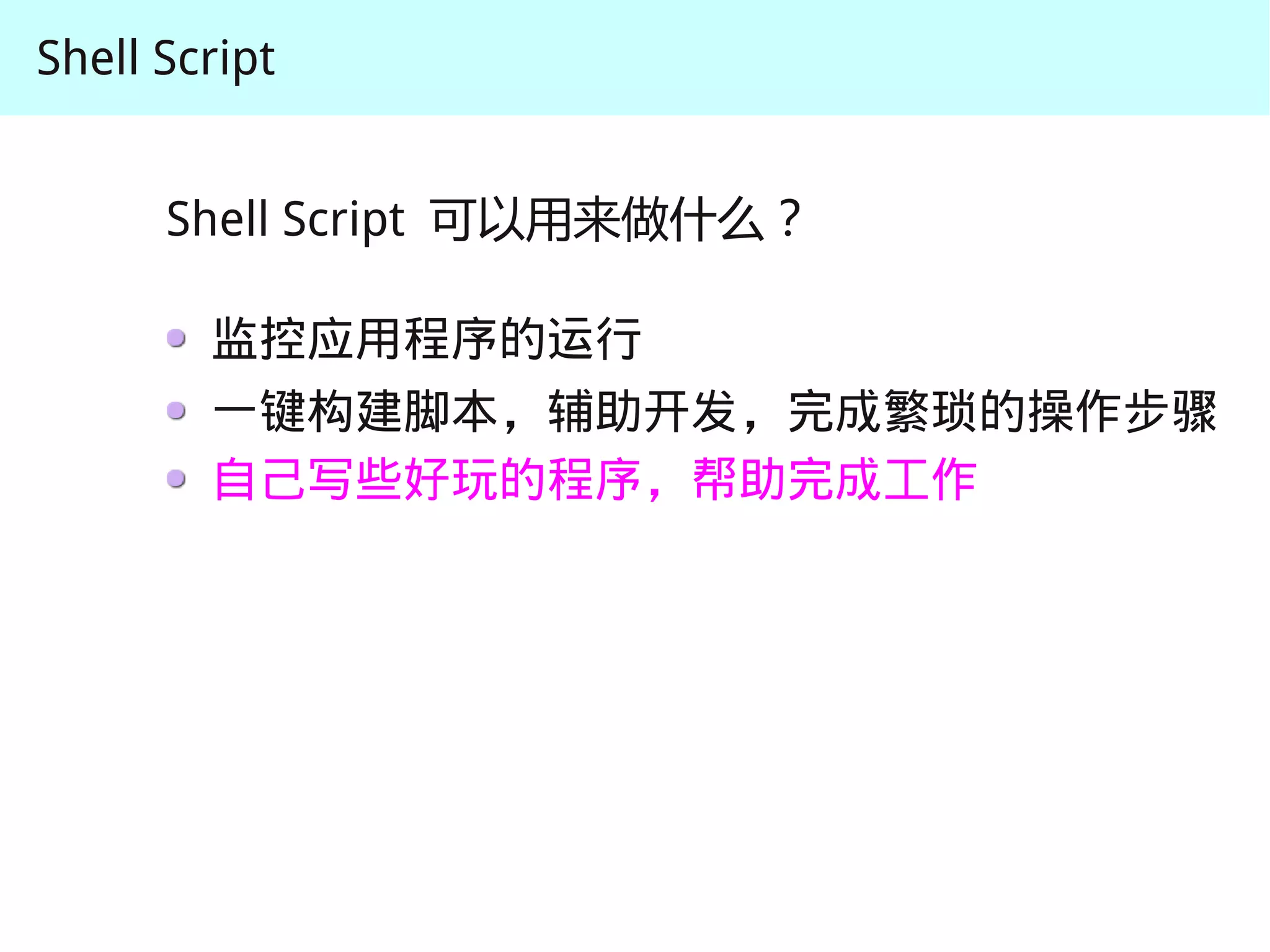
      Shell Script 可以用来做什么?

        监控应用程序的运行
        一键构建脚本,辅助开发,完成繁琐的操作步骤
        自己写些好玩的程序,帮助完成工作
Shell Script


      Shell Script 可以用来做什么?

        监控应用程序的运行
        一键构建脚本,辅助开发,完成繁琐的操作步骤
        自己写些好玩的程序,帮助完成工作


        很多很多其他的应用
Shell Script


               几个简单的例子 ( 前面四个例子 )

               Shell Script 基础
                   输入 / 输出流

               Shell Script 语法简介
Shell Script

   Shell Script 基础

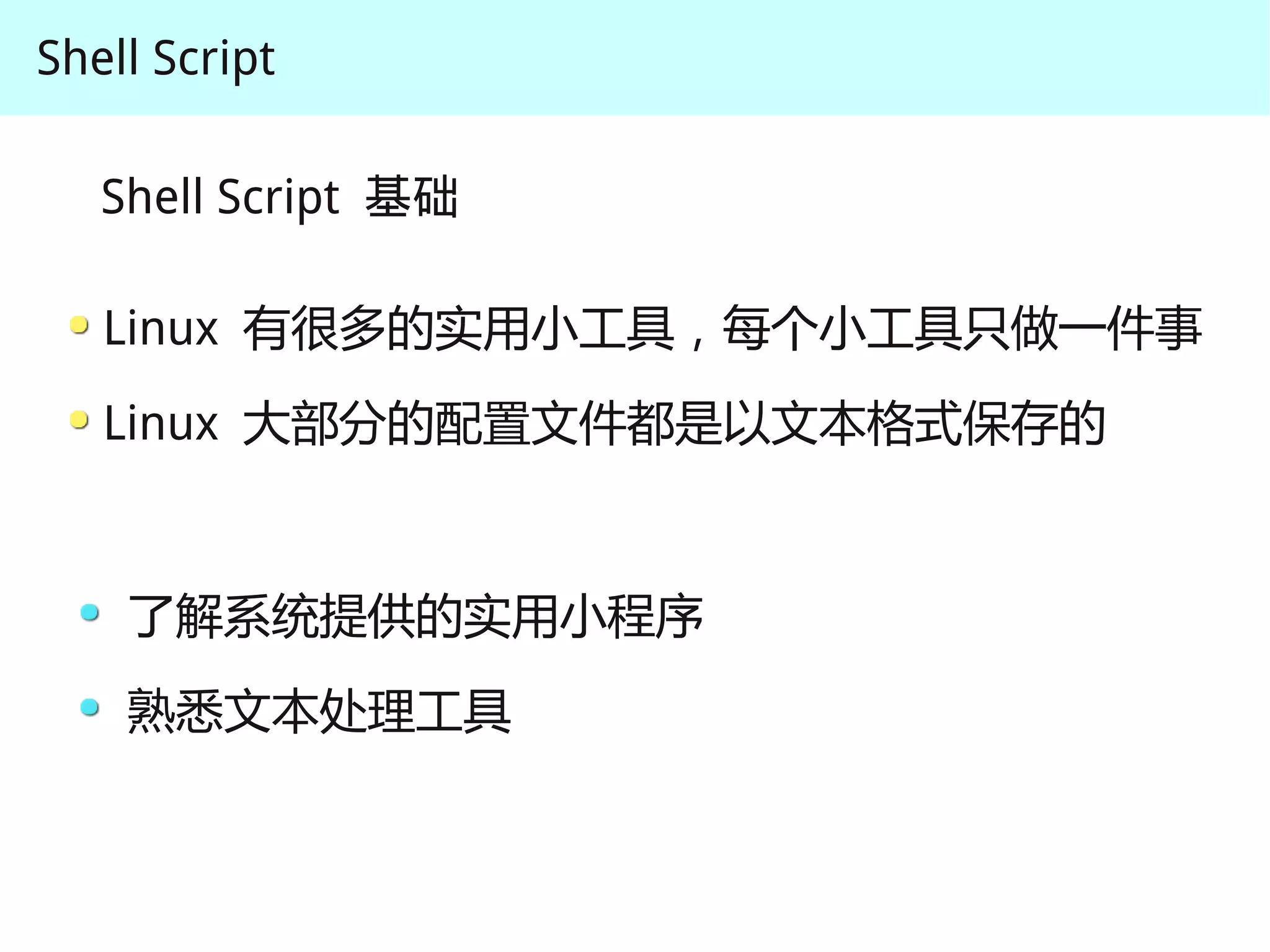
   Linux 有很多的实用小工具,每个小工具只做一件事
   Linux 大部分的配置文件都是以文本格式保存的


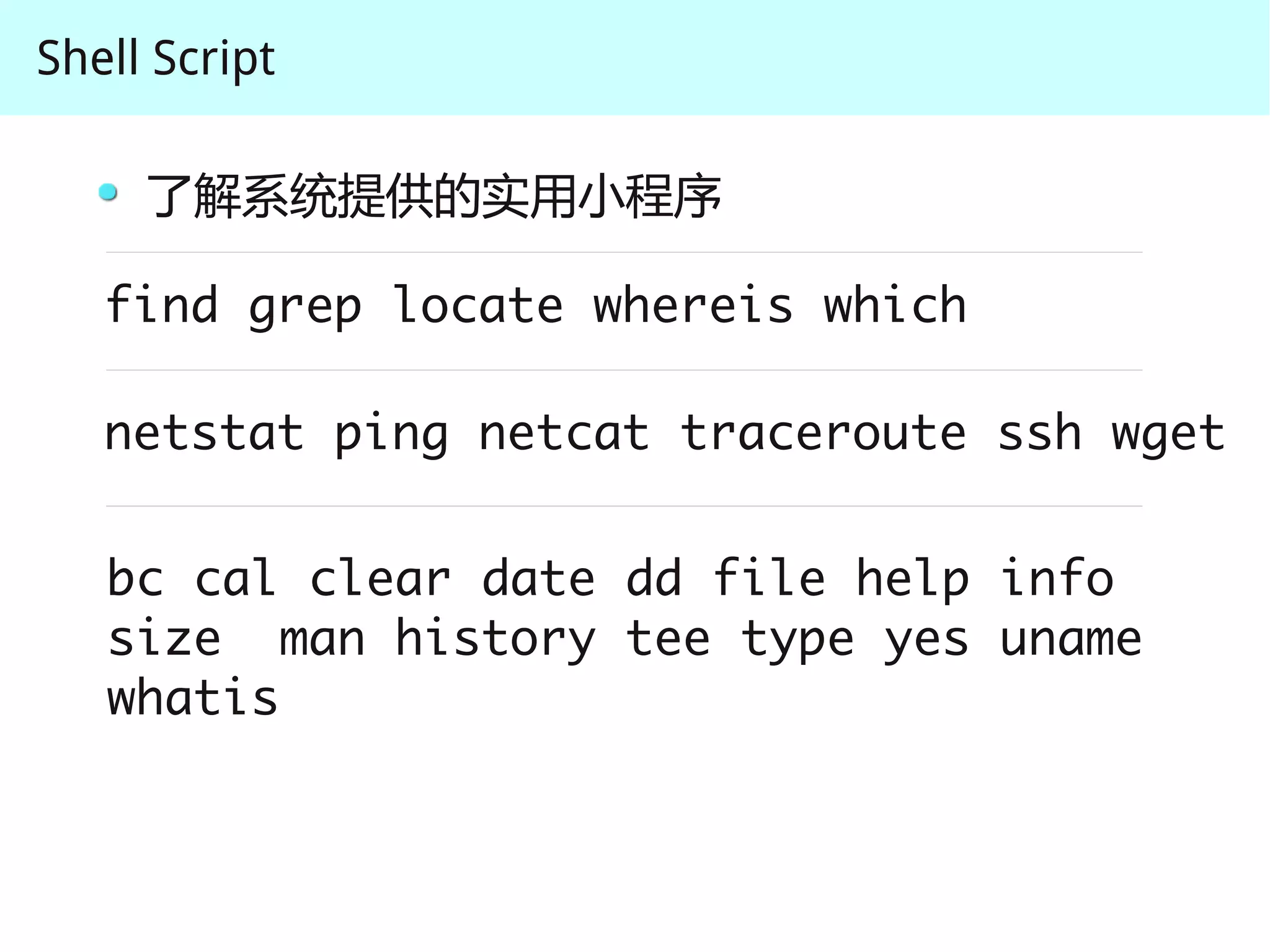
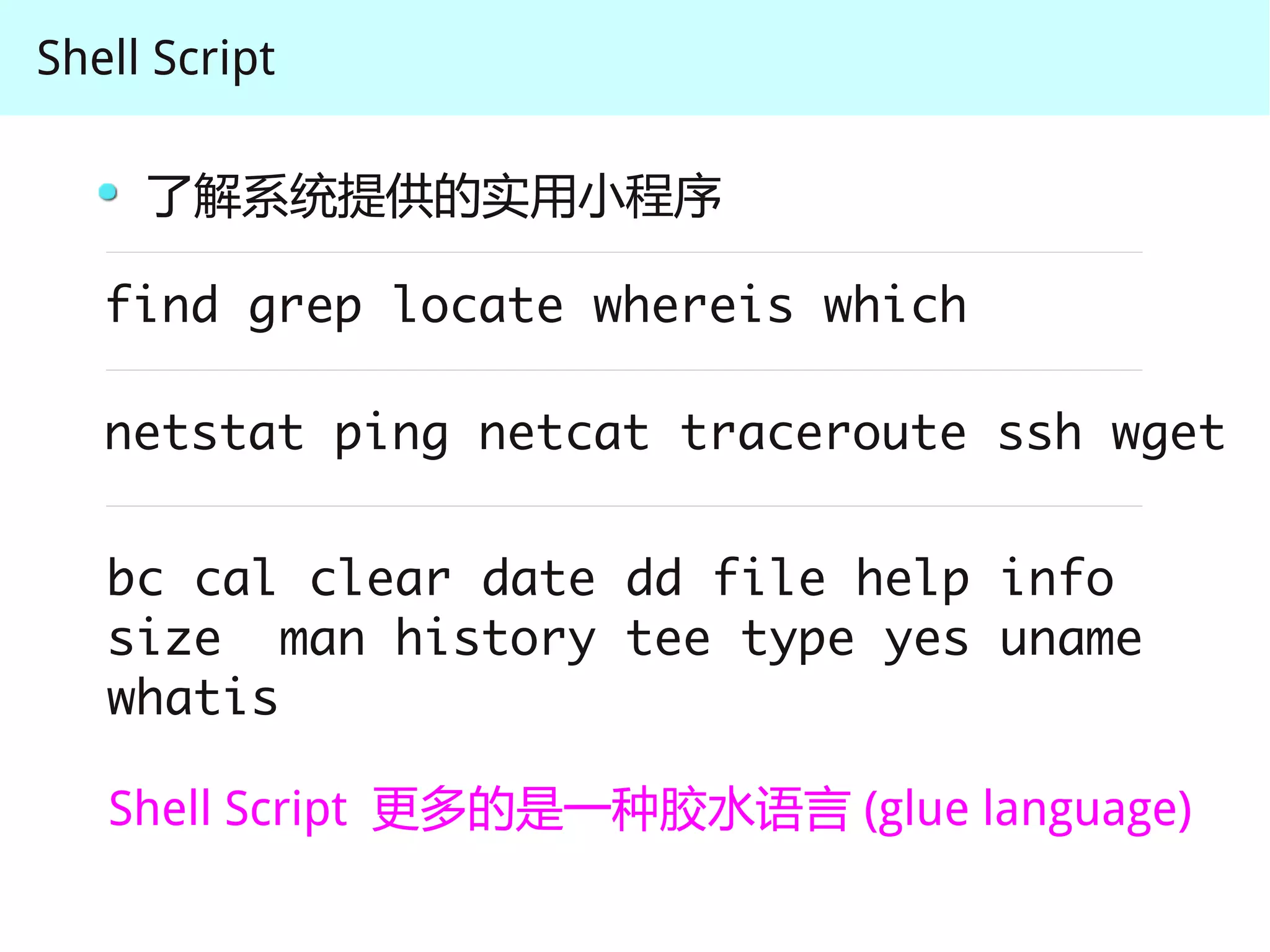
    了解系统提供的实用小程序
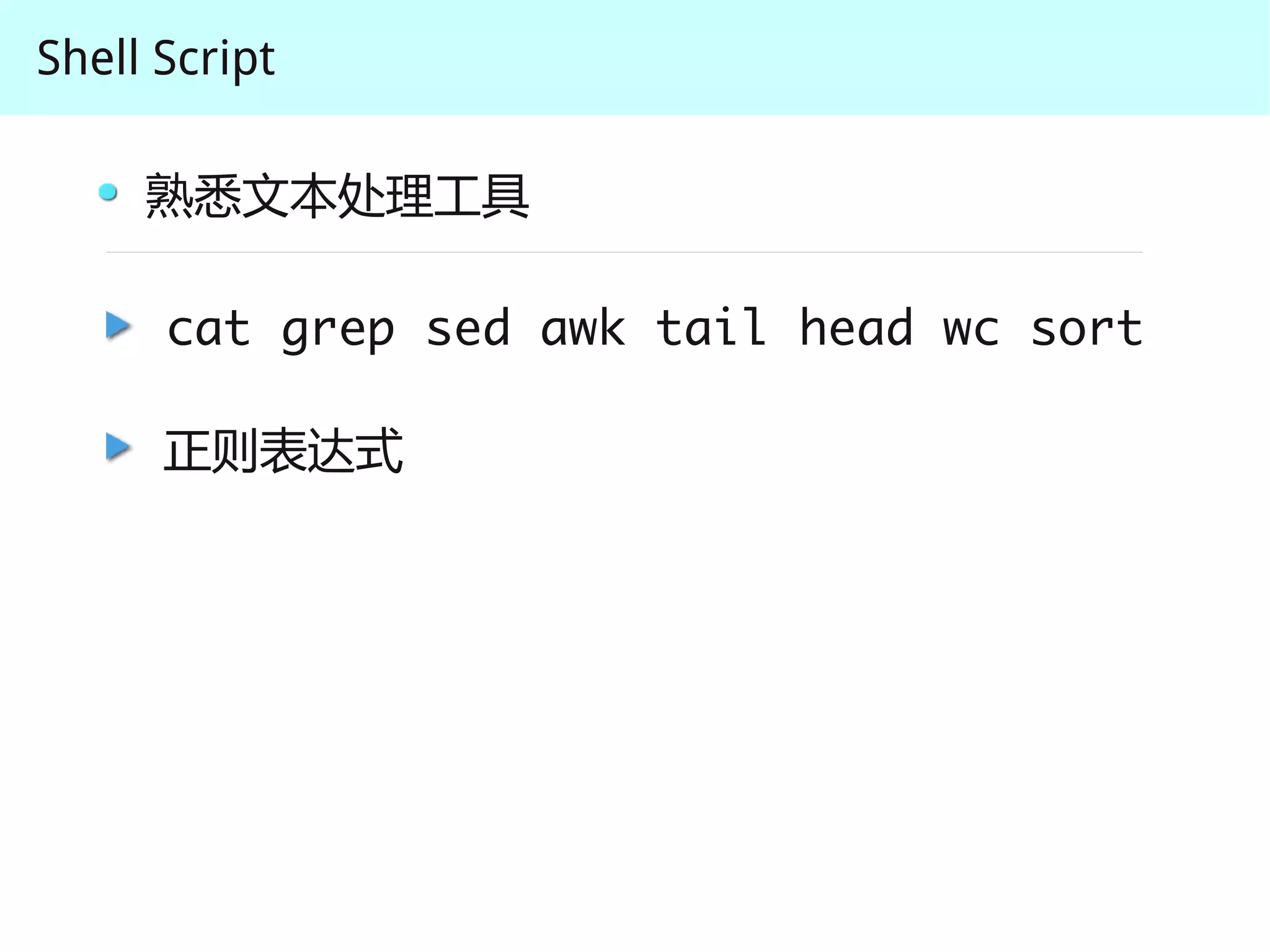
    熟悉文本处理工具
Shell Script

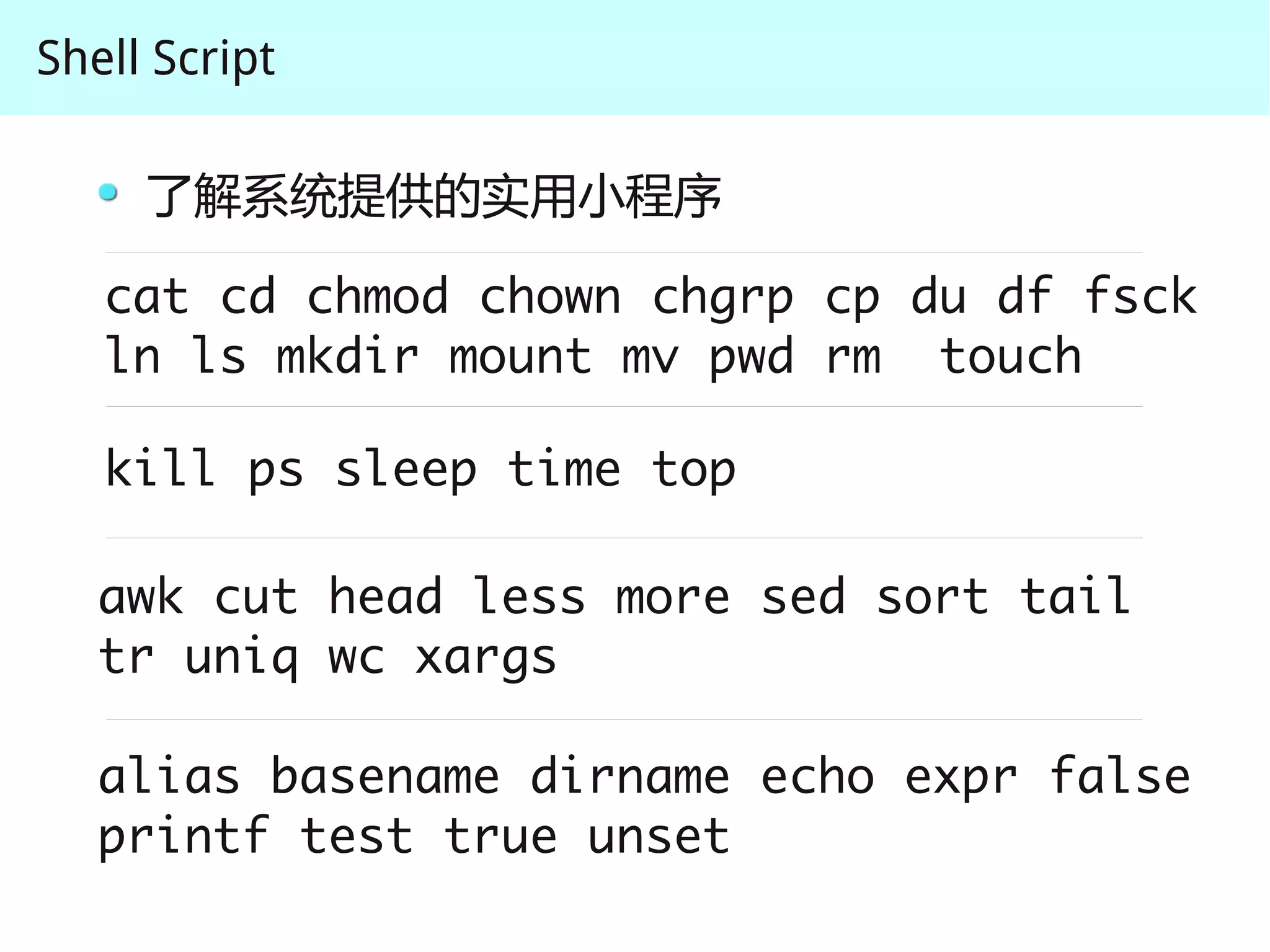
     了解系统提供的实用小程序

   cat cd chmod chown chgrp cp du df fsck
   ln ls mkdir mount mv pwd rm touch

   kill ps sleep time top

   awk cut head less more sed sort tail 
   tr uniq wc xargs

   alias basename dirname echo expr false 
   printf test true unset
Shell Script

     了解系统提供的实用小程序

   find grep locate whereis which

   netstat ping netcat traceroute ssh wget


   bc cal clear date dd file help info
   size man history tee type yes uname
   whatis
Shell Script

     了解系统提供的实用小程序

   find grep locate whereis which

   netstat ping netcat traceroute ssh wget


   bc cal clear date dd file help info
   size man history tee type yes uname
   whatis

   Shell Script 更多的是一种胶水语言 (glue language)
Shell Script

     熟悉文本处理工具

      cat grep sed awk tail head wc sort

      正则表达式
Shell Script


               几个简单的例子 ( 前面四个例子 )

               Shell Script 基础
                   输入 / 输出流

               Shell Script 语法简介
Shell Script

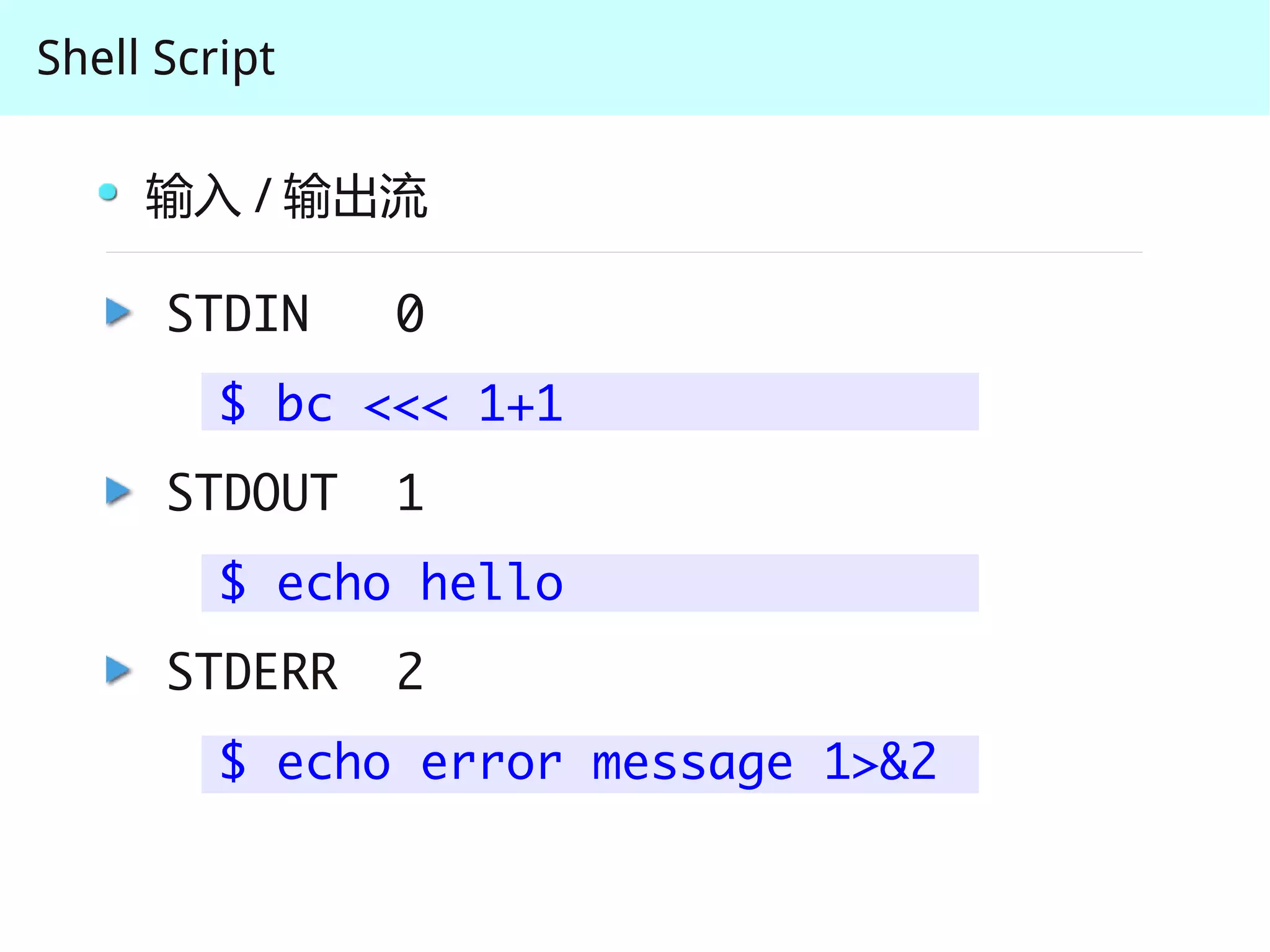
     输入 / 输出流

      STDIN    0
         $ bc <<< 1+1
      STDOUT   1
         $ echo hello
      STDERR   2
         $ echo error message 1>&2
Shell Script

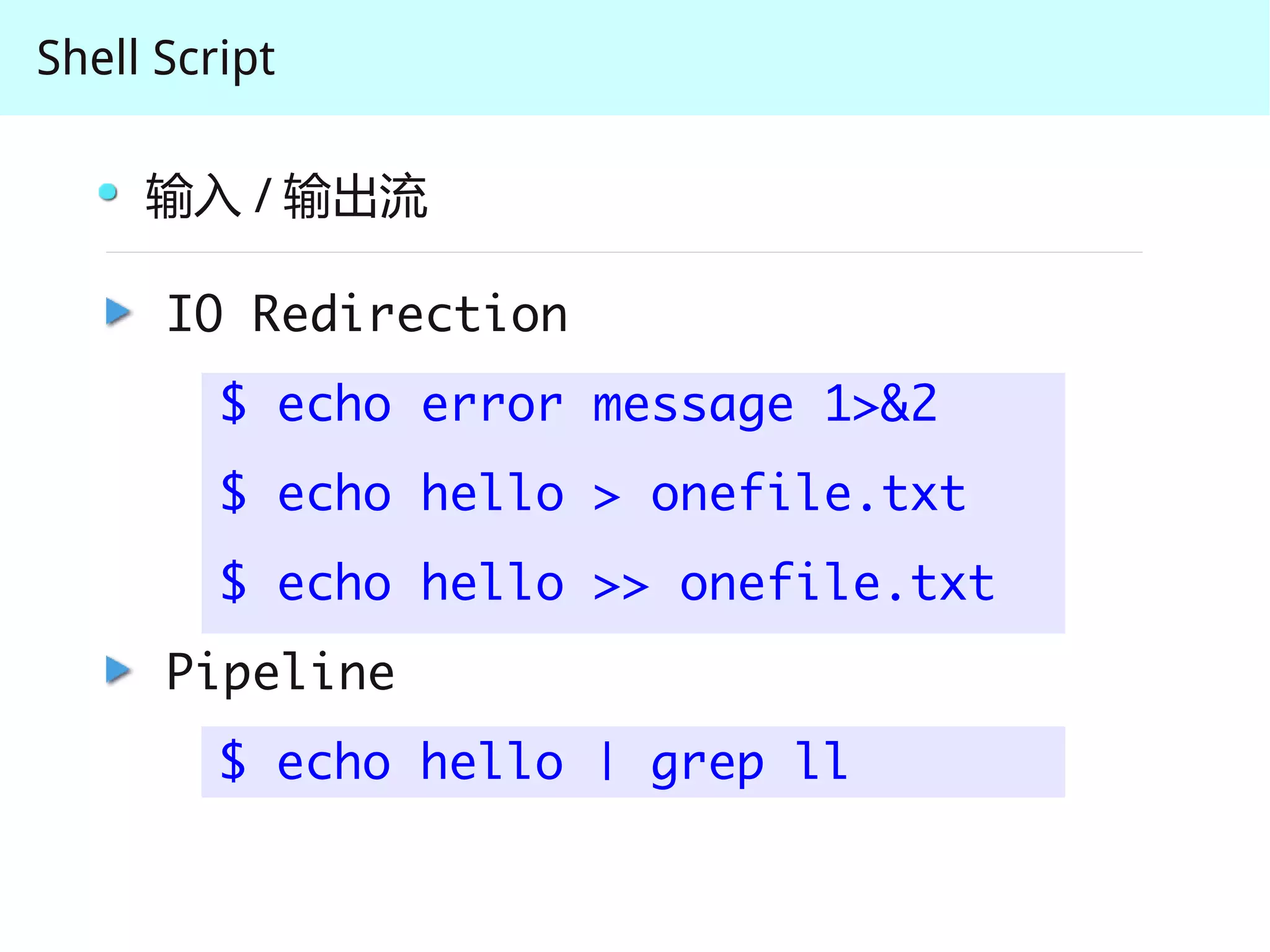
     输入 / 输出流

      IO Redirection
         $ echo error message 1>&2
         $ echo hello > onefile.txt
         $ echo hello >> onefile.txt
      Pipeline
         $ echo hello | grep ll
Shell Script

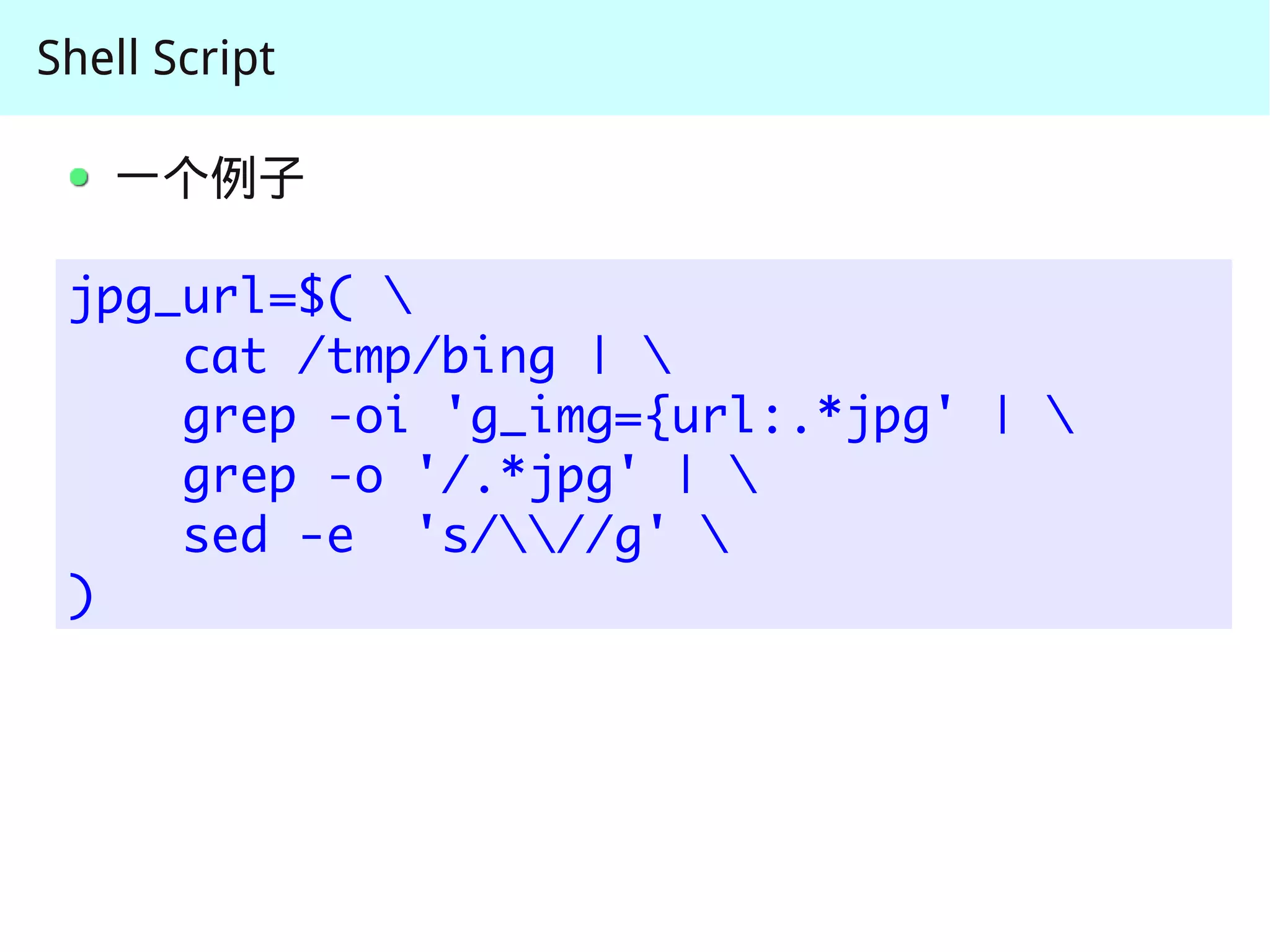
   一个例子

 jpg_url=$( 
     cat /tmp/bing | 
     grep -oi 'g_img={url:.*jpg' | 
     grep -o '/.*jpg' | 
     sed -e 's///g' 
 )
Shell Script


               几个简单的例子 ( 前面四个例子 )

               Shell Script 基础
                   输入 / 输出流

               Shell Script 语法简介
Shell Script

     语法简介

      变量赋值
         VAR1=message
         echo $VAR1
      if 语句
         if [ -d /home/apple ]; do
               rm -rf /home/apple
         fi
Shell Script

     语法简介
      for 语句
         for i in 1 2 3 4; do
                echo $(($i * 2))
         done
      while 语句
         while [ 1 ]; then
               echo I am working...
         done
Shell Script

     语法简介
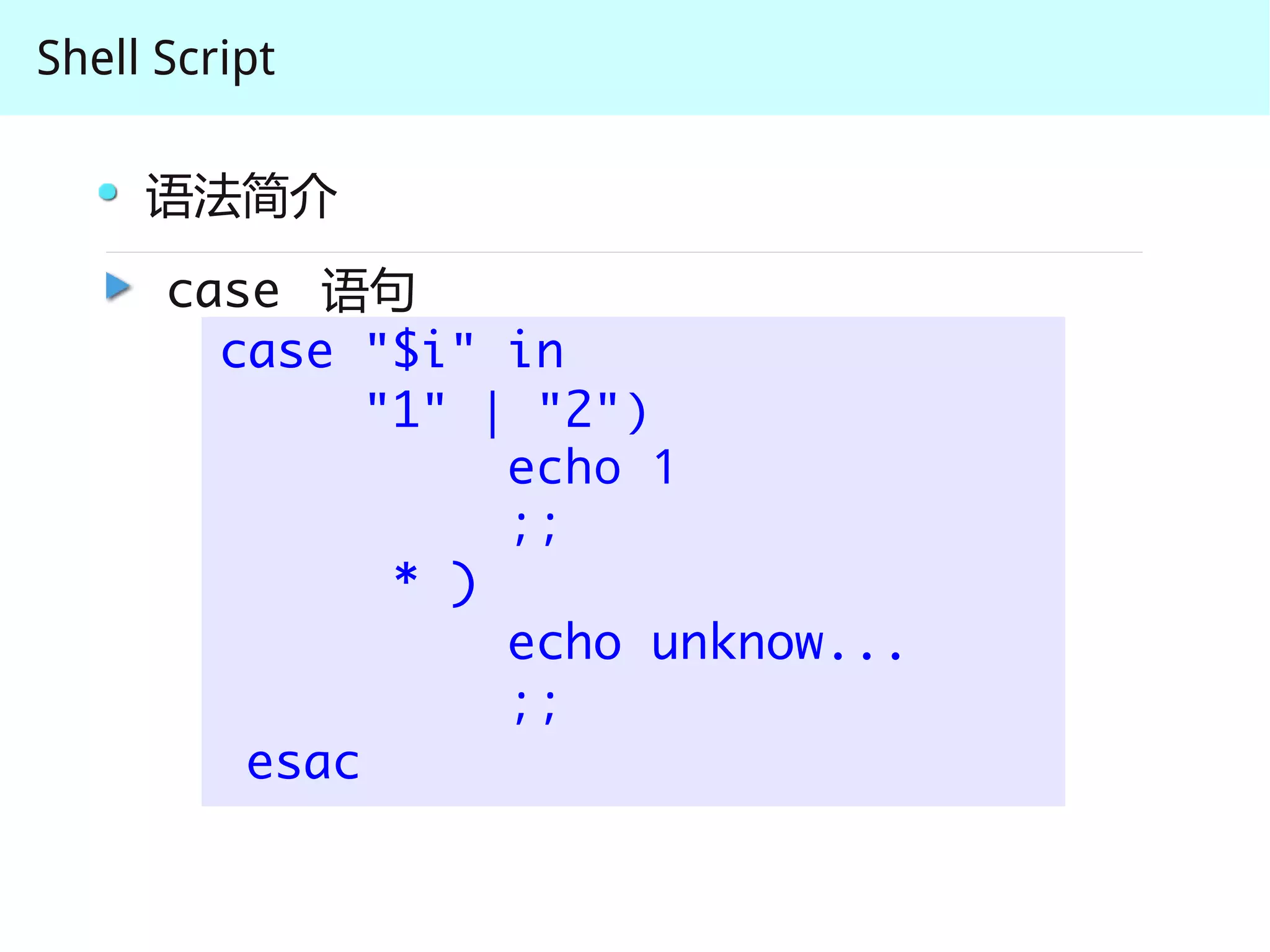
      case 语句
        case "$i" in
              "1" | "2")
                   echo 1
                   ;;
               * )
                   echo unknow...
                   ;;
         esac
Shell Script

     语法简介
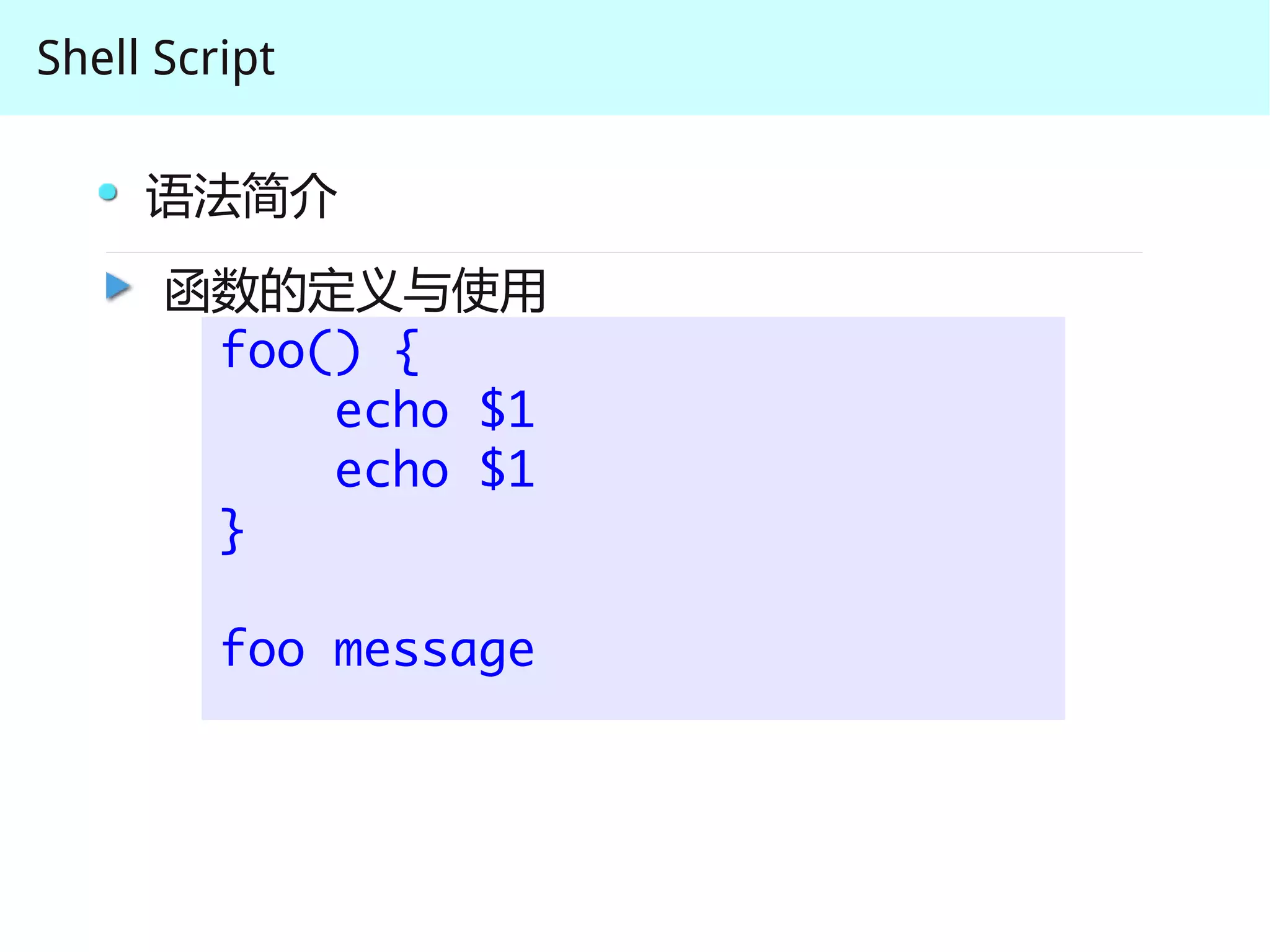
      函数的定义与使用
       foo() {
           echo $1
           echo $1
       }

         foo message
Shell Script            Tomcat 状态监视脚本

#!/bin/sh

while test true ;do

   ui=$(ps x | egrep tomcat | grep -v grep | 
     awk '{print $1}')

   if [ "$ui" == ""   ] ;then

       /opt/unimas/tomcatui/bin/startup.sh
       sleep 4

   else
      echo "tomcat is running"
   fi

done
Shell Script            Tomcat 状态监视脚本

#!/bin/sh
                          至少 4 处不妥当的地方
while test true ;do

   ui=$(ps x | egrep tomcat | grep -v grep | 
     awk '{print $1}')

   if [ "$ui" == ""   ] ;then

       /opt/unimas/tomcatui/bin/startup.sh
       sleep 4

   else
      echo "tomcat is running"
   fi

done
Shell Script            Tomcat 状态监视脚本

#!/bin/sh

while test true ;do

   ui=$(ps x | egrep tomcat | grep -v grep | 
     awk '{print $1}')
                                 ui=pgrep tomcat
   if [ "$ui" == ""   ] ;then

       /opt/unimas/tomcatui/bin/startup.sh
       sleep 4

   else
      echo "tomcat is running"
   fi

done
Shell Script            Tomcat 状态监视脚本

#!/bin/sh

while test true ;do     死循环,耗资源
   ui=$(ps x | egrep tomcat | grep -v grep | 
     awk '{print $1}')
                                 ui=pgrep tomcat
   if [ "$ui" == ""   ] ;then

       /opt/unimas/tomcatui/bin/startup.sh
       sleep 4

   else
      echo "tomcat is running"
   fi

done
Shell Script            Tomcat 状态监视脚本

#!/bin/sh

while test true ;do     死循环,耗资源
   ui=$(ps x | egrep tomcat | grep -v grep | 
     awk '{print $1}')
                                 ui=pgrep tomcat
   if [ "$ui" == ""   ] ;then

       /opt/unimas/tomcatui/bin/startup.sh
       sleep 4
                没有判断是否启动成功
   else
      echo "tomcat is running"
   fi

done
Shell Script            Tomcat 状态监视脚本

#!/bin/sh

while test true ;do     死循环,耗资源
   ui=$(ps x | egrep tomcat | grep -v grep | 
     awk '{print $1}')
                                 ui=pgrep tomcat
   if [ "$ui" == ""   ] ;then

       /opt/unimas/tomcatui/bin/startup.sh
       sleep 4
                没有判断是否启动成功
   else
      echo "tomcat is running"
   fi
                仅通过进程号判断 tomcat 状态不合理
done
Shell Script             Tomcat 状态监视脚本

#!/bin/bash

ALIVE_URL=http://127.0.0.1:8080/alive.html
ALIVE=$(w3m -dump $ALIVE_URL)

if [ ! “$ALIVE” == “alive” ]; do
   mail -s "alert-error" hellojinjie@gmail.com 
     <<< “tomcat error, restarting tomcat”

     /opt/bin/tomcat restart

     if [ ! “$?” == “0” ]; then
        mail -s "alert-fatal" hellojinjie@gmail.com 
          <<< “error ocurred while restarting tomcat”
     fi
fi             crontab
               */5 * * * * /path/to/tomcat_monitor.sh
Shell Script

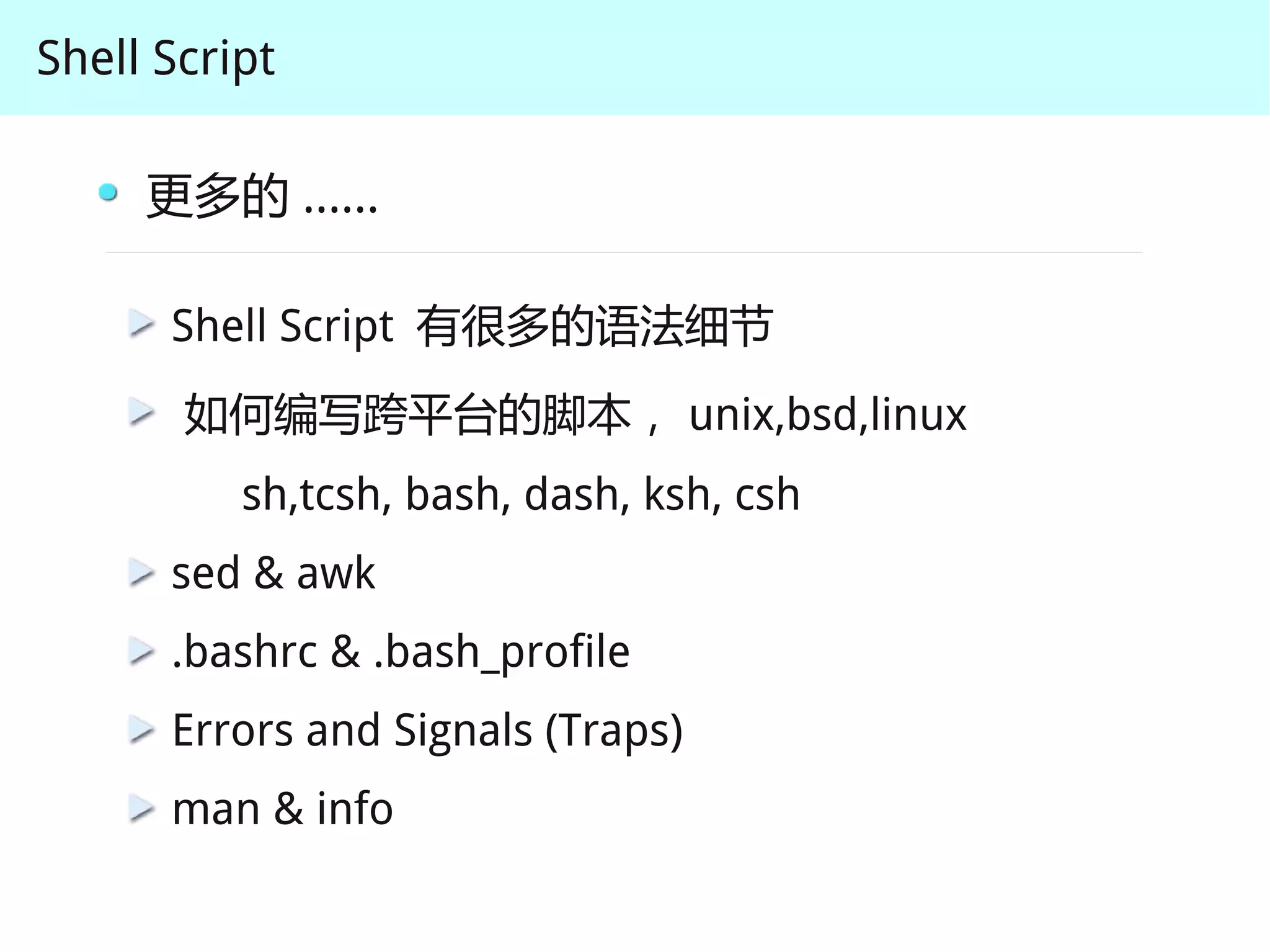
     更多的 ......

      Shell Script 有很多的语法细节
       如何编写跨平台的脚本, unix,bsd,linux
          sh,tcsh, bash, dash, ksh, csh
      sed & awk
      .bashrc & .bash_profile
      Errors and Signals (Traps)
      man & info
Shell Script


        经典教程

         Advanced Bash-Scripting Guide
Shell Script


               Q&A

shell script introduction

  • 1.
    The Unix andGNU/Linux Command Line Shell Script 2011 10.28
  • 2.
    Shell Script Tomcat 状态监视脚本 #!/bin/sh while test true ;do ui=$(ps x | egrep tomcat | grep -v grep | awk '{print $1}') if [ "$ui" == "" ] ;then /opt/unimas/tomcatui/bin/startup.sh sleep 4 else echo "tomcat is running" fi done
  • 3.
    Shell Script Shell Script 可以用来做什么? 监控应用程序的运行
  • 4.
    Shell Script Borealis 构建脚本 #!/bin/bash export CVS_SANDBOX=$HOME/Workspace/borealis export BOREALIS_HOME=$CVS_SANDBOX/polaris source $BOREALIS_TOOL/rc case "x$1" in "x" | "xhelp" ) echo -e $HELP_TEXT ;; "xinit" ) echo "try source build.sh" ;; "xall" ) cd utility/unix/ ./build.borealis.sh ./build.borealis.sh -client -tool.marshal -tool.head cd - ;; * ) echo "Unknow option: "$1" ;; esac
  • 5.
    Shell Script Autotools 辅助脚本 #!/bin/sh if test ! -f configure.ac; then echo Setup must be run from the source directory >&2 exit 1 fi rm -rf config mkdir config rm -rf autom4te.cache configure config.status aclocal.m4 Makefile.in aclocal libtoolize autoheader touch NEWS README AUTHORS ChangeLog automake --add-missing autoconf if test -f config.status; then sh config.status fi
  • 6.
    Shell Script Shell Script 可以用来做什么? 监控应用程序的运行 一键构建脚本,辅助开发,完成繁琐的操作步骤
  • 7.
    Shell Script 抓取必应背景图片并设为桌面 #!/bin/bash DOWN_DIR=$(pwd) # 下载图片的目录 DOWN_URL="http://cn.bing.com" cd $DOWN_DIR # cd 到下载图片的目录去 rm -f /tmp/bing wget -O /tmp/bing $DOWN_URL jpg_url=$(cat /tmp/bing | grep -oi 'g_img={url:.*jpg' | grep -o '/.*jpg' | sed -e 's///g') down_jpg_url=http://www.bing.com$jpg_url wget -nc $down_jpg_url gconftool-2 -t str –set /desktop/gnome/background/picture_filename $(pwd)/$(echo $jpg_url | awk -F "/" '{print $4}') cd - # cd 回到原来的目录
  • 8.
    Shell Script Shell Script 可以用来做什么? 监控应用程序的运行 一键构建脚本,辅助开发,完成繁琐的操作步骤 自己写些好玩的程序,帮助完成工作
  • 9.
    Shell Script Shell Script 可以用来做什么? 监控应用程序的运行 一键构建脚本,辅助开发,完成繁琐的操作步骤 自己写些好玩的程序,帮助完成工作 很多很多其他的应用
  • 10.
    Shell Script 几个简单的例子 ( 前面四个例子 ) Shell Script 基础 输入 / 输出流 Shell Script 语法简介
  • 11.
    Shell Script Shell Script 基础 Linux 有很多的实用小工具,每个小工具只做一件事 Linux 大部分的配置文件都是以文本格式保存的 了解系统提供的实用小程序 熟悉文本处理工具
  • 12.
    Shell Script 了解系统提供的实用小程序 cat cd chmod chown chgrp cp du df fsck ln ls mkdir mount mv pwd rm touch kill ps sleep time top awk cut head less more sed sort tail  tr uniq wc xargs alias basename dirname echo expr false  printf test true unset
  • 13.
    Shell Script 了解系统提供的实用小程序 find grep locate whereis which netstat ping netcat traceroute ssh wget bc cal clear date dd file help info size man history tee type yes uname whatis
  • 14.
    Shell Script 了解系统提供的实用小程序 find grep locate whereis which netstat ping netcat traceroute ssh wget bc cal clear date dd file help info size man history tee type yes uname whatis Shell Script 更多的是一种胶水语言 (glue language)
  • 15.
    Shell Script 熟悉文本处理工具 cat grep sed awk tail head wc sort 正则表达式
  • 16.
    Shell Script 几个简单的例子 ( 前面四个例子 ) Shell Script 基础 输入 / 输出流 Shell Script 语法简介
  • 17.
    Shell Script 输入 / 输出流 STDIN 0 $ bc <<< 1+1 STDOUT 1 $ echo hello STDERR 2 $ echo error message 1>&2
  • 18.
    Shell Script 输入 / 输出流 IO Redirection $ echo error message 1>&2 $ echo hello > onefile.txt $ echo hello >> onefile.txt Pipeline $ echo hello | grep ll
  • 19.
    Shell Script 一个例子 jpg_url=$( cat /tmp/bing | grep -oi 'g_img={url:.*jpg' | grep -o '/.*jpg' | sed -e 's///g' )
  • 20.
    Shell Script 几个简单的例子 ( 前面四个例子 ) Shell Script 基础 输入 / 输出流 Shell Script 语法简介
  • 21.
    Shell Script 语法简介 变量赋值 VAR1=message echo $VAR1 if 语句 if [ -d /home/apple ]; do rm -rf /home/apple fi
  • 22.
    Shell Script 语法简介 for 语句 for i in 1 2 3 4; do echo $(($i * 2)) done while 语句 while [ 1 ]; then echo I am working... done
  • 23.
    Shell Script 语法简介 case 语句 case "$i" in "1" | "2") echo 1 ;; * ) echo unknow... ;; esac
  • 24.
    Shell Script 语法简介 函数的定义与使用 foo() { echo $1 echo $1 } foo message
  • 25.
    Shell Script Tomcat 状态监视脚本 #!/bin/sh while test true ;do ui=$(ps x | egrep tomcat | grep -v grep | awk '{print $1}') if [ "$ui" == "" ] ;then /opt/unimas/tomcatui/bin/startup.sh sleep 4 else echo "tomcat is running" fi done
  • 26.
    Shell Script Tomcat 状态监视脚本 #!/bin/sh 至少 4 处不妥当的地方 while test true ;do ui=$(ps x | egrep tomcat | grep -v grep | awk '{print $1}') if [ "$ui" == "" ] ;then /opt/unimas/tomcatui/bin/startup.sh sleep 4 else echo "tomcat is running" fi done
  • 27.
    Shell Script Tomcat 状态监视脚本 #!/bin/sh while test true ;do ui=$(ps x | egrep tomcat | grep -v grep | awk '{print $1}') ui=pgrep tomcat if [ "$ui" == "" ] ;then /opt/unimas/tomcatui/bin/startup.sh sleep 4 else echo "tomcat is running" fi done
  • 28.
    Shell Script Tomcat 状态监视脚本 #!/bin/sh while test true ;do 死循环,耗资源 ui=$(ps x | egrep tomcat | grep -v grep | awk '{print $1}') ui=pgrep tomcat if [ "$ui" == "" ] ;then /opt/unimas/tomcatui/bin/startup.sh sleep 4 else echo "tomcat is running" fi done
  • 29.
    Shell Script Tomcat 状态监视脚本 #!/bin/sh while test true ;do 死循环,耗资源 ui=$(ps x | egrep tomcat | grep -v grep | awk '{print $1}') ui=pgrep tomcat if [ "$ui" == "" ] ;then /opt/unimas/tomcatui/bin/startup.sh sleep 4 没有判断是否启动成功 else echo "tomcat is running" fi done
  • 30.
    Shell Script Tomcat 状态监视脚本 #!/bin/sh while test true ;do 死循环,耗资源 ui=$(ps x | egrep tomcat | grep -v grep | awk '{print $1}') ui=pgrep tomcat if [ "$ui" == "" ] ;then /opt/unimas/tomcatui/bin/startup.sh sleep 4 没有判断是否启动成功 else echo "tomcat is running" fi 仅通过进程号判断 tomcat 状态不合理 done
  • 31.
    Shell Script Tomcat 状态监视脚本 #!/bin/bash ALIVE_URL=http://127.0.0.1:8080/alive.html ALIVE=$(w3m -dump $ALIVE_URL) if [ ! “$ALIVE” == “alive” ]; do mail -s "alert-error" hellojinjie@gmail.com <<< “tomcat error, restarting tomcat” /opt/bin/tomcat restart if [ ! “$?” == “0” ]; then mail -s "alert-fatal" hellojinjie@gmail.com <<< “error ocurred while restarting tomcat” fi fi crontab */5 * * * * /path/to/tomcat_monitor.sh
  • 32.
    Shell Script 更多的 ...... Shell Script 有很多的语法细节 如何编写跨平台的脚本, unix,bsd,linux sh,tcsh, bash, dash, ksh, csh sed & awk .bashrc & .bash_profile Errors and Signals (Traps) man & info
  • 33.
    Shell Script 经典教程 Advanced Bash-Scripting Guide
  • 34.