




Upgrading SharePoint 2010 to SharePoint 2013
Shereen Qumsieh | Co-Founder, Dynamic Owl Consulting
Co-Founder of Dynamic Owl Consulting
Microsoft Certified Professional
Organizer of Vancouver SharePoint Developer Group
Blog: sharepointdeveloperhq.com | blog.qumsieh.ca
Contributing Author
SharePoint Trainer & Speaker
Introduction: Shereen Qumsieh
3
Headshot
Today’s Agenda
4
• What’s new with upgrading to SharePoint 2013
• Overview of the upgrade process
• Lessons learned and best practices for upgrade
• Demo: Upgrading from SharePoint 2010 to SharePoint 2013
What’s new with upgrading to
SharePoint 2013
What do we need to know before planning our upgrade?
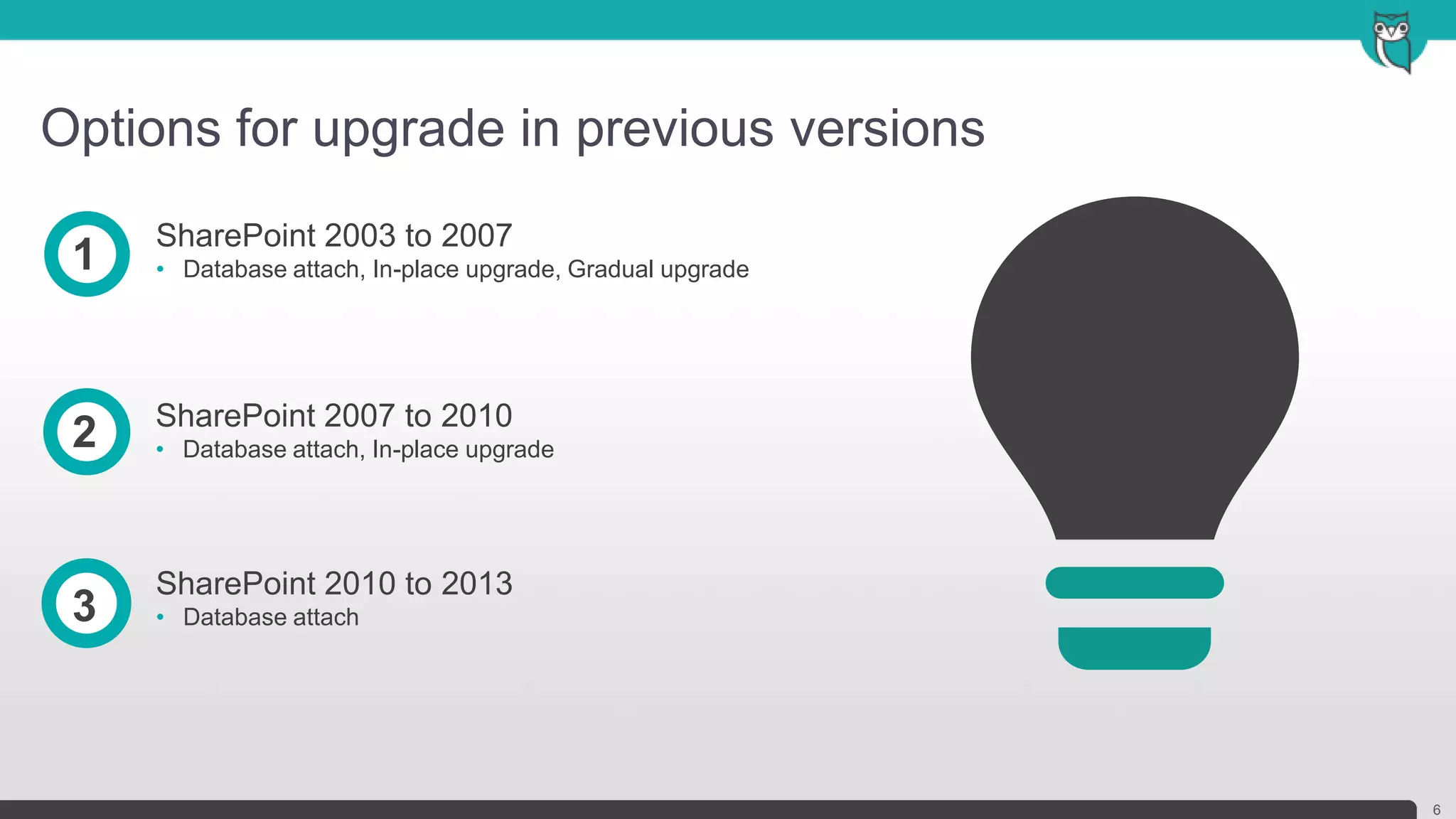
Options for upgrade in previous versions
6
SharePoint 2003 to 2007
• Database attach, In-place upgrade, Gradual upgrade1
SharePoint 2007 to 2010
• Database attach, In-place upgrade2
SharePoint 2010 to 2013
• Database attach3
What’s been improved
7
• Deferred site collection upgrade
• Site collection health checker
• Upgrade evaluation site collections
• Notifications for life-cycle events
• Throttles for site collection upgrade
• SharePoint compatibility modes
• Upgrade logging
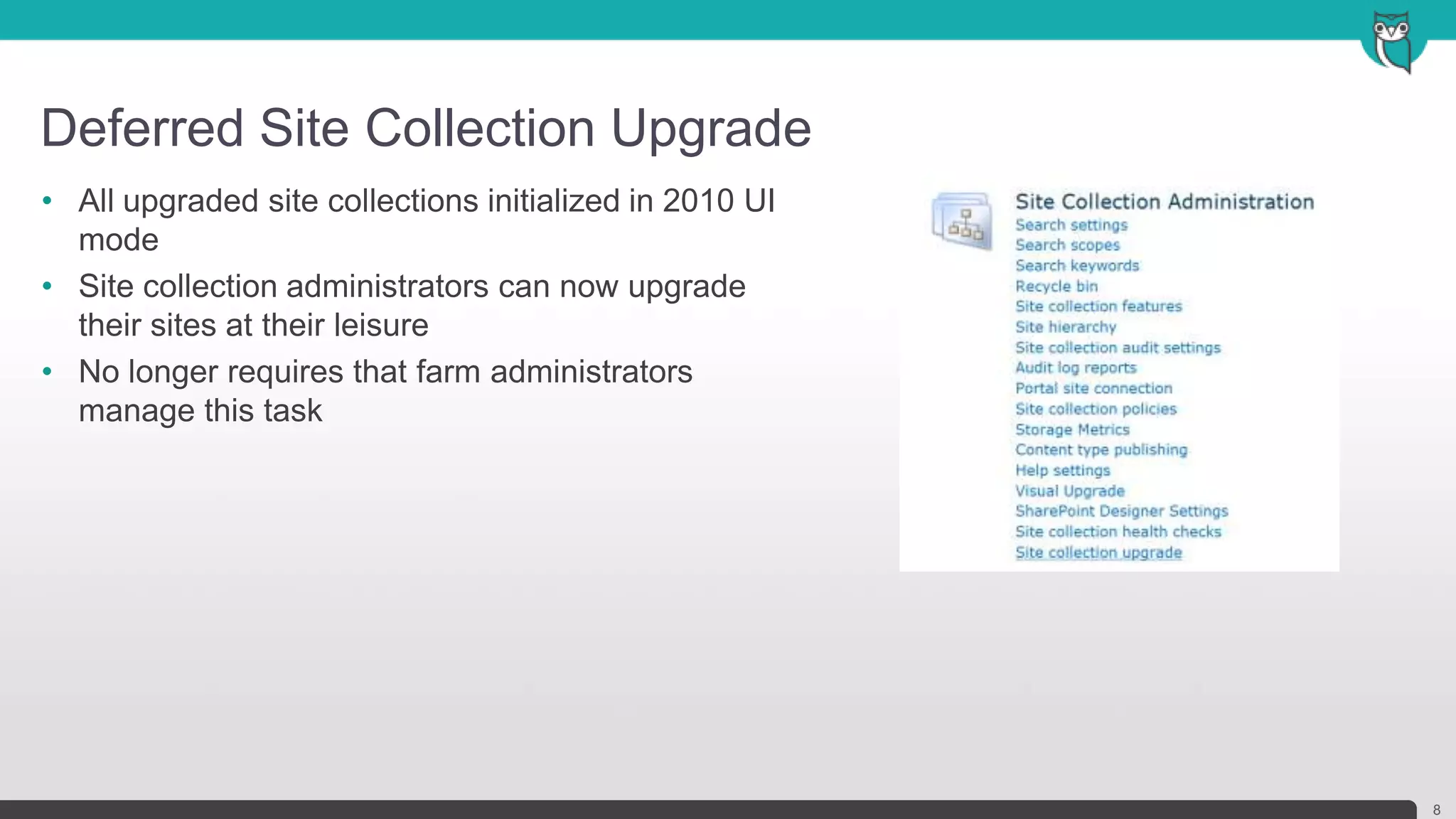
Deferred Site Collection Upgrade
8
• All upgraded site collections initialized in 2010 UI
mode
• Site collection administrators can now upgrade
their sites at their leisure
• No longer requires that farm administrators
manage this task
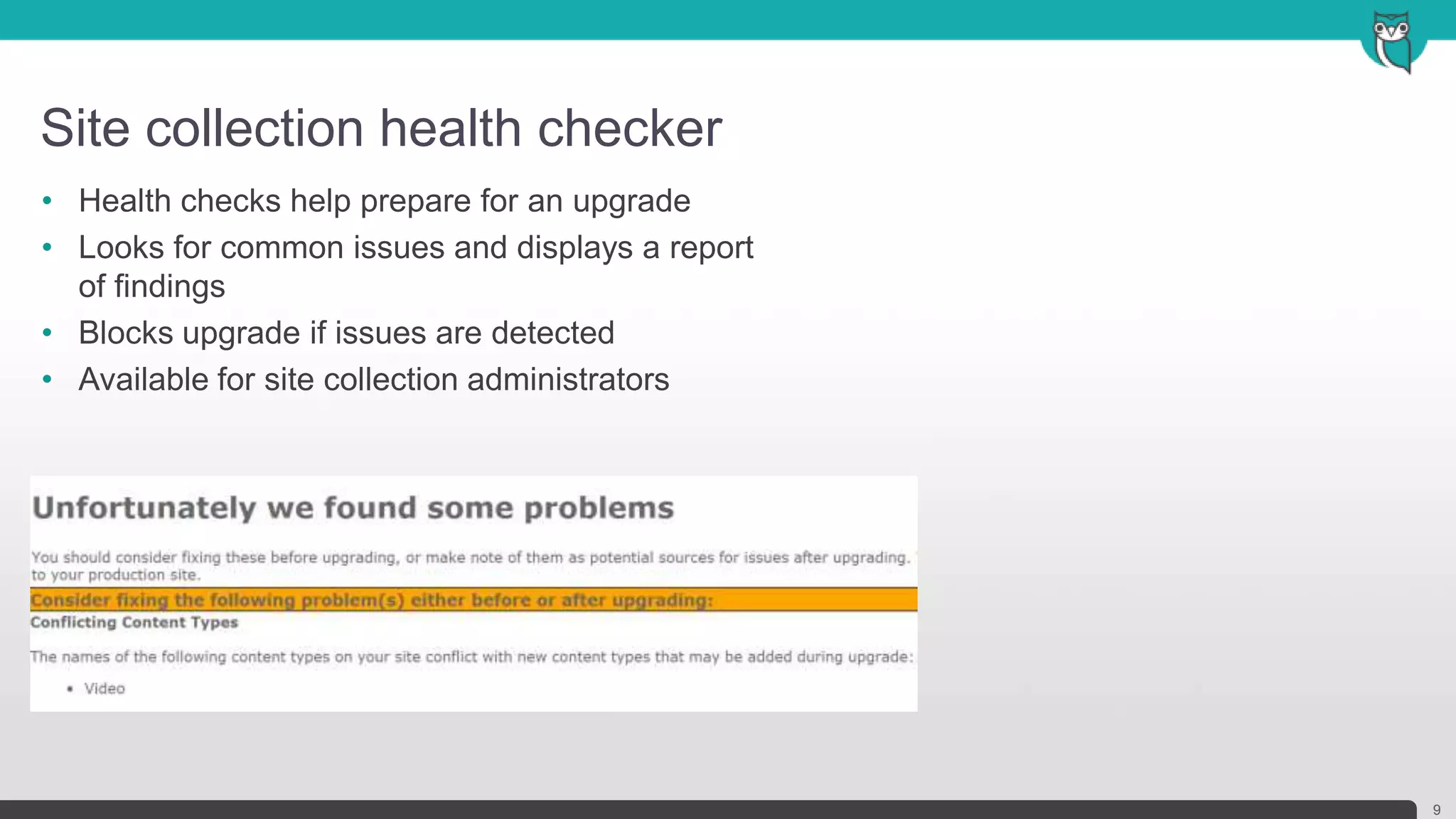
Site collection health checker
9
• Health checks help prepare for an upgrade
• Looks for common issues and displays a report
of findings
• Blocks upgrade if issues are detected
• Available for site collection administrators
Upgrade evaluation site collections
10
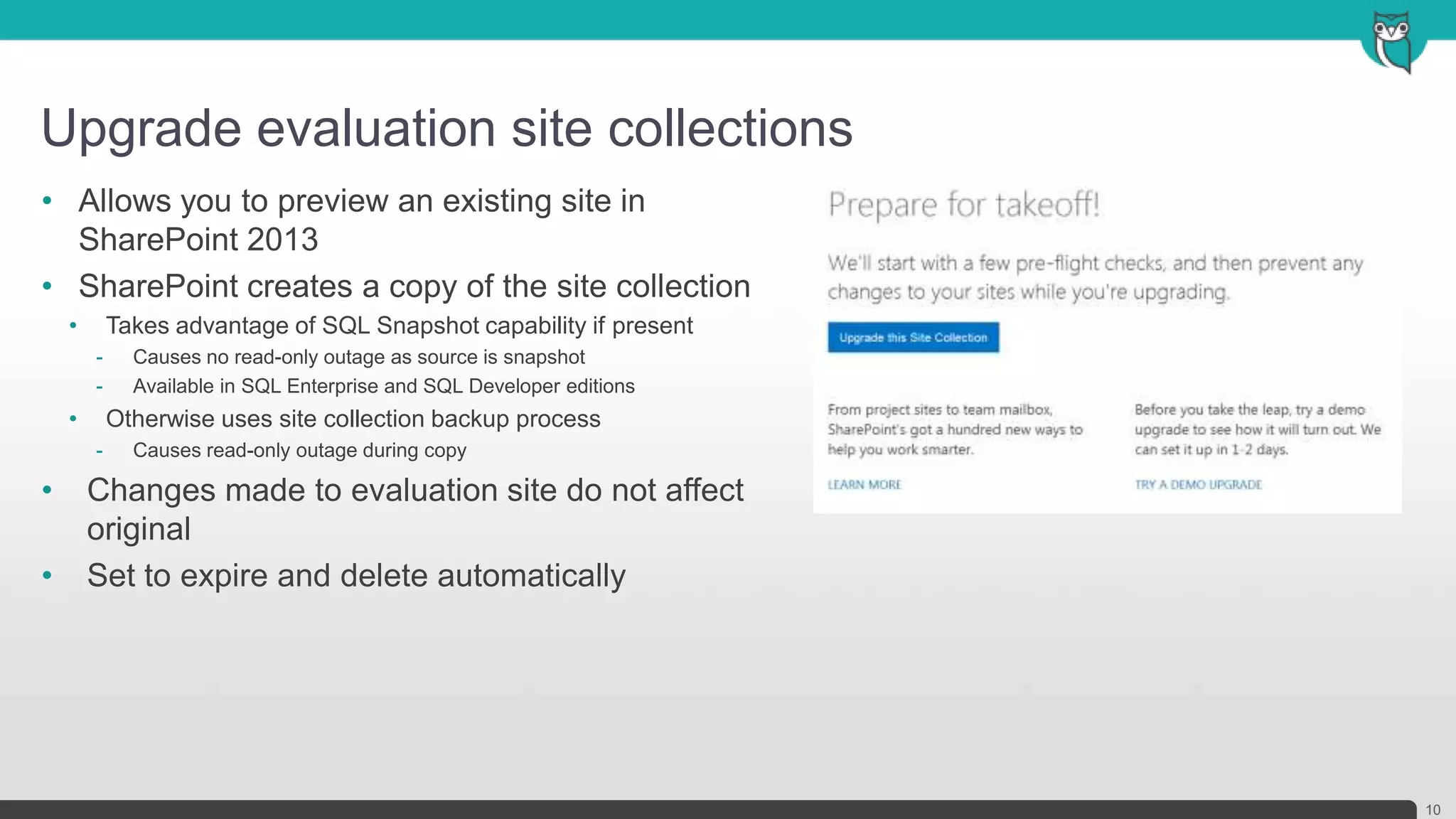
• Allows you to preview an existing site in
SharePoint 2013
• SharePoint creates a copy of the site collection
• Takes advantage of SQL Snapshot capability if present
- Causes no read-only outage as source is snapshot
- Available in SQL Enterprise and SQL Developer editions
• Otherwise uses site collection backup process
- Causes read-only outage during copy
• Changes made to evaluation site do not affect
original
• Set to expire and delete automatically
Notifications for life-cycle events
11
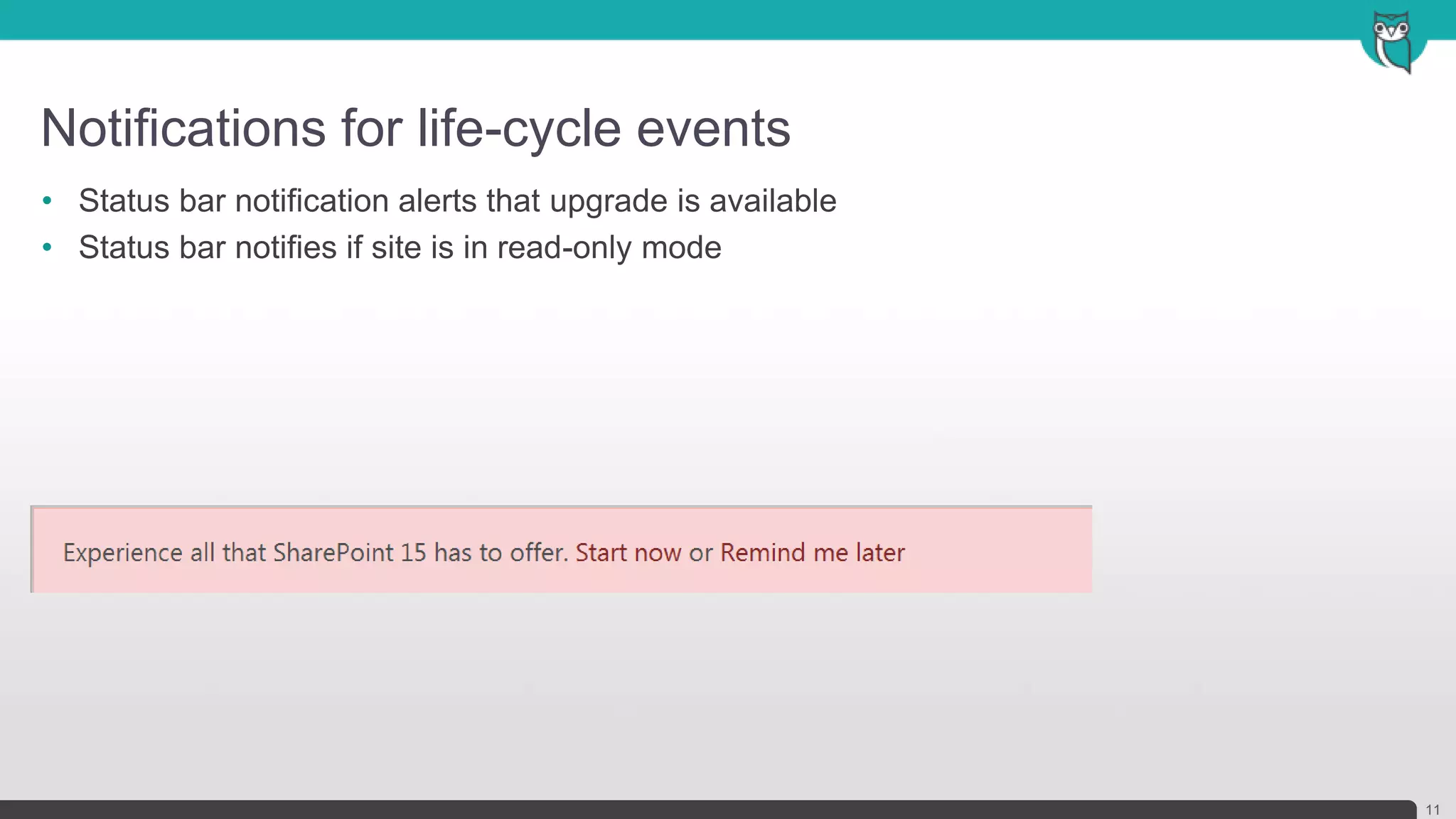
• Status bar notification alerts that upgrade is available
• Status bar notifies if site is in read-only mode
Throttles for site collection upgrade
12
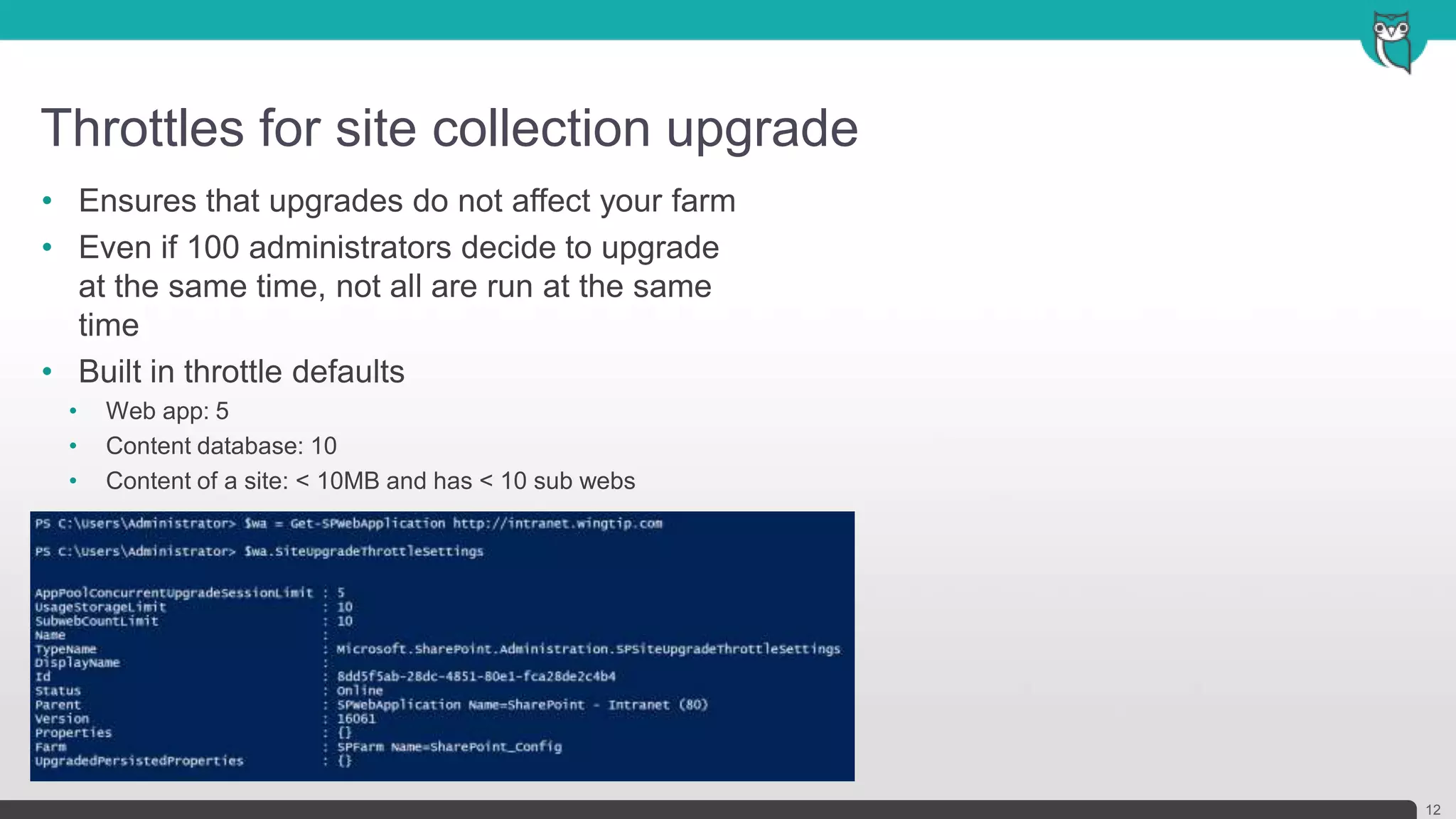
• Ensures that upgrades do not affect your farm
• Even if 100 administrators decide to upgrade
at the same time, not all are run at the same
time
• Built in throttle defaults
• Web app: 5
• Content database: 10
• Content of a site: < 10MB and has < 10 sub webs
SharePoint compatibility modes
13
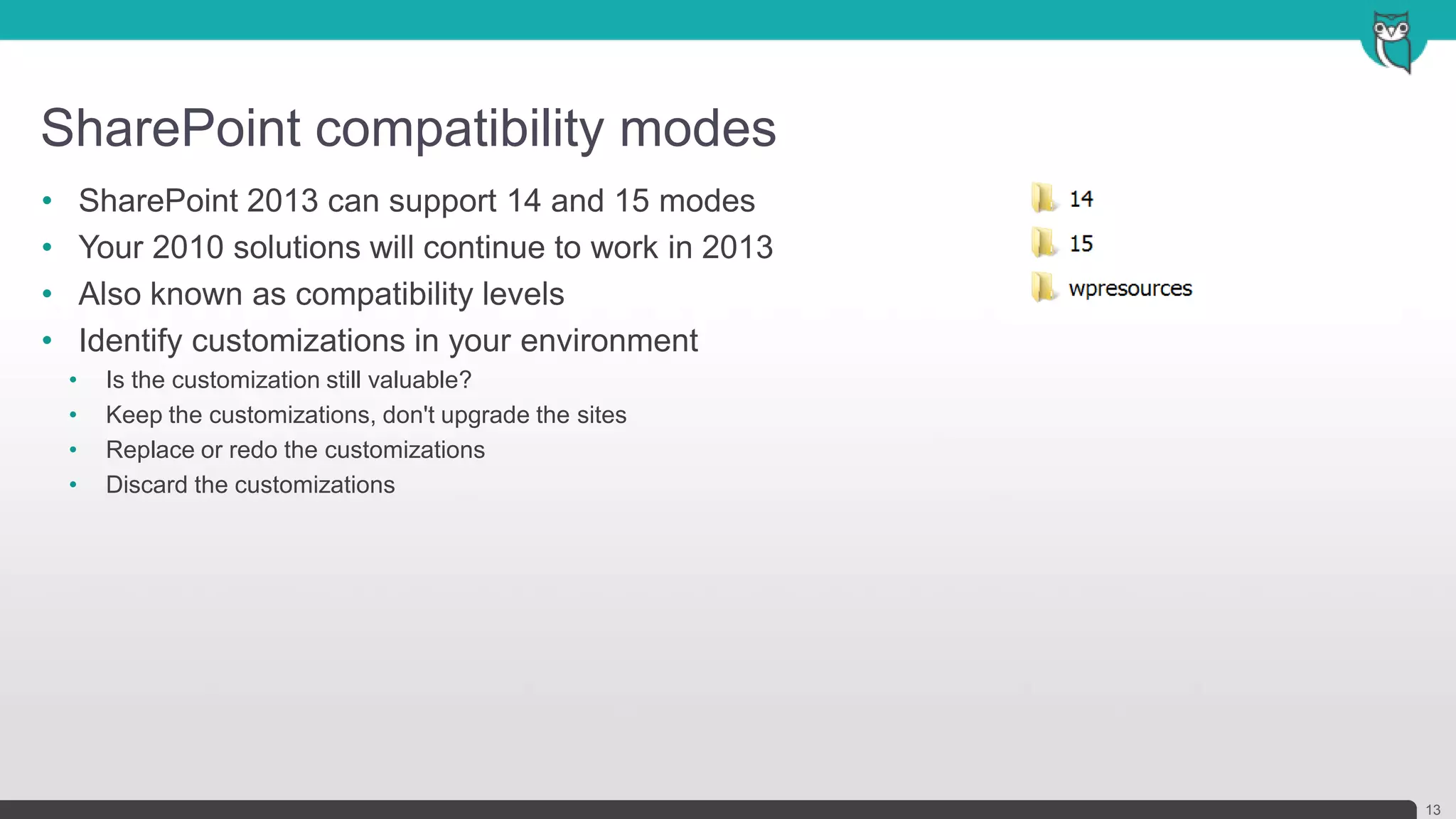
• SharePoint 2013 can support 14 and 15 modes
• Your 2010 solutions will continue to work in 2013
• Also known as compatibility levels
• Identify customizations in your environment
• Is the customization still valuable?
• Keep the customizations, don't upgrade the sites
• Replace or redo the customizations
• Discard the customizations
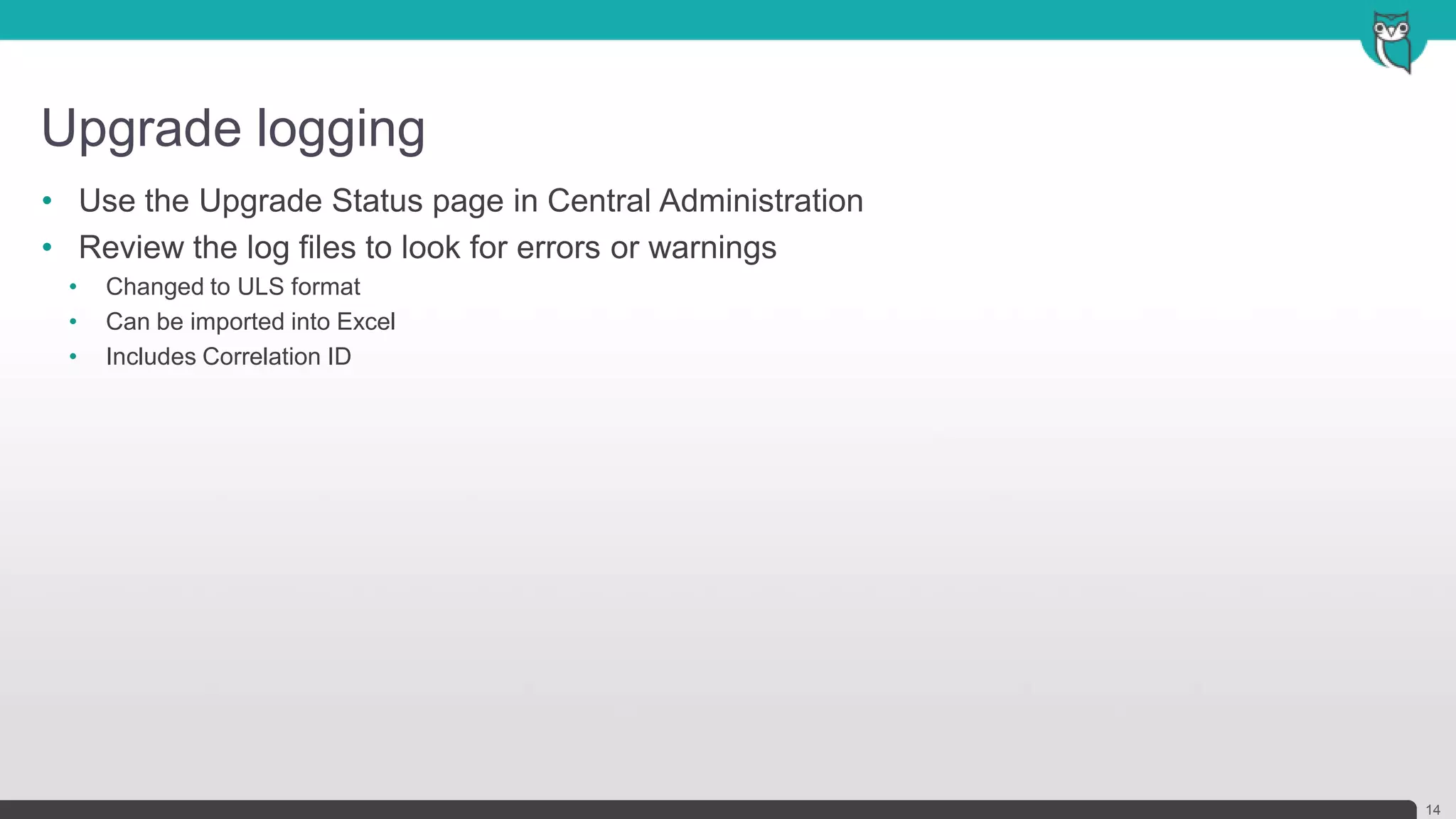
Upgrade logging
14
• Use the Upgrade Status page in Central Administration
• Review the log files to look for errors or warnings
• Changed to ULS format
• Can be imported into Excel
• Includes Correlation ID
Overview of the upgrade
process
I’m ready to upgrade, now what?
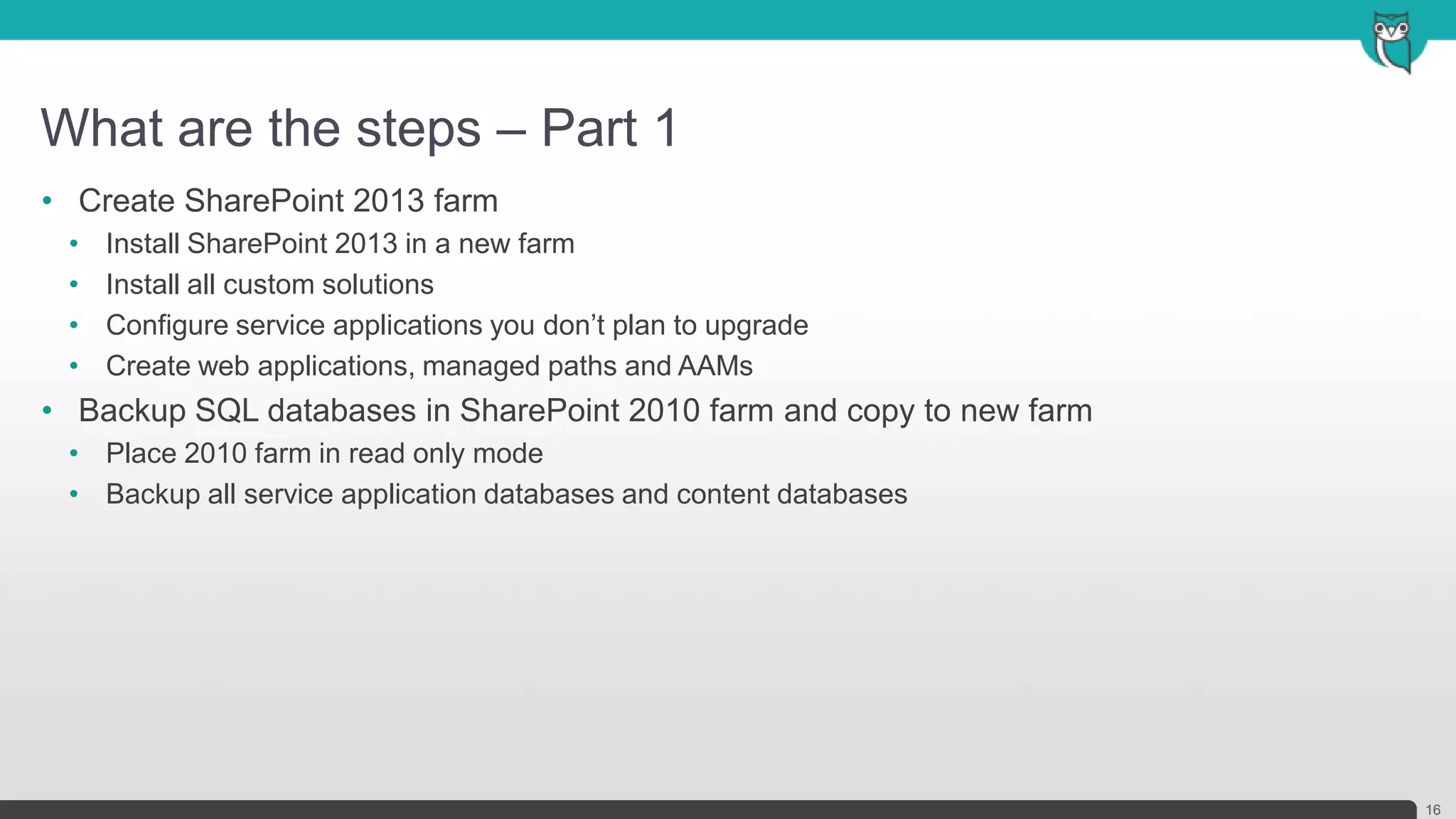
What are the steps – Part 1
16
• Create SharePoint 2013 farm
• Install SharePoint 2013 in a new farm
• Install all custom solutions
• Configure service applications you don’t plan to upgrade
• Create web applications, managed paths and AAMs
• Backup SQL databases in SharePoint 2010 farm and copy to new farm
• Place 2010 farm in read only mode
• Backup all service application databases and content databases
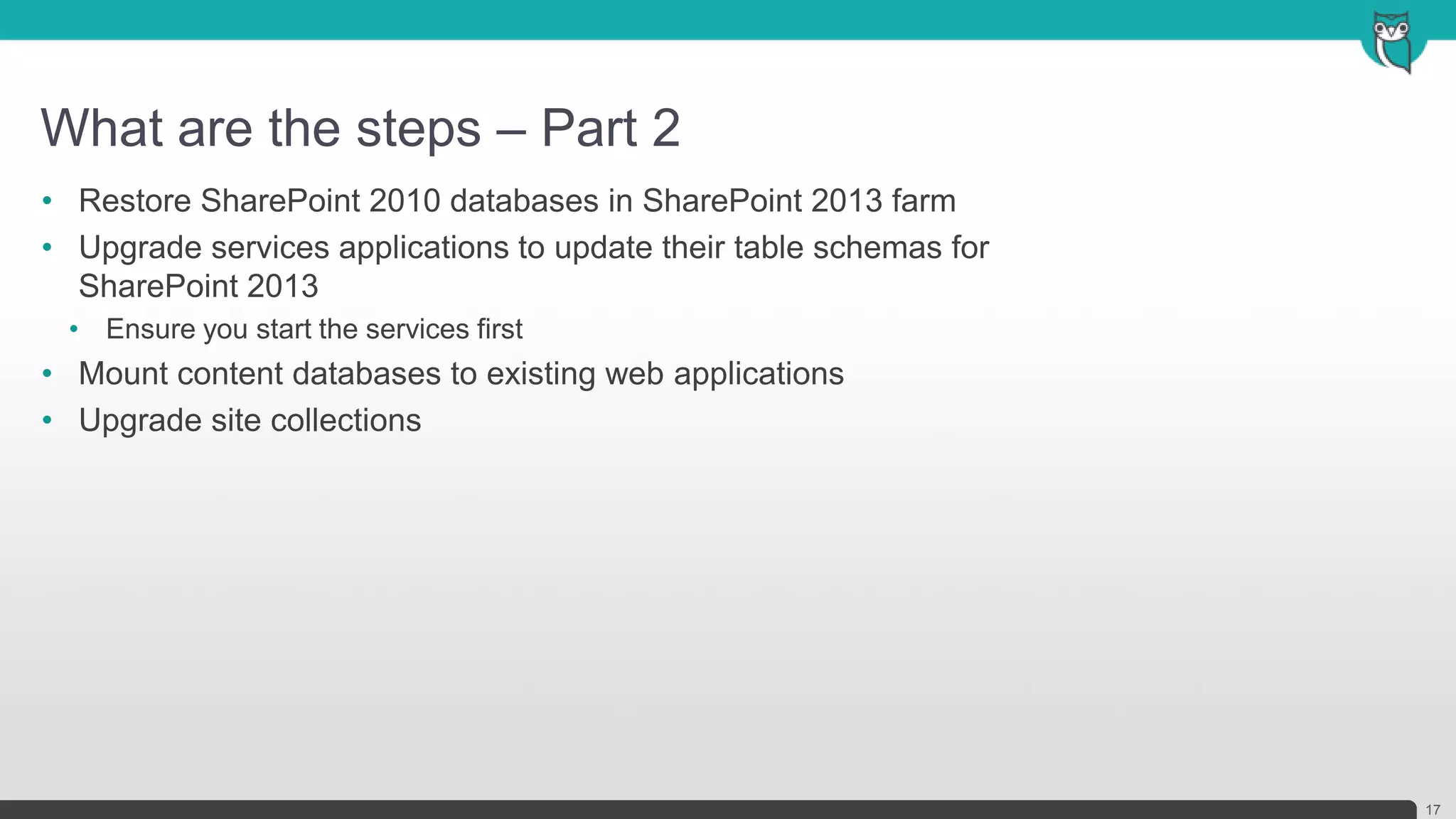
What are the steps – Part 2
17
• Restore SharePoint 2010 databases in SharePoint 2013 farm
• Upgrade services applications to update their table schemas for
SharePoint 2013
• Ensure you start the services first
• Mount content databases to existing web applications
• Upgrade site collections
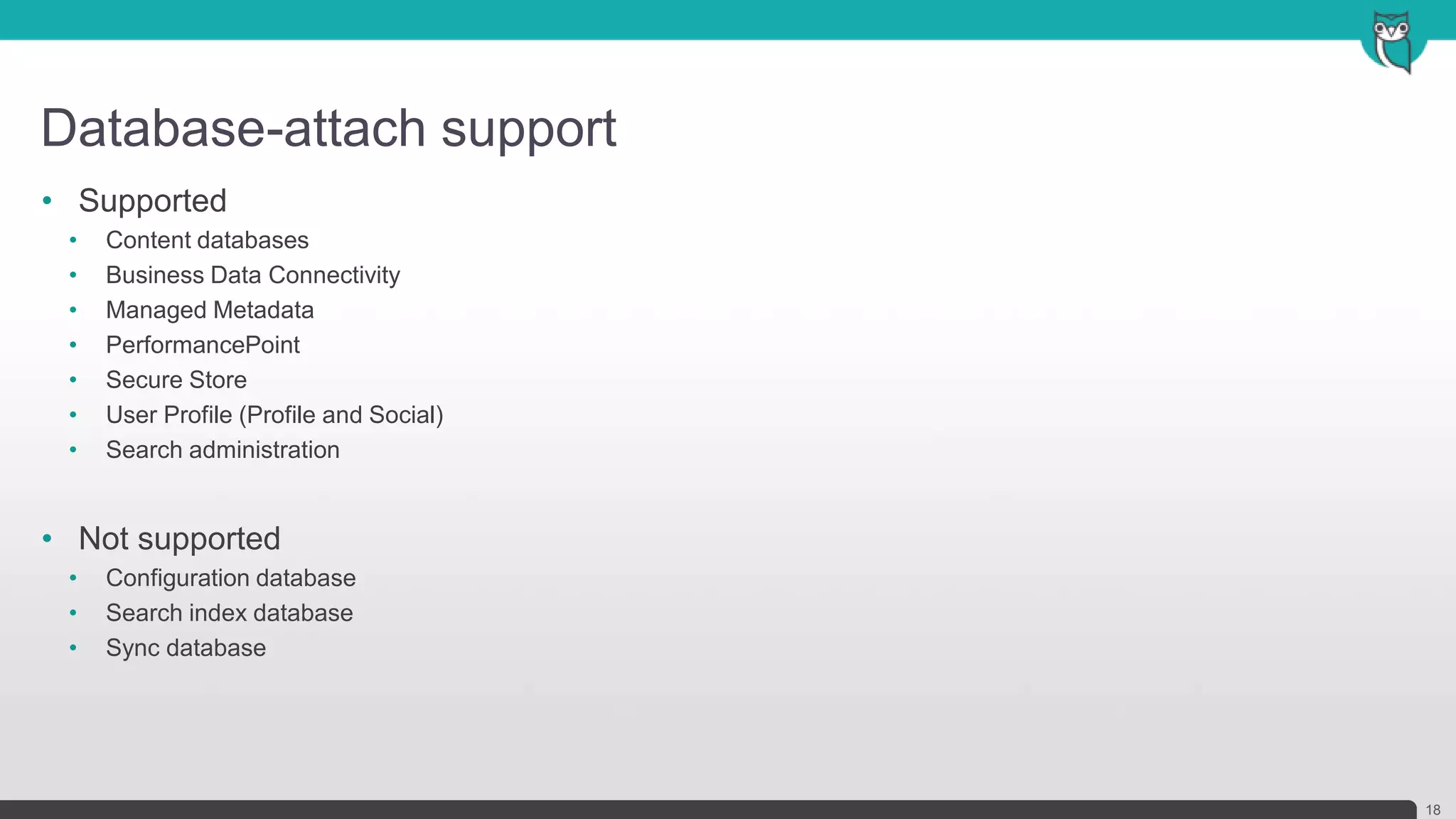
Database-attach support
18
• Supported
• Content databases
• Business Data Connectivity
• Managed Metadata
• PerformancePoint
• Secure Store
• User Profile (Profile and Social)
• Search administration
• Not supported
• Configuration database
• Search index database
• Sync database
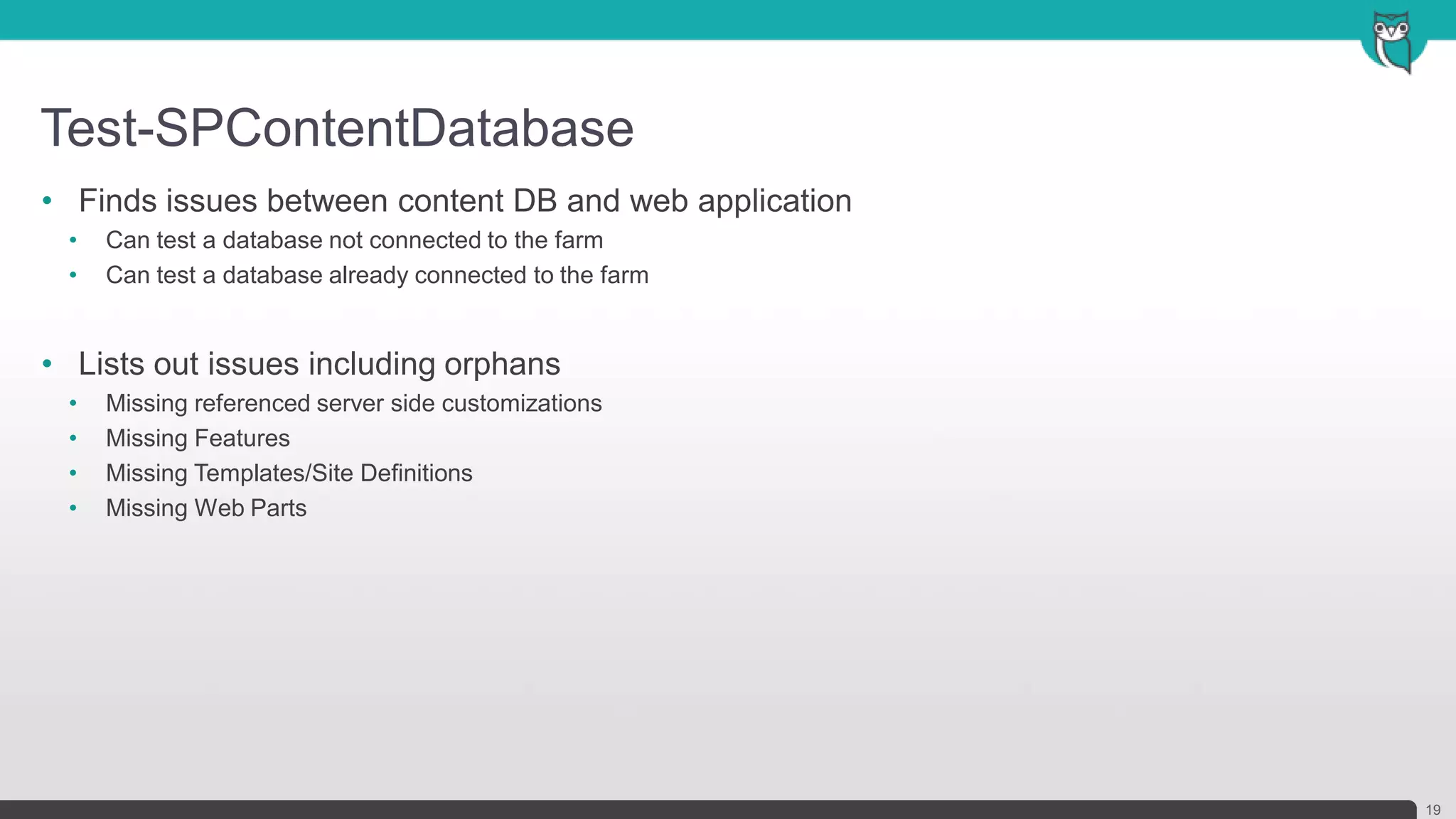
Test-SPContentDatabase
19
• Finds issues between content DB and web application
• Can test a database not connected to the farm
• Can test a database already connected to the farm
• Lists out issues including orphans
• Missing referenced server side customizations
• Missing Features
• Missing Templates/Site Definitions
• Missing Web Parts
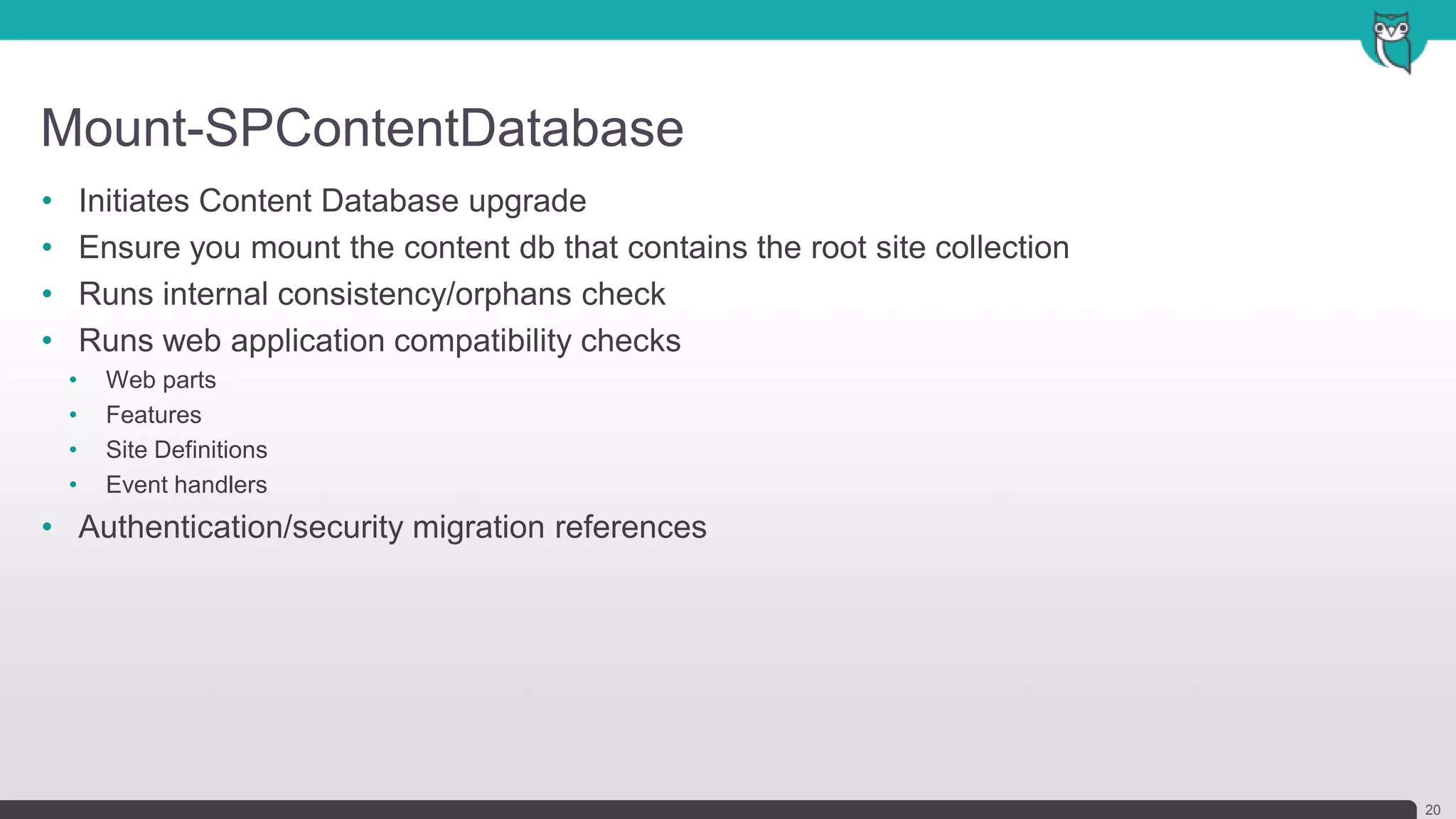
Mount-SPContentDatabase
20
• Initiates Content Database upgrade
• Ensure you mount the content db that contains the root site collection
• Runs internal consistency/orphans check
• Runs web application compatibility checks
• Web parts
• Features
• Site Definitions
• Event handlers
• Authentication/security migration references
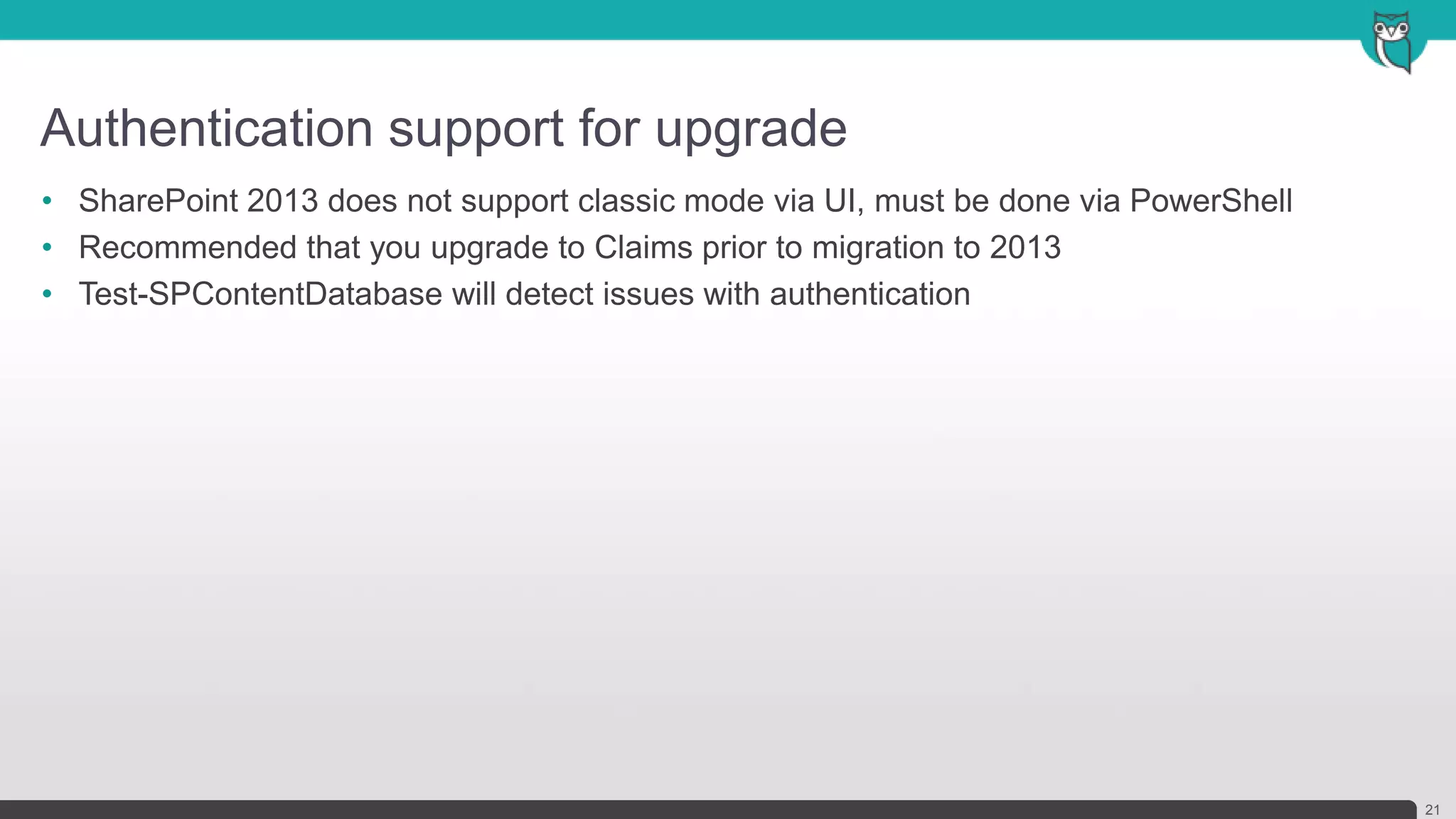
Authentication support for upgrade
21
• SharePoint 2013 does not support classic mode via UI, must be done via PowerShell
• Recommended that you upgrade to Claims prior to migration to 2013
• Test-SPContentDatabase will detect issues with authentication
Lessons learned and best
practices for upgrade
What should I watch out for?
Best practices for upgrade
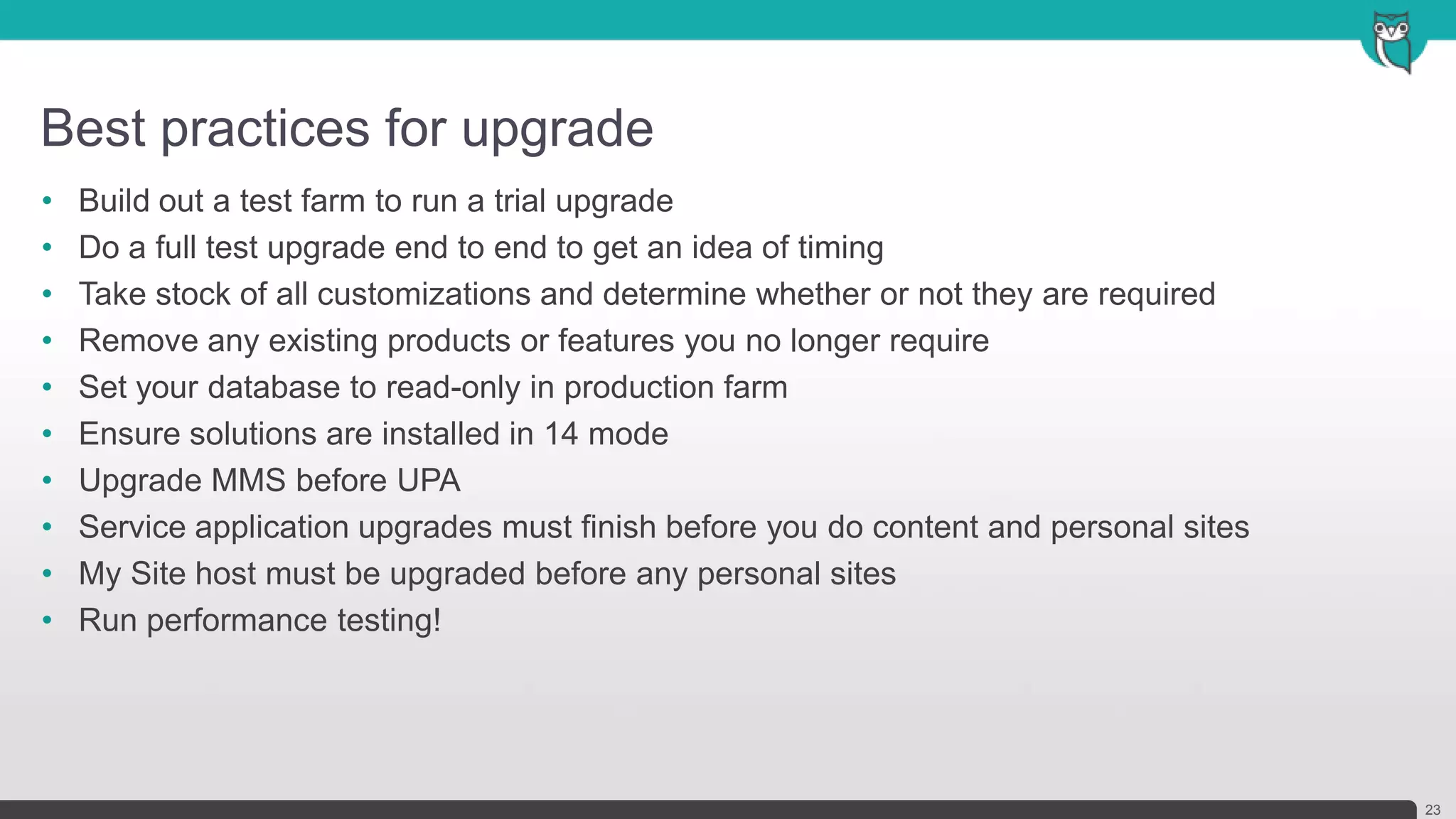
23
• Build out a test farm to run a trial upgrade
• Do a full test upgrade end to end to get an idea of timing
• Take stock of all customizations and determine whether or not they are required
• Remove any existing products or features you no longer require
• Set your database to read-only in production farm
• Ensure solutions are installed in 14 mode
• Upgrade MMS before UPA
• Service application upgrades must finish before you do content and personal sites
• My Site host must be upgraded before any personal sites
• Run performance testing!
Demo: Upgrading SharePoint
2010 to SharePoint 2013
Demonstration of the upgrade process.
Questions?
Wrap-up: contact details
Shereen Qumsieh (Vancouver)
E: shereen@dynamicowl.com
T: @msshushu
W: www.dynamicowl.com
B: www.SharePointDeveloperHQ.com
Join us right after the event at the Firehouse Grill!
Socialize and unwind after our day of learning.
1765 E. Bayshore Road
East Palo Alto, CA

SharePoint Saturday Silicon Valley - Upgrading from SharePoint 2010 to 2013

  • 2.
    Upgrading SharePoint 2010to SharePoint 2013 Shereen Qumsieh | Co-Founder, Dynamic Owl Consulting
  • 3.
    Co-Founder of DynamicOwl Consulting Microsoft Certified Professional Organizer of Vancouver SharePoint Developer Group Blog: sharepointdeveloperhq.com | blog.qumsieh.ca Contributing Author SharePoint Trainer & Speaker Introduction: Shereen Qumsieh 3 Headshot
  • 4.
    Today’s Agenda 4 • What’snew with upgrading to SharePoint 2013 • Overview of the upgrade process • Lessons learned and best practices for upgrade • Demo: Upgrading from SharePoint 2010 to SharePoint 2013
  • 5.
    What’s new withupgrading to SharePoint 2013 What do we need to know before planning our upgrade?
  • 6.
    Options for upgradein previous versions 6 SharePoint 2003 to 2007 • Database attach, In-place upgrade, Gradual upgrade1 SharePoint 2007 to 2010 • Database attach, In-place upgrade2 SharePoint 2010 to 2013 • Database attach3
  • 7.
    What’s been improved 7 •Deferred site collection upgrade • Site collection health checker • Upgrade evaluation site collections • Notifications for life-cycle events • Throttles for site collection upgrade • SharePoint compatibility modes • Upgrade logging
  • 8.
    Deferred Site CollectionUpgrade 8 • All upgraded site collections initialized in 2010 UI mode • Site collection administrators can now upgrade their sites at their leisure • No longer requires that farm administrators manage this task
  • 9.
    Site collection healthchecker 9 • Health checks help prepare for an upgrade • Looks for common issues and displays a report of findings • Blocks upgrade if issues are detected • Available for site collection administrators
  • 10.
    Upgrade evaluation sitecollections 10 • Allows you to preview an existing site in SharePoint 2013 • SharePoint creates a copy of the site collection • Takes advantage of SQL Snapshot capability if present - Causes no read-only outage as source is snapshot - Available in SQL Enterprise and SQL Developer editions • Otherwise uses site collection backup process - Causes read-only outage during copy • Changes made to evaluation site do not affect original • Set to expire and delete automatically
  • 11.
    Notifications for life-cycleevents 11 • Status bar notification alerts that upgrade is available • Status bar notifies if site is in read-only mode
  • 12.
    Throttles for sitecollection upgrade 12 • Ensures that upgrades do not affect your farm • Even if 100 administrators decide to upgrade at the same time, not all are run at the same time • Built in throttle defaults • Web app: 5 • Content database: 10 • Content of a site: < 10MB and has < 10 sub webs
  • 13.
    SharePoint compatibility modes 13 •SharePoint 2013 can support 14 and 15 modes • Your 2010 solutions will continue to work in 2013 • Also known as compatibility levels • Identify customizations in your environment • Is the customization still valuable? • Keep the customizations, don't upgrade the sites • Replace or redo the customizations • Discard the customizations
  • 14.
    Upgrade logging 14 • Usethe Upgrade Status page in Central Administration • Review the log files to look for errors or warnings • Changed to ULS format • Can be imported into Excel • Includes Correlation ID
  • 15.
    Overview of theupgrade process I’m ready to upgrade, now what?
  • 16.
    What are thesteps – Part 1 16 • Create SharePoint 2013 farm • Install SharePoint 2013 in a new farm • Install all custom solutions • Configure service applications you don’t plan to upgrade • Create web applications, managed paths and AAMs • Backup SQL databases in SharePoint 2010 farm and copy to new farm • Place 2010 farm in read only mode • Backup all service application databases and content databases
  • 17.
    What are thesteps – Part 2 17 • Restore SharePoint 2010 databases in SharePoint 2013 farm • Upgrade services applications to update their table schemas for SharePoint 2013 • Ensure you start the services first • Mount content databases to existing web applications • Upgrade site collections
  • 18.
    Database-attach support 18 • Supported •Content databases • Business Data Connectivity • Managed Metadata • PerformancePoint • Secure Store • User Profile (Profile and Social) • Search administration • Not supported • Configuration database • Search index database • Sync database
  • 19.
    Test-SPContentDatabase 19 • Finds issuesbetween content DB and web application • Can test a database not connected to the farm • Can test a database already connected to the farm • Lists out issues including orphans • Missing referenced server side customizations • Missing Features • Missing Templates/Site Definitions • Missing Web Parts
  • 20.
    Mount-SPContentDatabase 20 • Initiates ContentDatabase upgrade • Ensure you mount the content db that contains the root site collection • Runs internal consistency/orphans check • Runs web application compatibility checks • Web parts • Features • Site Definitions • Event handlers • Authentication/security migration references
  • 21.
    Authentication support forupgrade 21 • SharePoint 2013 does not support classic mode via UI, must be done via PowerShell • Recommended that you upgrade to Claims prior to migration to 2013 • Test-SPContentDatabase will detect issues with authentication
  • 22.
    Lessons learned andbest practices for upgrade What should I watch out for?
  • 23.
    Best practices forupgrade 23 • Build out a test farm to run a trial upgrade • Do a full test upgrade end to end to get an idea of timing • Take stock of all customizations and determine whether or not they are required • Remove any existing products or features you no longer require • Set your database to read-only in production farm • Ensure solutions are installed in 14 mode • Upgrade MMS before UPA • Service application upgrades must finish before you do content and personal sites • My Site host must be upgraded before any personal sites • Run performance testing!
  • 24.
    Demo: Upgrading SharePoint 2010to SharePoint 2013 Demonstration of the upgrade process.
  • 25.
  • 26.
    Wrap-up: contact details ShereenQumsieh (Vancouver) E: shereen@dynamicowl.com T: @msshushu W: www.dynamicowl.com B: www.SharePointDeveloperHQ.com
  • 28.
    Join us rightafter the event at the Firehouse Grill! Socialize and unwind after our day of learning. 1765 E. Bayshore Road East Palo Alto, CA

Editor's Notes