Downloaded 85 times

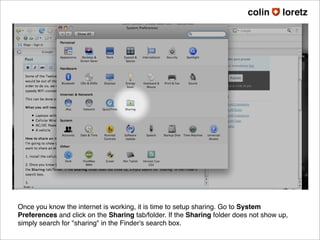
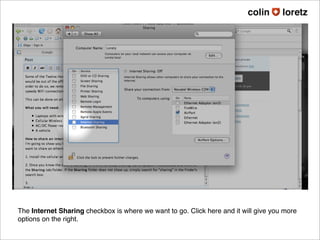
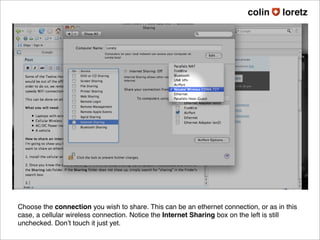
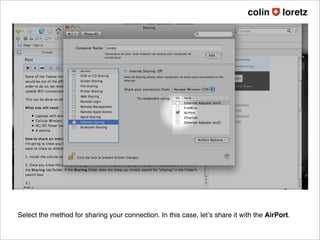
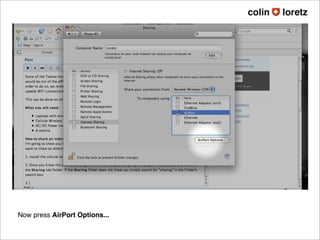
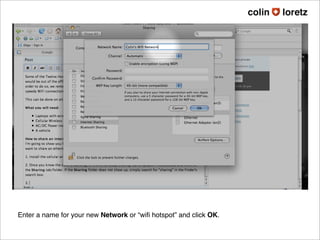
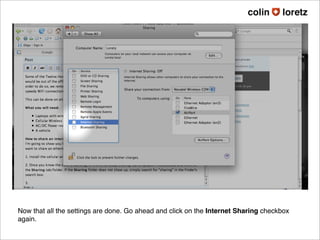
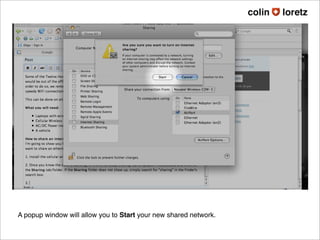
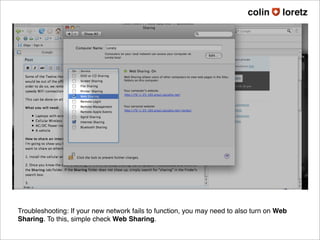


To share an internet connection through WiFi on a Mac, go to System Preferences > Sharing and select the connection to share, such as an ethernet or cellular connection. Choose to share via AirPort and enter a network name. With the settings configured, click the Internet Sharing checkbox to start the shared network and make the connection available to other devices on WiFi.


