Mobile Apps to Keep You Oraganized


                                                             ICE 2013
                                                         Judy Okazaki
                                                         Alice Schmitz
 SET Connections . . . Connecting Special Education and Technology
SET Connections . . . Connecting Special Education and Technology
Where to Find the Apps

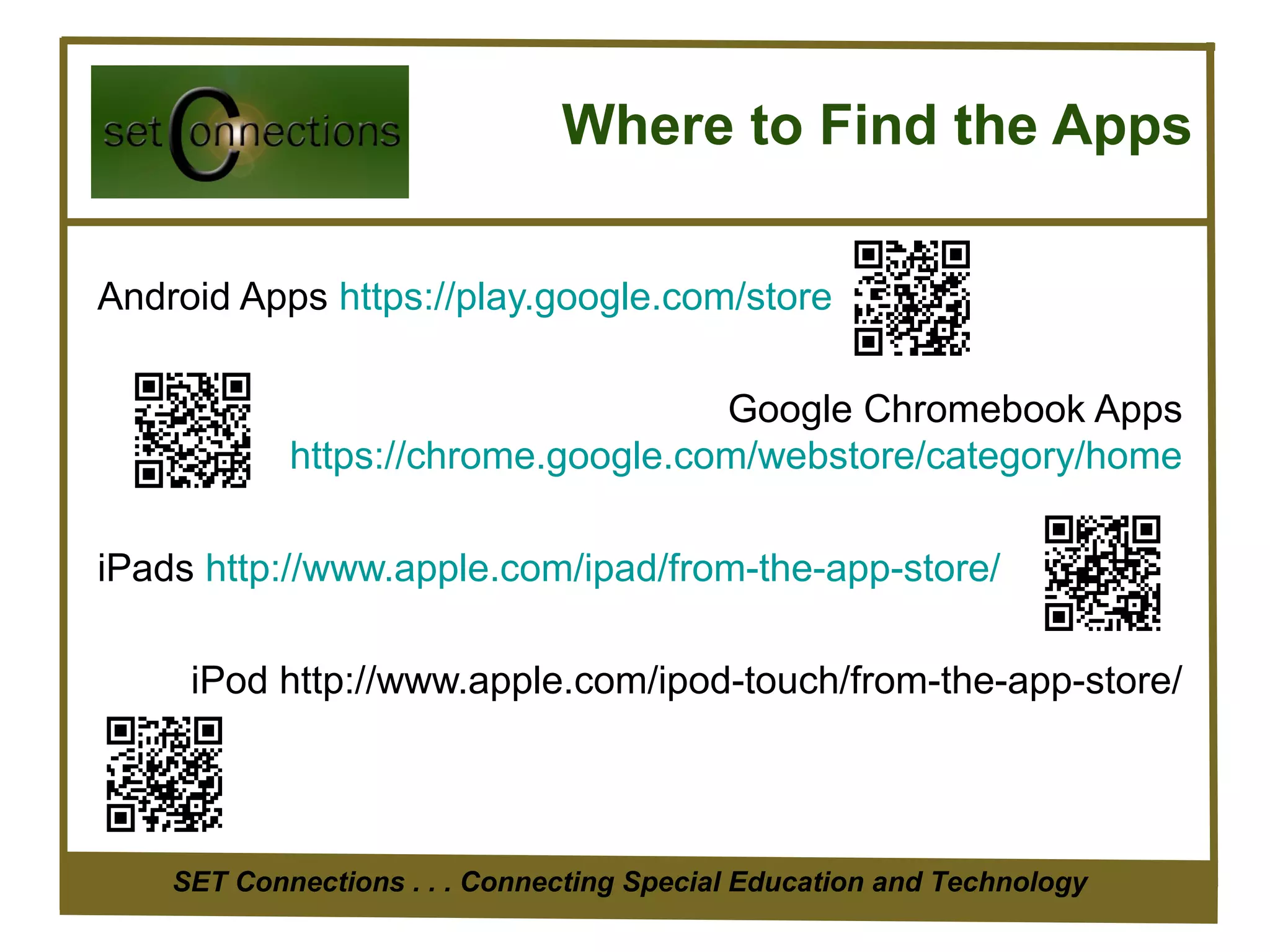
Android Apps https://play.google.com/store

                                    Google Chromebook Apps
            https://chrome.google.com/webstore/category/home

iPads http://www.apple.com/ipad/from-the-app-store/

     iPod http://www.apple.com/ipod-touch/from-the-app-store/


    SET Connections . . . Connecting Special Education and Technology
The App Stores

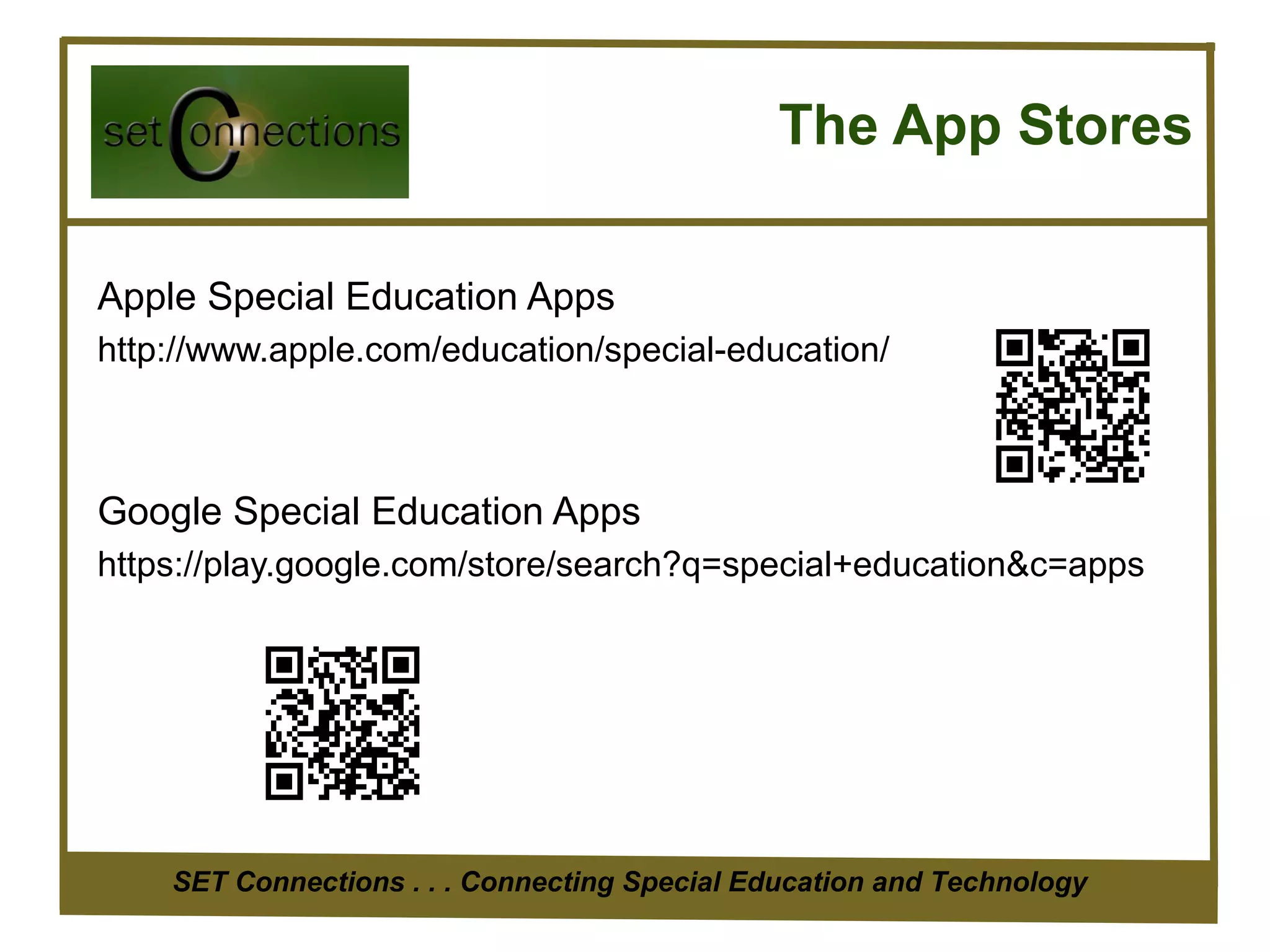
Apple Special Education Apps
http://www.apple.com/education/special-education/


Google Special Education Apps
https://play.google.com/store/search?q=special+education&c=apps


    SET Connections . . . Connecting Special Education and Technology
Task Organizers


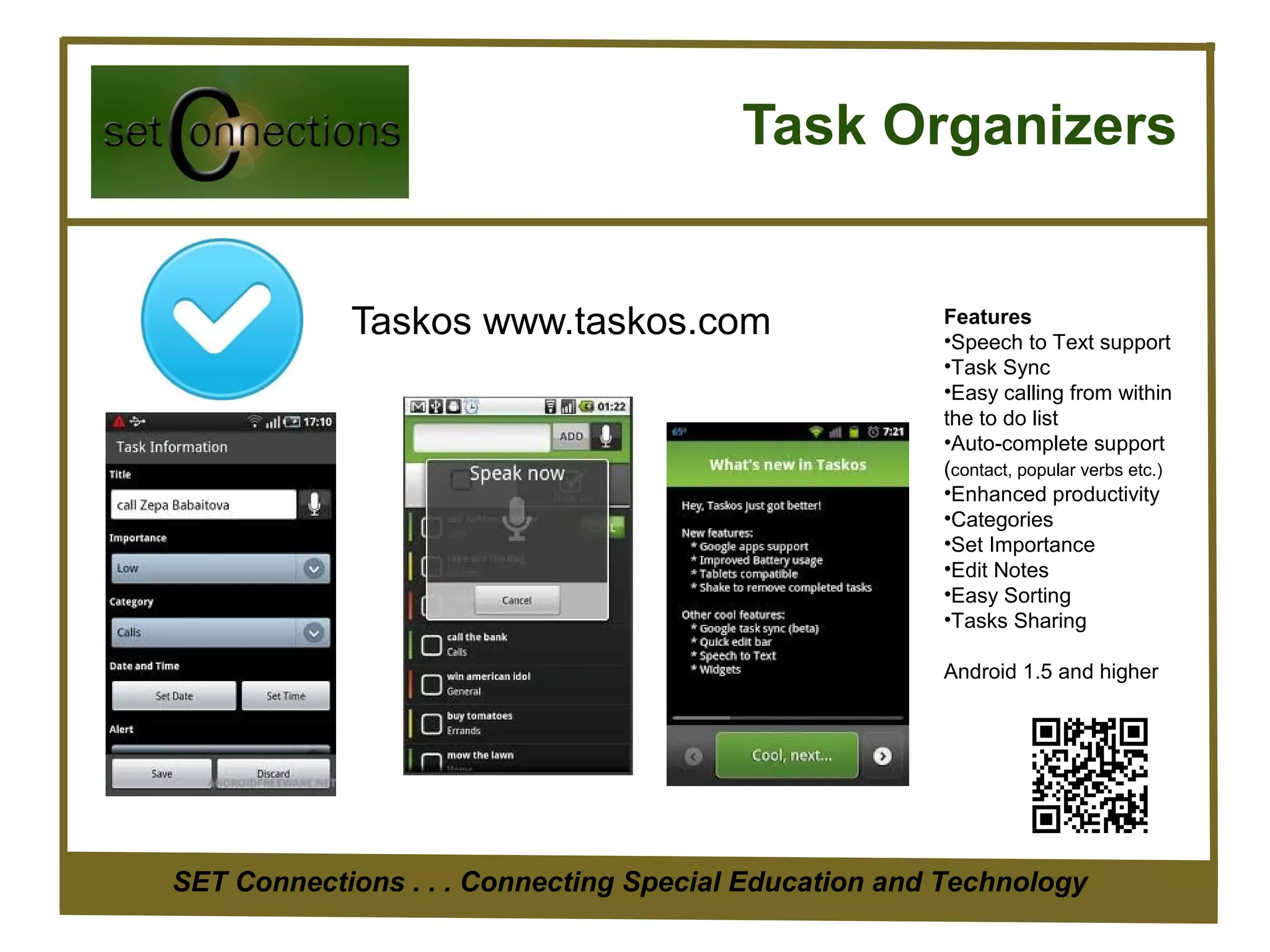
            Taskos www.taskos.com                     Features
                                                      •Speech to Text support
                                                      •Task Sync
                                                      •Easy calling from within
                                                      the to do list
                                                      •Auto-complete support
                                                      (contact, popular verbs etc.)
                                                      •Enhanced productivity
                                                      •Categories
                                                      •Set Importance
                                                      •Edit Notes
                                                      •Easy Sorting
                                                      •Tasks Sharing

                                                      Android 1.5 and higher


SET Connections . . . Connecting Special Education and Technology
Task Organizers

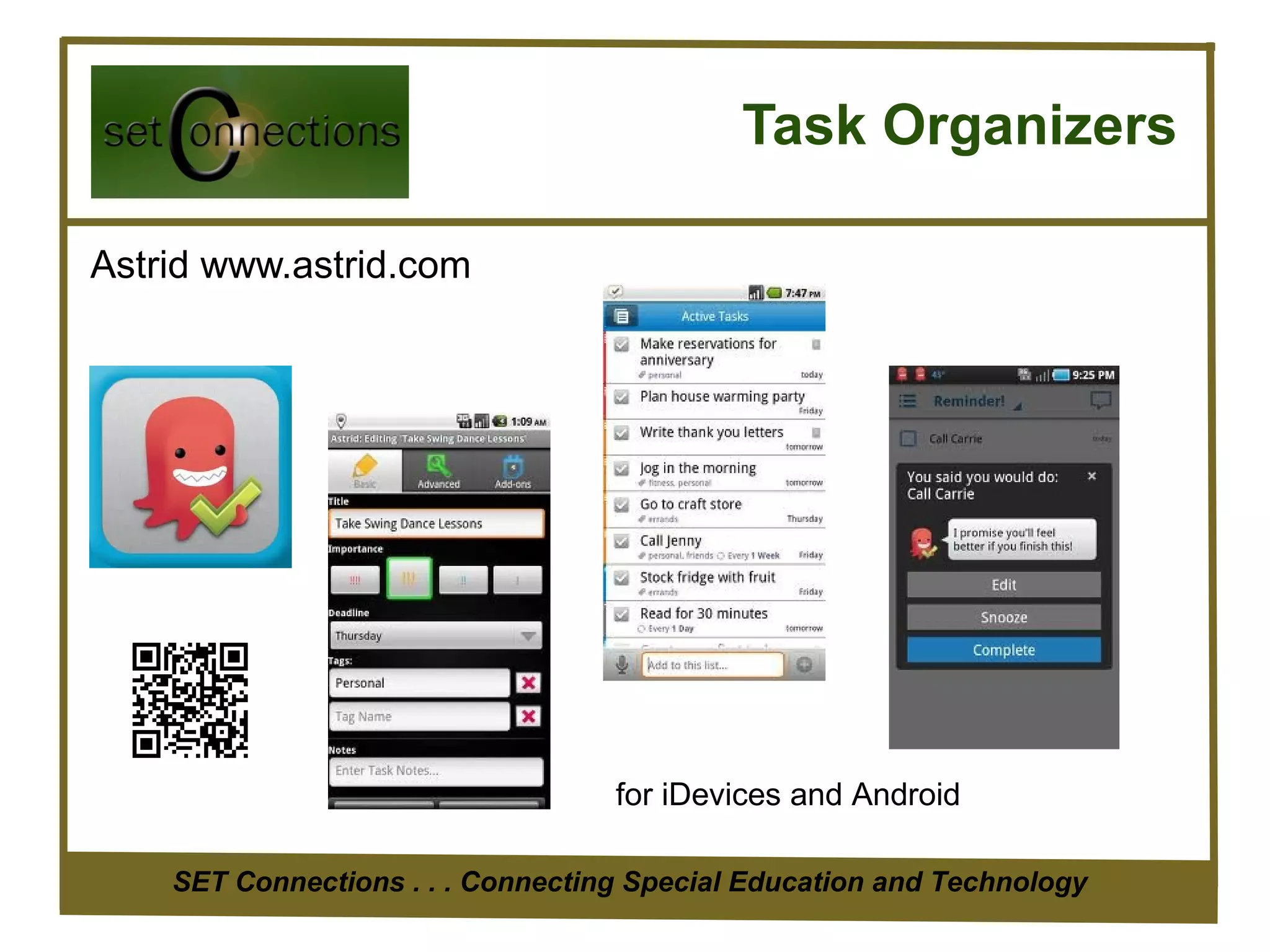
Astrid www.astrid.com


                                   for iDevices and Android

    SET Connections . . . Connecting Special Education and Technology
Task Organizers

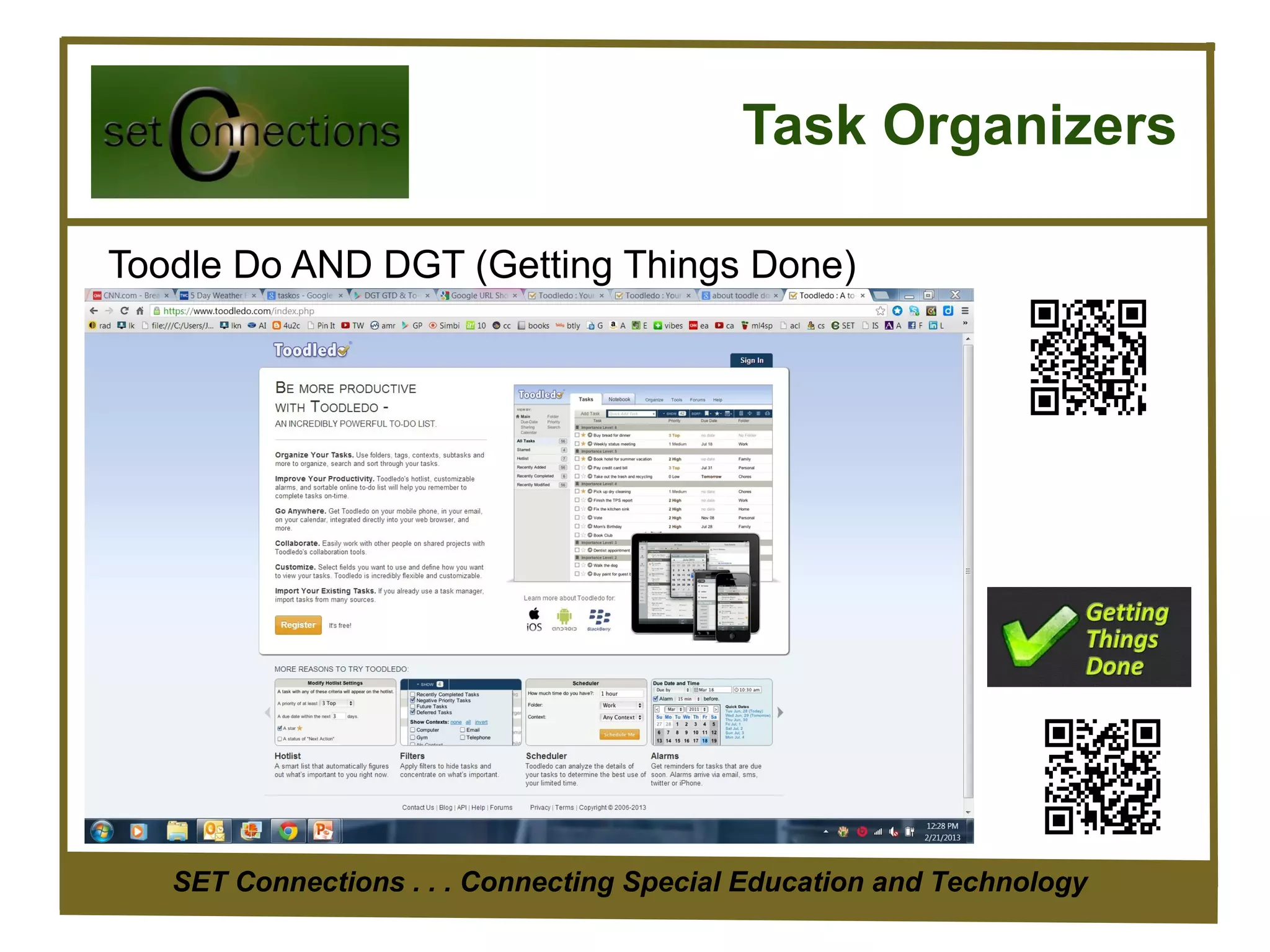
Toodle Do AND DGT (Getting Things Done)


   SET Connections . . . Connecting Special Education and Technology
Calendars and Planners


Teacher Planner
  Designed to replace the paper based planners or diaries used by teachers. Begin
  by setting up your timetable. Then add lesson notes, homework etc.


    SET Connections . . . Connecting Special Education and Technology
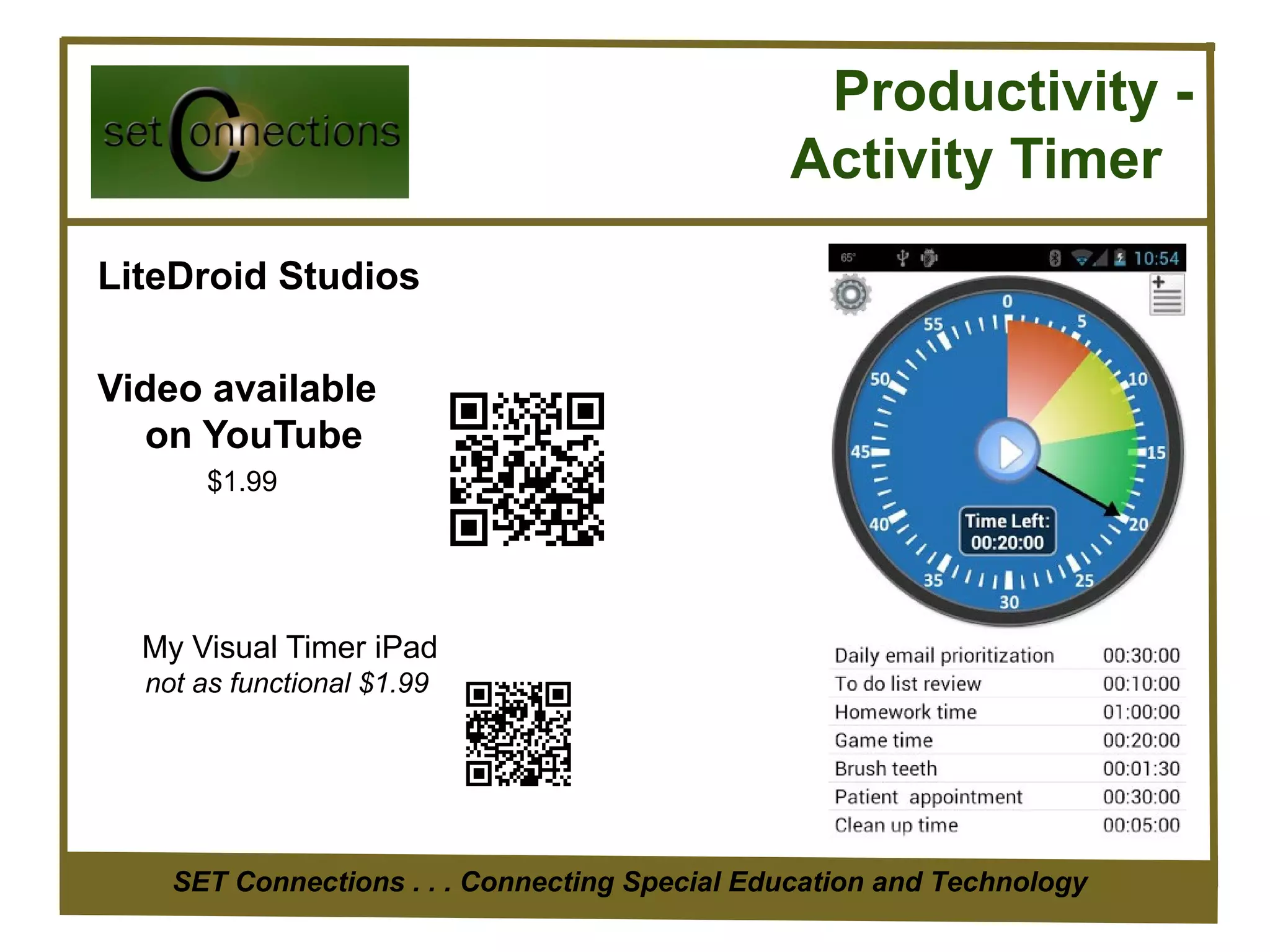
Productivity -
                                               Activity Timer
LiteDroid Studios

Video available
  on YouTube
       $1.99


  My Visual Timer iPad
  not as functional $1.99


    SET Connections . . . Connecting Special Education and Technology
Notetaking and Organization


                             www.evernote.com
Store:

Text notes, audio, pictures, video, pdf and
other files. Create checklists. Share notes or
keep private.


  SET Connections . . . Connecting Special Education and Technology
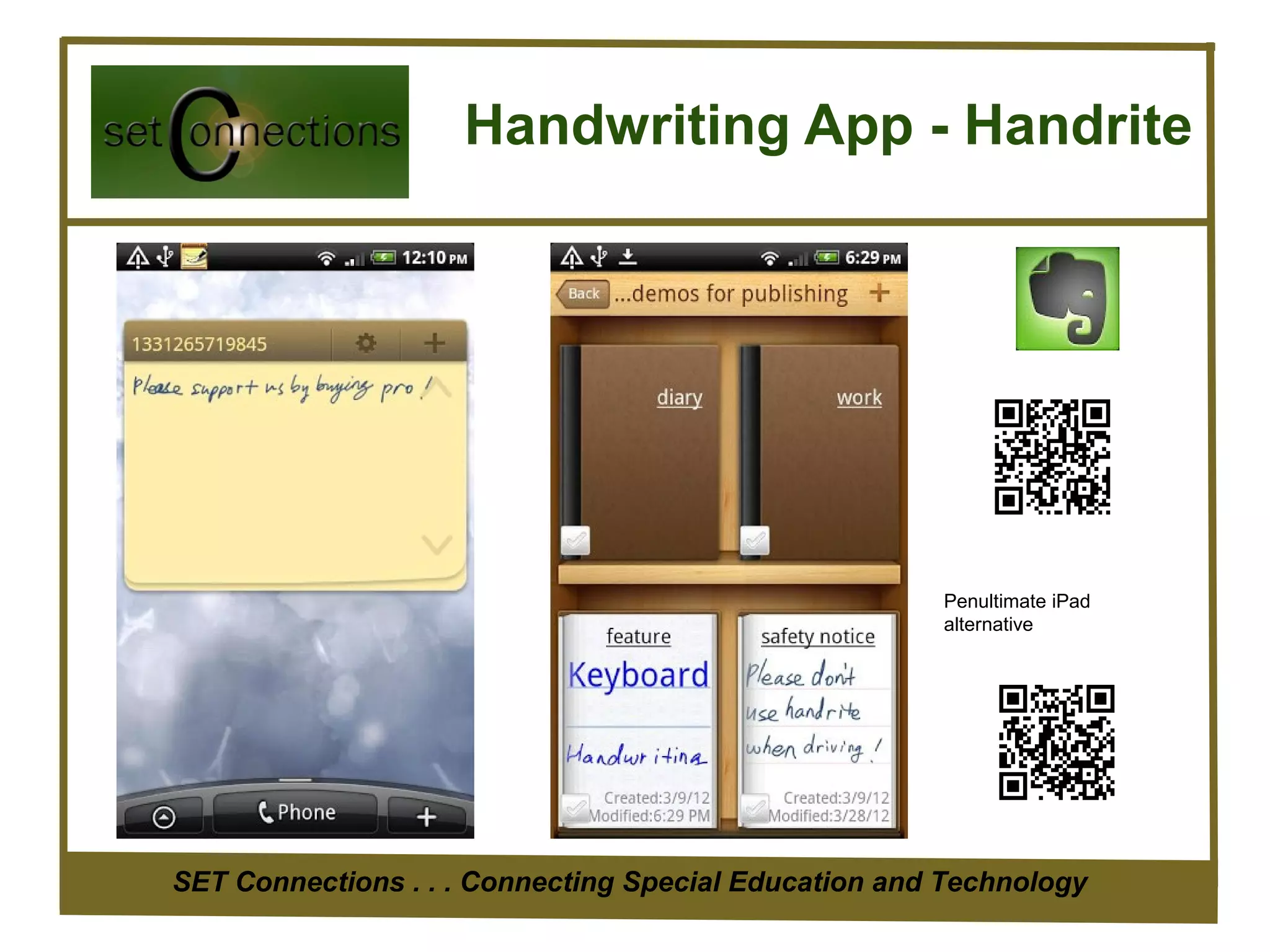
Handwriting App - Handrite


                                                      Penultimate iPad
                                                      alternative


SET Connections . . . Connecting Special Education and Technology
Bookmarking PLUS

Diigo www.diigo.com
If you browse or read a lot on the web, we believe you will find Diigo indispensable.

Diigo is two services in one
1. A research Personal Research Tool and/or a collaborative research tool
2. A private site OR knowledge-sharing community and social content site

Diigo provides a browser add-on that can really improve your research productivity.

As you read on the web, instead of just bookmarking, you can highlight portions of web pages that are of particular
    interest to you.

You can also attach sticky notes to specific parts of web pages. Whenever you return to a
     web page, you will see your highlights and sticky notes superimposed on the original
     page, just what you would expect if you highlighted or wrote on a book!

You can easily search, access, sort and share your collection from any device.

A Collaborative Research Platform You can easily share your findings, complete with your highlights and sticky
    notes, with friends and colleagues. A project team or a class.

       SET Connections . . . Connecting Special Education and Technology
A Social Content Site
With every Diigo user tagging and annotating pages online, the Diigo community has collectively created a wonderful
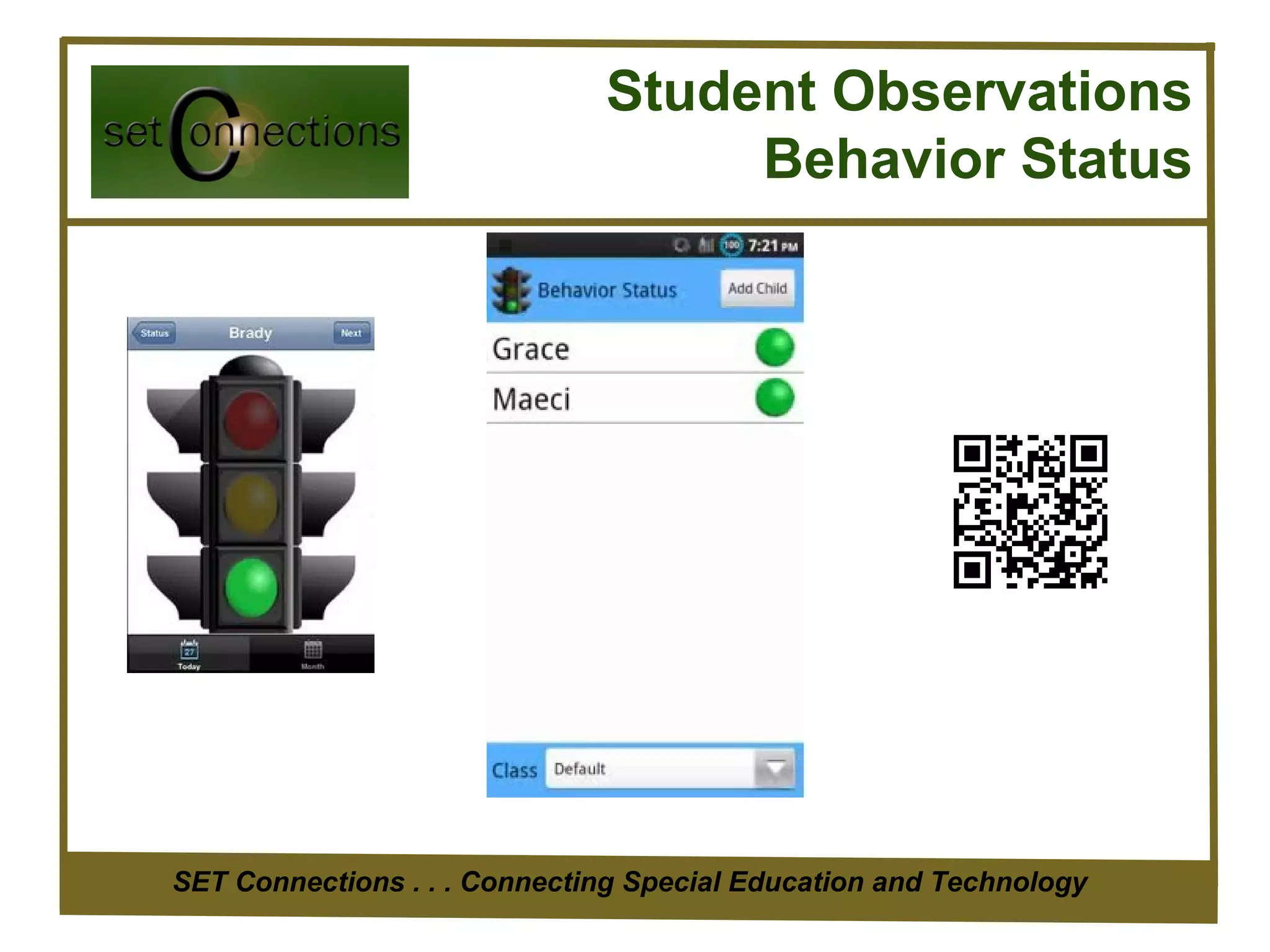
Student Observations
                                   Behavior Status


SET Connections . . . Connecting Special Education and Technology
Personal Magazine


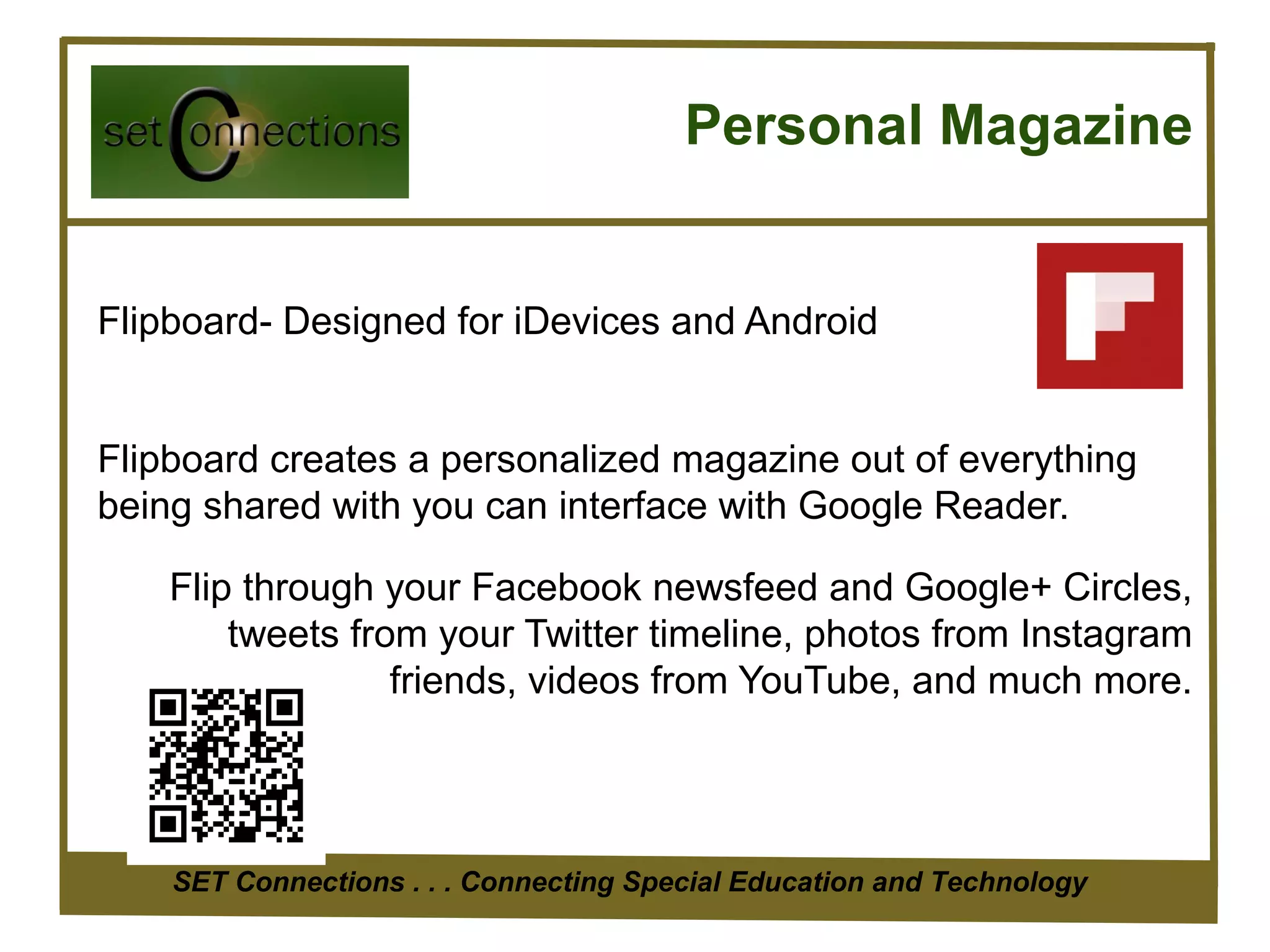
Flipboard- Designed for iDevices and Android


Flipboard creates a personalized magazine out of everything
being shared with you can interface with Google Reader.

    Flip through your Facebook newsfeed and Google+ Circles,
        tweets from your Twitter timeline, photos from Instagram
                  friends, videos from YouTube, and much more.


    SET Connections . . . Connecting Special Education and Technology
Personal Magazine

Alternative Google Currents

Publisher editions - such as
Forbes,
The Guardian,
TechCrunch,
PBS, Saveur, and others have produced hundreds of editions

including in-depth articles, videos, fine photography,
slideshows, live-maps, and social streams.


    SET Connections . . . Connecting Special Education and Technology
Readers

Flipboard                         Google Currents
http://www.flipboard.com          https://www.google.com/producer/currents


  • Follow breaking news from newspapers, magazines, blogs …
  • Add your favorite content

  Both Available on Android and iDevices
    SET Connections . . . Connecting Special Education and Technology
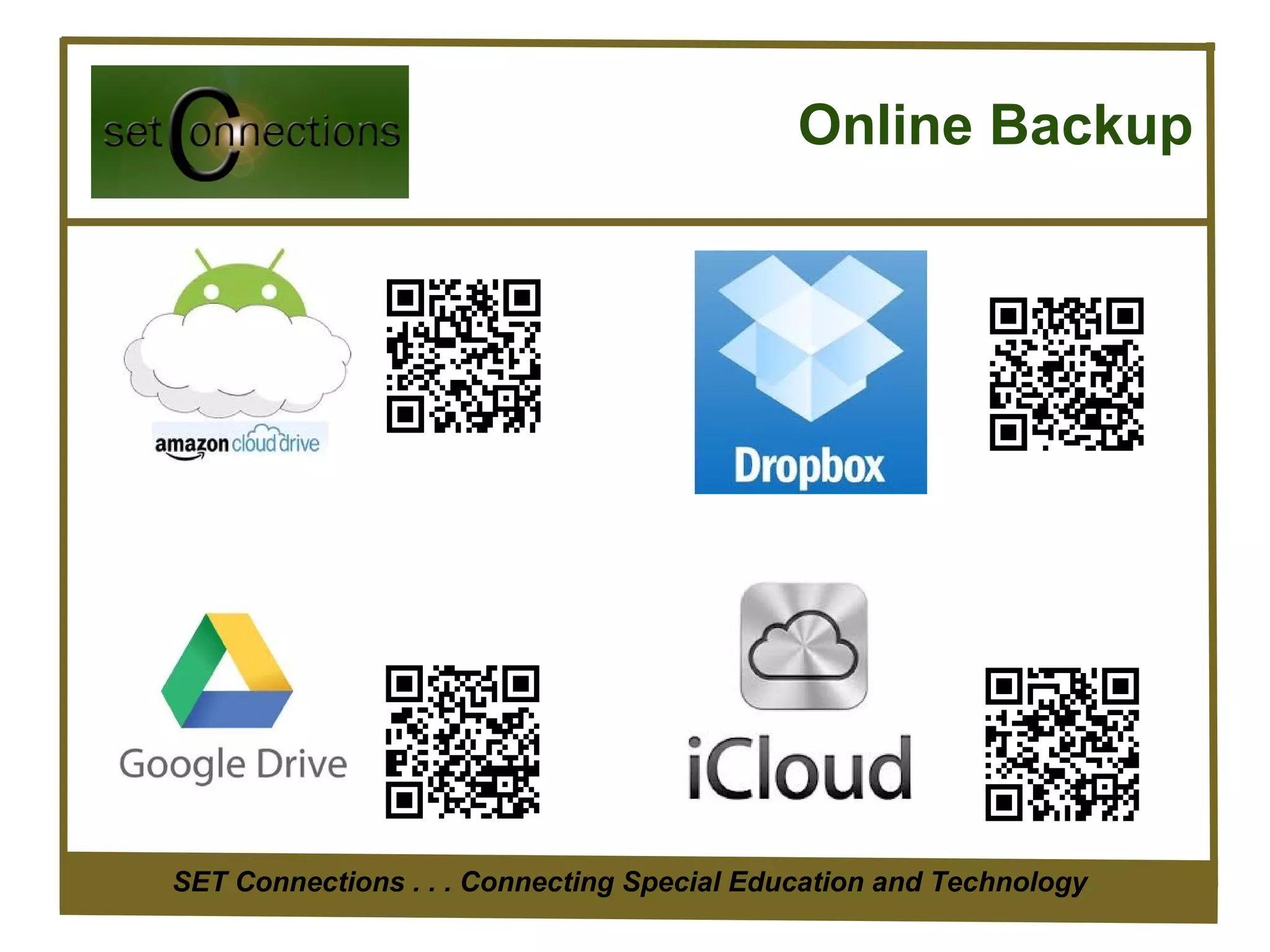
Online Backup


SET Connections . . . Connecting Special Education and Technology
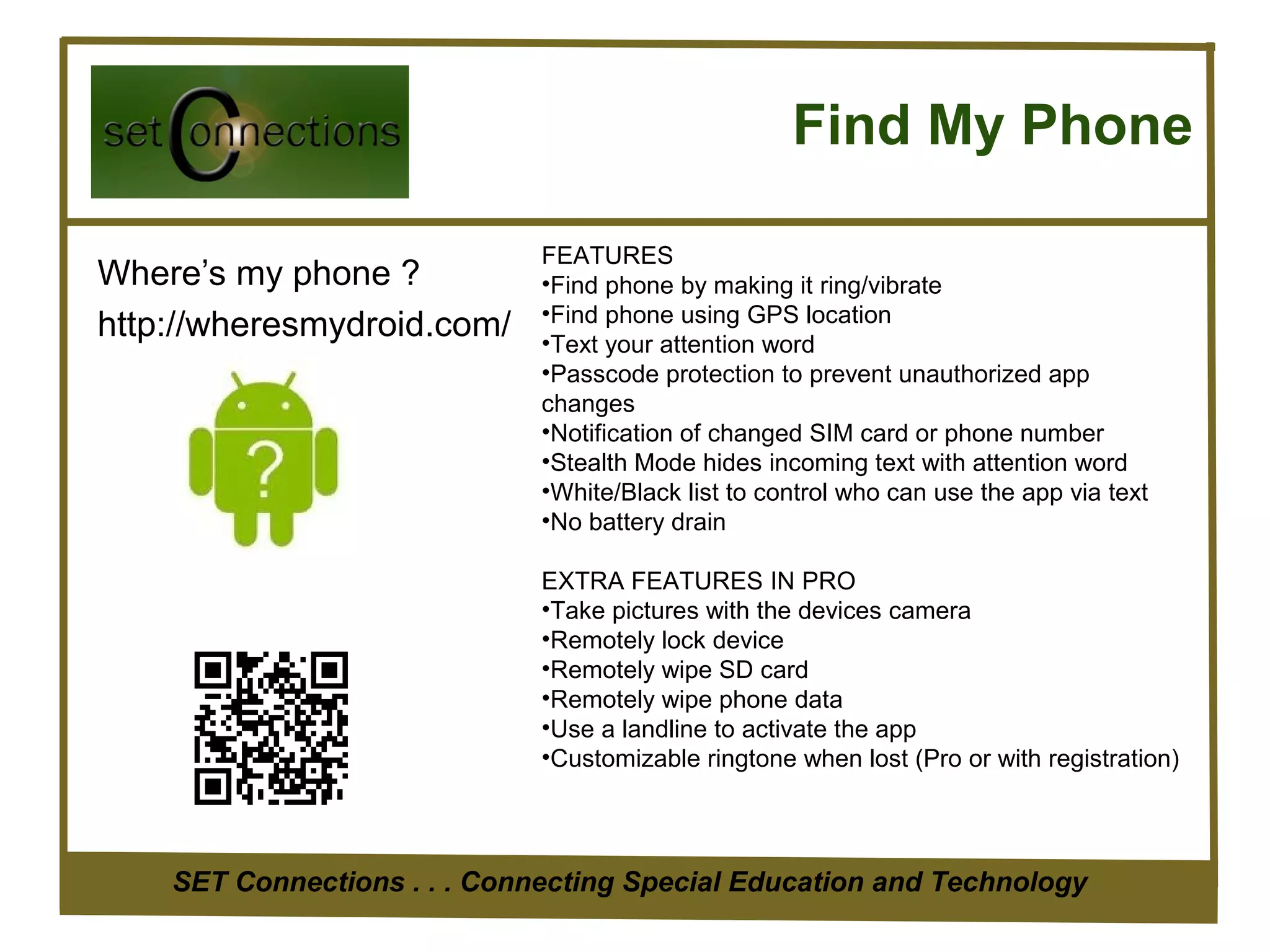
Find My Phone

                              FEATURES
Where’s my phone ?            •Find phone by making it ring/vibrate
                              •Find phone using GPS location
http://wheresmydroid.com/     •Text your attention word
                              •Passcode protection to prevent unauthorized app
                              changes
                              •Notification of changed SIM card or phone number
                              •Stealth Mode hides incoming text with attention word
                              •White/Black list to control who can use the app via text
                              •No battery drain

                              EXTRA FEATURES IN PRO
                              •Take pictures with the devices camera
                              •Remotely lock device
                              •Remotely wipe SD card
                              •Remotely wipe phone data
                              •Use a landline to activate the app
                              •Customizable ringtone when lost (Pro or with registration)


    SET Connections . . . Connecting Special Education and Technology
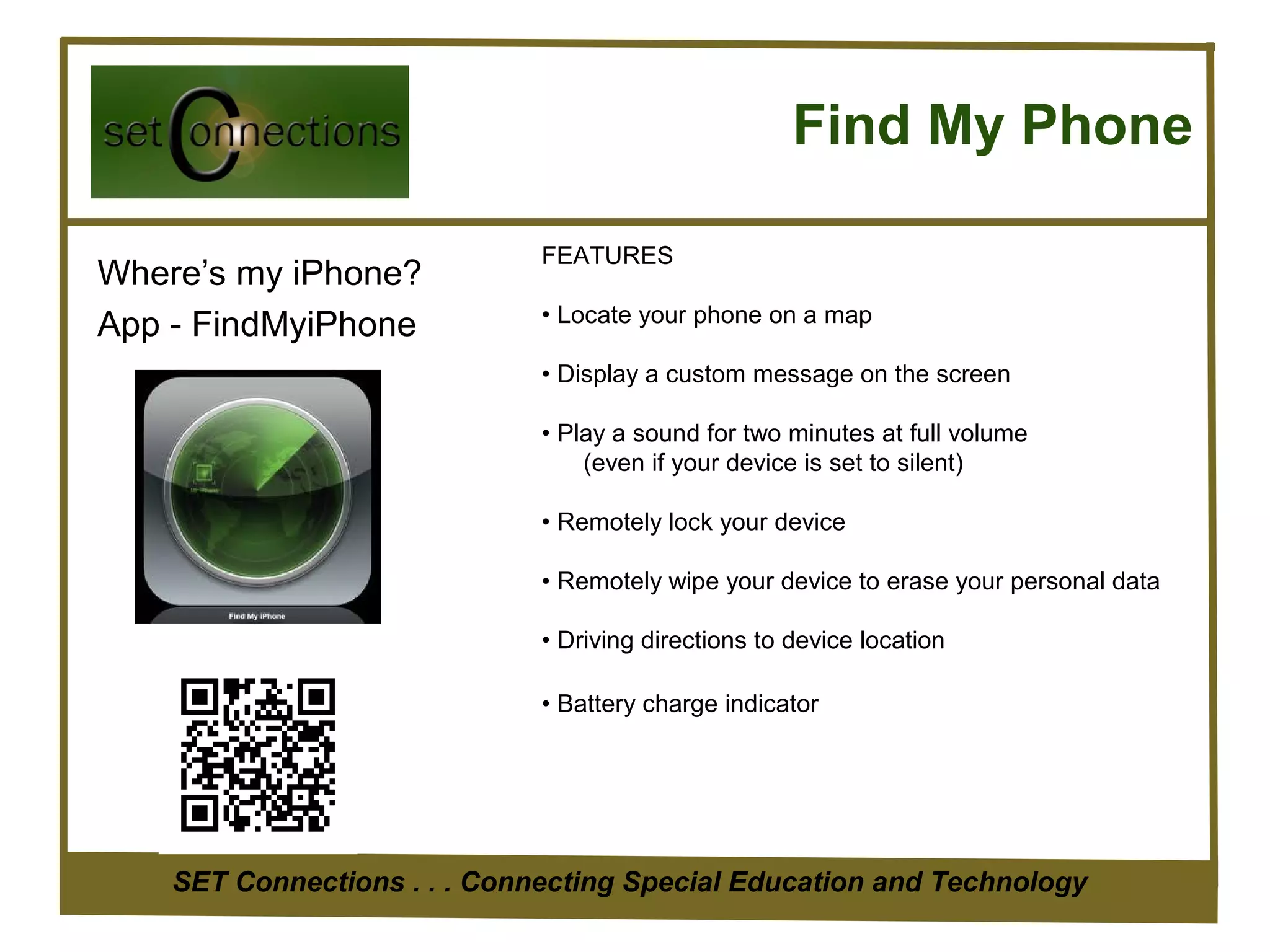
Find My Phone

                              FEATURES
Where’s my iPhone?
                              • Locate your phone on a map
App - FindMyiPhone
                              • Display a custom message on the screen

                              • Play a sound for two minutes at full volume
                                  (even if your device is set to silent)

                              • Remotely lock your device

                              • Remotely wipe your device to erase your personal data

                              • Driving directions to device location

                              • Battery charge indicator


    SET Connections . . . Connecting Special Education and Technology
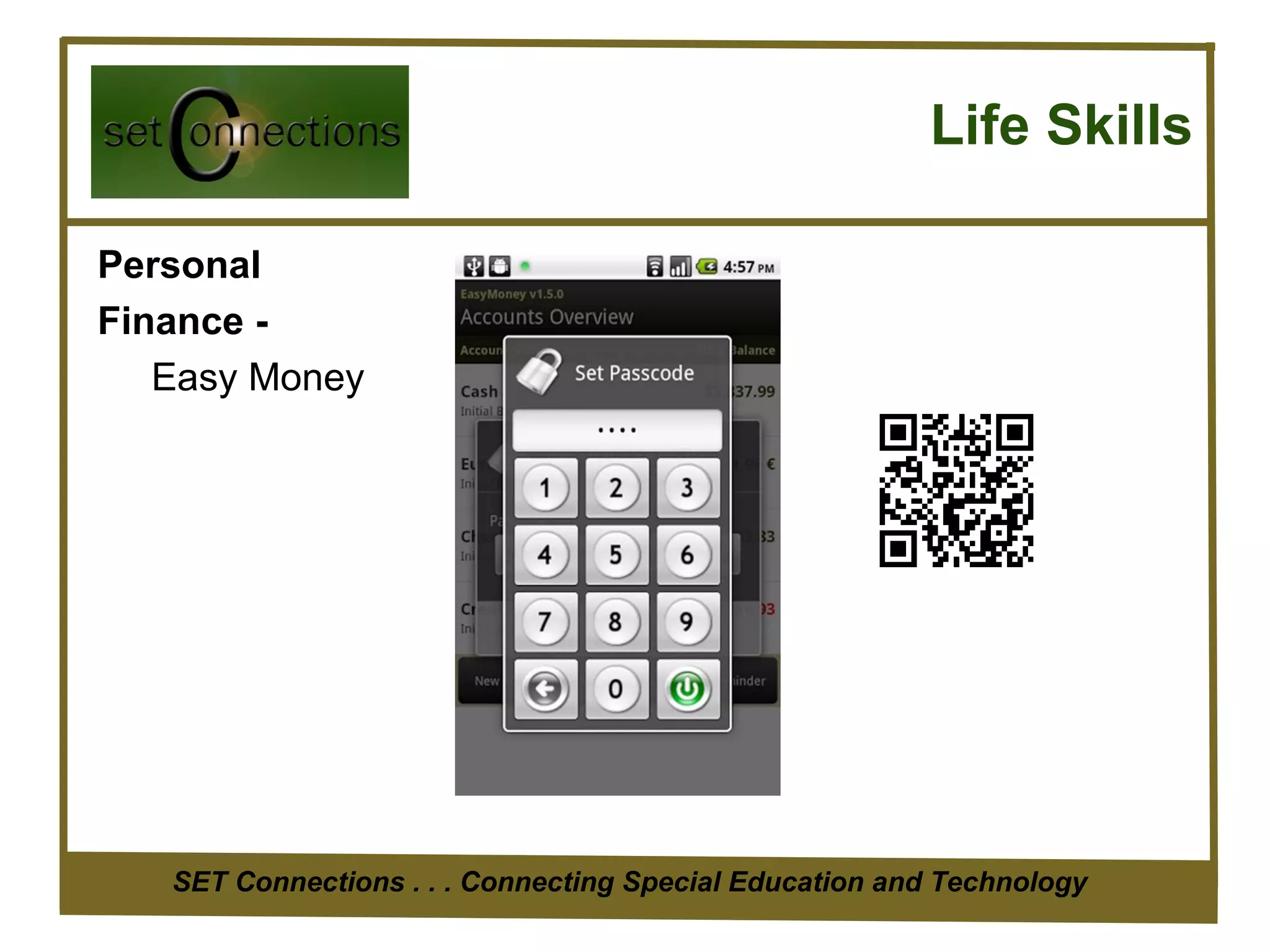
Life Skills

Personal
Finance -
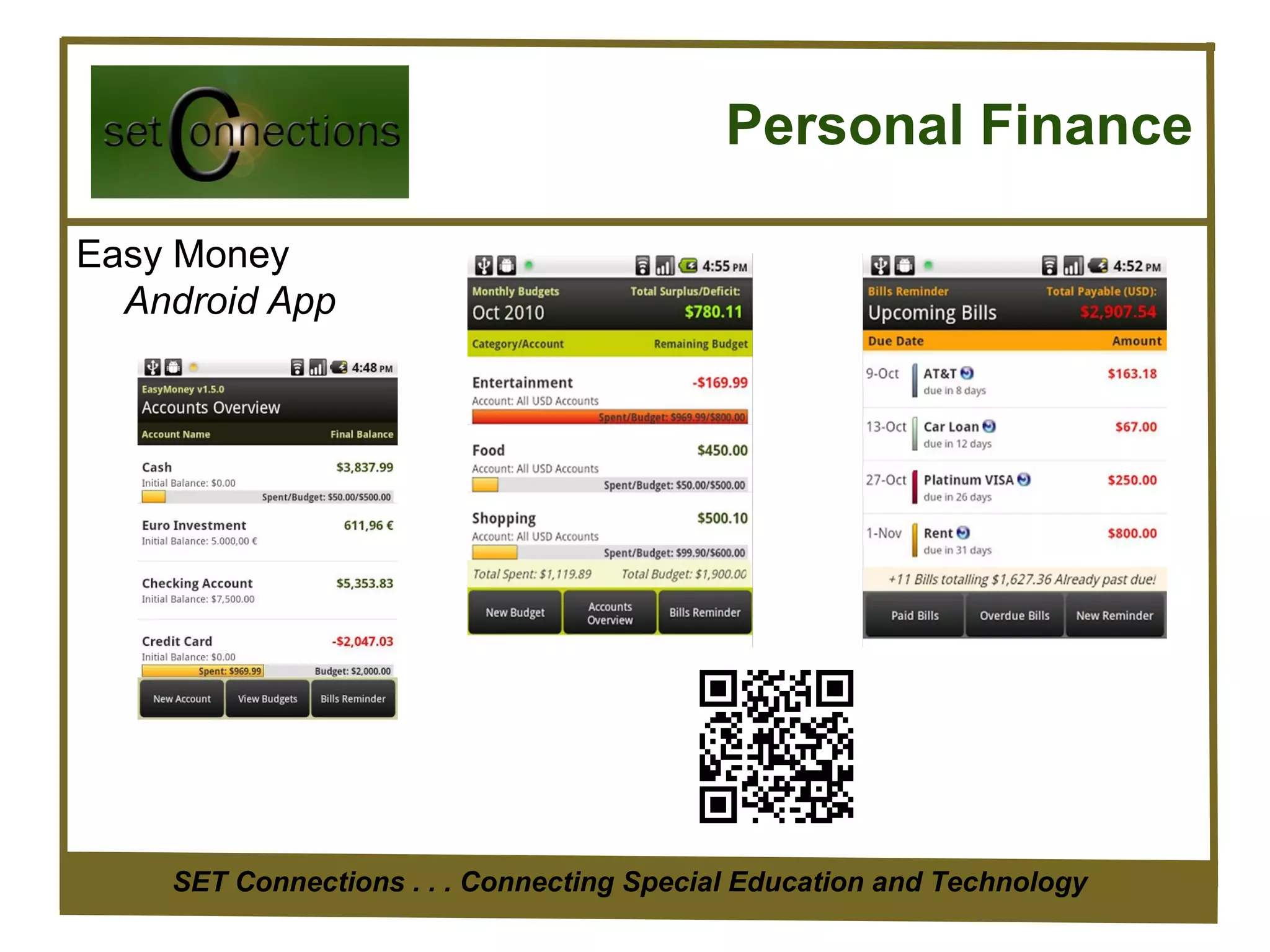
   Easy Money


   SET Connections . . . Connecting Special Education and Technology
Personal Finance

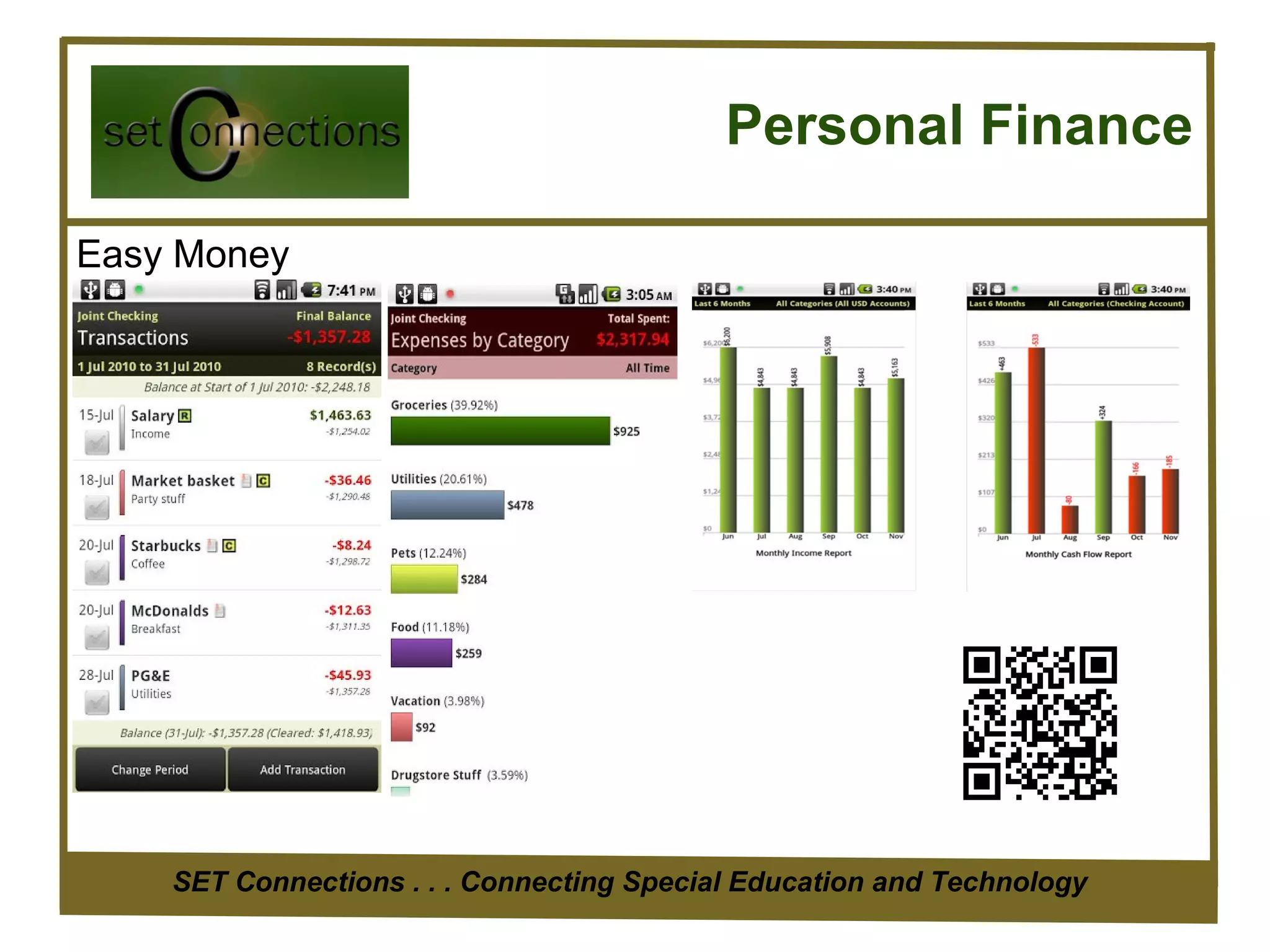
Easy Money
  Android App


    SET Connections . . . Connecting Special Education and Technology
Personal Finance

Easy Money


    SET Connections . . . Connecting Special Education and Technology
Executive Function Skills

Skills include:
   •   Planning and prioritizing
   •   Organization
   •   Self monitoring
   •   Independence in task initiation
   •   Impulse control
   •   Flexibility
   •   Emotional control
   •   Working memory

   SET Connections . . . Connecting Special Education and Technology
SET Connections . . . Connecting Special Education and Technology
Set mobile apps to keep you organized

Set mobile apps to keep you organized

  • 1.
    Mobile Apps toKeep You Oraganized ICE 2013 Judy Okazaki Alice Schmitz SET Connections . . . Connecting Special Education and Technology
  • 2.
    SET Connections .. . Connecting Special Education and Technology
  • 3.
    Where to Findthe Apps Android Apps https://play.google.com/store Google Chromebook Apps https://chrome.google.com/webstore/category/home iPads http://www.apple.com/ipad/from-the-app-store/ iPod http://www.apple.com/ipod-touch/from-the-app-store/ SET Connections . . . Connecting Special Education and Technology
  • 4.
    The App Stores AppleSpecial Education Apps http://www.apple.com/education/special-education/ Google Special Education Apps https://play.google.com/store/search?q=special+education&c=apps SET Connections . . . Connecting Special Education and Technology
  • 5.
    Task Organizers Taskos www.taskos.com Features •Speech to Text support •Task Sync •Easy calling from within the to do list •Auto-complete support (contact, popular verbs etc.) •Enhanced productivity •Categories •Set Importance •Edit Notes •Easy Sorting •Tasks Sharing Android 1.5 and higher SET Connections . . . Connecting Special Education and Technology
  • 6.
    Task Organizers Astrid www.astrid.com for iDevices and Android SET Connections . . . Connecting Special Education and Technology
  • 7.
    Task Organizers Toodle DoAND DGT (Getting Things Done) SET Connections . . . Connecting Special Education and Technology
  • 8.
    Calendars and Planners TeacherPlanner Designed to replace the paper based planners or diaries used by teachers. Begin by setting up your timetable. Then add lesson notes, homework etc. SET Connections . . . Connecting Special Education and Technology
  • 9.
    Productivity - Activity Timer LiteDroid Studios Video available on YouTube $1.99 My Visual Timer iPad not as functional $1.99 SET Connections . . . Connecting Special Education and Technology
  • 10.
    Notetaking and Organization www.evernote.com Store: Text notes, audio, pictures, video, pdf and other files. Create checklists. Share notes or keep private. SET Connections . . . Connecting Special Education and Technology
  • 11.
    Handwriting App -Handrite Penultimate iPad alternative SET Connections . . . Connecting Special Education and Technology
  • 12.
    Bookmarking PLUS Diigo www.diigo.com Ifyou browse or read a lot on the web, we believe you will find Diigo indispensable. Diigo is two services in one 1. A research Personal Research Tool and/or a collaborative research tool 2. A private site OR knowledge-sharing community and social content site Diigo provides a browser add-on that can really improve your research productivity. As you read on the web, instead of just bookmarking, you can highlight portions of web pages that are of particular interest to you. You can also attach sticky notes to specific parts of web pages. Whenever you return to a web page, you will see your highlights and sticky notes superimposed on the original page, just what you would expect if you highlighted or wrote on a book! You can easily search, access, sort and share your collection from any device. A Collaborative Research Platform You can easily share your findings, complete with your highlights and sticky notes, with friends and colleagues. A project team or a class. SET Connections . . . Connecting Special Education and Technology A Social Content Site With every Diigo user tagging and annotating pages online, the Diigo community has collectively created a wonderful
  • 13.
    Student Observations Behavior Status SET Connections . . . Connecting Special Education and Technology
  • 14.
    Personal Magazine Flipboard- Designedfor iDevices and Android Flipboard creates a personalized magazine out of everything being shared with you can interface with Google Reader. Flip through your Facebook newsfeed and Google+ Circles, tweets from your Twitter timeline, photos from Instagram friends, videos from YouTube, and much more. SET Connections . . . Connecting Special Education and Technology
  • 15.
    Personal Magazine Alternative GoogleCurrents Publisher editions - such as Forbes, The Guardian, TechCrunch, PBS, Saveur, and others have produced hundreds of editions including in-depth articles, videos, fine photography, slideshows, live-maps, and social streams. SET Connections . . . Connecting Special Education and Technology
  • 16.
    Readers Flipboard Google Currents http://www.flipboard.com https://www.google.com/producer/currents • Follow breaking news from newspapers, magazines, blogs … • Add your favorite content Both Available on Android and iDevices SET Connections . . . Connecting Special Education and Technology
  • 17.
    Online Backup SET Connections. . . Connecting Special Education and Technology
  • 18.
    Find My Phone FEATURES Where’s my phone ? •Find phone by making it ring/vibrate •Find phone using GPS location http://wheresmydroid.com/ •Text your attention word •Passcode protection to prevent unauthorized app changes •Notification of changed SIM card or phone number •Stealth Mode hides incoming text with attention word •White/Black list to control who can use the app via text •No battery drain EXTRA FEATURES IN PRO •Take pictures with the devices camera •Remotely lock device •Remotely wipe SD card •Remotely wipe phone data •Use a landline to activate the app •Customizable ringtone when lost (Pro or with registration) SET Connections . . . Connecting Special Education and Technology
  • 19.
    Find My Phone FEATURES Where’s my iPhone? • Locate your phone on a map App - FindMyiPhone • Display a custom message on the screen • Play a sound for two minutes at full volume (even if your device is set to silent) • Remotely lock your device • Remotely wipe your device to erase your personal data • Driving directions to device location • Battery charge indicator SET Connections . . . Connecting Special Education and Technology
  • 20.
    Life Skills Personal Finance - Easy Money SET Connections . . . Connecting Special Education and Technology
  • 21.
    Personal Finance Easy Money Android App SET Connections . . . Connecting Special Education and Technology
  • 22.
    Personal Finance Easy Money SET Connections . . . Connecting Special Education and Technology
  • 23.
    Executive Function Skills Skillsinclude: • Planning and prioritizing • Organization • Self monitoring • Independence in task initiation • Impulse control • Flexibility • Emotional control • Working memory SET Connections . . . Connecting Special Education and Technology
  • 24.
    SET Connections .. . Connecting Special Education and Technology

Editor's Notes

  • #2 This is what we are going to cover. We want to give you some solutions to take back and use when working with your special education students.
  • #3 According to a recent survey by MetLife Inc., nearly half of all teachers say students’ learning abilities in their classes are so varied that they can’t teach effectively. EdWeek Online chat October 13, 2009 So if you are in that group, on the verge of being on that group or are hanging in there but you’re looking for ways to be more effective we are going to offer some ideas to you.
  • #10 24 hr – Different colored timers i.e school, homework, playtime use different backgrounds. Break down hom time; homework, breaktime, check email, dinner Learn to stay on task, transition, develop a sense of time https://play.google.com/store/apps/details?id=com.LiteDroidStudios.app.ActivityTimer&feature=also_installed#?t=W251bGwsMSwxLDEwNCwiY29tLkxpdGVEcm9pZFN0dWRpb3MuYXBwLkFjdGl2aXR5VGltZXIiXQ..
  • #11 In top 3 must have apps for pads and smartphones multiuse app take typed and spoken NOTES, save WEB Pages, Store PICS, SEARCH for text in notes and PICS Available on all devices
  • #12 Notebooks (3 free version) $2.99 pro version Pen color Evernote interface OCR conversion Goes to top of page - LINES notes up in sentences at top of page in a line http://www.youtube.com/watch?v=KhADNUwSqJc PENSUPREMACY $1.49 alternate version works with Evernote, little simpler look.
  • #15 Another reading solution for iDevices http://www.youtube.com/watch?v=hjWf1D7uCeA Readability
  • #16 http://www.youtube.com/watch?v=hjWf1D7uCeA Readability
  • #22 Track what spent on fast food – FAST Food Story Living at home with Mom and Dad managed care Track cash spent 4.5 * almost 10,000
  • #23 Track what spent on fast food – FAST Food Story Living at home with Mom and Dad managed care Track cash spent 4.5 * almost 10,000
  • #24 Planning and prioritizing – ability to create a plan to complete a task or set of tasks; this skill includes making decisions about what to direct attention to and the sequence of steps involved. Organization – creating a structure; TO HAVE A GOAL INSTEAD OF A “DREAM” there needs to be a timeline and a plan. Self monitoring – REGULATION OF PROCESSING SPEED decision on how slow or fast to complete a task based on both the importance of the task to the doer and the importance of the task METACONGNITION – creating a complete plan and then self monitor and evaluate TIME MANAGEMENT – understanding the importance of time: accurately estimate how much time a task will take, know how to appropriate time and stay within time constraints to meet deadlines. Independence in task initiation – TASK INITIATION start at appropriate time without procrastination DISENGAGING ATTENTION stop attending to what one is doing and move on Impulse control – GOAL DIRECTED PERSISTENCE – follow through to complete tasks avoid distractions; google searching, smartphone, walking off, talking, SUSTATINED ATTENTION (when task is not interesting) Flexibility – someone stops by, internet down, dog starts barking to go out, phone rings responding and still completing plan for tasks/goals Emotional control –, stay away from social networking, computer games RESPONSE INHIBITION – resist urge to say or do something SELF REGULATION OF AFFECT – ability to control emotions and moods so they don’t get in the way; tired, cranky, irritable, cold, head-ache Working memory – remembering information and recalling it when needed Can see there is overlap; but it’s nice to break it down because then can see where problems are. When we look at ways technology can be used to support these skills there is overlap too. So we are going to introduce tools that are powerful and address many of these skills. Planning and Prioritizing TIME MANAGEMENT Organization Working Memory METACOGNITION RESPONSE INHIBITION SELF REGULATION OF AFFECT TASK INITIATION Flexibility GOAL DIRECTED PERSISTENCE SUSTAINED ATTENTION DISENGAGING ATTENTION REGULATION OF PROCESSING SPEED