

Session 4:
1. Define Social Media Monitoring
2. Explain why Monitoring Is
Important
3. How to Set UpYour “Traplines”
4. UsingVirtual SupportTeams
Social Media ~ UsingWeb-Based tools to
network, share information, congregate with
others online
Data Mining ~ Sifting through large amounts
of data to find actionable information.
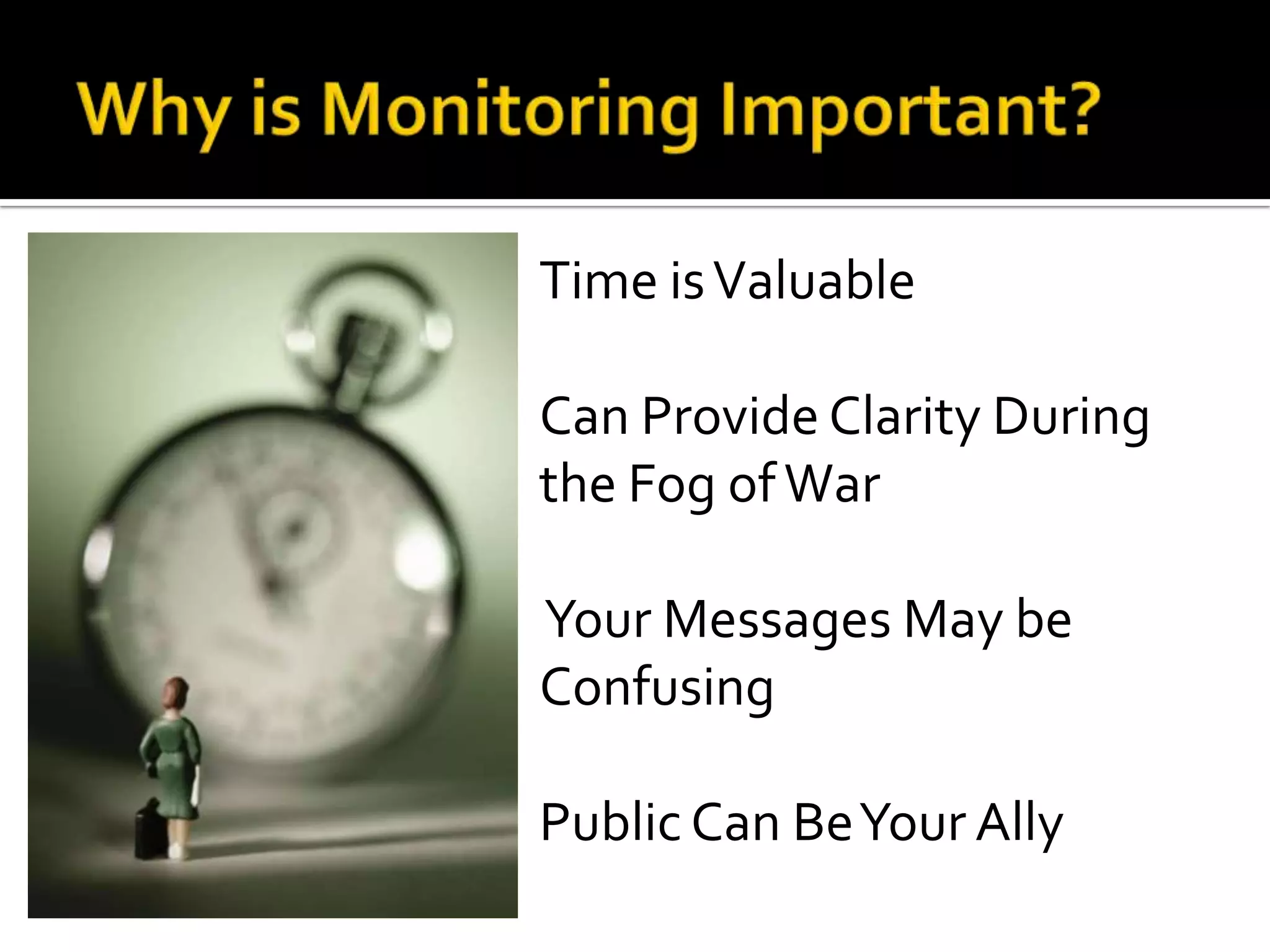
Time isValuable
Can Provide Clarity During
the Fog ofWar
Your Messages May be
Confusing
Public Can BeYour Ally
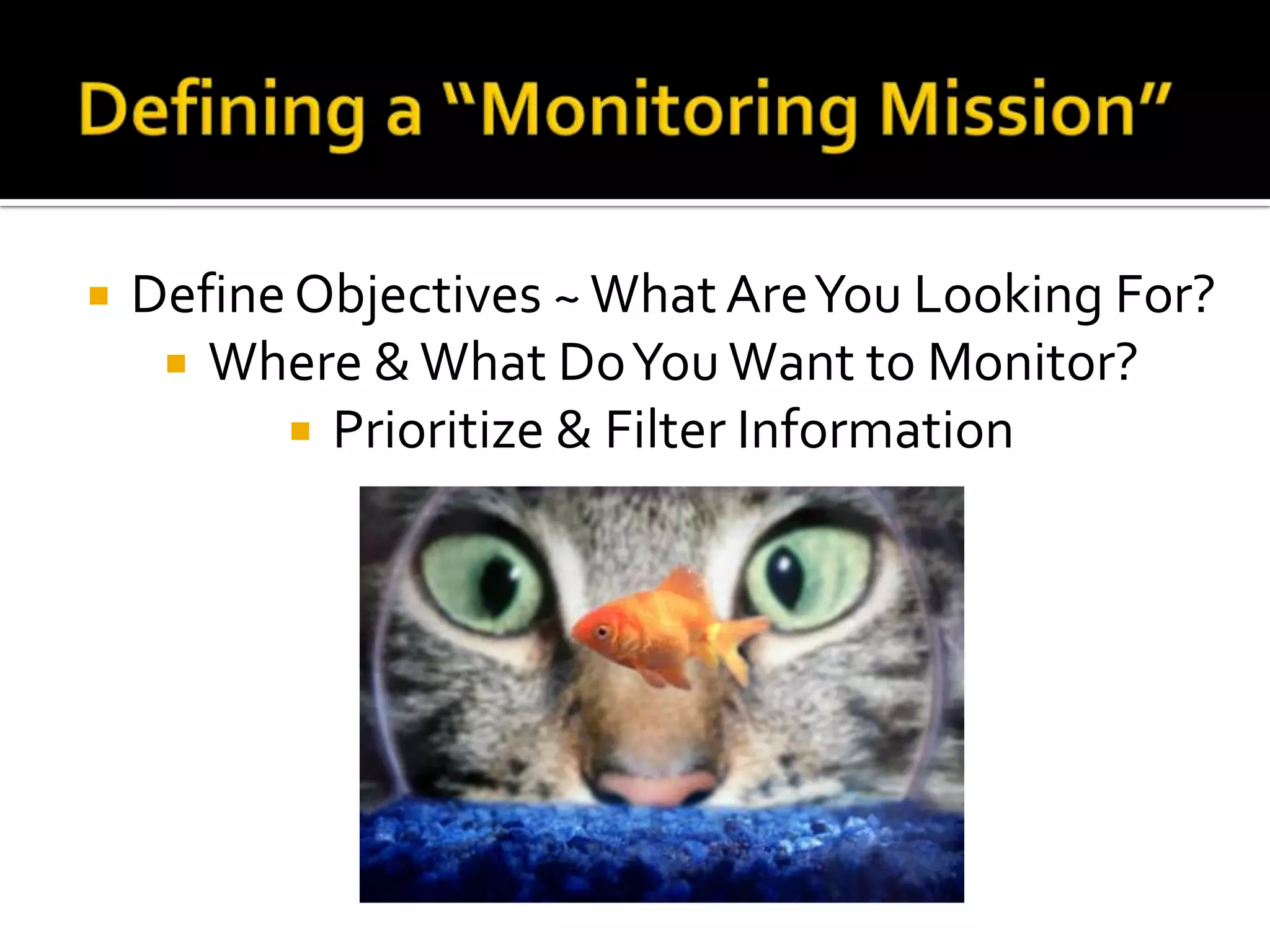
 DefineObjectives ~What AreYou Looking For?
 Where &What DoYouWant to Monitor?
 Prioritize & Filter Information
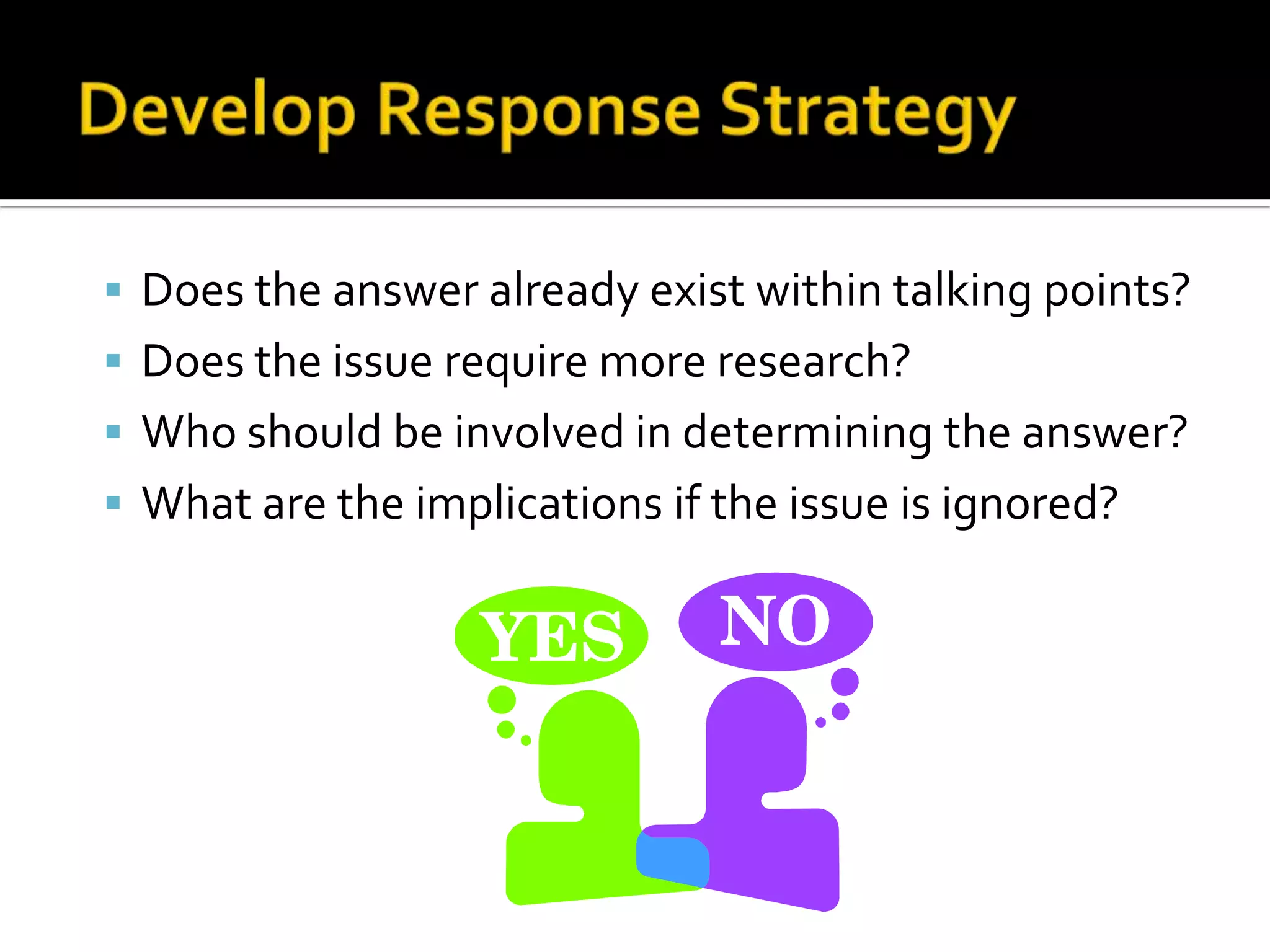
 Does the answer already exist within talking points?
 Does the issue require more research?
 Who should be involved in determining the answer?
 What are the implications if the issue is ignored?
 Context is King
 Understand Spoofs & Fake Information
 If it sounds “too good to be true…”
 Warns of impending doom?
 Verify via www.snopes.com
 Internet Memes
Know how your community is
talking about an event.
Gather all hashtags!
 The # sign makes a word independently searchable
onTwitter and is called a hashtag.
 Two ways hashtags are used:
 To gather topics under one word
 Used as “thought bubbles” by speakers
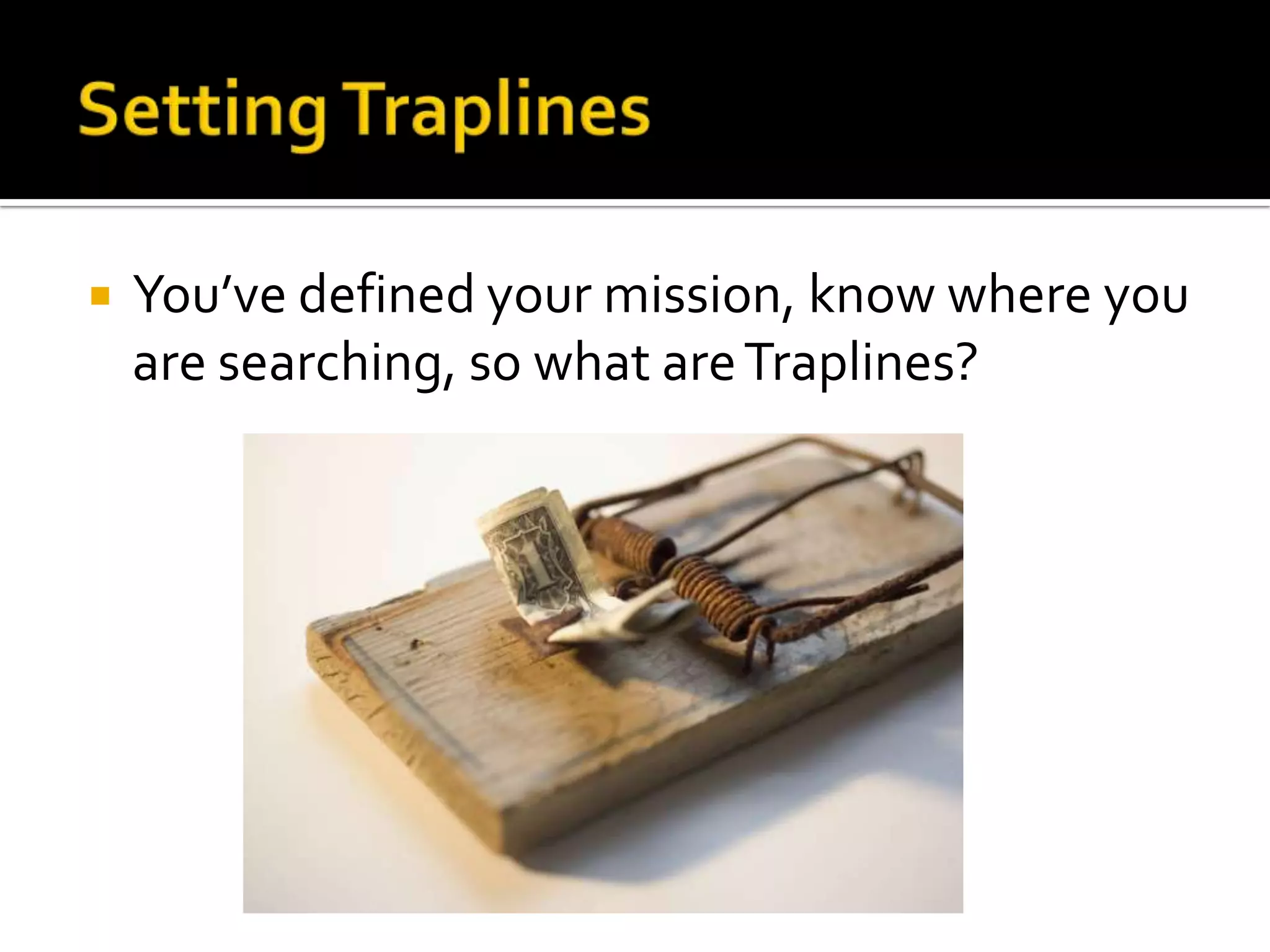
 You’ve defined your mission, know where you
are searching, so what areTraplines?
 Geocoded Searches: Where you put in the
Latitude/Longitude intoTwitter and see what is
being shared around a particular location.
 Social Media Aggregators: Where you use search
bars and manually put in your “search term.”
 Example = www.IceRocket.com or www.Topsy.com
 Alerts: Information PingsYou when your “search
term” is found.
 Example = GoogleAlerts or newly emergingTwitter Alerts
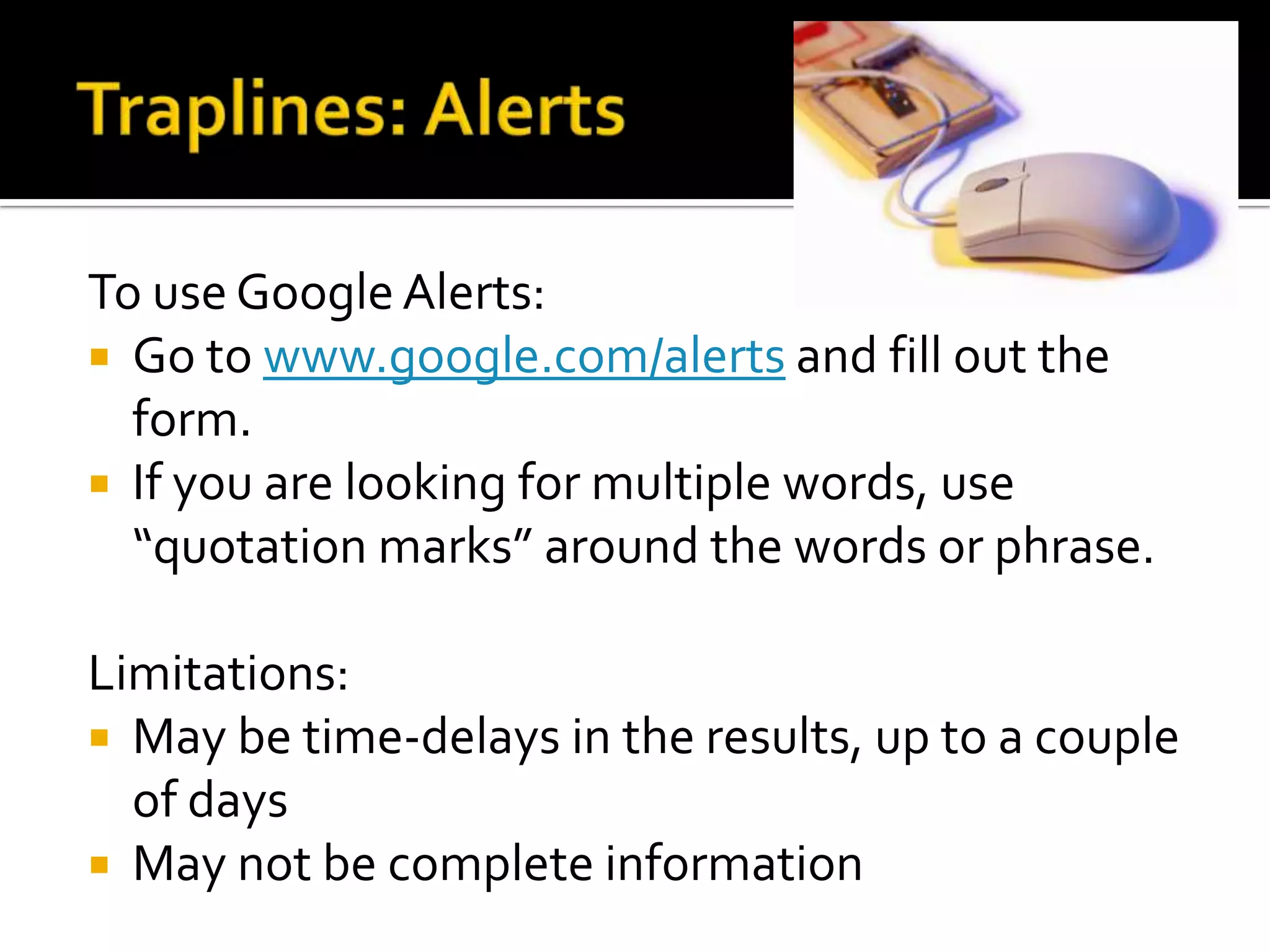
To use Google Alerts:
 Go to www.google.com/alerts and fill out the
form.
 If you are looking for multiple words, use
“quotation marks” around the words or phrase.
Limitations:
 May be time-delays in the results, up to a couple
of days
 May not be complete information
 Real Simple Syndication (RSS) Feeds: On a
periodic basis, the internet is automatically
searched for new information from sites you are
interested in watching.
 First, you set up a “Reader” which is essentially a
deposit place for your new information like
www.feedly.com or www.theoldreader.com
 Then, you look for the RSS sign on a webpage, click
on it & copy the link.
 Place the link in your “reader” as a new subscription
Social Aggregators:
 www.IceRocket.com
 www.socialmention.com
 www.topsy.com
 www.kurrently.com
 www.addictomatic.com
 www.facebook.com/search for Facebook
 https://twitter.com/search-advanced forTwitter
 Yahoo Pipes (more advanced tool) =
http://pipes.yahoo.com/pipes/
Check them out and search by keyword.
What do you notice?
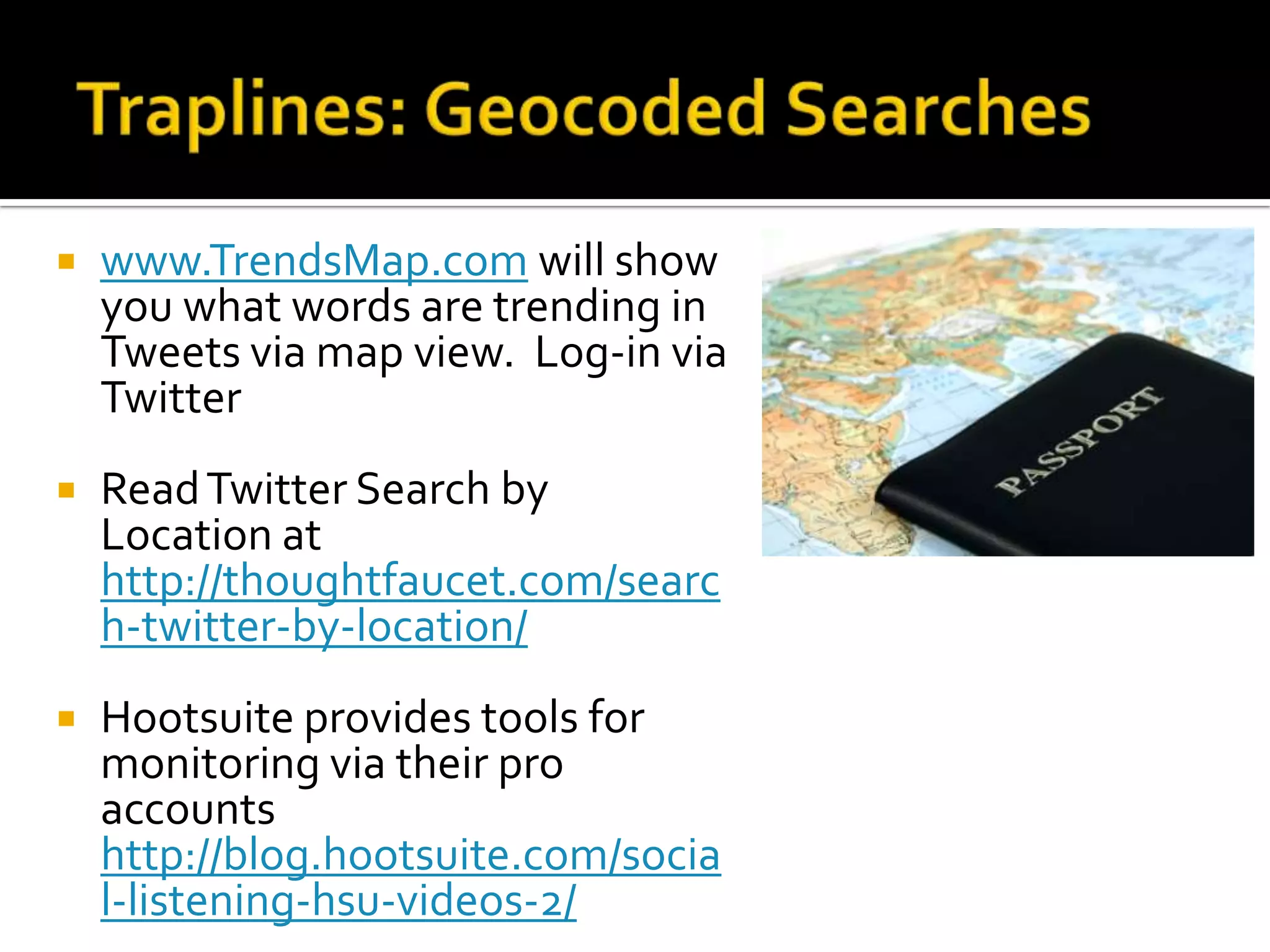
 www.TrendsMap.com will show
you what words are trending in
Tweets via map view. Log-in via
Twitter
 ReadTwitter Search by
Location at
http://thoughtfaucet.com/searc
h-twitter-by-location/
 Hootsuite provides tools for
monitoring via their pro
accounts
http://blog.hootsuite.com/socia
l-listening-hsu-videos-2/
Go to www.trendsmap.com or
www.whatthetrend.com and look for trending
words.
Choose one that seems like a news story.
Use other Aggregator tools to find out why that
word is trending.
 Practice, Practice, Practice
 Use daily top news stories to practice your
searching when you have a few free minutes.
 Ask questions of others for tips, tricks and
help.
 Team of “Trusted agents,”
organized and directed by
EM Response
Organizations
 Incident ManagementTeams
 Incident PIO’s
 Emergency Operations
Centers)
 VOST teams are given
social media and web-
based missions to manage
 Ability to Focus on Web
 Variety of Skills &
Abilities Available,
based on networks of
participants
 Ability to SeeTrends &
Issues
 Provides a Filter for EM
Response Agencies
Activations may vary and be subject to change based on pre arrangements with EM agencies.
Preparing a VOST Team
• Understand the Need
• Become Familiar with Social Media
• IdentifyTypes of Missions
• AchieveAgency Buy-In
• RecruitTeam Members
• Establish Protocols
• Train/Exercise
For More Information:
 VOSTWebsite: http://vosg.us
 Orange CountyVOST Creation
 CRESA Field Operations Guide
VOST Support Resources
Contact Information:
Cheryl Bledsoe (@cherylble)
Cheryl.Bledsoe@clark.wa.gov
360-992-6270

Session 4: Social Media Monitoring & VOST

  • 1.
  • 2.
    1. Define SocialMedia Monitoring 2. Explain why Monitoring Is Important 3. How to Set UpYour “Traplines” 4. UsingVirtual SupportTeams
  • 5.
    Social Media ~UsingWeb-Based tools to network, share information, congregate with others online Data Mining ~ Sifting through large amounts of data to find actionable information.
  • 6.
    Time isValuable Can ProvideClarity During the Fog ofWar Your Messages May be Confusing Public Can BeYour Ally
  • 7.
     DefineObjectives ~WhatAreYou Looking For?  Where &What DoYouWant to Monitor?  Prioritize & Filter Information
  • 8.
     Does theanswer already exist within talking points?  Does the issue require more research?  Who should be involved in determining the answer?  What are the implications if the issue is ignored?
  • 9.
     Context isKing  Understand Spoofs & Fake Information  If it sounds “too good to be true…”  Warns of impending doom?  Verify via www.snopes.com  Internet Memes
  • 10.
    Know how yourcommunity is talking about an event. Gather all hashtags!  The # sign makes a word independently searchable onTwitter and is called a hashtag.  Two ways hashtags are used:  To gather topics under one word  Used as “thought bubbles” by speakers
  • 11.
     You’ve definedyour mission, know where you are searching, so what areTraplines?
  • 12.
     Geocoded Searches:Where you put in the Latitude/Longitude intoTwitter and see what is being shared around a particular location.  Social Media Aggregators: Where you use search bars and manually put in your “search term.”  Example = www.IceRocket.com or www.Topsy.com  Alerts: Information PingsYou when your “search term” is found.  Example = GoogleAlerts or newly emergingTwitter Alerts
  • 13.
    To use GoogleAlerts:  Go to www.google.com/alerts and fill out the form.  If you are looking for multiple words, use “quotation marks” around the words or phrase. Limitations:  May be time-delays in the results, up to a couple of days  May not be complete information
  • 14.
     Real SimpleSyndication (RSS) Feeds: On a periodic basis, the internet is automatically searched for new information from sites you are interested in watching.  First, you set up a “Reader” which is essentially a deposit place for your new information like www.feedly.com or www.theoldreader.com  Then, you look for the RSS sign on a webpage, click on it & copy the link.  Place the link in your “reader” as a new subscription
  • 15.
    Social Aggregators:  www.IceRocket.com www.socialmention.com  www.topsy.com  www.kurrently.com  www.addictomatic.com  www.facebook.com/search for Facebook  https://twitter.com/search-advanced forTwitter  Yahoo Pipes (more advanced tool) = http://pipes.yahoo.com/pipes/ Check them out and search by keyword. What do you notice?
  • 16.
     www.TrendsMap.com willshow you what words are trending in Tweets via map view. Log-in via Twitter  ReadTwitter Search by Location at http://thoughtfaucet.com/searc h-twitter-by-location/  Hootsuite provides tools for monitoring via their pro accounts http://blog.hootsuite.com/socia l-listening-hsu-videos-2/
  • 17.
    Go to www.trendsmap.comor www.whatthetrend.com and look for trending words. Choose one that seems like a news story. Use other Aggregator tools to find out why that word is trending.
  • 18.
     Practice, Practice,Practice  Use daily top news stories to practice your searching when you have a few free minutes.  Ask questions of others for tips, tricks and help.
  • 19.
     Team of“Trusted agents,” organized and directed by EM Response Organizations  Incident ManagementTeams  Incident PIO’s  Emergency Operations Centers)  VOST teams are given social media and web- based missions to manage
  • 20.
     Ability toFocus on Web  Variety of Skills & Abilities Available, based on networks of participants  Ability to SeeTrends & Issues  Provides a Filter for EM Response Agencies
  • 21.
    Activations may varyand be subject to change based on pre arrangements with EM agencies. Preparing a VOST Team • Understand the Need • Become Familiar with Social Media • IdentifyTypes of Missions • AchieveAgency Buy-In • RecruitTeam Members • Establish Protocols • Train/Exercise
  • 22.
    For More Information: VOSTWebsite: http://vosg.us  Orange CountyVOST Creation  CRESA Field Operations Guide VOST Support Resources
  • 23.
    Contact Information: Cheryl Bledsoe(@cherylble) Cheryl.Bledsoe@clark.wa.gov 360-992-6270

Editor's Notes

  • #5 Internet is full of information. Every day, people share comments, pictures, videos, opinions and observations about what is going on in their world. They will react and interact with information that may be important to an emergency response. Monitoring includes observation, listening and filtering this information into usable chunks for the future. It means you have to tune into the signal and make the information worth listening to.
  • #12 Traps catch information. Traplines are basic things that you might search periodically or set notification triggers so that you receive notice that there is new information available.
  • #16 Students should notice that each one of these sources will yield different results which add to the overall picture. Essentially, monitoring still requires human intervention and review. There is no ONE system that will yield all results. Best way to manage these include periodically checking your key words through several of these sources. Ensuring that you are regularly checking the same words is important among those who are tasked with monitoring social media.
  • #23 Referencing sources.
  • #24 Author (s)